Welcome to our community

Be a part of something great, join today!

  • Hey all, just changed over the backend after 15 years I figured time to give it a bit of an update, its probably gonna be a bit weird for most of you and i am sure there is a few bugs to work out but it should kinda work the same as before... hopefully :)

RED V-Raptor vs Alexa 35

I'm more curious in the modern era how many shots we've integrated via pure CGI or digital cinema acquisition on features primarily shot on film and if anybody noticed :)

Most interesting there is we were indeed going back to print at the time "all the time", but it eventually switched over to a print emulation as well for pure digital masters. Which is where it got real exciting for me as various lab processes were suddenly desired in post. This is in a very pre-Davinci Resolve era.

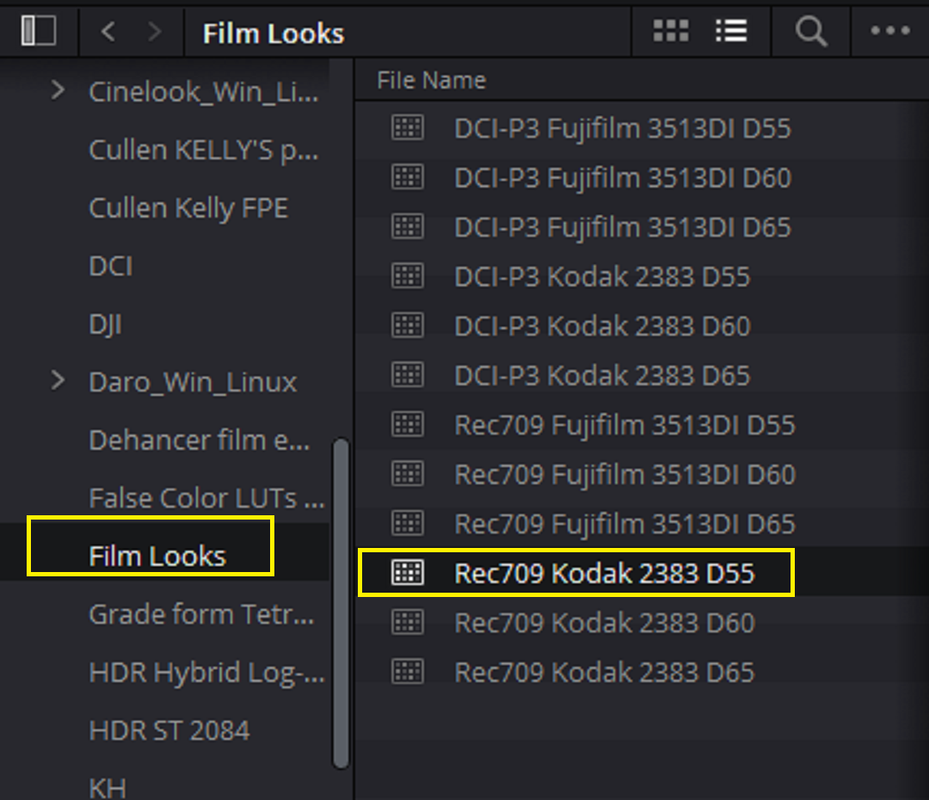
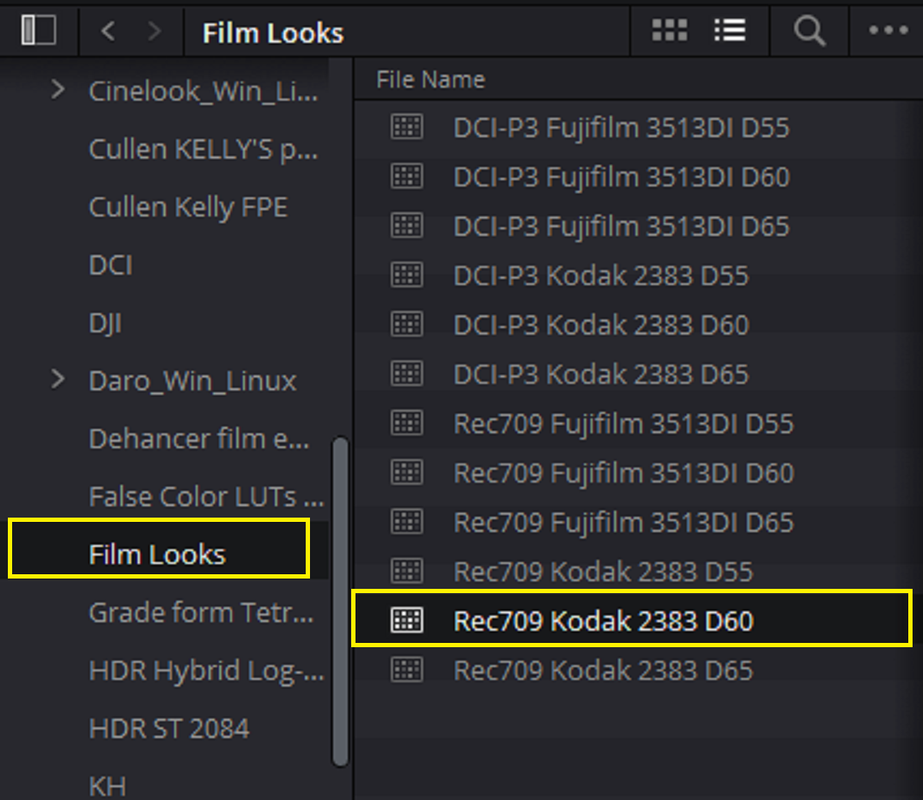
Speaking with BMD when I did the last round of philmColor's release to make "officially sanctioned" versions of their Film Looks for RED IPP2 they came into existence so long ago that they didn't know much about them and how they were developed, so I tore them apart to study the for a bit and I can see how they were created if you know what to look for, good and bad there, but a non-issue really. I cross referenced them with every other print LUT used around the globe over the years and they are indeed their own thing, even over the ICC profiles some we using via After Effects. ILM, R&H, DD, and others at the time weren't using those. But they have become rather popular nonetheless. The LUTs that were found in Lustre leaked ages ago to the public and they are also not quite the same, but those have also been the basis of many releases.

What is nice about the modern plugins is you get a one stop shop to tend to the "other things" beyond the look like halation, grain, etc.

FilmConvert did have some nice profiles derived correctly, I honestly haven't looked at that stuff in many years as I had my own densitometer and could do the work required. I remember they changed something and people got grumpy, never looked into it. I've had a few companies reach out to me to demo their software, much like anything that occurs within Resolve, you can build it up on your own if need be, but you are paying for the convenience and presented workflow, which is neat to see people's takes on.
 
I'm more curious in the modern era how many shots we've integrated via pure CGI or digital cinema acquisition on features primarily shot on film and if anybody noticed :)

Most interesting there is we were indeed going back to print at the time "all the time", but it eventually switched over to a print emulation as well for pure digital masters. Which is where it got real exciting for me as various lab processes were suddenly desired in post. This is in a very pre-Davinci Resolve era.

Speaking with BMD when I did the last round of philmColor's release to make "officially sanctioned" versions of their Film Looks for RED IPP2 they came into existence so long ago that they didn't know much about them and how they were developed, so I tore them apart to study the for a bit and I can see how they were created if you know what to look for, good and bad there, but a non-issue really. I cross referenced them with every other print LUT used around the globe over the years and they are indeed their own thing, even over the ICC profiles some we using via After Effects. ILM, R&H, DD, and others at the time weren't using those. But they have become rather popular nonetheless. The LUTs that were found in Lustre leaked ages ago to the public and they are also not quite the same, but those have also been the basis of many releases.

What is nice about the modern plugins is you get a one stop shop to tend to the "other things" beyond the look like halation, grain, etc.

FilmConvert did have some nice profiles derived correctly, I honestly haven't looked at that stuff in many years as I had my own densitometer and could do the work required. I remember they changed something and people got grumpy, never looked into it. I've had a few companies reach out to me to demo their software, much like anything that occurs within Resolve, you can build it up on your own if need be, but you are paying for the convenience and presented workflow, which is neat to see people's takes on.

Phil,

I always thought it was kinda funny, especially when I myself was trying to learn how to use all these Print Film Emulation programs and workflows, I could have learned how to actually shot with film in the amount of time it took to learn all of these Print Film Emulation Programs and workflows. You would know from your experience with film the expense and time required to actually do that and alot of companies that use to manufacture and or distributed the different film stocks have gone out of business. I see from time to time people on the internet call themselves "Film Enthusiasts" but most have never shot on Film, Like myself, and would never really want to.
 
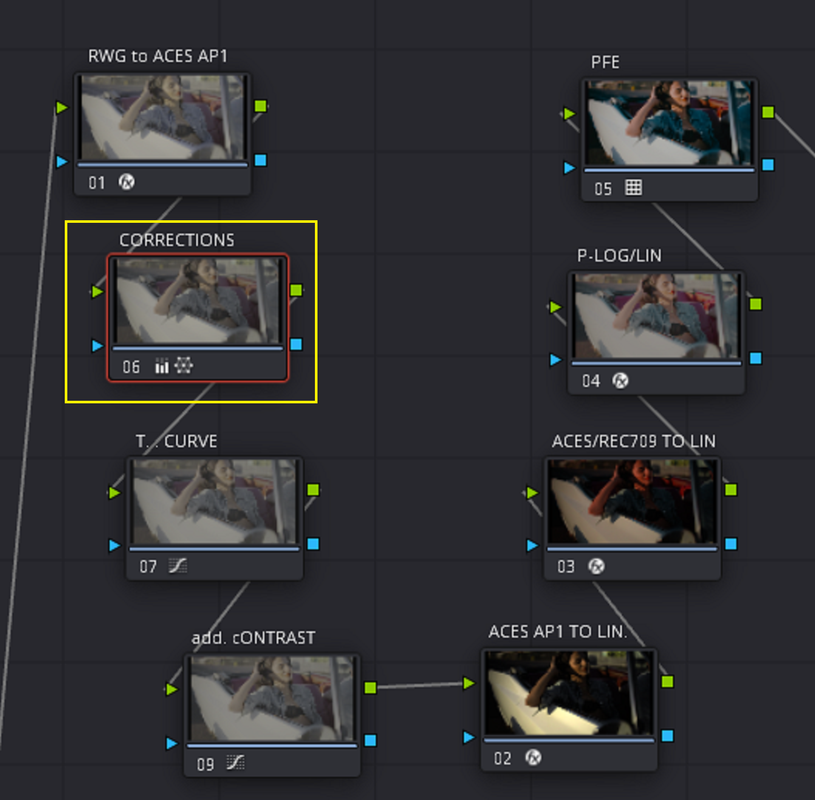
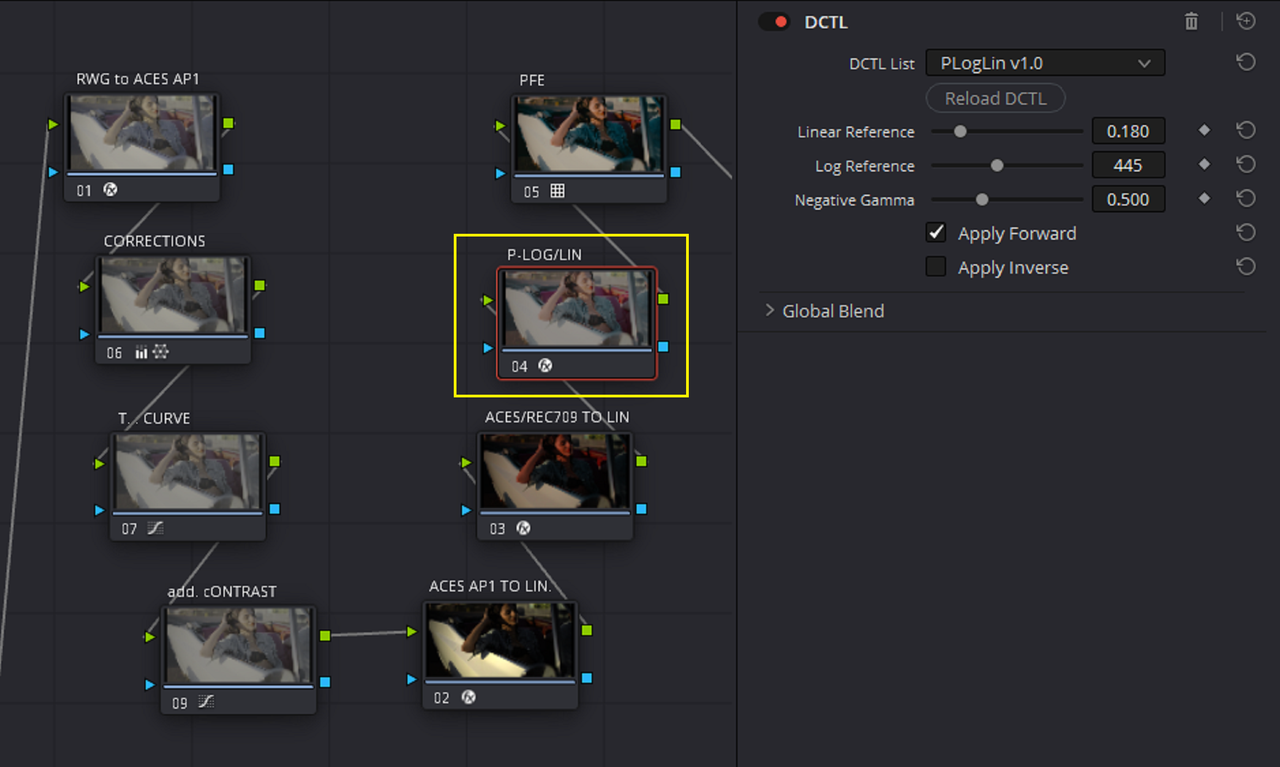
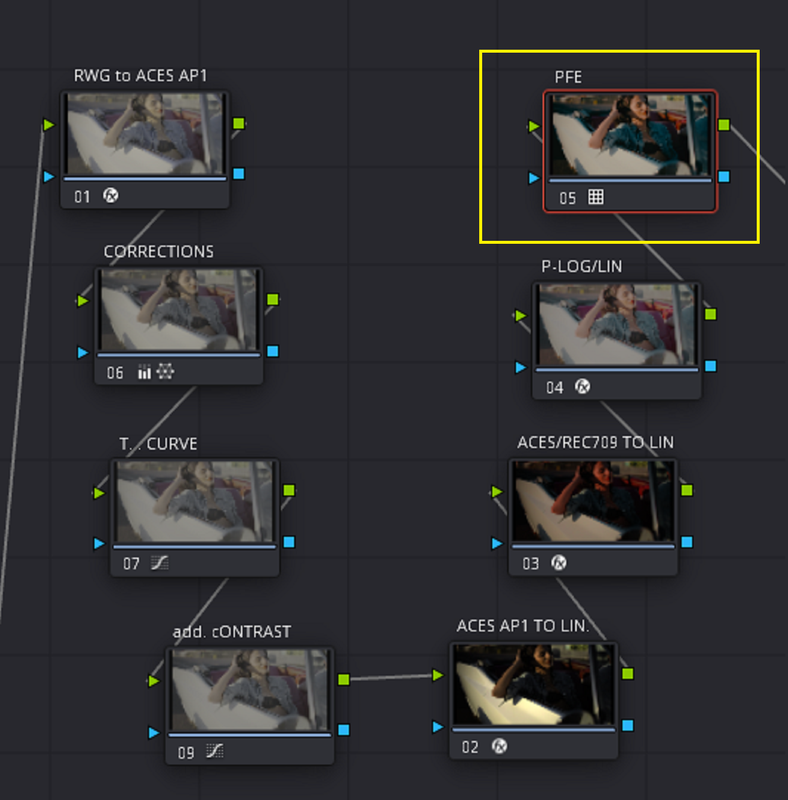
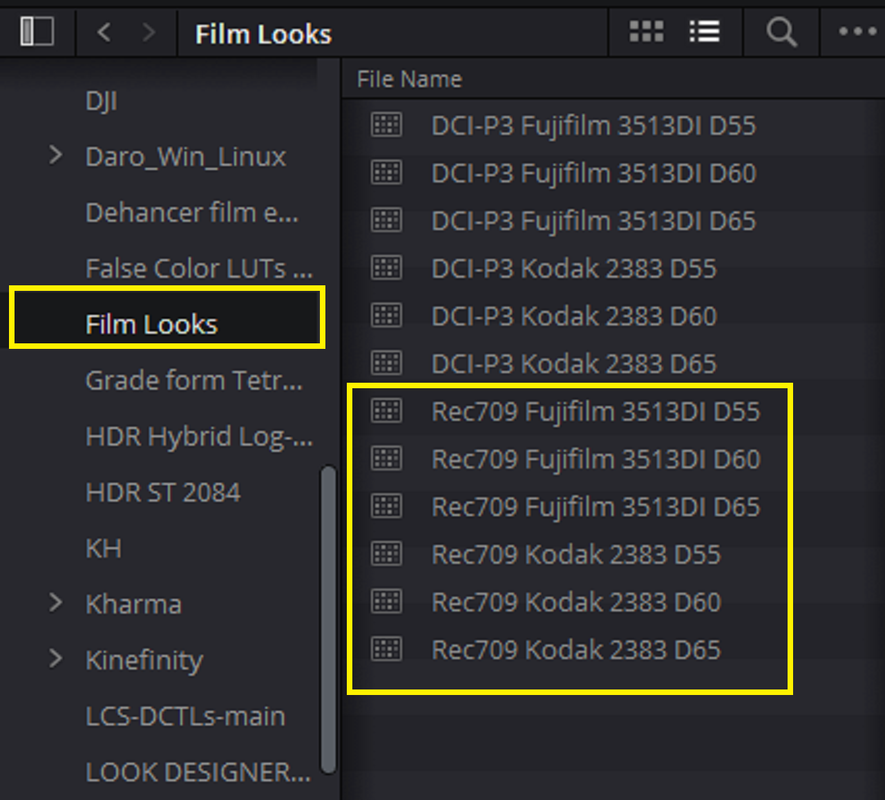
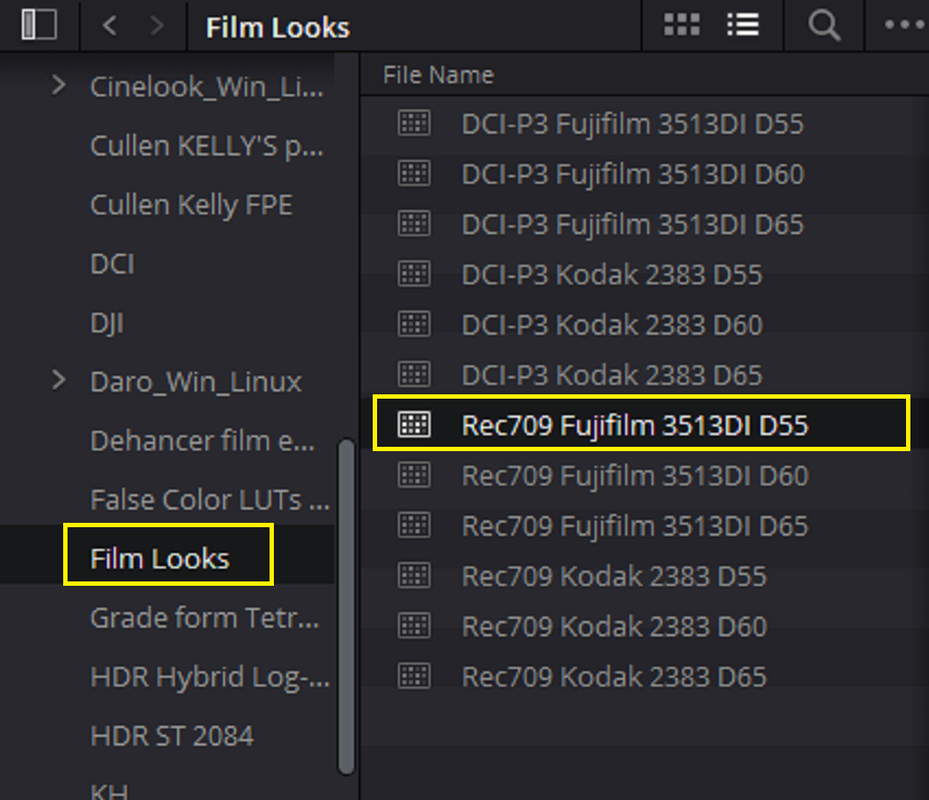
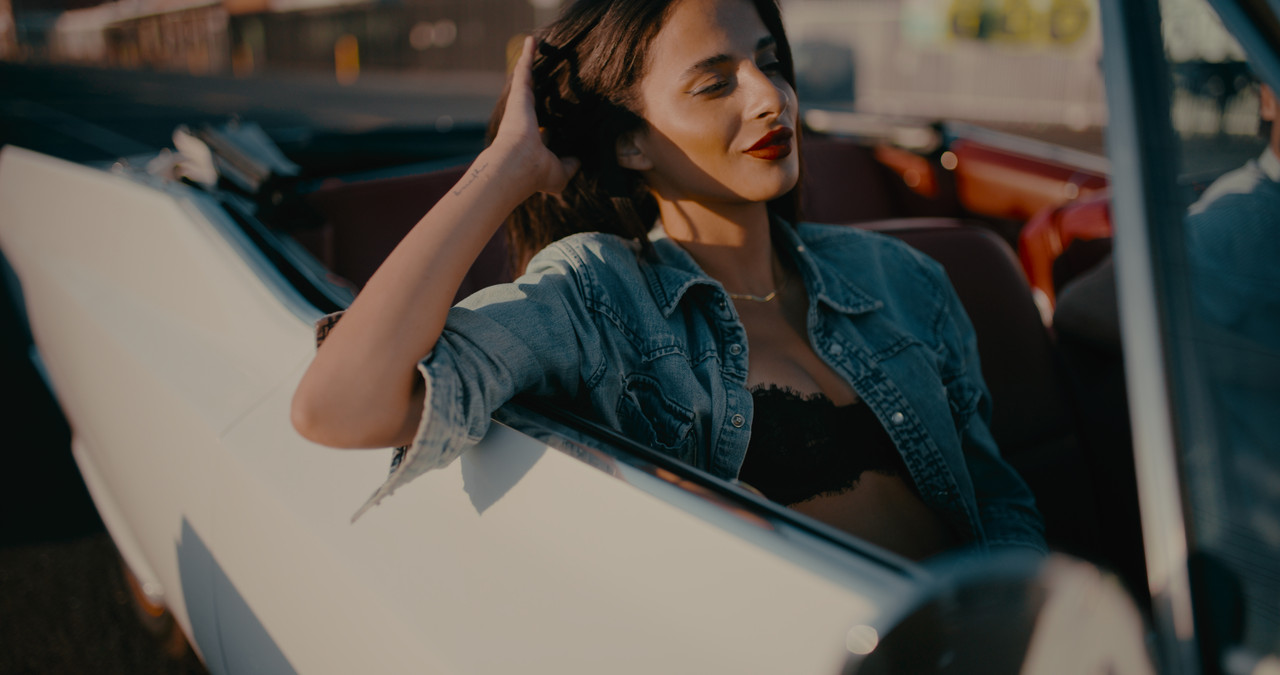
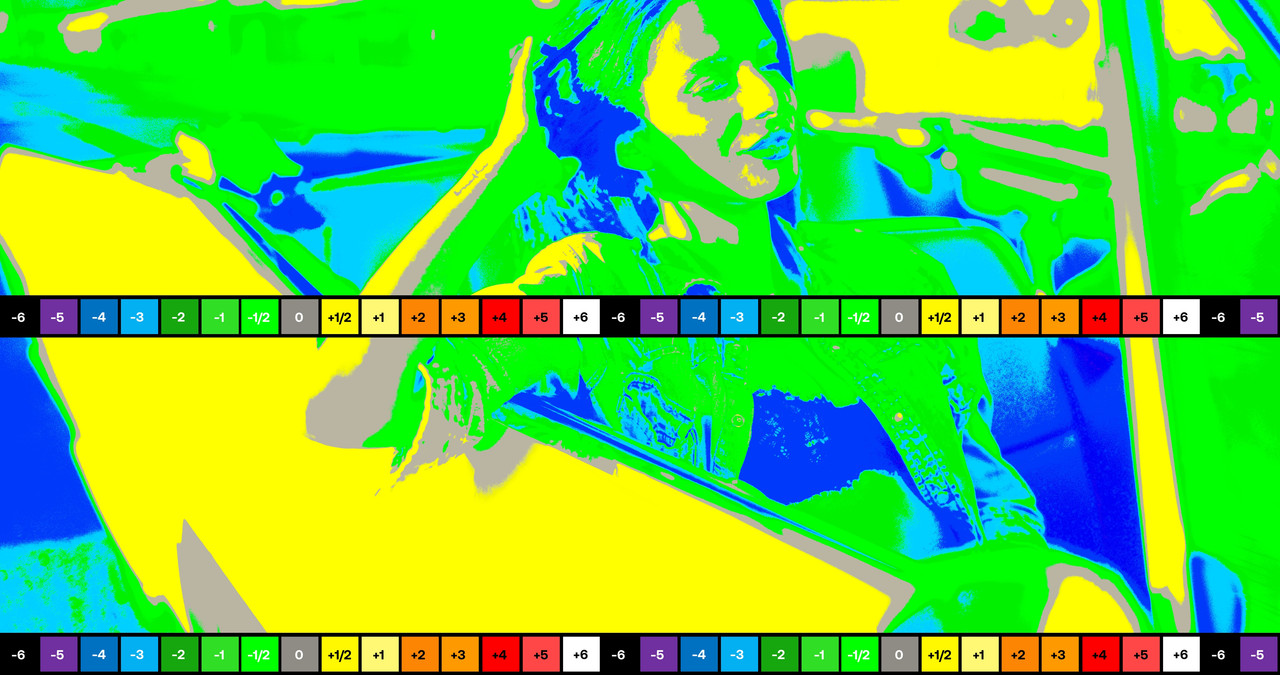
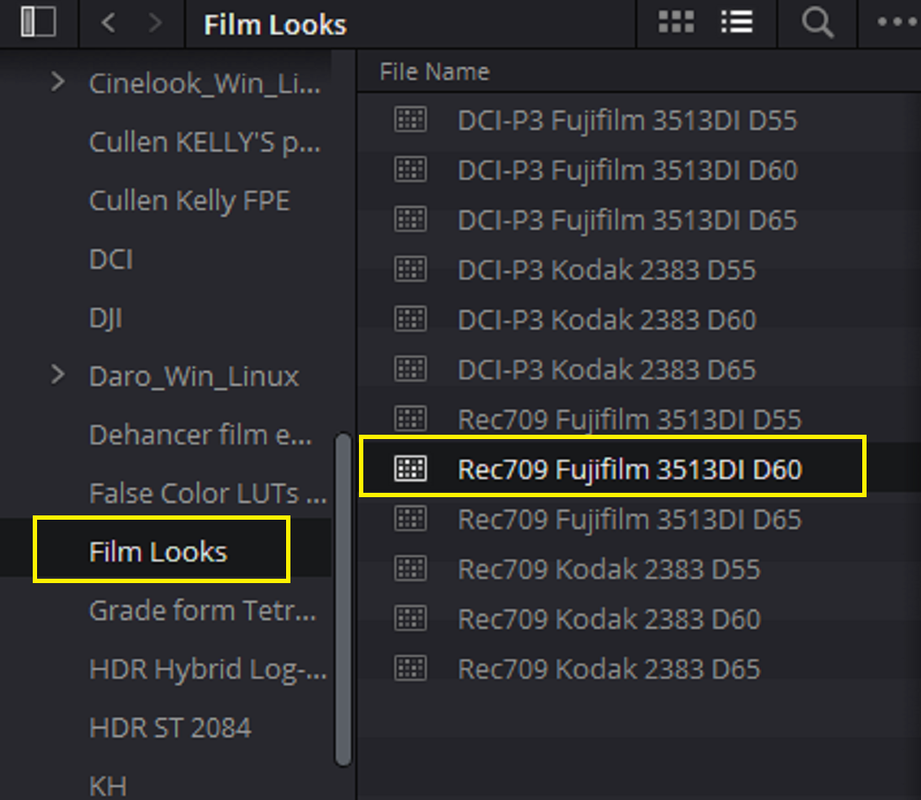
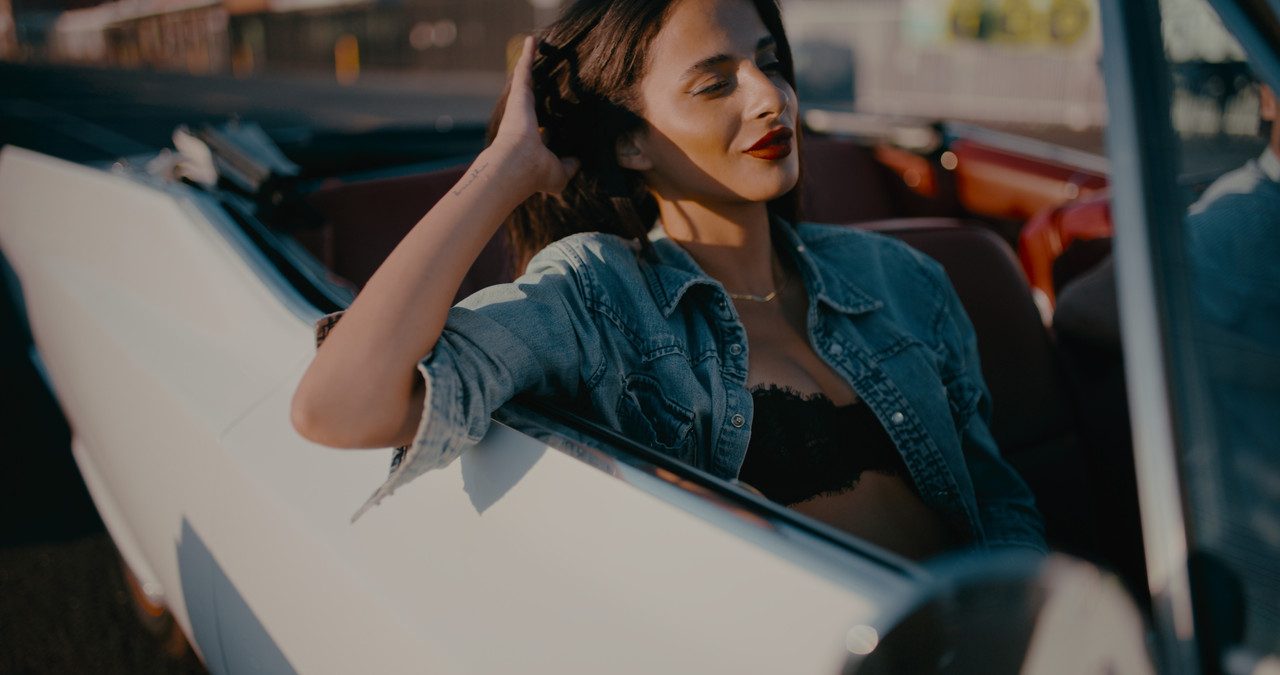
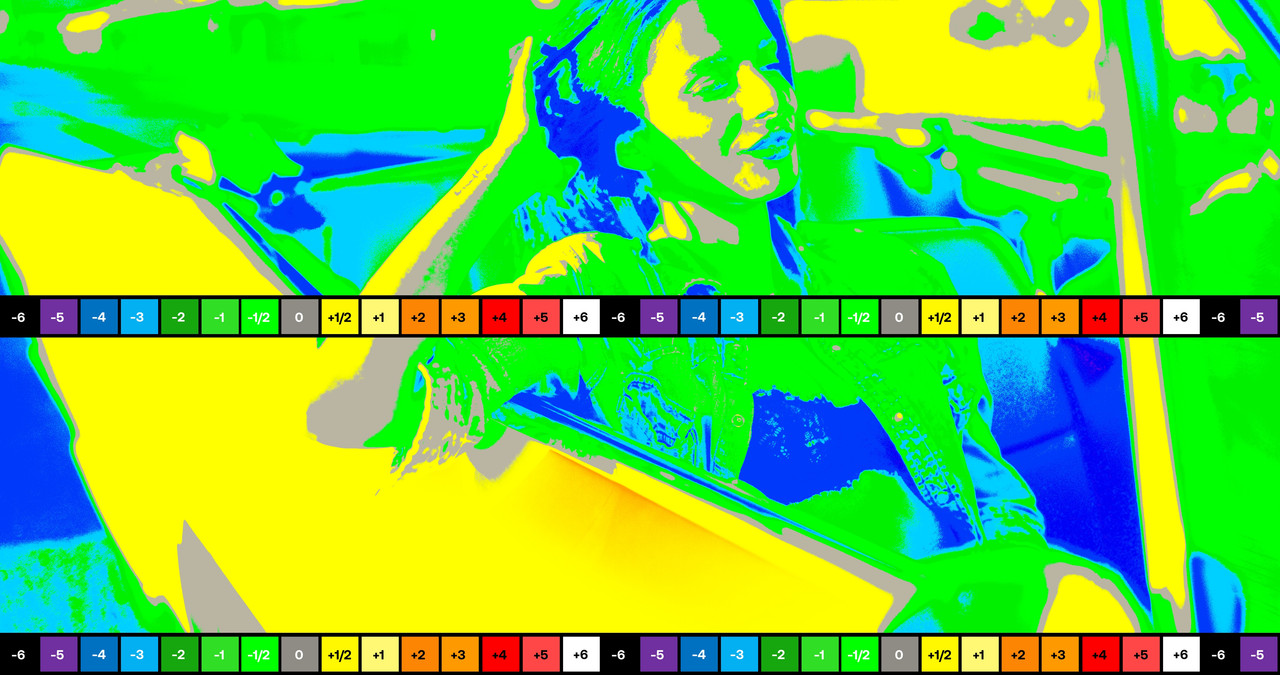
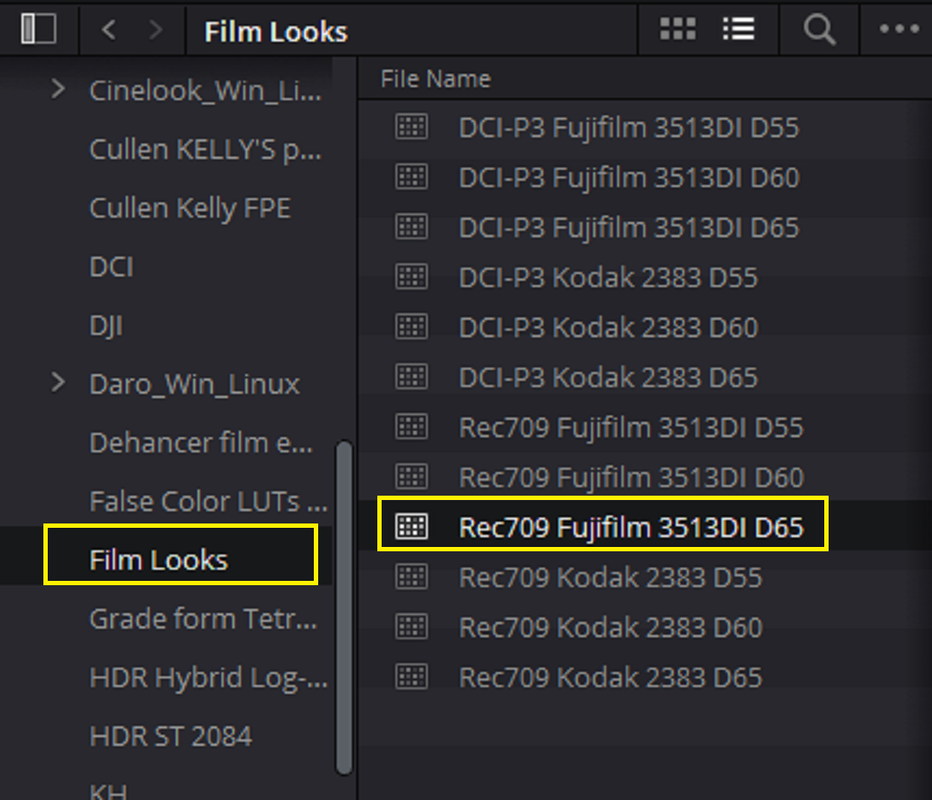
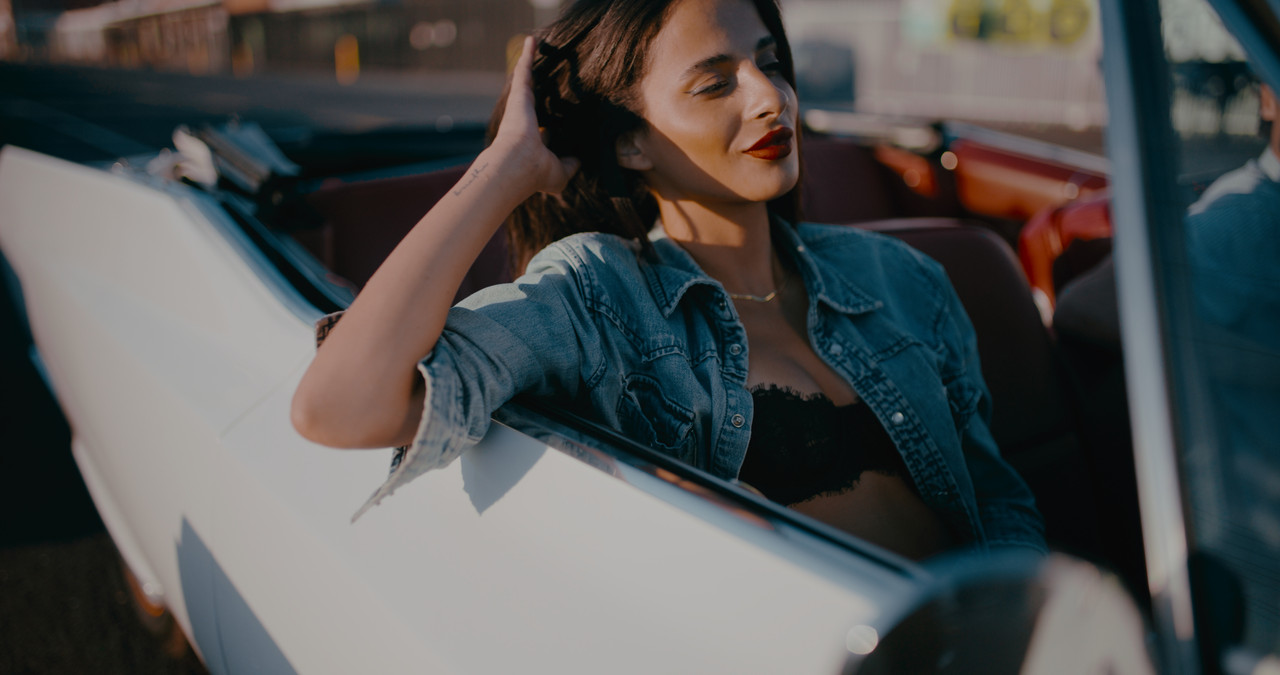
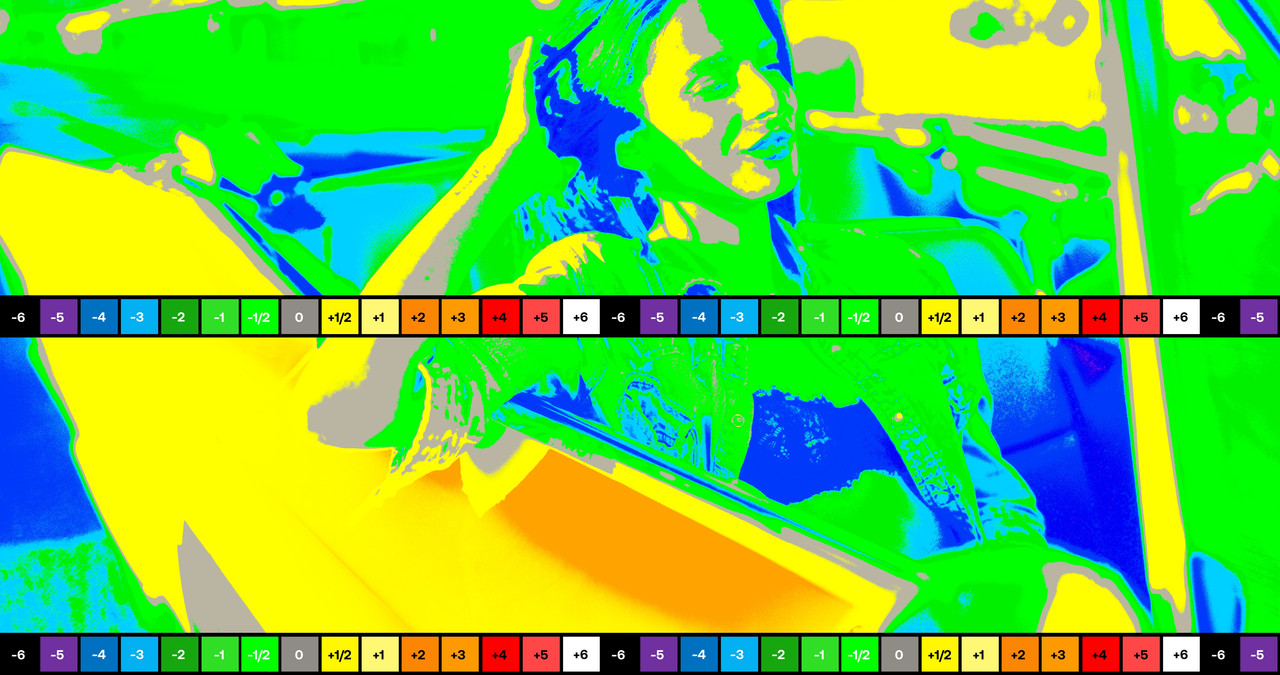
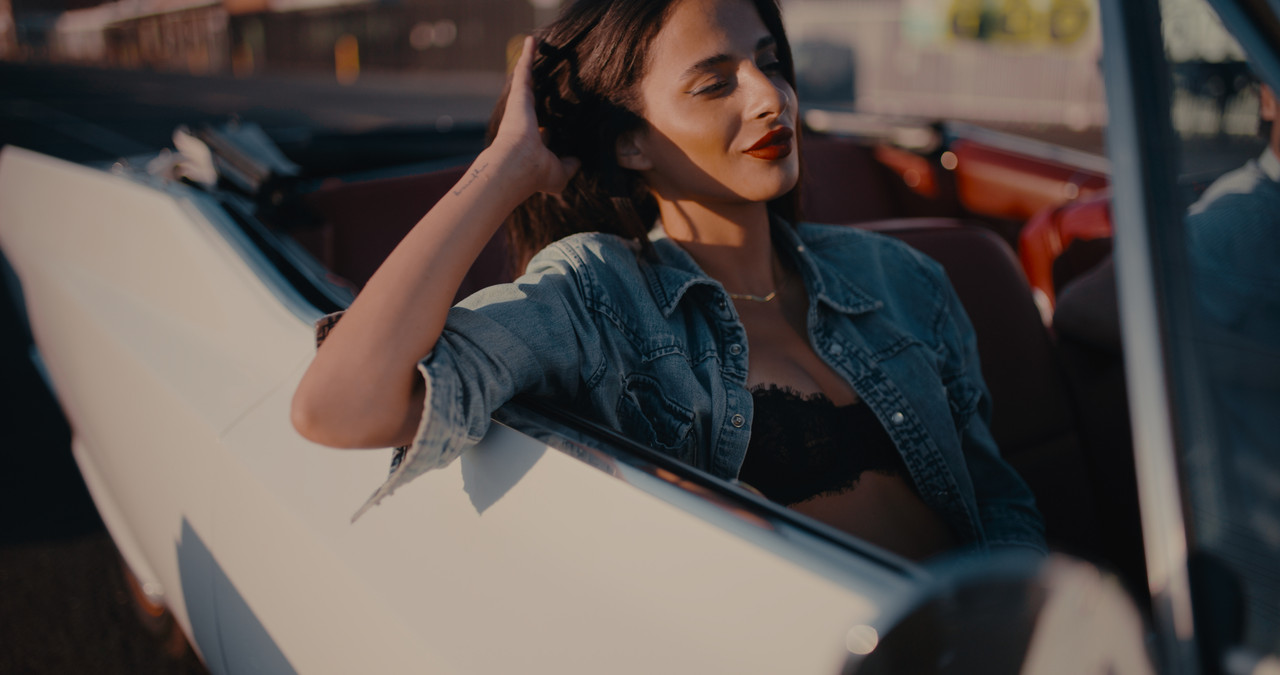
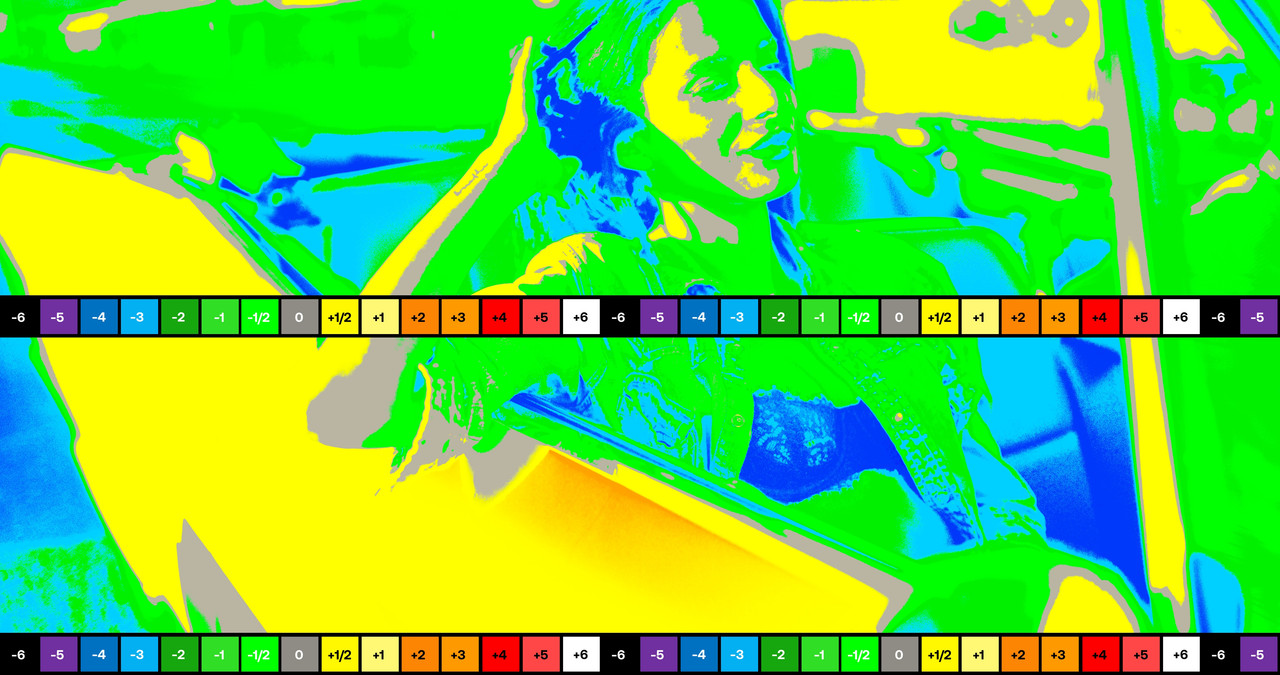
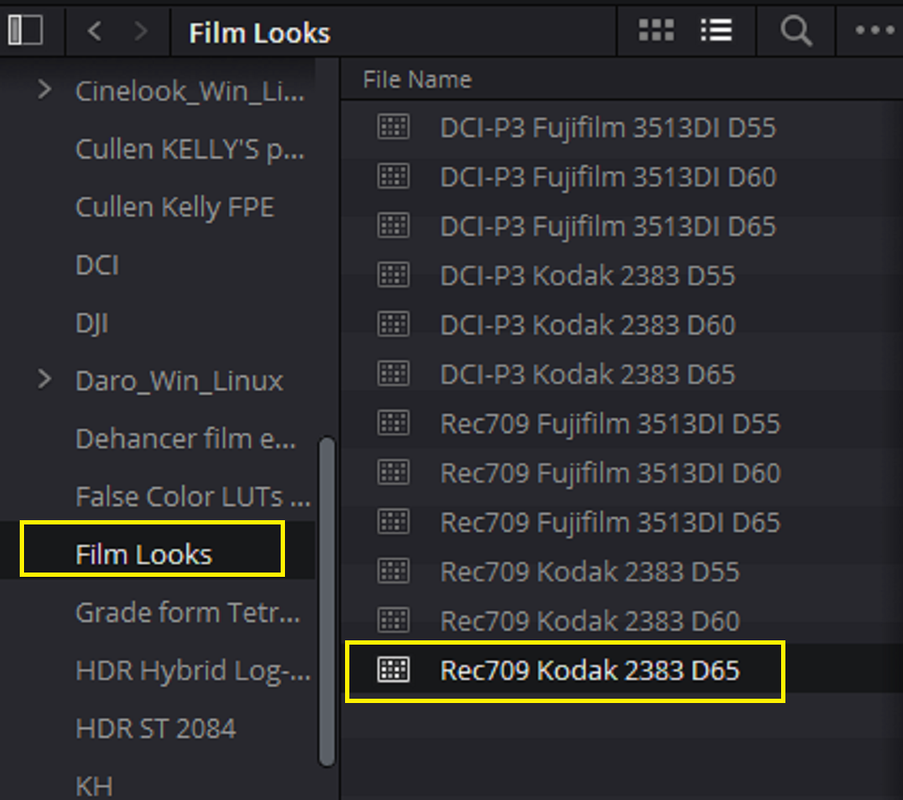
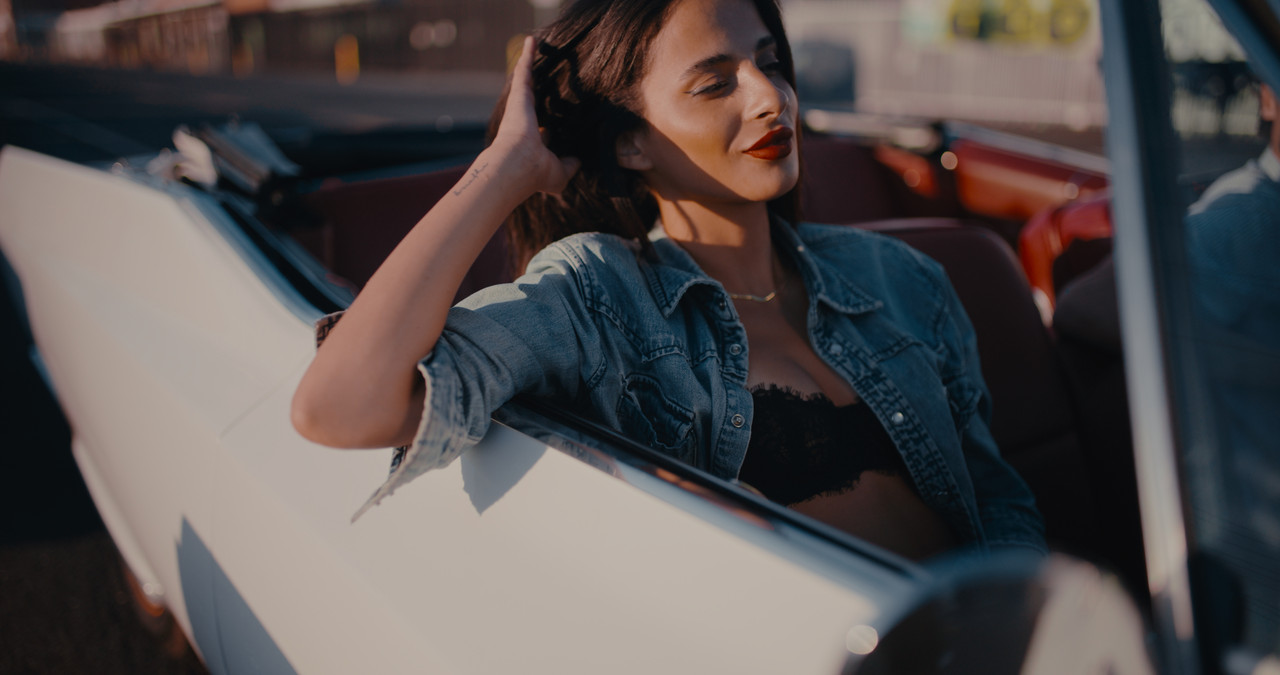
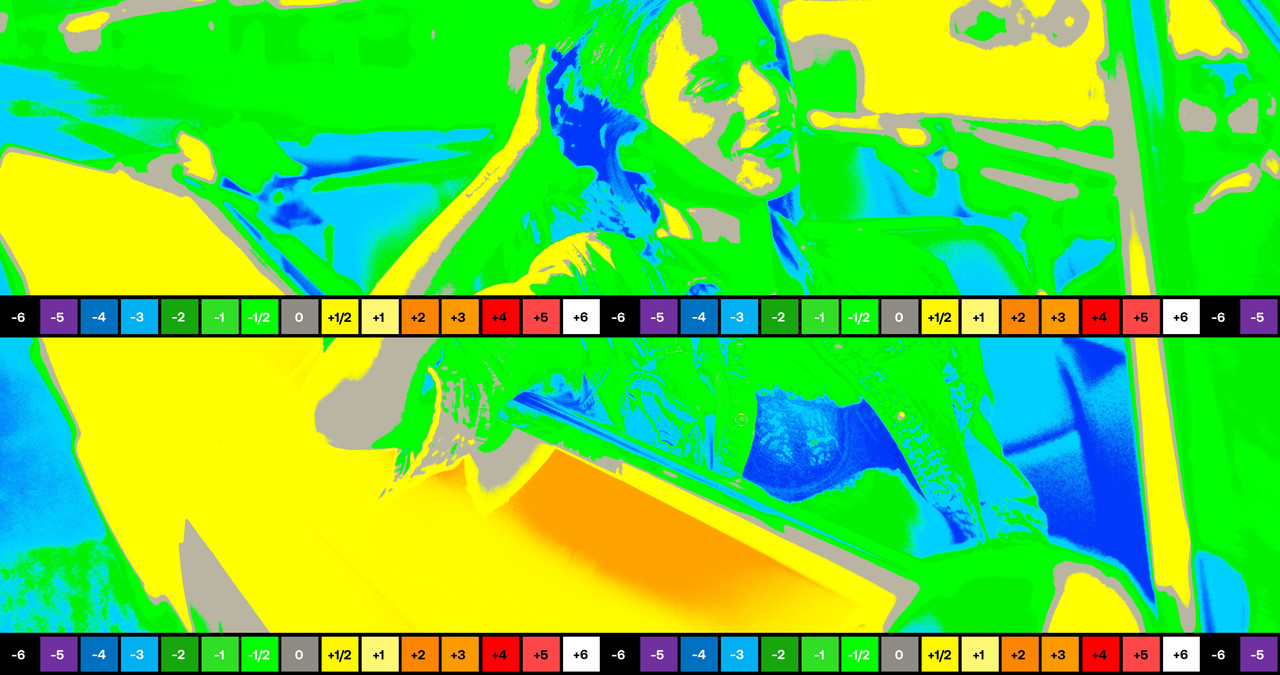
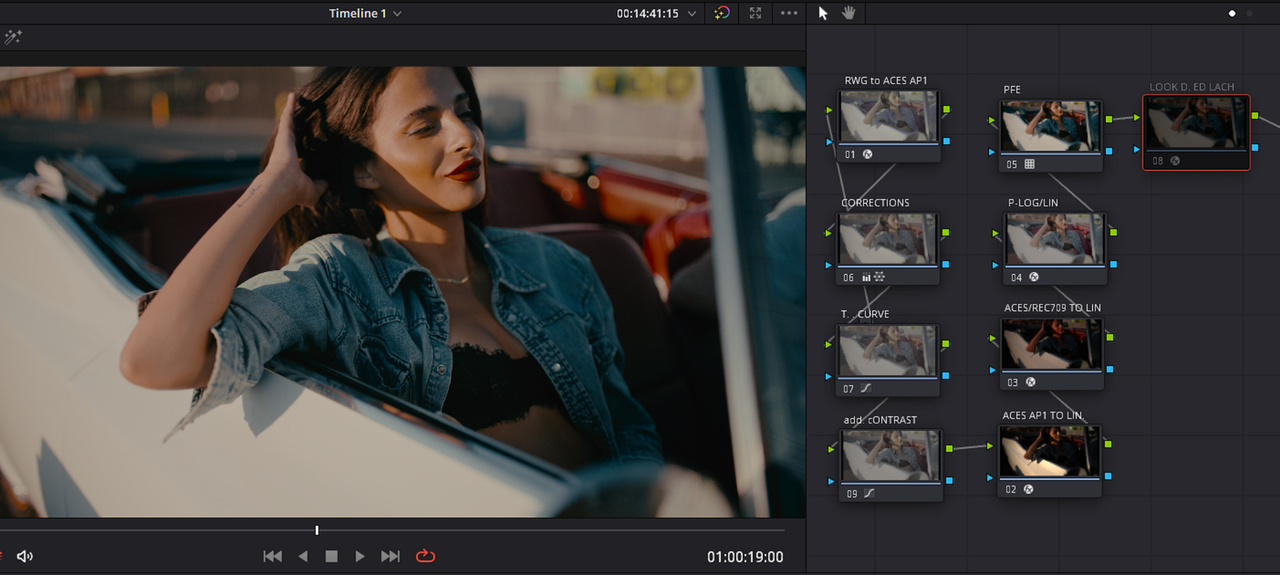
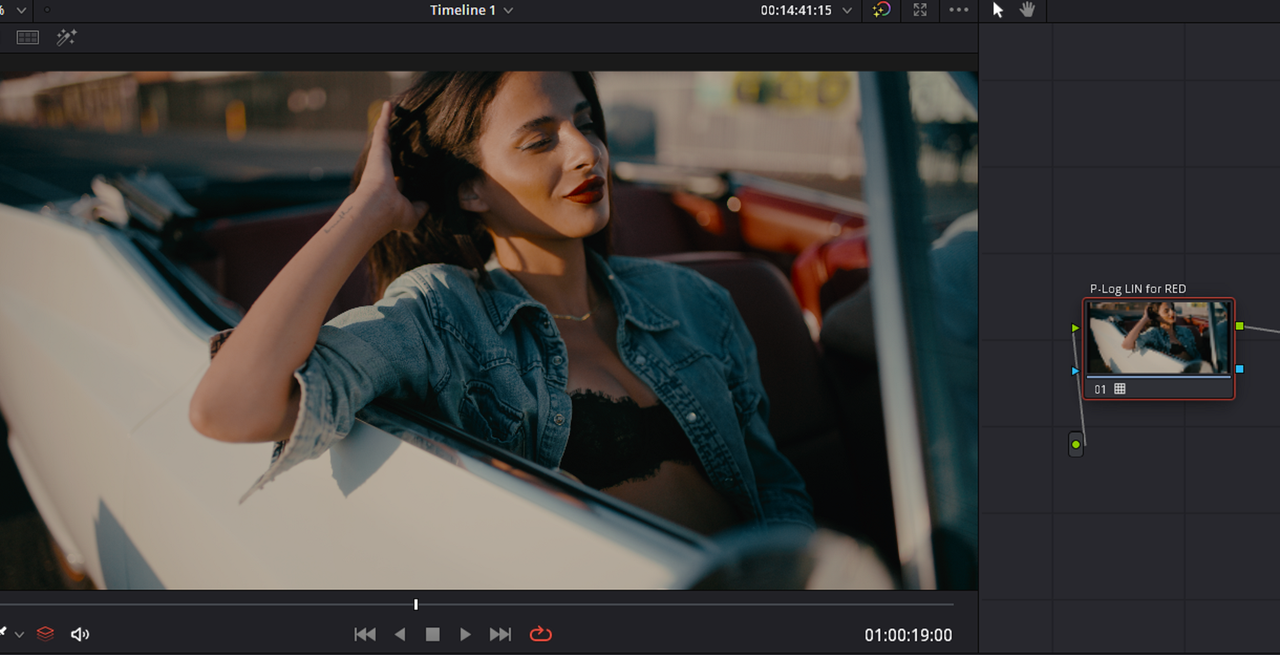
Using a P-LOGLin DCTl with the Print Film Emulations in Resolve.

The "P-LOGLin" way of working with the Print Film Emulations inside of Resolve uses a different method of Cineon Encoding than what's found inside of Resolve. As described by Cullen Kelly in a Mixinglight Tutorial, " it takes a linearized image and gives it a Cineon Tone Curve". Cullen gives the credit for devising this workflow to Color Scientist JOSH PINES.

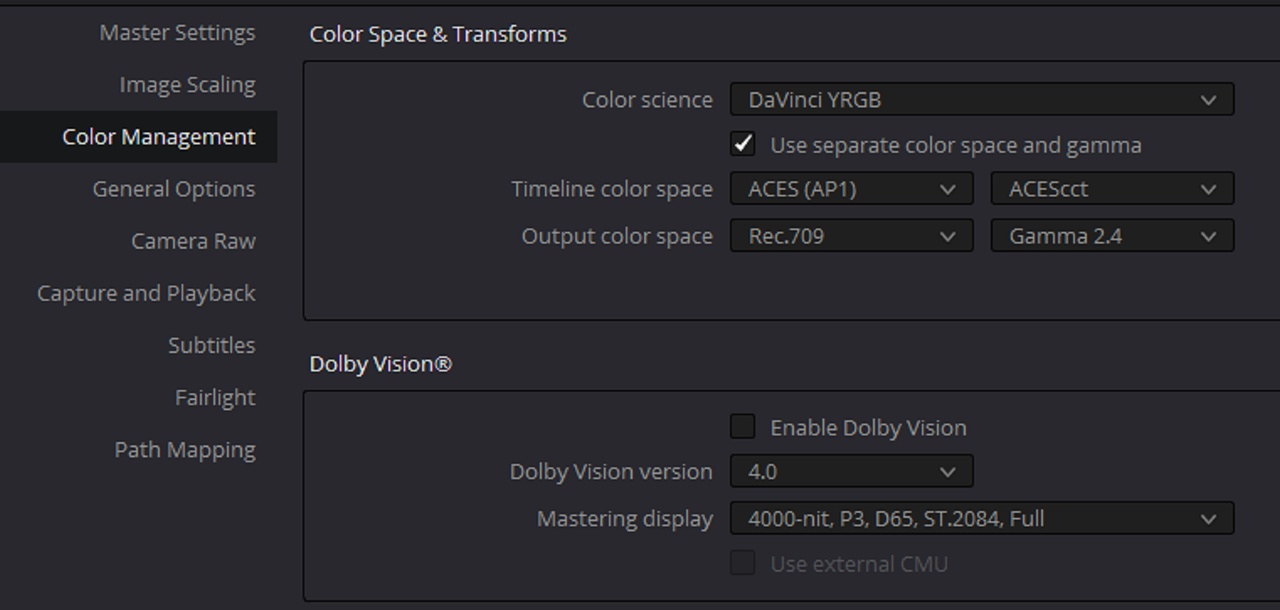
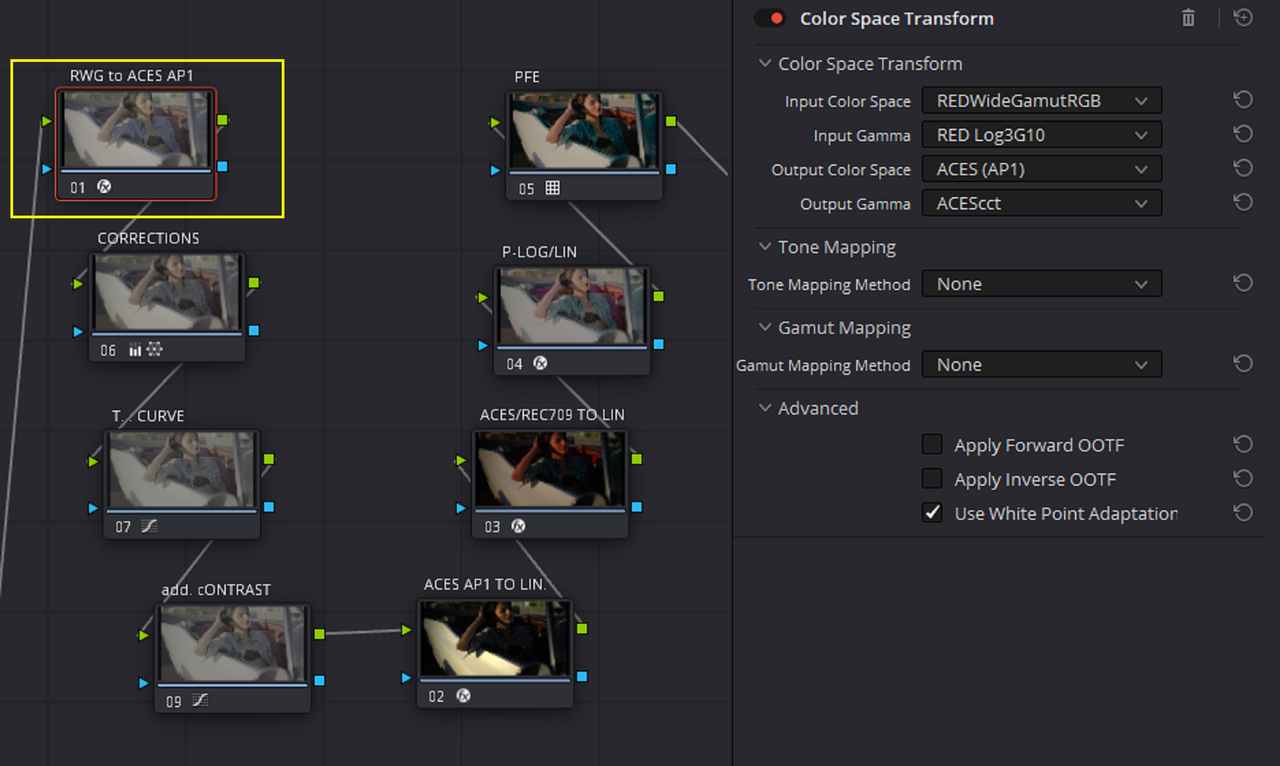
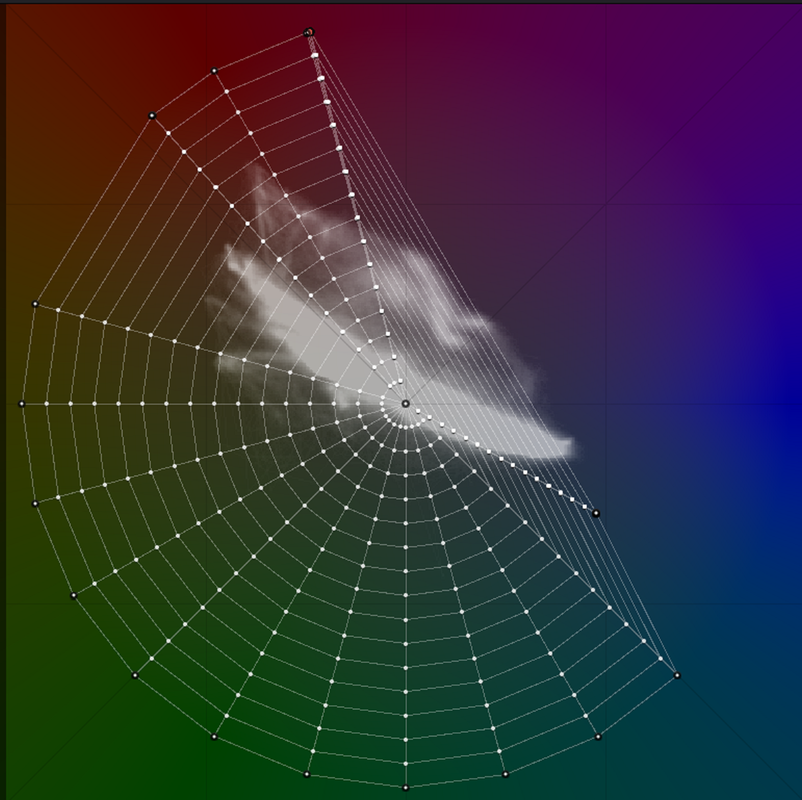
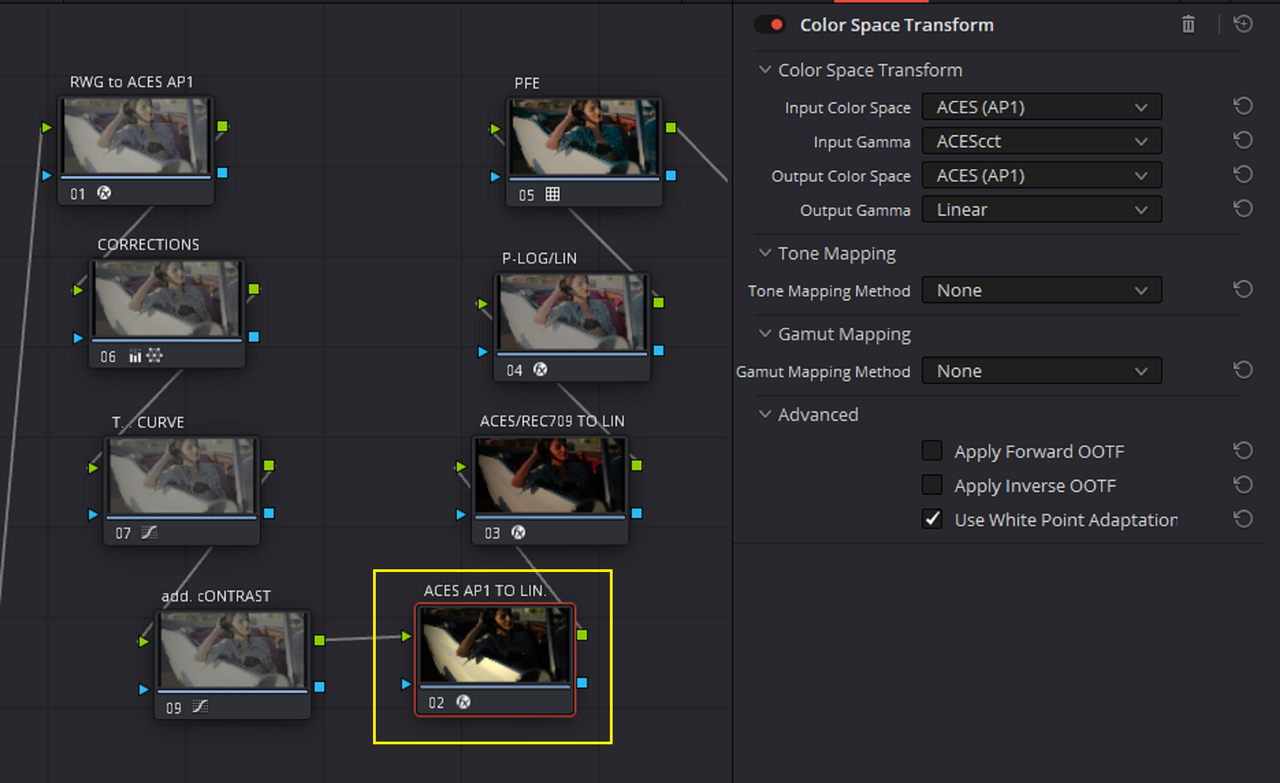
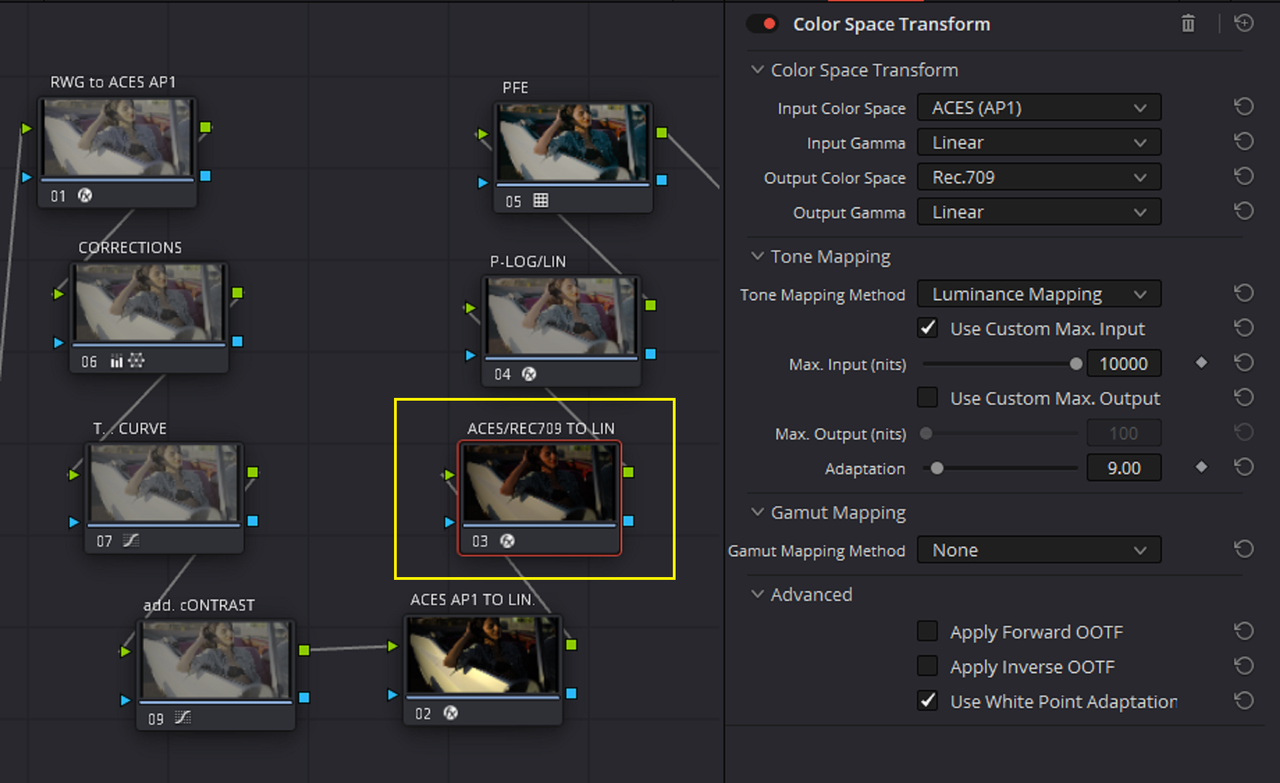
In the Tutorial on Mixinglight.com, Cullen uses a "Davinci Wide Gamut / Davinci Intermediate" Workflow to display this workflow. I'm using a "ACES(AP1)/ ACEScct" Node based Color Space Transform workflow instead. This workflow is different from an ACES Project or ACES Transform OFX Node Based workflow in that it doesn't have the same IDT and no RRT applied.


Mixinglight Web link

https://mixinglight.com/color-grading-tutorials/build-custom-film-print-odt-davinci-resolve-ml1201/

Screenshot-9148.png


The "P-LOGlin" DCTL in only Available to individuals with a "PREMIUM" Membership

https://mixinglight.com/membership/

Screenshot-9149.png


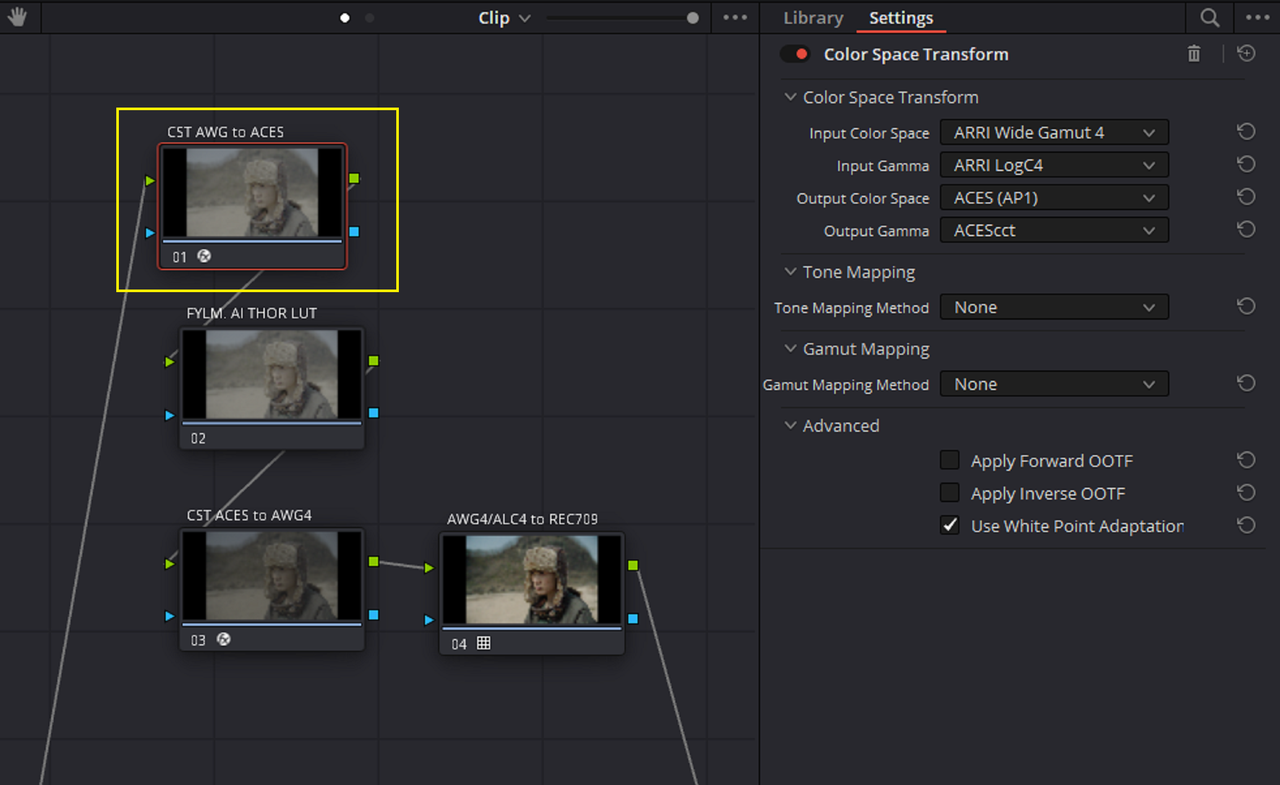
Here are the settings

1.png


2.png


3.png


4.png


4a.png


Screenshot-9137.png


5.png


7a.png


7b.png


7c.png


7c-1.png


Here are some samples with the Resolve Print Film Emulations again


1.png


1-1-1-3.jpg


1ed-1-1-4.jpg


2.png


2-1-1-5.jpg


2ed-1-1-6.jpg


3.png


3-1-1-7.jpg


3ed-1-1-8.jpg


4.png


4-1-1-9.jpg


4ed-1-1-10.jpg


5.png


5-1-1-11.jpg


5ed-1-1-12.jpg


Kodak-2383-D65-0.png


6-1-1-13.jpg


6ed-1-1-1.jpg


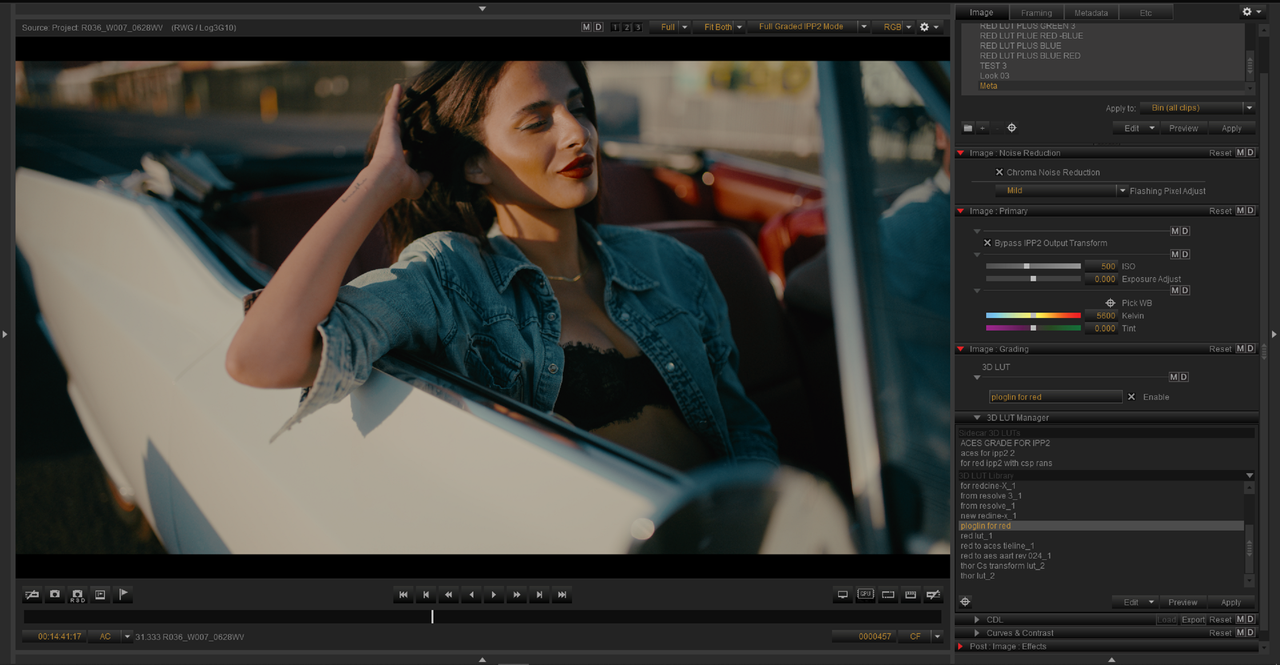
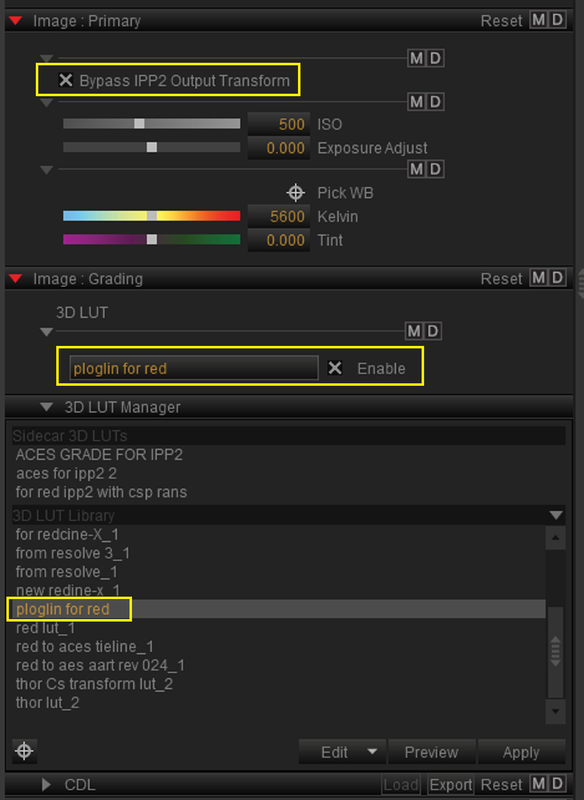
I made a Lut from the grade above with a HALD file workflow I demonstrated earlier. I also enabled the "Bypass IPP2 Output Transform" box so that I could add this LUT to a RED .R3D image in REDCINE-X Pro.


ORIGINAL GRADE

Screenshot-9147.png


LUT From the grade above

Screenshot-9144.png


Lut in REDCINE-X PRO


Screenshot-9145.png

Screenshot-9146.png


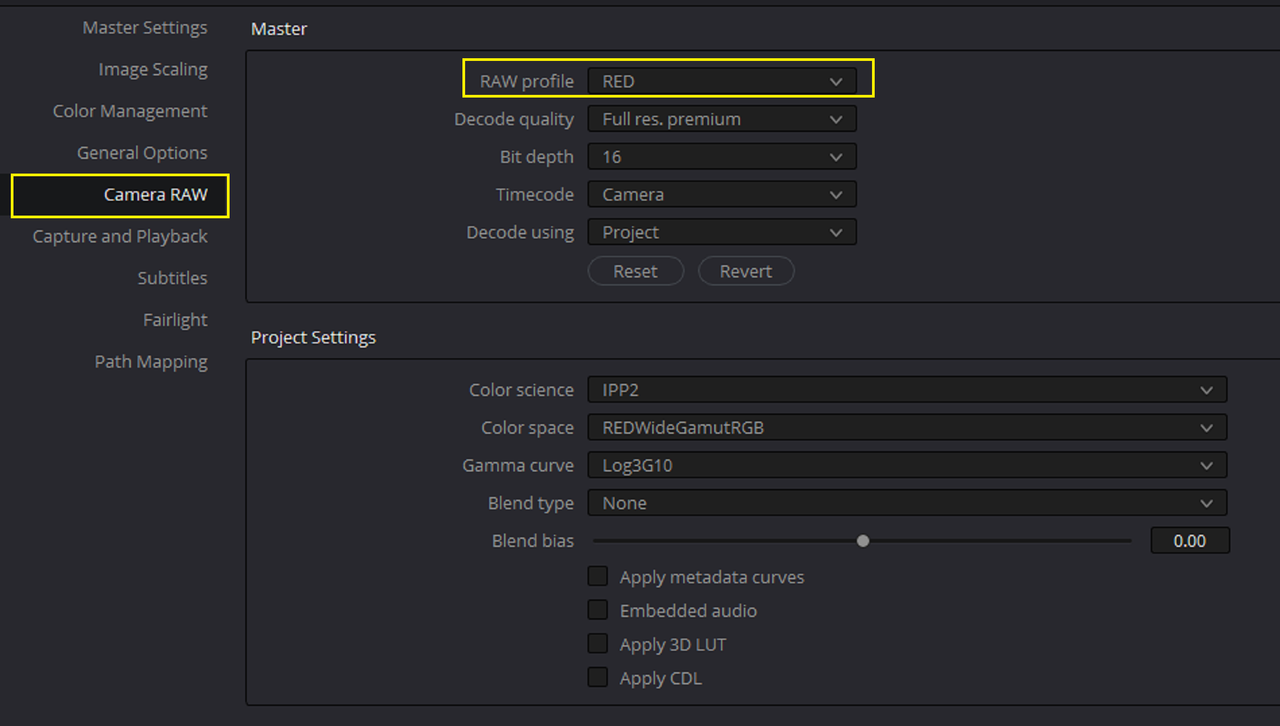
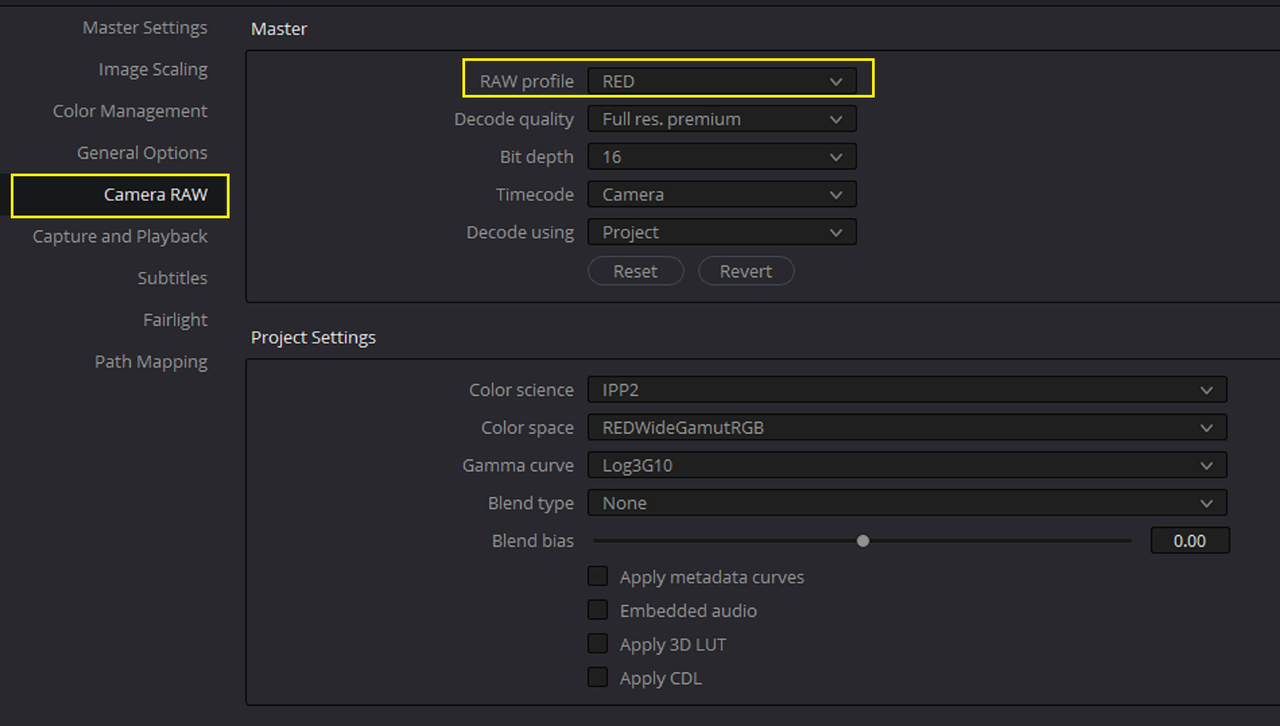
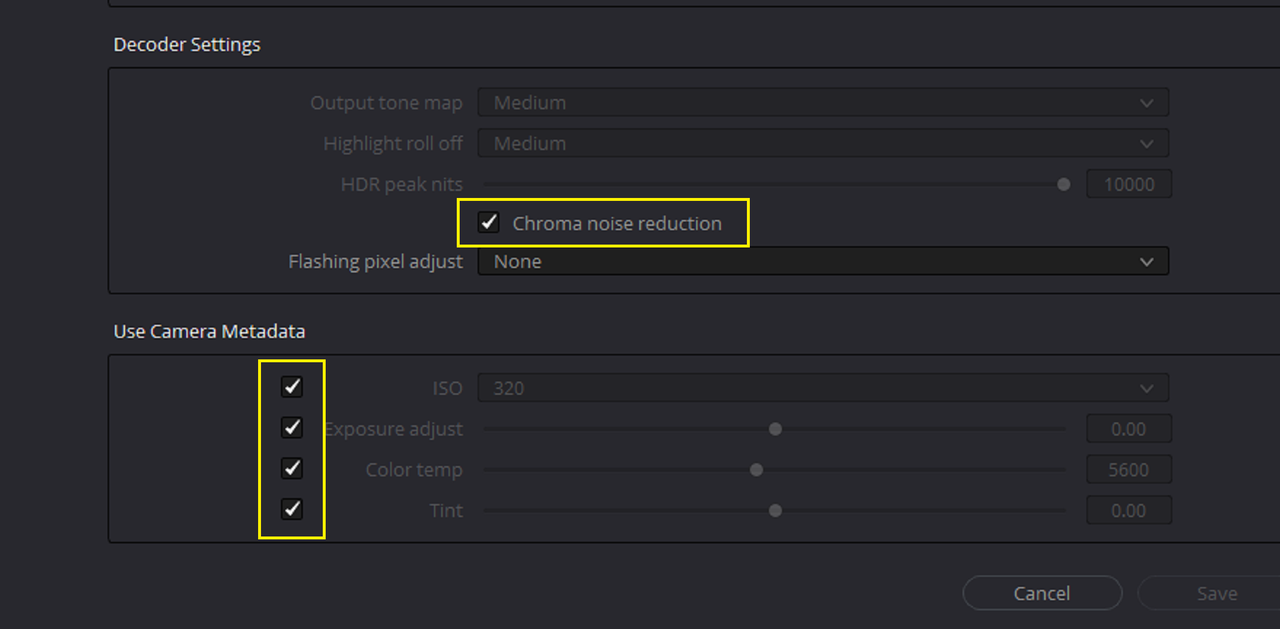
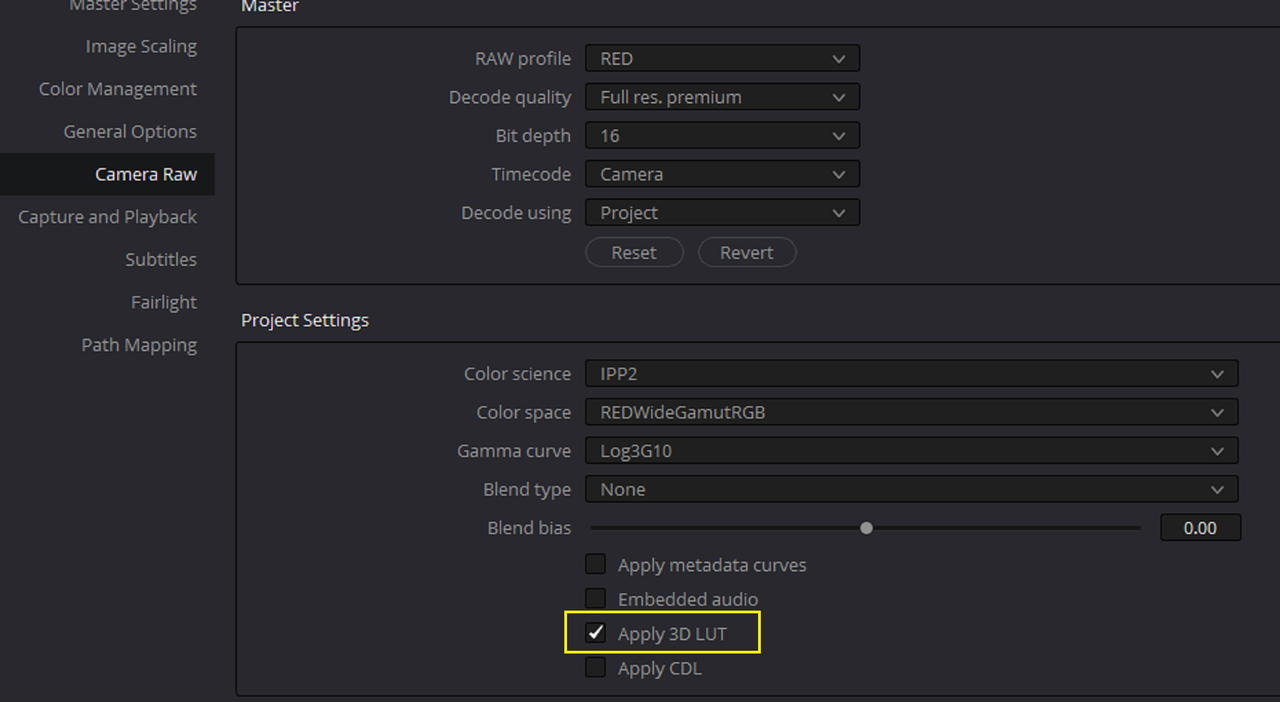
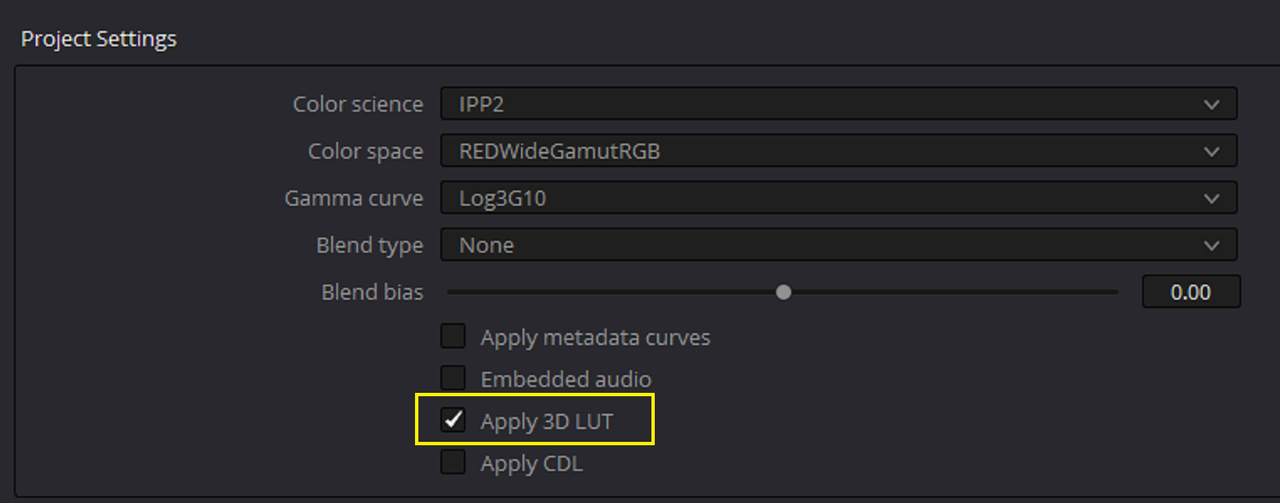
If I reimport the RED .R3D file back into RESOLVE with the "APPLY 3D LUT" box enabled in the "RED""CAMERA RAW" Tab, the .R3D file that I added the "PLOGLIN For RED" Lut to will import back into Resolve with that Lut already associated with it.


Screenshot-9150.png


Screenshot-9150-2.png


Screenshot-9151.png


R036-W007-0628-WV-001-1-1-1.jpg
 
Last edited:
by
REMEDY


CAMERA OWNERS ❯❯

Alexa 35: Phil Stevens | https://www.philstevensdirector.com/r...
Alexa Mini LF: Phil Stevens | https://www.philstevensdirector.com/r...
Sony Venice I: PC&E | https://pce-atlanta.com/
RED V-Raptor XL: BP40 Creative | https://bp40creative.com/
RED Komodo: Mick Hawkins | http://www.mickhawkins.co/
Canon C500 II: REMEDY | https://remedyfilms.com/
Blackmagic Ursa Mini Pro 4.6K: N/A
Blackmagic Pocket 4K: N/A


0:00 - Intro
0:57 - Cameras
1:13 - Testing Parameters
2:11 - GenLock
2:42 - Why this Test?
3:08 - Daytime Scene Setup
3:16 - RED Komodo + BM Pocket
4:42 - Sony Venice I + Canon C500 II
6:45 - Alexa Mini LF + BM Ursa

8:21 - Alexa 35 + RED V-Raptor XL
9:38 - Night Scene Setup
9:53 - Canon C500 II + Sony Venice I
11:20 - RED Komodo + Alexa Mini LF

13:30 - Alexa 35 + RED V-Raptor XL
15:04 - Takeaways

Interesting test. But they sheeted out a bit not making the Sony break, it would break if contrast was harder and movement more rapid.

What not many people mention with Virtual production is all the hurdles. Normally the backdrop needs to be replaced any way, normally you get fringing / juddering problems in hairs and on edges, your colors are not even 8bit. your light levels are weak, the DR of the screen just has to be all shallow, you can't really pull focus to the distance. etc. etc. etc. Still people try to sell it like a no brainer. :)

Here they mention some of the hurdles that the big studios even can't handle. https://www.youtube.com/watch?v=SAJAUL_Qpdg

 
Interesting test. But they sheeted out a bit not making the Sony break, it would break if contrast was harder and movement more rapid.

What not many people mention with Virtual production is all the hurdles. Normally the backdrop needs to be replaced any way, normally you get fringing / juddering problems in hairs and on edges, your colors are not even 8bit. your light levels are weak, the DR of the screen just has to be all shallow, you can't really pull focus to the distance. etc. etc. etc. Still people try to sell it like a no brainer. :)

Here they mention some of the hurdles that the big studios even can't handle. https://www.youtube.com/watch?v=SAJAUL_Qpdg


Thanks for the additional Insight Bjorn! I'm trying to learn more about Virtual Production and this seemed interesting. They actual did make it seem like a rather straight forward approach but I should have known it was a little more complicated than that.:thumbsup:
 
FYLM.Ai
fylm.ai - AI Powered Colour Grading and Collaboration in Cloud

0a.png

0b.png

0c.png


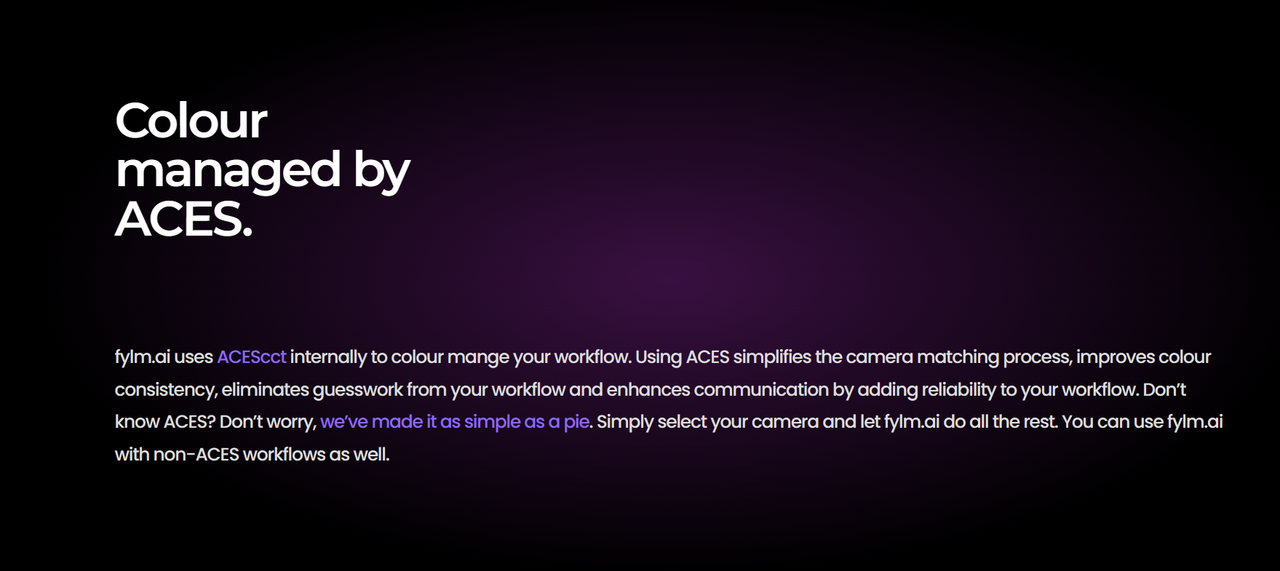
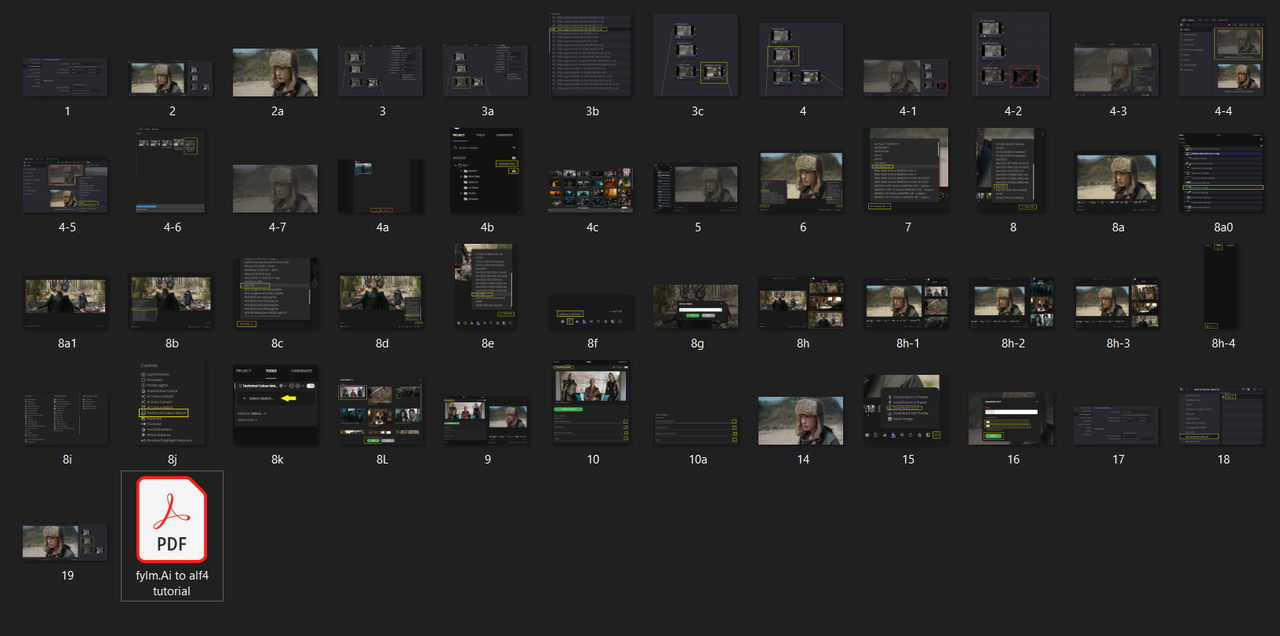
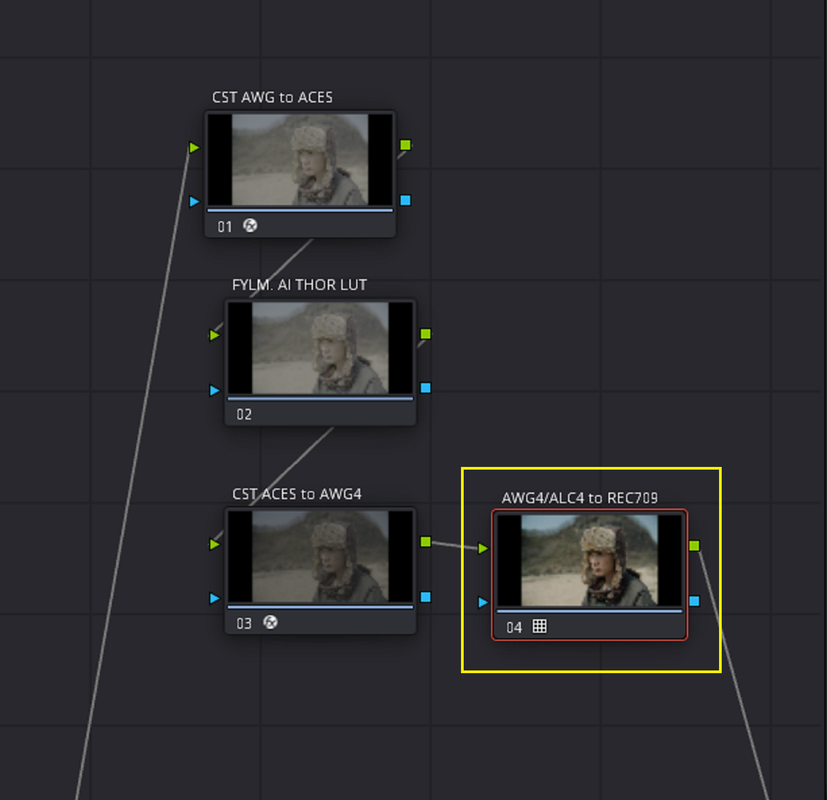
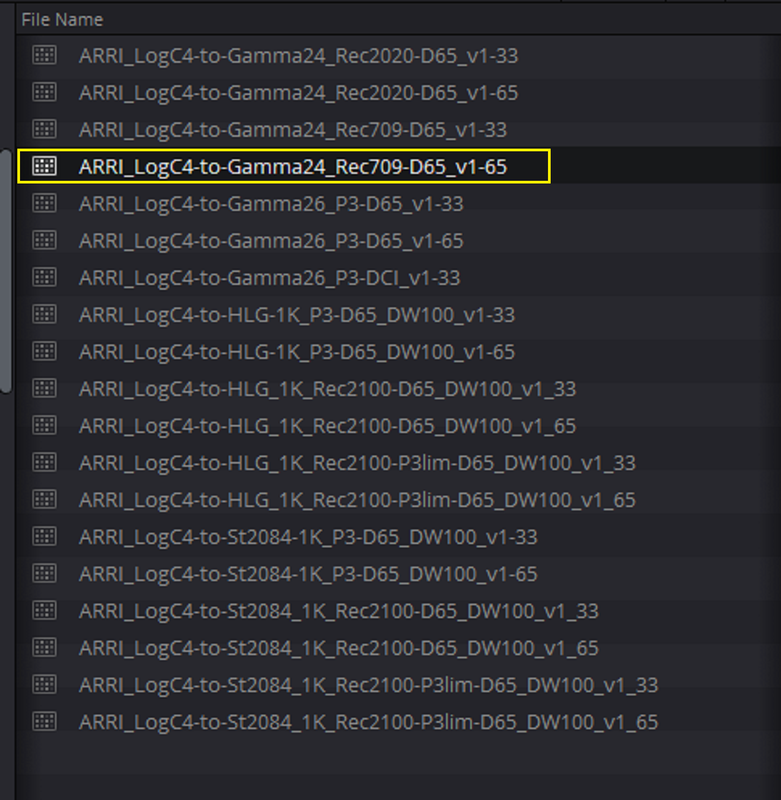
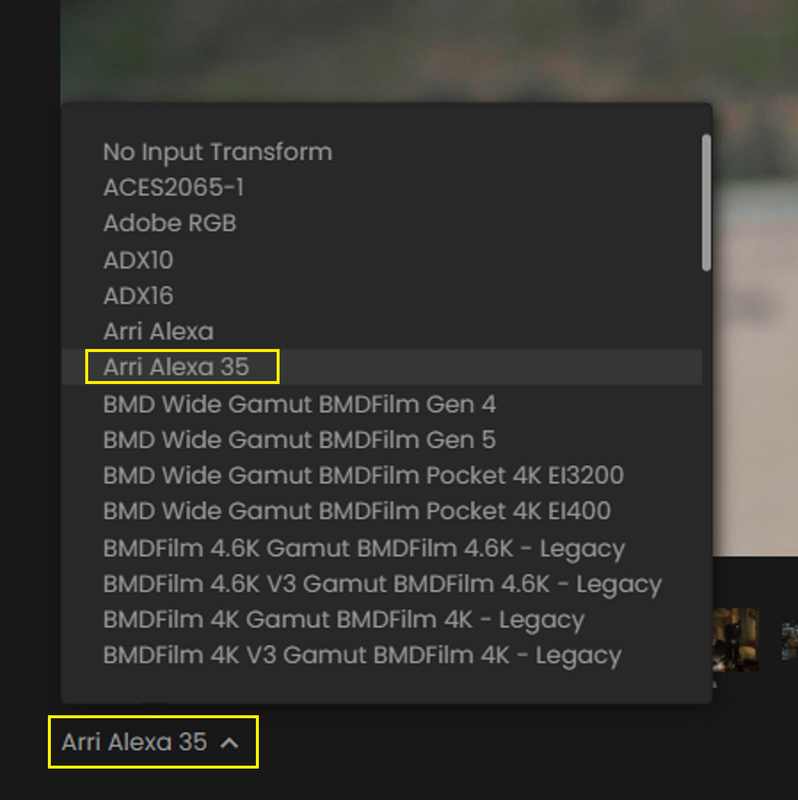
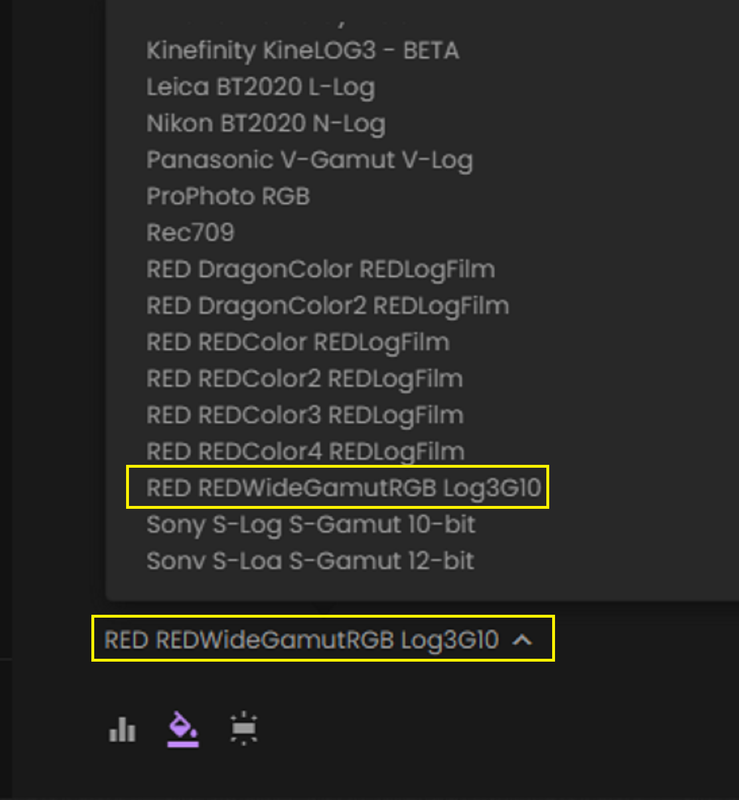
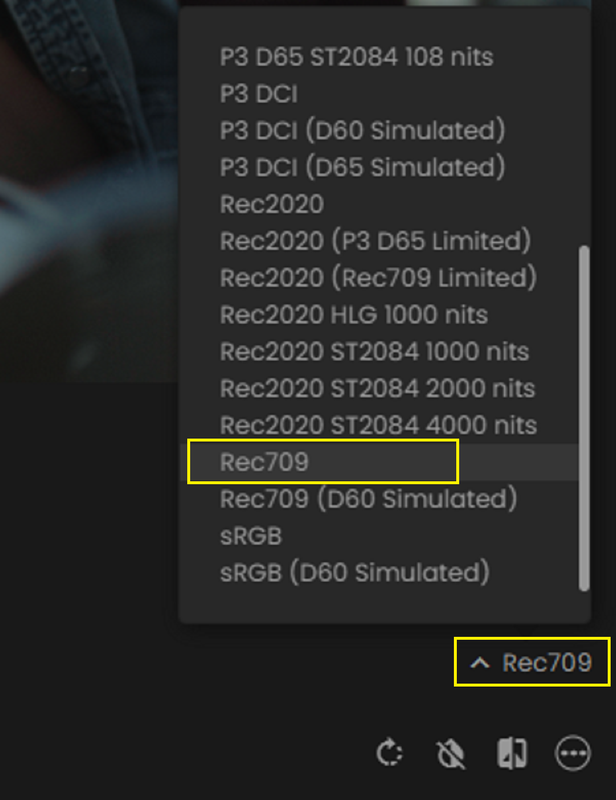
I did a Tutorial a while back on this forum and the ARRI FORUM on how to make a "LOG-to-LOG" Lut for the ARRI ALEXA 35 with the Cloud based FYLM.ai grading tool. The final part that explains how to actually create a ALF 4 compatible file has been removed. However, Now it seems you can make a "LOG-to-LOG" Lut that will be compatible to make an ARRI LOOK File 4( AL4) LOOK format with in the ALEXA 35 with an update to FYLM.ai. Below is a ZIP file with a combination of 49 Screengrabs and one PDF file explaining how to make a "LOG-to-LOG" Lut for the ARRI ALEXA 35 with the Cloud based FYLM.ai grading tool. It was meant for the Alexa 35 however with a few modifications in the workflow it can be used also for a lut for a RWG/LOG3G10 workflow as well.


SendGB file- 73MB
https://www.sendgb.com/y0te2CDzLiE

Screenshot-9158.png


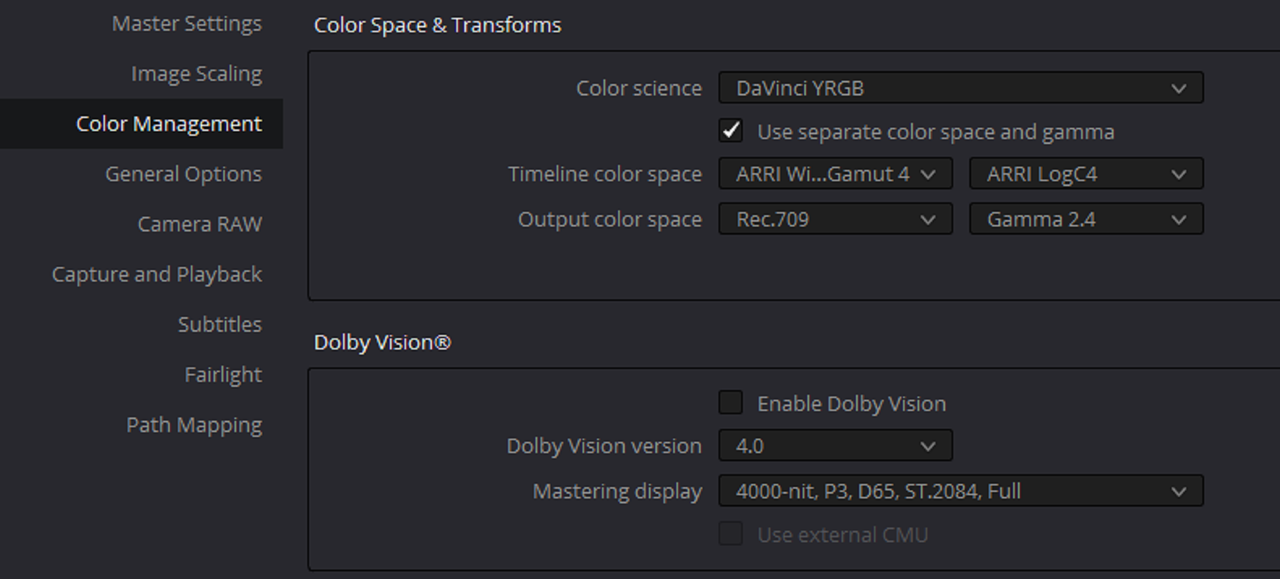
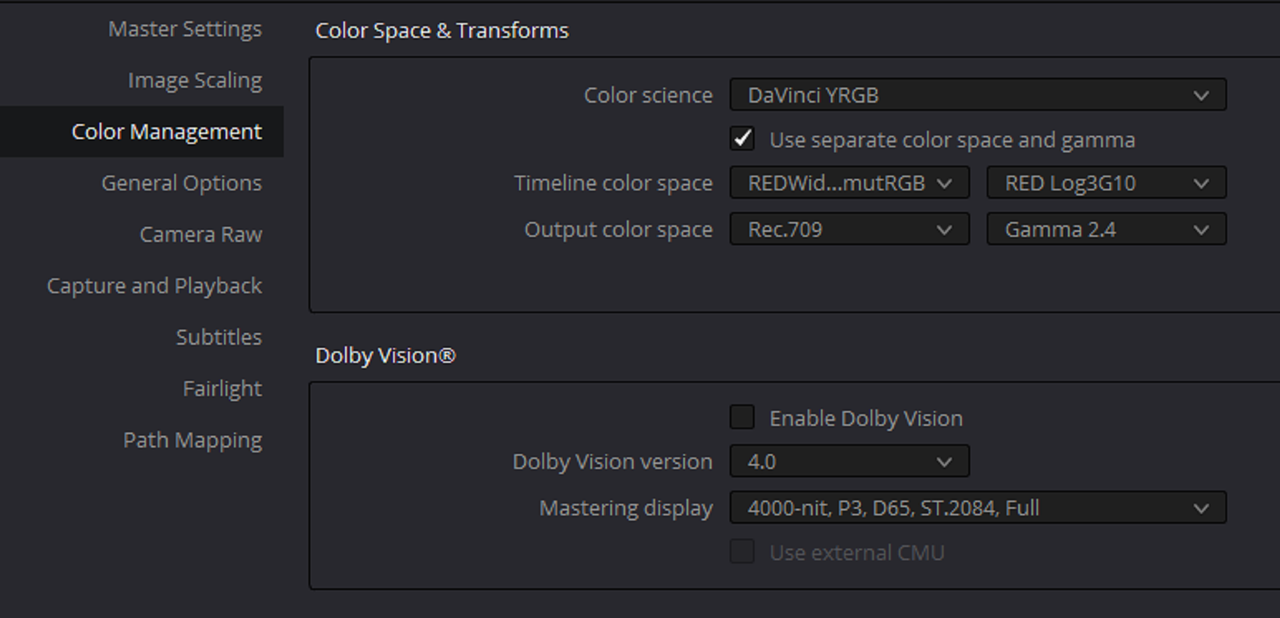
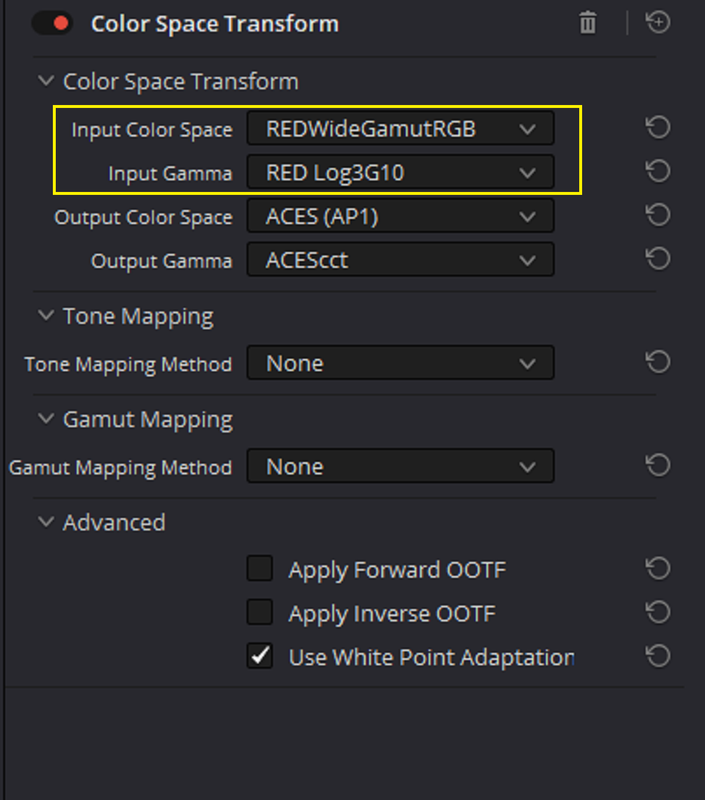
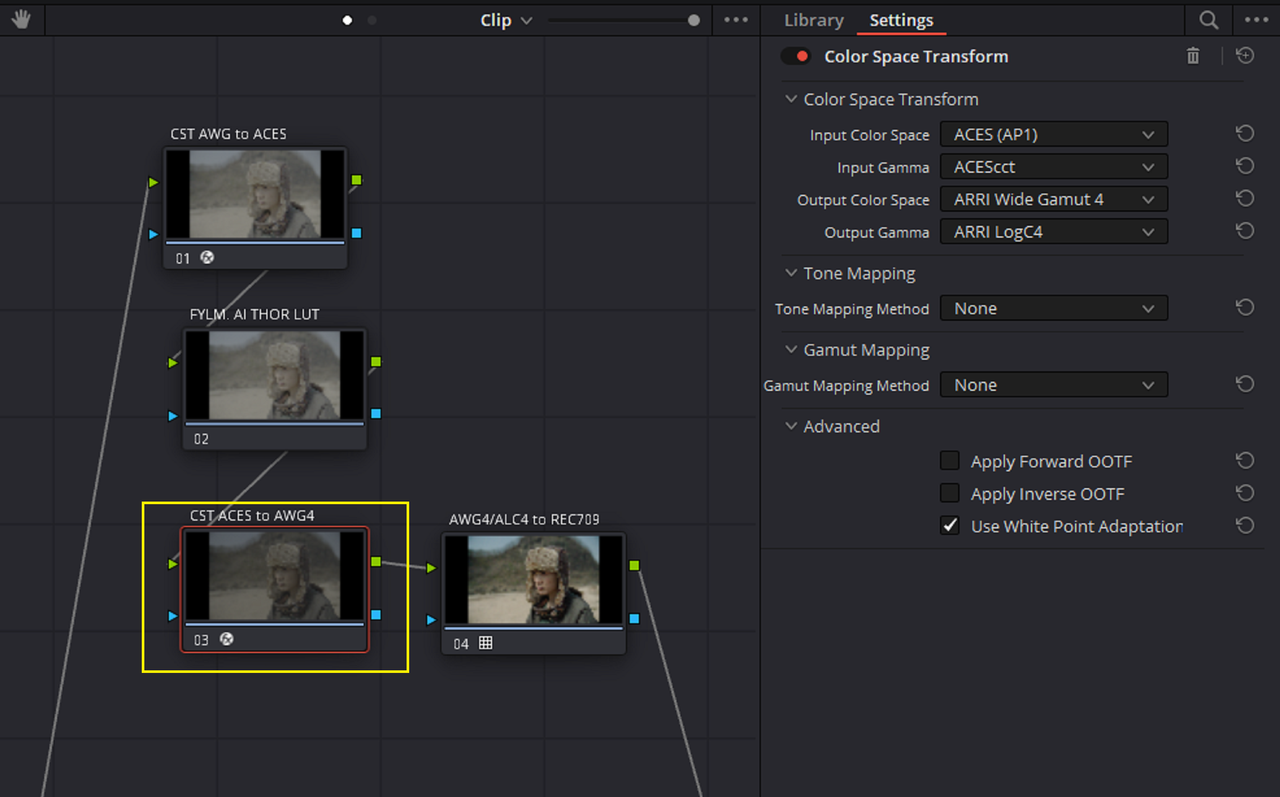
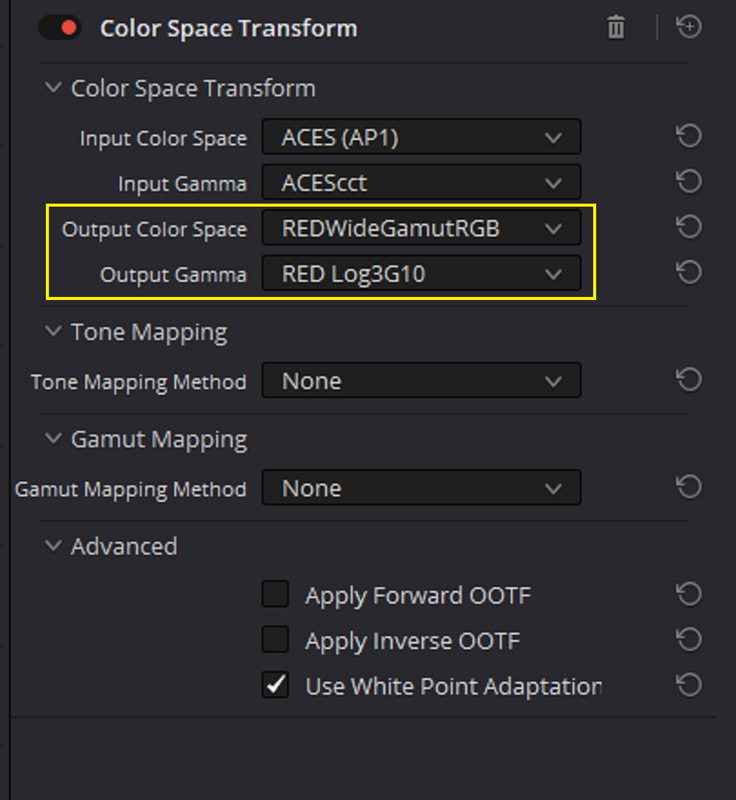
Here are some of the modifications


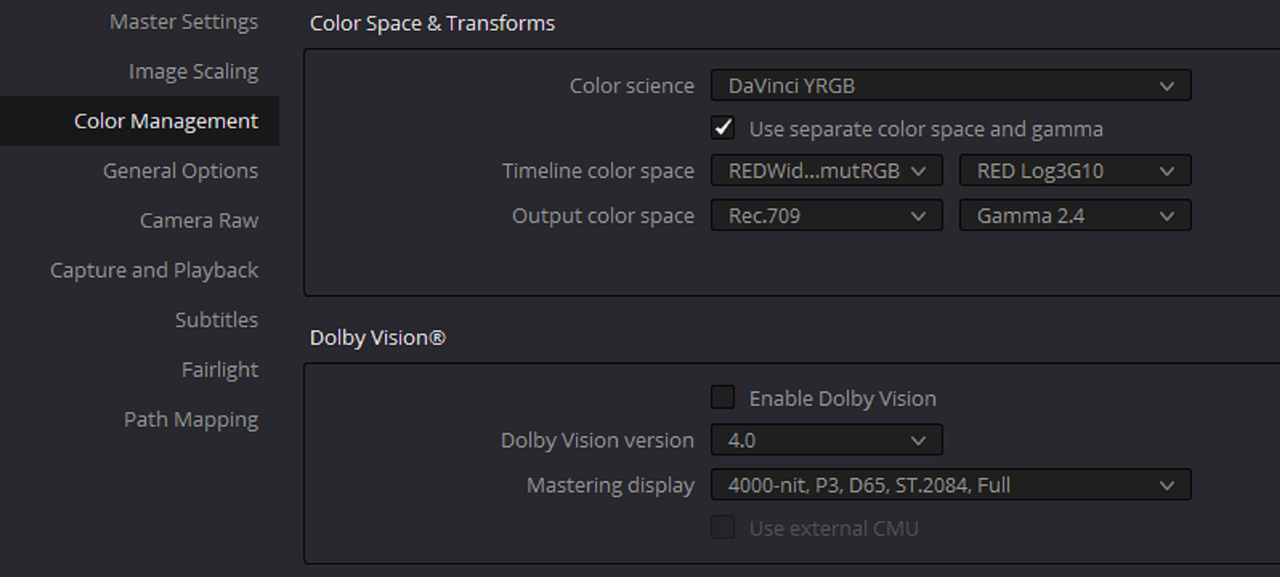
Inside of Davinci Resolve

FROM

1.png

To

3.png


FROM

3.png


To

3a.png


FROM

3b.png


To

3c.png


FROM

4.png


5.png


TO

6.png


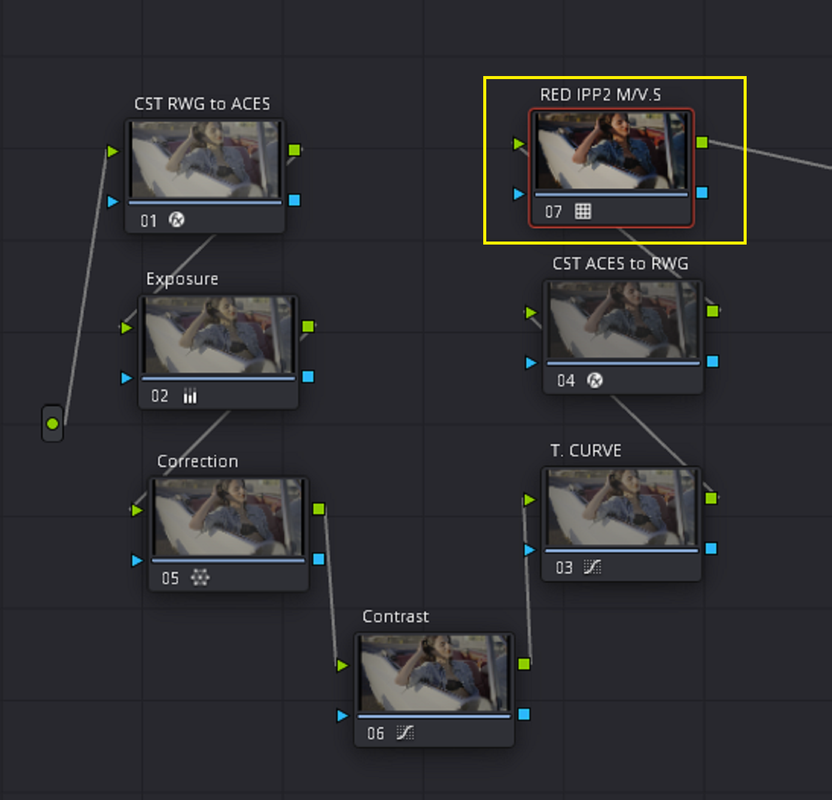
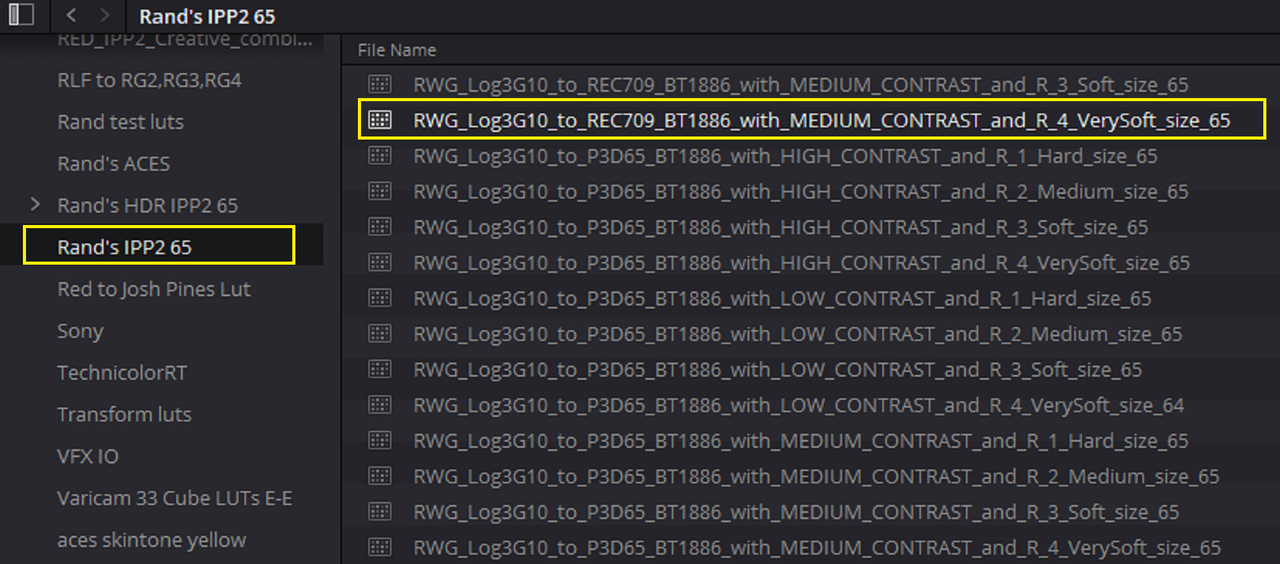
Or whatever RED IPP2 Output Transform Lut you want

6a.png


Inside of FYLM.ai


FROM

7.png


To


8.png


The ODT( Output Display Transform) is the same in both workflows

9.png


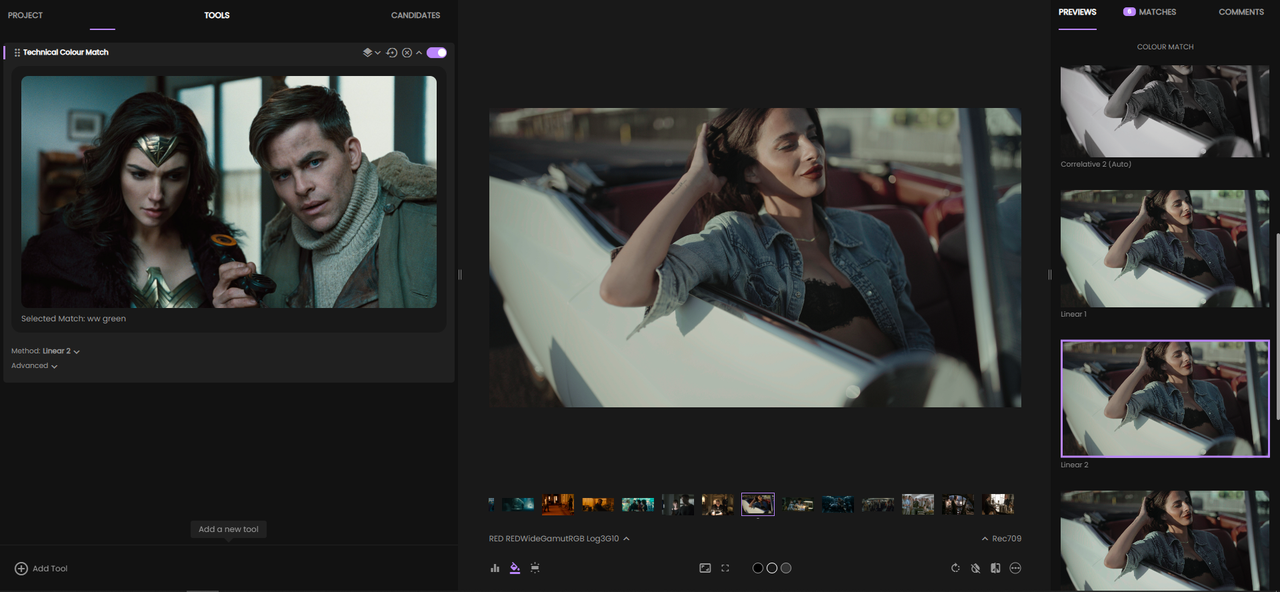
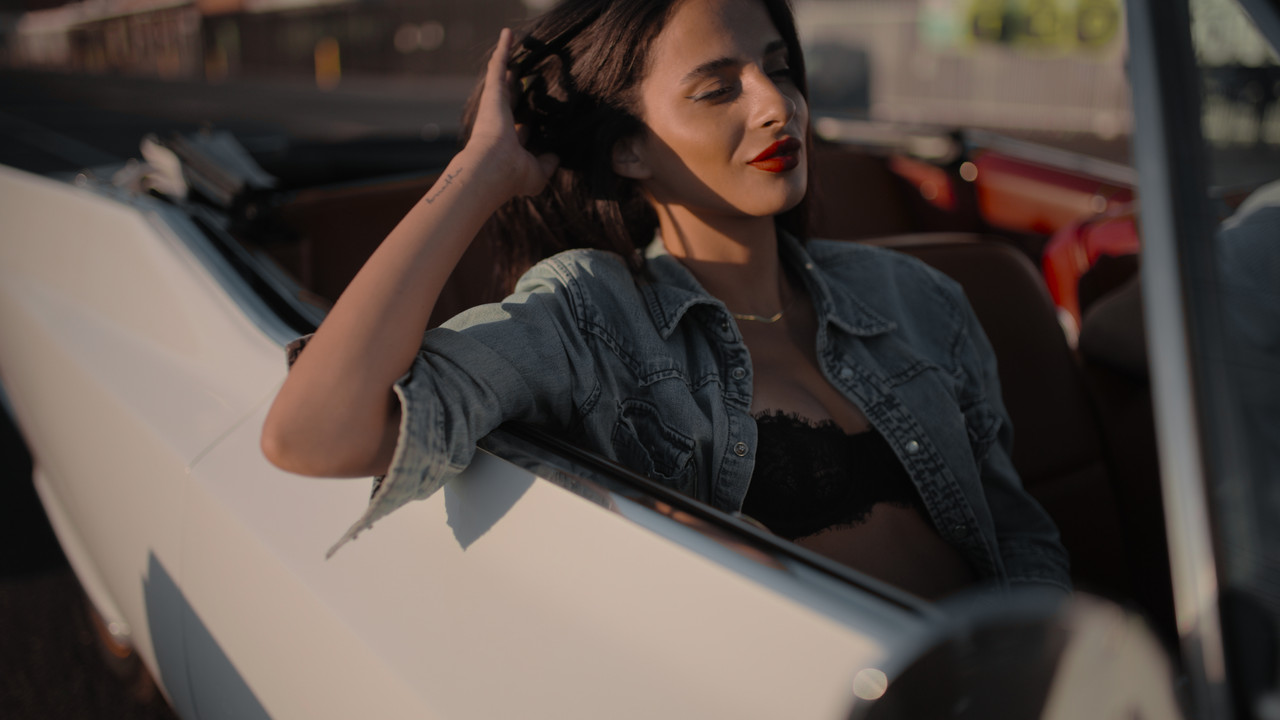
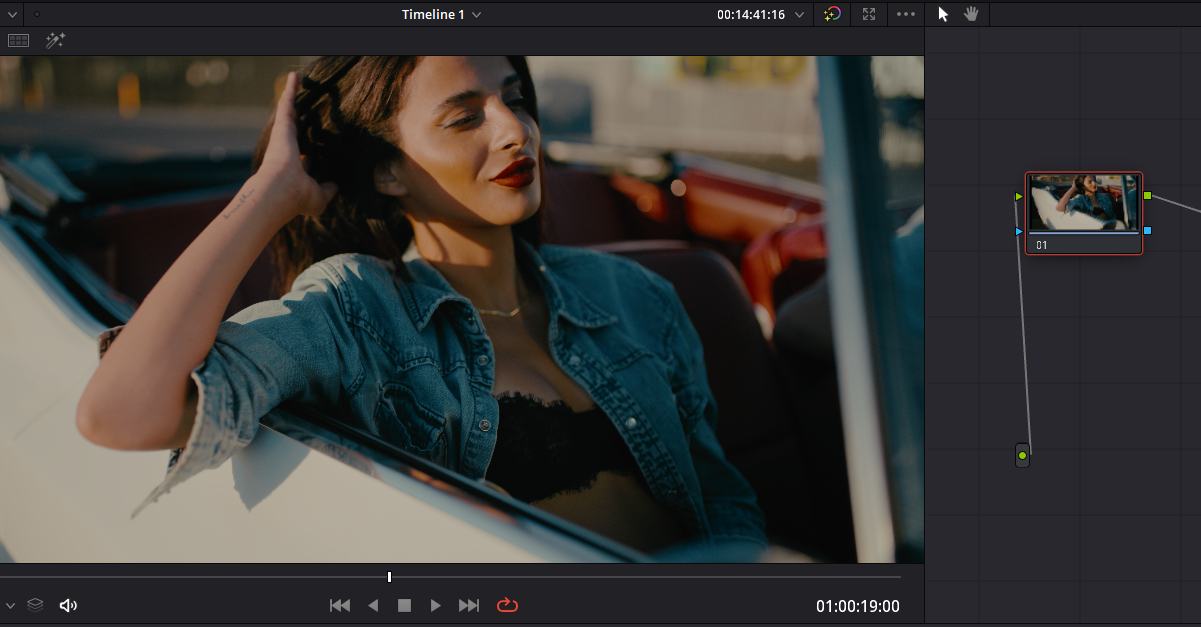
I explain how to setup the workflow below and what "TOOL" I used to get the look below with this RED V-Raptor clip and a different look for the Alexa 35 in the ZIP file if you care to know.

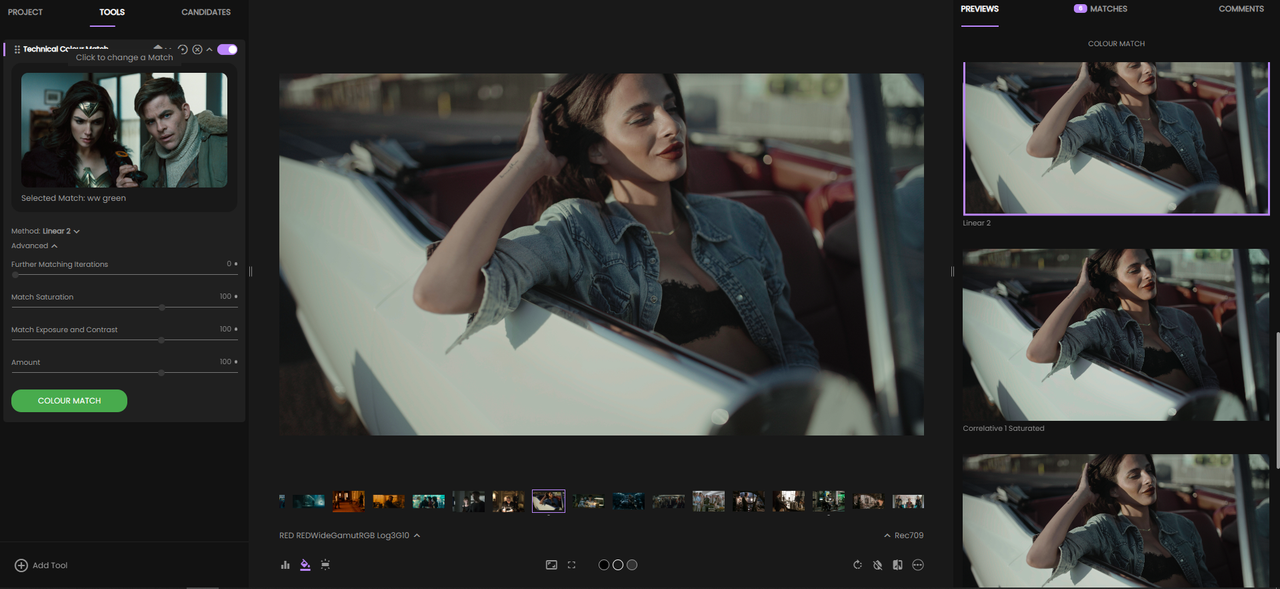
I used a tool in FYLM.ai called
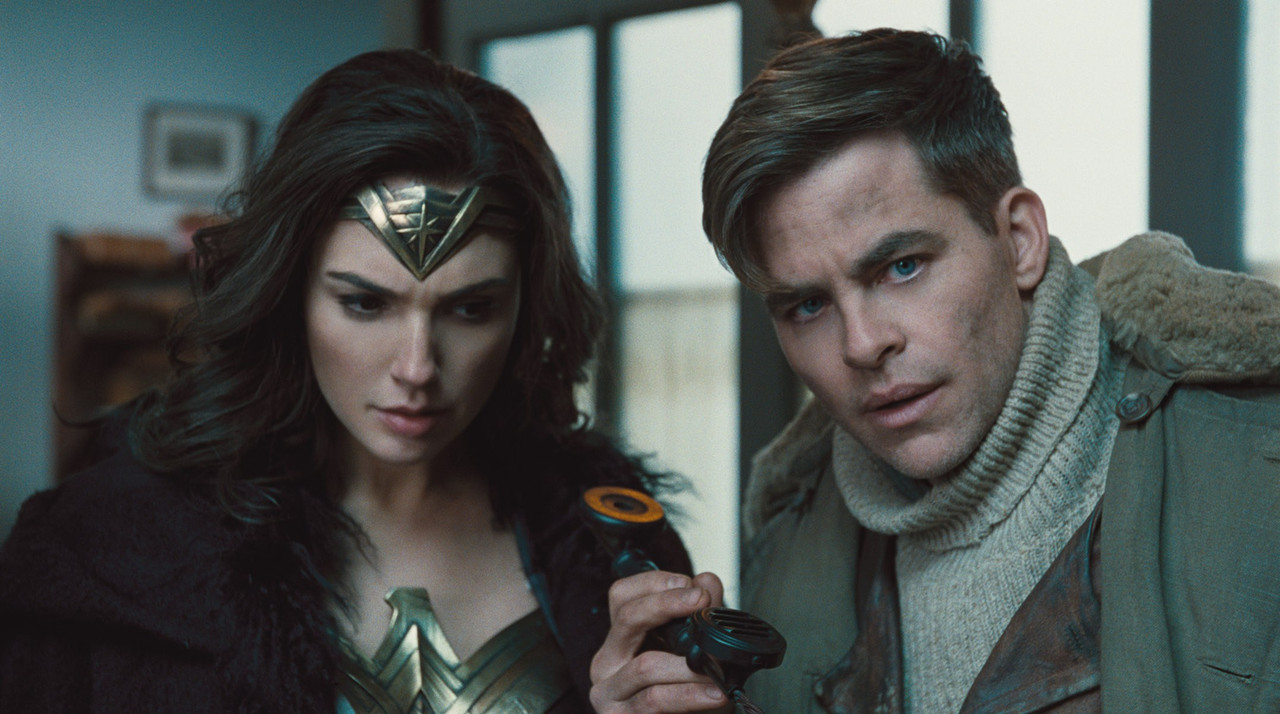
"TECHNICAL COLOR MATCH"which allows you to extract the look of a Movie still , In this case a still from the first "Wonder Woman", and apply it to a "LOG" still image. It allows you to choose from different versions to get the best extracted look rendition.


10.png

11.png


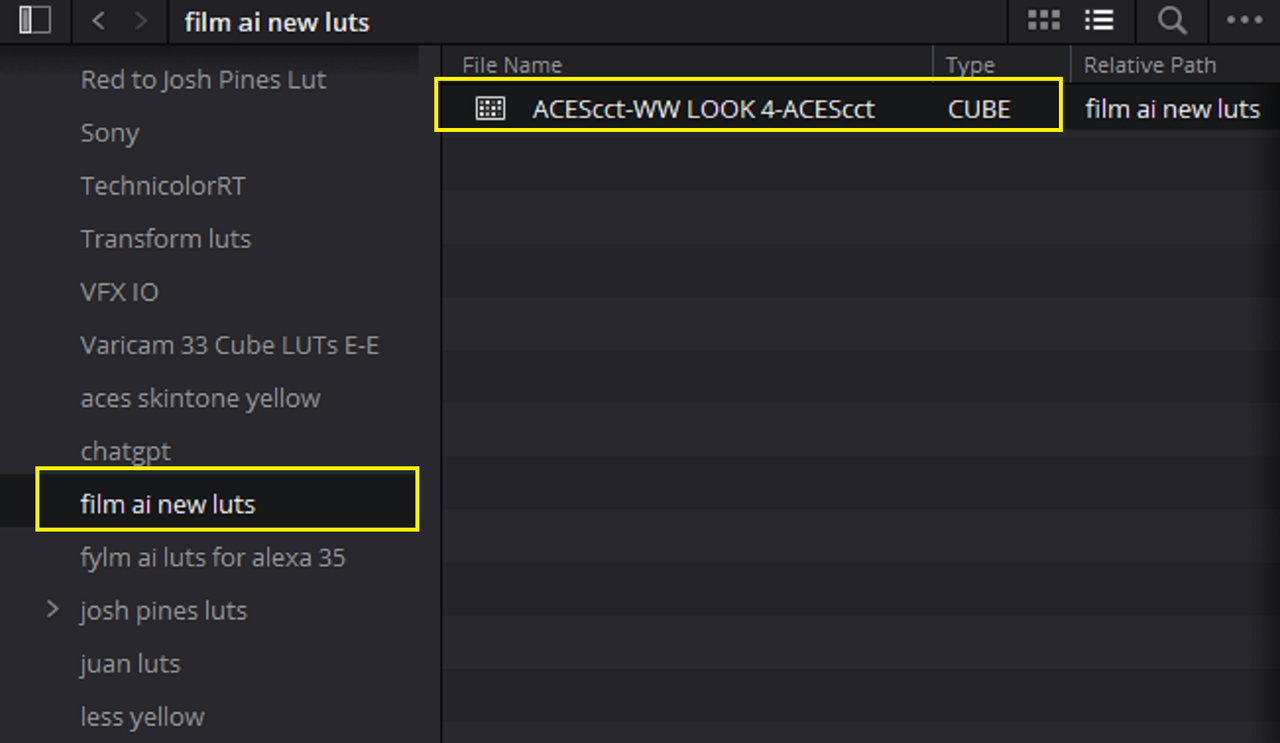
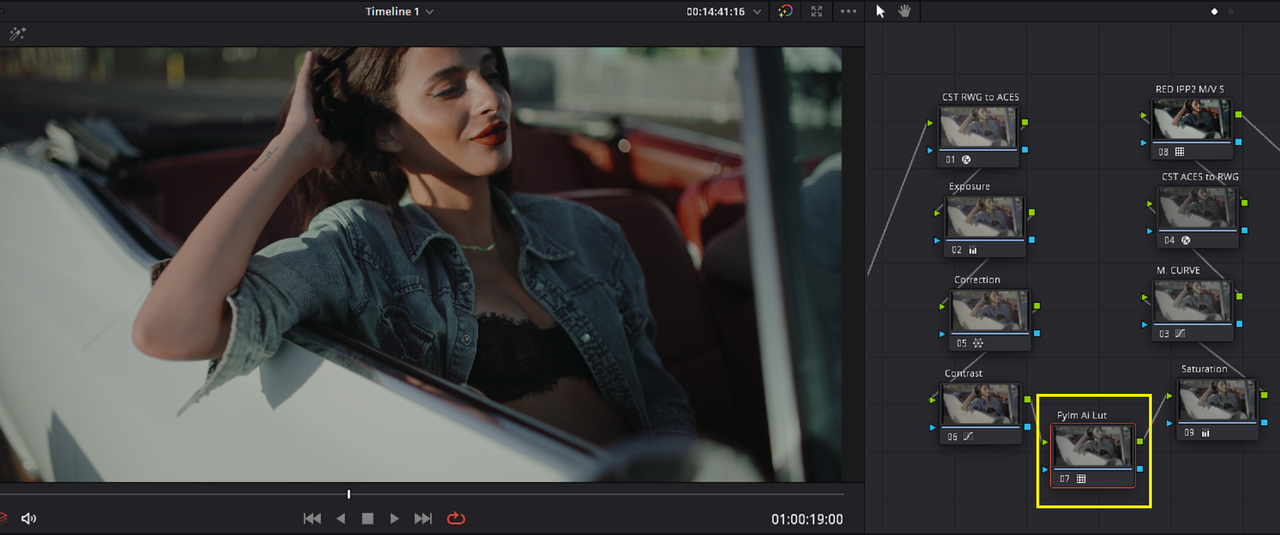
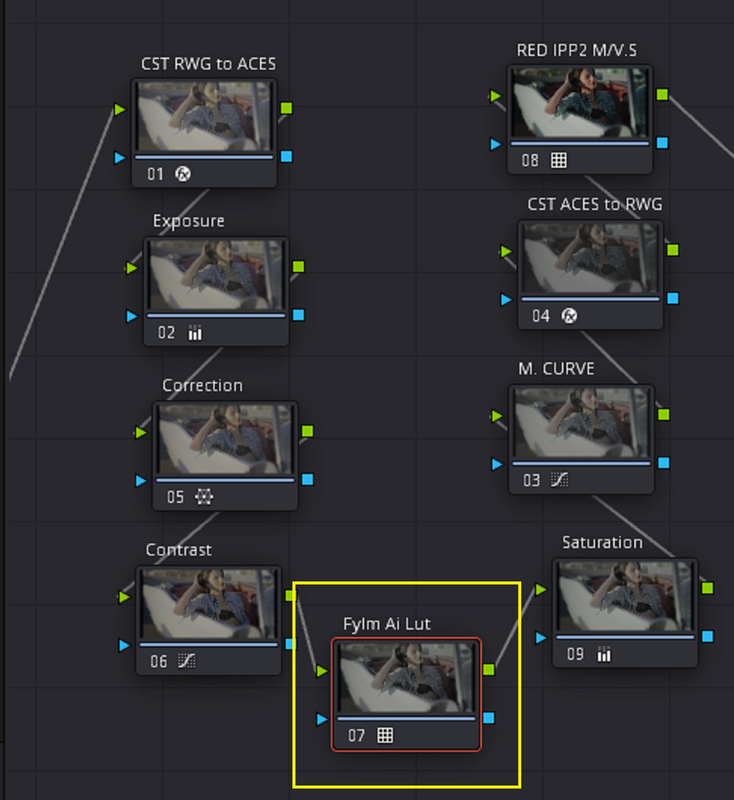
Here is the Extracted look made into a Lut and used back inside of Resolve


14.png


15.png


15-2.png


Original Movie Clip

16.jpg


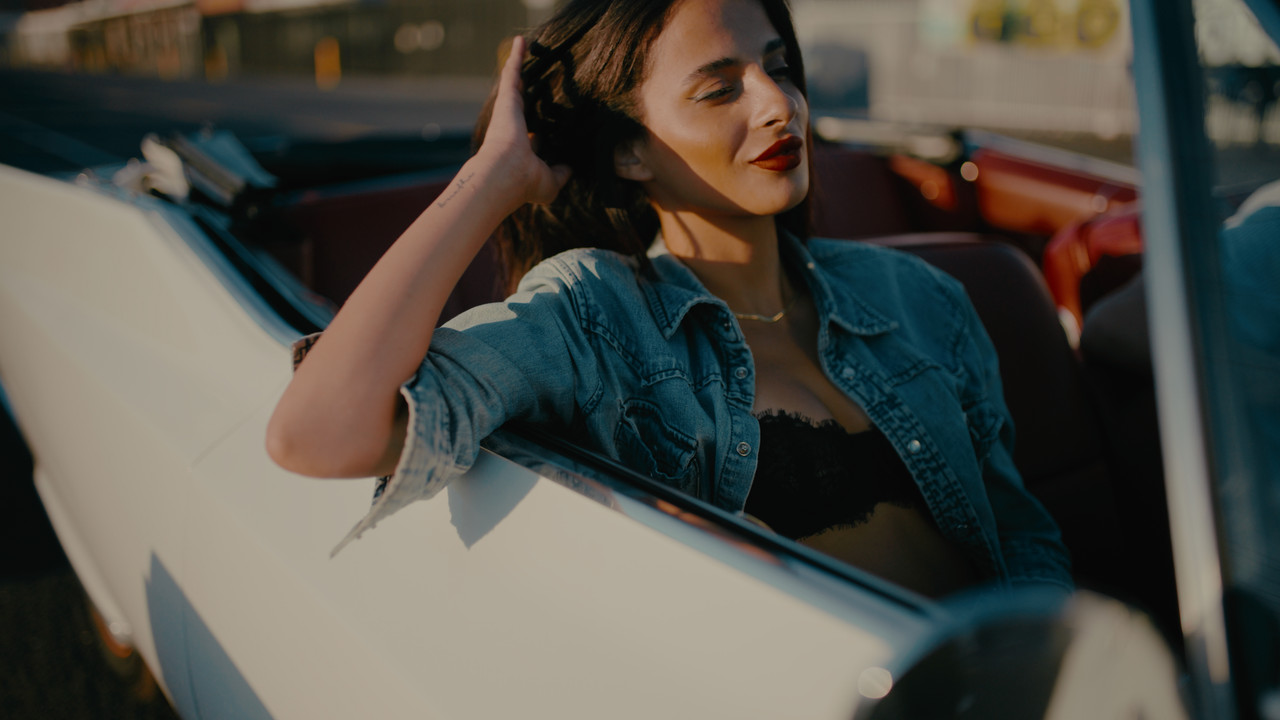
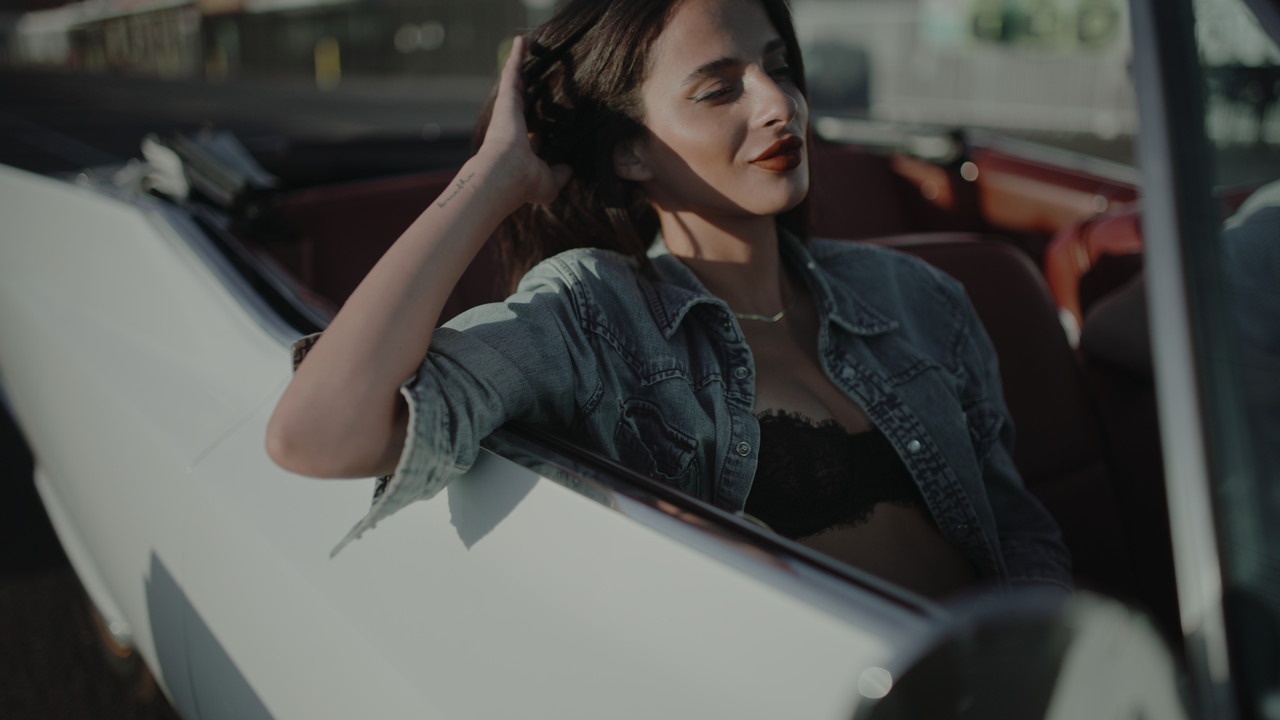
RED V-Raptor clip with FYLM.ai Extracted Color Lut applied

17.jpg


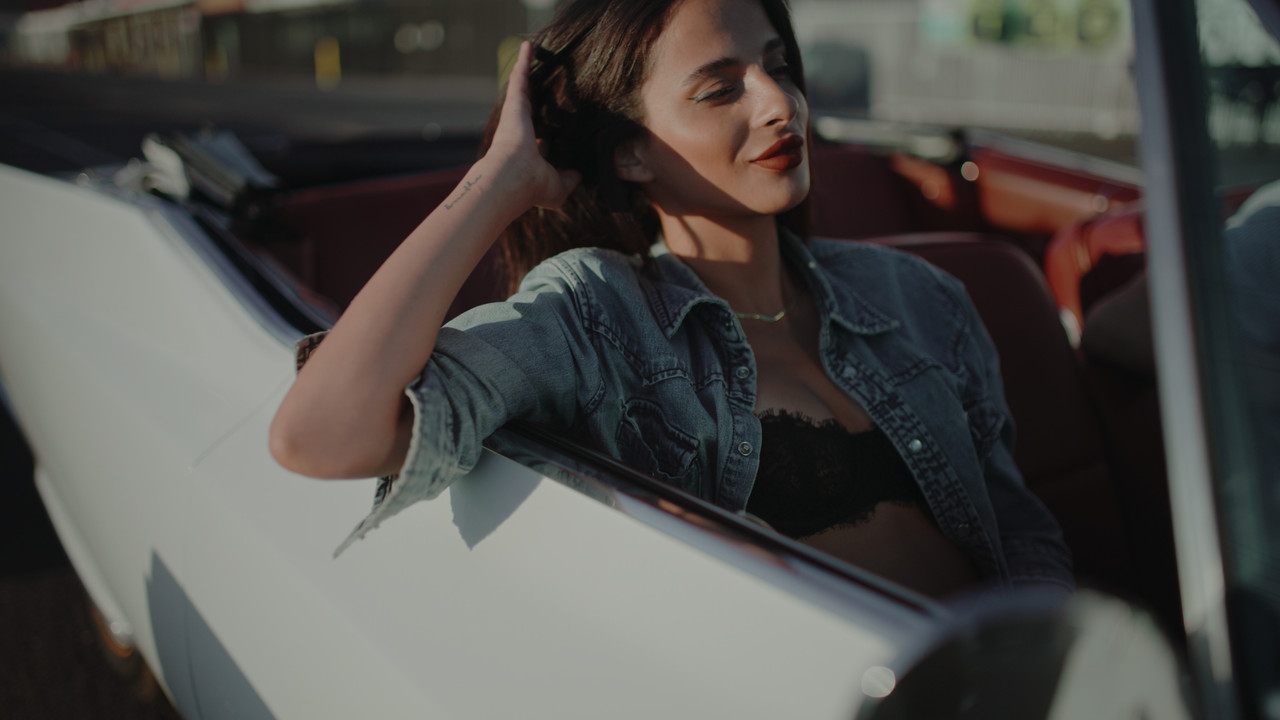
FYLM.ai Lut with additional Saturation and Contrast

18.jpg
 
Last edited:
An example of the constant battle I feel folks who use and invest in RED camera have to deal with:

https://www.reddit.com/r/cinematography/comments/z98mmg/comment/jdcm5zs/?context=3

A recent film just came out this weekend and I heard the director during a interview in person talk about how the new Alexa35 brought out red colors like no other camera could, even the mini LF. What's hilarious is that the whole time watching the film I noticed the reds were super saturated/out of gamut/ or clipped (which drew my eye away from the story and in fact distracted me and other DPs).

Any camera can do what I saw if you push the post to ridiculous lengths or screw up the look you are using. Not sure why anyone would want to, but what do I know, I'm not a multimillion dollar successful filmmaker.

It's also hilarious to still see Hollywood directors believing that a camera creates a look to this day. I really don't know who's telling them this other than uneducated DPs, unfounded claims from camera companies, or youtubers. This is what needs to stop.
 
An example of the constant battle I feel folks who use and invest in RED camera have to deal with:

https://www.reddit.com/r/cinematogra...5zs/?context=3

A recent film just came out this weekend and I heard the director during a interview in person talk about how the new Alexa35 brought out red colors like no other camera could, even the mini LF. What's hilarious is that the whole time watching the film I noticed the reds were super saturated/out of gamut/ or clipped (which drew my eye away from the story and in fact distracted me and other DPs).

Any camera can do what I saw if you push the post to ridiculous lengths or screw up the look you are using. Not sure why anyone would want to, but what do I know, I'm not a multimillion dollar successful filmmaker.

It's also hilarious to still see Hollywood directors believing that a camera creates a look to this day. I really don't know who's telling them this other than uneducated DPs, unfounded claims from camera companies, or youtubers. This is what needs to stop.

Nick,


Yeah, you can make any camera look like any other camera. Really the only difference is how the cameras favors certain characteristics of the image. Some favor more overall color accuracy and some favor skintones or other properties of the image out of the box. Arri camera are known for behaving better in the Highlights and Red cameras are known for better behaving in the shadows. However, if you understand these cameras strengths and weaknesses and take certain precautions to give these cameras what they need and not challenge them unnecessarily they all "Could" look reasonably the same.
 
An example of the constant battle I feel folks who use and invest in RED camera have to deal with:

https://www.reddit.com/r/cinematography/comments/z98mmg/comment/jdcm5zs/?context=3

A recent film just came out this weekend and I heard the director during a interview in person talk about how the new Alexa35 brought out red colors like no other camera could, even the mini LF. What's hilarious is that the whole time watching the film I noticed the reds were super saturated/out of gamut/ or clipped (which drew my eye away from the story and in fact distracted me and other DPs).

Any camera can do what I saw if you push the post to ridiculous lengths or screw up the look you are using. Not sure why anyone would want to, but what do I know, I'm not a multimillion dollar successful filmmaker.

It's also hilarious to still see Hollywood directors believing that a camera creates a look to this day. I really don't know who's telling them this other than uneducated DPs, unfounded claims from camera companies, or youtubers. This is what needs to stop.

Totally agree! Cameras do not create looks! You create the look, all you need the camera to be is a reliable machine that captures enough data and stores it in a high quality/lossless codec. The look should be authored by the creatives, to believe a camera creates a look is to believe false manufacturer marketing and the people that further perpetuates the same uneducated narrative.
 
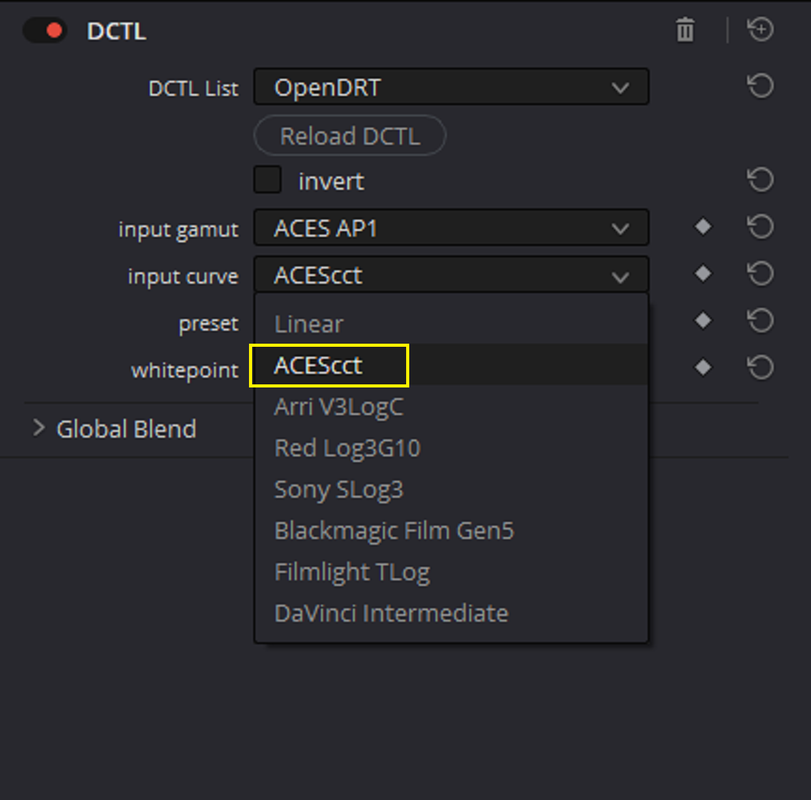
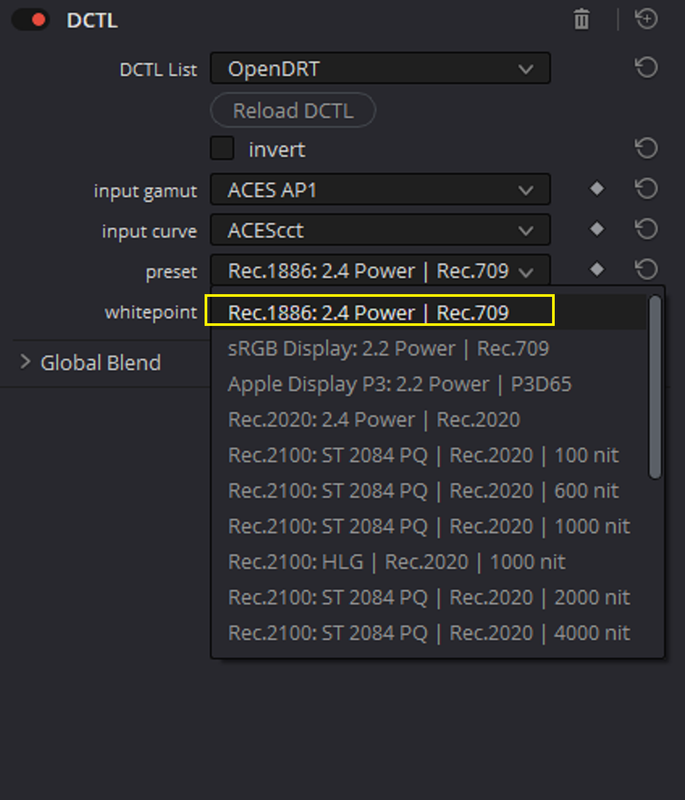
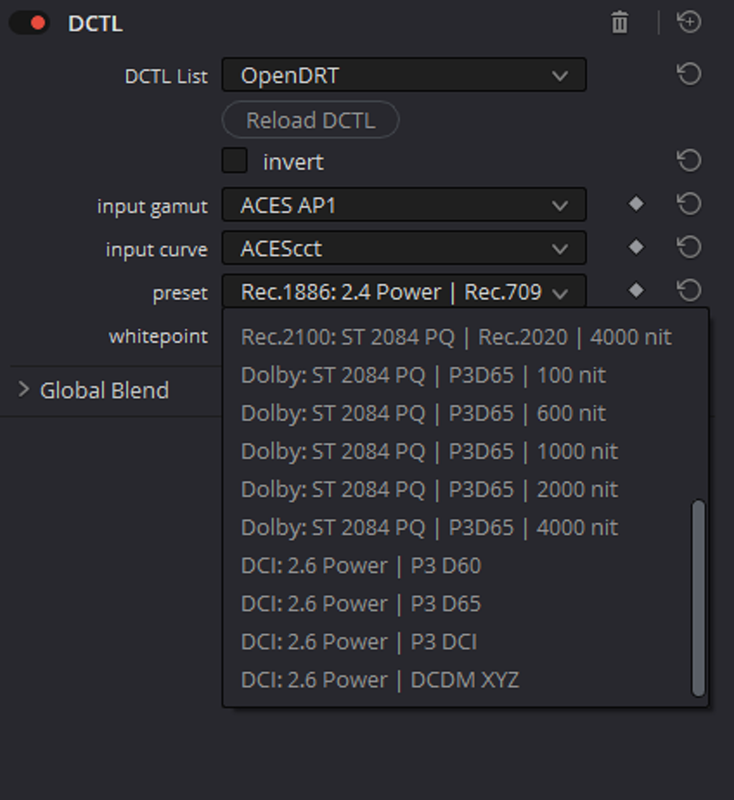
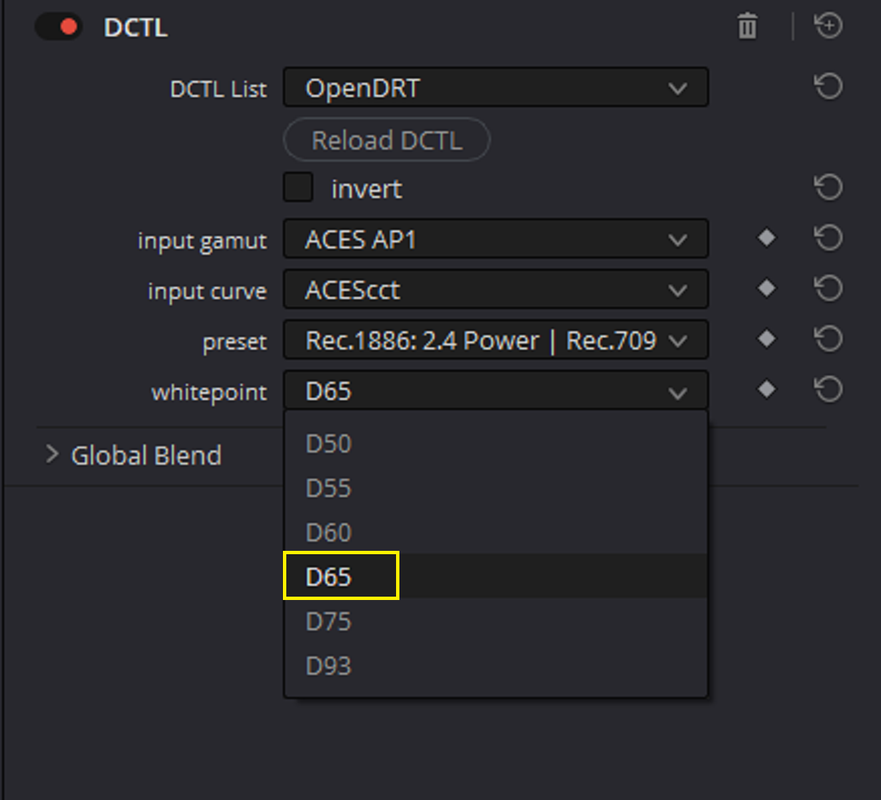
OpenDRT

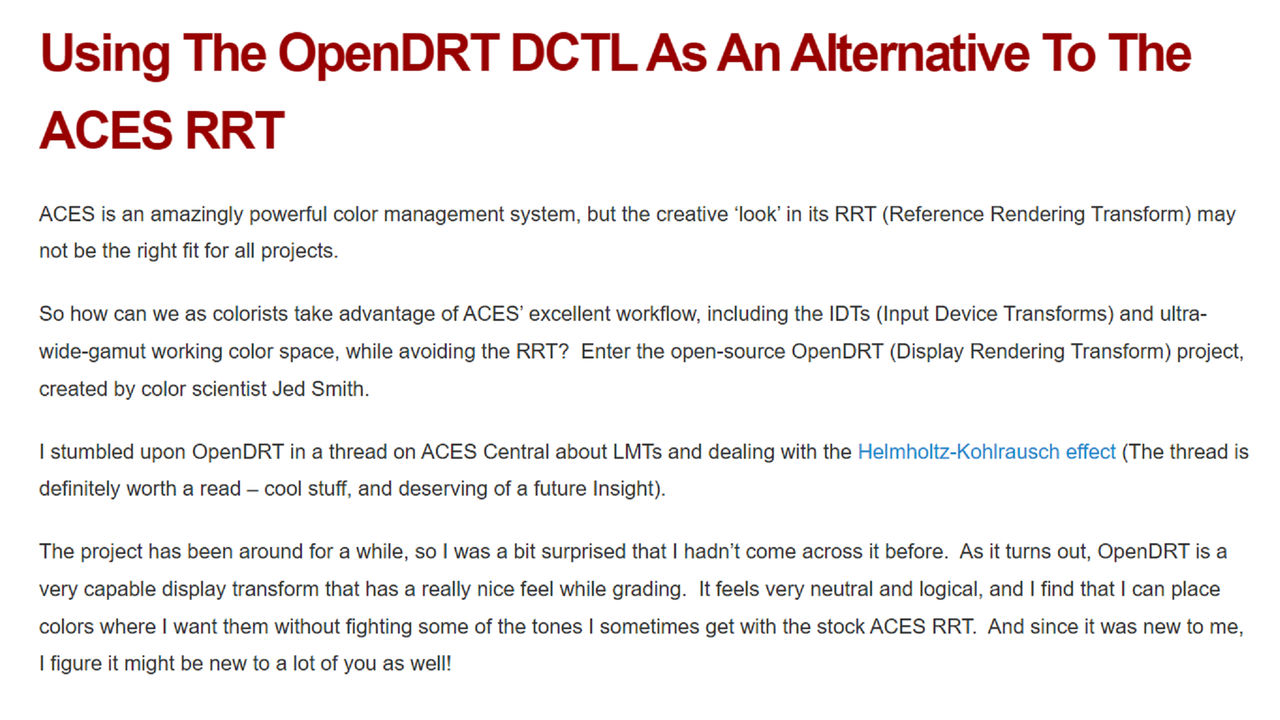
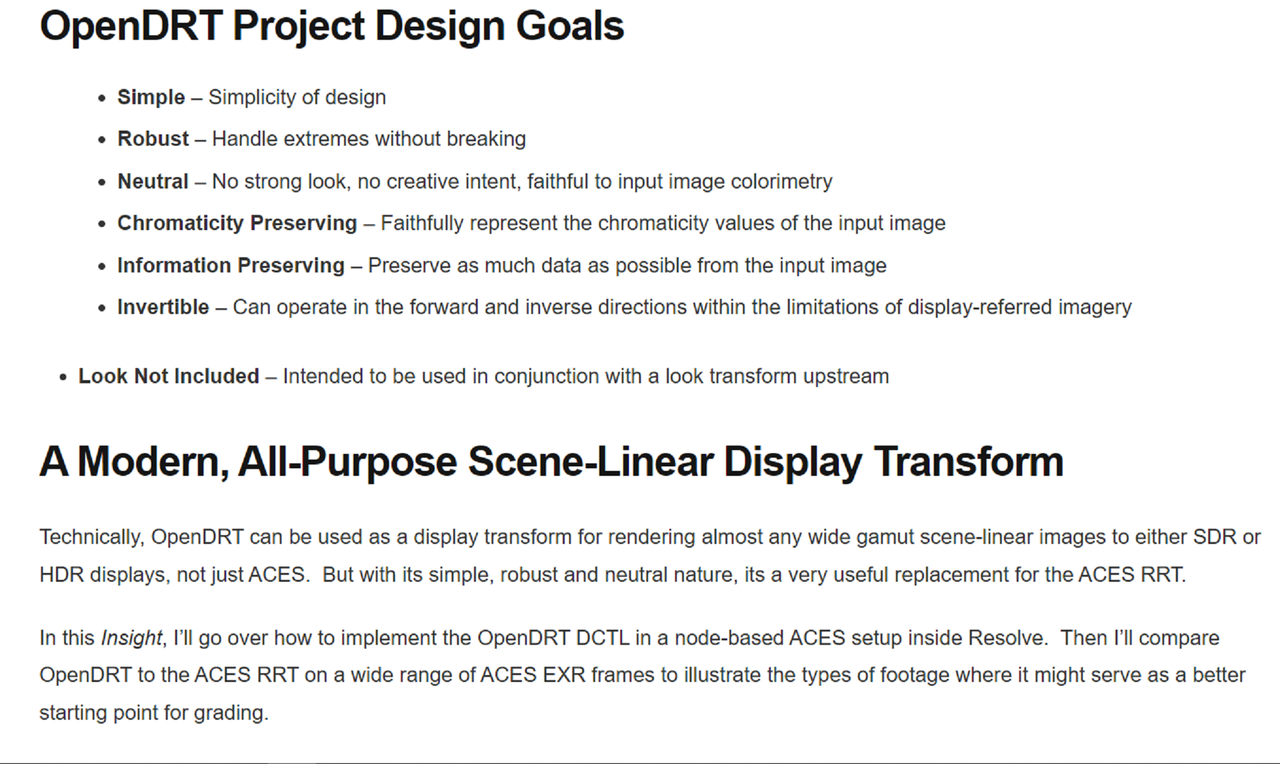
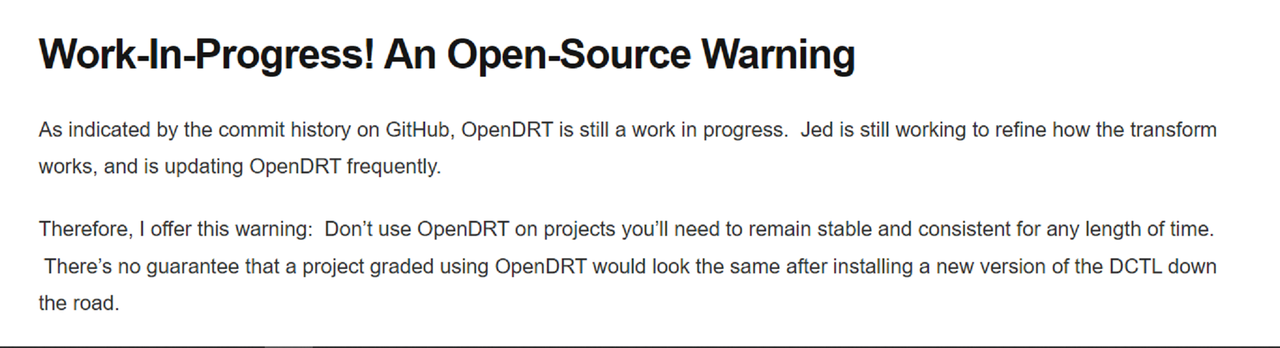
OpenDRT, a project JED SMITH a Color Scientist on ACESCENTRAL has been working on for a while now, is designed to give you options for a customized ODT( Output Display Transform) used in the place of the Camera Manufacturers default ODTs.


Here is More information on
Mixinglight and from Jed's Github Repository site.


PART 1-INTRODUCTION

Mixinglight Website
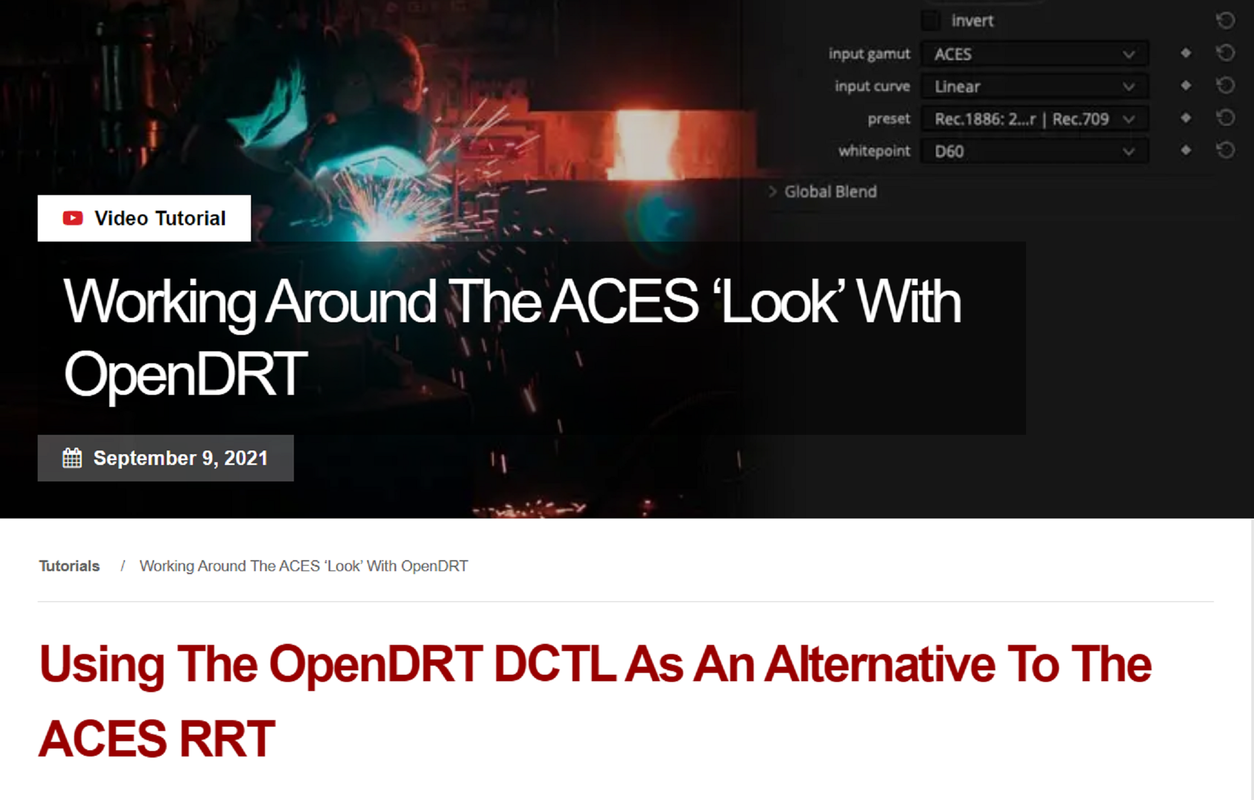
Working Around the ACES ‘Look’ With OpenDRT (mixinglight.com)


Screenshot-9261.png


Screenshot-9262.png


Screenshot-9263.png


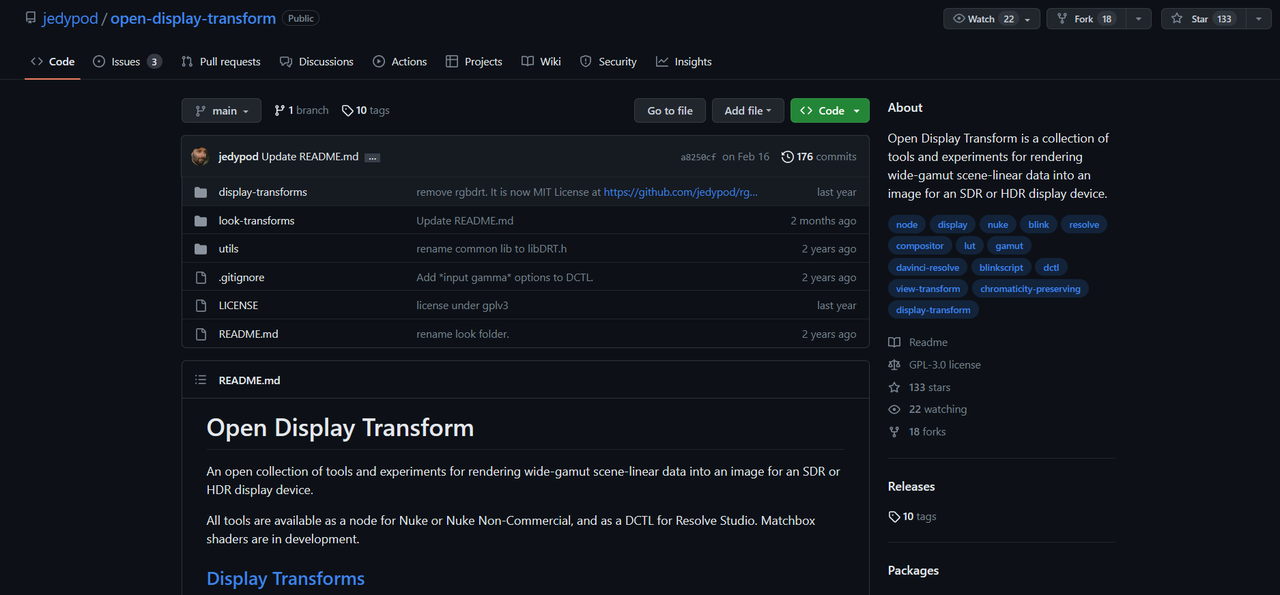
GITHUB REPOSITORY

OpenDRT

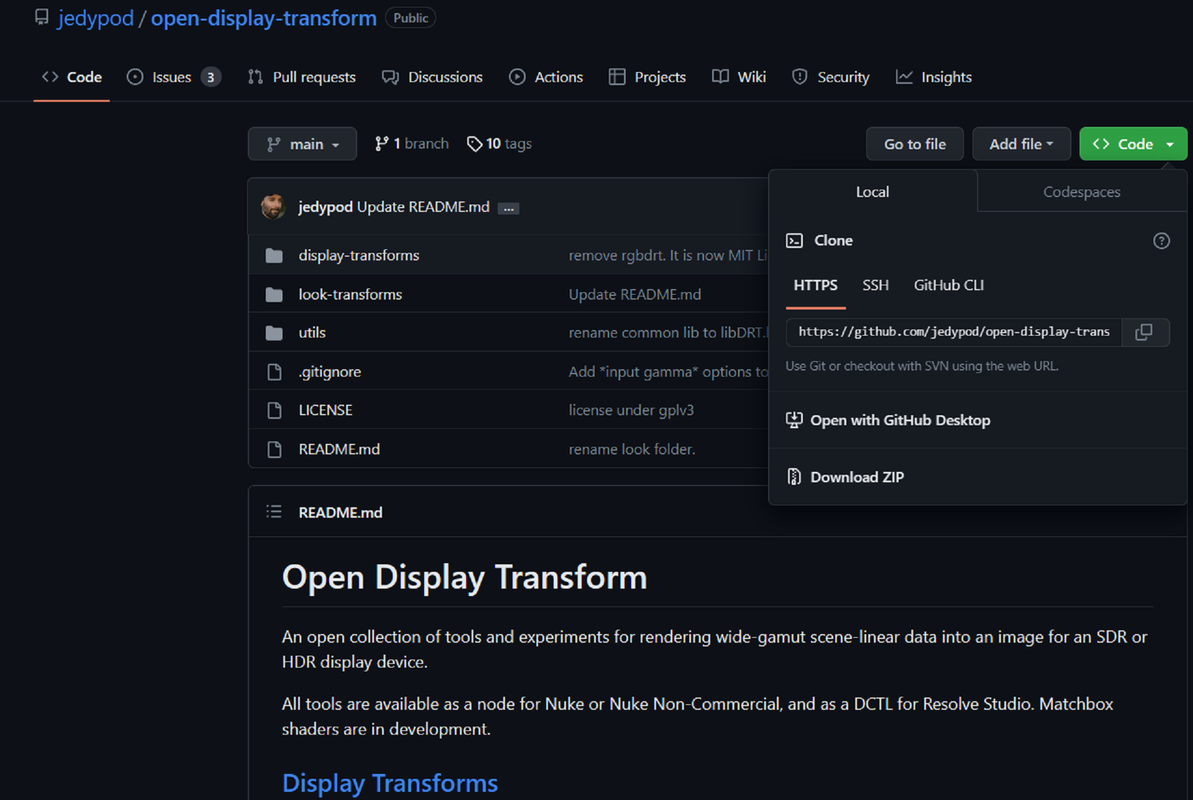
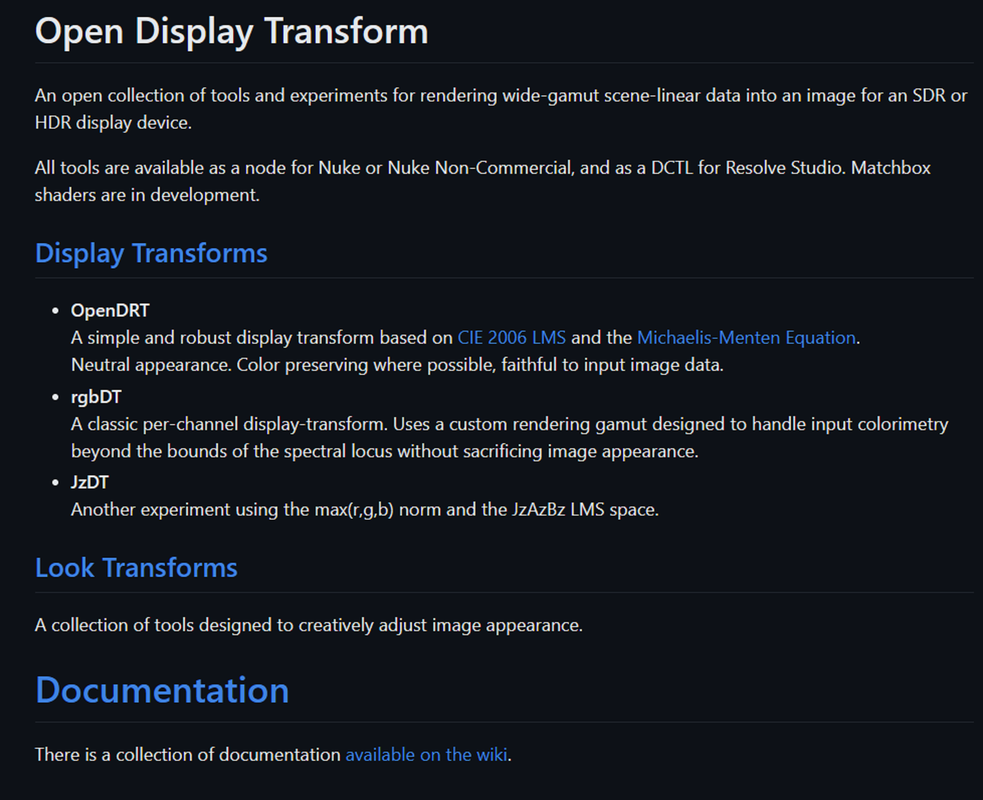
jedypod/open-display-transform: Open Display Transform is a collection of tools and experiments for rendering wide-gamut scene-linear data into an image for an SDR or HDR display device. (github.com)


0b.png


0c.png


RGBDRT
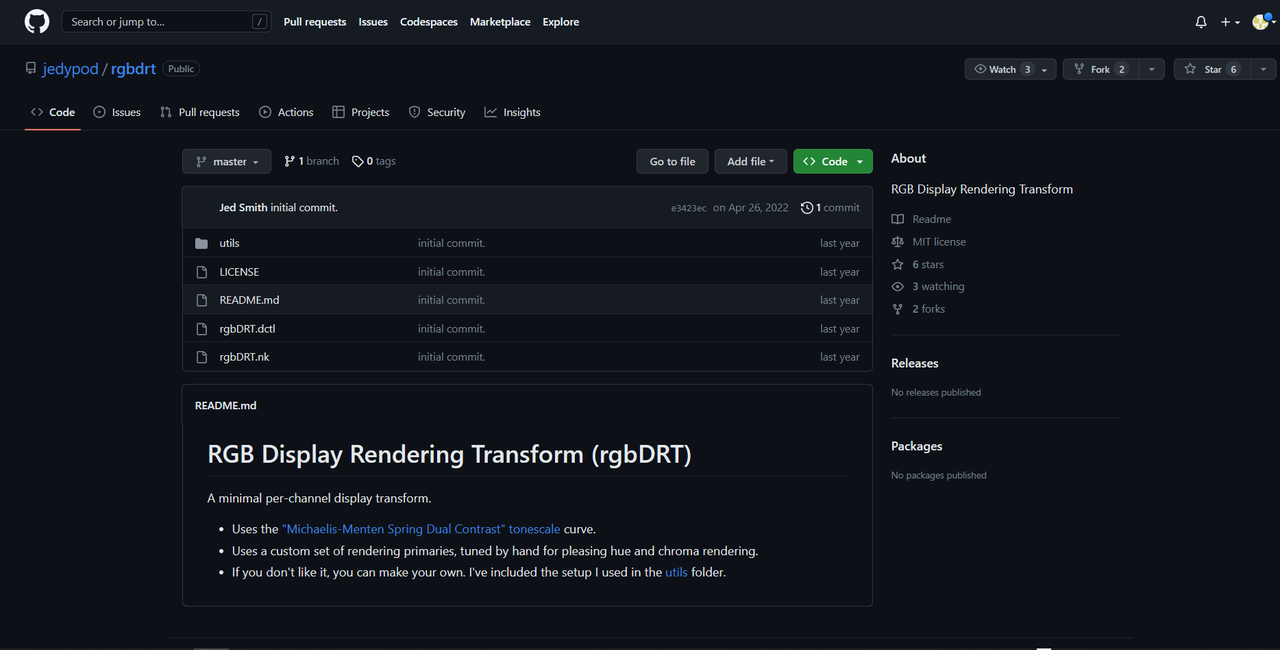
jedypod/rgbdrt: RGB Display Rendering Transform (github.com)


OpenDRT


Part 2-THE TOOLS

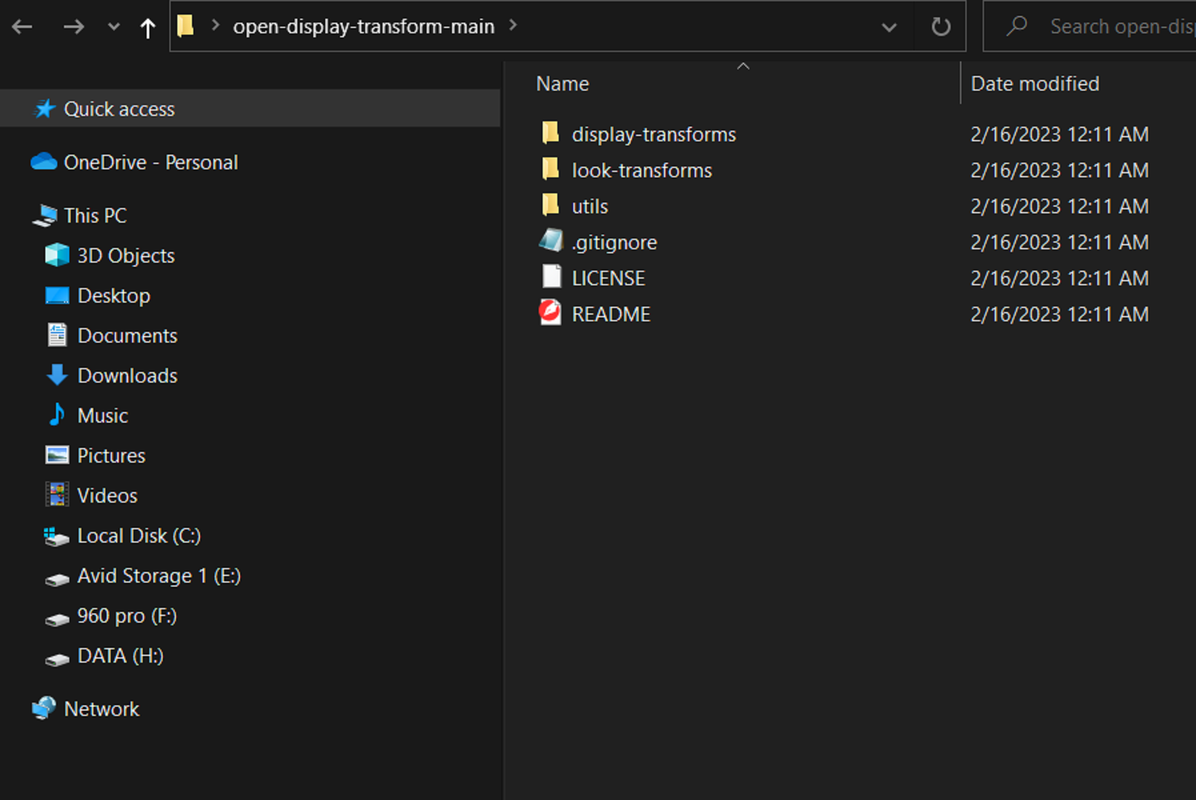
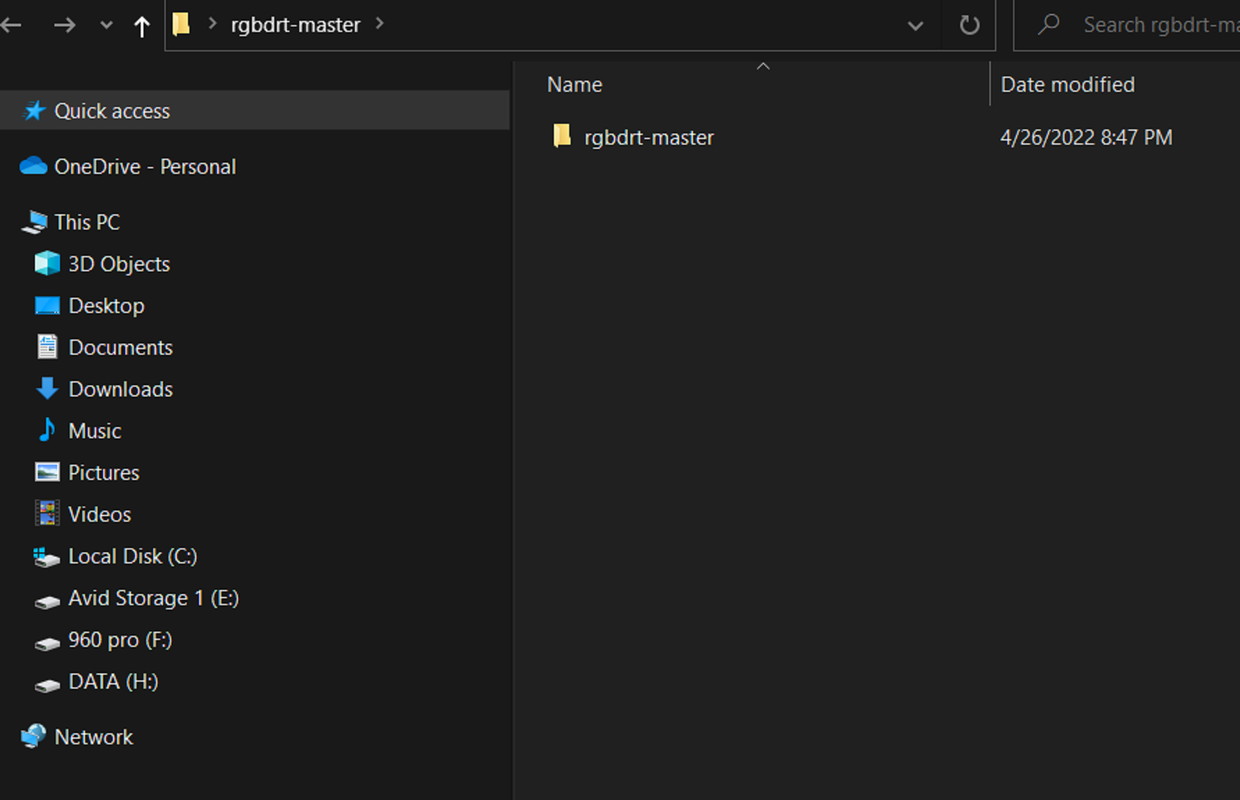
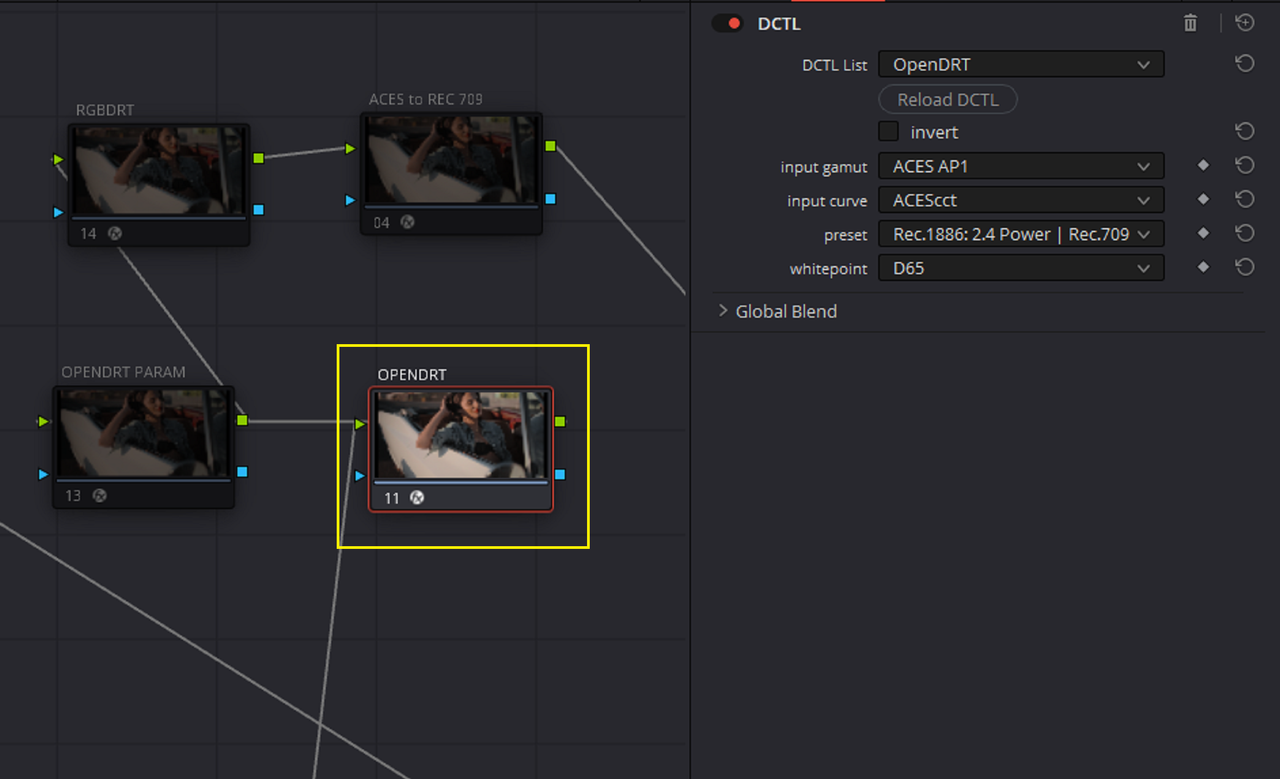
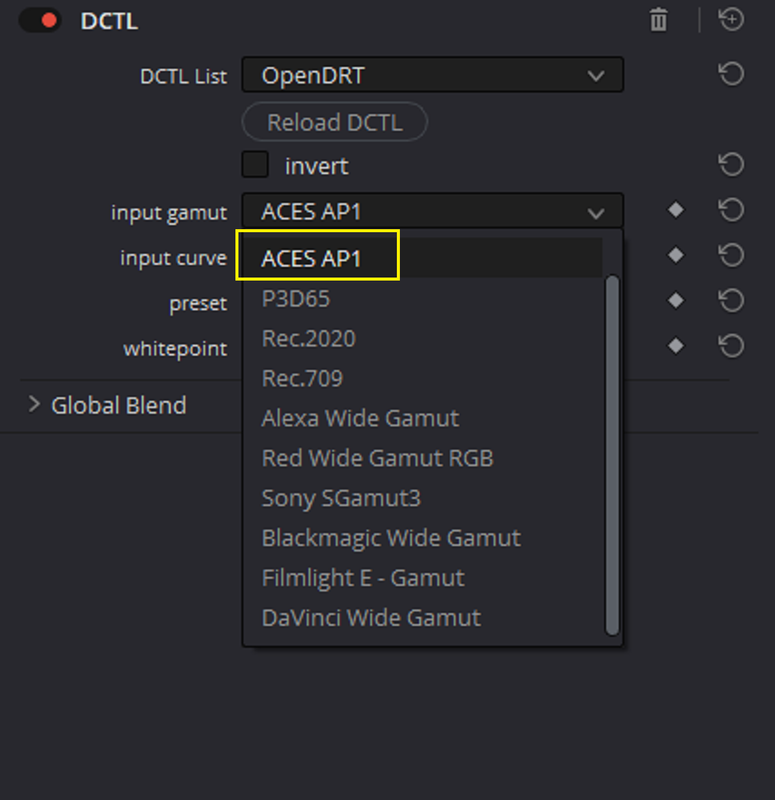
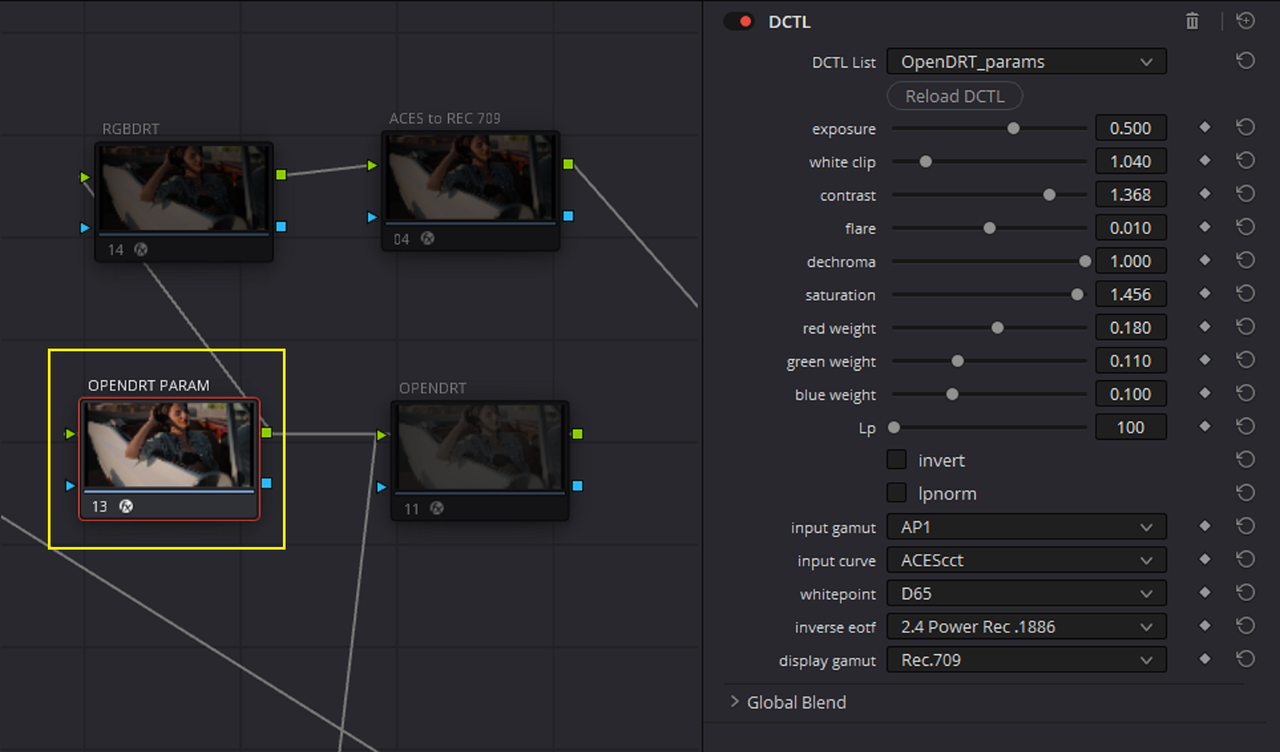
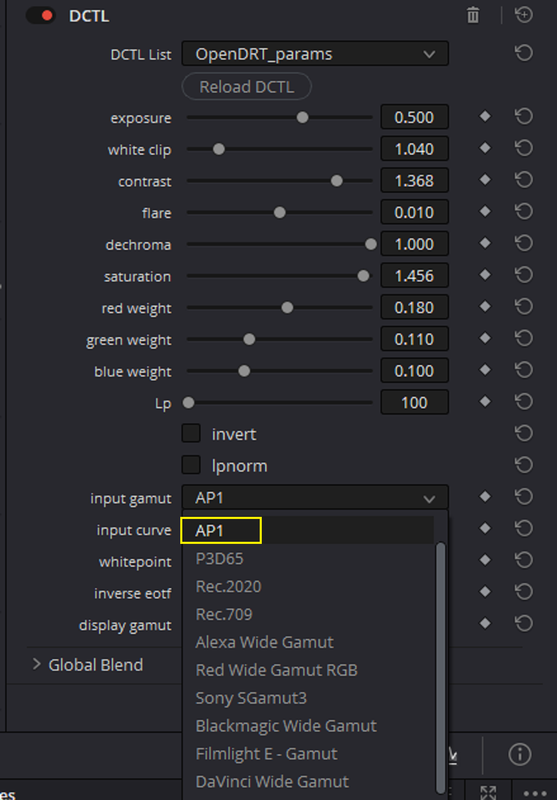
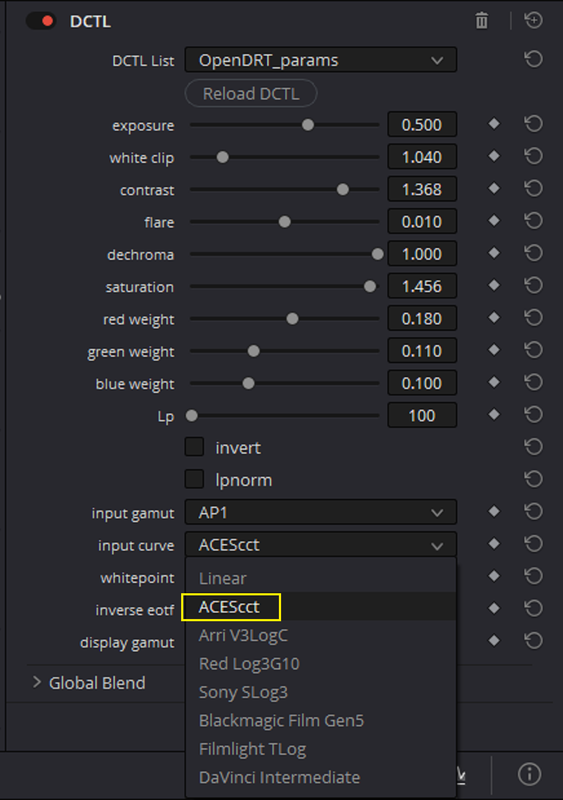
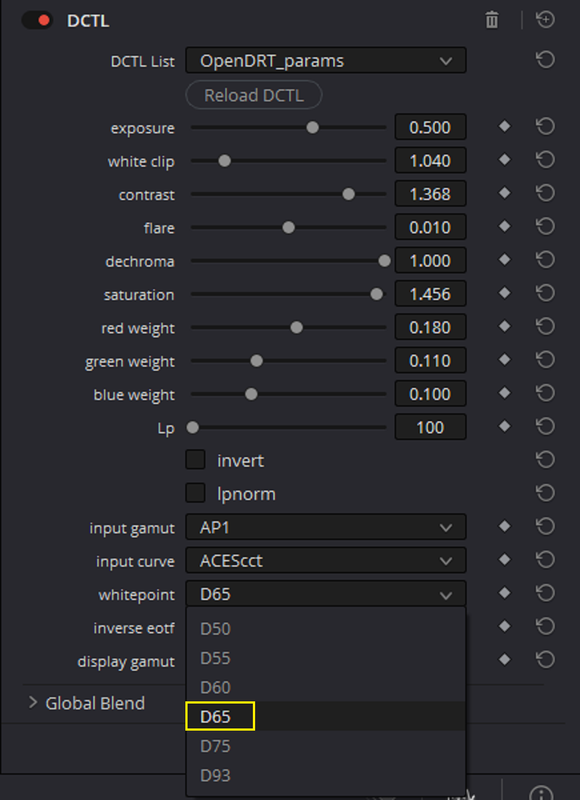
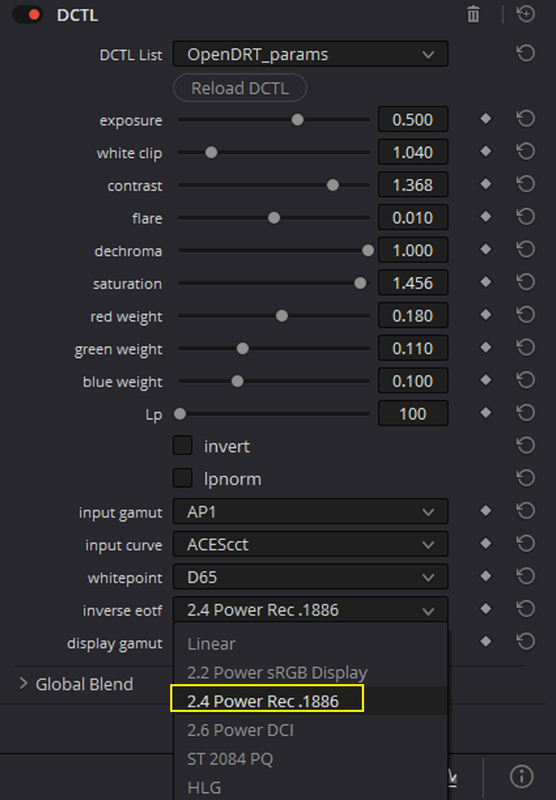
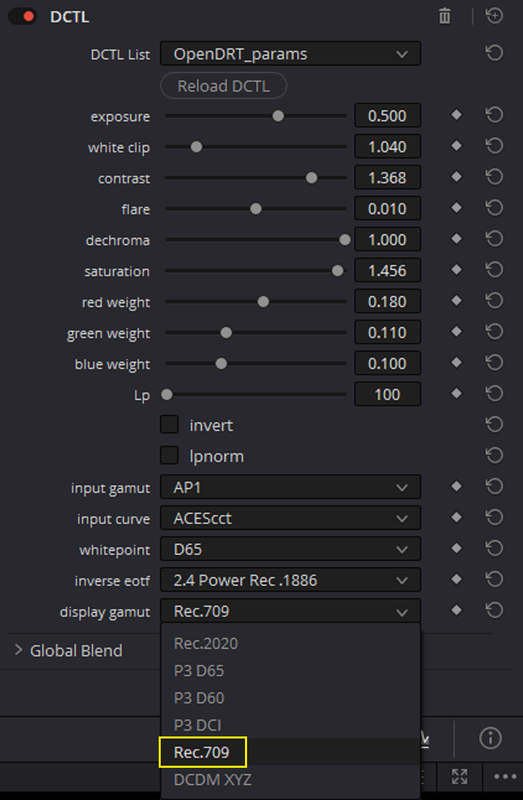
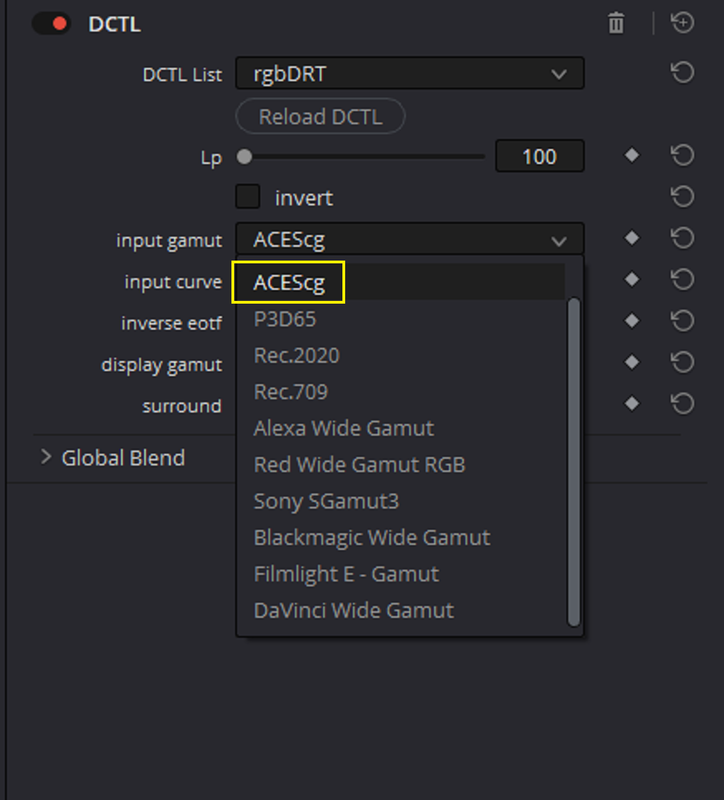
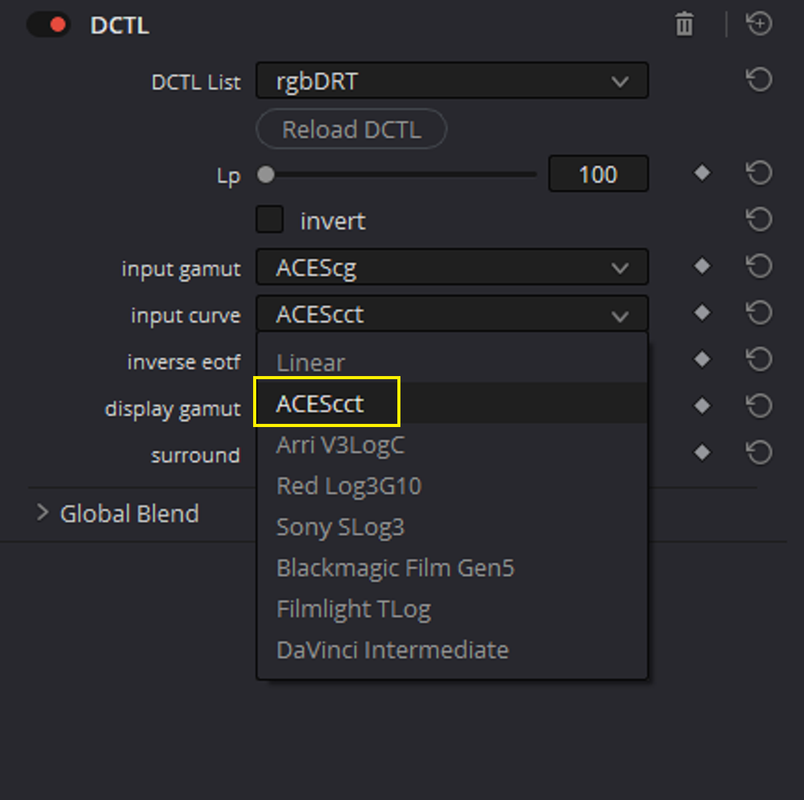
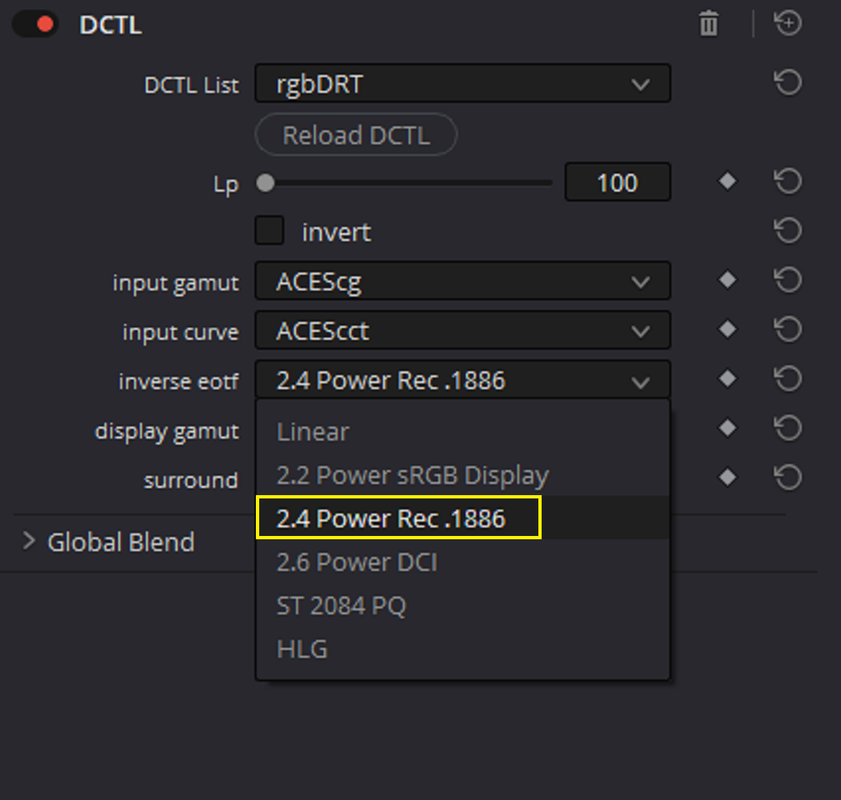
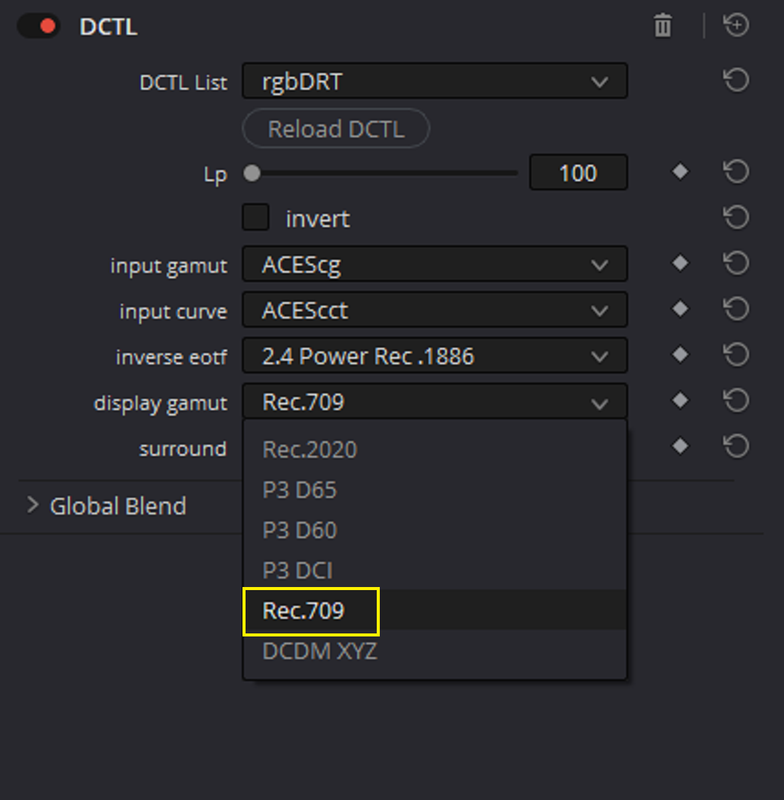
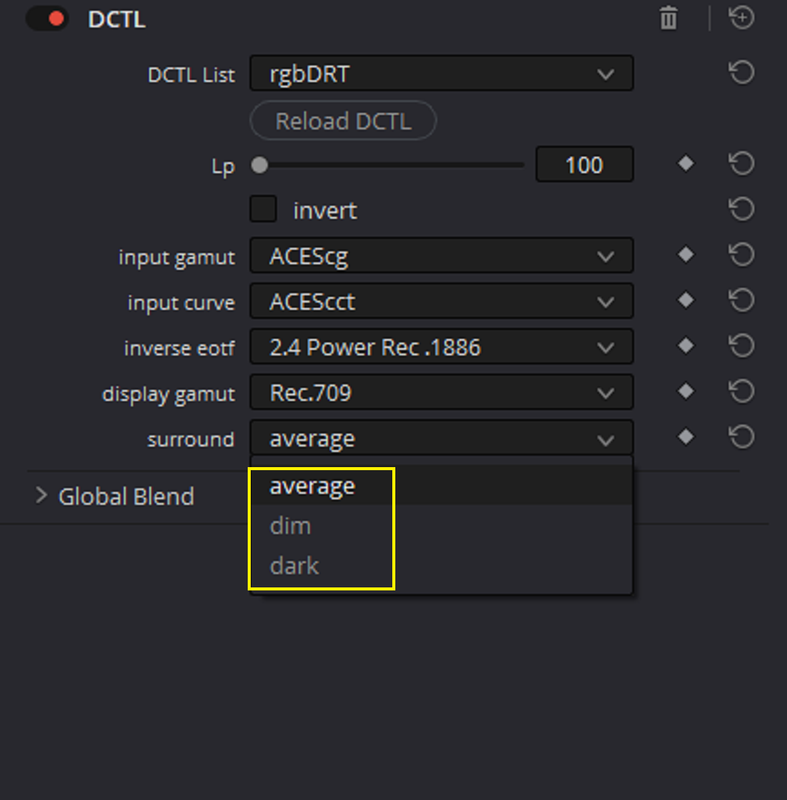
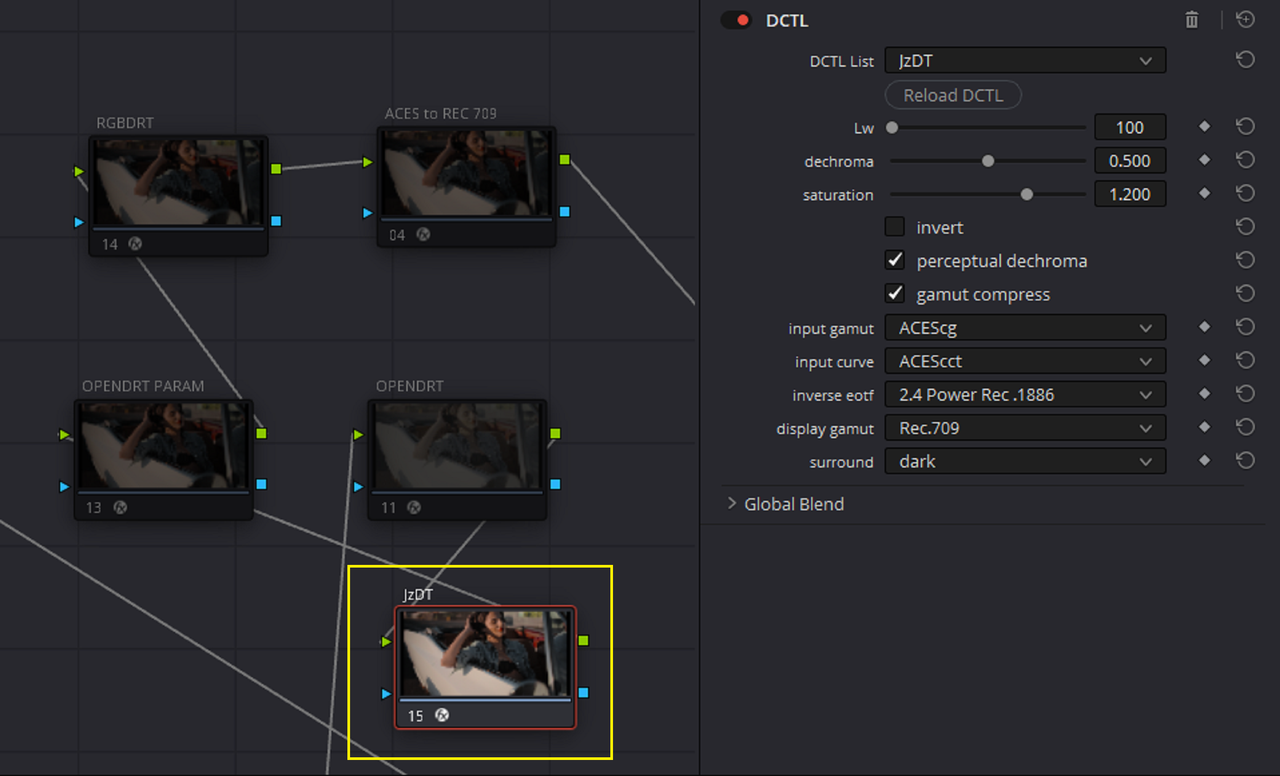
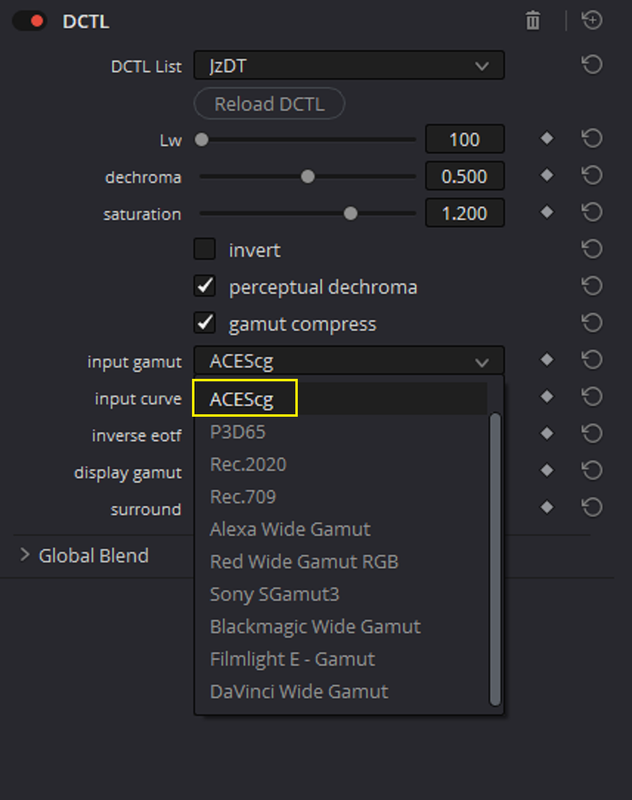
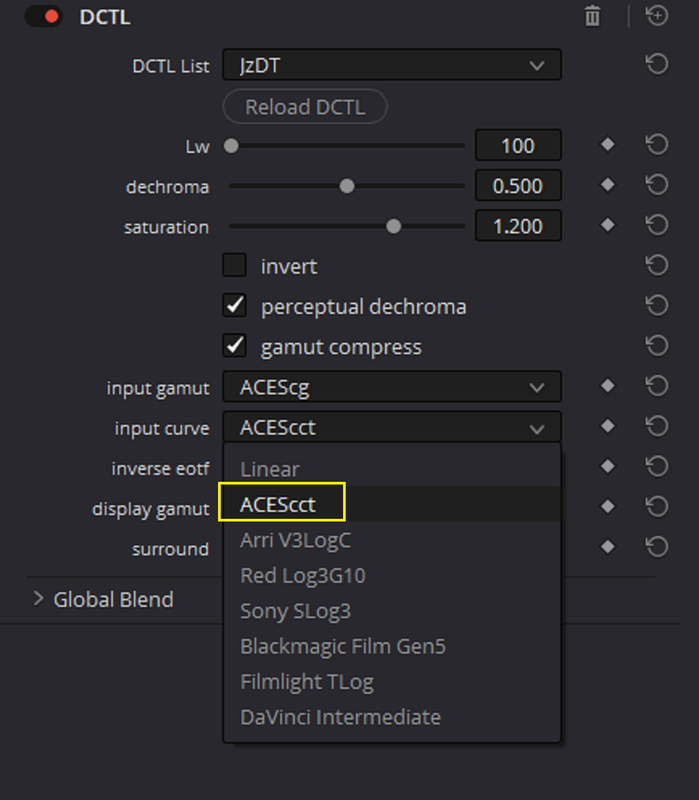
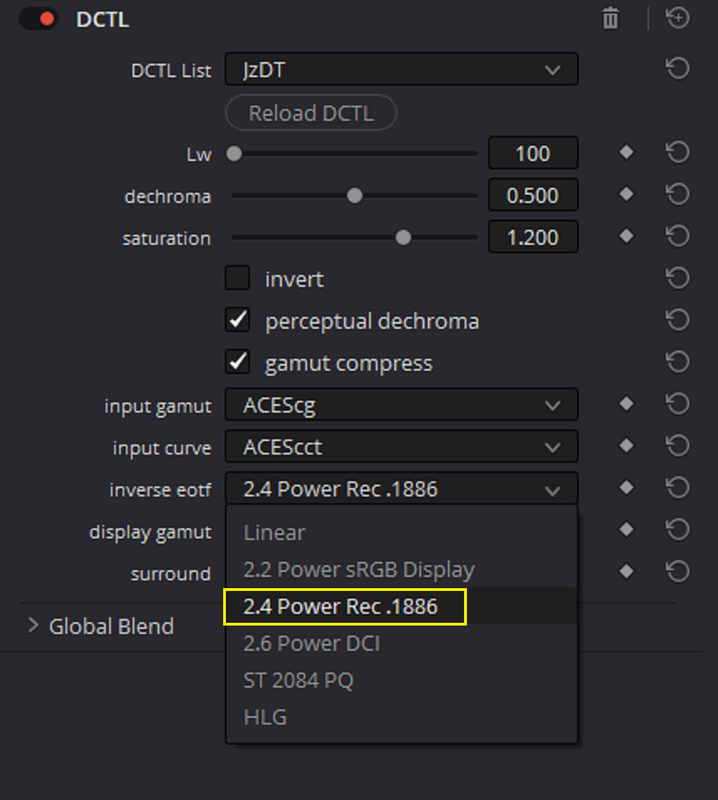
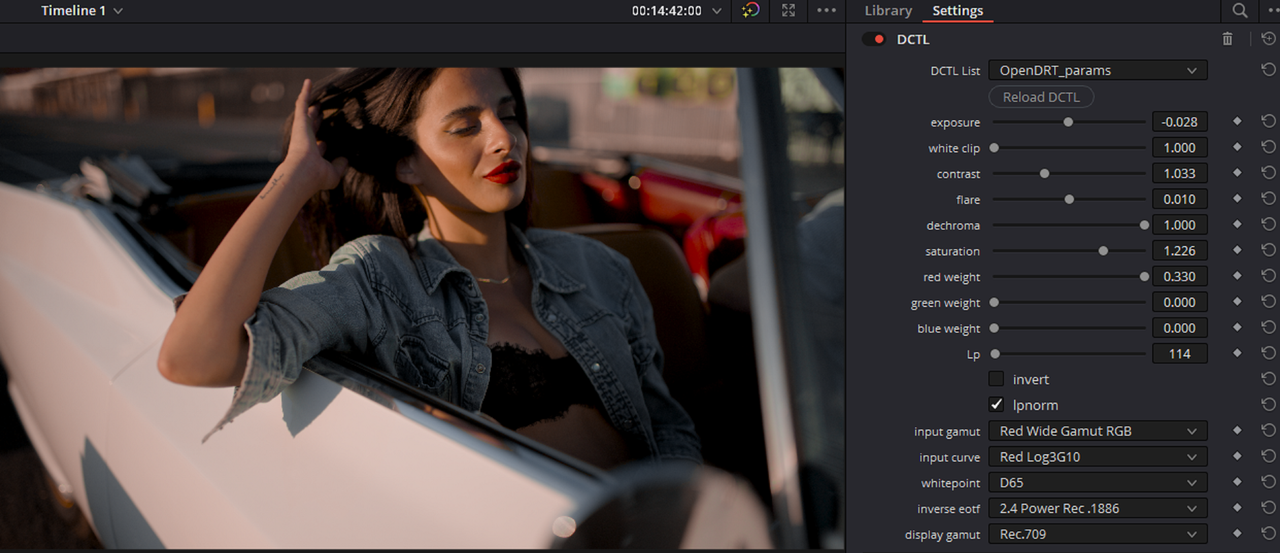
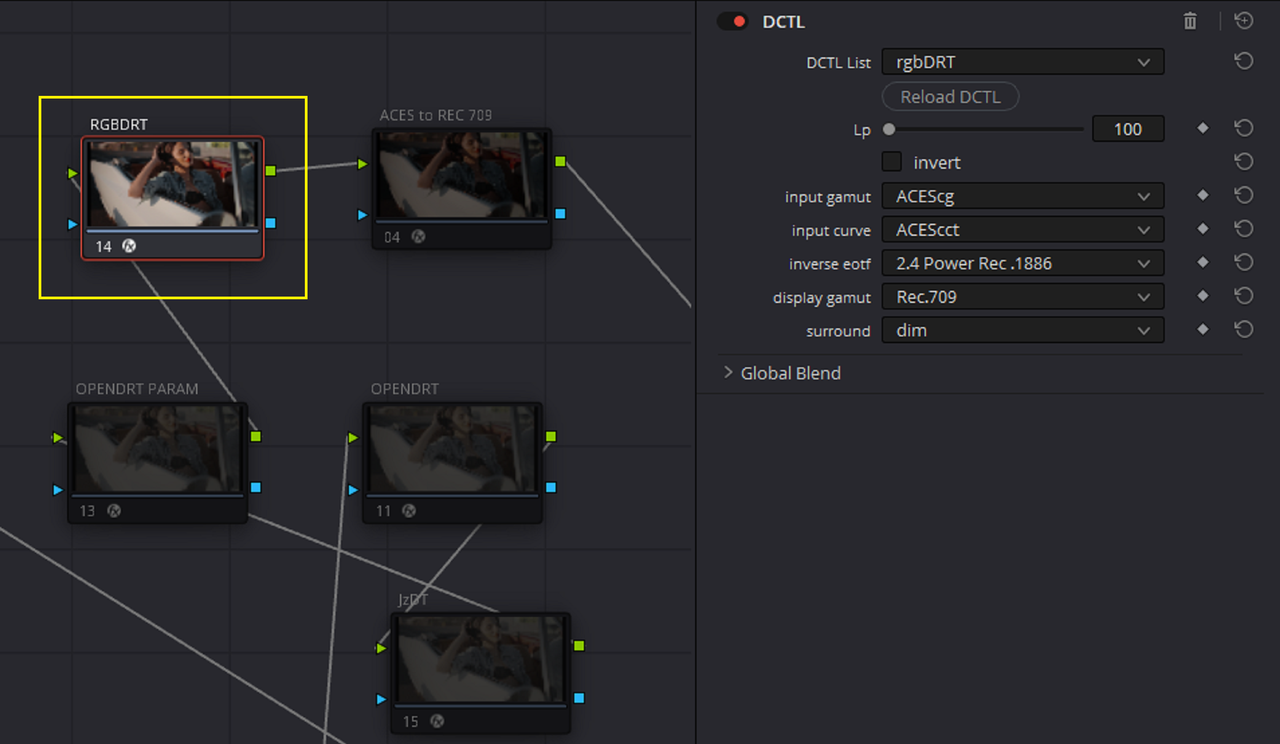
Here are the tools OPENDRT, OPENDRT_PARAMS, RGBDRT and JZDT with their parameters and sample pics. When you unzip the OPENDRT and RGBDRT files from Github, install the entire folder with "Everything" in it. If you just try to install the "Resolve" folder alone into your "LUT FOLDER", the DCTLs will not work properly or at all.


0c1.png

0d1.png


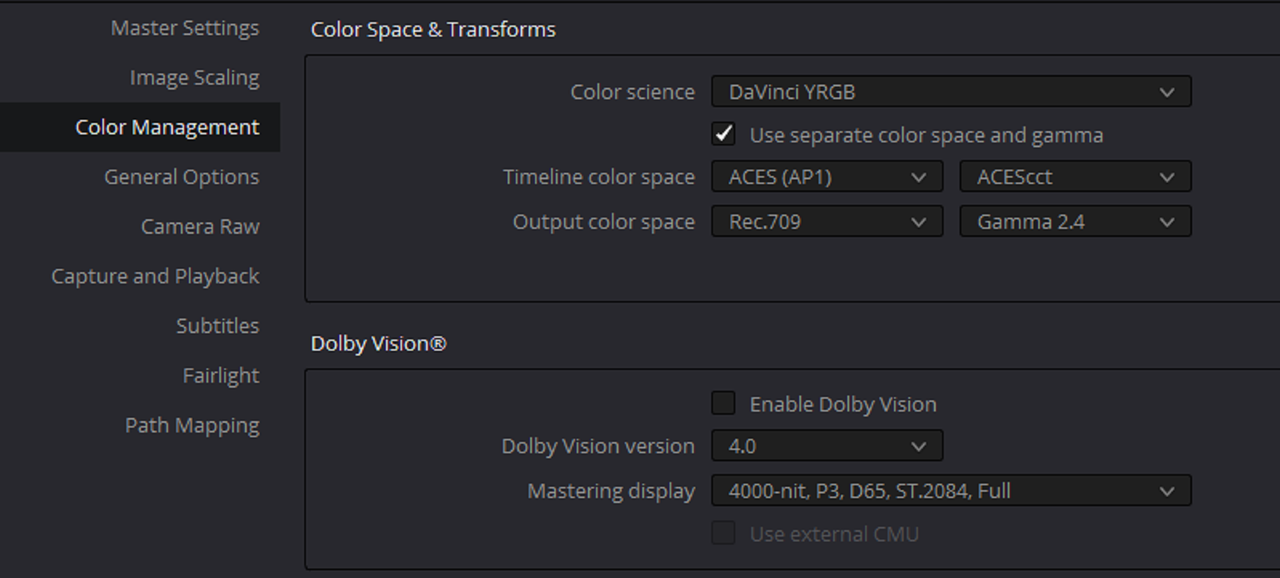
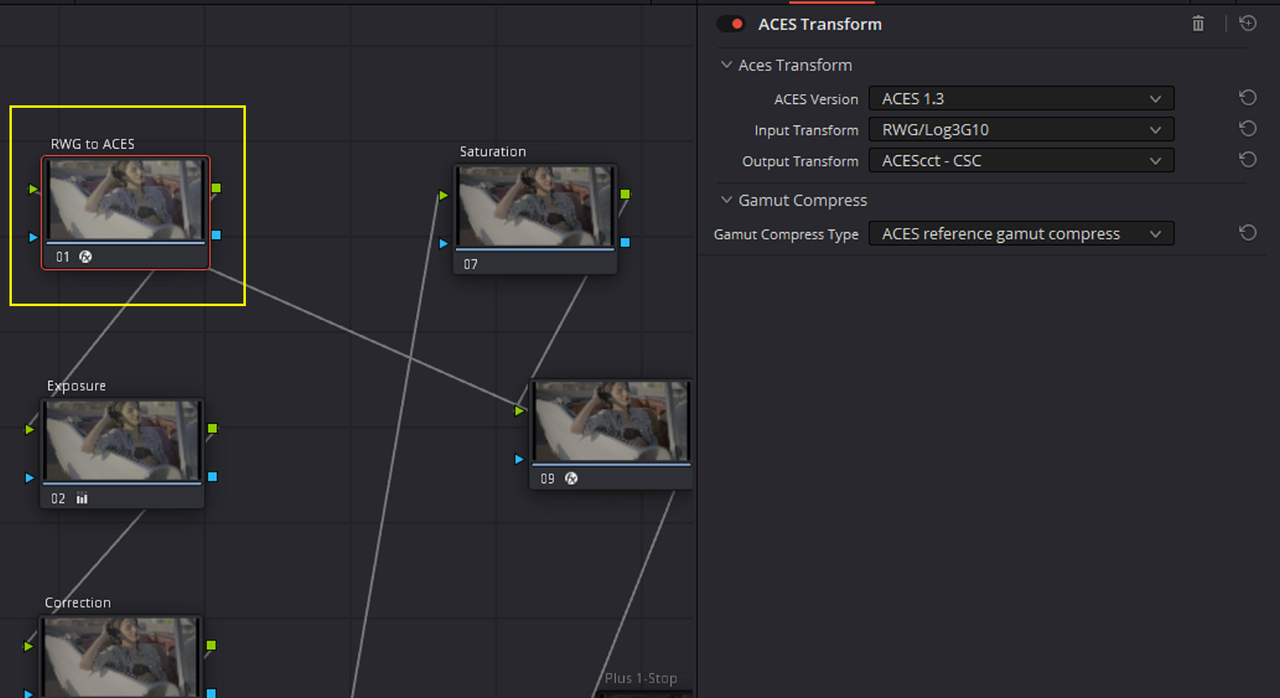
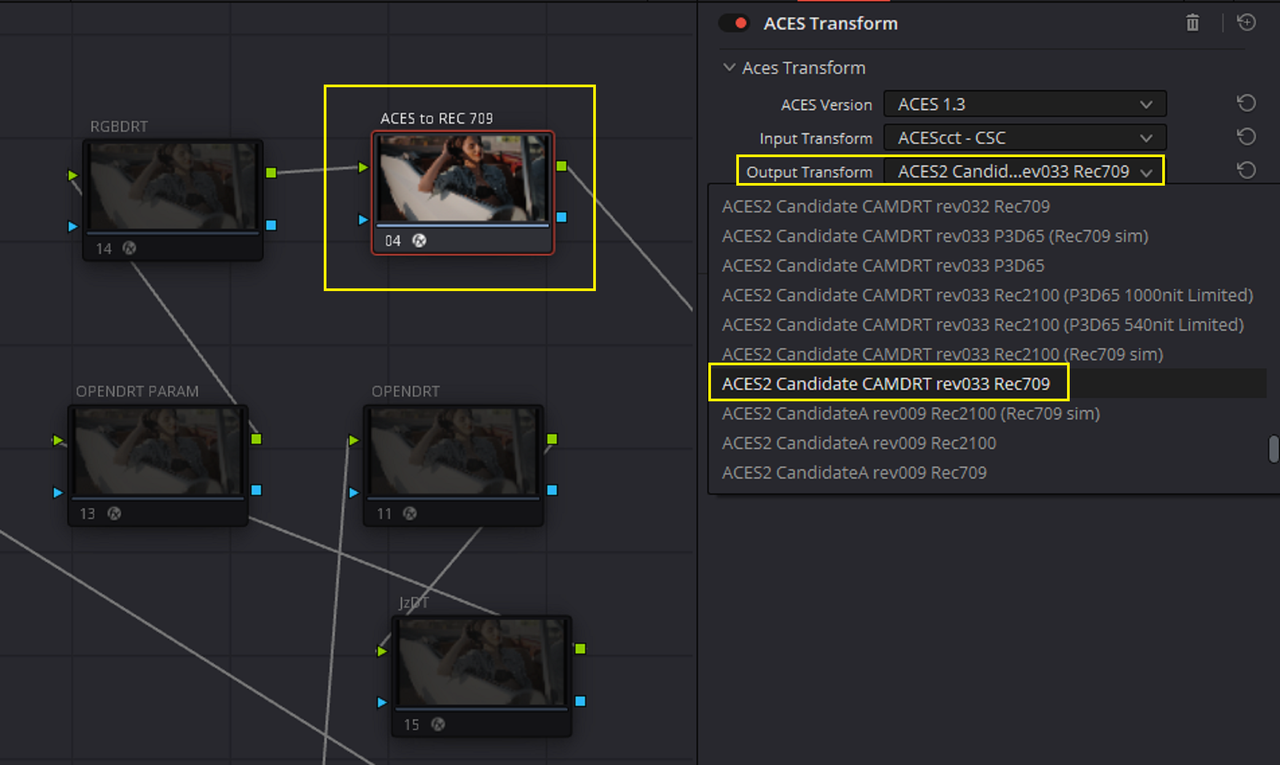
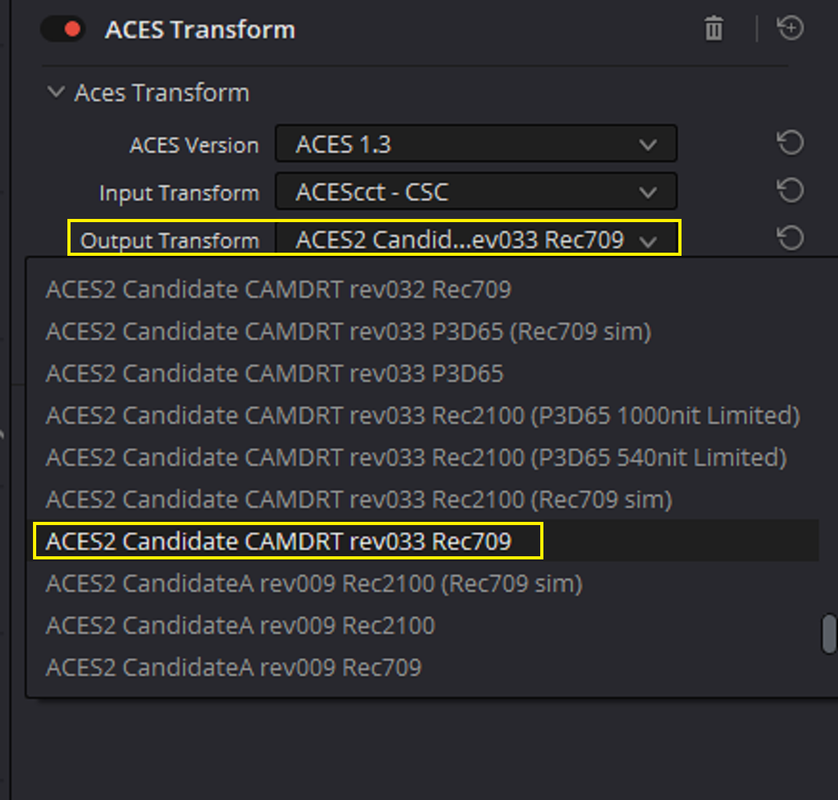
INITIAL NODE BASED PROJECT SETTINGS with ACES TRANSFORM OFXs as INPUT and OUTPUTs.

1.png

2.png

3.png

3a.png


4.jpg


OPENDRT

5.png

6.png


7.png

8.png

9.png

10.png

10a.jpg


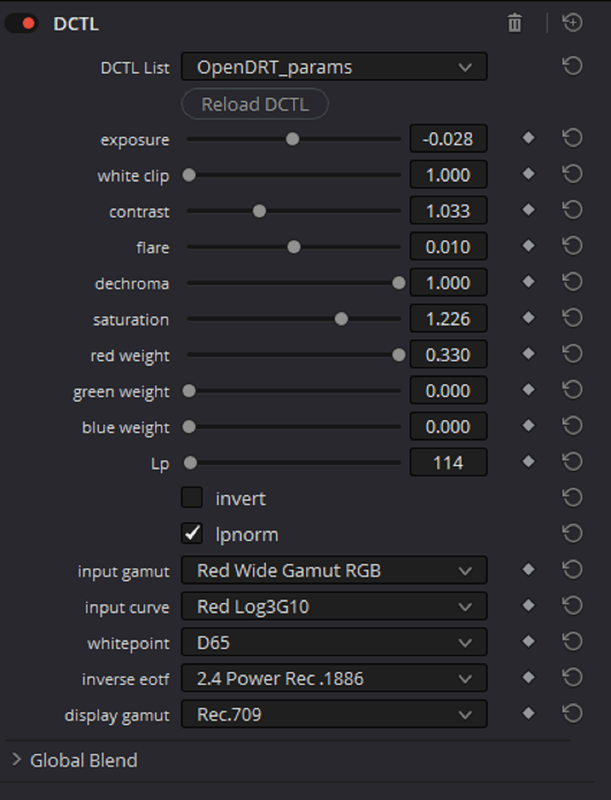
OPENDRT_PARAMS

11.png


12.png


13.png


14.png


15.png


16.png


16a.jpg
 
OpenDRT


Part 3-THE TOOLS(Continued)


RGBDRT

17.png


18.png


19.png


20.png


21.png


22.png


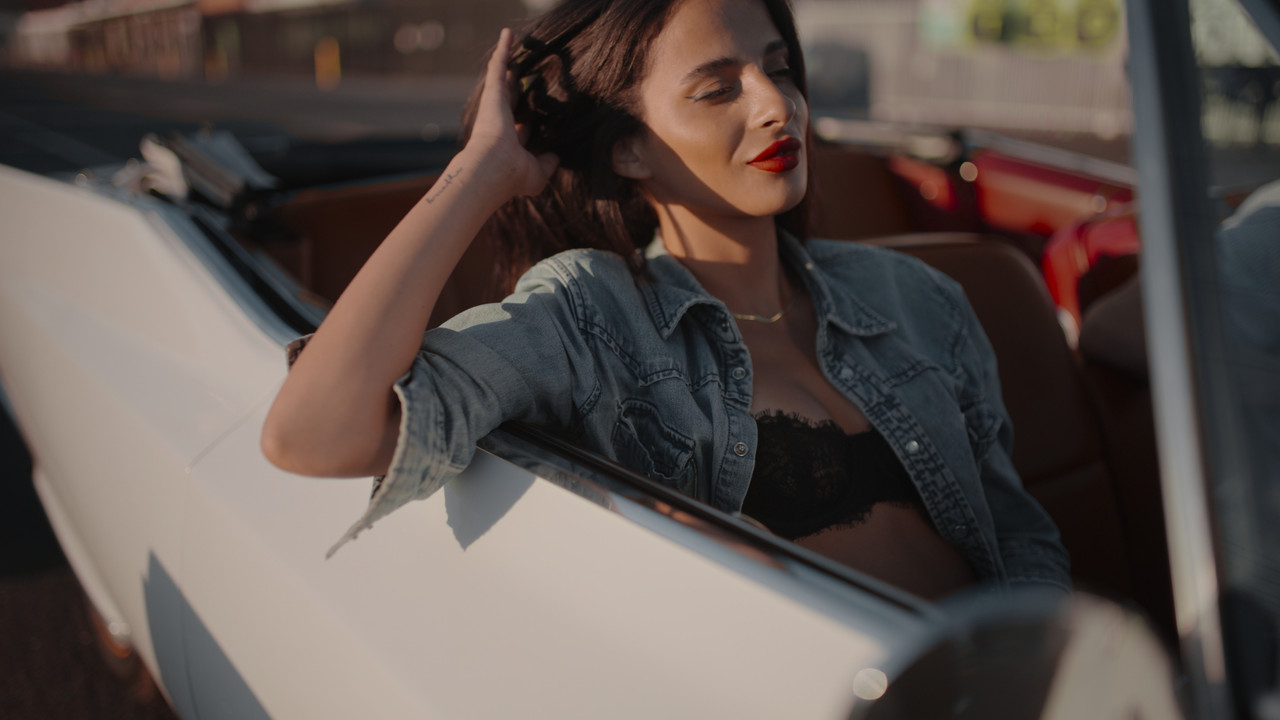
RGBDRT-Average

22a-average.jpg


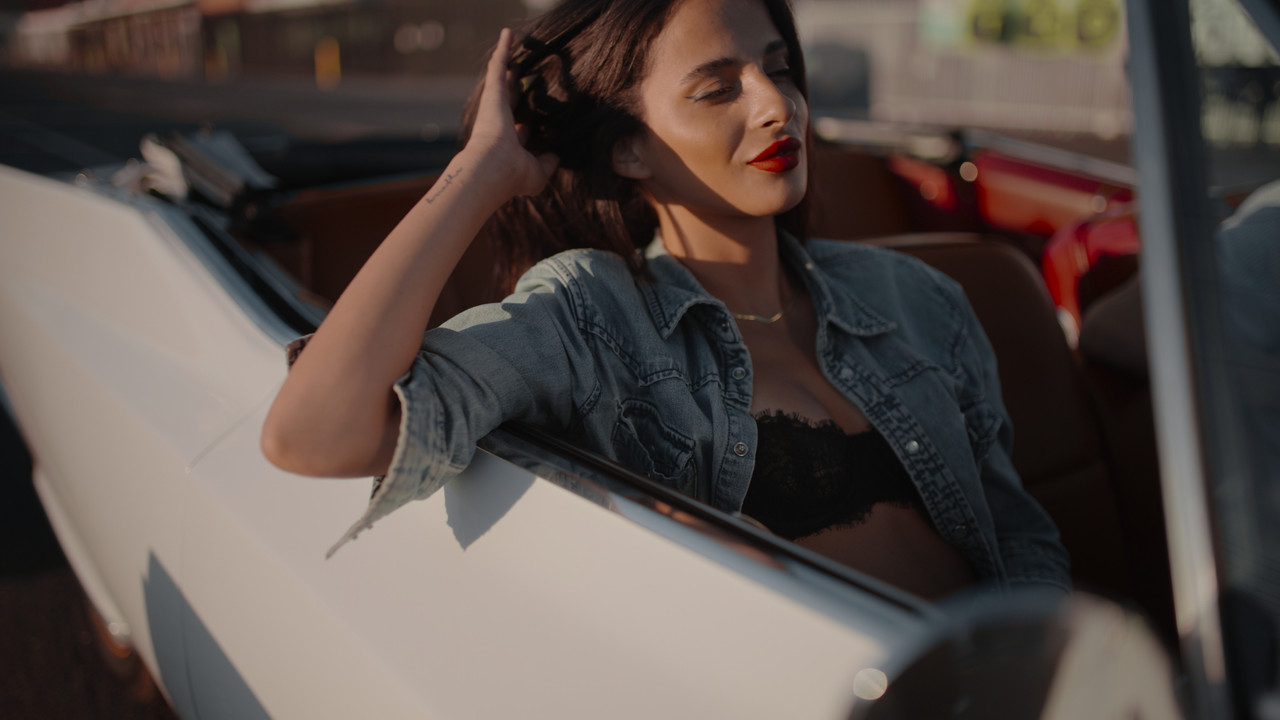
RGBDRT-Dim

22b-dim.jpg


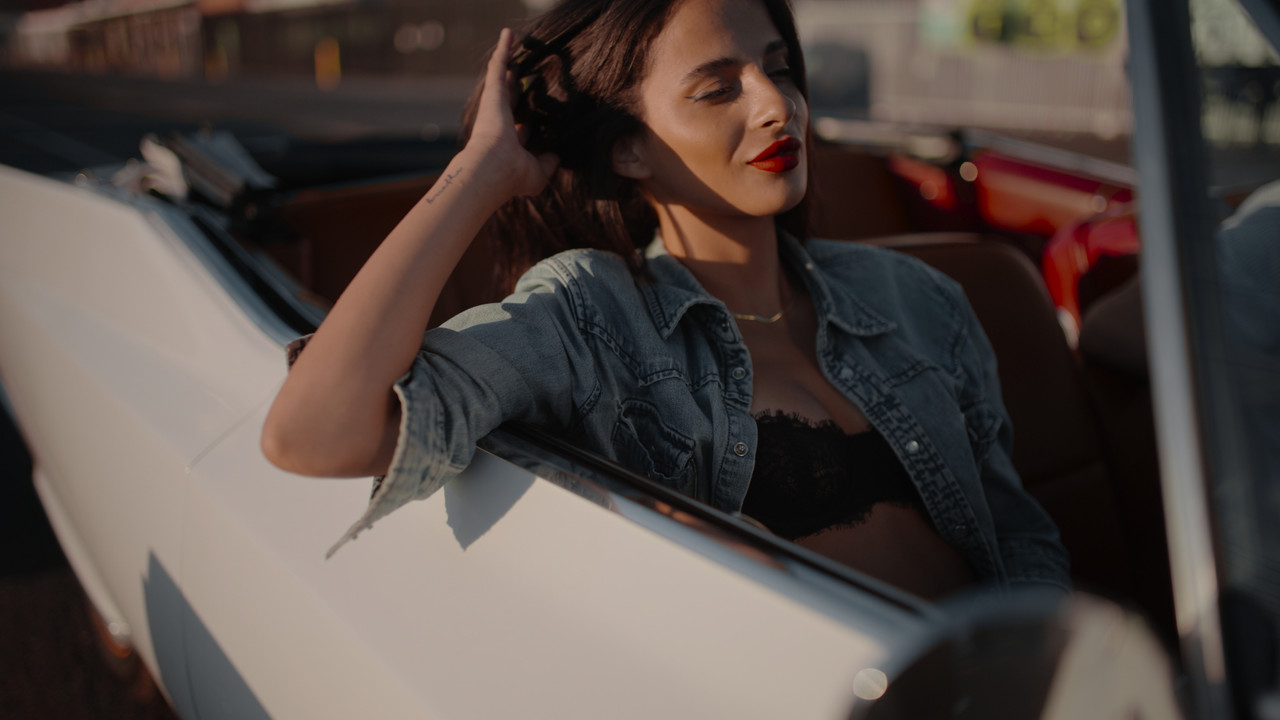
RGBDRT-Dark

22c-dark.jpg


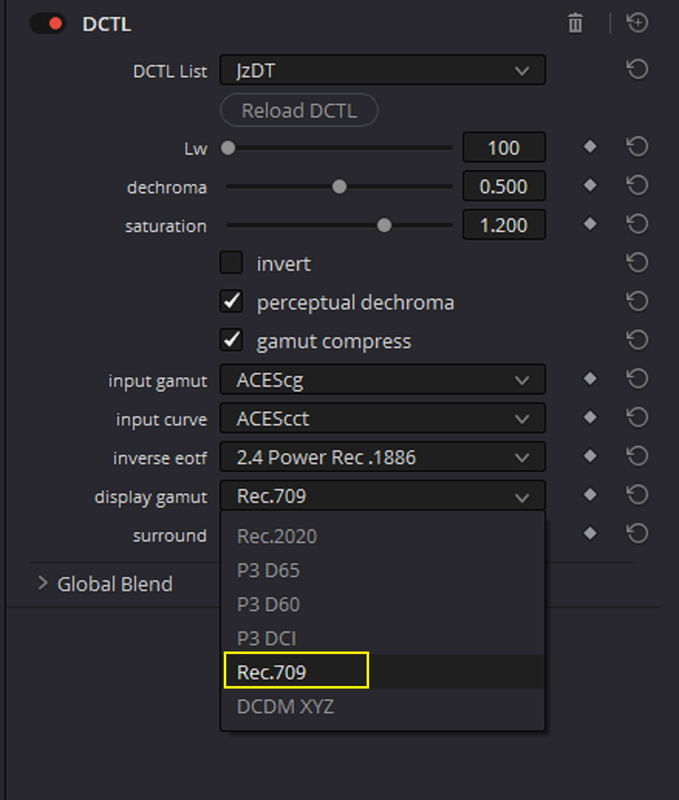
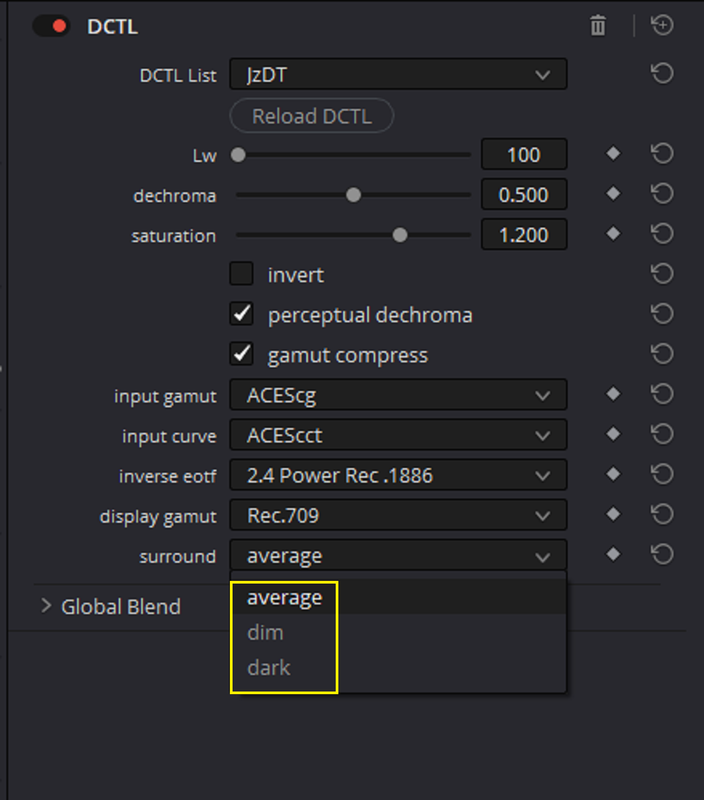
JZDT


23.png

24.png


25.png


26.png


27.png


28.png


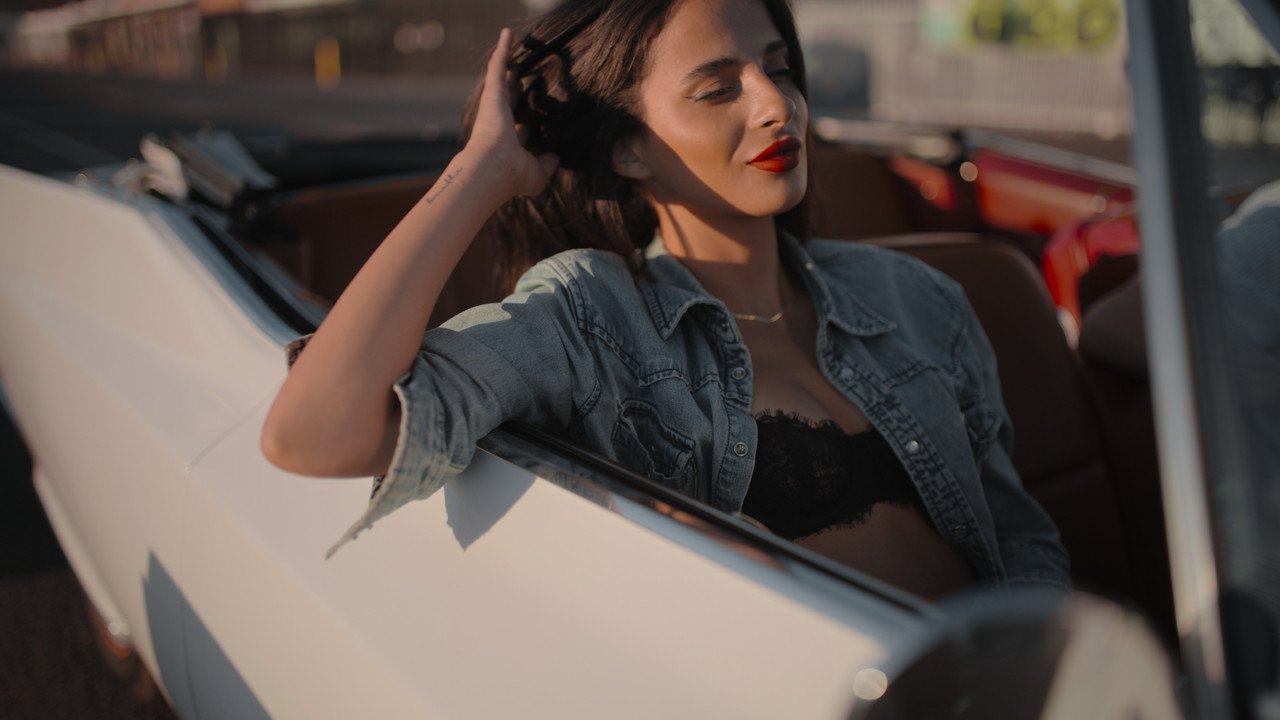
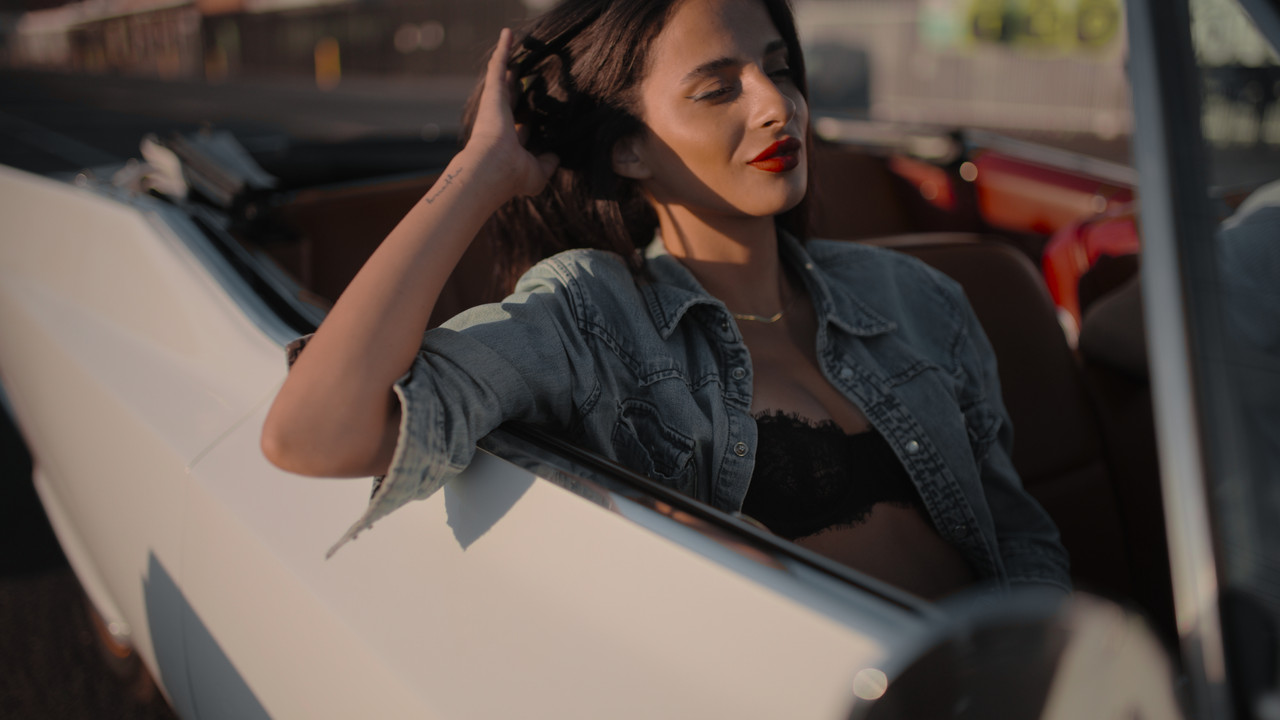
JZDT- Average

29-jzdt-Average-1-1-22.jpg


JZDT- Dim

30-jzdt-dim-1-1-23.jpg


JZDT- Dark


31-jzdt-dark-1-1-24.jpg
 
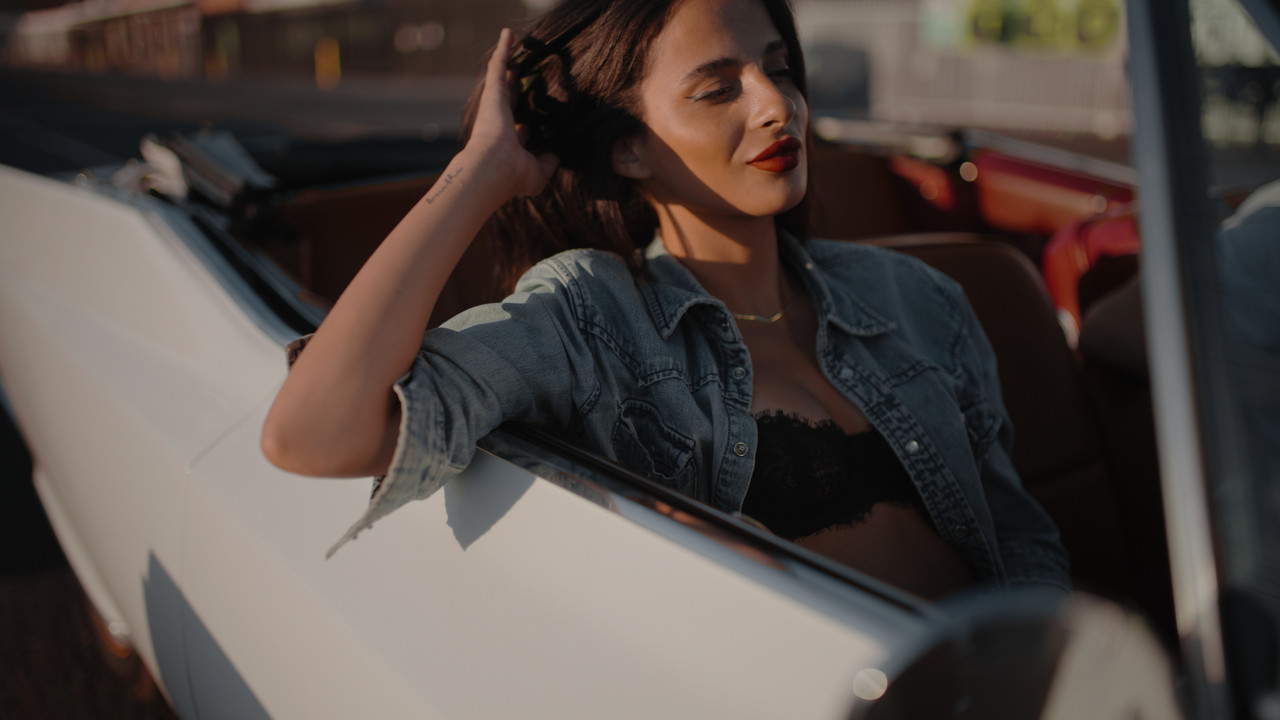
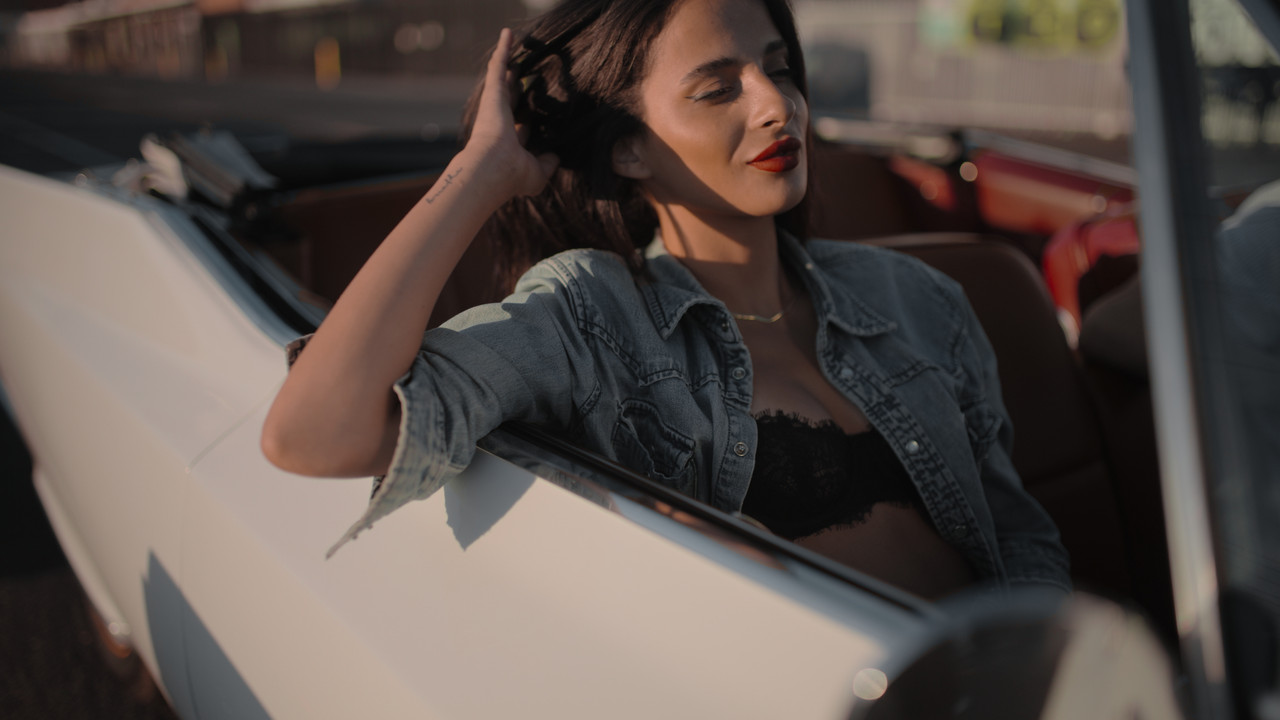
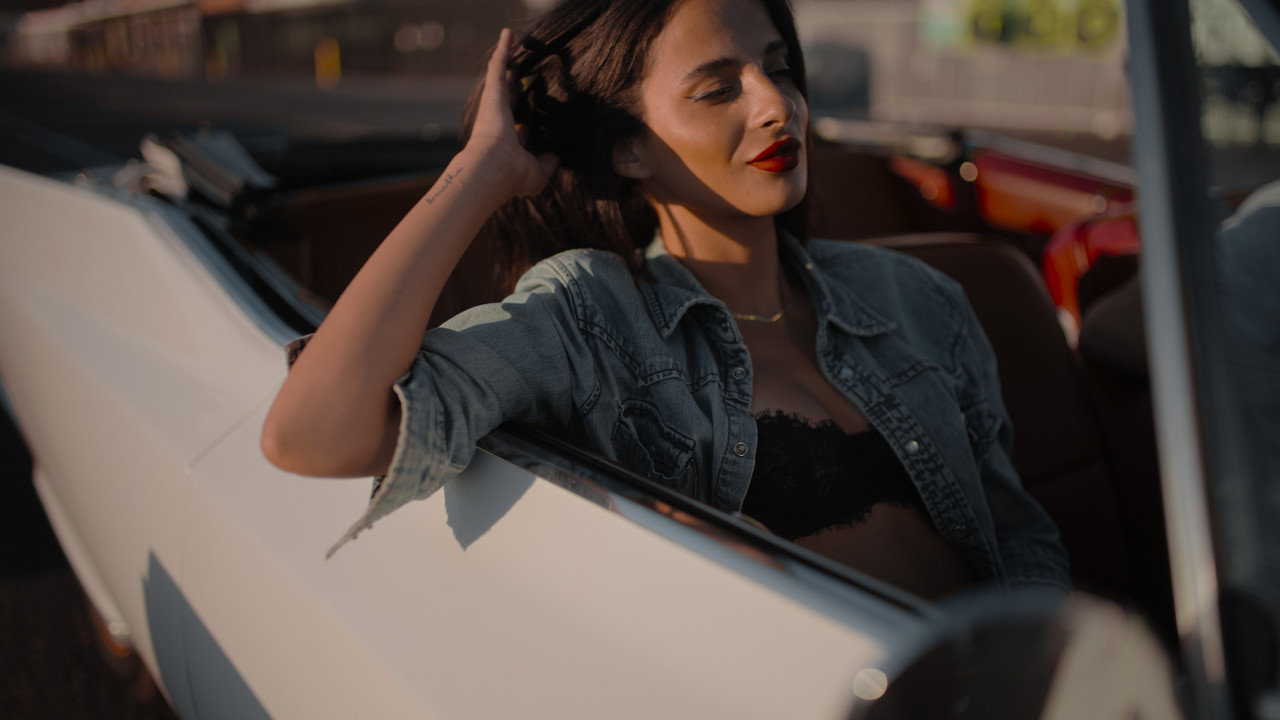
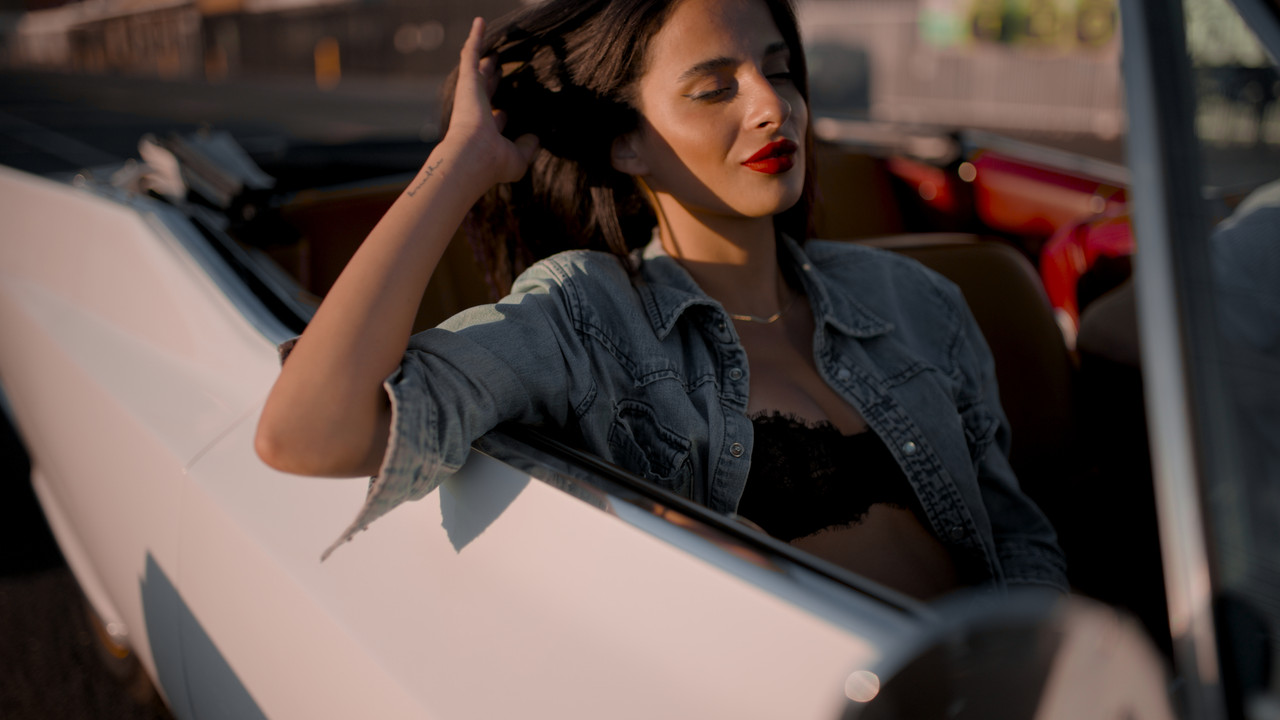
Here's the same Red .R3D file with "RWG/LOG3G10" settings in the "OPENDRT_ PARAMS" DCTL

The "Tone-Mappings" options are not as good as the RED IPP2 Output Transforms but this clip was a little Overexposed to begin with. Maybe with a better exposed image that didn't require better Tone-Mapping, the "OPENDRT_PARAMS" would have done just as good as a RED IPP2 Output Transform.


1.png


2.png


Screenshot-9264.png


Screenshot-9266.png


Screenshot-9265.png


RWGLOG3-G10-1-1-25.jpg
 
Last edited:
The RED V-Raptor VV is the better camera than the S35 due to it's sensor size and DR. If I was going to buy an XL body, it would hands down be the VV. The S35 is great for wildlife and sports. Unfortunately, due to travel shoots, the XL is not for me. Though I truly wish RED had put the ND system in the regular body.
 
Nick,

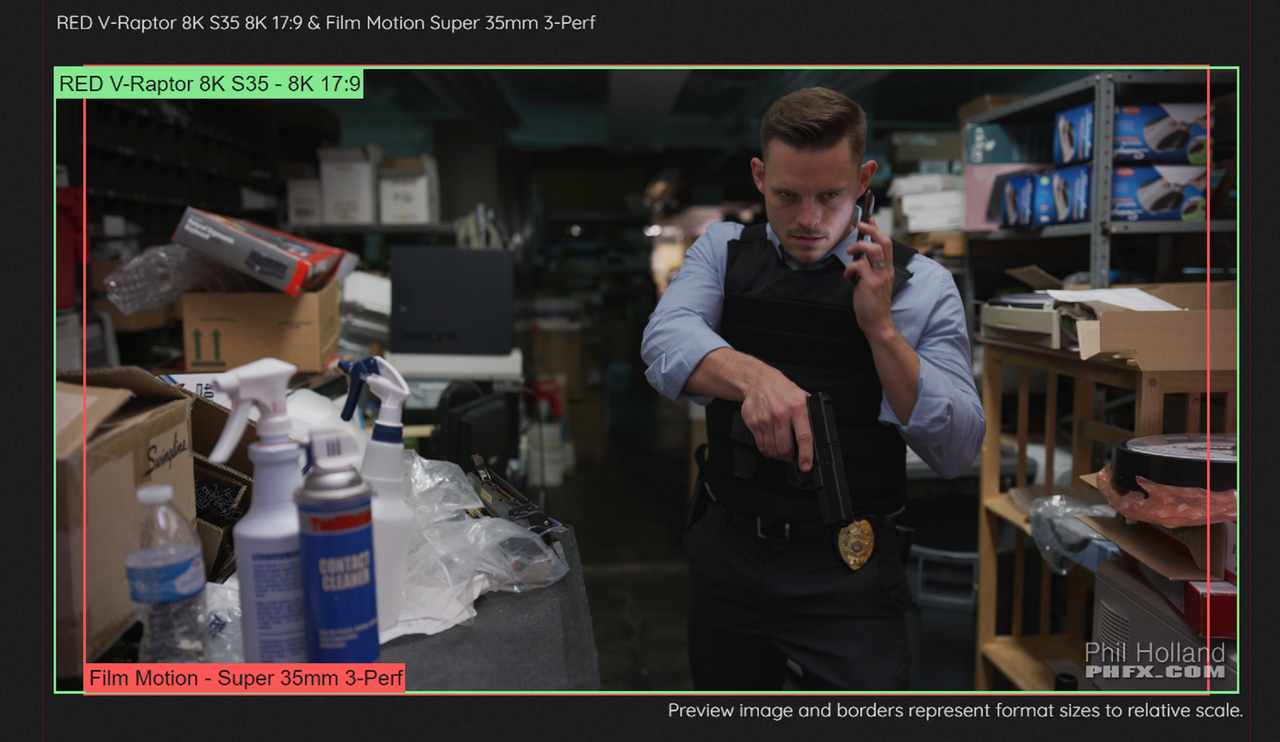
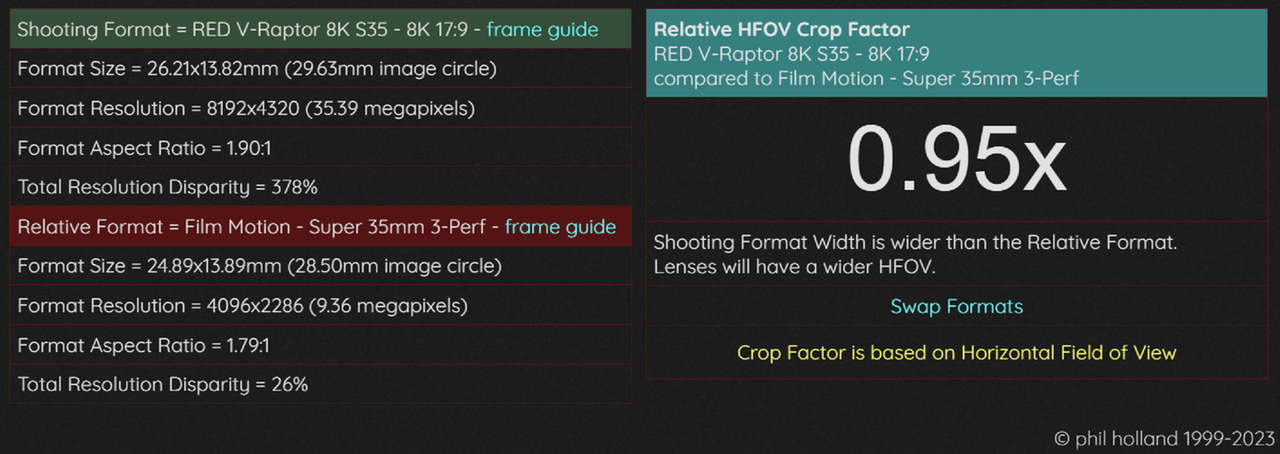
I truly never really loved the "Full Frame" aesthetics. I always loved the S-35 aesthetic more. Maybe because I always used S-35 ish sensors like the 1.6X S35 crop of my Canon 7D or the 1.52X crop factor of both my Nikon D7000 and D7100 for photography. I knew almost exactly which lenses I would need in any situation without having to change and try out multiple lens combinations. Plus for all of the Motion Picture Film Lenses out there for S35 sensors like the Leica Summicron-C, Leica Summilux-C , Arri Master Primes and Arri Ultra Primes, I don't think a true equivalent was ever made by those manufacturers for the Full-Frame sensor surely not the Leica Thalia or Zeiss Supreme Primes. I also like that it is just slightly larger than a 35mm 3-Perf motion picture frame is .

PHFX
PHFX.COM | tools - formatCompare - RED V-Raptor 8K S35 8K 17:9 & Film Motion Super 35mm 3-Perf - Crop Factor Datasheet


I think as far as a comparison between the S35 and VV in dynamic range I think they both "Net" equal dynamic range capabilities. As with a Comparison between the ARRI and RED cameras where Arri's benefits are in the Highlights and Red's benefits are in the Shadows I thnk a similar comparison could be made between the V-Raptor VV and the S35.

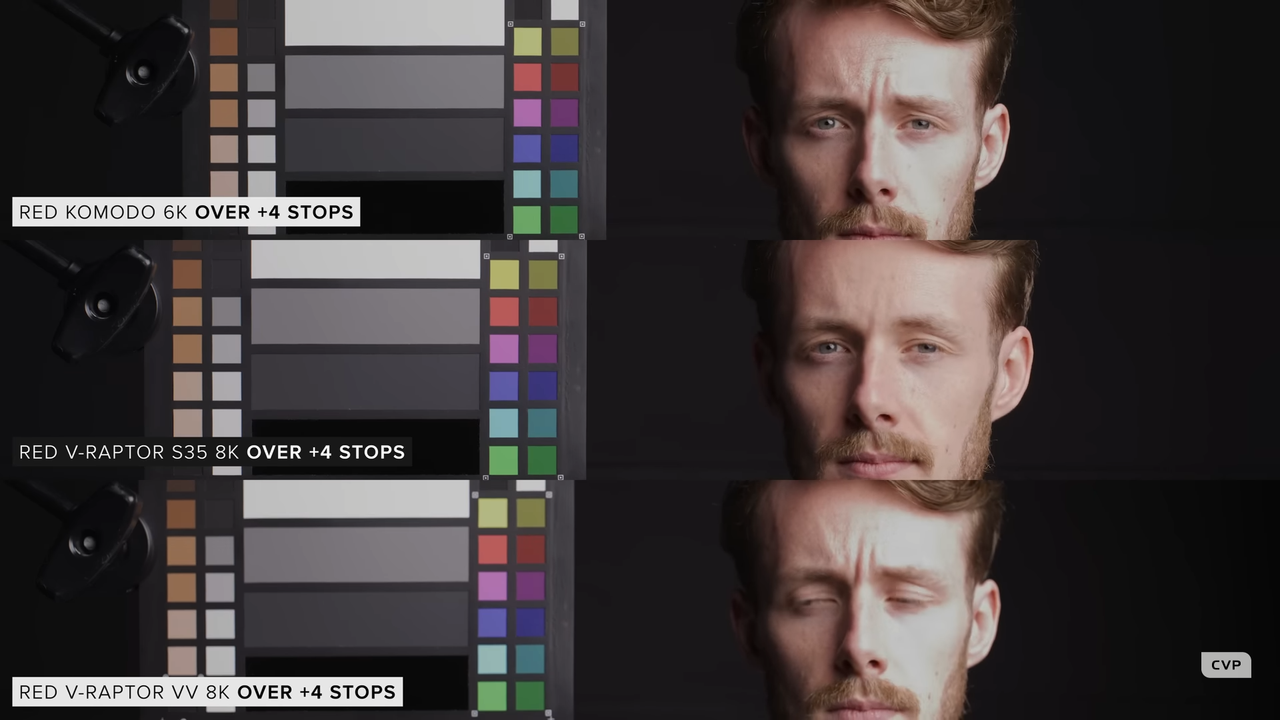
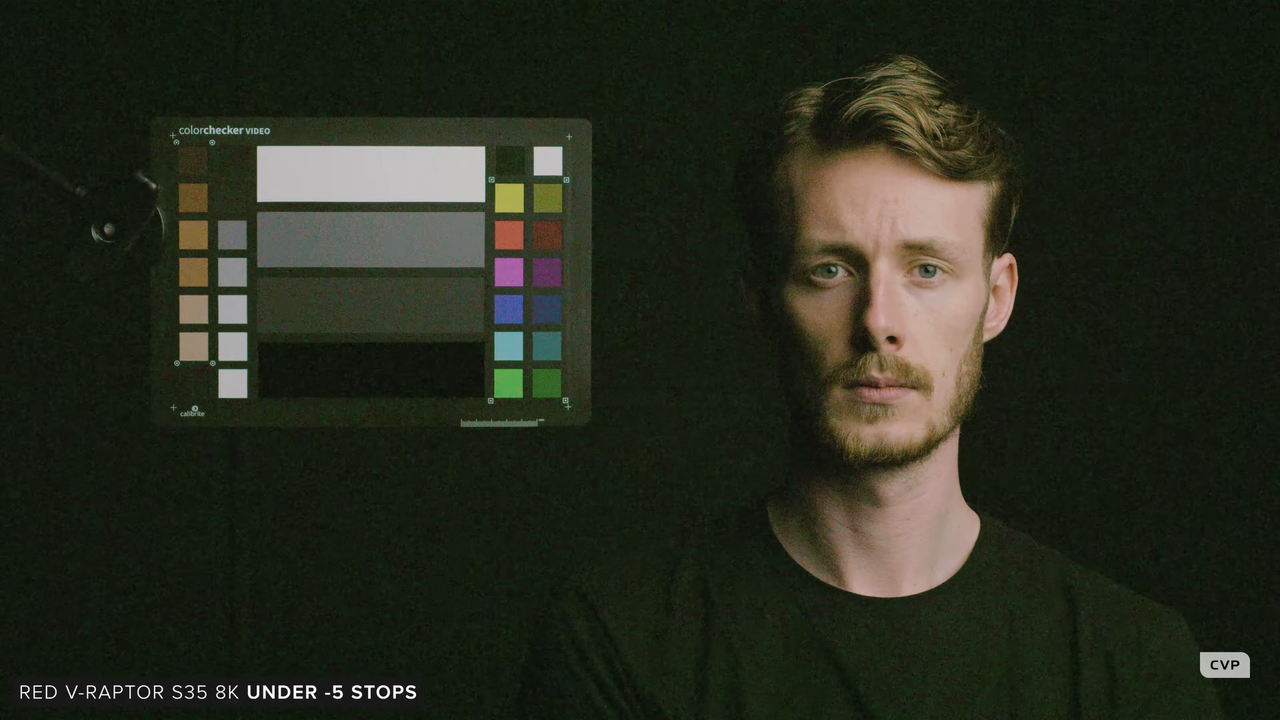
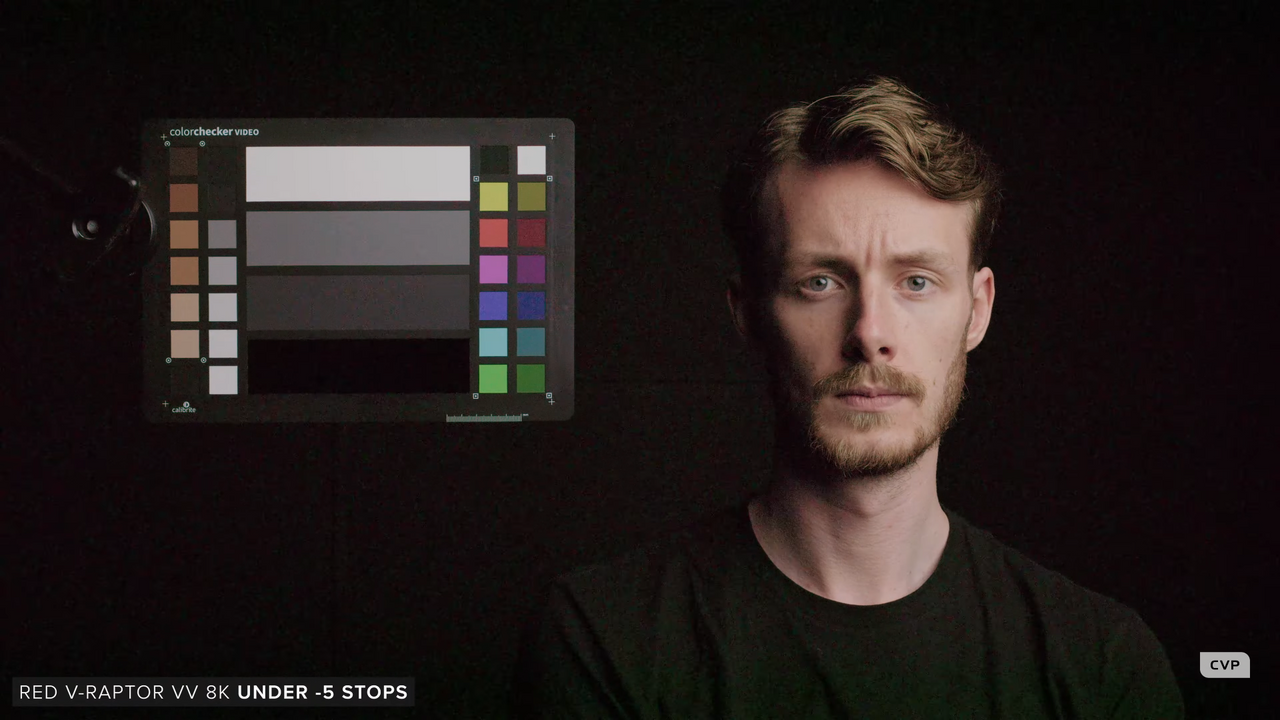
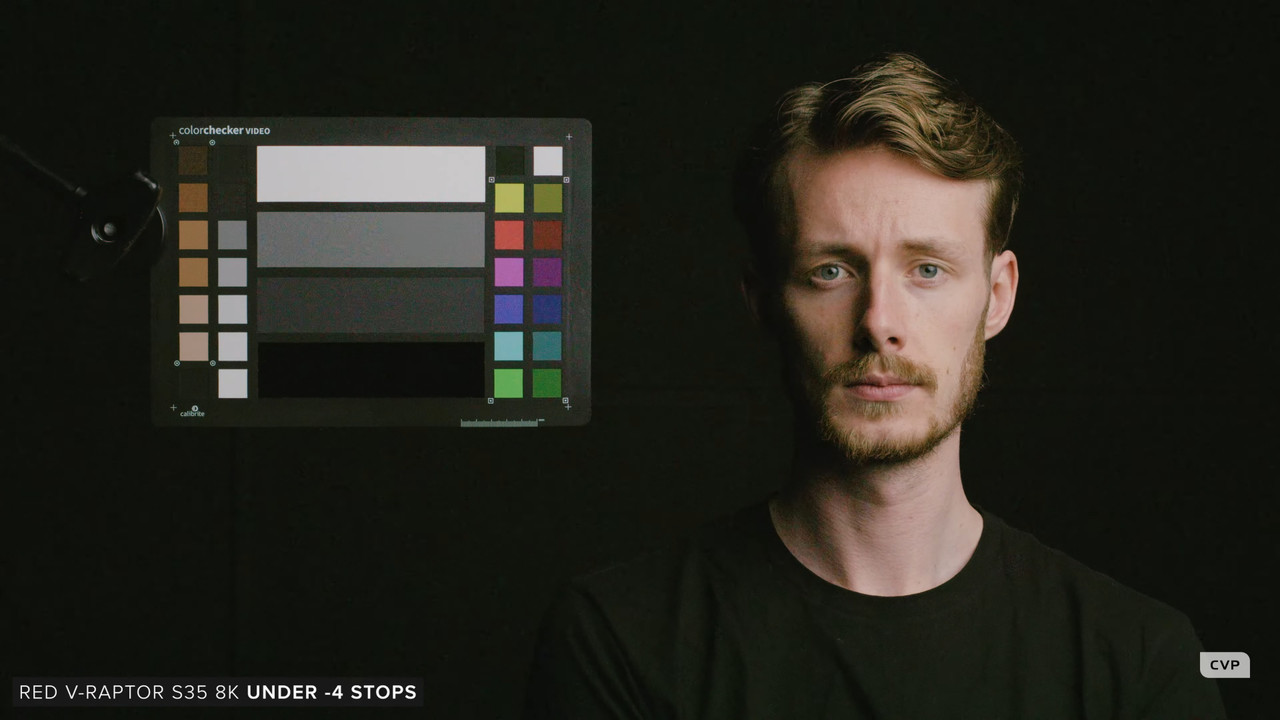
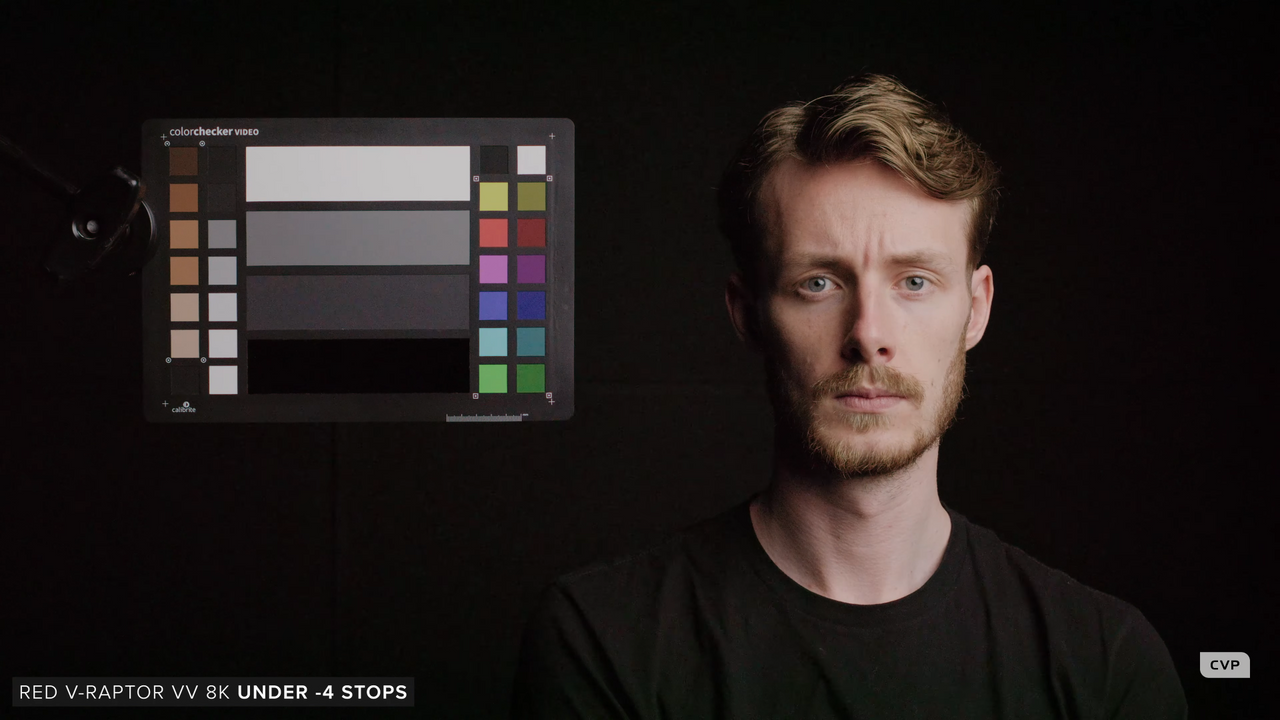
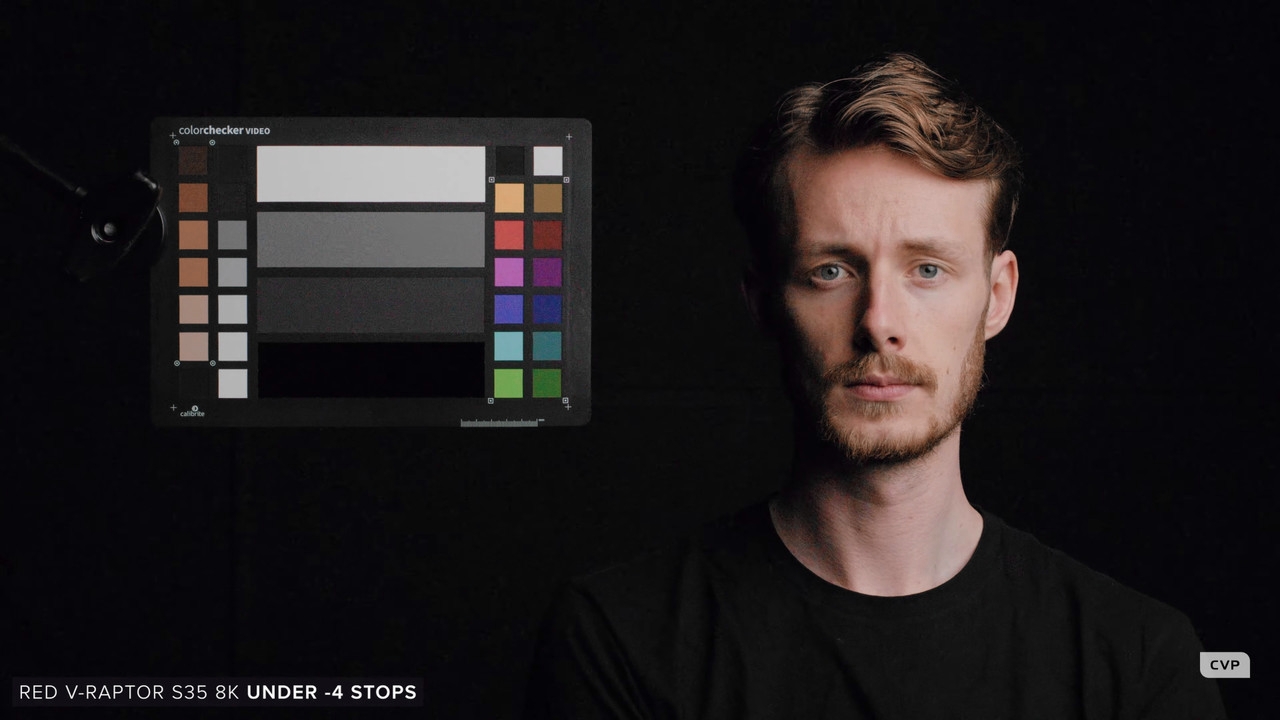
Below you will see some Screengrabs from theCVP"RED's Fantastic Super 35 8K 120p Cinema Camera!!" video I took comparing the RED KOMODO, RED V-RAPTOR VV and the RED V-RAPTOR S35in an "OVER" and "UNDER" test


Link to full CVP video
RED's Fantastic Super 35 8K 120p Cinema Camera!! - YouTube

Over
https://www.reduser.net/forum/red-ca...39#post3809439

Under
https://www.reduser.net/forum/red-ca...43#post3809443

To my eyes the RED V-RAPTOR S35 held Highlights much better at +4 Stops over exposure than did the V-RAPTOR VV or the KOMODO

Screenshot-9326.png


Althought the V-RAPTOR VV did better than the V-RAPTOR S35 at -5 Stops under, I think at -4 Stops Under with a little color correction and noise reduction that the S35 can look just as good as the V-RAPTOR VV at -4 Stops under. The S35 does 1-Stop better in the Highlights the VV does 1-Stop better in the in the Shadows, the Net effect is the dynamic range between the two are about even.

-5 Stops Under

S35

Screenshot-8215.png


VV

Screenshot-8216.png


-4 Stops Under


S35

Screenshot-8212-1-1-2.jpg


VV

Screenshot-8213.png


S35 Corrected

Screenshot-8212-4-1-1-3-redo-1-1-1.jpg
 
Last edited:
To my eyes the RED V-RAPTOR S35 held Highlights much better at +4 Stops over exposure than did the V-RAPTOR VV or the KOMODO

Graeme mentioned elsewhere that the ISO weighting, i.e. gain, was shifted for the S35 a smidge compared to VV to provide a bit more in the highlights. I have yet to do the side by side to see how that lands ISO-wise, but I suspect ISO 1280 on VV is pretty darn close compared to 800 on the S35, but I also think there's more detail in the noise floor on the VV.
I don't have much free time until I wrap around June, but it's something I'd like to test.
 
Graeme mentioned elsewhere that the ISO weighting, i.e. gain, was shifted for the S35 a smidge compared to VV to provide a bit more in the highlights. I have yet to do the side by side to see how that lands ISO-wise, but I suspect ISO 1280 on VV is pretty darn close compared to 800 on the S35, but I also think there's more detail in the noise floor on the VV.

I don't have much free time until I wrap around June, but it's something I'd like to test.

Phil,

I think we all would appreciate any test you would be willing to do to help flush this out.
 
The reason why I say the VV sensor is better is because if you shift the ISO on the VV Raptor to 1280 iso or 1600 iso(which I would prefer), then you start shifting for the highlights, but from what I have seen you still have more detail in the shadows compared to the S35. It's the same thing with the Venice 2. I believe the S35 was made primarily for higher resolution capture for longer lenses. Great for nature and sports capture. Yes, it is also great for tv shows using s35 glass. But at that point I would rather shoot with the VV Raptor at 6K due to the extra shadow detail.

Wolfcrow went on about the Alexa35 being better for anamorphics due to the sensor being taller. That was one of the pros over the S35. In which case, the VV sensor would be the better option for anamorphic due it being taller than the other cameras.

It's totally subjective. I personally love the FF look, which I know many argue does not exist. But to be frank if you want the look of a Full frame lens at T1.2 and have it be sharp but on 35, I say good luck finding a 35 lens with sharpness plus little CA at T0.8. On top of that, a whole set.

BTW I agree I feel like there is not a FF equivalent of the Summilux C's and Arri Zeiss Master Primes
 
Last edited:
The reason why I say the VV sensor is better is because if you shift the ISO on the VV Raptor to 1280 iso or 1600 iso(which I would prefer), then you start shifting for the highlights, but from what I have seen you still have more detail in the shadows compared to the S35. It's the same thing with the Venice 2. I believe the S35 was made primarily for higher resolution capture for longer lenses. Great for nature and sports capture. Yes, it is also great for tv shows using s35 glass. But at that point I would rather shoot with the VV Raptor at 6K due to the extra shadow detail.

Wolfcrow went on about the Alexa35 being better for anamorphics due to the sensor being taller. That was one of the pros over the S35. In which case, the VV sensor would be the better option for anamorphic due it being taller than the other cameras.

It's totally subjective. I personally love the FF look, which I know many argue does not exist. But to be frank if you want the look of a Full frame lens at T1.2 and have it be sharp but on 35, I say good luck finding a 35 lens with sharpness plus little CA at T0.8. On top of that, a whole set.

Nick,

But the thing about using a Full Frame sensor is at what F-stop will you attain 'Critical Focus"? I think most people like that Foreground and Background separation and perspective. However at what F-stop will you need to have your main character/s in focus to be able to track them from one camera movement to another without losing focus. I think maybe F/4 to F/8 and some lenses are "Diffraction Limited" by F8 if not by f/11. I think a S35 sensored camera would allow for a greater range of sharpness and critical focus throughout the F-Stop range of a lens without becoming Diffration limited than would a Full Frame sensored camera. But that's just my opinion.
 
Back
Top