rand thompson
Well-known member
- Joined
- Aug 9, 2011
- Messages
- 18,999
- Reaction score
- 622
- Points
- 113
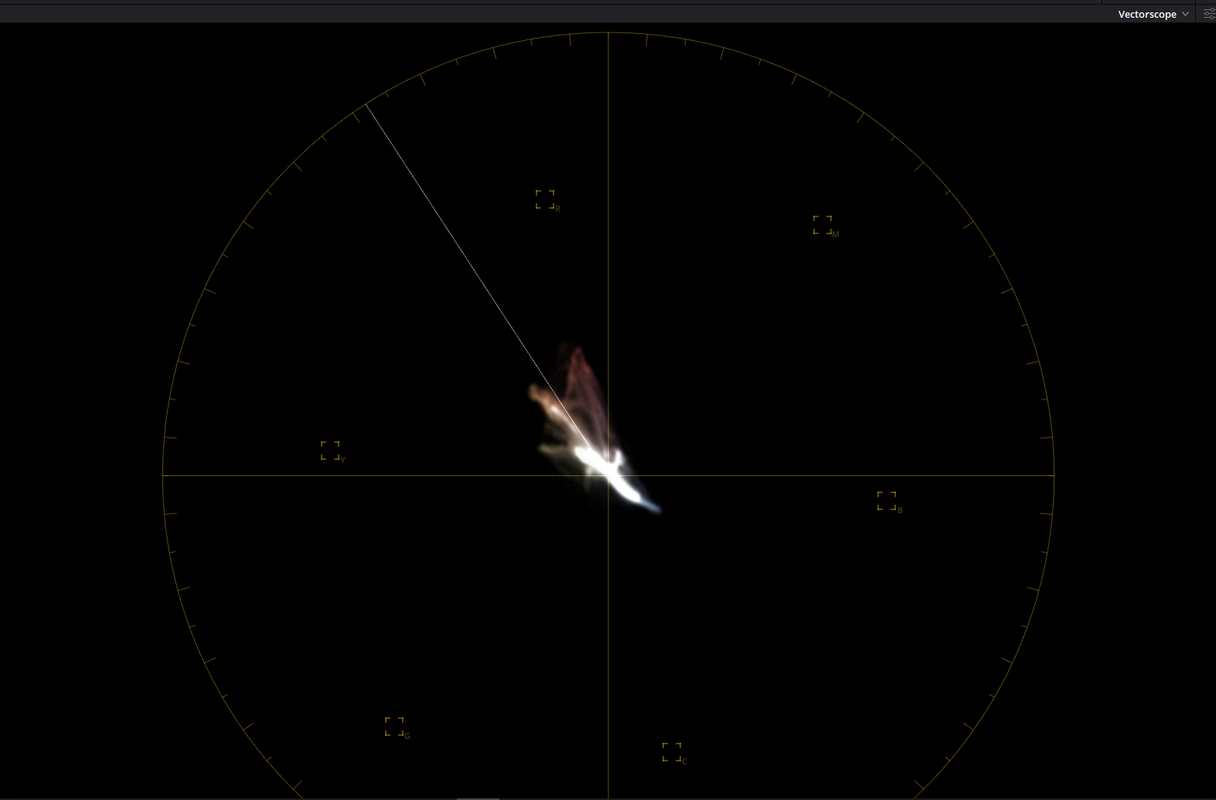
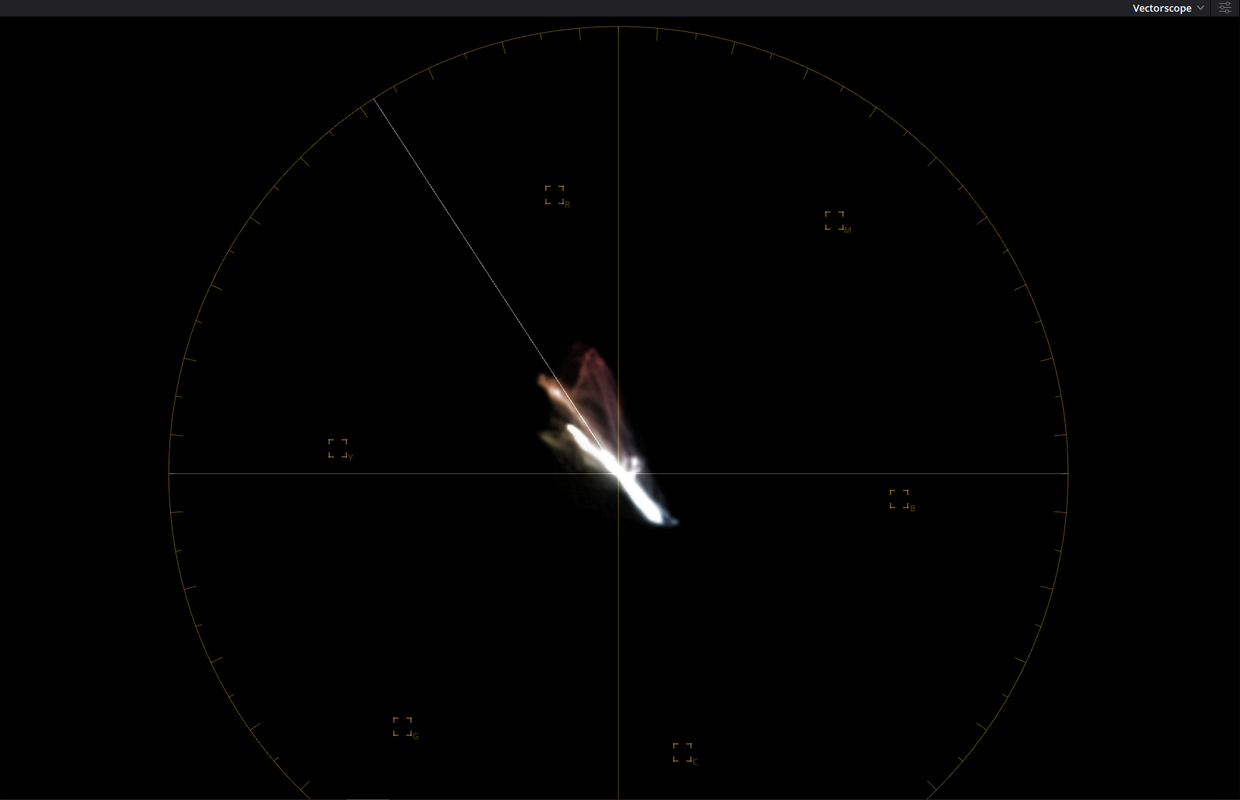
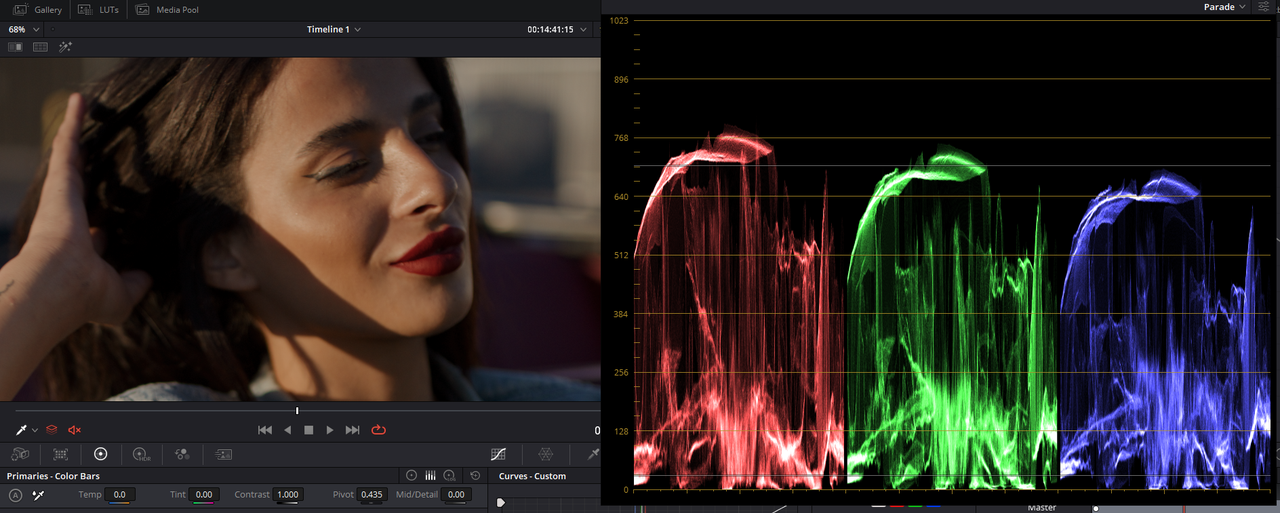
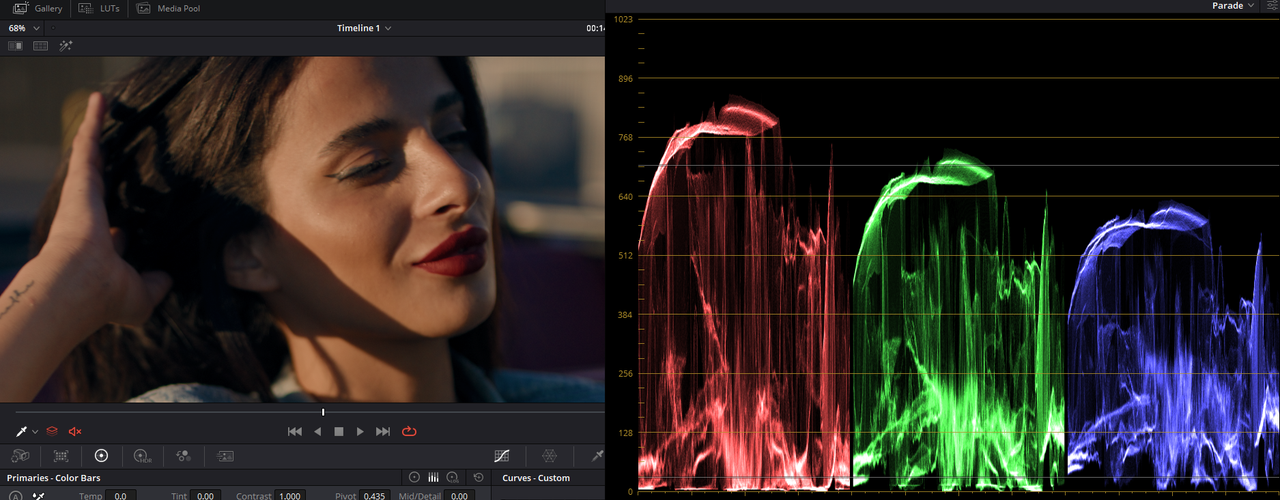
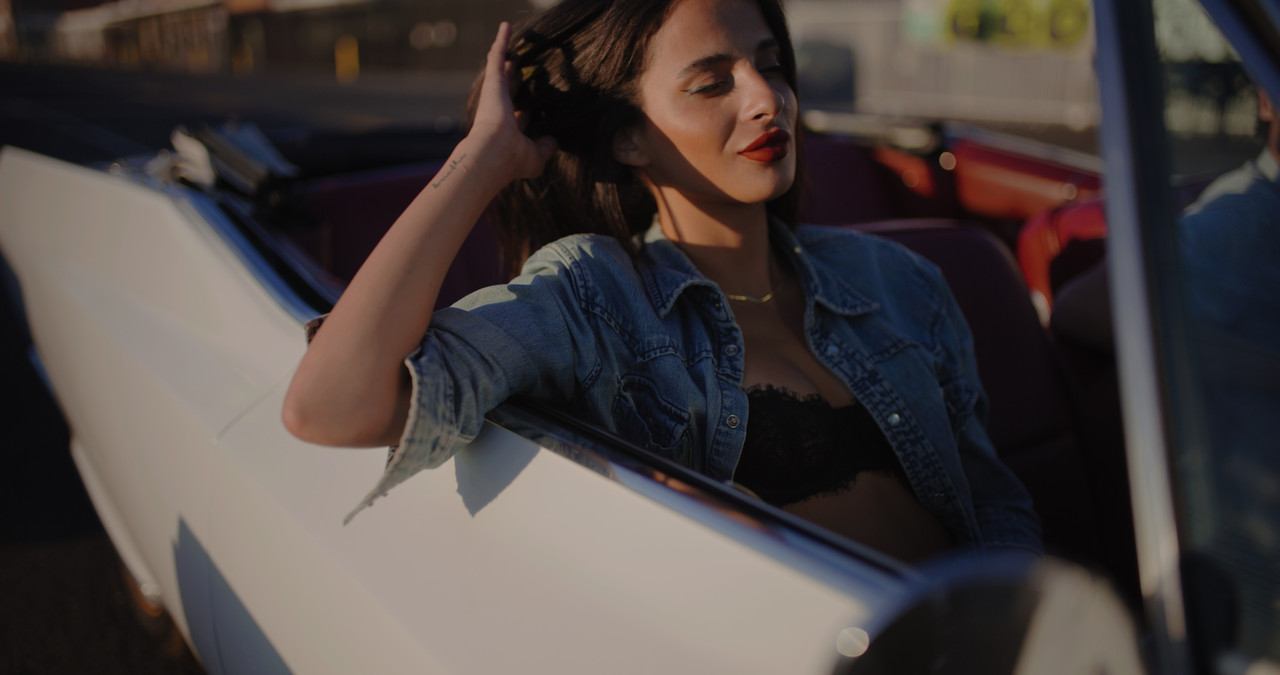
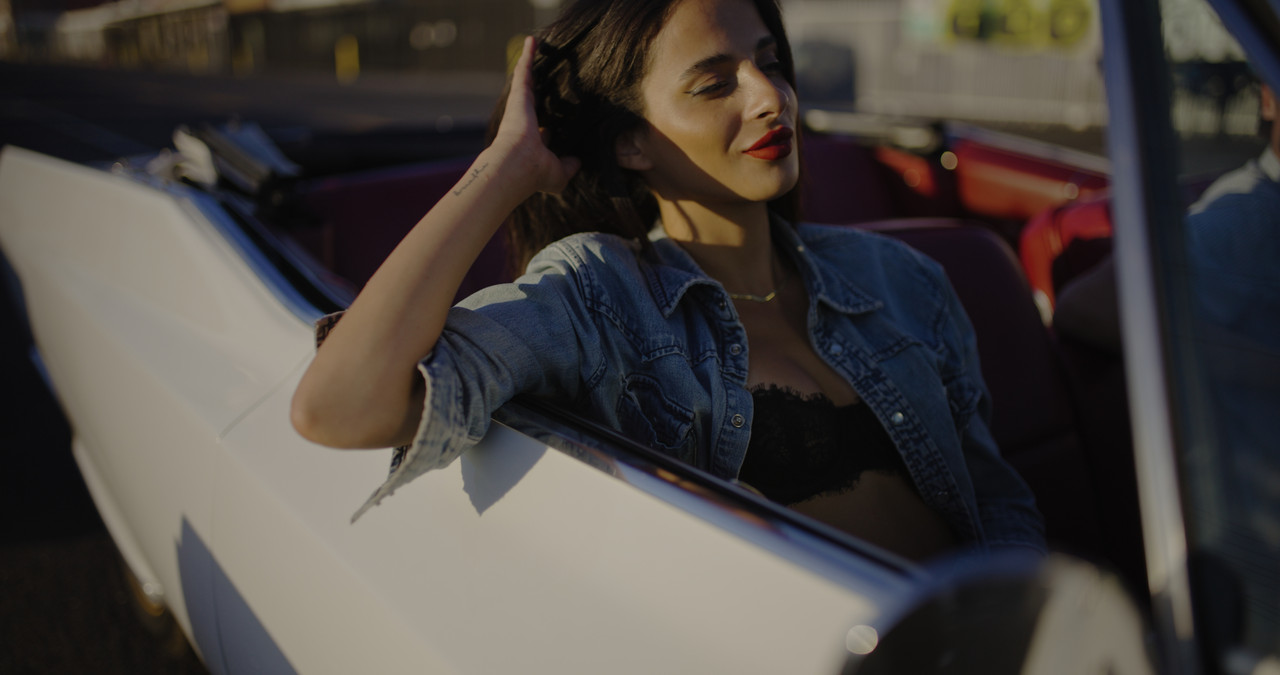
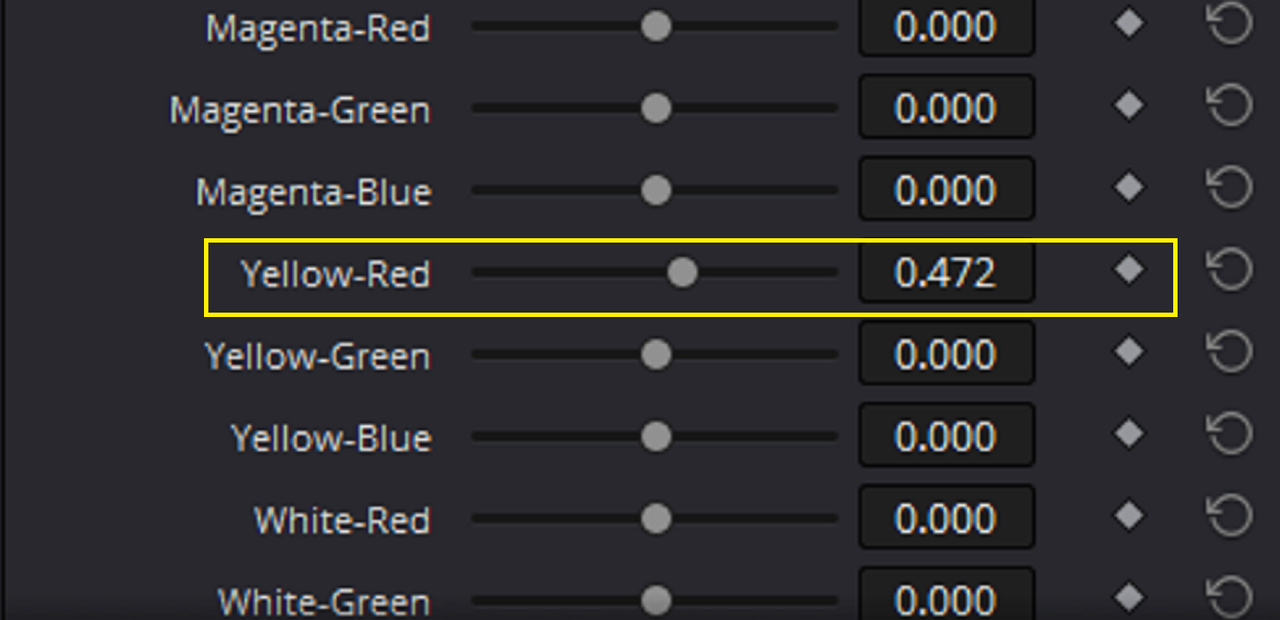
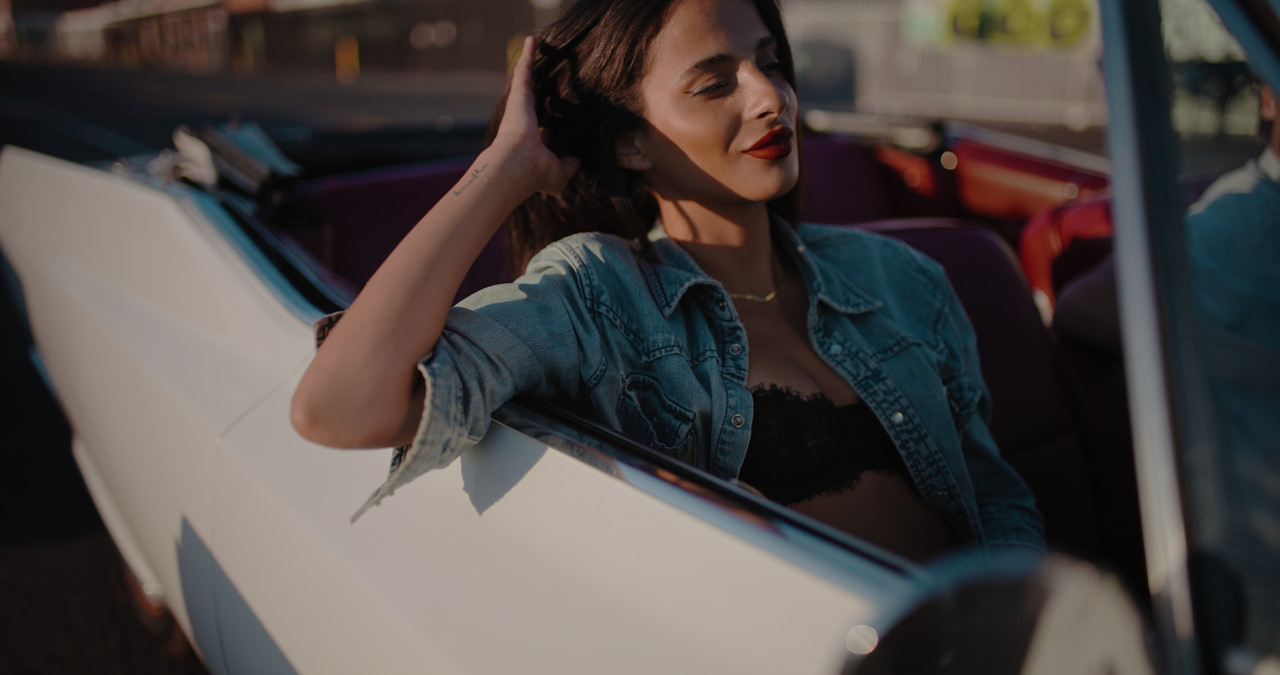
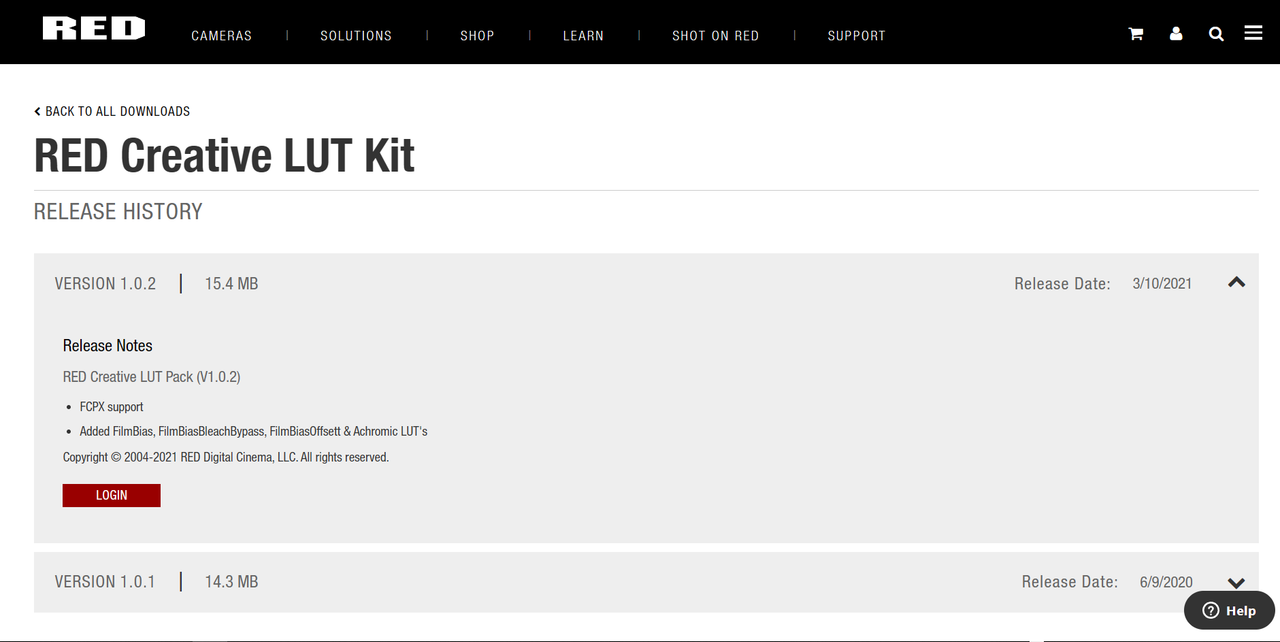
I thought of three more easy ways to remove yellow from skin tone in red Camera footage (1) THE COLOR WARPER (2) the "FILMBIAS" Red Creative Lut (3) RGB MIXER
The COLOR WARPER
You can find the COLOR WARPER here on the "COLOR" page.
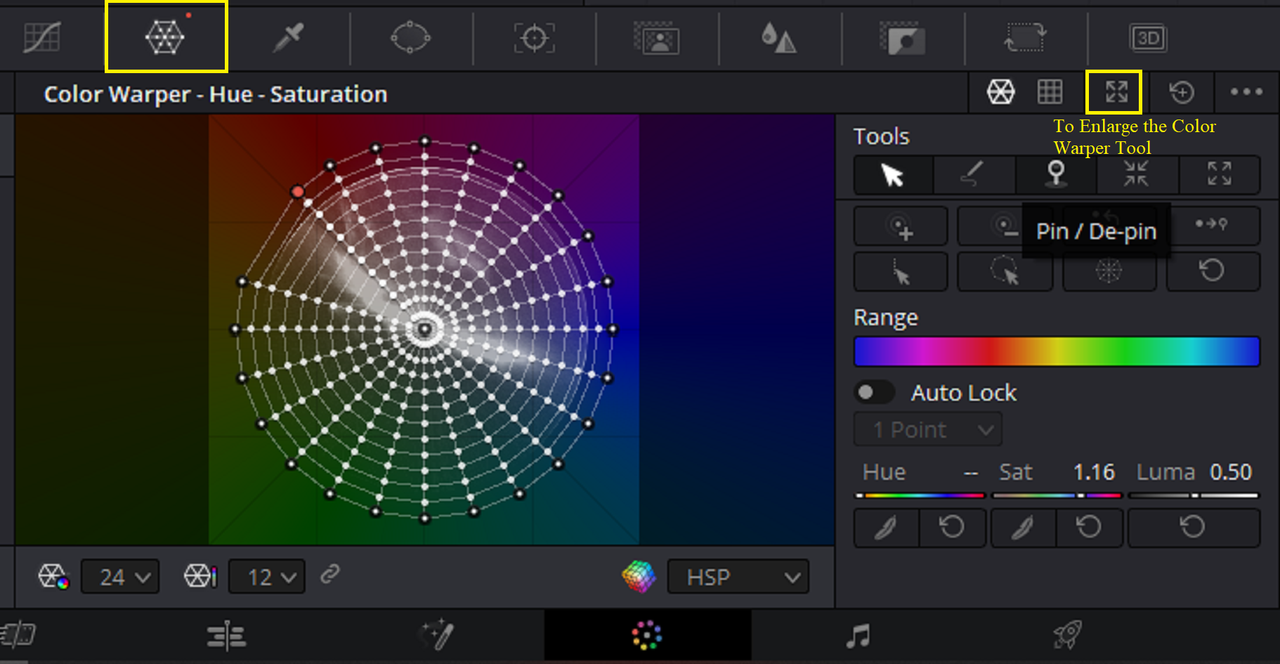
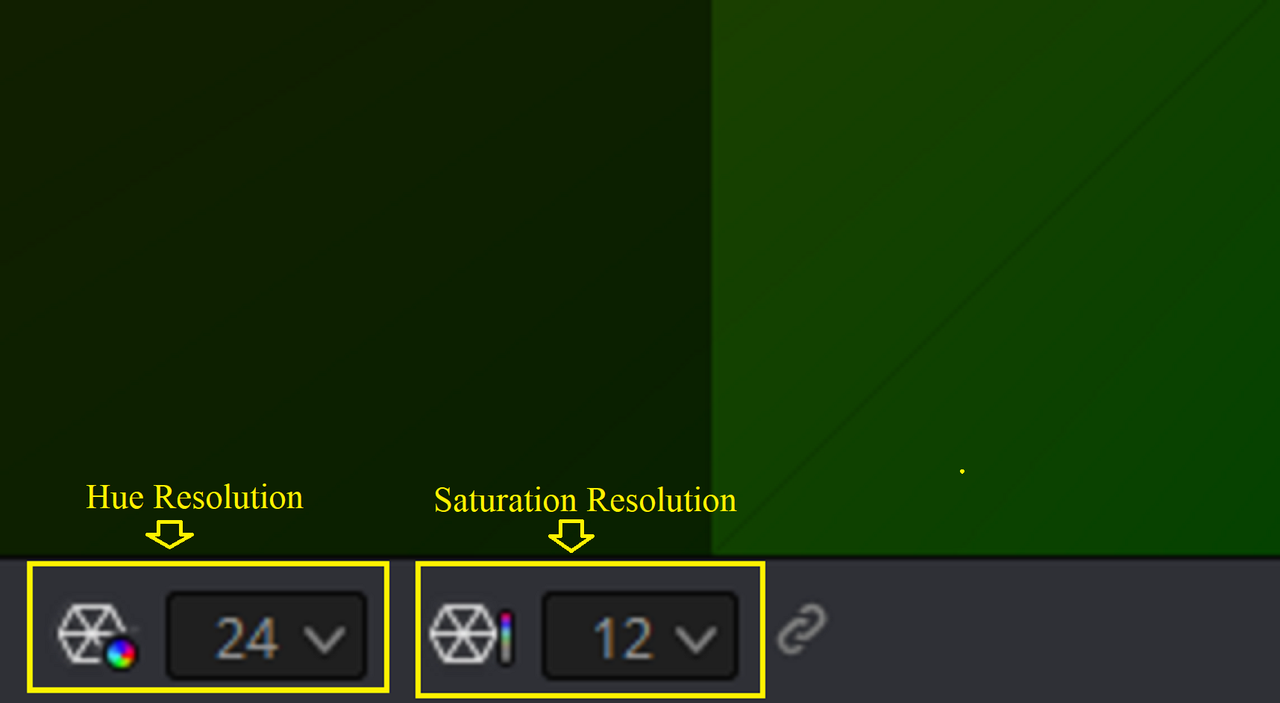
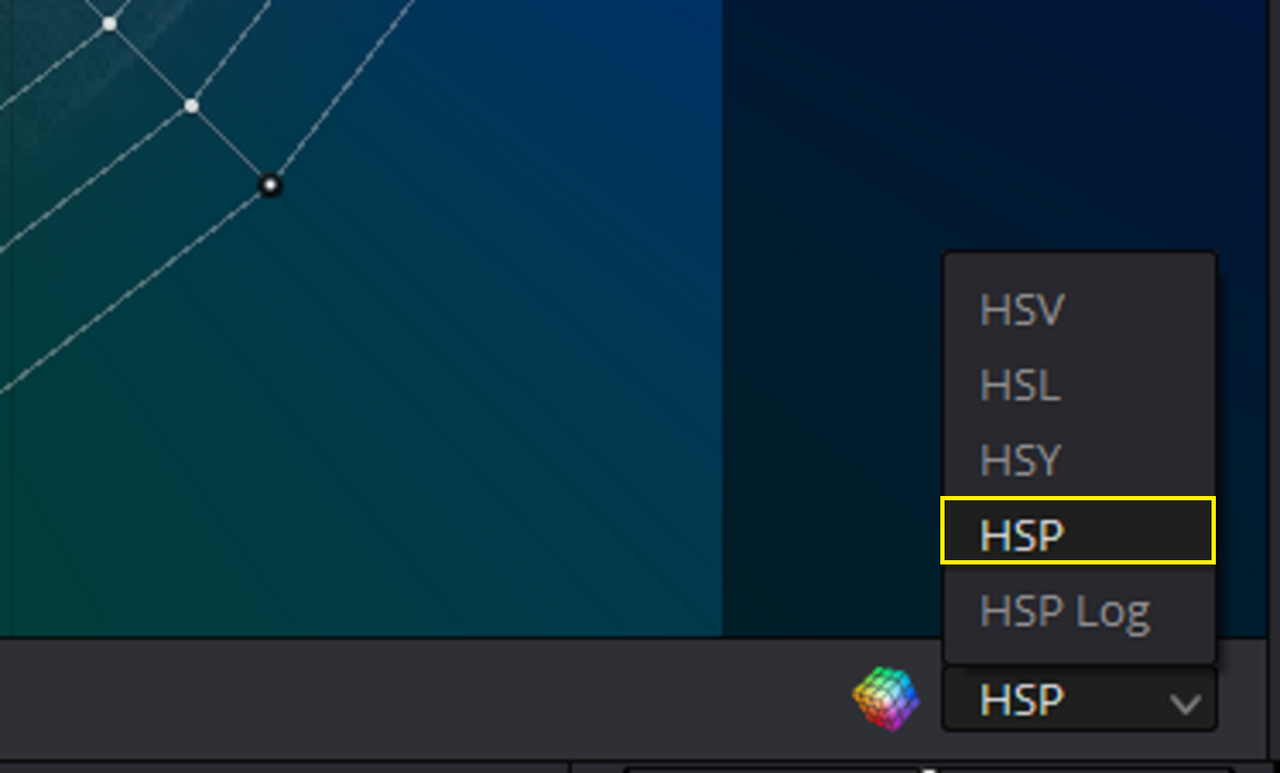
Max out the "HUE RESOLUTION" to "24" and "SATURATION RESOLUTION" to either "12" or "16". And use preferably the "HSP" Color Model.
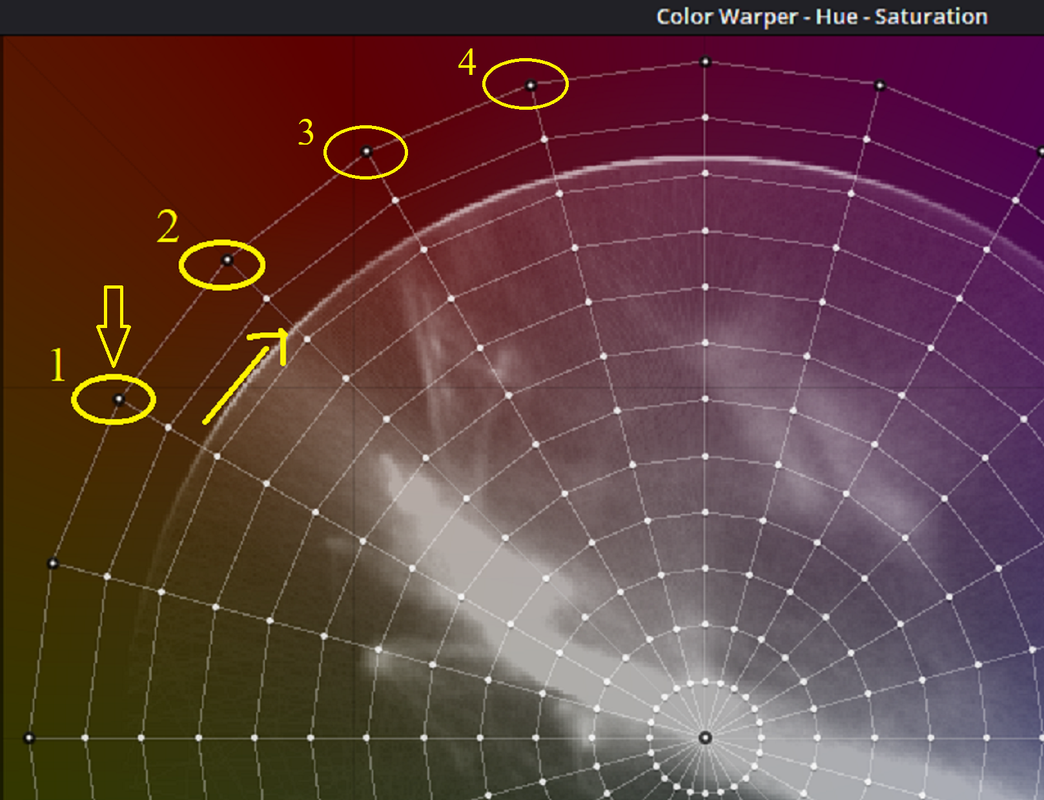
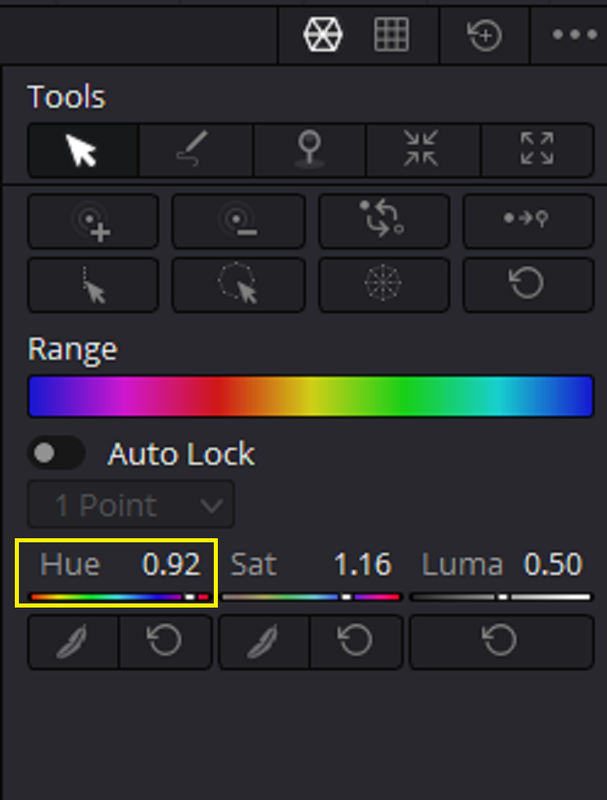
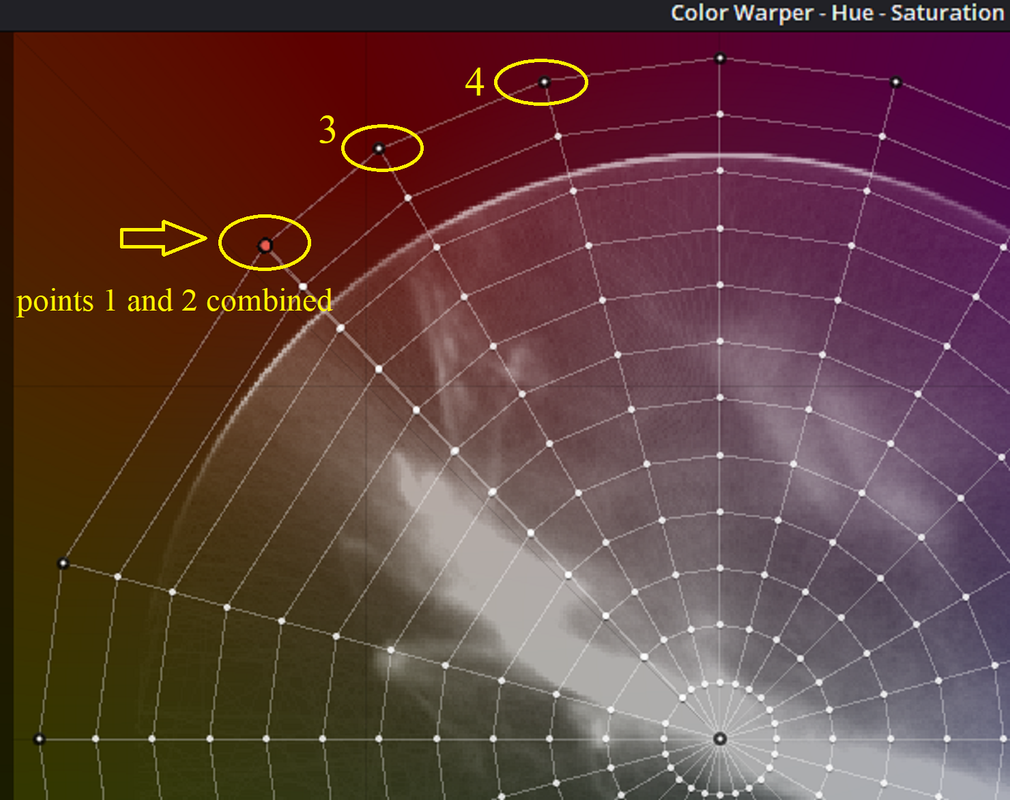
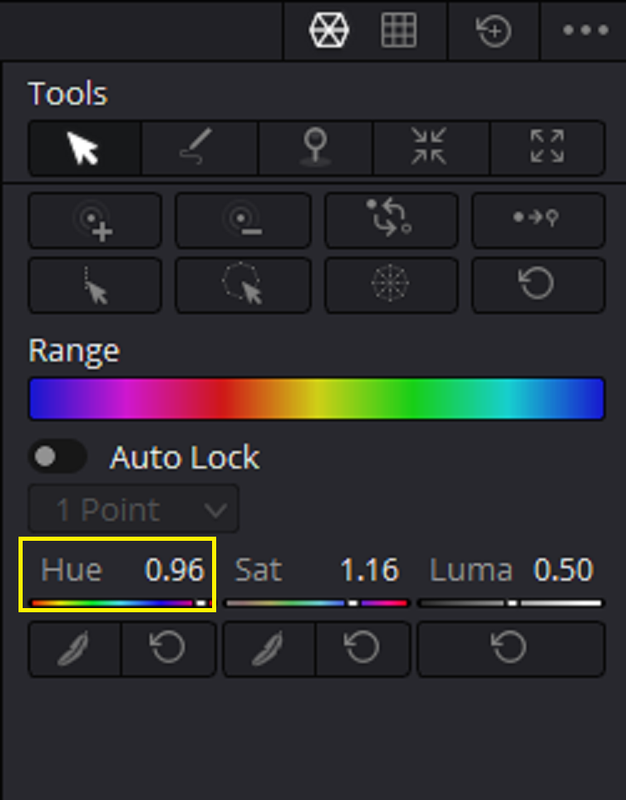
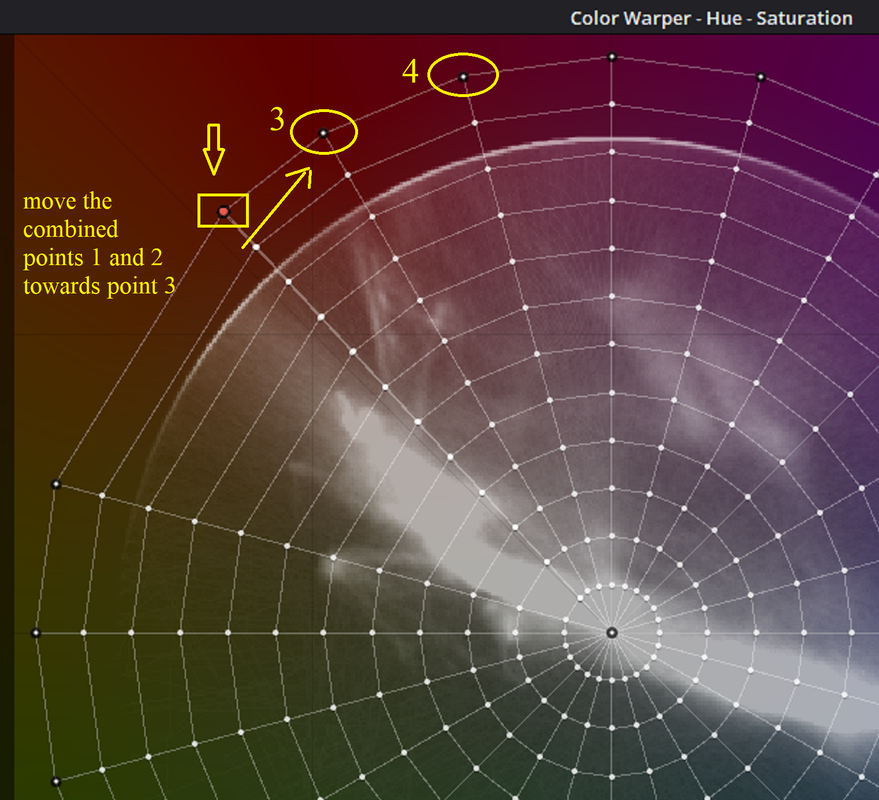
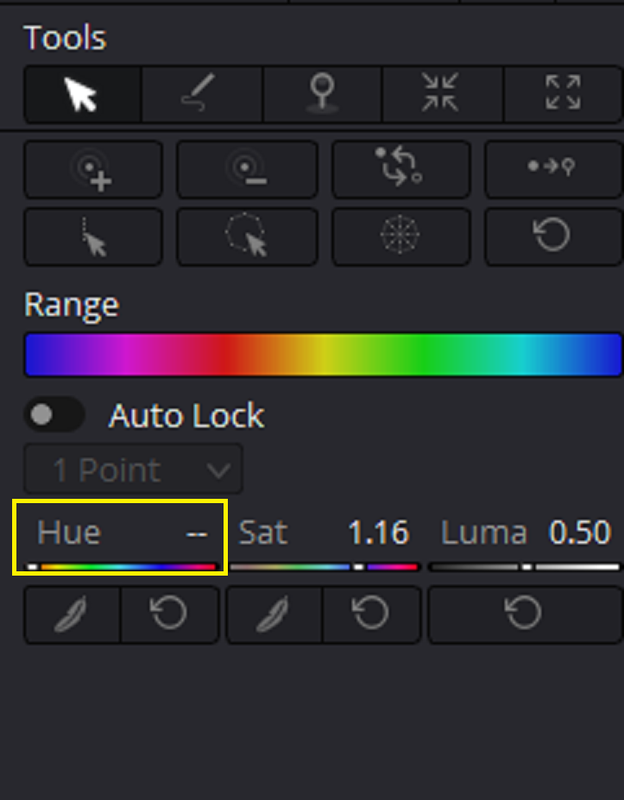
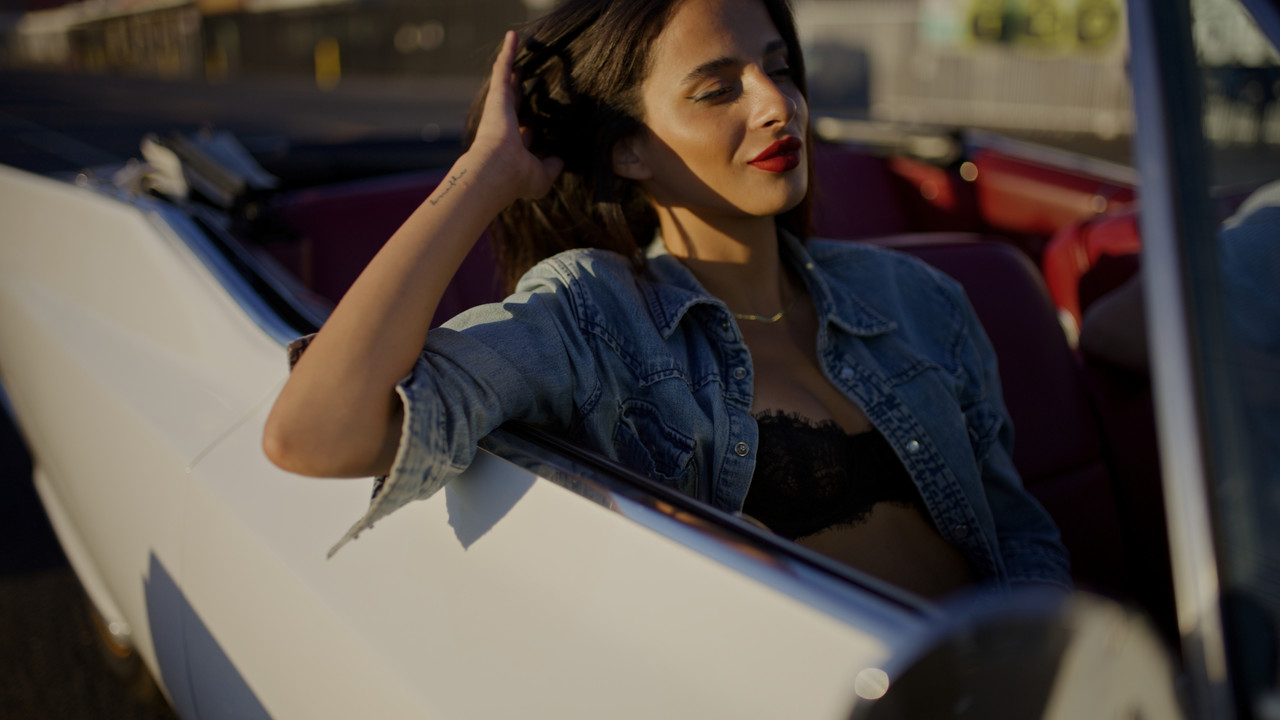
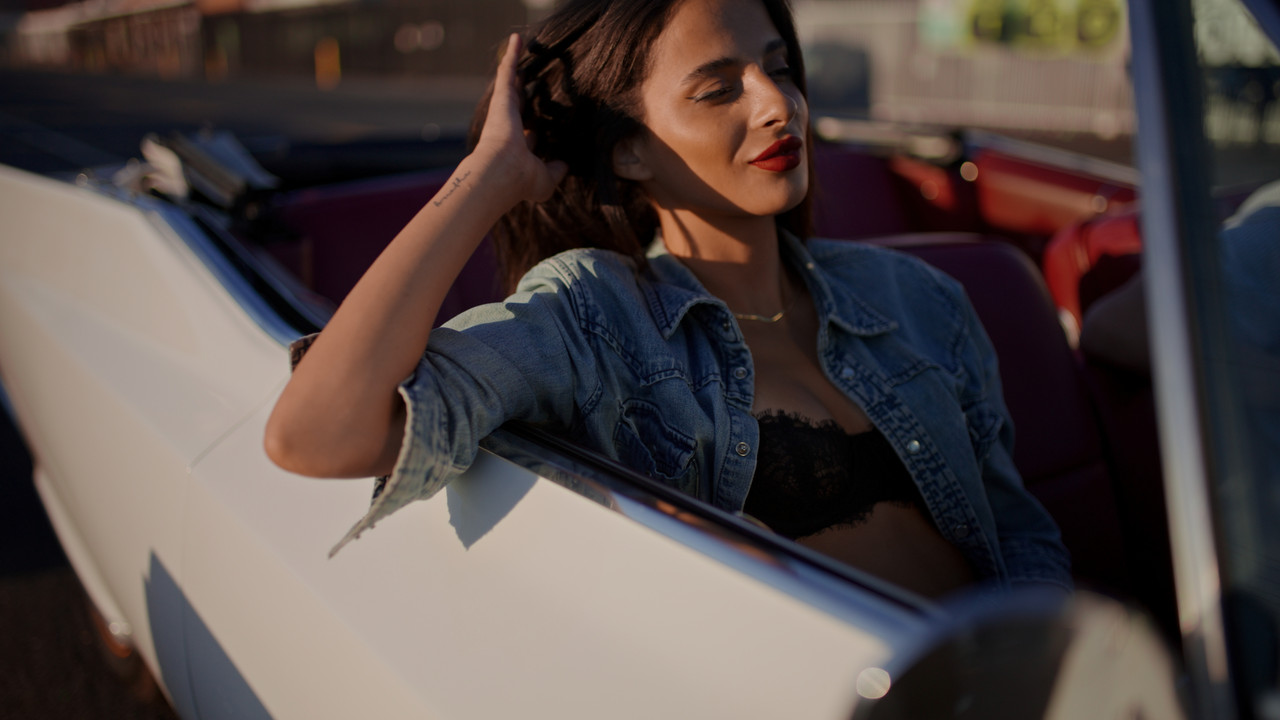
Draw a "BOX" with your mouse around "POINT 1" which should have a "HUE" value of "0.92" and use the "HUE" function by dragging inside of the HUE BOX AREA to the right to rotate it to combine with "POINT 2" which should have a "HUE" value of "0.96". Use your Mouse again to draw a "BOX" around the outer points of the combined Point 1 and 2 to lock them together. Now use the "HUE" again which now will have no numerical value inside of the HUE BOX AREA to drag the combined Point 1 and 2 to the right to rotate it towards "POINT 3" until you get a skin tone that is less yellow and more accurate.
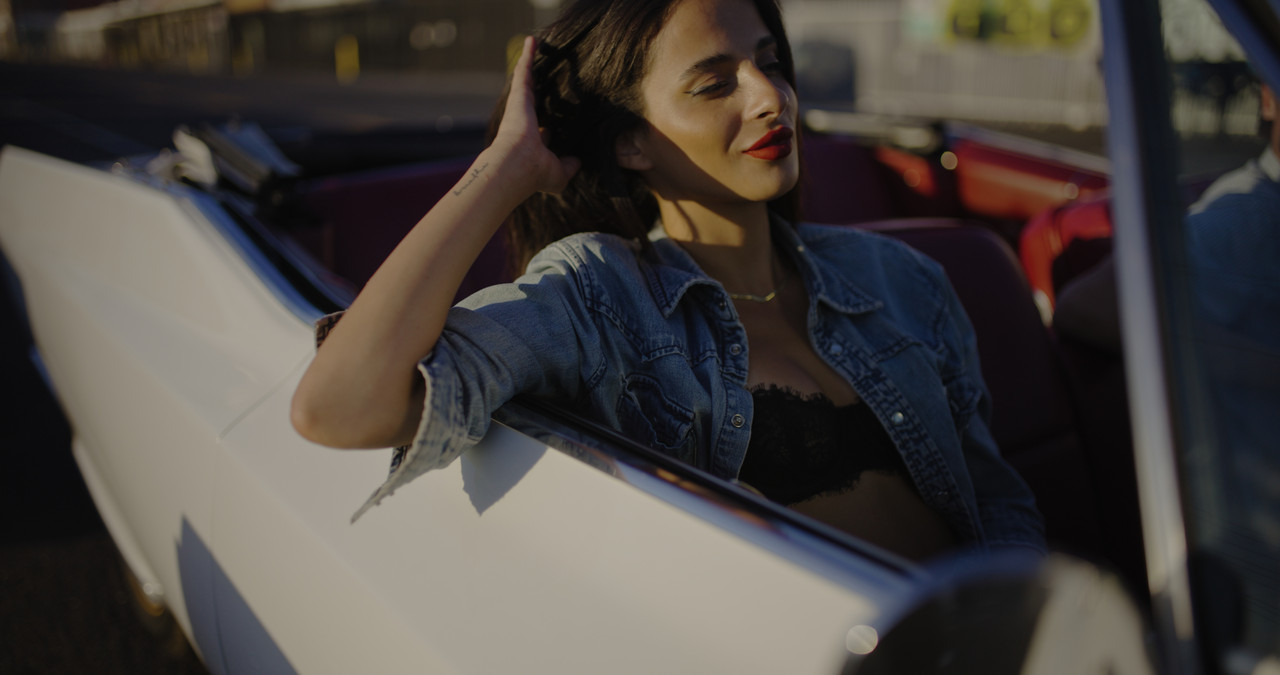
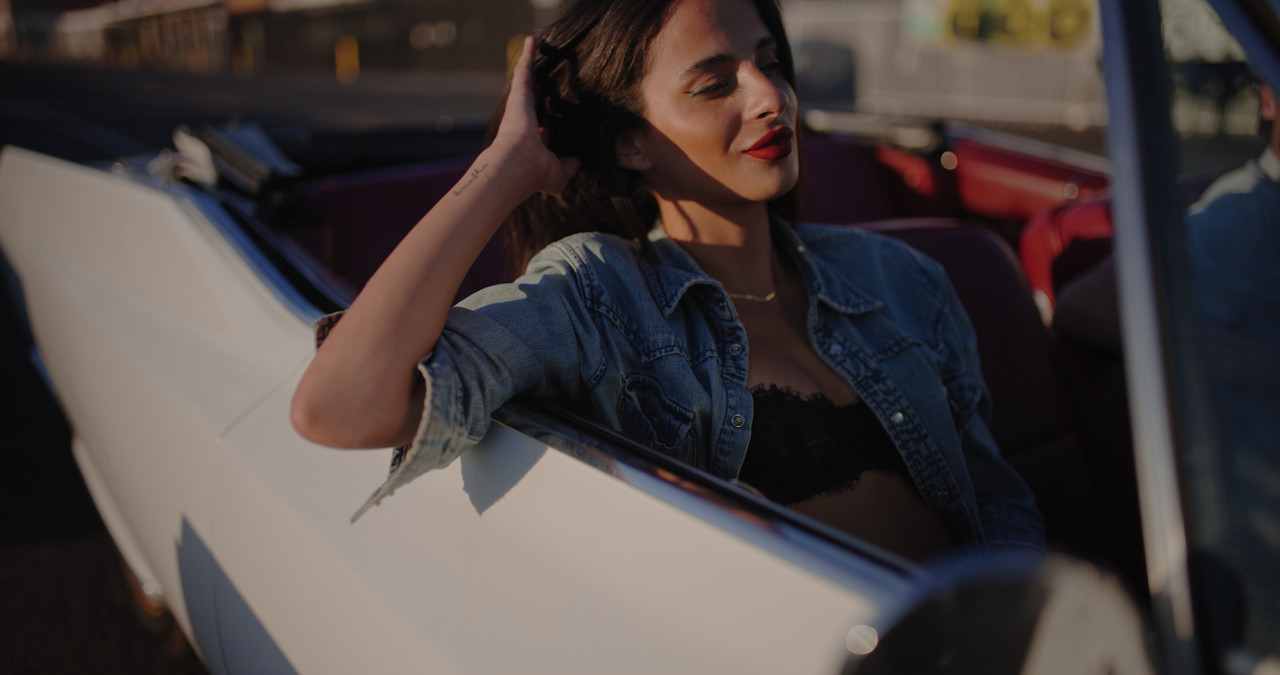
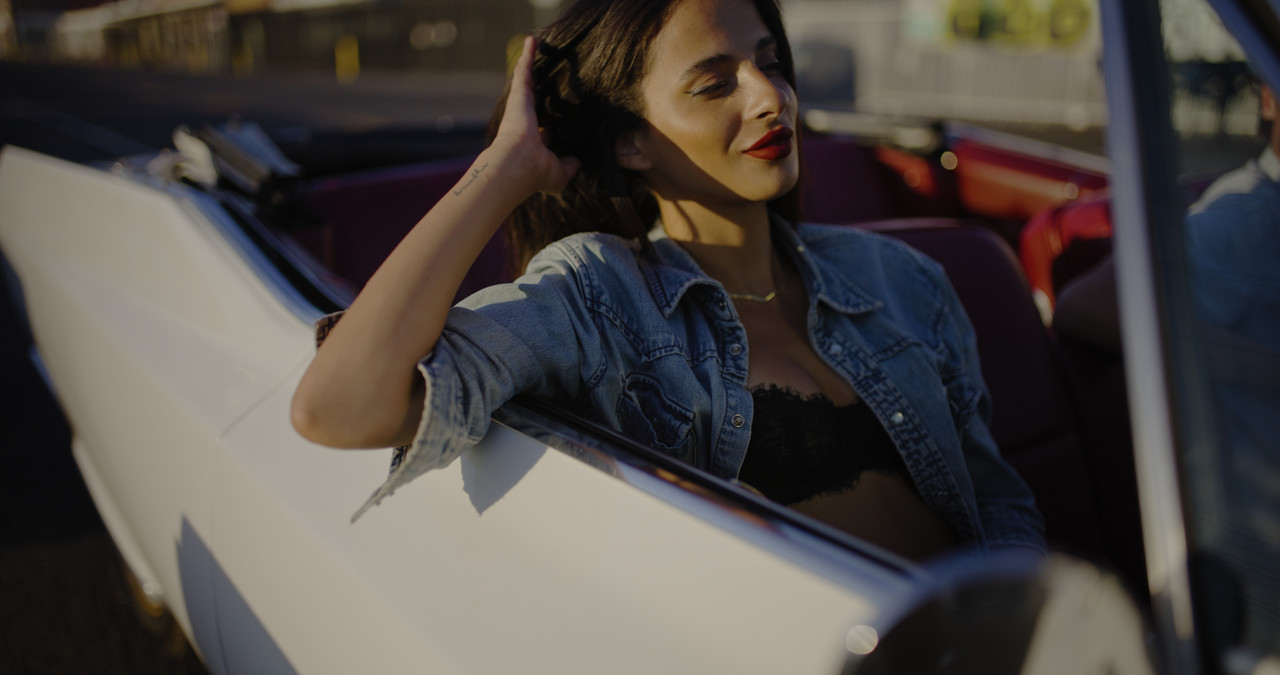
Before
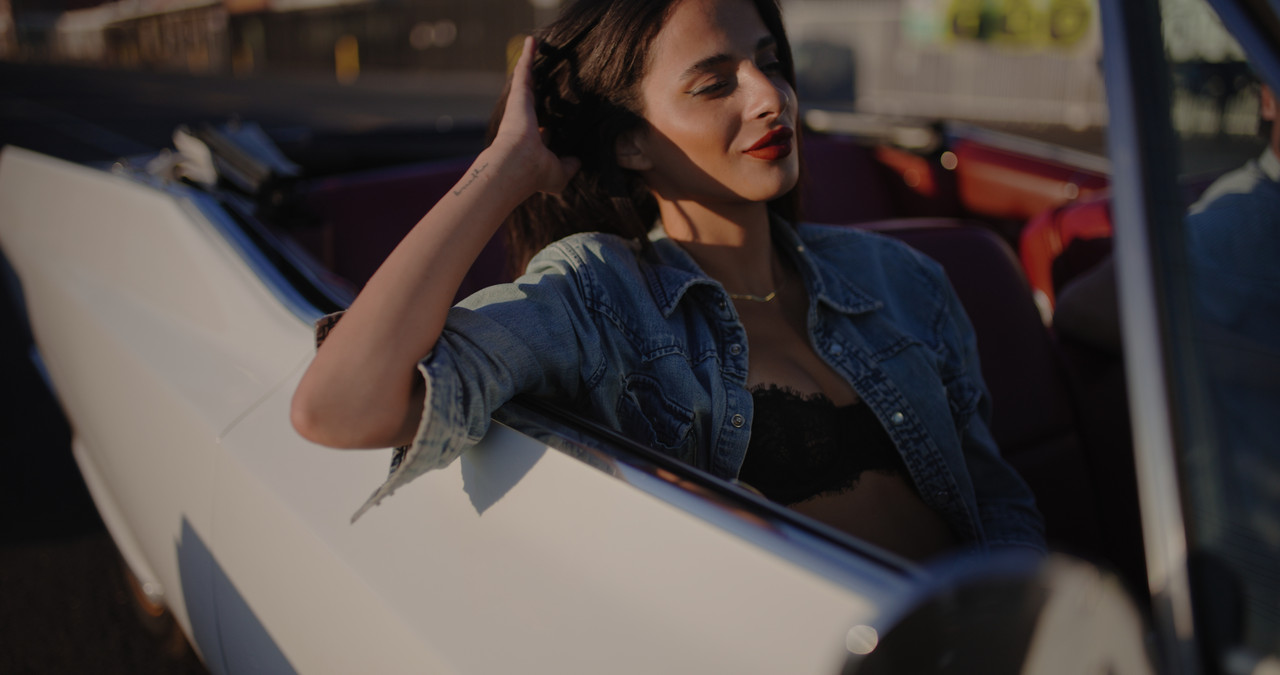
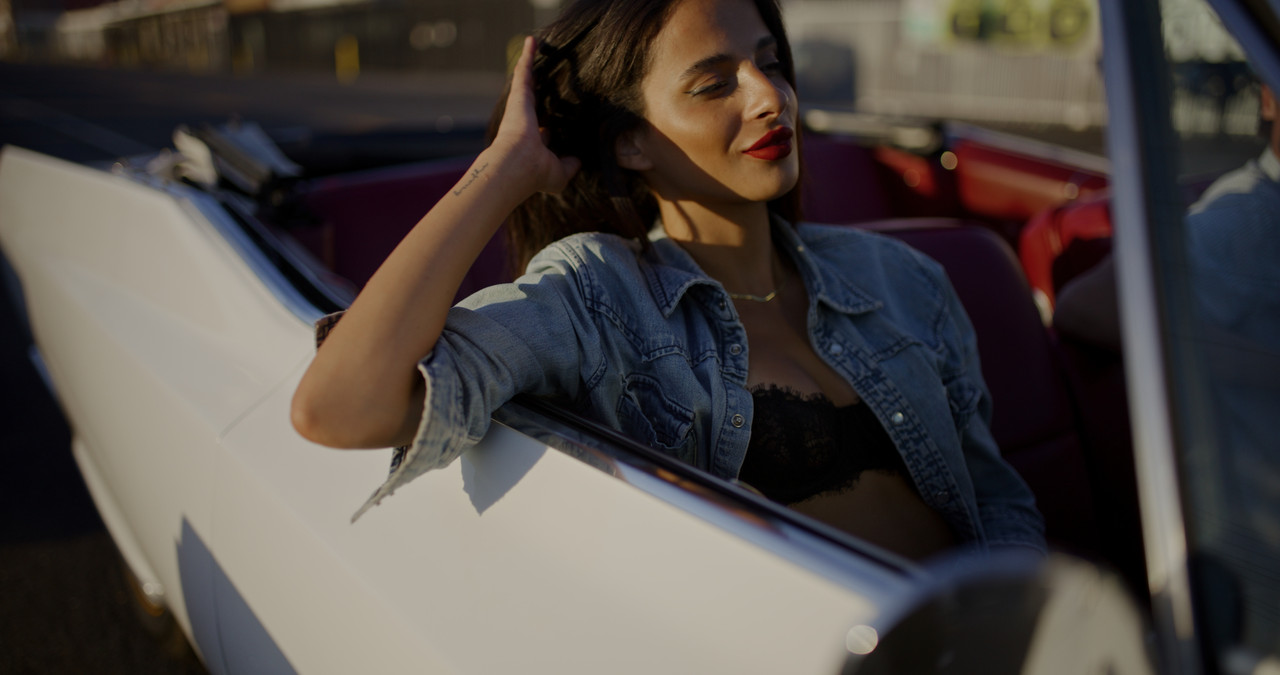
After
FILMBIAS-Creative LUT(I believe was designed by Phil Holland)
Web link
Downloads Details (red.com)
Before
After
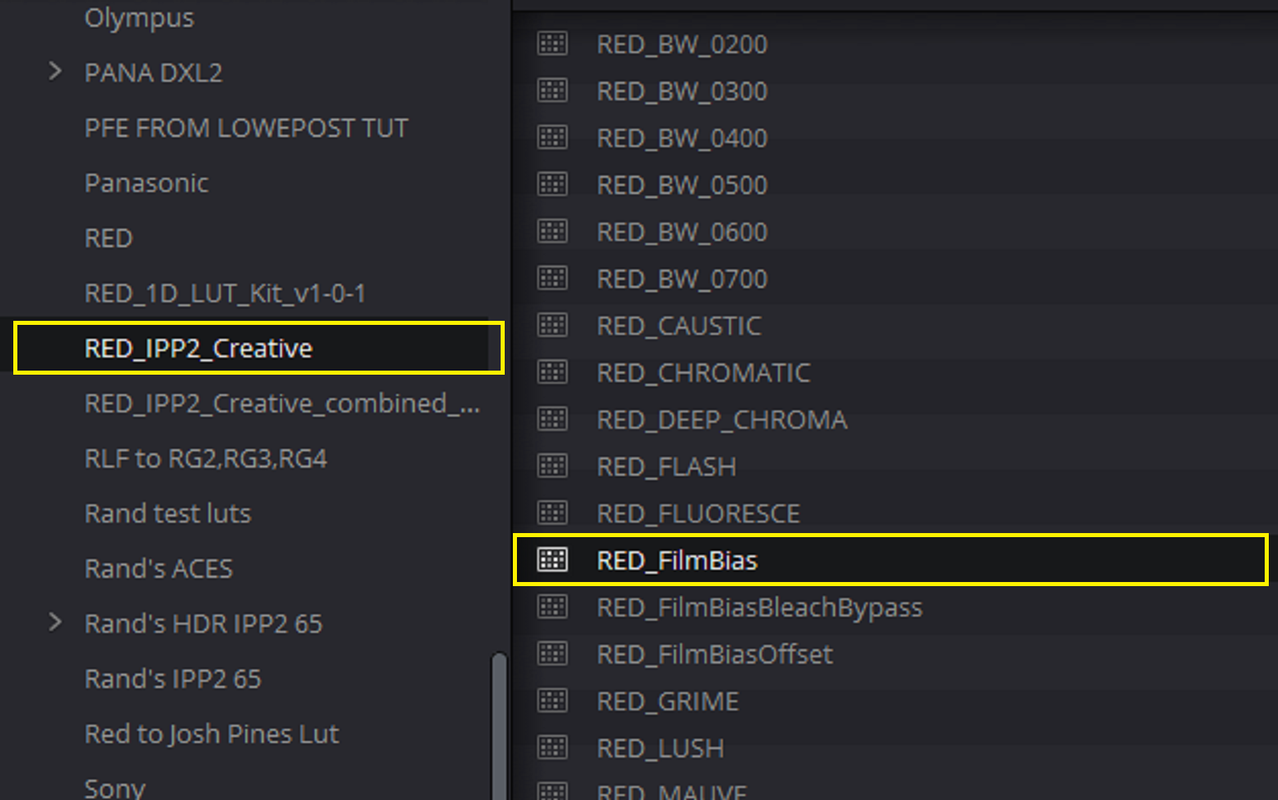
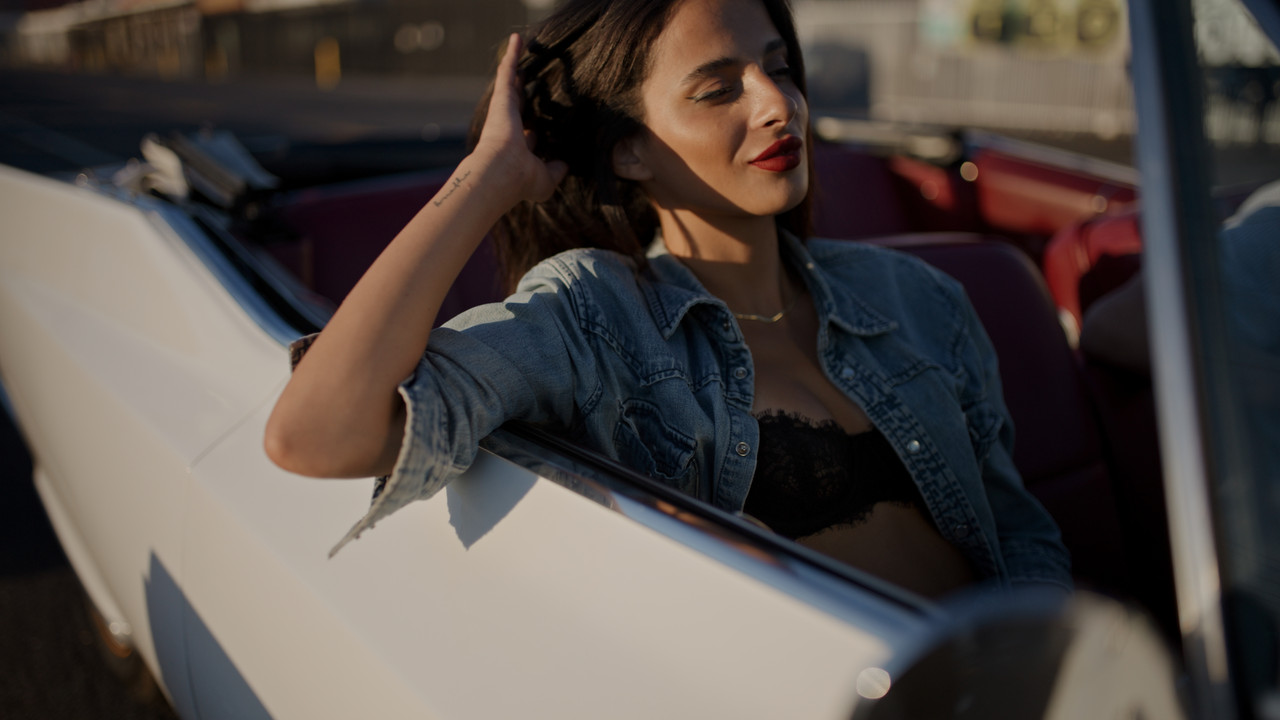
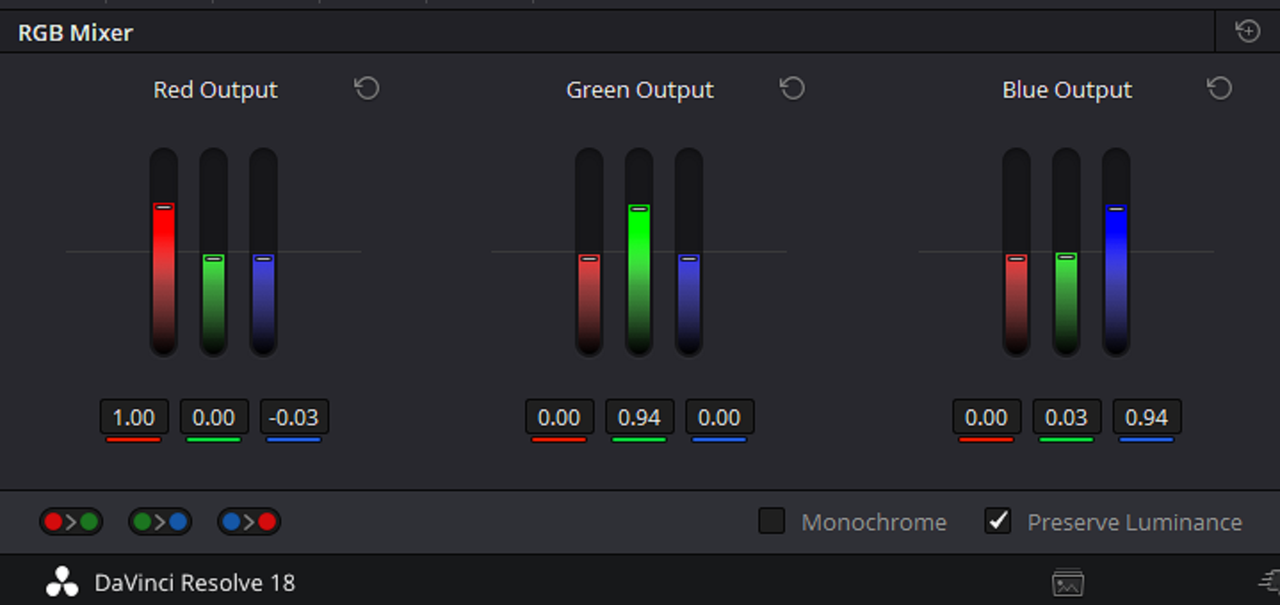
THE RGB MIXER
Before
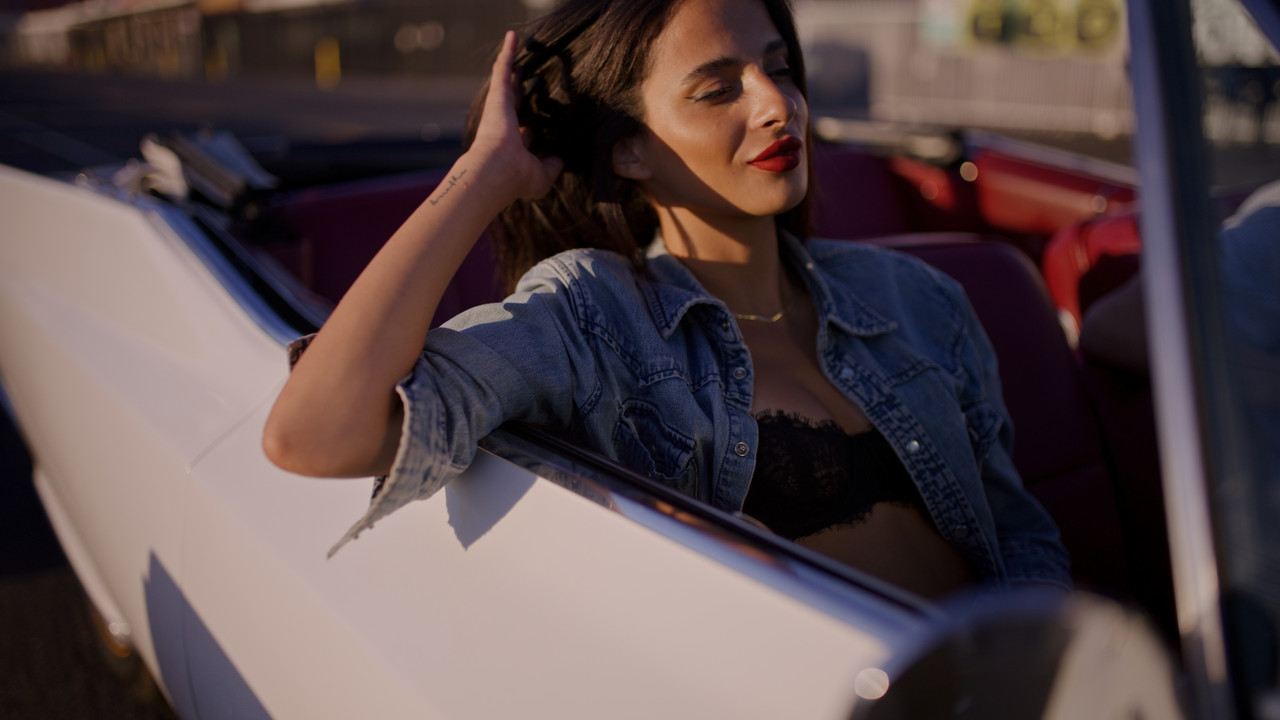
After
The COLOR WARPER
You can find the COLOR WARPER here on the "COLOR" page.
Max out the "HUE RESOLUTION" to "24" and "SATURATION RESOLUTION" to either "12" or "16". And use preferably the "HSP" Color Model.
Draw a "BOX" with your mouse around "POINT 1" which should have a "HUE" value of "0.92" and use the "HUE" function by dragging inside of the HUE BOX AREA to the right to rotate it to combine with "POINT 2" which should have a "HUE" value of "0.96". Use your Mouse again to draw a "BOX" around the outer points of the combined Point 1 and 2 to lock them together. Now use the "HUE" again which now will have no numerical value inside of the HUE BOX AREA to drag the combined Point 1 and 2 to the right to rotate it towards "POINT 3" until you get a skin tone that is less yellow and more accurate.
Before
After
FILMBIAS-Creative LUT(I believe was designed by Phil Holland)
Web link
Downloads Details (red.com)
Before
After
THE RGB MIXER
Before
After
Last edited: