Welcome to our community

Be a part of something great, join today!

  • Hey all, just changed over the backend after 15 years I figured time to give it a bit of an update, its probably gonna be a bit weird for most of you and i am sure there is a few bugs to work out but it should kinda work the same as before... hopefully :)

ARRI 4K Super 35 Camera Will be Launched Next Month

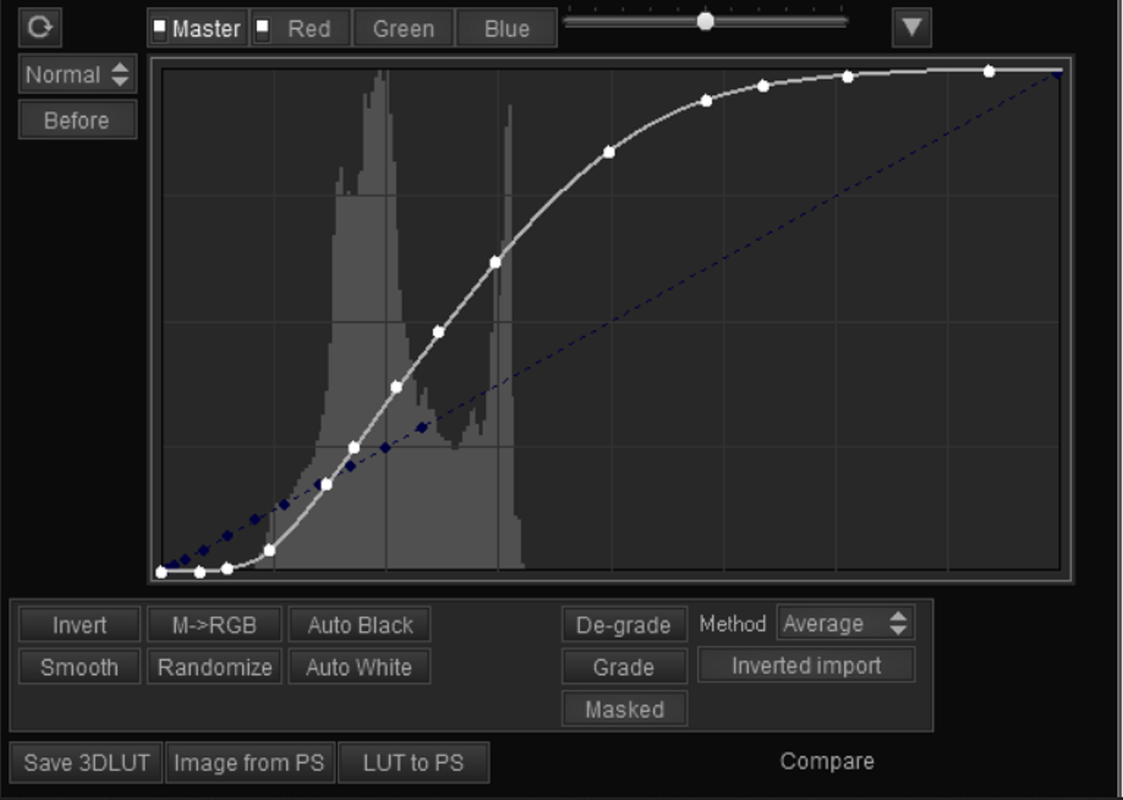
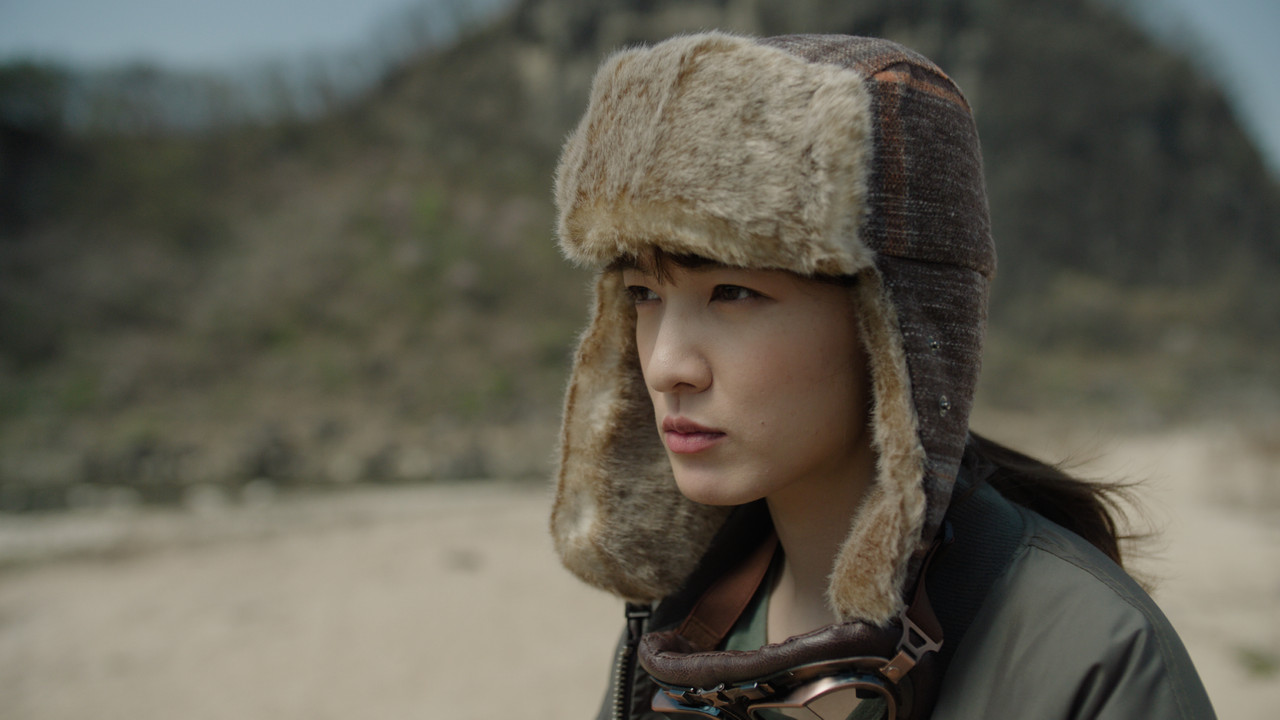
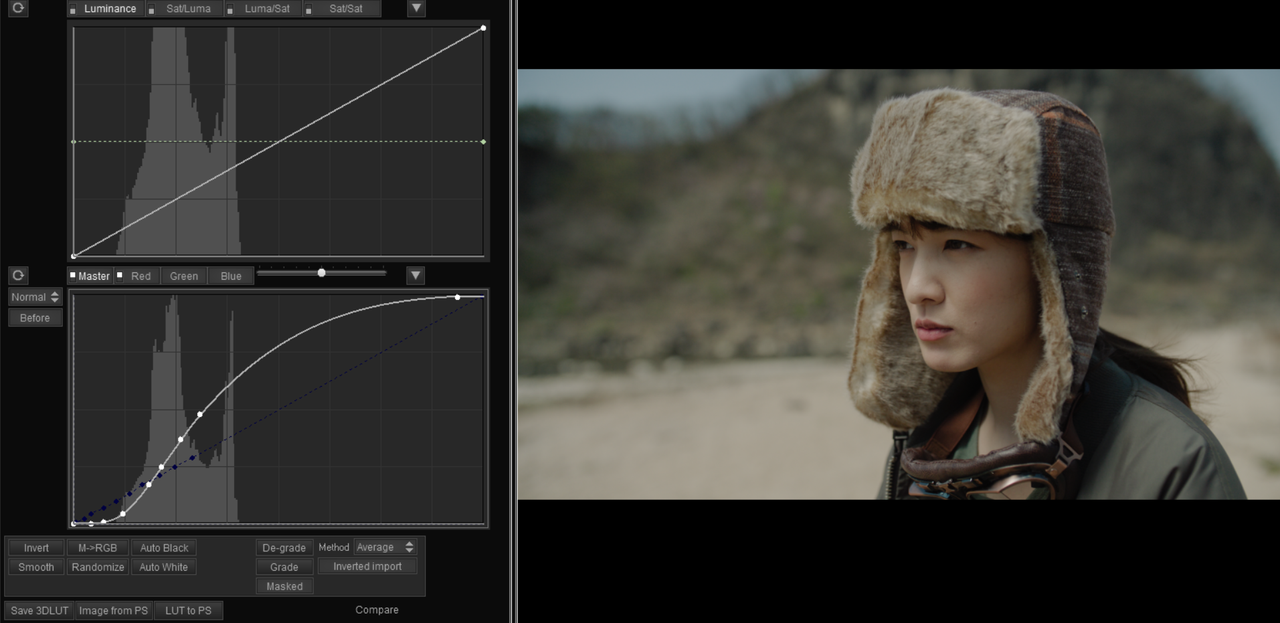
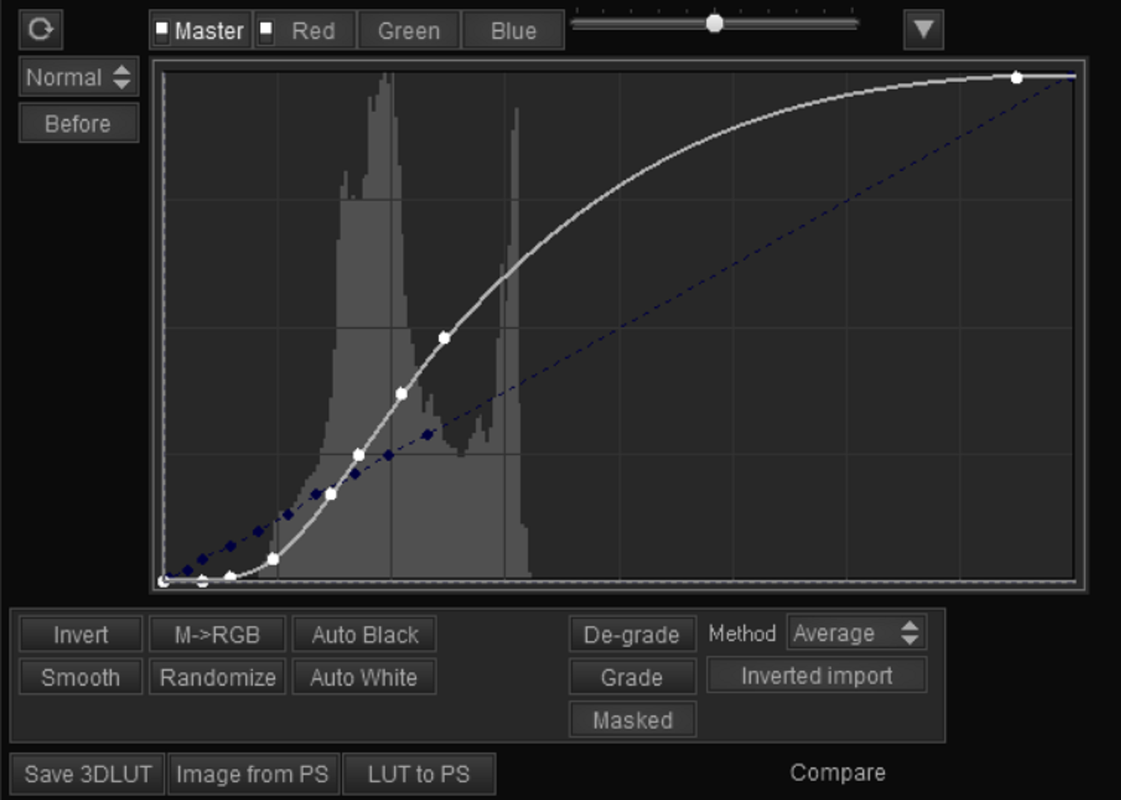
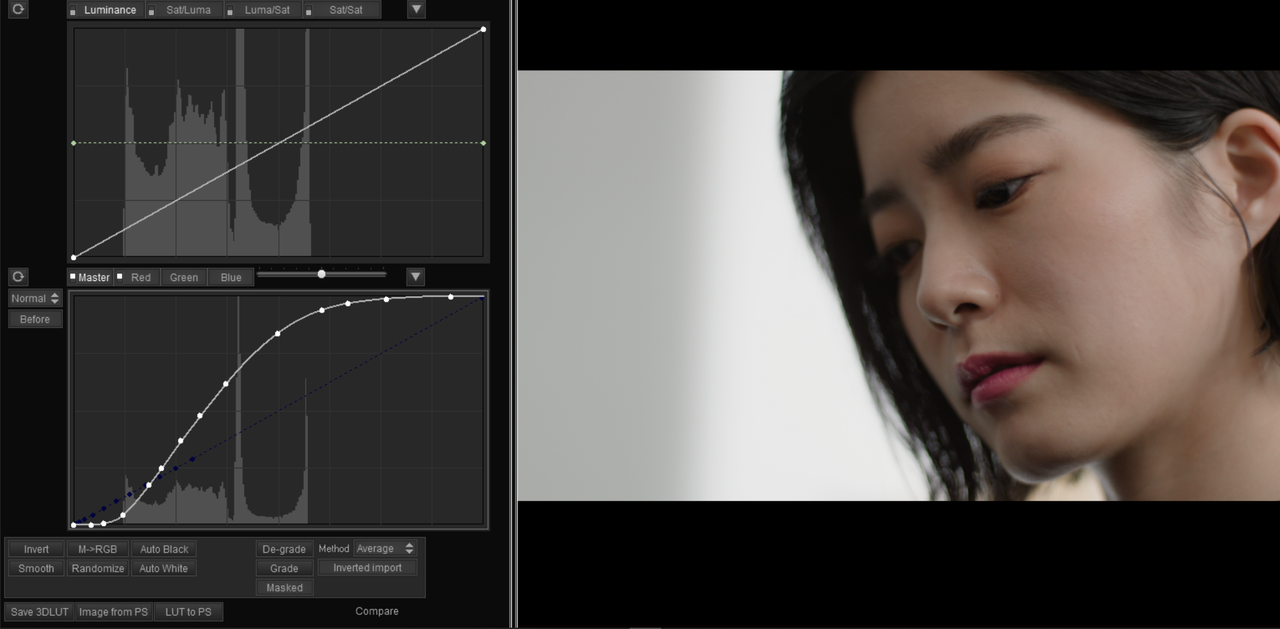
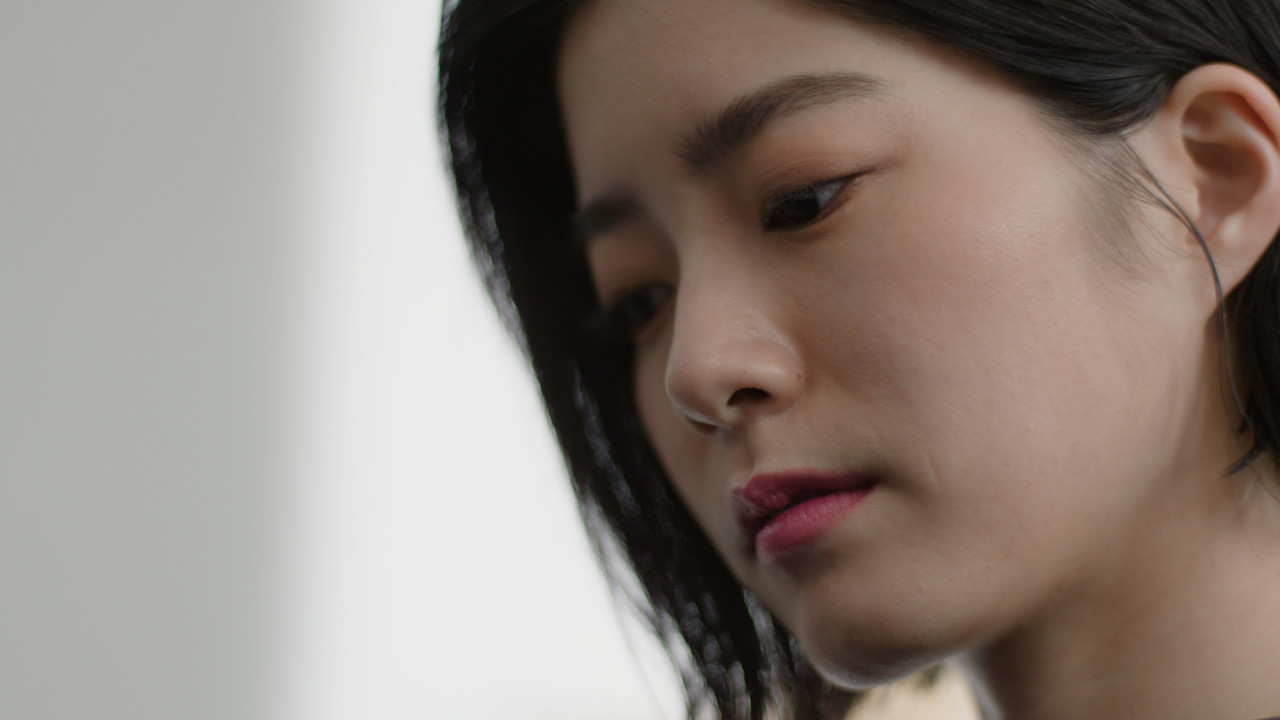
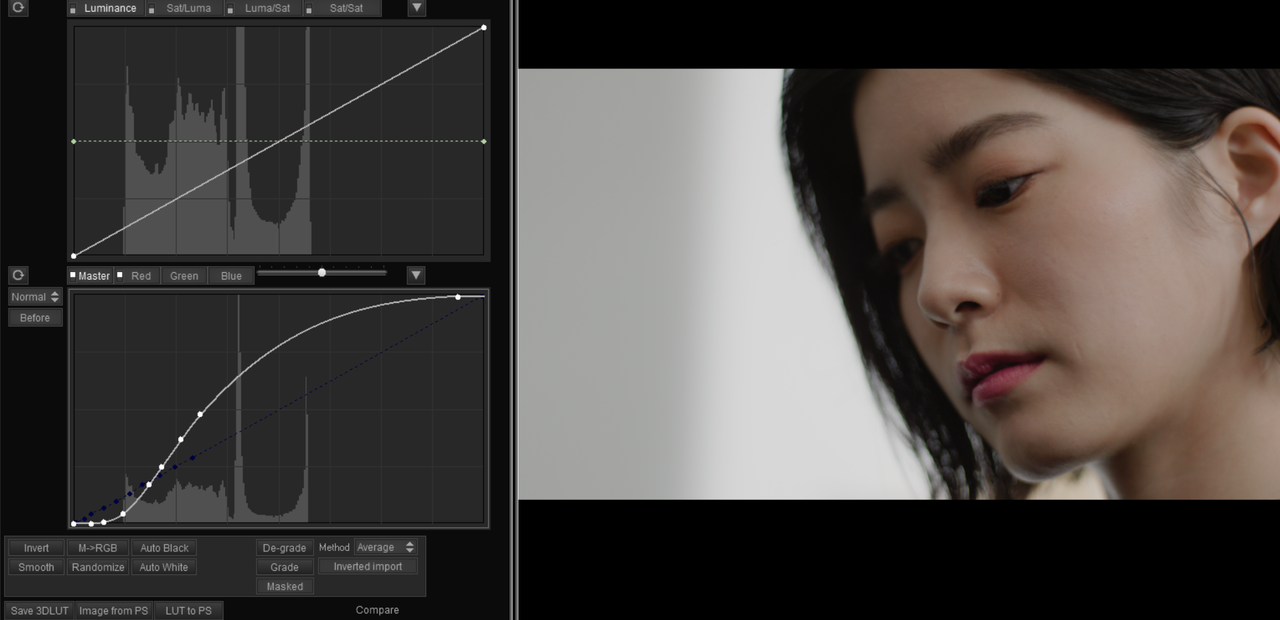
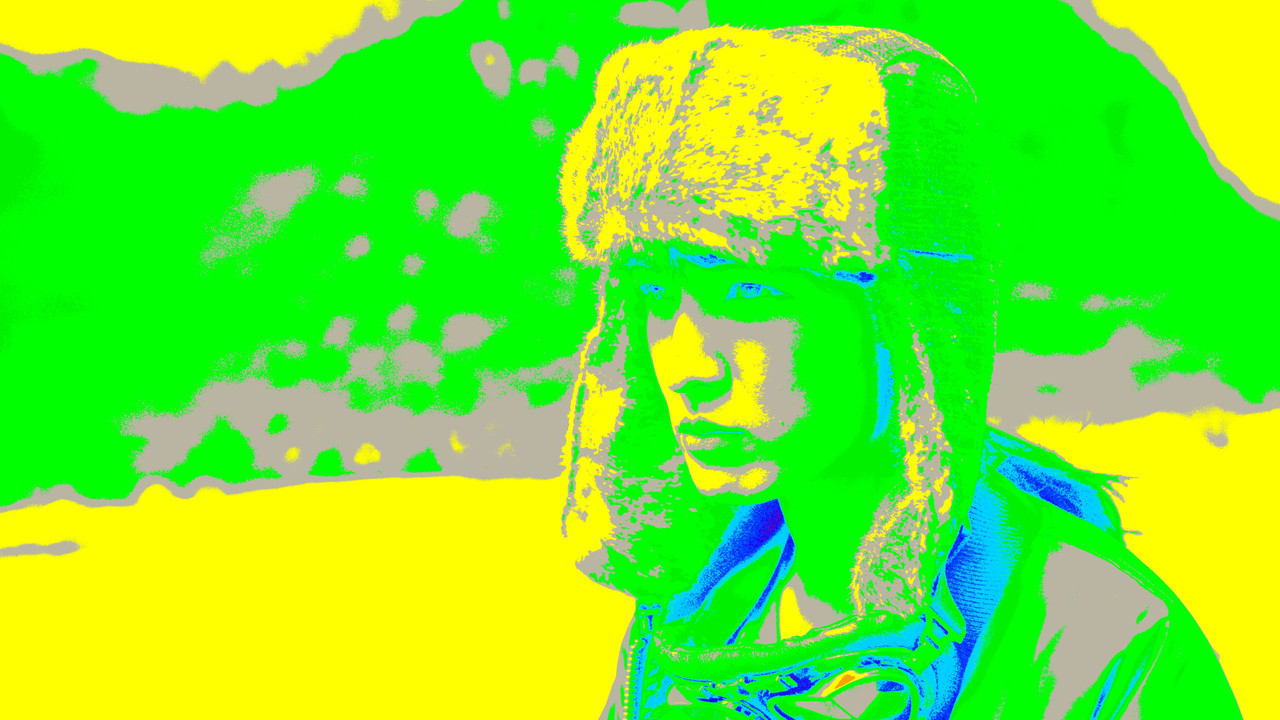
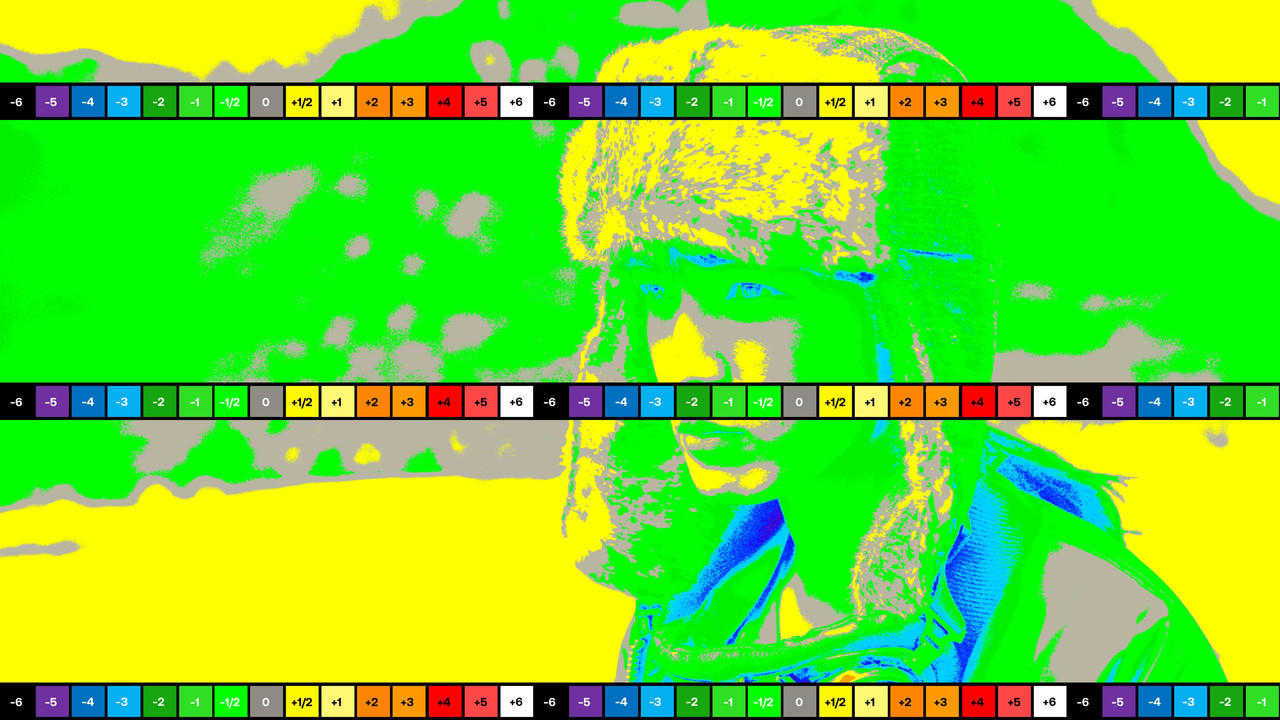
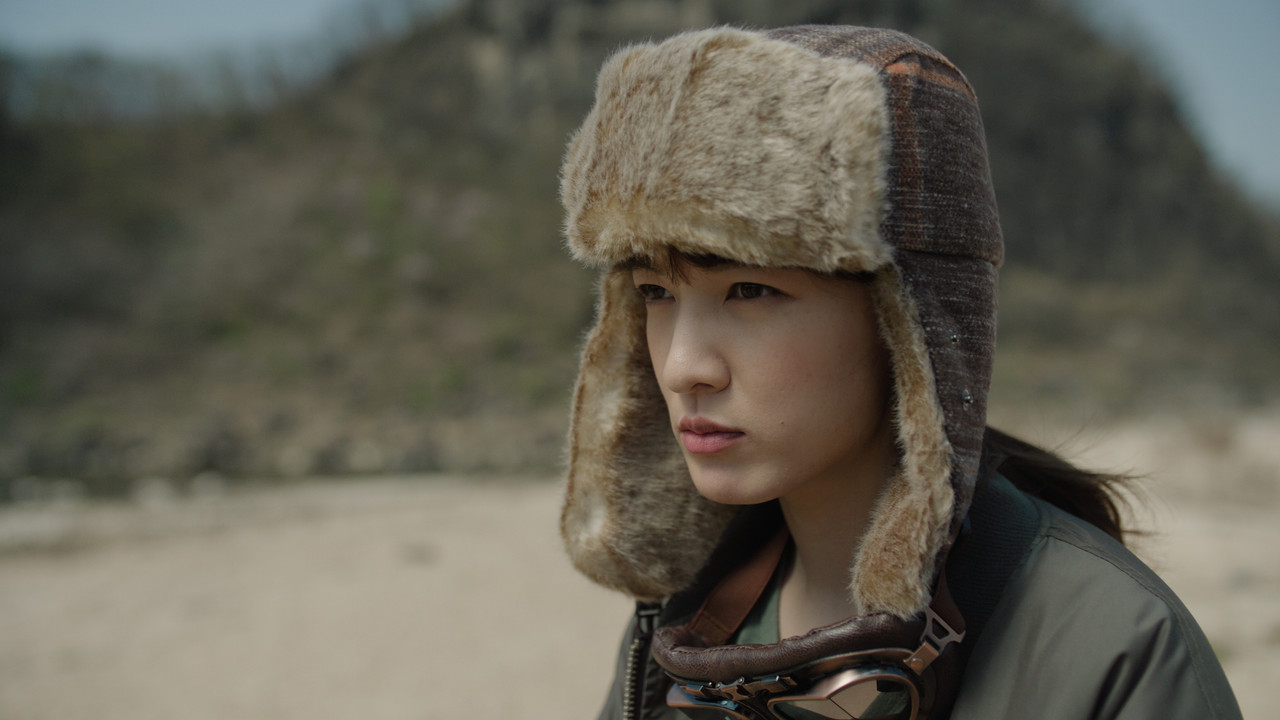
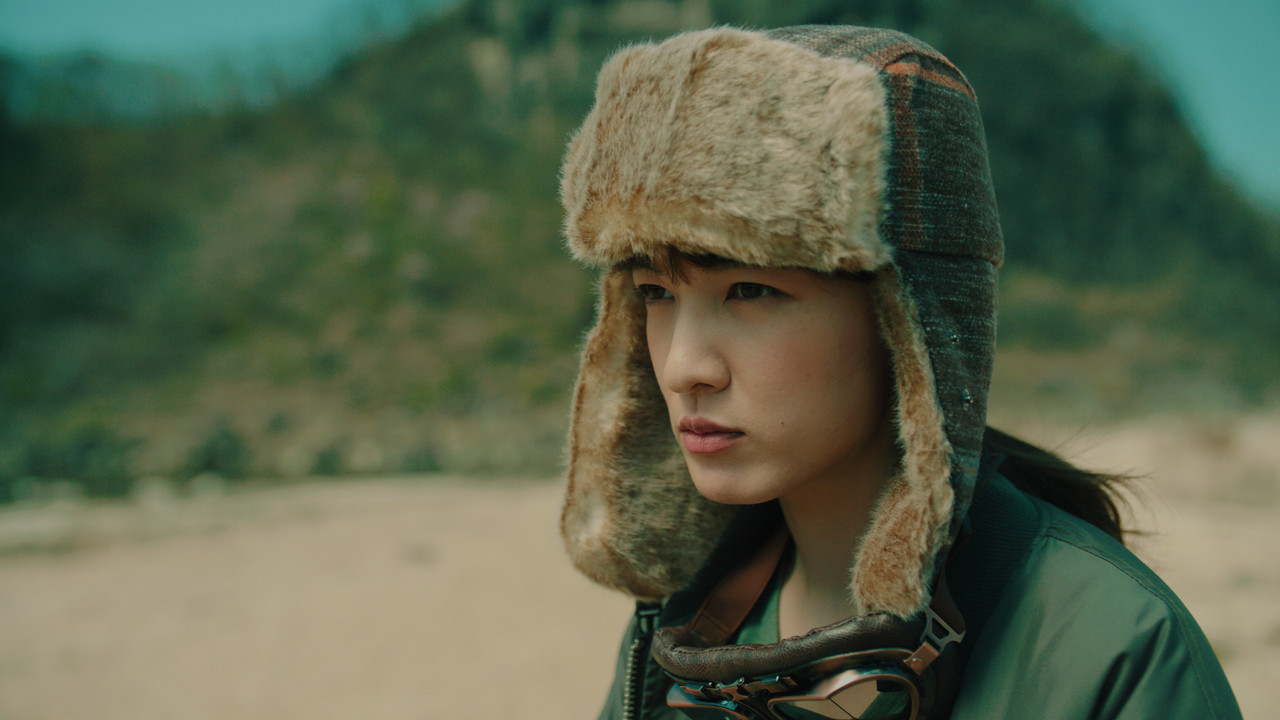
I changed the Highlight Roll-Off of the Top Half of the Original Arri AWG4/ALC4 Curve


ARRI Original Curve
orig-2.png


orig-21.png


ARRI-ORIGINAL.jpg


ARRI MODDED CURVE

Mod-2.png


Mod-2-2.png


Arri-Log-C4-Modded-2-A.jpg


Original

orig-21.png


Modded
Mod-2-2.png


Original

ARRI-ORIGINAL.jpg


Modded
Arri-Log-C4-Modded-2-A.jpg


ARRI Original Curve

orig.png


orig-21.png


ARRI-ORIG-2.jpg


ARRI MODDED CURVE

Mod.png


Mod-2-2.png


Arri-Log-C4-Modded-2-B.jpg


Original

orig-21.png


Modded
Mod-2-2.png


Original

ARRI-ORIG-2.jpg


Modded
Arri-Log-C4-Modded-2-B.jpg
 
Results from ACEScct workflow with additional LMT, DCTL and DWG/DI Node and from a Davinci YRGB workflow without the tools available in the ACEScct workflow using the ARRI AWG4/ALC4 to REC709 Gamma 2.4 Transform Lut.


ACEScct

1.png


2.png


2a.jpg


3.png


Davinci YRGB with AWG4/ALC4 to REC 709 Gamma 2.4 Lut


4.png


5.png


6.jpg


7.png


ACEScct

2a.jpg


Davinci YRGB with AWG4/ALC4 to REC 709 Gamma 2.4 Lut


6.jpg
 
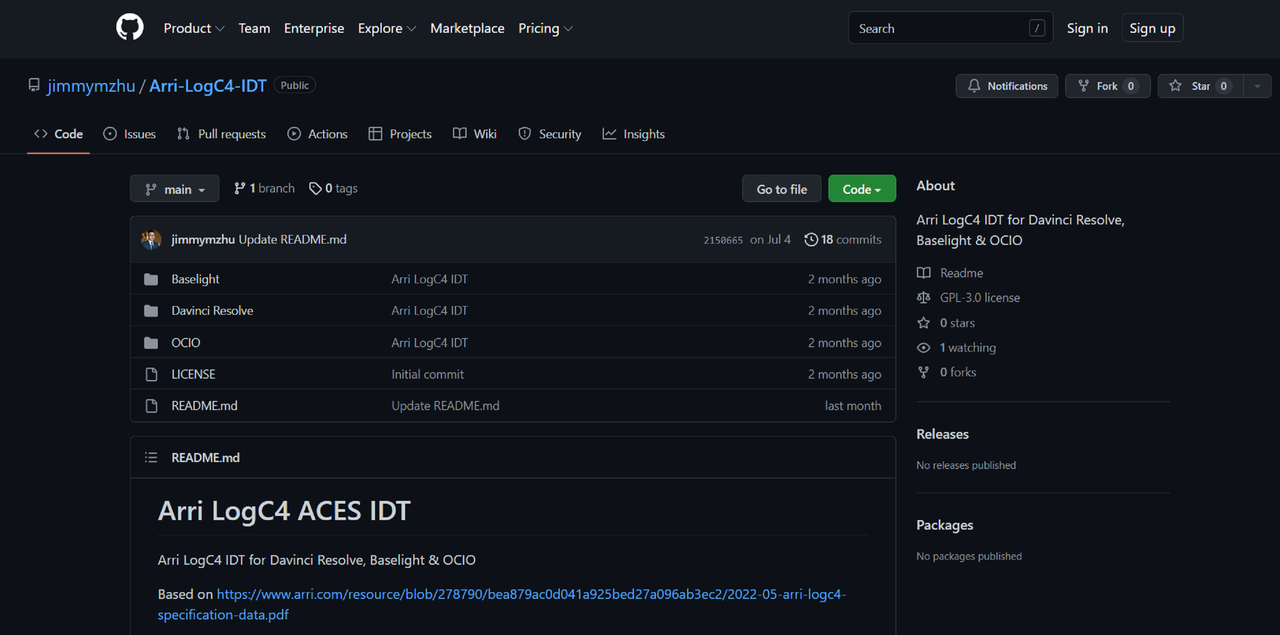
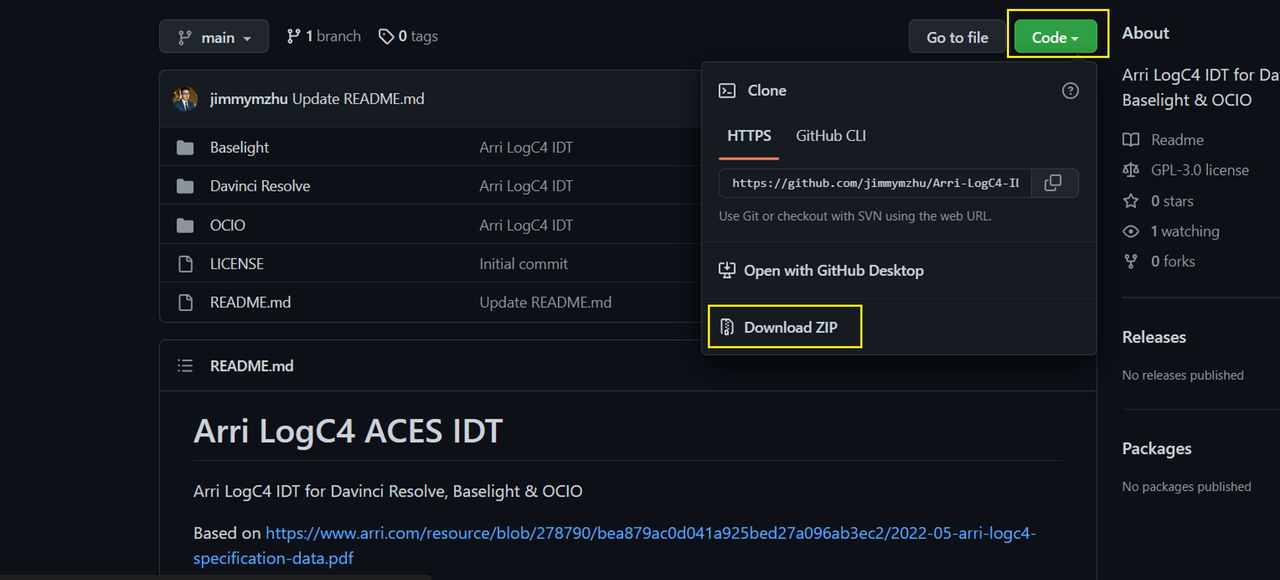
Arri LogC4 ACES IDT

GitHub - jimmymzhu/Arri-LogC4-IDT: Arri LogC4 IDT for Davinci Resolve, Baselight & OCIO


Screenshot-6202.png


Arri LogC4 IDT for Davinci Resolve, Baselight & OCIO


Based on https://www.arri.com/resource/blob/2...ation-data.pdf

by Jimmy Zhu, www.jimmyzhu.net

For a more detailed installation and usage guide, please check out the blog post: https://www.jimmyzhu.net/blog/arri-l...ces-idt-220629


DAVINCI RESOLVE


Navigate to the "ACES Transforms" folder in Resolve's main application support folder.

MacOS: "~/Library/Application Support/Blackmagic Design/DaVinci Resolve/ACES Transforms" double check folders again

Windows: "%AppData%\Blackmagic Design\DaVinci Resolve\Support\ACES Transforms"

Linux: "~/.local/share/DaVinciResolve/ACES Transforms"

Place Arri_LogC4.dctl in the IDT subfolder.
Start Resolve.

At start up, Resolve loads all the ACES DCTLs inside the "ACES Transforms/IDT" and "ACES Transforms/ODT" folders.

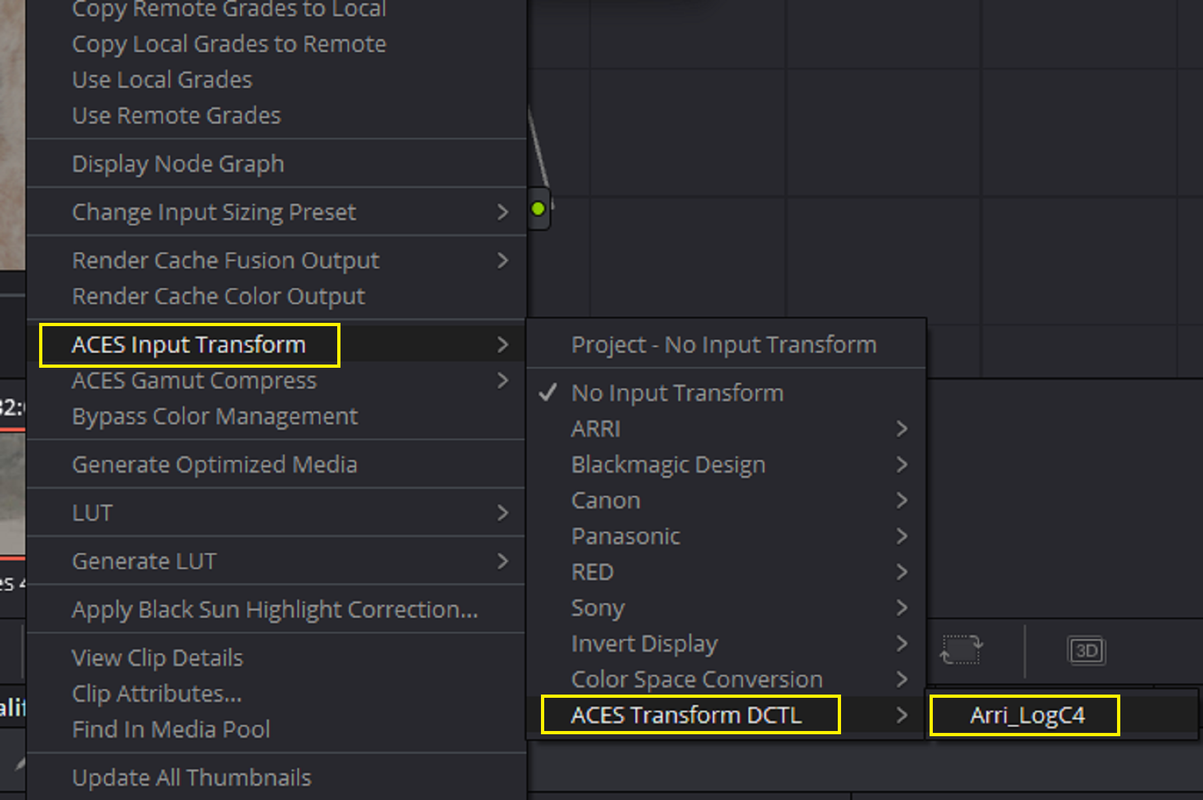
Arri LogC4 is now available as the ACES Input Transform in the project color management setting.

Arri LogC4 is also available in the drop-down menu if you prefer a node tree based ACES workflow.


BASELIGHT


Navigate to the "colourspaces" folder for colour space transform files.

MacOS: "~/Library/Application Support/FilmLight/etc/colourspaces"

Linux: "/usr/fl/etc/colourspaces"

Place ARRI_LogC4_WG4_full.flspace in the "colourspaces" folder.

Start Baselight.

ARRI: LogC4 / Wide Gamut4 is available for Colour Space Input.


OCIO


This config only contains the code for ARRI LogC4. If you don't have a full ACES OCIO config, you can download the latest ACES 1.2 OpenColorIO configuration files

Copy the code from Arri_LogC4-config.ocio into the full ACES config.ocio file.

Copy V4_LogC_800_to_linear.spi1d into the "luts" folder.

Load the modified OCIO config in DCC applications.

Input - ARRI - V4 LogC (EI800) - Wide Gamut is now available in OCIO.


Screenshot-6203.png


Screenshot-6204.png


Screenshot-6205.png
 
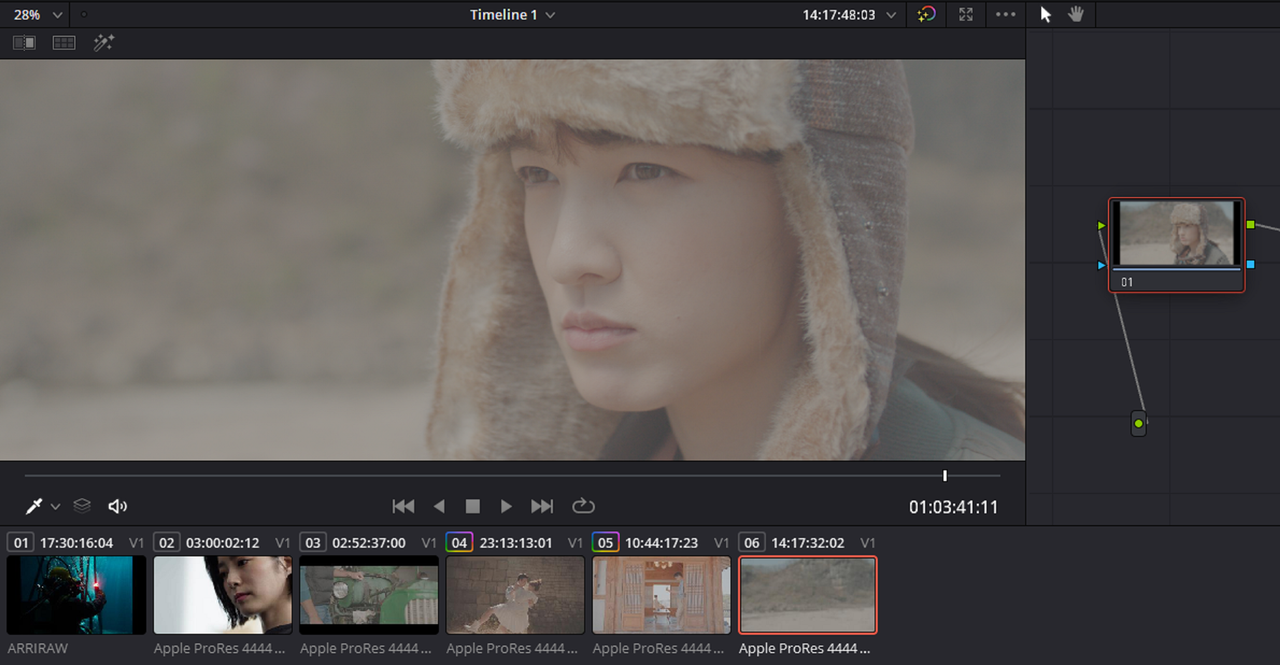
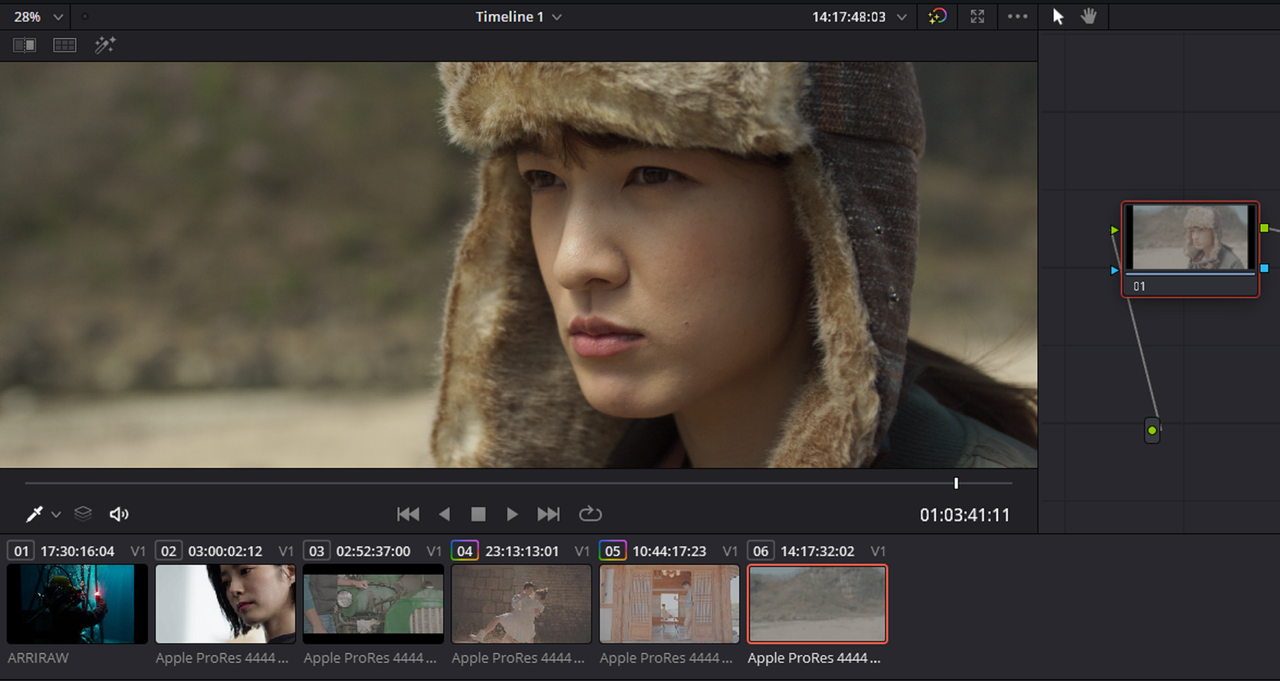
With the ACES LOG4 DCTL above, it seems when you scroll through the scene everything looks okay. However when you press the "Play" on the "Viewer" Window or on your Keyboard the image returns back to LOG.

In the video below, First I demonstrate how the "ACES TRANSFORM DCTL" for ARRI LOGC4 performs while Scrolling then in "PLAYBACK" mode. Next I Show how the ARRI LOGC4 IDT already built into RESOLVE behaves in "PLAYBACK" mode. It helps if you watch the video in "FULLSCREEN" mode.

The Screen Recorder Program I used caused an increase in the Gamma of the Video but I think you'll get the jest of what I'm trying to demonstrate

 
REC709 Luts in an ACEScct Workflow


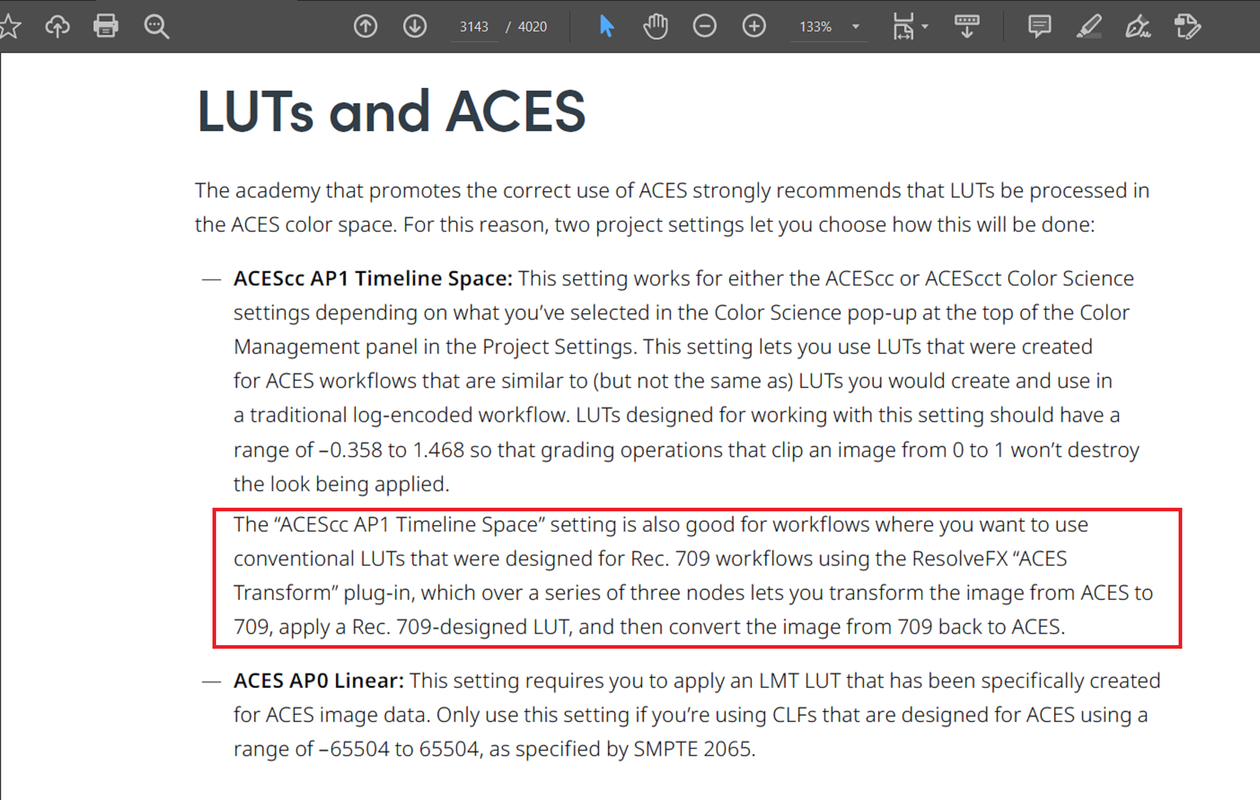
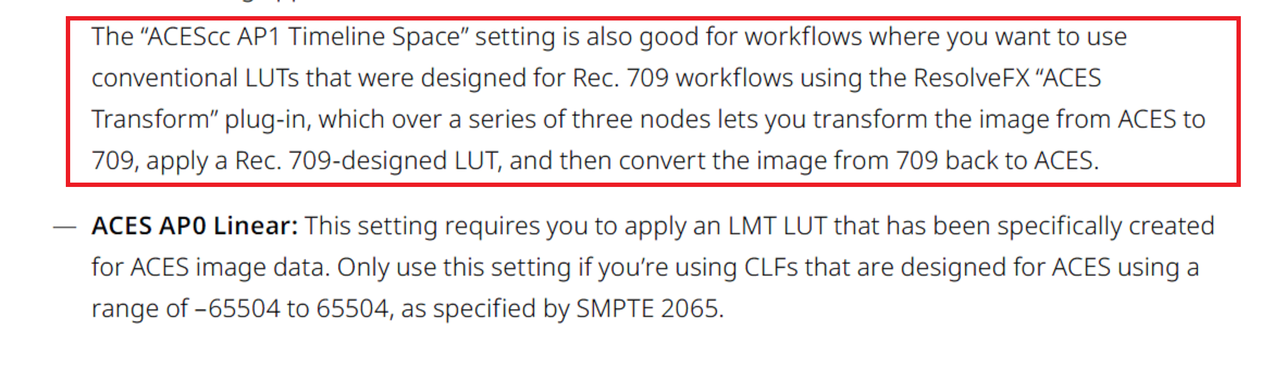
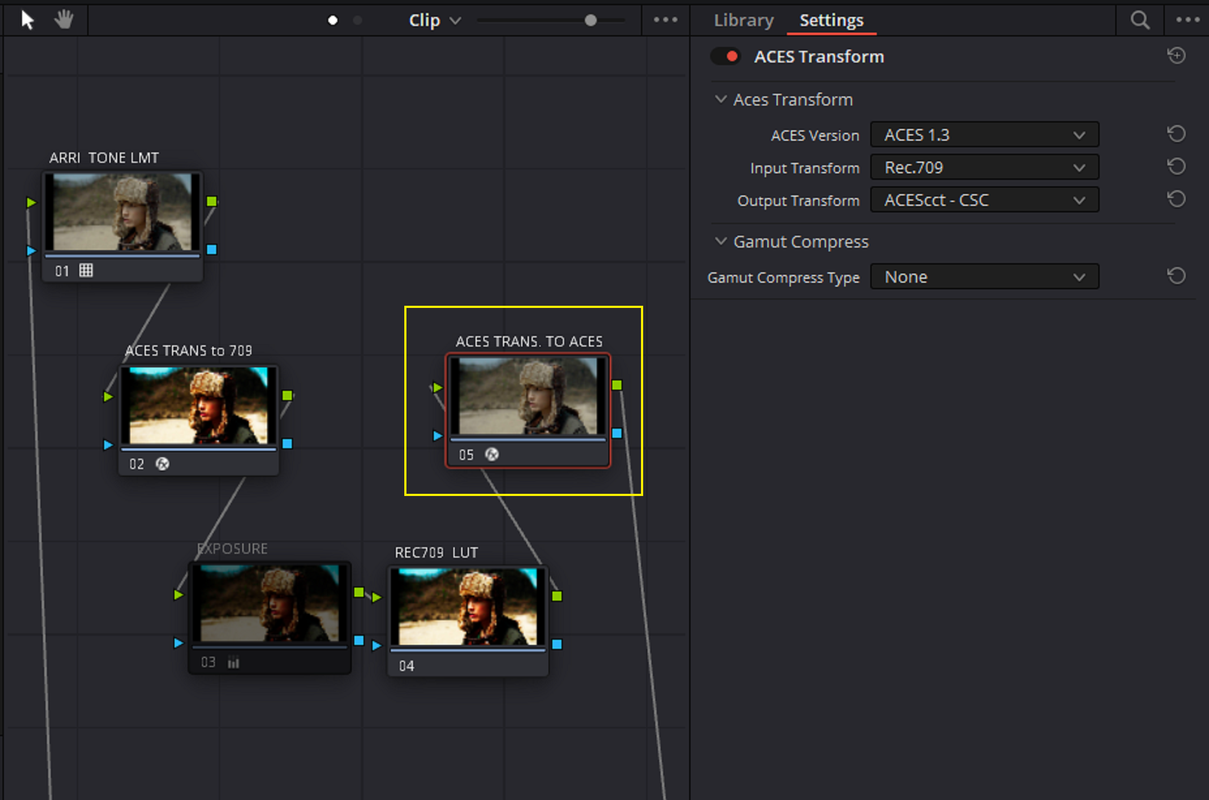
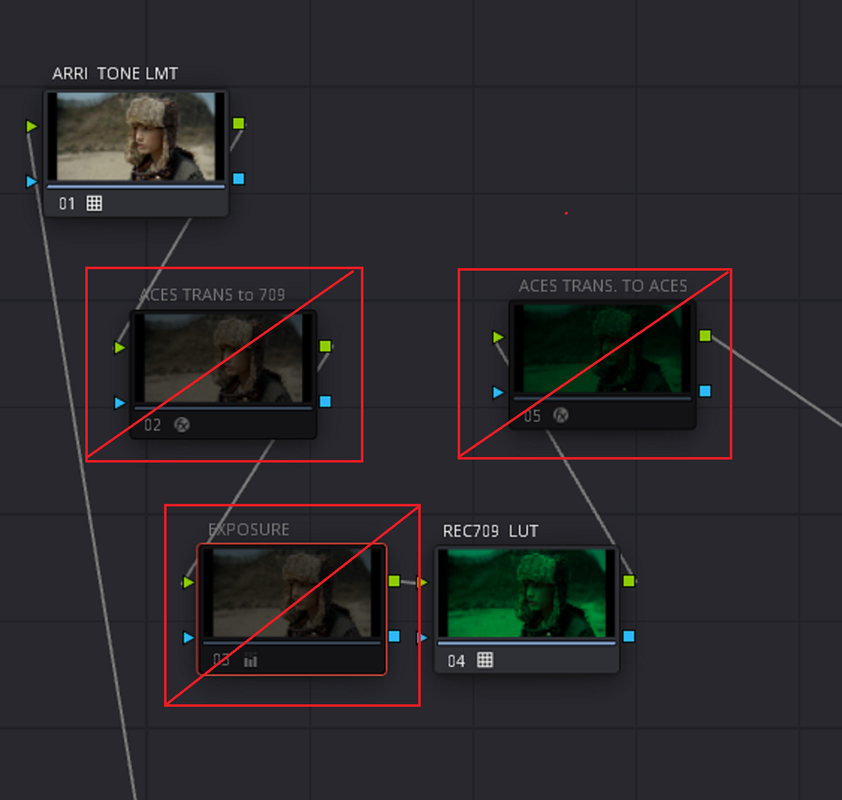
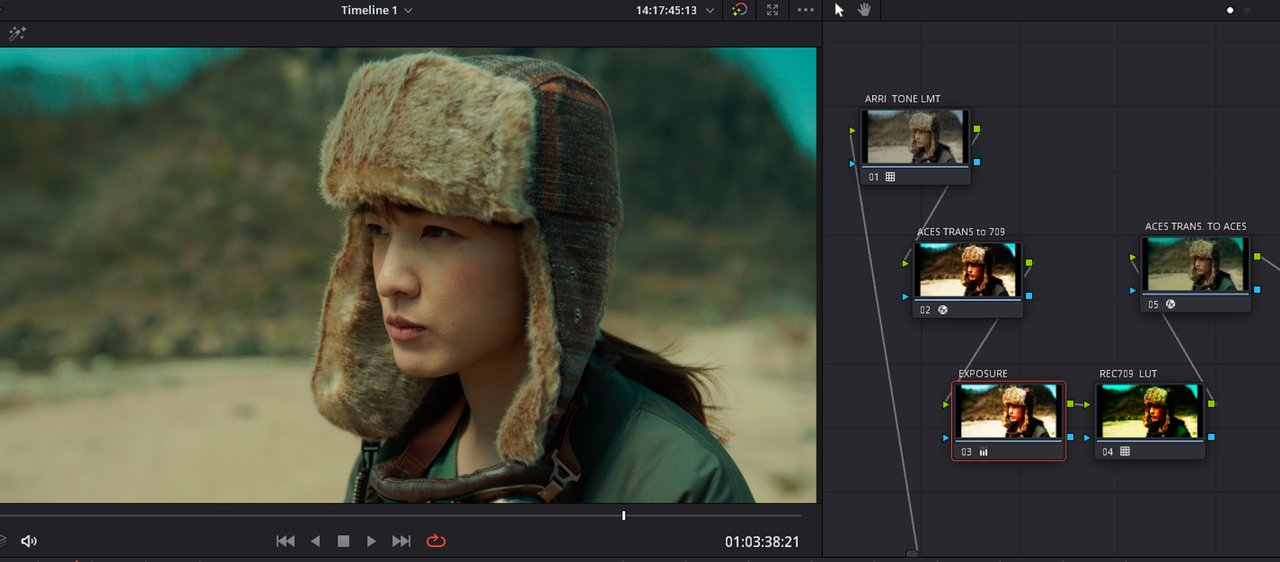
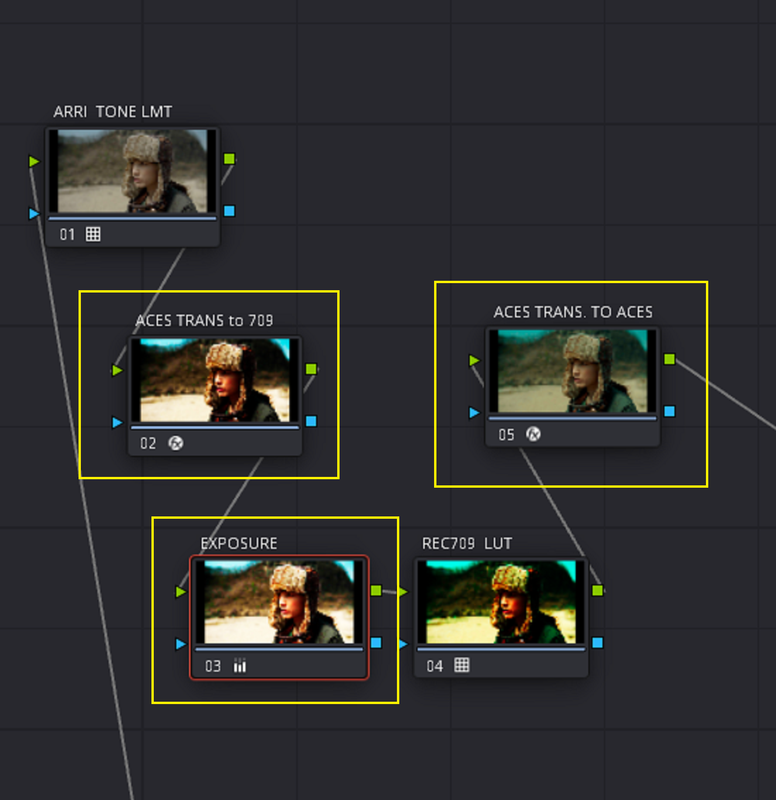
According to "Page 3143" of the "Davinci Resolve 18 Manual", you can use Luts Designed for a REC709 Color Space in an ACES workflow if you use the "RESOLVE FX" "ACES TRANSFORM" plugin to transform in and out of REC709.

Screenshot-6206.png


Screenshot-6206-3.png


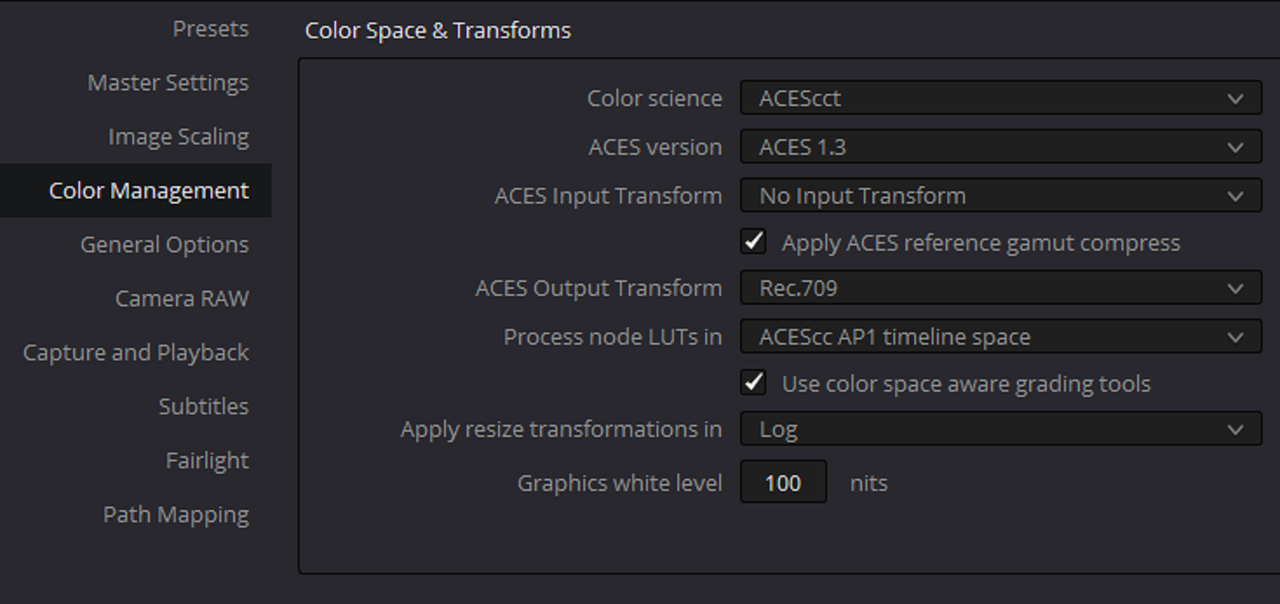
ACES Project Settings


1.png


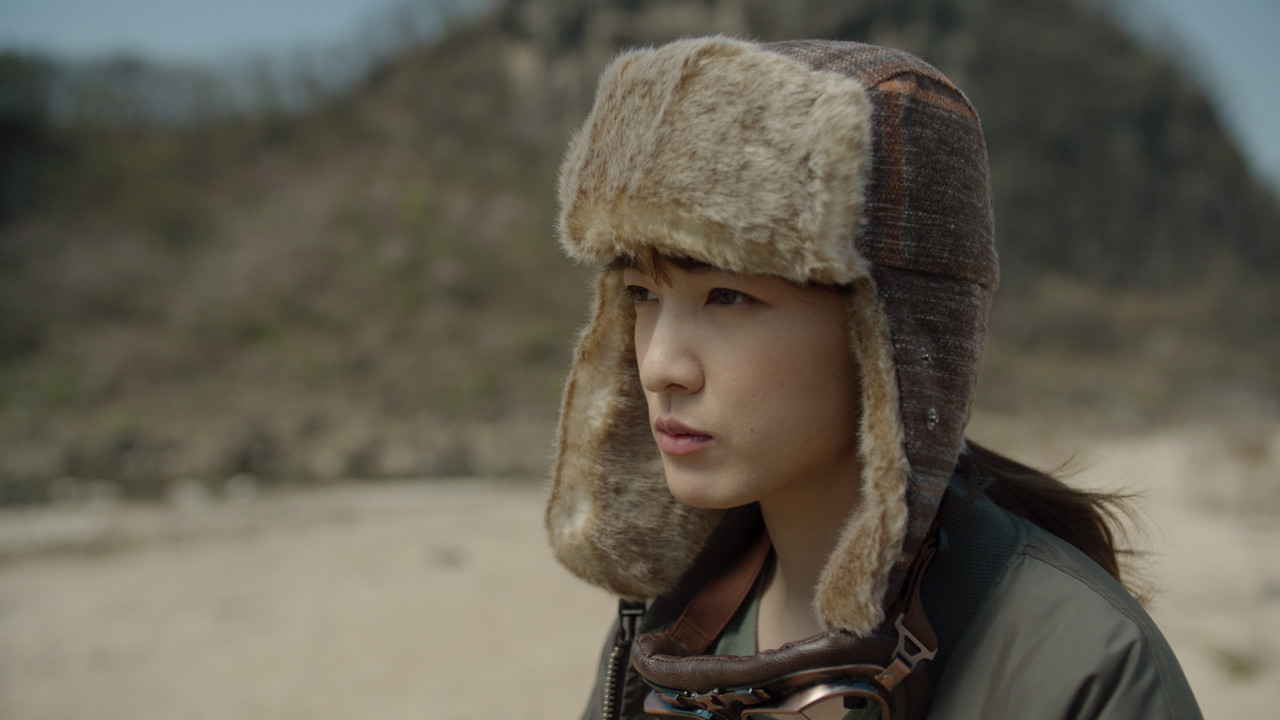
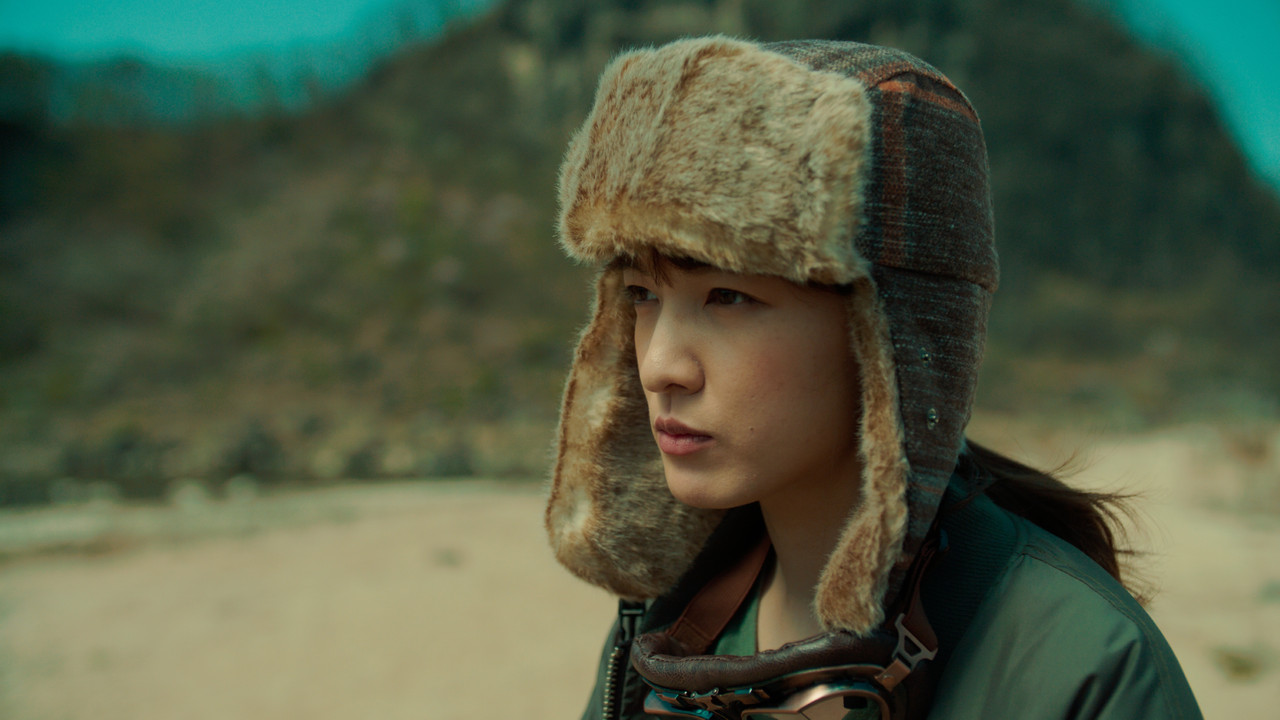
Here is a sample Alexa35 Image with a Pair of "ACES TRANFORM" OFX plugins going into REC709 and out of REC709 back to ACES, no REC709 Lut has been applied yet.


2.png


3.png


4.png


1-6-3-1-6-3.jpg


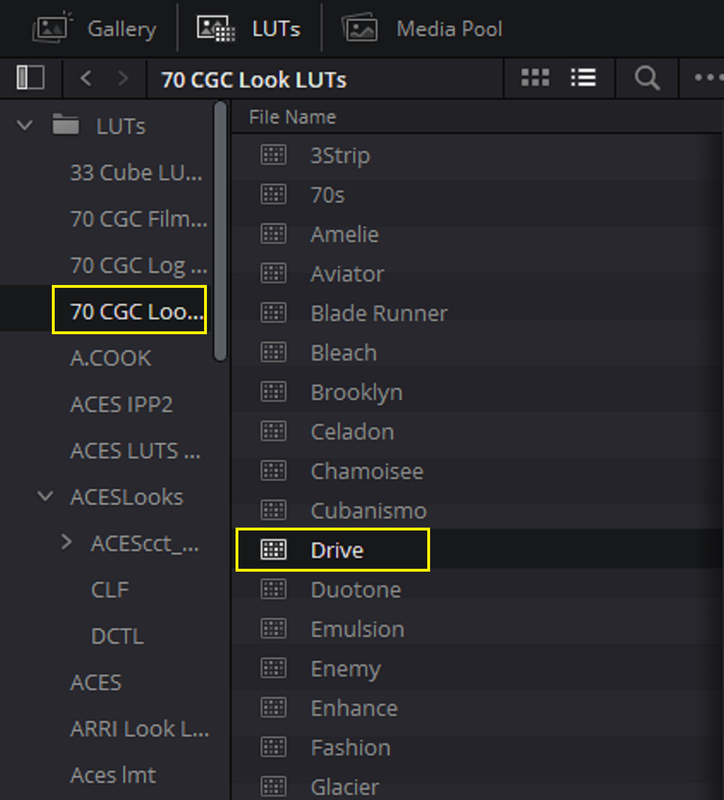
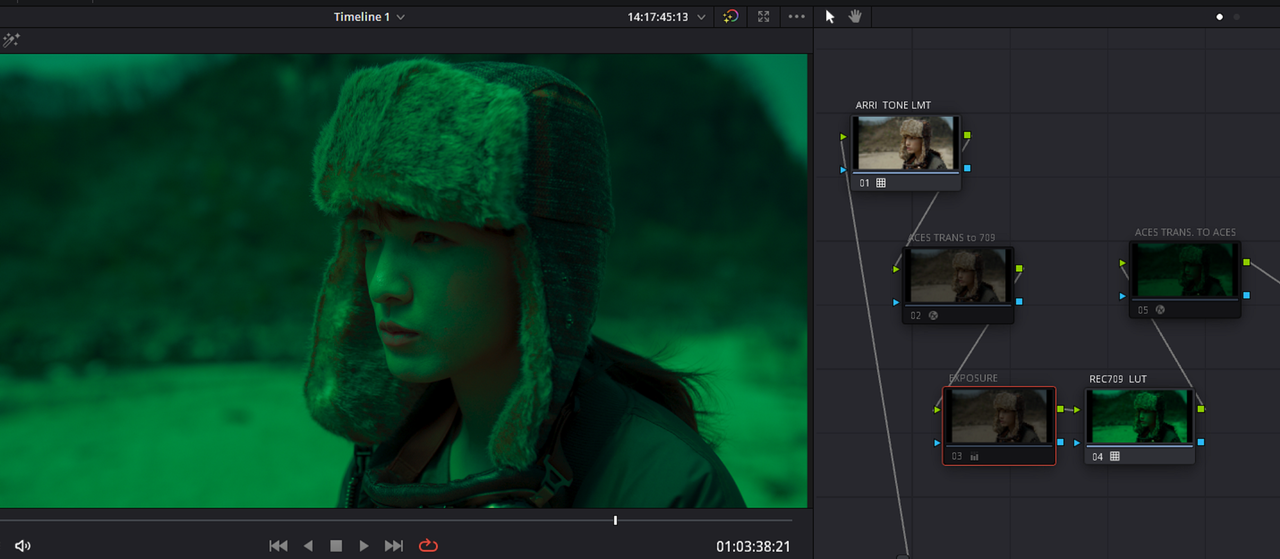
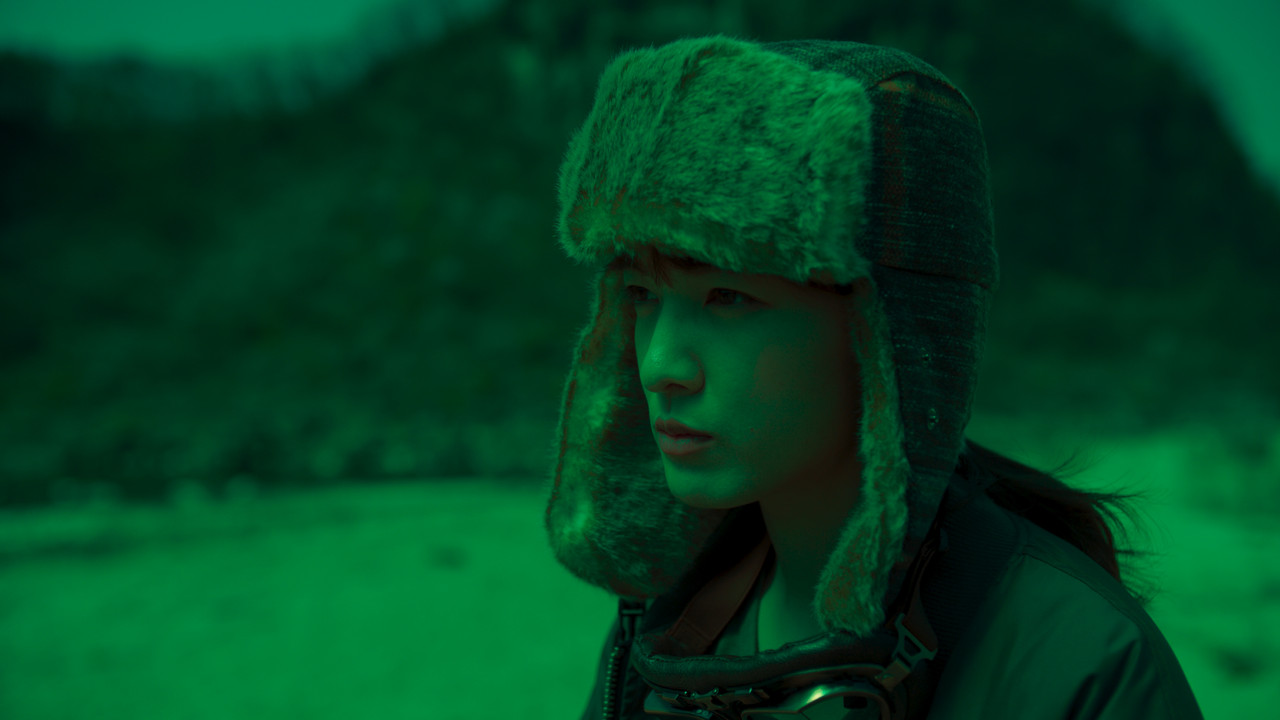
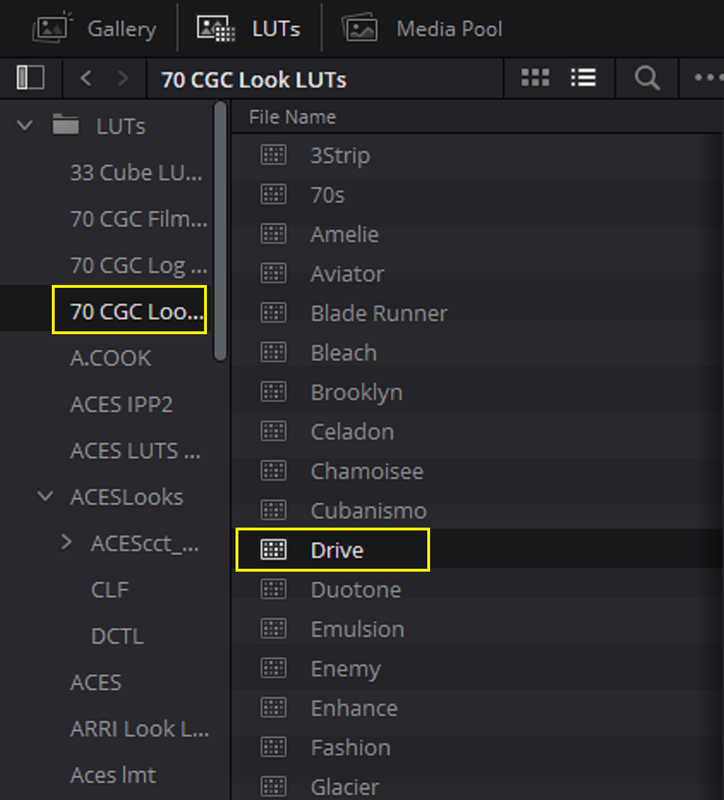
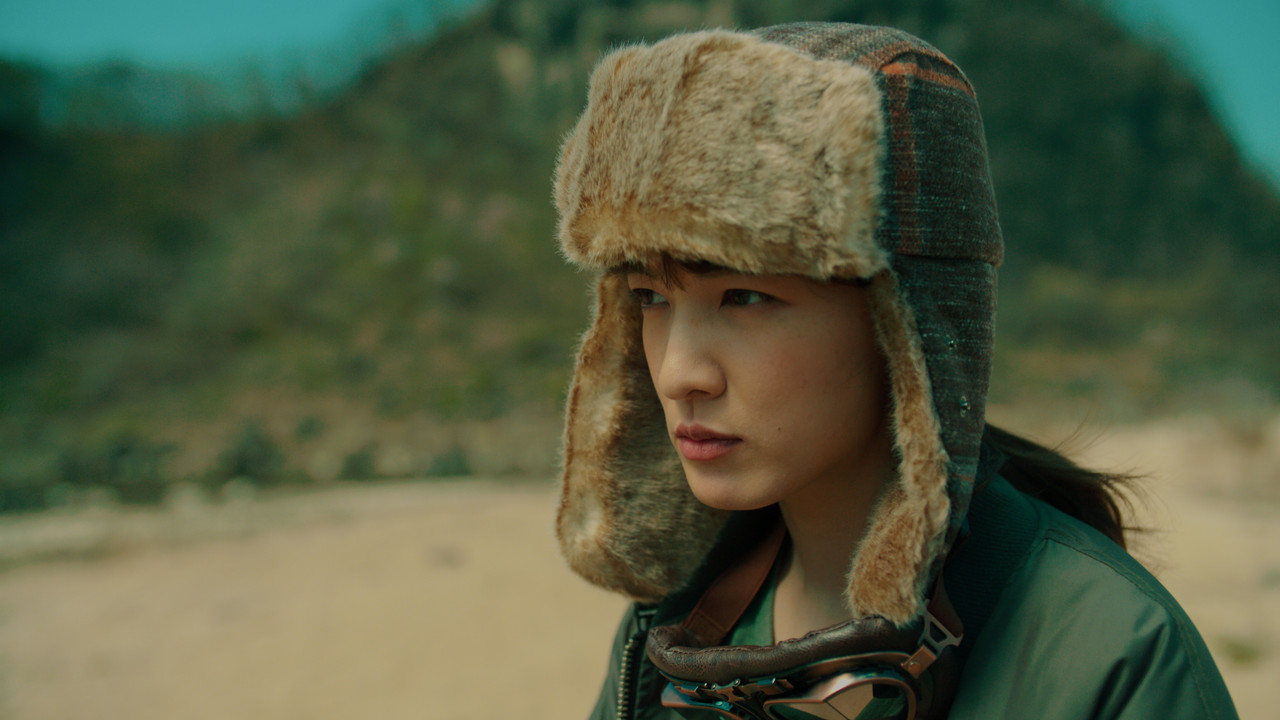
I applied a REC709 Lut called "DRIVE" I had laying around in my "LUT FOLDER" to an ACES Project without the benefit of being between the ACES TRANSFORM OFX plugins to go in and out of REC709. You can see the resulting look below.


5.png


5A.png


6.png


1-6-1-1-6-1.jpg


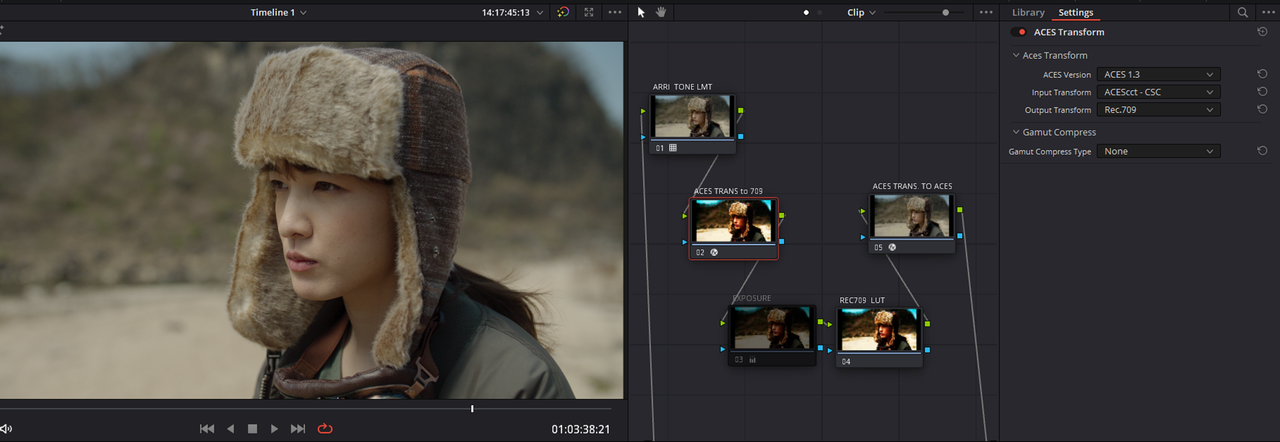
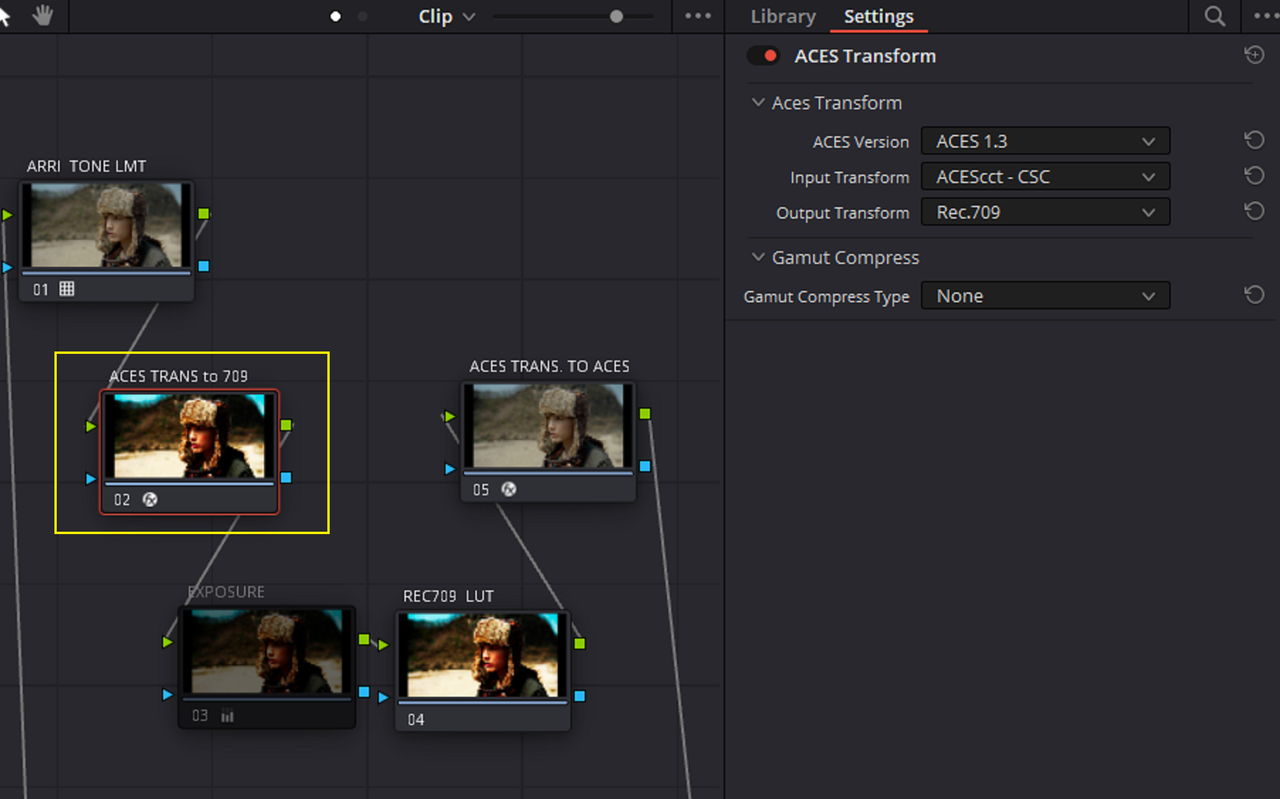
Next, I applied the REC709 Lut called "DRIVE" with an Exposure adjustment before it to the ACES Project with the ACES TRANSFORM OFX plugins enabled to go in and out of REC709. You can see the resulting look below.


6A.png


7.png


1-6-2-1-6-2.jpg
 
Last edited:
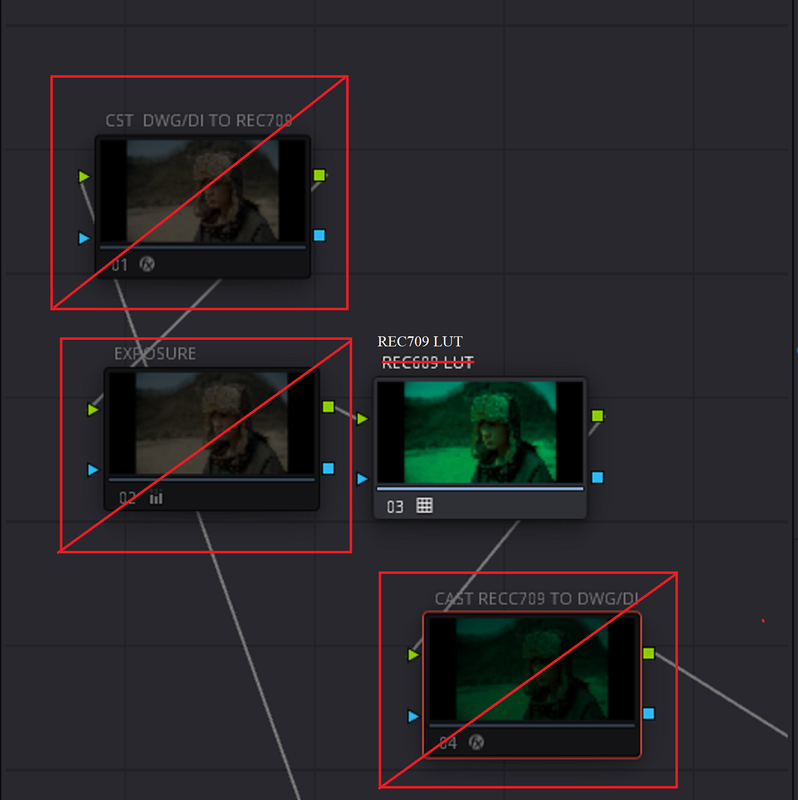
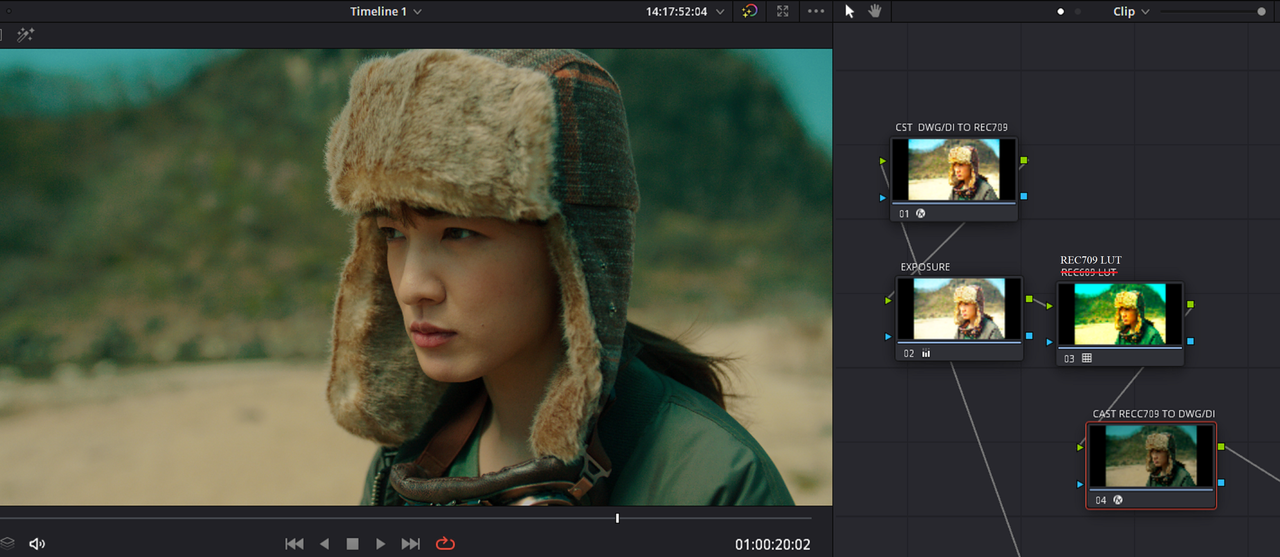
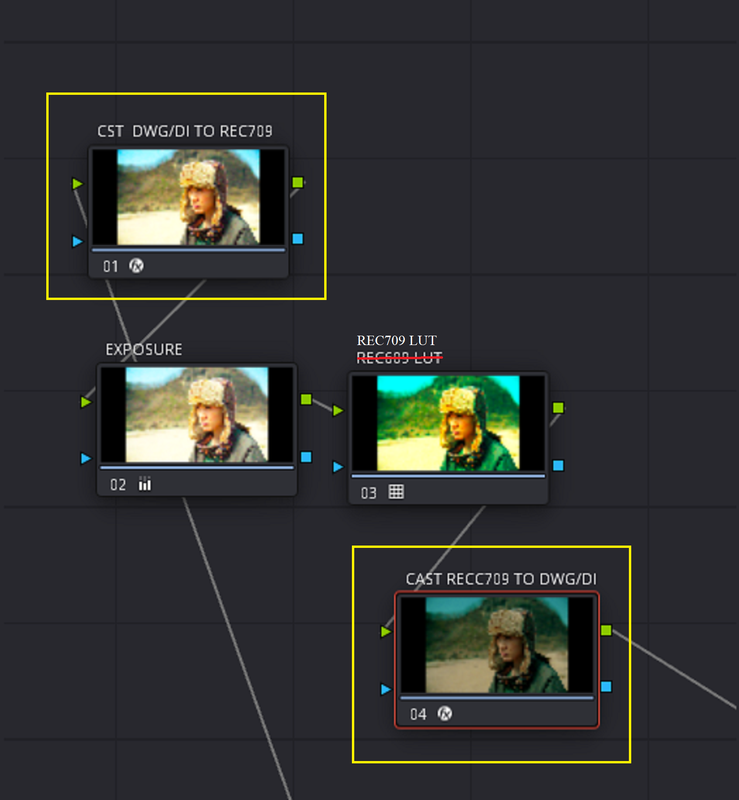
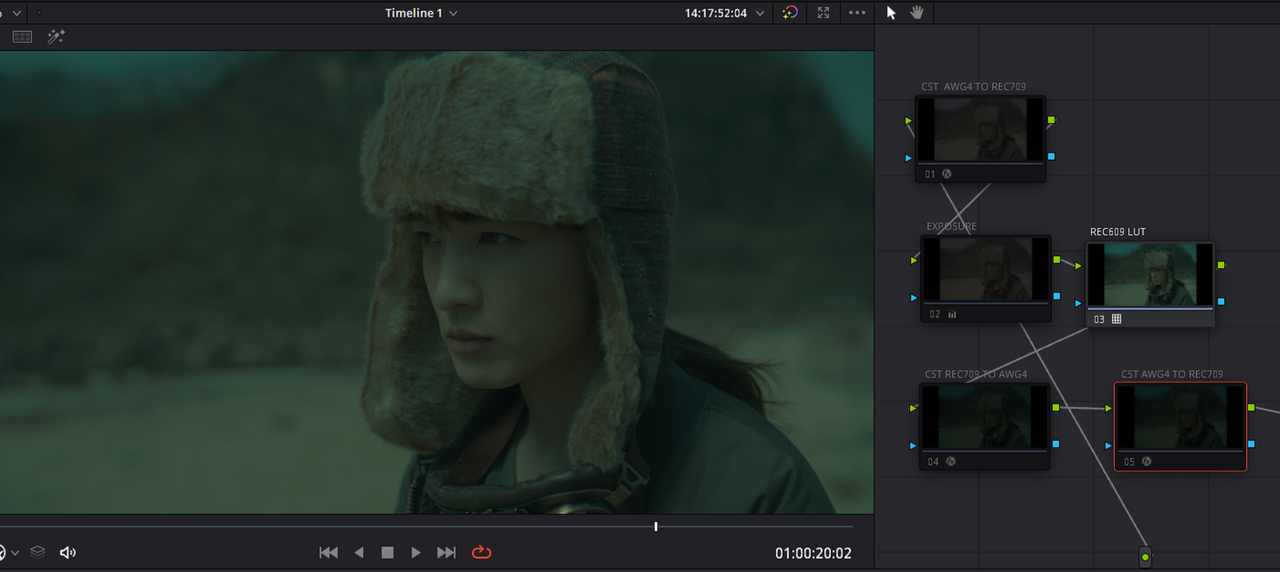
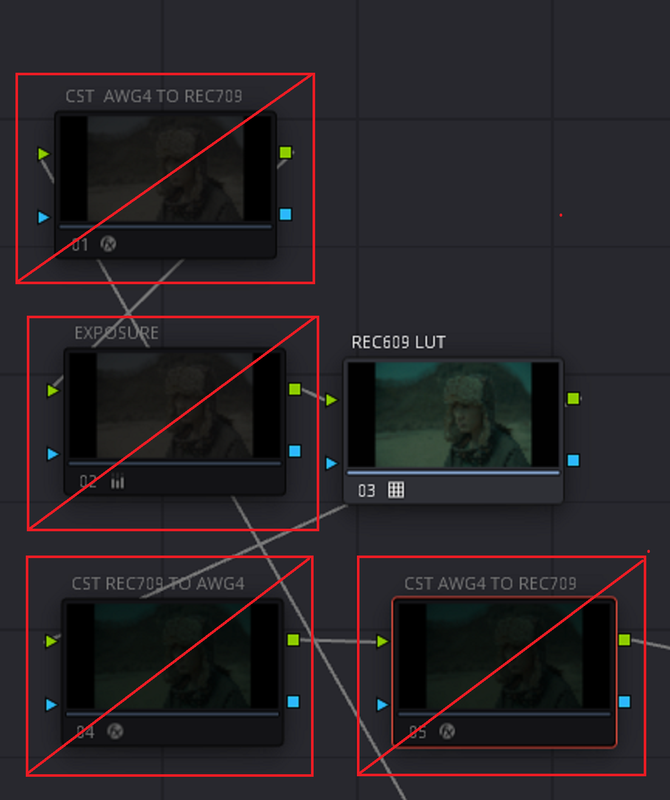
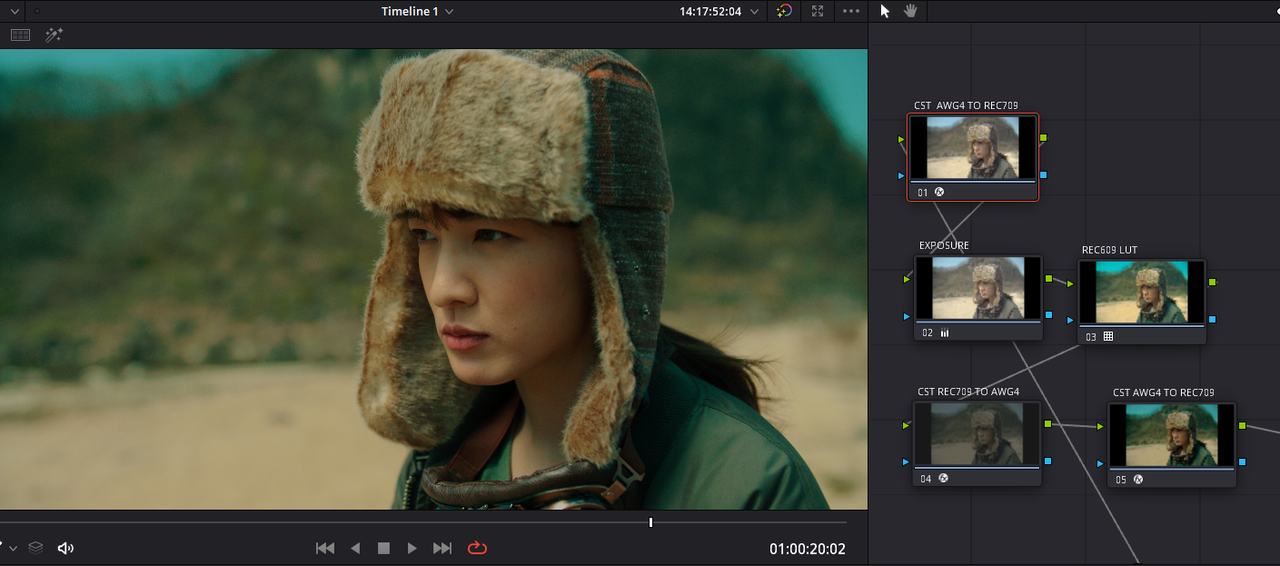
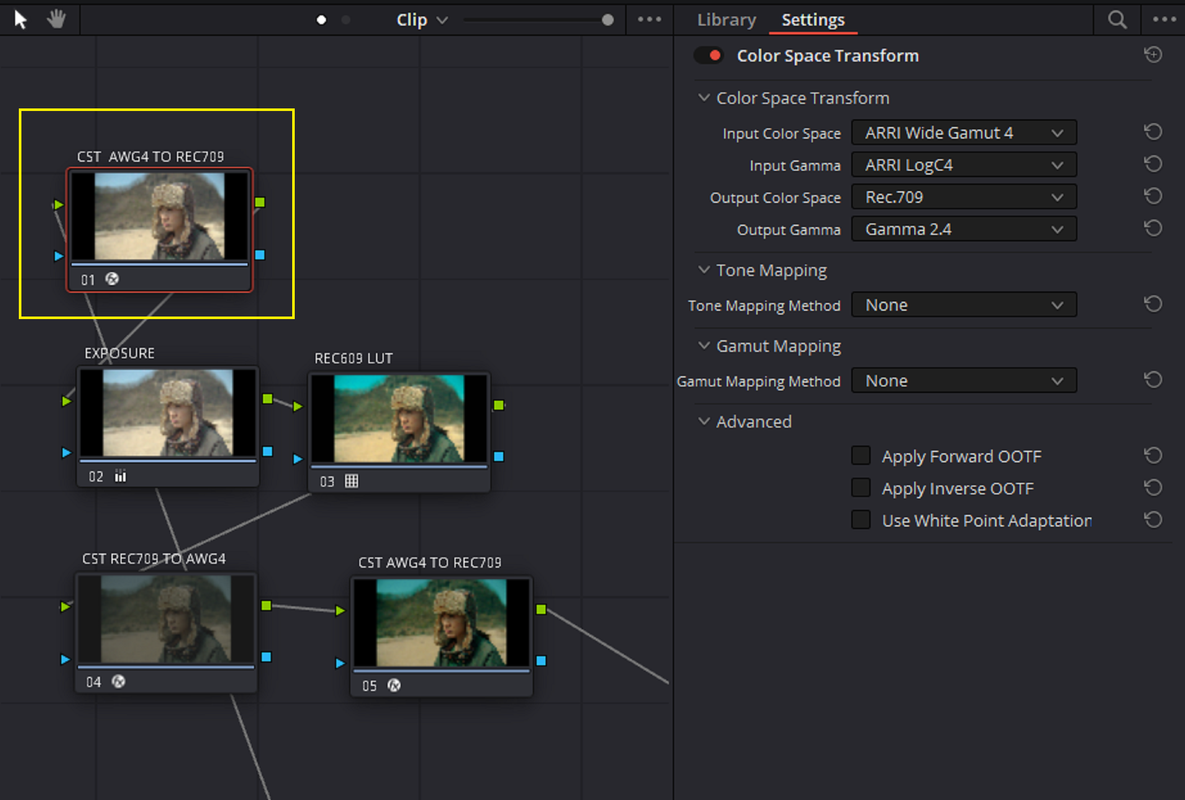
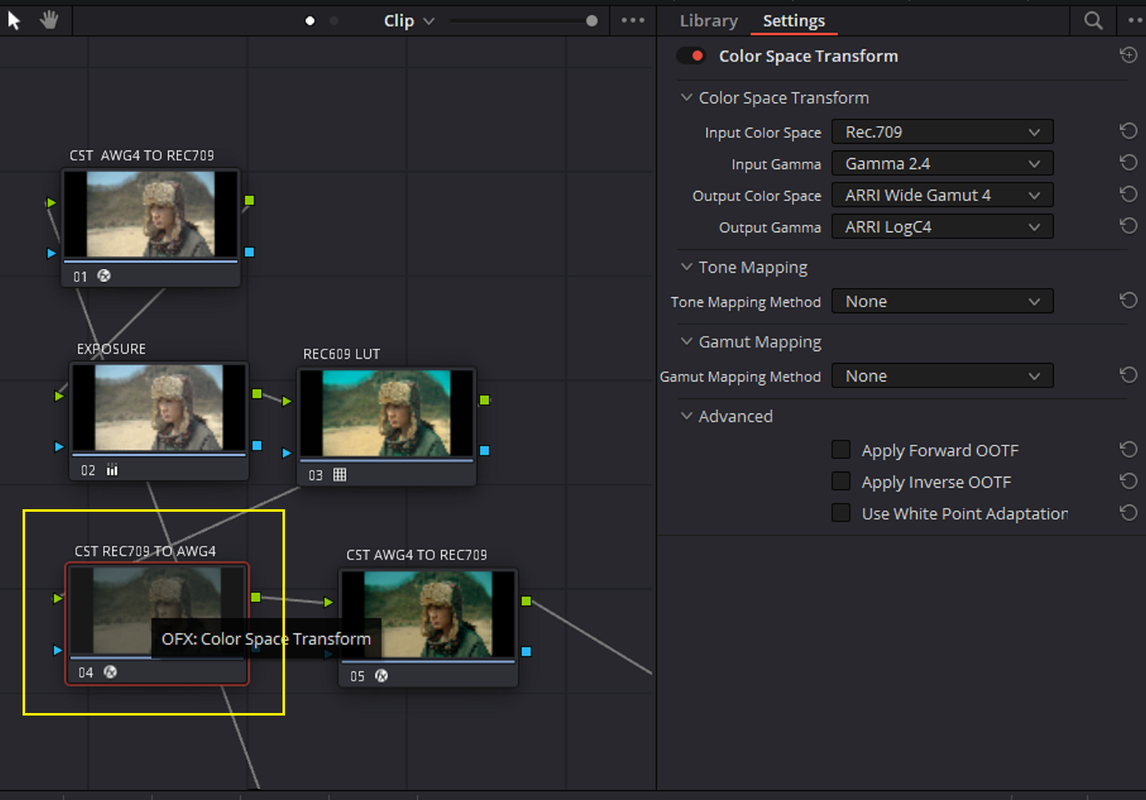
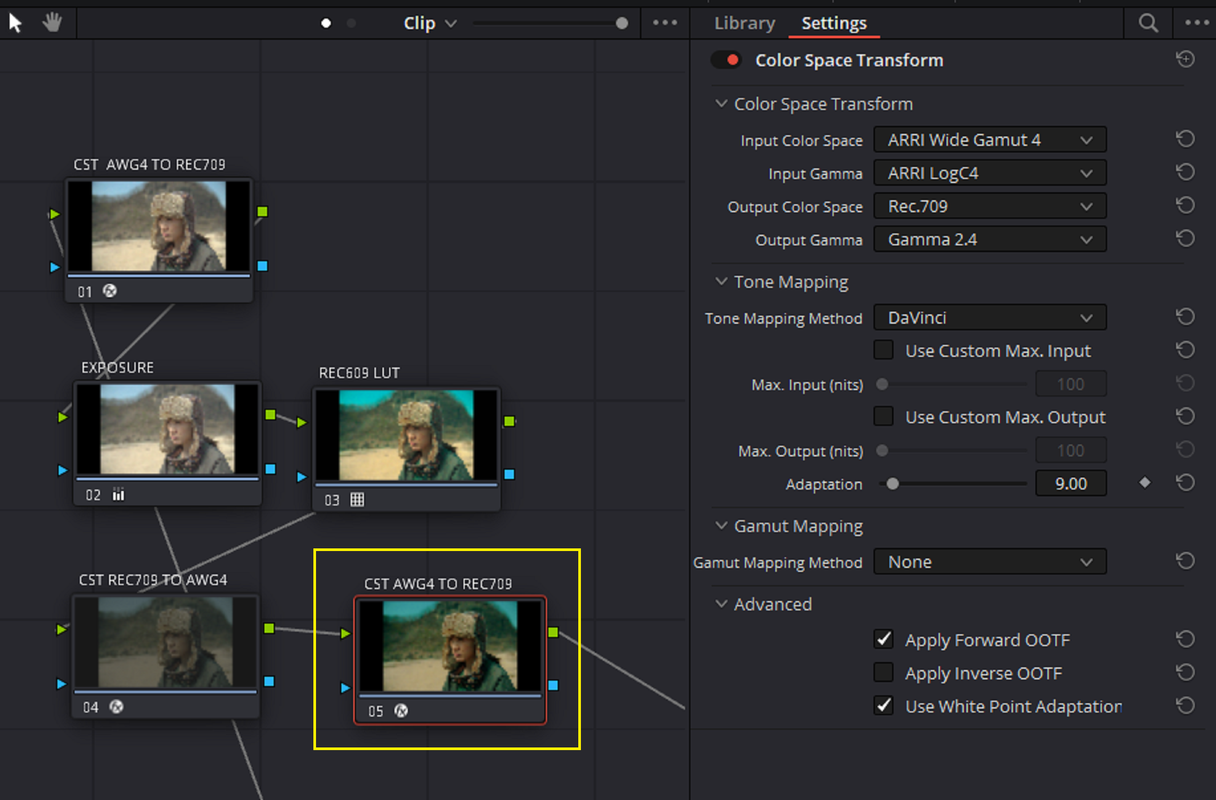
REC709 Luts in an AWG4/ ALC4 DAVINCI YRGB Workflow WITH 3 COLOR SPACE TRANSFORMS.

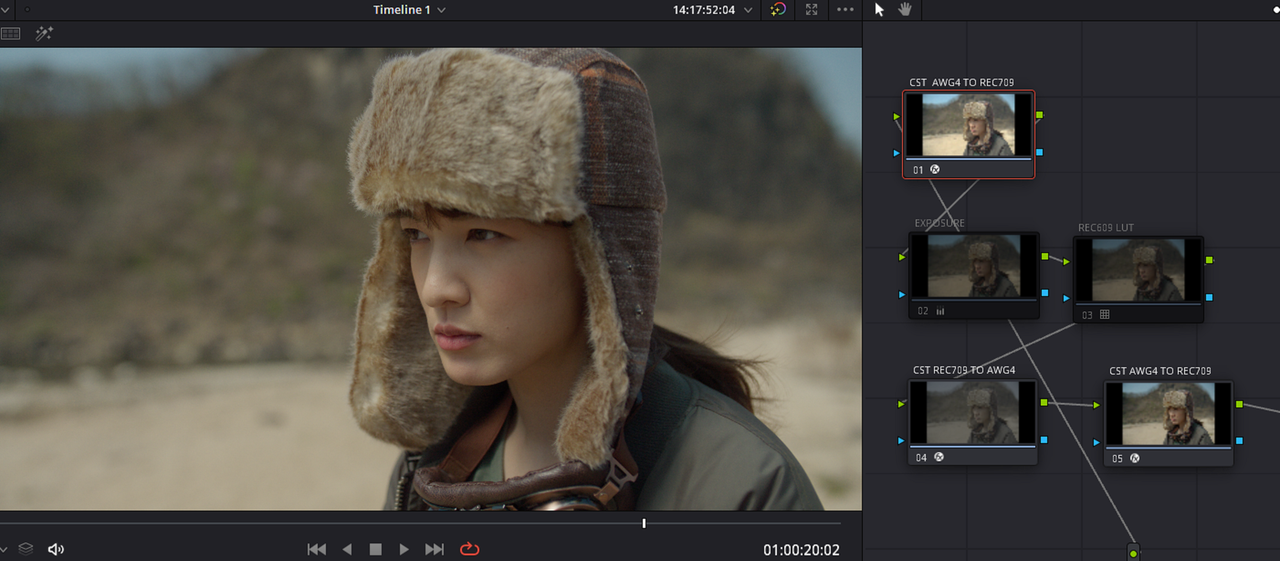
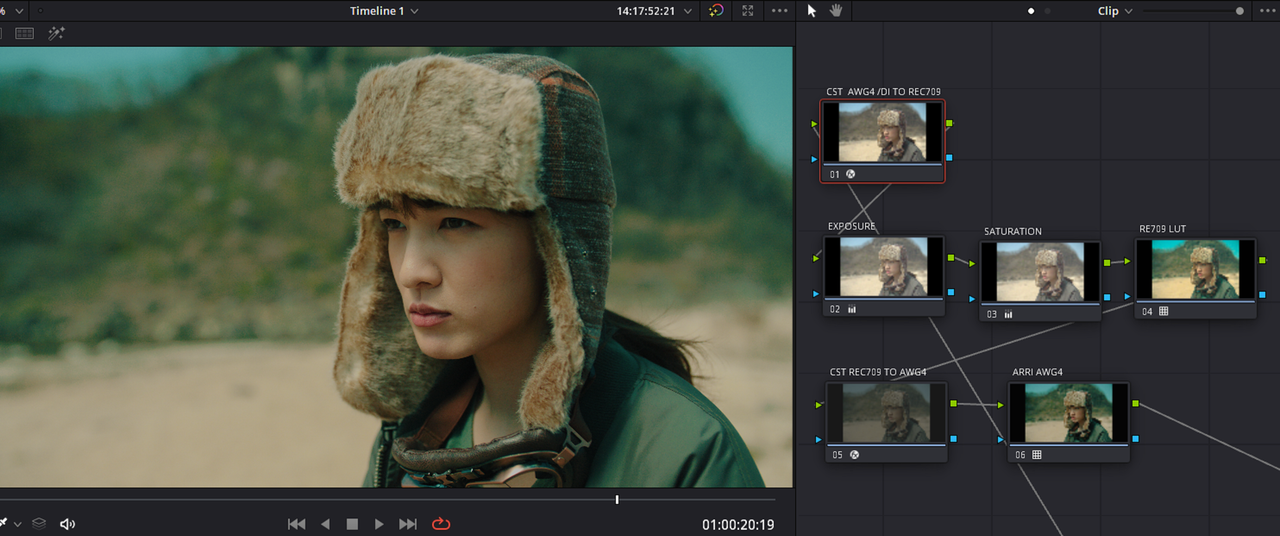
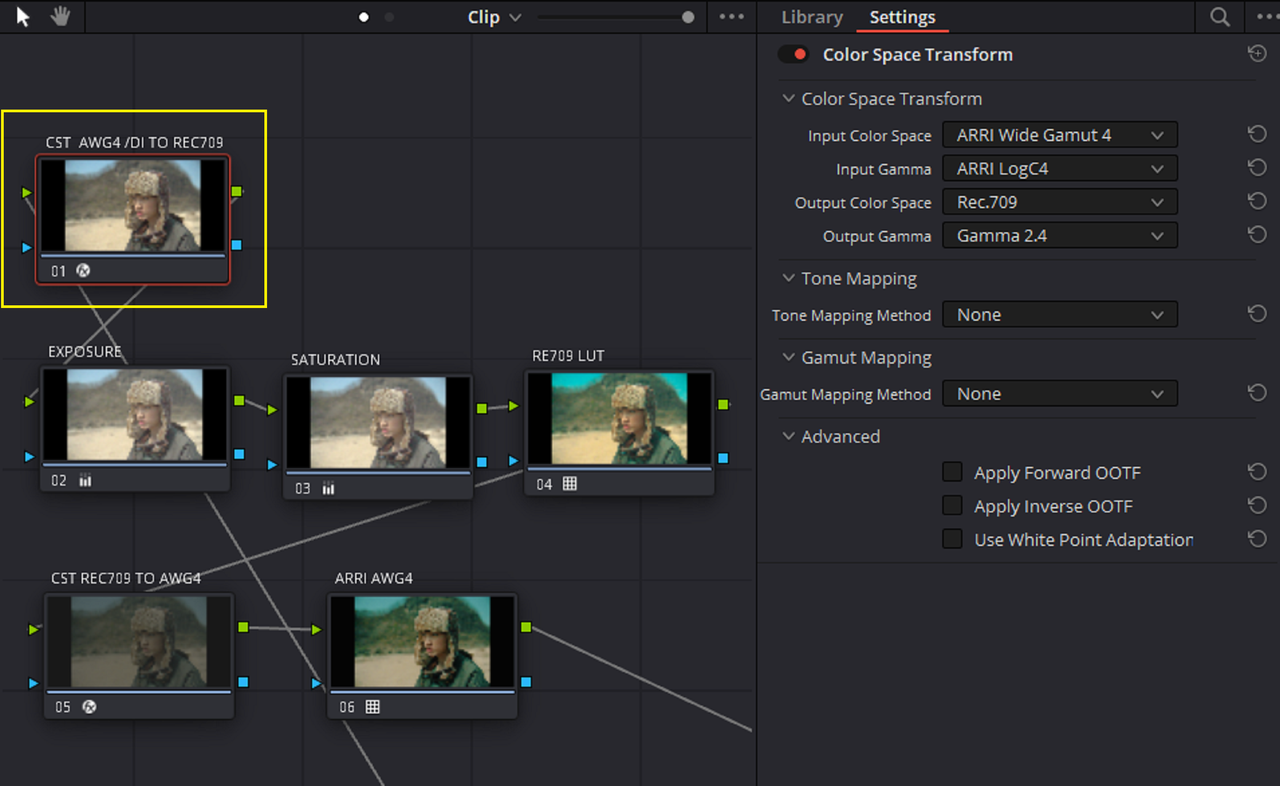
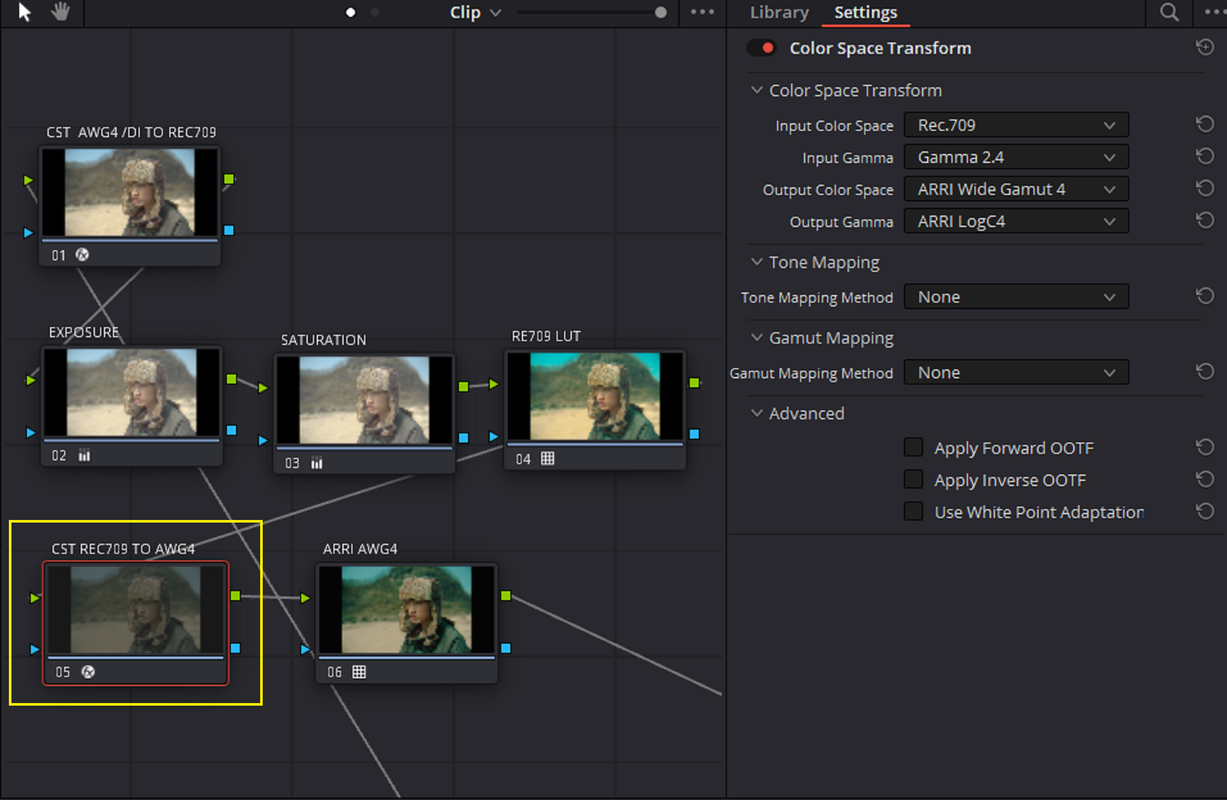
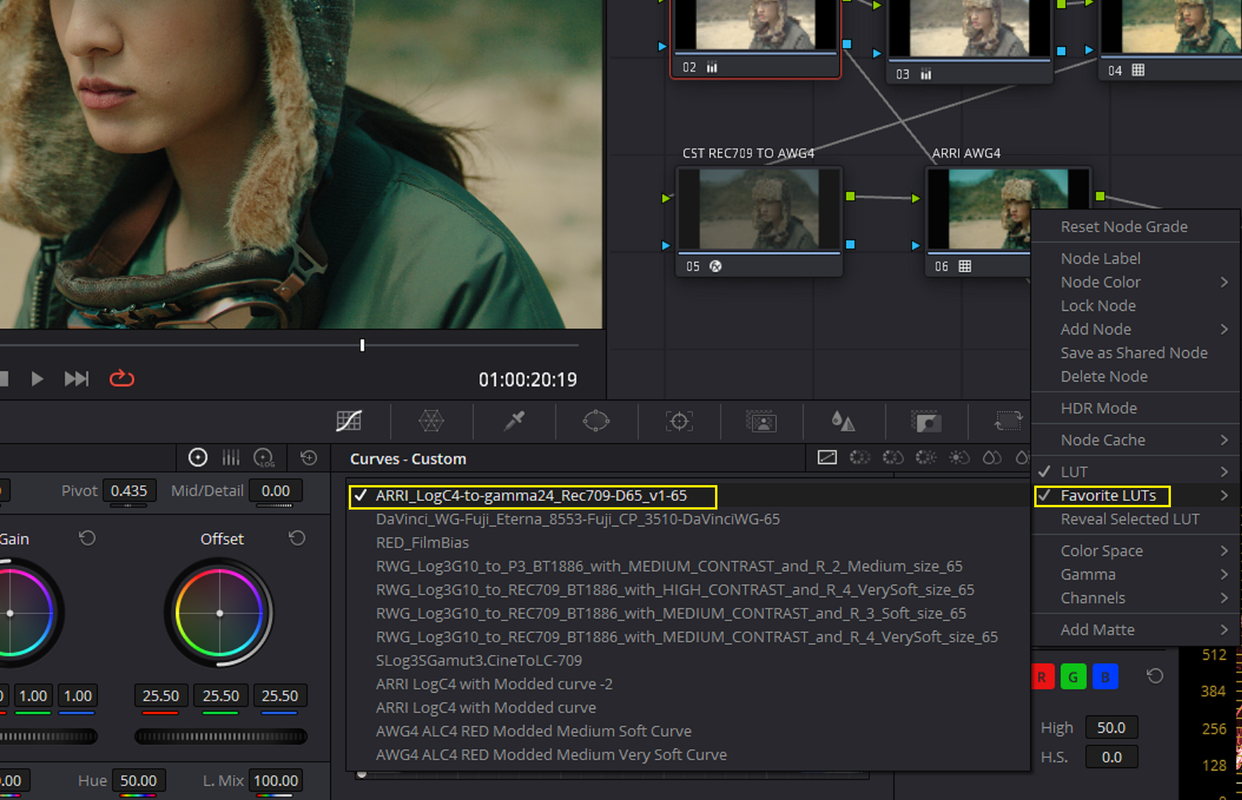
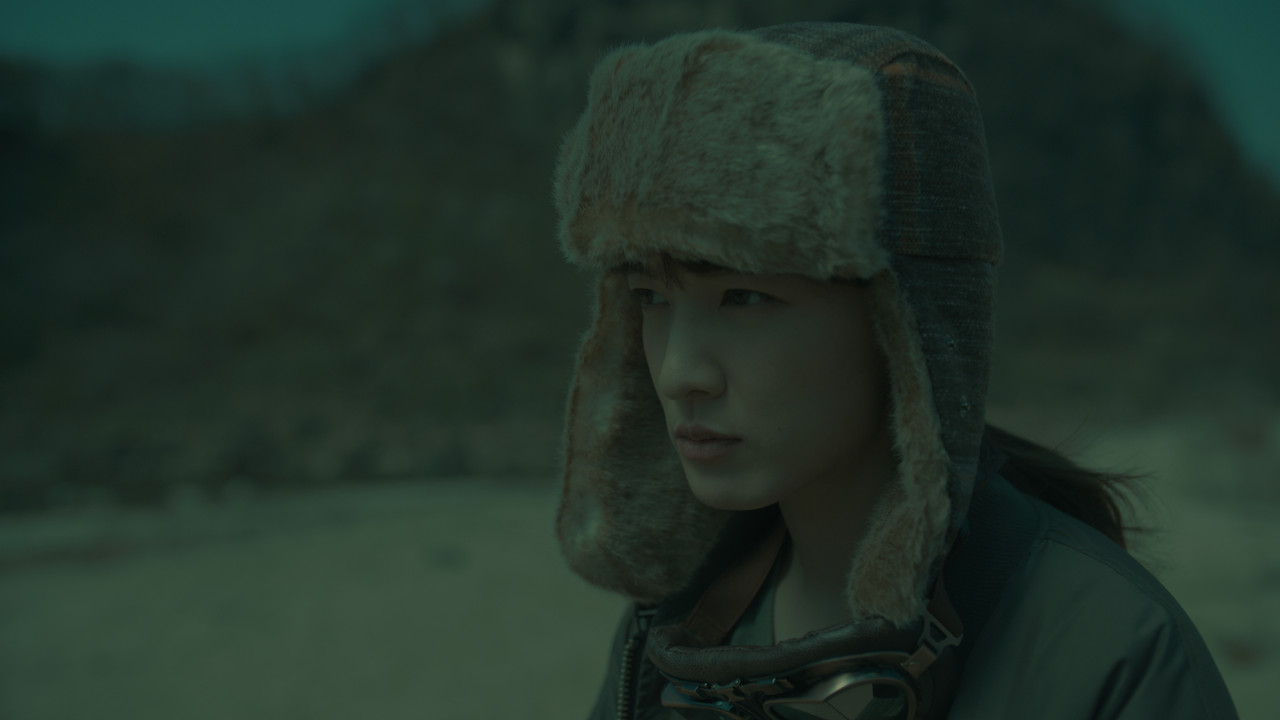
Here is a REC709 LUT being used in an AWG4/ALC4 Davinci YRGB workflow utilizing 3 Color Space Transforms.

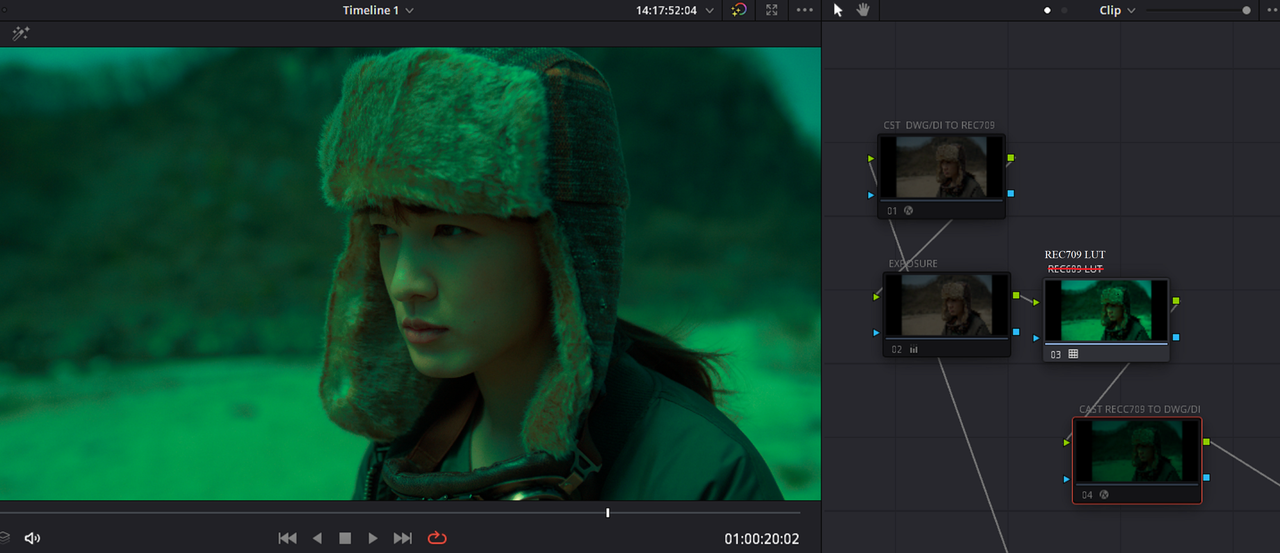
I meant REC709 LUT and NOT REC609 LUT in the NODE TREE sorry, I was typing a little too fast

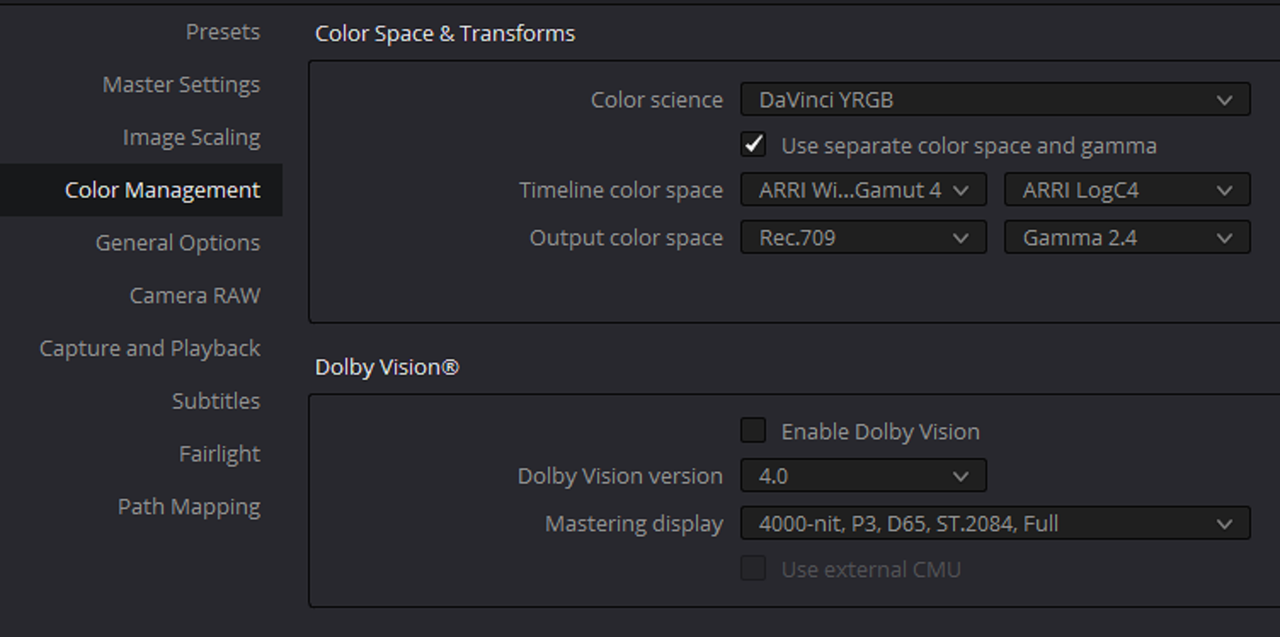
PROJECT SETTINGS

1.png


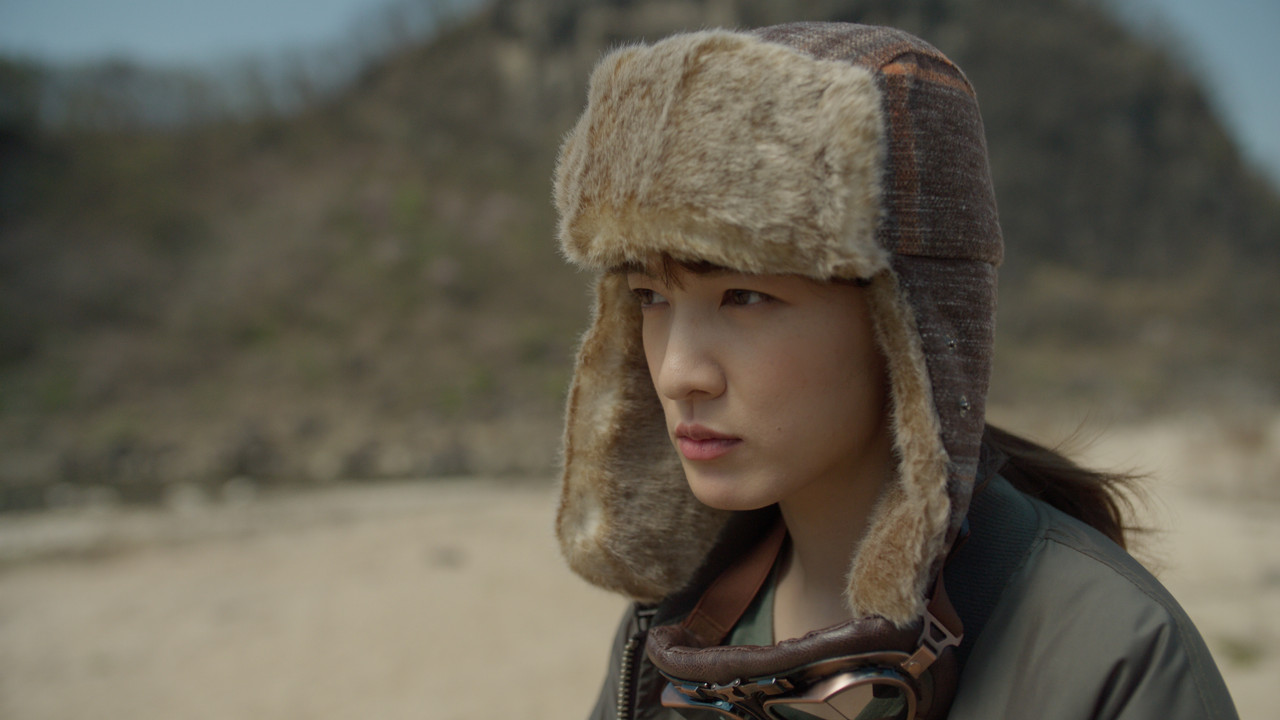
Without REC709 LUT Added

2.png


3.jpg


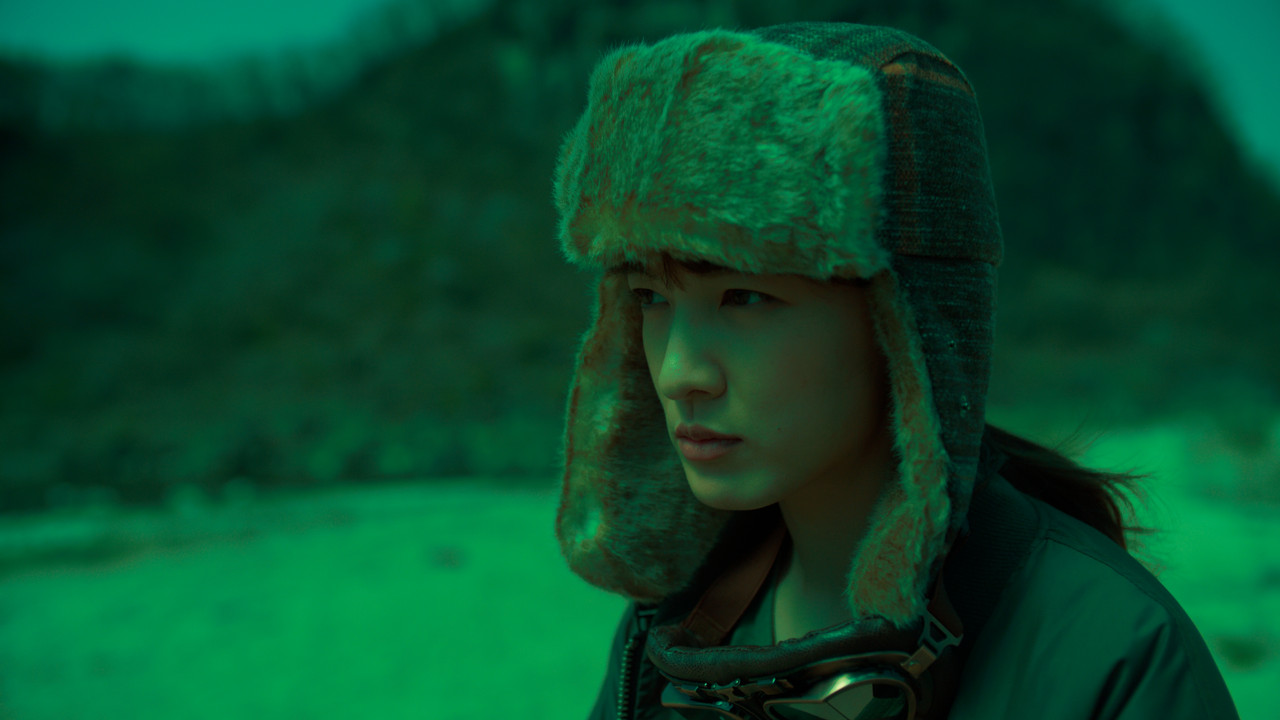
With REC709 Lut "DRIVE" added without the 3 Color Space Transforms enabled

3A.png


4.png


5.png


6.jpg


With REC709 Lut "DRIVE" added with the 3 Color Space Transforms enabled


7.png


8.png


9.png


10.png


11.jpg
 
Last edited:
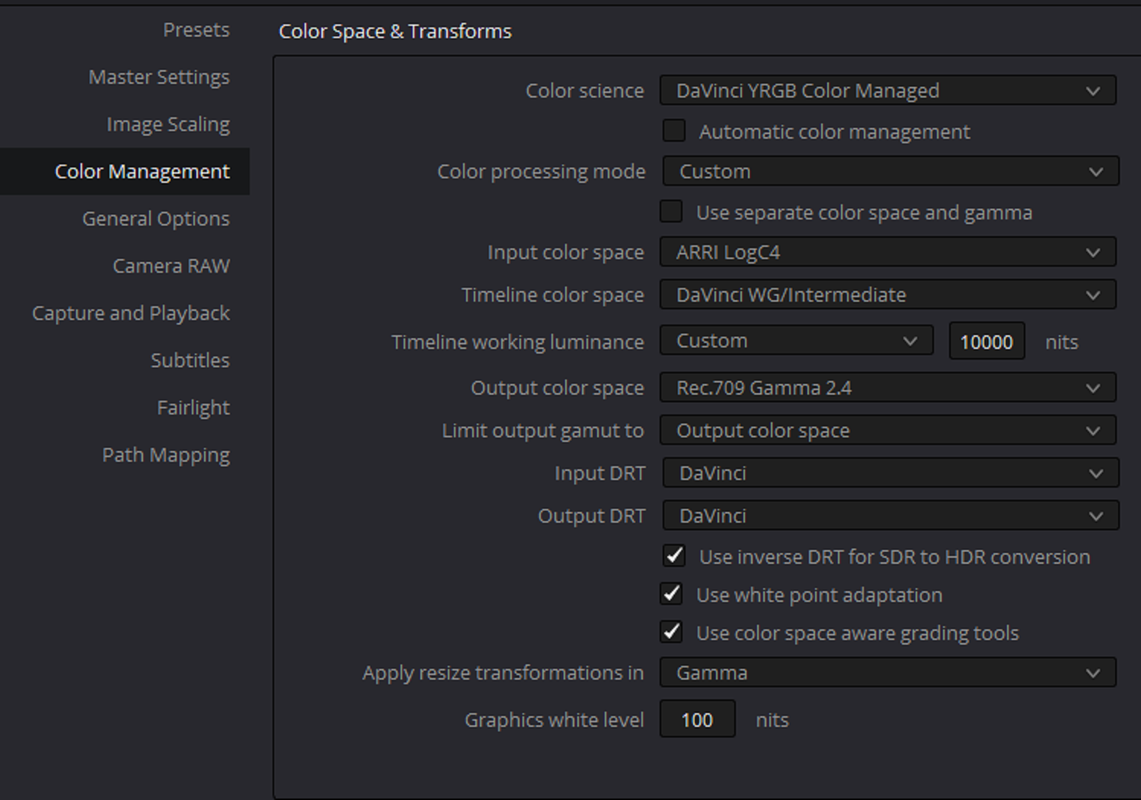
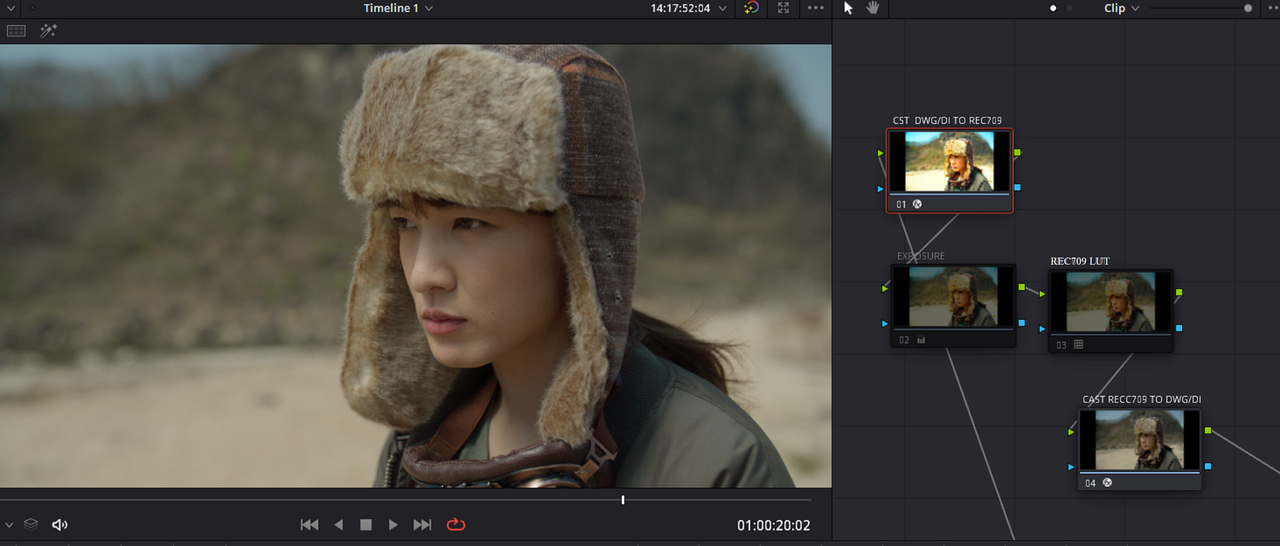
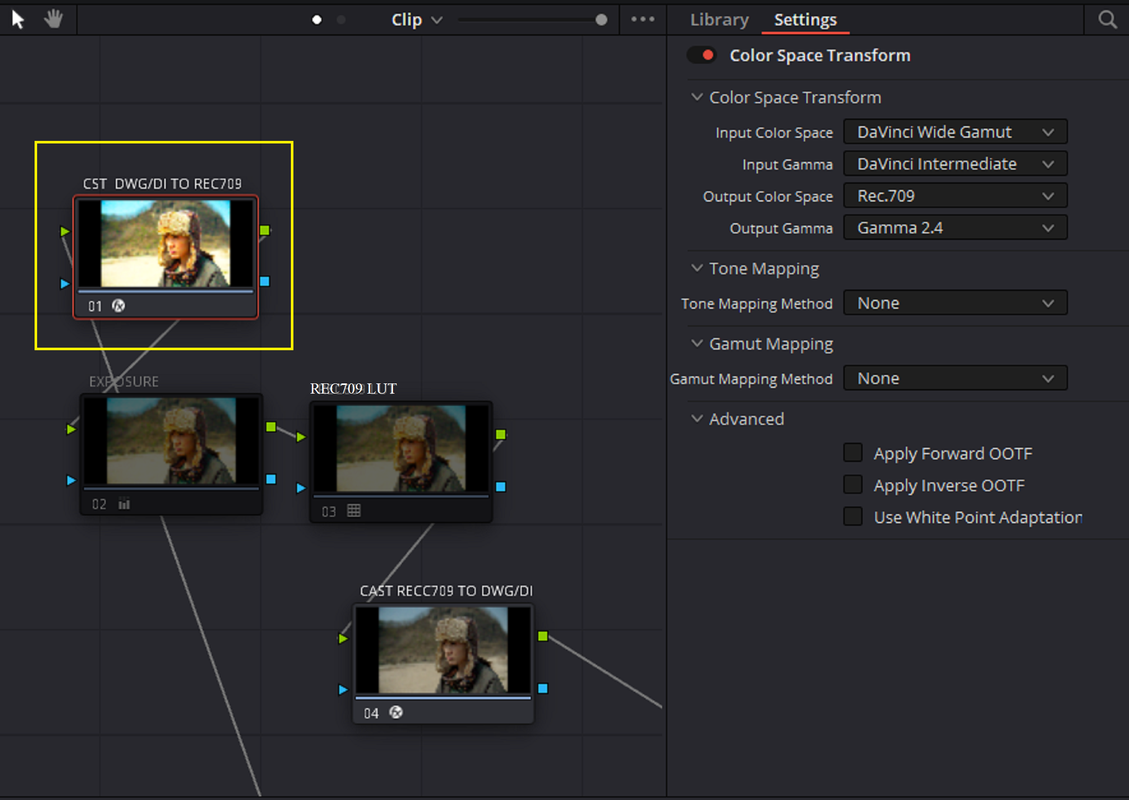
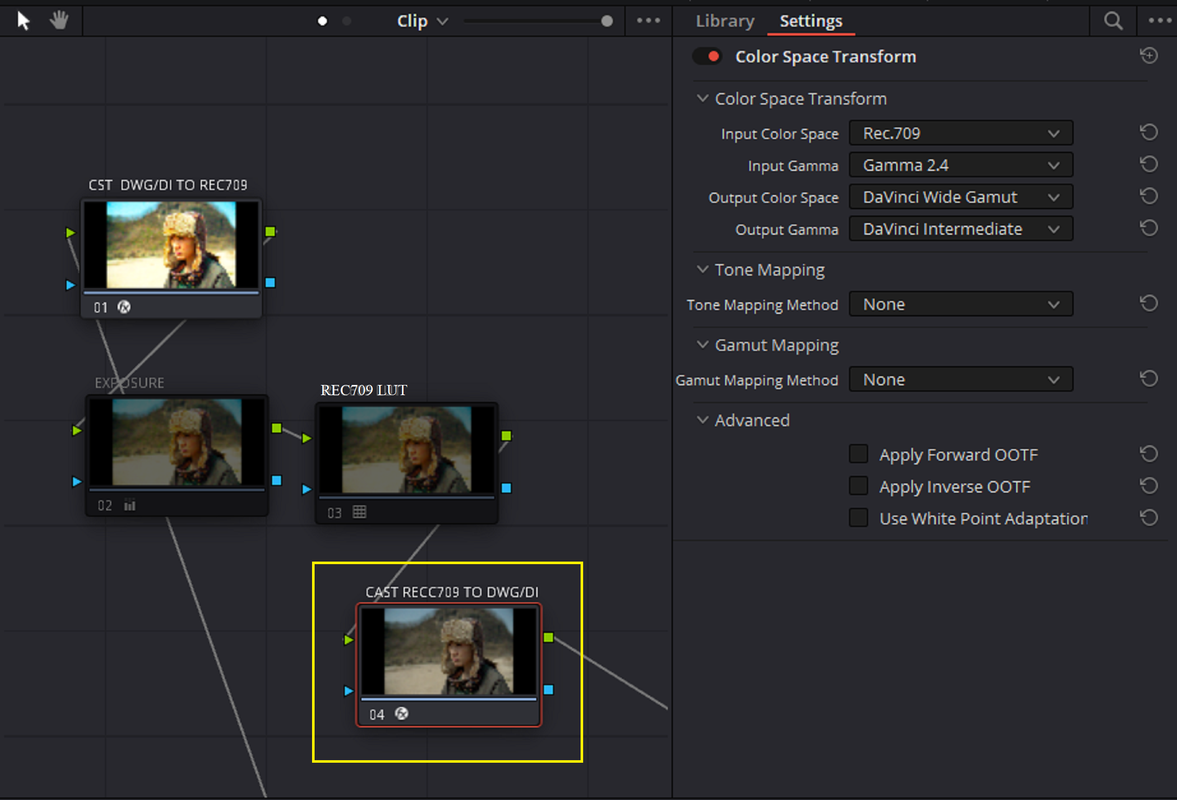
REC709 Luts in a Davinci Resolve Davinci Wide Gamut/ Davinci intermediate Color Managed Workflow WITH 2 COLOR SPACE TRANSFORMS.


I used some of the same Nodes from last time so I typed over the "REC609 LUT" with "REC709 LUT"


PROJECT SETTINGS

1.png


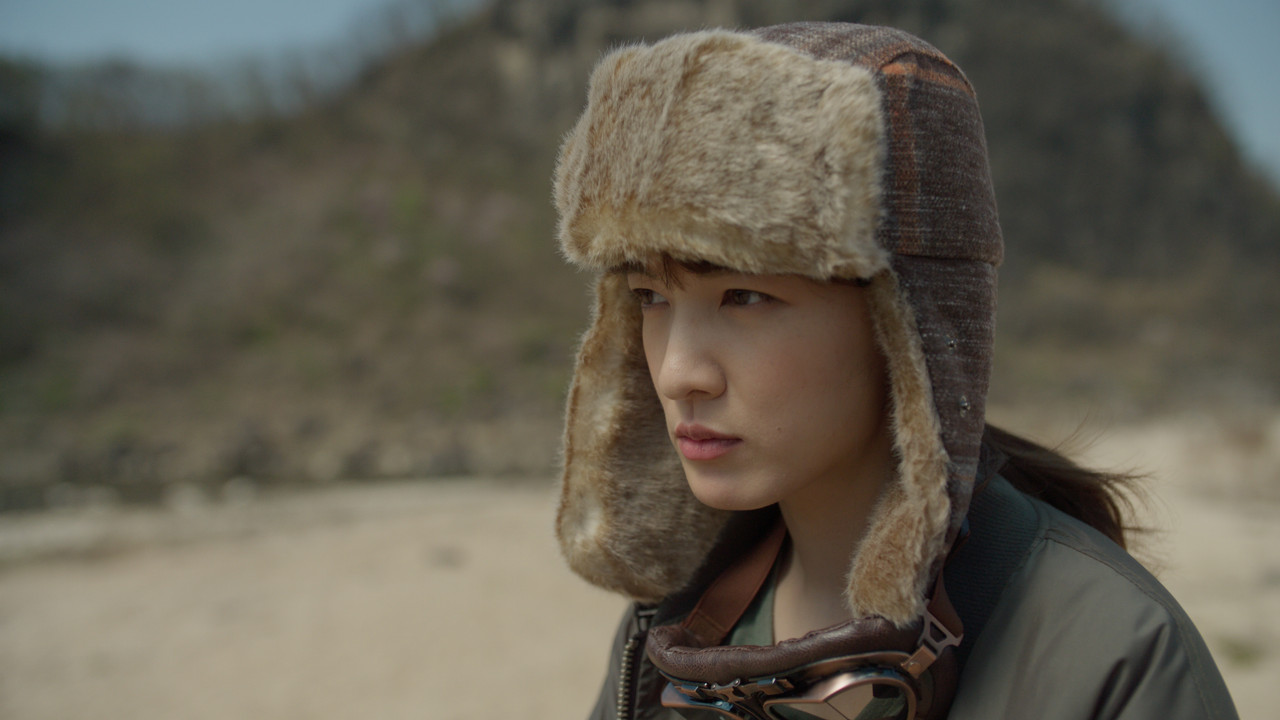
ORIGINAL WITHOUT REC709 LUT


2.png


3.png


4.png


5.jpg


WITH REC709 LUT AND COLOR SPACE TRANSFORMS DISABLED


3A.png


6.png


7.png


7A.jpg


WITH REC709 LUT AND COLOR SPACE TRANSFORMS ENABLED


8.png


9.png


10.jpg
 
I love how the Alexa 35 is so good at not clipping that it broke CineD's test despite them using a 1.2 lens and swapping to a brighter bulb in the studio hahaha!

"Now, we start to overexpose. Unfortunately, despite changing the light bulb of our studio light to a 2.5x stronger one (softbox and everything else the same), and using a Canon 50mm f1.2 lens we couldn’t get the red channel on Nino’s forehead even close to clipping"

Bruce Allen
www.bruceallen.tv
 
I love how the Alexa 35 is so good at not clipping that it broke CineD's test despite them using a 1.2 lens and swapping to a brighter bulb in the studio hahaha!

"Now, we start to overexpose. Unfortunately, despite changing the light bulb of our studio light to a 2.5x stronger one (softbox and everything else the same), and using a Canon 50mm f1.2 lens we couldn’t get the red channel on Nino’s forehead even close to clipping"

Bruce Allen
www.bruceallen.tv

Yeah that was something to hear, and I paraphrase, " I just couldn't get the damn thing to Clip". Plus they said they could see a " Solid" 17th stop plus a "visible" 18th and 19th stop as well on the Xylochart which I could easily see as well! I was also surprised at the usability of the 7-Stops underexposed image also.
 
Last edited:
How can cineD rate alexa35 as best DR if they didn't test Monstro?

It will be very, very difficult from here on out to have square tests done, but I will say this regarding IMATEST and the importance of testing the entire ISO Range of the camera system.

You can often get results with 2-3 stops of variance just by doing that.

I do hope they test Monstro, at least partially to the degree that I have, meaning all the OLPFs and even *gasp* no OLPF for the brave.

I've known Nino and Johnnie now for many years and I'm a bit surprised they haven't reached out regarding the testing procedures. I do not know Gunther, but he does seem energetic and bright.

I've been professionally testing film and digital system now leaning on closer to 25 years professionally. I don't want to divulge too many trade secrets, but they currently aren't testing dynamic range of the camera system with their methodology. I'm actually not entirely sure they using the IMATEST software and Xyla to it's full potential either.

They've outlined their testing methods here, but this also shows that certain things aren't going on:
https://www.cined.com/the-cinema5d-camera-lab-is-back-dynamic-range-tests/

That said, if they stay relatively consistent in their testing methodology they'll get mostly consistent results that could be reference, but not a precise measurement.

I'll likely release a camera test soon. I might only be doing testing for another 3-5 years max, might do a bit of a commentary on it, or at least provide more data to maybe help nudge the ball forward though.

The difficulty now with camera tests is examining the image pipeline to the resulting image and making apples to apples comparisons. We just aren't able to do that realistically now. Alexa 35 does have good dynamic range and a clean image, but that's due to a dual gain architecture as well as temporal noise reduction always being enabled. That second bit now means anything you compare that camera to you likely also need to do a round of temporal NR tests. I think ARRI is deploying 2-3 frame NR based on the footage. Other cameras have their own way of doing things as well, which again complicates matters in terms of reasonable comparison.

My personal take on Dynamic Range overall as it does have an impact on color as well as tonal reproduction is:
- 12 Stops = Good
- 15 Stops = Great
- 15+ Stops = Fantastic

Those numbers don't equate much to all aspects of image quality a system can do, but when done well that's empowering to the filmmaker.
 
Phil do you think or have you seen some type of noise reduction on R3D going on before compression or with the debayering algortythm?


PS: I never noticed noise reduction on R3D, only some type of compression artefacts due to higher compression rates (>1:8).
 
Phil do you think or have you seen some type of noise reduction on R3D going on before compression or with the debayering algortythm?
PS: I never noticed noise reduction on R3D, only some type of compression artefacts due to higher compression rates (>1:8).

RED is still actual RAW data, one of the very few now. Pretty much most of what you see pertaining to how they do things is how R3D's are interpreted via the SDK via their debayer and color science. They have an encoding method that might influence anything, but based on a lot of tests I haven't seen that contributing any sort of noise reduction, certainly nothing temporally based as there's no hardware that does that in the camera.
 
Not having noise reduction in the camera is what allows you to apply much better (at the downside of being slower) NR in post with more processing power than what can be achieved while recording. And two NRs, one in camera and a second one in post might not be as effective as a single one that can adapt to the known characteristics of the RAW footage without having to take the eventually varying degree of in-body NR used for different situations into account. On the other hand, an in-body NR algorithm developed by the manufacturer knowing all their internal stuff could be more effective than a third-party post NR. I personally prefer no NR for RAW. Similar as for not desqueezing anamorphic in camera but only in post after NR and CA correction.
 
Personally I've tried many commercially-available post NR solutions and Neat Video is one of the best.
Whatever ARRI is doing vs RED doesn't exactly mess stuff up for Neat Video. Both systems benefit heavily.
The main thing is I just don't have to use Neat as often with Alexa vs RED, which is nice.

One huge thing not mentioned much on REDUSER is: when shooting anamorphic, you're only using a fraction of the sensor with RED.
RED's sensors are too damn wide and not tall enough, so you have to crop to only the center portion of the sensor... which means your noise floor when making a 2.39 master is worse.
Whereas with ARRI you're actually using more sensor than you do in a 16x9 test. So your noise floor is even lower than the tests show!

Bruce Allen
www.bruceallen.tv
 
REC709 Lut in a Davinci Resolve AWG4/ALC4 YRGB Workflow WITH 2 COLOR SPACE TRANSFORMS and an ARRI AWG4/ALC4 to REC709 Transform LUT for an ARRI LOOK FILE 4 (ALF4)

Project and Settings


DAVINCI RESOLVE-PART 1

1.png


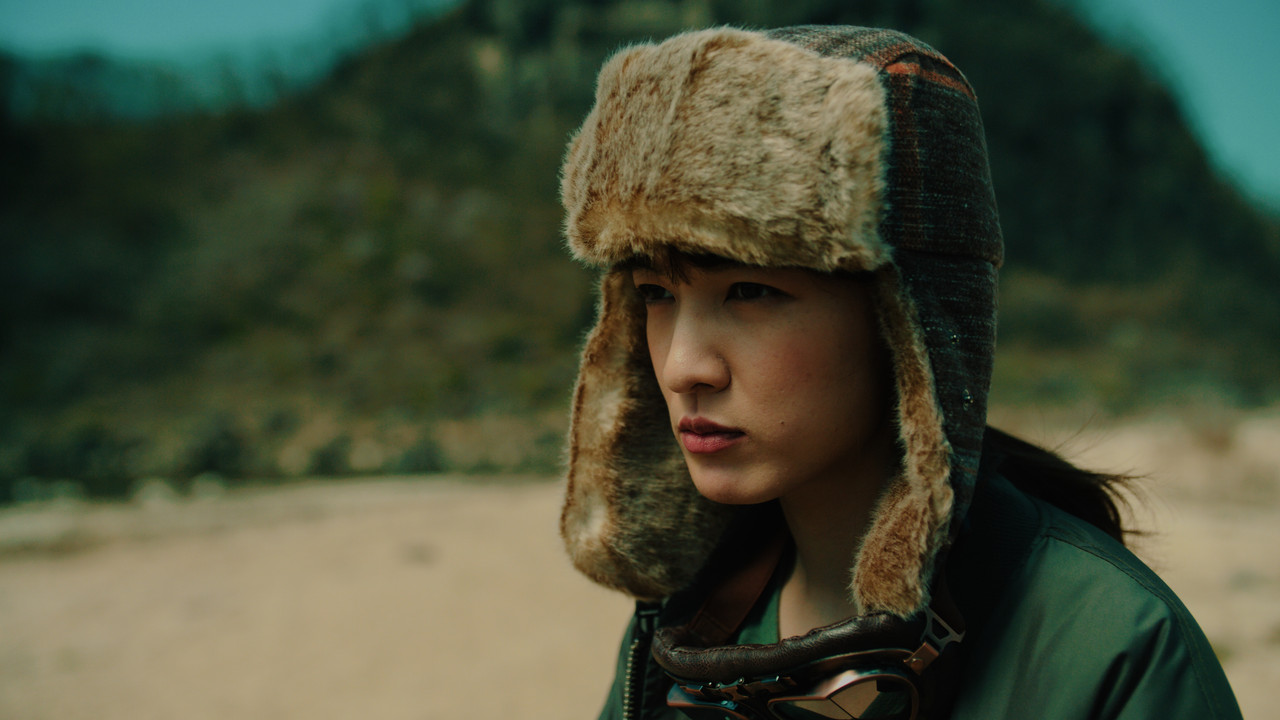
ORIGINAL IMAGE WITH JUST AN ARRI AWG4/ALC4 TO REC709 LUT APPLIED


2.png


3.jpg


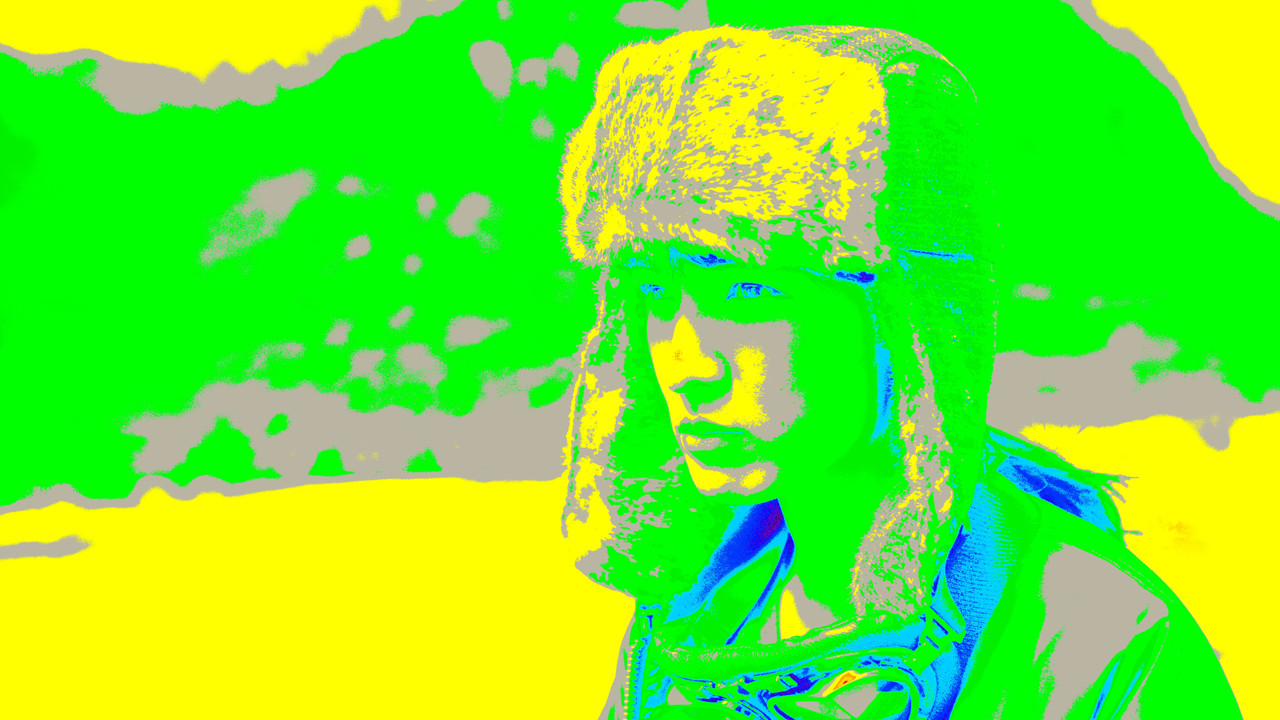
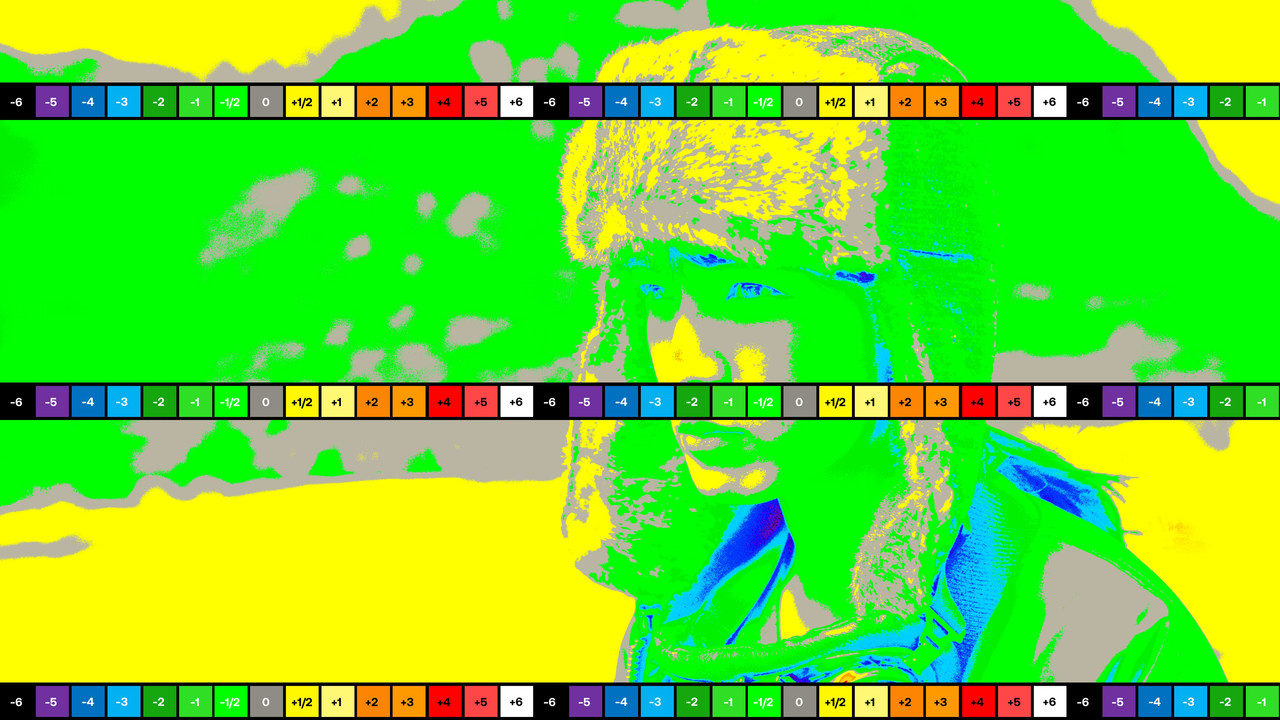
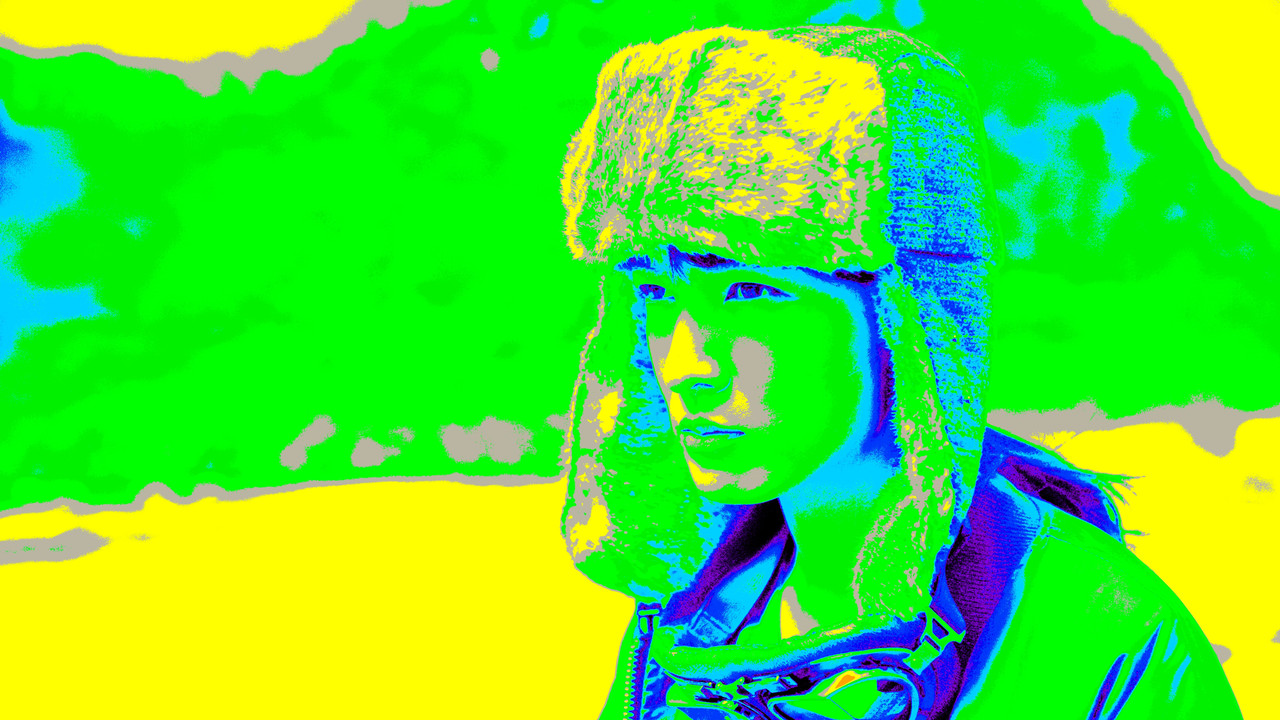
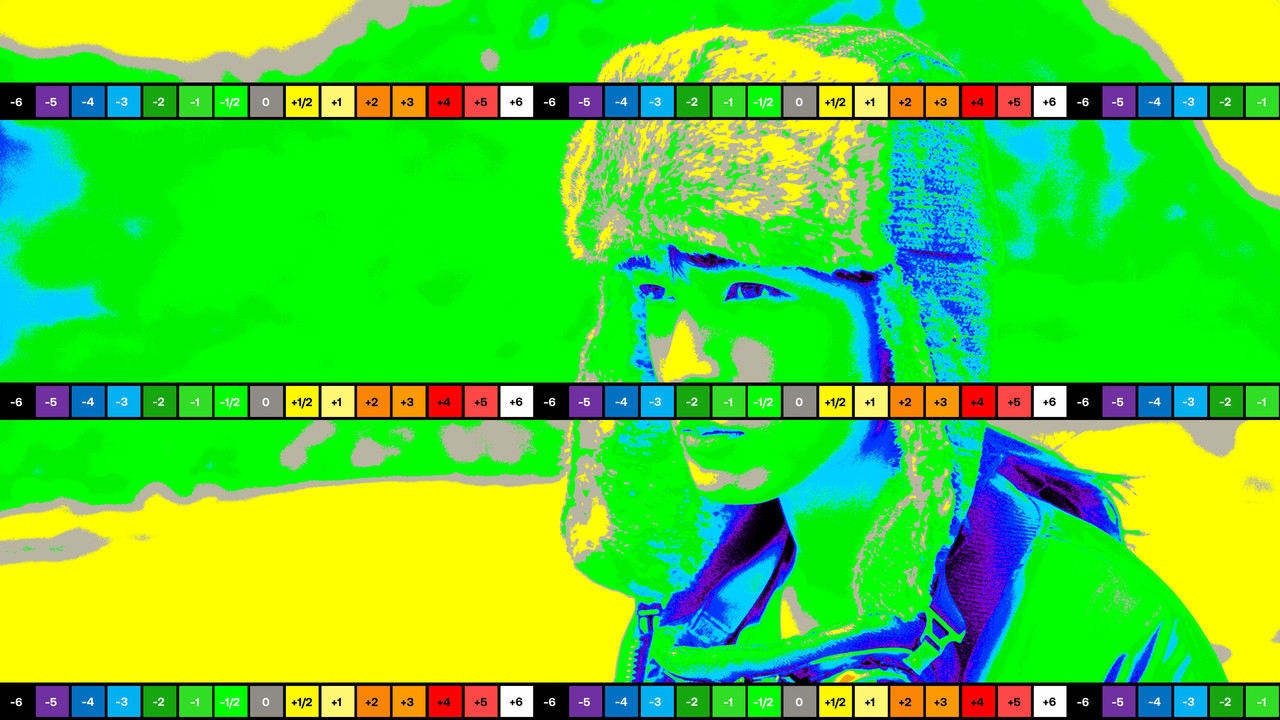
Here is the ORIGINAL IMAGE again with the ARRI AWG4 to REC709 Transform Lut applied and an ED LACHMAN ZONE exposure readout

3.jpg


3a.jpg


1-1-19-1-1-19.jpg


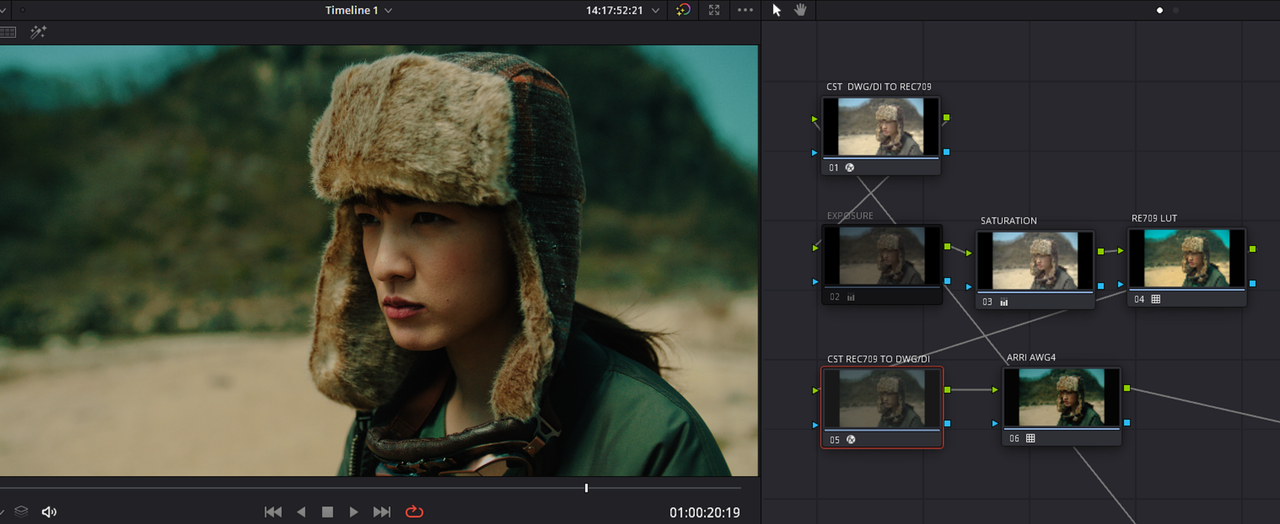
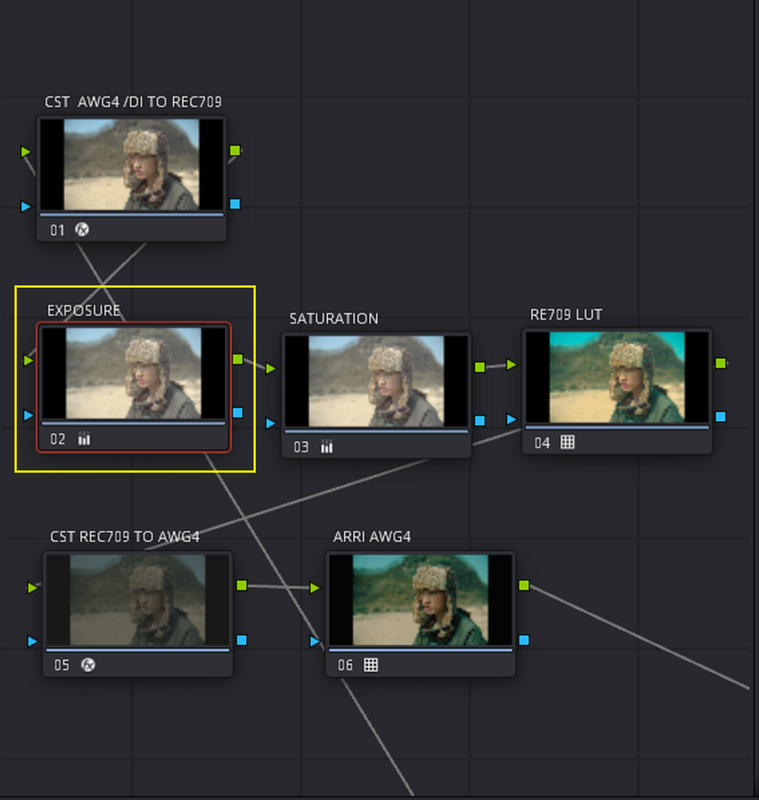
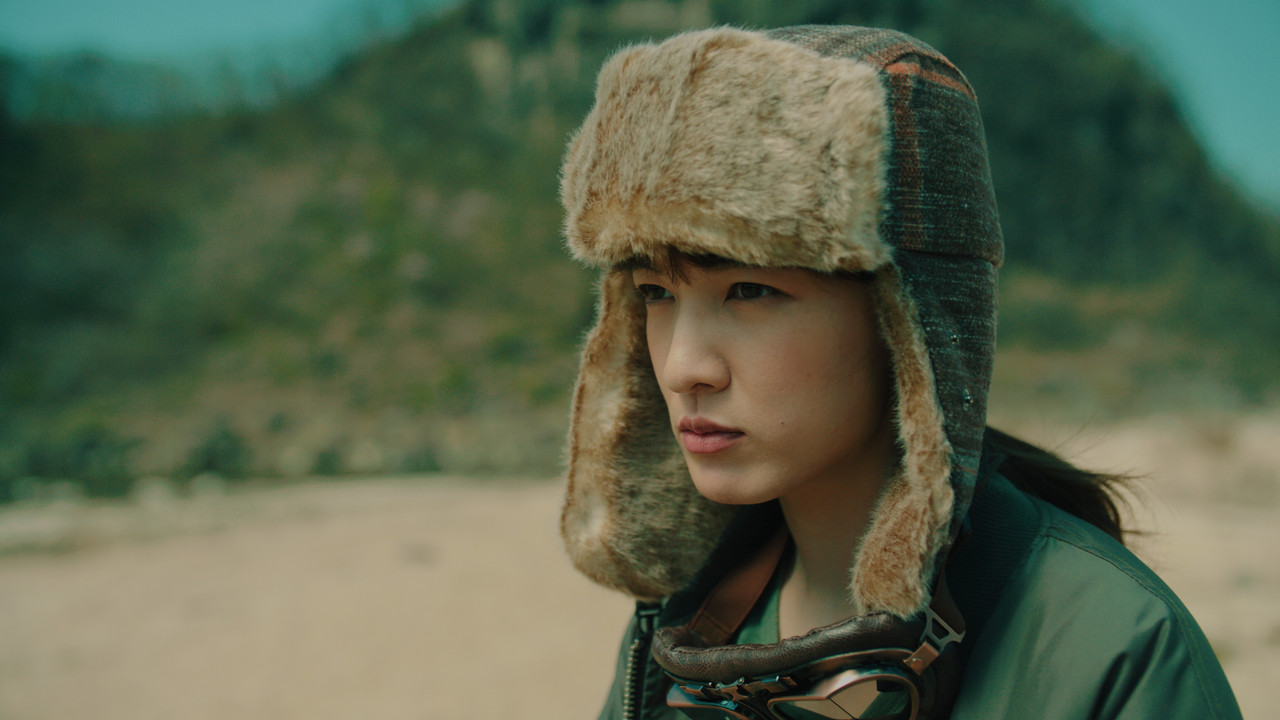
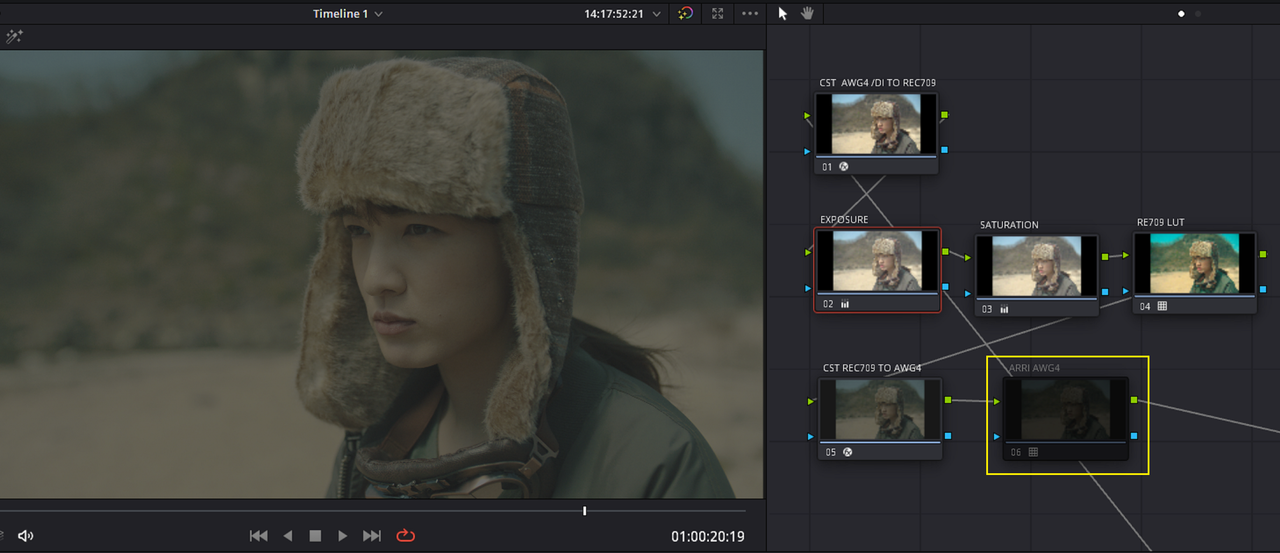
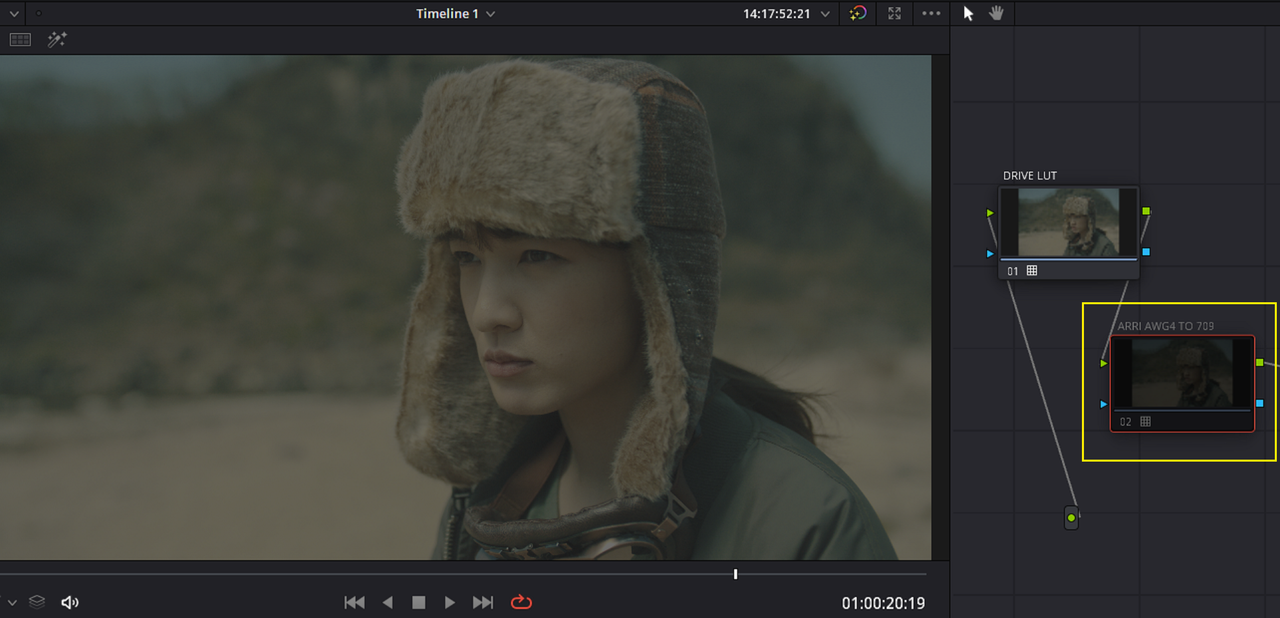
Below is a Node Tree that includes two COLOR SPACE TRANSFORMS, a Lut designed for a REC709 COLOR SPACE, and with an ARRI AWG4 to REC709 Transform LUT at the end of the Node Tree. You can see that the resulting image is very underexposed. I don't know if it's caused by the combination of COLOR SPACE TRANSFORMS and an ARRI TRANSFORM Lut or due to the REC709 Lut and the ARRI LUT having two different 18% Middle Grey points. However, I need to Bring the Exposure up in the SHADOWs and the MIDTONES to match the exposure of the ORIGINAL ARRI Image with the ARRI Transform Lut applied.


4.png


5.jpg


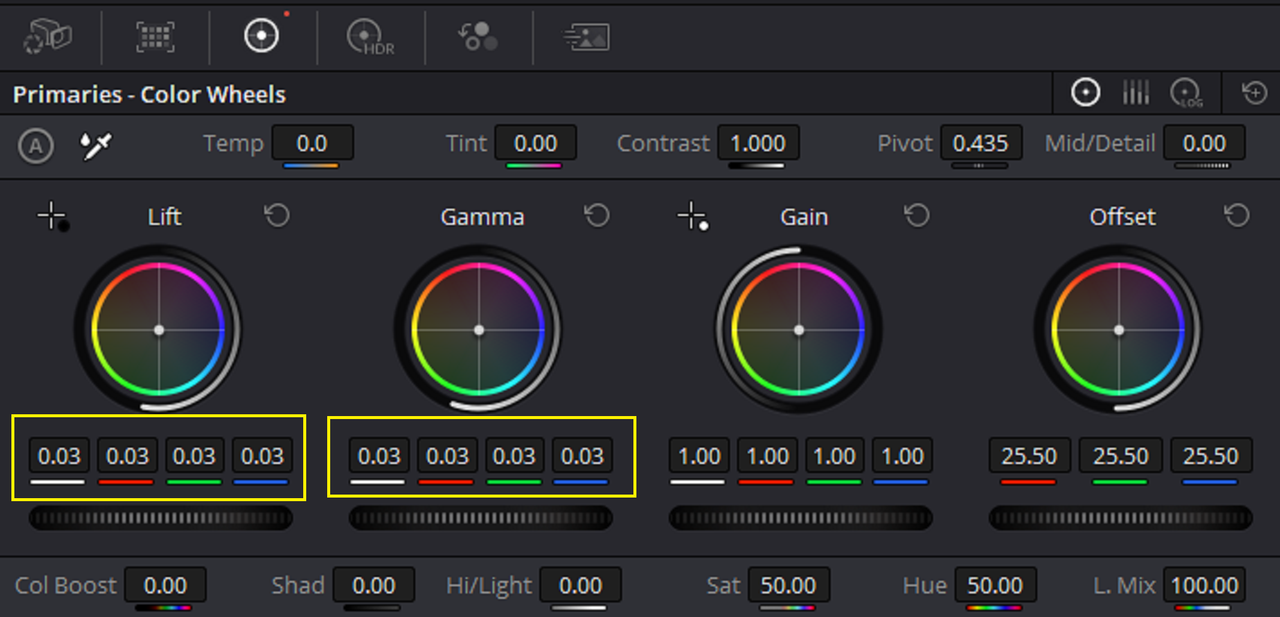
The Underexposed image above with the ED LACHMAN ZONES AND GUIDE APPLIED, then with a LIFT and GAMMA correction to get it to roughly match the exposure of the ORIGINAL ARRI IMAGE.

6.jpg


7.jpg


7d.png


7a.png


ORIGINAL IMAGE WITH ARRI LUT

3a.jpg


1-1-19-1-1-19.jpg


UNDEREXPOSED IMAGE AFTER THE ABOVE CORRECTIONS


7b.jpg


7c.jpg


Original with ARRI LUT

3.jpg


Underexposed Image corrected

7i.jpg
 
Last edited:
REC709 Lut in a Davinci Resolve AWG4/ALC4 YRGB Workflow WITH 2 COLOR SPACE TRANSFORMS and an ARRI AWG4/ALC4 to REC709 Transform LUT for an ARRI LOOK FILE 4 (ALF4)

Project and Settings


DAVINCI RESOLVE-PART 2

Now that the Image looks reasonably exposed to the Original Image with the Arri Lut applied, we can continue with the rest. Here is the underexposed image corrected. Next are the settings of the two COLOR SPACE TRANSFORMS and the ARRI AWG4/ALC4 to REC709 Lut that was used.

7e.png


7f.png


7g.png


7h.png


7i.jpg


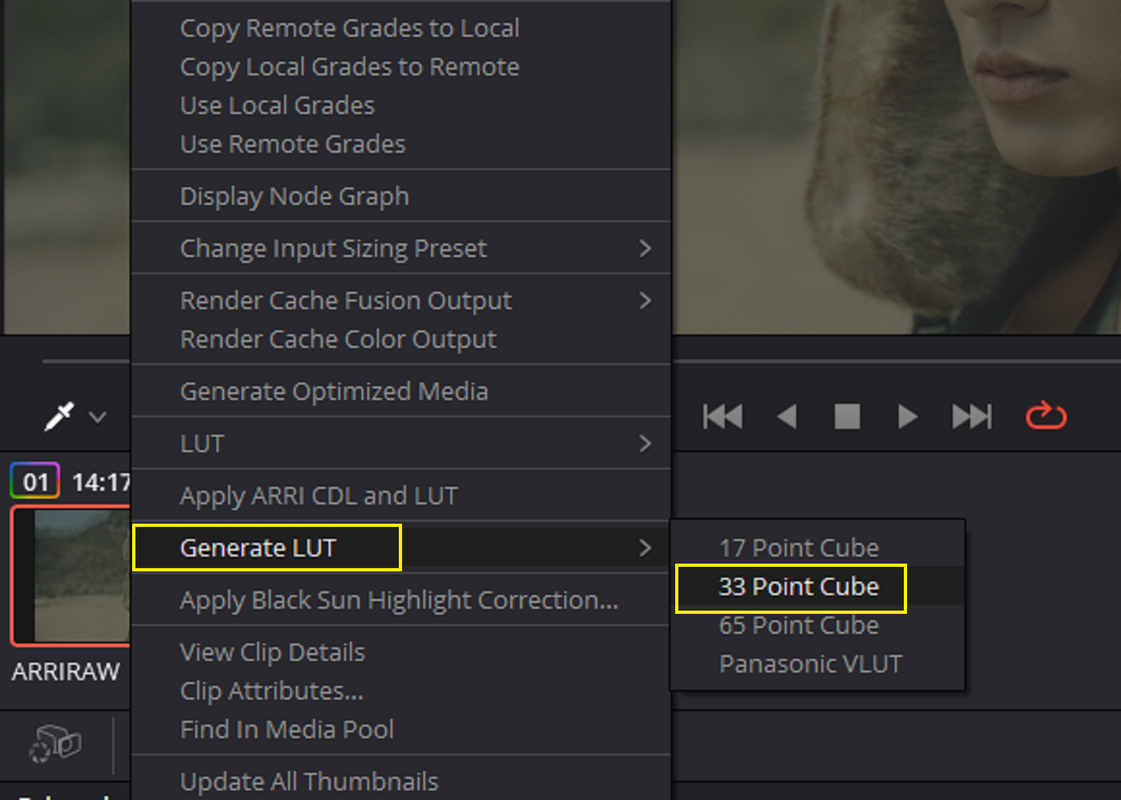
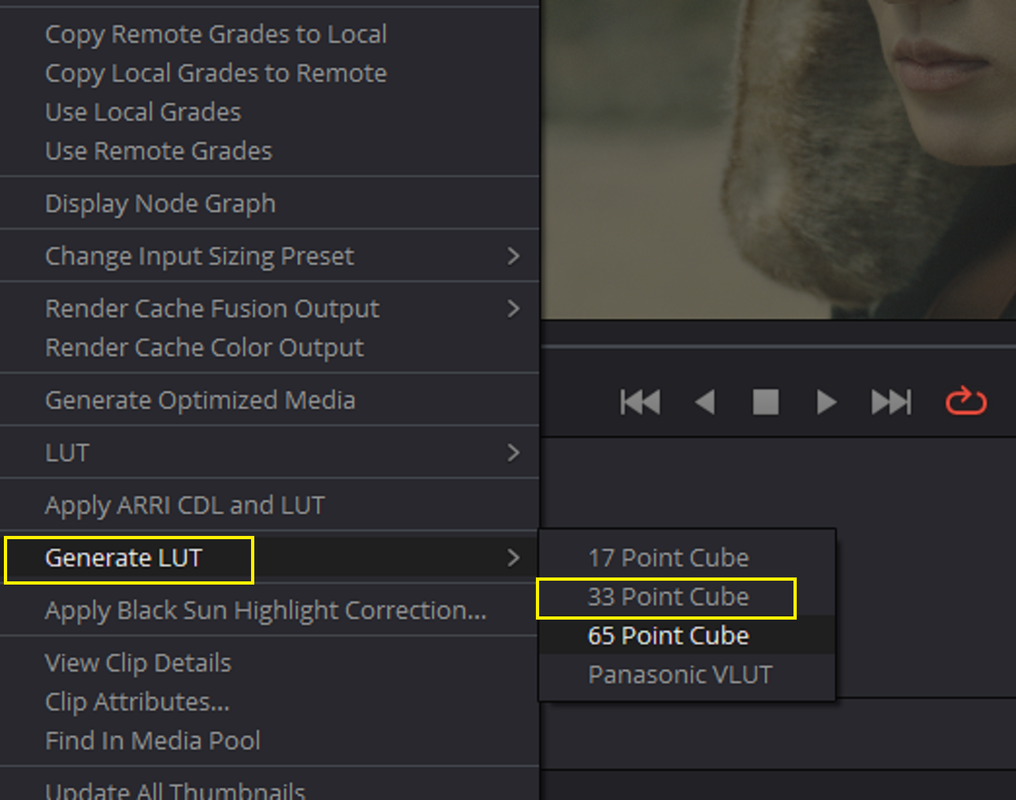
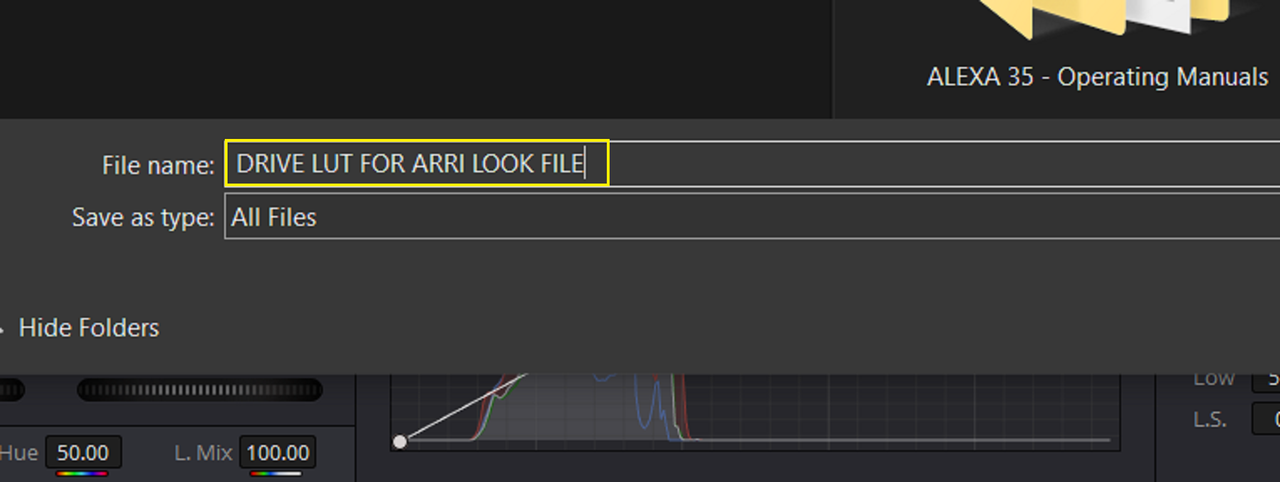
Now you "Disable" the ARRI AWG4/ALC4 to REC709 Transform LUT at the End of the NODE TREE and you "Right-Click" on the CLIP you graded and select "Generate Lut" and "33 Point Cube" to export out a LUT that you will bring back into Resolve later.


8.png


13.png


14.png


BACK INSIDE OF RESOLVE

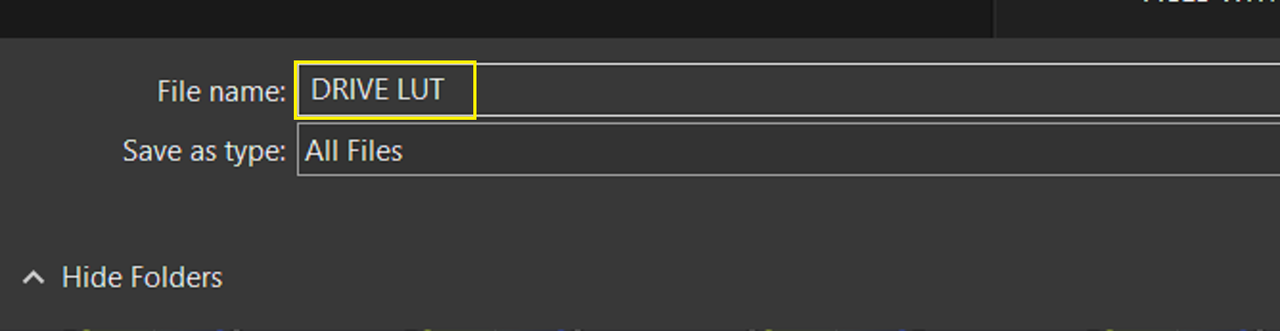
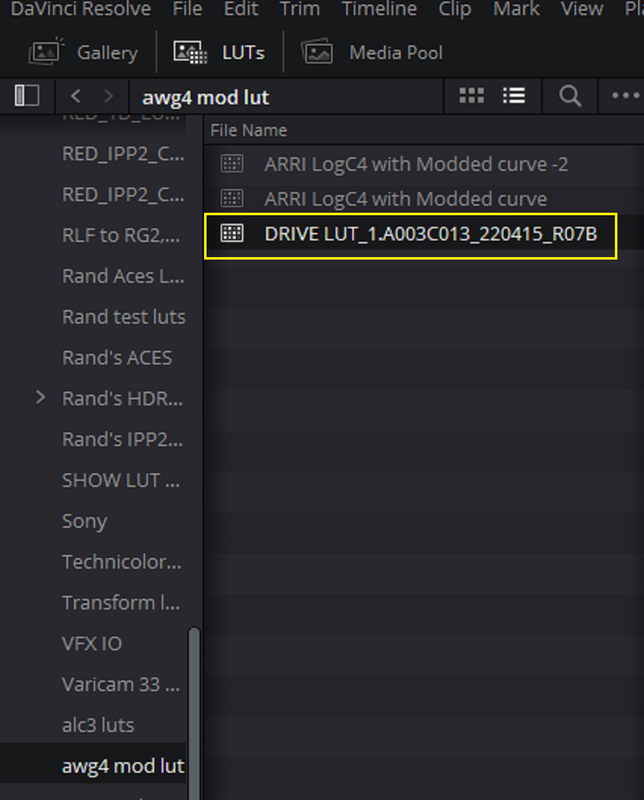
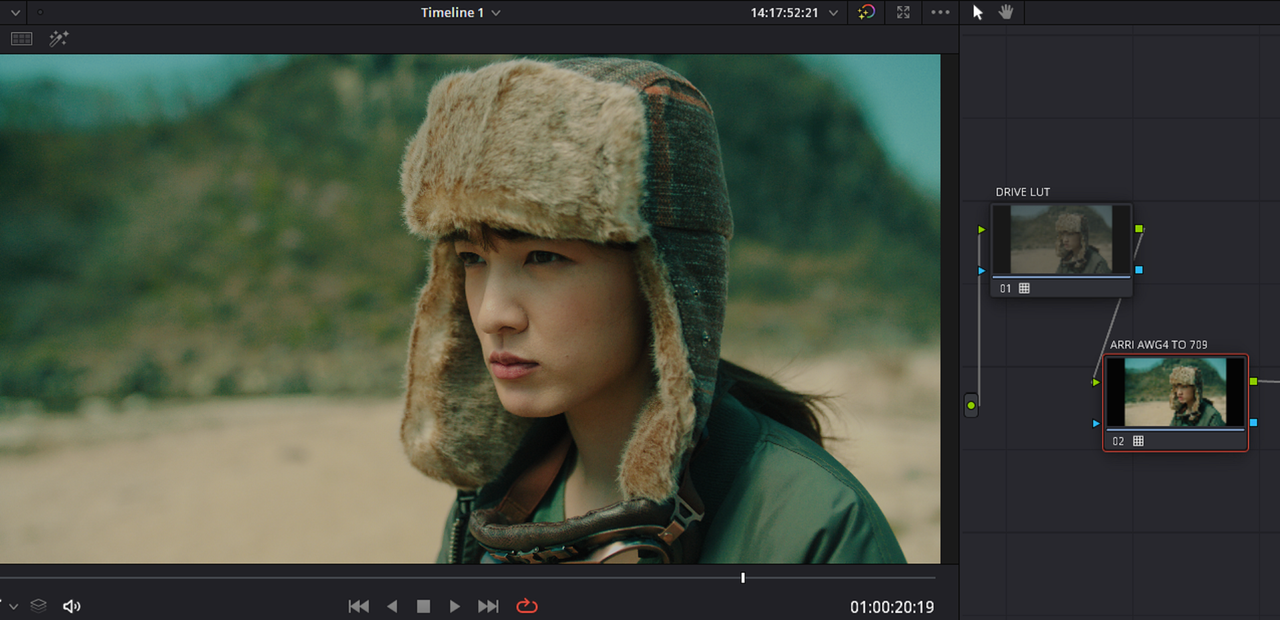
Back inside of RESOLVE you apply the "DRIVE LUT" you made earlier to the ARRI AWG4/ALC4 image right before the AWG4/ALC4 to REC709 TRANSFORM LUT at the end of the NODE TREE.


15.png


16.png


Next, you "DISABLE" the "ARRI AWG4/ALC4 to REC709" at the end of the NODE TREE and you "Right-Click" on the CLIP you graded and select "Generate Lut" and "33 Point Cube" to export out a LUT for the "ARRI REFERENCE TOOL"

17.png


18.png


19.png
 
REC709 Lut in a Davinci Resolve AWG4/ALC4 YRGB Workflow WITH 2 COLOR SPACE TRANSFORMS and an ARRI AWG4/ALC4 to REC709 Transform LUT for an ARRI LOOK FILE 4 (ALF4)

Project and Settings


ARRI REFERENCE TOOL-PART 3

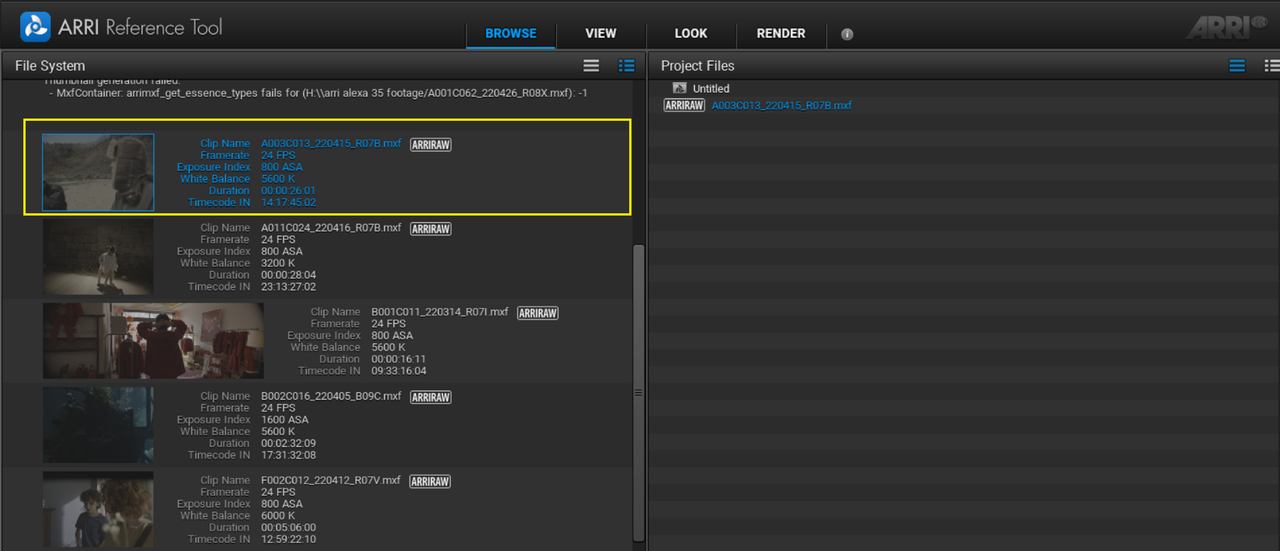
In the ARRI REFERENCE TOOL, I select the Same ARRIRAW file I used in Davinci Resolve to make the grade with


20.png


21.png


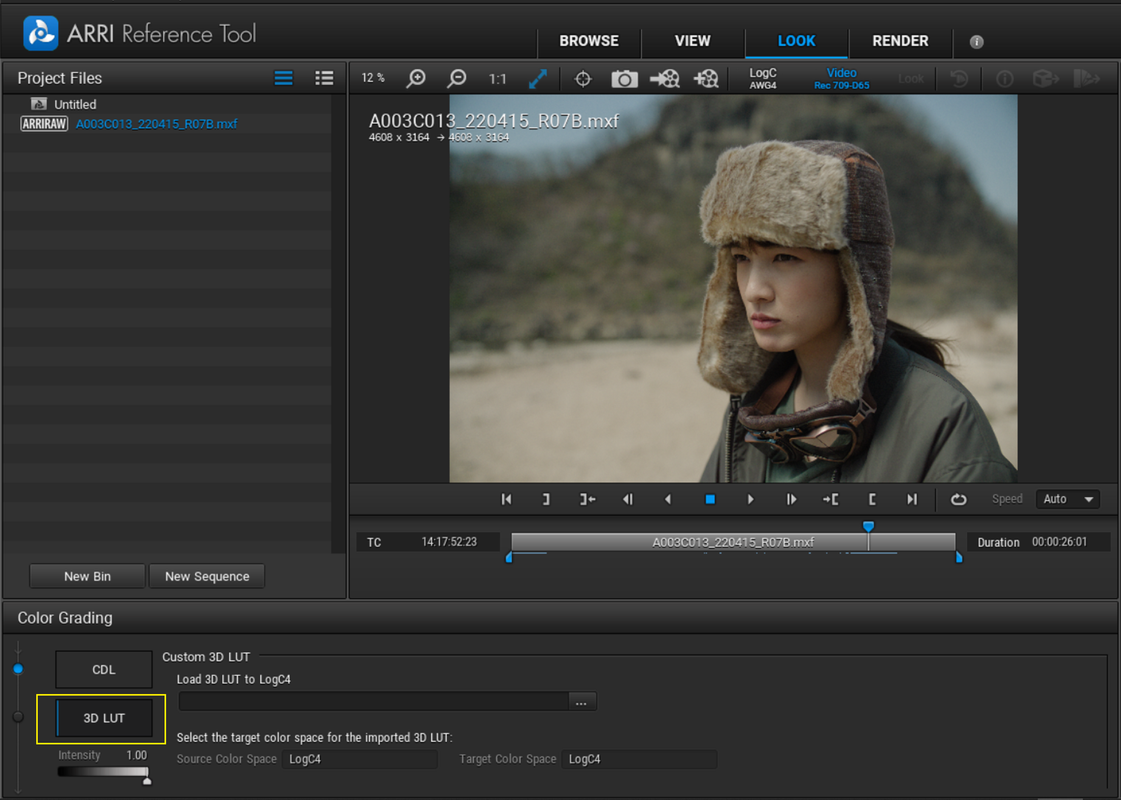
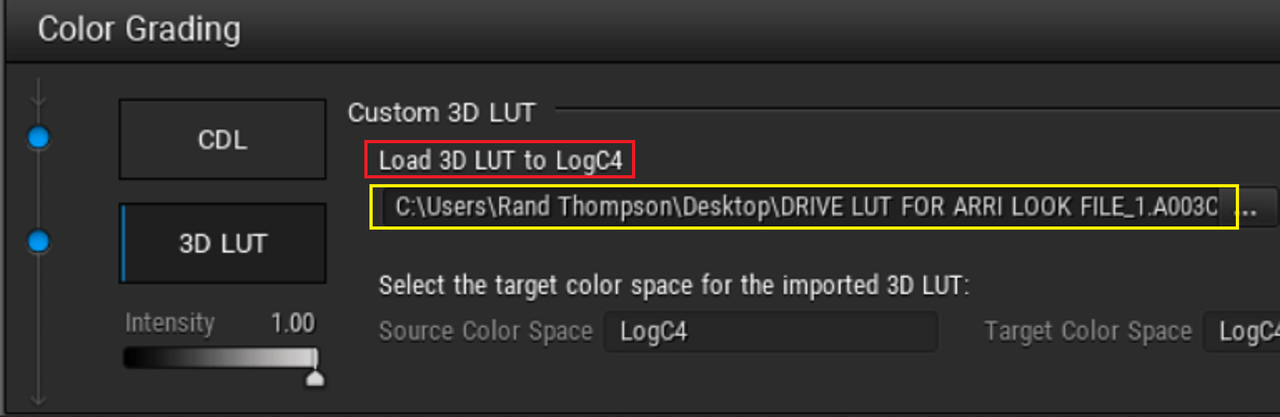
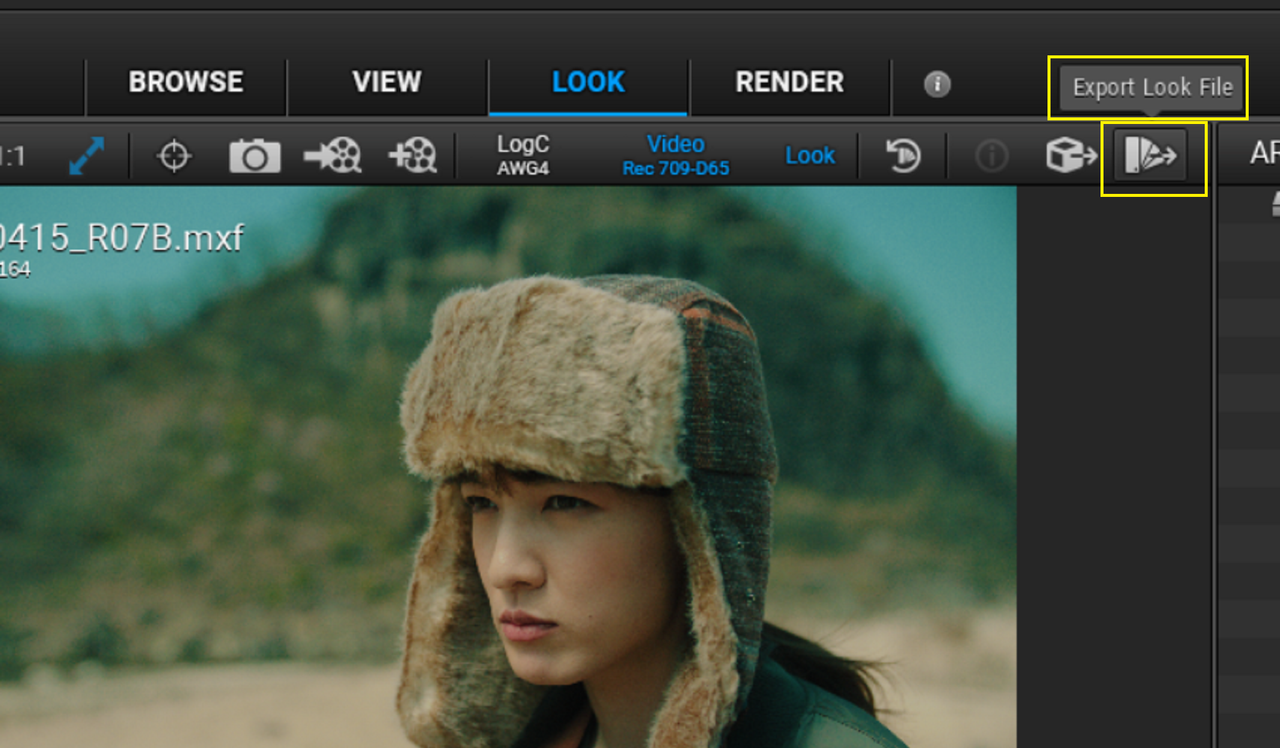
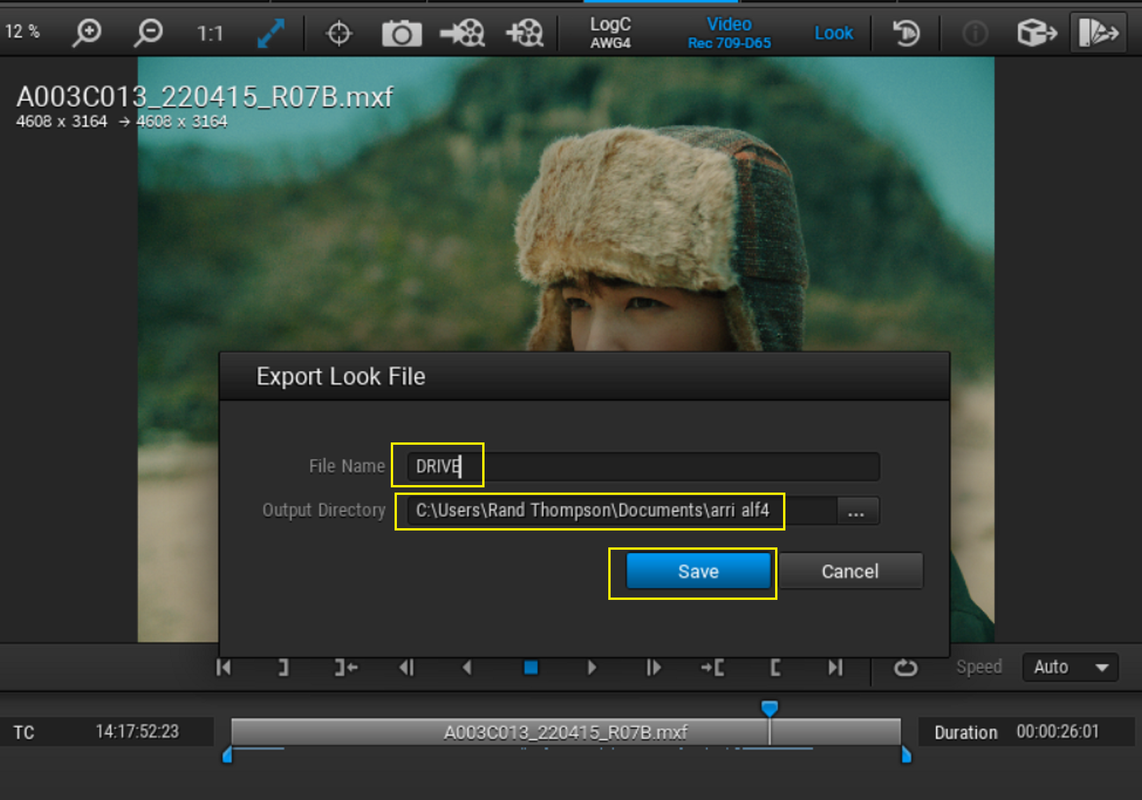
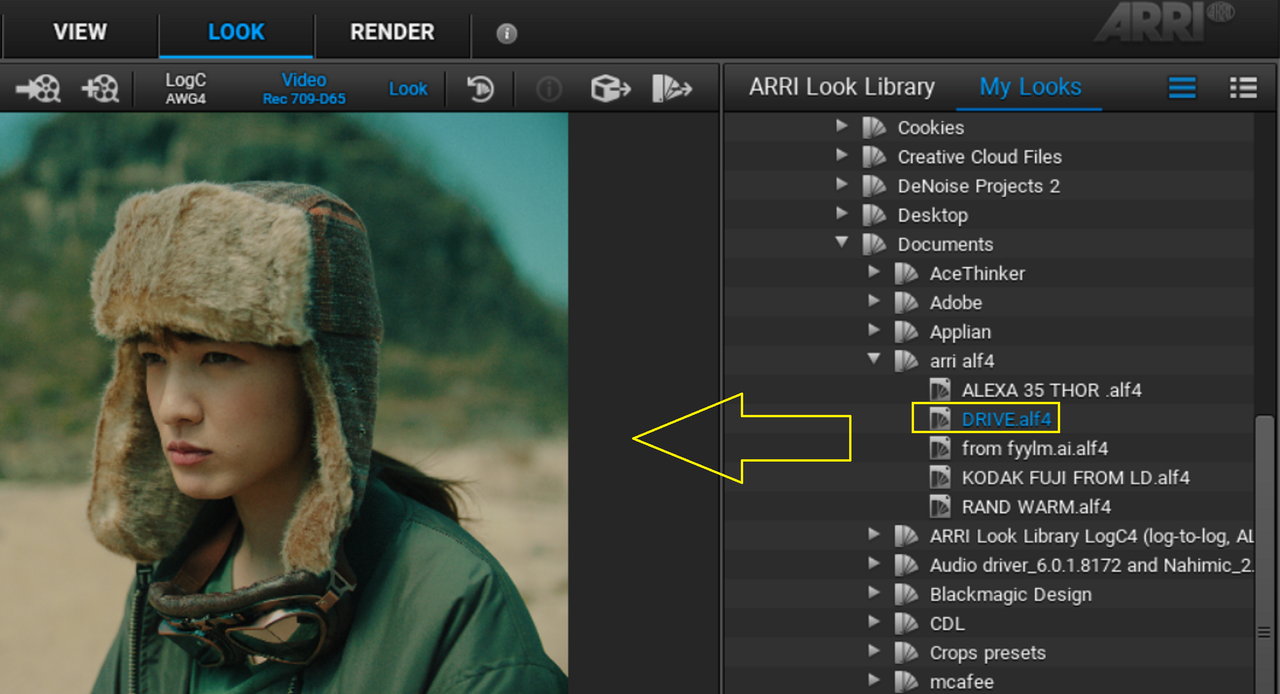
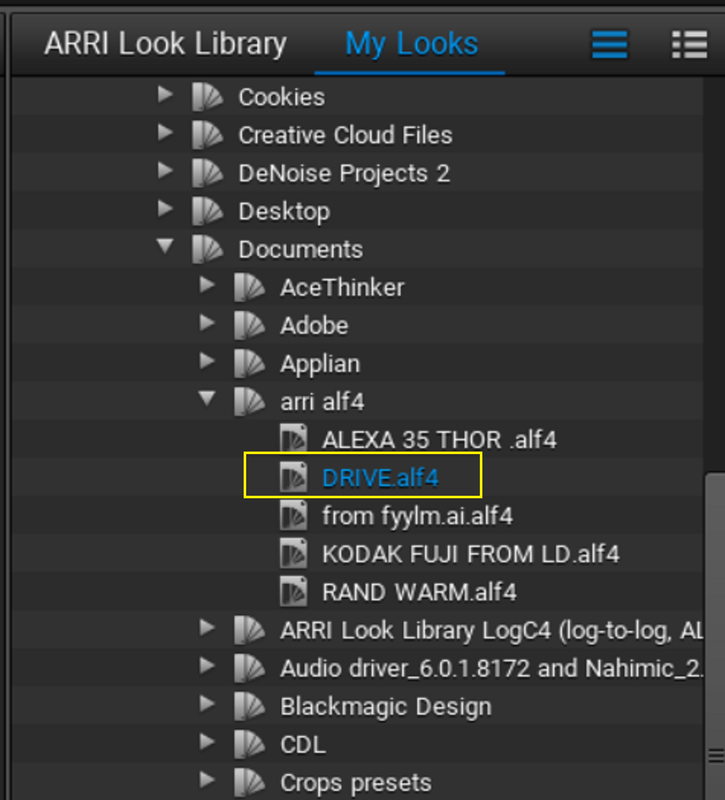
Next, I go to the "LOOK" Area and in the "COLOR GRADING" section I'll Choose " 3D LUT". Then I will import The "DRIVE LUT FORARRI LOOK FILE" Lut by selecting the three dots"..." next to the space under" LOAD 3D Lut to LOGC4" area. Then I will select the " EXPORT LOOK FILE" icon at the Top Right-hand corner of the UI and export out a ALF4 look called "DRIVE"


22.png


23.png


24.png


25.png


26.png


7i.jpg
 
Last edited:
Back
Top