- Thread starter
- #421

rand thompson
Well-known member
- Joined
- Aug 9, 2011
- Messages
- 18,999
- Reaction score
- 622
- Points
- 113
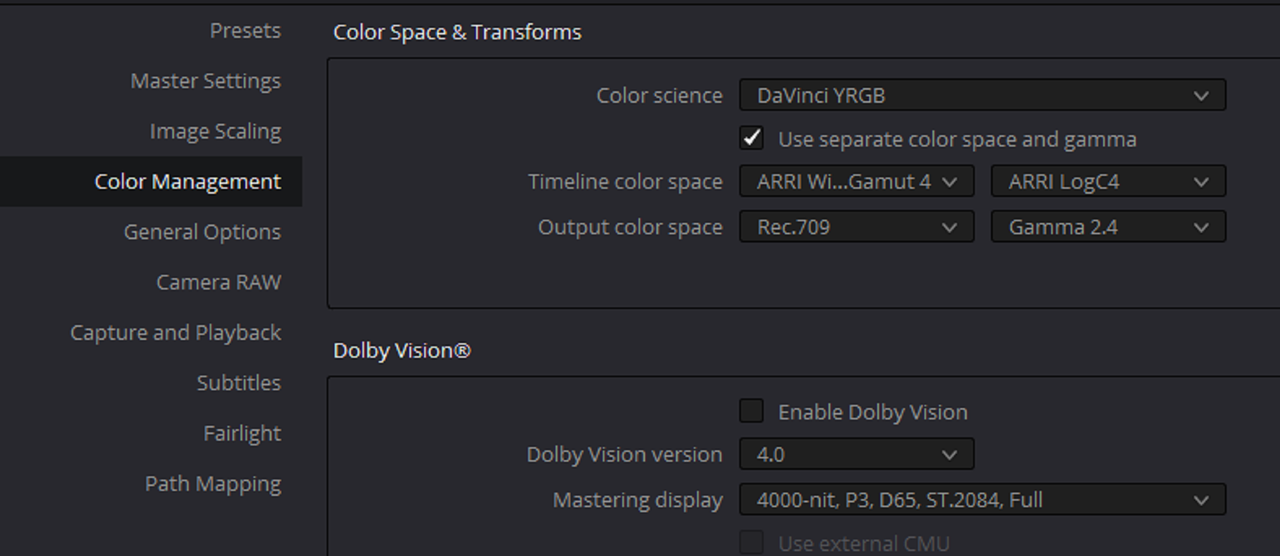
RAVENGRADE a DCTL Plugin In Resolve - PART 2 ( SECTION 3)
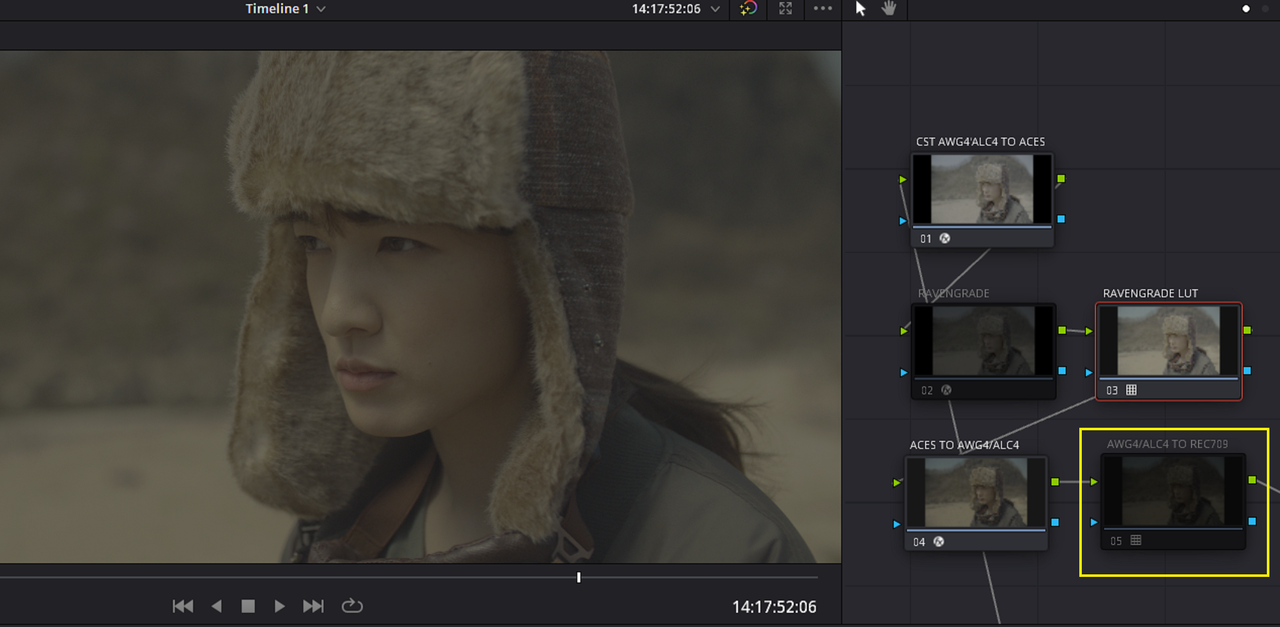
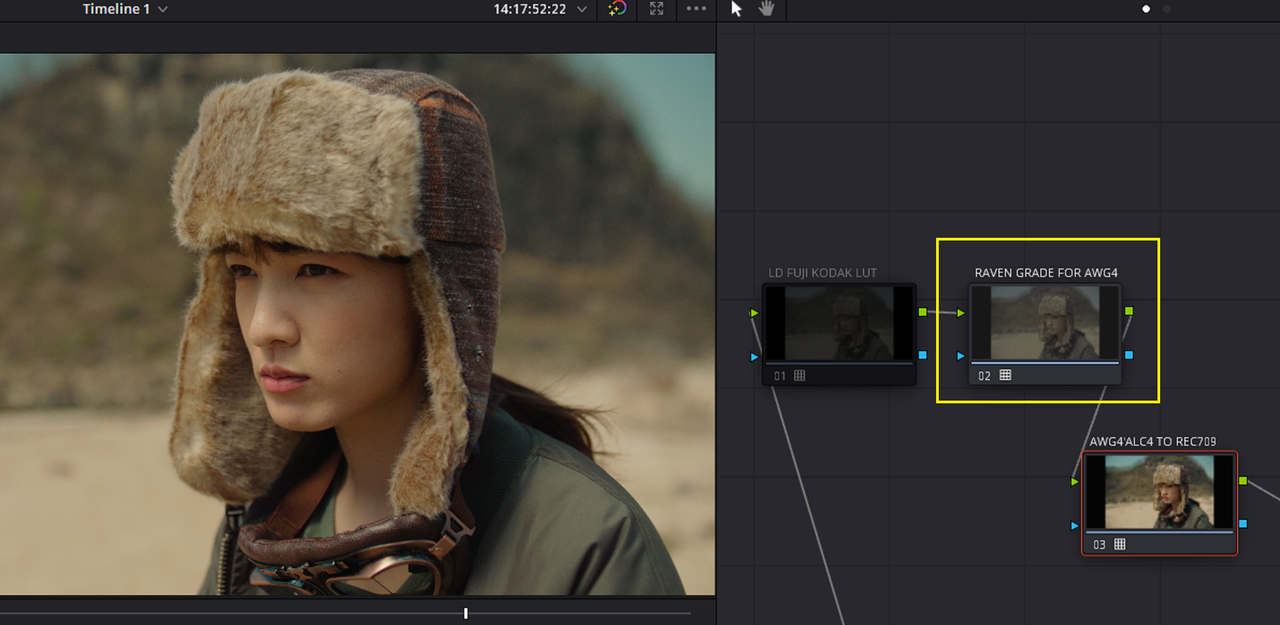
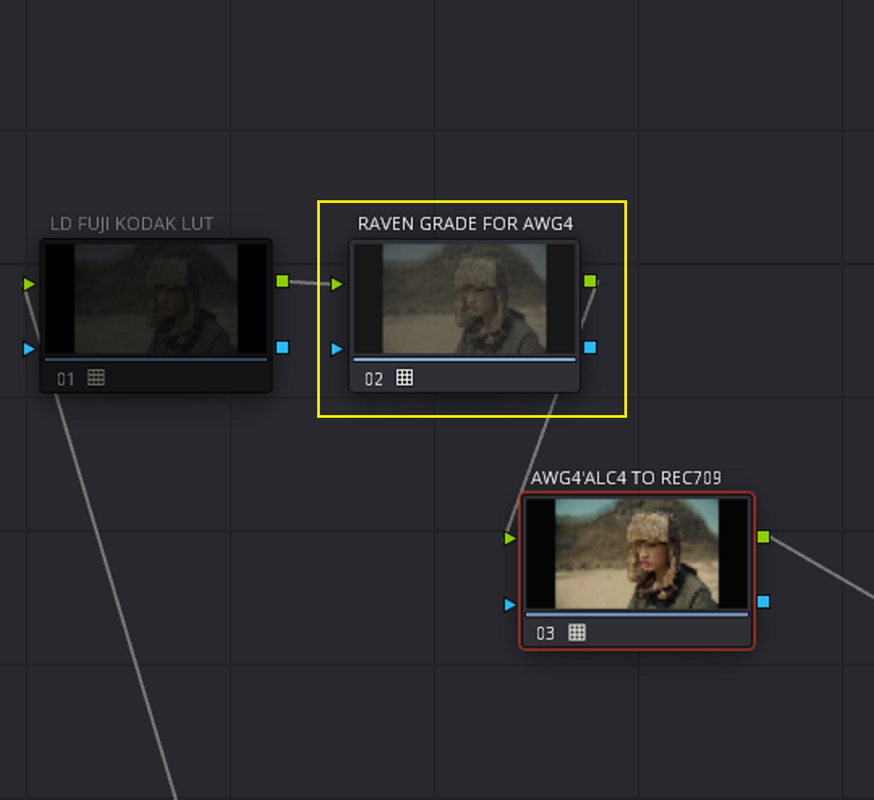
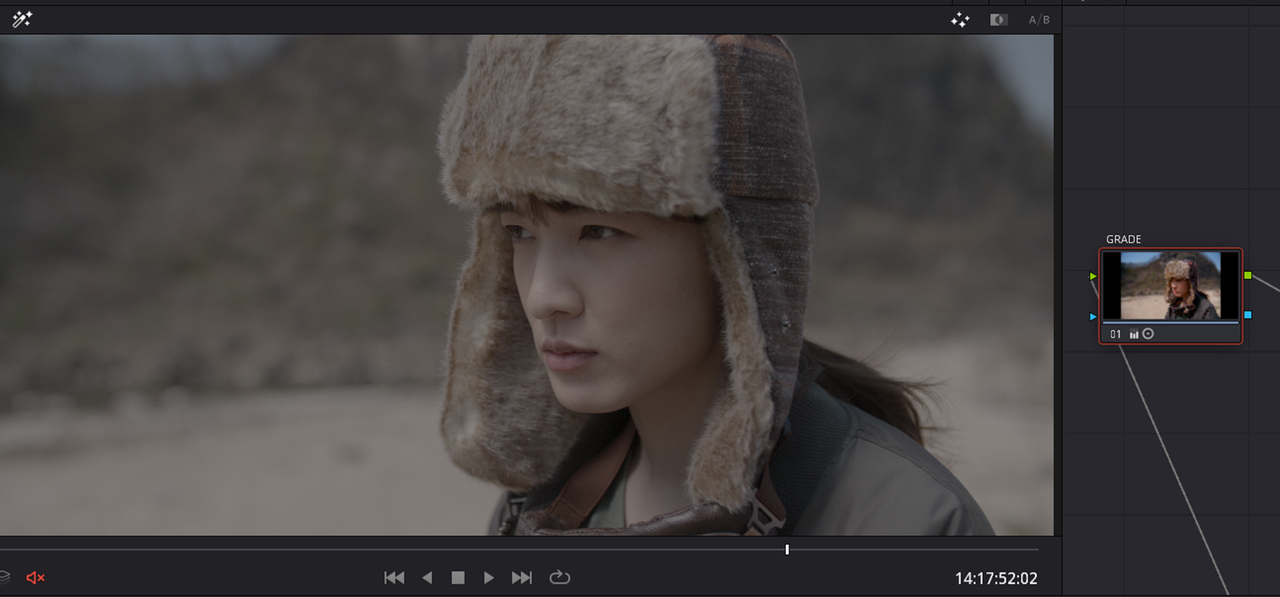
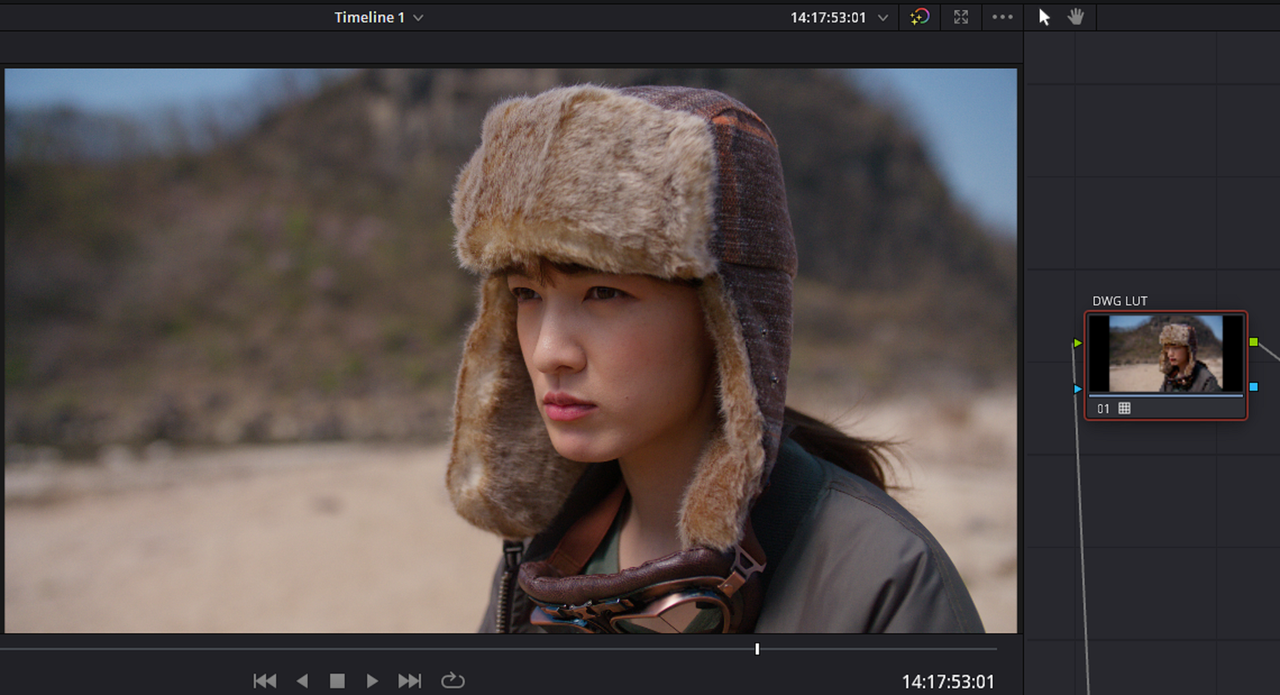
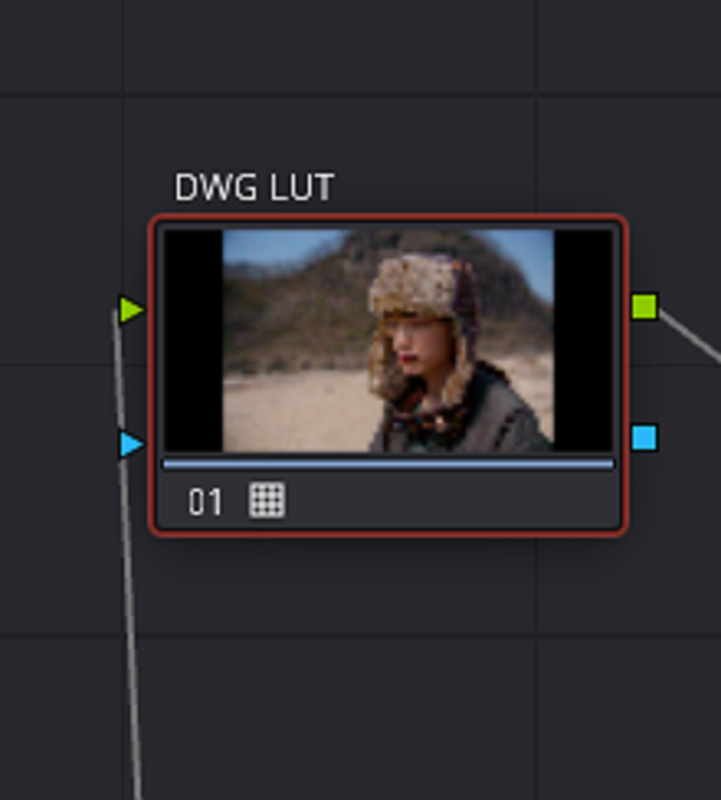
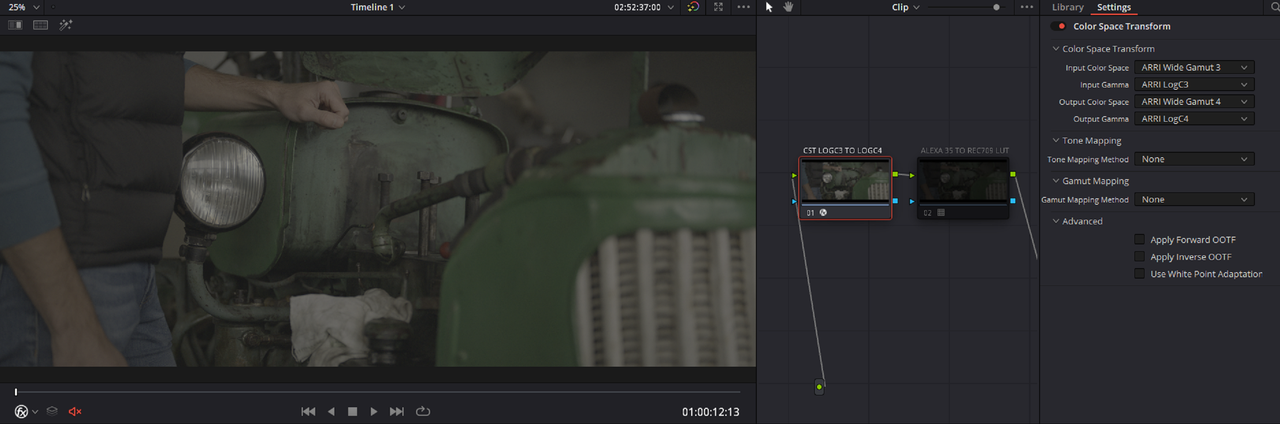
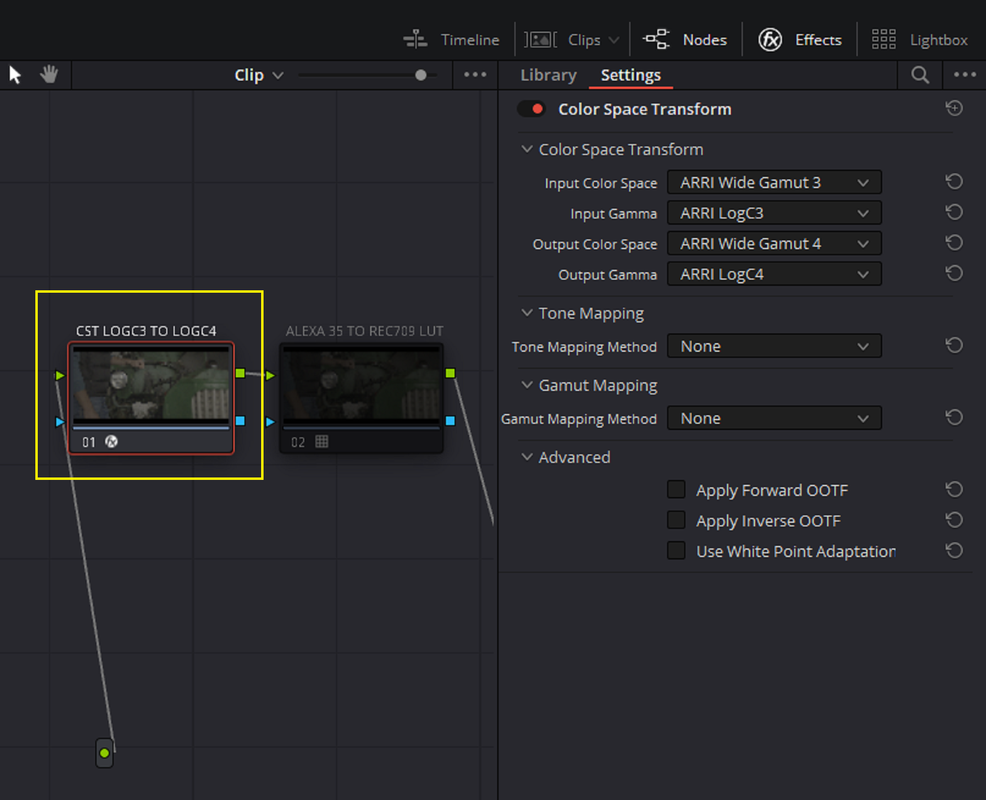
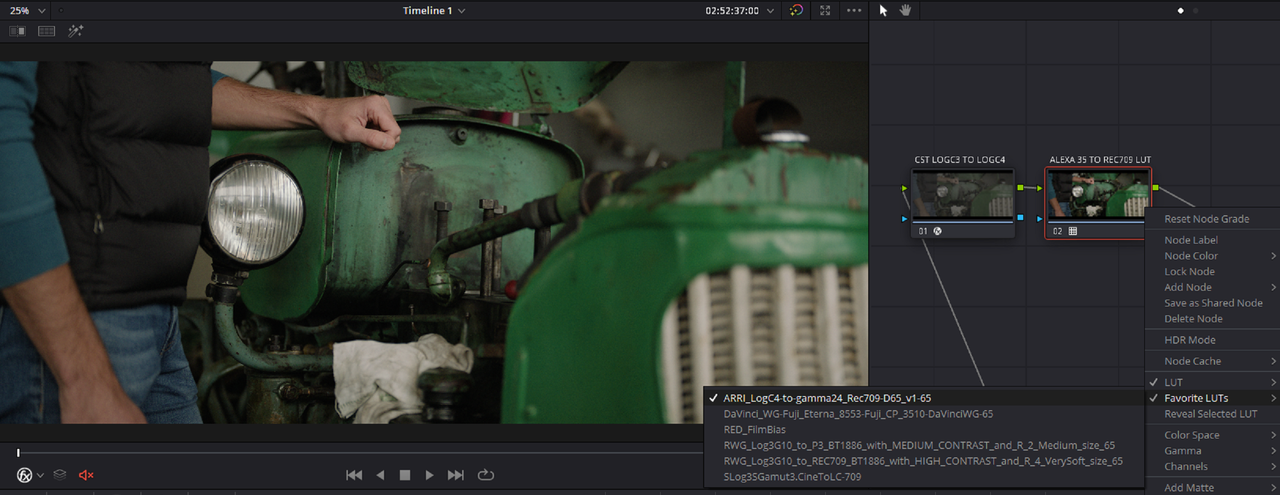
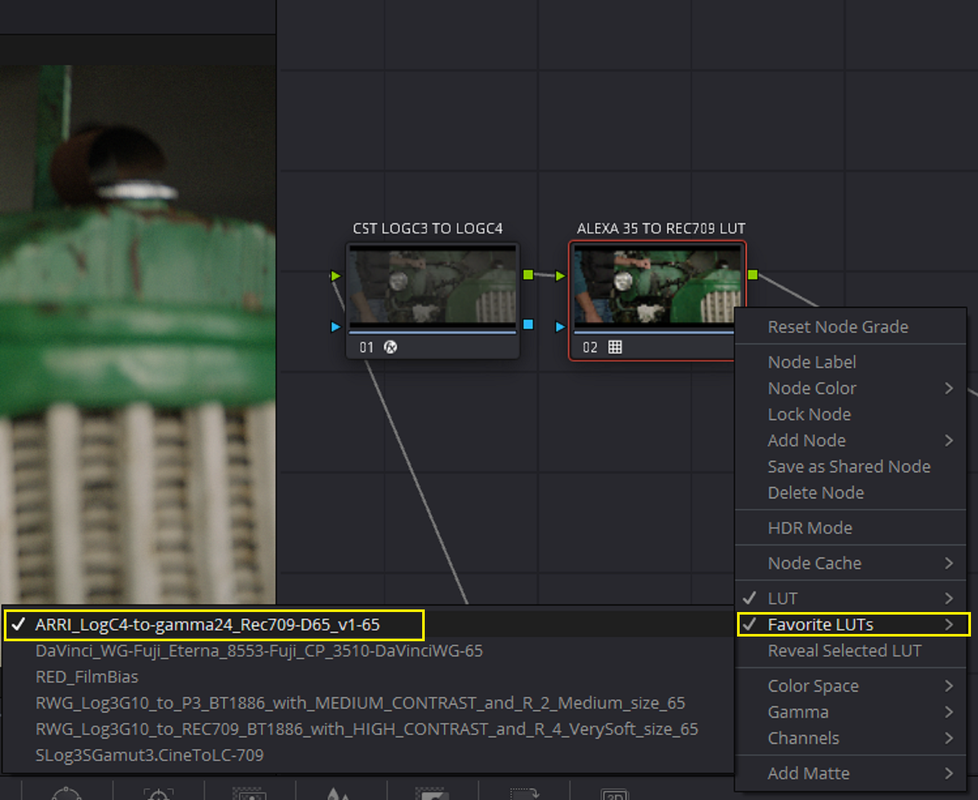
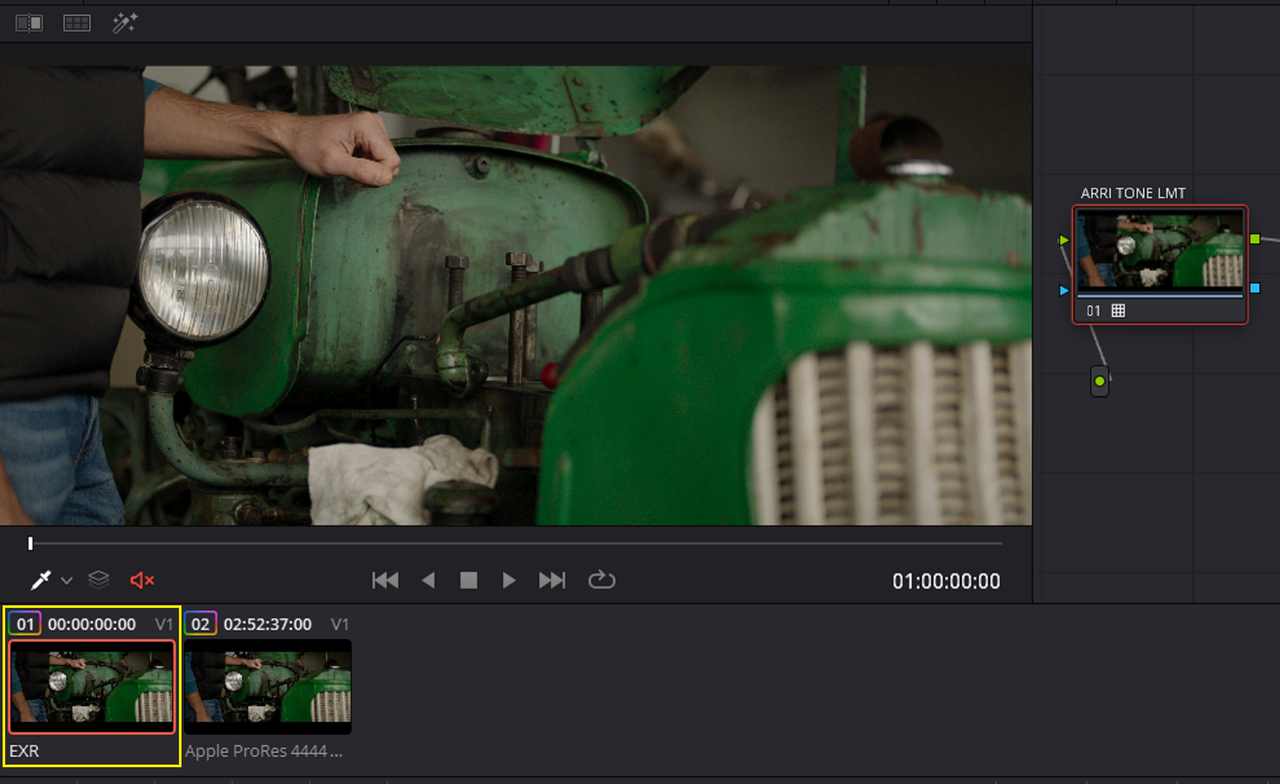
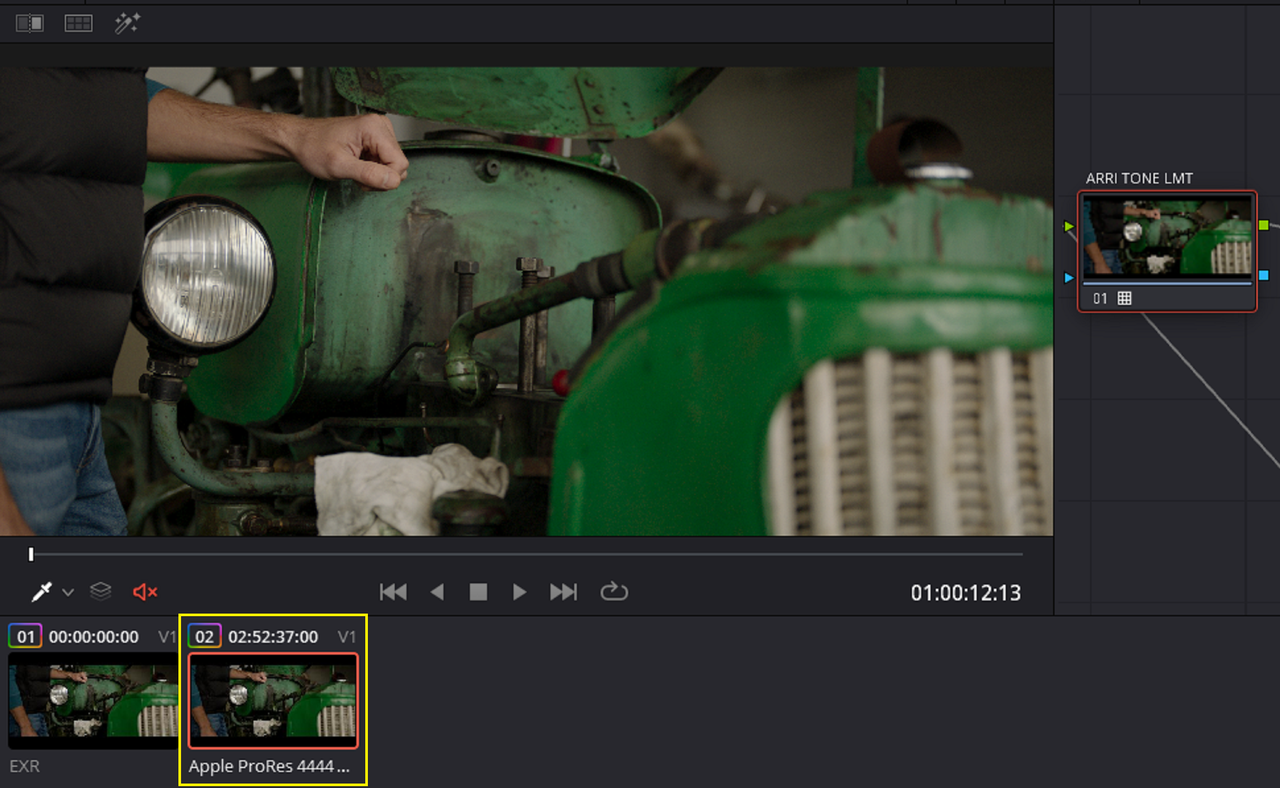
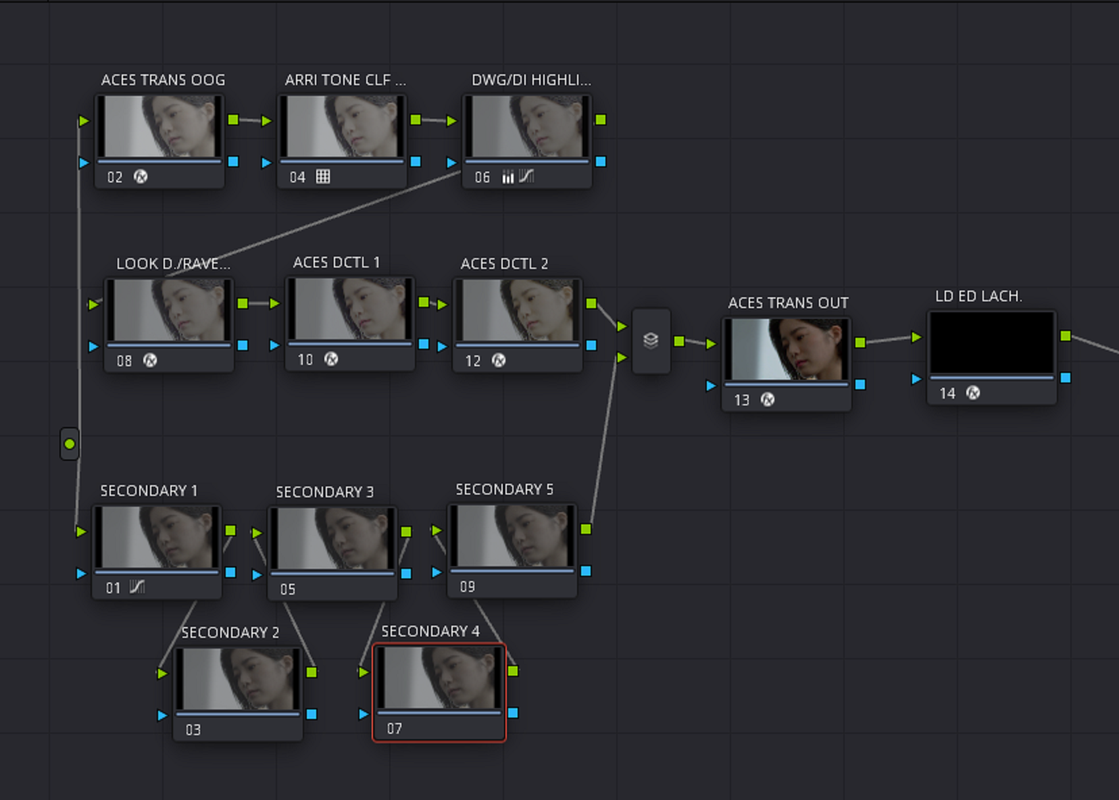
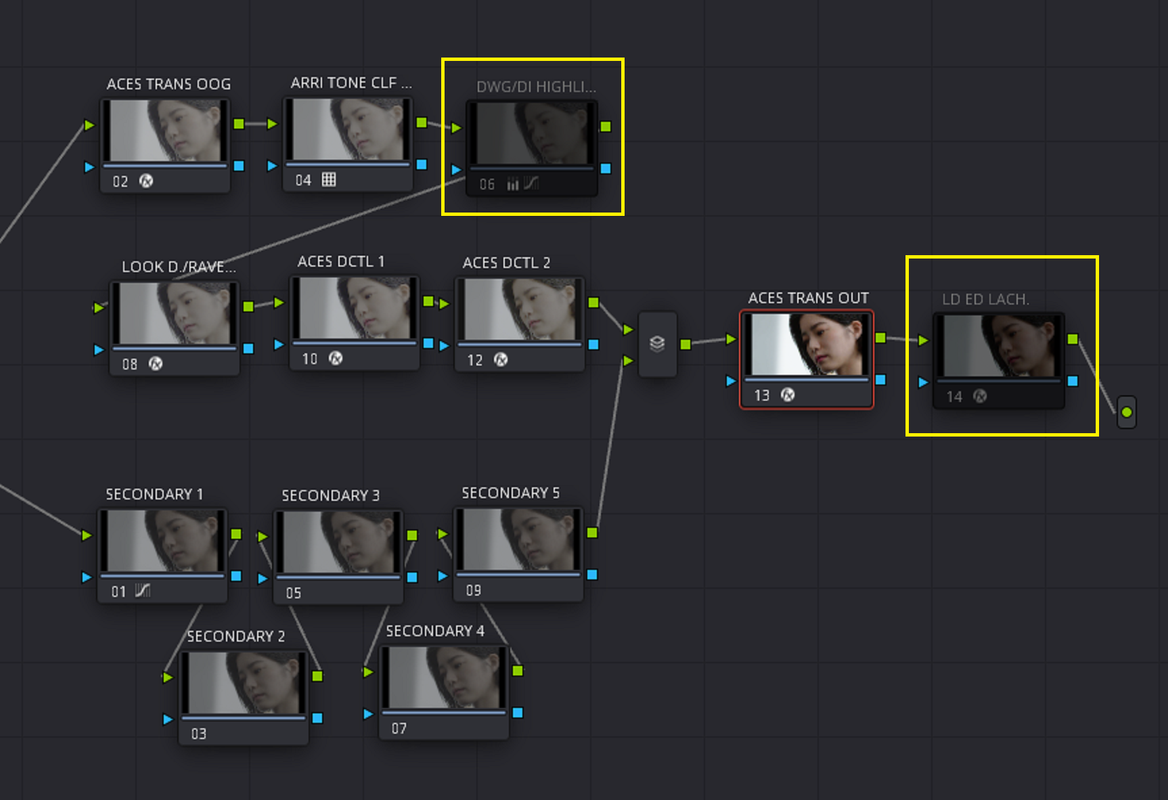
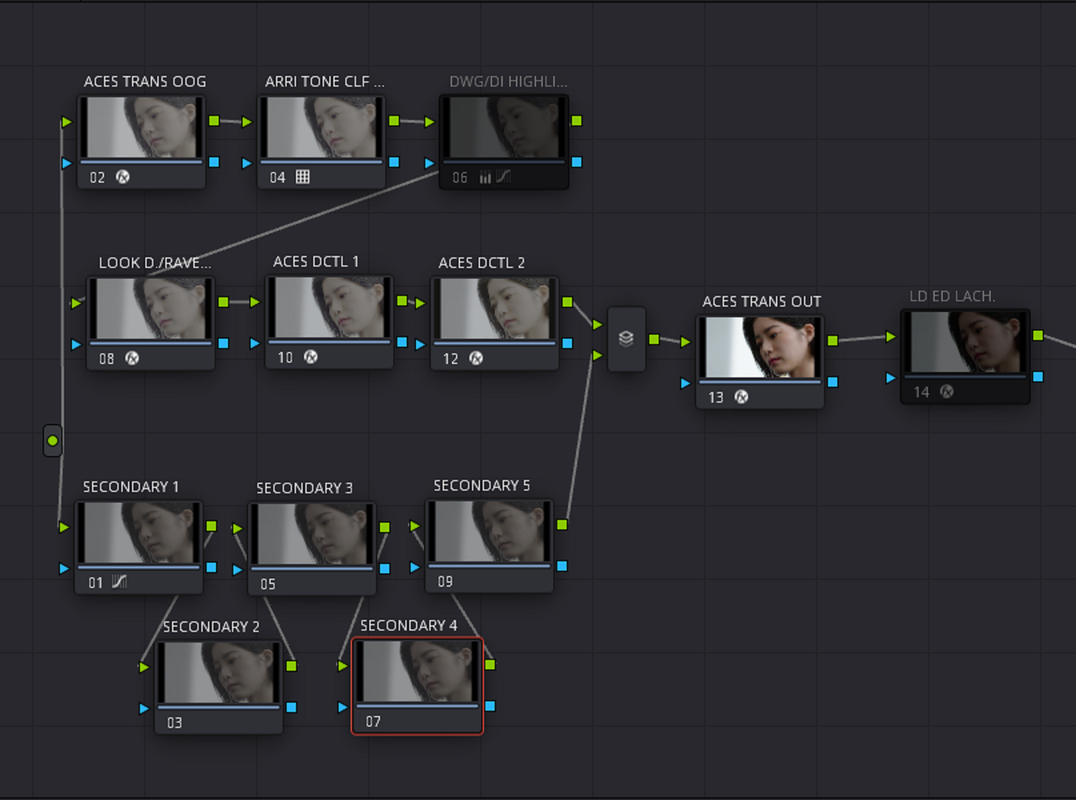
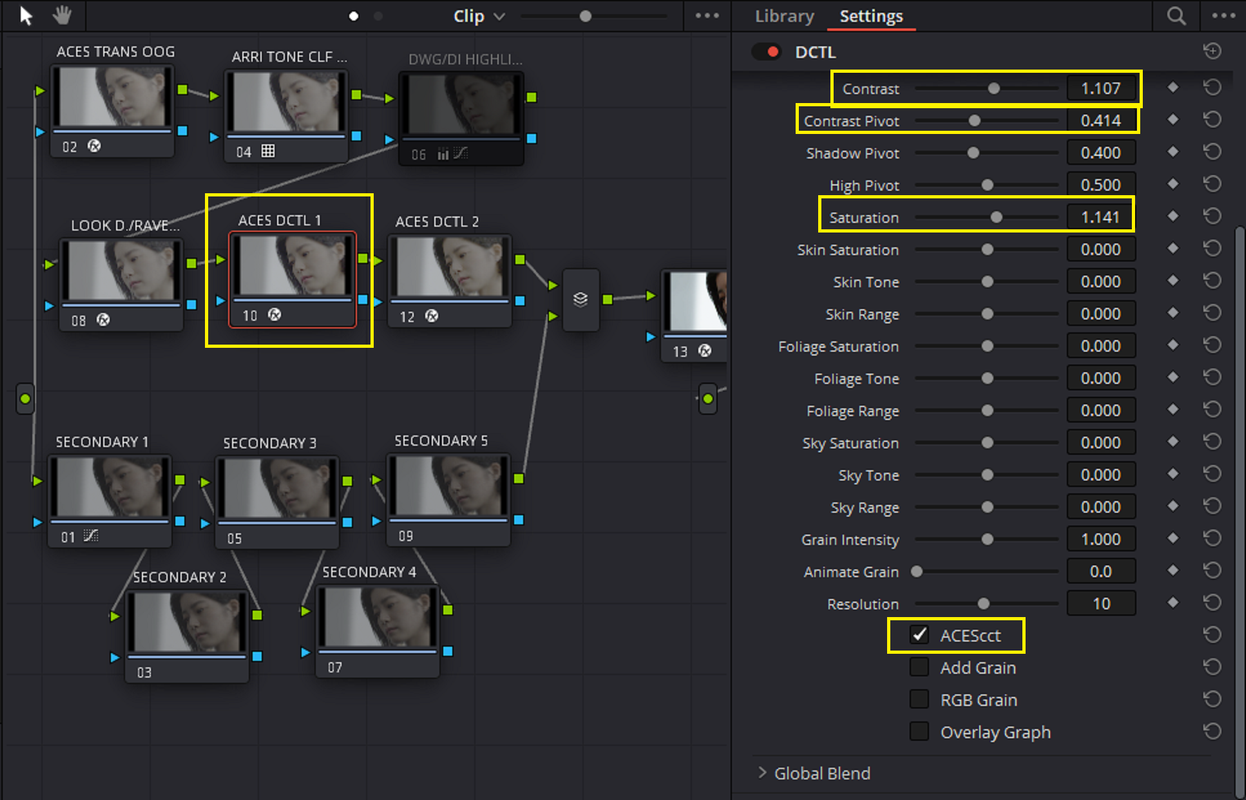
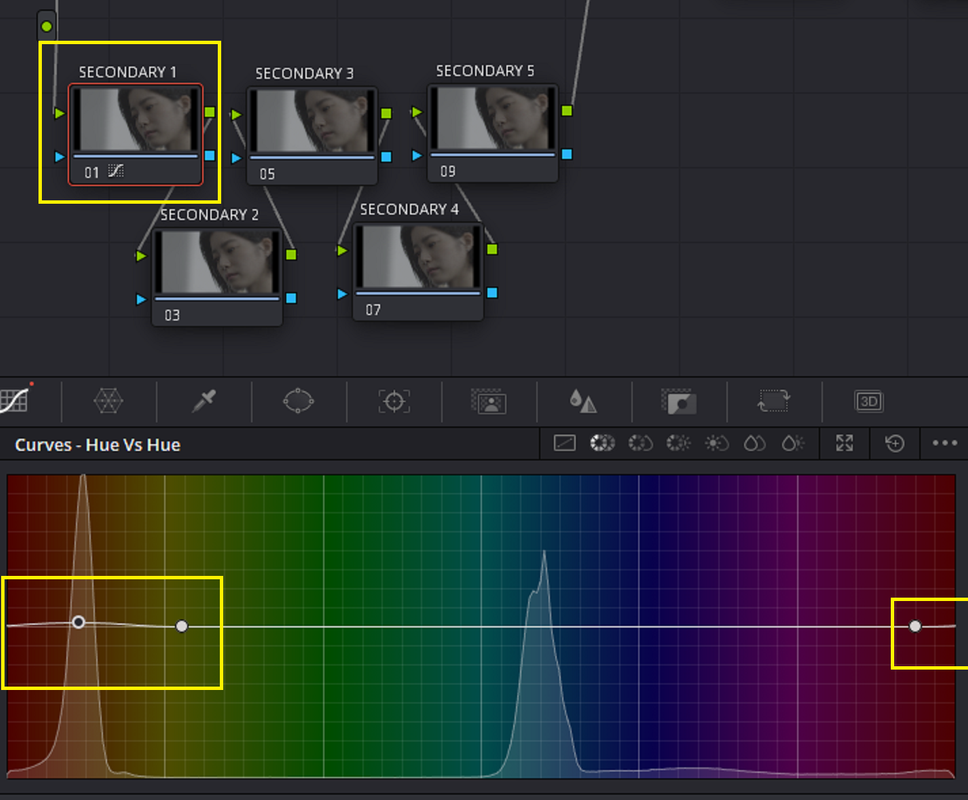
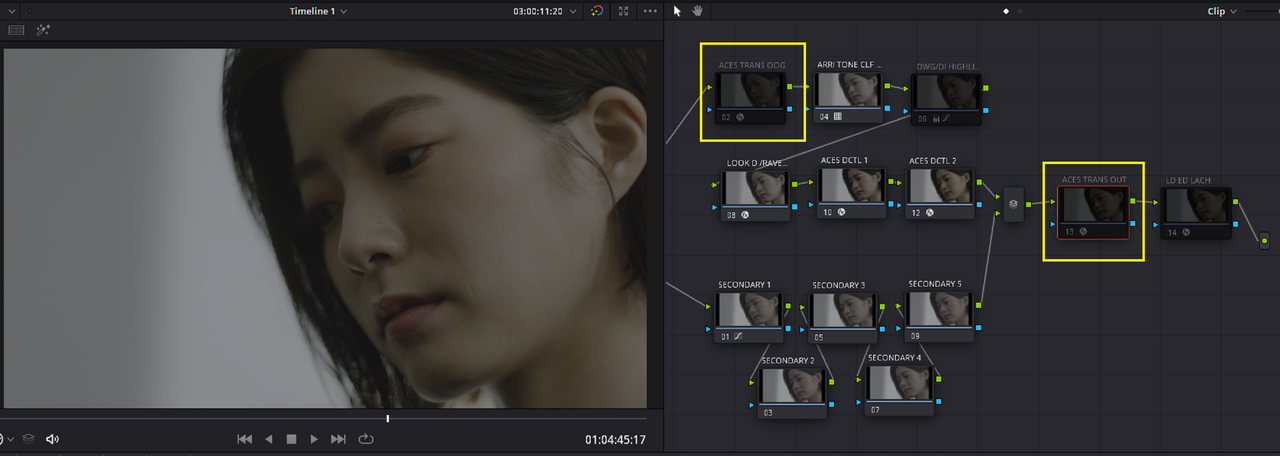
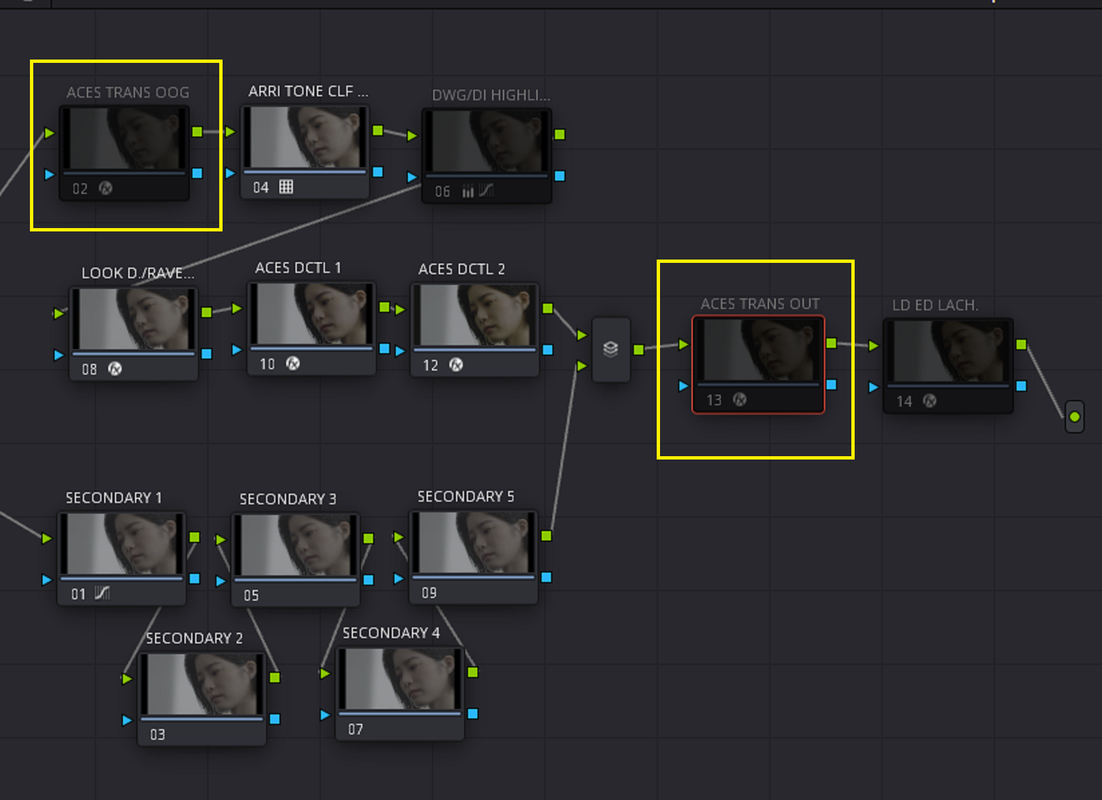
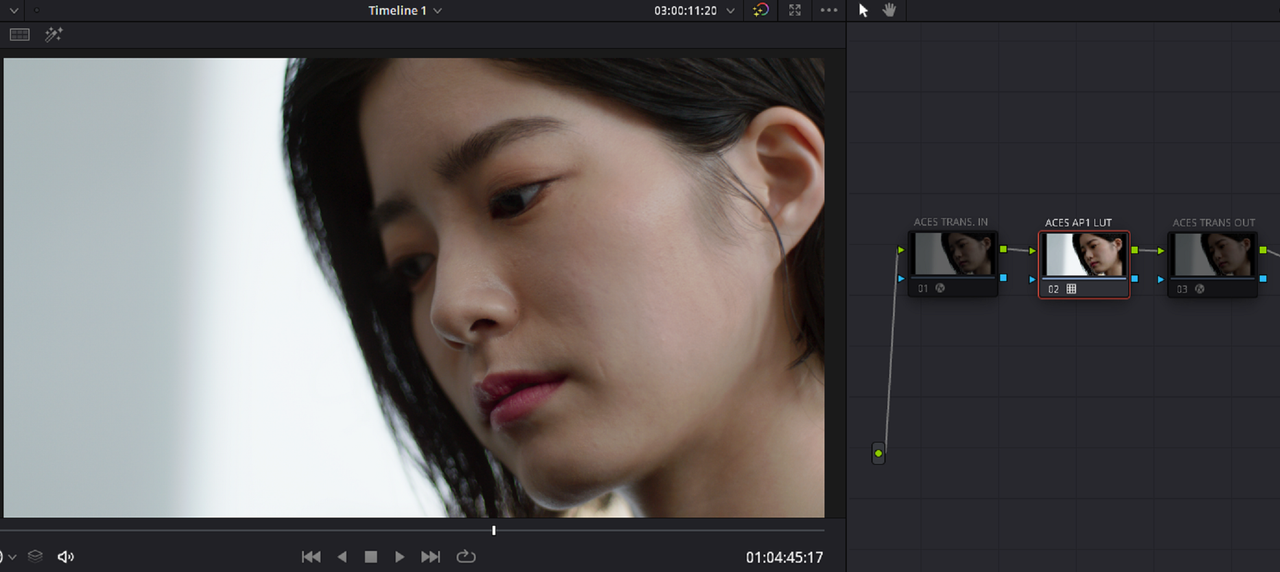
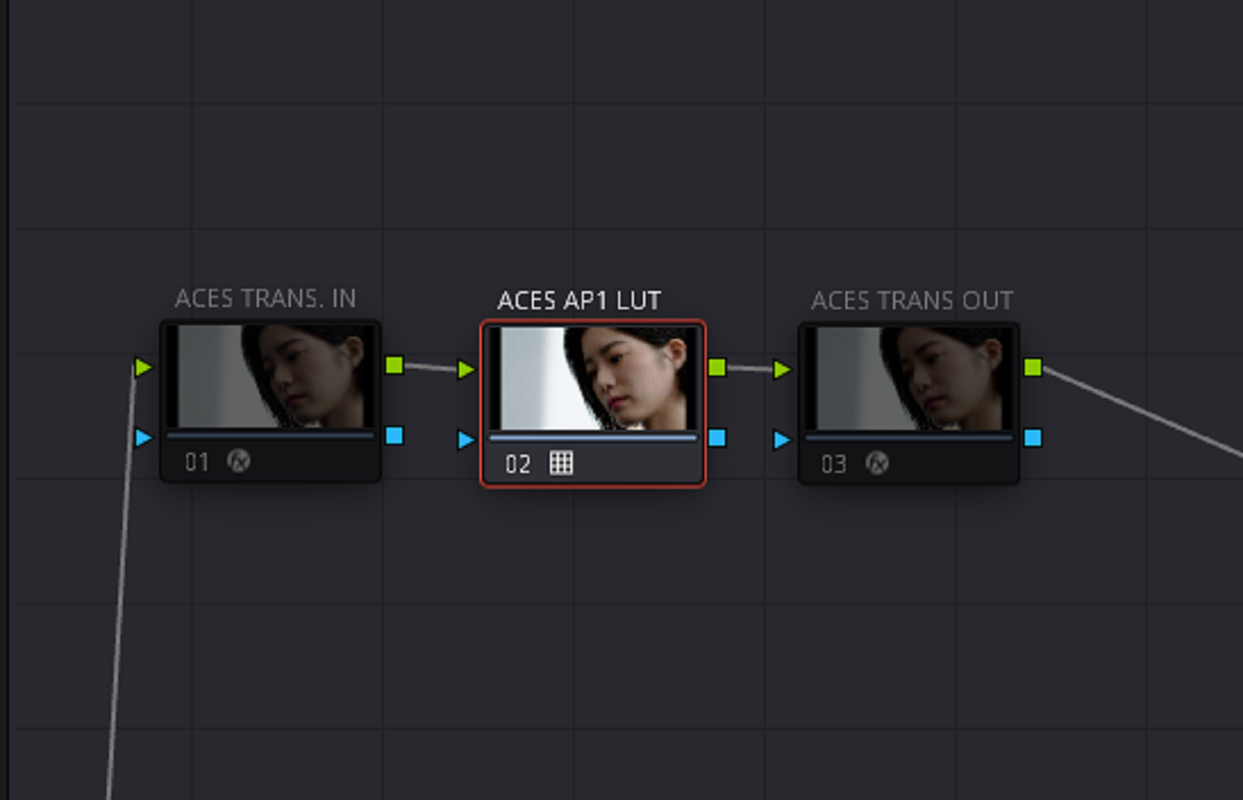
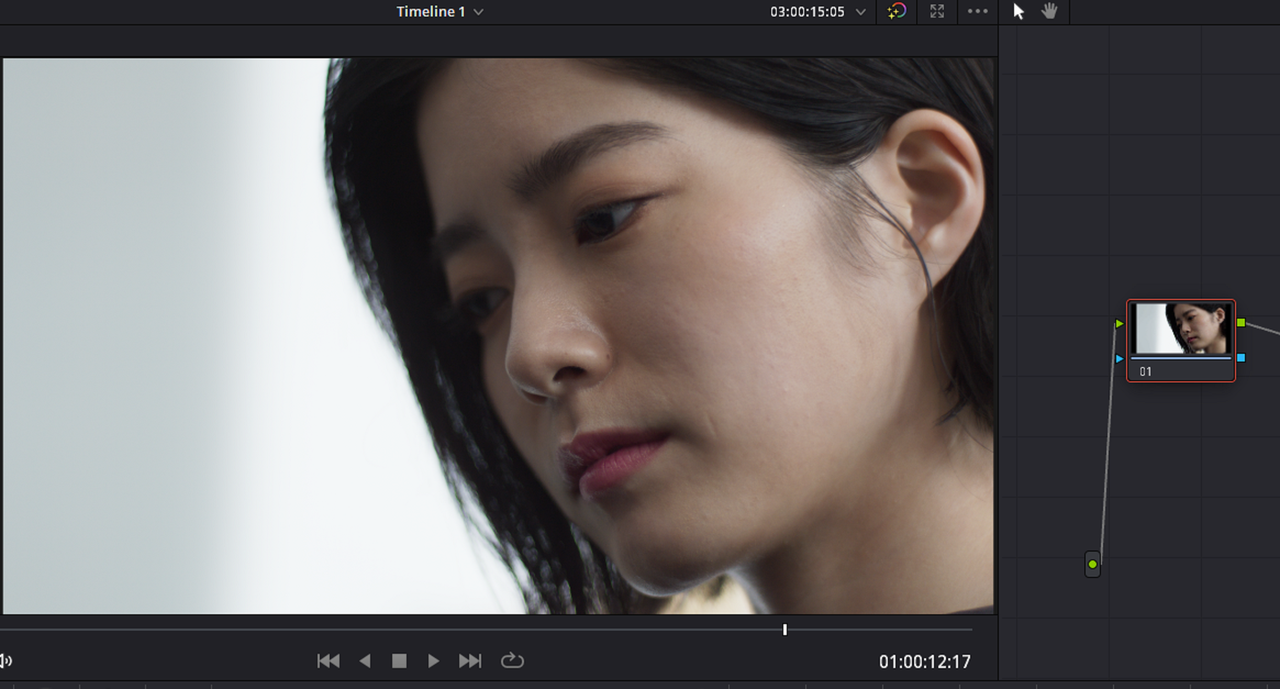
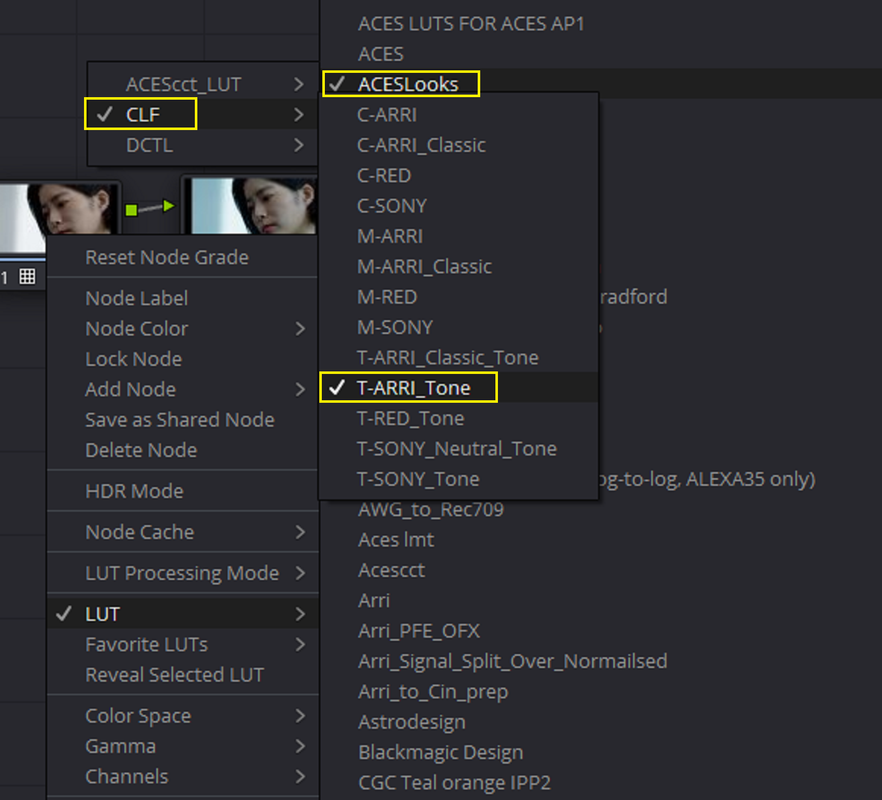
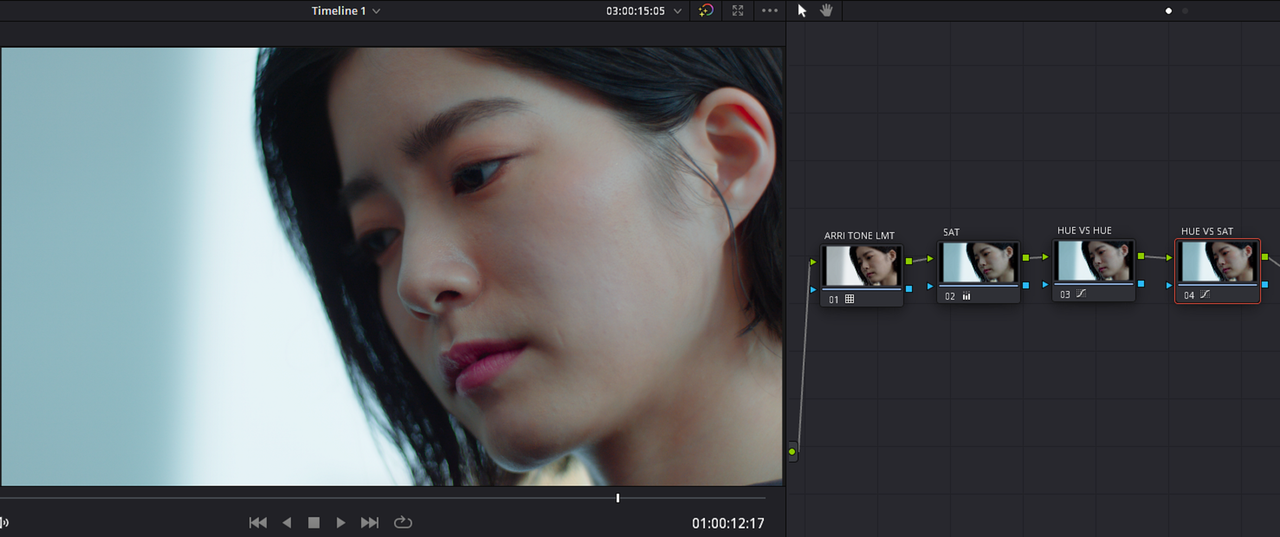
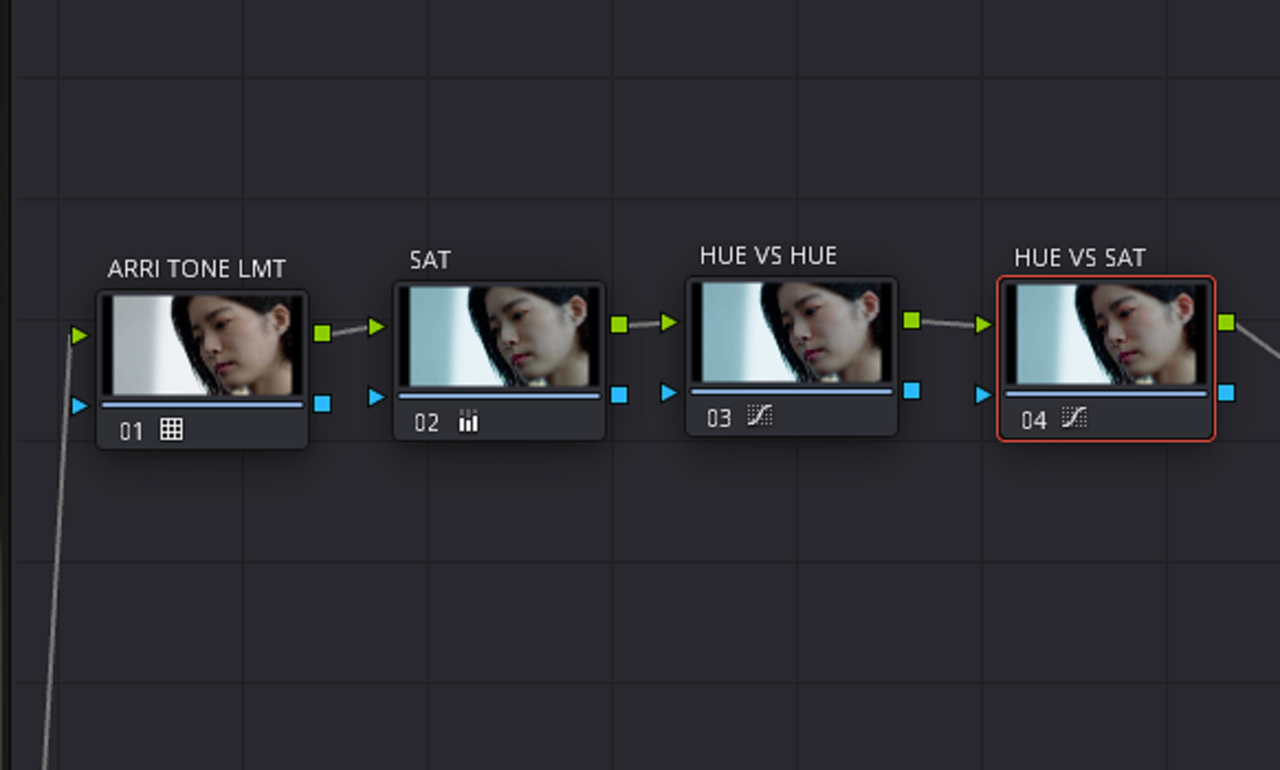
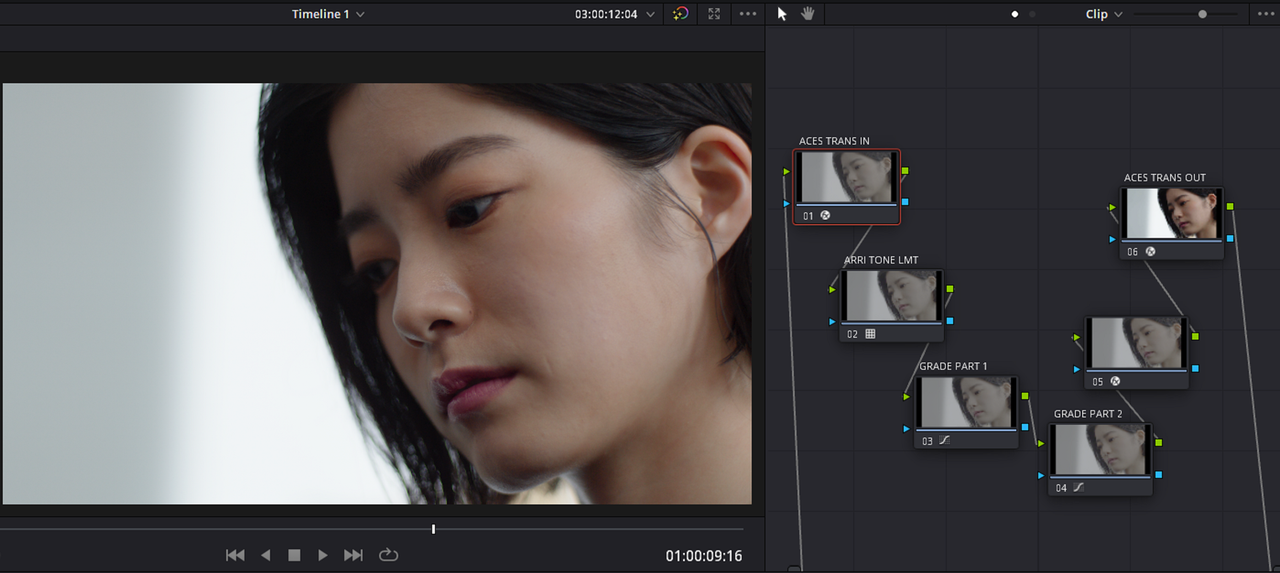
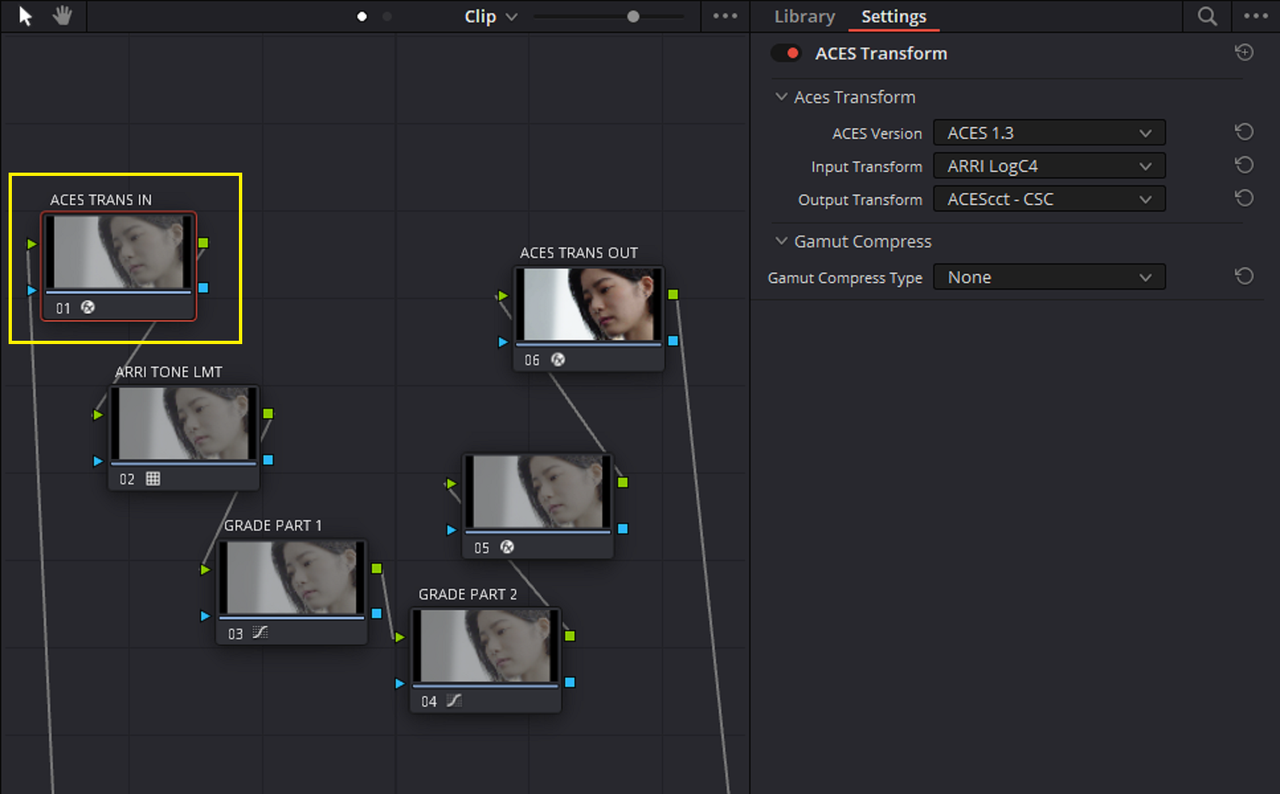
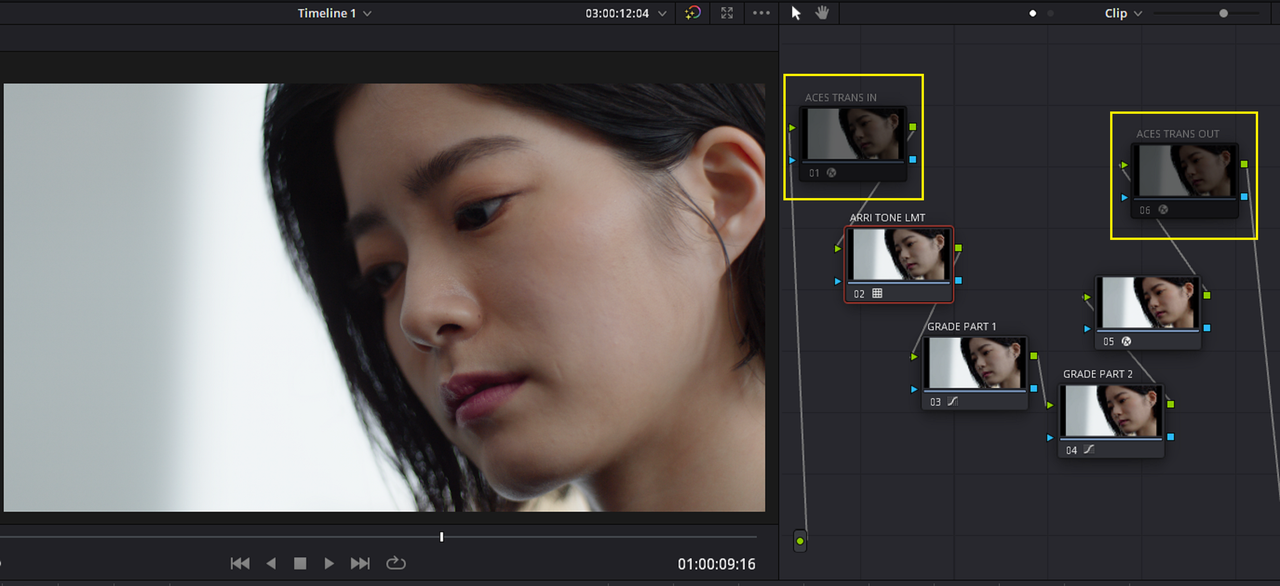
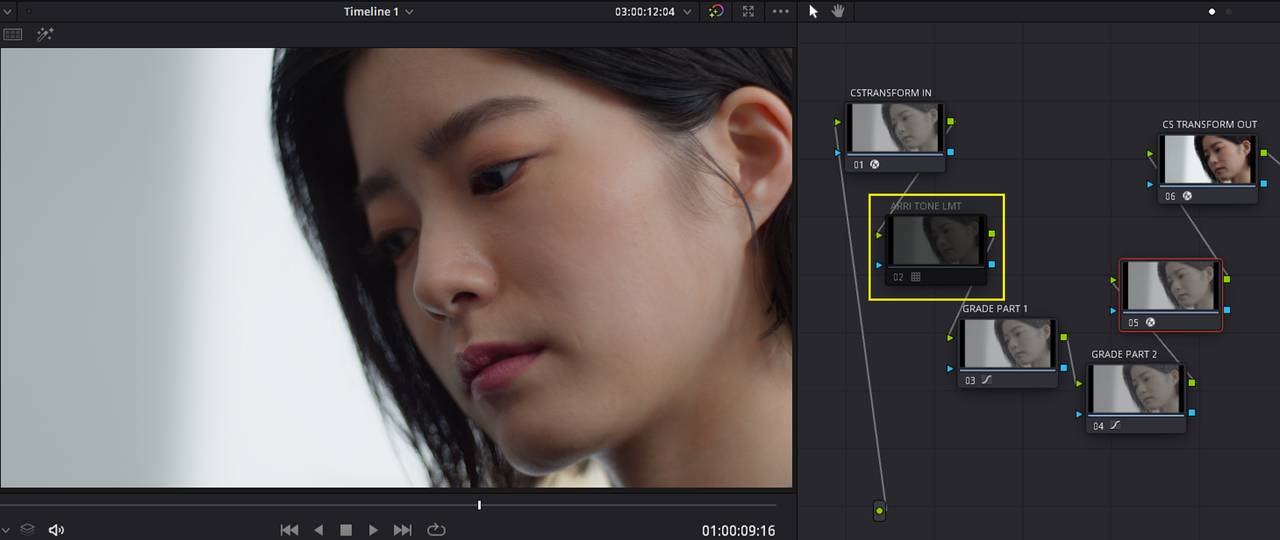
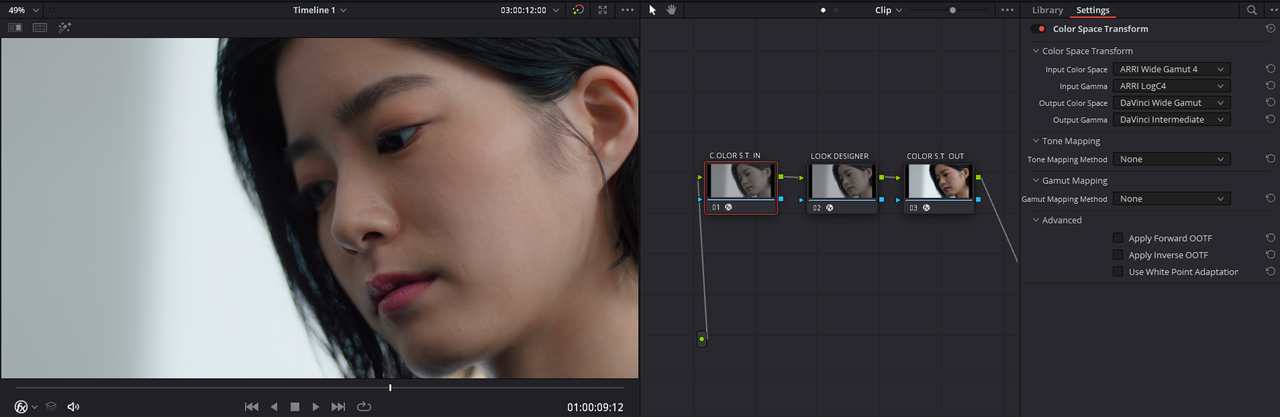
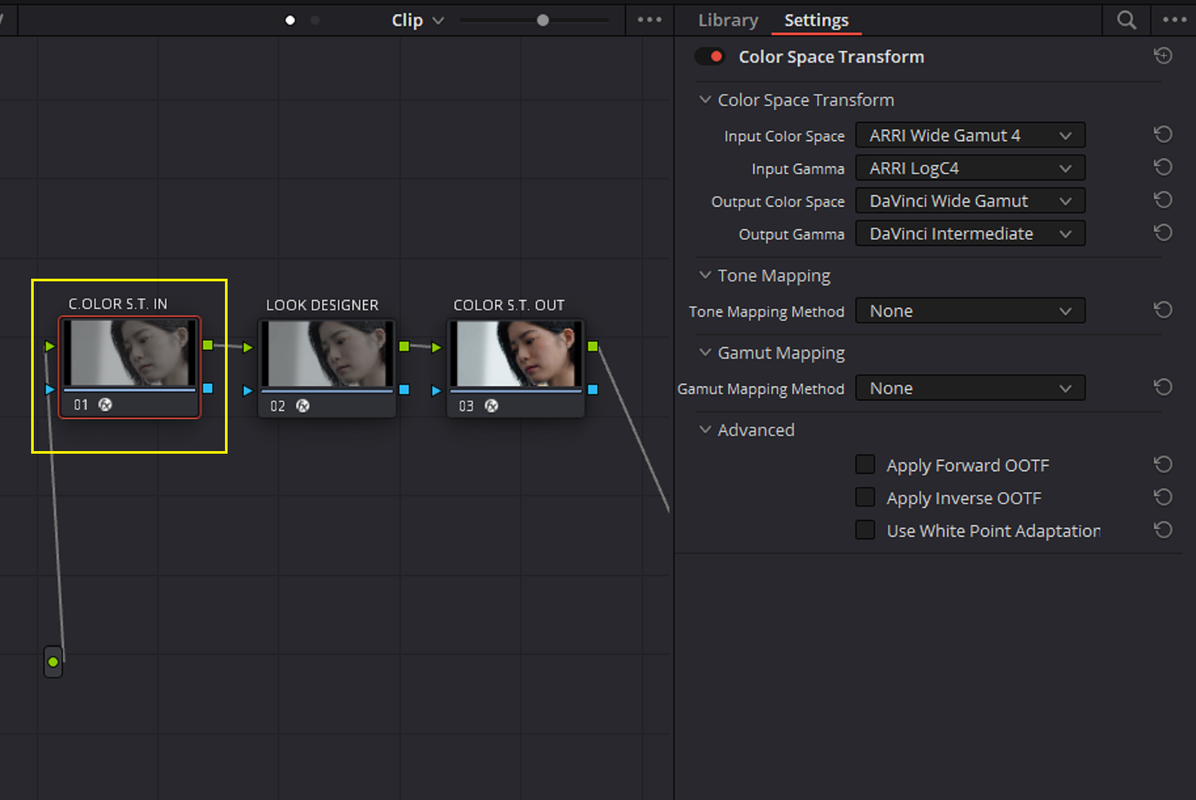
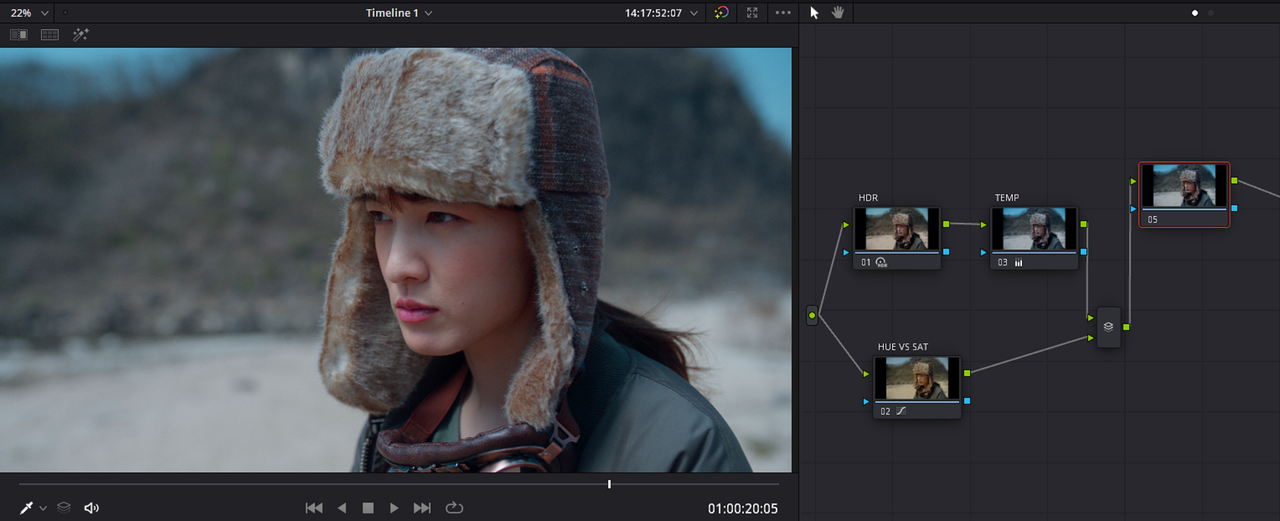
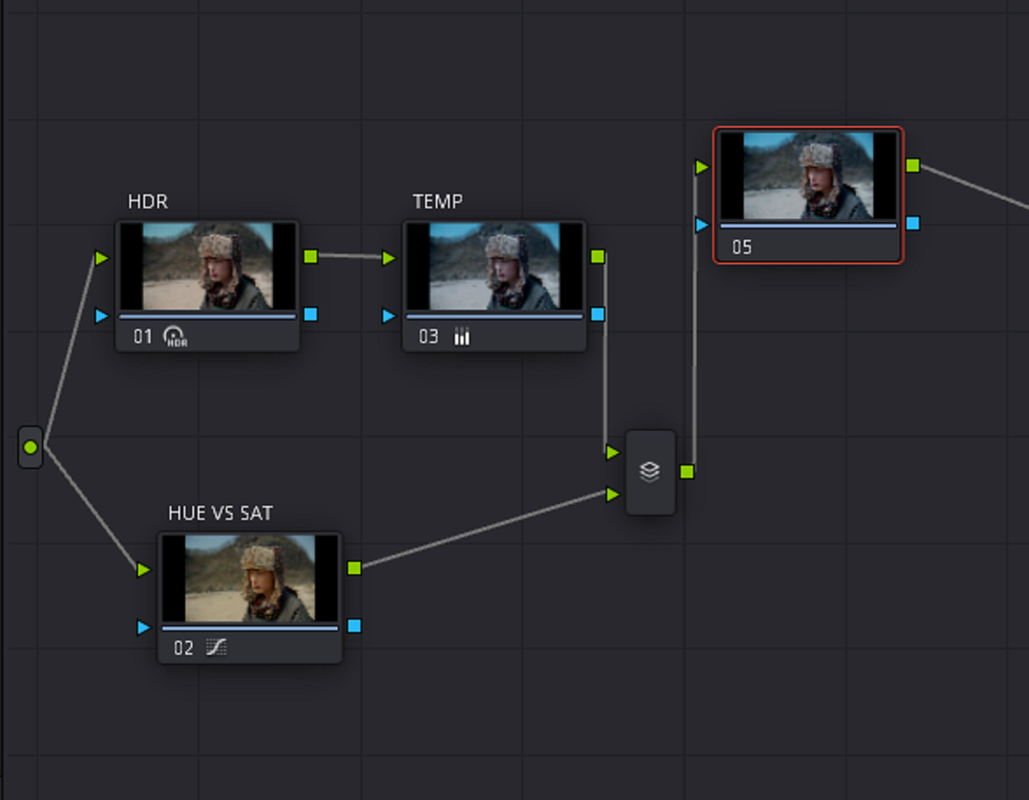
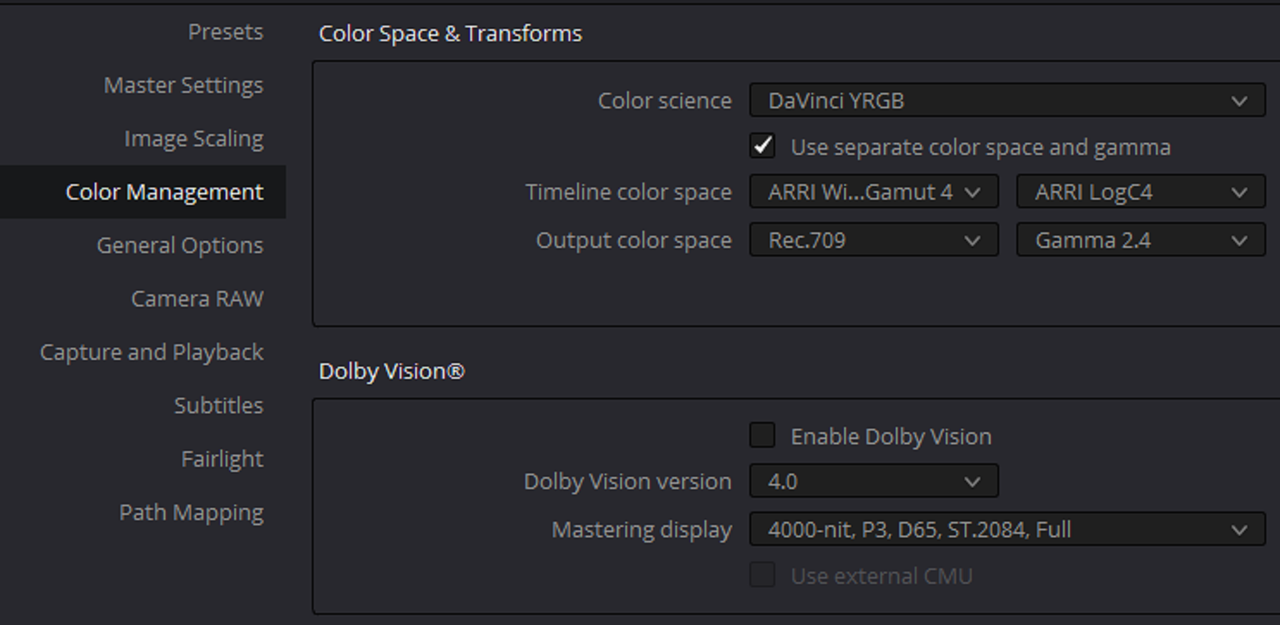
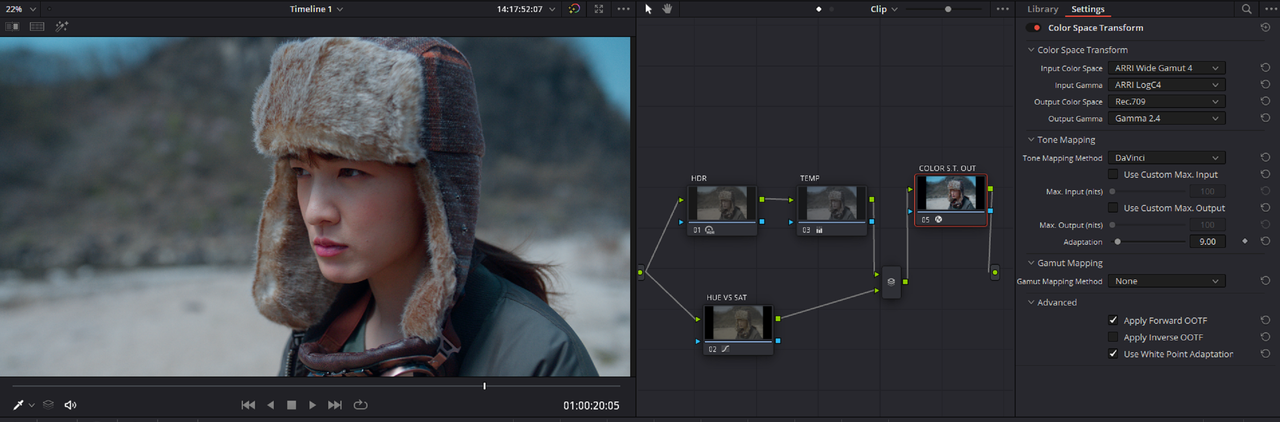
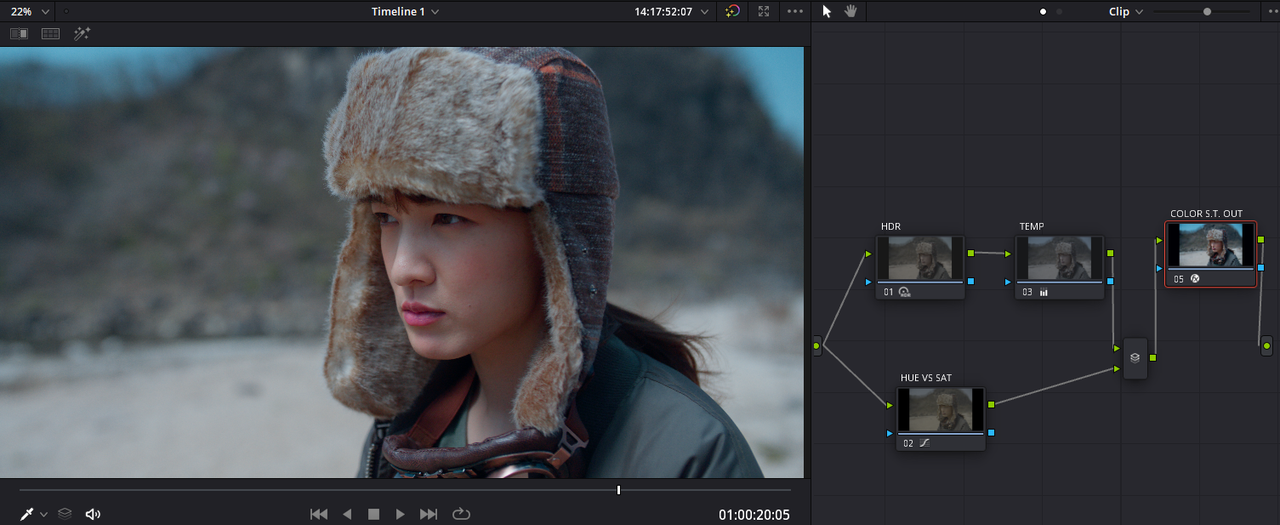
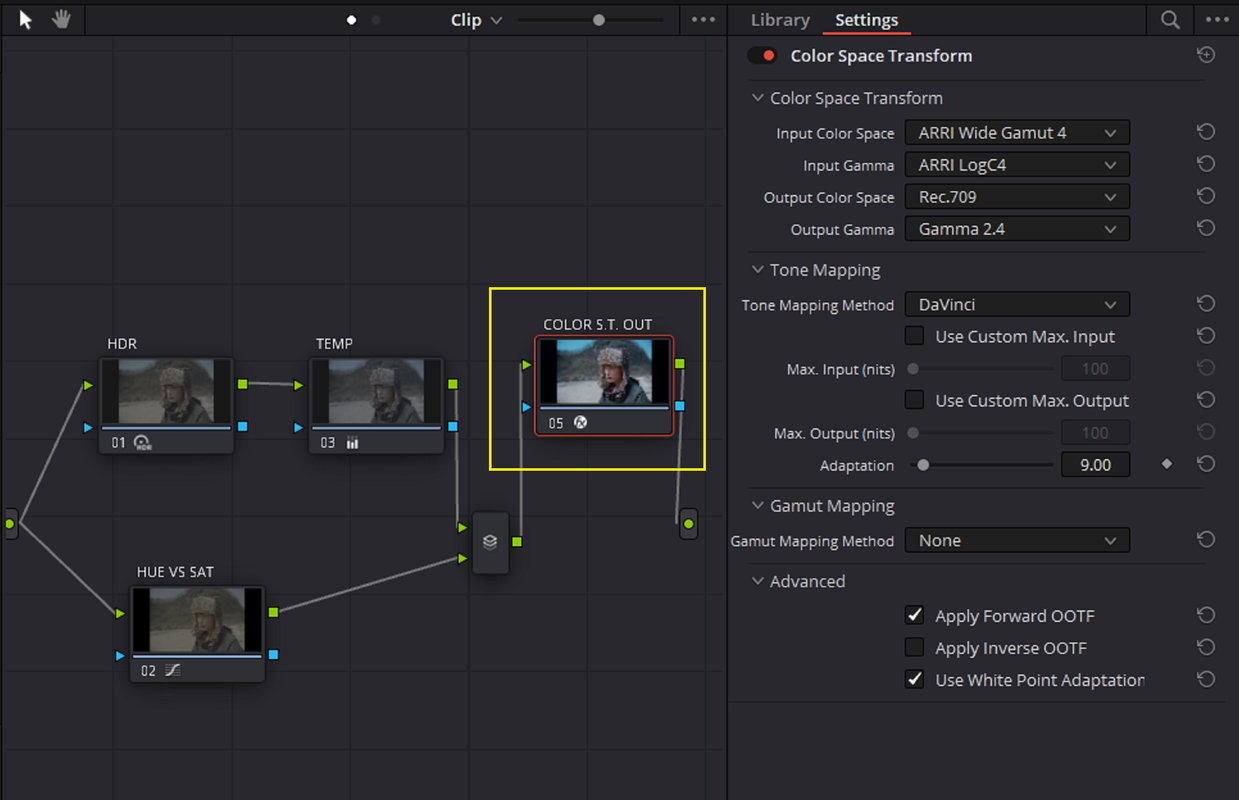
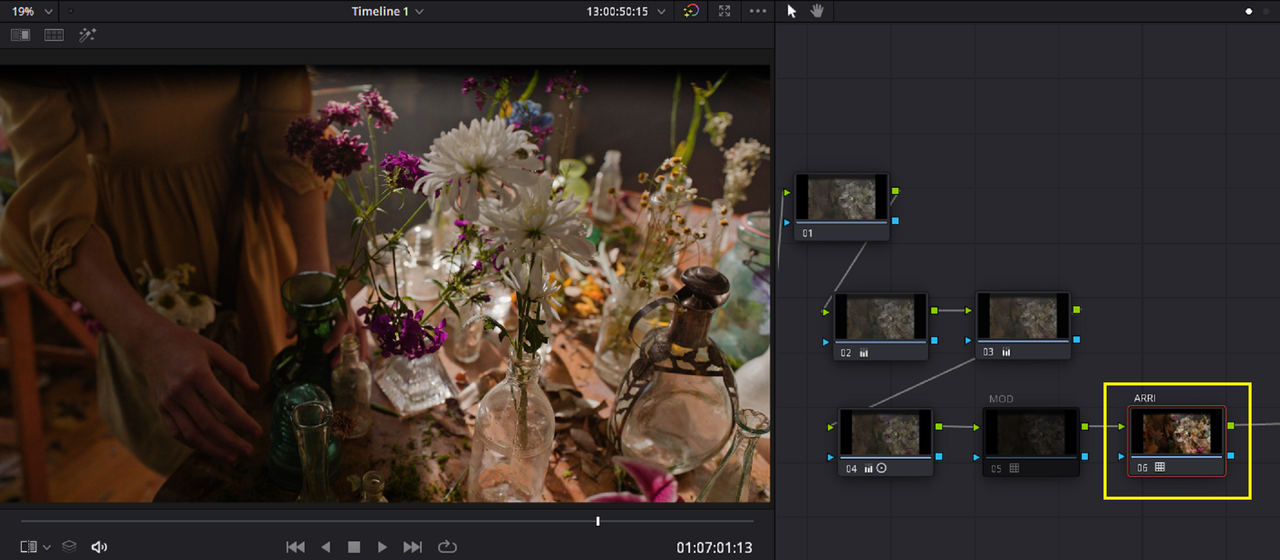
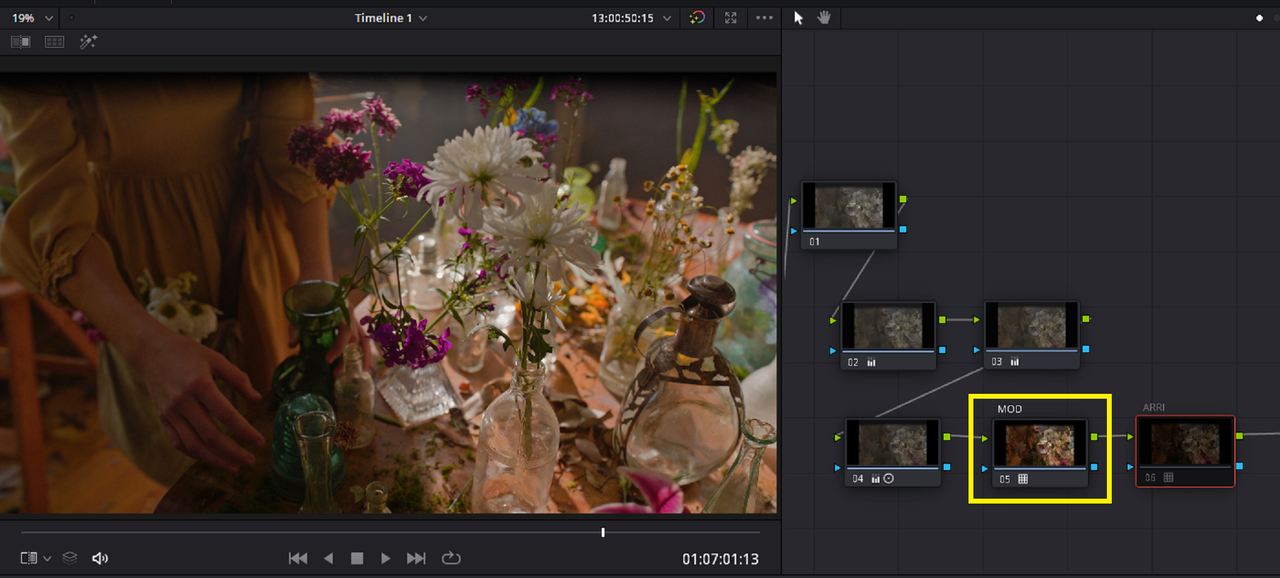
1) Now back on the "COLOR" Page, after the "HALD" File has been place next to the other video clips on the timeline, Go back to the video clip with the Node tree from before and "DISABLE" the "ARRI AWG4/ALC4 TO REC709" Lut in the 4th / last Node of the Node Tree .
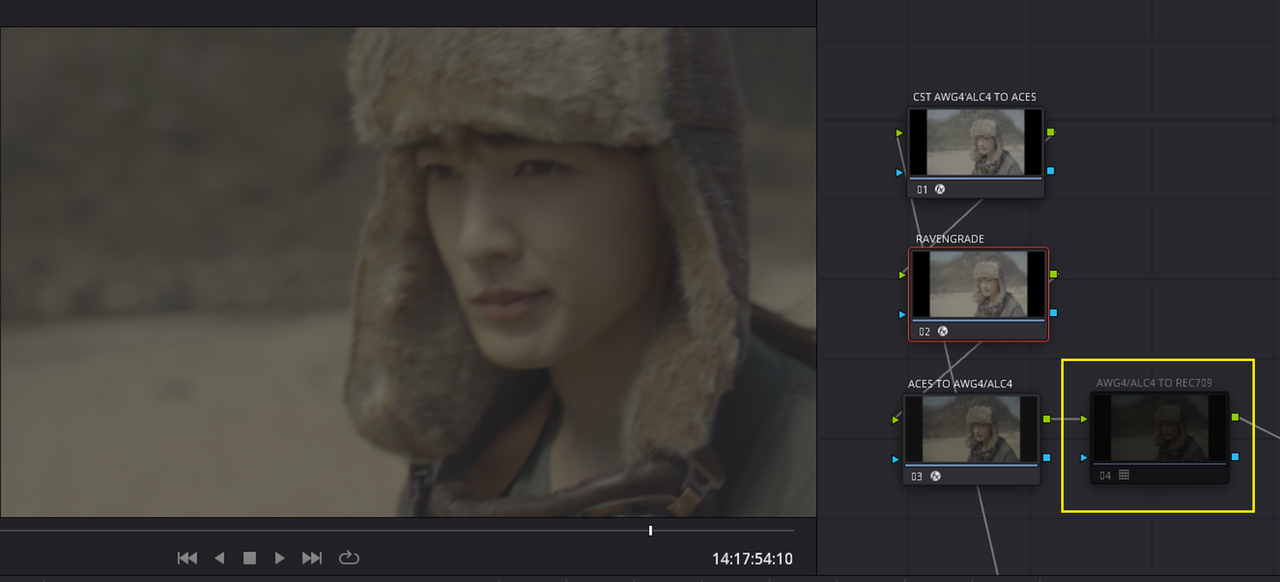
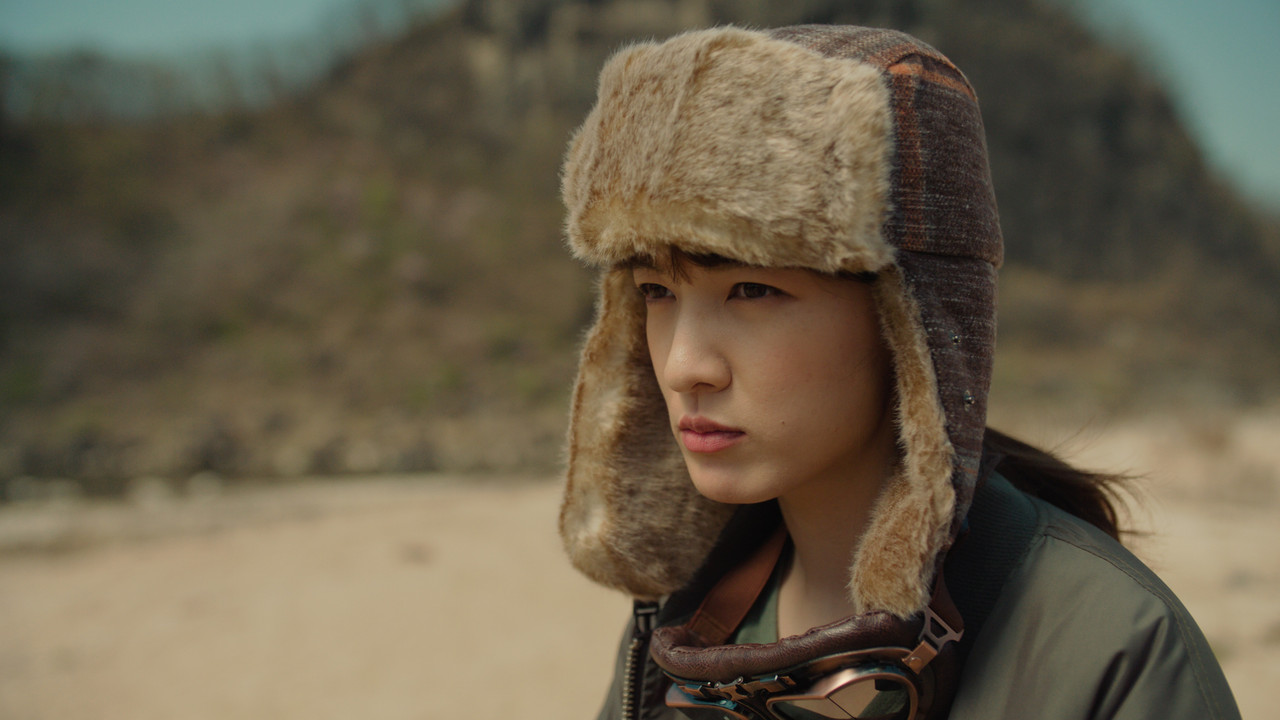
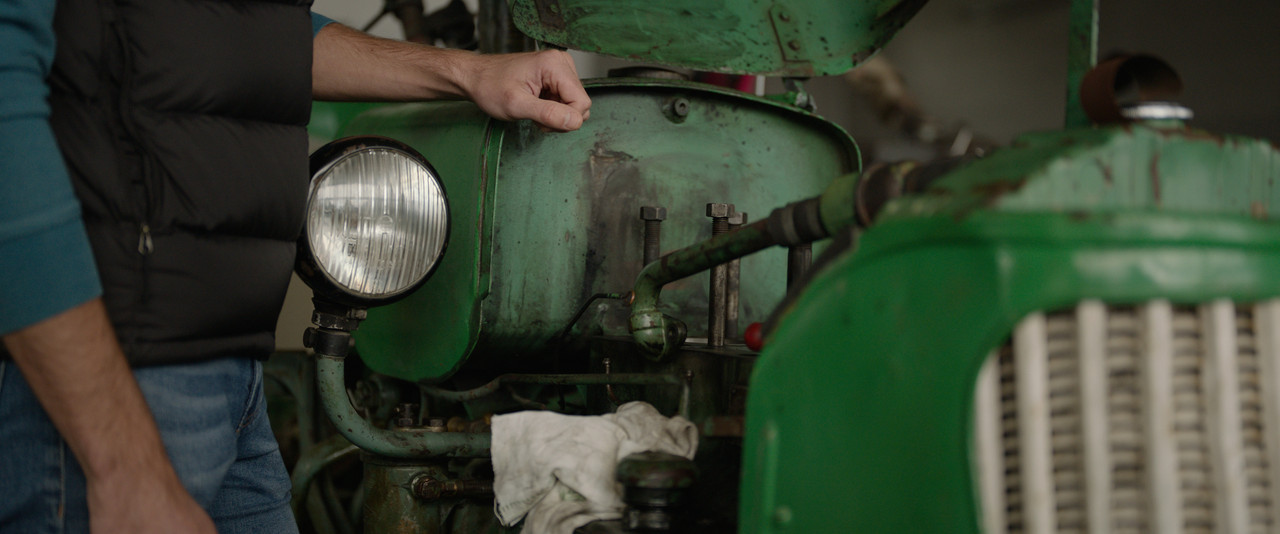
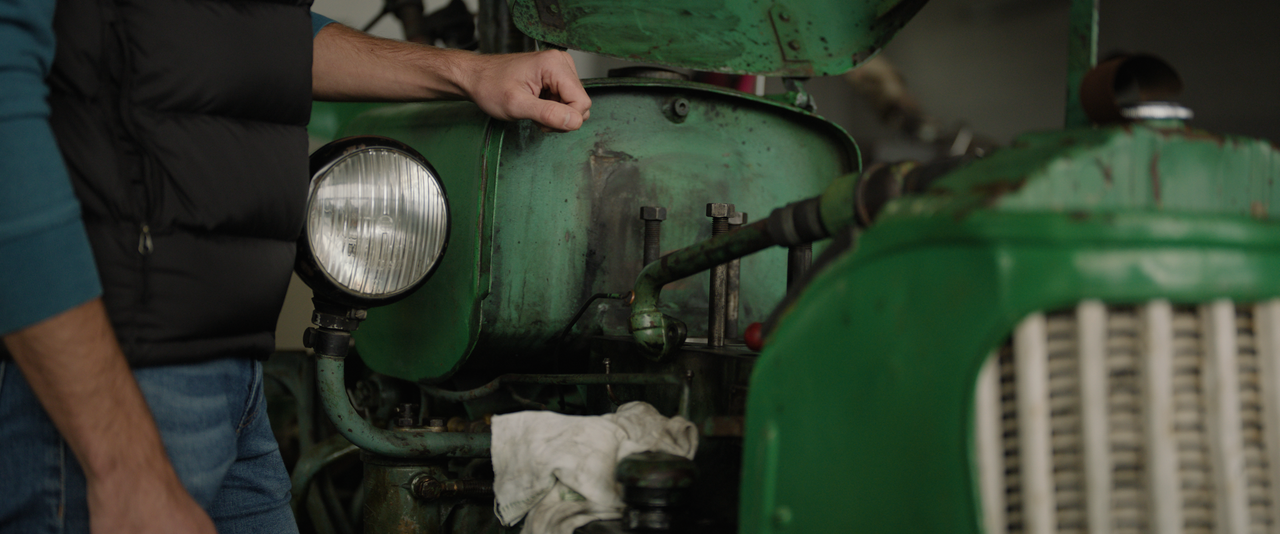
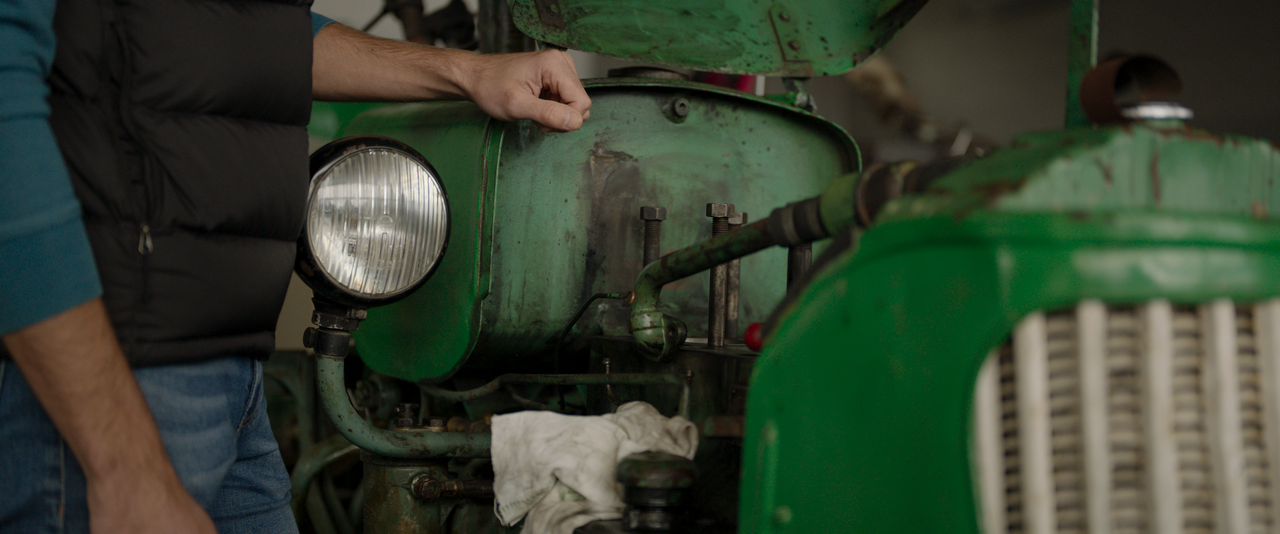
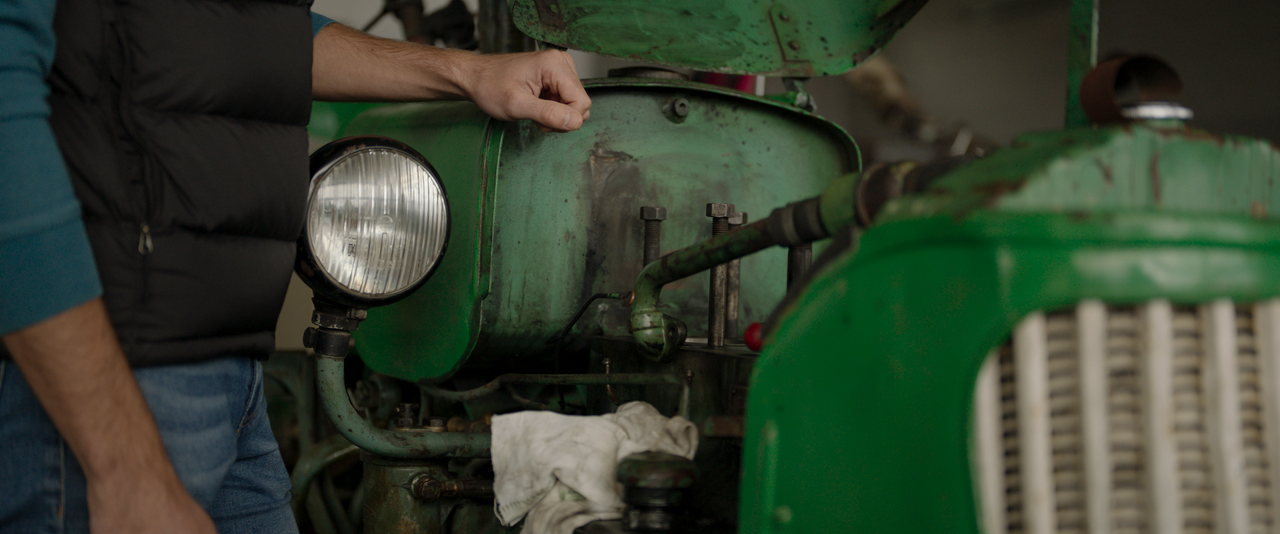
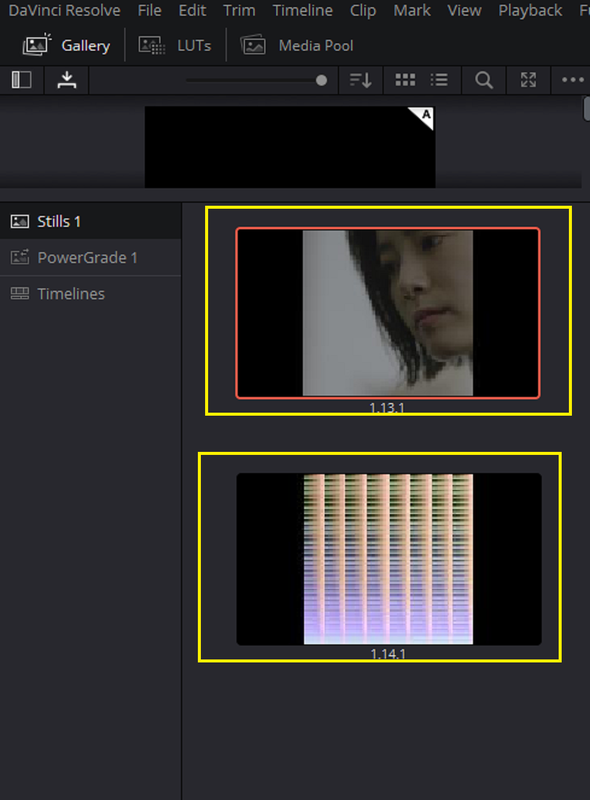
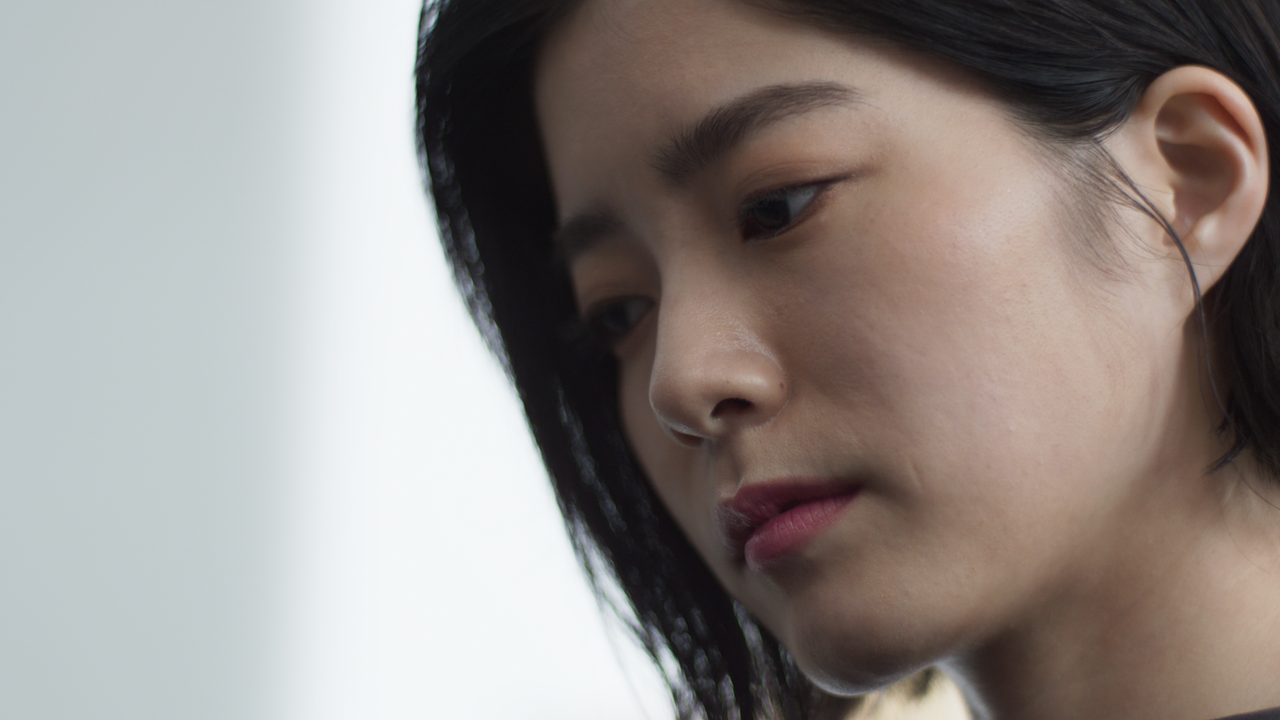
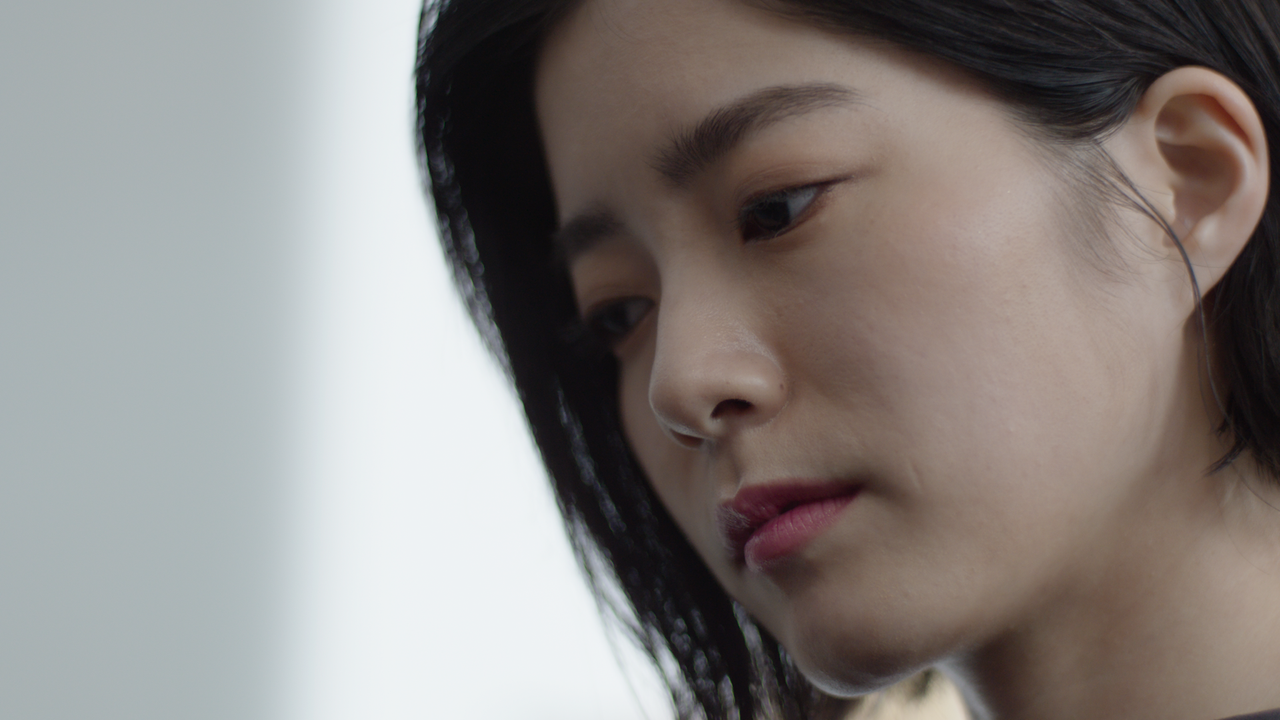
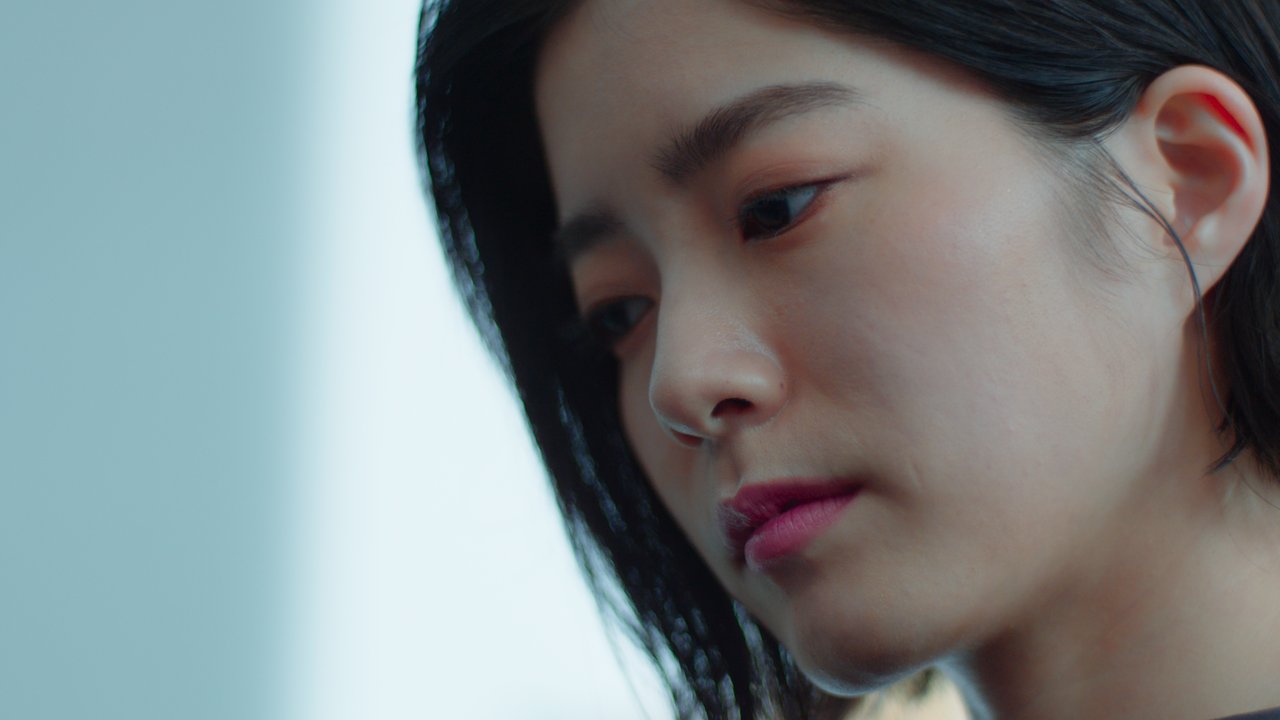
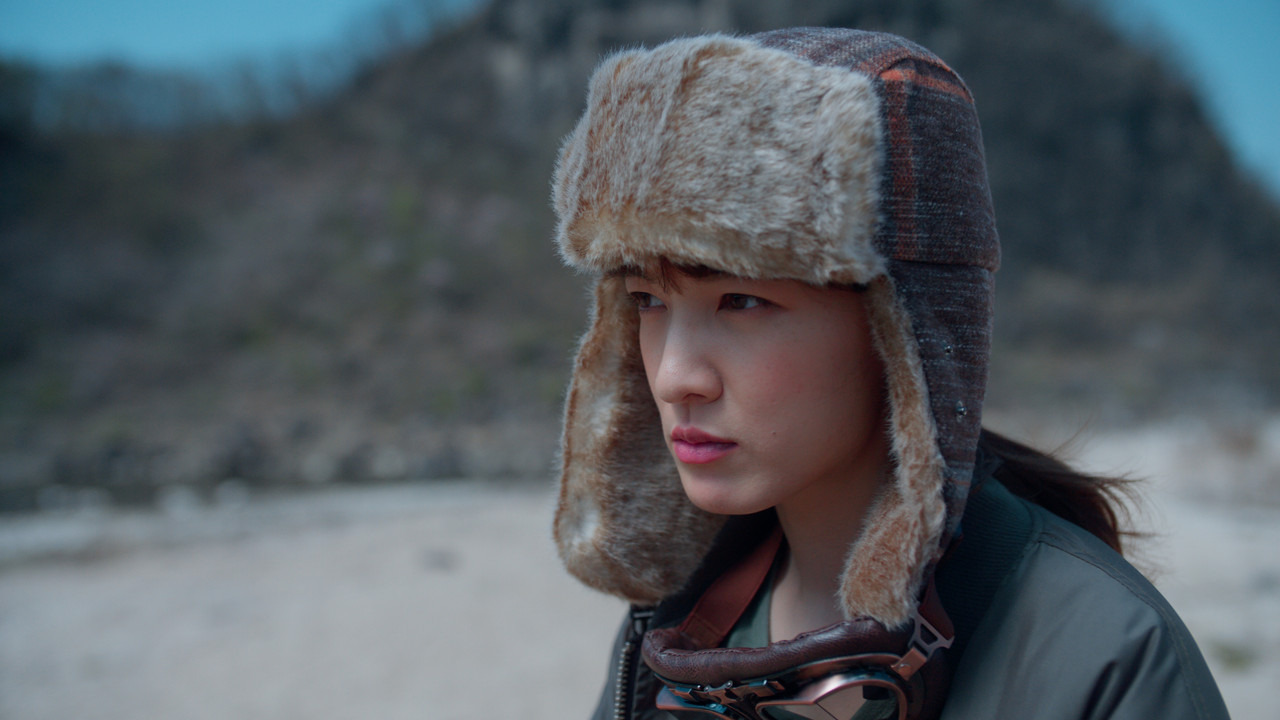
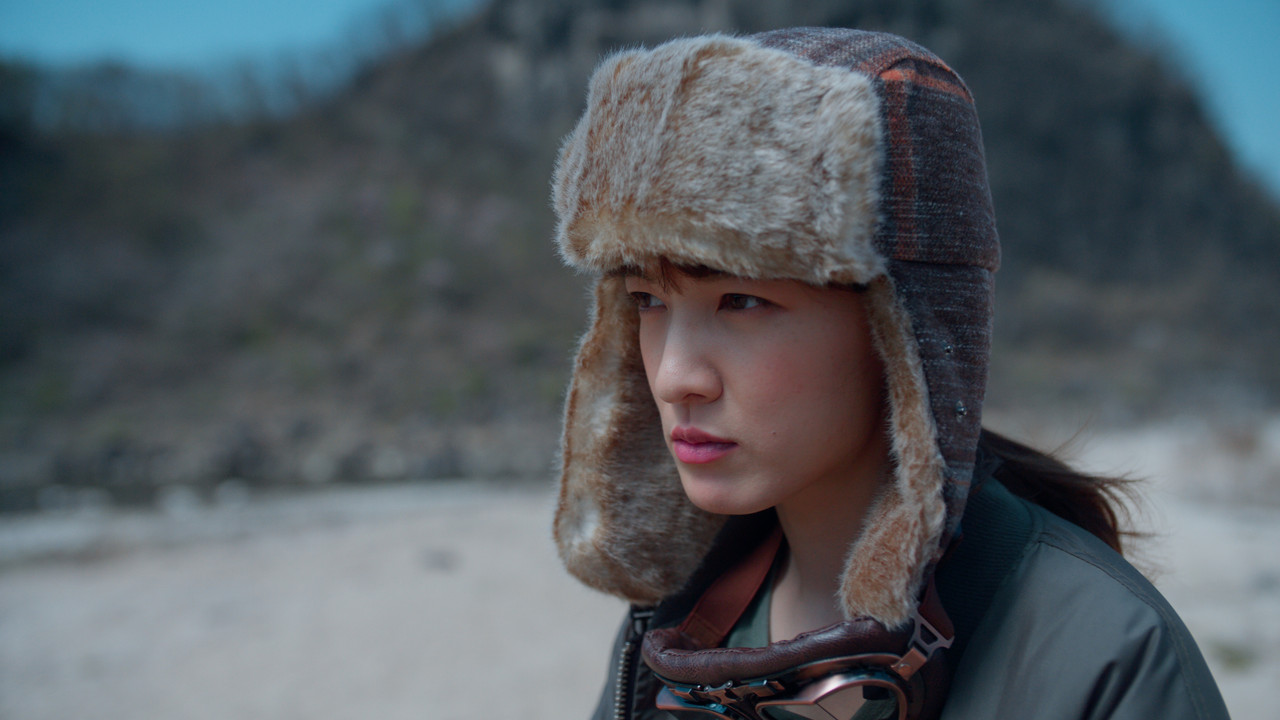
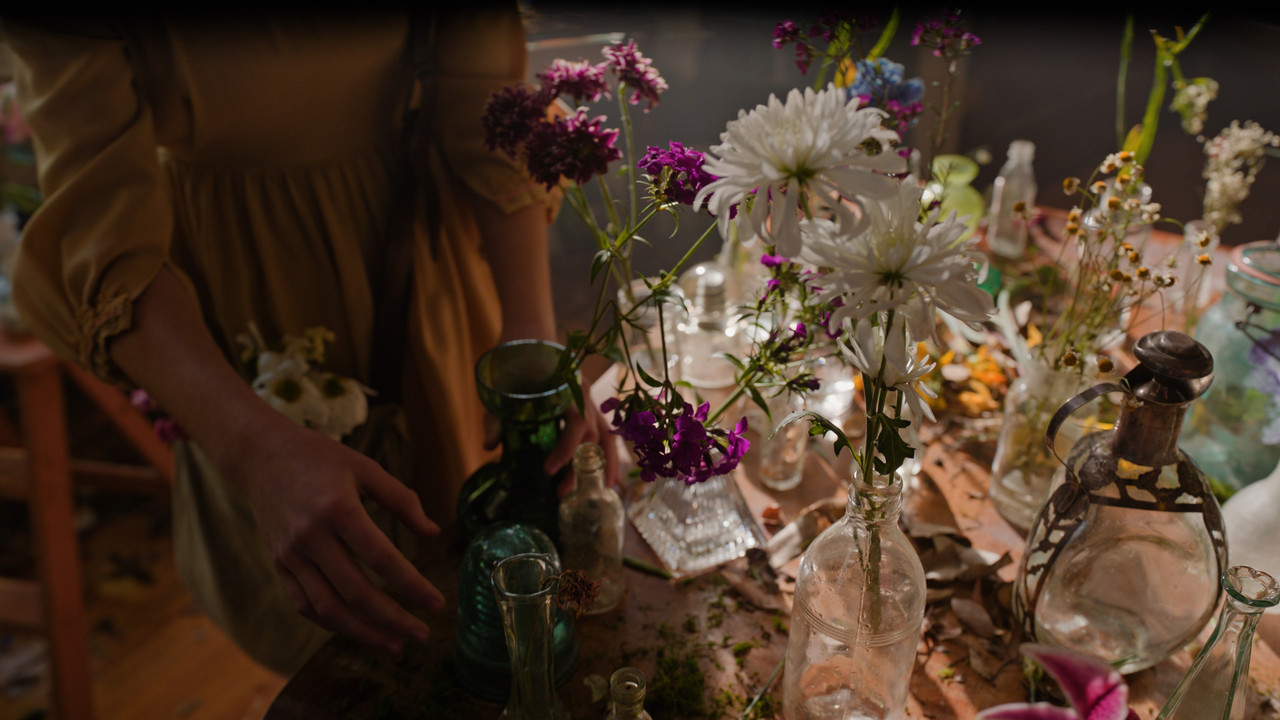
2) "GRAB A Still" from the resulting image without the ARRI AWG4/ALC4 to REC709 Lut applied to it to be placed in the "Stills" Gallery
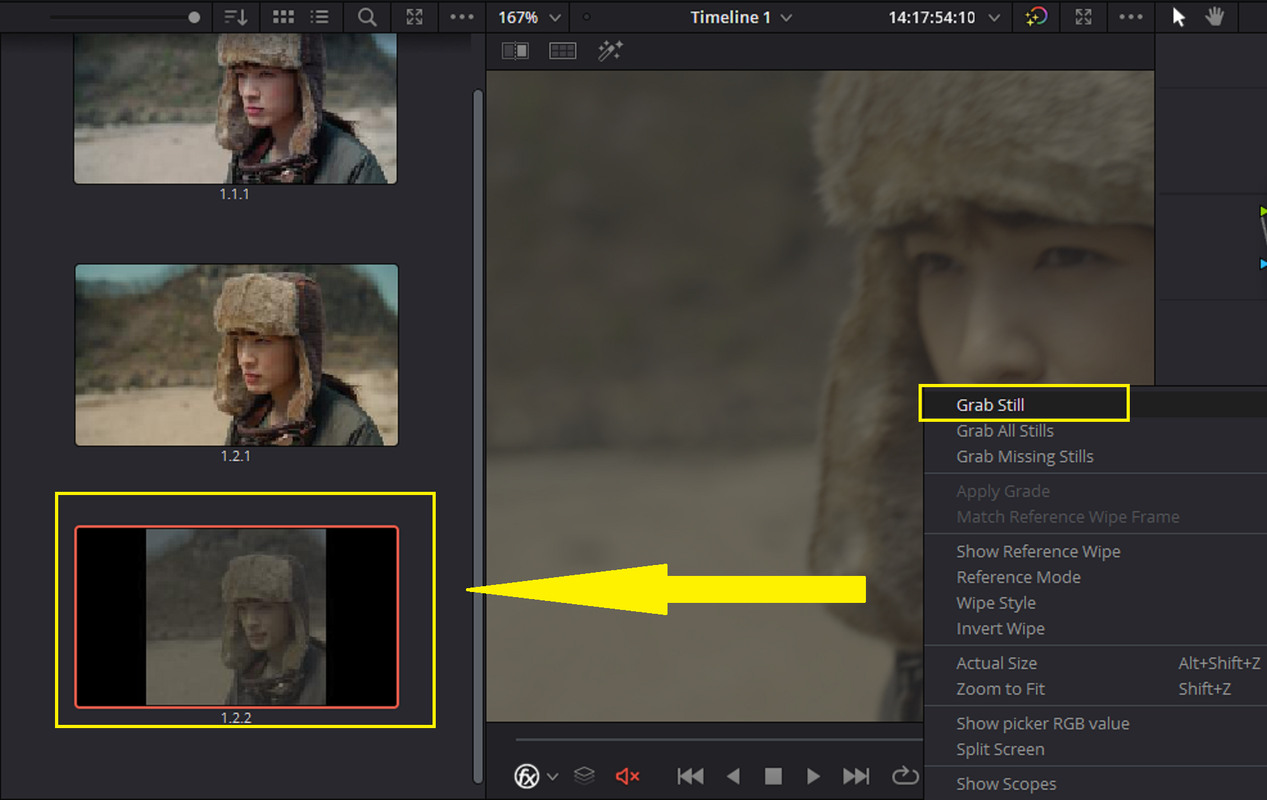
3) Now apply the grade from that still to the HALD file on the TIMELINE.
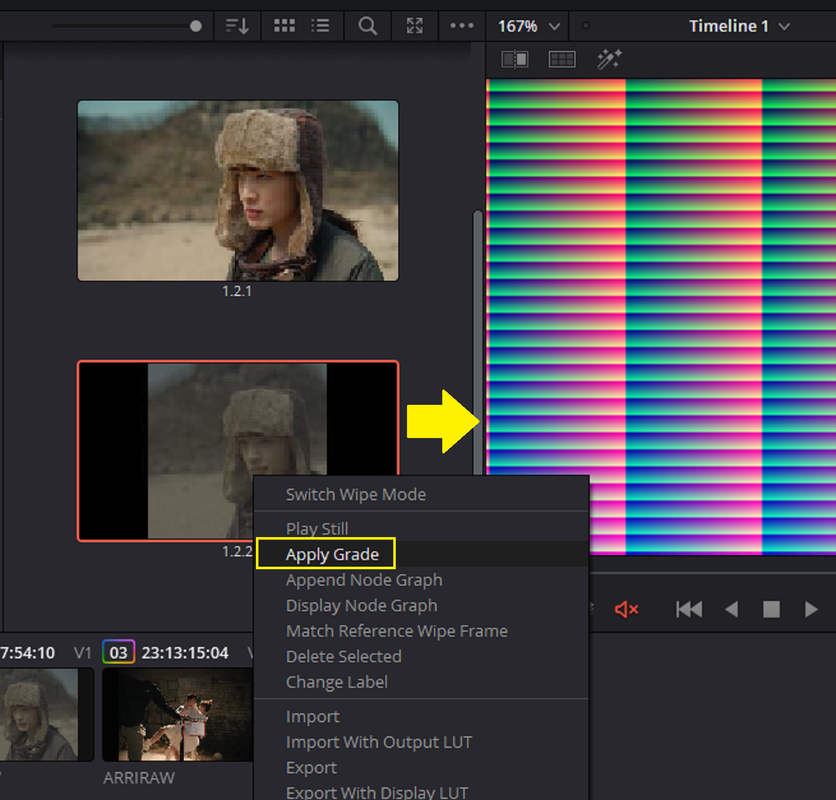
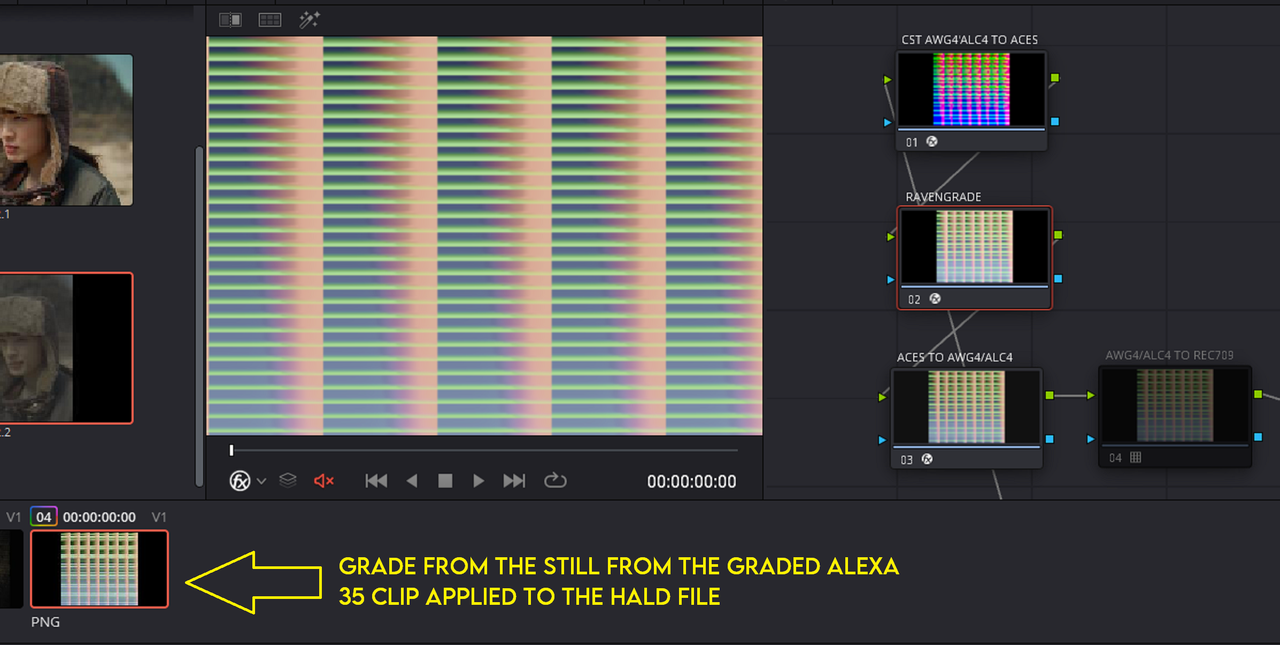
4) Now "GRAB A STILL" of the HALD file with the Grade from the ALEXA 35 graded Still image into the Gallery AREA.
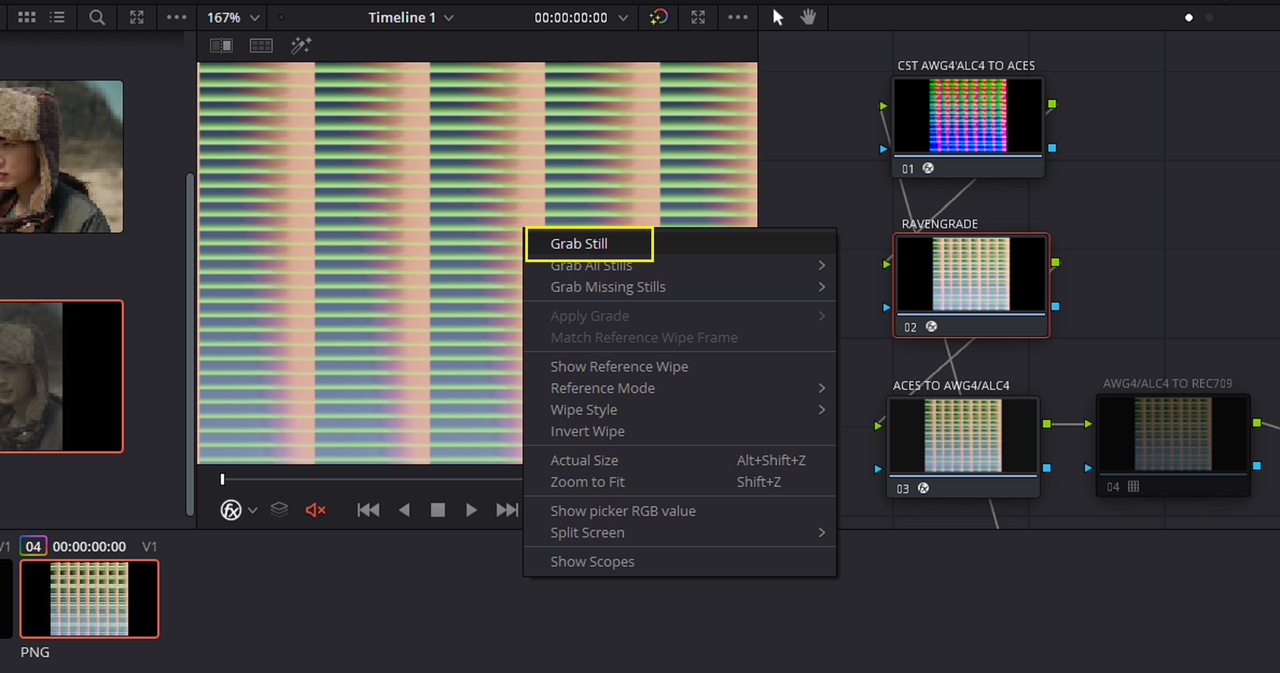
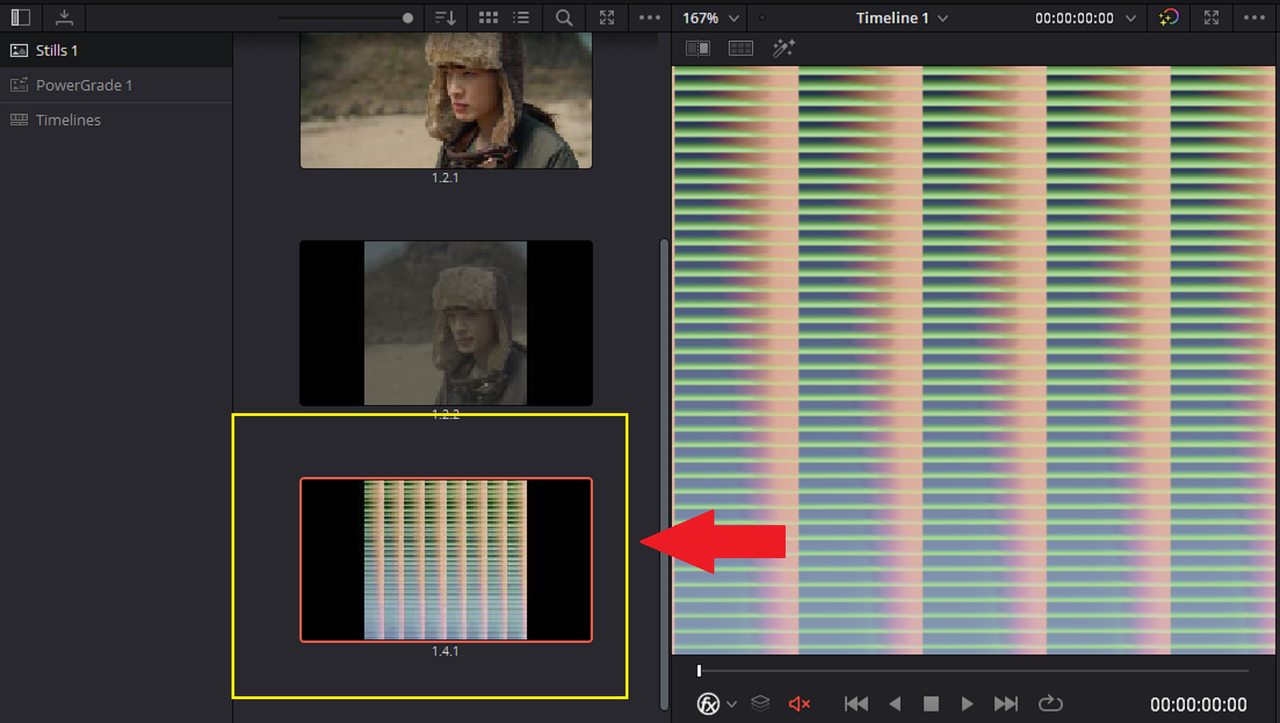
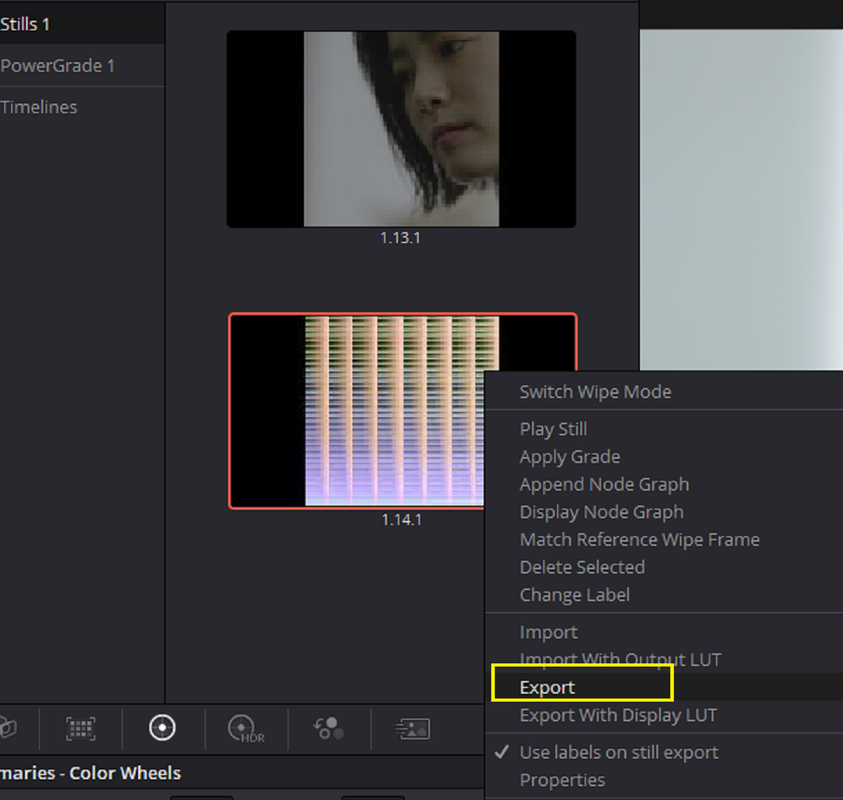
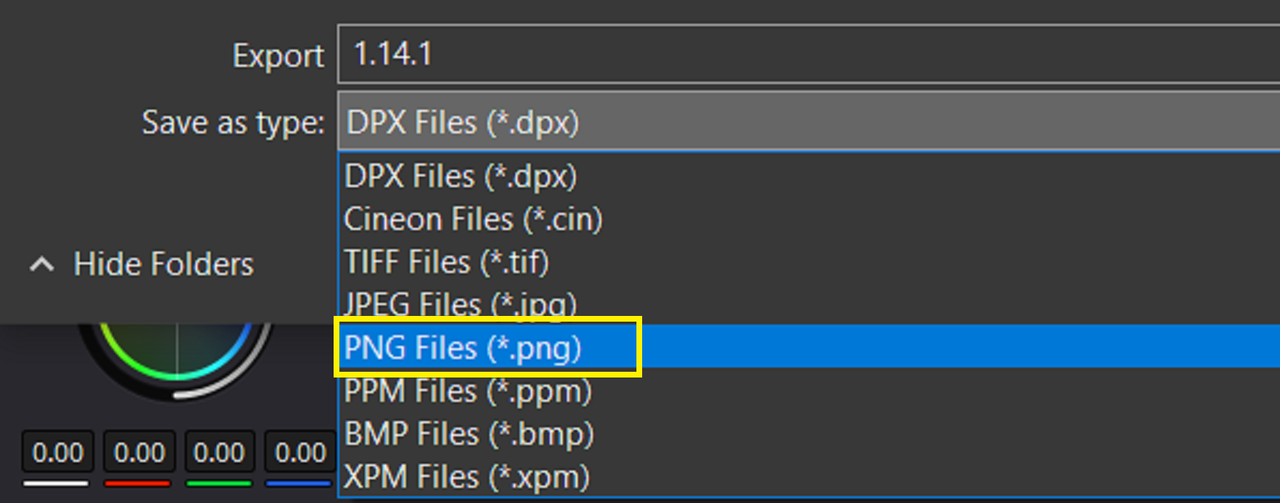
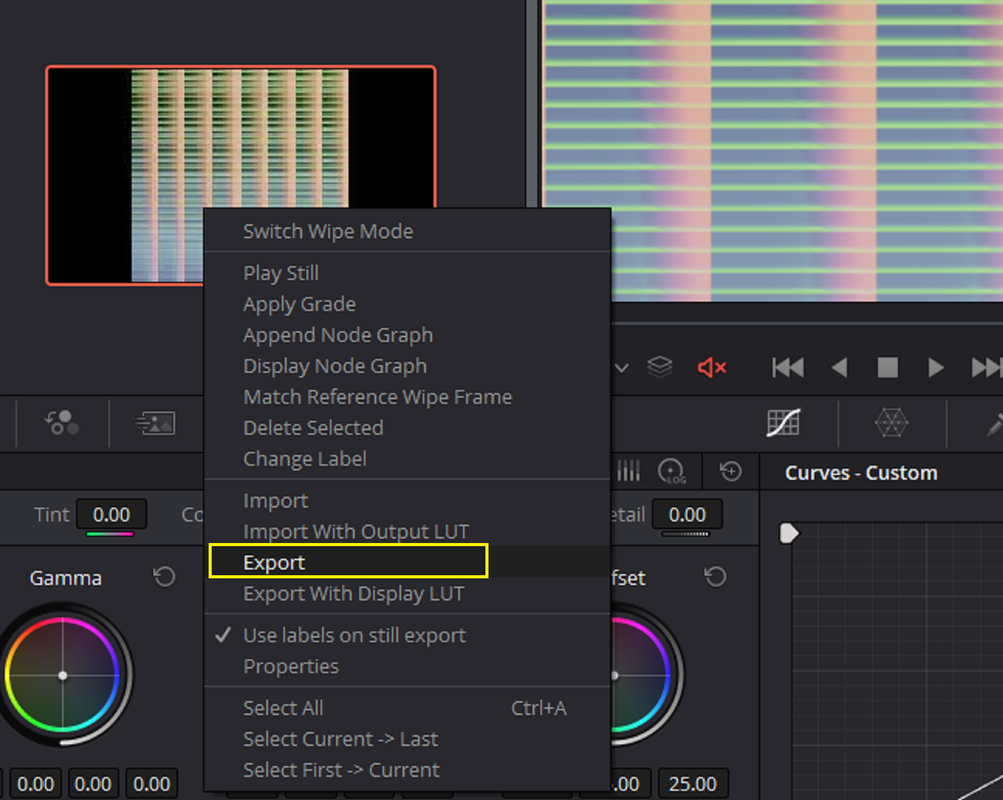
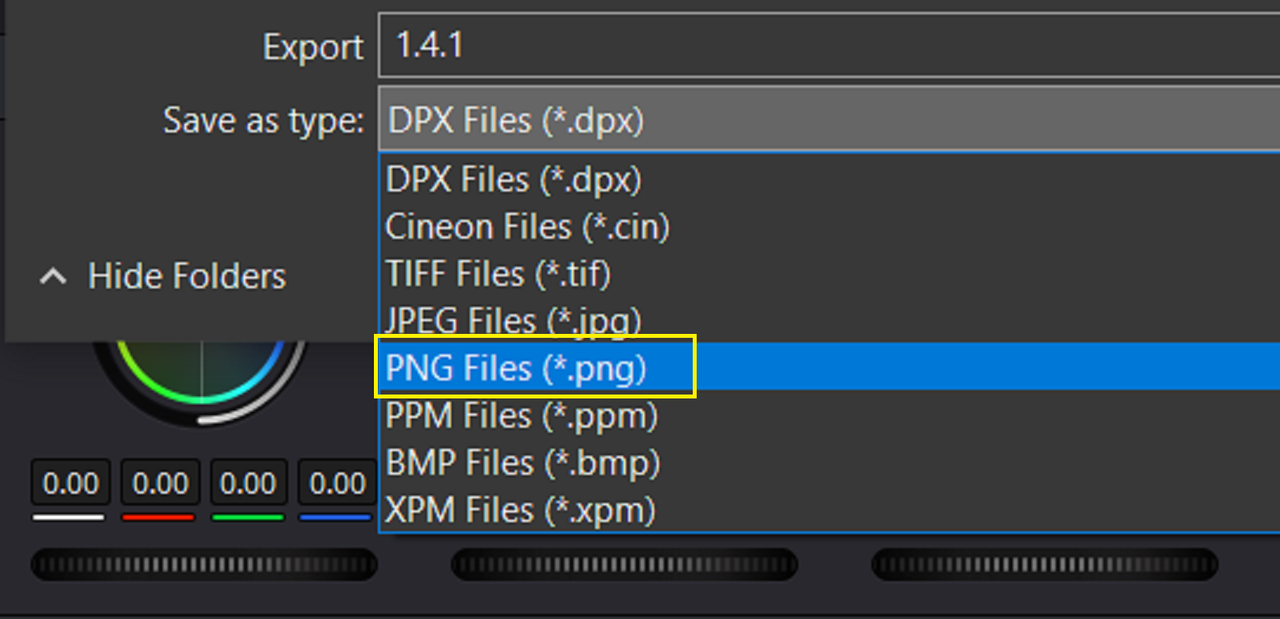
5) Now "EXPORT" the still of the HALD File with the Grade from RAVENGRADE applied to it and either save it as a .TIFF or .PNG file. Using a .JPEG export will result in a very poor quality final Lut.
Next. Inside of 3D Lut Creator Pro Part 3............
1) Now back on the "COLOR" Page, after the "HALD" File has been place next to the other video clips on the timeline, Go back to the video clip with the Node tree from before and "DISABLE" the "ARRI AWG4/ALC4 TO REC709" Lut in the 4th / last Node of the Node Tree .
2) "GRAB A Still" from the resulting image without the ARRI AWG4/ALC4 to REC709 Lut applied to it to be placed in the "Stills" Gallery
3) Now apply the grade from that still to the HALD file on the TIMELINE.
4) Now "GRAB A STILL" of the HALD file with the Grade from the ALEXA 35 graded Still image into the Gallery AREA.
5) Now "EXPORT" the still of the HALD File with the Grade from RAVENGRADE applied to it and either save it as a .TIFF or .PNG file. Using a .JPEG export will result in a very poor quality final Lut.
Next. Inside of 3D Lut Creator Pro Part 3............