Welcome to our community

Be a part of something great, join today!

  • Hey all, just changed over the backend after 15 years I figured time to give it a bit of an update, its probably gonna be a bit weird for most of you and i am sure there is a few bugs to work out but it should kinda work the same as before... hopefully :)

Resolve 17 new colour management implication for IPP2

Michael Lindsay

Well-known member
Joined
Apr 25, 2007
Messages
2,929
Reaction score
43
Points
48
Location
London UK
Website
www.16ozfilm.com
Hi

I have started to play with resolve 17 and with its new Colour managed workflow it seems to deal with my previous issues when using Red processed via IPP2 in colour manged mode...

http://www.reduser.net/forum/showthread.php?179944-Resolve-IPP2-colour-managed-issue

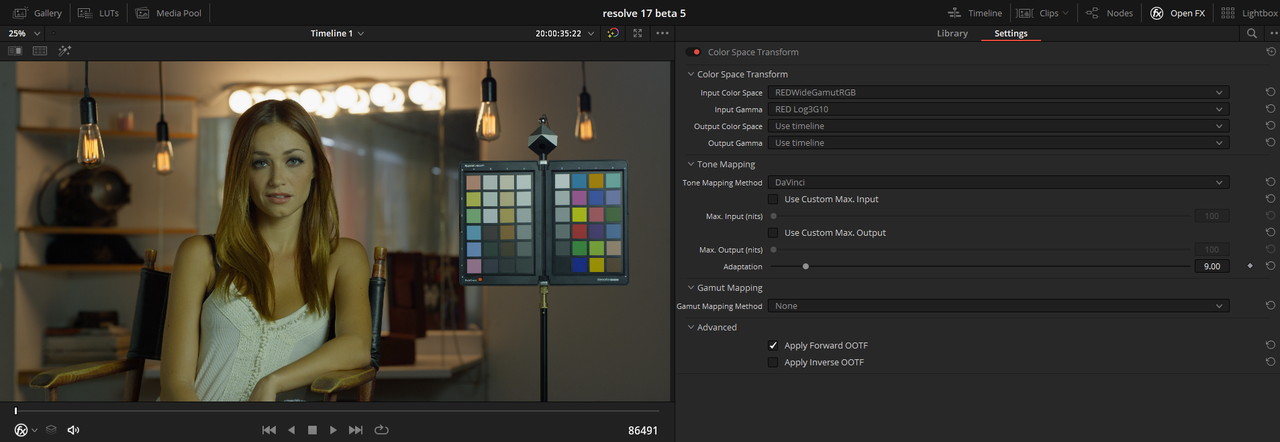
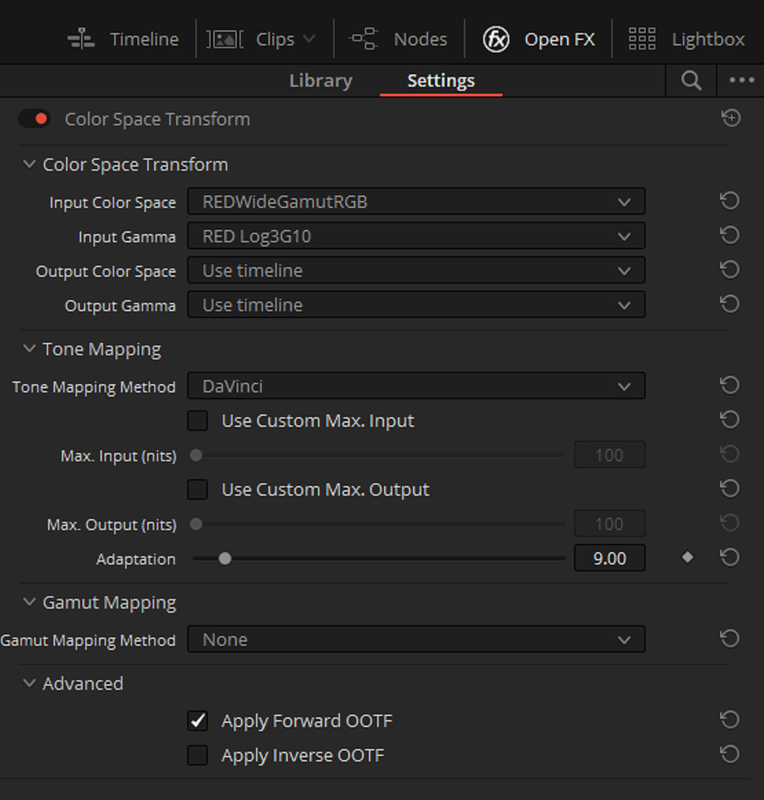
BUT the downside (if it is actually a downside) is that tonal mapping is no longer controlled with IPP2 controls? or am I wrong? The DaVinci tones mapping is now much better but it is fixed?

After a little play I was happy this is my new starting place BUT I am too old with too much other stuff to do to be constantly testing and tinkering so I really hope nothing changes now between Red and Davinci...?

So is it working for others? Or are there issues I am not seeing?

thank you for any thoughts added...

Michael (Sometimes seeking Arri file simplicity)
 
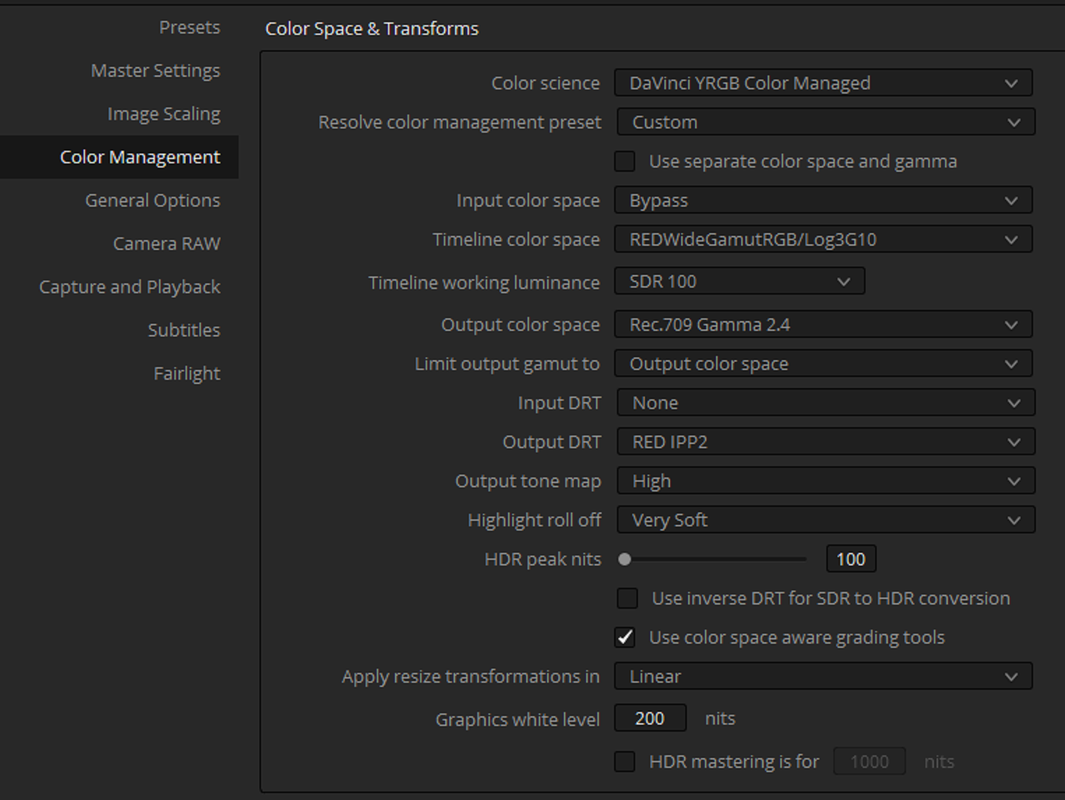
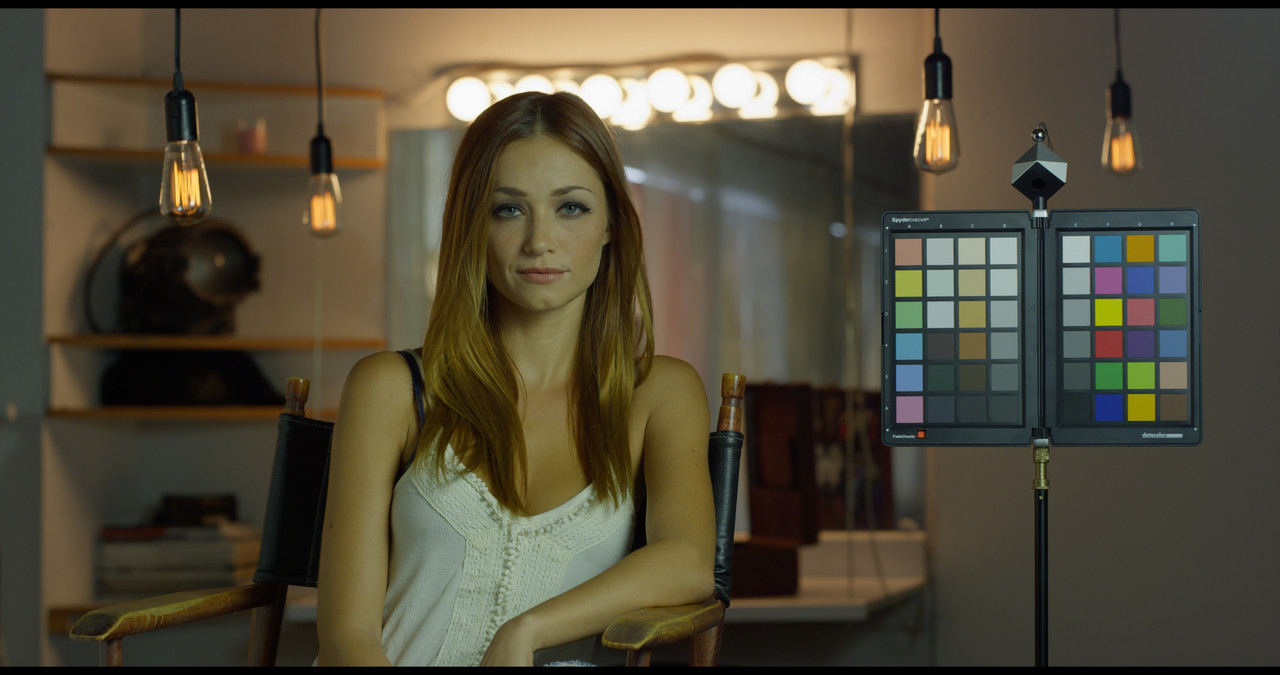
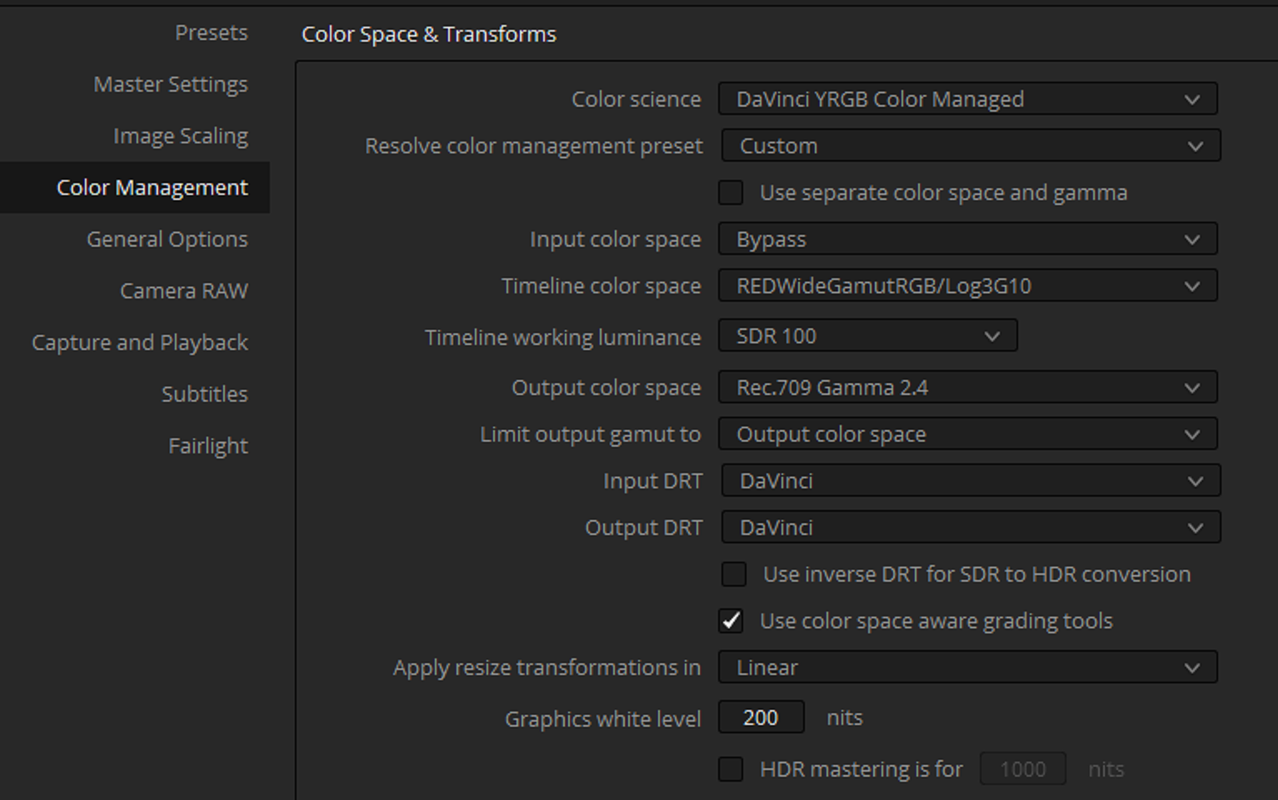
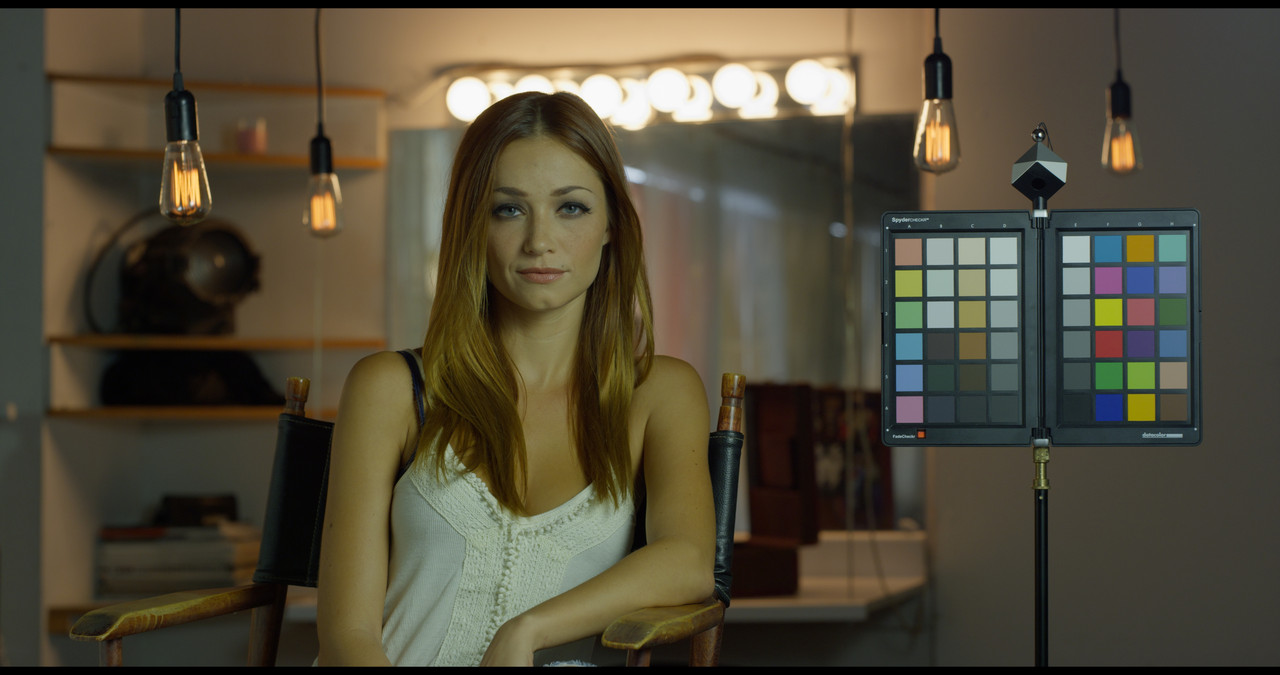
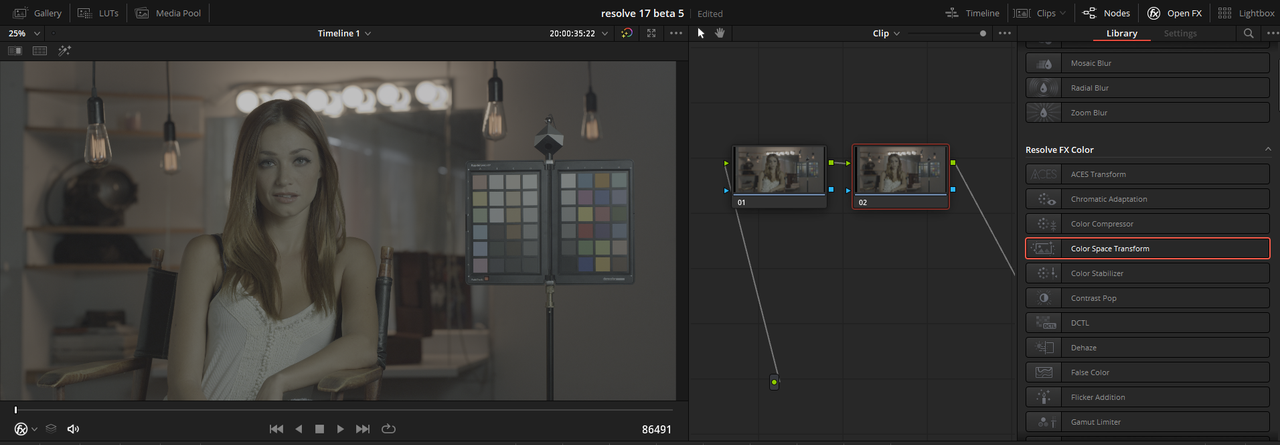
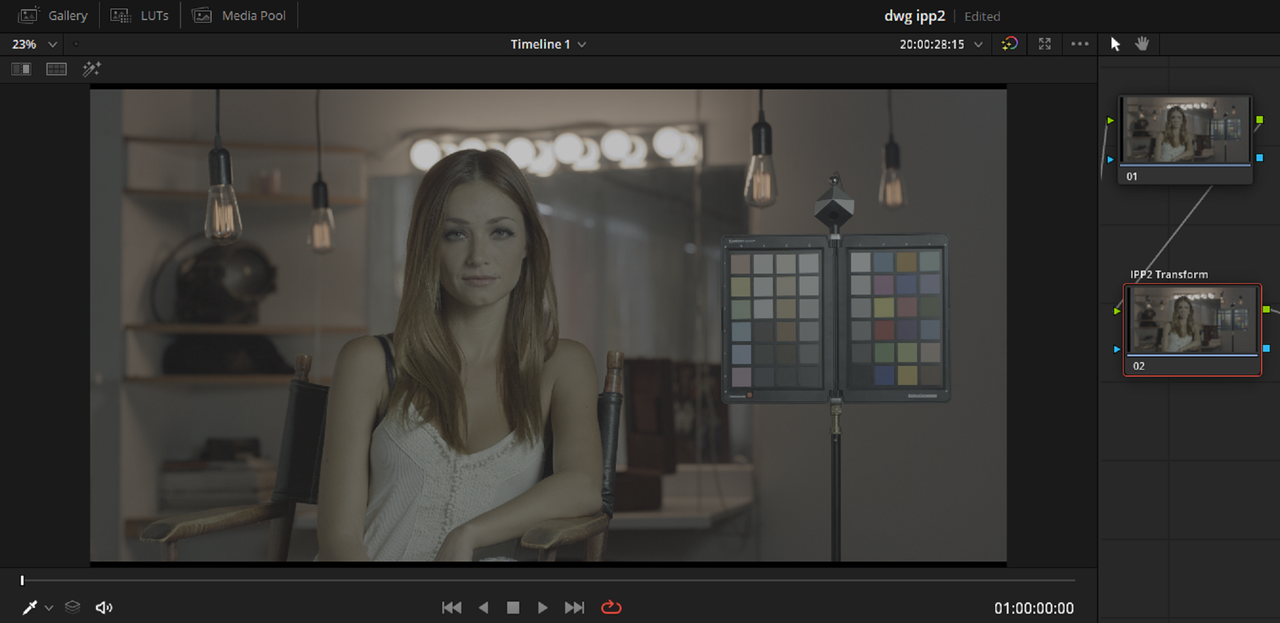
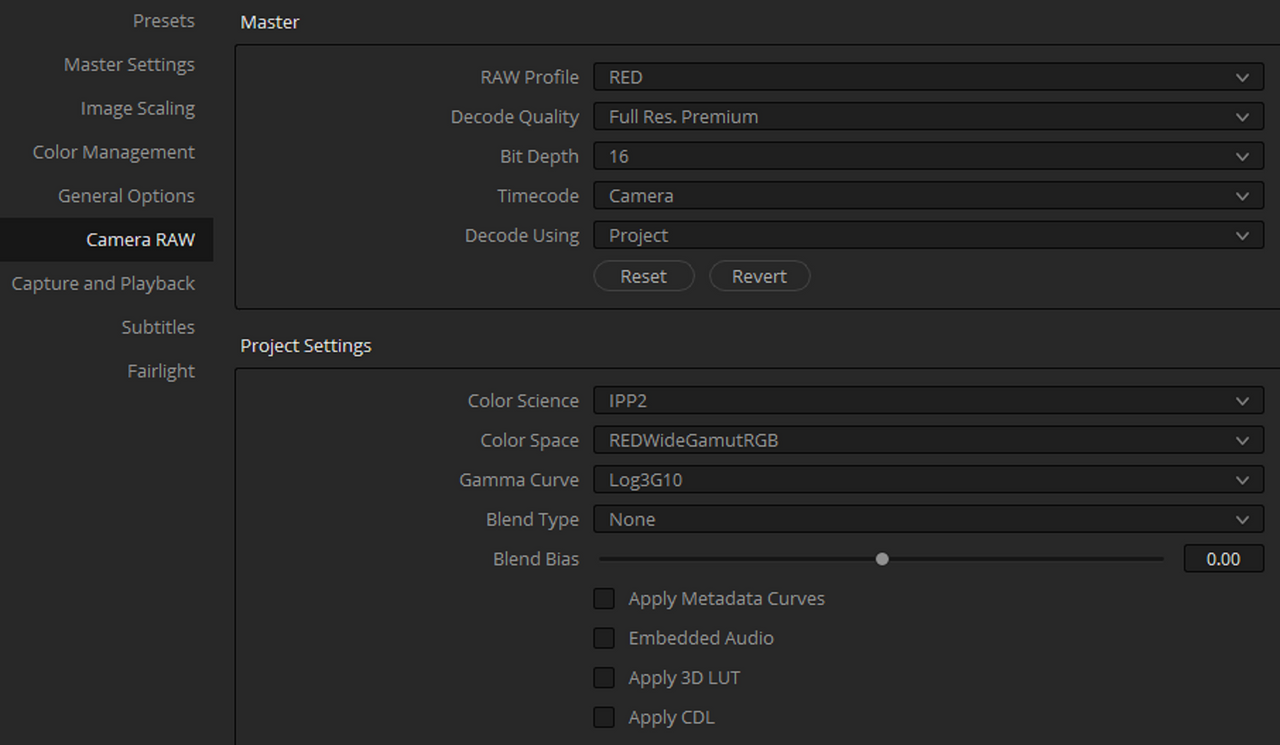
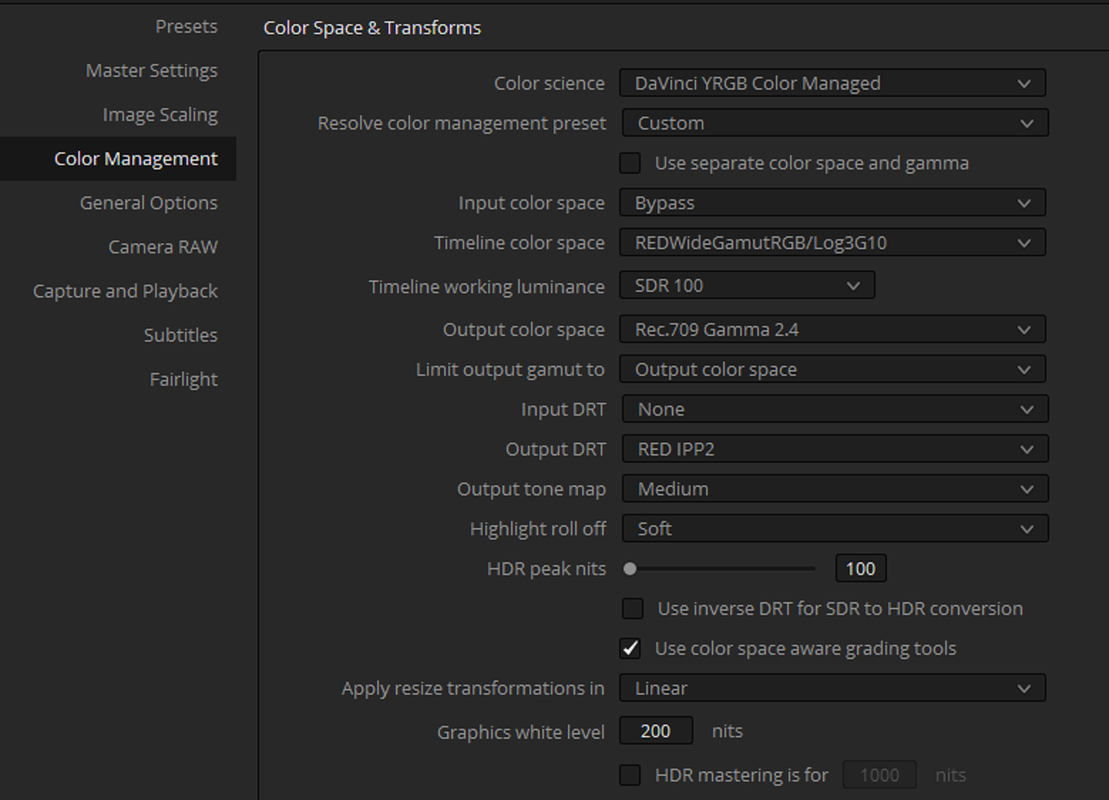
You can still utilize RED's IPP2 Tone-Maps and Highlight Roll-Offs, here's one way to do it:

phfx_davinciResolve17IPP2Settings.jpg


Resolve 17 is very powerful, but bare in mind it's still very in beta. I'd strongly recommend backing anything up that you need on 16 before tinkering with 17. Lots of stuff has impacted Powergrades and a lot of other things.
 
Phil,


Here are some settings that I have been using. All images at ISO 800 and Kelvin 4200 unless otherwise labeled.

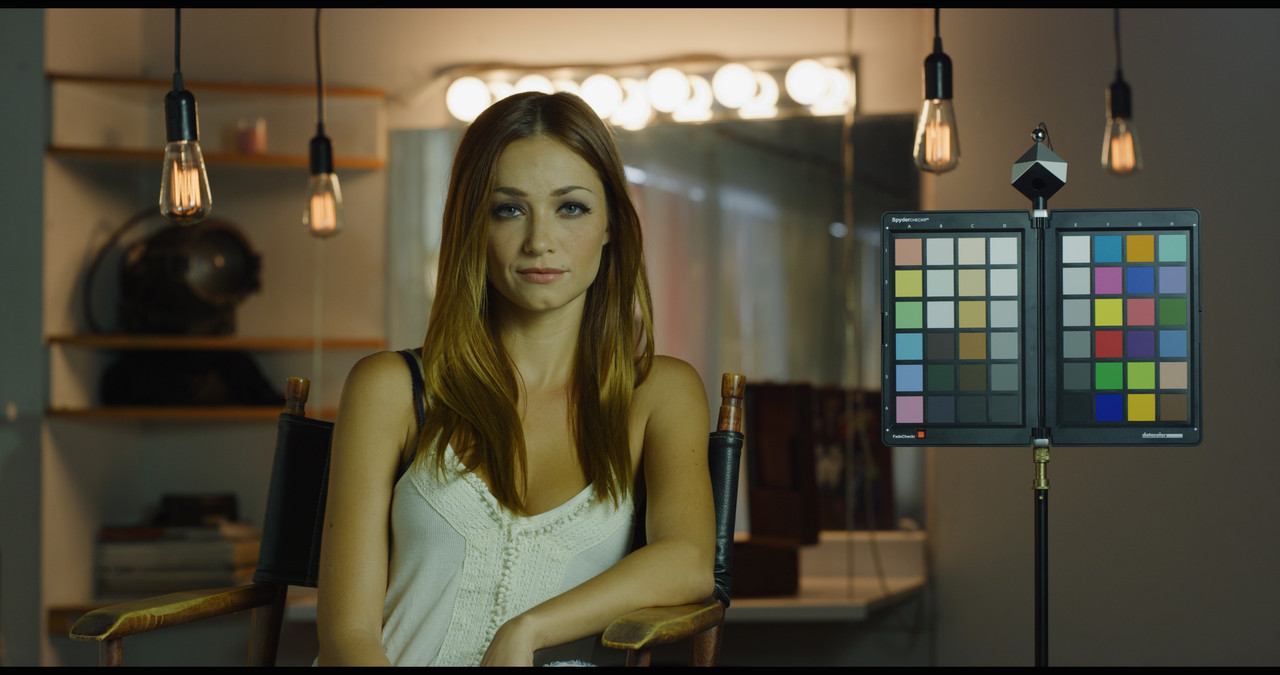
IPP2 Color Managed-High Con/Very Soft
Screenshot-583.png


ipp2-1-1-1.jpg


Medium /Soft

IPP2-Medium-soft-1-1-3.jpg


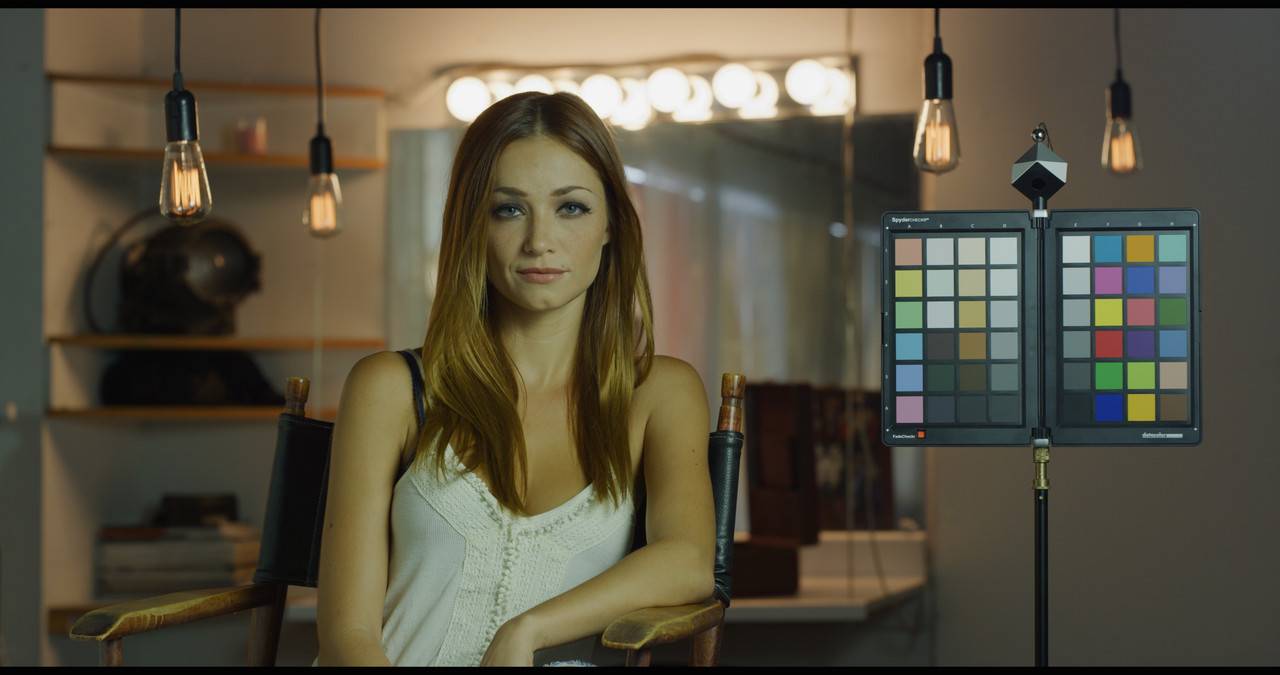
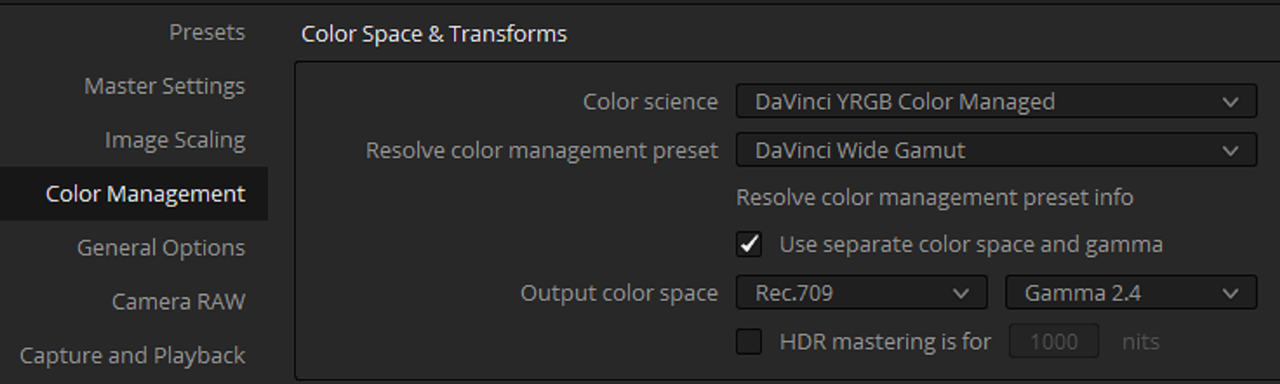
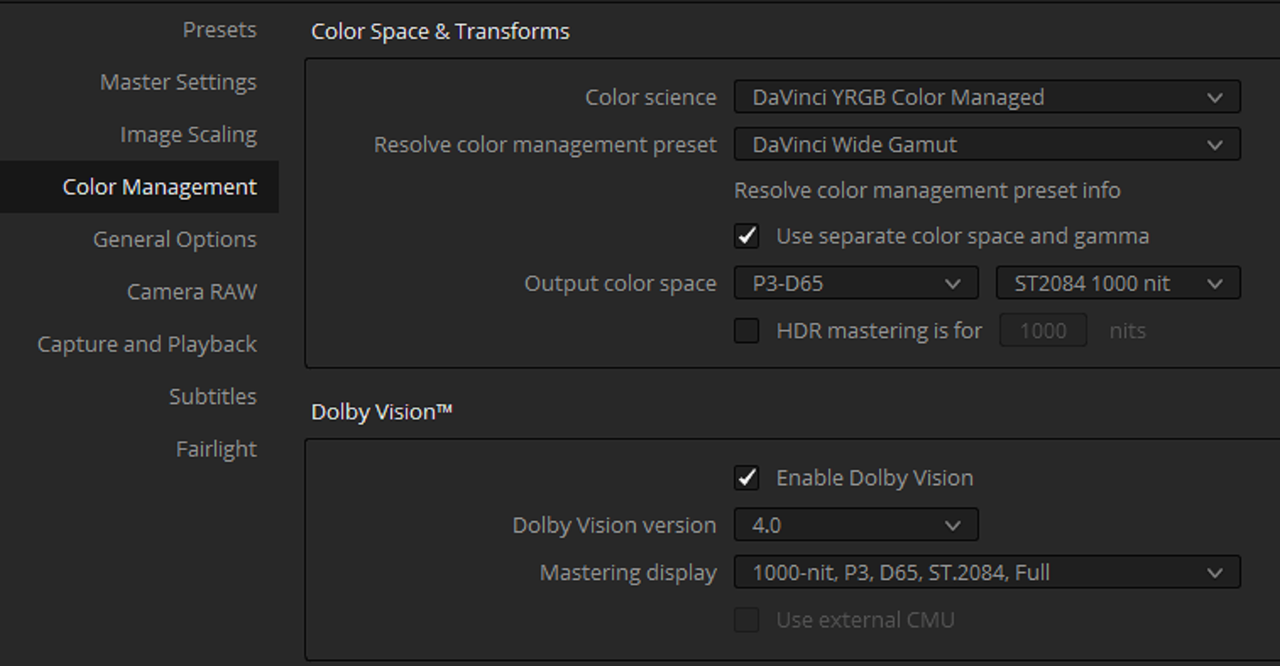
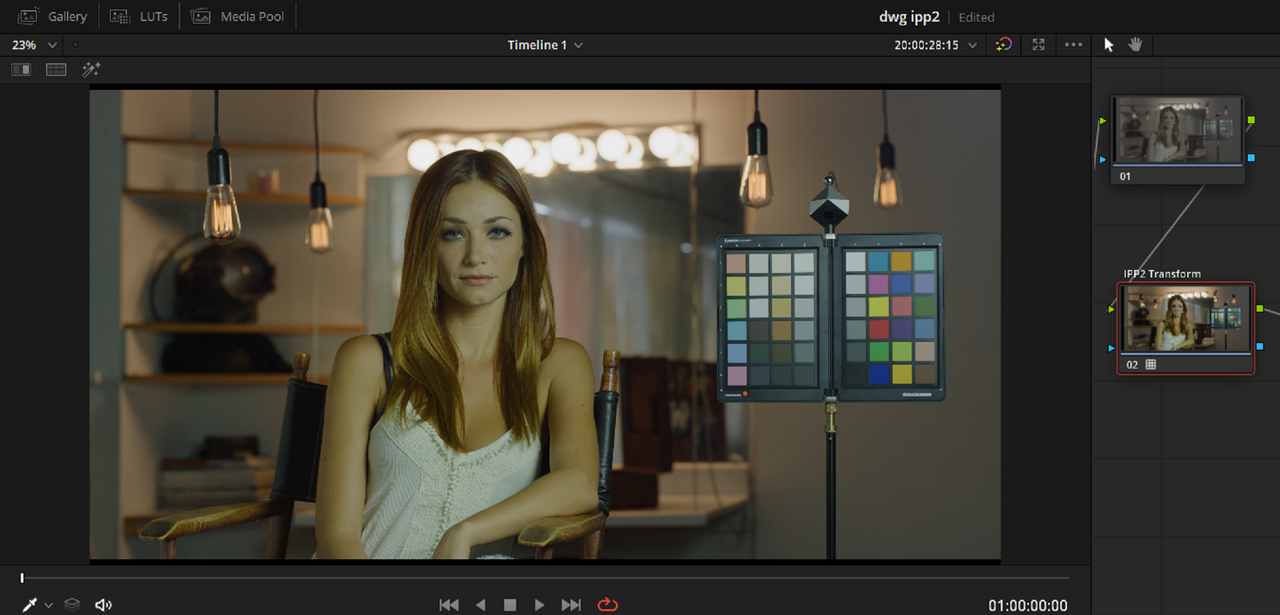
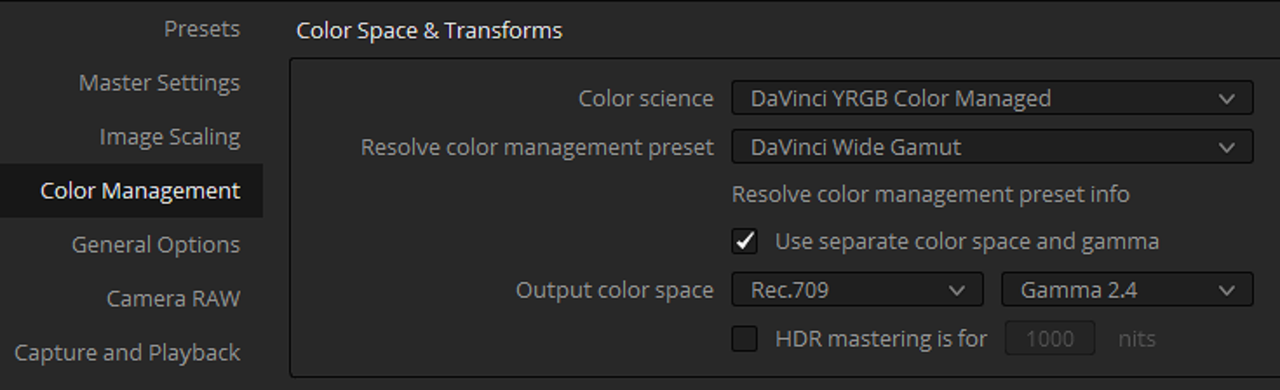
Davinci Wide Gamut Preset

Screenshot-667.png


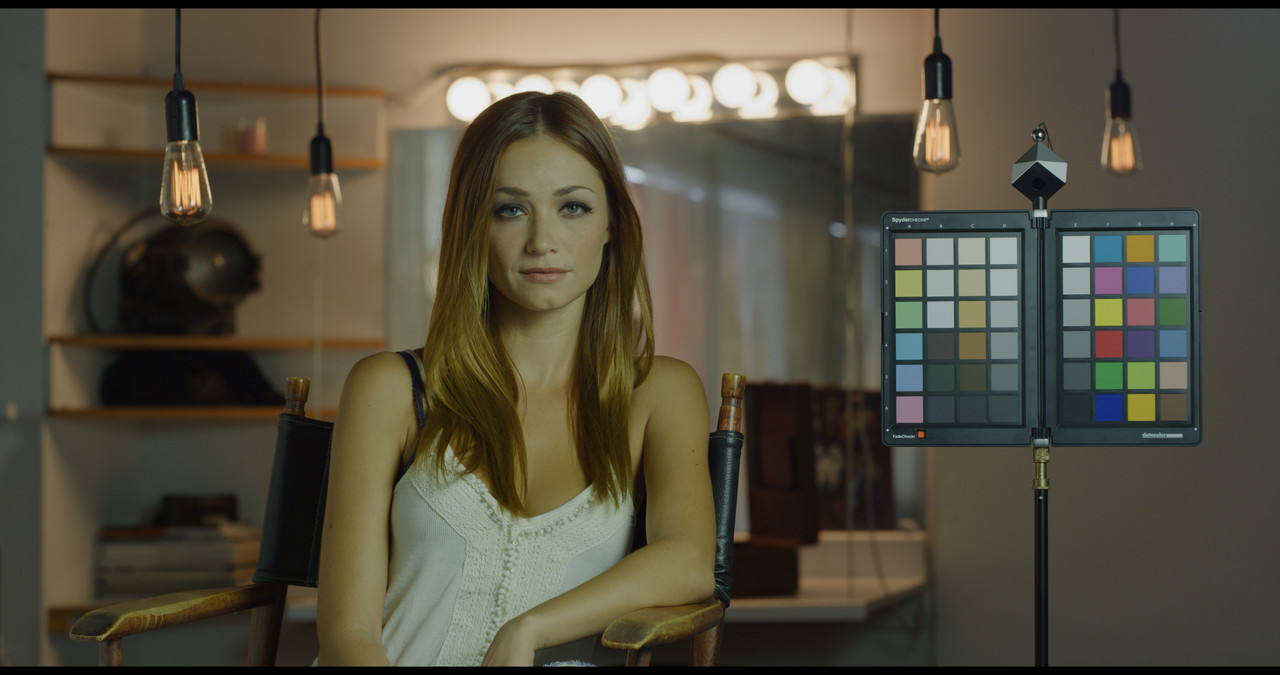
DWG-PRESET-1-1-5.jpg


IPP2/Davinci Tone-Mapping-Custom
Screenshot-573.png


dwg-1-1-2.jpg


Davinci Wide Gamut Preset HDR(ISO 1280)
Screenshot-678.png


Screenshot-673.png


Screenshot-676.png


ACEScct SDR


Screenshot-668.png


Screenshot-664.png


aces-1-1-4.jpg


ACEScct HDR(ISO 1000)


Screenshot-675.png


Screenshot-673.png


Screenshot-671.png
 
Last edited:
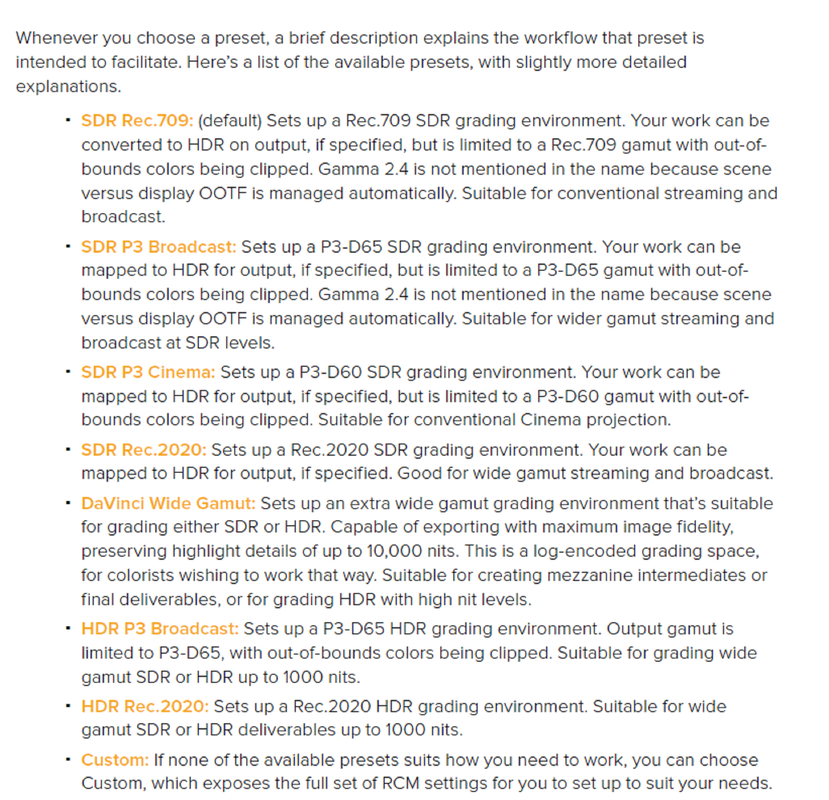
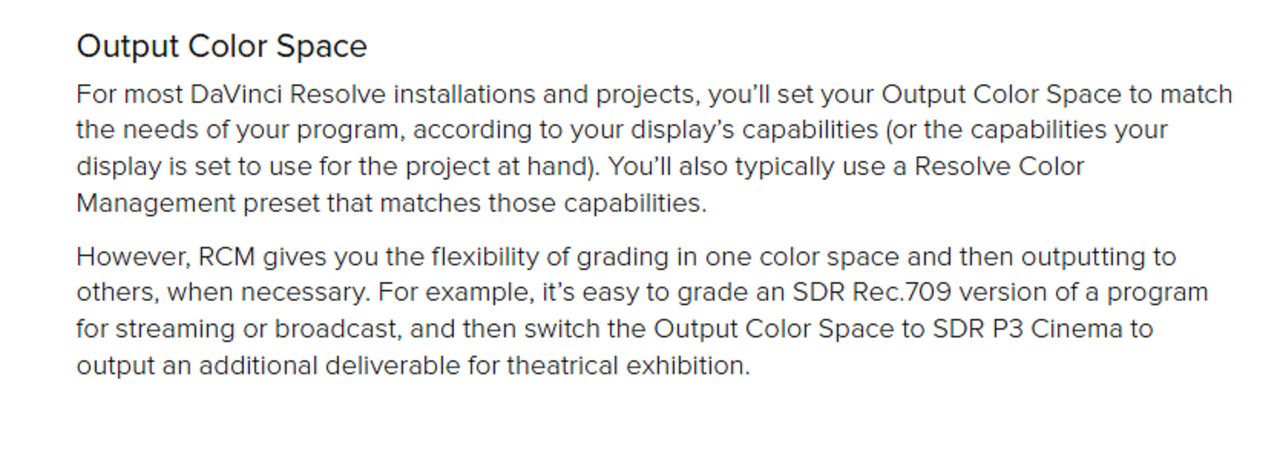
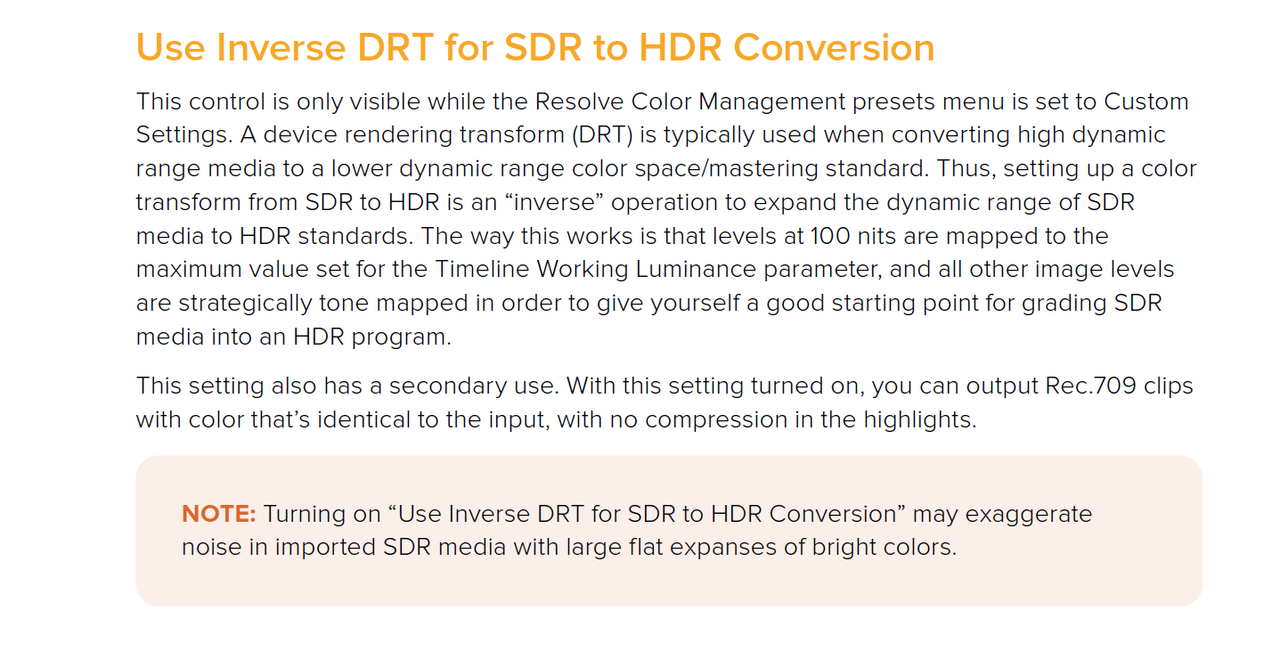
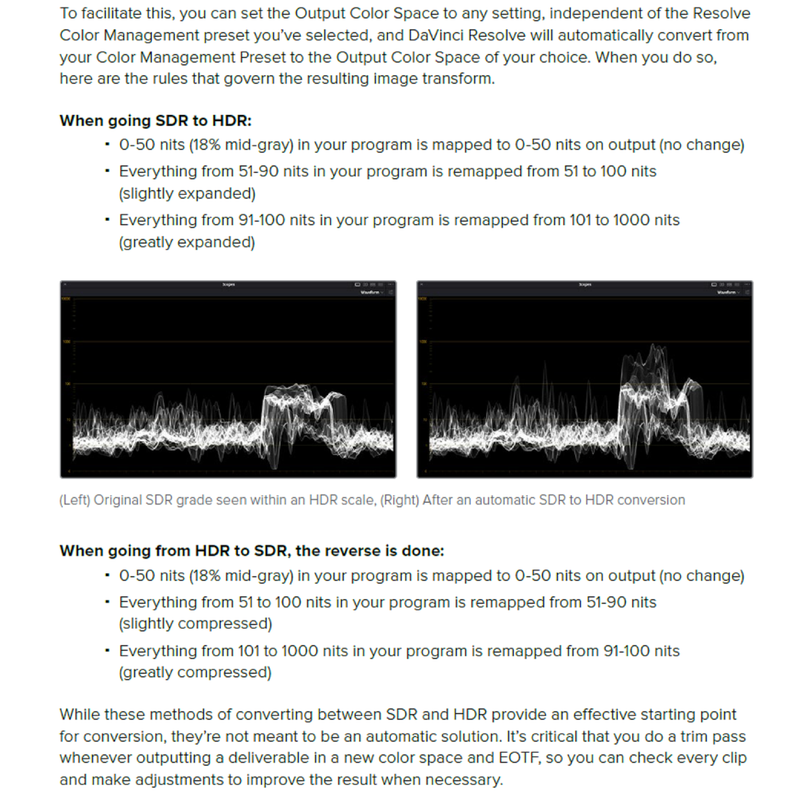
Some Resolve 17 Manual info-Still trying to get a better understanding of it.


3.png


1.png


Screenshot-581.png


4.png


5.png


6.png


7.png


8.png


9.png


10.png


11.png


2.png


Screenshot-693.png
 
Last edited:
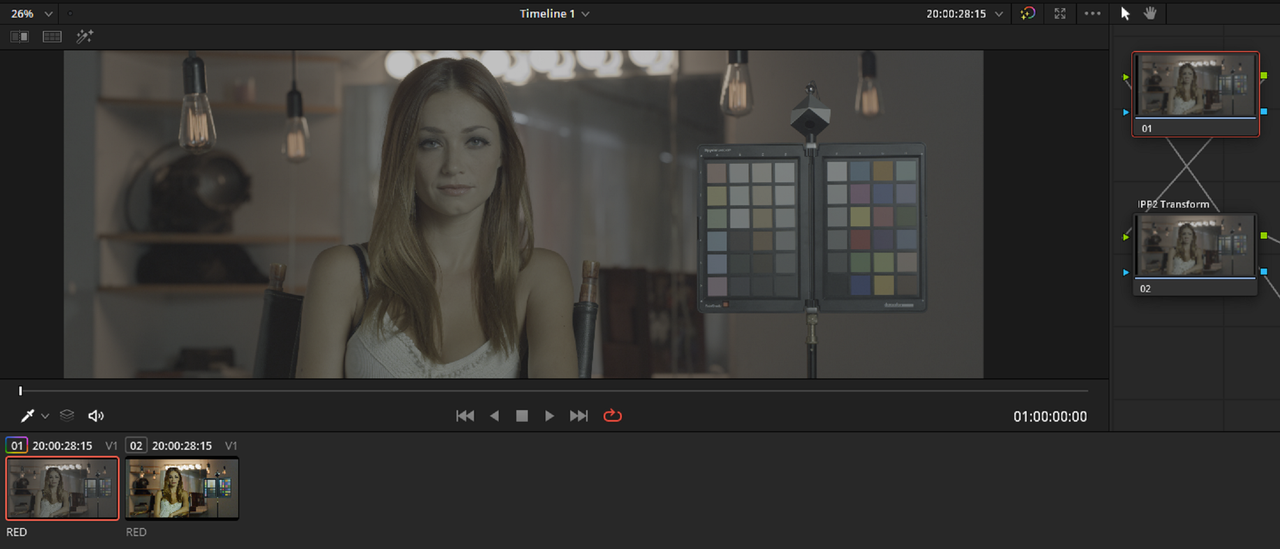
IPP2 Color Managed Bypassed for the New "Davinci" Tone-Mapping


er-5.png


Screenshot-583.png


Screenshot-574.png


Screenshot-584.png


2.png


Screenshot-585.png


Screenshot-587.png


davinci-2-1-2-2.jpg
 
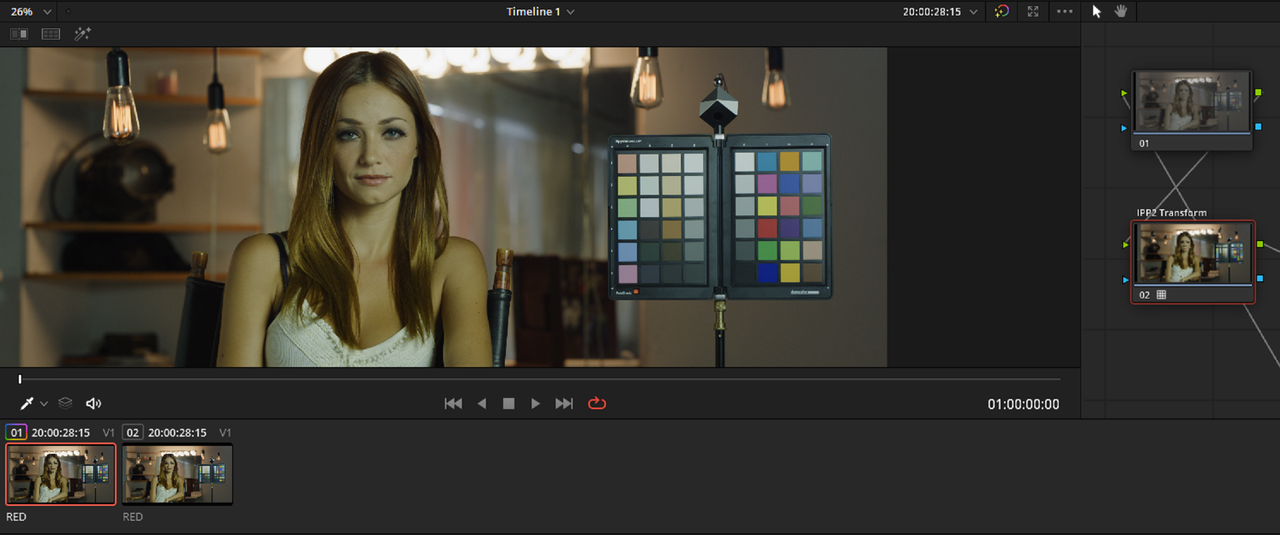
Davinci Wide Gamut Preset Bypassed for IPP2 Output Transform Workflow

er-5.png


Screenshot-708.png


Screenshot-704.png


Screenshot-707.png


IPP2 Output Transform Lut "Medium/Very Soft"

Screenshot-706.png


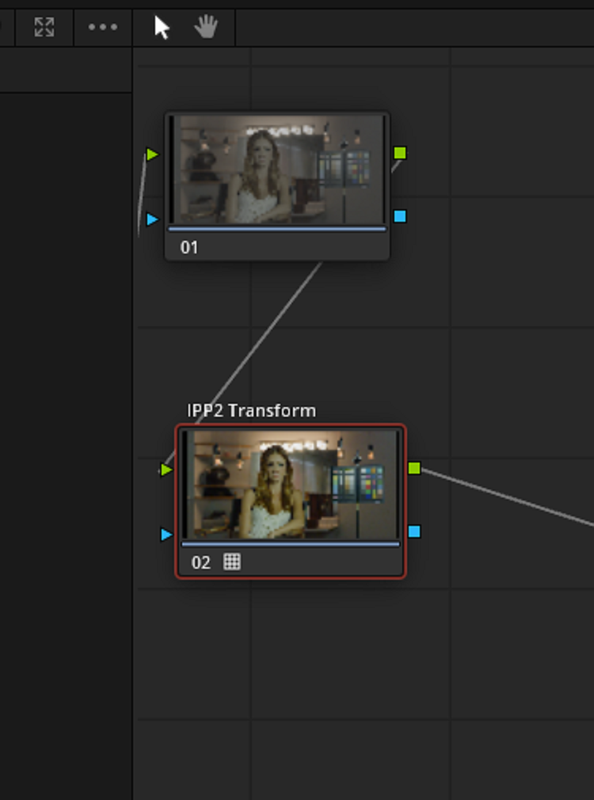
ipp2-node.png


med-very-soft-1-1-2.jpg
 
IPP2 Color Managed Bypassed for IPP2 Output Transform Lut


One Of the best things about the IPP2 Color Managed Workflow is that you can set the "Output Tone-Mapping" and "Highlight Roll-Off" for every .R3D clip in your project without doing it for each individual .R3D cilp at the end of it's color correction Node tree.

However, the downside was that you've "locked" in all your .R3d files to the same IPP2 Output Transformation. If you went into the project settings to change the "Output Tone-Mapping" and "Highlight Roll-Off" for a specific clip, you would unknowingly affect any qualifications or contrast corrections due to the clips now having different contrast levels, luminance values and color saturations and hue levels. You would probably not even realized the adverse affect on your entire project until it was much too late.

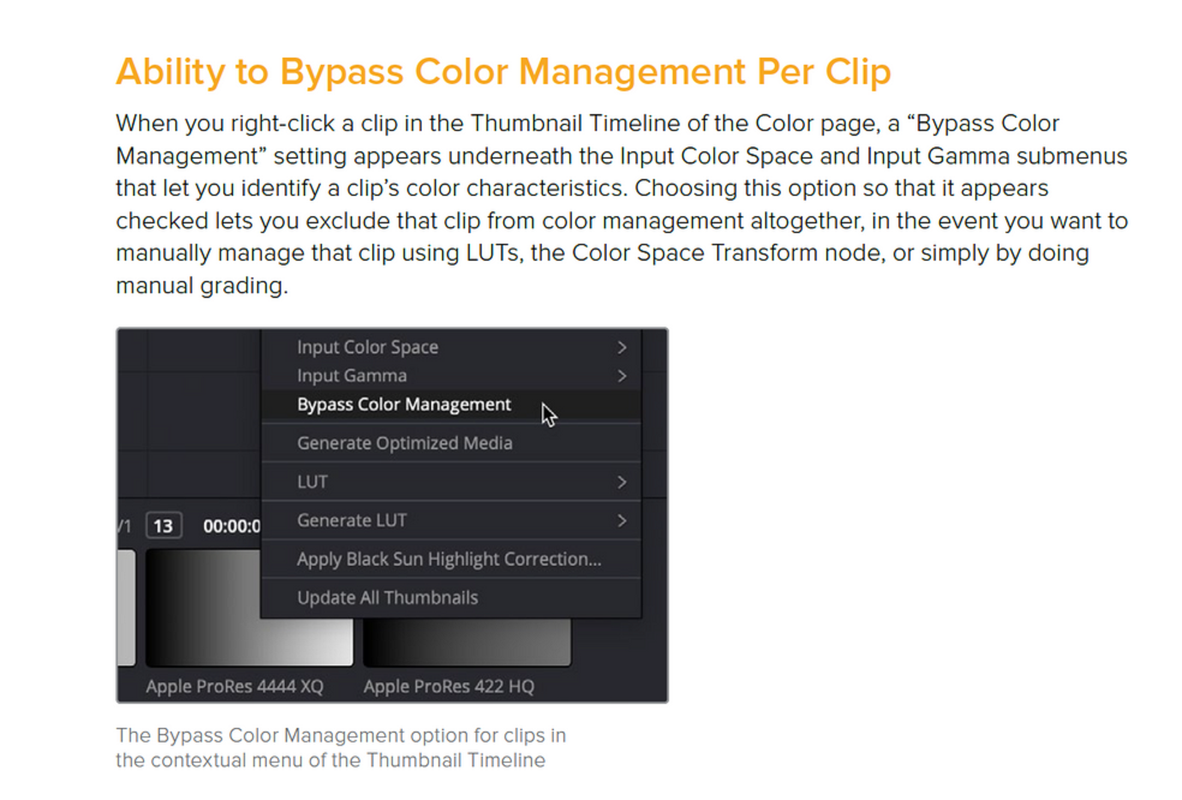
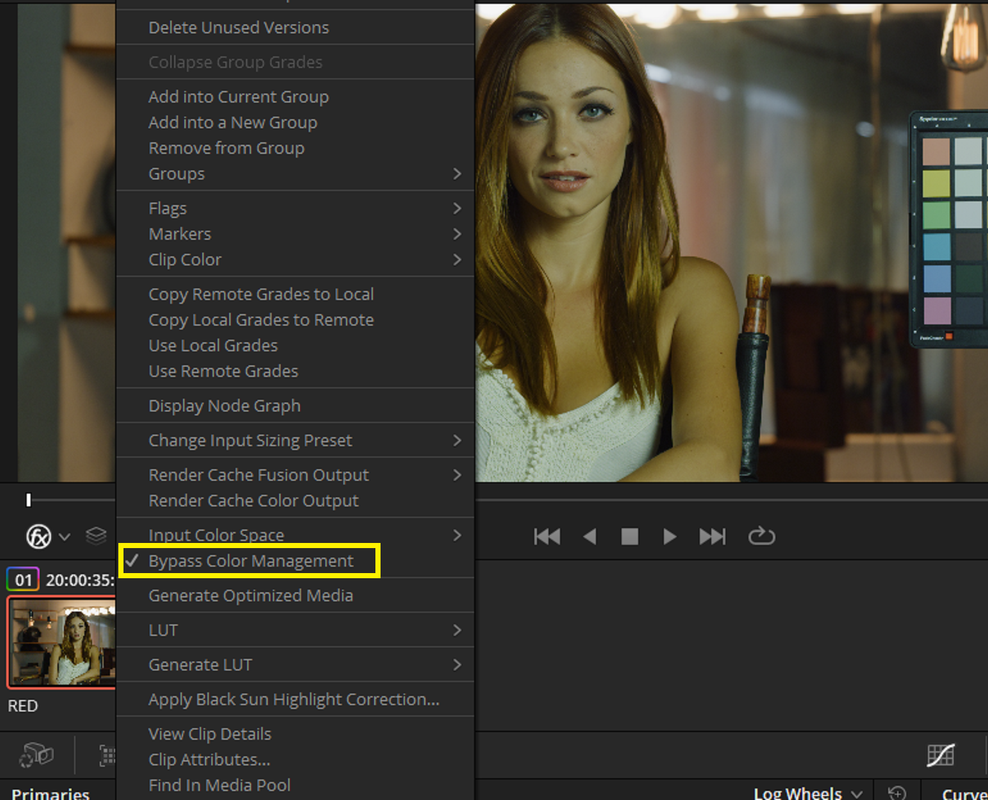
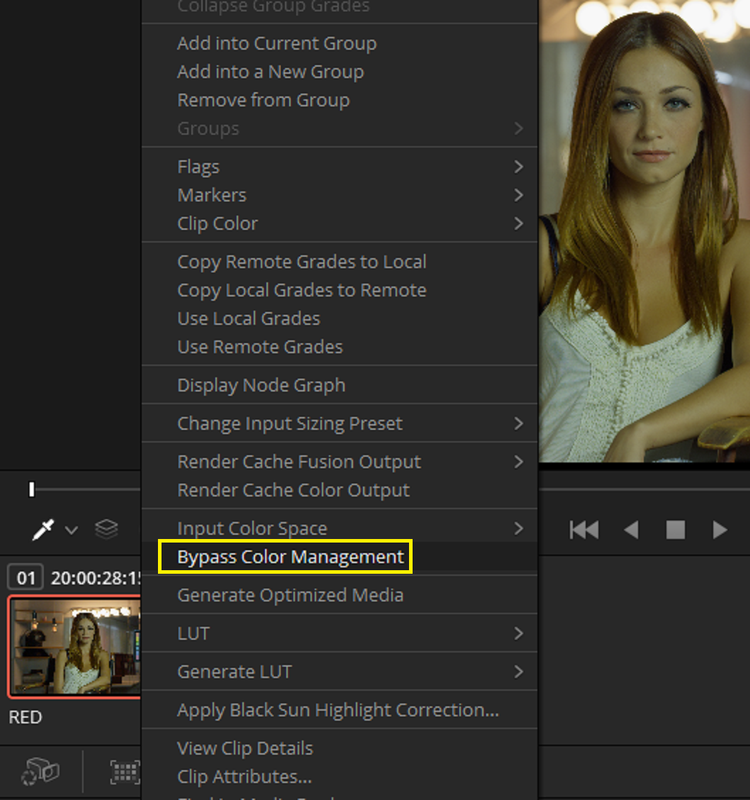
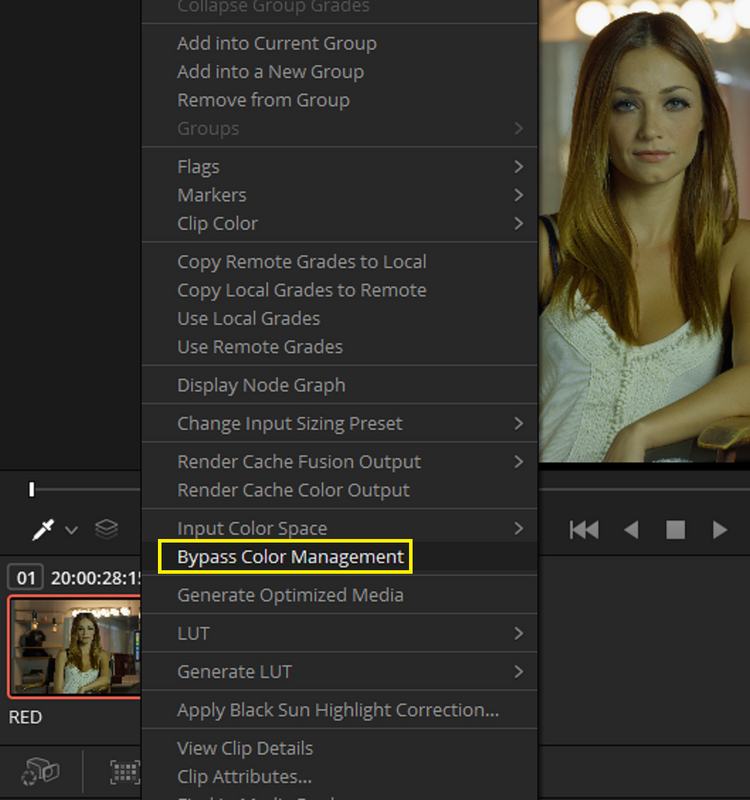
Now, with the new "Bypass Color Management" function, you can keep the original "Output Tone-Mapping" and "Highlight Roll-Off" for your entire project and Bypass the Color Management from the IPP2 Color Managed Workflow in favor of an "Output Tone-Mapping" and "Highlight Roll-Off" transform that better favors the individual .R3D files in your project.


er-5.png


Screenshot-715.png


Screenshot-714.png


ipp2-ms-1-1-1.jpg


Screenshot-704.png


Screenshot-713.png


IPP2 Output Transform Lut Hi Con/ Very Soft applied to first R3D file in Project

Screenshot-709.png


hi-vs-1-1-2.jpg


Medium/Soft IPP2 Color Managed for the Second R3D file from Project Settings

Screenshot-711.png


ipp2-ms-1-1-1.jpg
 
Last edited:
Something else that concerns Color Management that you need to be aware of.


From Loren Simons from Red:


Screenshot-722.png


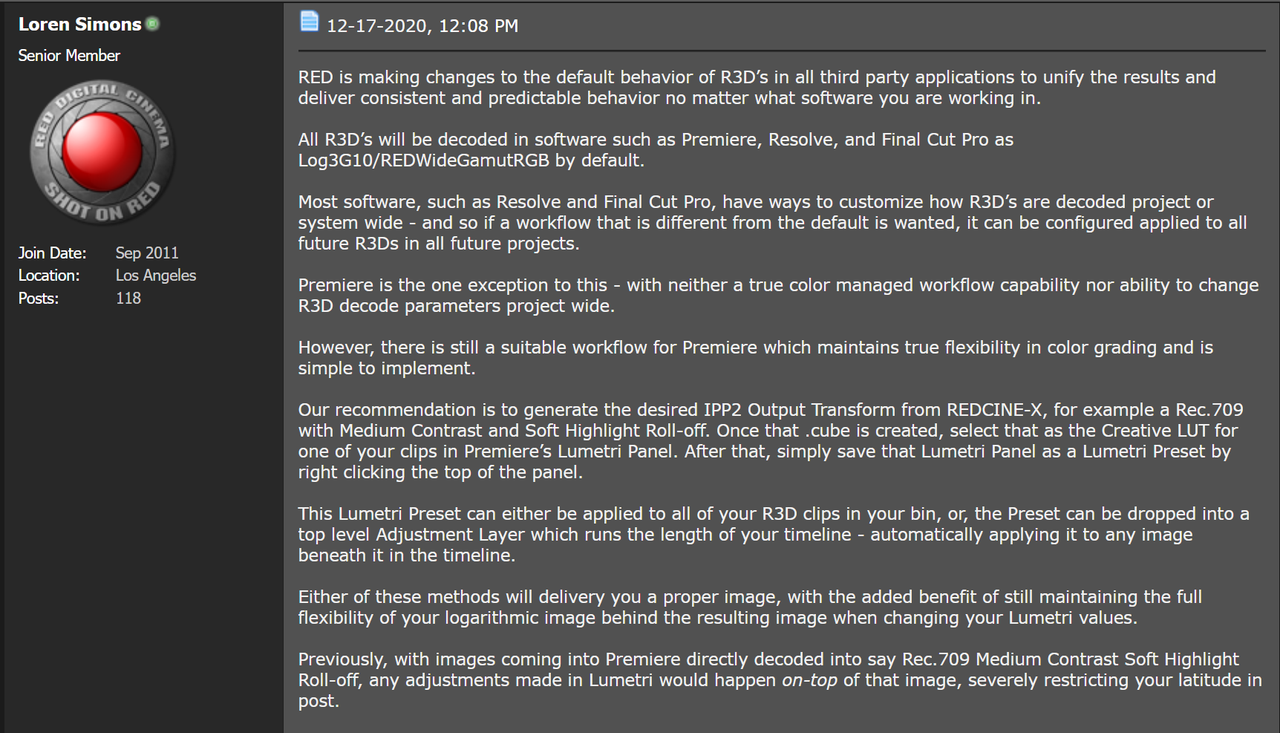
"RED is making changes to the default behavior of R3D’s in all third party applications to unify the results and deliver consistent and predictable behavior no matter what software you are working in.

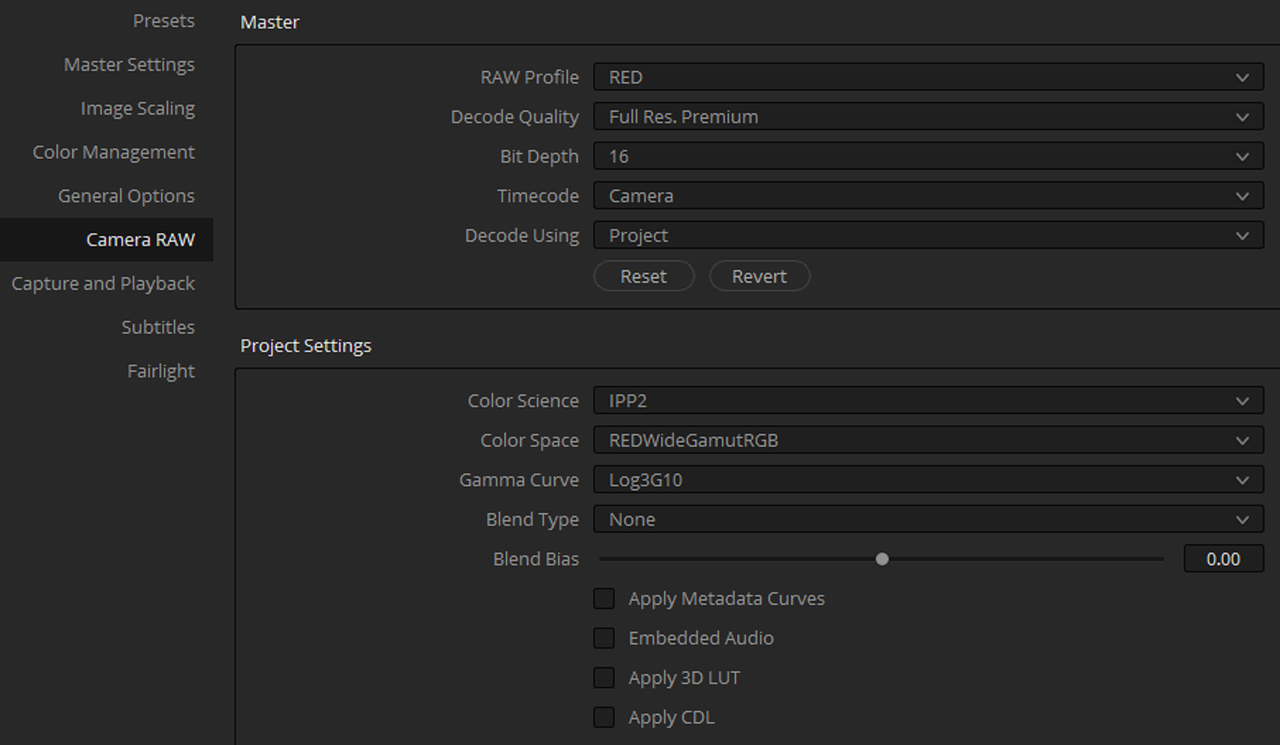
All R3D’s will be decoded in software such as Premiere, Resolve, and Final Cut Pro as Log3G10/REDWideGamutRGB by default.

Most software, such as Resolve and Final Cut Pro, have ways to customize how R3D’s are decoded project or system wide - and so if a workflow that is different from the default is wanted, it can be configured applied to all future R3Ds in all future projects.

Premiere is the one exception to this - with neither a true color managed workflow capability nor ability to change R3D decode parameters project wide.

However, there is still a suitable workflow for Premiere which maintains true flexibility in color grading and is simple to implement.

Our recommendation is to generate the desired IPP2 Output Transform from REDCINE-X, for example a Rec.709 with Medium Contrast and Soft Highlight Roll-off. Once that .cube is created, select that as the Creative LUT for one of your clips in Premiere’s Lumetri Panel. After that, simply save that Lumetri Panel as a Lumetri Preset by right clicking the top of the panel.

This Lumetri Preset can either be applied to all of your R3D clips in your bin, or, the Preset can be dropped into a top level Adjustment Layer which runs the length of your timeline - automatically applying it to any image beneath it in the timeline.

Either of these methods will delivery you a proper image, with the added benefit of still maintaining the full flexibility of your logarithmic image behind the resulting image when changing your Lumetri values.

Previously, with images coming into Premiere directly decoded into say Rec.709 Medium Contrast Soft Highlight Roll-off, any adjustments made in Lumetri would happen on-top of that image, severely restricting your latitude in post."
 
You can still utilize RED's IPP2 Tone-Maps and Highlight Roll-Offs, here's one way to do it:


Resolve 17 is very powerful, but bare in mind it's still very in beta. I'd strongly recommend backing anything up that you need on 16 before tinkering with 17. Lots of stuff has impacted Powergrades and a lot of other things.

Thanks Phil

Sorry I didn't see the custom option... I see Rand (thank you)showing a bypass option per clip so that also handles a previous issue I had with Reds Tonal mapping being applied to every timeline image or even GX..

It seems I have to dig in once more and establish a simple/robust workflow for me

Good tip re backups as I have come across a few little issues and may have jumped too soon ;-)


M
 
So hauling this thread back.

I've moved to 17 now and seeing all the new goodness.

It does beg the question in 2021 now should we be using IPP2 mapping? I like the tone map and i know i can faff resolve to continue to use it but at the same time i want to be able to use the new HDR controls for everything because they look awesome finally.

I'm going to start experimenting on my footage to get a feel but i am conscious that others would have been doing the same

Do we have a consensus on whether v17 we should be Davini tone mapping for output or still using IPP2 - have people found any tonal or colour issues now?

cheers
Paul
 
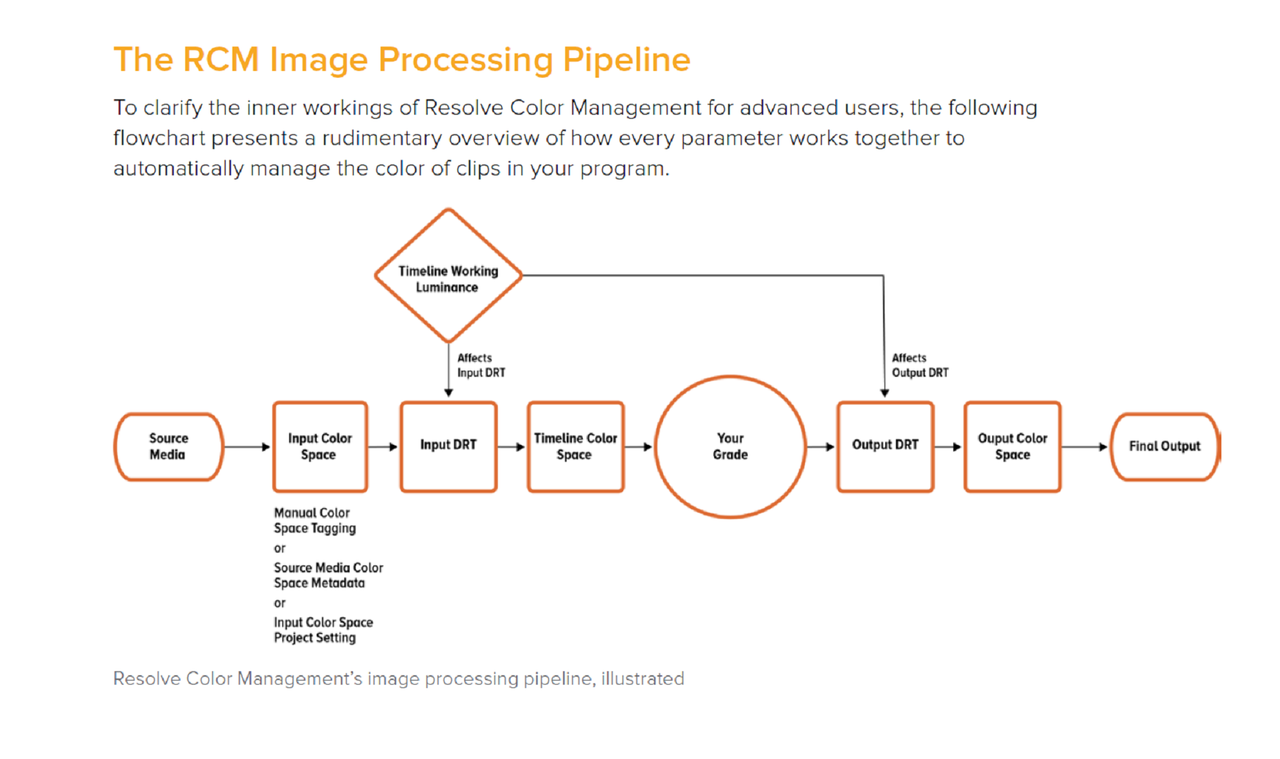
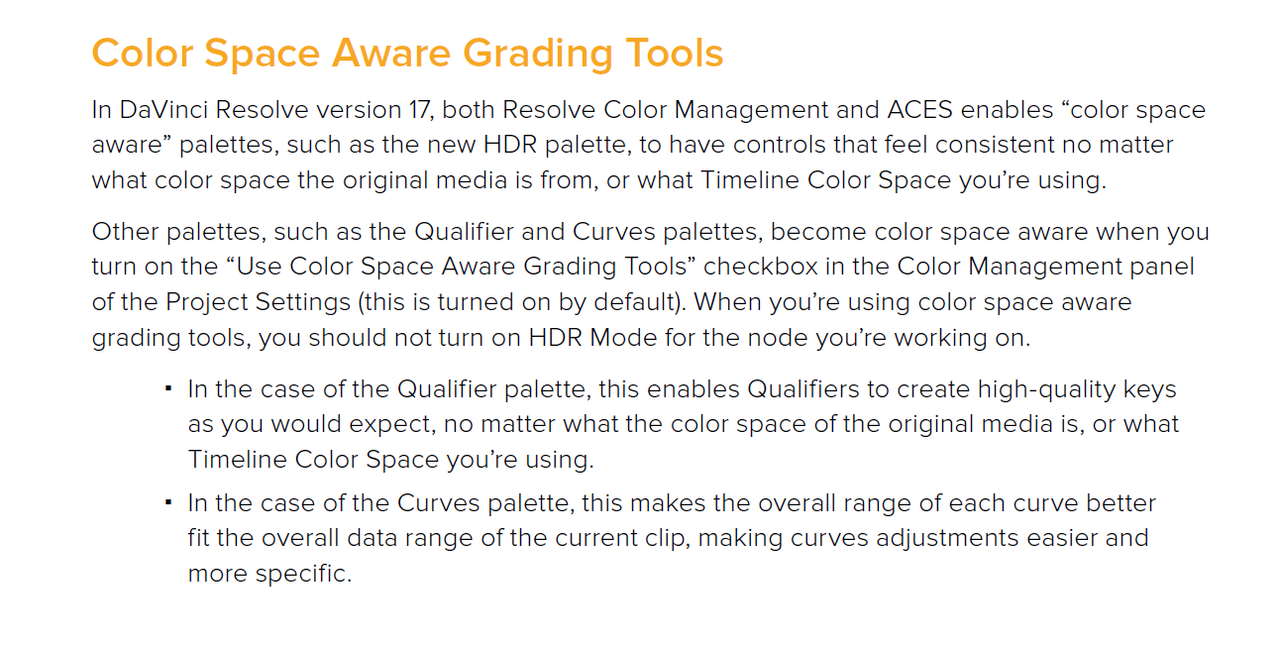
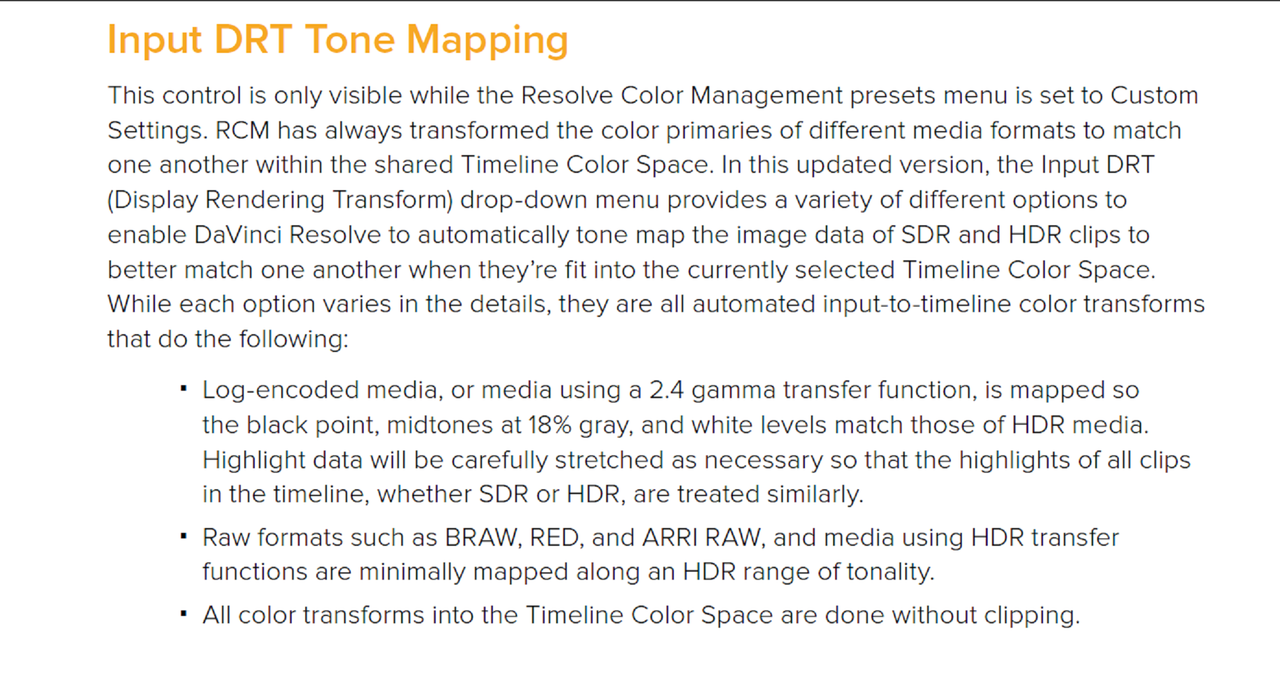
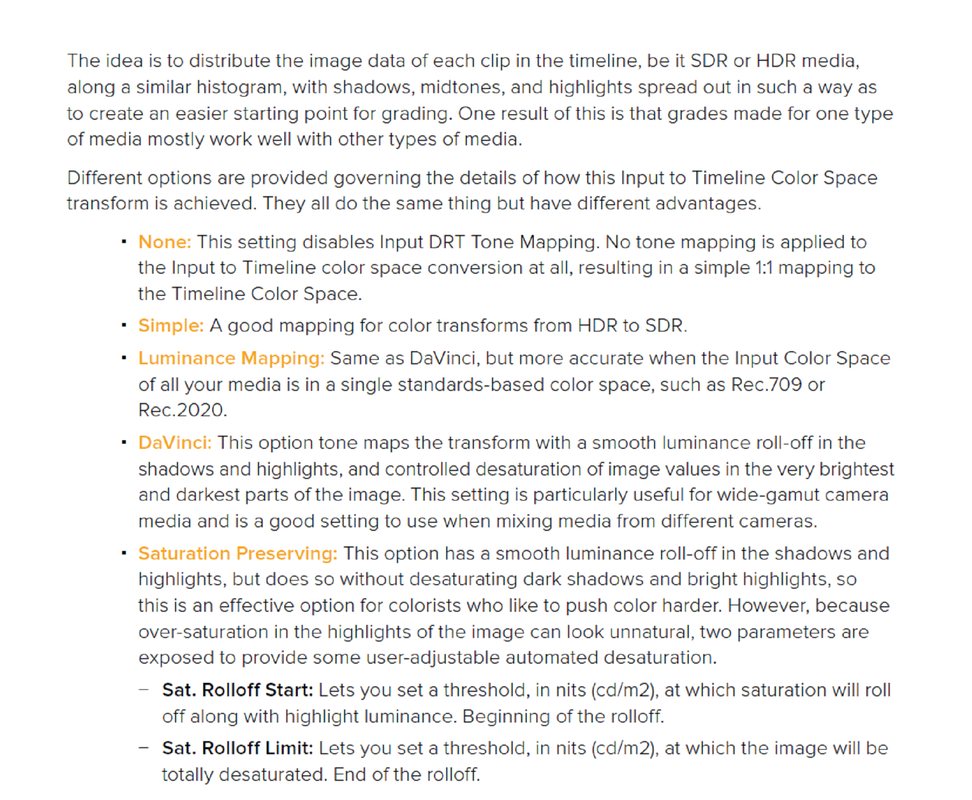
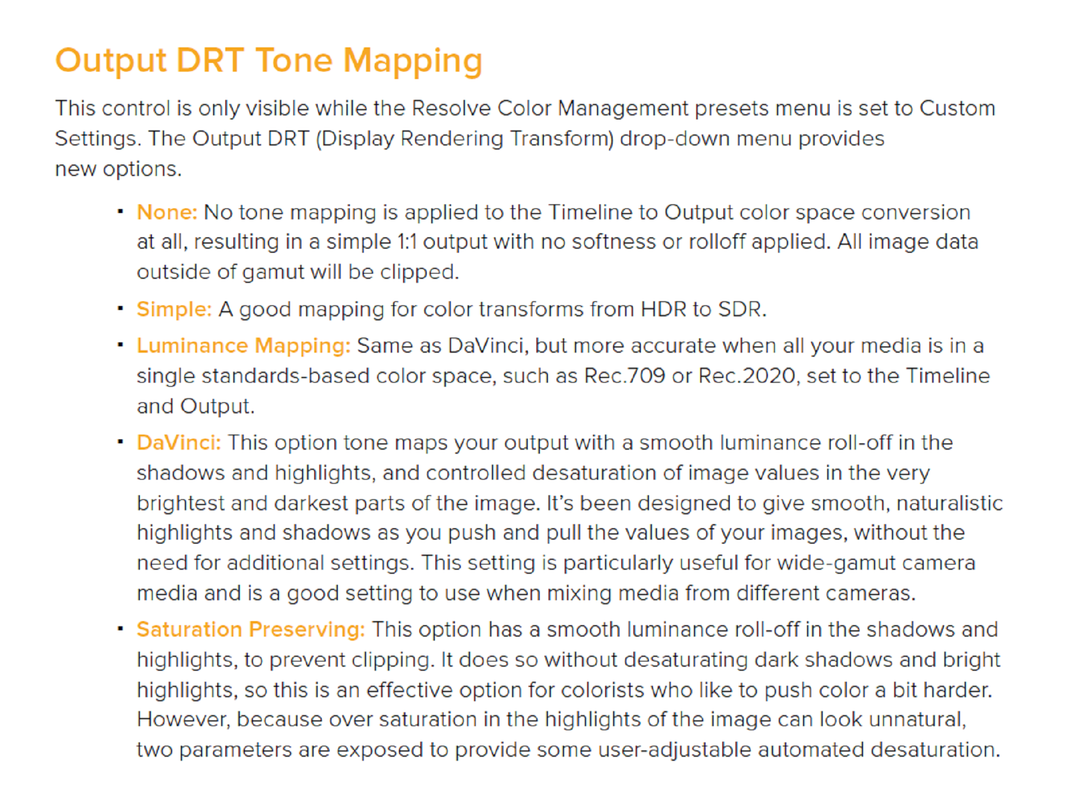
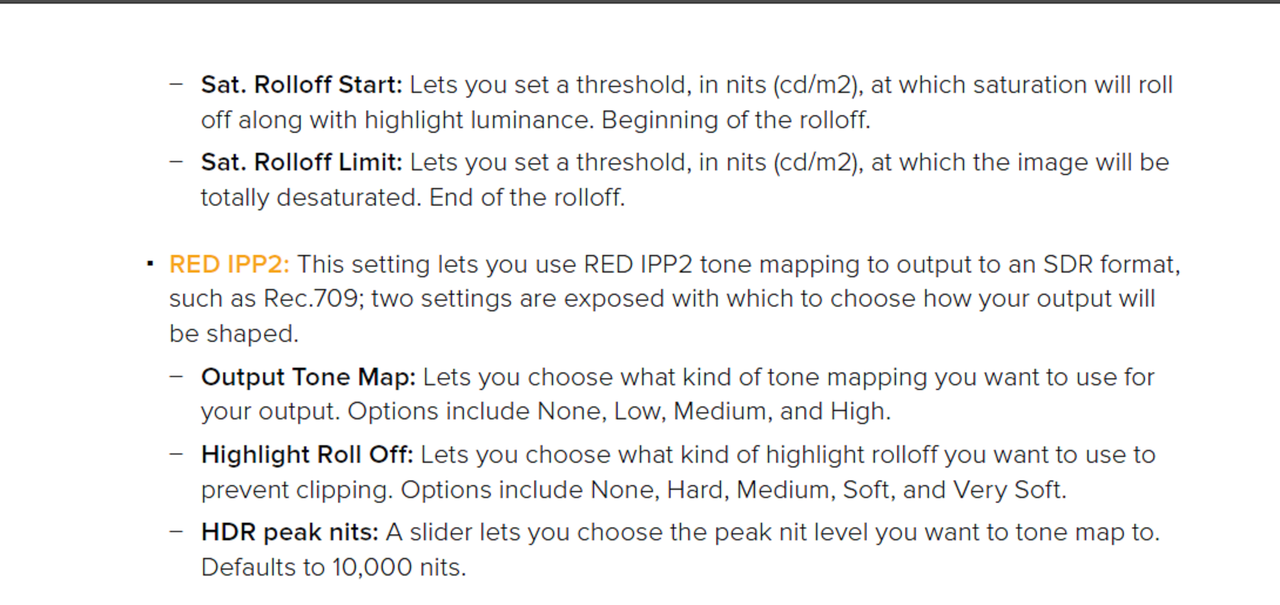
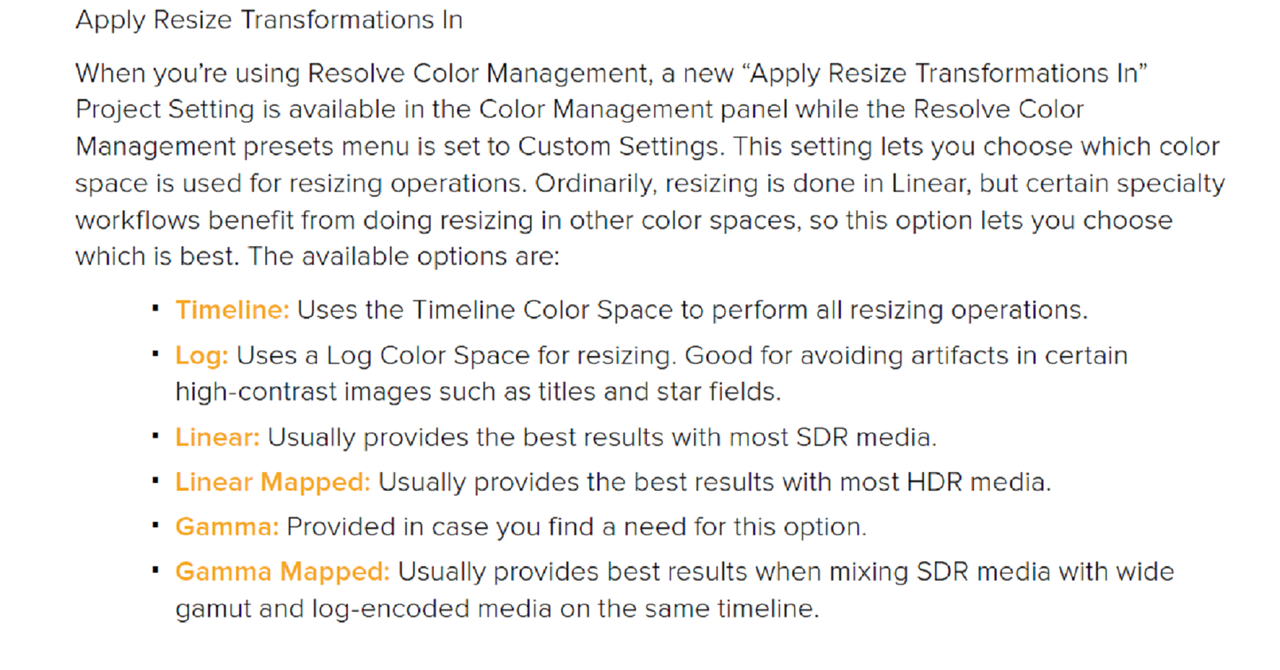
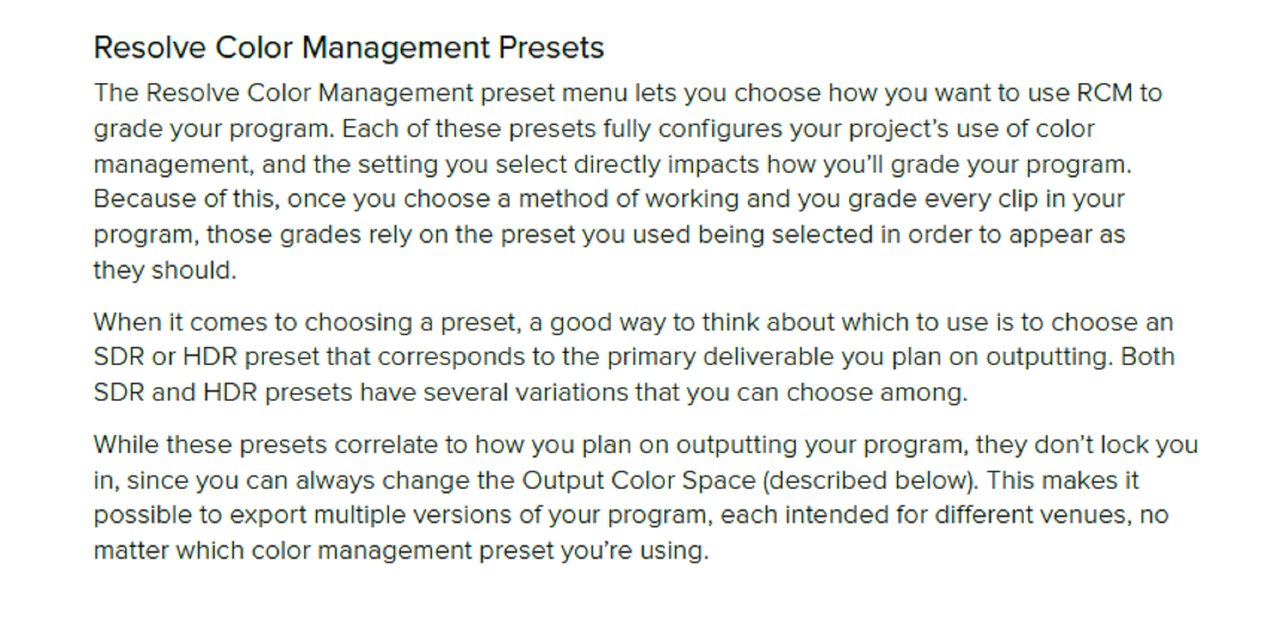
Here's some info on Input DRT and Output DRT in Resolve 17 from Blackmagic Designs.


4.png


5.png


6.png


7.png
 
I still think that out of all of the New and Old Color Management options in Resolve 17 for Red .R3d files, the Resolve IPP2 Color Managed Workflow is still the best for both Tone - Mapping and Gamut Mapping.
 
The IPP2 workflow has the best Gamut Mapping of both the ACEscct and Davinci Wide Gamut Workflows straight out of the box.


I believe that thec Davinci Wide Gamut workflow has the best initial Tone- Mapping,. The IPP2 Tone-Mapping can look a little "hot" in the Midtones in comparison to the Davinci Wide Gamut workflow. However the IPP2 Tone- Mapping can be matched to the Davinci Wide Gamut Tone- Mapping with a little effort.


For multiple Camera projects that don"t need to be Archived for some other or future Color Space, the Davinci Wide Gamut Workflow has both better initial Tone and Gamut Mapping than ACEScct.


ACES is still kinda of a standard in Hollywood. It's used by VFX/ CGI artists in the ACEScg format. And although the Davince Wide Gamut Color Space is larger than the ACES AP1 Grading Space, if a project has to be archived, the ACES APO 2065-1 format still contains all the colors of human vision whereas the IPP2 and Davinci Wide Gamut workflows only have a selected portion of that range.

Netflix suggests using ACES for their HDR distribution Workflow.

https://partnerhelp.netflixstudios....88888-Color-Managed-Workflow-in-Resolve-ACES-
 
Last edited:
The IPP2 workflow has the best Gamut Mapping of both the ACEscct and Davinci Wide Gamut Workflows straight out of the box..

I'm looking at this now. What makes you say this actually, have you seen some side by sides that you can show?

At the moment i am actually thinking that the new 17 stuff could be more functional that IPP2 mapping, especially when delivering SDR and HDR - the new HDR grading tools seem exceptionally good and useful...

I've to find why not (it may well exist so looking for examples!)

cheers
Paul
 
Paul,

Let me turn on my laptop and I will give you some examples, on tablet now.
 
Paul,

Let me turn on my laptop and I will give you some examples, on tablet now.

That would be cool. I saw you said this on the other 17 thread but the images you posted i don't see any out of gamut colour issues.

I have some Komodo footage that has bright red/blue LED lighting and i'm not seeing any issues with that and DWG.

The only thing that i would like to see would be some tone mapping choices...

cheers
Paul
 
Here we go Paul,

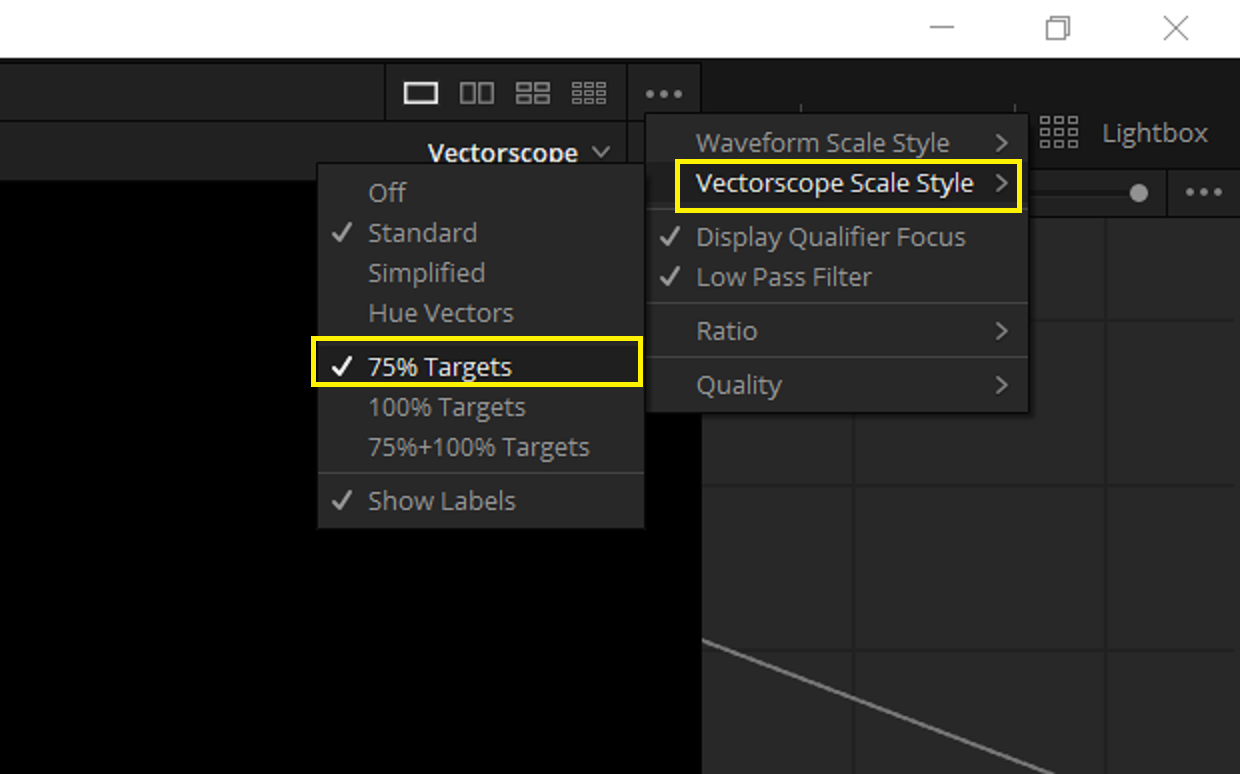
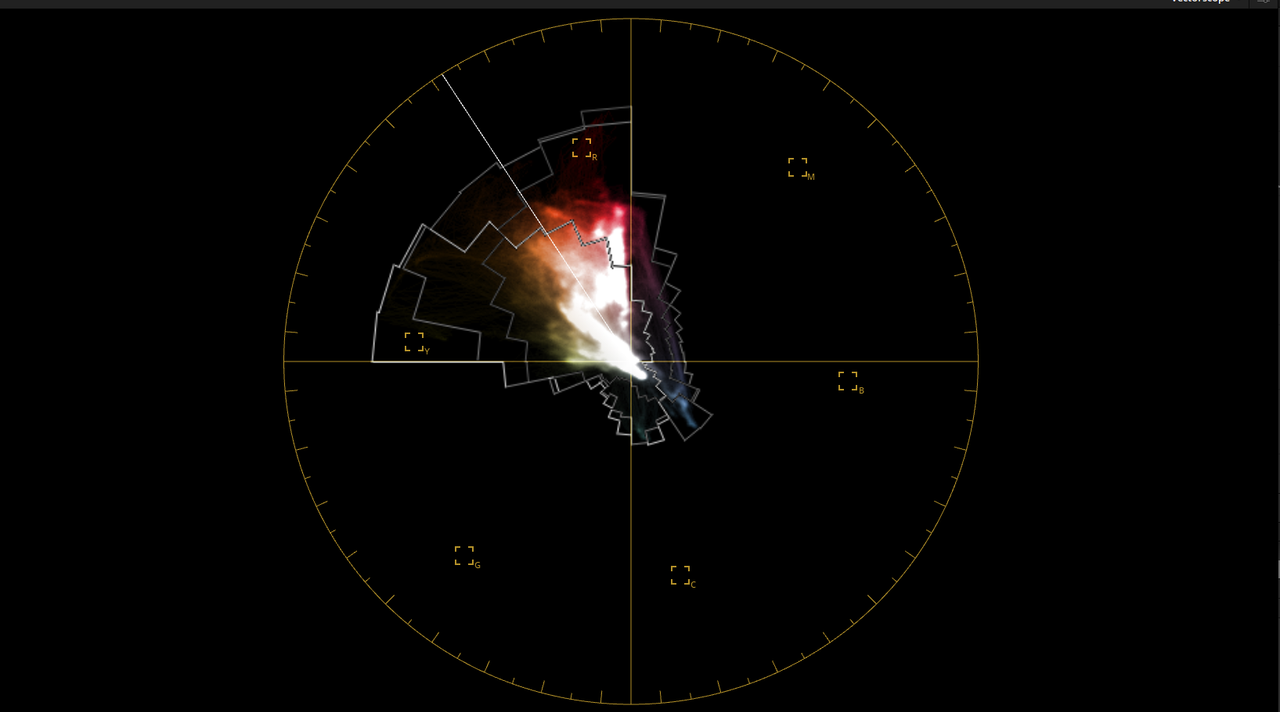
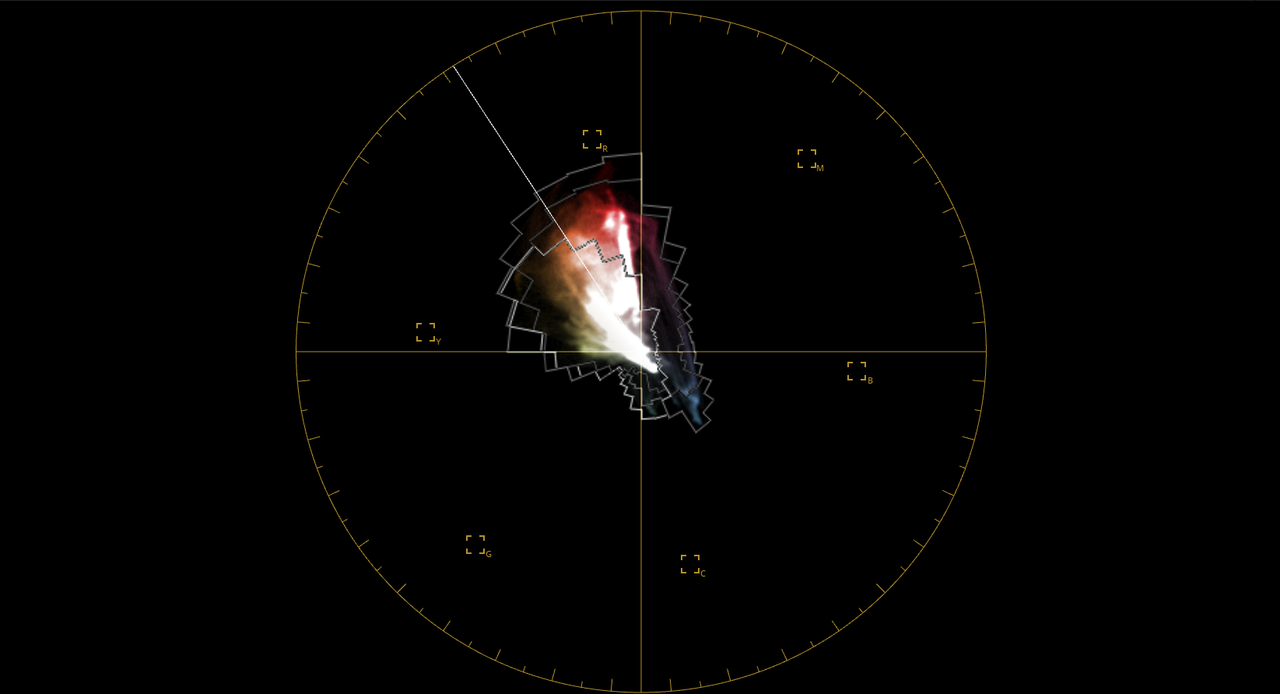
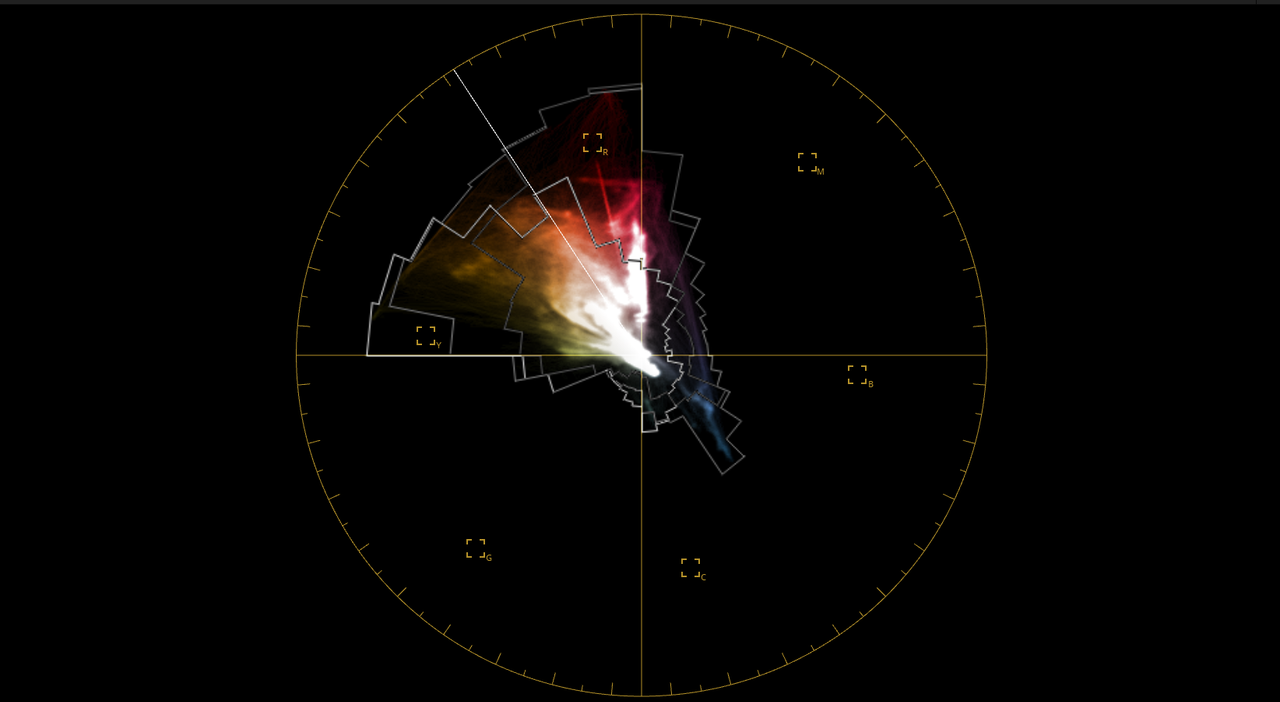
First I set my Vectorscope for 75% Targets I think that aligns more closely to Broadcast Gamut colors, correct me if I'm wrong.

Those white lines in the Vectorscope, EXTENTS, show colors that can't be displayed in the Target Area.

Screenshot-1201.png


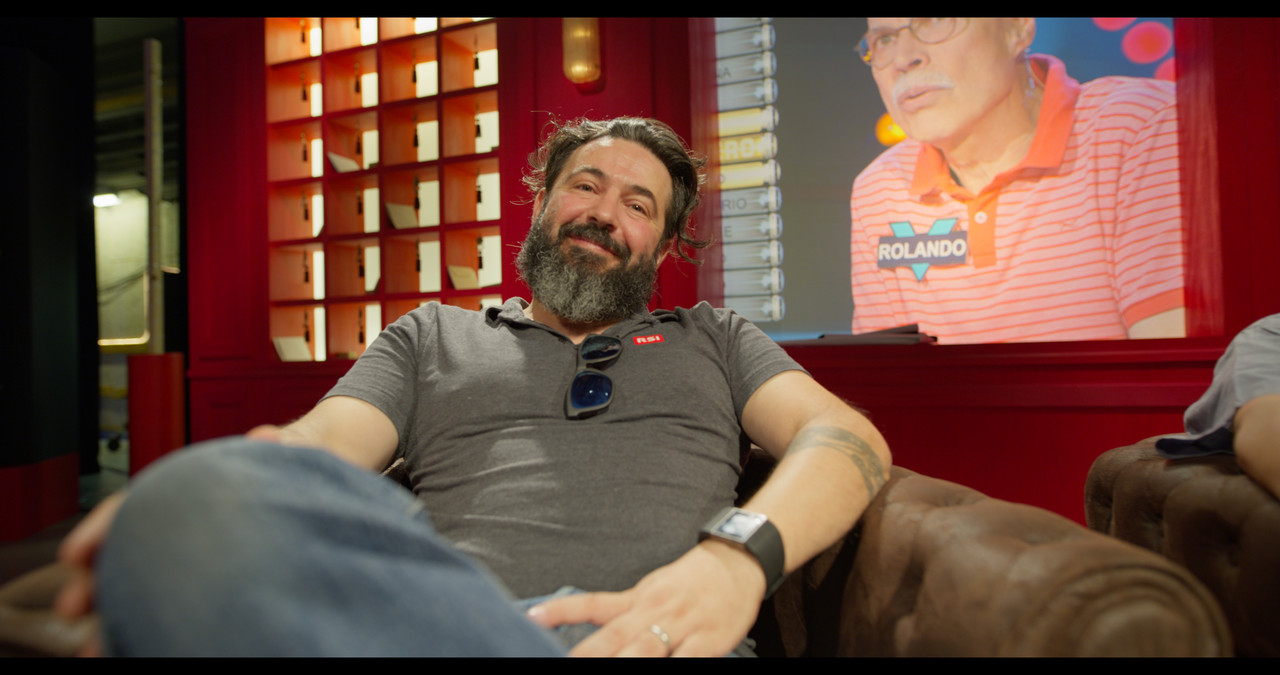
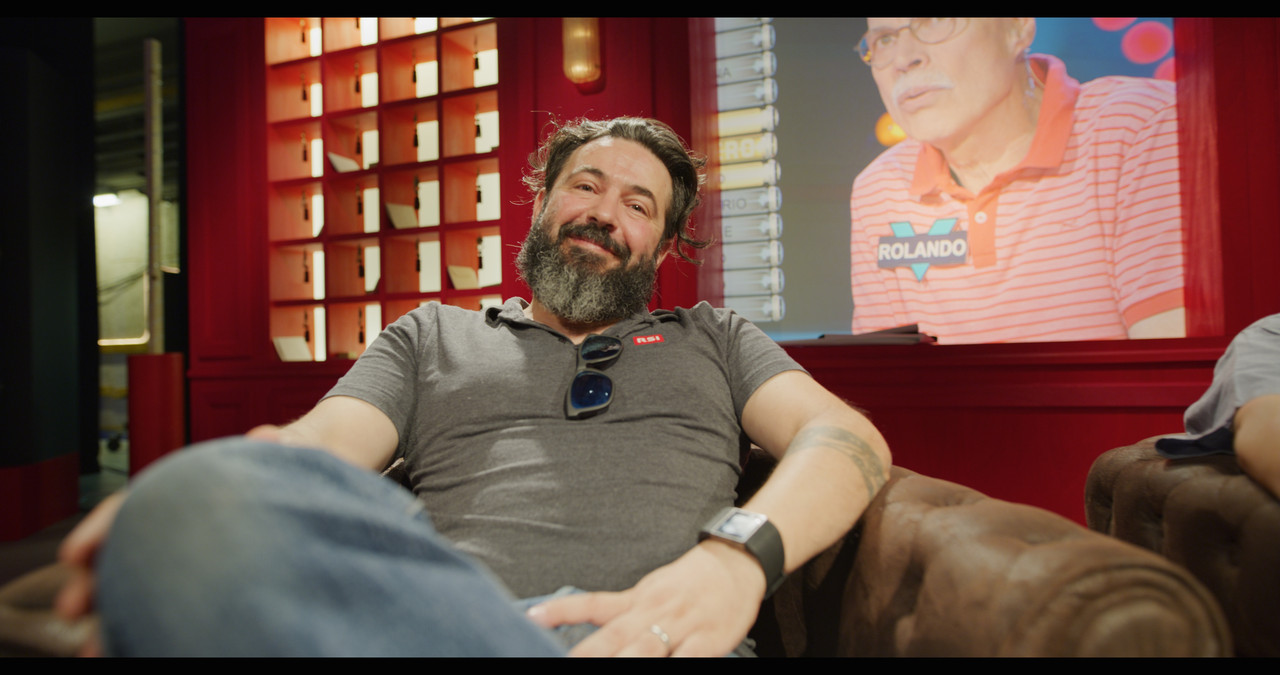
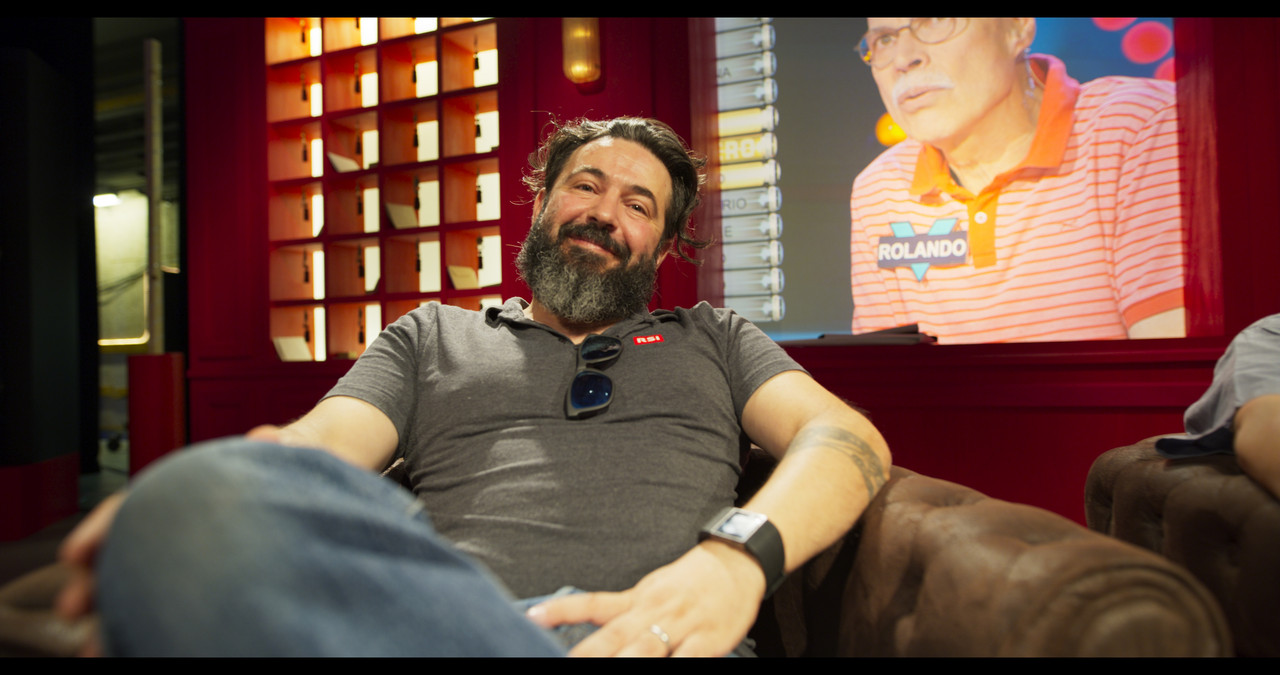
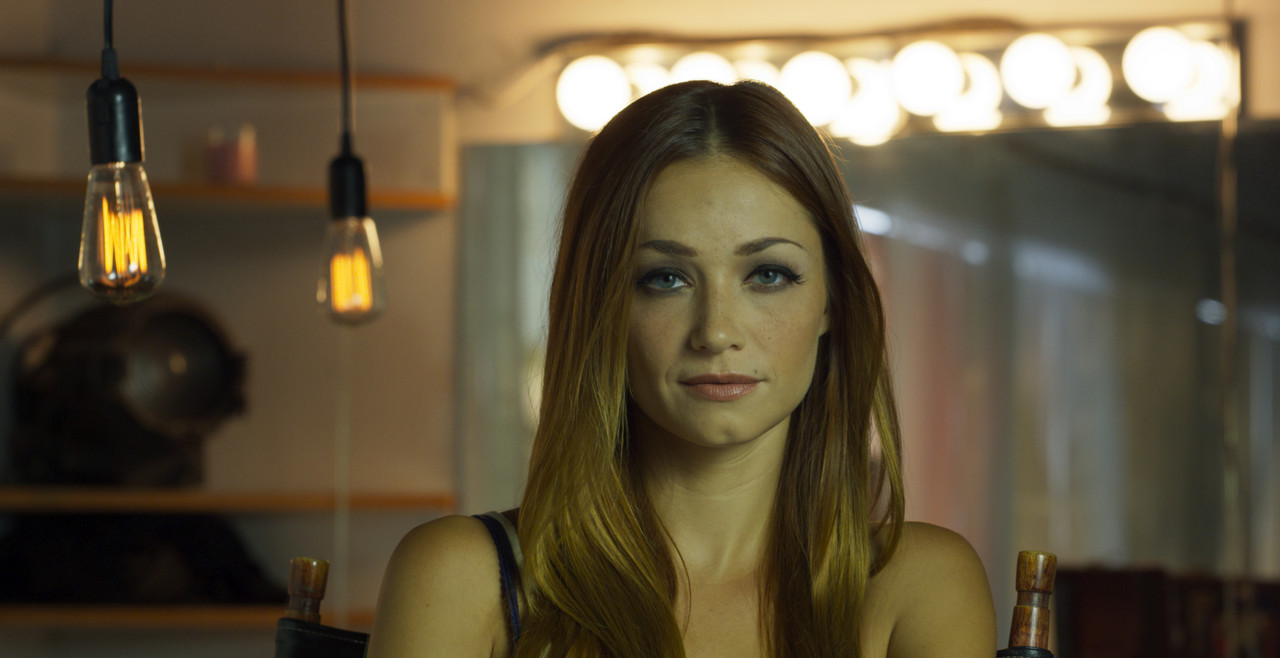
The Image below was provided by Luigi Valtulini


The image has strong REDs and Yellows

No additional grading was done. As you can see, IPP2 has the best handling of "OUT OF GAMUT" colors for this image, followed by Davinci Wide Gamut then ACEScct.


Davinci Wide Gamut

dwg-1-1-1.jpg


dwg.png


IPP2 Color Managed

ipp2-cm-1-1-2.jpg


ipp2.png


ACEScct

Aces-1-1-3.jpg


aces.png
 
Last edited:
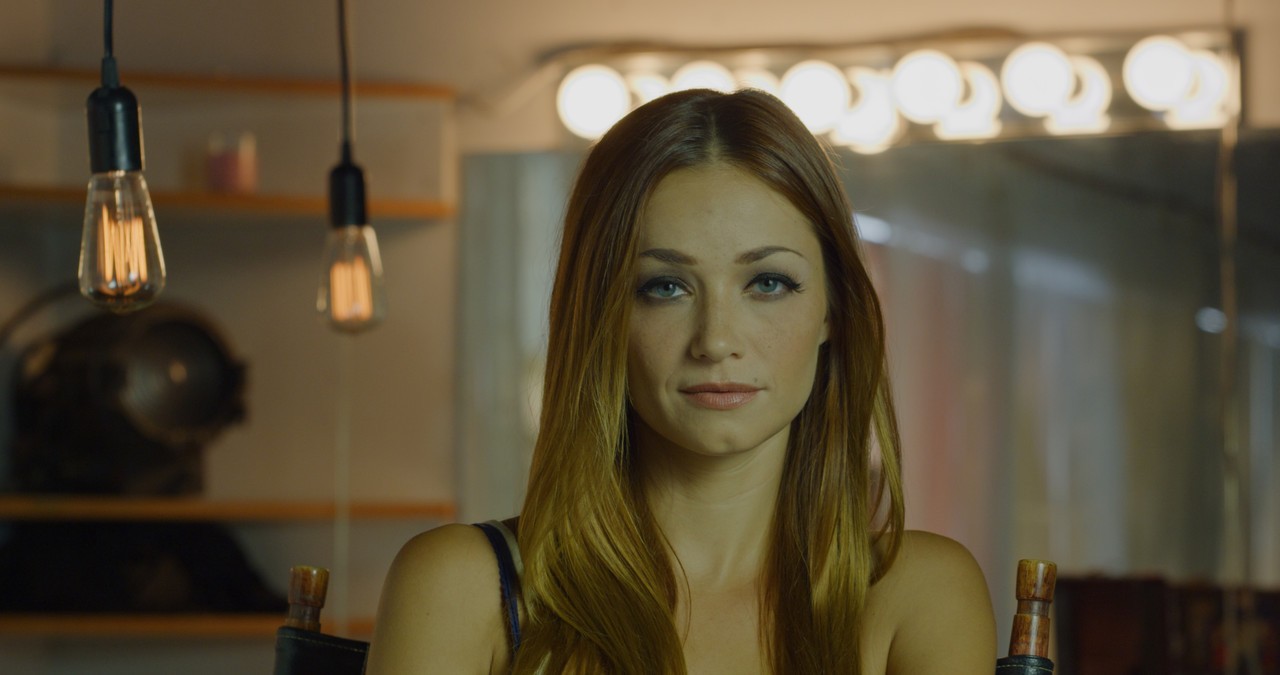
Tone Mapping


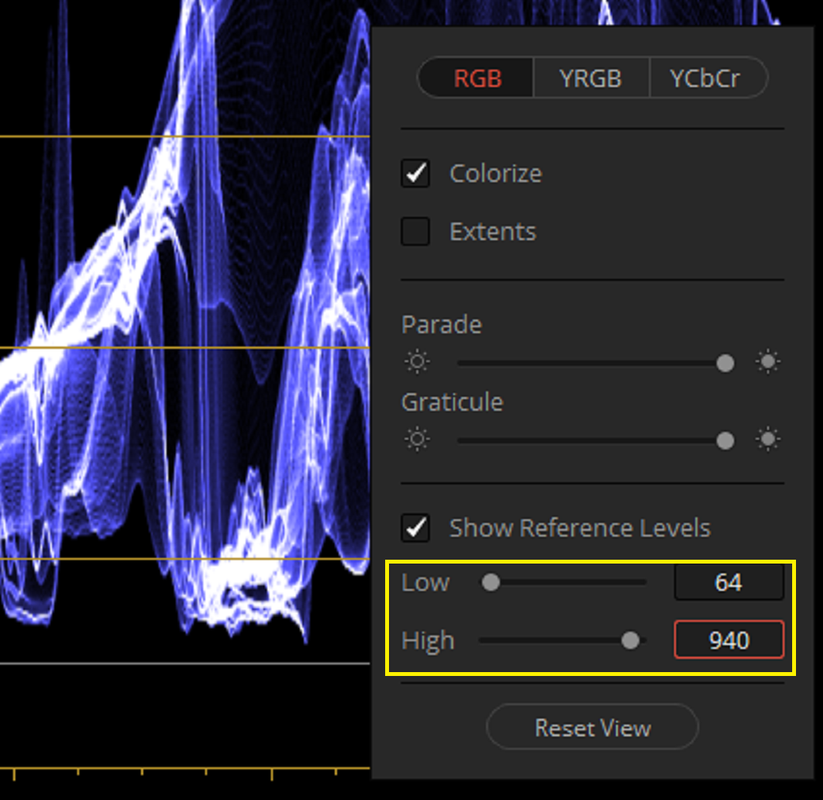
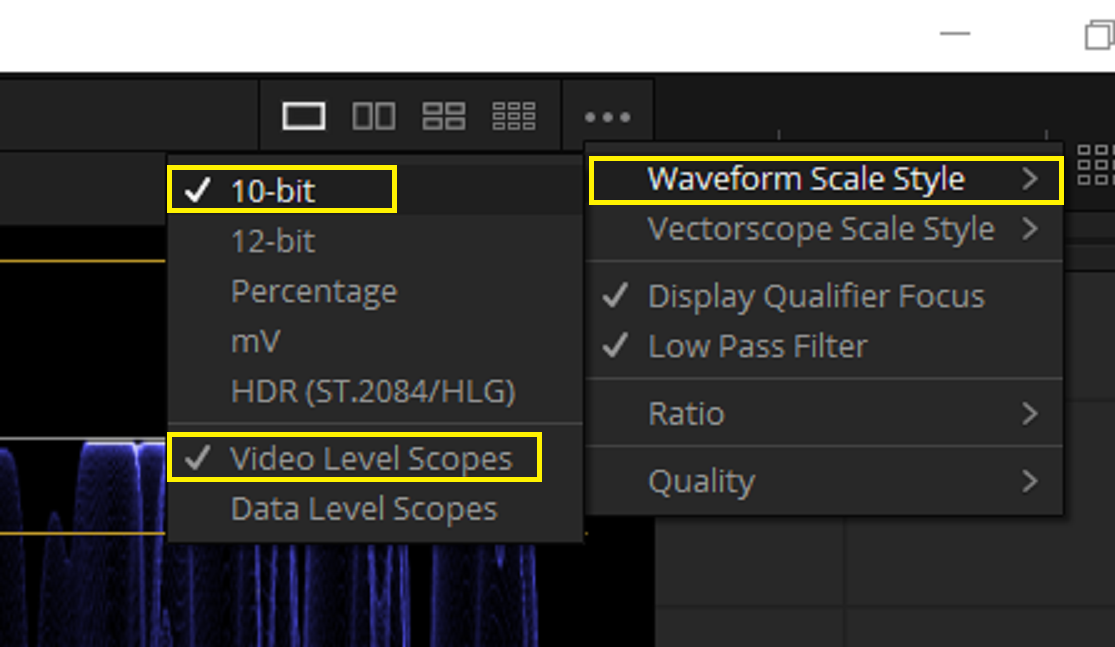
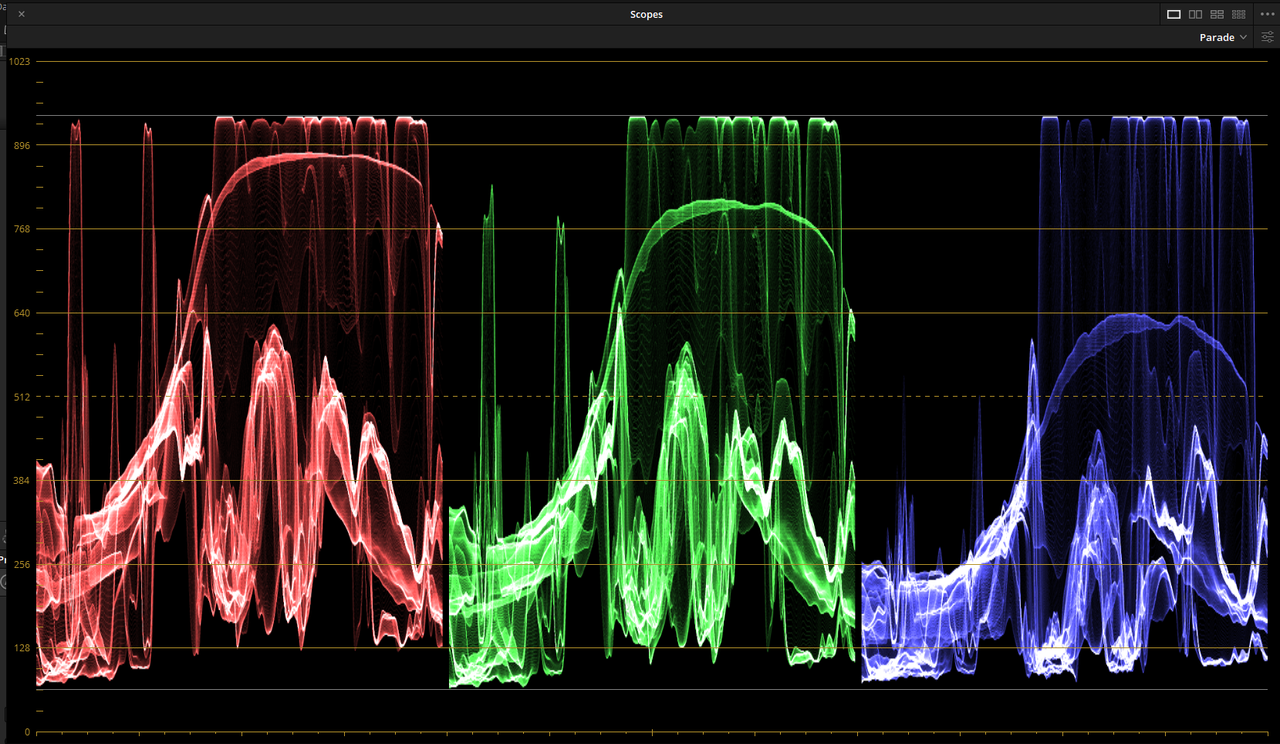
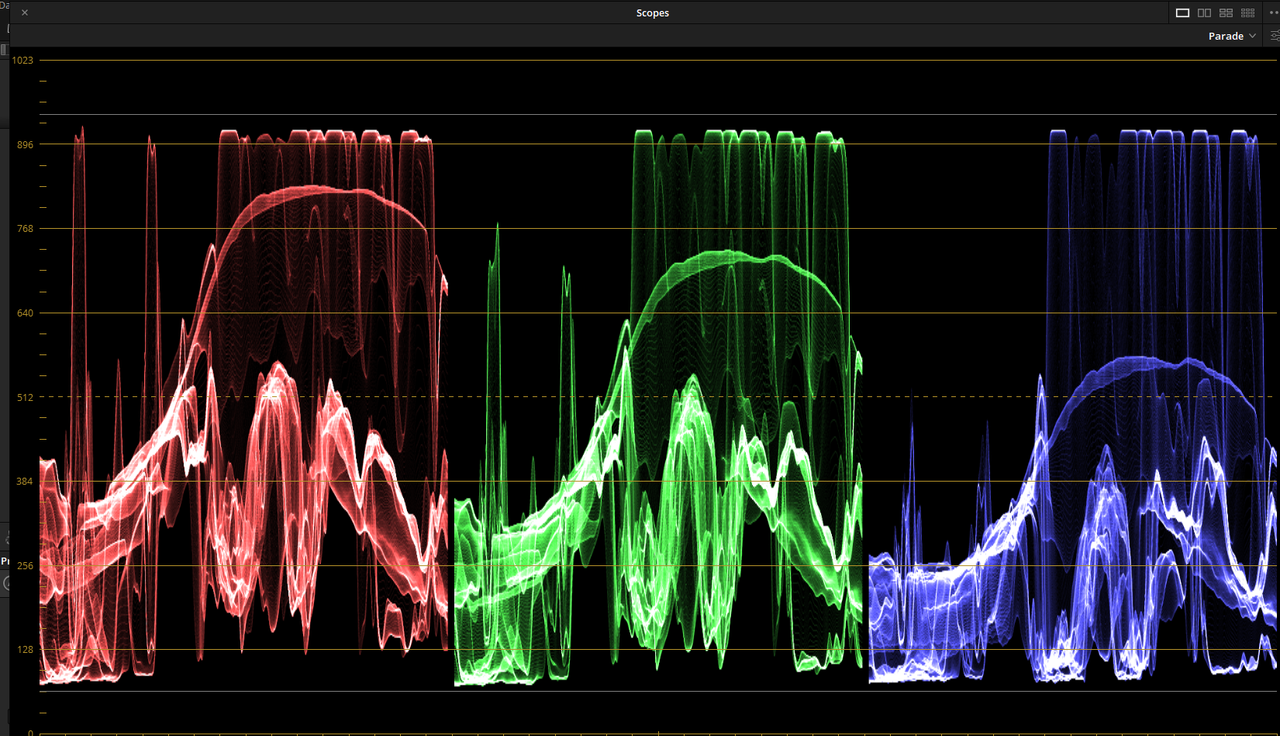
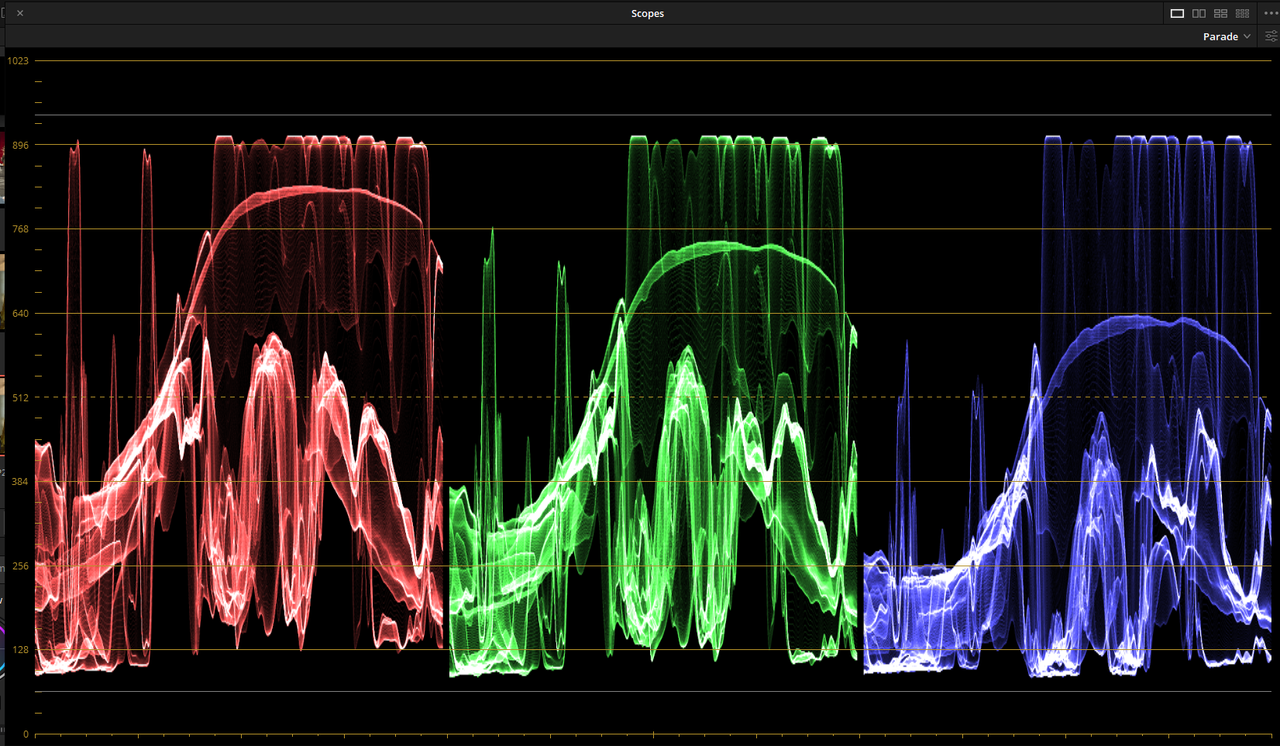
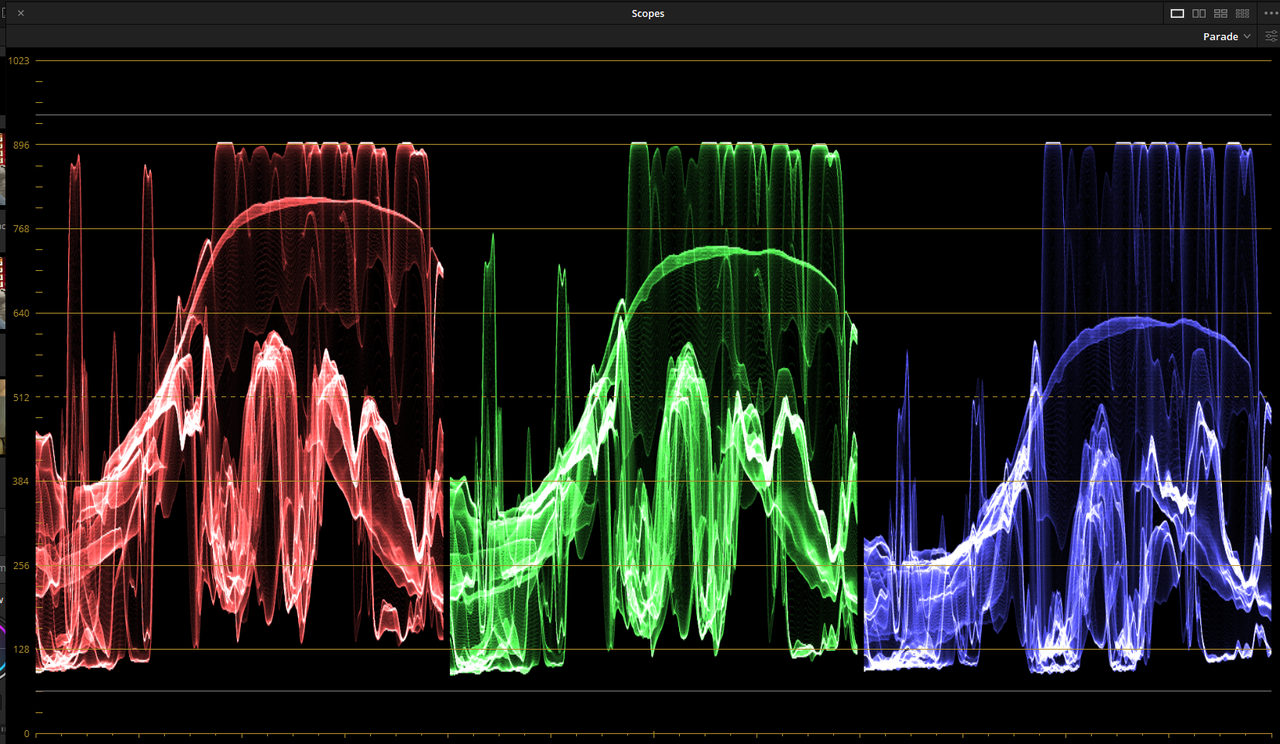
The White Lines at the Top and Bottom represent "Video Levels" of 940 for Highlights and 64 for Blacks

Screenshot-1202.png


Screenshot-1203.png


ACEScct

aces-1-2-1.jpg


Davinci Wide Gamut

DWG-1-2-2.jpg


IPP2- High/ Very Soft

IPP2-Hi-V-Soft-1-2-4.jpg


IPP2-Medium/Soft

IPP2-MED-SOft-1-2-3.jpg


IPP2-Medium/Very Soft

medium-very-soft-1-3-2.jpg


IPP2-Medium/Very Soft -2 Log Shadow

md-vsoft-neg-2-log-shad-1-3-3.jpg


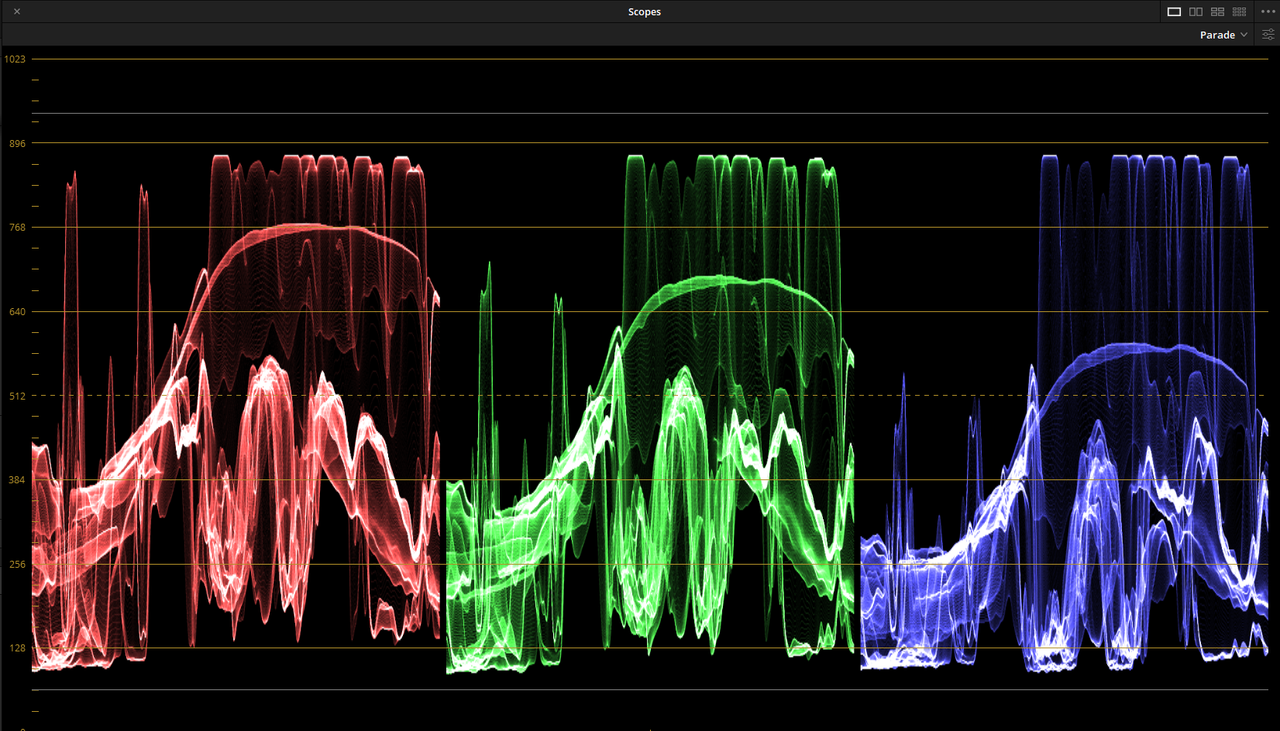
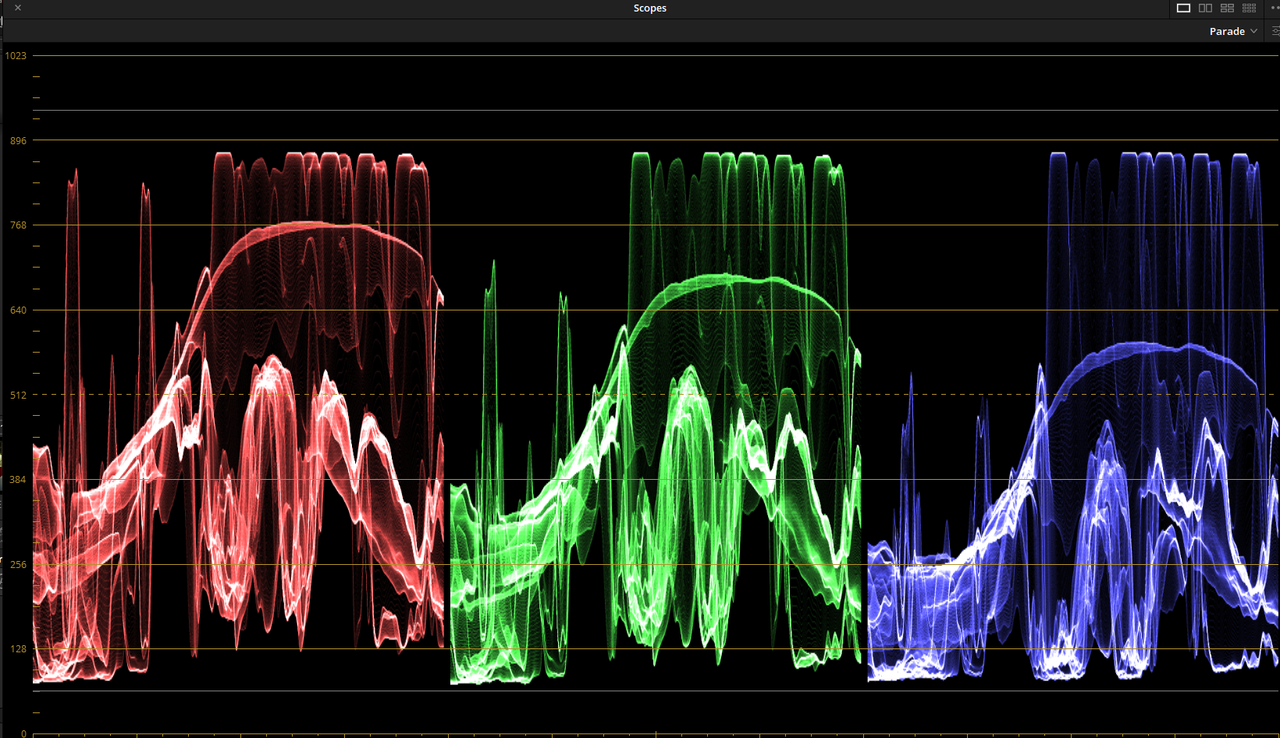
Parade Scopes

ACEScct

aces.png


Davinci Wide Gamut

dwg.png


IPP2- High/ Very Soft

IPP2-Hi-V-Soft.png


IPP2-Medium/Soft

IPP2-MED-Soft.png


IPP2-Medium/Very Soft

Screenshot-1212.png


IPP2-Medium/Very Soft-2 Log Shadow

neg-2-log-shad.png
 
Last edited:
Tried to match IPP2 to Davinci Wide Gamut. This time No Scopes.


Davinci Wide Gamut

DWG-1-2-2.jpg


IPP2 Medium Very Soft

ipp2-4-1-3-6.jpg


Screenshot-1216.png
 
Last edited:
Another Tone Mapping Test


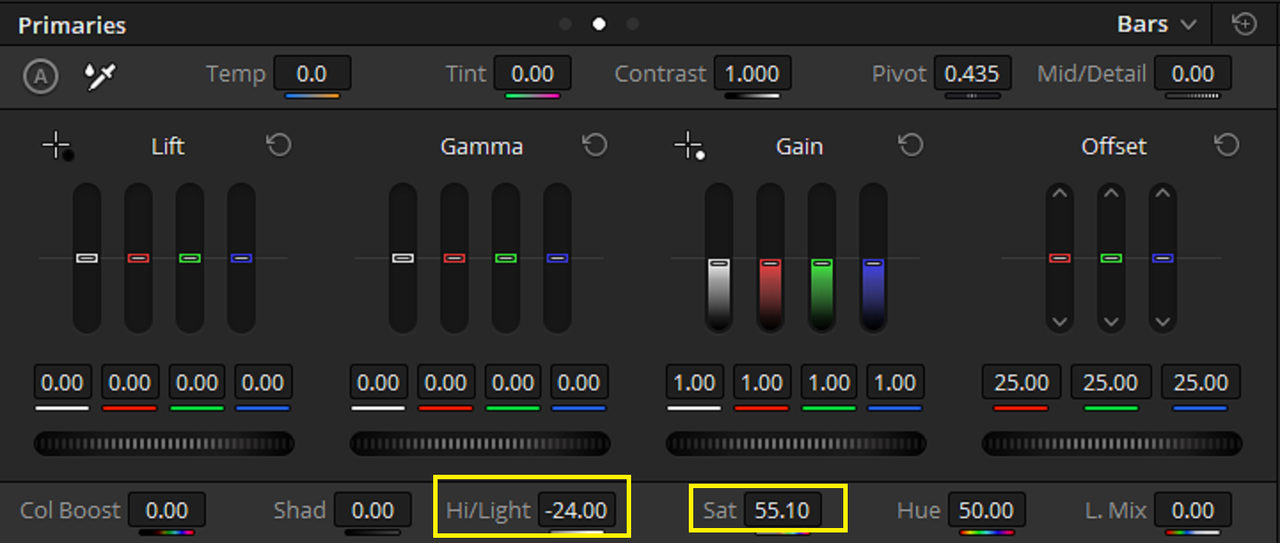
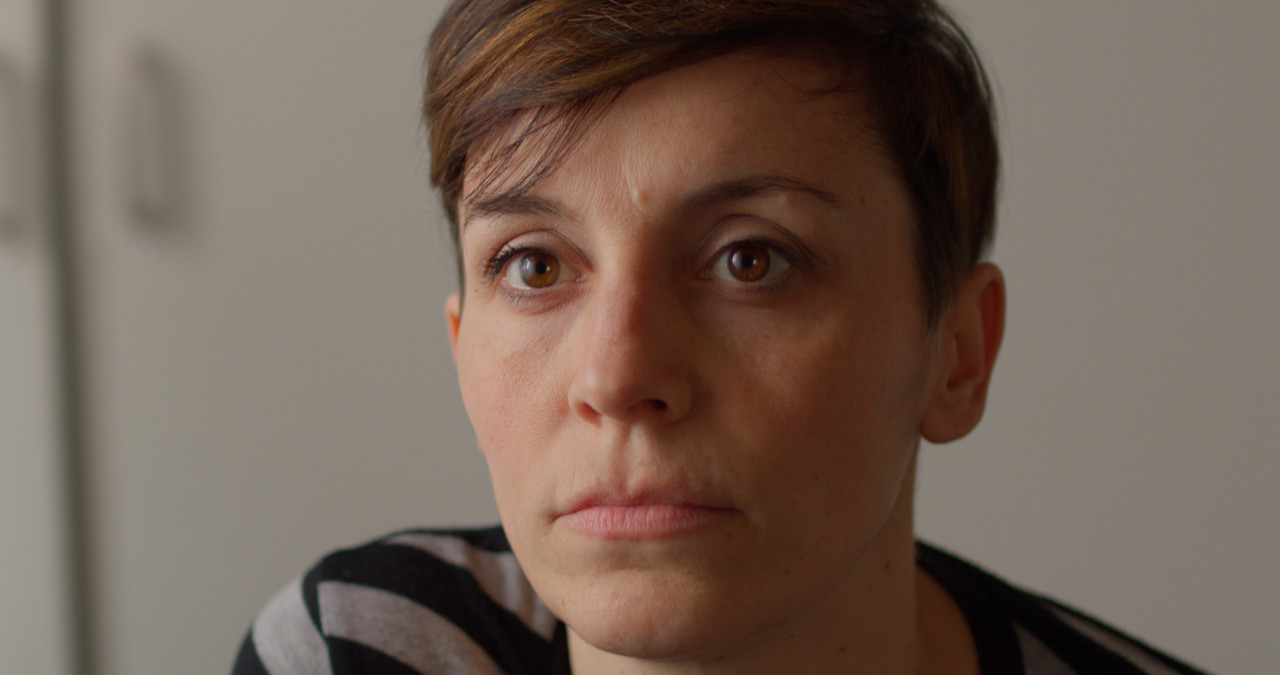
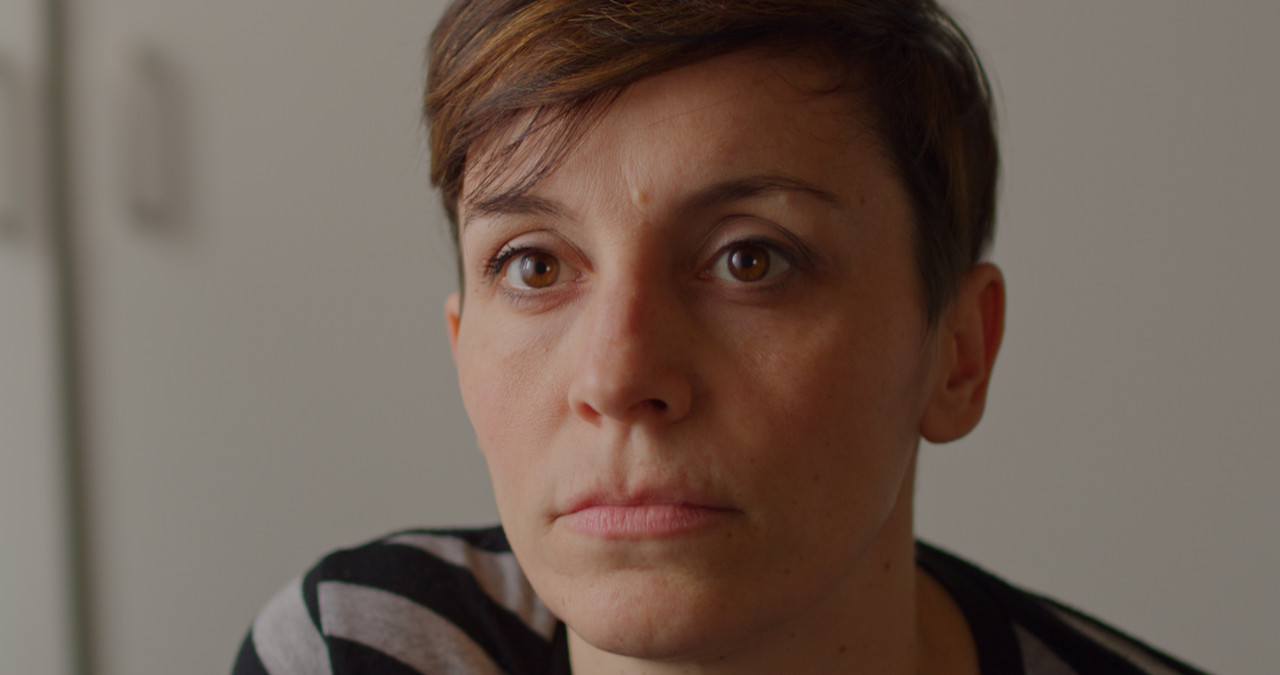
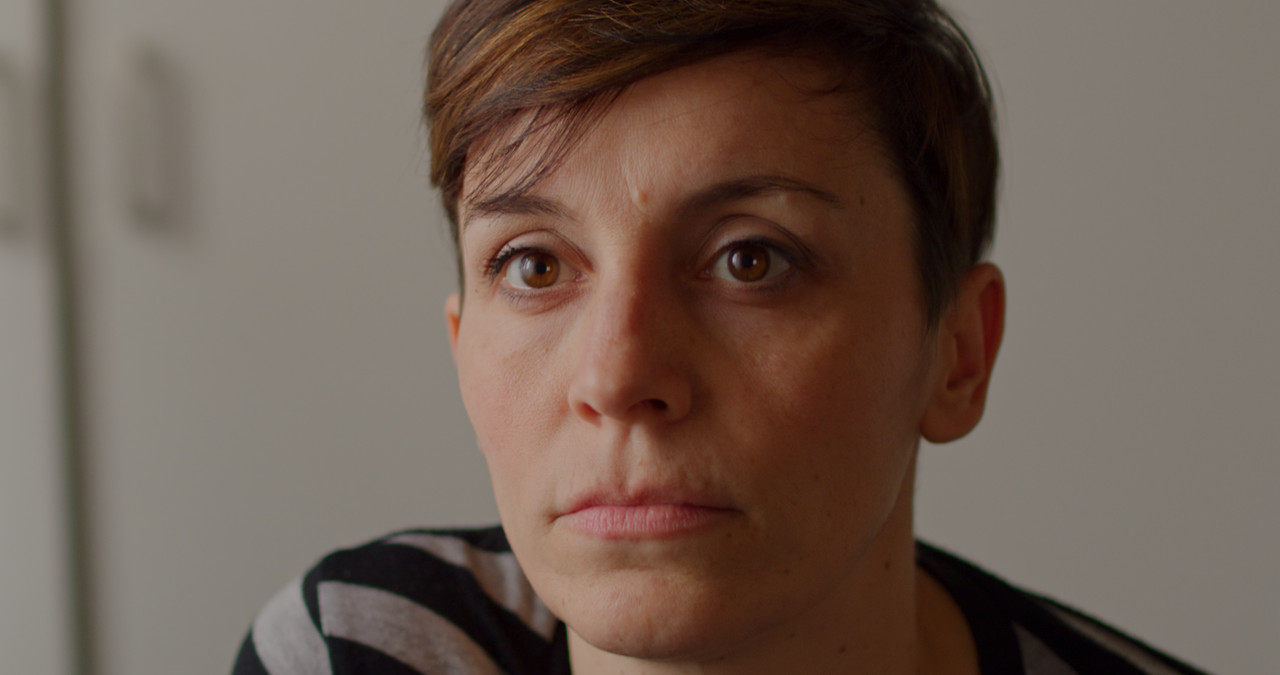
The Next 5 images have the exactly same Corrections, with the Medium/Very Soft example with the -24.00 Highlight/ 55.10 Sat additional settings. the same corrections as the others were added.

The Image below was provided by Luigi Valtulini

Davinci Wide Gamut

Davinci-Wide-Gamut.jpg


IPP2- Medium/ Very Soft with the additional -24.00 Highlight/ 55.10 Sat added and with 0 Log Shadow instead of -2

0-log-shadow-1-5-5.jpg


IPP2- Medium/ Very Soft with the additional -24.00 Highlight/ 55.10 Sat added with -2 Log Shadow

IPP2-Medium-and-Very-Soft-neg-22-HL-and-55-10-Sat.jpg


IPP2- High/ Very Soft

IPP2-Hi-Very-Soft.jpg


IPP2-Medium/ Soft

IPP2-Med-Soft.jpg


IPP2- Medium/ Very Soft

IPP2-Med-Very-Soft.jpg
 
Last edited:
Back
Top