Welcome to our community

Be a part of something great, join today!

  • Hey all, just changed over the backend after 15 years I figured time to give it a bit of an update, its probably gonna be a bit weird for most of you and i am sure there is a few bugs to work out but it should kinda work the same as before... hopefully :)

Resolve 17 new colour management implication for IPP2

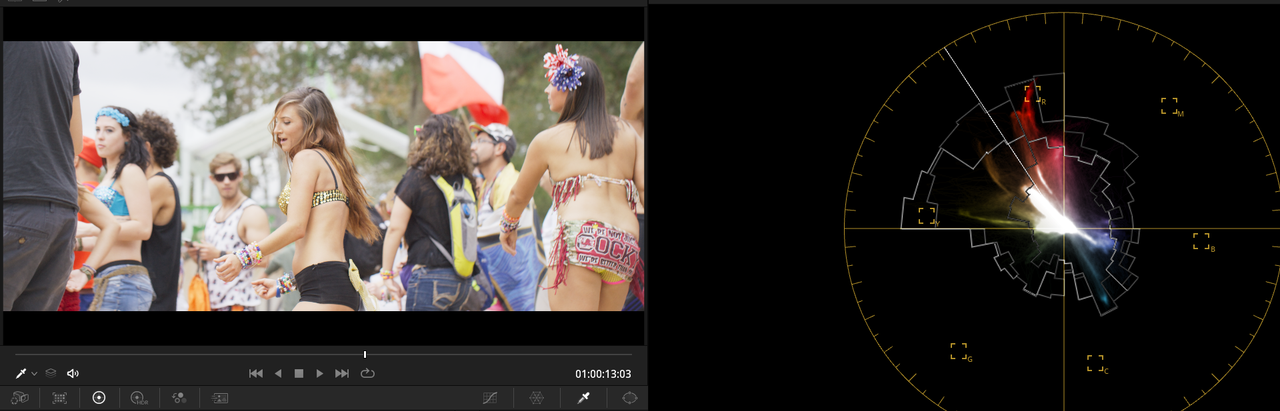
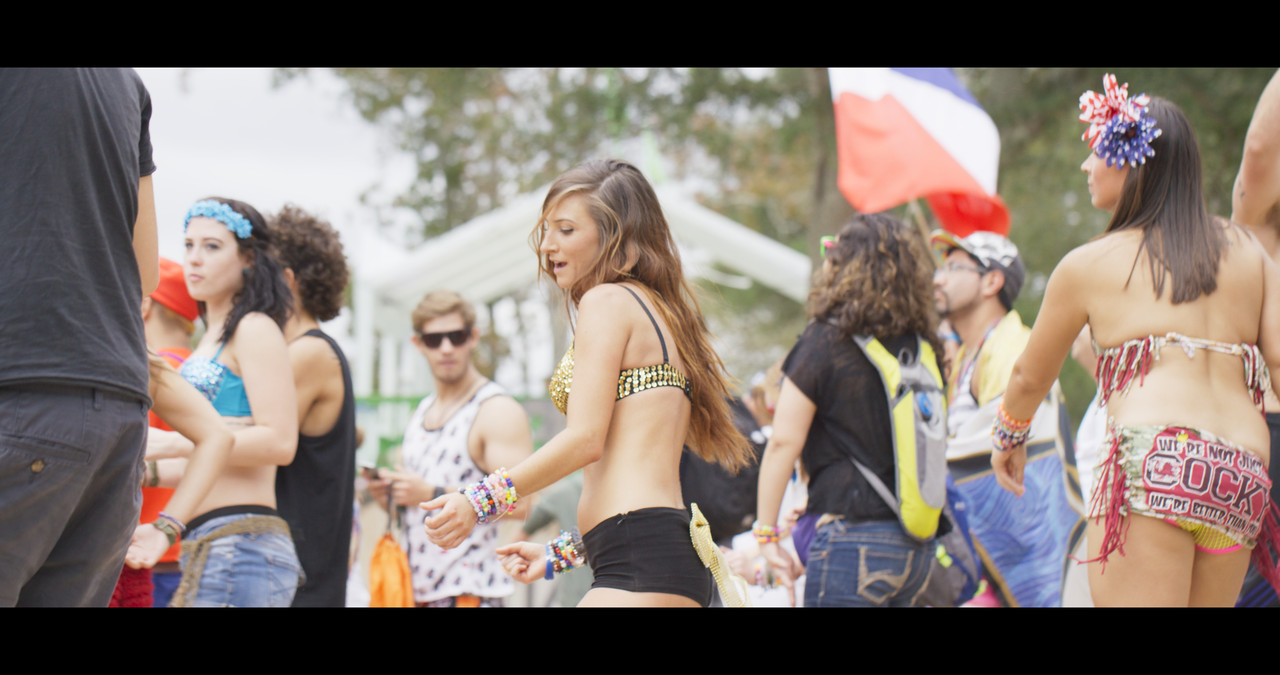
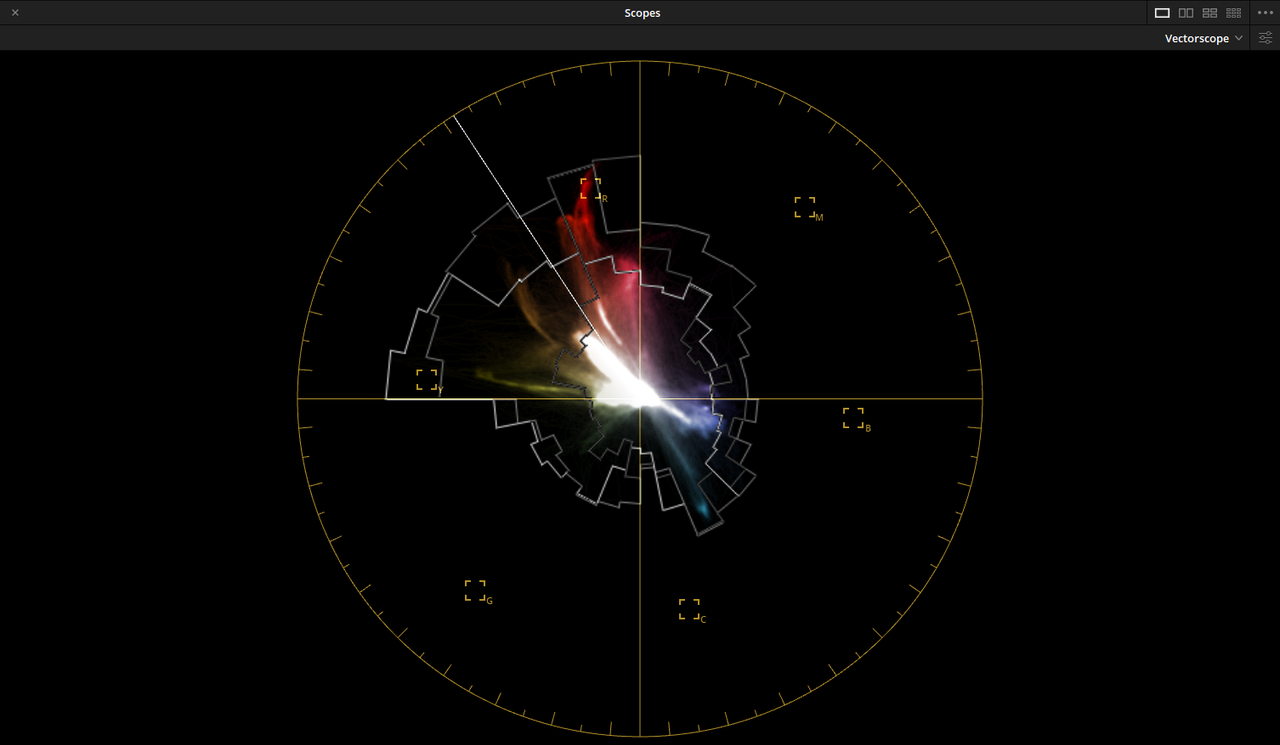
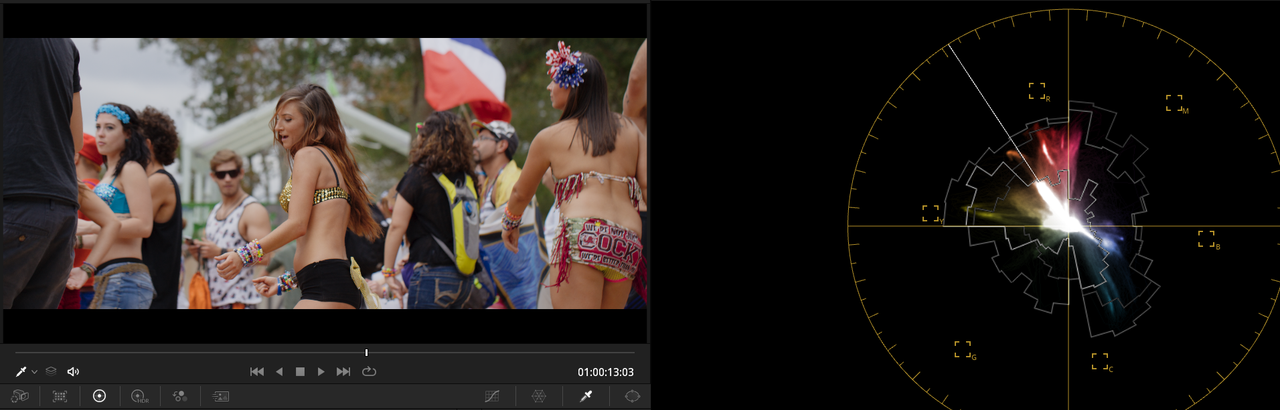
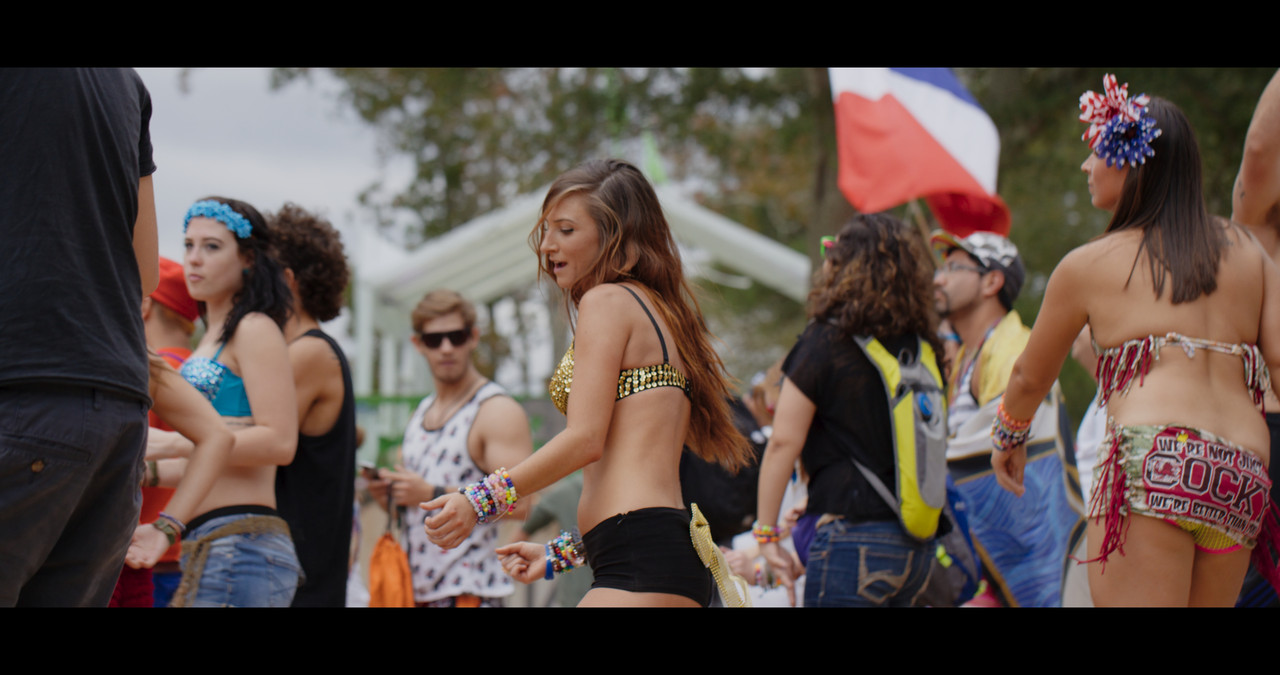
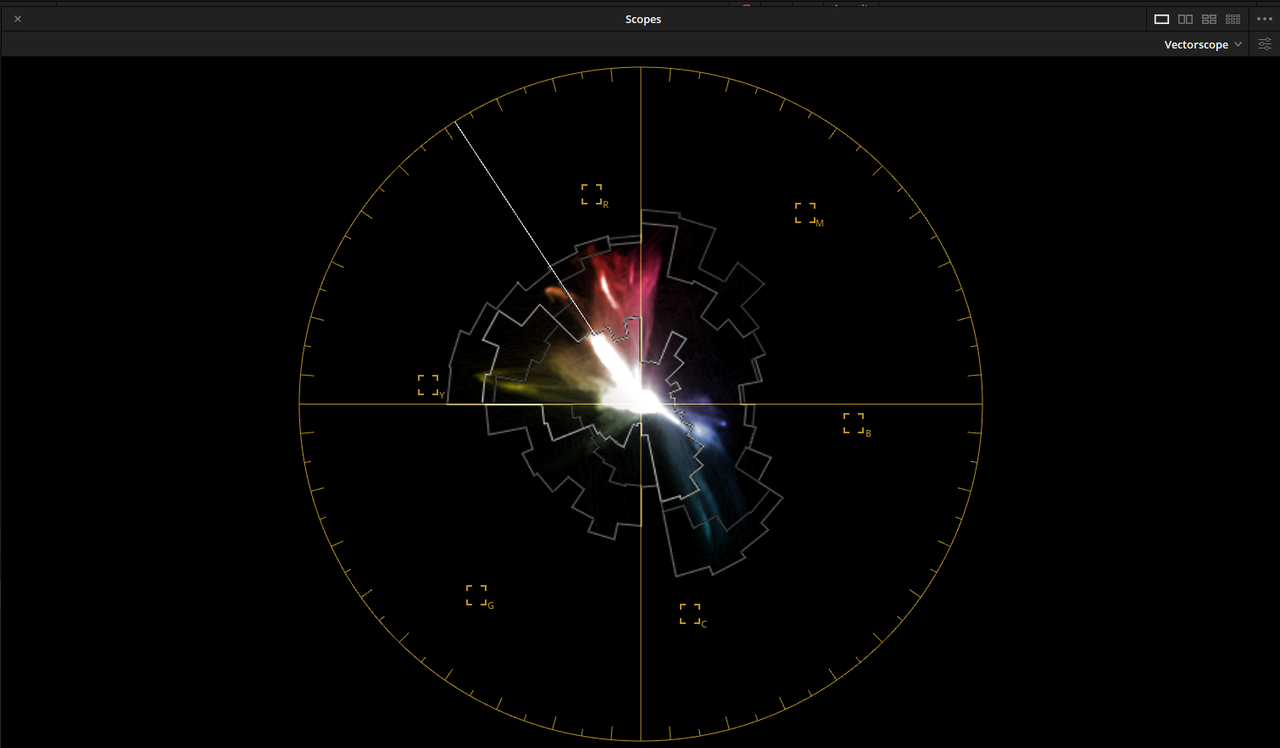
Tried to match IPP2 to Davinci Wide Gamut. This time No Scopes.

Firstly thanks for all the samples Rand, appreciated.

I'm on the fence right now. Resolve 17+ certainly pushes you into ResolveWG as the timeline and to use Resolve output mapping. Of course it's flexible enough that you don't have to. But if you do then you can take full advantage of the HDR grading palette which is so much better than the standard one and makes so much more sense.

What i like is the fact that in that palette i see a histogram of my entire source camera range and then can quite simply pinpoint where the corrections should happen.

My issues are really

- In that mapping from camera RWG/LogG10 at the start, do i miss any data? Answer is i'm pretty sure, no. I get everything
- In tone mapping (and IPP2 only maps to 1886 and 2020 right now) is there any benefit to the gamut massaging that happens in IPP2 vs Resolve. And i'm not sure yet. Your examples don't show anything that cannot be tweaked and mapped differently.

The IPP2 mapping is great, but it's like pre-canned grades in terms of contrast and rolloff. If you are working with footage in Resolve the contrast should be decided by your grade not the tone mapping. the IPP2 luts are perfect if you're handing off footage that won't be graded.

The claim is ResolveWG can losslessly move colourspaces in and out. If that holds true then it's a better way to deal with footage. Means i can take R3D in and deal with it in normal grading but at any time can pop a node or a LUT and set that to RGW/LogG10 and can use the output of that.

However what holds me back is that IPP2 understands the Red camera sensor and so are there colours specific to Red that are mapped in a way with IPP2 that i cannot map any other way. And i don't know. I need to shoot some odd saturated lights and see if i can break it

But so far in my tests i don't see a reason to use IPP2 at least in a way that a tiny contrast tweak in a single node won't give me with Resolve.

cheers
Paul
 
Paul,

Using IPP2 or not using IPP2 is going to have to be a choice only you can make. I've personally gotten great results with Davinci Wide Gamut and ACEScct with a little Help with the OFX Gamut Mapping plugin.

There are all kinds and qualities of methods for transforming an image be it an image in a Log profile or an already transformed Rec 709 image. When IPP2 was in beta, I didn't understand why I would use it. I was using Avid Media Composer back then with the optional Symphony add on. I took pride in always developing my own curves back then and didn't really see how this IPP2 workflow thingy could do any better.

The problem I was having was that I was spending too much time on developing the Red R3d manually with my own curves and what I thought was the appropriate look and saturation levels of the colors of the Red Raw files. The curves I made did the job but I could never get colors as good as what the IPP2 beta Transformation were giving, the colors as meant by Red for its red sensors. So I realized that the huge amount of time I was saving in not trying to manually develop the Red image on my own and the quality and gamut mapping of the colors made the IPP2 workflow a no brainer.

You called the IPP2 transformational method precanned, however couldn't you also call all LOG transformational Luts from Arri, Sony, Canon..etc and Davinci Wide Gamut and ACES IDTs the same thing. I mean if your definition of precanned is giving a predetermined technical/sensor optimized / creative look to a file to start your initial grading from, then aren't they all precanned?


Davinci Wide Gamut and especially ACEScct are still readily available to process your Red Raw files without the need for the IPP2 workflow. But be careful that you understand that some of the things that the IPP2 workflow does " under the hood" that is taken for granted may not be taken care of by either DWG or ACES, and it will fall upon you to do on your own.
 
Last edited:
Paul,

If you have or even want to do it, if you post any of the Komodo R3d files you care to upload, I'll show you my workflow on how I would process it in Resolve in all or either IPP2, DWG or ACEScct.
 
Tone and Gamut Mapped Red .R3d in ACEScct with OFX Gamut Mapping


ACEScct RED R3D image before Gamut Mapping and additional Grading

Screenshot-1228.png


Untitled-1-1-1.jpg


Screenshot-1231.png


ACEScct RED R3D image After Gamut Mapping and additional Grading


Screenshot-1229.png


Untitled-1-1-2.jpg


Screenshot-1230.png
 
Massimiliano,

It seems an IPP2 Lut Based workflow will suit your workflow better! Let me gather the Screen Grabs together to show you.
 
Massimiliano,


First, Excuse me for shortening your name for the new project.


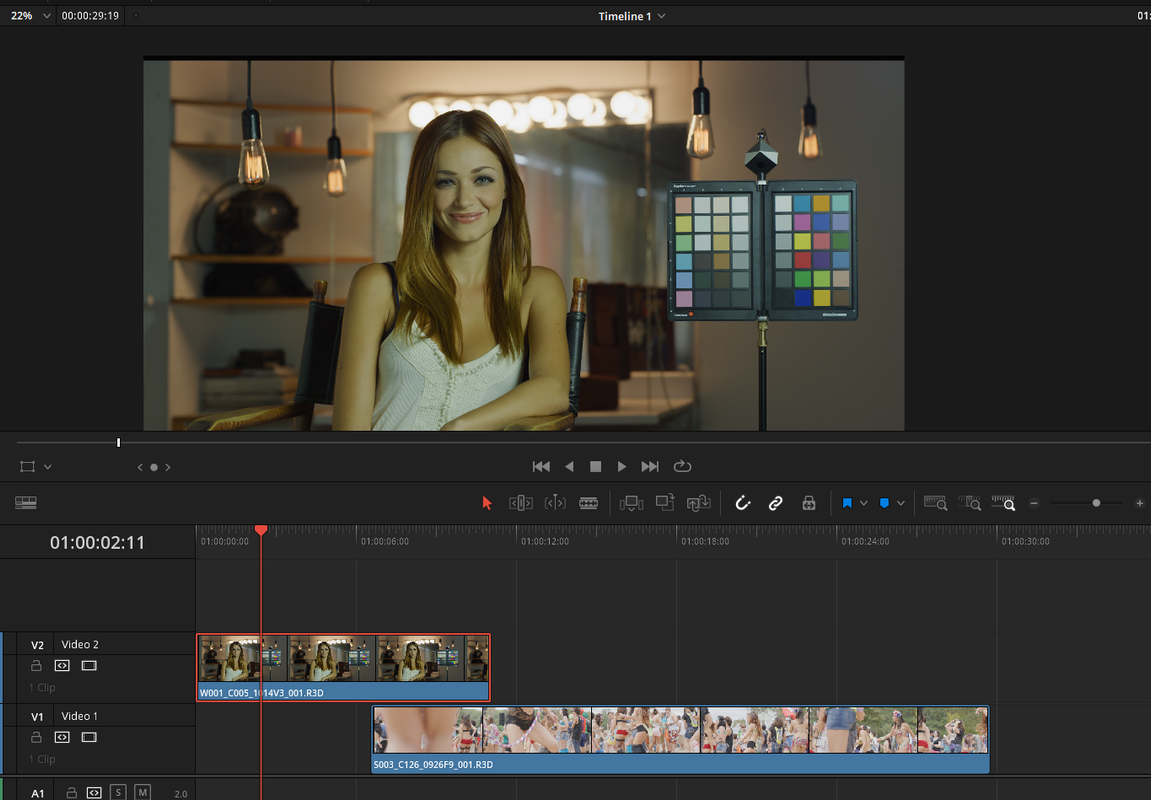
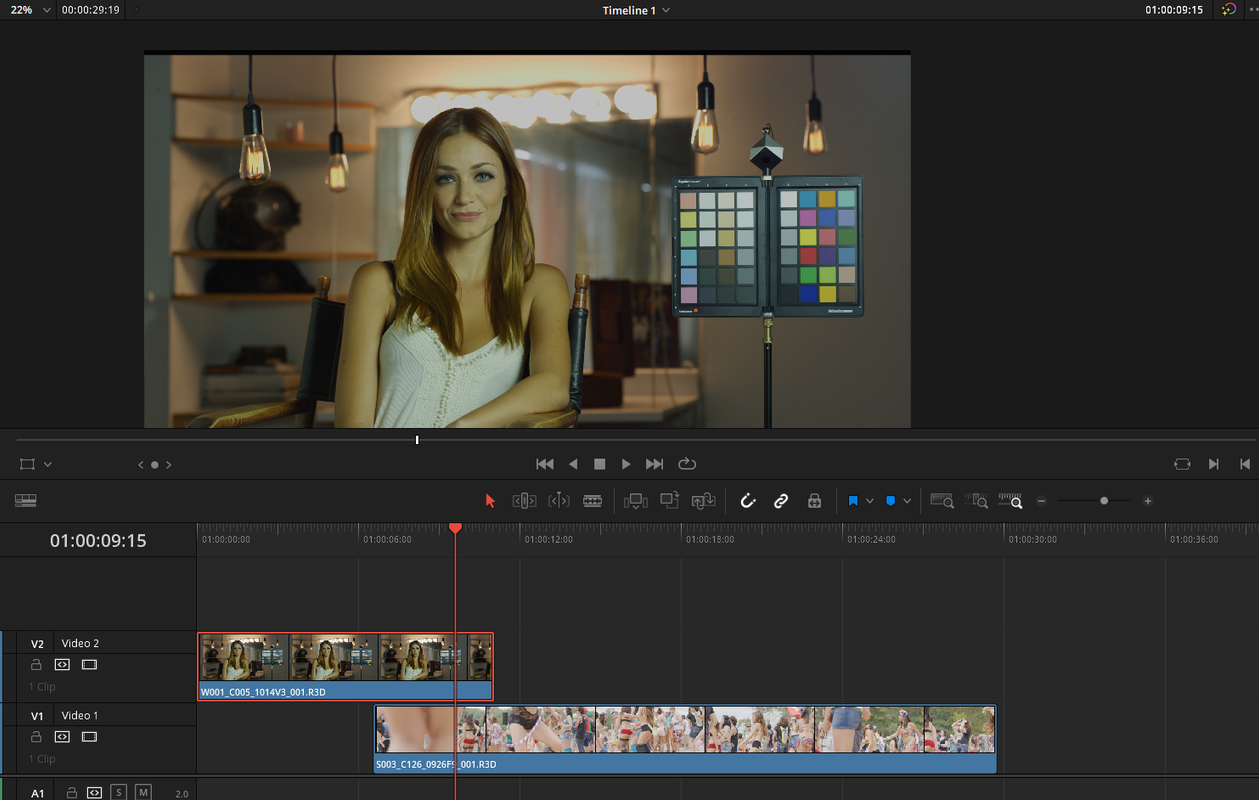
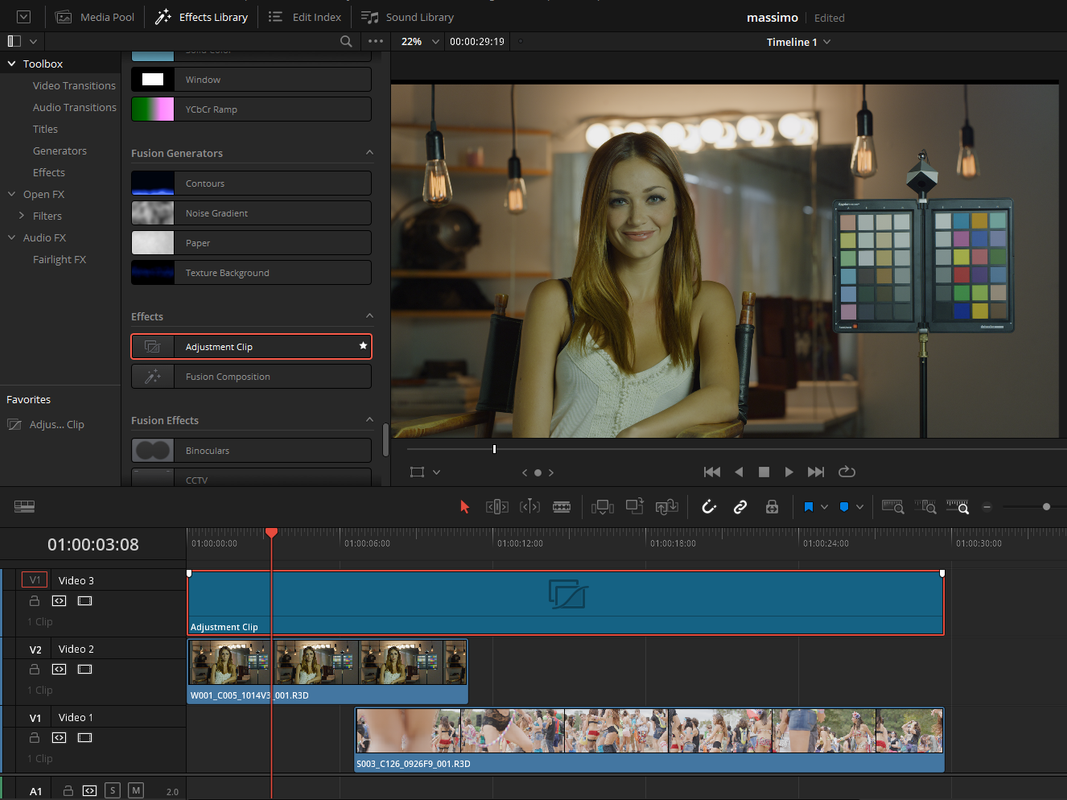
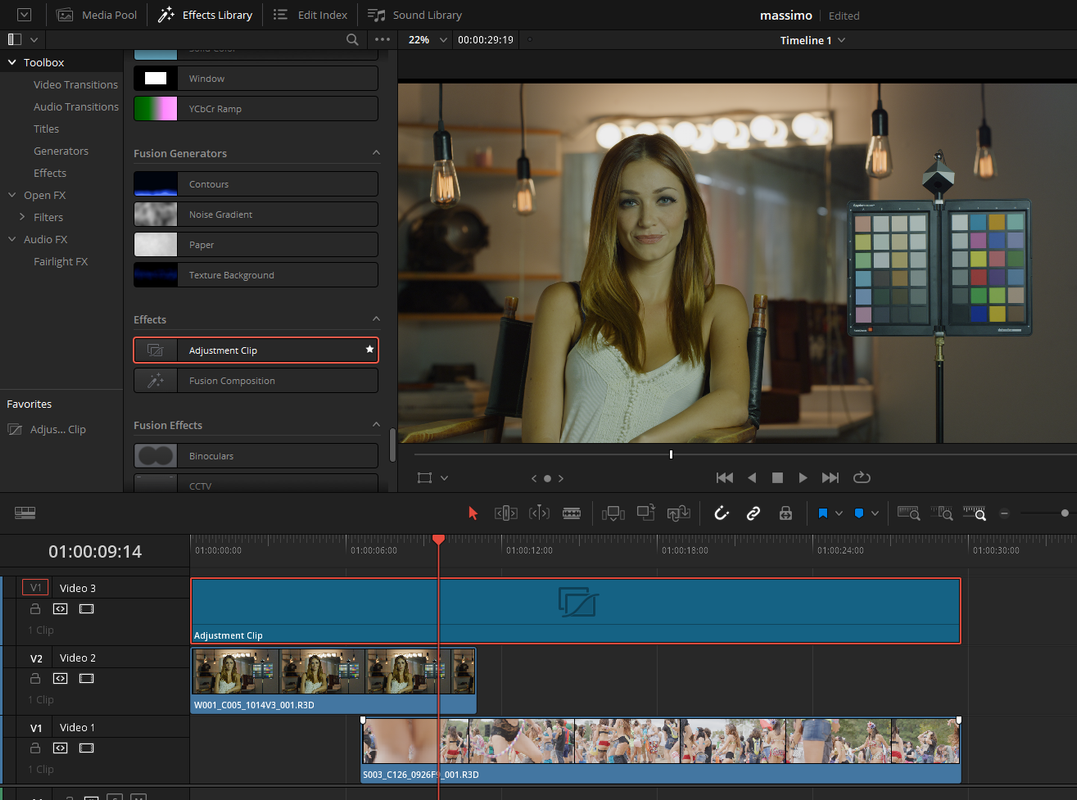
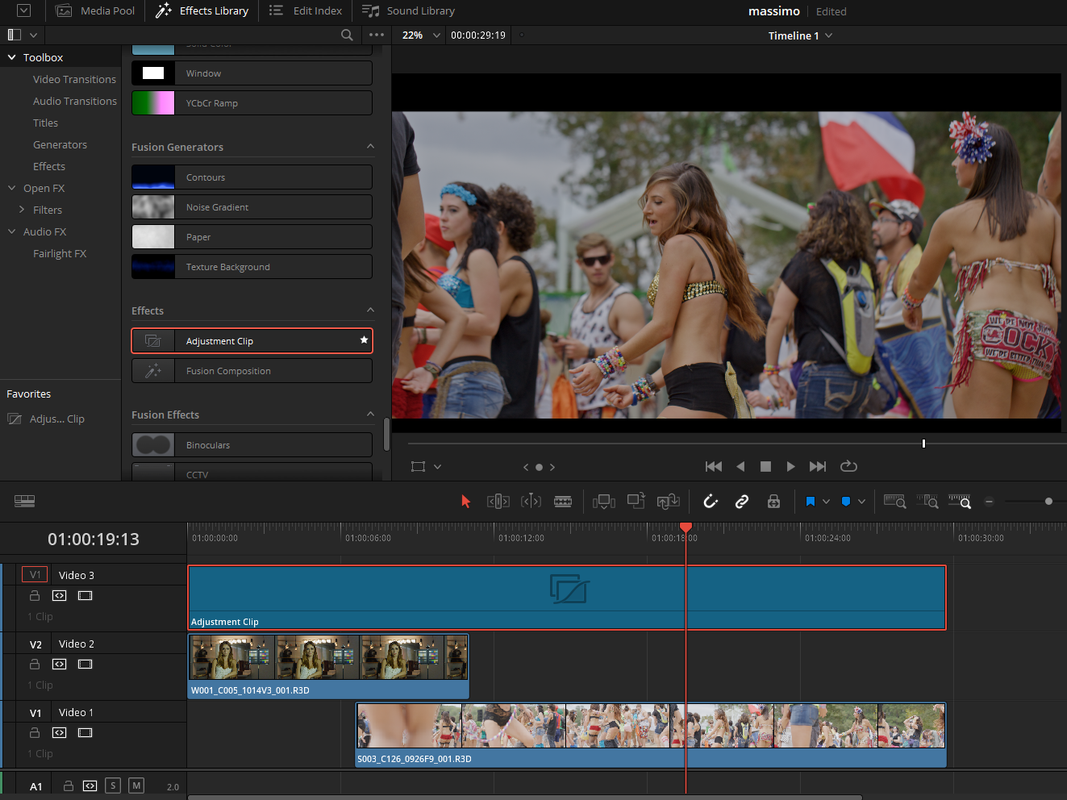
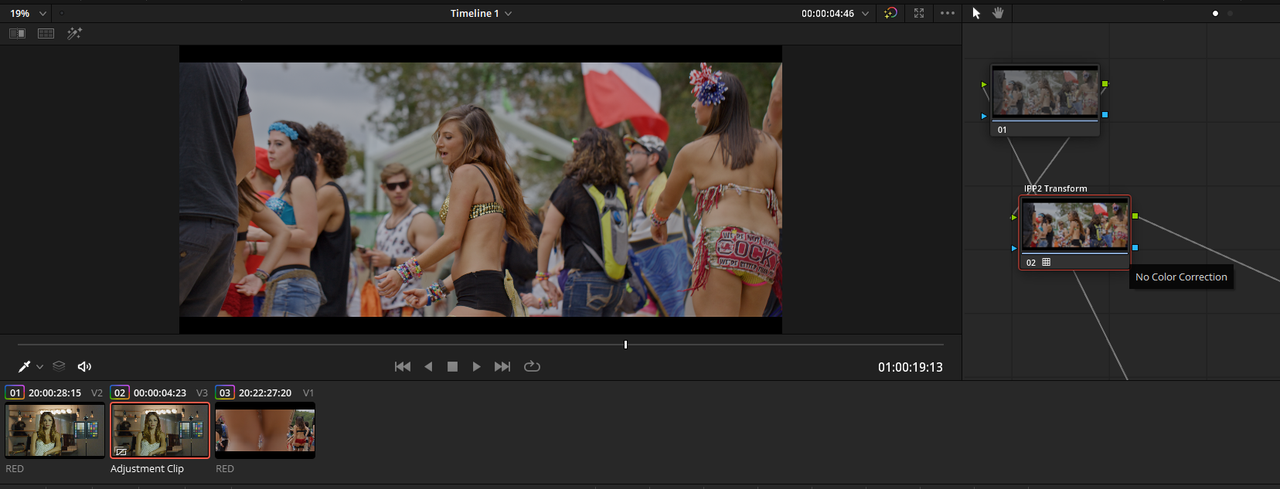
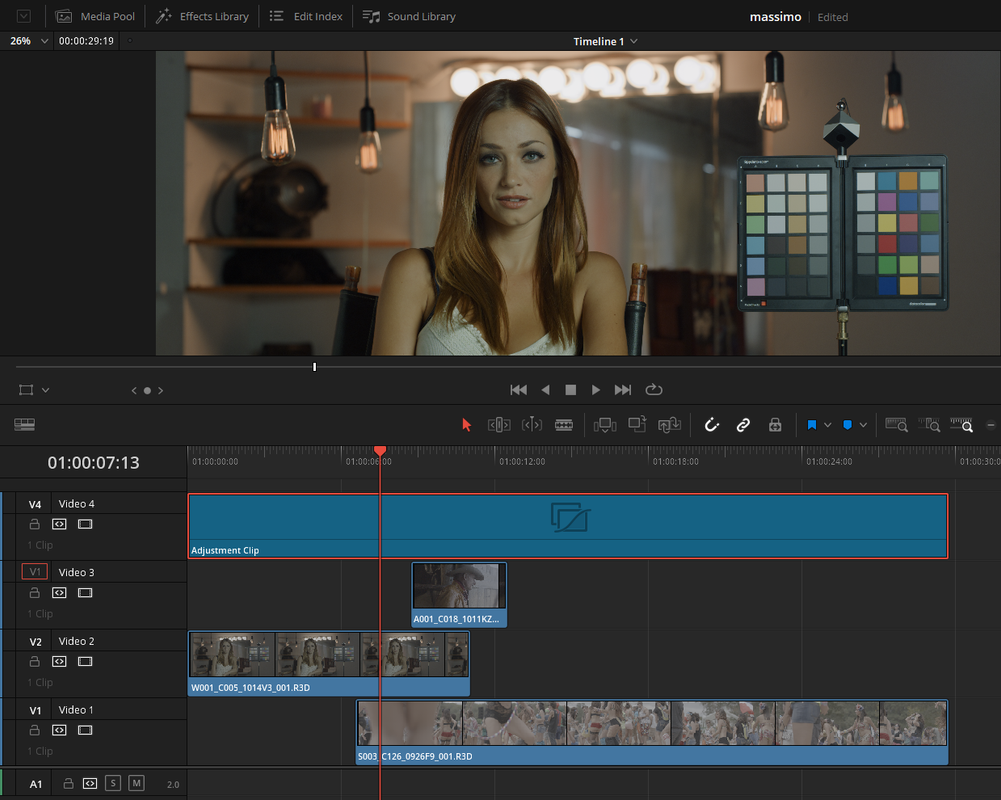
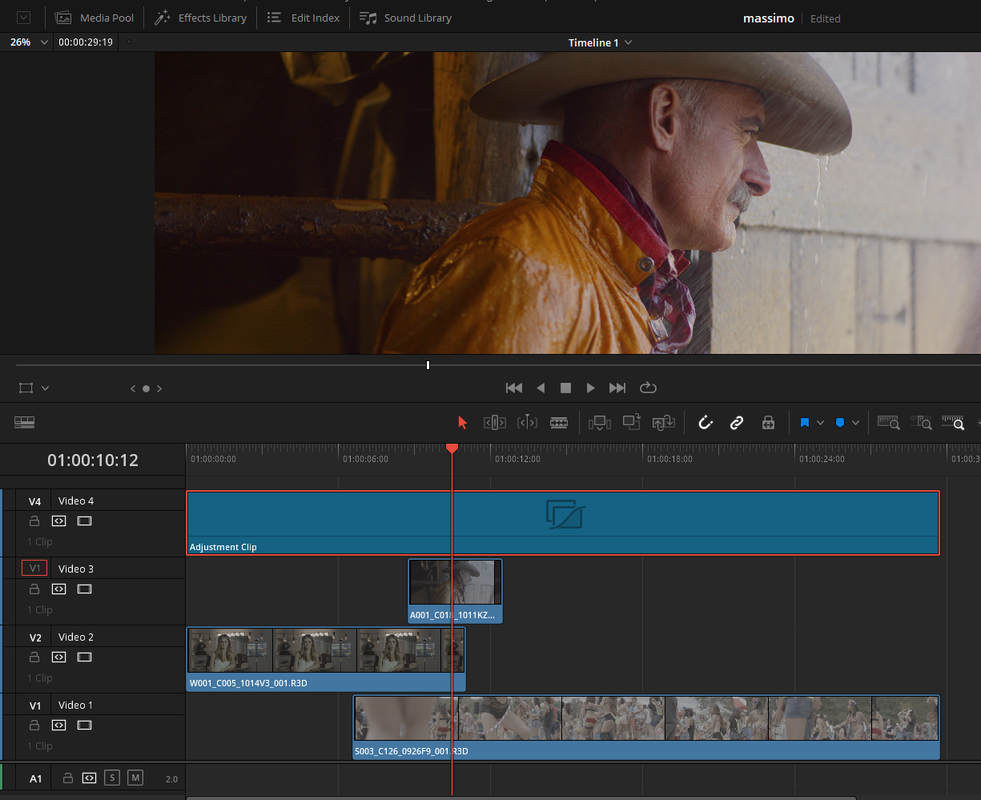
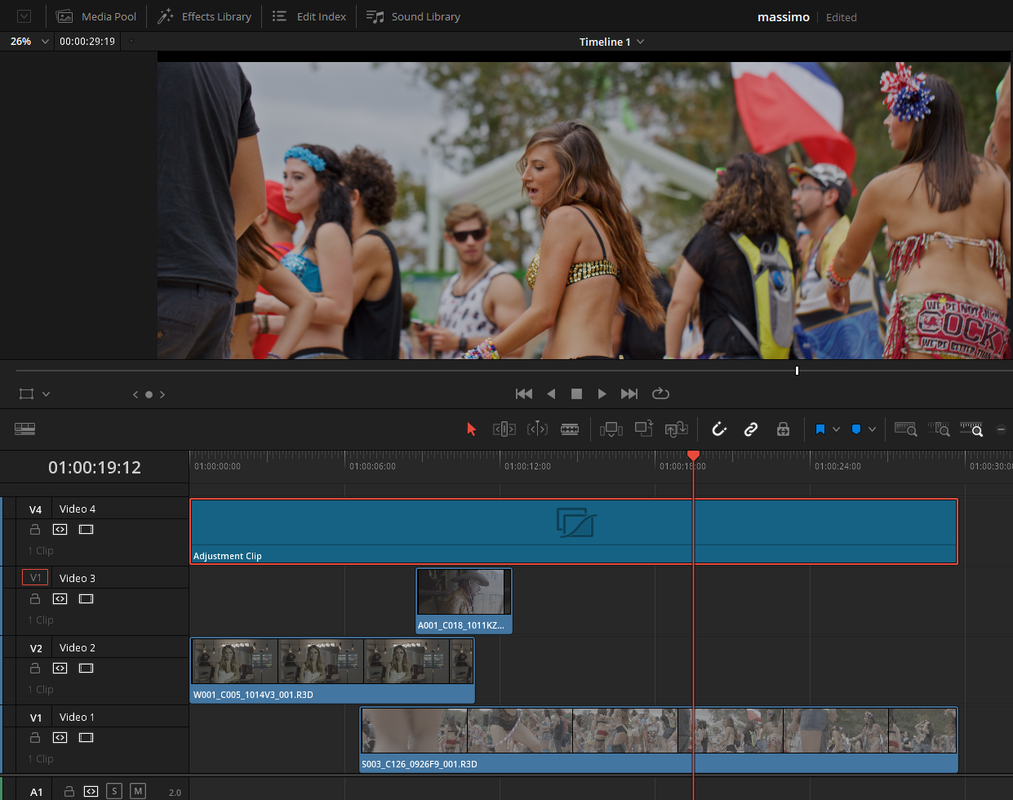
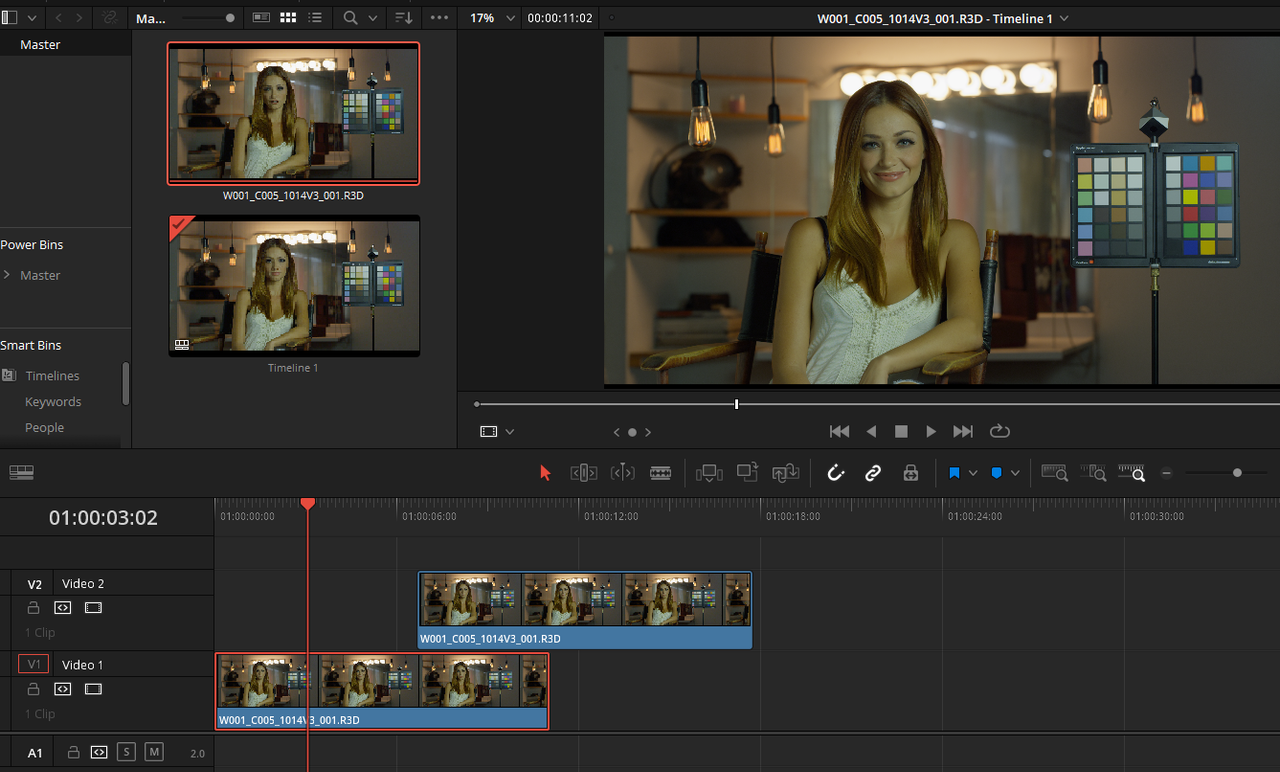
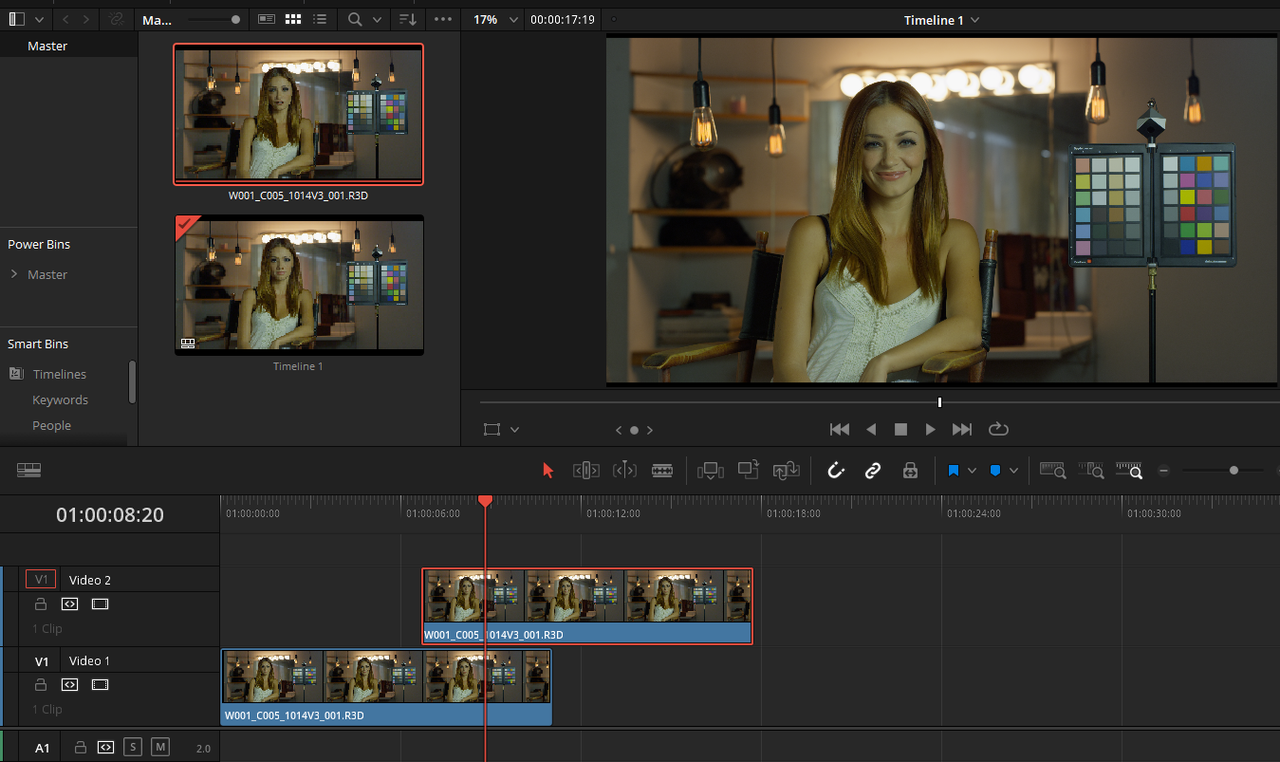
For How you work with overlaying Red .r3d on multiple tracks, until Blackmagic figures this out, I would use an "ADJUSTMENT LAYER" on the highest Track of your Red .R3D files and add an IPP2 Transform Lut to it.


I was able to recreate the problem you demonstrated.


Screenshot-1251.png


Screenshot-1252.png


Use an IPP2 Lut based workflow but with an "ADJUSTMENT LAYER" added to the highest Track above your RED .RAW tracks. Simply just putting an IPP2 transform on each red raw file in each track will still cause the same problem as before.


Screenshot-1254.png


Screenshot-1260.png


Screenshot-1259.png


Screenshot-1262.png


Screenshot-1263.png


Important

Be sure to only apply the IPP2 Transform Lut to the Adjustment Layer. Click on the clips in the individual tracks to make further corrections. If you apply additional corrections to the ADJUSTMENT LAYER, they will affect all of the tracks underneath.
 
Last edited:
Here's Three RED .R3D Tracks


Screenshot-1274.png


Screenshot-1272.png


Screenshot-1273.png
 
Last edited:
Amazing thank you Rand!

What about the “work around” pumping the timeline working luminance to 1K?
 
You're Welcome Massimiliano!,


My only thing about the 1000 Nits luminance is that it looks like a cure for the problem in the "TIMELINE" but how will that get "TONE-MAPPED' back to "100" Nits for SDR REC709 at the EXPORT stage? Maybe it does somehow, I will have to try it later and check and see.
 
Last edited:
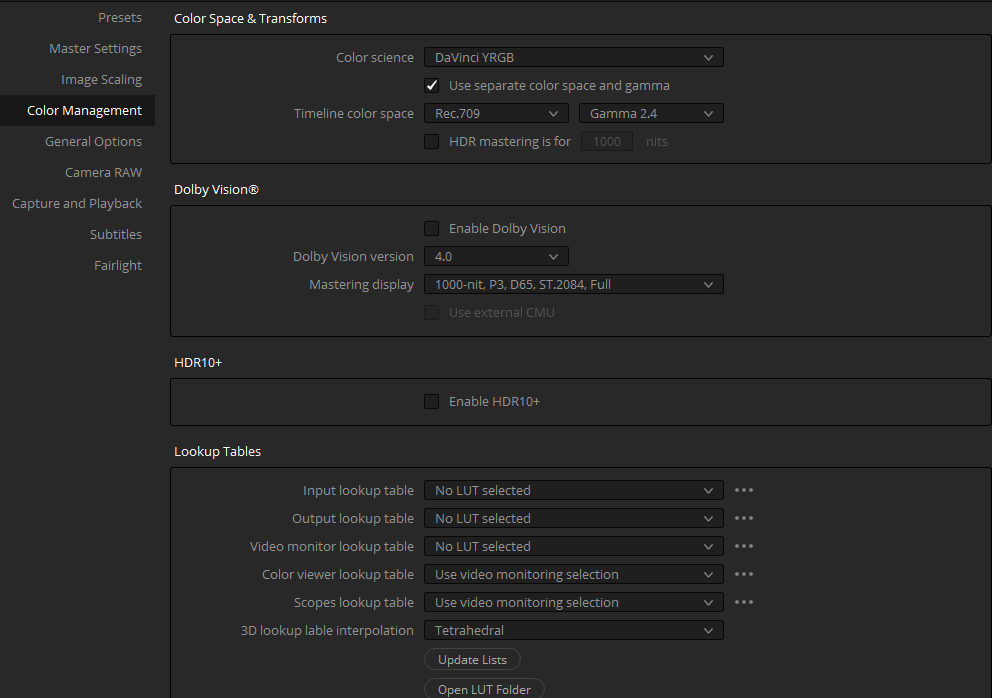
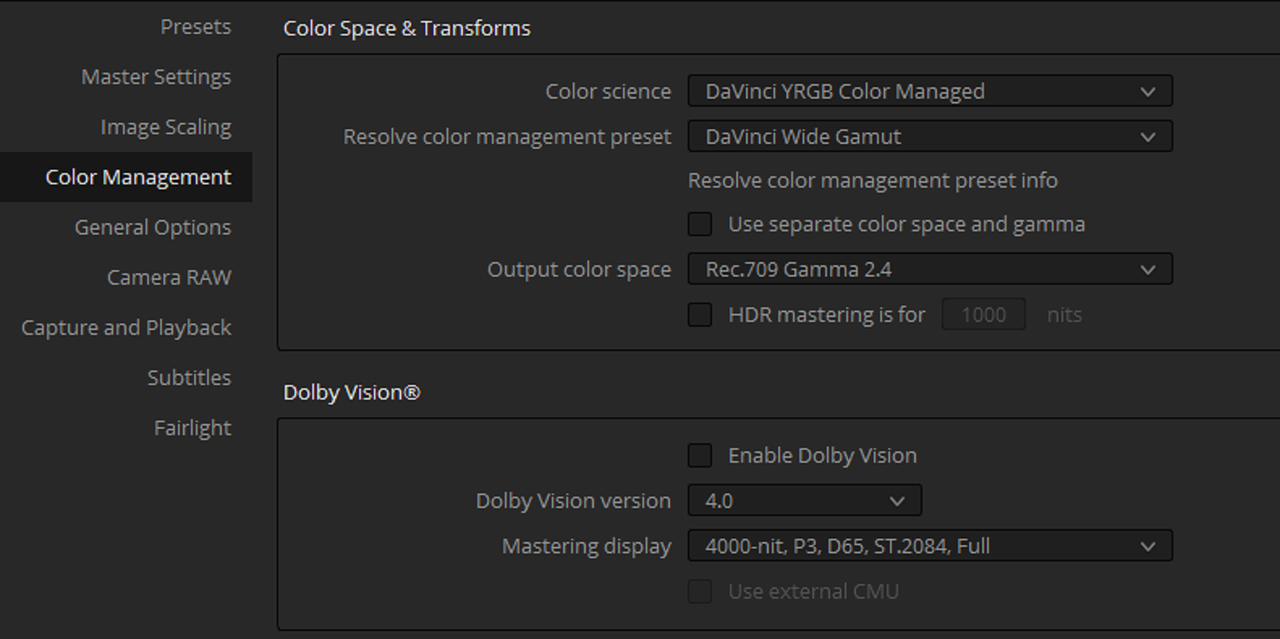
Fixed changing this option:

Screen-Shot-2021-04-10-at-19-33-58.png


but don't know if that cause any other issue...

Just saw this,

Yeah, I don't know either. for a Standard REC709 SDR project it should be "100" Nits. Resolve 17's Color Management still has some funky things going on especially in Resolve 17.1. So I'm still trying to rectify a few things myself.
 
Massimiliano,


My only thing about the 1000 Nits luminance is that it looks like a cure for the problem in the "TIMELINE" but how will that get "TONE-MAPPED' back to "100" Nits for SDR REC709 at the EXPORT stage? Maybe it does somehow, I will have to try it later and check and see.

Yep need some testing maybe can be something that “works” until a true fix
 
Massimiliano,


It doesn't do it in a "DAVINCI WIDE GAMUT" project. I would hate to think that Blackmagic was deliberately trying to Fuck the IPP2 workflow in favor of their DWG workflow.


Screenshot-1277.png


Screenshot-1275.png


Screenshot-1276.png
 
Massimiliano,


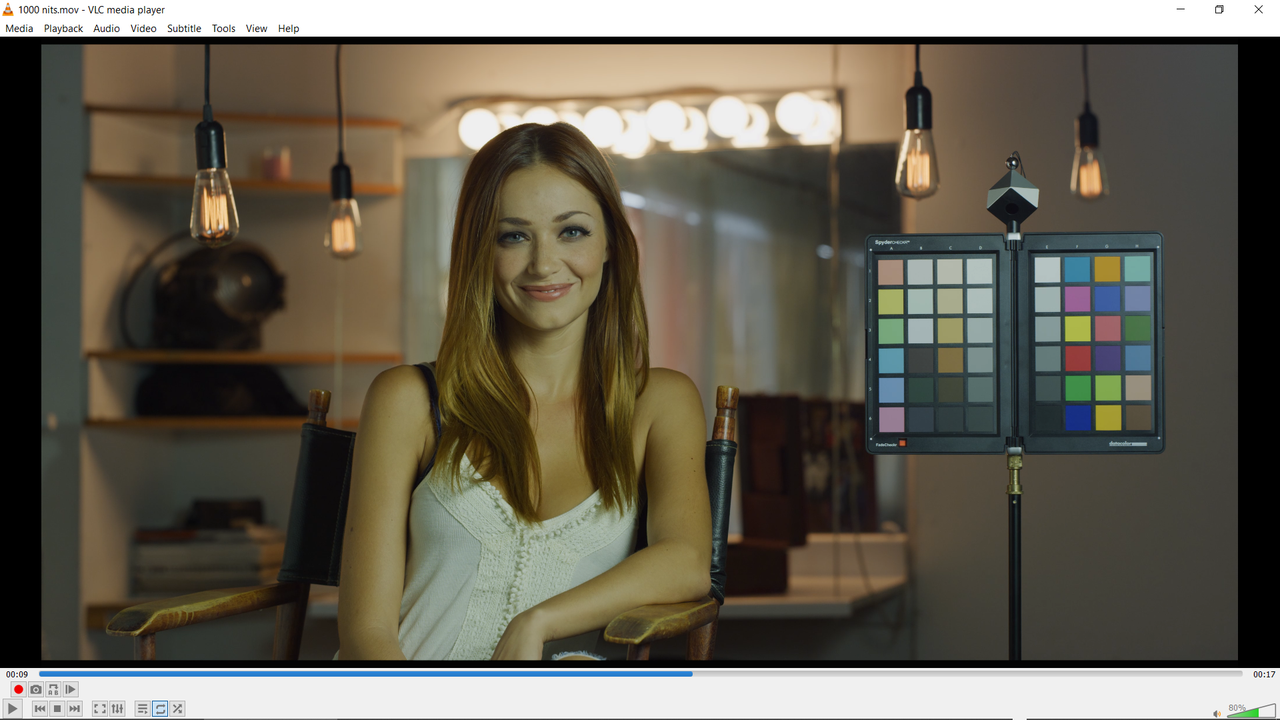
I exported two overlapping R3D's with 1000 Nit "Custom" Setting, It appears to play okay on my Laptop and in VLC PLayer. Now how it will look on a Television I don't know.


The example below is paused in VLC Player where the overlap of the two RED R3D occurs. Exported out as a REC709 project.

Screenshot-1278.png
 
Massimiliano,


It doesn't do it in a "DAVINCI WIDE GAMUT" project. I would hate to think that Blackmagic was deliberately trying to Fuck the IPP2 workflow in favor of their DWG workflow.

If no one has already done yet we should fill a bug report
 
If no one has already done yet we should fill a bug report


Massimiliano,


This might be how it was designed to work for some internal / HDR re-purposing process that Blackmagic Design has not appropriately explained yet. I'll go back and read the Resolve 17 manual a little more intently to see.


EDIT:


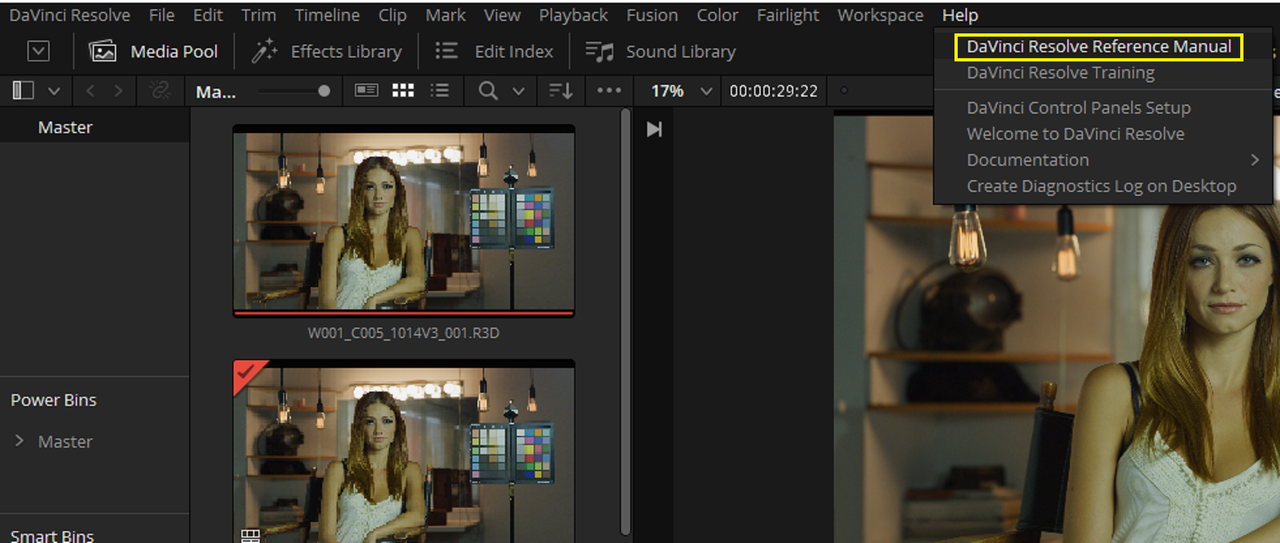
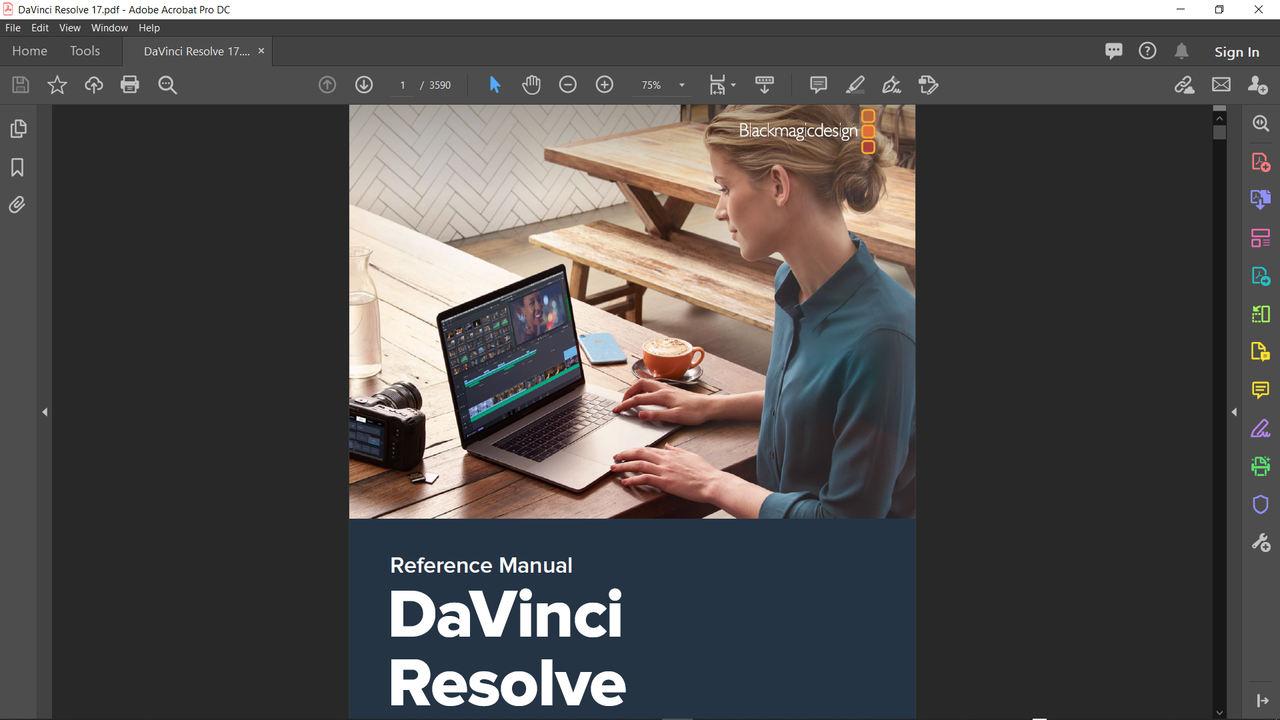
You can find the Resolve reference Manual under the "HELP" tab. All 3590 pages of it, Enjoy!! Well it looks like the manual hasn't been updated the Resolve Reference Manual since August 2020.

Here's the "DAVINCI RESOLVE 17 NEW FEATURE GUIDE" updated February 2021 at the link below.
https://documents.blackmagicdesign....ve_17_New_Features_Guide.pdf?_v=1614240010000

Screenshot-1279.png


Screenshot-1280.png
 
Last edited:
Back
Top