Welcome to our community

Be a part of something great, join today!

  • Hey all, just changed over the backend after 15 years I figured time to give it a bit of an update, its probably gonna be a bit weird for most of you and i am sure there is a few bugs to work out but it should kinda work the same as before... hopefully :)

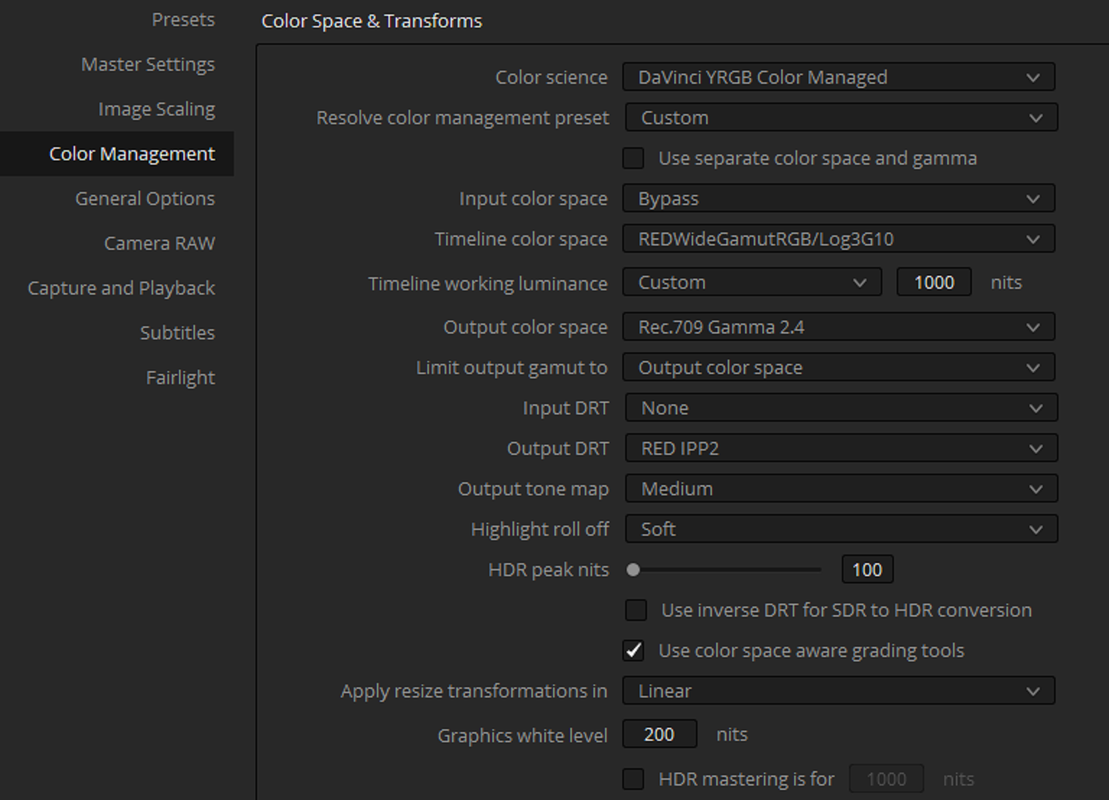
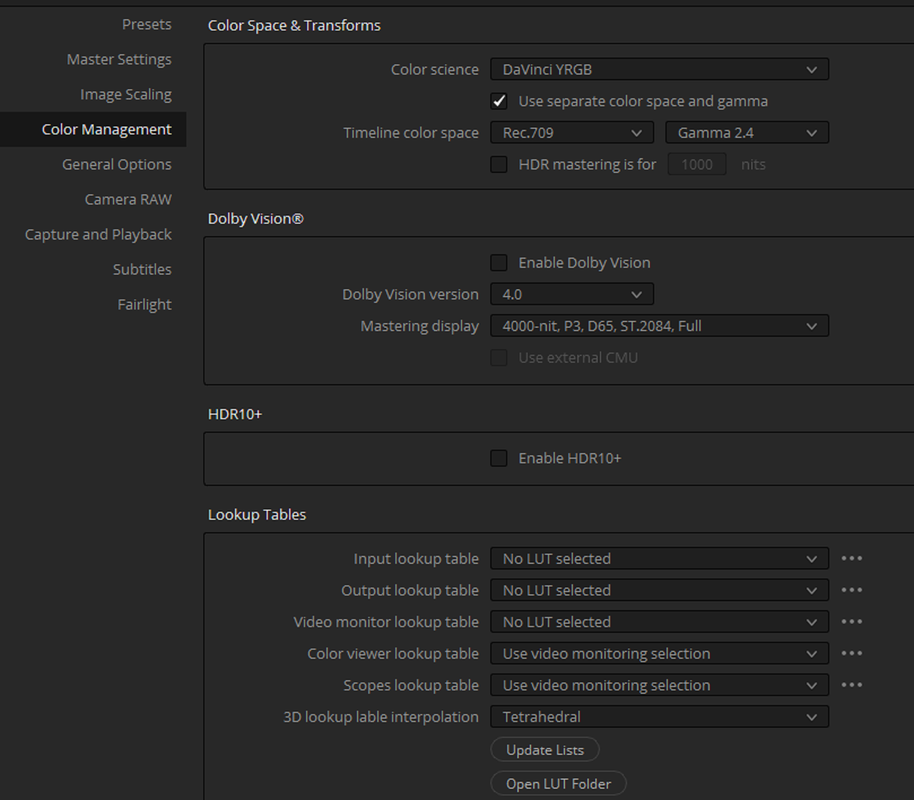
Resolve 17 new colour management implication for IPP2

Massimiliano,


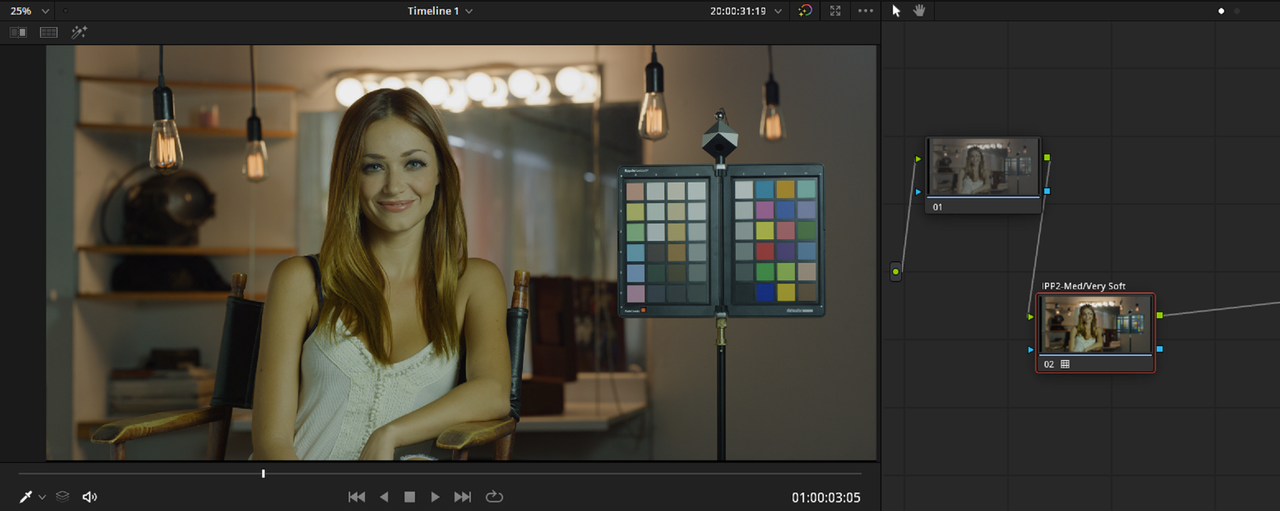
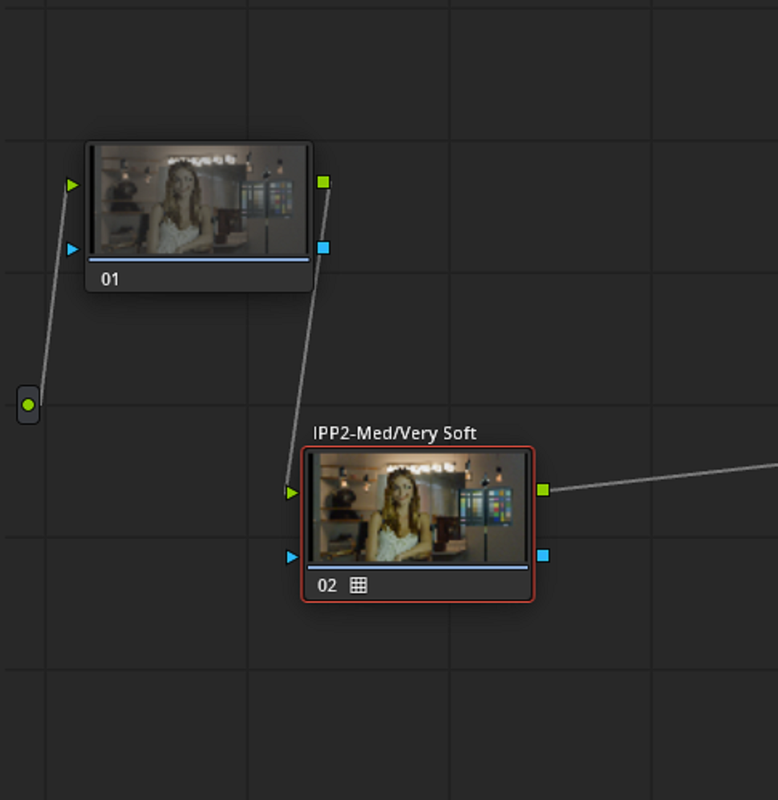
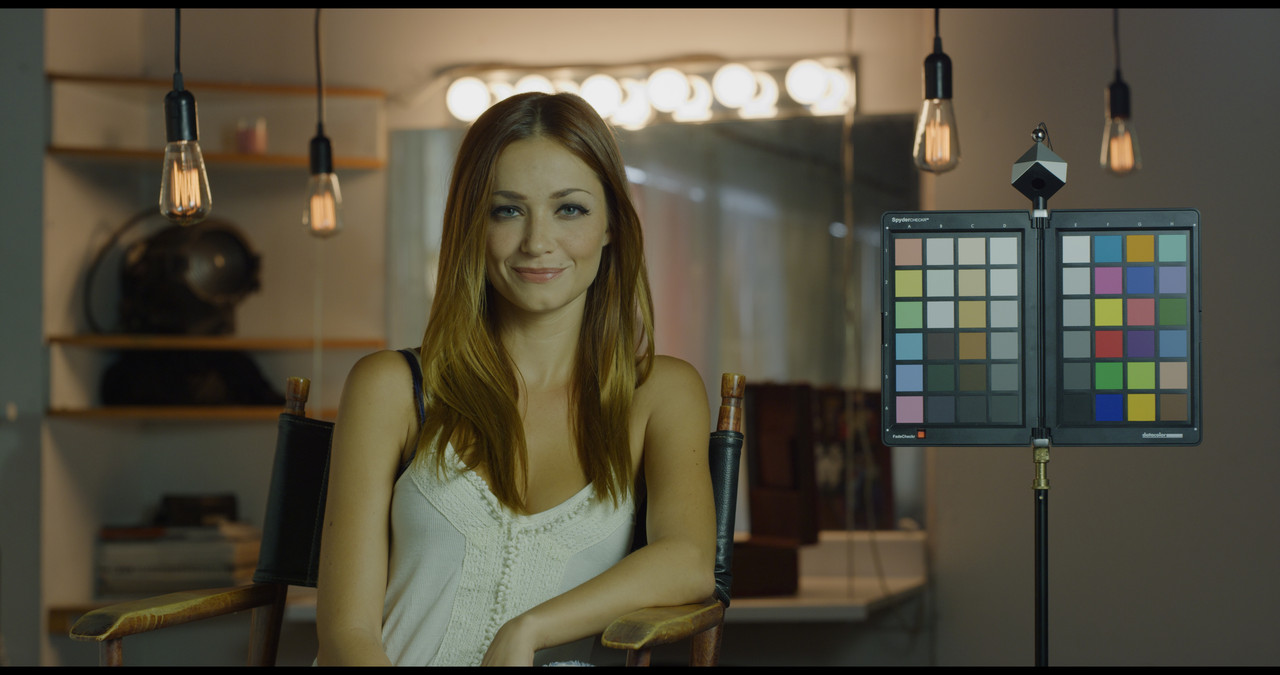
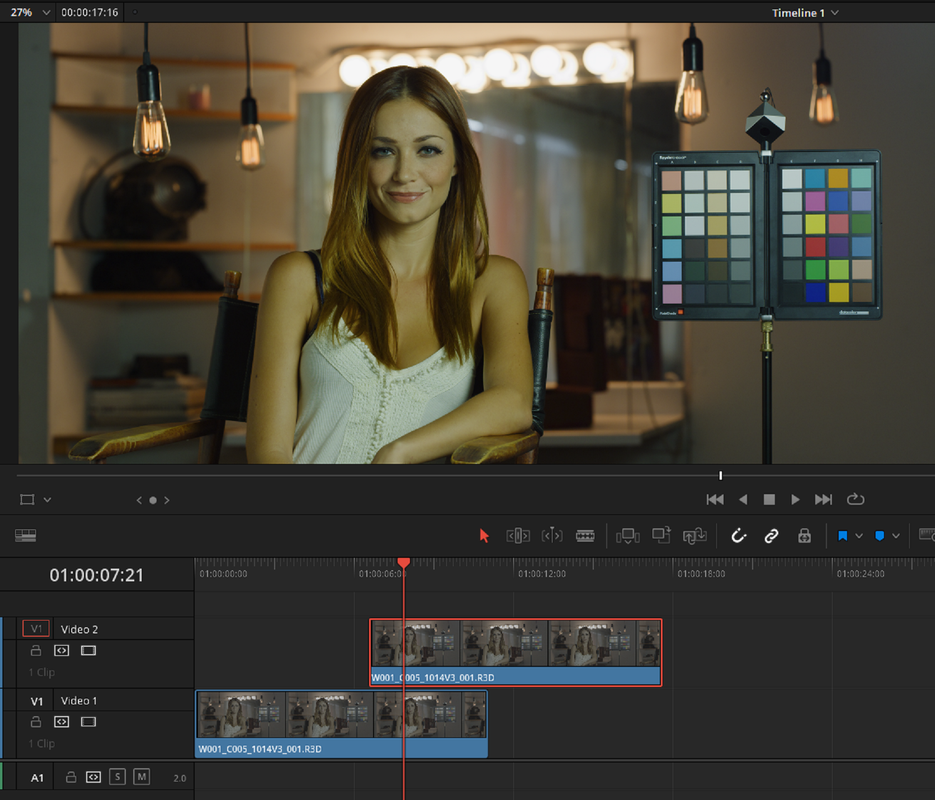
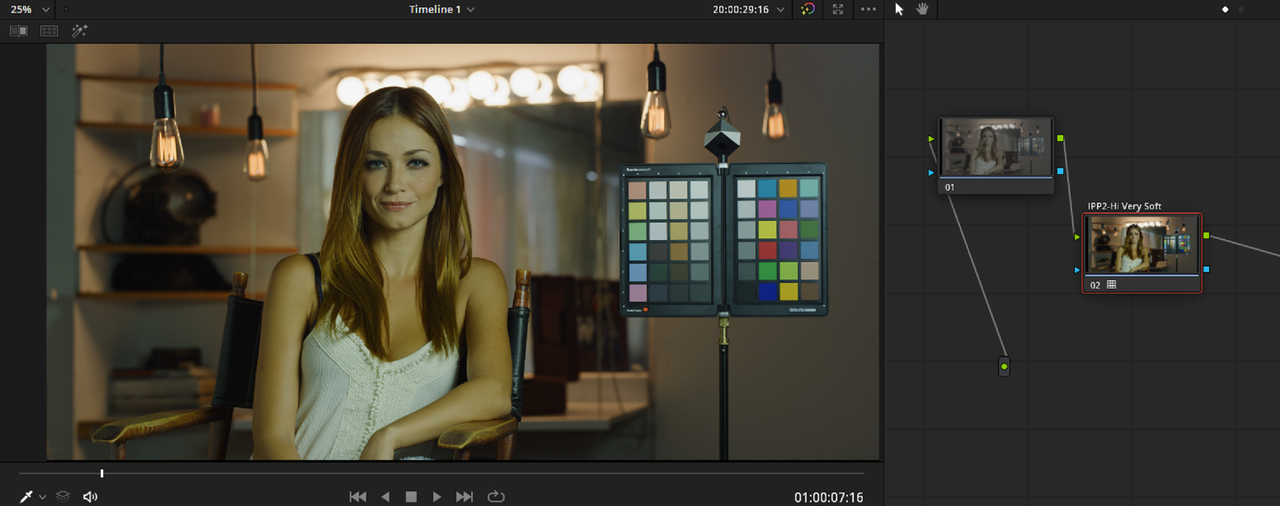
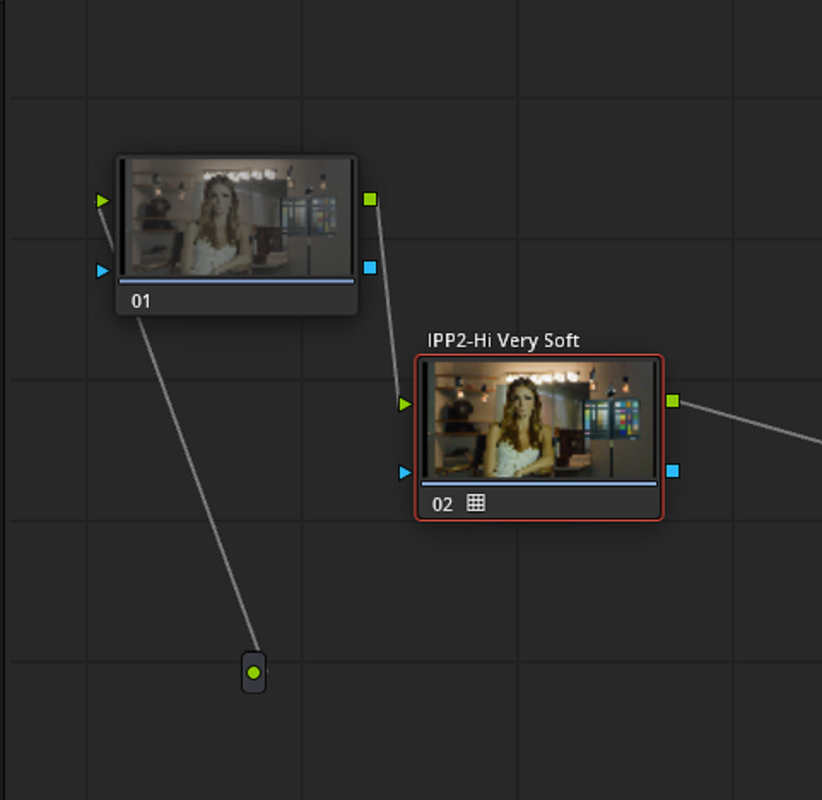
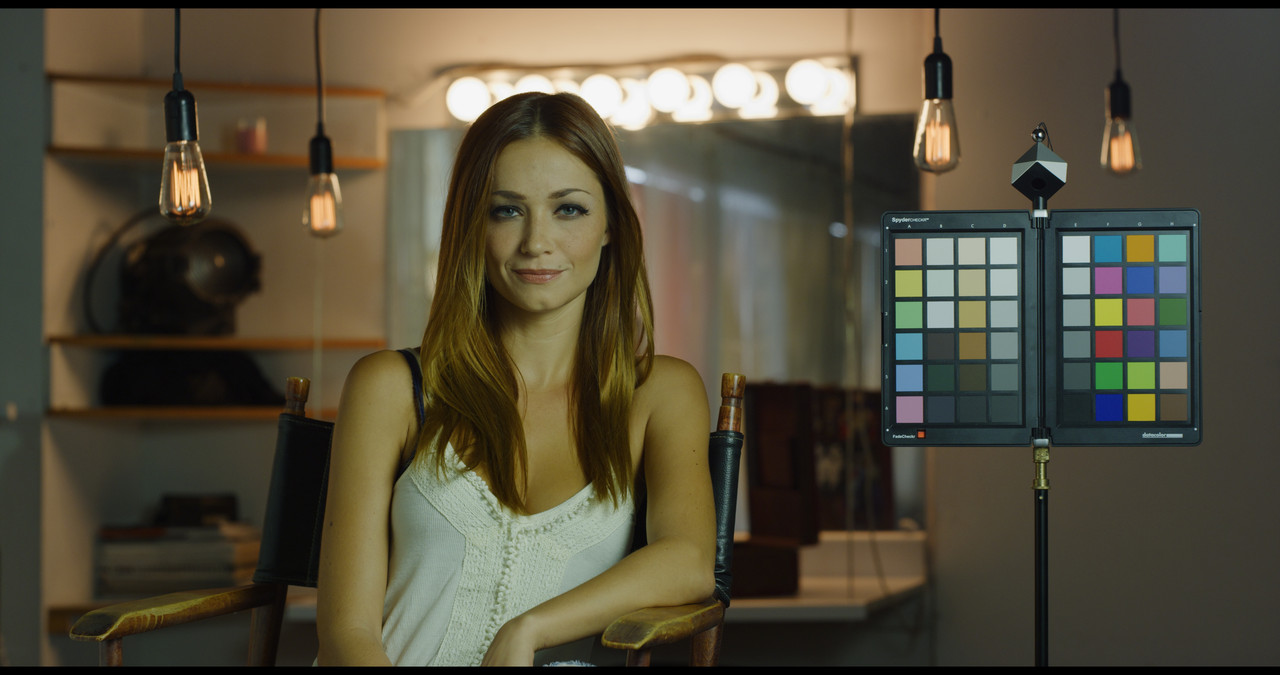
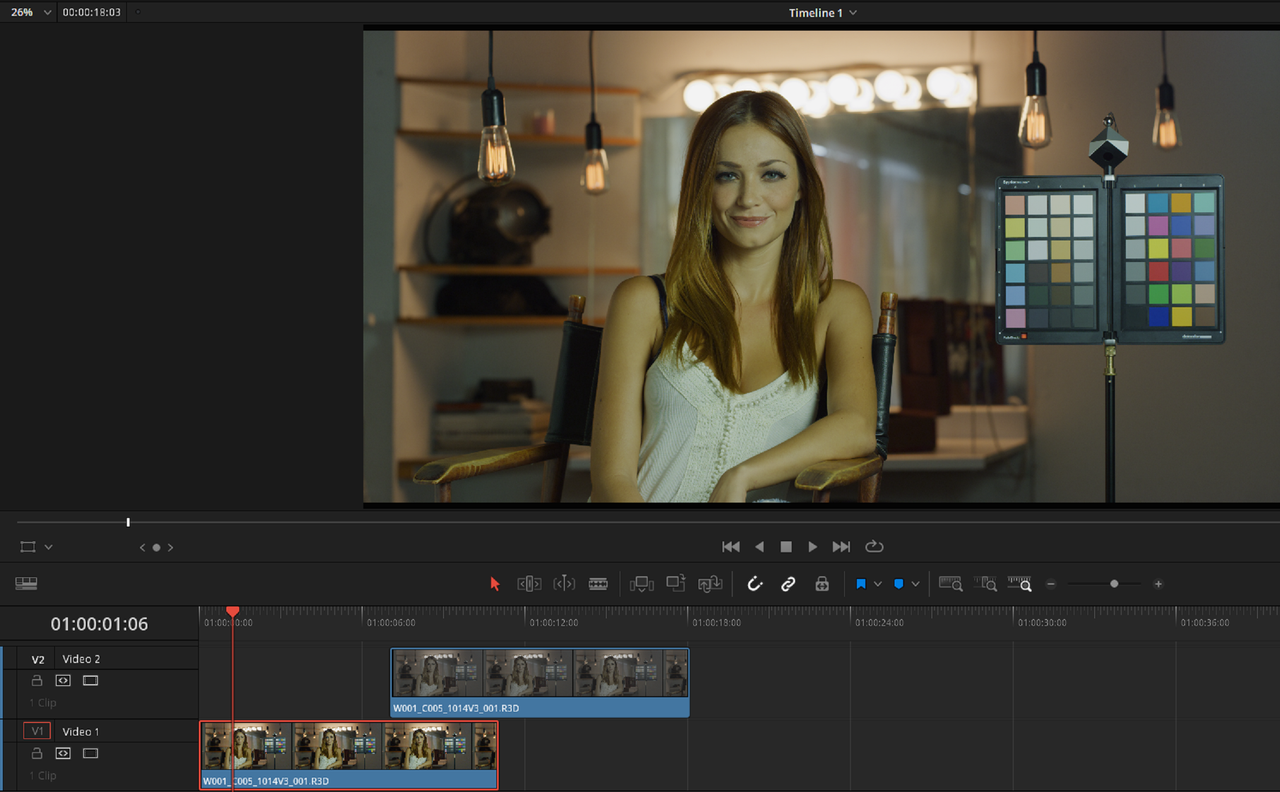
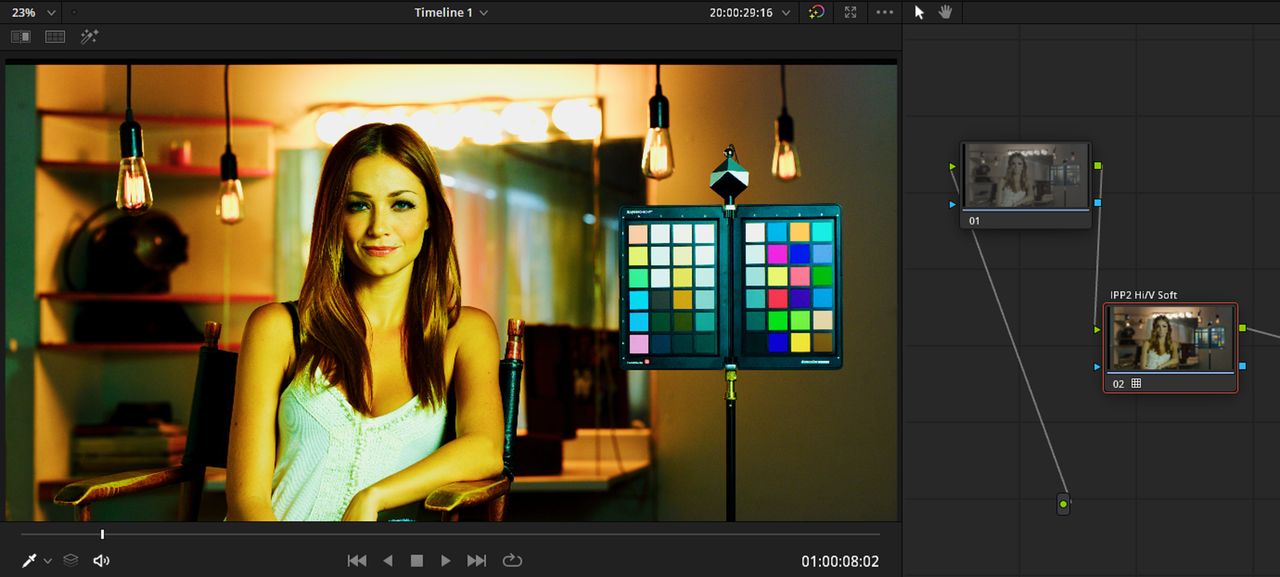
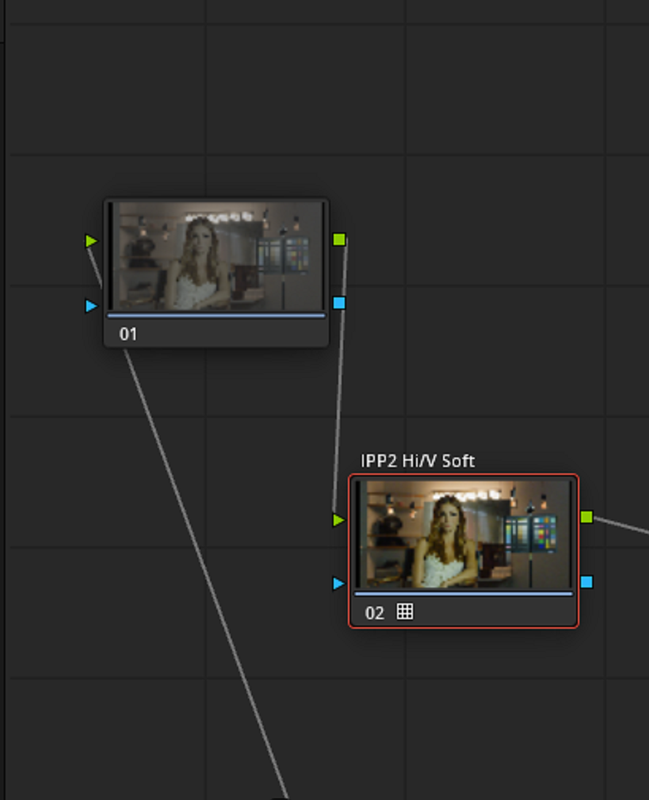
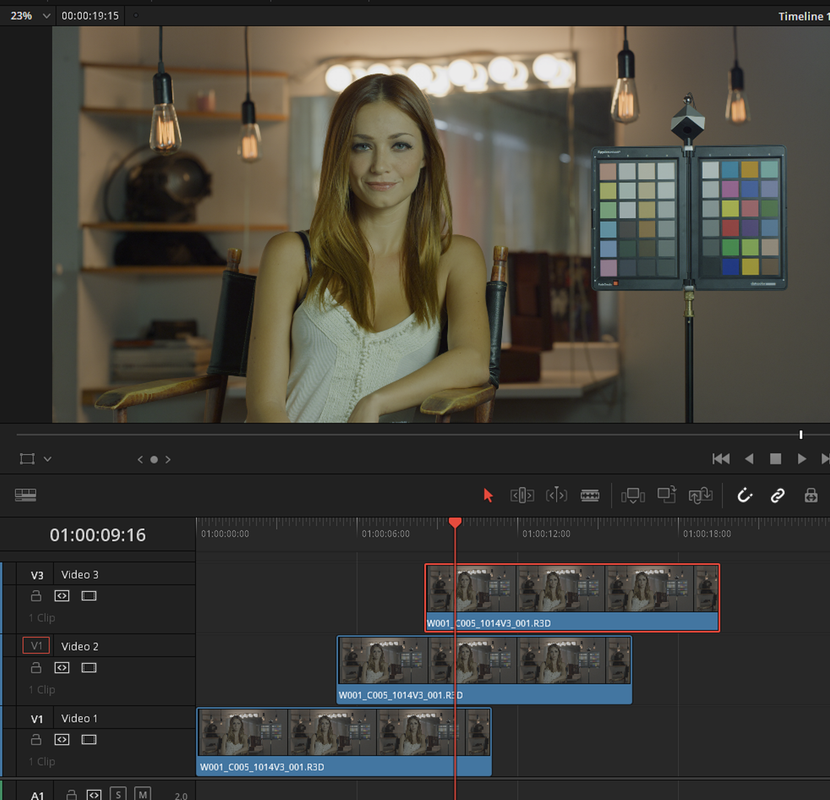
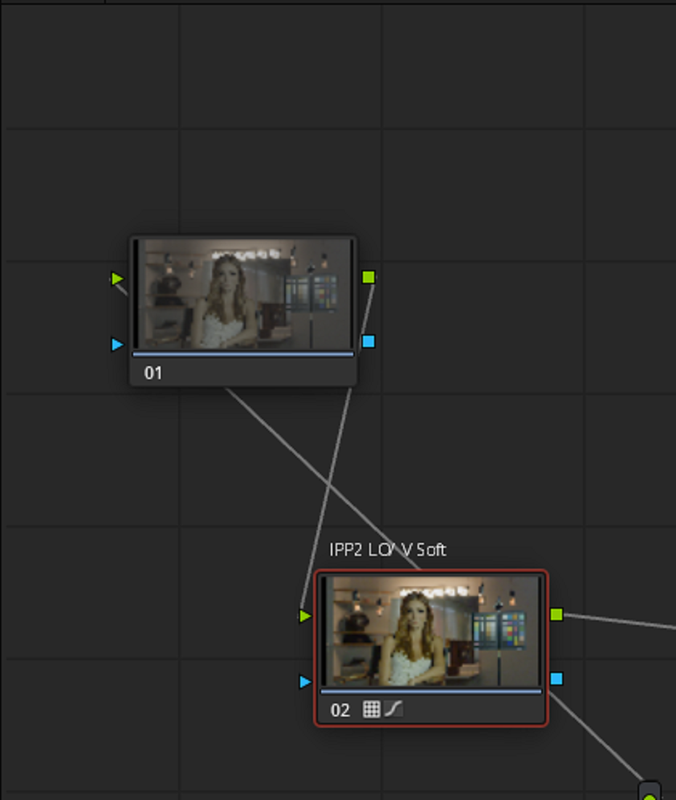
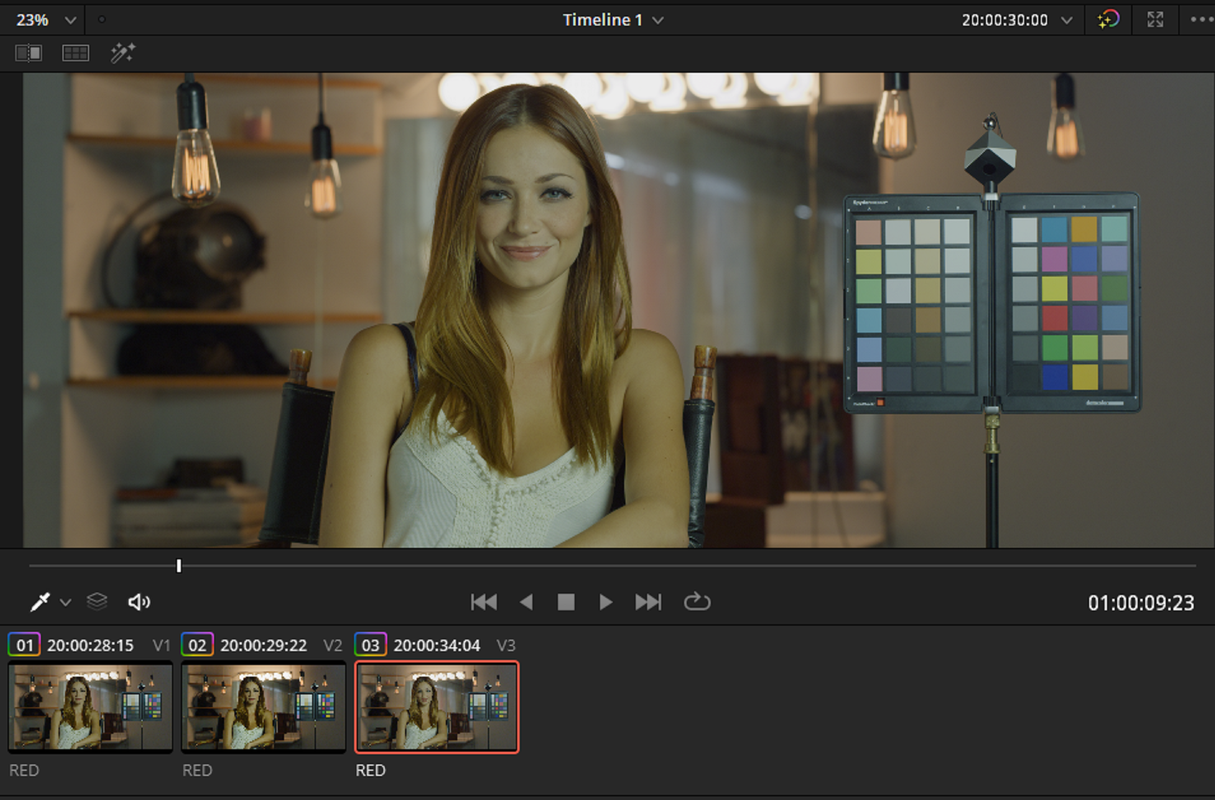
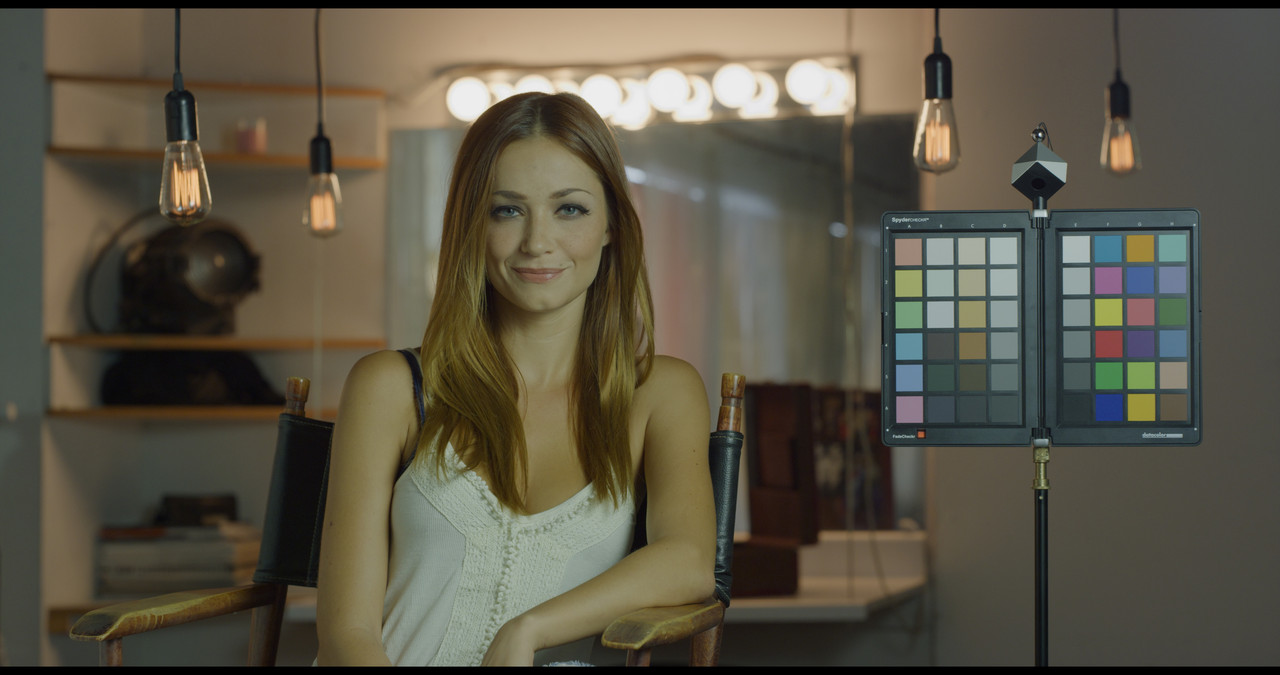
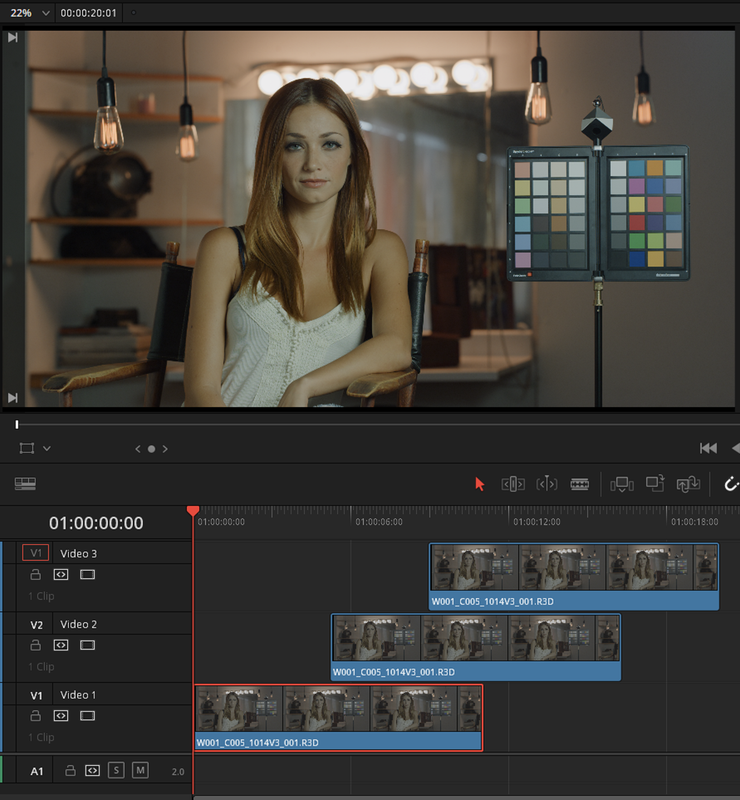
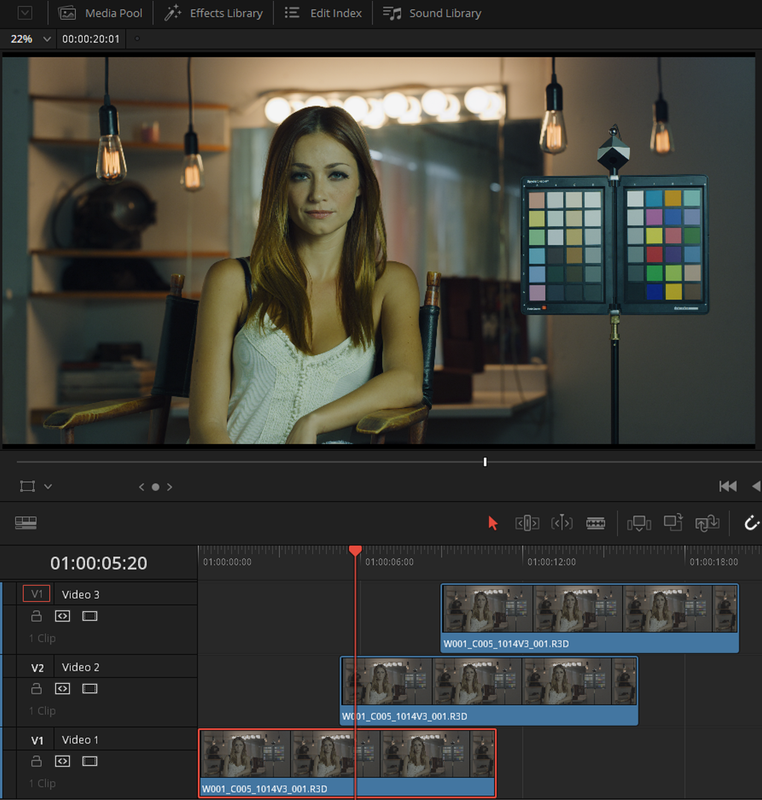
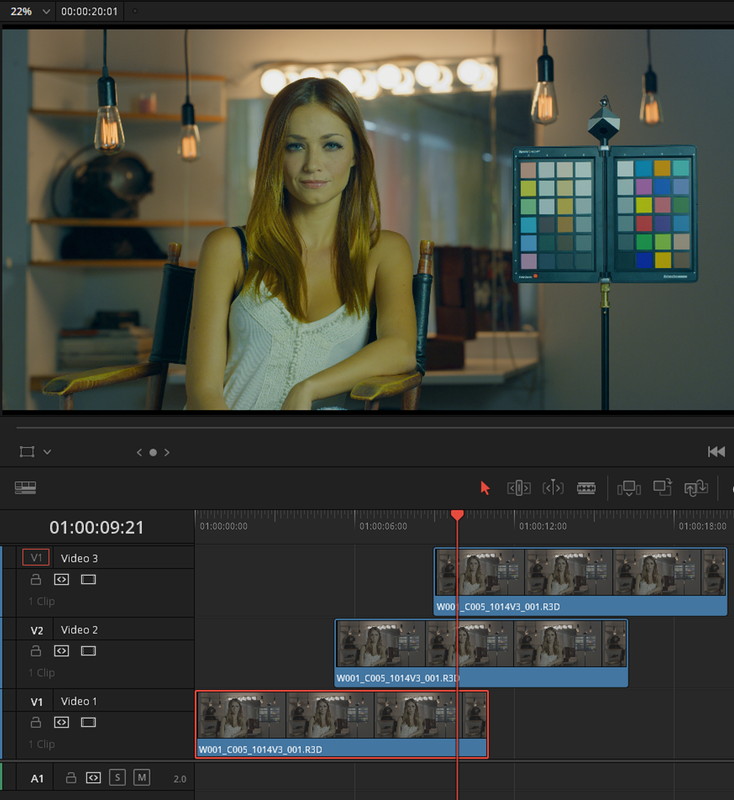
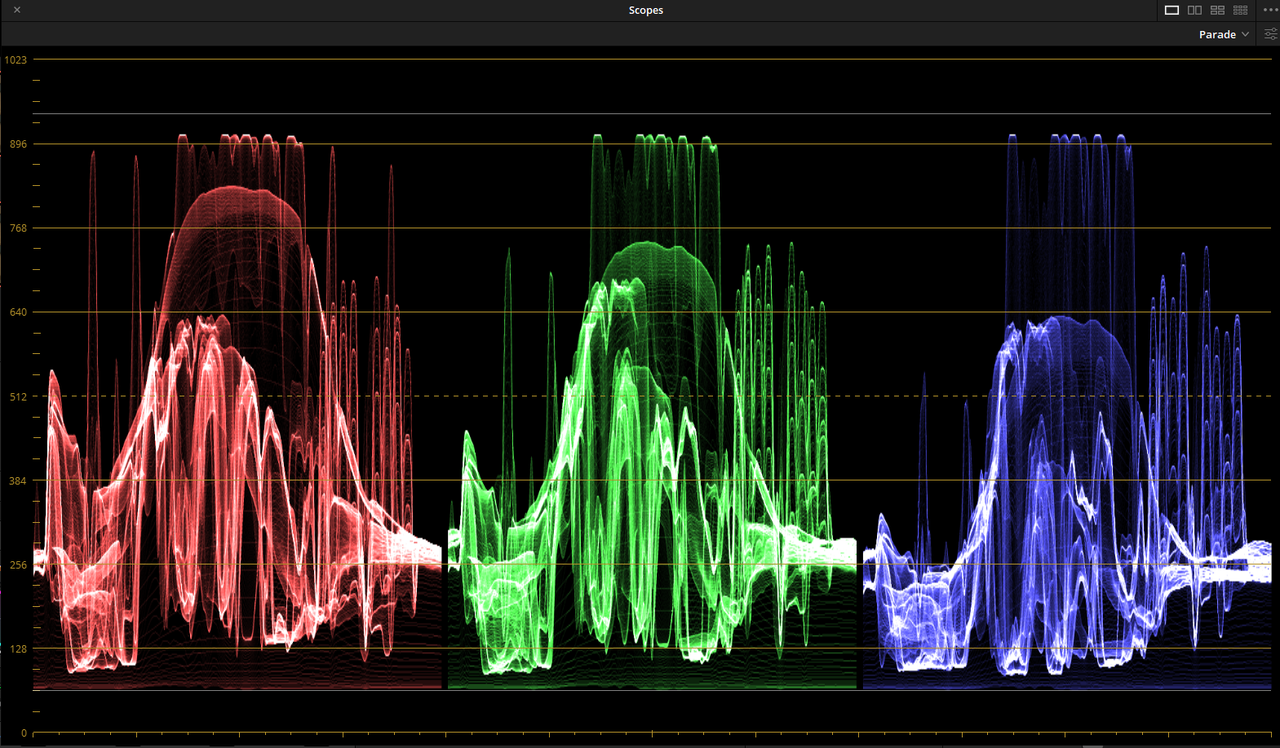
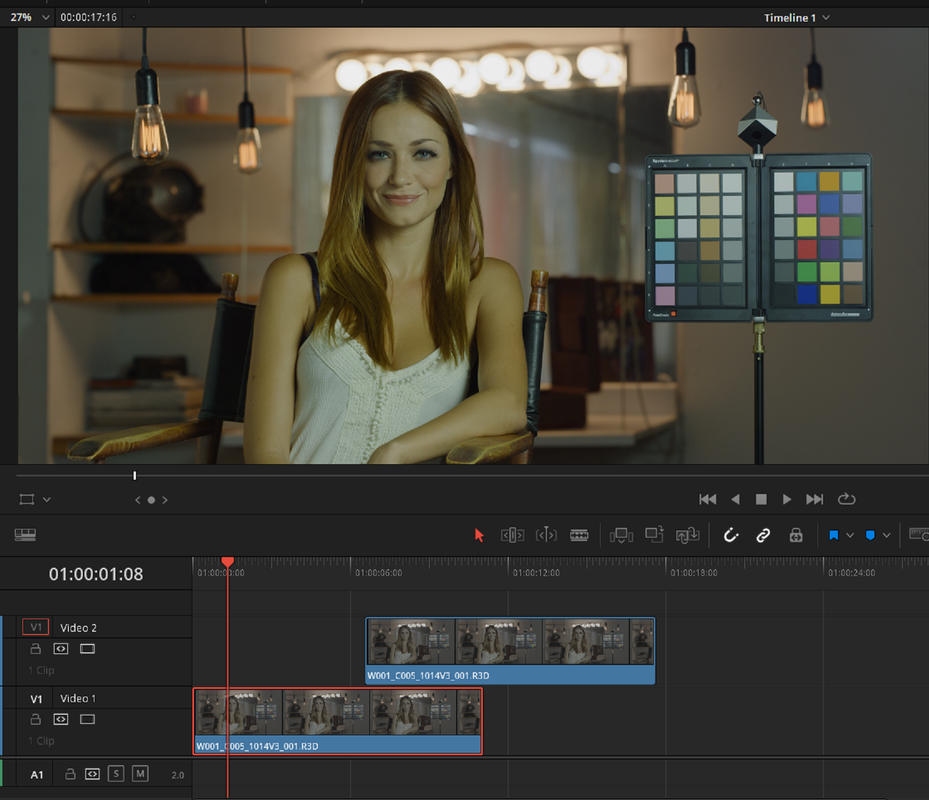
I started a new project based on an IPP2 Transform Lut workflow. This time I didn't get the Overlap Highlight "blowout" I got before without the need for an Adjustment Layer. I even used two separate IPP2 Output Transforms on each Red .R3d file in each Video Track.
1.png


2.png


3.png


4.png


5.jpg


Screenshot-1293.png


7.png


8.png


9.jpg
 
Last edited:
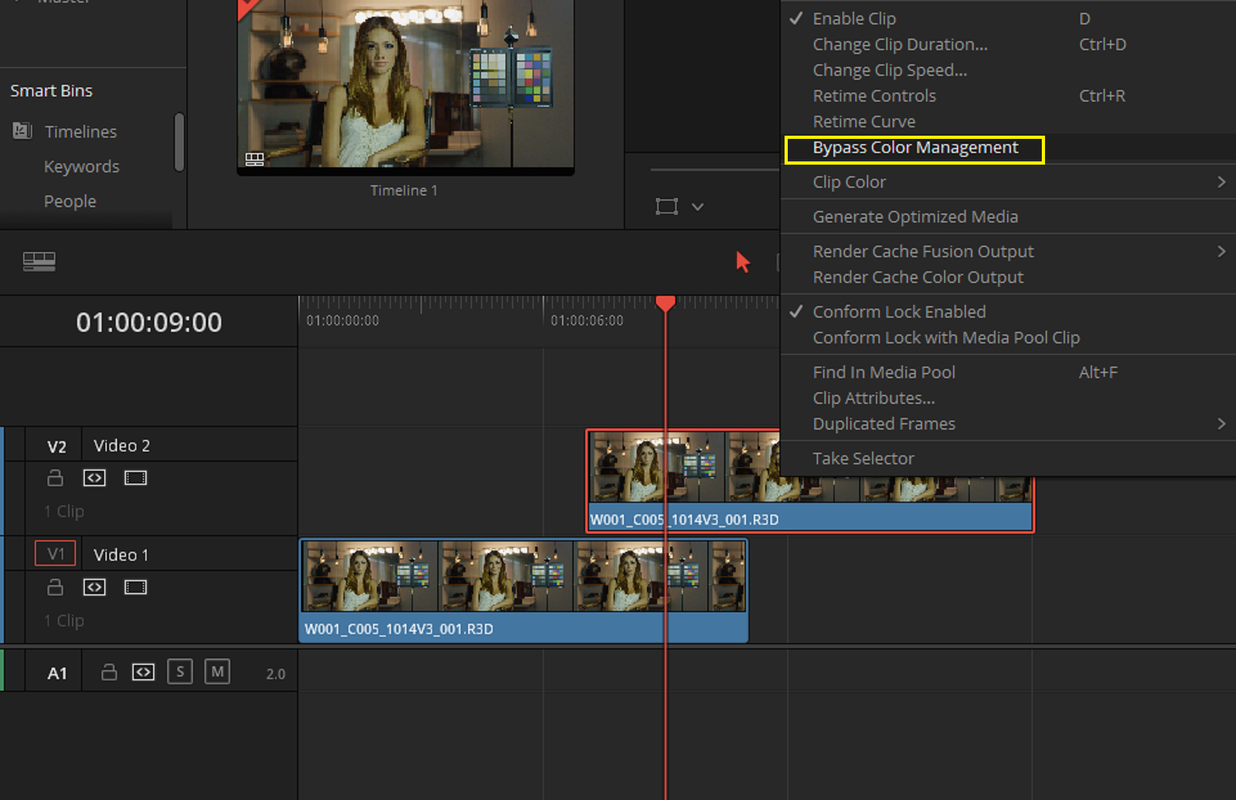
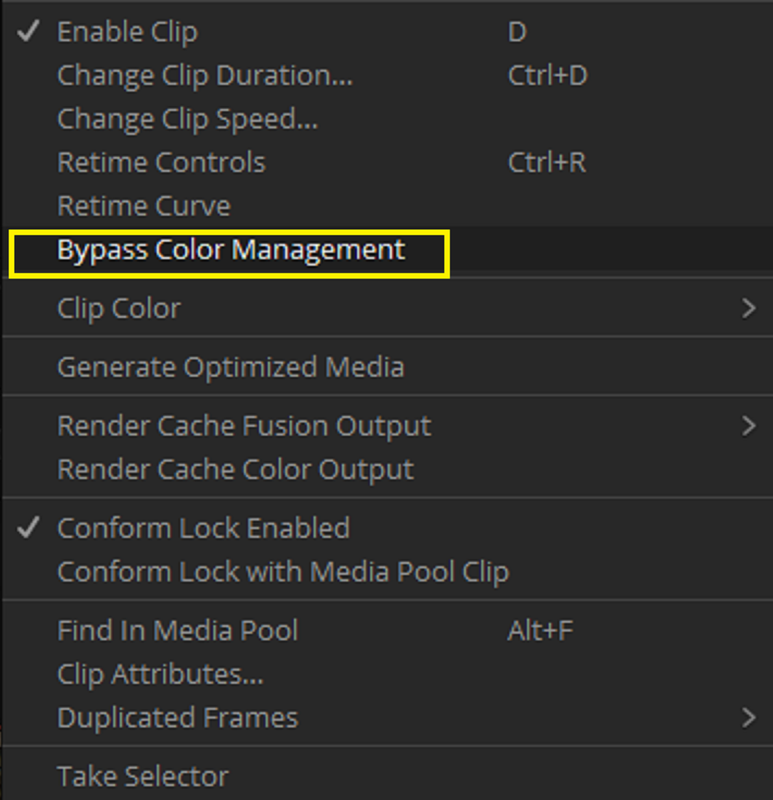
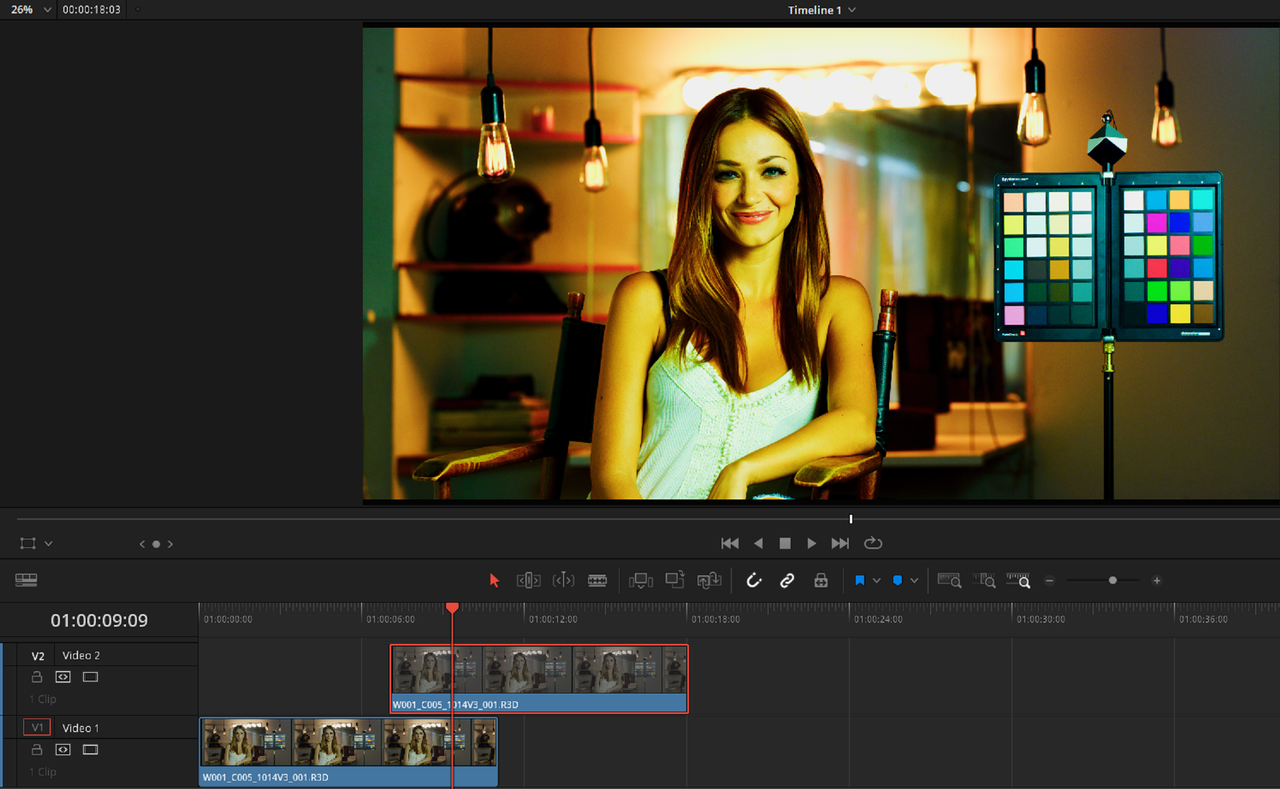
I tried another IPP2 Red Raw file overlapping on multiple tracks experiment. I wanted to see what would happen with an IPP2 Color Managed project with 1000 Luminance if I used the "BYPASS COLOR MANAGEMENT" tool.

I wanted to BYPASS the Color Managed IPP2 Medium/ Soft project settings for the RED Raw file on Track 2 with an IPP2 Output Transform Lut of High/ Very Soft. You can see the results below.


Screenshot-1294.png


Screenshot-1301.png


Screenshot-1295.png


Screenshot-1295-2.png


Screenshot-1300.png


Screenshot-1299.png


Screenshot-1299-2.png
 
Last edited:
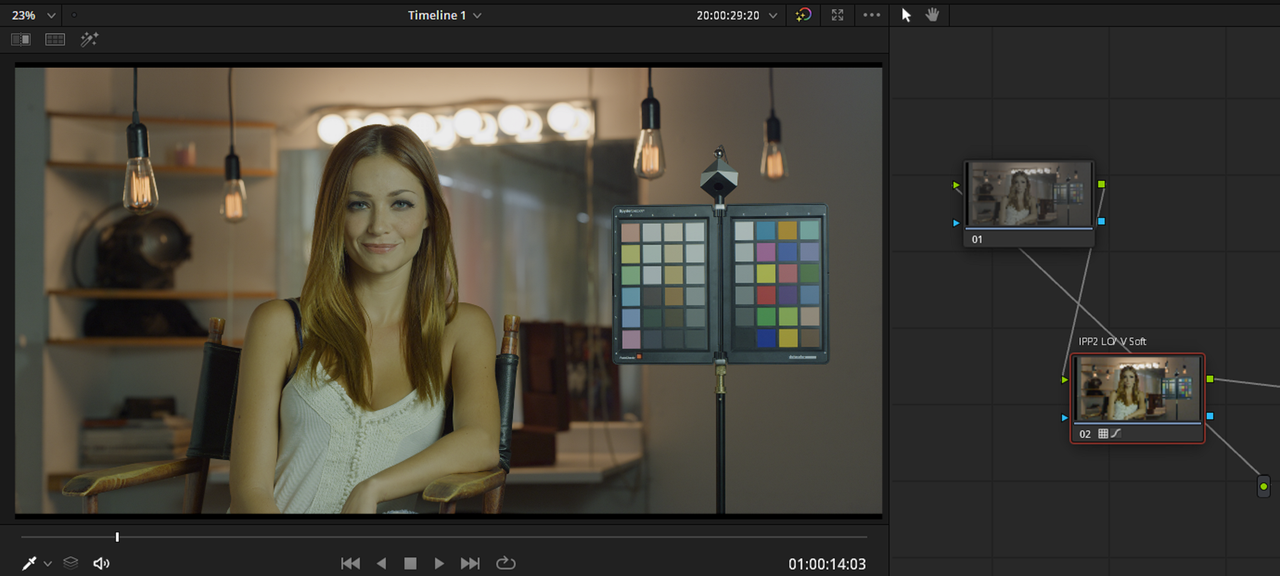
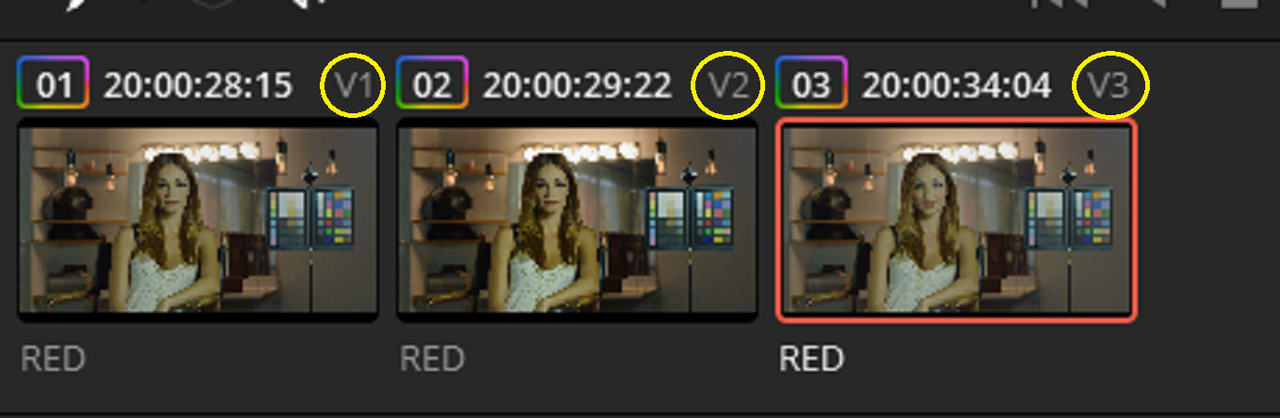
Here's 3 Red .R3D Track levels high With an IPP2 Output Transform Lut workflow, Lo Con/ Very Soft. Please excuse the Curve I put into the IPP2 Transform Node by accident. I must have clicked on the line when gathering screen grabs.


1.png


So

Video Track 3- Low Contrast/ Very Soft

Video Track 2- High Contrast/ Very Soft

Video Track 1-Medium Contrast/ Very Soft


Screenshot-1304.png


Screenshot-1302.png


Screenshot-1305.png


Screenshot-1305-3.png


Screenshot-1306.png


lo-v-soft-3-1-1.jpg
 
Last edited:
Point is do the IPP2 tone mapping work as intended?

Done some test setting timeline and HDR peak nits to the max (10k) and playing the exported file to some TVs and all look almost ok. Who know if that the right way...
 
Point is do the IPP2 tone mapping work as intended?

Done some test setting timeline and HDR peak nits to the max (10k) and playing the exported file to some TVs and all look almost ok. Who know if that the right way...


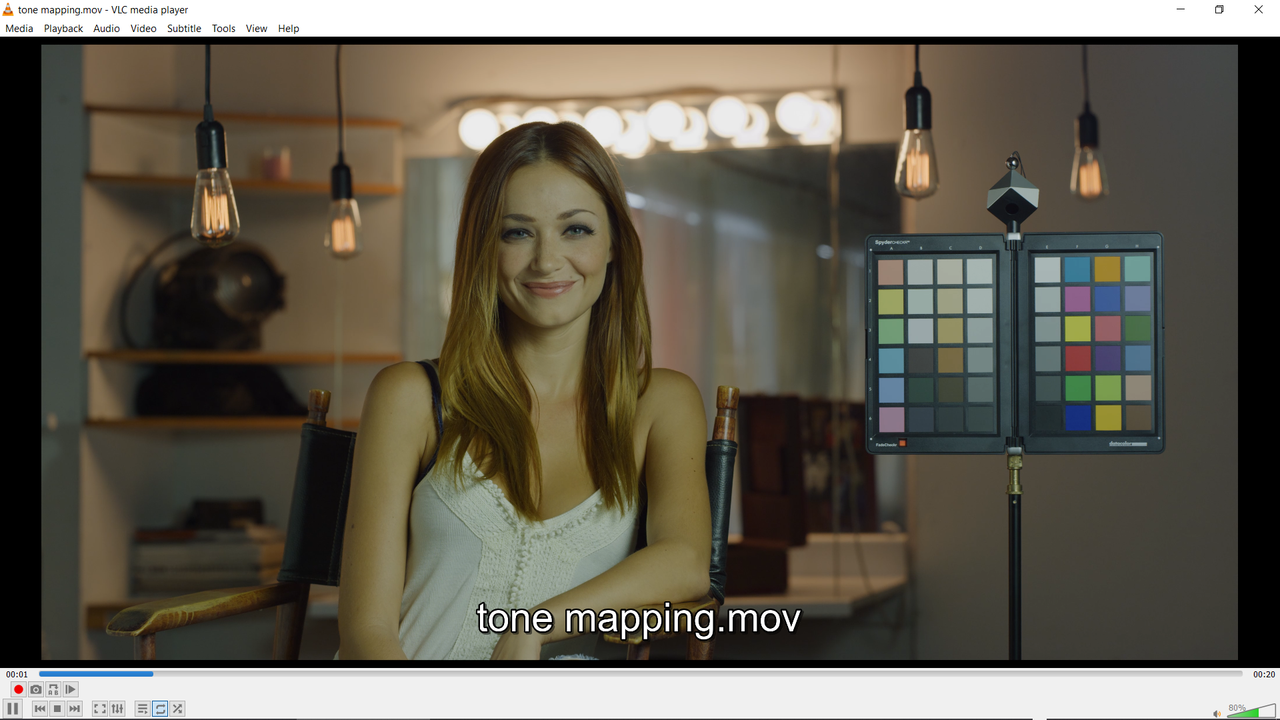
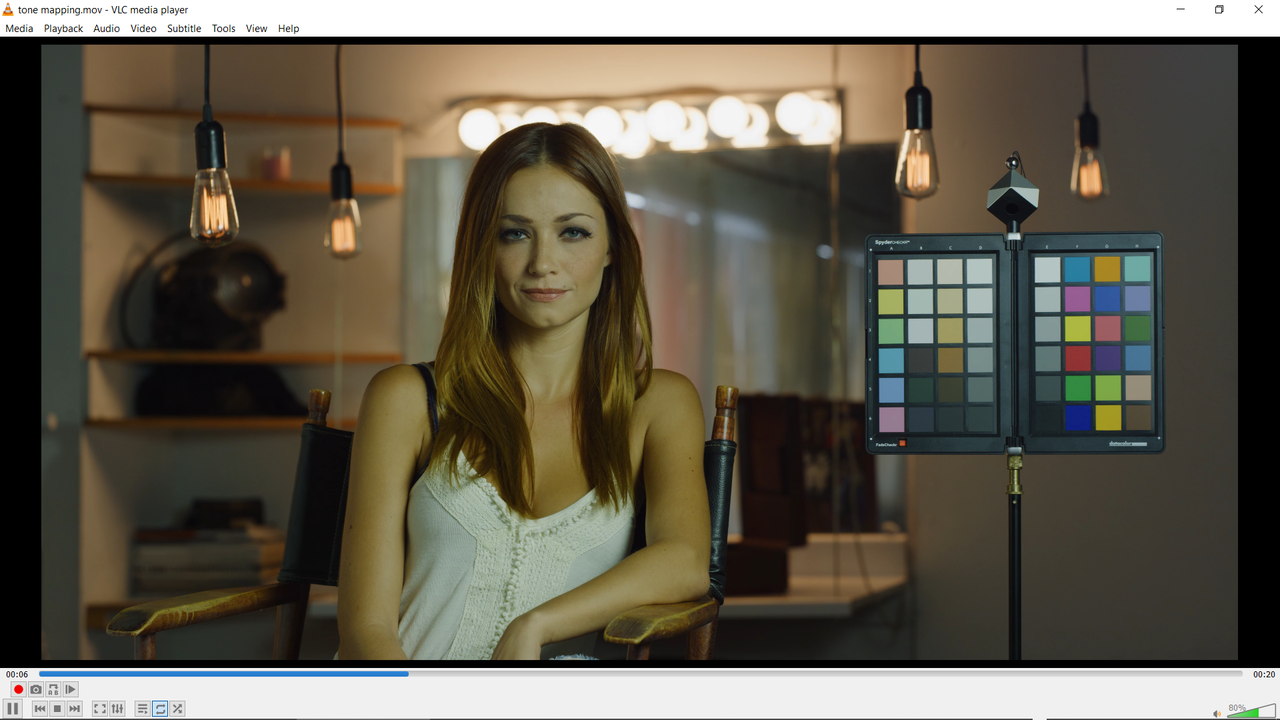
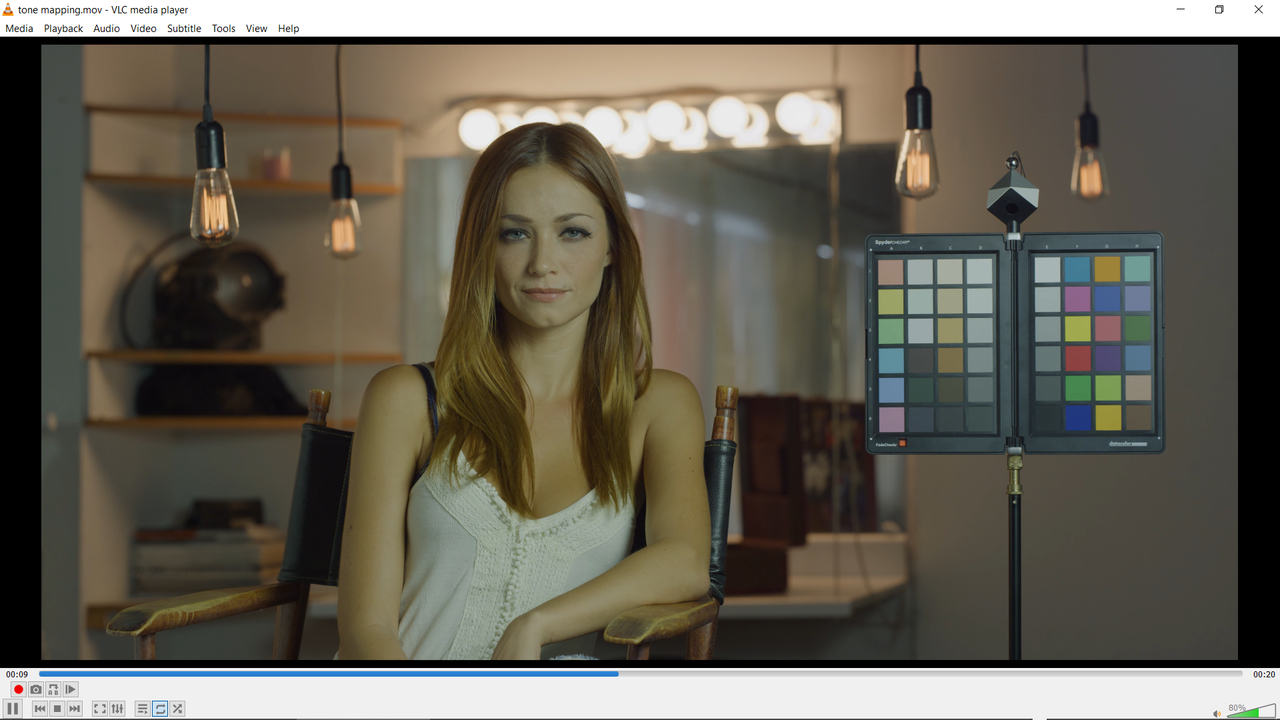
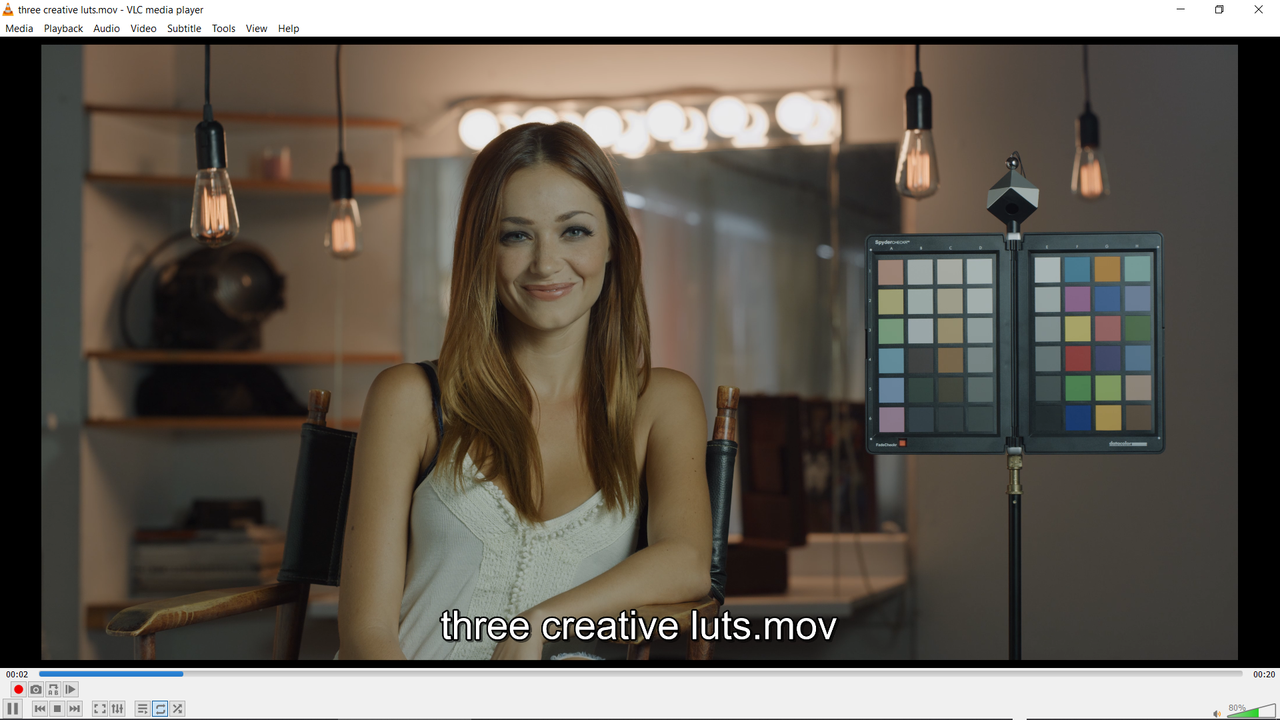
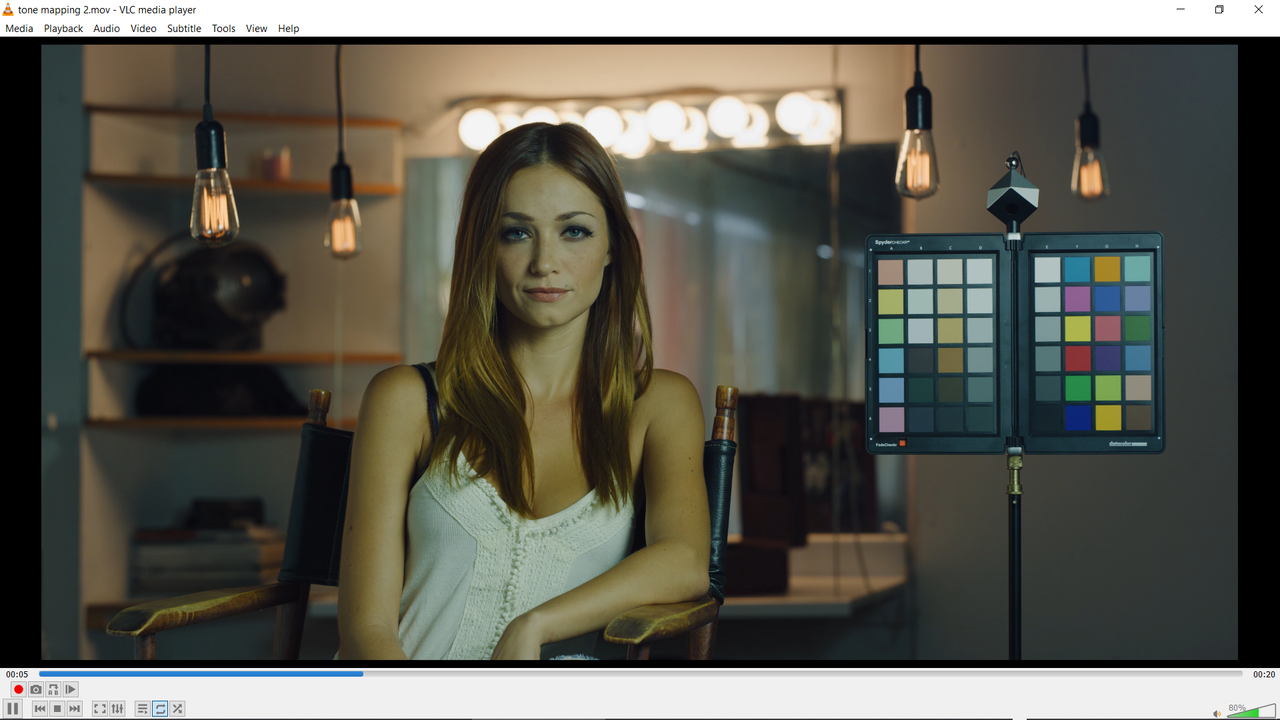
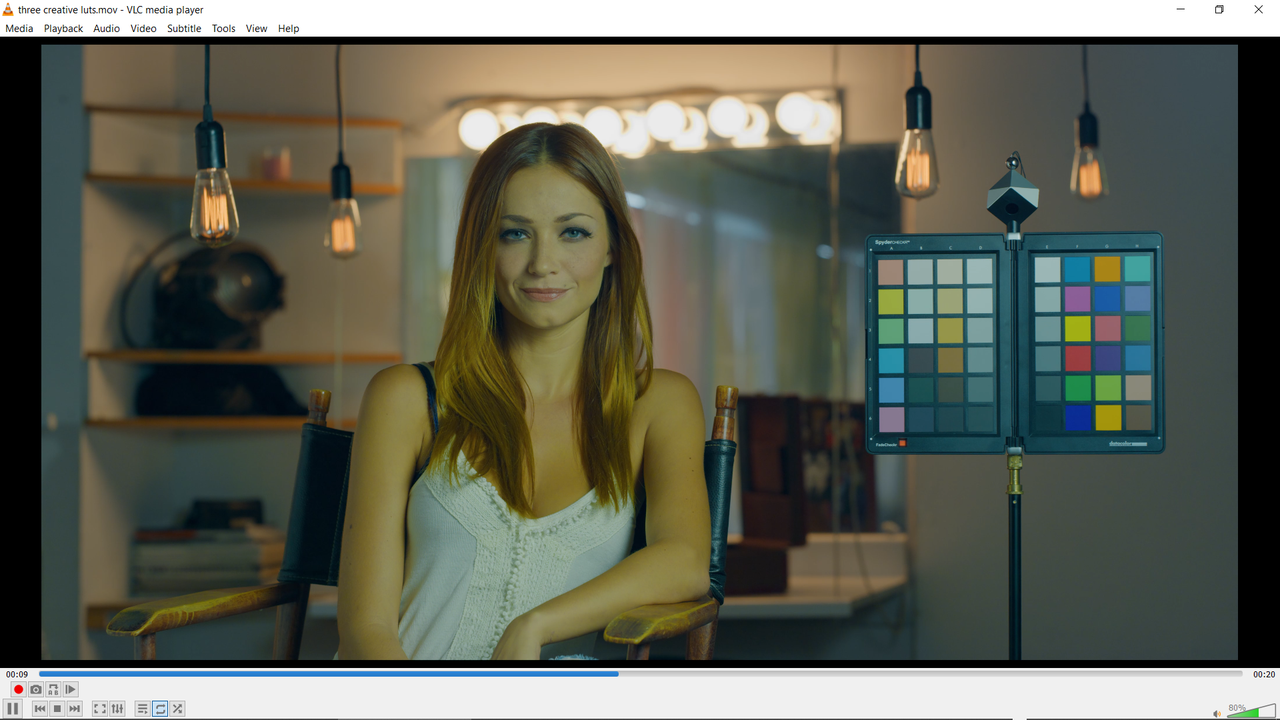
Yes, the Tone-Mapping works fine. I've even done it with 3 different Tone-Mappings and three different Creative Luts on for each R3D file on each video track.
 
Tone-Mapping

Screenshot-1314.png


Screenshot-1315.png


Screenshot-1316.png


Creative Luts


Screenshot-1311.png


Screenshot-1322.png


Screenshot-1313.png


Screenshot-1317.png


Screenshot-1321.png


Screenshot-1320.png
 
Last edited:
Massimiliano,

Thanks for bringing up the issues with multi-track verses single track video editing with IPP2. I've always personally only used single track editing.
 
So i've been messing around in 17.1 quite a bit.

IMHO i think that IPP2 mapping is not the way to go any more. I've yet to find a situation where it works better than Resolve Wide Gamut and the standard tone mapping options. Of course you can bend Resolve to work in whatever way you like but right now it seems that there is a real push to get everyone onto ResolveWG.

Still not 100% but have not found a situation that causes an issue. Also the IPP2 stuff really reigns in saturation in the highlights which is not *always* what you want (morning and evening skies for example).

So Rand, have you seen a situation that the 17.1 standard tone mapping cannot deal with, where as IPP2 works?

cheers
Paul
 
Paul,

As I said before, I have worked quite a bit with Davinci Wide Gamut now. I also like the Tone Mapping it does in some situations better than IPP2, especially how it renders the midtones a little more flat than some of the IPP2 luminance curves do. I have been able to approximate the DWG luminance curve , to a greater or lesser degree with the IPP2 workflow. However, appropriating the IPP2 luminance curves and Tone-Mapping takes a little more thought in DWG.

like ACEScct but to a lesser extent, be careful to watch for " Out Of Gamut" colors in DWG. Like ACES, DWG is designed to give image files the best approximation of those files inside of the Color Space, REC709, REC2020, P3- D65 etc, you choose to work in. This is based on DWG trying to provide the most natural highlight and shadow "Roll-Offs" it deems best as determined by Blackmagic Design`s Designers. In some cases it does a very nice job, in others I felt the Transformationional Lut from the manufacturers whom Know their Camera Sensors best did a much better job.
 
Last edited:
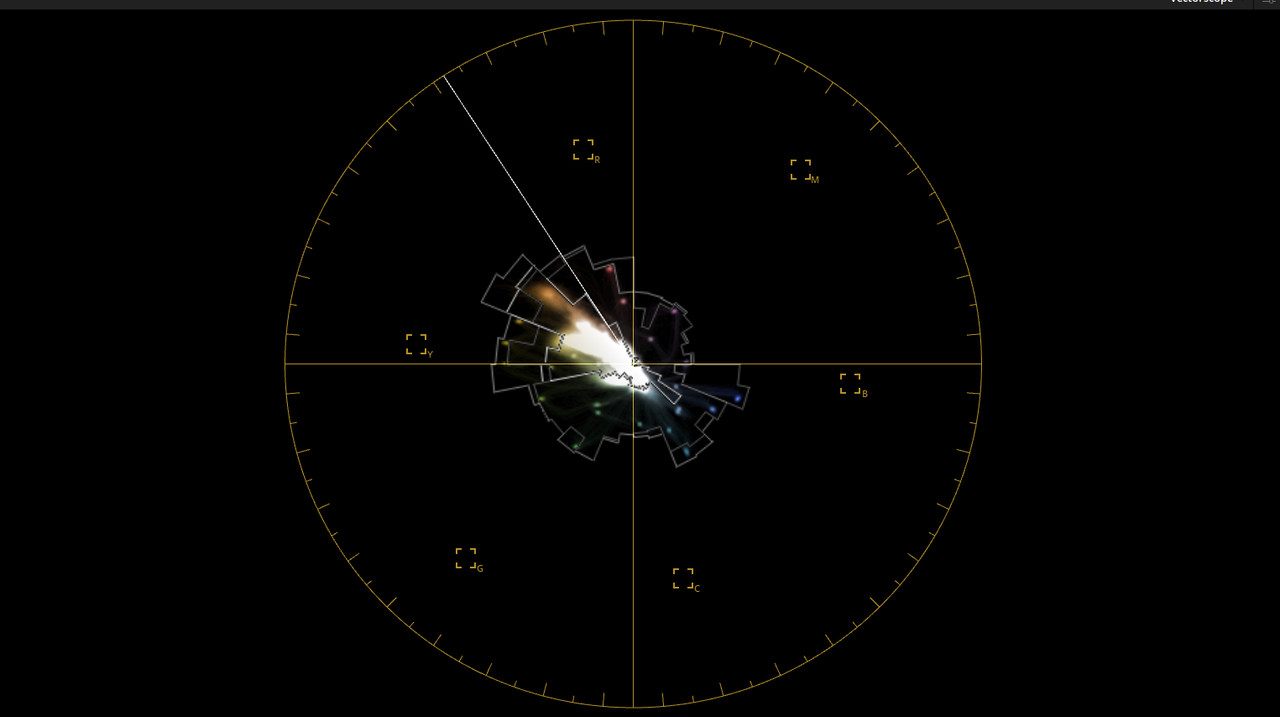
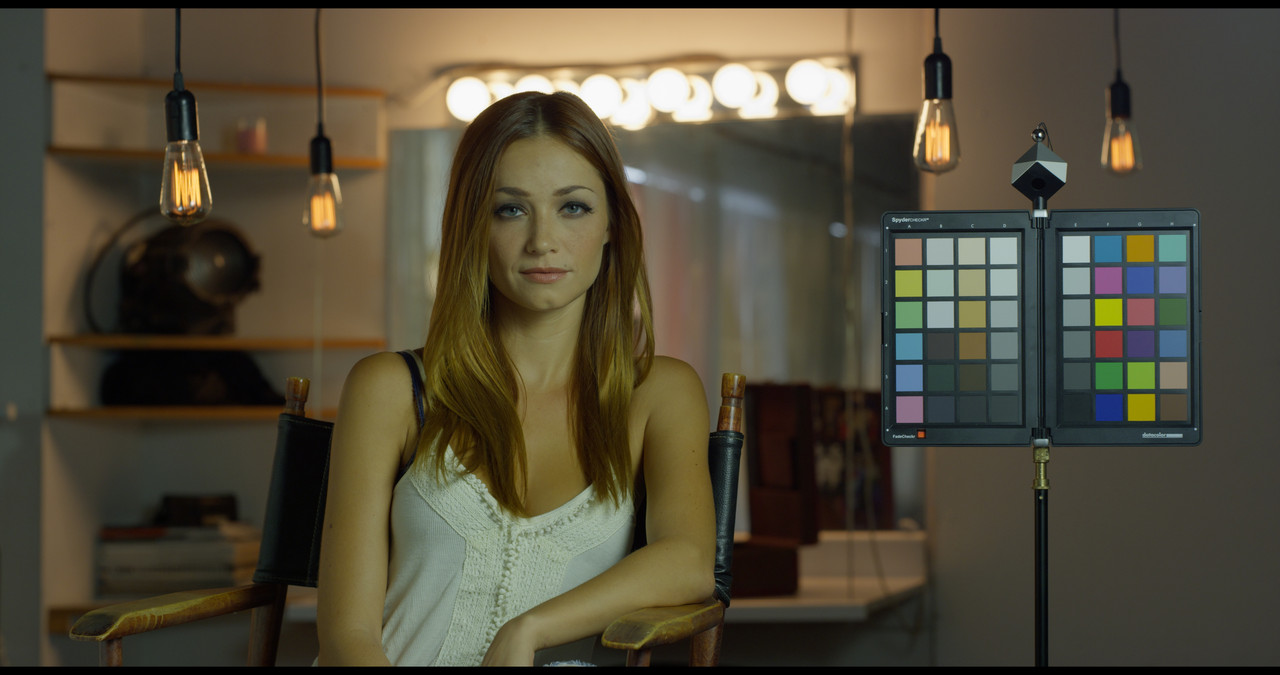
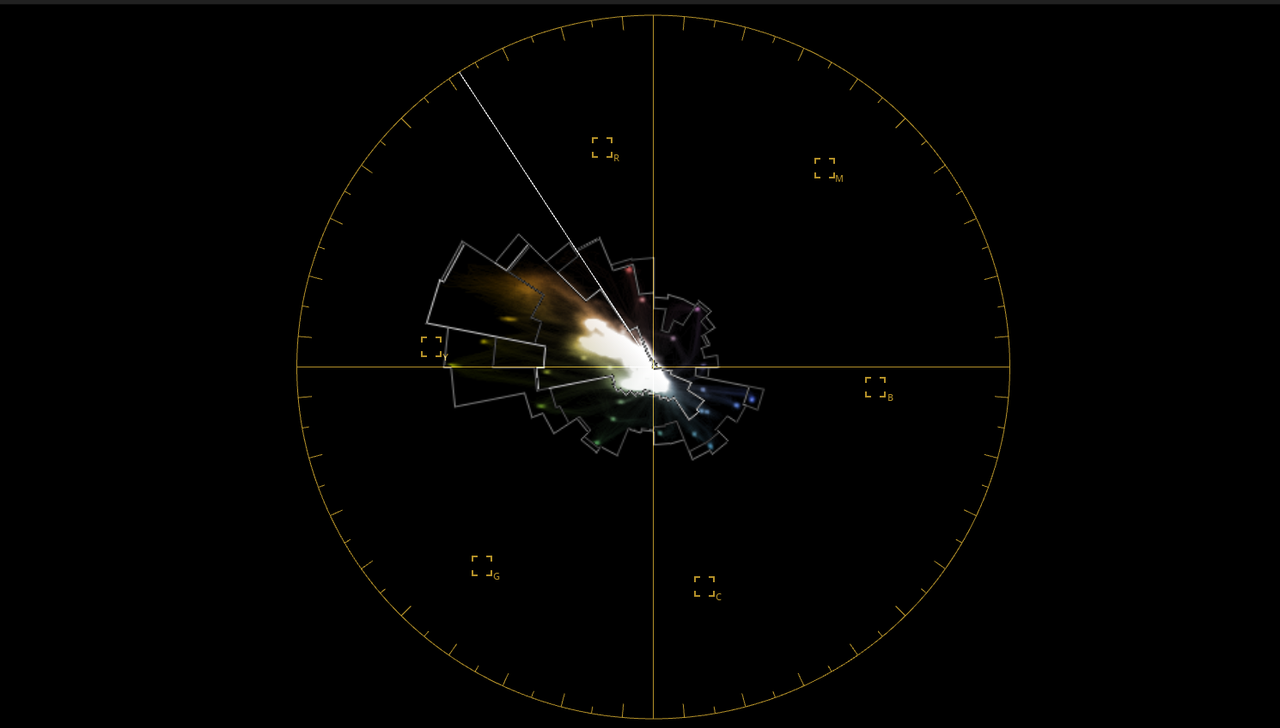
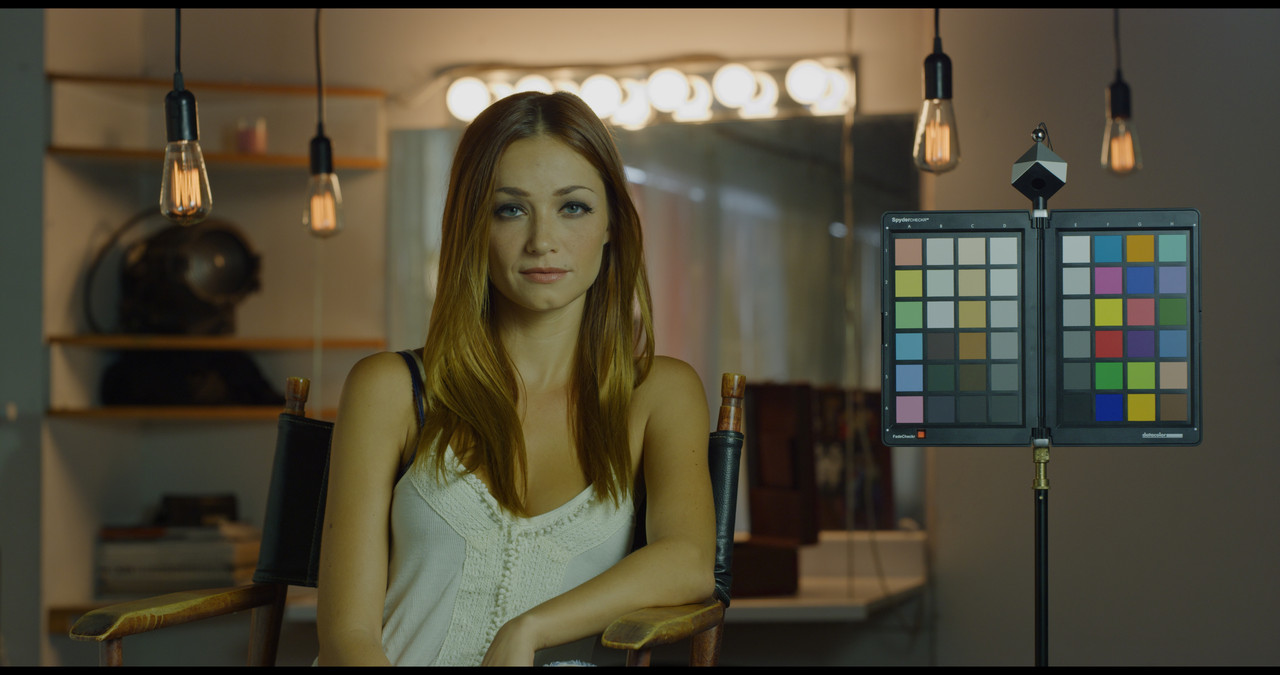
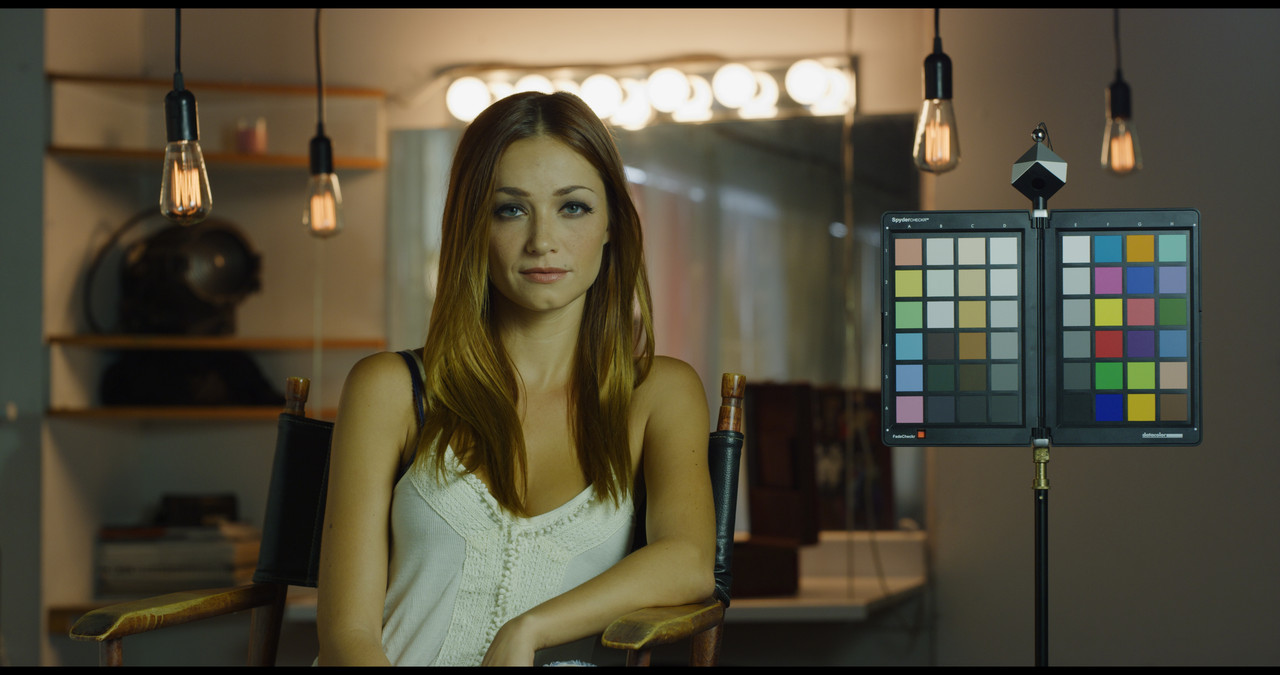
Matching IPP2 to Davinci Wide Gamut. In this I included the Vectorscope for Both, can you really tell which is which? You Kinda can by the Vectorscope. Which do you prefer?


1-1-1-1.jpg


Screenshot-1324.png


2-1-2-1.jpg


Screenshot-1325.png
 
Last edited:
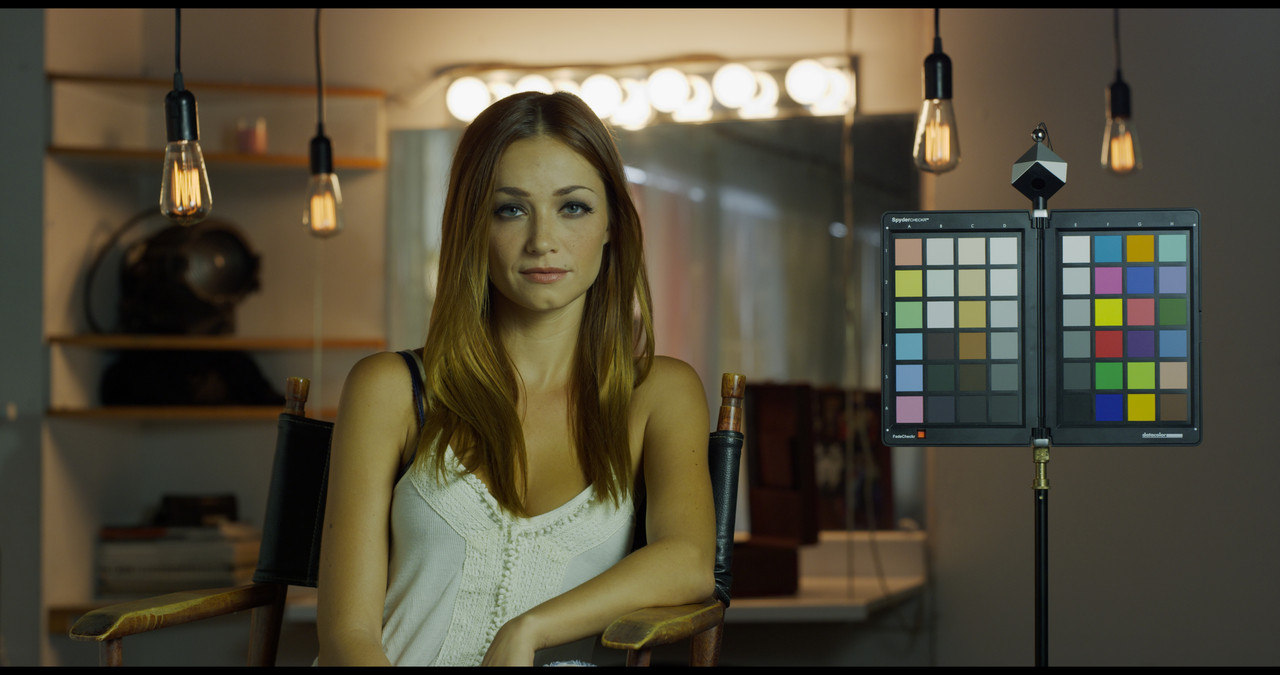
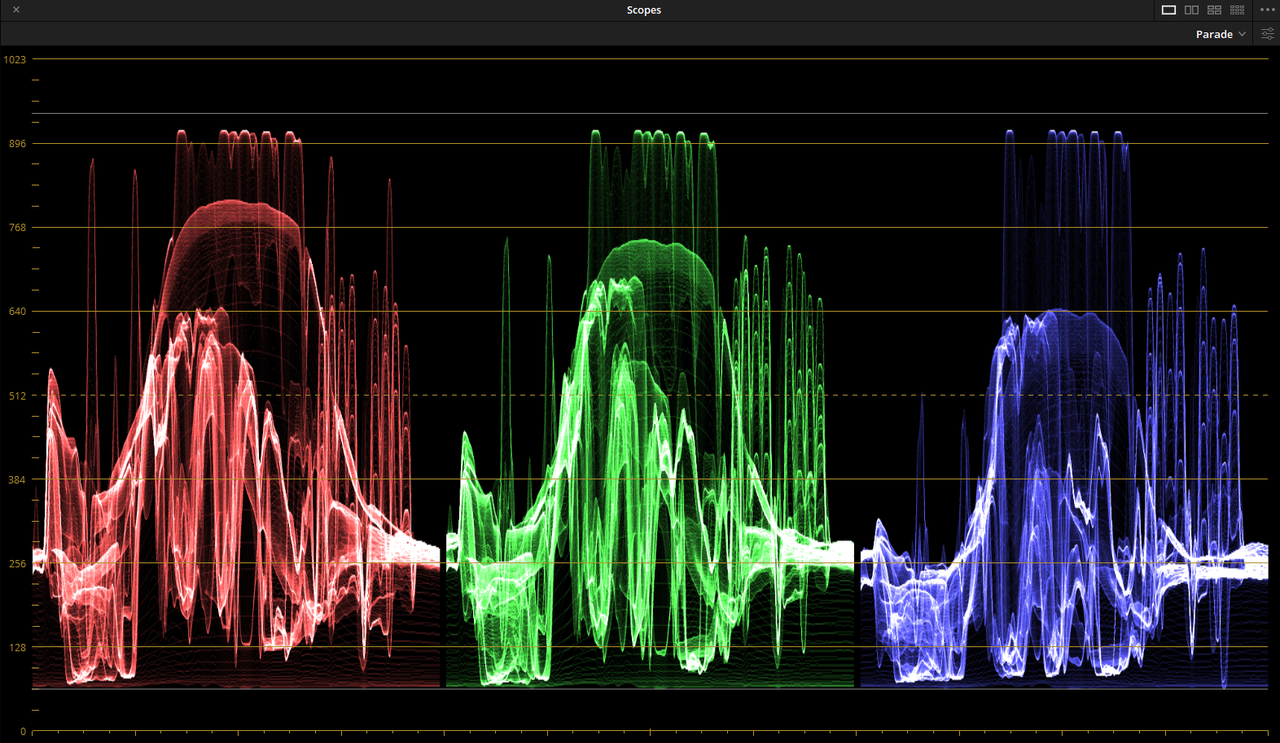
Matching DWG to IPP2. In this one I use the Parade Scope instead of the Vectorscope. Which do you prefer?


3-1-1-2.jpg


5.png


4-1-2-2.jpg


6.png
 
Last edited:
Do you still get the benefit of Davinci wide gamut when you bypass the color management for a shot?
 
Joel,

Not exactly sure but I would say No, since you bypassed it to grade the clip either manually or to transform it with a Lut ...etc. Basically so you wouldn't be subjugated to the current project Color Management properties.
 
Last edited:
Learning Color Management In DaVinci Resolve 17 - Sp Guest: Daria Fissoun


By
Casey Faris


This is a great discussion. Lots to absorb. I'm still going between IPP2 and DWG Color Management settings to find the optimal one for me.
 
Patrick,

I'm doing the same thing. I think if you are going to be using only Red R3D files, that a Davinci IPP2 Color Managed workflow is best. If you not going to be working on a high-end feature film project that will contain footage from multiple camera sources, a DWG workflow would be better than ACEScct.
 
Back
Top