Welcome to our community

Be a part of something great, join today!

  • Hey all, just changed over the backend after 15 years I figured time to give it a bit of an update, its probably gonna be a bit weird for most of you and i am sure there is a few bugs to work out but it should kinda work the same as before... hopefully :)

Epic vs F65

Status
Not open for further replies.
F65 looks sweet, but I have an Alexa and epic. Both great cameras. I think I would rather invest in a 911 turbo than another camera at this point.
 
I understand it is within peoples nature to want to know"what is the best camera!?!" but it is a case of different tools for different jobs! I own a 5dmkII, a red1, an epic and a F65 and I love all of them for different reasons. I suggest to every person out there who calls themselves cinematographers, cameraman, directors of photography, students, whatever to go and TEST for yourselves.

The epic is amazing because it of it size its versatility, resolution, frame rate, hdrx (and many other reasons). The red one is amazing because a student / professional on a tight budget can go rent and shoot with a camera that has shot oscar winning films for next to nothing and the images are in stunning 4k!!! The F65 is a camera that has an amazing natural dynamic range and amazing color rendition, it has an 8k sensor that subsample down to 4k it has a stunning image quality. I have only shot a handful of jobs on the Alexa however that camera suits a lot of peoples needs and wants. As much as some people want it there is not one camera out there that suits every need of every person, i.e while the epic may suit every one of YOUR personal needs, it does not suit every one of my clients needs so hence I have a variety of cameras.

I LOVE my epic the red one started my love affair with red and the epic has strengthened it. However I love my F65, to ask me to choose would be like asking to choose a favorite child, (some people may able to do that but they would never tell anyone :P )
I just get tired of the "vs" arguments we live in an AMAZING time with some many wonderful options. Sometimes I feel we as an industry focus to much on the gear and not enough on our craft. If you are an aspiring cinematographer go out and shoot learn your craft then make informed decisions on which gear is best for you shoot.

While I agree with the spirit of what you say,

- testing for yourself is not always practical as cameras are overbooked in high season, and you may not test for the gotcha's unless you know what to look for, based on threads like this or the advice of colleagues in person. Murphy's Law says that the one thing different from your test and the actual shot later will be the one area where the camera underperforms.

- craft is the most important, but this is a site about camera gear, and there is a much needed time and place for discussing that too. Technology is part of the craft of being a DP and delivering great images on time and under-budget. Cinematography is not like poetry where all you need is any pen.

- Most of us can only afford one camera for personal use. No camera is perfect/best in all situations, but some are perfect/best very often, or almost always for a particular need set. If you shoot quite a few days a year, it becomes a good idea to buy that camera and save on 90% of your rentals - but you first have to compare the platforms, and again thus the need for vs. debates. Vs does not mean one thing is good and the other bad, but rather that one thing has "x" strong point, while the other has "y" strong points. When people say "this is great, and that is great too" how does that help one research a choice?

I would add that the "best" camera for the average user maybe not the "best" camera for you.
 
The UI is easy and awesome I think
 
I think the UI can be improved. I still have trouble intuitively finding things on it.
 
I was not asking rhetorically. We are always looking for ways to improve the camera. If the UI is confusing or hard to use we would like to know in what ways we can improve it.

Cool that you ask. The menu's work fine for me in terms of navigation.

A couple of points though. We work with 3D a lot and I still have trouble fathoming camera sync in the comms set up which is about the only activism, I think these could be laid out or functions lab led a little better to understand whats going on.

Also form some reason when in Absolute shutter when changing frame rate inconsistent results are displayed for shutter angle. Confusingly it also a different result displayed when resolution is displayed so what is indicated for say 100fps 3k is different for 100fps 2k. The navigation is fine just the results some times, could be a bug I guess. The LCD can be a little sticky at times but seems to have improved in the last build excepting half white screens and yellow dot issues which are key to fix. A basic issue with Epic is we do need both EVF and LCD options to be simultaneously available. I believe there a new module to enable this.

I can't say Alexa is easier or less easy by comparison, no idea about F65 but Sony don't often ask in public forums much but I do know they are receptive to ideas from time to time.
 
A specialized RED STYLUS would be nice.

It will probably be in the assistants bag when you need it most or lost some place least expected. Then again trying to operate a touch screen when eating pizza or when sneezing with a bad cold isn't great news either. On balance the LCD touch works fine and better still with a Redmote to navigate around it.
 
[COLOR=#FFFFFF !important]I truly believe that each camera is the "right" camera for each job. There is no such a good or bad camera for me.
Here you can see a hands on review of the F65 that i did some days ago: www.zitrin.se/f65/
[/COLOR]
 
I can understand why some prefer Alexa, but F65 is one bulky un-ergonomical monstrous box. Maybe it's better if you need to throw it at actors...? Rolling shutter is not really an issue on Epic btw....
 
There is no reason in the world that you should need a riser to use with studio base plates, make it the right height in the first place- use the dead space for air flow.
Nick

Oh, I agree, why the **** would anyone buy a riser? This unit is clearly one of the most important part of the modular camera system:
http://www.red.com/store/products/dsmc-quick-release-platform-packn

The space between the camera and the rails are made for this wonderful unit, that is a must for everyone who needs to turn the Epic into a full Cinema Camera. Too bad that most people don't understand this, and buy the wooden camera shit that spoils the fun of the modular cinema camera.

There is no reason in the world why there isn't a means of attaching 15mm LW support directly to the camera from the factory. Be it aaton style or arri SR style, or even Alexa style.

Again: http://www.red.com/store/products/epic-mounting-plate-pack-modular-m

Epic is a modular system, buy the original parts that shows you how it's meant to work! It's actually really smart.
 
Mark Toia,
It's "Guerilla" style shooting, not "Gorilla" style.
Unless you are jumping up and down craving bananas.
Cheers,
Harry
 
Trent,
I don't have my Epics here in front of me so I will generalize for the moment.
If this is to become an actual beneficial discussion of the GUI going forward I will gladly put together a short list of things I think could be improved. Or if you want to start a new thread (NOT F65 vs. Epic) we could go there...
But for starters,
Many of the quirky hidden adjustments of the Epic menu are needlessly "insider" in nature and not intuitive.
Changing the white balance in precise increments, or adjusting the tint, is a daunting task for a newcomer. Hold down on the touchscreen? Up on the Redmote knob? How about if all options are simply available as soon as you click on the color temperature?
Tapping the screen outside of the box you are working in to "enter" the item is not intuitive. Why not a simple "enter" box?
If we are shooting 23.98, PLEASE PLEASE PLEASE have the fps indicator at the upper left say so, not 24, which is a different frame rate. This in particular is a pet peeve of mine..
I know that screen real estate on the EVF and LCD is limited but the cryptic "information" abbreviations don't tell us much. What is "OFF"? And why is it sometimes lit up? (I know it's LUT on or off, but why not make it say something like "709", "RC3", "RAW", depending on what mode you are in?)
Many of us still don't like a histogram versus a waveform. What would be the harm in making that an option, showing values based on the current ISO, gamma, and look settings? Handy for greenscreen work in particular, and as has been pointed out in other threads, the camera's "p" only output disables some third party monitors' built in waveform capabilities. While I'm at it, we could make that waveform bigger by getting rid of the traffic light. What on god's green earth could be the point of knowing that x percent of one channel is clipping?
I could go on, but again if we are going to make a meaningful discussion that will effect changes in the GUI, it may be best to start another thread. Give it a go and I will spend a quiet hour with an Epic and make a list.
Cheers,
Harry
 
One thing I have seen a lot is that LUTs are applied without warning...

That may very well affect exposure.

If the camera is set at anything else than ISO 800 and WB at 5600, tint 0, redgamma3, red color 3, there should be a LUT sign somewhere.

People adjust their exposure by experience of the screen response.

Anything but "flat" should be warned off. Especially in multiuser environments like rental houses, broadcasting corps and schools...
 
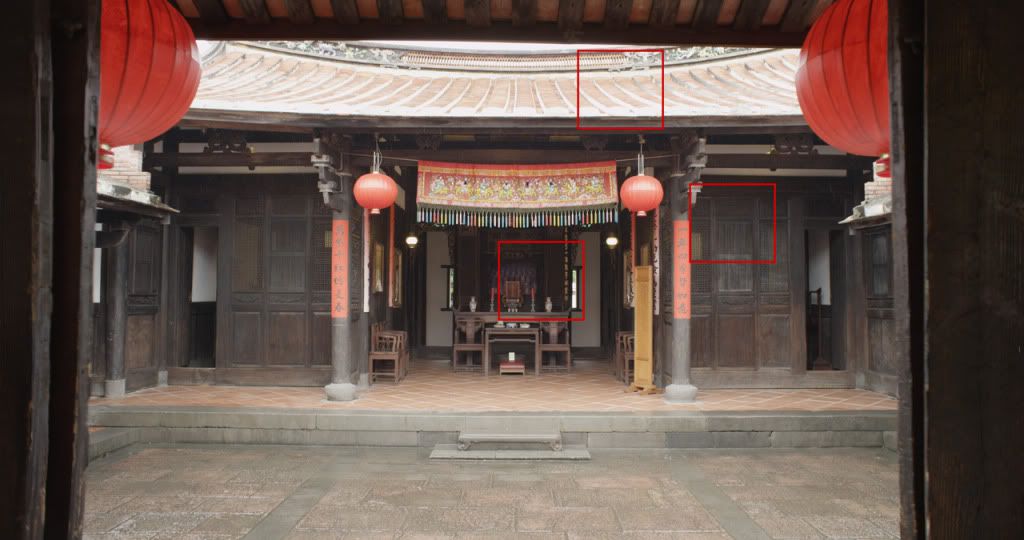
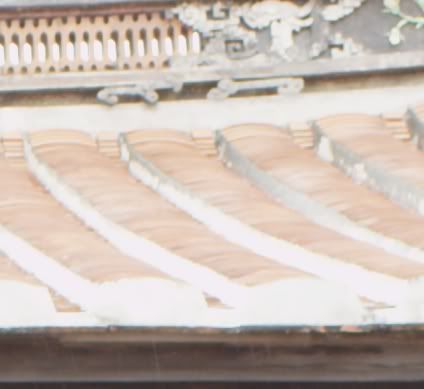
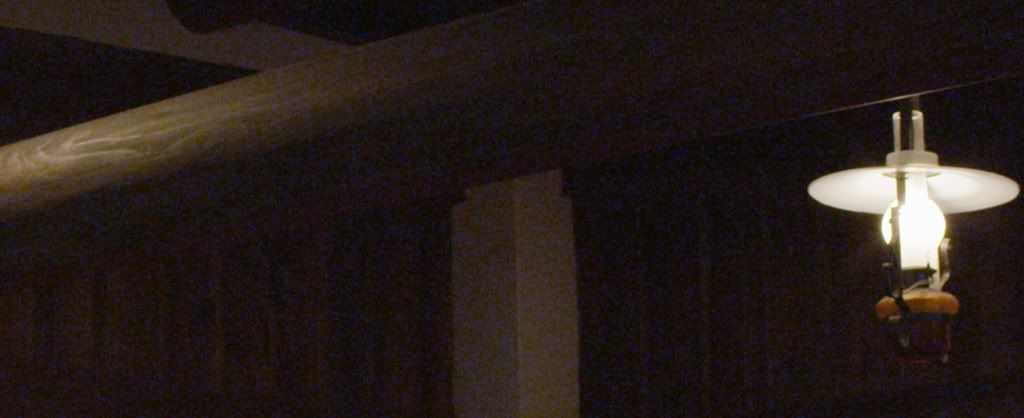
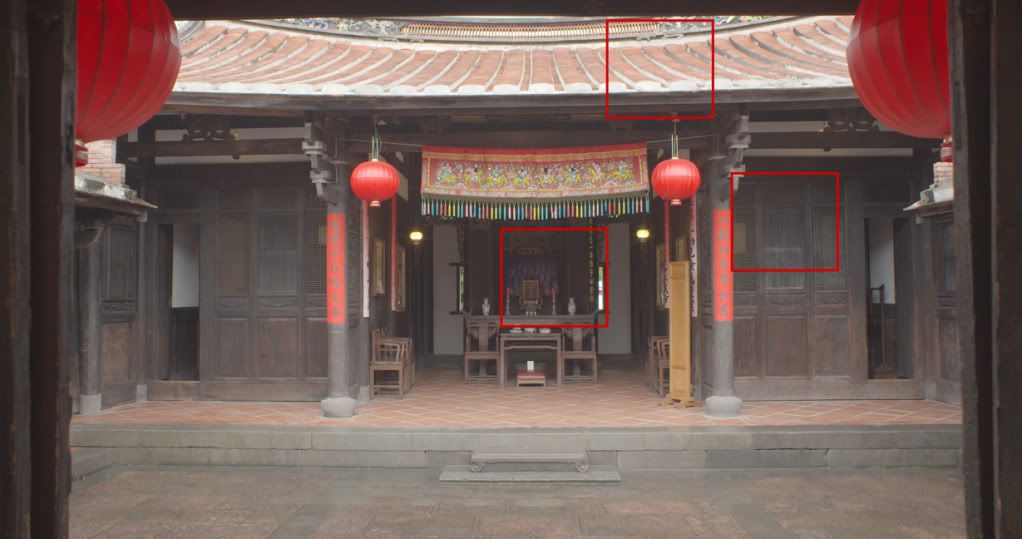
My test:

EPIC
A001_C004_0314UG.jpg

E-3.jpg

E-2.jpg

E-1.jpg


3200K ISO3200
Eiso3200.jpg


F65
FILE0000003500000.jpg

F-3.jpg

F-2.jpg

F-1.jpg


3200K ISO3200
Fiso32002.jpg
 
Allstar - Are these graded in anyway?

The reds in the F65 look very 'Sony' - if you know what I mean.

Obviously, DR looks better on the F65 - as does 32K/3200.

But, of the two wides, the Epic one seems more natural (especially in reds).
 
Status
Not open for further replies.
Back
Top