- Moderator
- #81

Jeff Kilgroe
Well-known member
These are showing up as 32kb. I think it's just the .rdc folder, not the .r3d file.
Yeah… no R3D files there.

Follow along with the video below to see how to install our site as a web app on your home screen.

Note: this_feature_currently_requires_accessing_site_using_safari
These are showing up as 32kb. I think it's just the .rdc folder, not the .r3d file.


I don't see the problem with this footage. Developed DragonCoior4 RedLogFilm.
Pat


RED do

Hi guys,
I did a small test this morning. Fresh Black shading. Nikkor 20mm lens (did not even check focus) just did it quick in my office. I am not seeing that clumpy RED channel noise unless I zoom in to about 150-200 percent.
I don't have an MX to do side by side, but basically if you see that noise goal post then the EPIC is telling you that the noise is going to be there. The thing that blew me away the most was that there is a 1 stop noise "threshold" so to speak. It took only one stop (going from 8.0 to 5.6) to eliminate 80% of the noise. That was a surprise to me as I thought it would be much more gradual.
What it means is (and I am talking about how I have to treat my camera today) that if I see that noise goal post, I'm going to to everything to open up or add more light to get rid of it. Of course we all know that in the real world that ain't always possible. If you wide open and the noise goal post is up, it's telling you that there is some noise in that frame.
Underexposure is going to create noise. It's just that simple. As I said in my early findings. Throw light at these sensors and these problems disappear. The first thing I captured on my Dragon was the exact same scene I captured on my MX, a dimly lit church. The dragon far outperformed the MX in that scenario.
My test is so basic.
1. Expose at F8.0
2. Expose at F5.6
3. Expose at F4.0
At F8 the goal post is fully lit-up on the scene. 1:1 crop on the image.
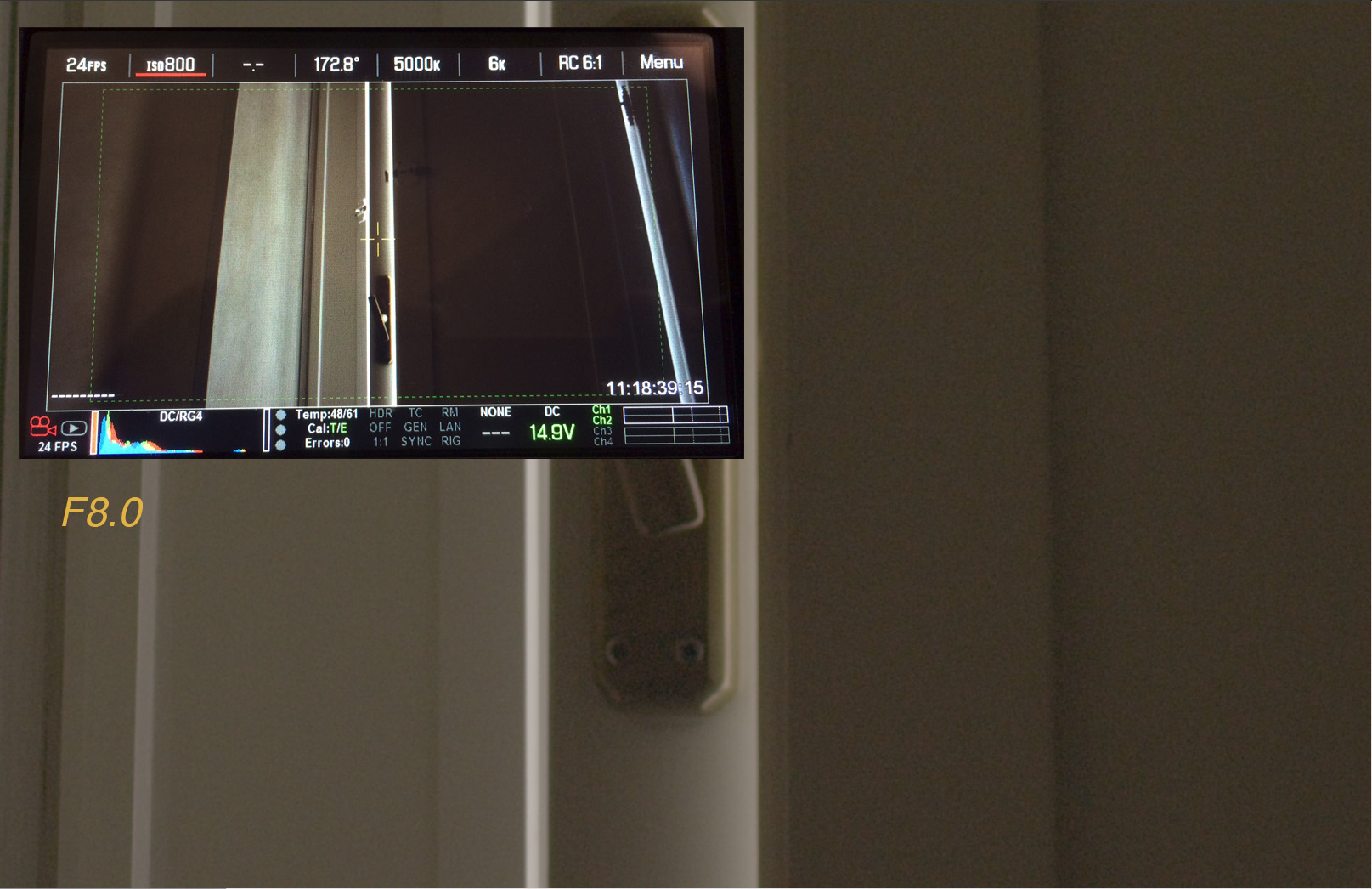
At 5.6 80% of the goal post goes away and so does the noise.
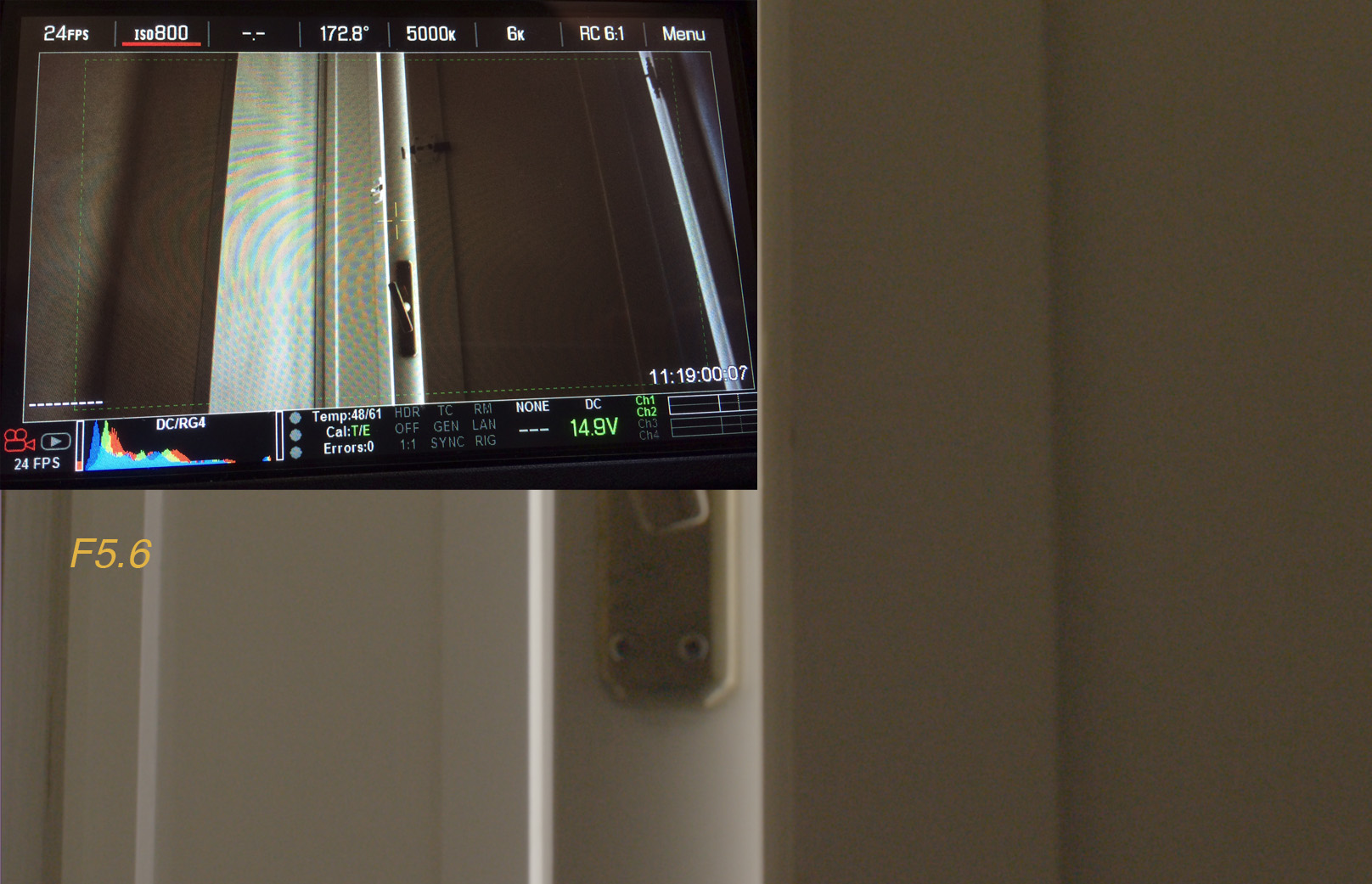
At 4.0 it's that much cleaner.
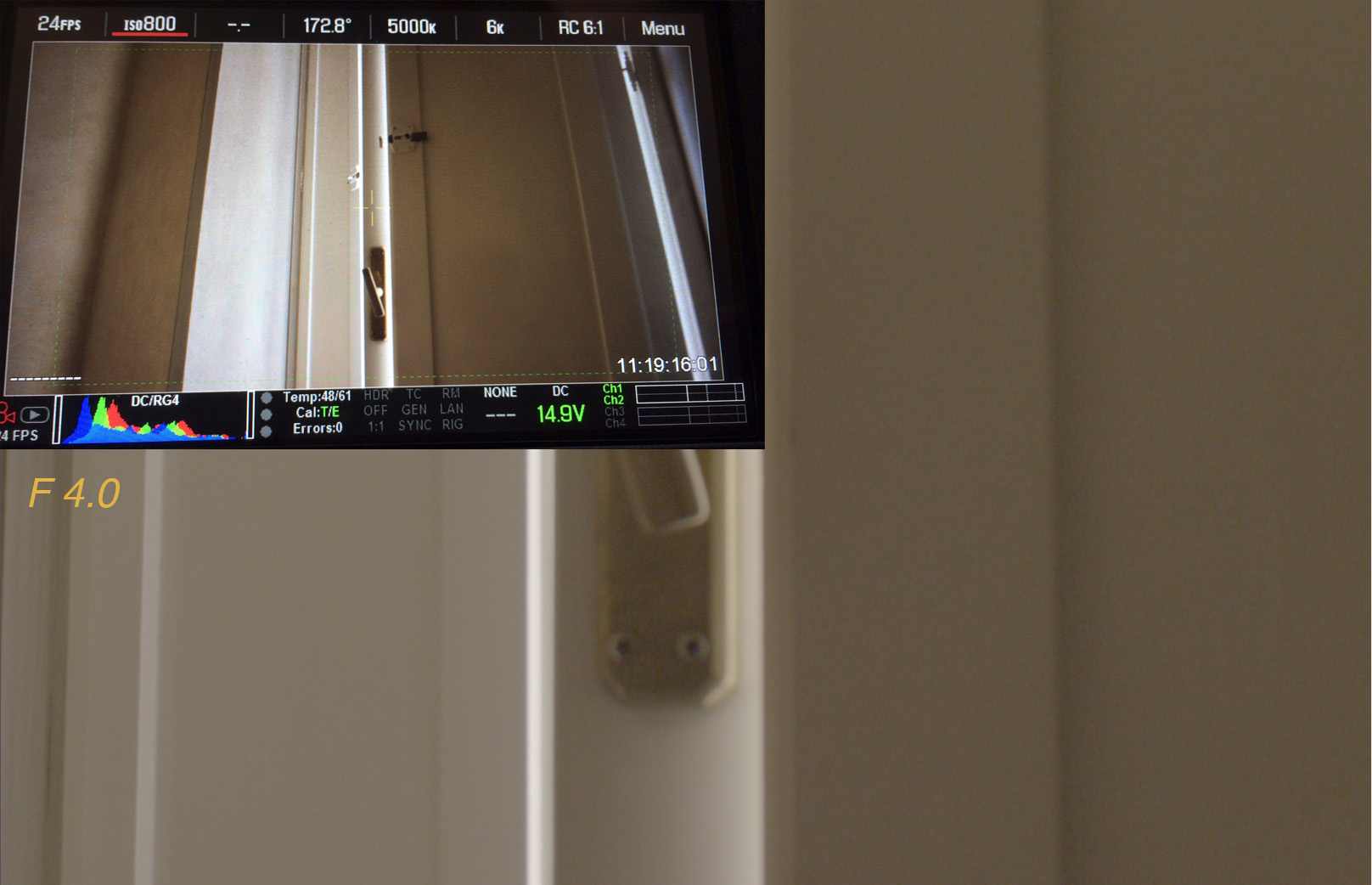
Here is the link to the R3D's
https://www.dropbox.com/s/aw9ezx7hk68rwuk/3stops.zip

Dragon
MX
I don't see the problem with this footage. Developed DragonCoior4 RedLogFilm.
Pat

My theory after doing the dynamic range testing is that it looks like the RED files are cutting off the blacks. So "0" has been calibrated down to -.001 or so. As a result you're seeing a less desirable noise structure where the bottom of the noise floor is below 0.0.
When I did long frame averaged takes I would expect the noise floor to "stabilize" somewhere around 0.0001 instead it stabilized at 0 in some places. That's highly improbable that every single frame of 100+ frames is exactly at 0 (the true bottom of the noise floor).
My super hypothetical theory is this. Dragon used to be an 800 ISO sensor. They 'mechanically' tuned down the analog gain by 50% to make it a 400 ISO sensor like MX. This revealed some extra headroom. But in the process the ADCs are now clipping in the shadows. The fix would seem to be to add a little bit of lift prior to debayering to ensure that no data is getting clipped. .
WOW! Looks good enough for moving pictures, to me.

Understood, but it still pops.Just compairing the noise floor of both cameras not saying it's what we need.
Pat


To me, the shot at f4.0 should have no noise at all, none... Nothing is crushed, the noise bar is empty, yet there is noise... This is not right at all...
You don't look at RAW but at some RG4 curve set to 800 iso. If you push your low lights (the lowest is the blue channel far left in that picture) to the mid grey (like exposing it to 2000 iso) it's normal you'll have some noise even if the goal post says (at 800 iso) there is no noise. Same applys with big color temp changes (like 5500k to 2700).
Pat