Welcome to our community

Be a part of something great, join today!

  • Hey all, just changed over the backend after 15 years I figured time to give it a bit of an update, its probably gonna be a bit weird for most of you and i am sure there is a few bugs to work out but it should kinda work the same as before... hopefully :)

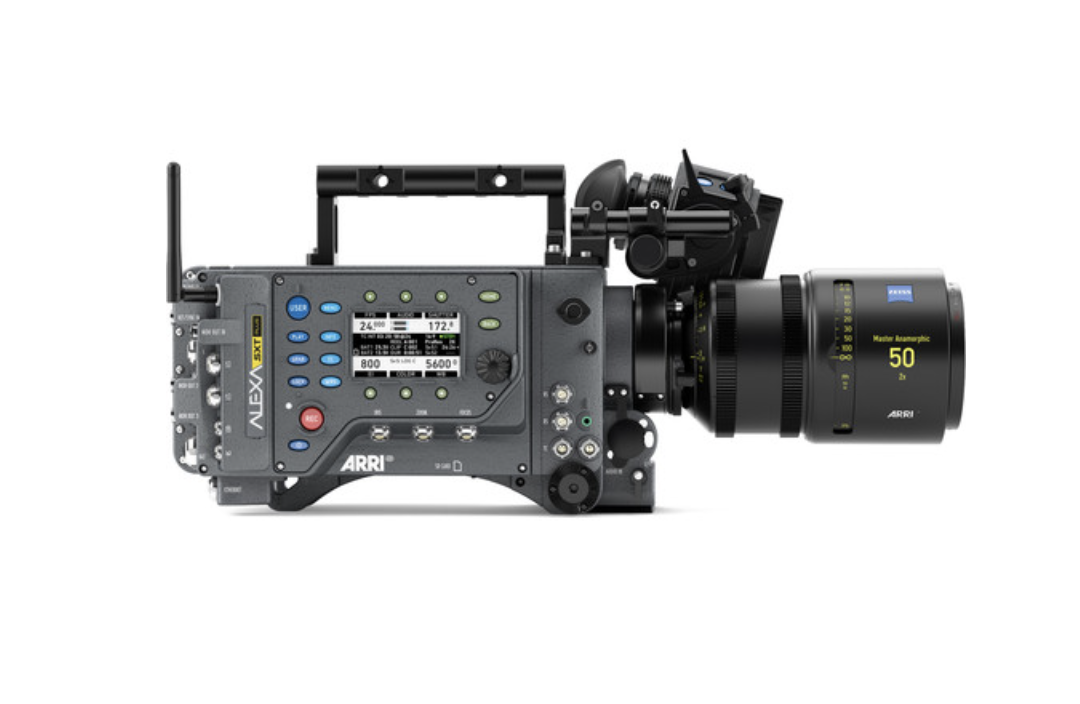
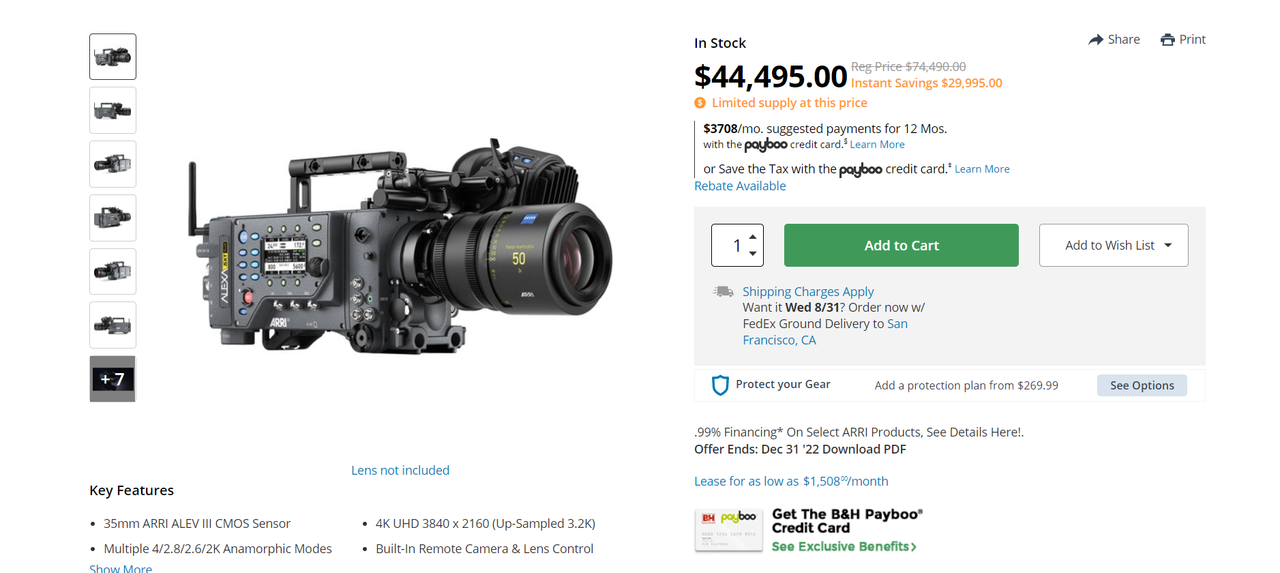
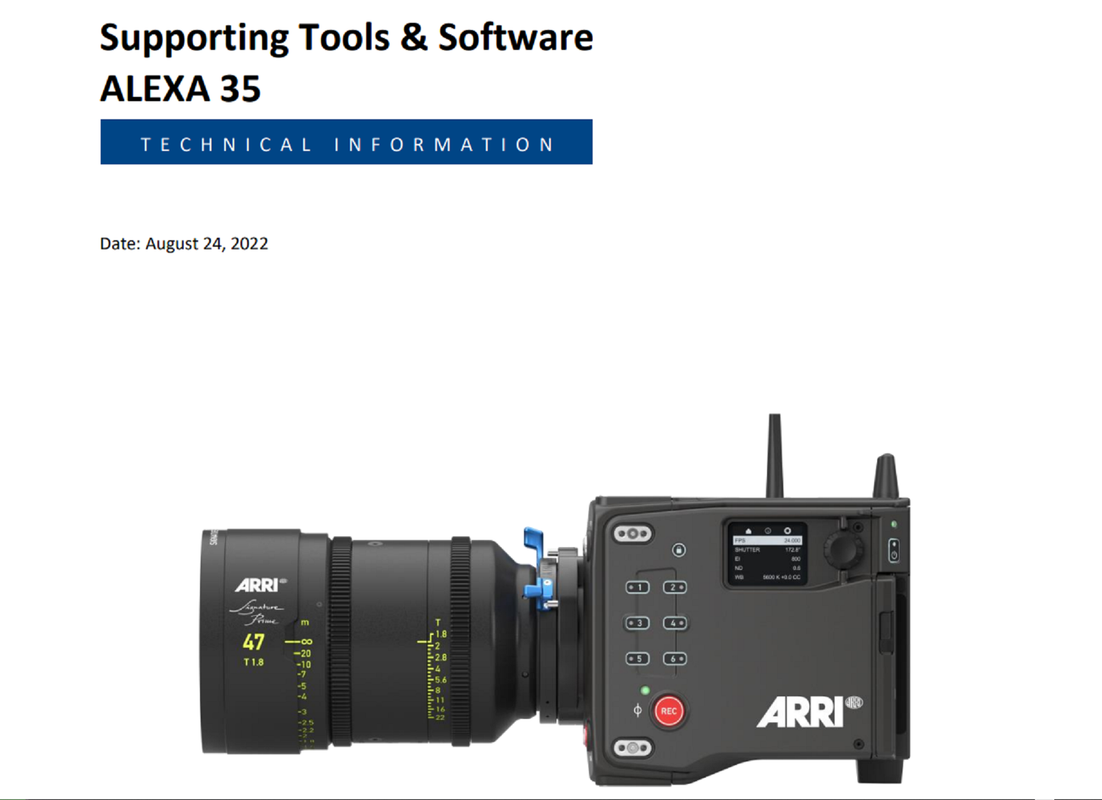
ARRI 4K Super 35 Camera Will be Launched Next Month

"Filmbias" is indeed interesting Rand. Eventhoug it appears it reduces color response in the magenta green axis. Yellow is the problematic color IMHO when using RED.

When using Red pictures I think using the color sapce transform in the lut (put at the end of the nodes) holds the best result. So strating with RWG Log3G10 instead of Rec709 BT1886

I didn't understand your statement/ question , could you be more specific? And you can correct a yellow issue in any image with a simple" HUE SHIFT", if you don't use "Tint" to correct the RED image, or "PRINTER LIGHTS" YELLOW reduction.


EDIT:

I think due to the Spectral Locus that the RED KOMODO uses in relation to past Red Cameras, you "CAN" use "Tint" and a "HUE SHIFT" to get better results. In the Past it was Either/Or.
 
Last edited:
"Filmbias" is indeed interesting Rand. Eventhoug it appears it reduces color response in the magenta green axis. Yellow is the problematic color IMHO when using RED.

I am the one who created that LUT. Very short take as I don't want to get into a lengthy post. RED, ARRI, and SONY do interesting things particularly in their Output Transforms to specific colors. Yellow, actual yellow, is there in their wide gamut spaces. Canon also has it's own jazz.

Among the leaders in the world of color science and rather intense mathematics there's a lot of nuance between color accuracy and what "looks good". Perceptual research is a fascinating deep topic, but humans generally don't react well to certain colors. I'm not exactly describing "yellow" as a whole for instance, but the range of yellow across adjacent hues, dynamic range, and natural exposure perception under a very wide range of light sources.

Interestingly when looking at color film you see a lot of chromatic harmony due to the additive nature of how exposure works to create an image, though subtractive in nature. The added nuance of the specific layers of film and what it filters out, or more accurately, cuts and/or absorbs you discover a lot of things that people find pleasing, but aren't exactly the entire spectrum being captured even when it's their in frame.

In my polychromic LUTs on philmColor that was the large inspiration behind those. That's why a matrix also doesn't exactly always lead to Narnia, but some additional steps are worth guiding. The nice thing is you end up on some interesting harmonic schemes that somewhat serve and a semi two-strip-like process with some extra jazz which generally simplifies colors in a pleasing way. For instance, if capturing a complexion that has moderate blotchiness you can bring some of the colors together, not just by hue, but limiting, expanding, saturation, and luminance.

Color Science is a very deep topic, particularly when tied to creating creative and/or technical looks. But there is a strange moment where accuracy versus a pleasing image don't always line up. To that regard, you'll find most based color people saying that generally speaking that Color Science is subjective. One of the trickiest things in my research has been throwing my preferences out the window, or at least keeping them out until I wrangle them back in, and discover the wide range of people's preferences.

When I was making LUTs which were then translated to code on various screens for computers and mobile devices the wide range of people testing those out were very informative. And that mostly came down to what people found to be pleasing in fairly normal imagery.
 
I think due to the Spectral Locus that the RED KOMODO uses in relation to past Red Cameras, you "CAN" use "Tint" and a "HUE SHIFT" to get better results. In the Past it was Either/Or.

There's been subtle updates over the years to RED's color overall, but they tend to lean towards accurate pleasing colors and utilize a Planckian Locus for Color Temperature.
 
There's been subtle updates over the years to RED's color overall, but they tend to lean towards accurate pleasing colors and utilize a Planckian Locus for Color Temperature.

Phil,

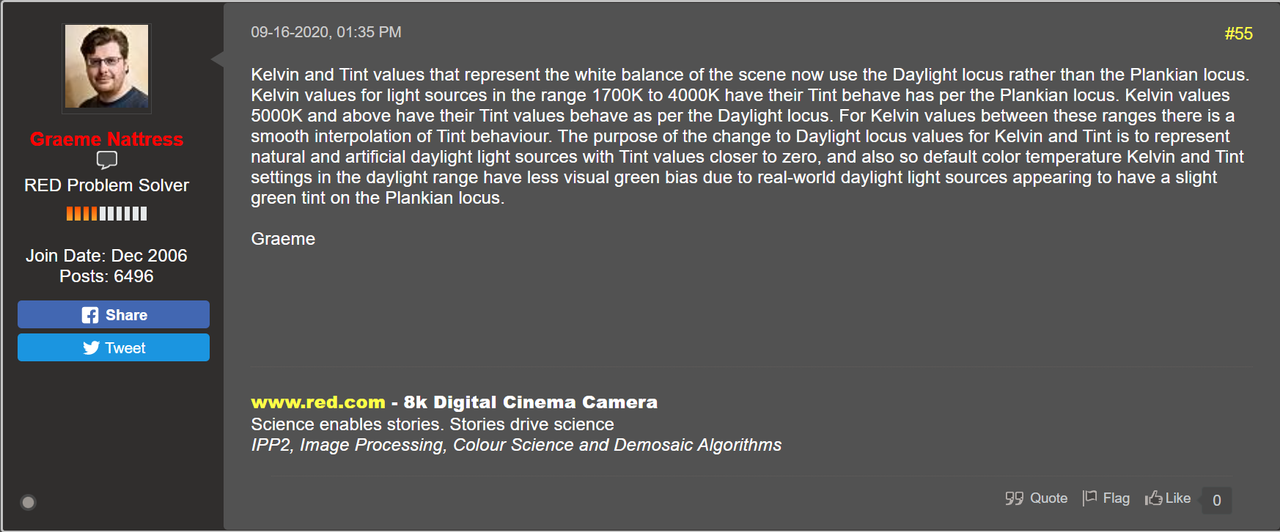
I thought Red switched to a "DAYLIGHT" Spectral Locus, or something along those lines, for the Red Komodo.
 
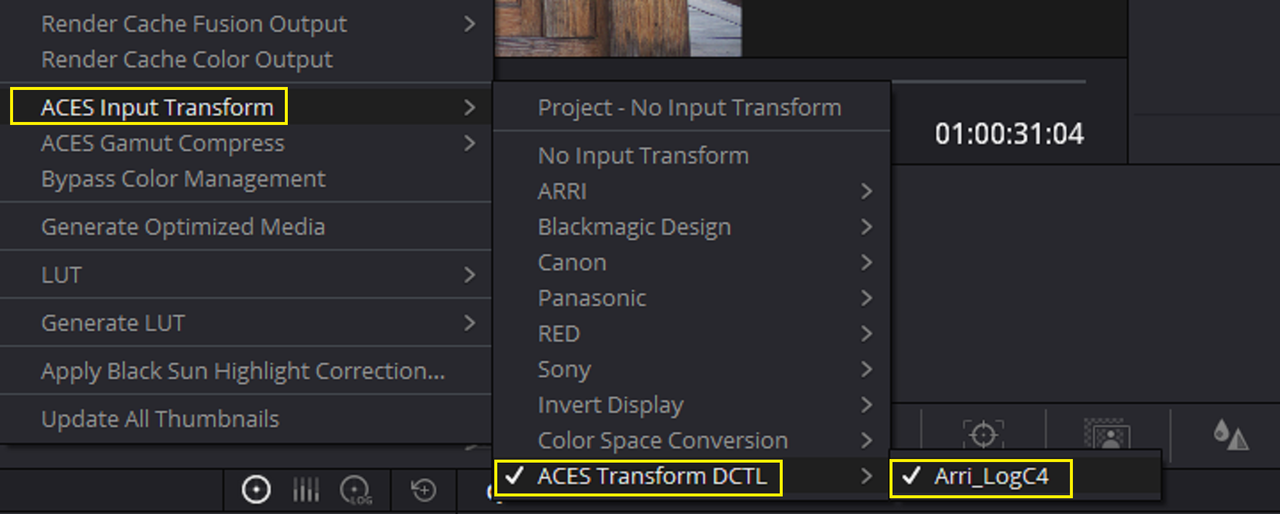
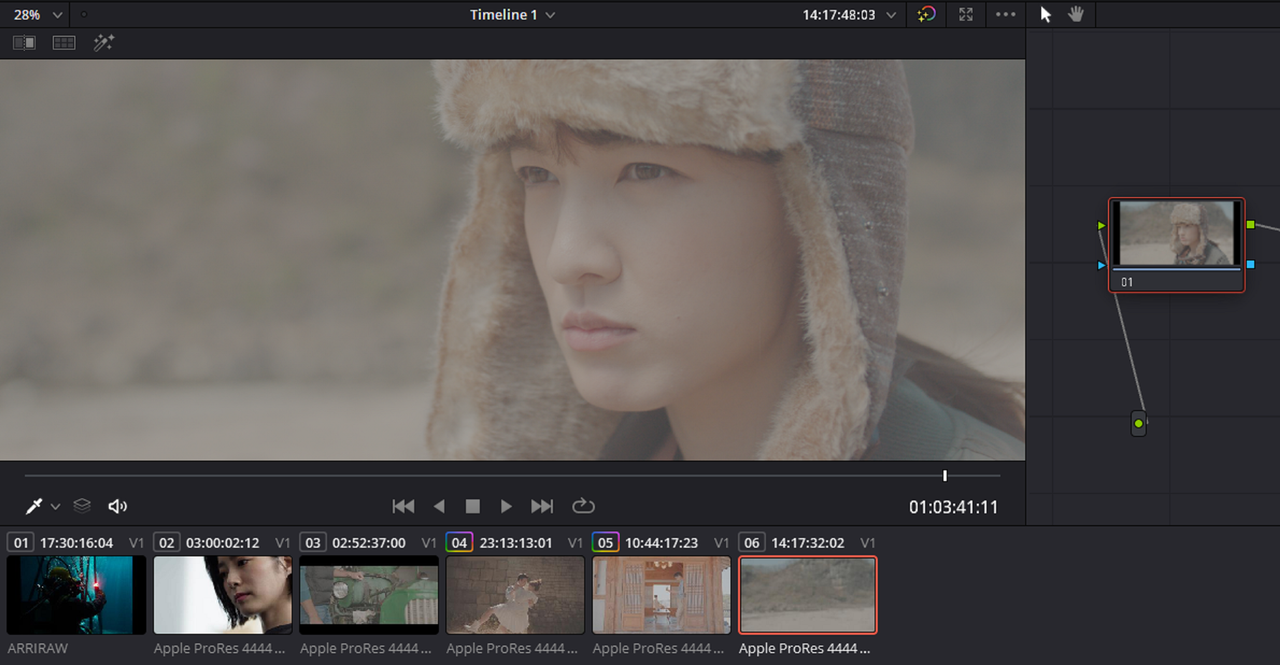
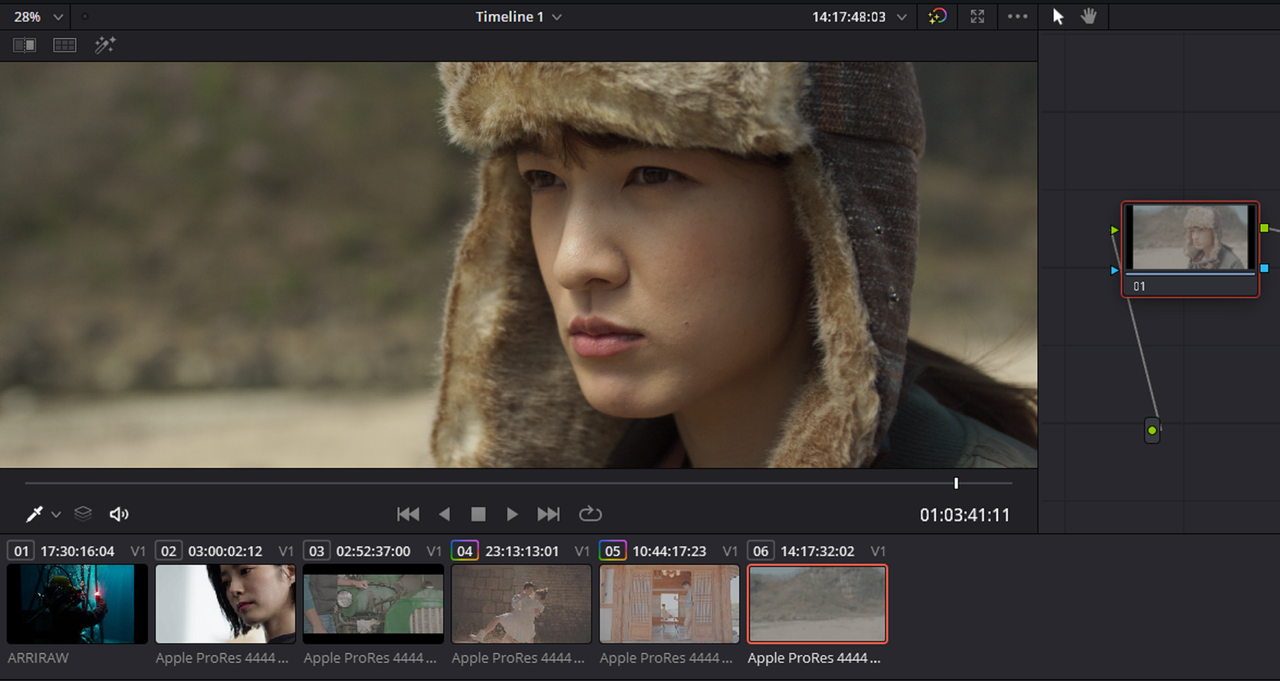
With the ACES LOG4 DCTL above, it seems when you scroll through the scene everything looks okay. However when you press the "Play" on the "Viewer" Window or on your Keyboard the image returns back to LOG.

In the video below, First I demonstrate how the "ACES TRANSFORM DCTL" for ARRI LOGC4 performs while Scrolling then in "PLAYBACK" mode. Next I Show how the ARRI LOGC4 IDT already built into RESOLVE behaves in "PLAYBACK" mode. It helps if you watch the video in "FULLSCREEN" mode.

The Screen Recorder Program I used caused an increase in the Gamma of the Video but I think you'll get the jest of what I'm trying to demonstrate


I got the the "ACES DCTL for ARRI LOGC4" to work properly during playback. I think It was just some temporary bug in Resolve that caused it not to PLAYBACK correctly before.

Screenshot-6373.png


Screenshot-6372.png


I think there was some type of GAMMA issue with the Screen Recorder program I used so the Video below has a "Lifted" GAMMA.

 
Last edited:
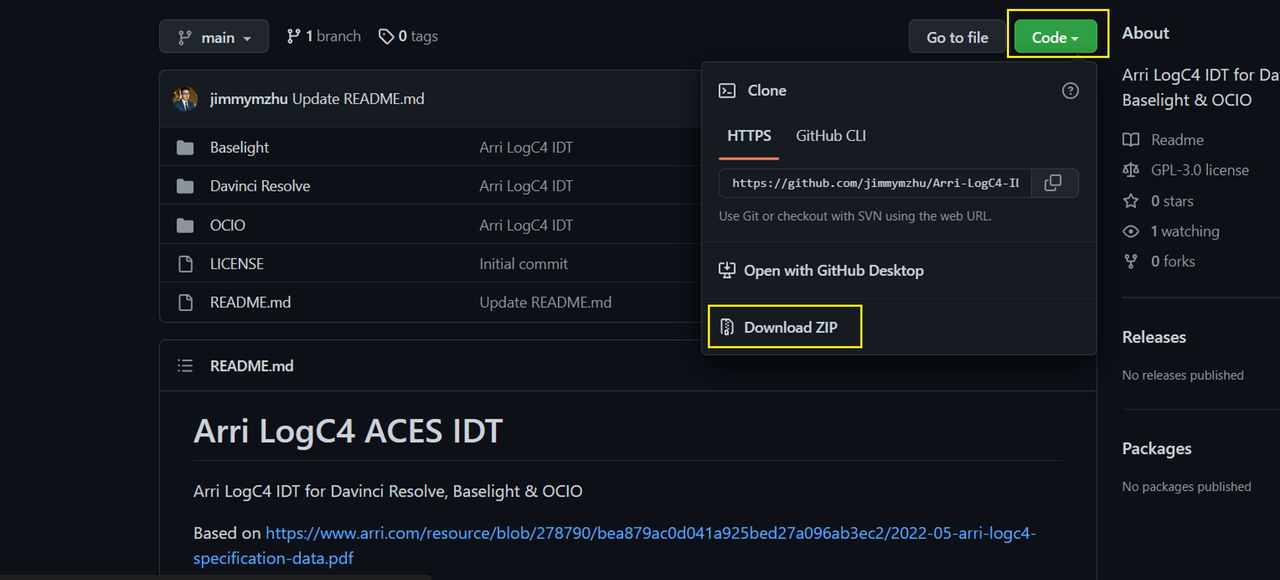
Here is the link to that ACES DCTL IDT for ARRI LOGC4 again


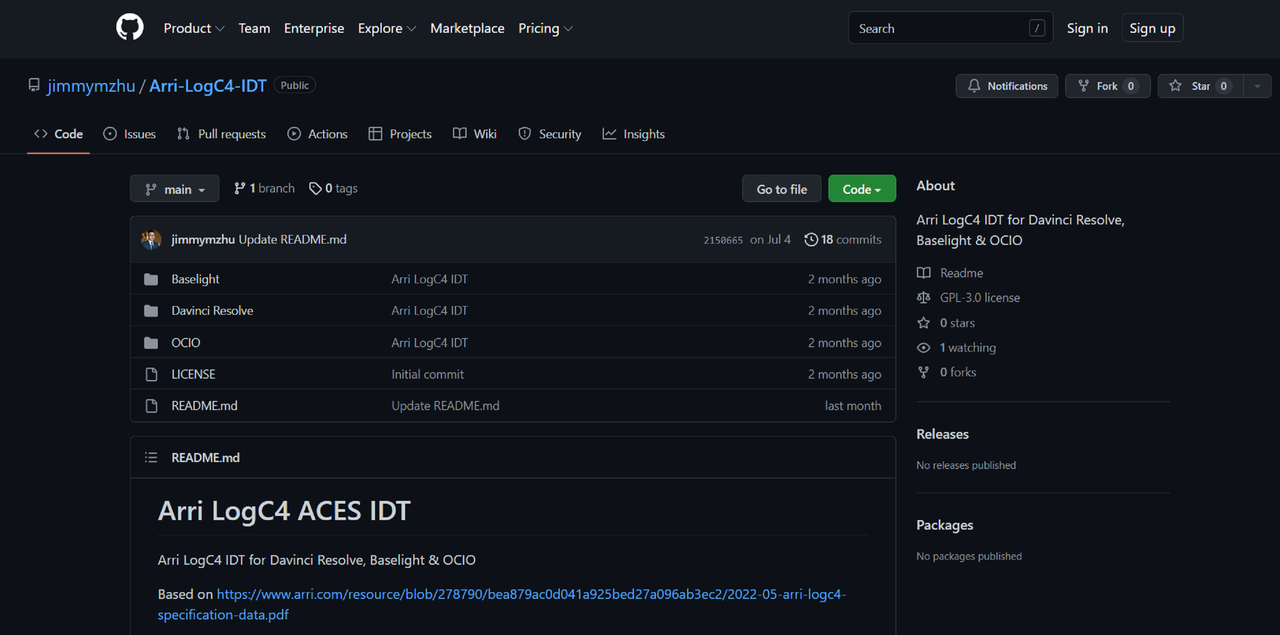
Arri LogC4 ACES IDT

GitHub - jimmymzhu/Arri-LogC4-IDT: Arri LogC4 IDT for Davinci Resolve, Baselight & OCIO


Screenshot-6202.png


Arri LogC4 IDT for Davinci Resolve, Baselight & OCIO


Based on https://www.arri.com/resource/blob/2...ation-data.pdf

by Jimmy Zhu, www.jimmyzhu.net

For a more detailed installation and usage guide, please check out the blog post: https://www.jimmyzhu.net/blog/arri-l...ces-idt-220629


DAVINCI RESOLVE


Navigate to the "ACES Transforms" folder in Resolve's main application support folder.

MacOS: "~/Library/Application Support/Blackmagic Design/DaVinci Resolve/ACES Transforms" double check folders again

Windows: "%AppData%\Blackmagic Design\DaVinci Resolve\Support\ACES Transforms"

Linux: "~/.local/share/DaVinciResolve/ACES Transforms"

Place Arri_LogC4.dctl in the IDT subfolder.
Start Resolve.

At start up, Resolve loads all the ACES DCTLs inside the "ACES Transforms/IDT" and "ACES Transforms/ODT" folders.

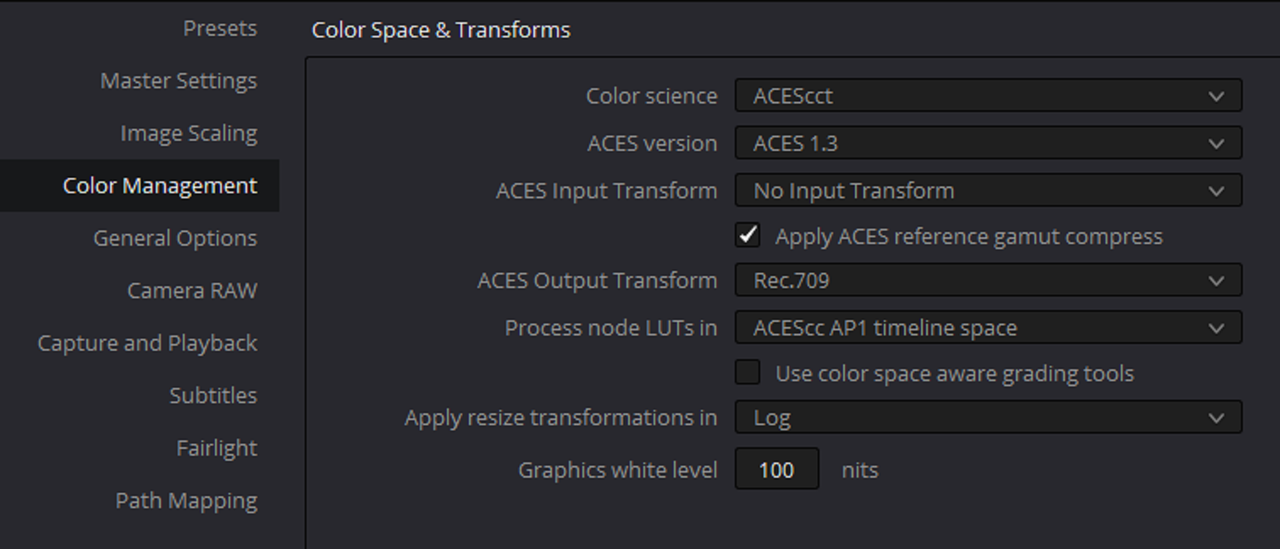
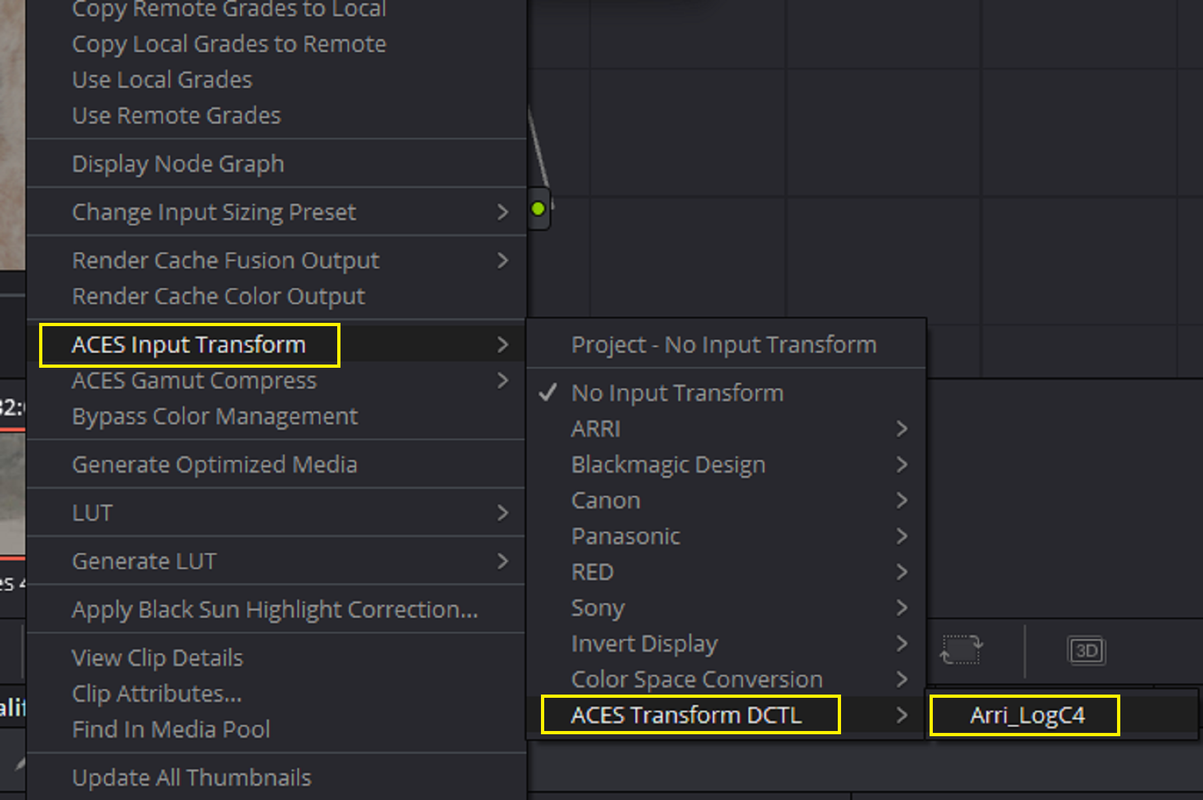
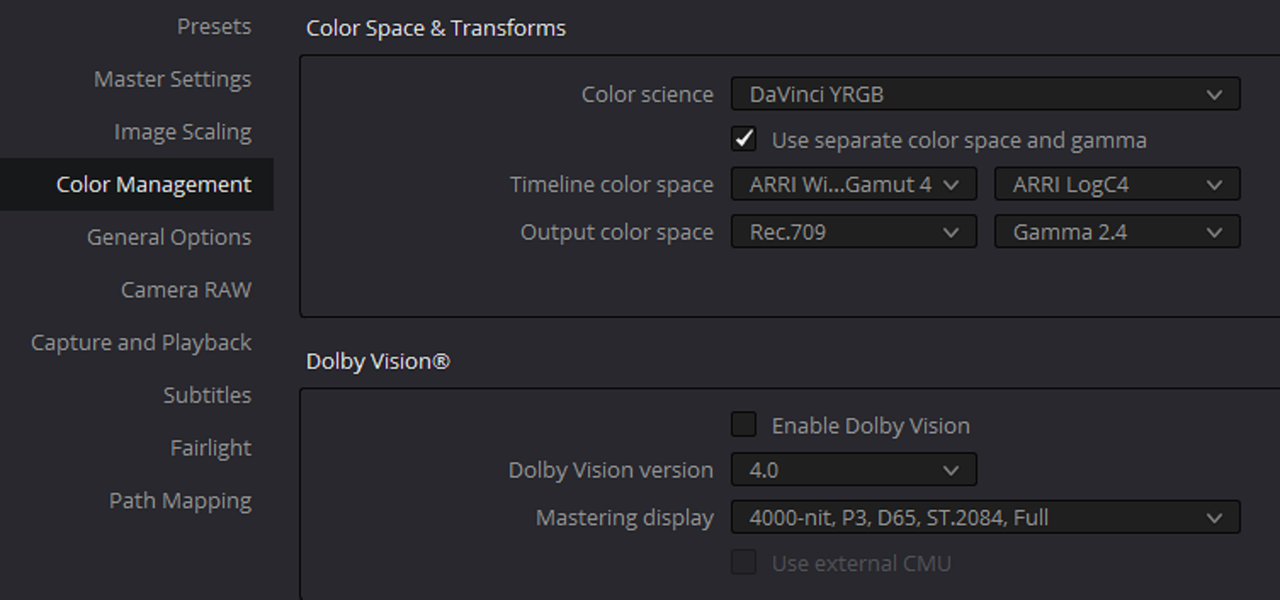
Arri LogC4 is now available as the ACES Input Transform in the project color management setting.

Arri LogC4 is also available in the drop-down menu if you prefer a node tree based ACES workflow.


BASELIGHT


Navigate to the "colourspaces" folder for colour space transform files.

MacOS: "~/Library/Application Support/FilmLight/etc/colourspaces"

Linux: "/usr/fl/etc/colourspaces"

Place ARRI_LogC4_WG4_full.flspace in the "colourspaces" folder.

Start Baselight.

ARRI: LogC4 / Wide Gamut4 is available for Colour Space Input.


OCIO


This config only contains the code for ARRI LogC4. If you don't have a full ACES OCIO config, you can download the latest ACES 1.2 OpenColorIO configuration files

Copy the code from Arri_LogC4-config.ocio into the full ACES config.ocio file.

Copy V4_LogC_800_to_linear.spi1d into the "luts" folder.

Load the modified OCIO config in DCC applications.

Input - ARRI - V4 LogC (EI800) - Wide Gamut is now available in OCIO.


Screenshot-6203.png


Screenshot-6204.png


Screenshot-6205.png
 
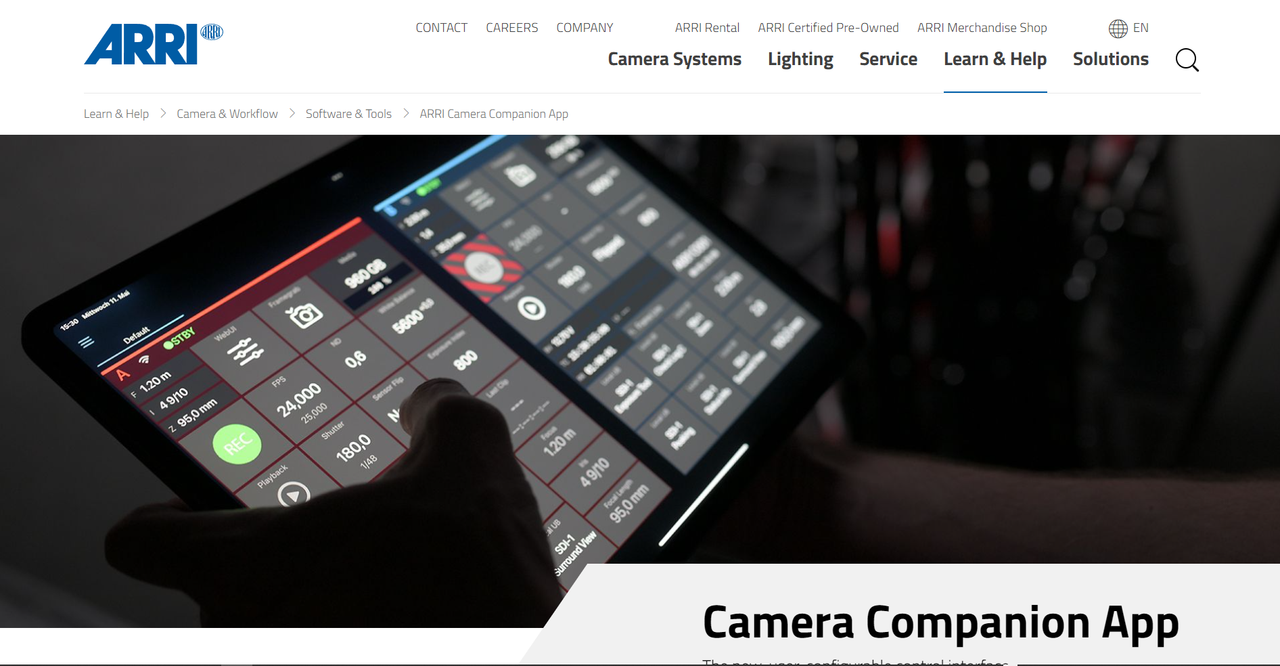
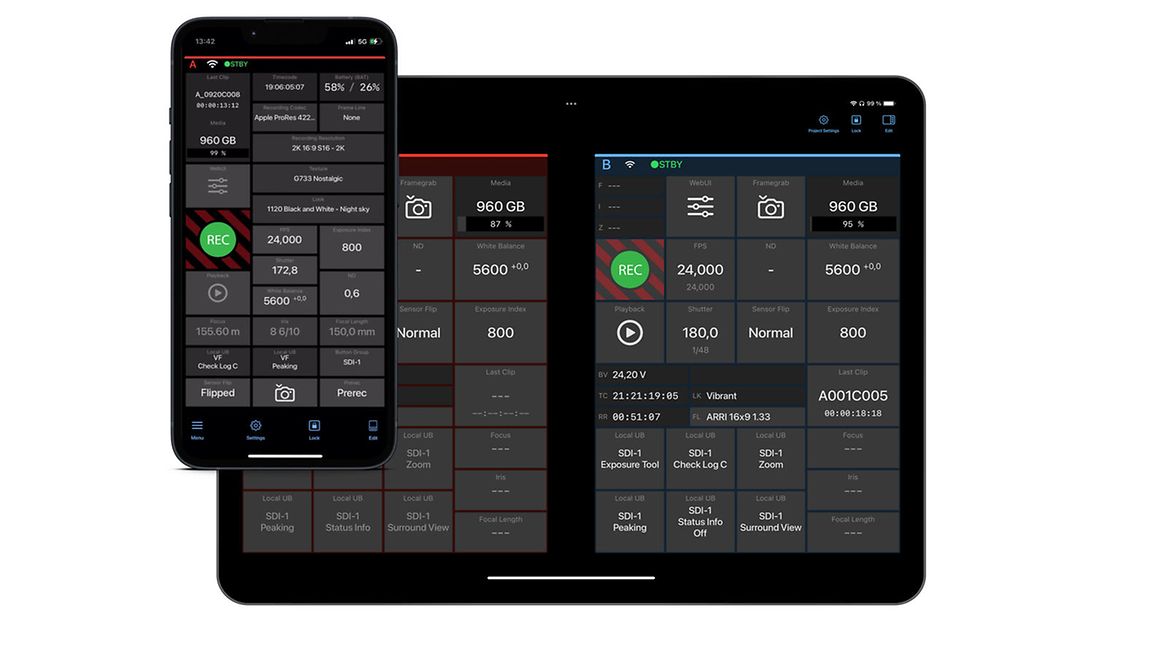
ALEXA 35 Tech Talk: Companion App


By ARRIChannel


0:00 Intro
0:11 Compatibility
2:27 Project & network settings
4:46 Camera settings
5:29 Configuring wifi on your camera
8:18 Features of a default layout
15:51 User Buttons
 
Last edited:
Filmscape Chicago - ARRI’S ALEXA 35

by
CAN TV


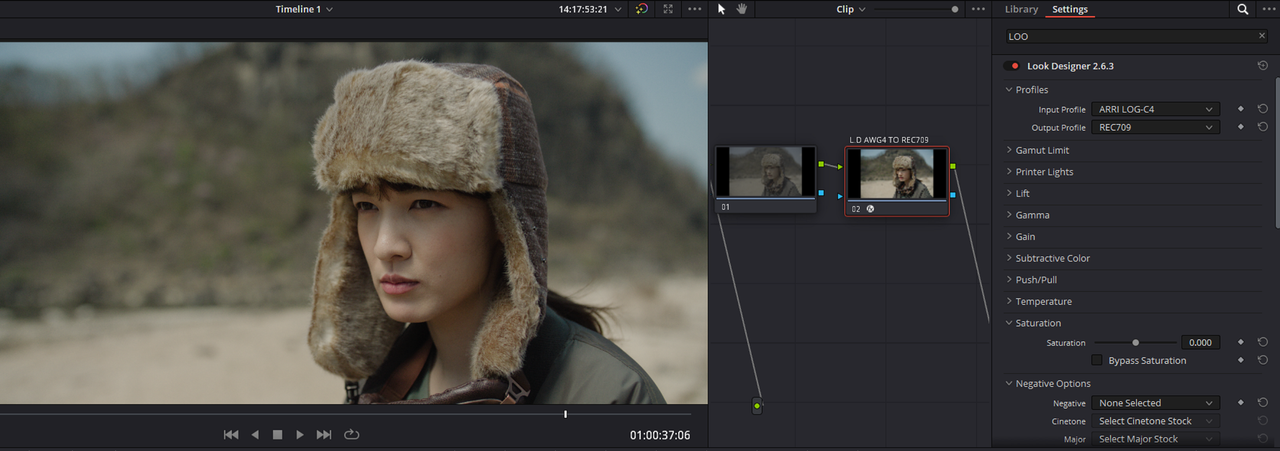
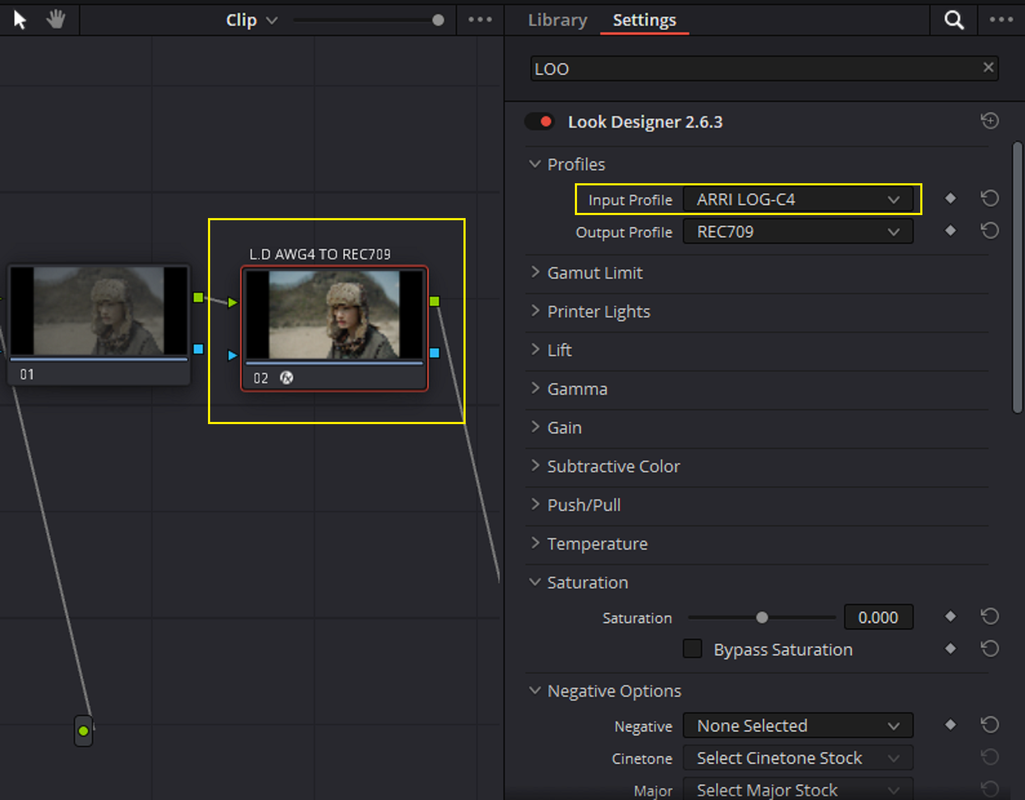
LOOK DESIGNER 2.6.3 Now supports the ARRI ALEXA 35 AWG4/ALC4 Color Space


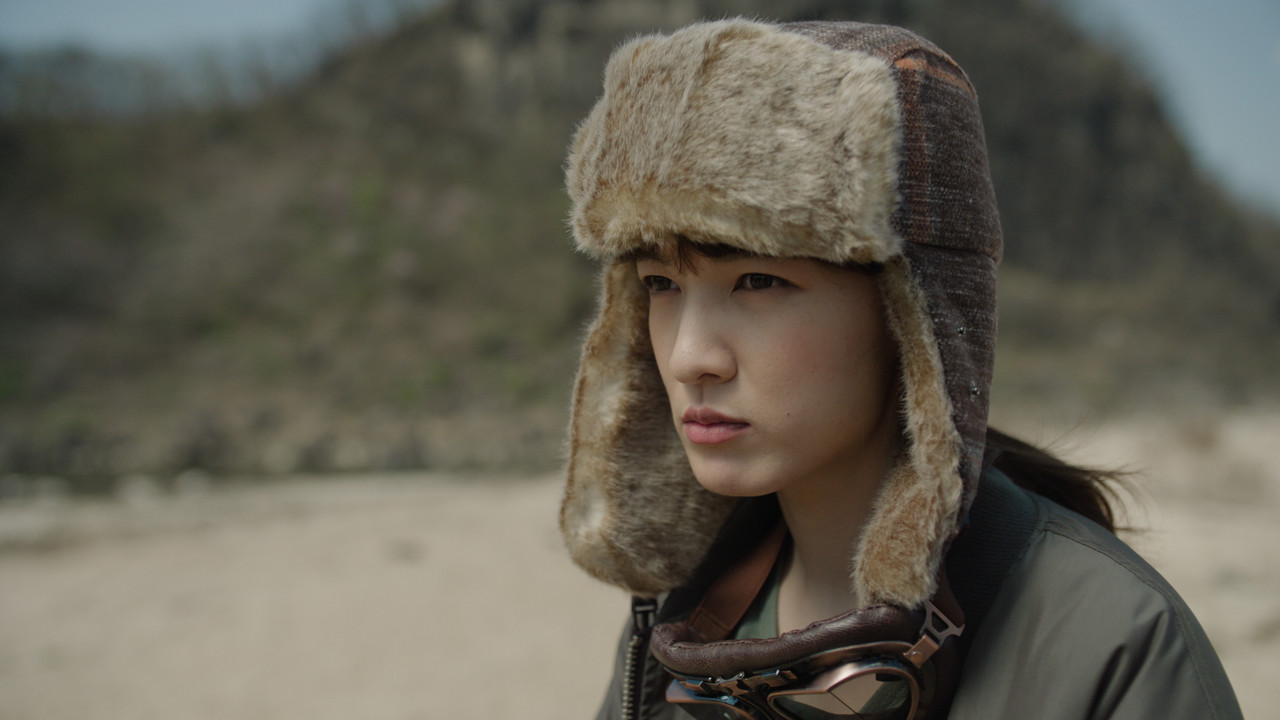
LOOK DESIGNER 2.6.3 AWG4/ALC4 TO REC 709

1.png


2.png


3.png


WITH-LOOK-DESIGNER-2-6-3.jpg


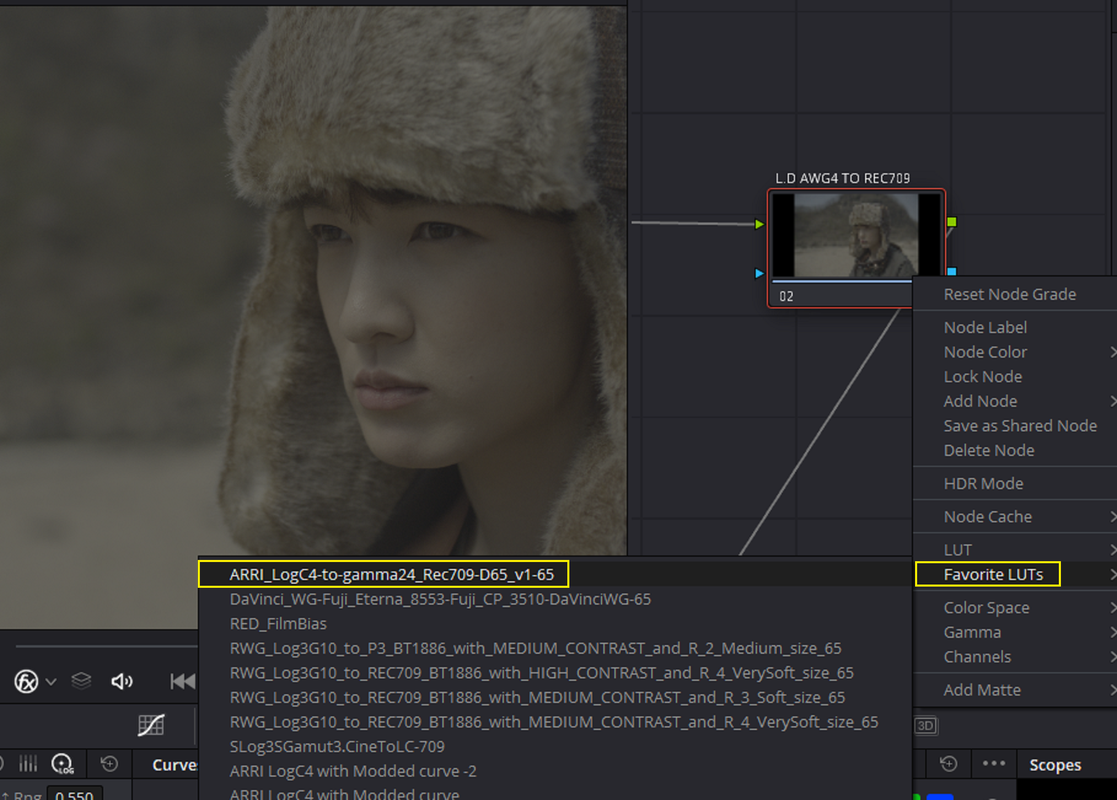
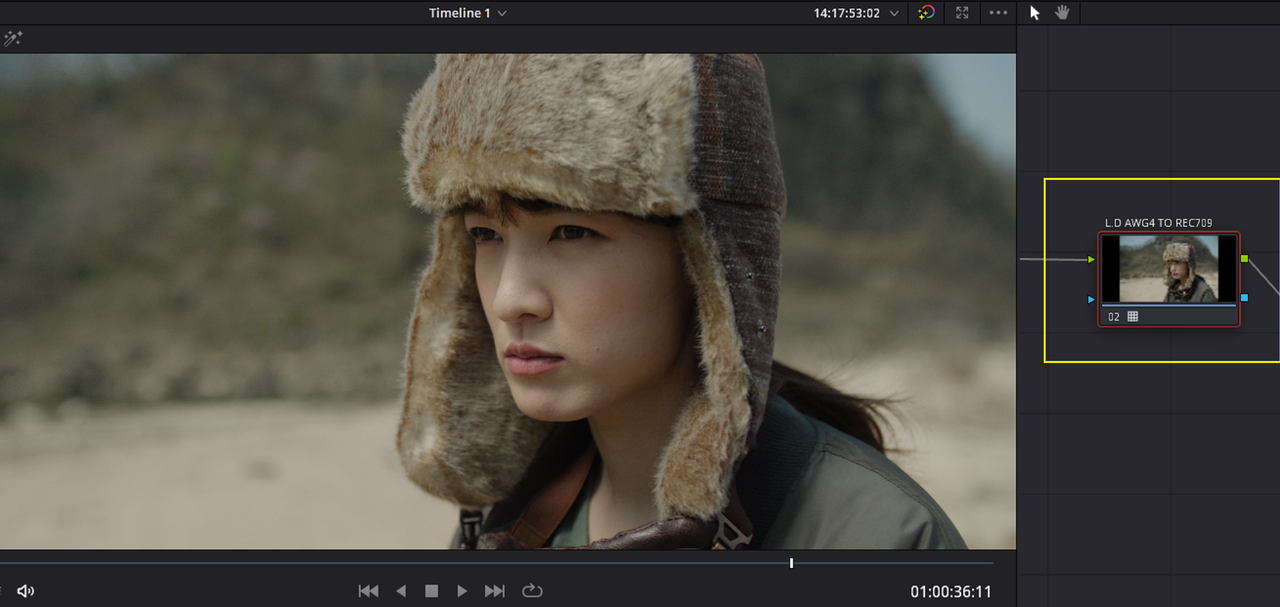
ARRI AWG4/ALC4 TO REC 709 LUT

4.png


5.png


WITH-ARRI-AWG-4-TO-REC709-LUT.jpg


LOOK DESIGNER 2.6.3 AWG4/ALC4 TO REC 709


WITH-LOOK-DESIGNER-2-6-3.jpg


ARRI AWG4/ALC4 TO REC 709 LUT


WITH-ARRI-AWG-4-TO-REC709-LUT.jpg
 
The Driver

by Evan Oliver


"With Special Thanks to:
Arri for the prototype Alexa 35 & Signature Prime set"
 
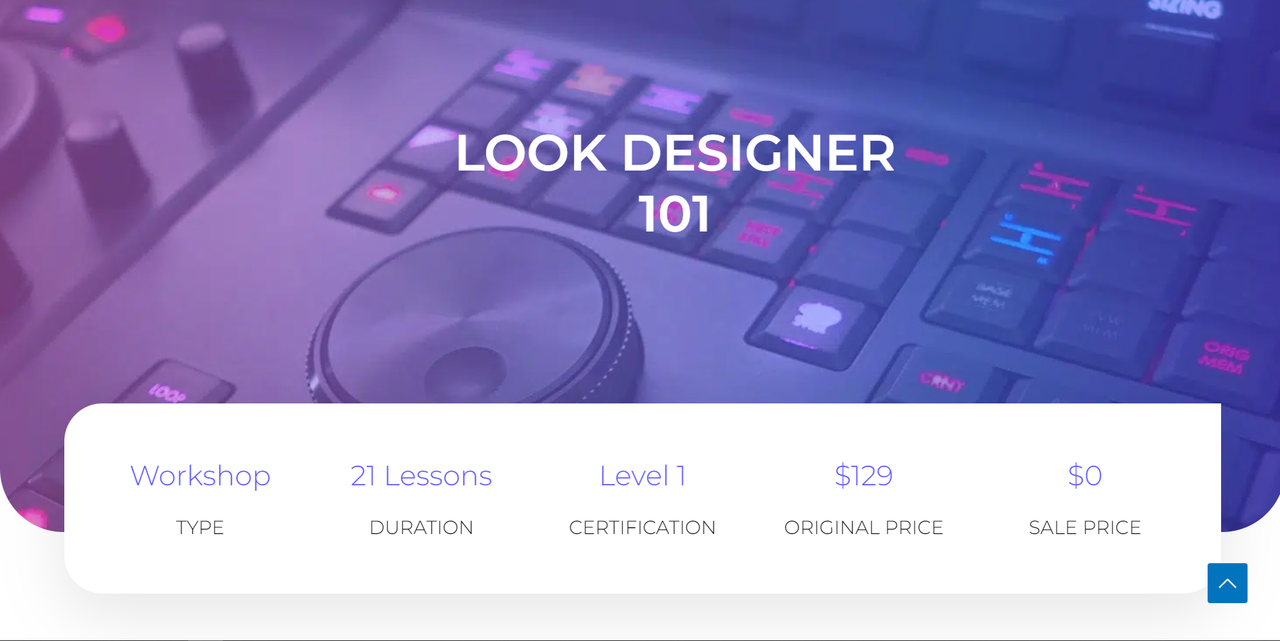
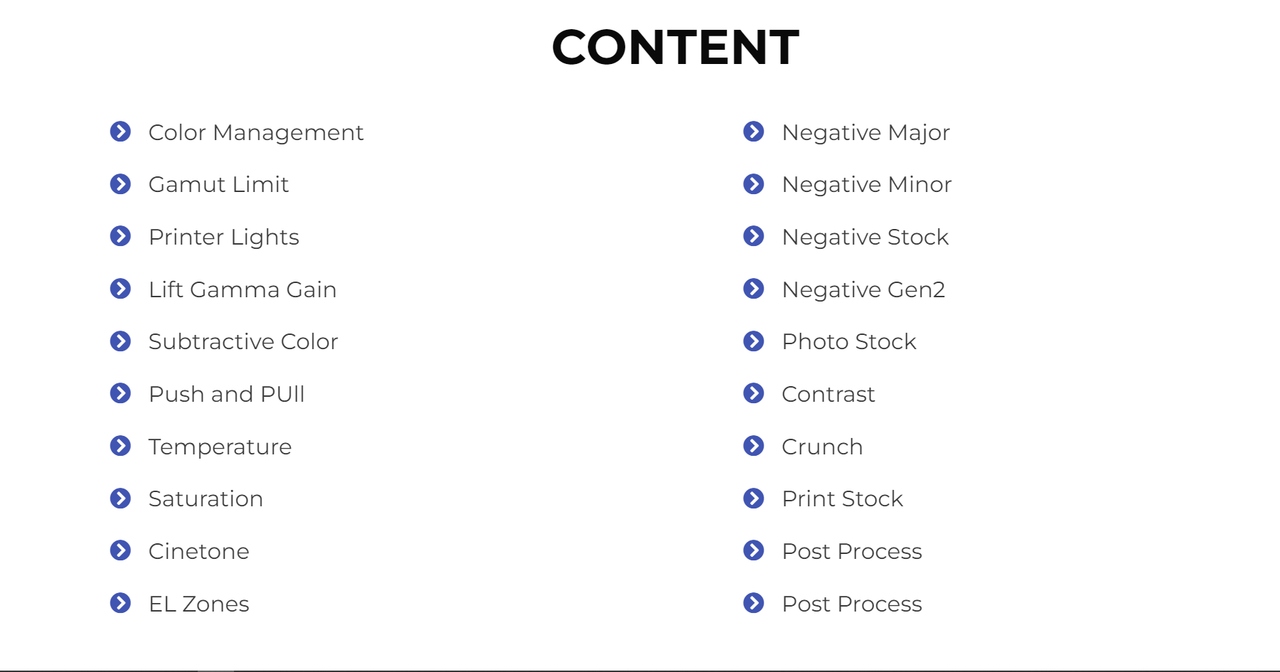
I've demonstrated using the program "LOOK DESIGNER" a lot in this post. DADO VALENTIC, one of the chief designers of this program is doing a FREE 21 LESSONS course on the program on September 10 2022. The course is free if you signup before September 10. I posted a link below to signup.


LOOK DESIGNER COURSE
Look Designer 101 - colour training


Last edited:
Test Alexa 35 4 6K ARRIRAW with Technovision 1 5x Anamorphic in 4K HDR

by

HDR NOW by Sittipong Kongtong


''Tested Alexa 35 4.6K ARRIRAW with Technovision 1.5x Anamorphic Zoom 40-70 and 70-200 PL.''
 
Test Alexa 35 4 6K ARRIRAW with Technovision 1 5x Anamorphic in 4K HDR

by

HDR NOW by Sittipong Kongtong


''Tested Alexa 35 4.6K ARRIRAW with Technovision 1.5x Anamorphic Zoom 40-70 and 70-200 PL.''

I read with enthousiams 6k arriraw ;-)
One day they'll manage to do a s35 6k sensor:angel:
 
I read with enthousiams 6k arriraw ;-)
One day they'll manage to do a s35 6k sensor:angel:

I think the only way ARRI will consider doing a 6K S35 sensor is if they can do so and keep all the basic characteristics of the ARRI look. I think they realize how important 6K and 8K have become and they might have thought about or even tried to create a 6K or 8K sensor. I believe they've tried different sensor sizes in combination with different pixel characteristics and pixel pitches and just determined that for now that the S35 4.6K resolution sensor with the new dynamic range best maintained the " ARRI LOOK ".
 
Last edited:
Back
Top