Welcome to our community

Be a part of something great, join today!

  • Hey all, just changed over the backend after 15 years I figured time to give it a bit of an update, its probably gonna be a bit weird for most of you and i am sure there is a few bugs to work out but it should kinda work the same as before... hopefully :)

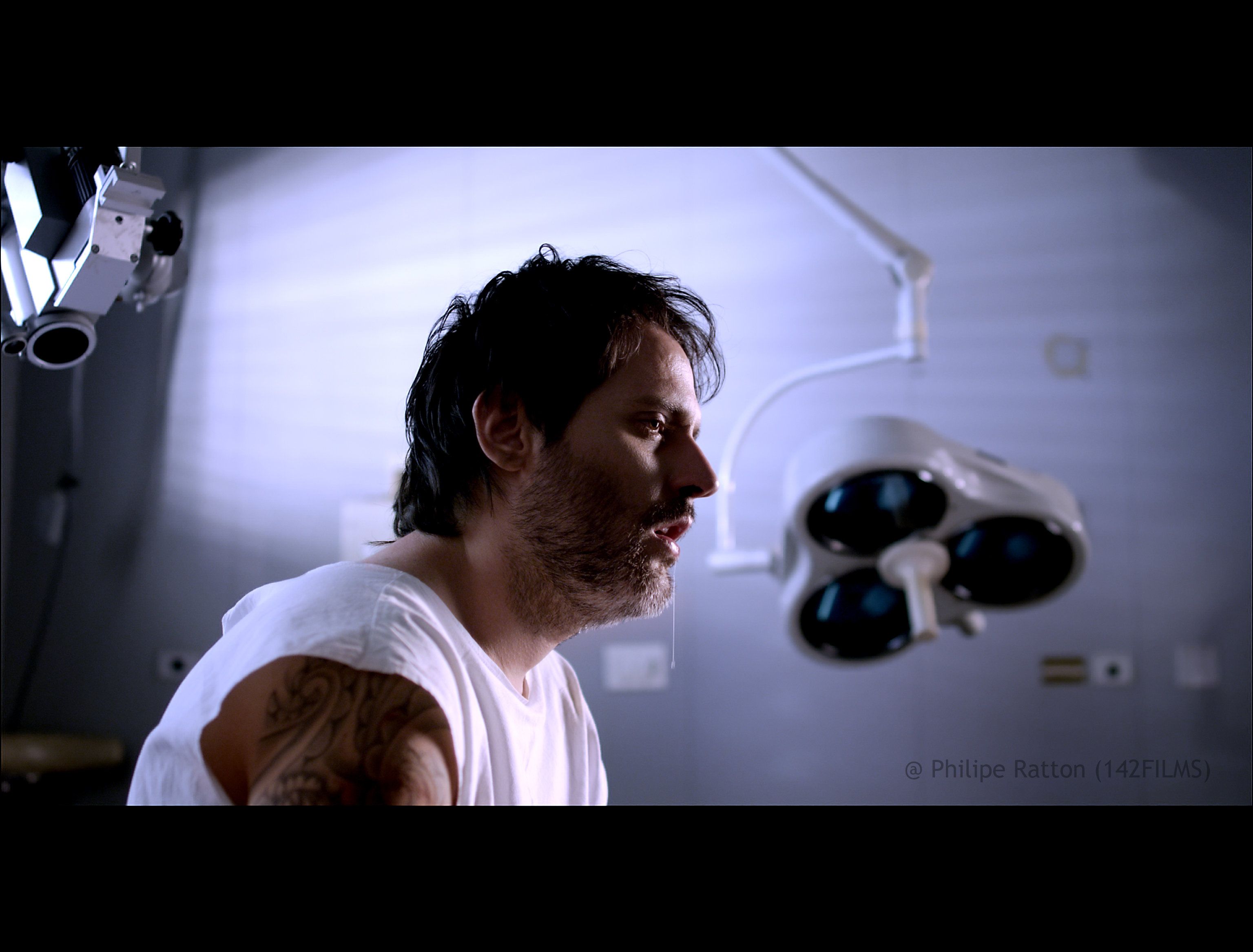
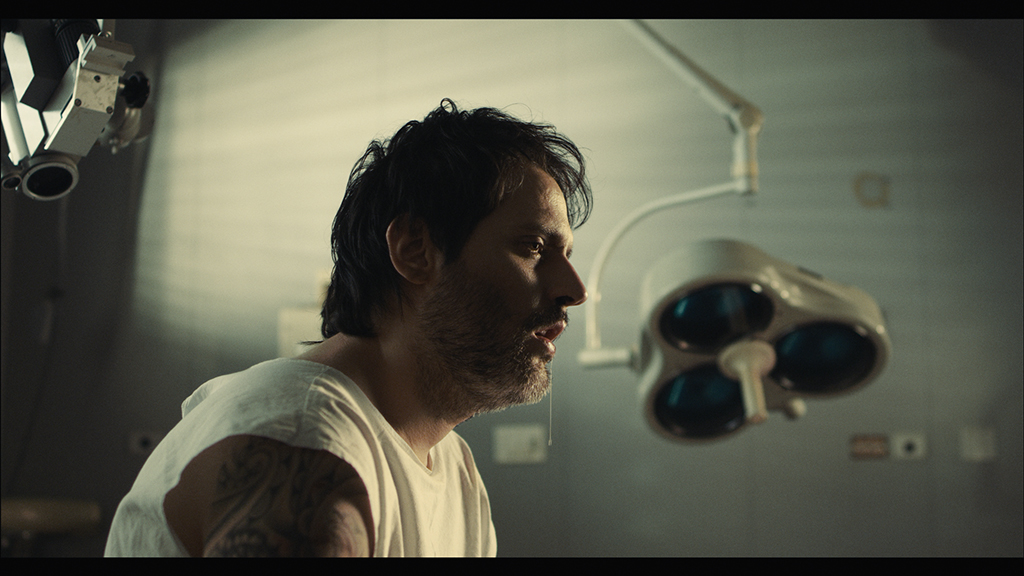
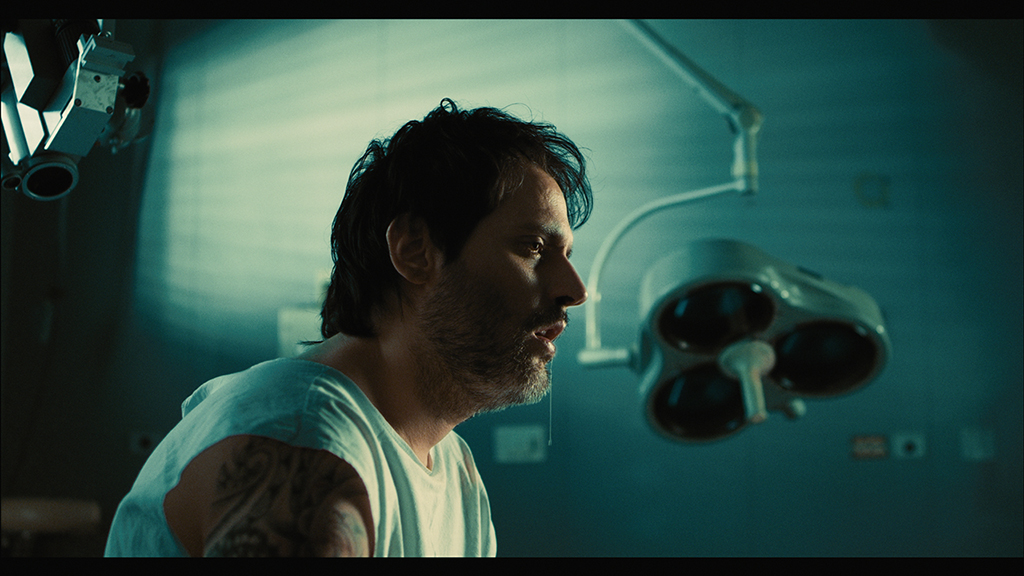
upcoming short shot on scarlet

I finally got some time and I've put together a breakdown video that shows the effect each node has on the final grade.

Check it out here: http://vimeo.com/56460595

Does anyone know how to embded vimeo videos on here?

Also there's more info on these grades on the blog...

Press the insert video button on the control bar and enter the video link. It's right next to the photo embed button.

 
Hey Juan, when are you going to post about the film emulation LUT? Is that something within Resolve, or is it a 3rd party plug-in that you purchased separately? I'm going to try to post more .r3ds; it's crazy/awesome to see how people process them (and fun, even for bystanders).
 
Thanks Matt!

Mike P: I'll write up a detailed post about LUTs, but for now:

I use two Kodak 2393 LUTs. One is pretty standard - but it imparts a pretty strong look on the footage. Green/blue shadows, warmish highlights. I use it whenever I want to try and make something look similar to a feature film. It's the LUT im using for these grades.

The second is a custom version that doesn't tint the shadows green or warm up the highlights, but overall it still gives you film like colours. I use it when I want a slicker/cleaner look but still want to work with 2393 colours.

You really have to know what you're doing, cause a film emulation LUT can be hard to work with. When you first bring footage in, it will look contrasty, unsaturated and may have colours that don't look right. Correctly balancing the image in your first node, sorts most of these issues out. But it sometimes will feel that you're fighting against the LUT to get the colours that you want. So its not appropriate for all situations. A custom input LUT can also be used to solve these problems...

An easier way may be to take a look at the SpeedLooks LUTs Matt Ryan talks about in this thread:
http://www.reduser.net/forum/showth...r-Speedgrade-Resolve-Scracth-Lustre-FilmLight
They seem to get the same results but with a lot less work.

The standard 2393 LUT I use is very similar to the version Bjorn gives out in this post here:
http://www.reduser.net/forum/showth...709-LUT-Anyone-have-one-Made-one-Graeme/page4
You'll need to convert it to a format that Resolve can use. Read my post in the same thread to find out how to do this. I'll have to ask Bjorn if I can distribute the version I've already converted...
 
And here comes the dump question - remind me how to upload images - I have one done in Resolve I like to share :001_unsure:
 
And here comes the dump question - remind me how to upload images - I have one done in Resolve I like to share :001_unsure:


when posting click on the insert image tab in the control bar to insert. It's up by link, email, unlink, then photo, then video. Click on it and paste the url to your image and hit okay. That's all.
 
I had some free time today so I put this together in resolve - just for fun. Philipe I placed a copyright on image as to be clear who owns material, probably silly paranoia :tongue_smilie:

after.jpg
 
when posting click on the insert image tab in the control bar to insert. It's up by link, email, unlink, then photo, then video. Click on it and paste the url to your image and hit okay. That's all.

Thanks Matt!
 
Alright, I had a bit of fun with these in Resolve as well. First 2 I added grain, the rest are clean. Tried a couple different variations. Always a fun exercise.
(right click and open in new tab to view full size)
kodakgrain_1.3.1.jpg

fujigrain_2.1.1.jpg

FujiDrool_1.2.9.jpg

arri_1.2.8.jpg

matrix_1.2.7.jpg

blue-steel_1.2.5.jpg

steel_1.2.4.jpg

blue_1.2.1.jpg

kodak_1.1.5.jpg

arri_1.1.4.jpg

FujiEnd_1.1.6.jpg
 
Very nice Matt!


Ah thx for the reminder on the right click for "new tab"
 
...We had one light panel, one 2k fresnel and two 650.

Thanks for posting these excellent R3D files. These samples really go to show the importance and power of lighting, nice job Philipe. Below are my RCX experiments:

8400062553_83815a1a33_k.jpg


8399388667_cecd04db73_k.jpg
 
Last edited:
Matt, amazing grades.
Daniel, thanks, great grades as well.
You gotta love reduser!
 
Amazing what you can learn here, thank you all for sharing your knowlege!
I also tried to grade your frame, what do you think?

grading_test_02.jpg

grading_test_01.jpg
 
Hi Al,
it's not out yet, too busy trying to make some money!
Hopefully it will be out mid january, I will post it here.
 
is this film out to view?
 
Excellent..

Excellent..

can I have some single frame r3d..?? would love to grade.
 
Back
Top