Welcome to our community

Be a part of something great, join today!

  • Hey all, just changed over the backend after 15 years I figured time to give it a bit of an update, its probably gonna be a bit weird for most of you and i am sure there is a few bugs to work out but it should kinda work the same as before... hopefully :)

My Scarlet Dragon arrived - noisy, but otherwise great!

This last shot of the two pots and REDMOTE looks utterly fine to me. And I tinkered a lot with it. ISO 2000 looks damn good too. As far as I can tell this is a well exposed image with a good amount of workable latitude.
 
I know, what a pain sorry about that. I am hesitant to put up a r3d as the client is sensitive but here are some jpegs.


Sorry, I couldn't resist. lol. But try uploading the pics to an image hosting website. Can't exactly see anything from those screencaps.
 

Attachments

  • Face unsharp 250.jpg
    Face unsharp 250.jpg
    92.3 KB · Views: 0
  • Face unsharp off.jpg
    Face unsharp off.jpg
    62.8 KB · Views: 0
  • feet nr- 0.jpg
    feet nr- 0.jpg
    93.6 KB · Views: 0
  • feet nr- 6.jpg
    feet nr- 6.jpg
    94.2 KB · Views: 0
  • Mid nr 0.jpg
    Mid nr 0.jpg
    81.8 KB · Views: 0
I know, what a pain sorry about that. I am hesitant to put up a r3d as the client is sensitive but here are some jpegs.

That appears to be a ton of noise but hard to tell in those thumbnails. Host the images somewhere like photobucket or dropbox and insert the links here to embed the images. Do not use Redusers attachments since the quality sucks.
 
explain me somebody the differences please, ... Ian´s Footage is soft, not crisp ... my footage (only tests) is the opposite:

https://www.flickr.com/photos/123436930@N07/sets/72157645498784875/

in Ian´s case, again: we need the Raw file to see what causes the noise

You cannot judge anything when he's posting them as attachments. Reduser compresses the hell out of them down to like 32KB, so of course they will look softer. He needs to host the images somewhere like you have and then we will see them in higher detail... Ian's images cannot be evaluated until he does that.

If he did indeed shoot with Canon zooms that is still softer than what they can produce. I've personally never gotten such soft images unless I missed focus with them.
 
explain me somebody the differences please, ... Ian´s Footage is soft, not crisp ... my footage (only tests) is the opposite:

Ian's shot is indicative of what that Canon zoom provides at maximum aperture image quality wise. I believe you shot with primes in this particular case.

I wouldn't call his first thumbnail on the left above soft though. That's just what that lens does.
 
i do not believe this is an sensor issue, that´s hard to believe - this looks more like HVX200 (and even with hvx i had cleaner images at a interview), sorry to say that but i think it´s time to listen what Red will say to all this, ...
 
thanks. first this looks so much better than the jpg´s ;-)

i see the red noise, no surprise, we are waiting all for the fixed firmware, will be past.
if i do a grade on it and give the blacks the black, i get here an image that looks ok for me. otherwise, i think, again, here was quite more room to open the lense when i read the histogram. in case of the lense did have more stops here, maybe not.
but in general, it´s the red noise - and this is known by RED
 
https://www.flickr.com/photos/ian_d_murphy/ this is the jpeg snap shot from rcx on flickr.

here is the r3d in drop bos (not sure if this works but here we go https://www.dropbox.com/sh/qi8rif9xxlyoisx/AADDEAjgSBbSQbDp9PwVFcvda

I would say this shot is just underexposed. I processed it where the exposure was basically set and you can see it is pretty low. So when at 800ISO, you basically push the image 2 stops thus revealing the noise. Like Jan said you might have been able to open up 2 more stops and then it would have been pretty clean at 800ISO. I'd also recommend shooting with a lower compression ratio like 8:1 or 10:1 over 14:1 like these shots... Also, according to the meta they both have the same settings but one image is brighter than the other, why is that? Did someone partially block a light source or something?

1.1.jpg

1.2.jpg

Screen-Shot-2014-07-07-at-2.00.58-AM.png
 
Thanks Matt,

Again, here we are seeing the "intended image" a WS 2shot of an interview. I'm not planning on underexposing my Dragon and then doing a 100% crop of the image.

If you did a 100% crop of the singles how would that look?

People need to get a bit real here.

Even at 320 ISO and two stops underexposed that two shot looks great and that is it's "intended use" no? Unless you were planning to cut in 100% crops of "sidies" of the talent. IF that was the case, well, i'd be commenting on other things. :)

Battistella

PS: this pixel peeping paranoia is getting pretty bad. You need to put the blacks back into the image when you are in REDlog View. IMHO if you want to ride Dragon at 800 ISO you still need to fillip the histogram.
 
Thanks Matt,

Again, here we are seeing the "intended image" a WS 2shot of an interview. I'm not planning on underexposing my Dragon and then doing a 100% crop of the image.

If you did a 100% crop of the singles how would that look?

People need to get a bit real here.

Even at 320 ISO and two stops underexposed that two shot looks great and that is it's "intended use" no? Unless you were planning to cut in 100% crops of "sidies" of the talent. IF that was the case, well, i'd be commenting on other things. :)

Battistella

PS: this pixel peeping paranoia is getting pretty bad.

I should also add I think the image appears a bit soft because focus was missed. It looks to be focused at the arm of the chair instead of the talent. Just a guess though since I wasn't there.
 
It's classic.

Wide open (lenses peak sharpness is at 8/5.6)
Underexposed by two stops.

So what is the expectation? The camera is somehow going to fix this?

Sorry, as the saying goes, "Garbage in, Garbage out."

You want to expose your images this way, there ain't many camera's that are going to "fix it for you"

Here is an image at the end of a 200mm lens riding about 5.6 in 4K on dragon? If I opened up 2 stops and cranked the shutter, I could have created noisy images here too.
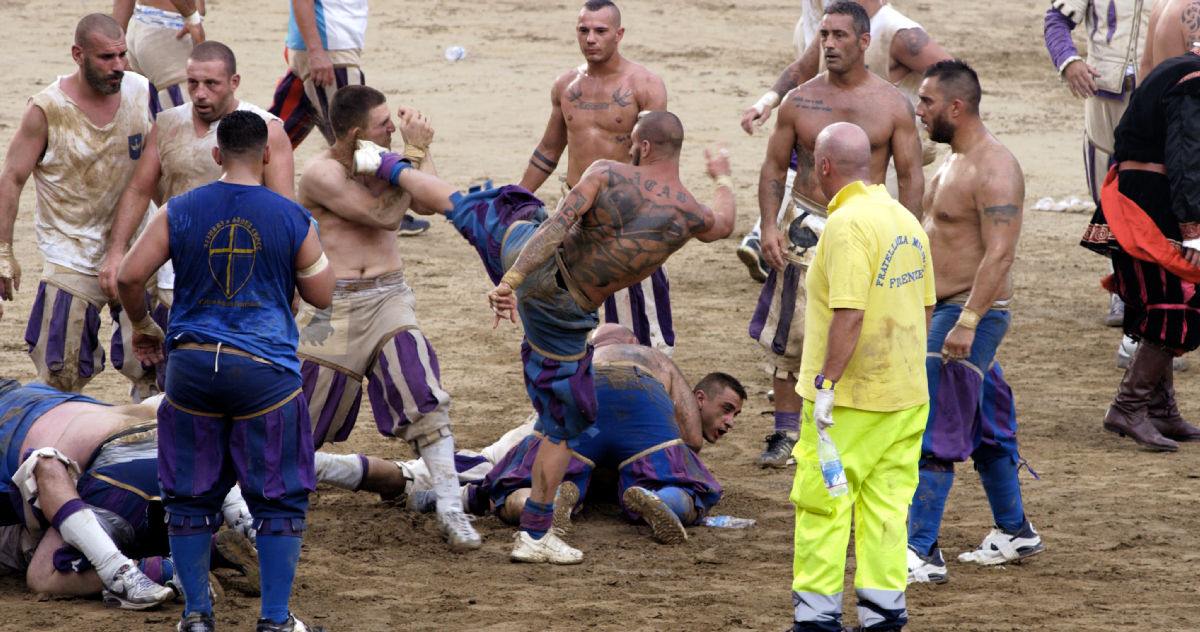
I'm sure RED must feel like the guy on the end of this guys foot some days. :)

boot2thehead.jpg
 
Thanks David,
lesson learned, next time I will shoot at 320iso and 5.6,

Cheers
Ian


Thanks Matt,

Again, here we are seeing the "intended image" a WS 2shot of an interview. I'm not planning on underexposing my Dragon and then doing a 100% crop of the image.

If you did a 100% crop of the singles how would that look?

People need to get a bit real here.

Even at 320 ISO and two stops underexposed that two shot looks great and that is it's "intended use" no? Unless you were planning to cut in 100% crops of "sidies" of the talent. IF that was the case, well, i'd be commenting on other things. :)

Battistella

PS: this pixel peeping paranoia is getting pretty bad. You need to put the blacks back into the image when you are in REDlog View. IMHO if you want to ride Dragon at 800 ISO you still need to fillip the histogram.
 
Thanks David,
lesson learned, next time I will shoot at 320iso and 5.6,

Cheers
Ian


Hey Ian,

I really don't want to be hard on people. I really want to help other RED users get the exact results they want. If they want it sharp, gritty, whatever, it doesn't matter. What matters is that you are getting the results you want and expect and figuring out how to reverse engineer things so that things look the way you want them too. If they don't then there is a chance to learn.

The fun part, is that this whole current strategy might shift again on the next FW build.

But sincerely, I really want everyone to love their camera as much as I love mine and I want this place to be a place where we can help each other out by talking about ways to get the exact images you want.

Battistella
 
I think its refreshing. Nowdays nobody complains on the skintones anymore :)
 
Back
Top