Brian Boyer
Well-known member
- Joined
- Jan 4, 2011
- Messages
- 943
- Reaction score
- 6
- Points
- 0
We are pleased to announce the release of DaVinci Resolve 11.
There are full licensed versions for Mac, Windows and Linux OS available on our support web site in the "Latest Downloads" section. These are no charge upgrades for existing customers. Also available at no charge are DaVinci Resolve Lite for Mac and Windows.
For new users or system up-graders, please refer to the new configuration guides for Mac, Windows and Linux. These can be found in the support site in the section called "Latest Support Notes".
http://www.blackmagicdesign.com/support/family/davinci-resolve
THIS ISSUE HAS BEEN ADDRESSED AS OF VERSION 11.1.2.
Peter, I hate to do this but...
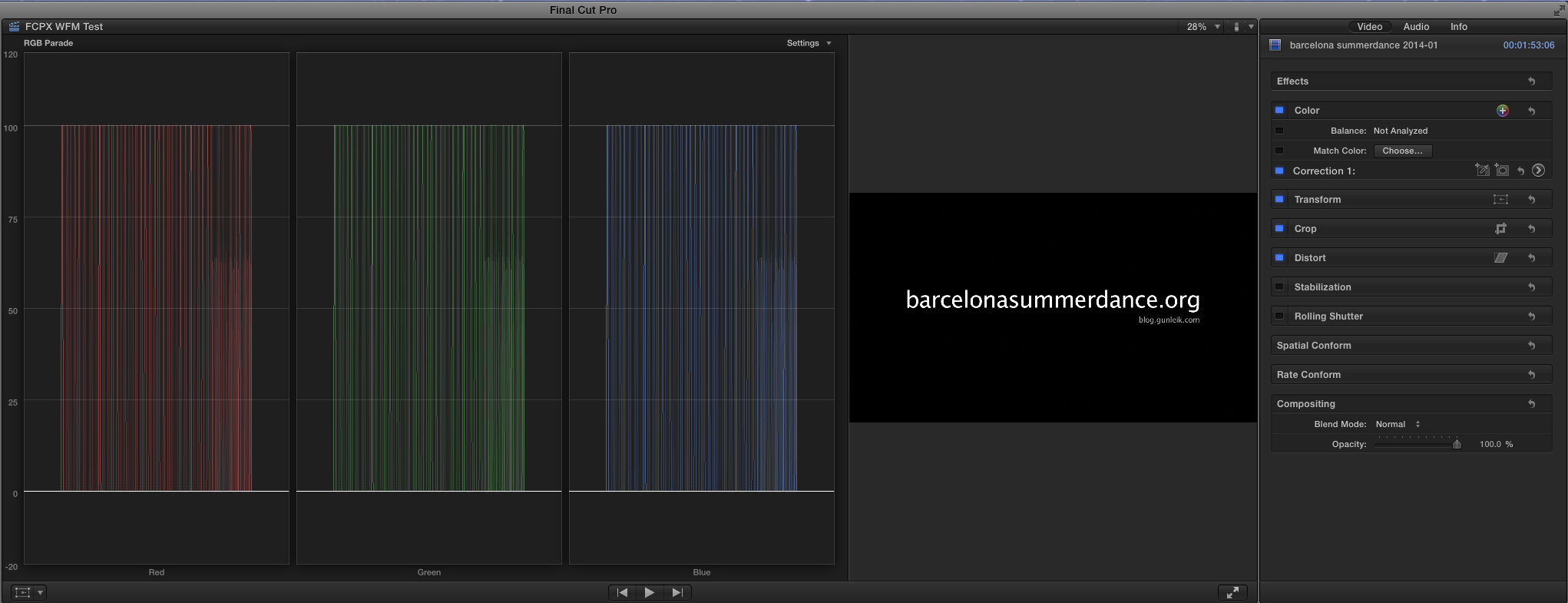
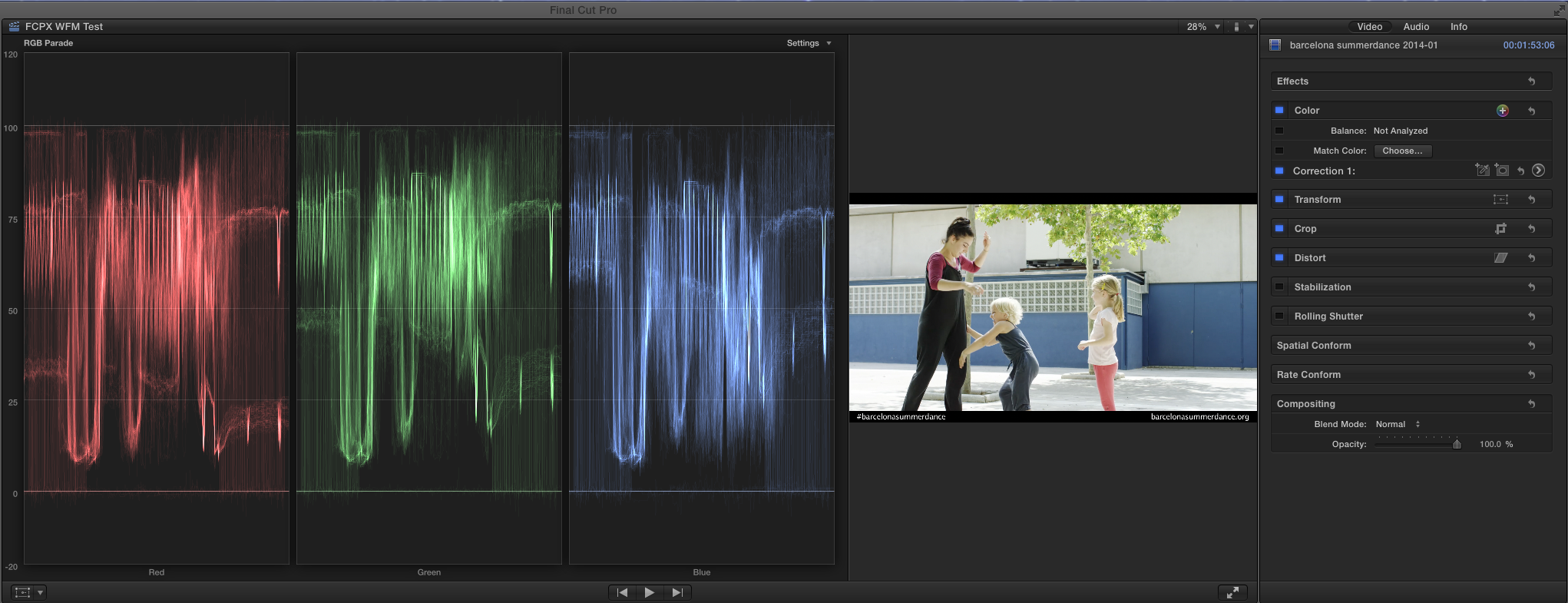
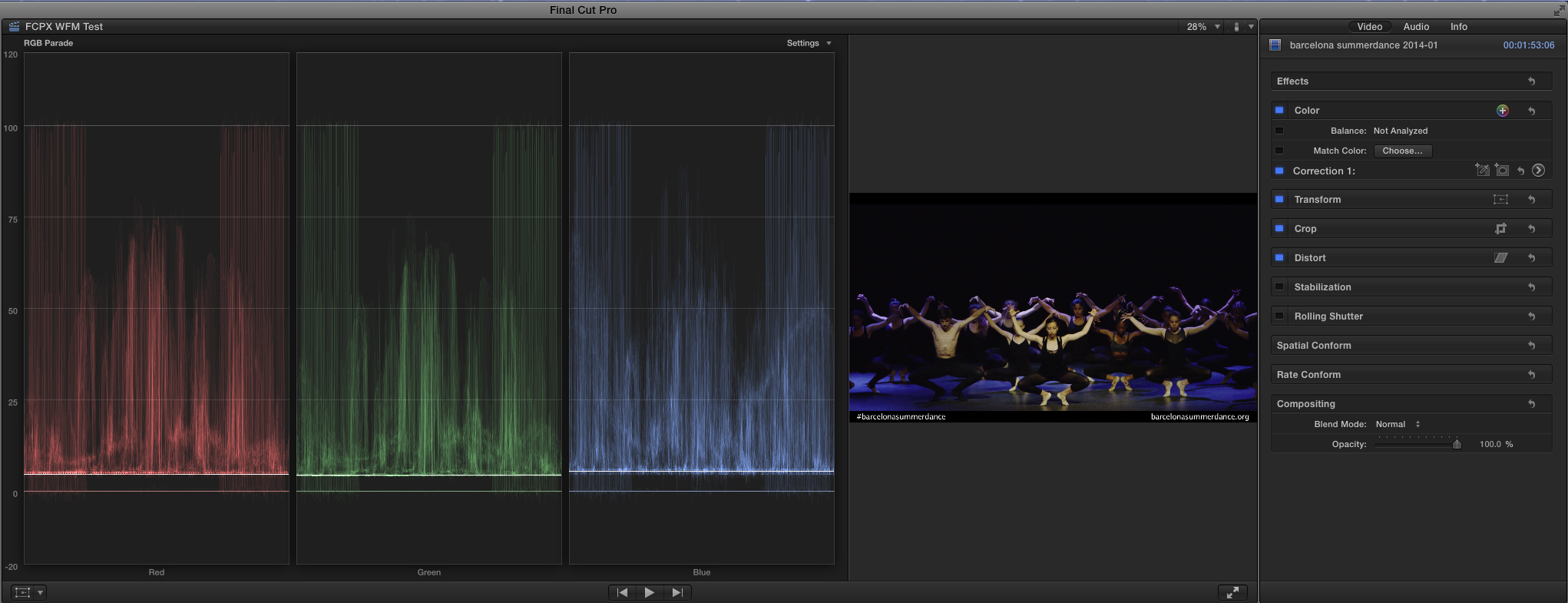
I REALLY wish BMD would fix the waveform monitor/RGB parade graphs in Resolve. They’ve been broken since Resolve 9 and, apparently, no one else has noticed or has and doesn’t much care. From what I’m told, they behave incorrectly in UltraScope as well.
You told me it was on the list of things to get fixed back in the middle of March of this year. You said it was on a very long list of things and, while not at the top, it wasn’t forever away and to give it a few releases. Well, that was 5 months ago. My patience is wearing a little thin.
Okay, I'm editing this post (and subsequent ones) from this point on to reflect some new information I've learned, correct some mistakes and clarify where I think the bug in Resolve actually exists.
What I was calling incorrect behavior from Resolve (and FCP X) is not entirely accurate. What I characterized as "traditional" behavior from Premiere isn't accurate either.
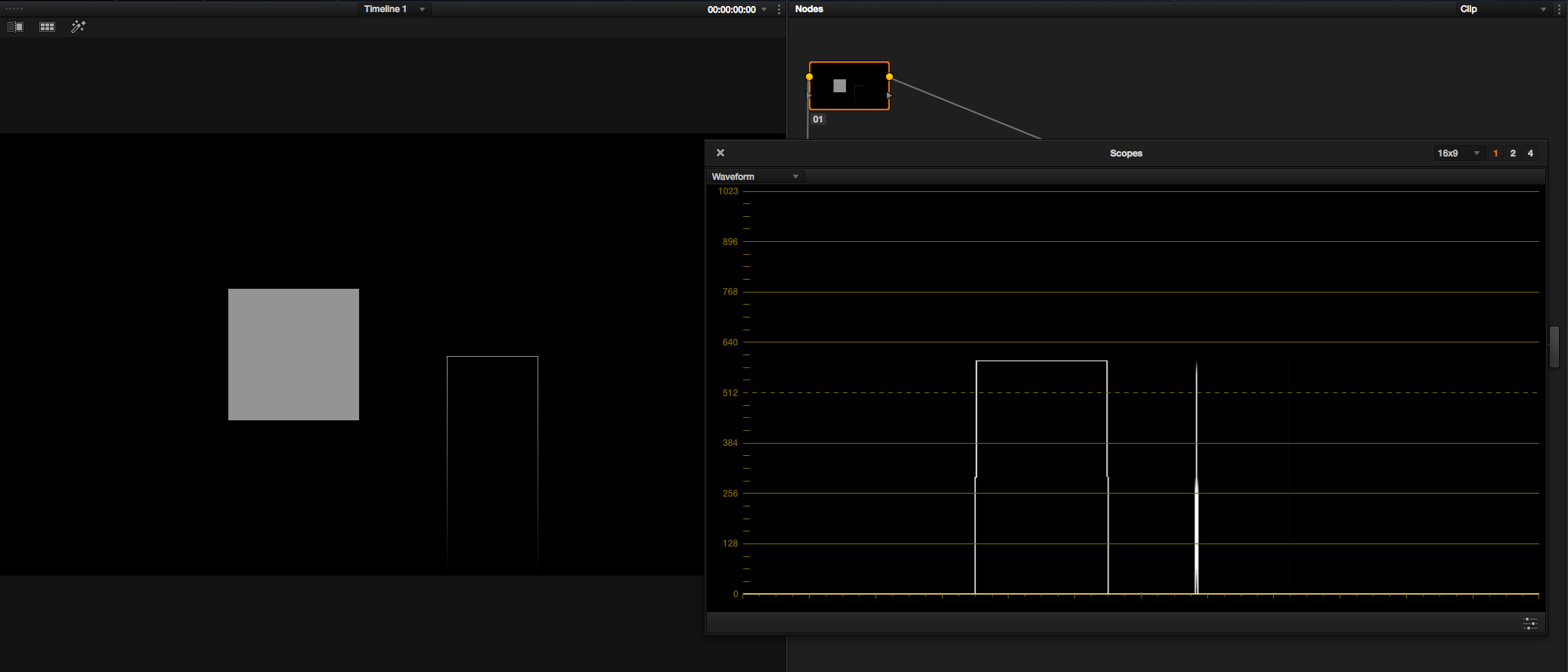
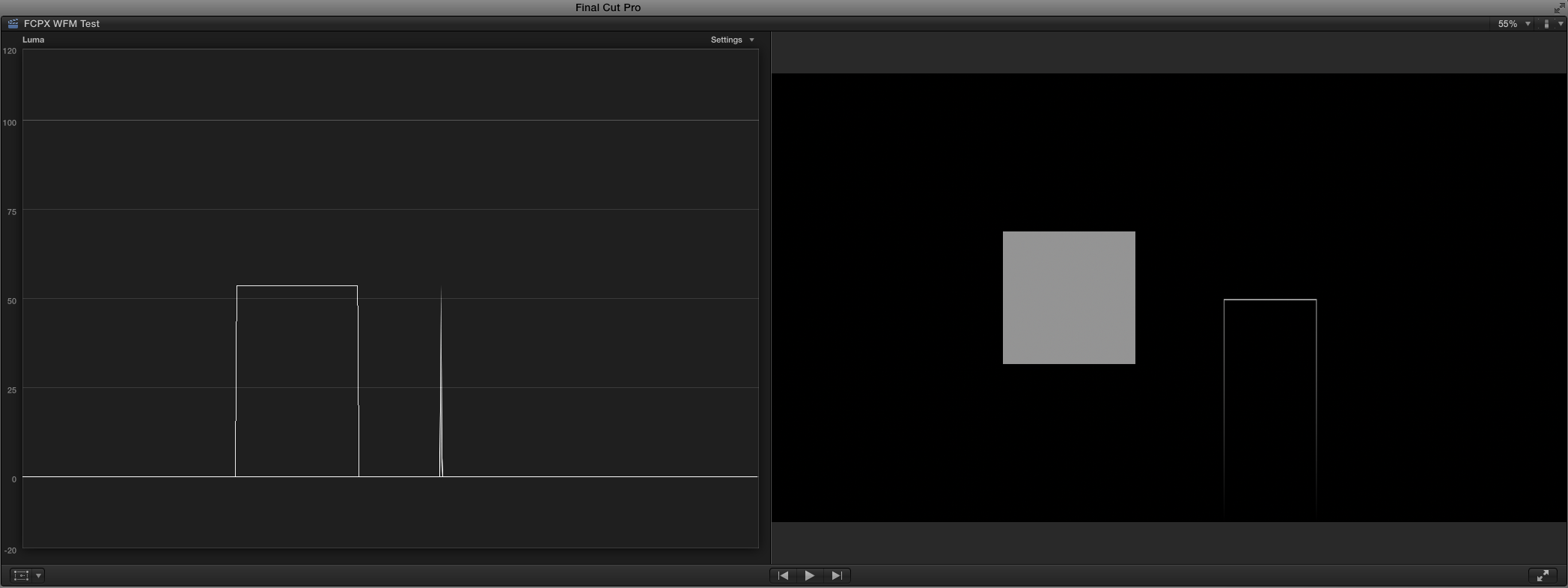
I was informed by Adam Wilt that Resolve and FCP X are actually going through a lot of trouble to recreate the trace lines that analog WFMs displayed when values changed abruptly. However, those trace lines were quite a bit dimmer than what Resolve and FCP X currently show.
So, the two vertical lines extending down in the graph are NOT incorrect, per se. They are much too prominent and add unnecessary clutter, if you ask me.
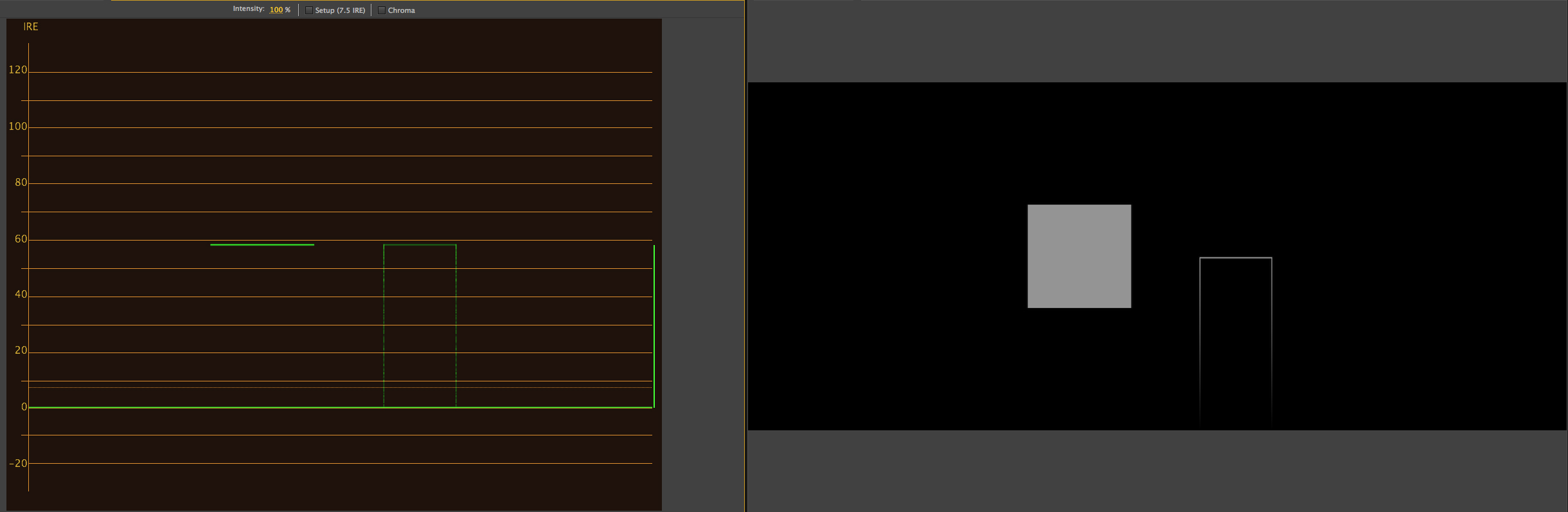
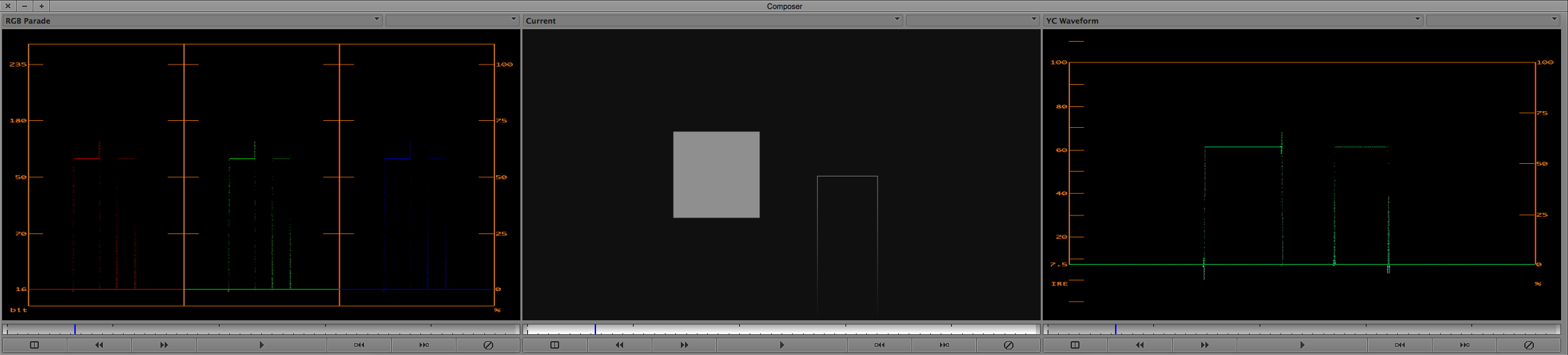
Premiere CS6 screenshot (preferred behavior, IMO - the vertical line at the right of the graph is normal for Premiere and represents the total brightness range):
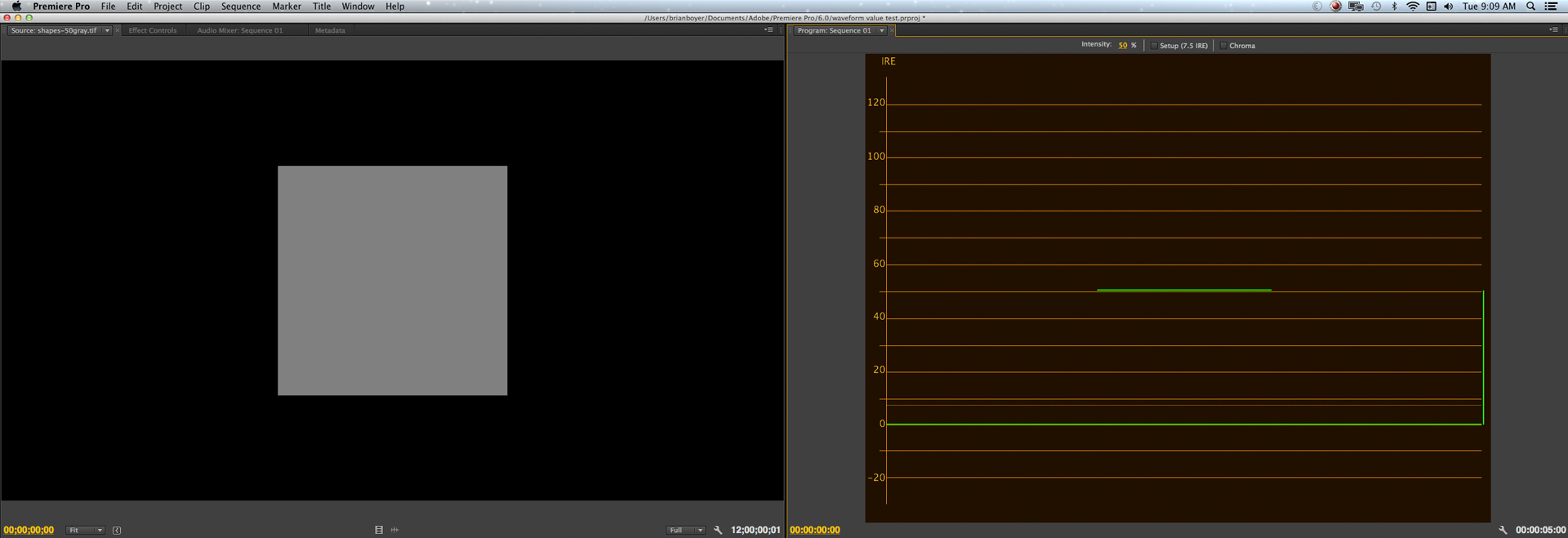
Resolve 10 screenshot [NOTE: the behavior is the same in version 11] (undesirable behavior, IMO, unless the vertical trace lines are made to be quite a bit dimmer). :

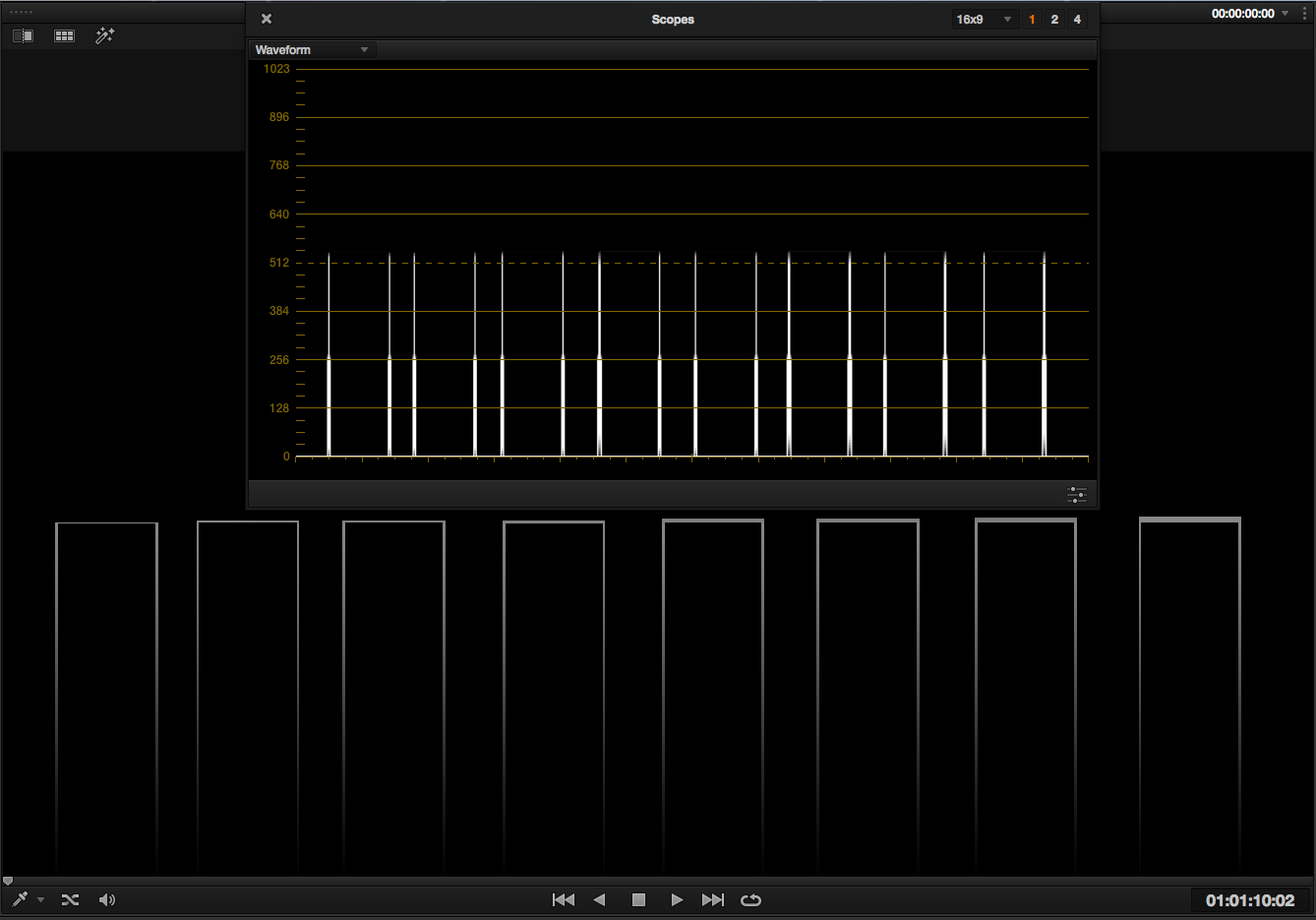
Resolve does seem to have a bug that I was mistakenly conflating with the prominent vertical trace lines you see in the waveform above. Since I had never seen any other software behave like this, I thought this was also indicative of the bug, but it turns out it's not (although it kinda sucks from a design and readability standpoint).
There are more observations on the behavior here: http://bit.ly/1t12YCg
Last edited: