- Thread starter
- #521

rand thompson
Well-known member
- Joined
- Aug 9, 2011
- Messages
- 18,999
- Reaction score
- 622
- Points
- 113
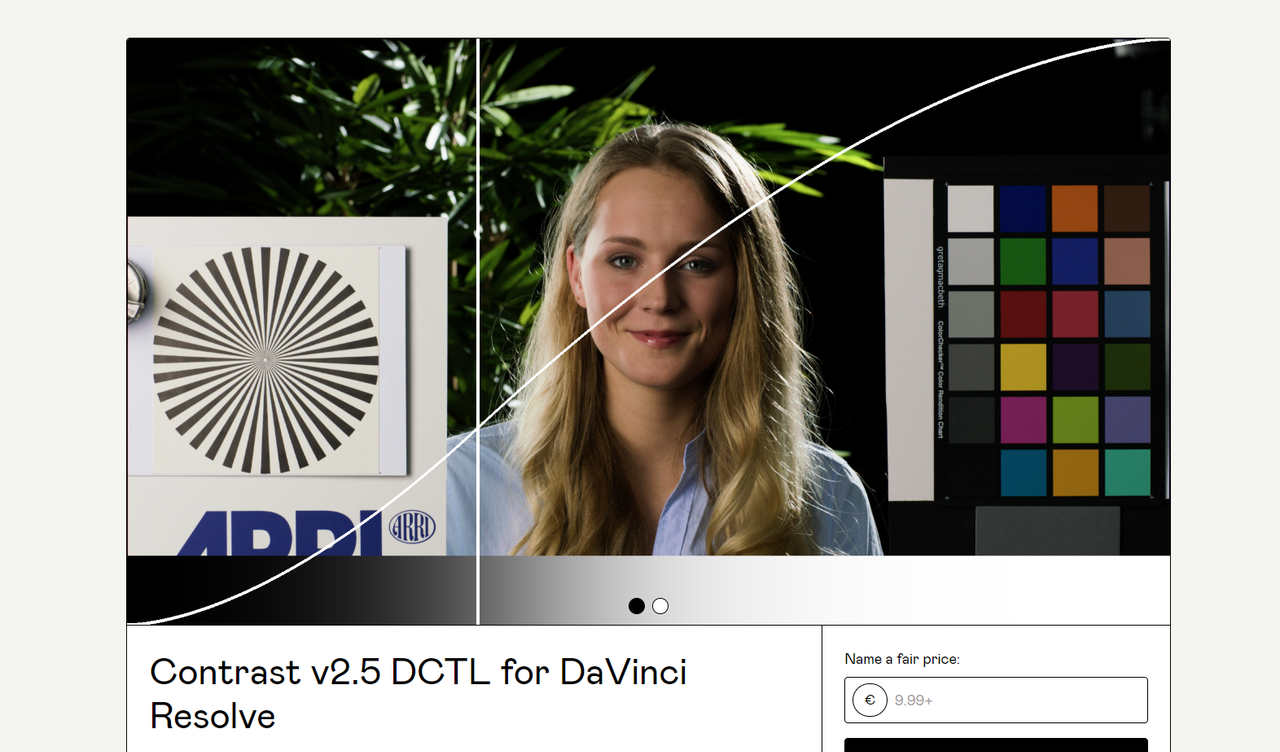
Here's a great DCTL from Kaur Hendrikson that allows you to add CONTRAST without affecting the 18% GRAY POINT in a major way or at all of whatever GAMMA you are using.
link to website below, it cost $9.93
Contrast v2.5 DCTL for DaVinci Resolve (gumroad.com)
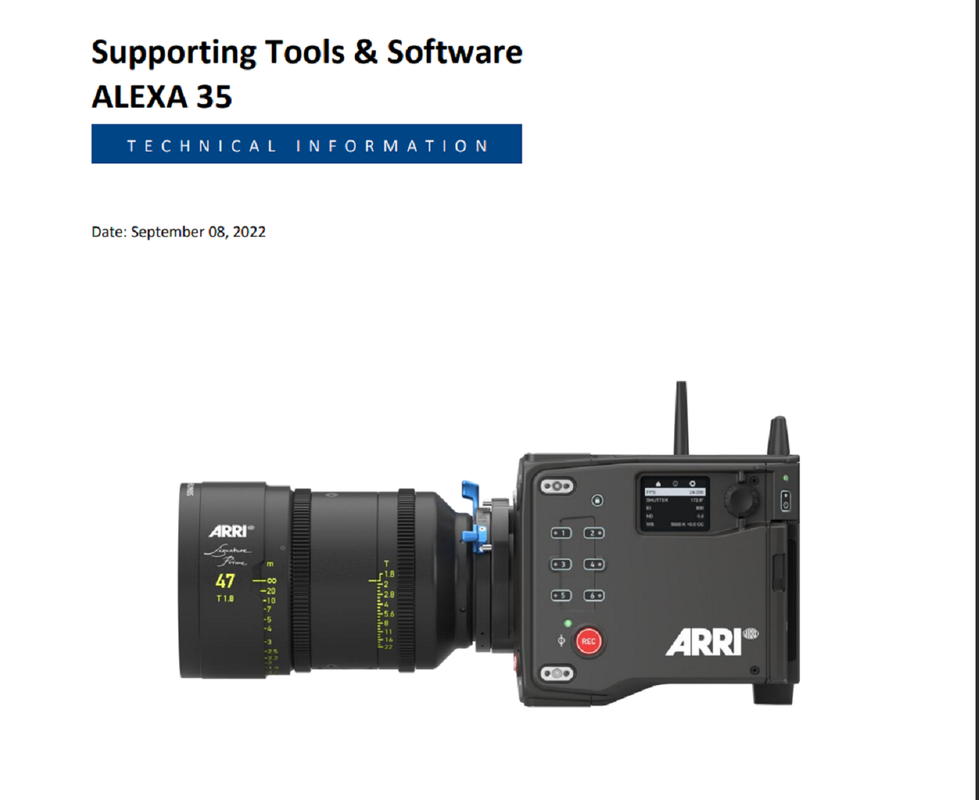
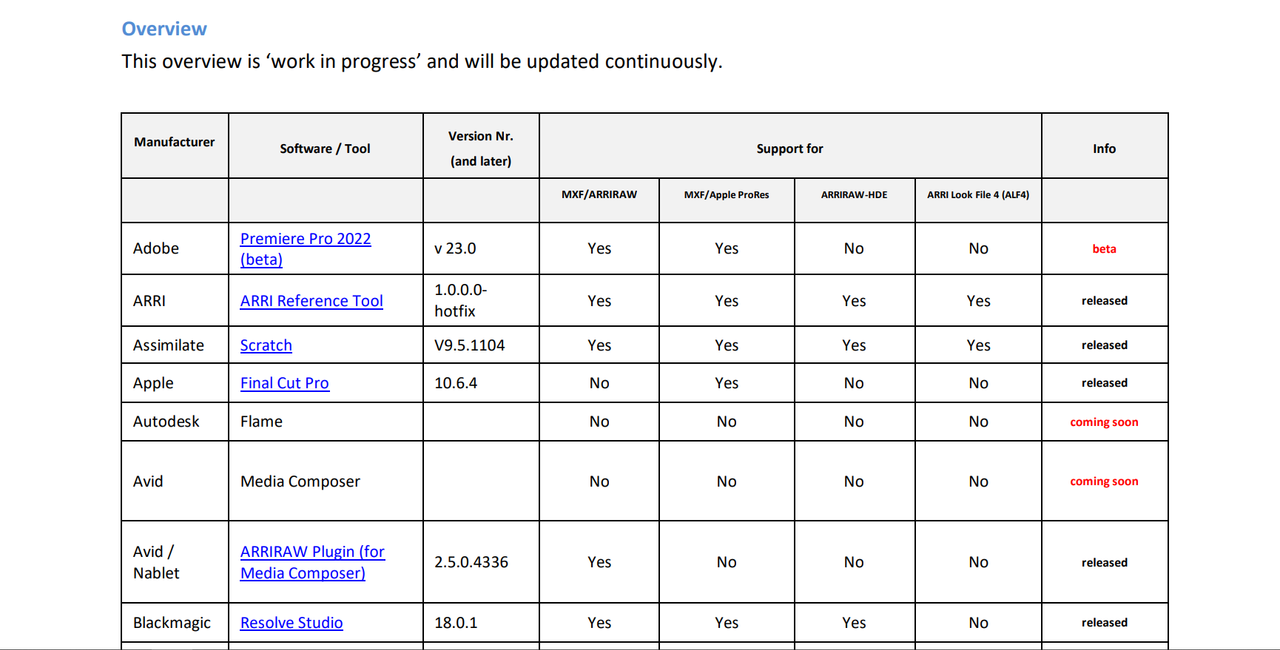
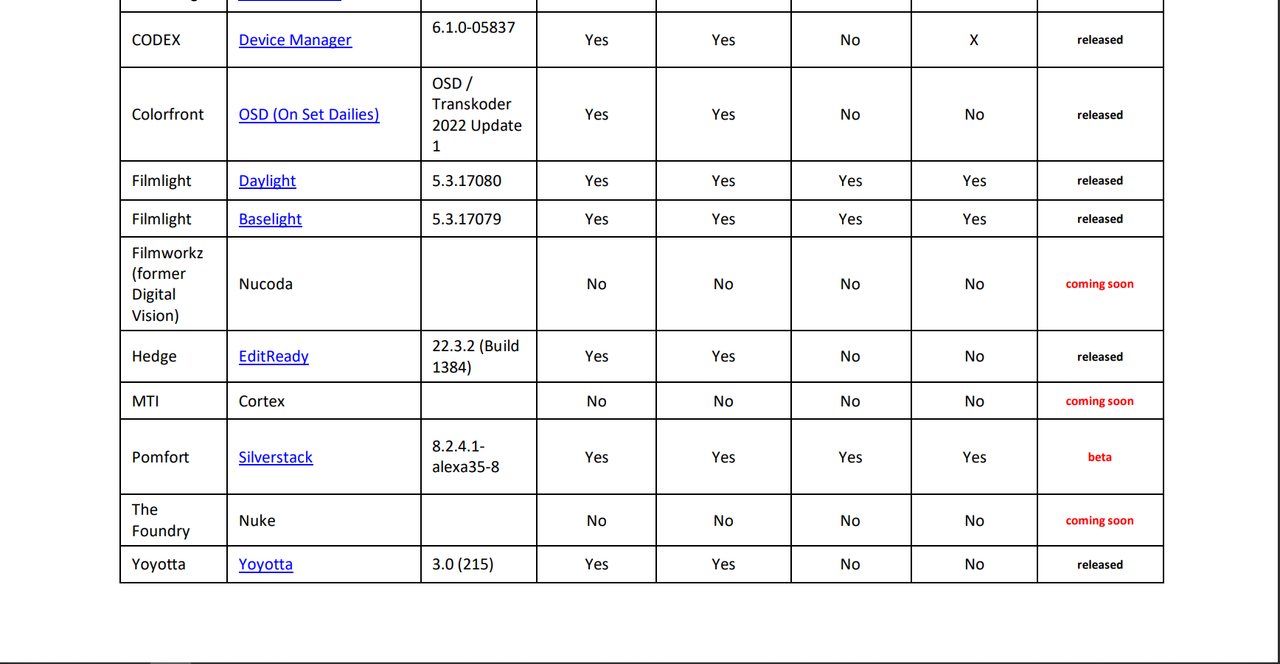
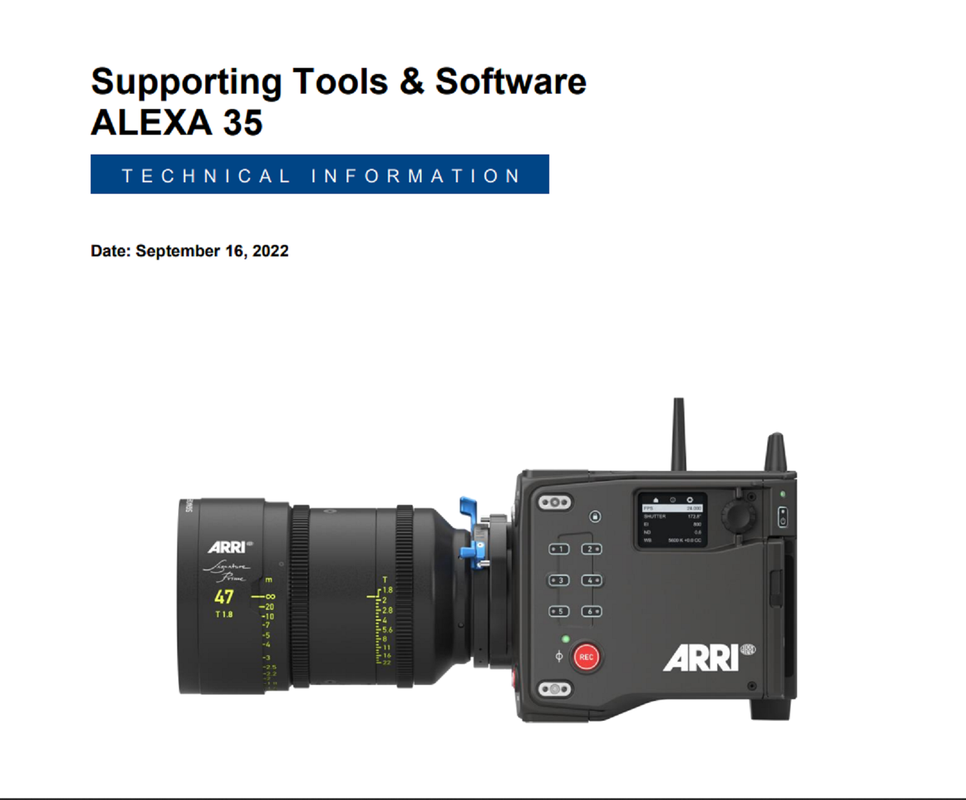
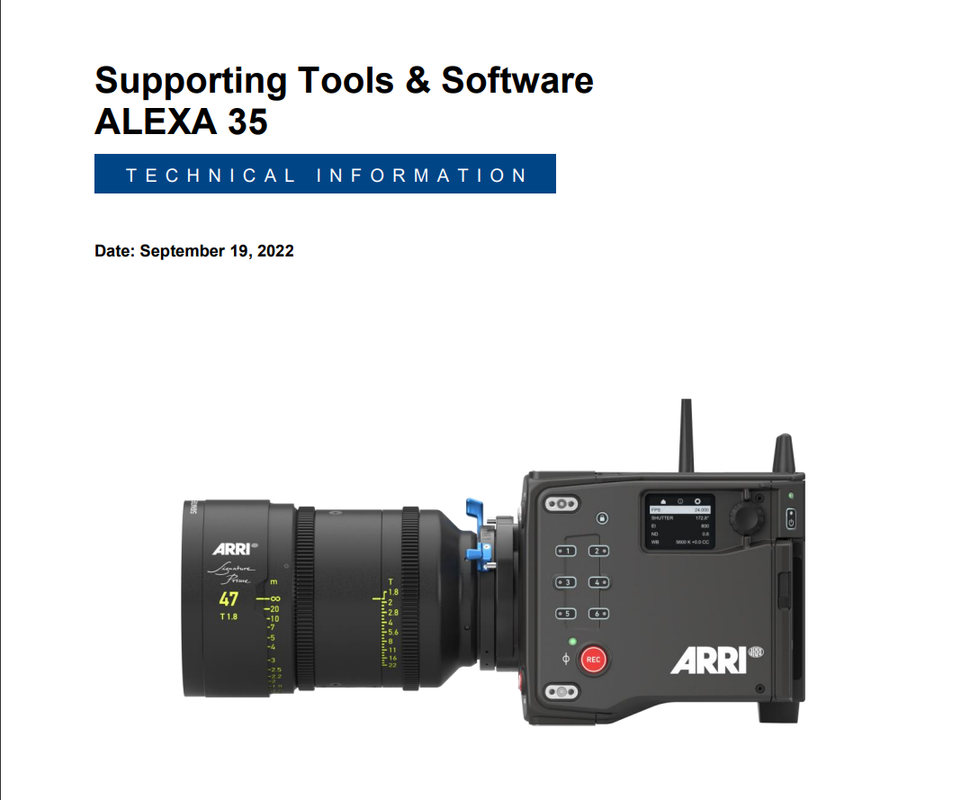
I demonstrate this CONTRAST 2.5 DCTL with an ARRI ALEXA 35 Image which maintains the 18% Middle GRAY POINT of ARRI LOGC4
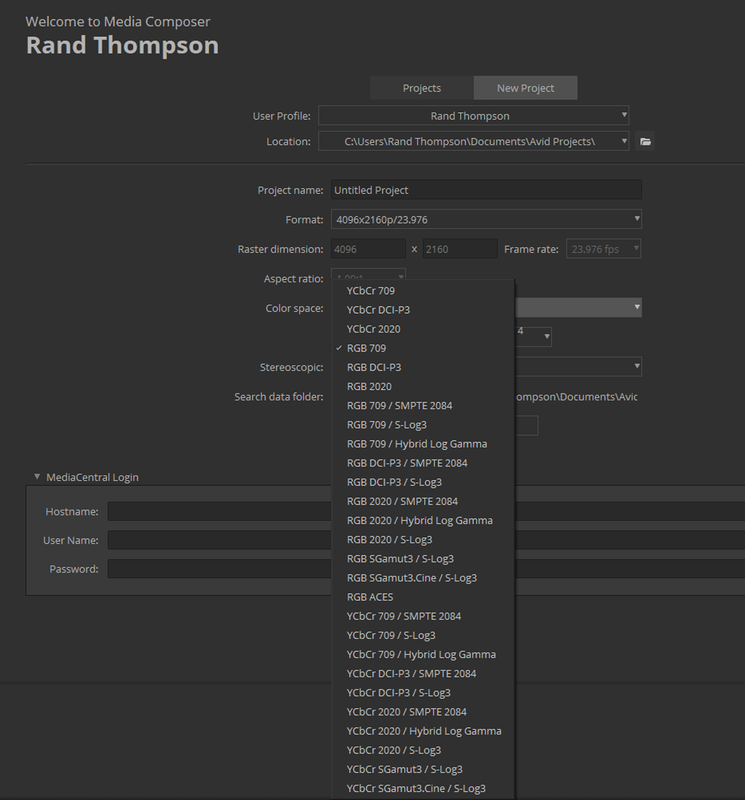
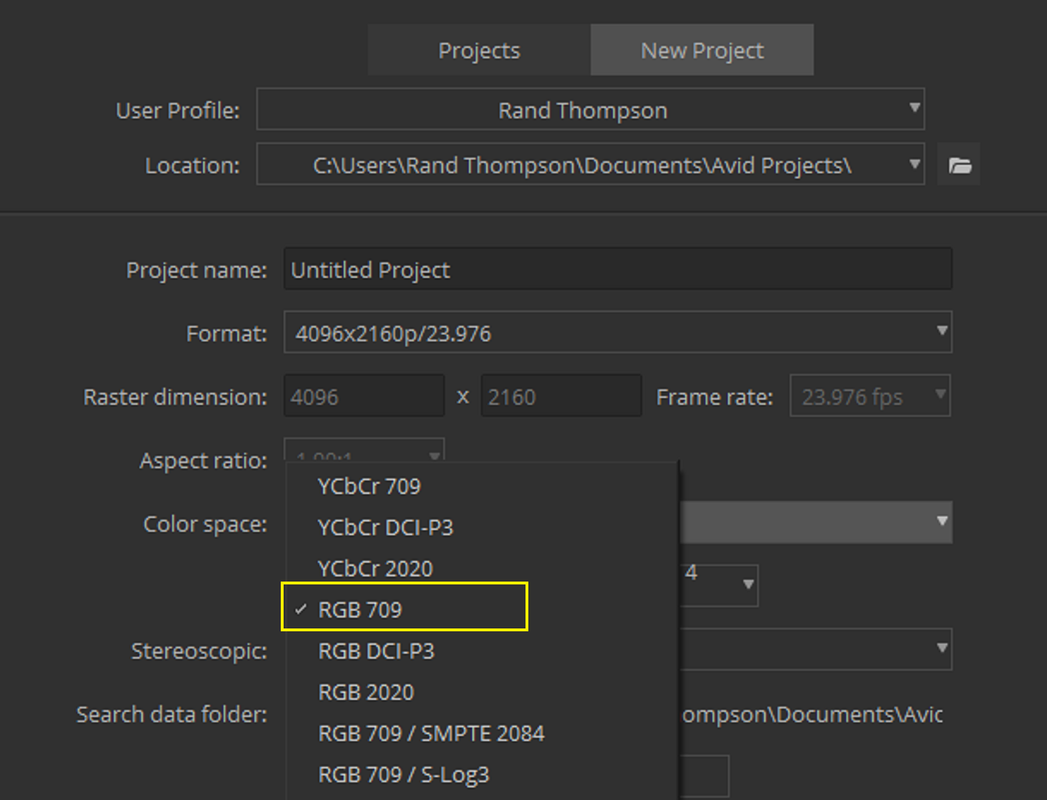
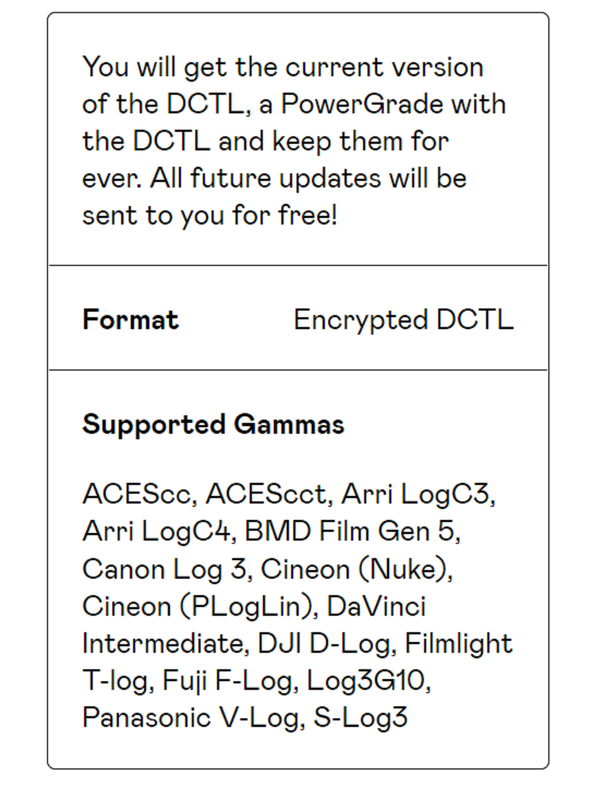
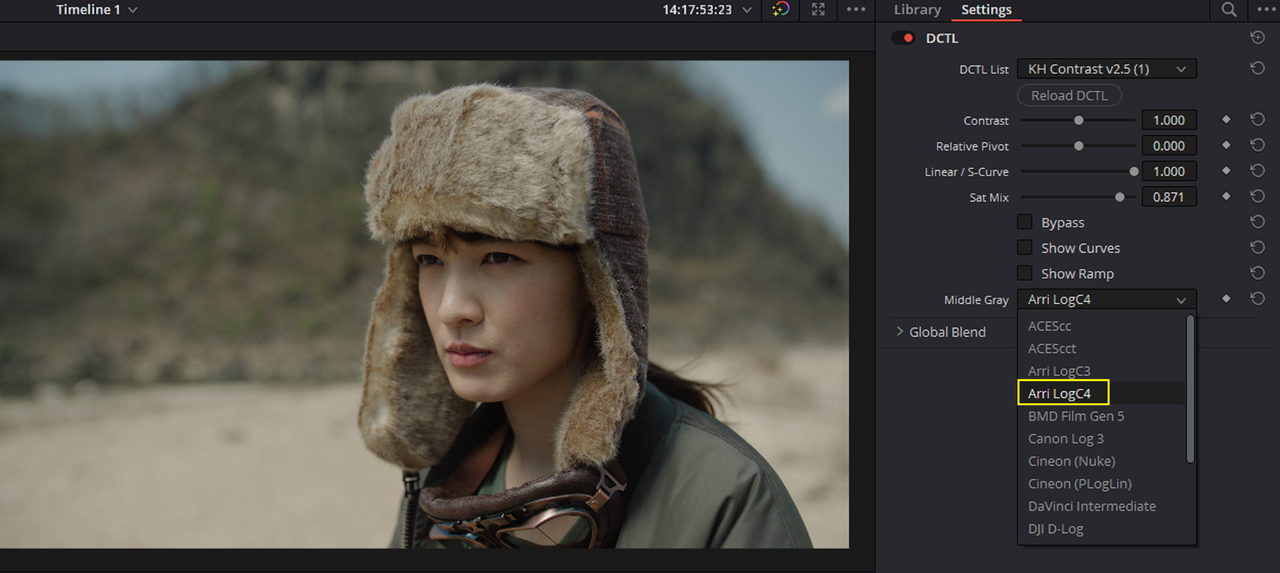
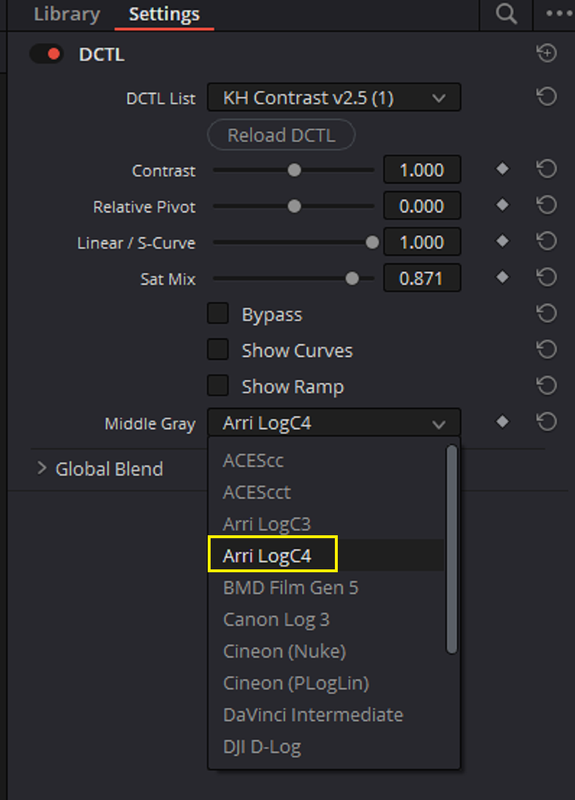
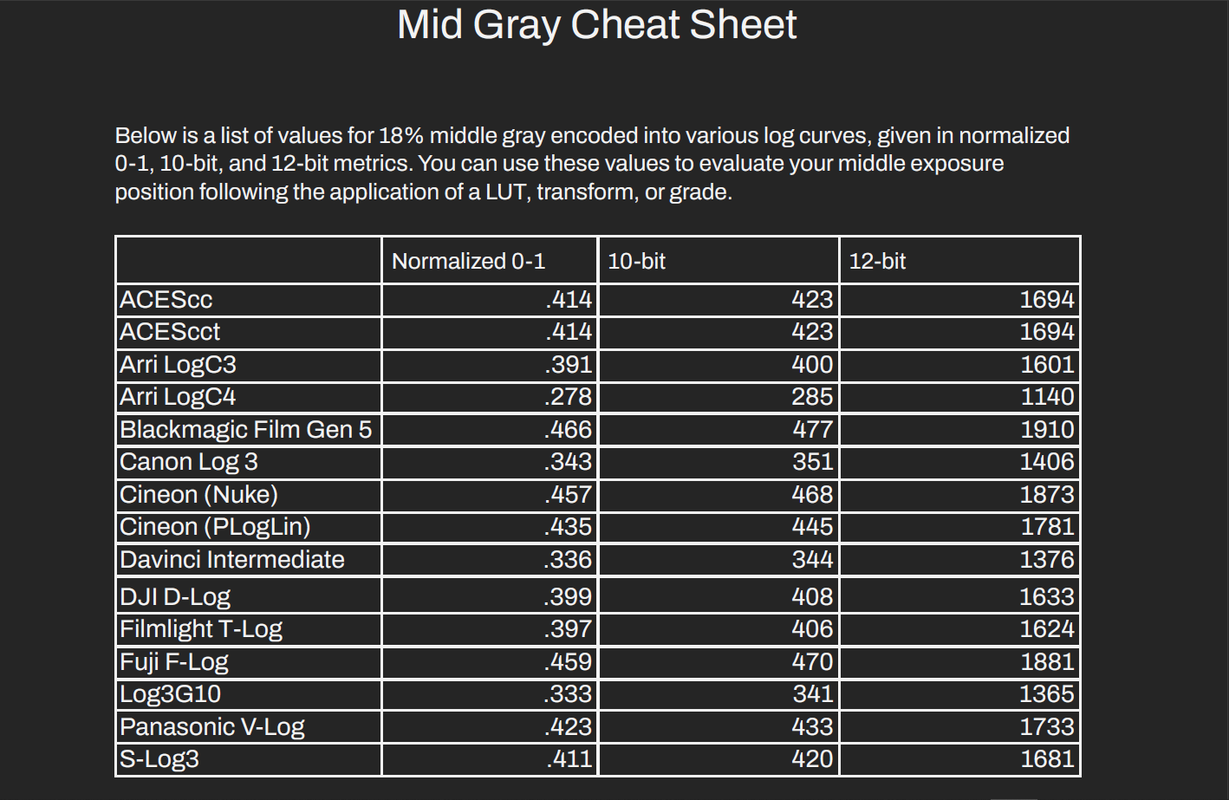
First Here are all of the GAMMAs that the CONTRAST 2.5 DCTL supports.
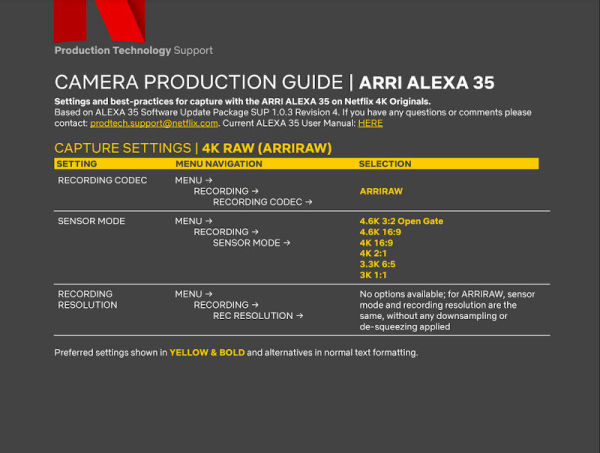
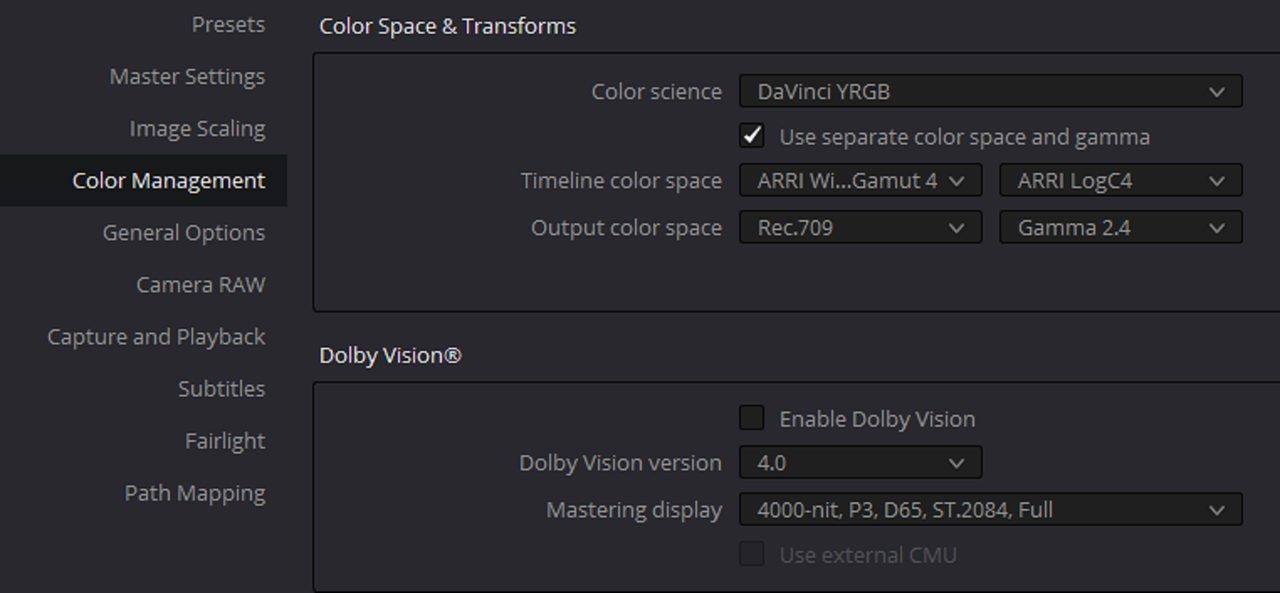
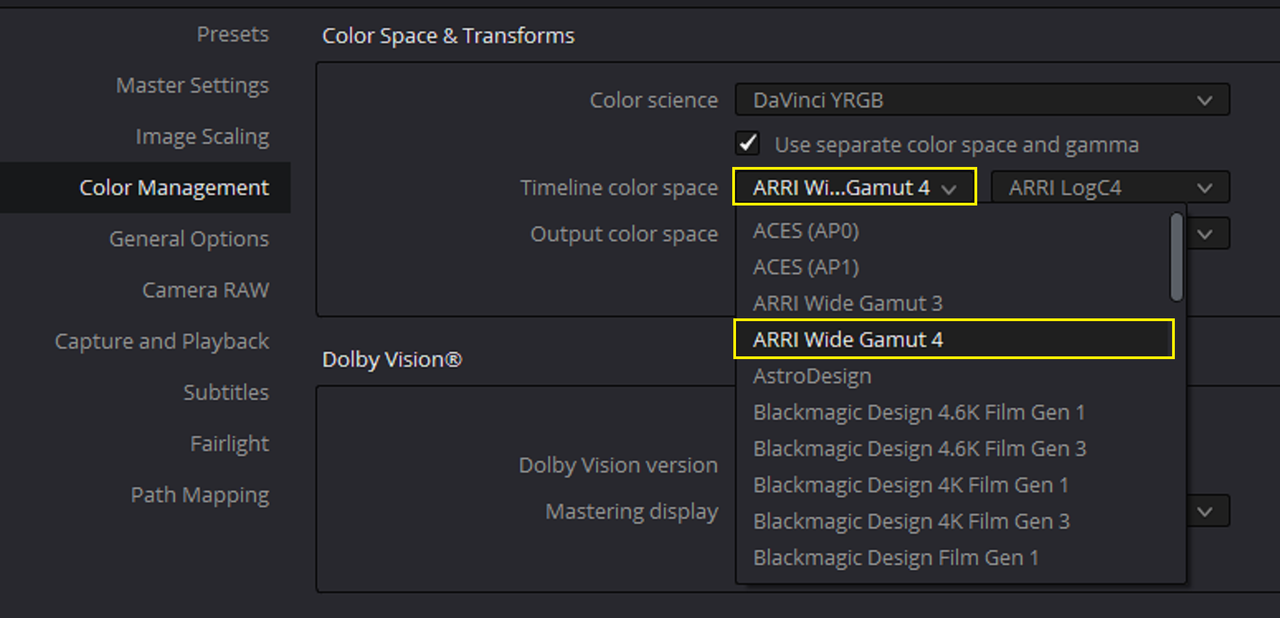
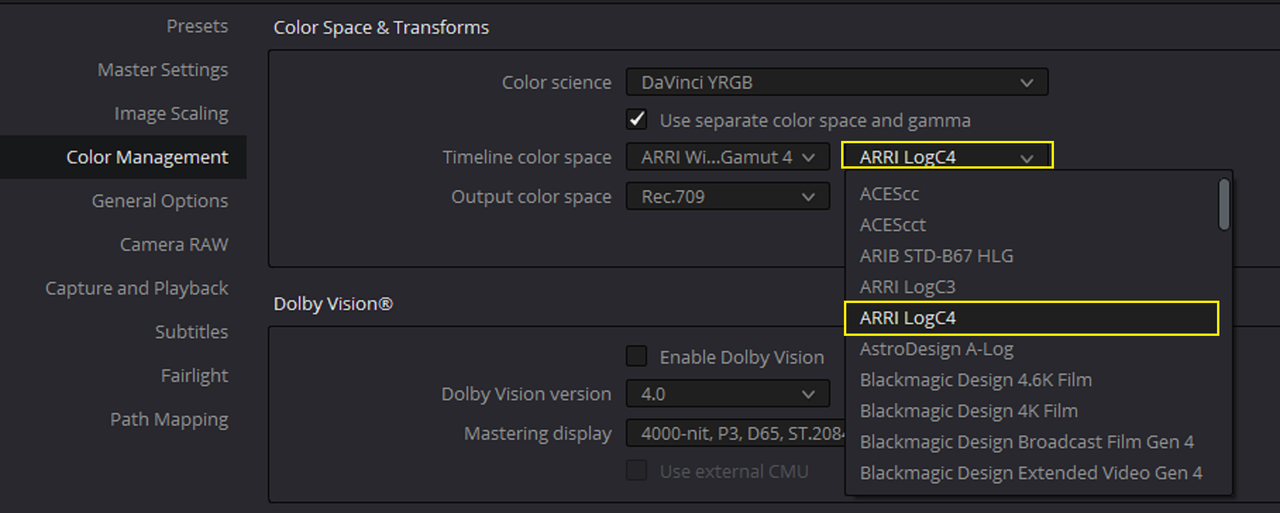
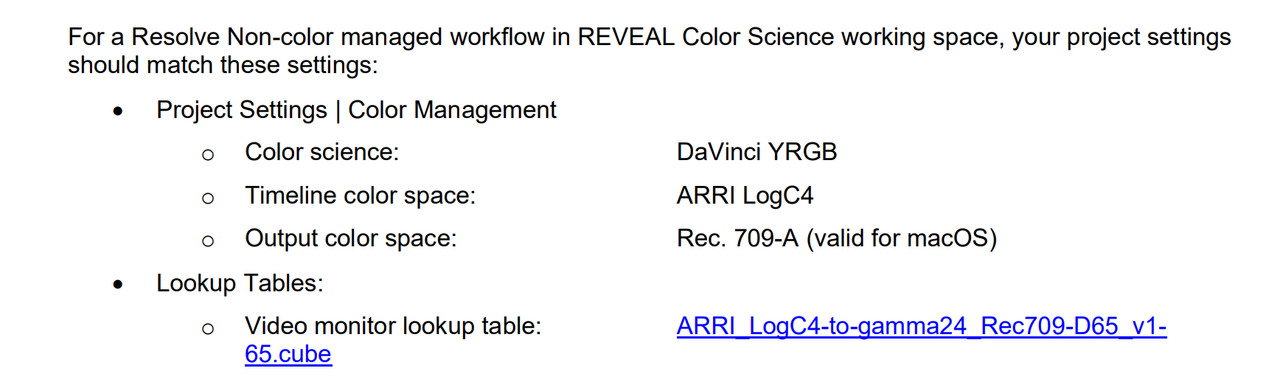
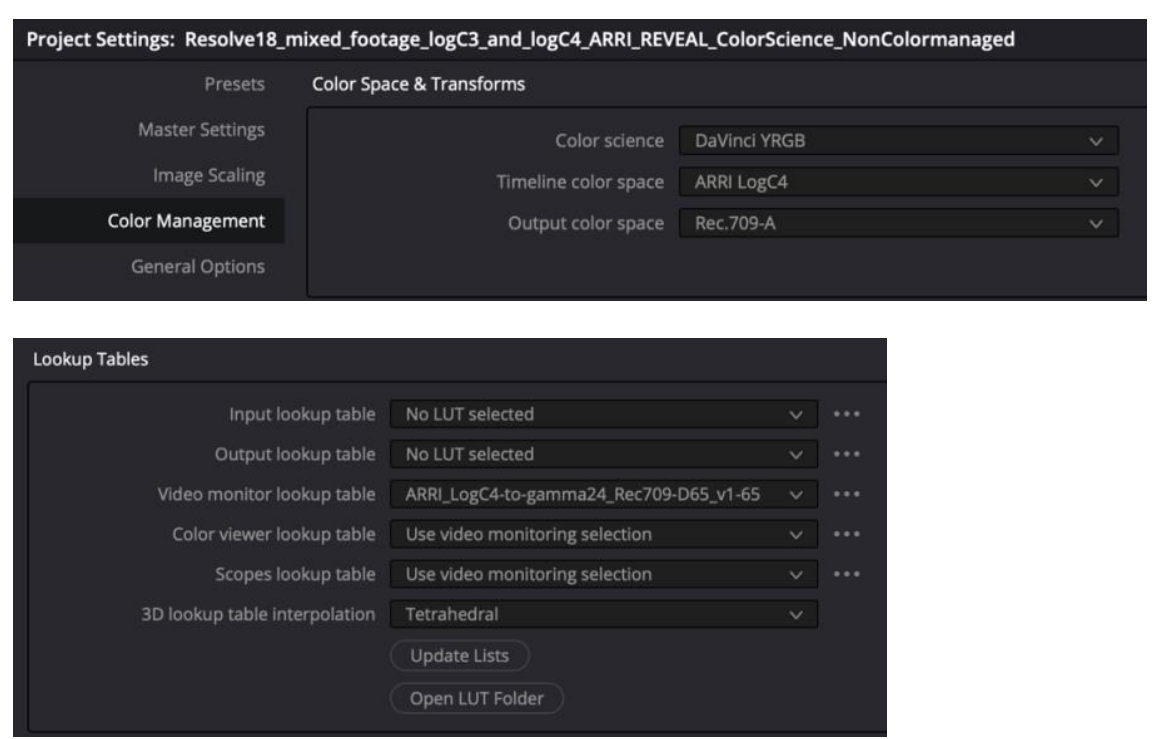
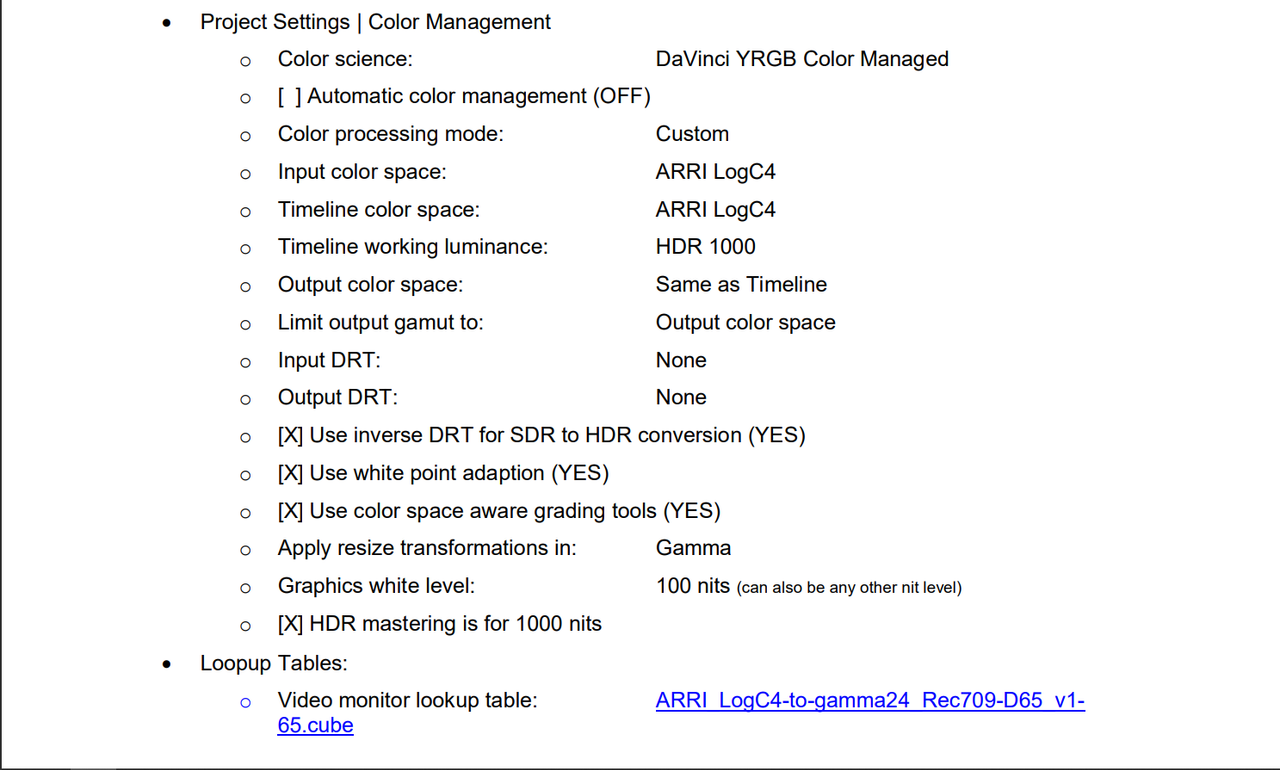
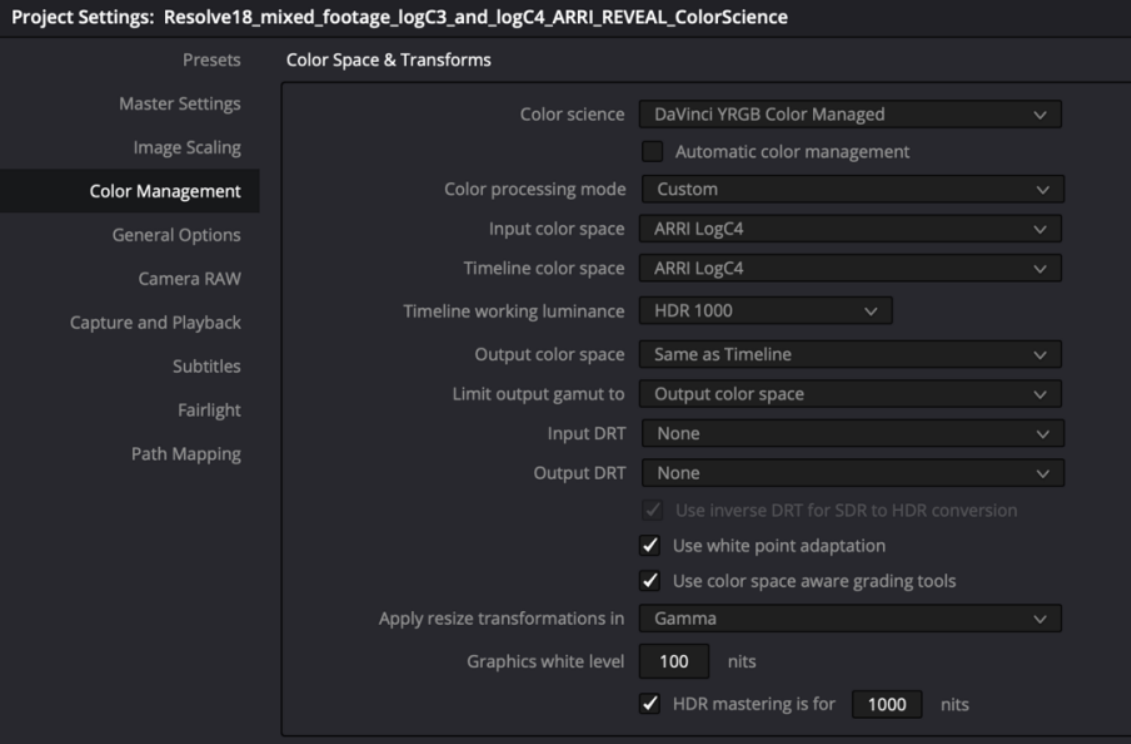
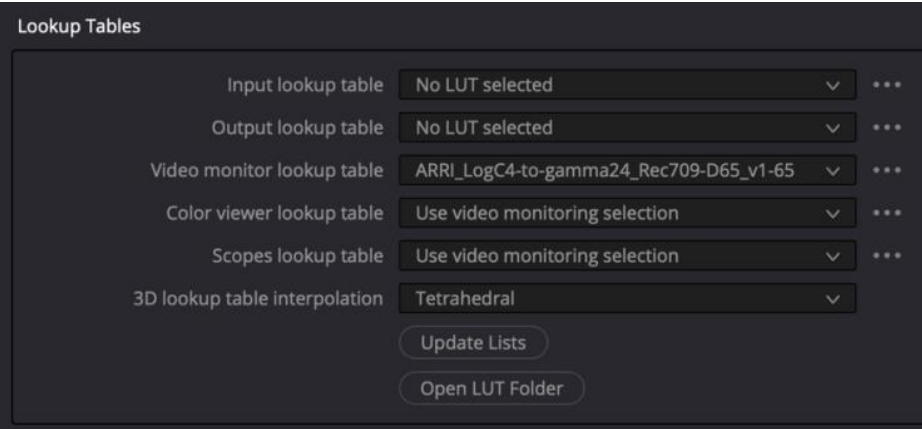
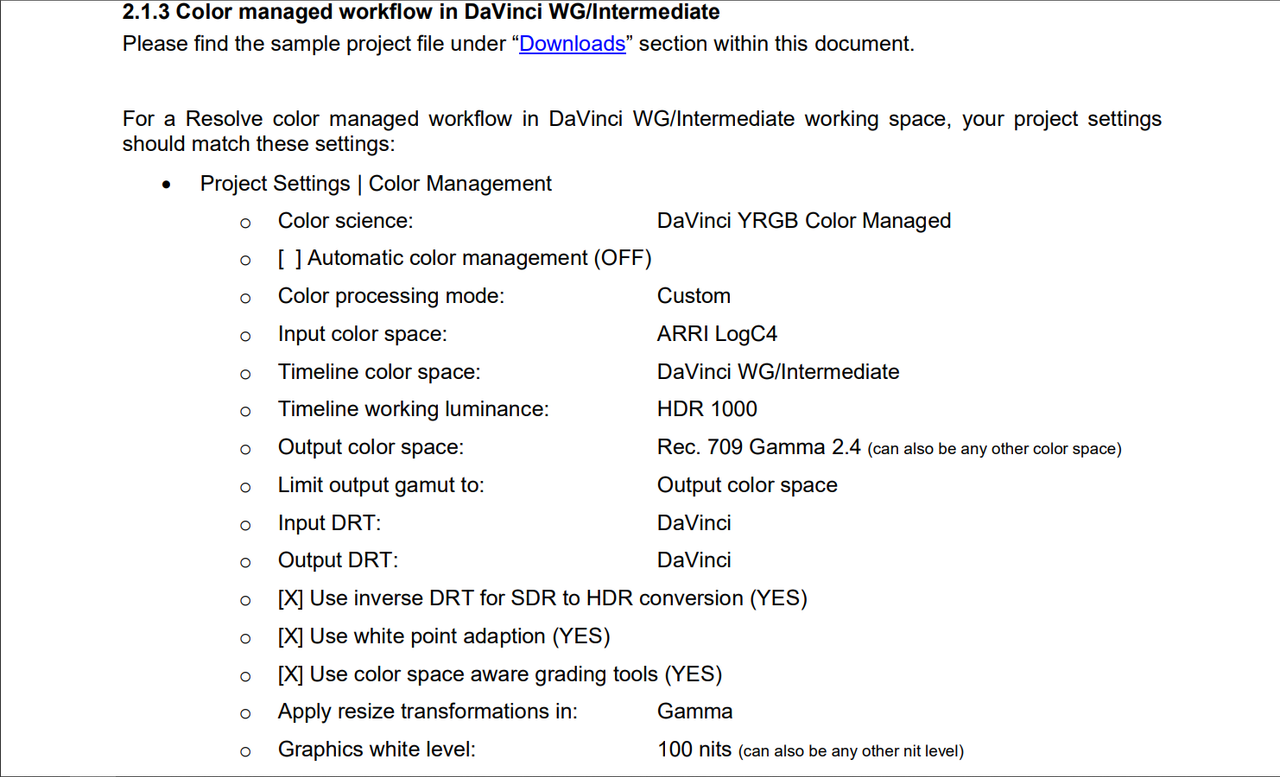
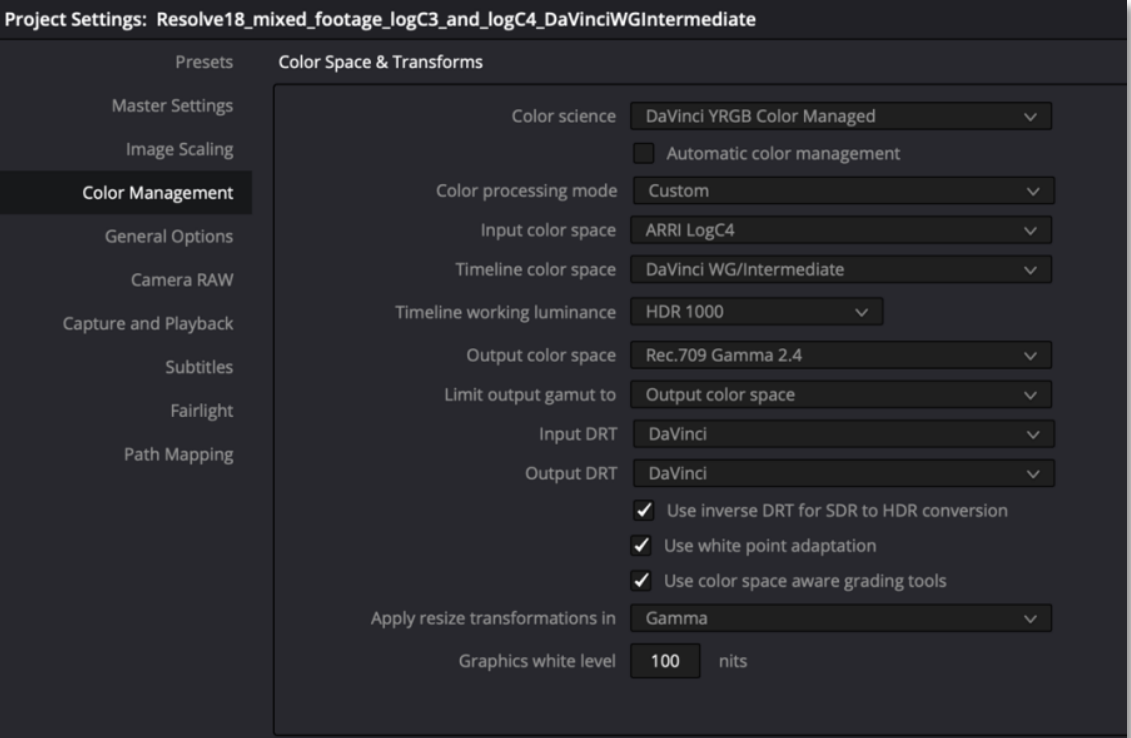
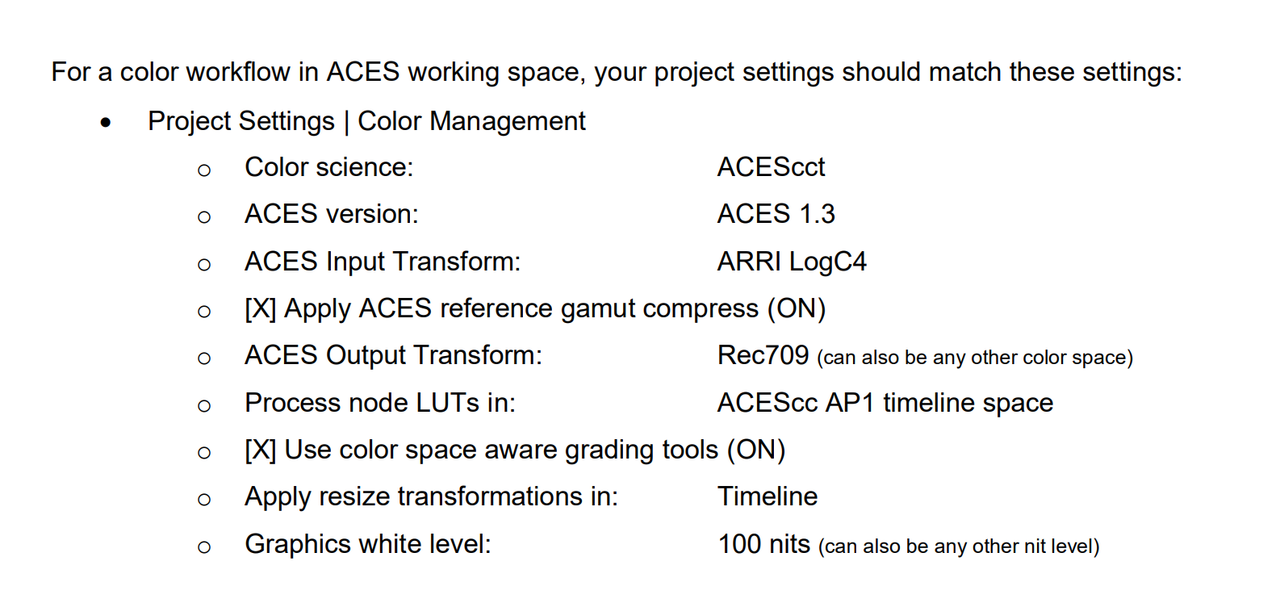
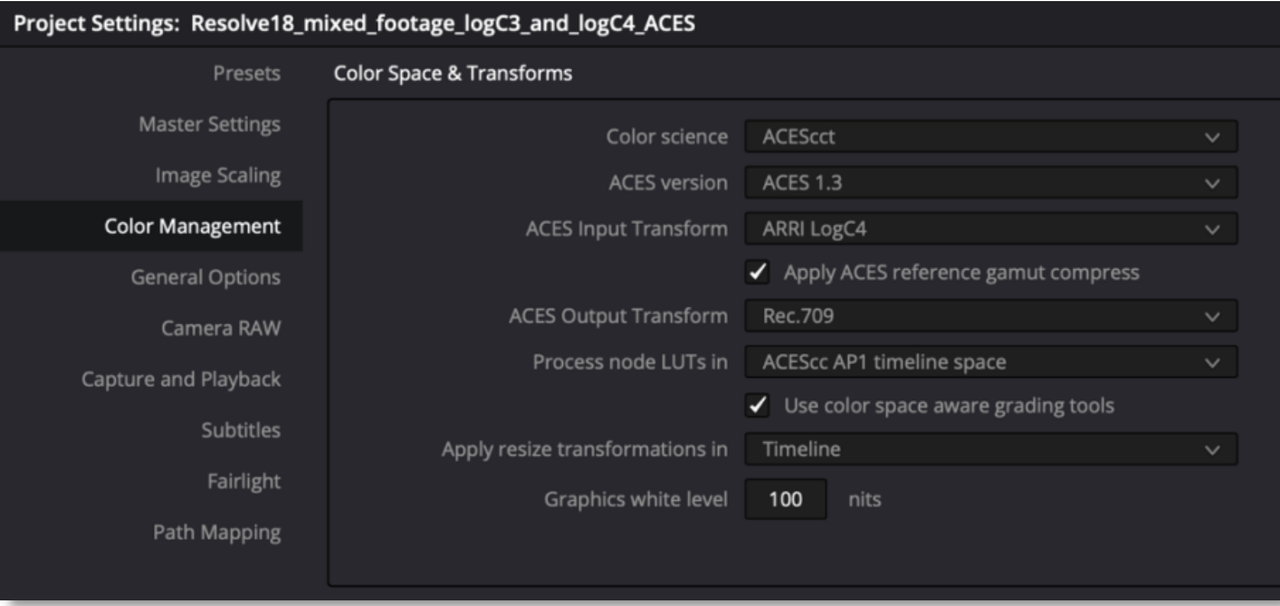
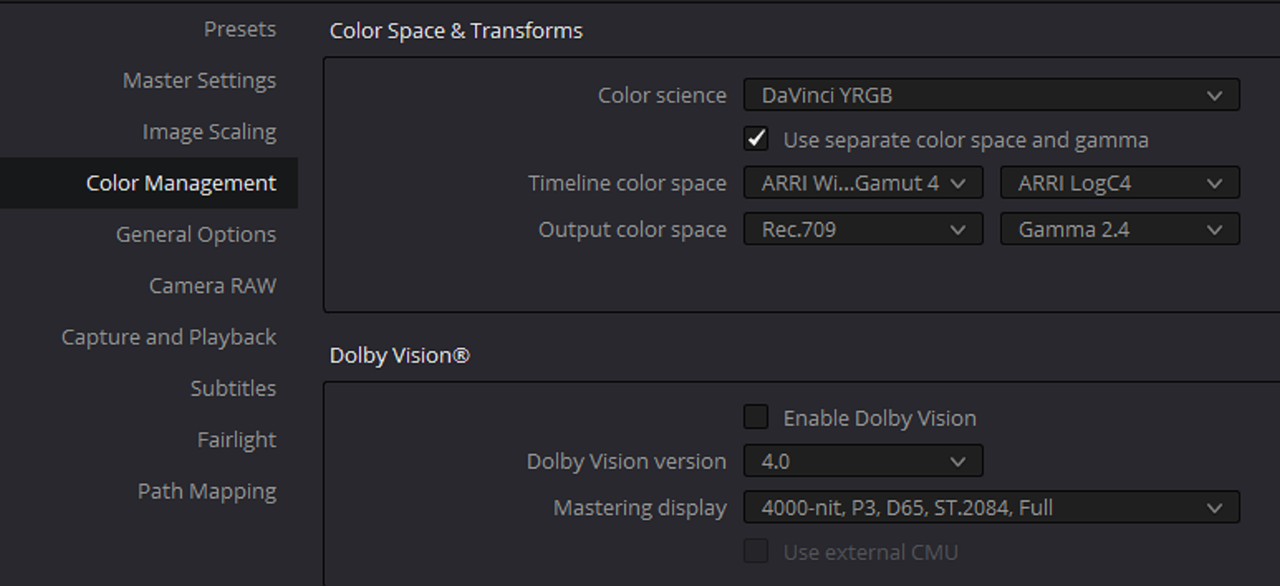
Project Settings and Workflow
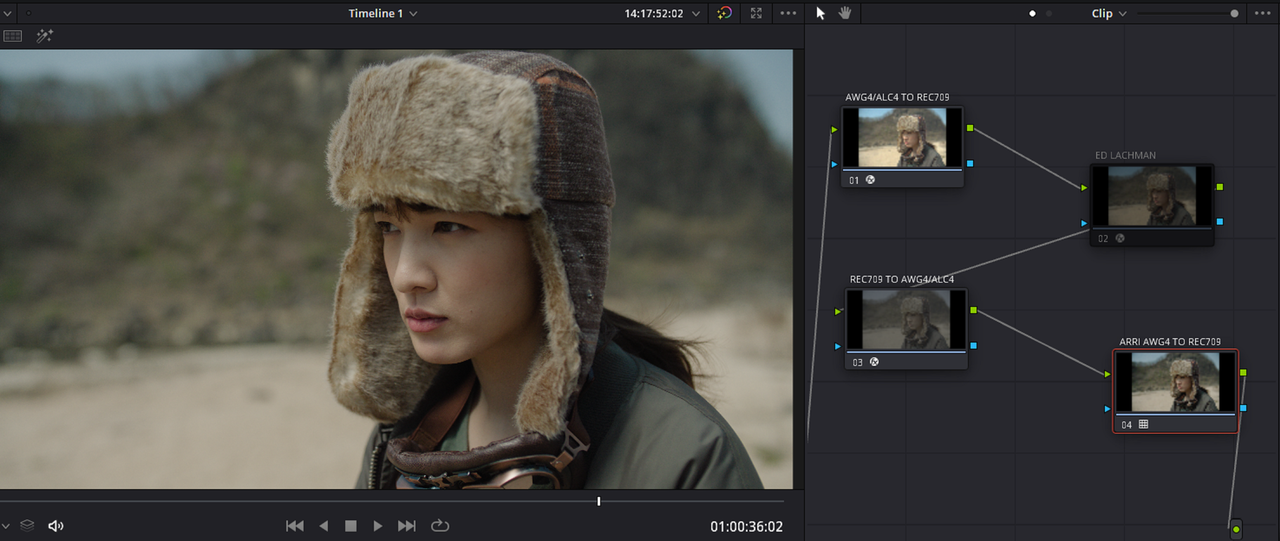
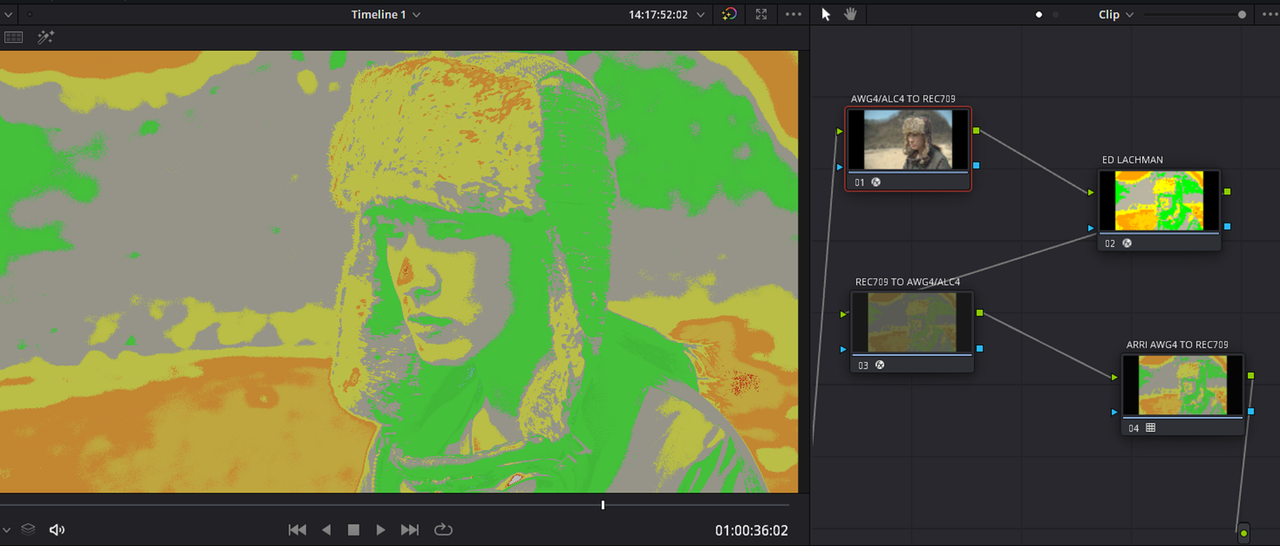
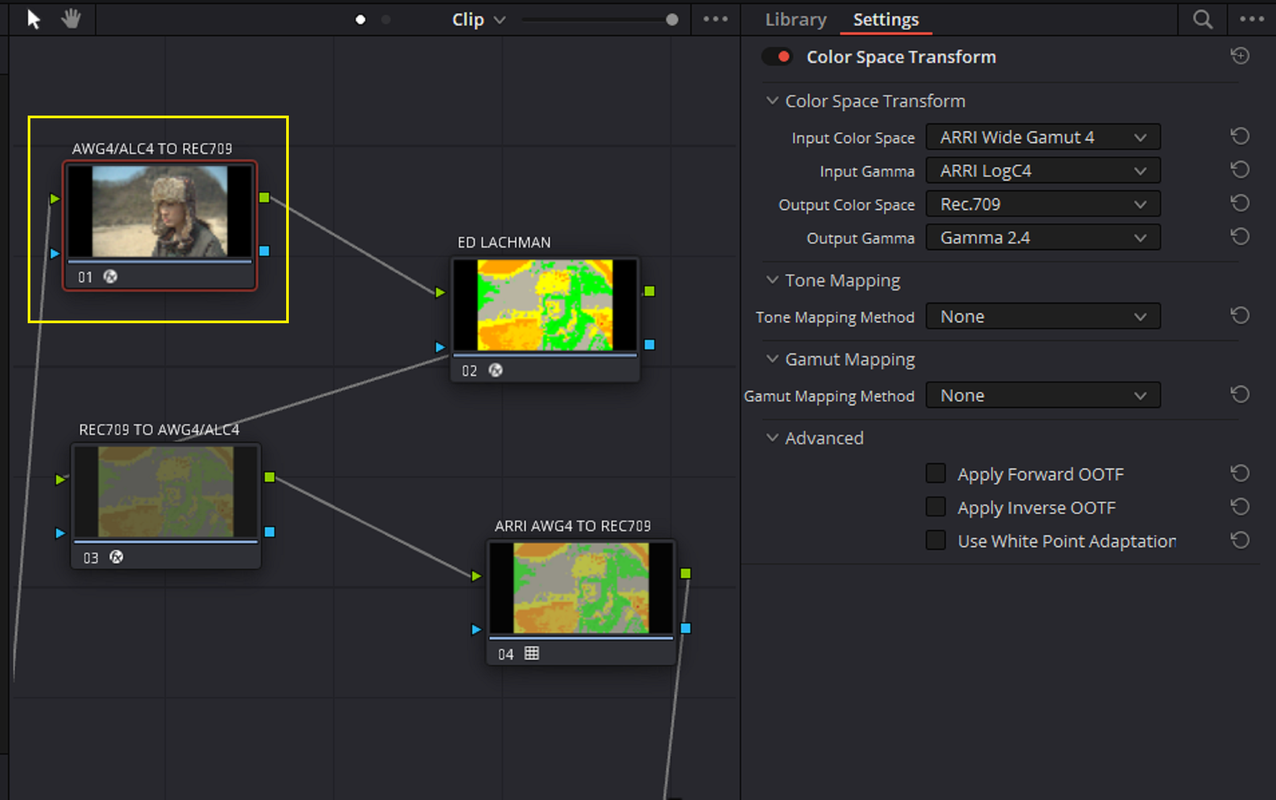
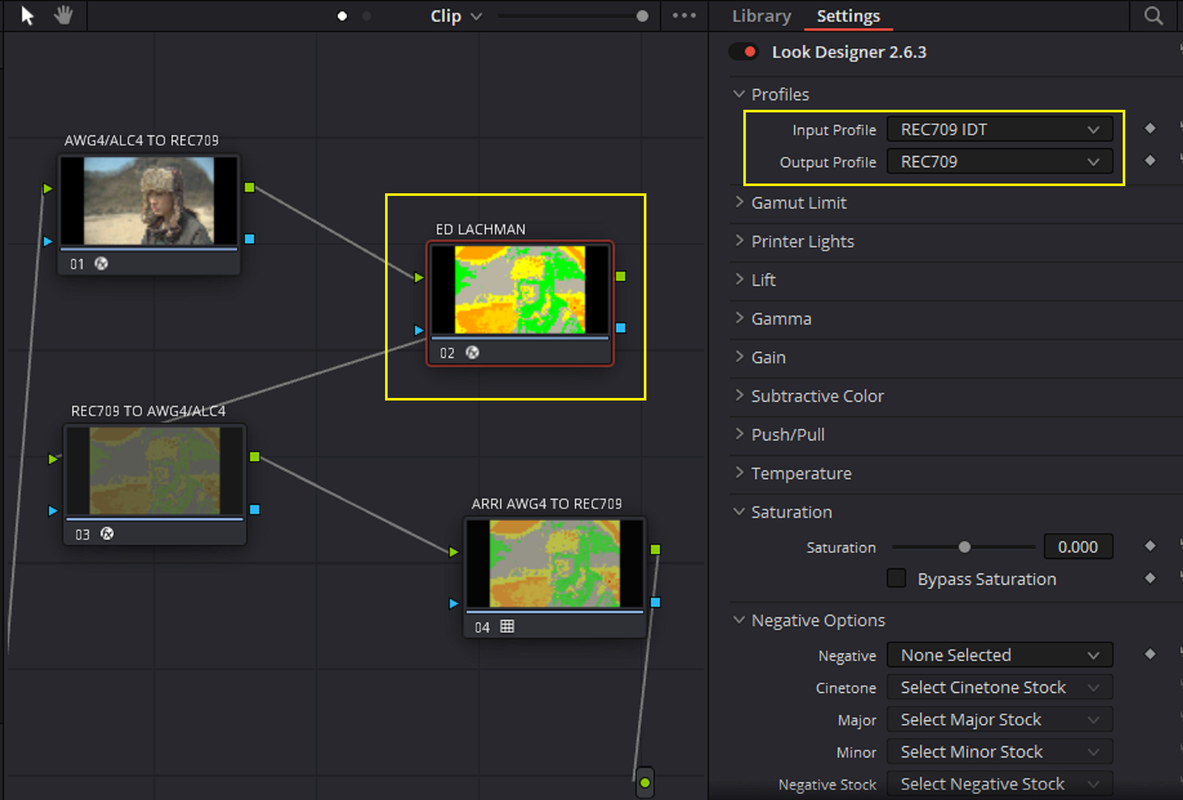
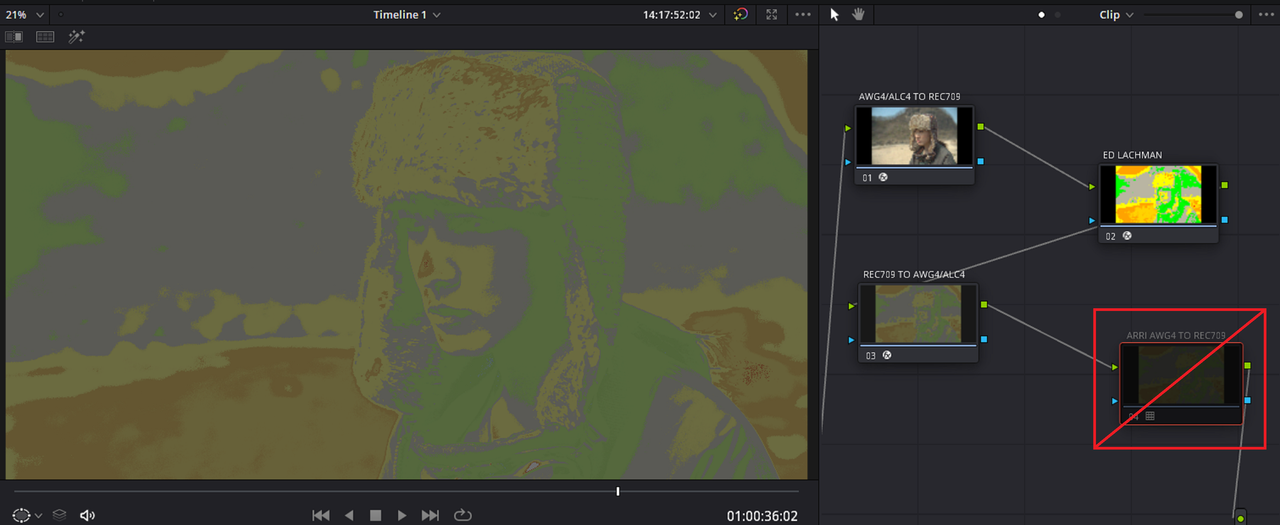
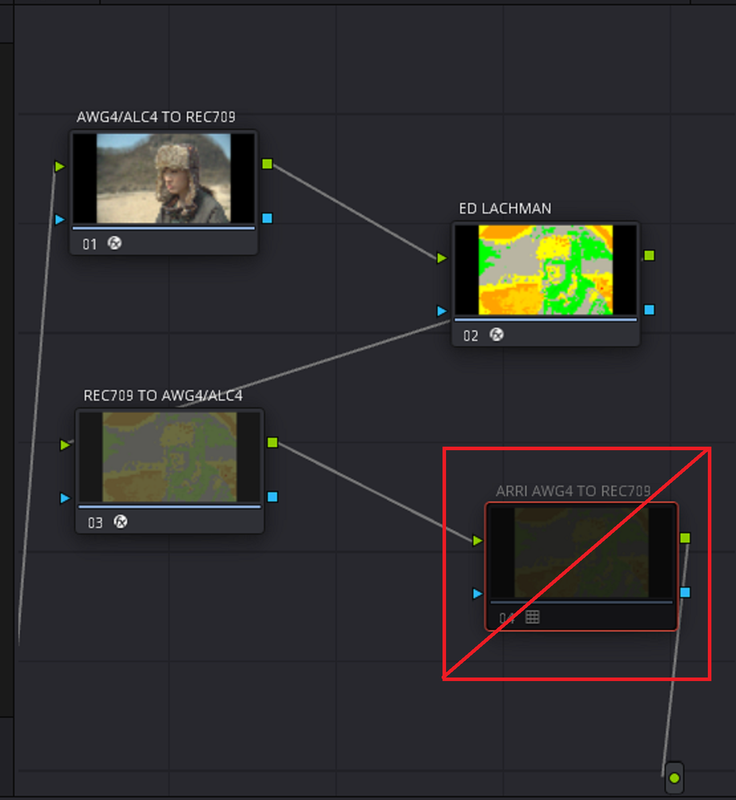
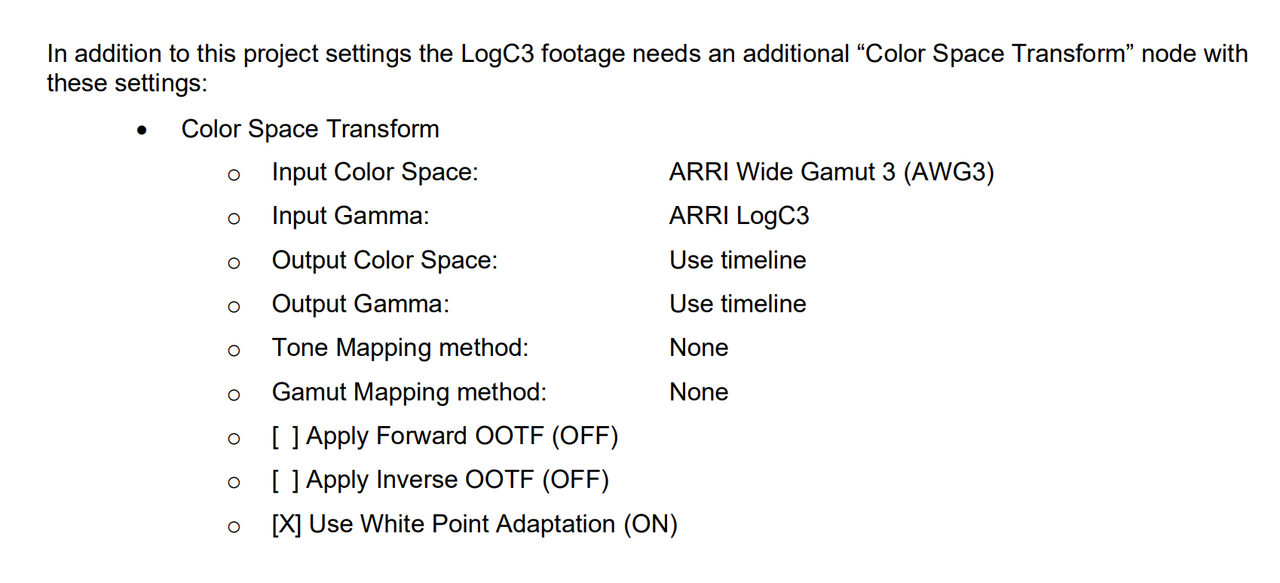
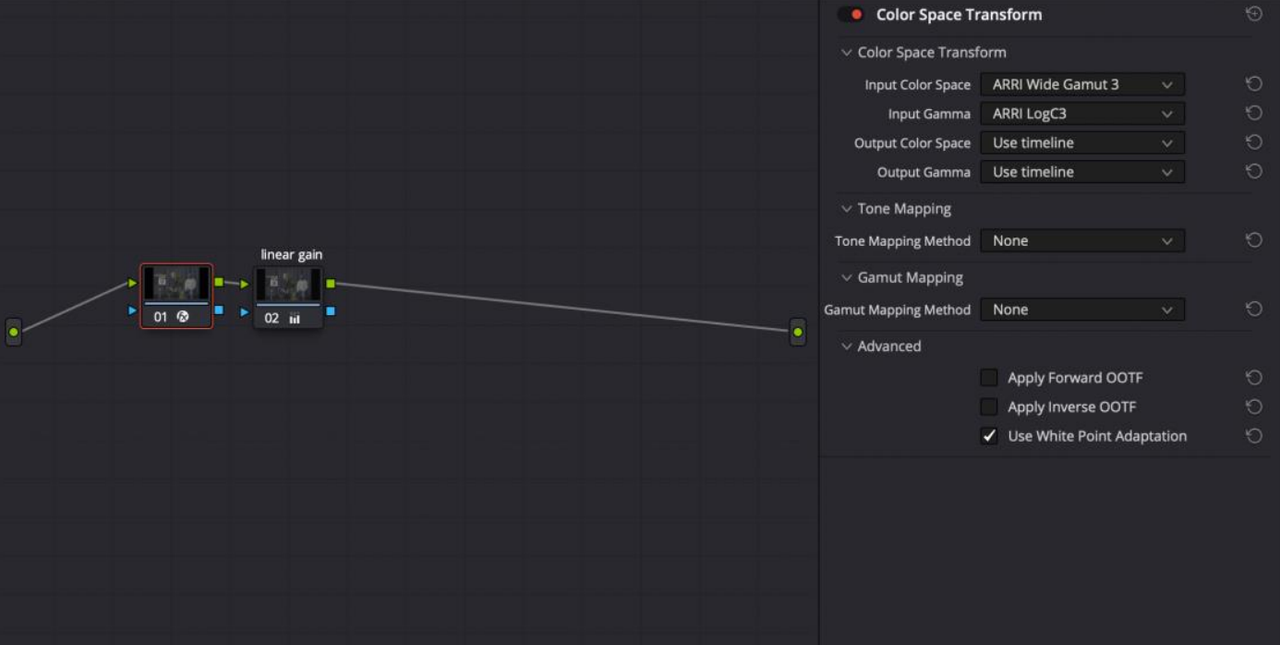
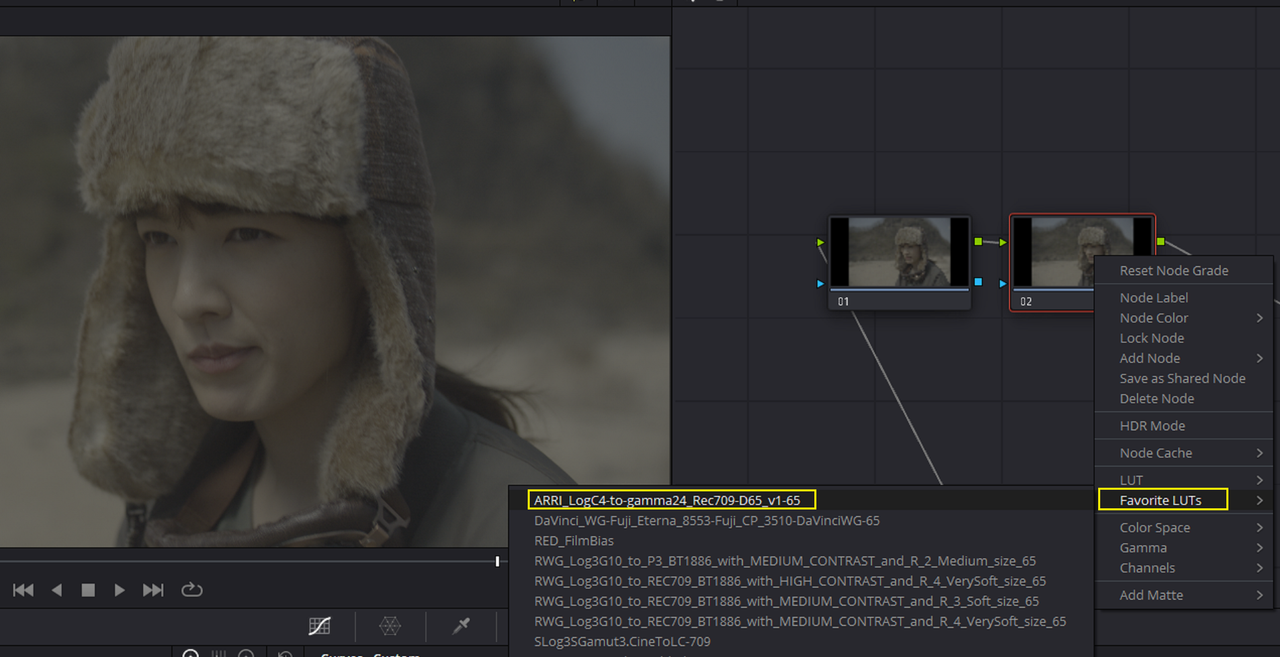
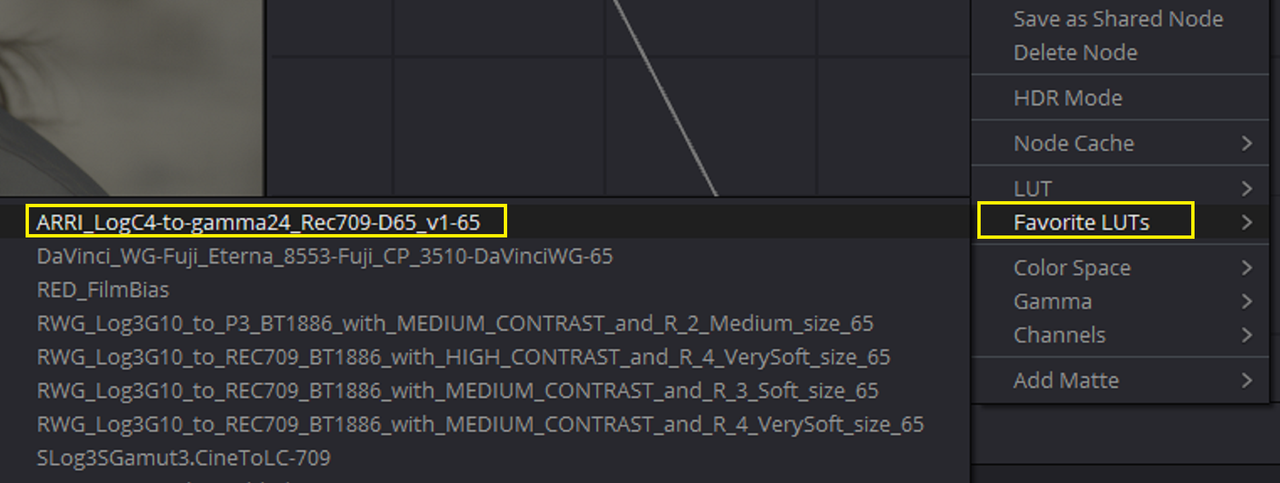
I added an ARRI AWG4/ALC4 to REC709 Transform LUT at the end of the Node Tree and added the CONTRAST 2.5 DCTL before it(NOT SHOWN).
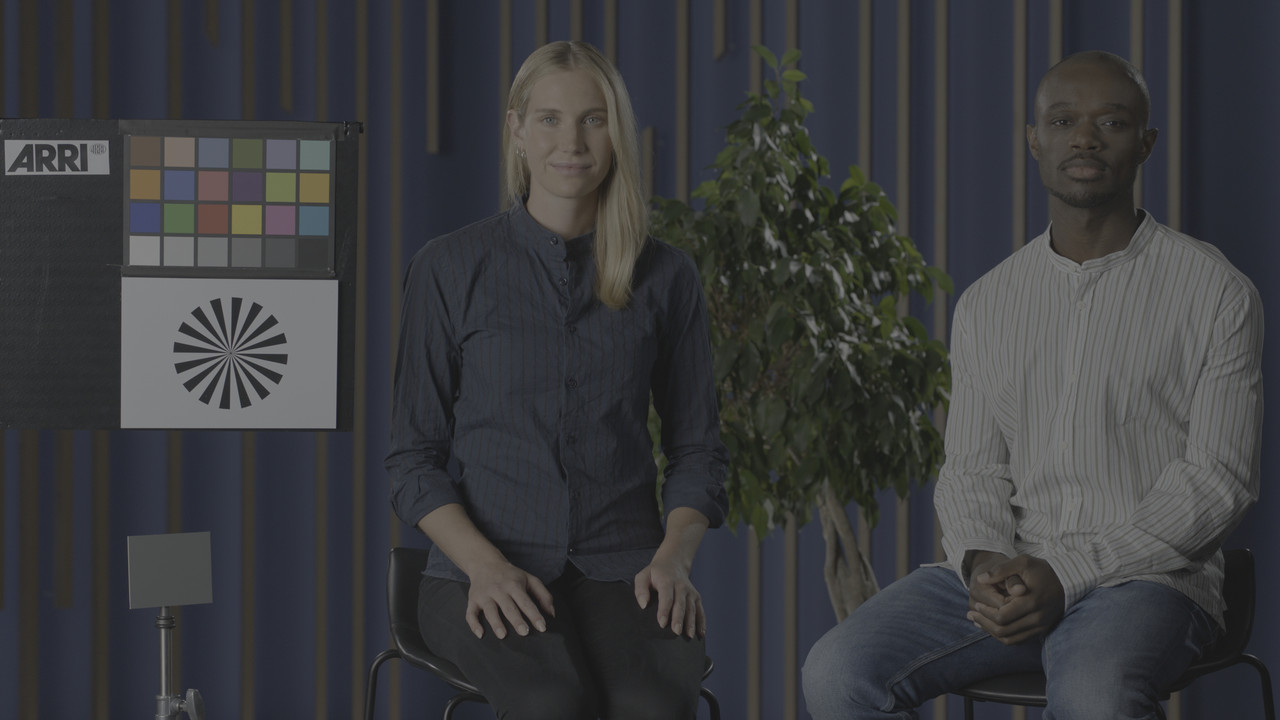
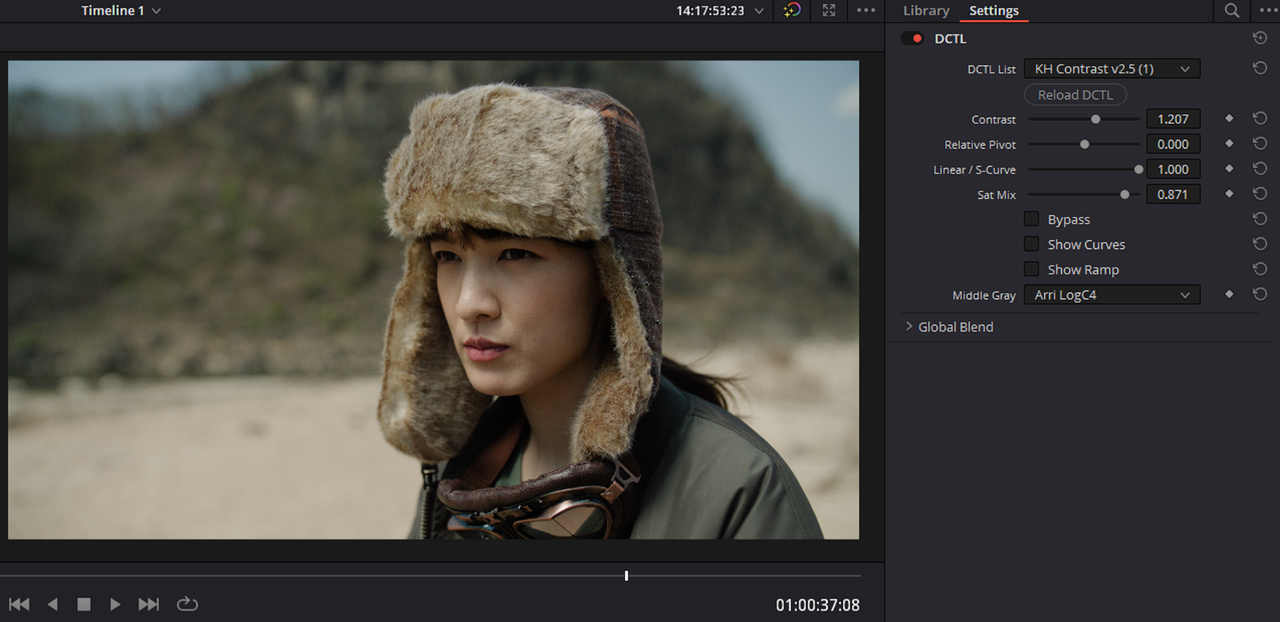
I added the CONTRAST DCTL and selected the MIDDLE GRAY point to maintain as ARRI LOGC4. I used a CONTRAST OF 1.207
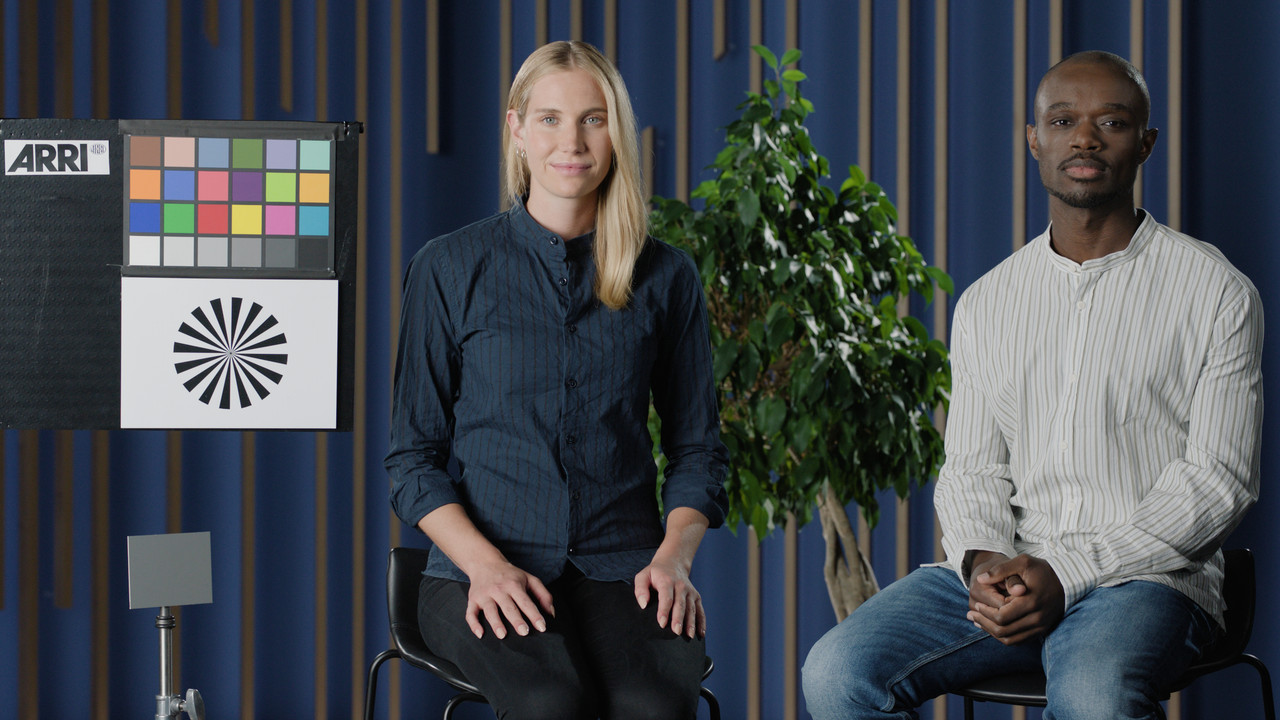
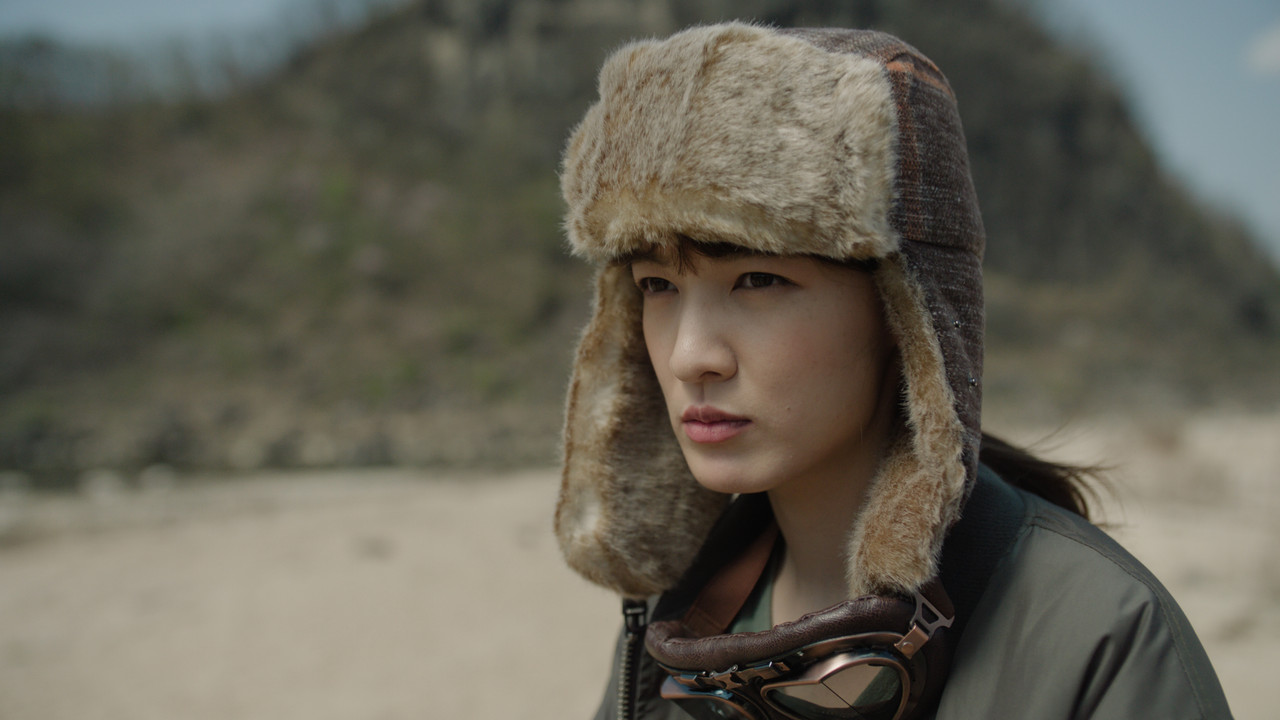
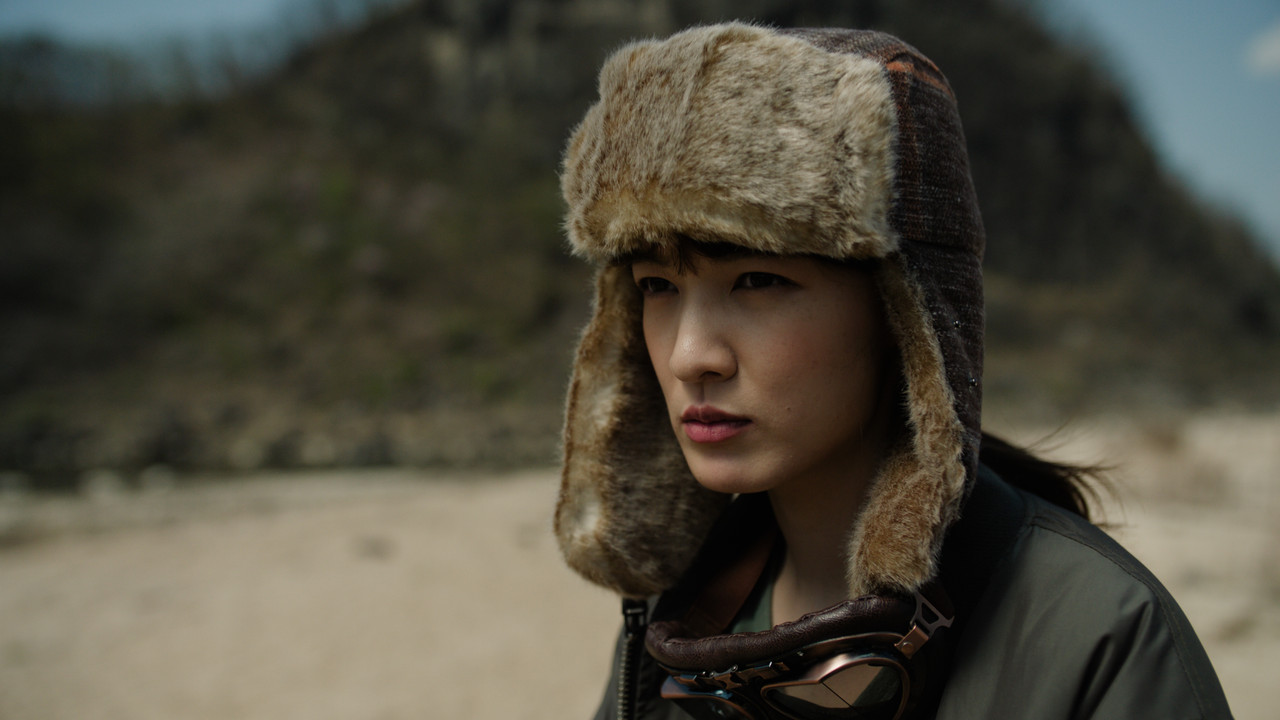
ORIGINAL IMAGE AFTER ARRI TRANSFORM LUT( Which is really fine as it is)
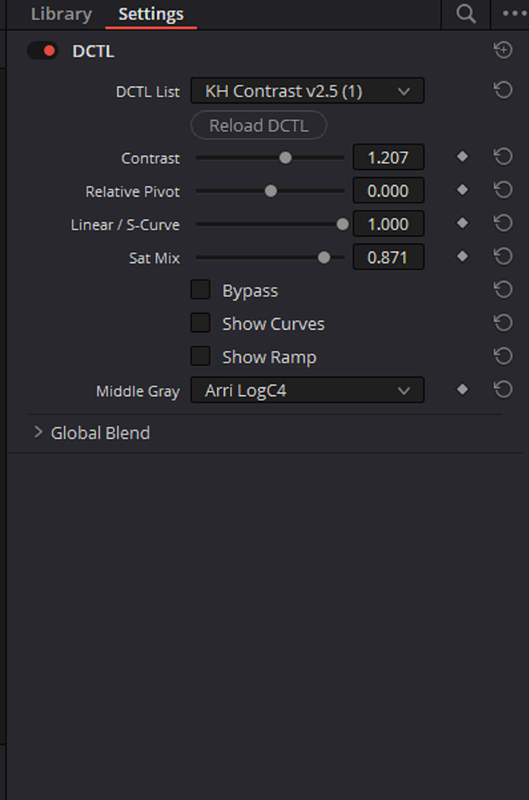
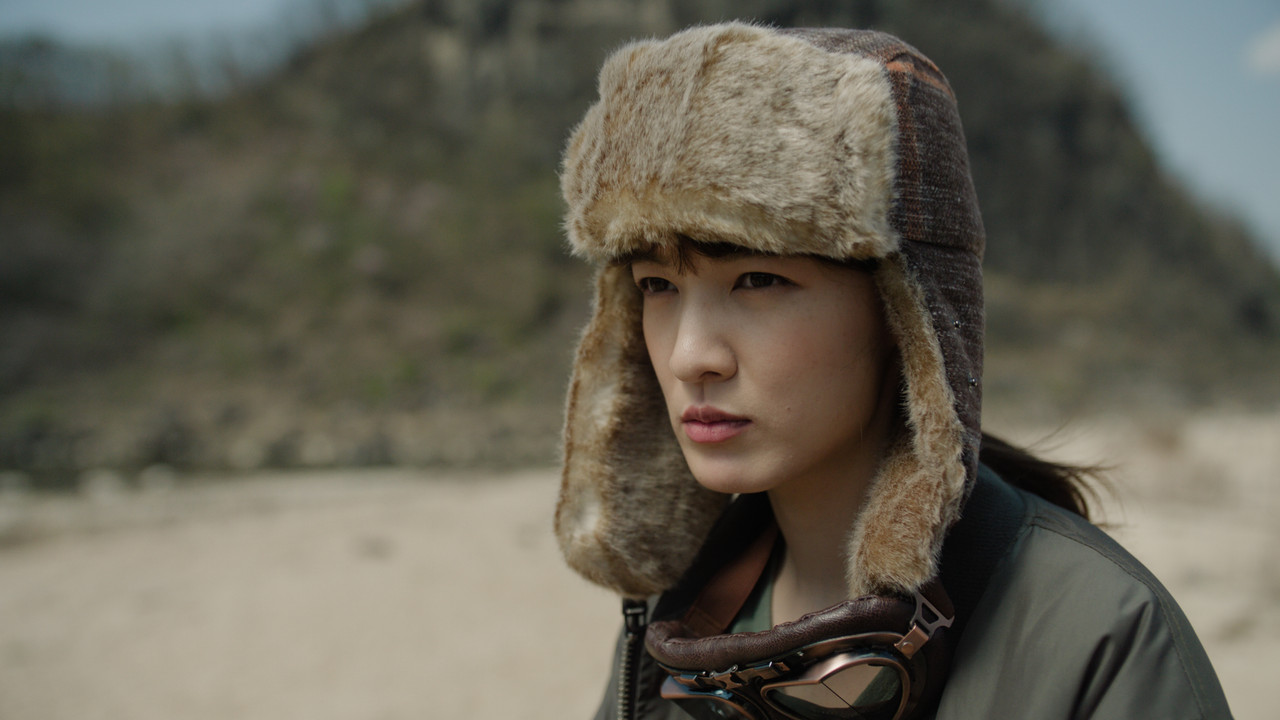
You can also show the CURVE the contrast level you select made by selecting "SHOW CURVES"
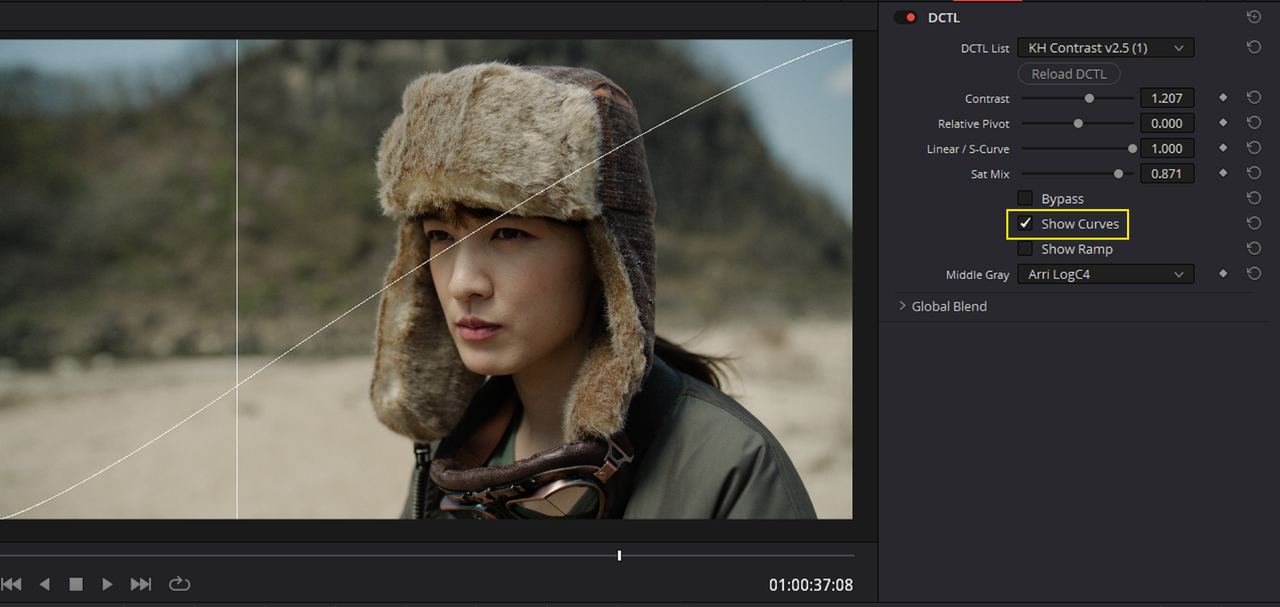
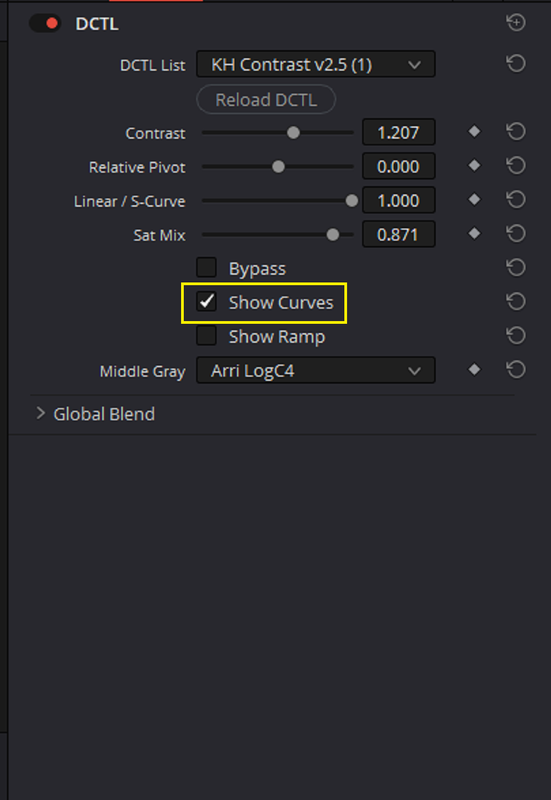
Below are demonstrations showing the same 1.207 level of Contrast using DAVINCI's Contrast and PIVOT( About the same as the MID GRAY POINT)
The Default Pivot point in Resolve is 0.435, I believe this may be the Approximate Middle Gray point for REC709 which these controls are designed for. I then use a PIVOT point of 0.278 which I believe is the actual MIDDLE GRAY point for ARRI LOGC4 based on what I have read.
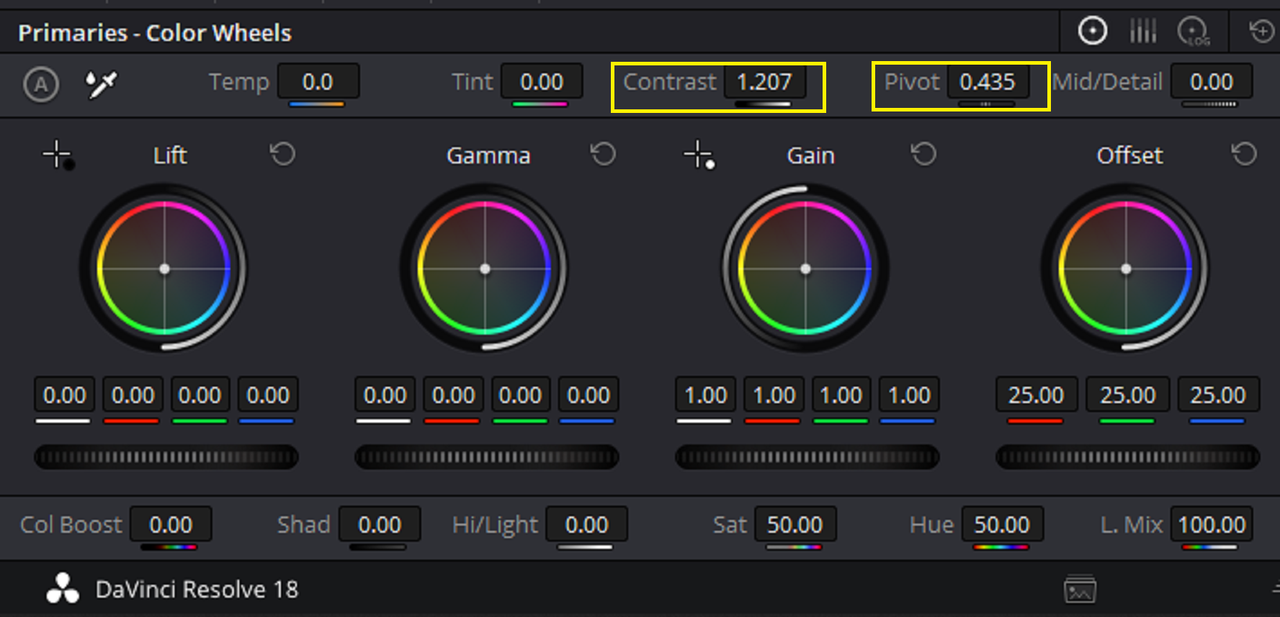
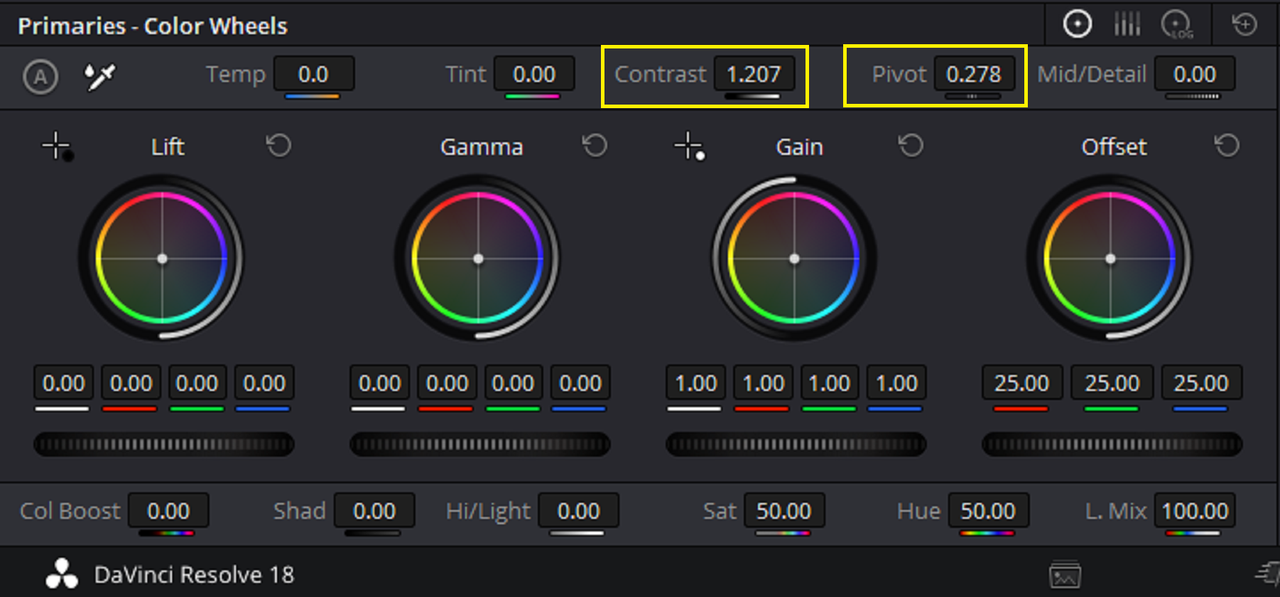
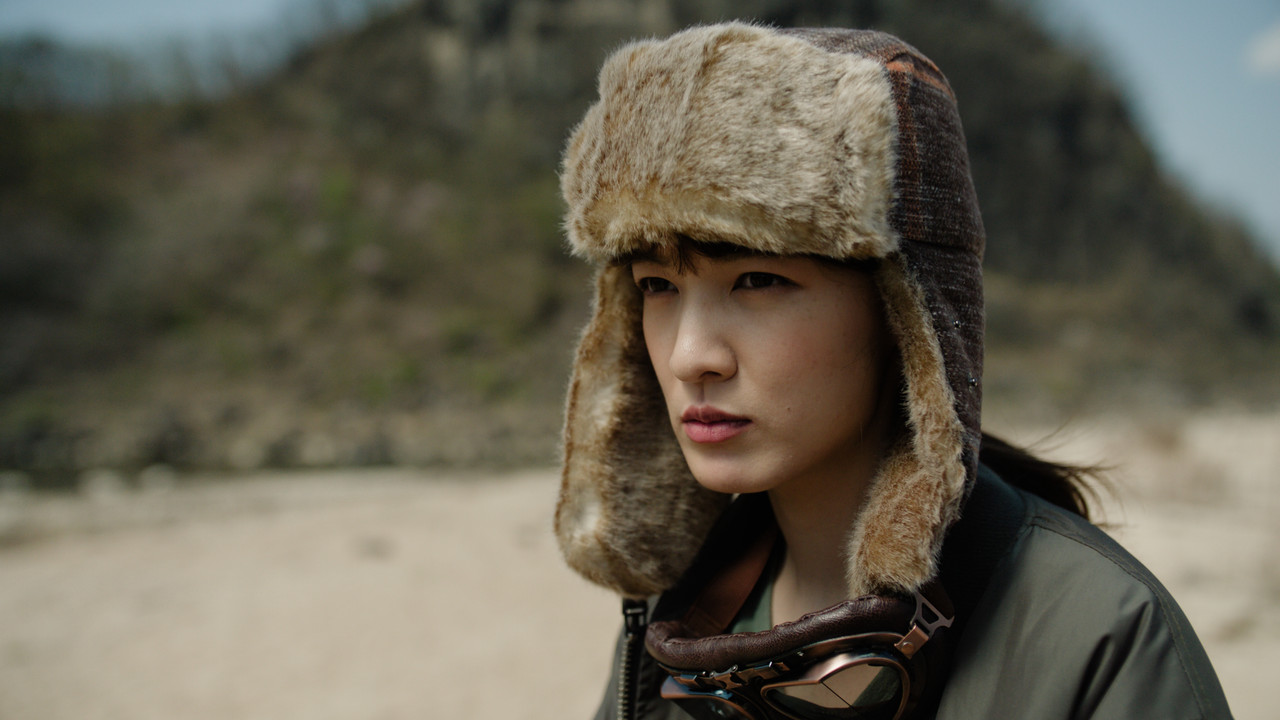
The 0.278 PIVOT setting maintained MIDDLE GRAY better that the 0.435 PIVOT setting but not as well as the CONTRAST 2.5 DCTL with the built in default GAMMA Middle Gray points did.
Original Image with ARRI Transform LUT
With KH CONTRAST 2.5 DCTL with 1.207 Contrast
With Resolve CONTRAST setting of 1.207 and Pivot setting of 0.435
With Resolve CONTRAST setting of 1.207 and Pivot setting of 0.278
link to website below, it cost $9.93
Contrast v2.5 DCTL for DaVinci Resolve (gumroad.com)
I demonstrate this CONTRAST 2.5 DCTL with an ARRI ALEXA 35 Image which maintains the 18% Middle GRAY POINT of ARRI LOGC4
First Here are all of the GAMMAs that the CONTRAST 2.5 DCTL supports.
Project Settings and Workflow
I added an ARRI AWG4/ALC4 to REC709 Transform LUT at the end of the Node Tree and added the CONTRAST 2.5 DCTL before it(NOT SHOWN).
I added the CONTRAST DCTL and selected the MIDDLE GRAY point to maintain as ARRI LOGC4. I used a CONTRAST OF 1.207
ORIGINAL IMAGE AFTER ARRI TRANSFORM LUT( Which is really fine as it is)
You can also show the CURVE the contrast level you select made by selecting "SHOW CURVES"
Below are demonstrations showing the same 1.207 level of Contrast using DAVINCI's Contrast and PIVOT( About the same as the MID GRAY POINT)
The Default Pivot point in Resolve is 0.435, I believe this may be the Approximate Middle Gray point for REC709 which these controls are designed for. I then use a PIVOT point of 0.278 which I believe is the actual MIDDLE GRAY point for ARRI LOGC4 based on what I have read.
The 0.278 PIVOT setting maintained MIDDLE GRAY better that the 0.435 PIVOT setting but not as well as the CONTRAST 2.5 DCTL with the built in default GAMMA Middle Gray points did.
Original Image with ARRI Transform LUT
With KH CONTRAST 2.5 DCTL with 1.207 Contrast
With Resolve CONTRAST setting of 1.207 and Pivot setting of 0.435
With Resolve CONTRAST setting of 1.207 and Pivot setting of 0.278
Last edited: