Welcome to our community

Be a part of something great, join today!

  • Hey all, just changed over the backend after 15 years I figured time to give it a bit of an update, its probably gonna be a bit weird for most of you and i am sure there is a few bugs to work out but it should kinda work the same as before... hopefully :)

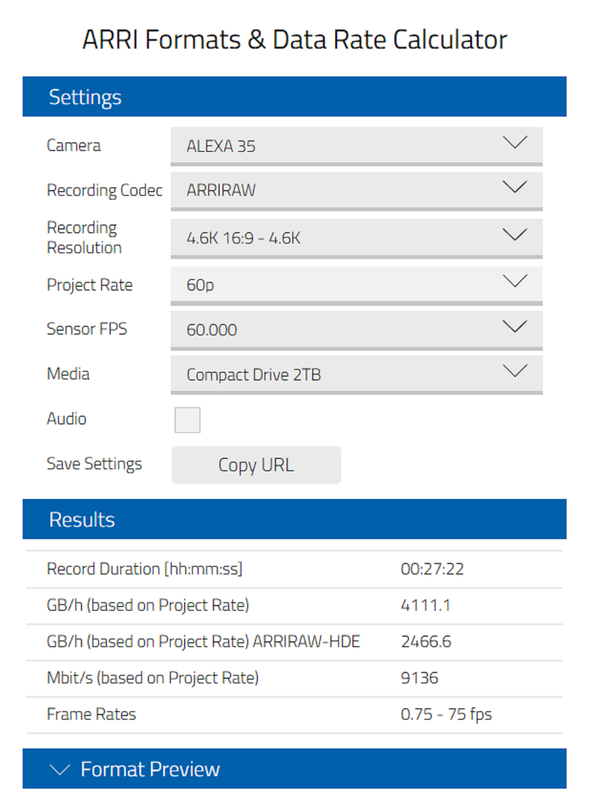
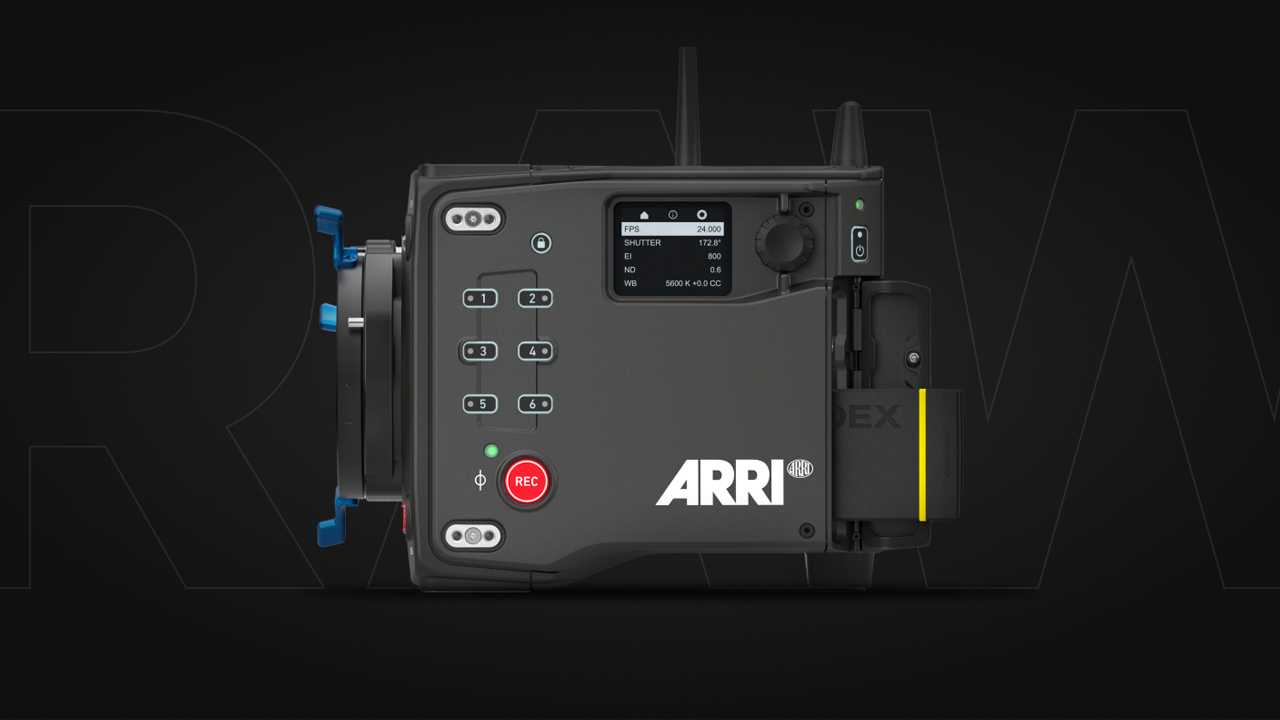
ARRI 4K Super 35 Camera Will be Launched Next Month

From playing around with both the ARRIRAW files and even the transcoded PRORES4444XQ files, it seems that you can reveal about the same amount of highlight info in both. I don't know if it's the ARRI Luts or the implementation of AWG4/ALC4 in Davinci Resolve but you have to go through a lot of effort to dig out those additional stops of highlight info and at the expense of the shadow area of the image. I think I remember that IPP2 went through a couple of betas between REDCINE-X Pro 4.2 to Version 5.0. So I think that ARRI will probably have to go through a couple of beta LUT packs to fully eke out the true benefits of those 17+ stops of dynamic range.
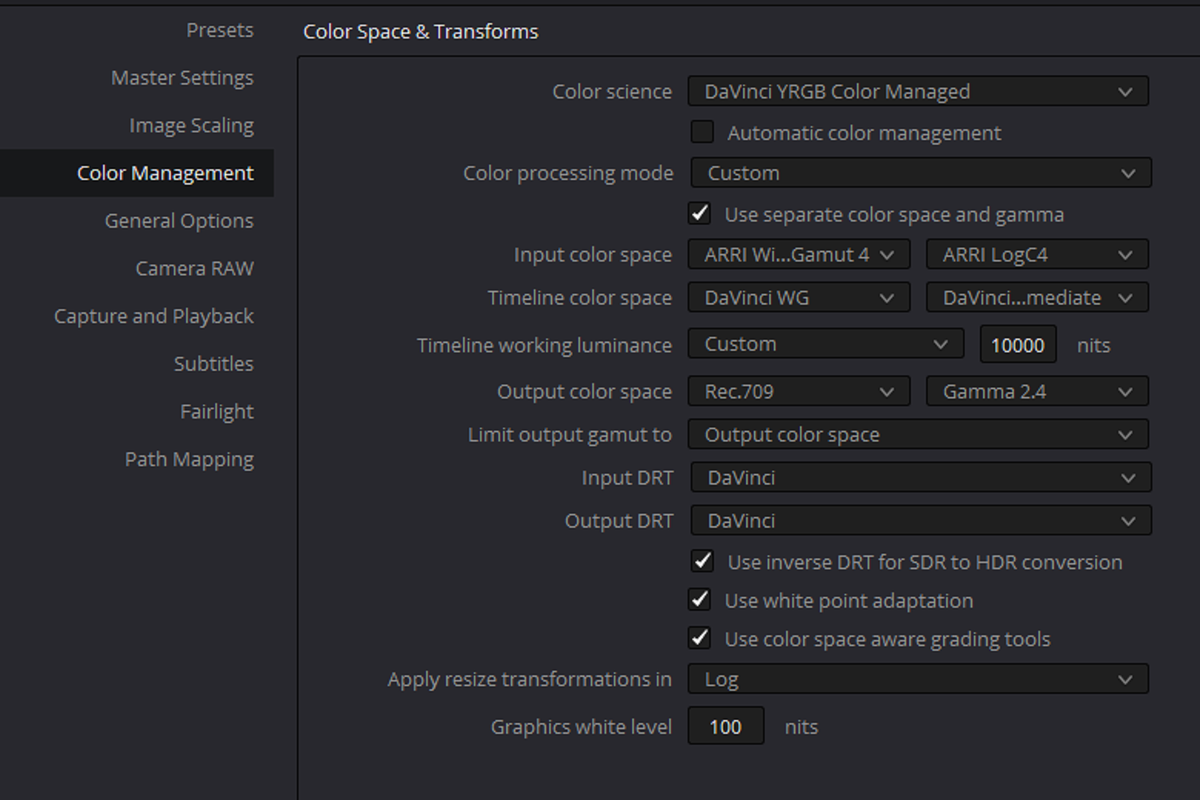
 
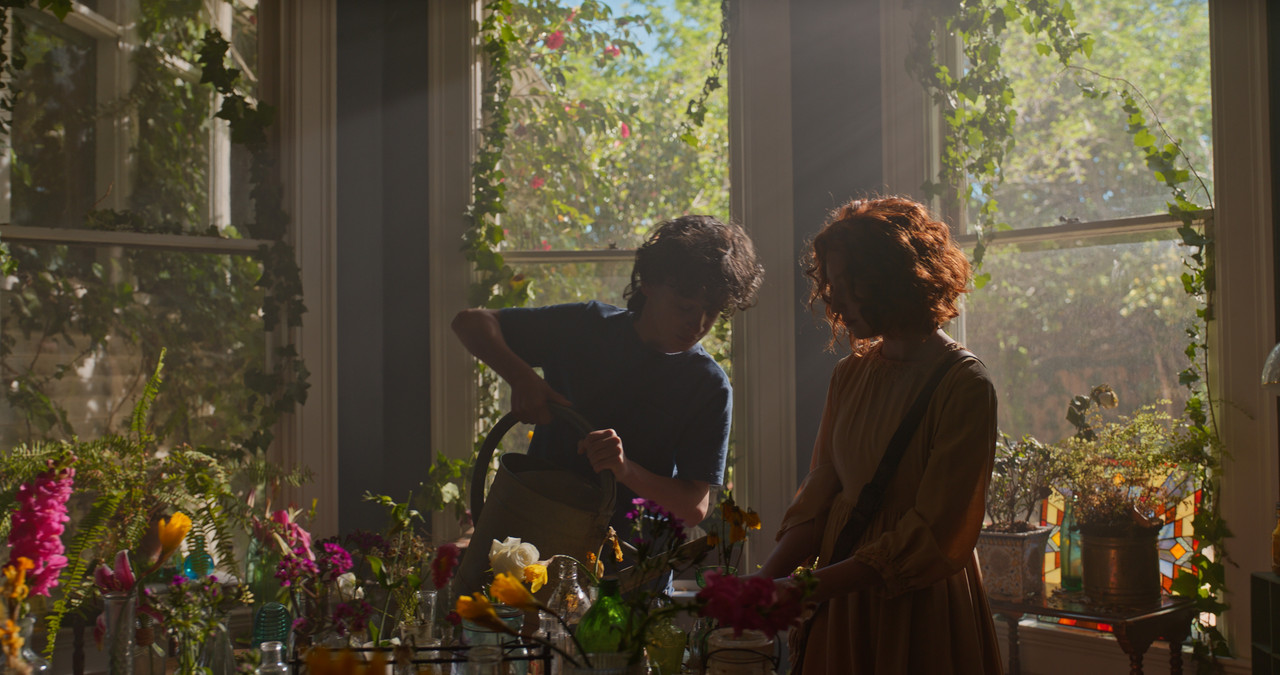
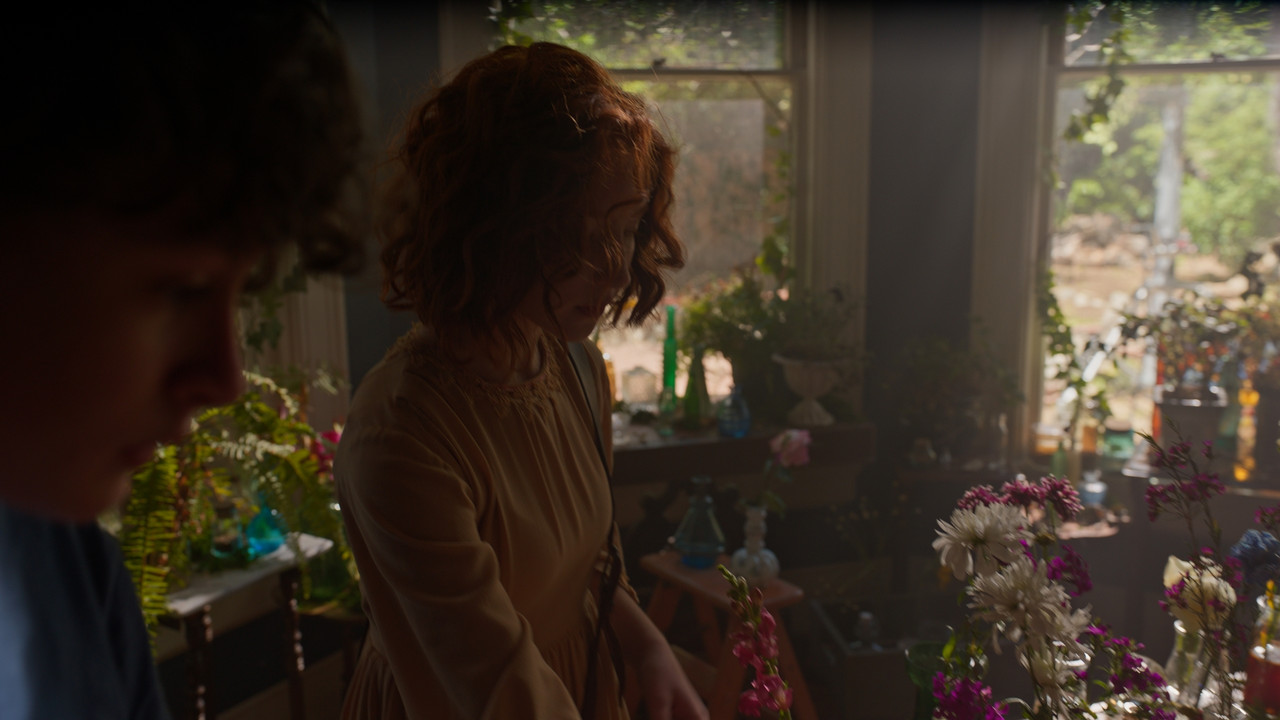
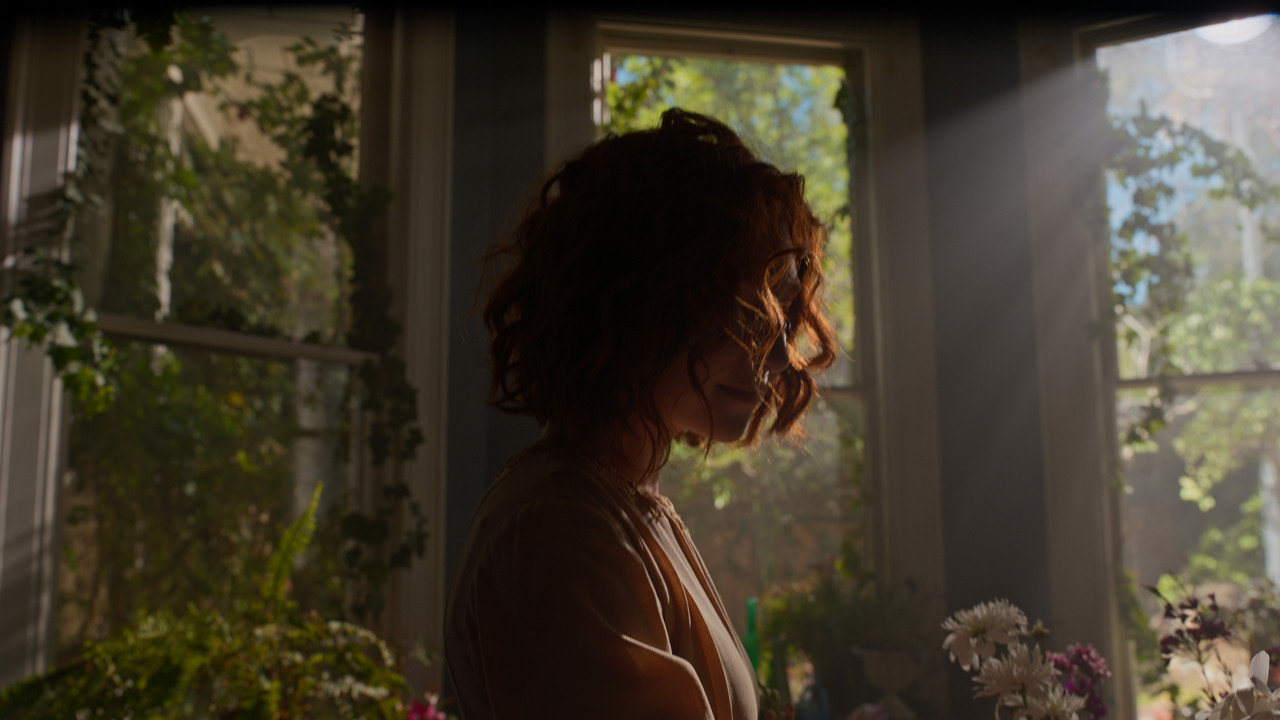
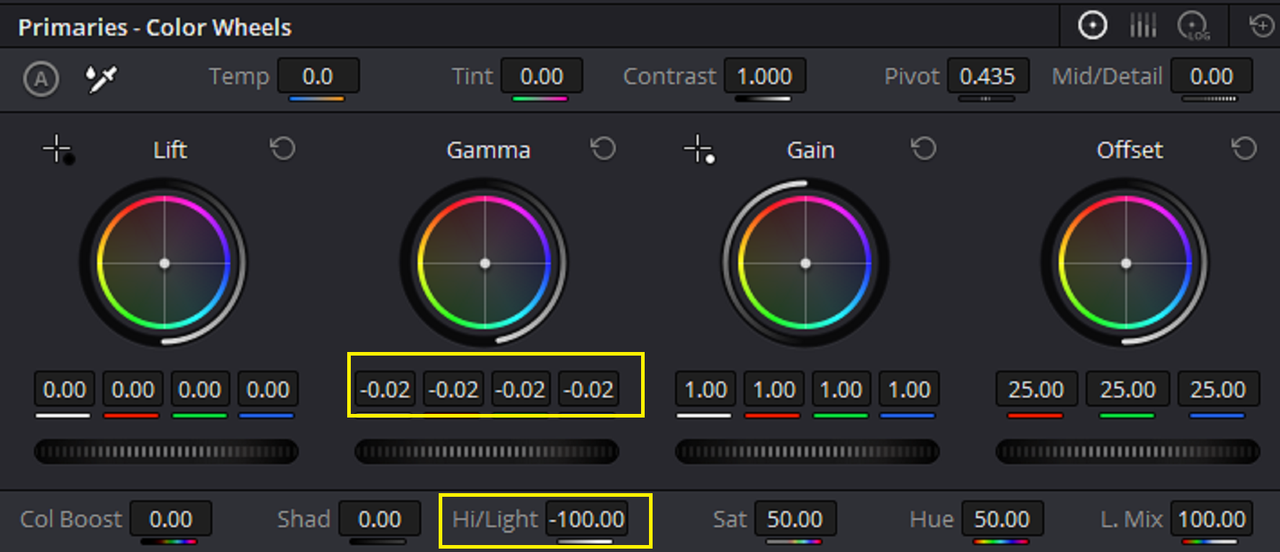
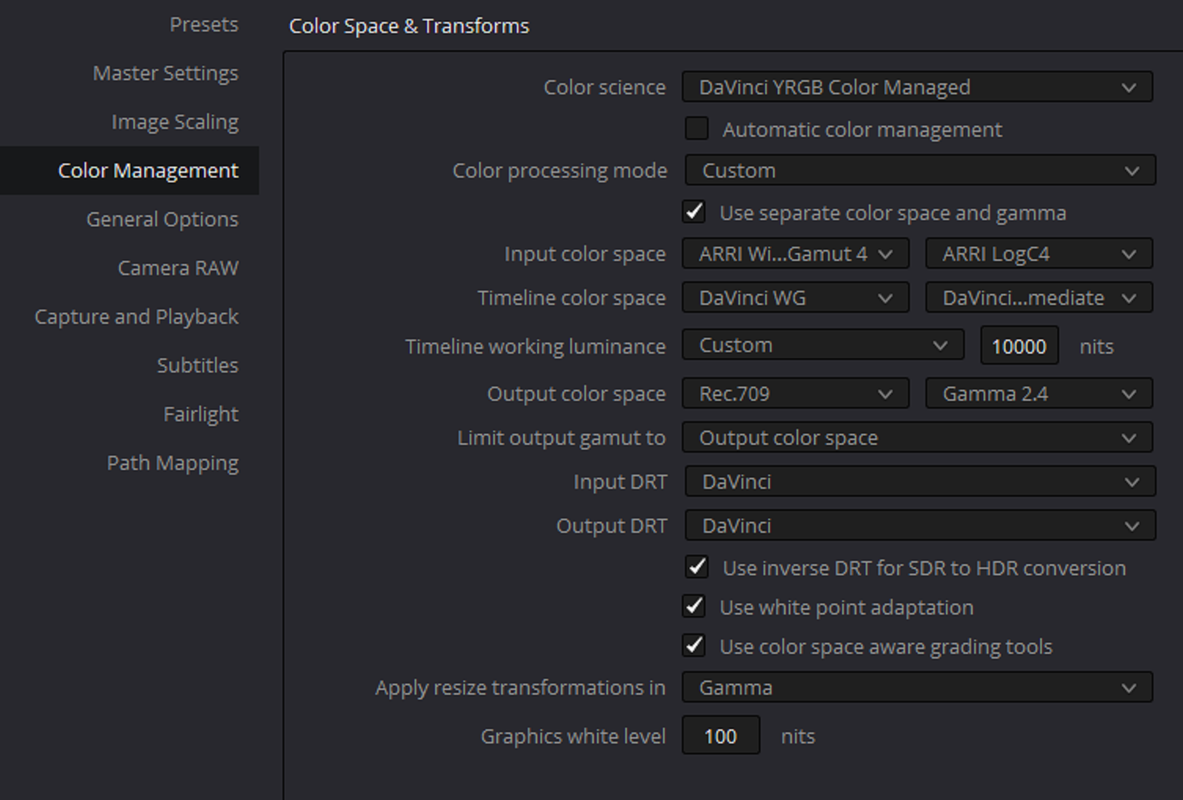
I got much better results with the ARRI ALEXA 35 footage in a DAVINCI WIDE GAMUT workflow than in ACES or with AWG4/ALC4 Luts


Screenshot-5395.png


Screenshot-5399.png


1-1-1-1-1-1.jpg


1-1-3-1-1-312.jpg


1-1-3-1-1-3.jpg
wAAACH5BAEKAAAALAAAAAABAAEAAAICRAEAOw==


Screenshot-5396.png


1-4-1-1-4-12.jpg
wAAACH5BAEKAAAALAAAAAABAAEAAAICRAEAOw==

1-2-1-1-2-1.jpg
wAAACH5BAEKAAAALAAAAAABAAEAAAICRAEAOw==

1-4-1-1-4-1.jpg
wAAACH5BAEKAAAALAAAAAABAAEAAAICRAEAOw==
 
Last edited:
Phil,

If it's a problem with me posting these Files here just let me know and I will delete them. I was just doing it because the ARRIRAW Files on the Server range from 9GB to as much as 174GB per file. So I wanted to make them more digestible for people who couldn't download as much as 700GB+ of ARRIRAW files. How about when these 7 days are up I don't repost them?
Just saving you the headache really. If they haven't come after you yet, they likely won't.
 
Just saving you the headache really. If they haven't come after you yet, they likely won't.

HaHaHaHa, alright then and thanks! Yeah I would understand if this thread was closed at anytime because this is "REDUSER" I can only take this so far. So I thank the Red Team and you for giving me this much leeway.
 
Cinematographer Seamus McGarvey on shooting with ALEXA 35

By ARRIChannel


ALEXA 35 Encounters: “Found It” - Meet the filmmakers

by
ARRIChannel

If you watch it on the YouTube page, in the top right-hand corner there is a "cog wheel" symbol, click on it and under " caption " choose " Japanese " and it will translate the Japanese into English subtitles.

If you watch it in this thread, chose the cog wheel symbol with Red "HD" Logo above it and select "Subtitles/cc " " Japanese"

 
Last edited:
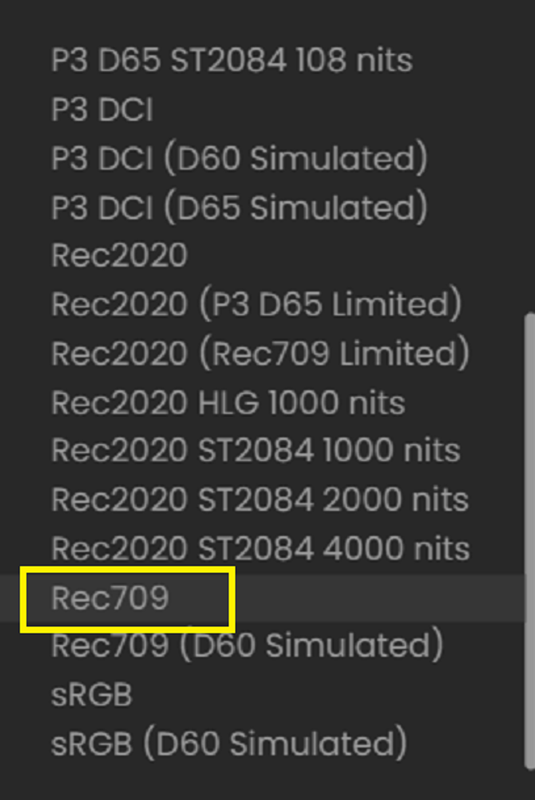
NODE BASED WITH AWG4 TO REC709 LUT FROM ARRI
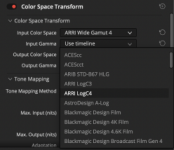
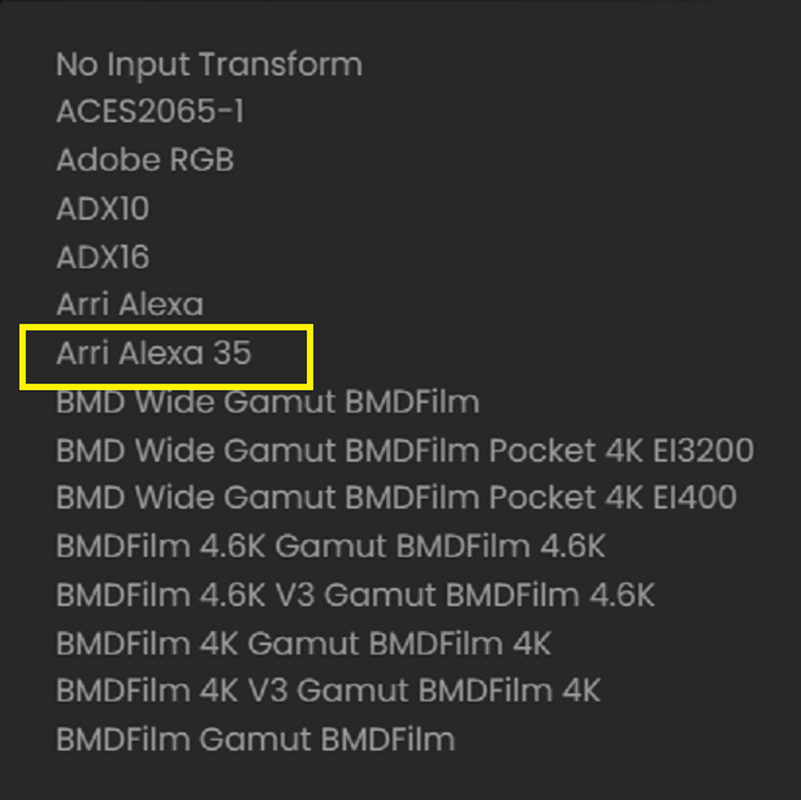
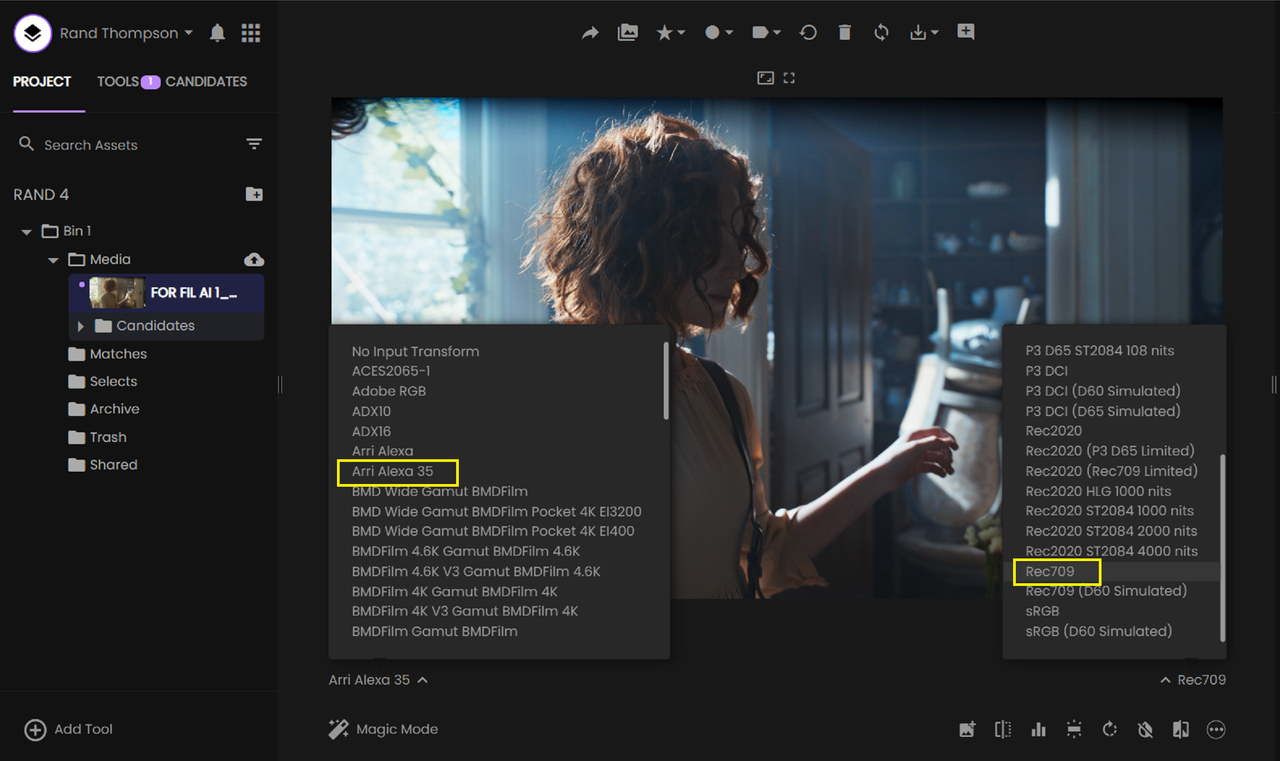
Note that Resolve 18b6 now has Arri Wide Gamut color space v4 and Gamma LogC4 available in the Color Space Transform plug-in:

jt4QIYv.png

For the way I work, this is by far the more convenient method for incorporating Arri S35 material into our workflow. Hopefully, we'll be changing to Resolve 18 in the next couple of months and we'll be ready when the next project hits.
 
Note that Resolve 18b6 now has Arri Wide Gamut color space v4 and Gamma LogC4 available in the Color Space Transform plug-in:


For the way I work, this is by far the more convenient method for incorporating Arri S35 material into our workflow. Hopefully, we'll be changing to Resolve 18 in the next couple of months and we'll be ready when the next project hits.

Marc,

Yeah, I would also use Color Space Transforms. I think When ARRI said in a Couple of their interviews that they suggested using the AWG4 To REC709 Luts instead of trying to do it manually like some had done in the past with AWG3, I think some people thought that that would limit other options. The CSTs are more mathematical and have greater precision than some Luts in most situations. I would only use the 65cube sized Luts and not the 33cube sized Luts, even though 33cube sized luts are sufficient.

I was using CSTs for ACES until I found out that they didn't employ the same math as the ACES Tranforms, which was why the grades I made in the ACES project workflow never matched the Node based ACES workflow with CSTs. A grade with ACES TRANSFORMS matched the Project ACES identically.
 
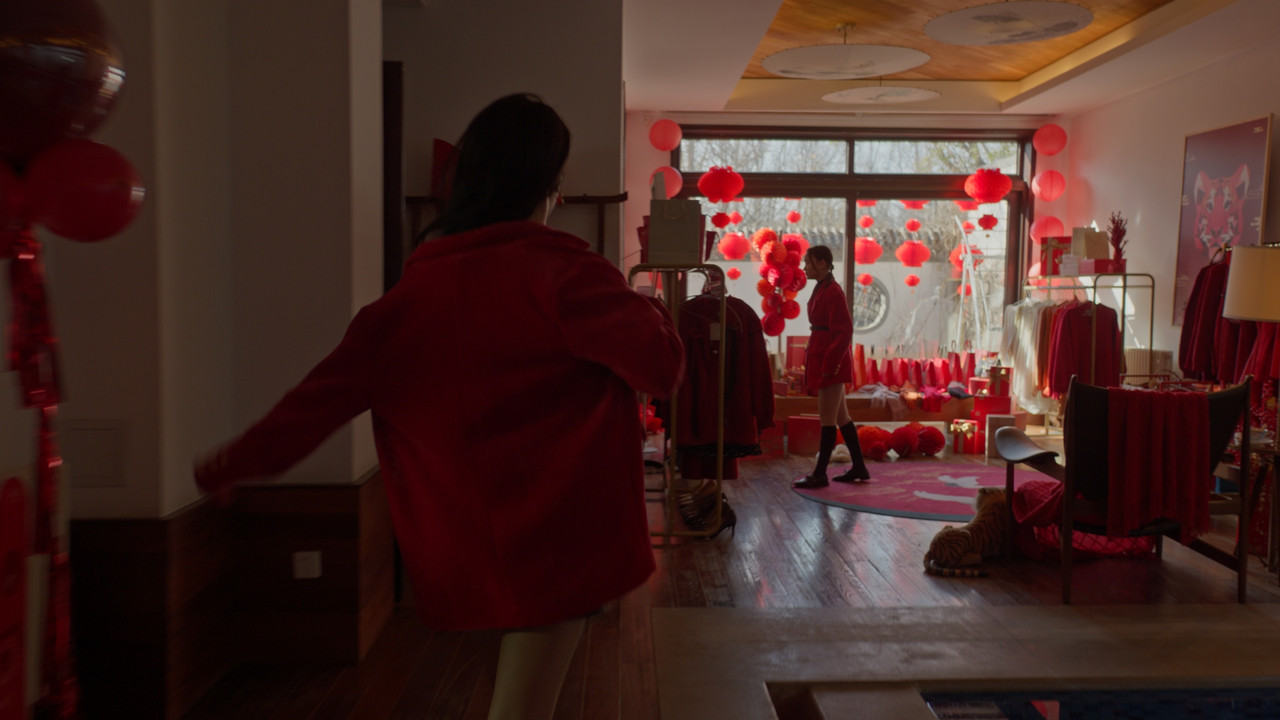
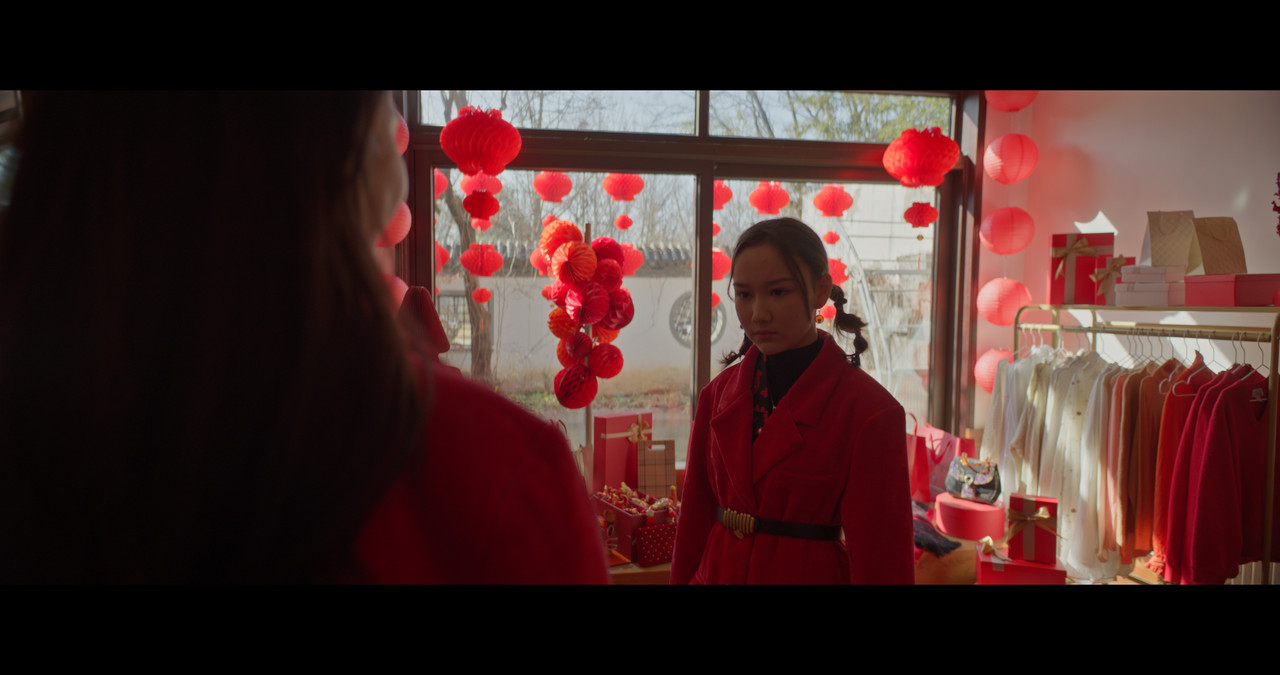
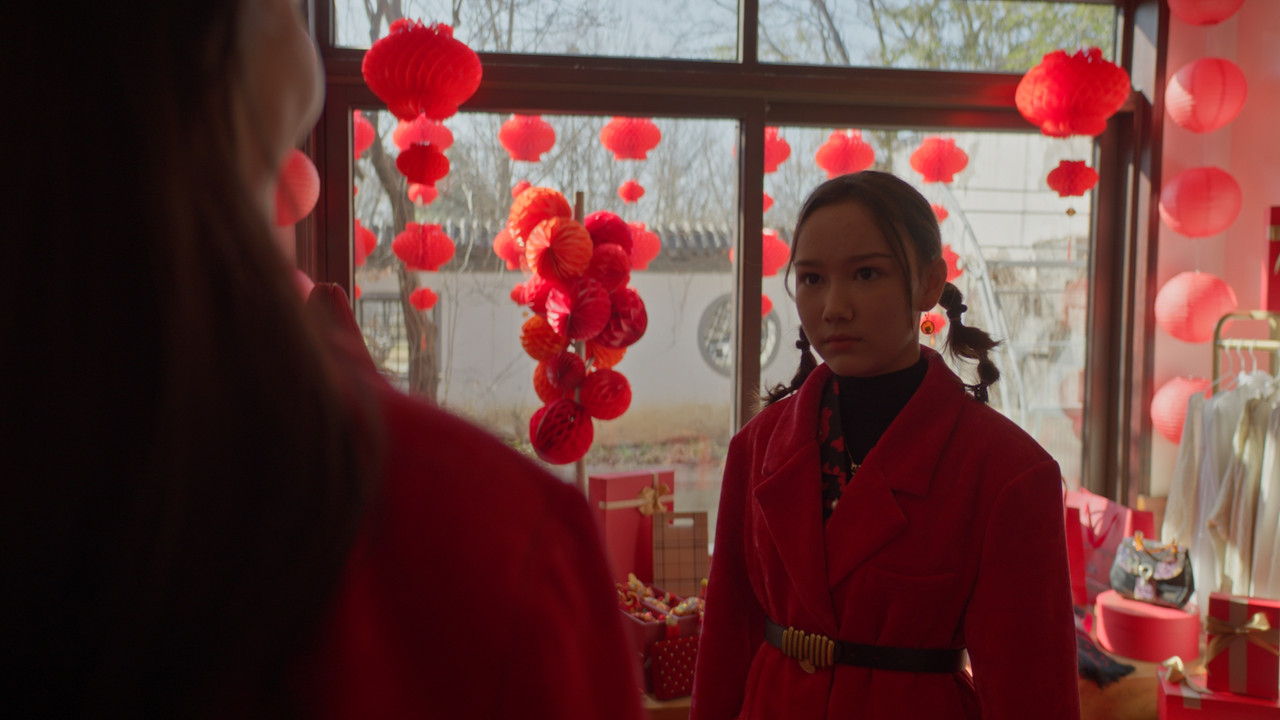
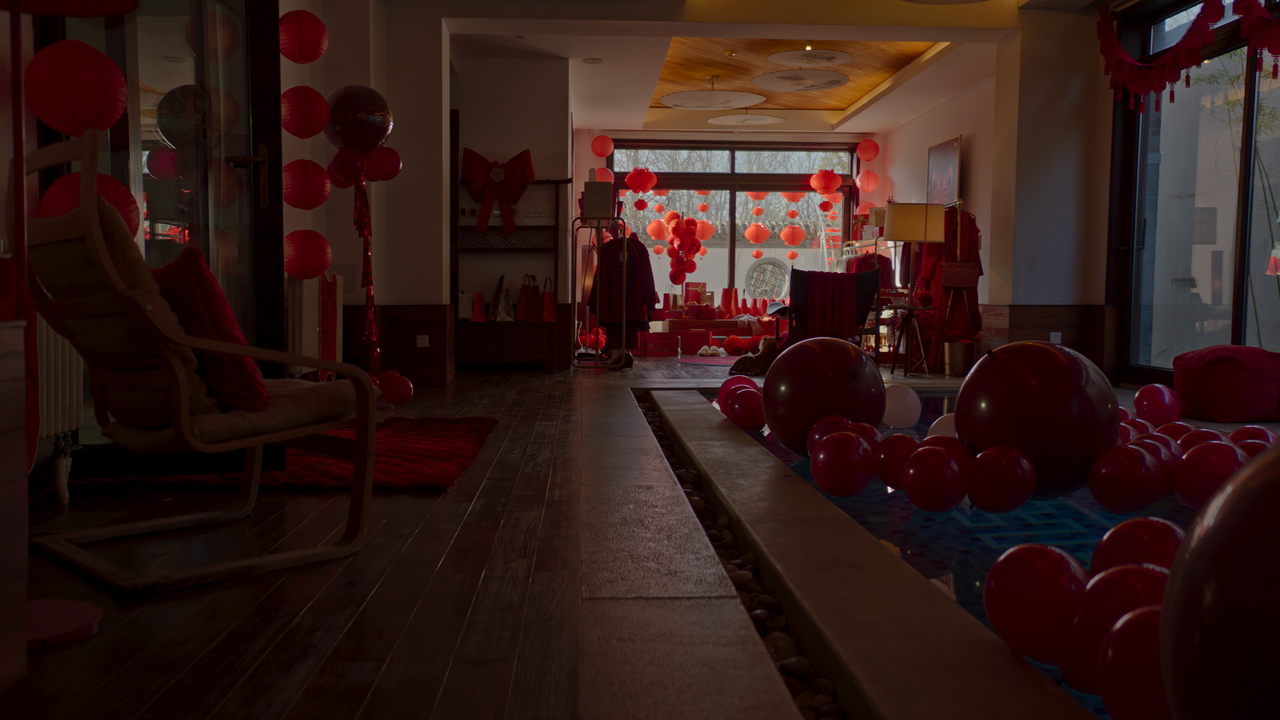
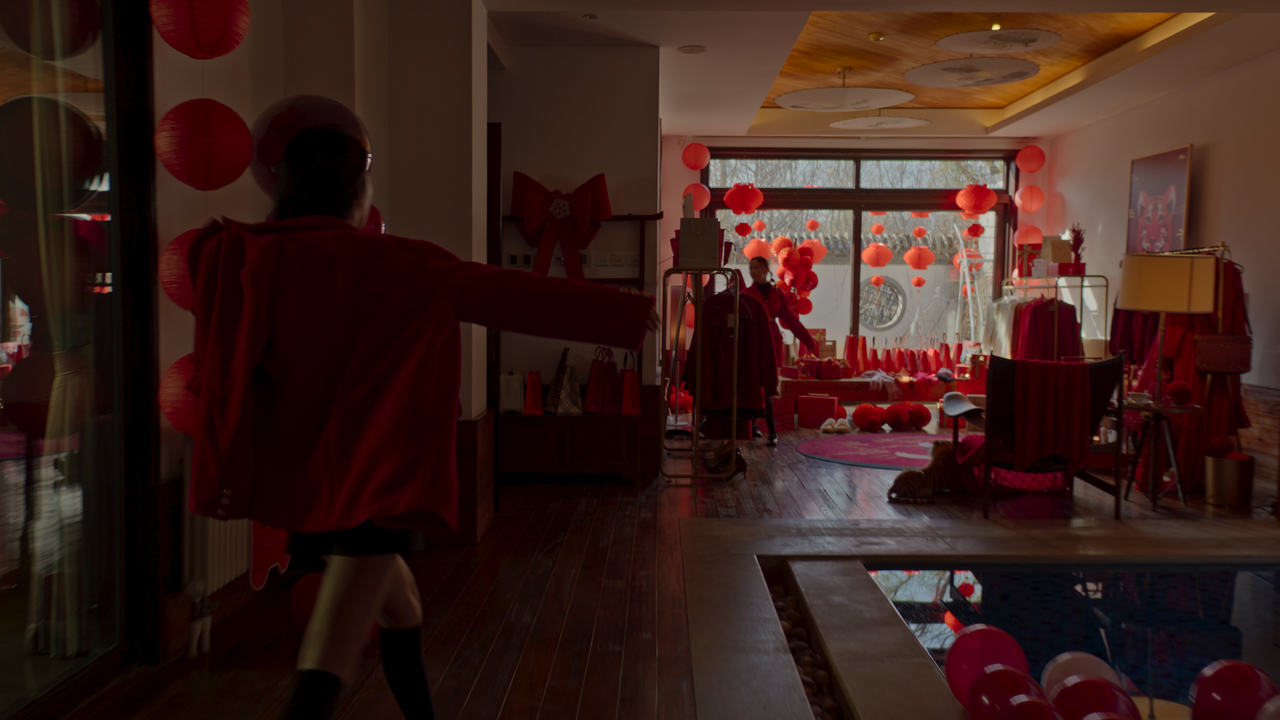
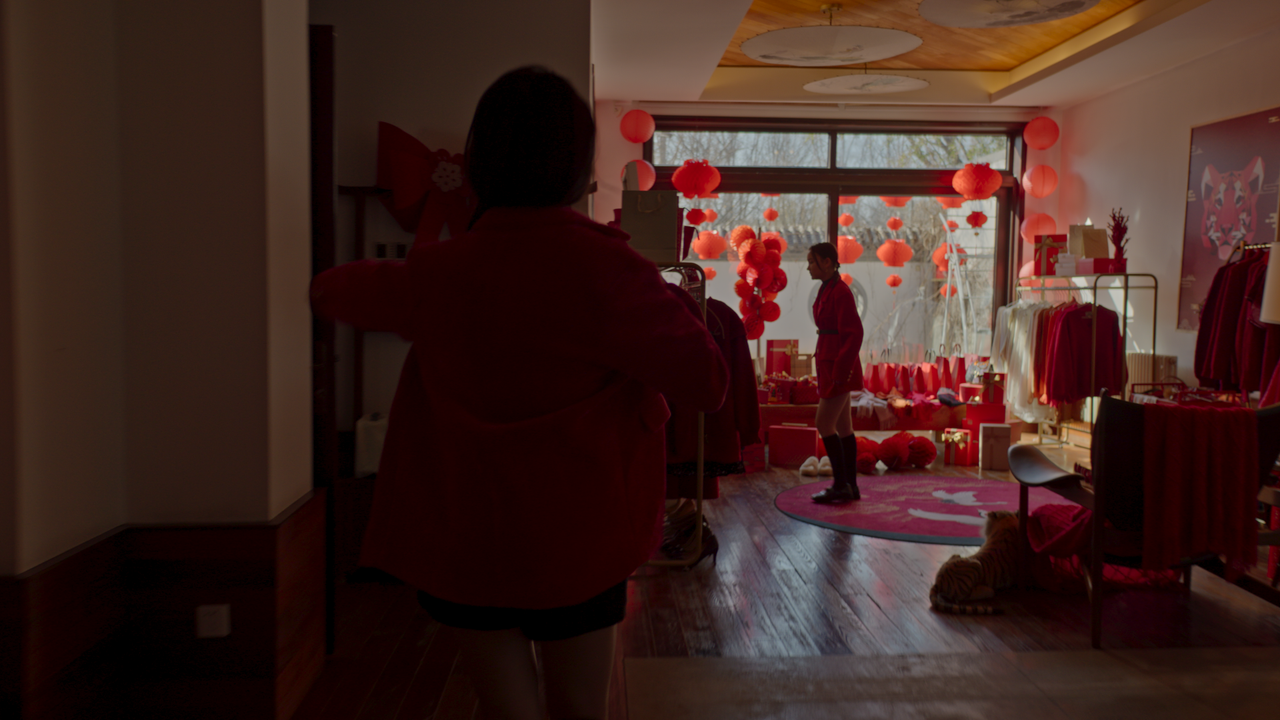
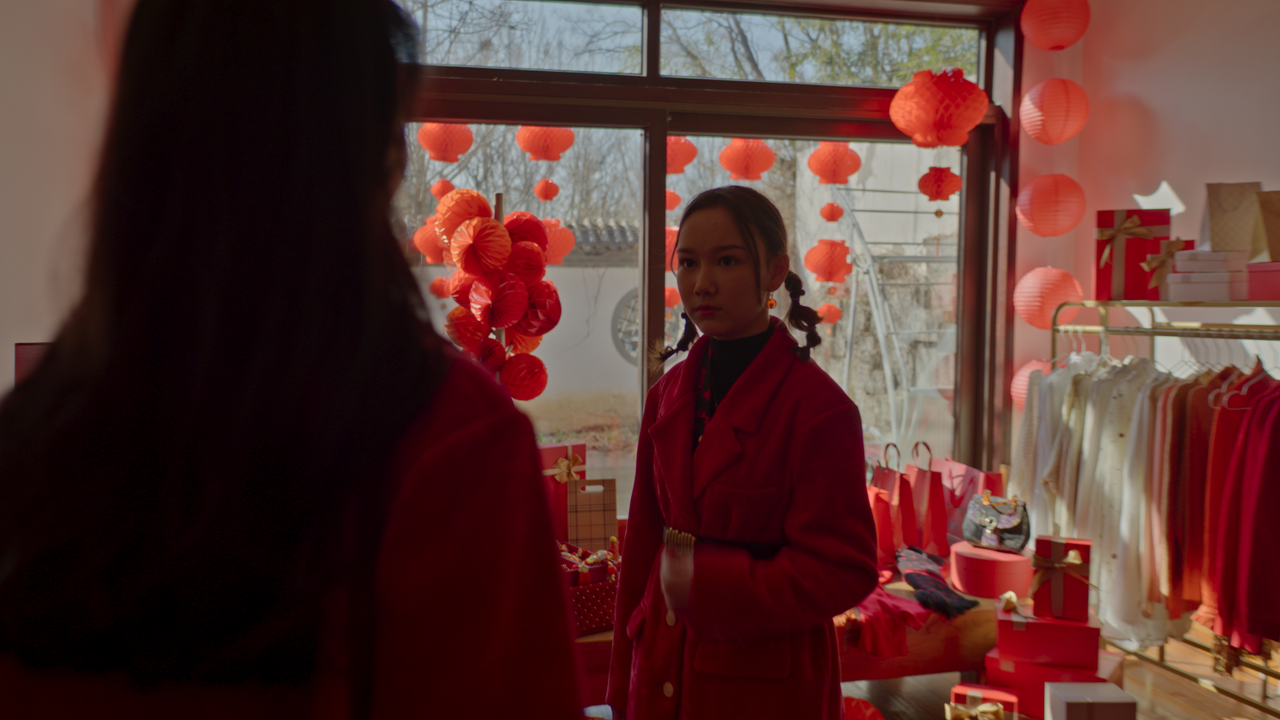
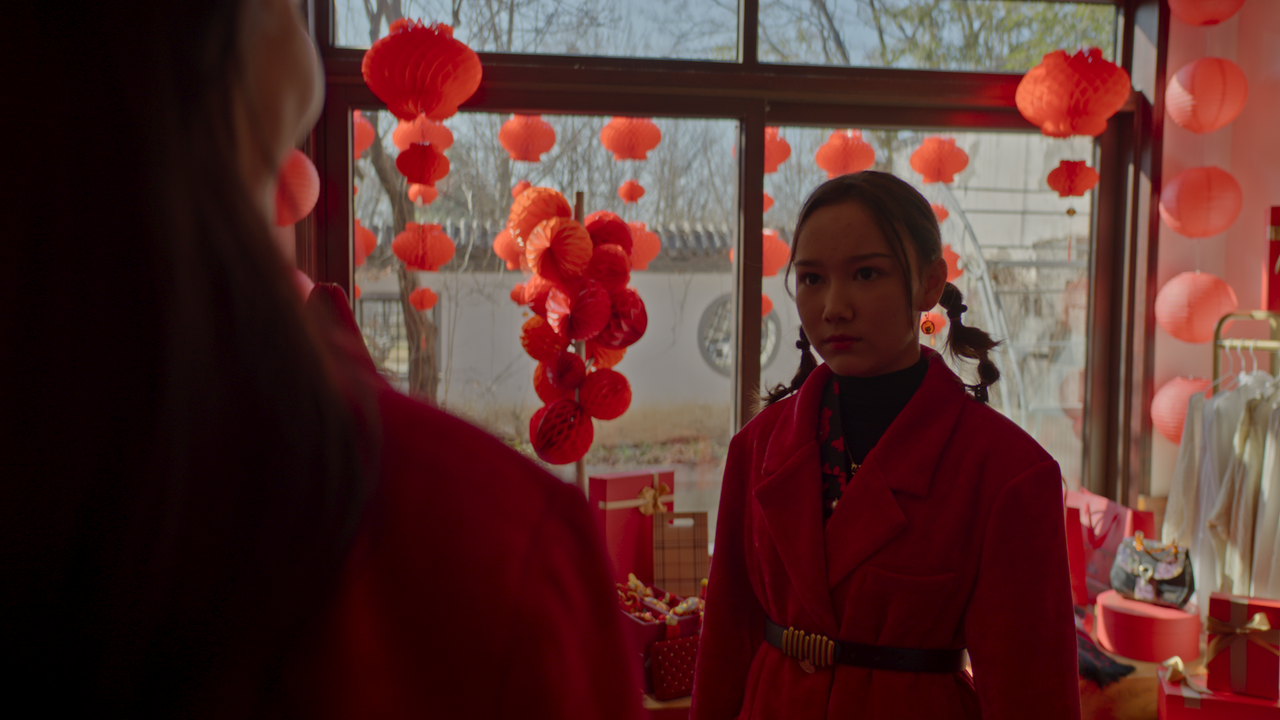
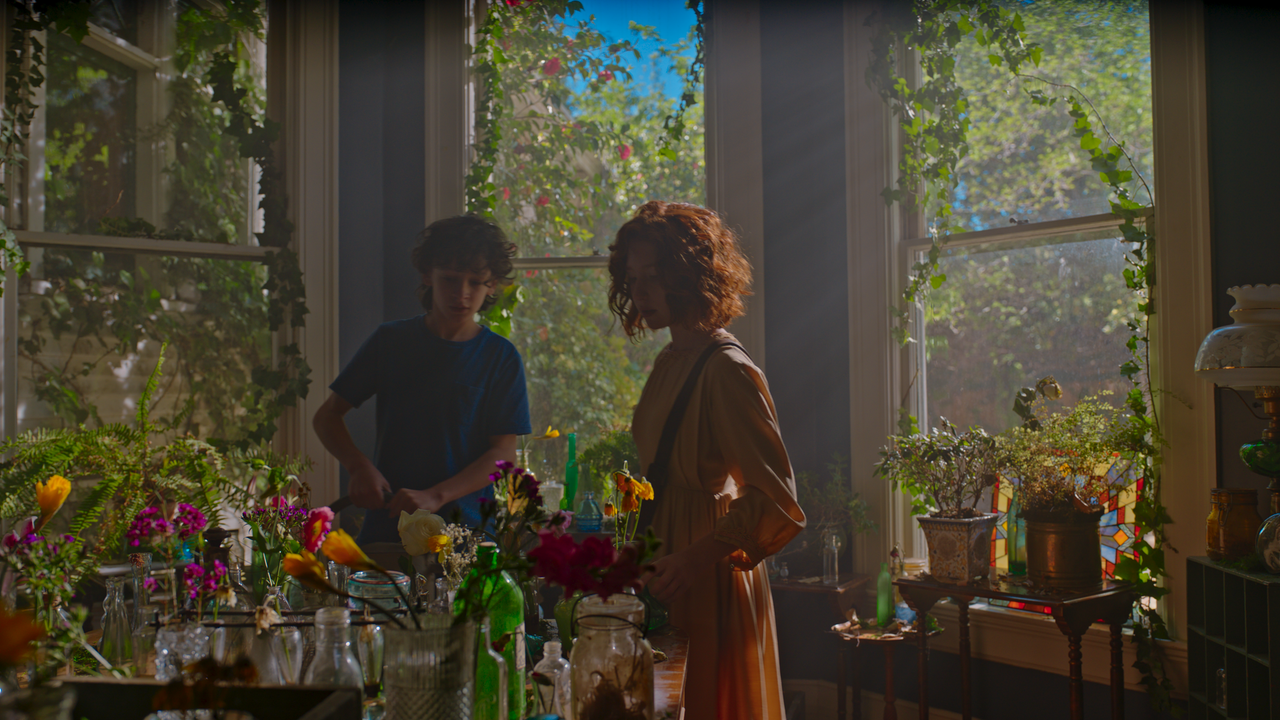
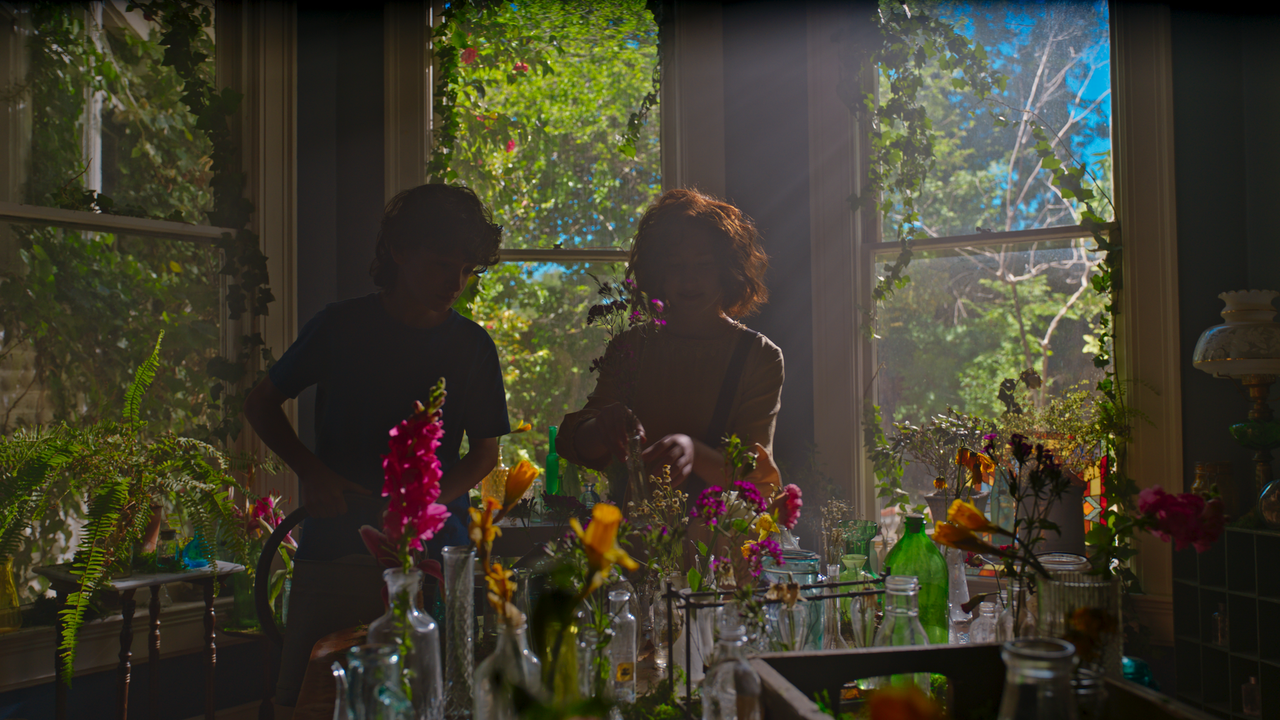
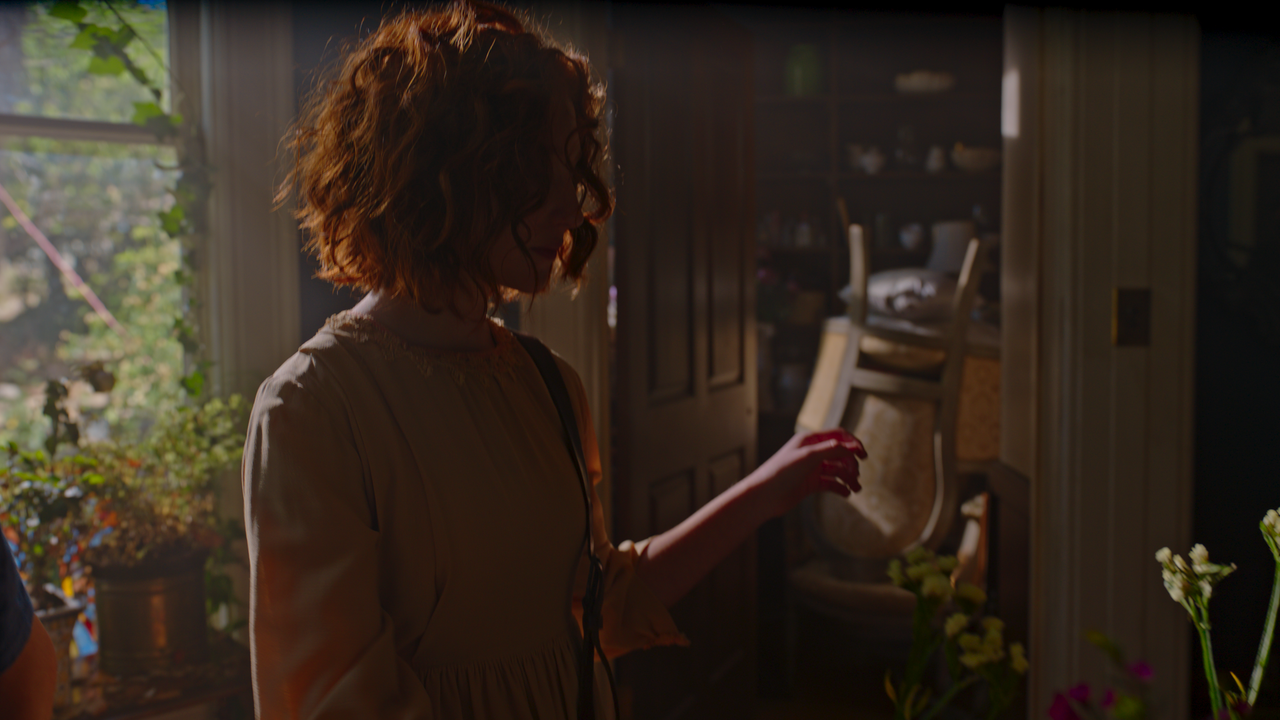
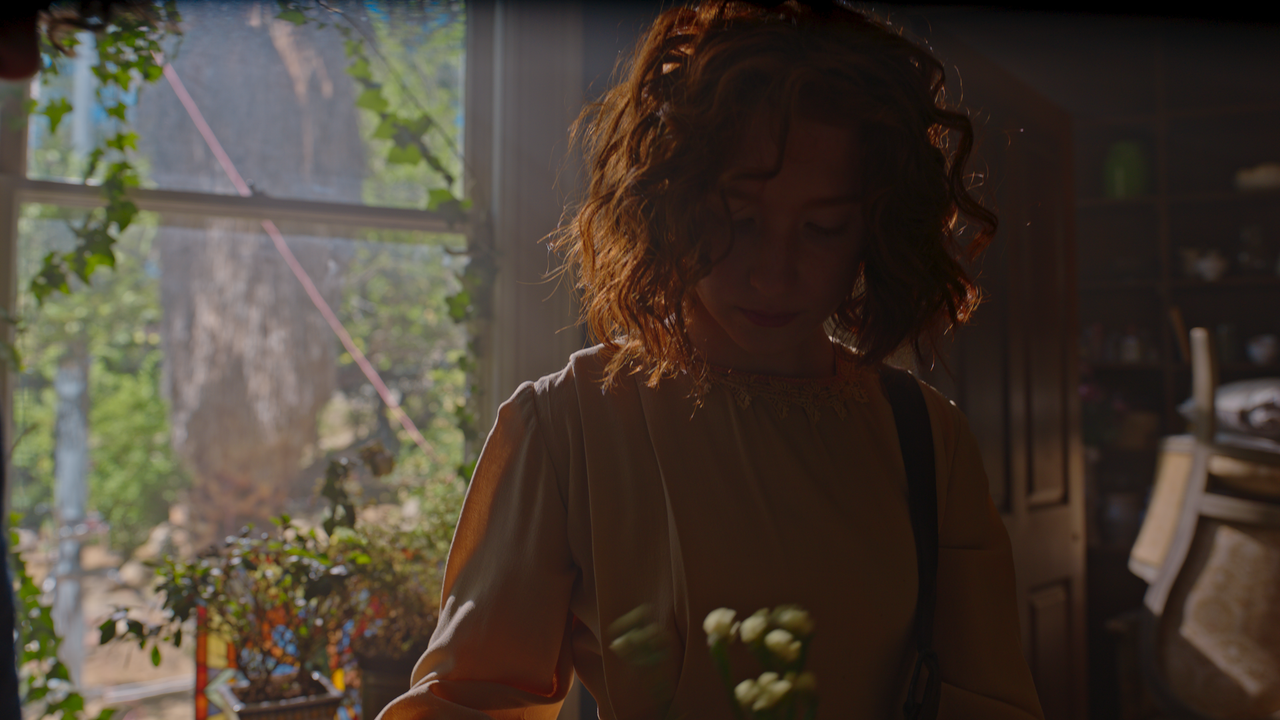
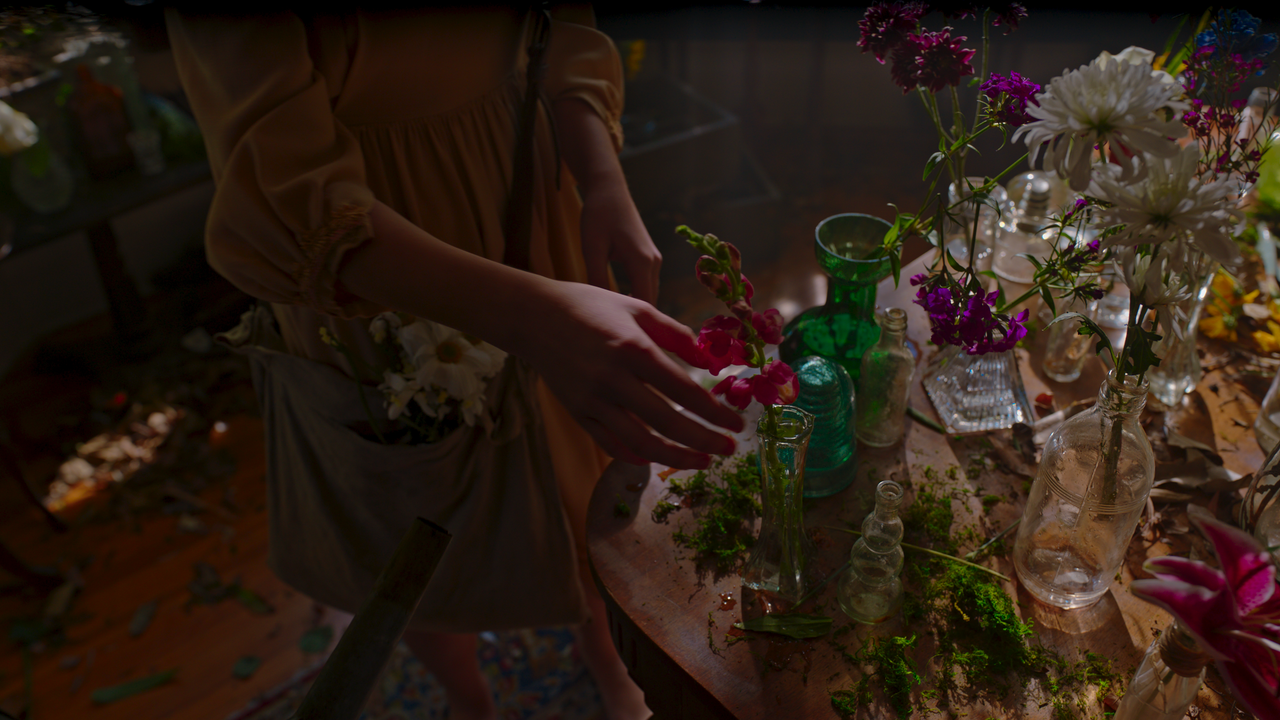
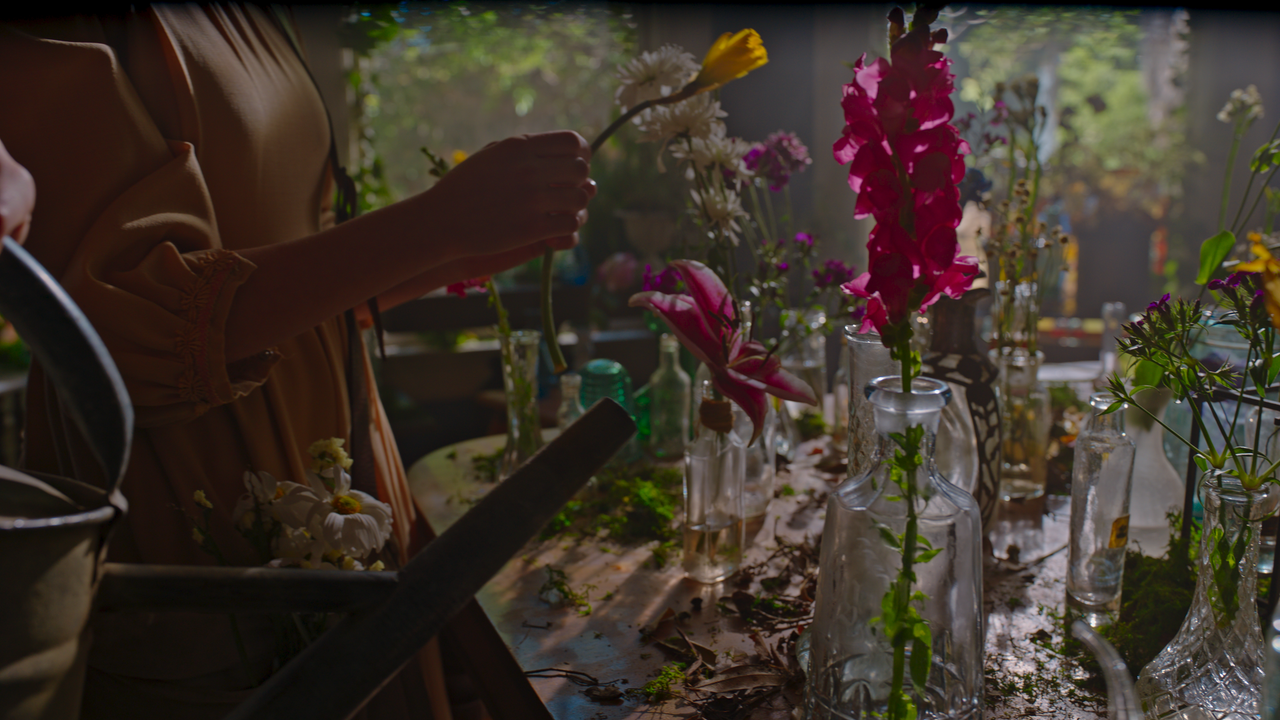
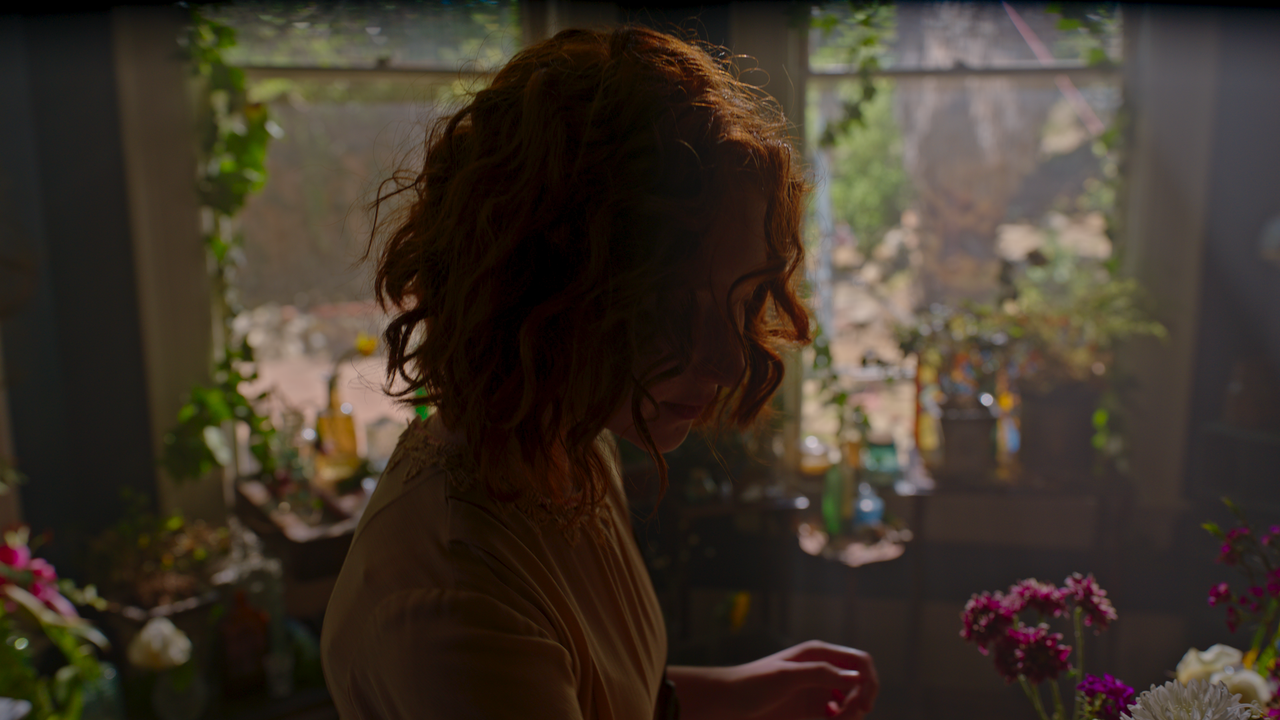
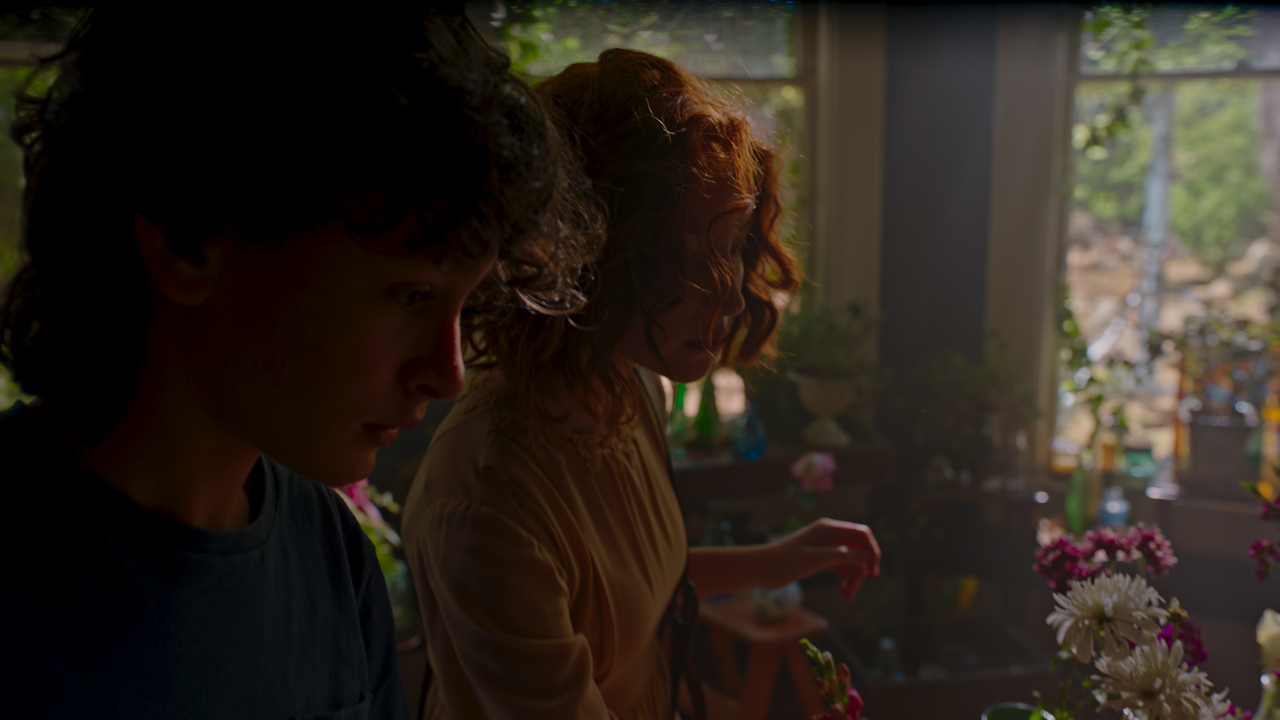
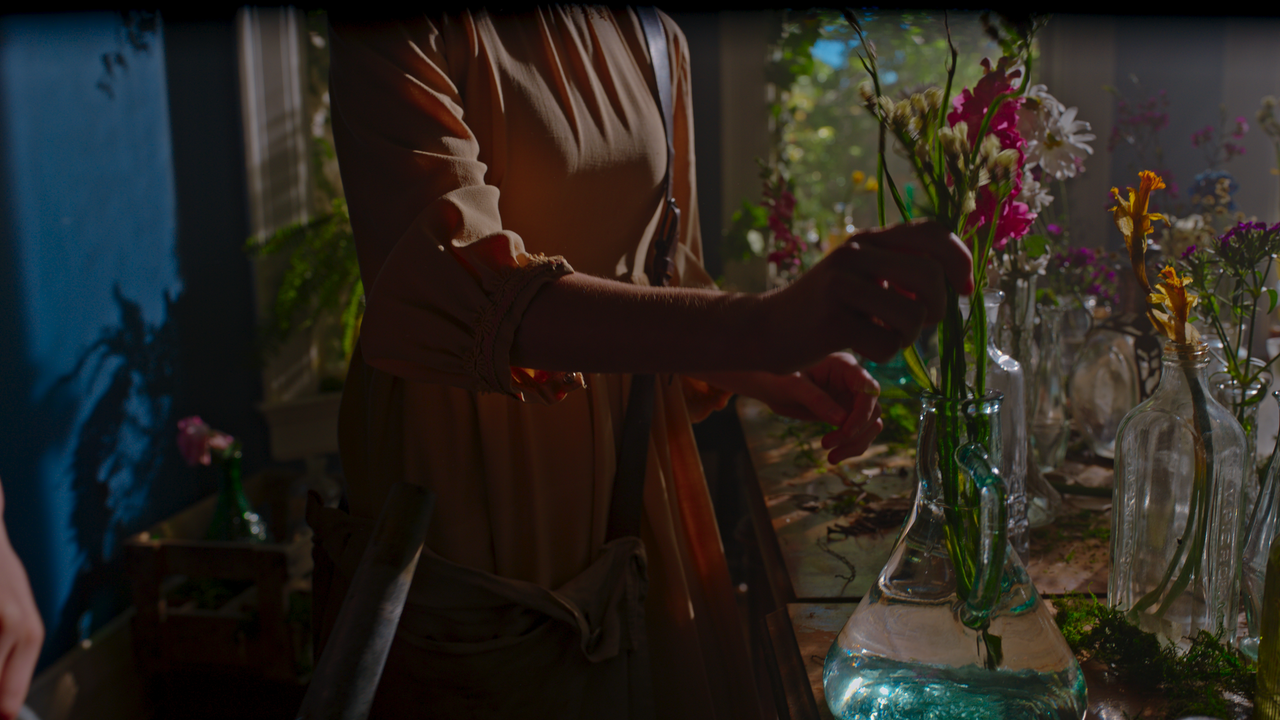
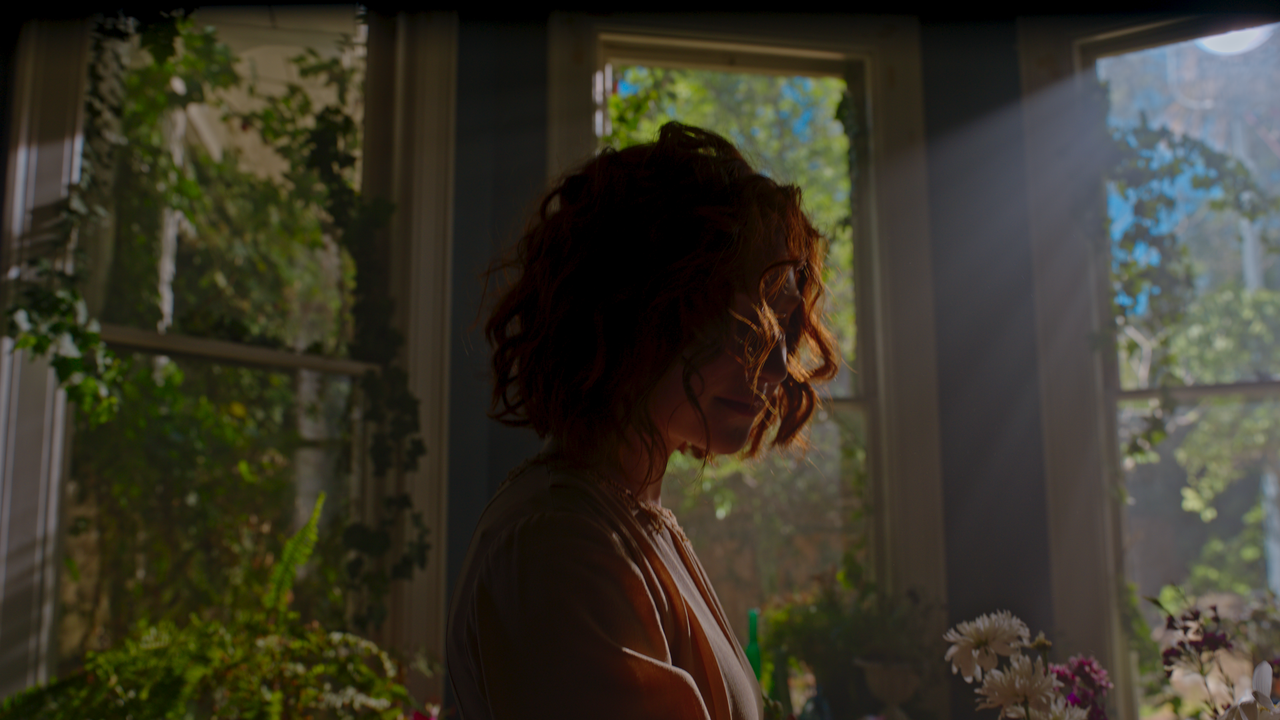
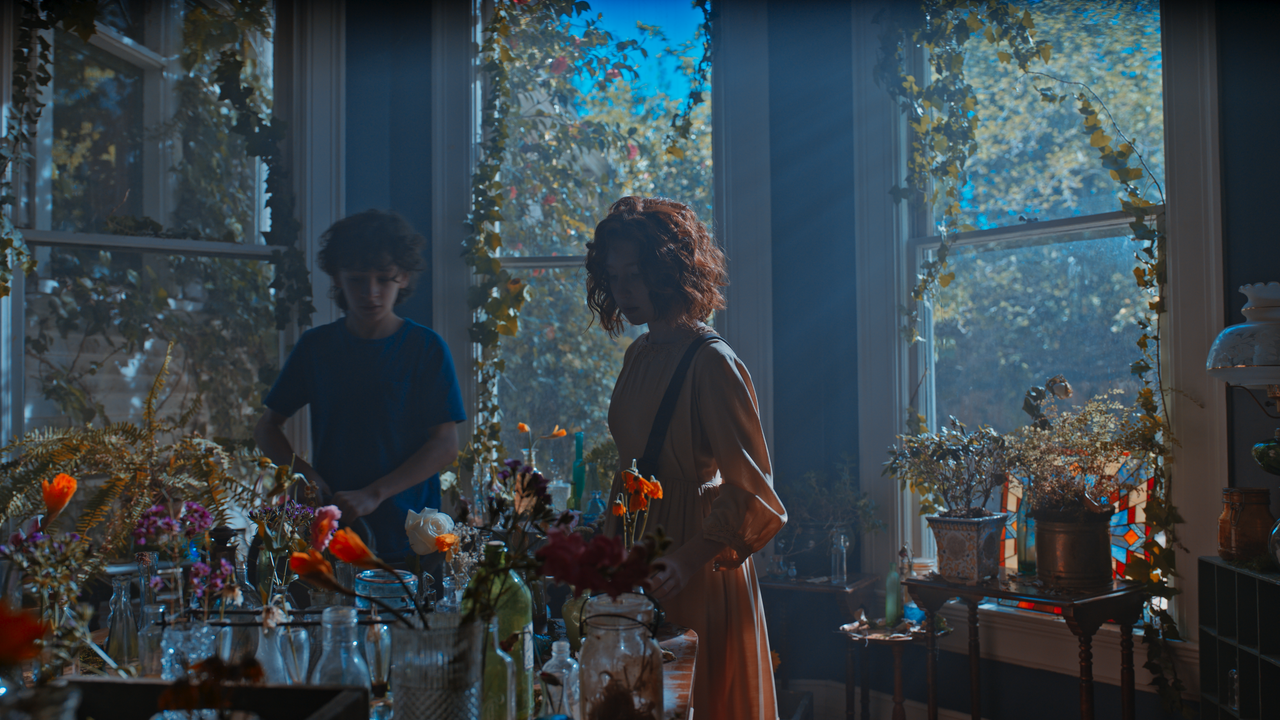
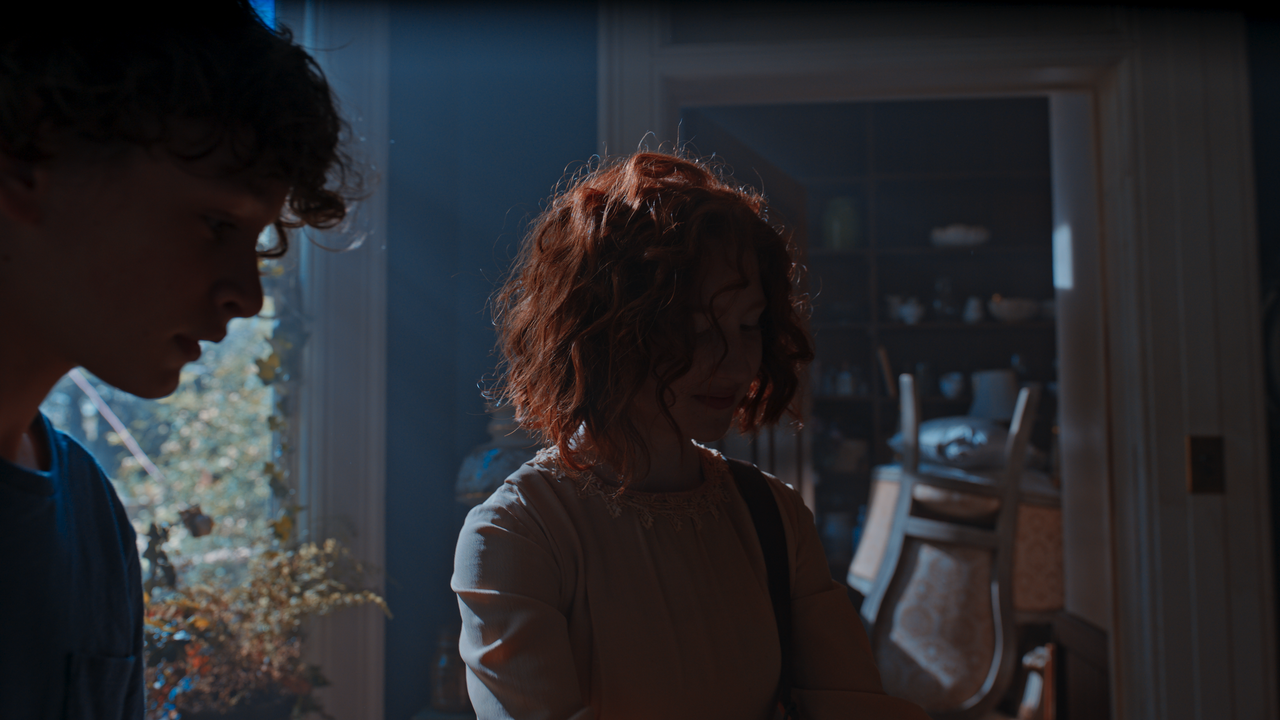
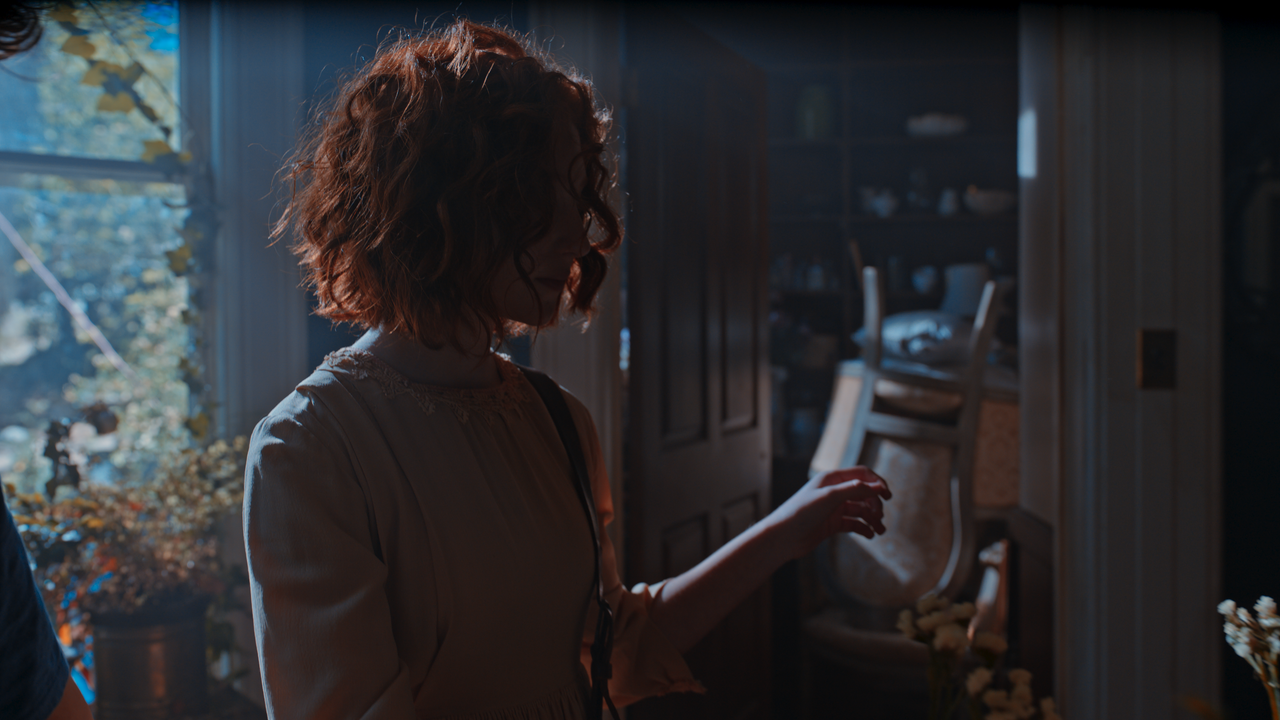
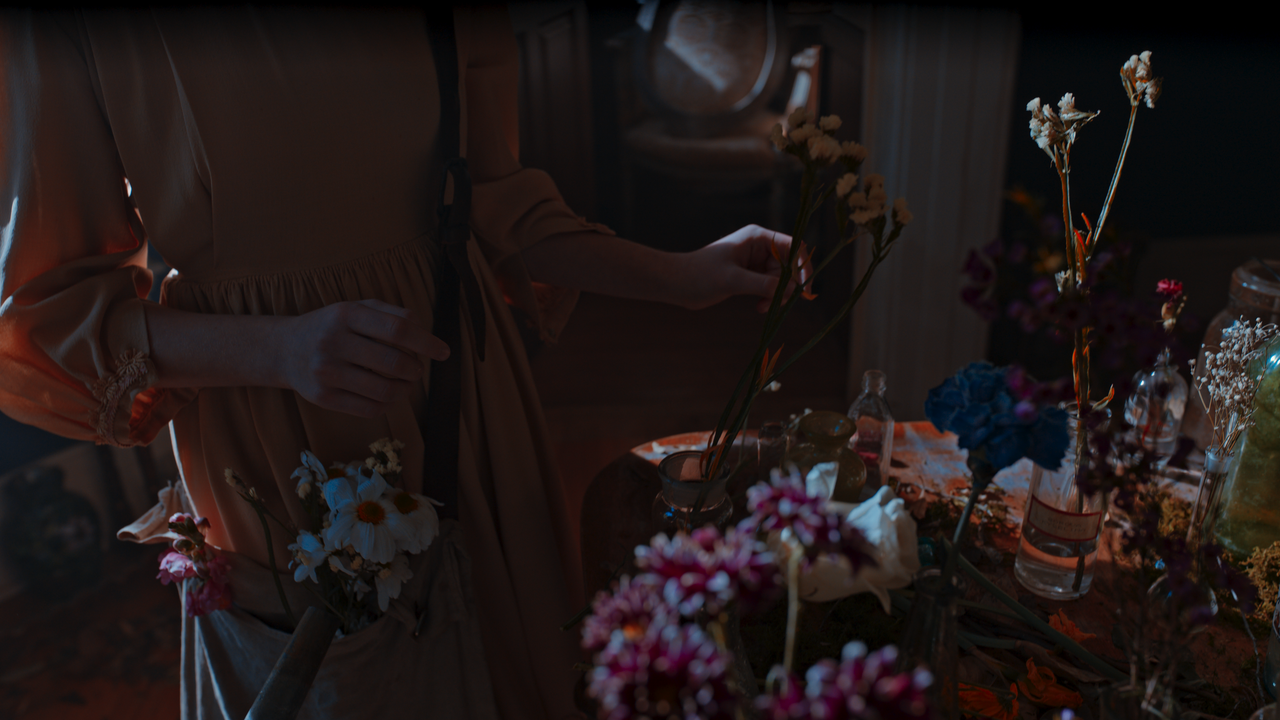
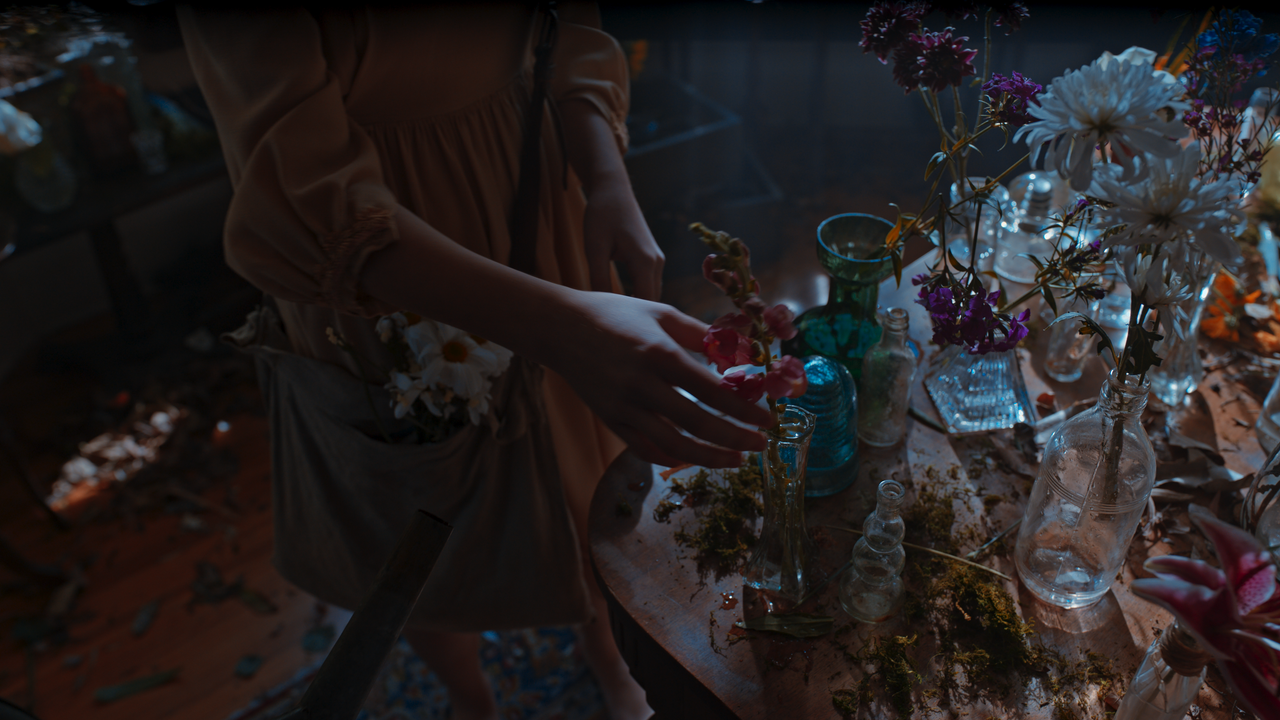
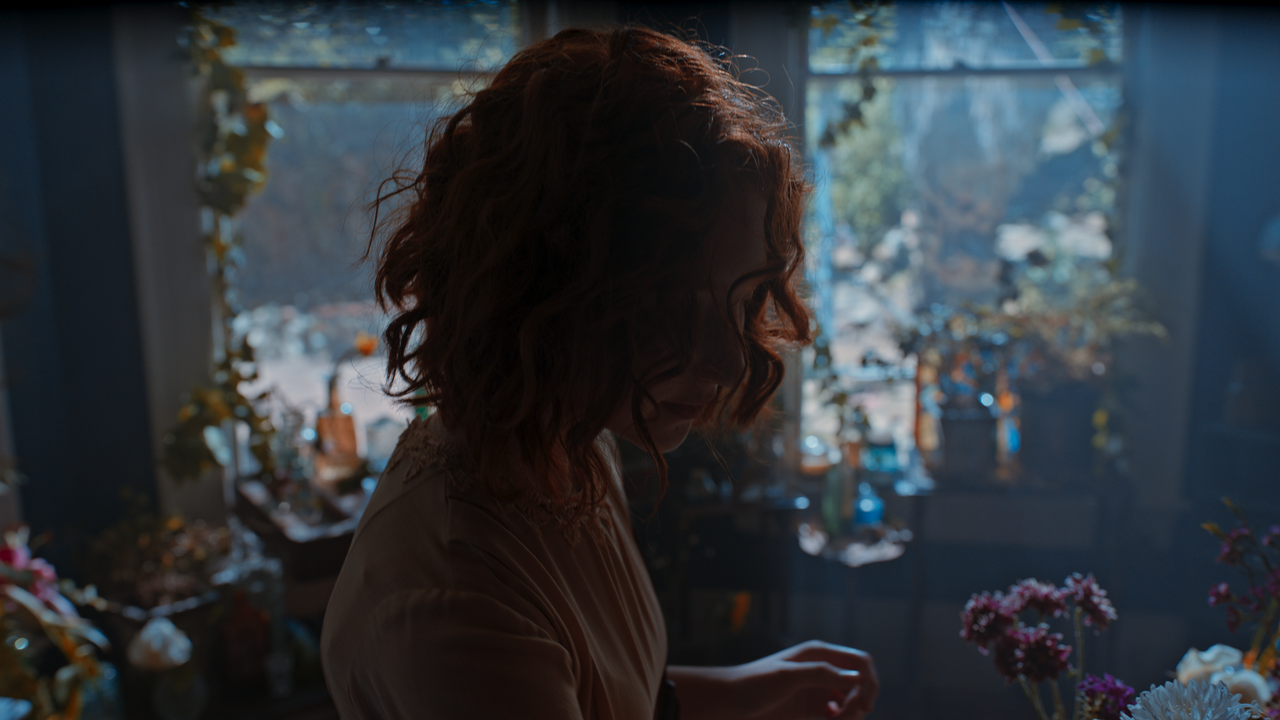
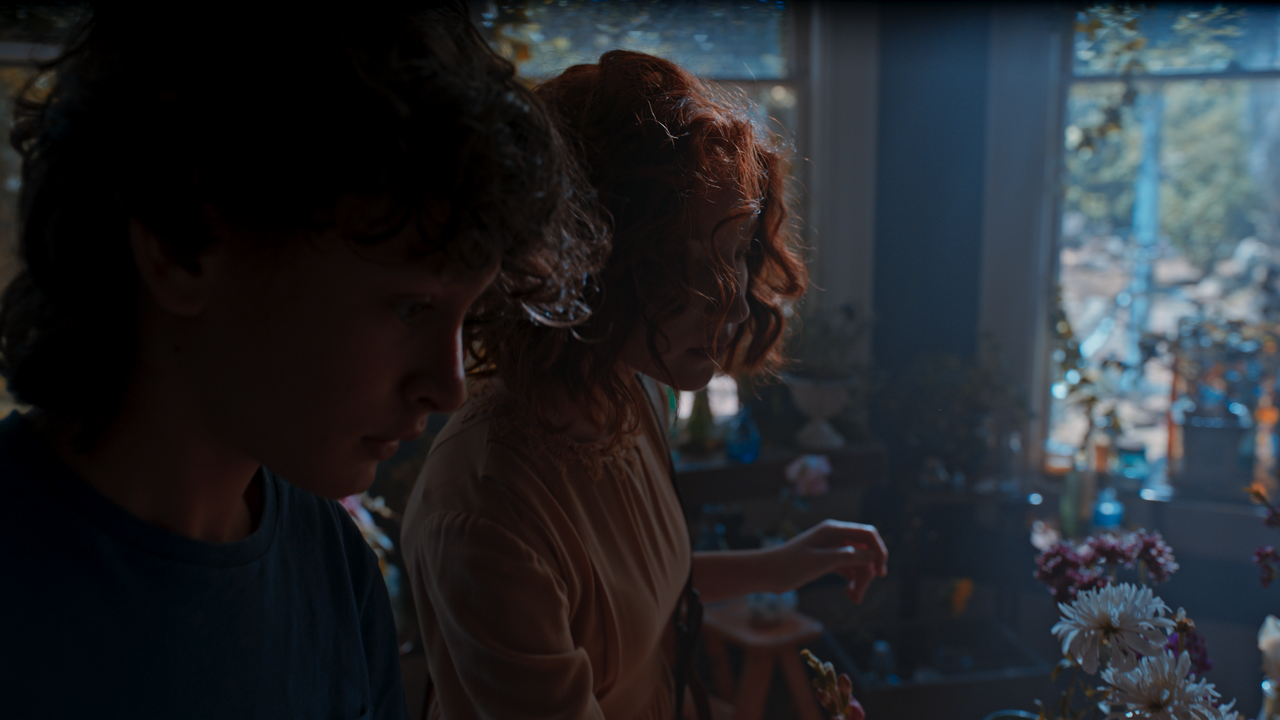
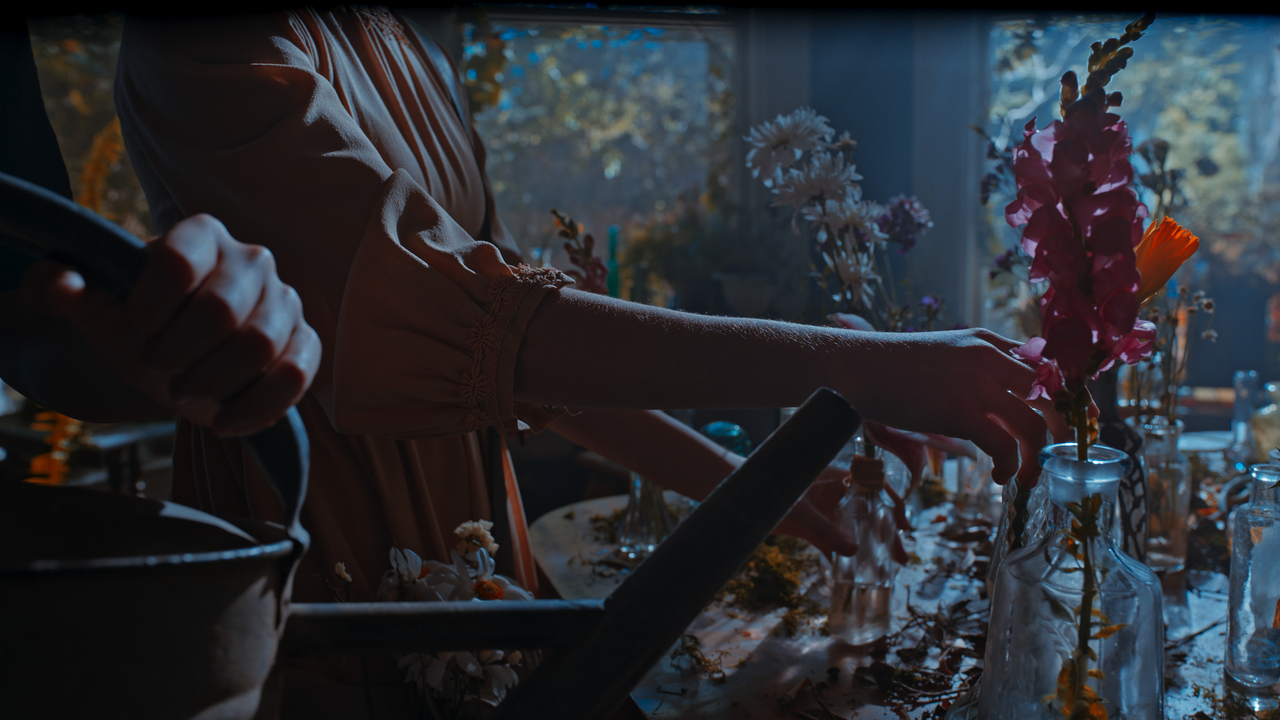
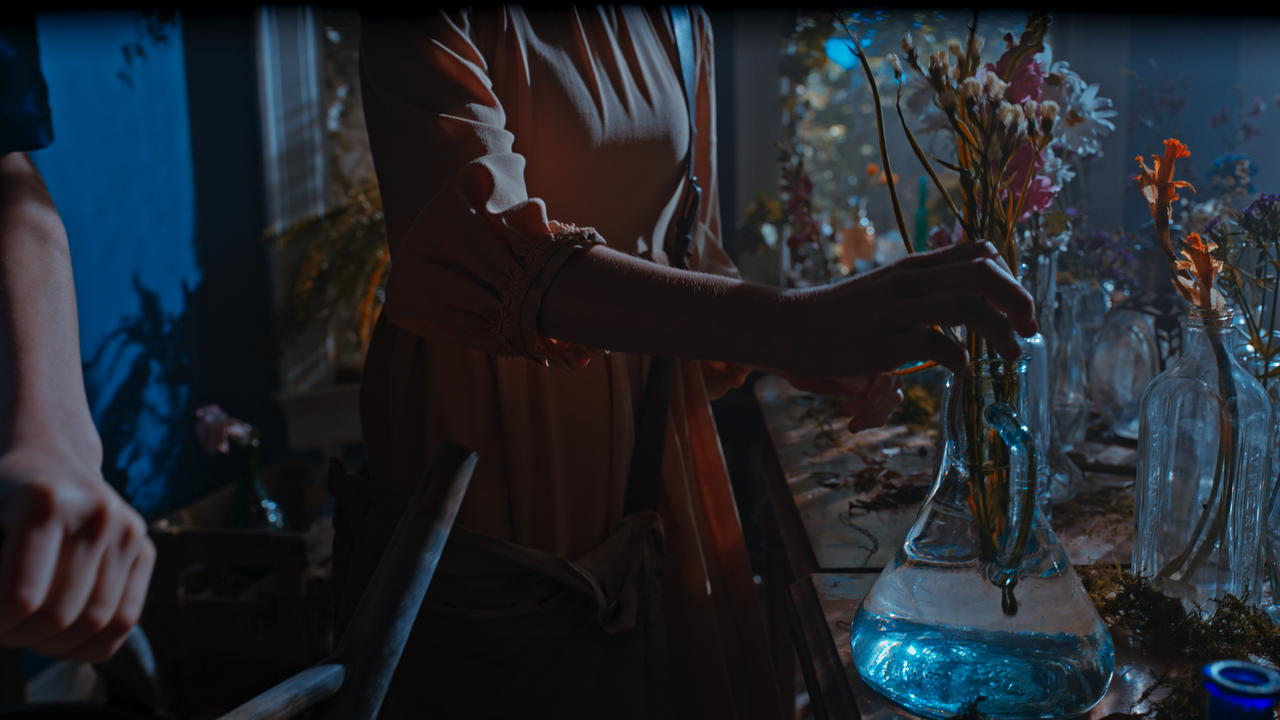
I tried to post the video below multiple times to YOUTUBE and everytime it encoded it with some weird artifacts. So I'm posting a link to that video below so that you can see my original grading intent. It's a video comprised of the two Asian females in the clothing shop by a window and about 5 scenes of the boy and girl planting flowers also by some windows.

ALEXA 35 HIGHLIGHTS- 560MB-(Done in a NODE BASED ACES workflow with a DWG/DI NODE to better reveal more highlight )

https://www.sendgb.com/upload/?utm_source=xisnSMA1q9J
 
Last edited:
Here are THE Original ARRIRAW files from which the PRORES 4444XQ files I've used above were made from. I used the same NODE BASED ACES workflow with a DWG/DI Node to reveal better highlights plus this time I used the addition "HIGHLIGHTS" controls in the "Project" "CAMERA RAW" "ARRI" controls to reveal even better Highlights detail.


1-9-1-1-9-1.png


1-9-2-1-9-2.png

grade-13-1-9-1.png


grade-14-1-9-2.png


1-9-4-1-9-4.png


GRADE-1-1-8-1.png


grade16-1-8-3.png


1-8-6-1-8-6.png


1-8-5-1-8-5.png


GRADE-4-1-8-4.png


GRADE-7-1-8-7.png


GRADE-5-1-8-5.png


GRADE-6-1-8-6.png


grade-11-1-8-11.png


GRADE-10-1-8-10.png
 
Last edited:
ARRI ALEXA 35 – Hands-on

by

kashilembo wabu


EditReady 22.3 Update

By Newsshooter

Article
EditReady 22.3 Update - Newsshooter


EDITREADY DOWNLOAD
[url]https://hedgeformac.us10.list-manage.com/track/click?u=53483f74a891f04be290ef988&id=47b1b86e58&e=4f8bb13384


Screenshot-2022-07-13-at-11-10-03-AM-740x416.png
[/URL]

"The new ARRI ALEXA 35 requires different processing even when dealing with material captured in ARRIRAW. As the ALEXA 35 uses LogC4 and ARRI ARRI Wide Gamut 4 you can’t just use existing ARRIRAW workflows.

EditReady now supports ARRI’s new LogC4 and ARRI Wide Gamut 4 so you can deal with ARRIRAW footage captured on the ALEXA 35 and convert the files into an edit-friendly file format."
 
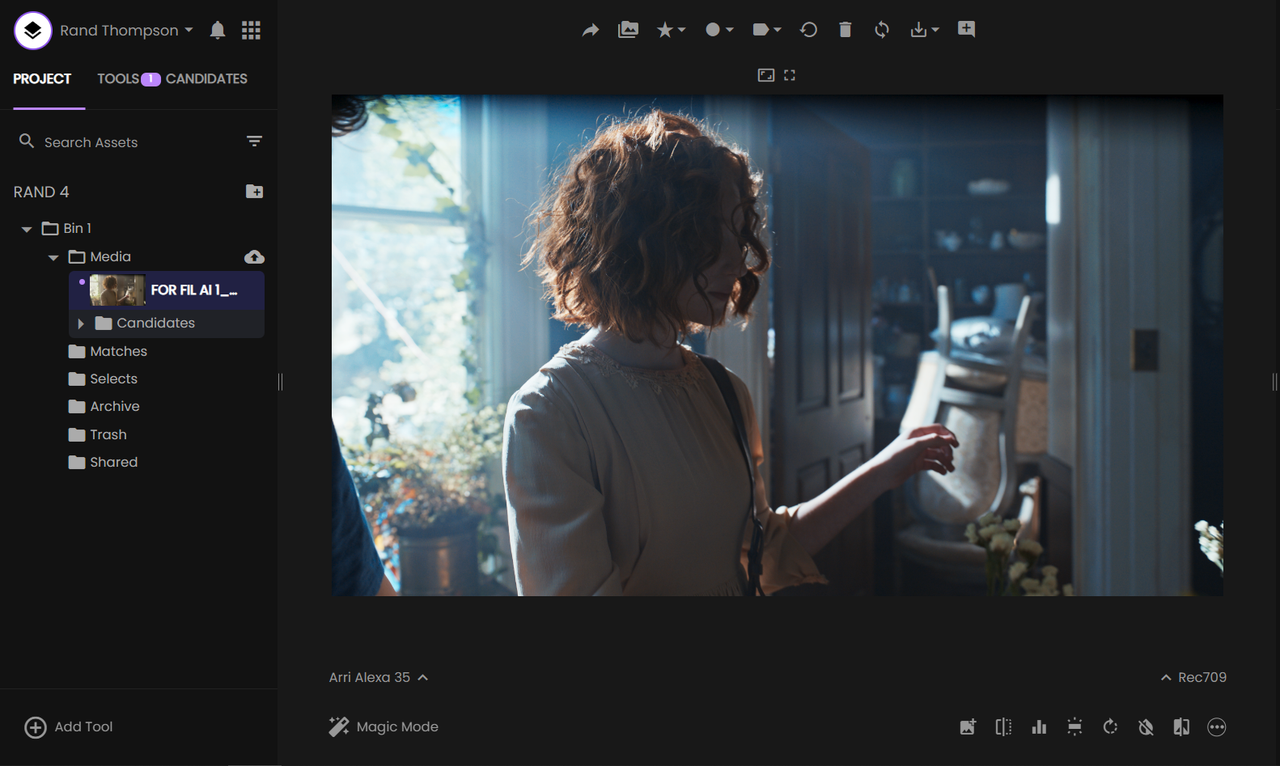
CineD has a "LUTs Builder" app made in conjunction with "FYLM Ai . However, I would just signup for the "SINGLE" user account for around $20 a month. The CineD app doesn't include all of the functionality of FYLM ai's app plus I think the CineD app only gives you 10 Free luts before you have to signup with FYLM Ai anyway.

Here is an ACES LMT I made for the ACES AP1 Log Color Space in FYLM Ai.

CINED App
fylm.ai - Colour Grading and Collaboration Software in Cloud

FYLM Ai Website to Signup
fylm.ai - AI Powered Colour Grading and Collaboration in Cloud


Screenshot-5444-2.png


Screenshot-5444-2.png


CREATE A LOOK

Screenshot-5446.png


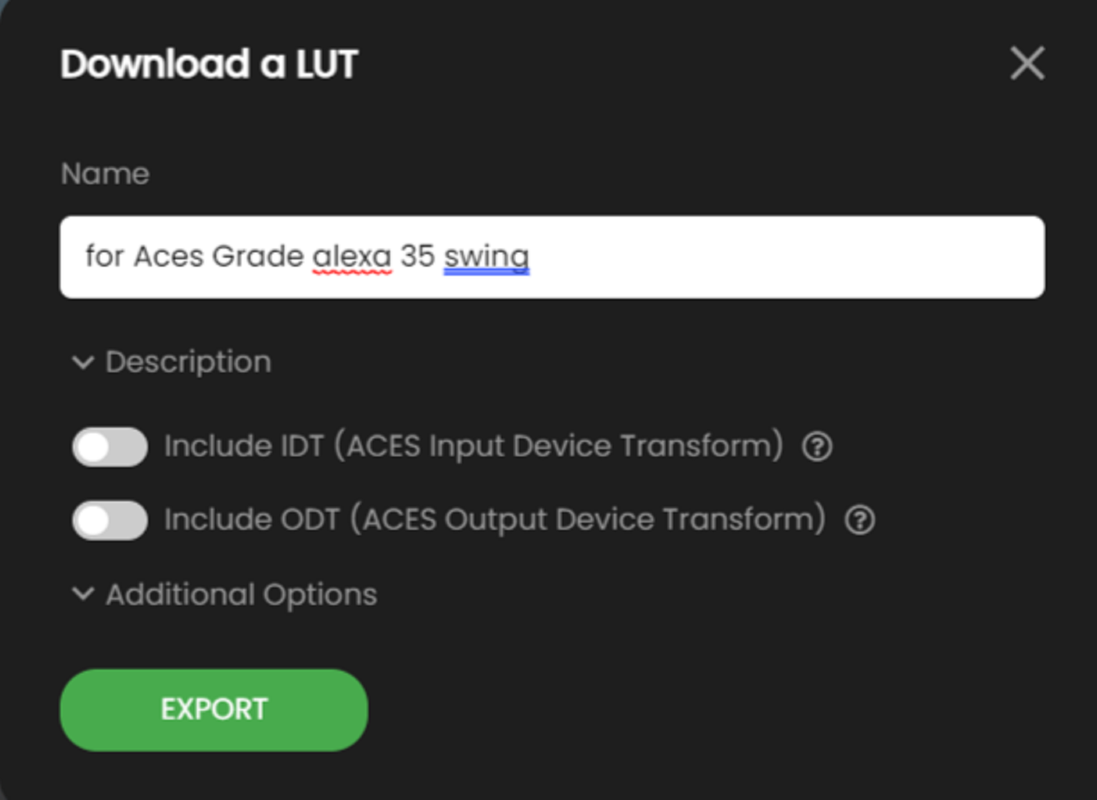
THEN EXPORT THE LUT OUT WITHOUT EITHER AN IDT OR ODT SO THAT IT CAN BE USED WITH ANY IDT OR ODT COMBINATION


Screenshot-5445.png


INSIDE OF RESOLVE

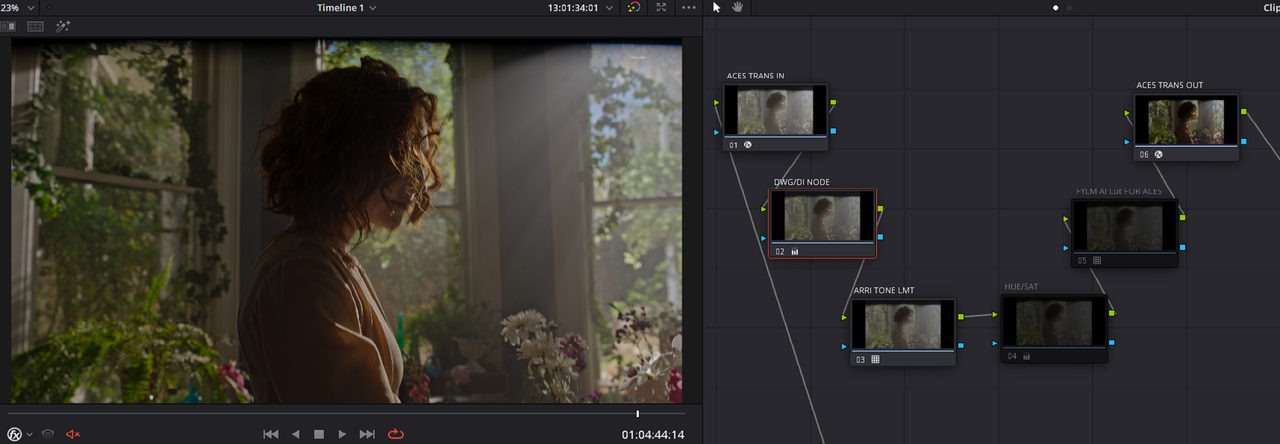
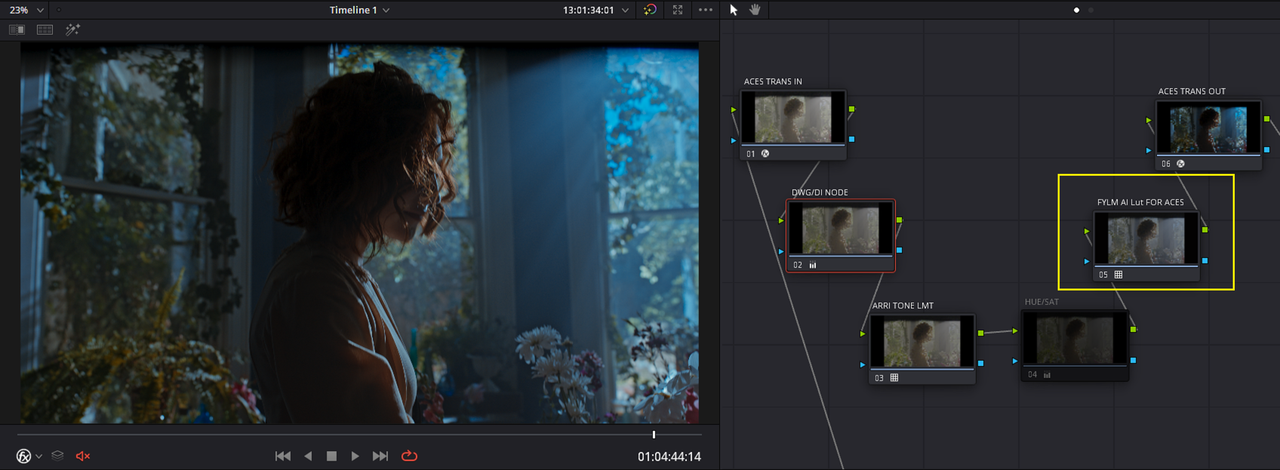
I then apply the LUT(LMT) inside either and ACES Project based workflow or Node based workflow. I chose a Node based workflow.

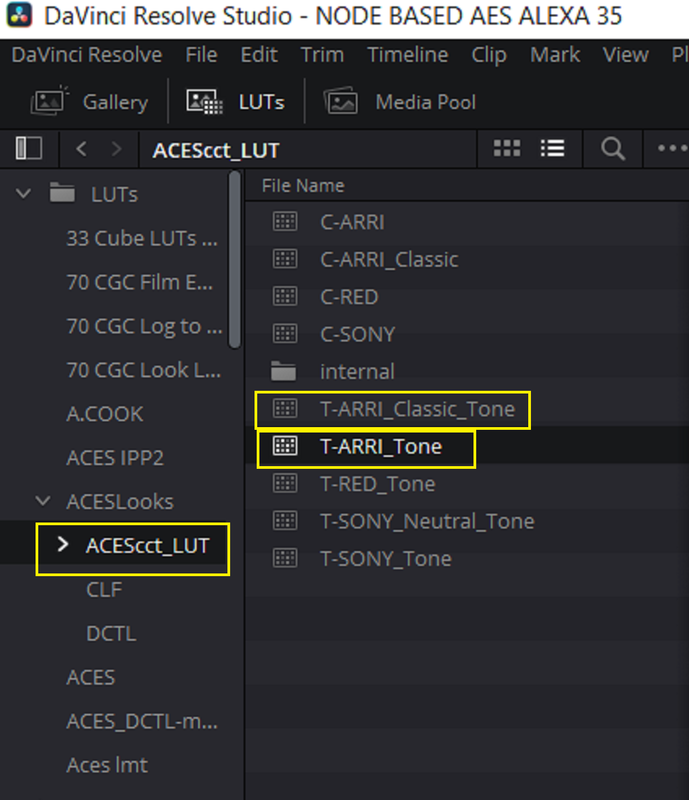
In the Node tree below I included, along with the Lut from the FYLM Ai site, an DWG/DI Node and a ARRI Tone LMT.


Without the FYLM Ai Lut for ACES

Screenshot-5447.png


1-1-12-1-1-12.png


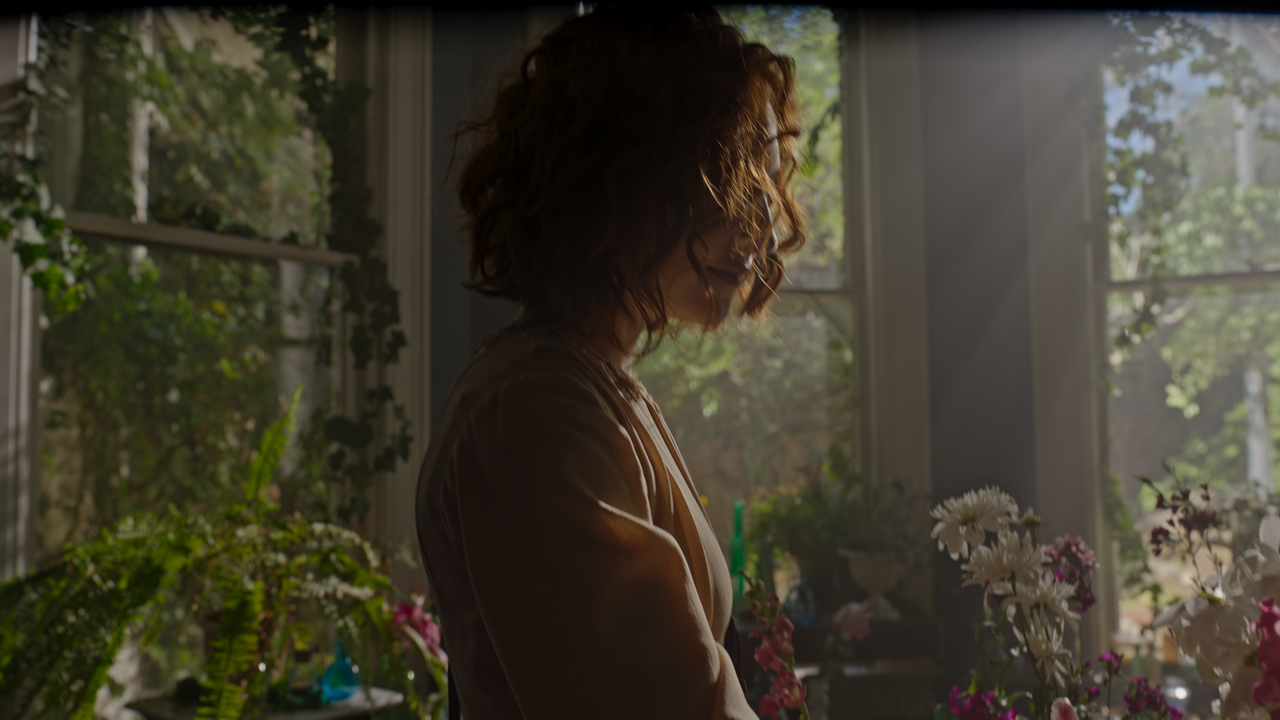
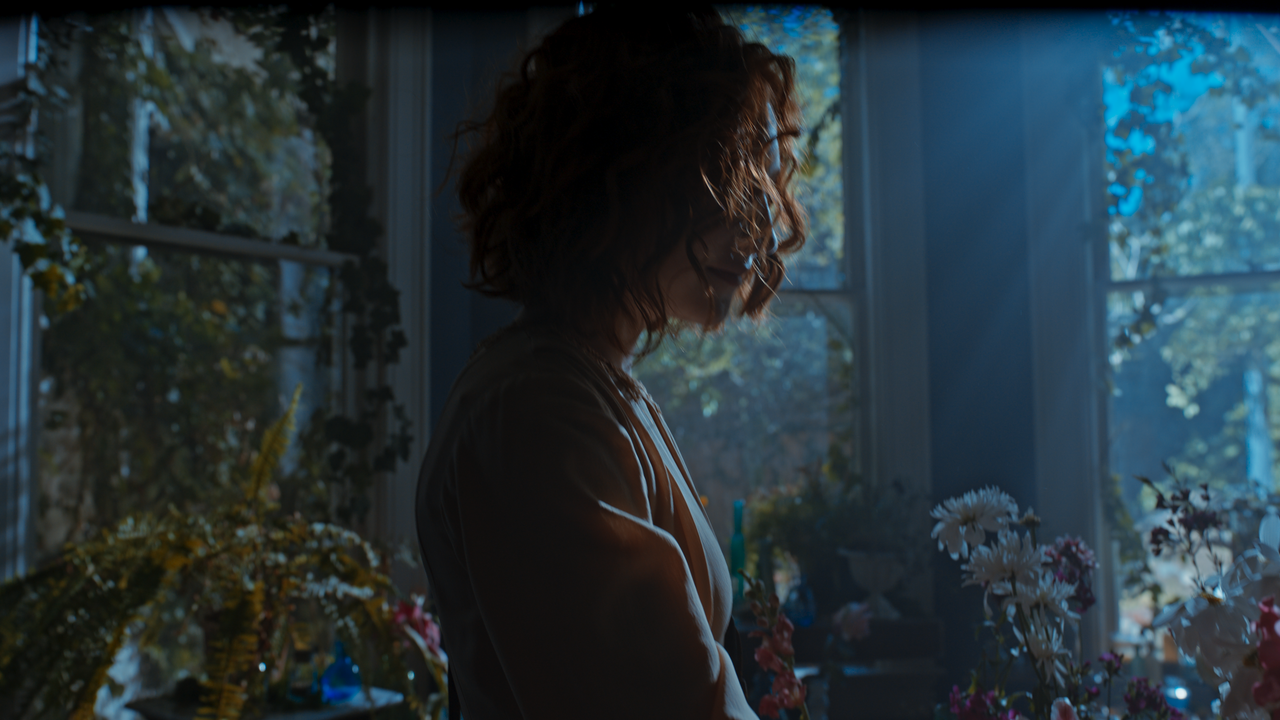
With the the FYLM Ai Lut for ACES

Screenshot-5448.png


1-1-13-1-1-13.png


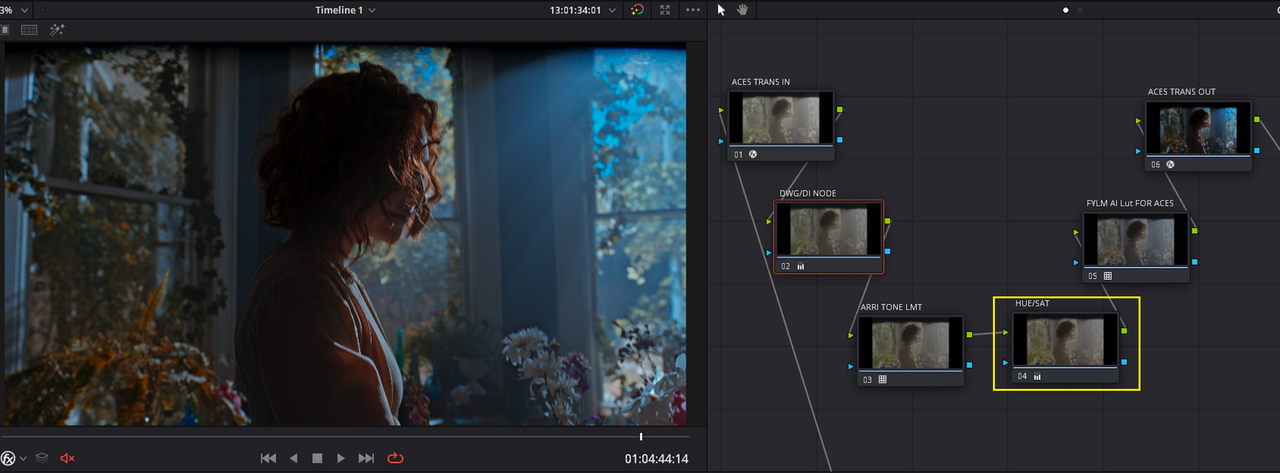
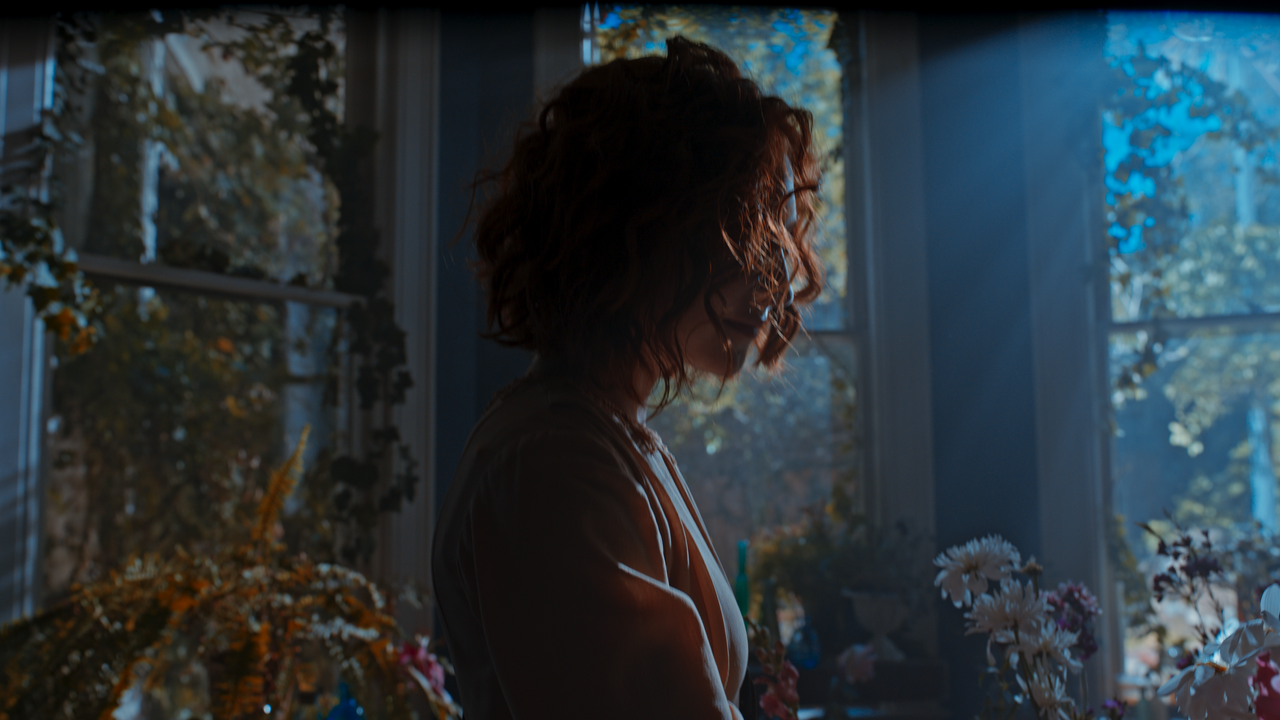
With the the FYLM Ai Lut for ACES plus a Hue and Saturation modification before the lut

Screenshot-5449.png


10-1-1-11.png


GRADES with FYLM Ai Lut and HUE and SATURATION MODIFICATIONS

2-1-1-1.png


1-1-2-1-1-2.png


1-1-5-1-1-5.png


1-1-8-1-1-8.png


7-1-1-8.png


1-1-9-1-1-9.png


1-1-16-1-1-16.png


1-1-15-1-1-15.png


1-1-19-1-1-19.png


10-1-1-11.png
 
Last edited:
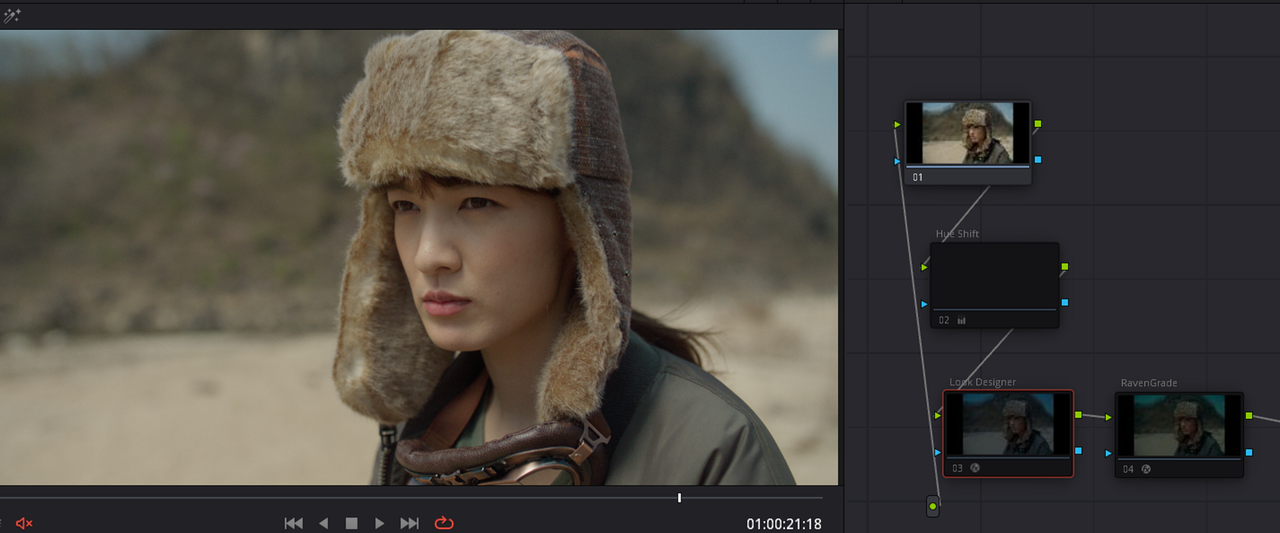
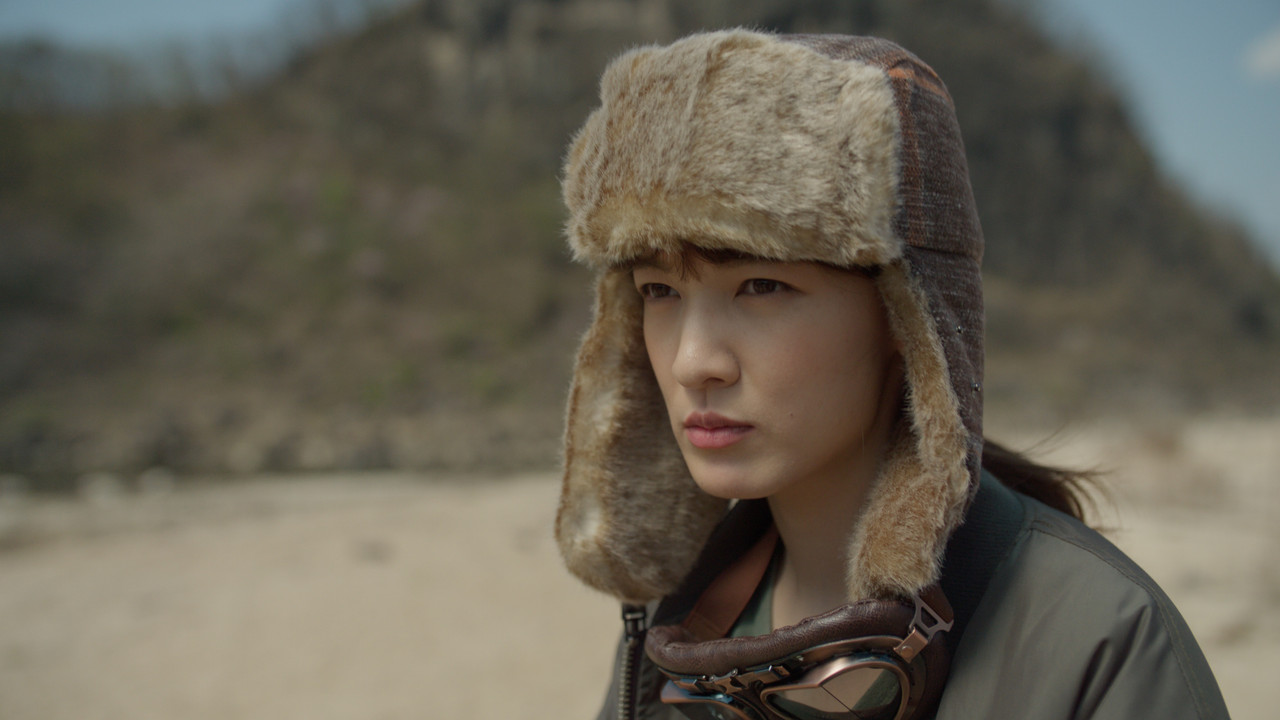
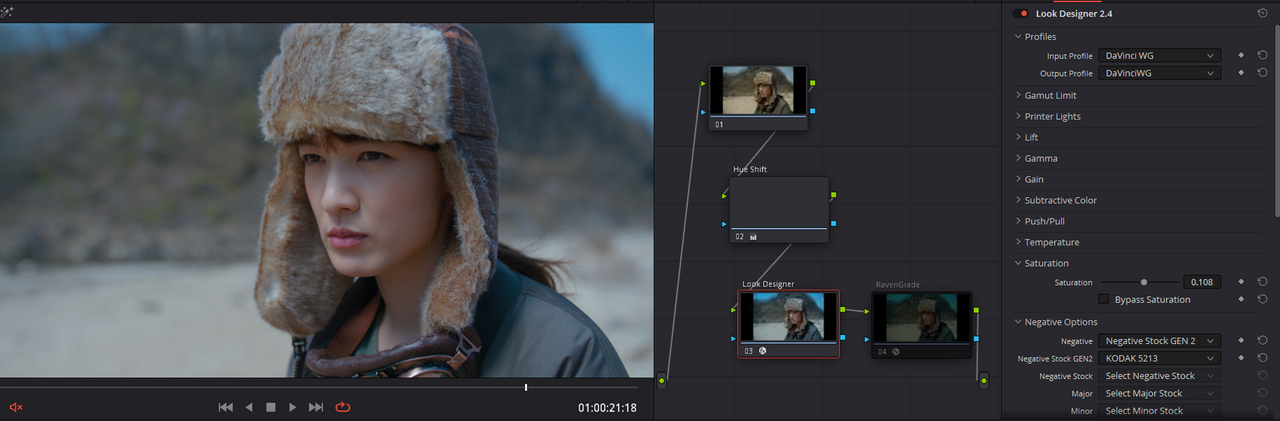
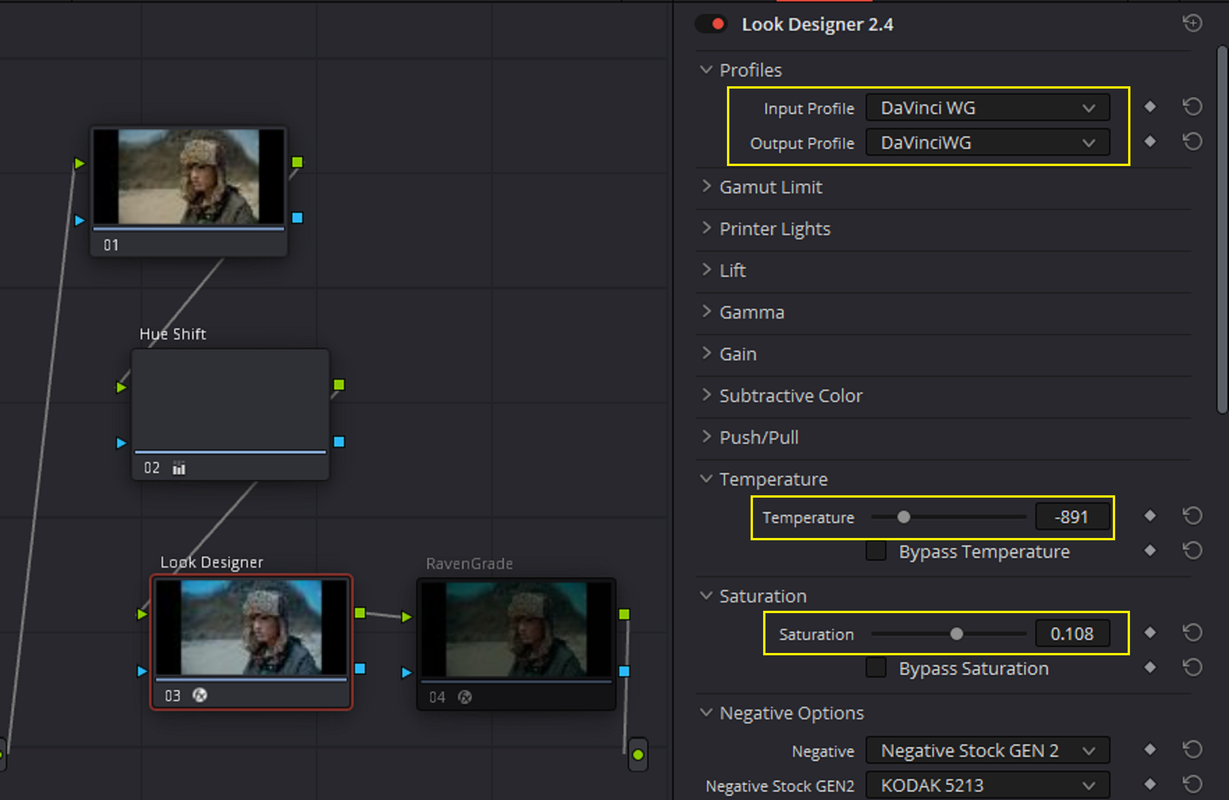
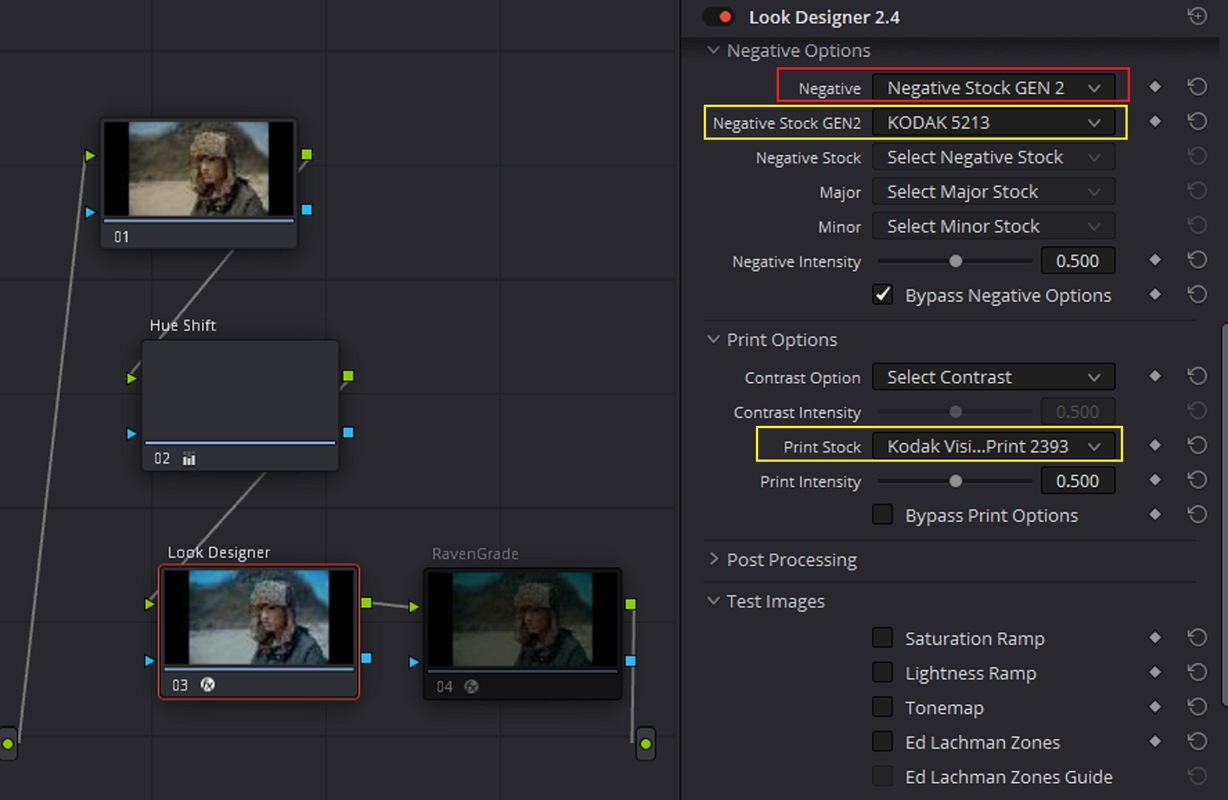
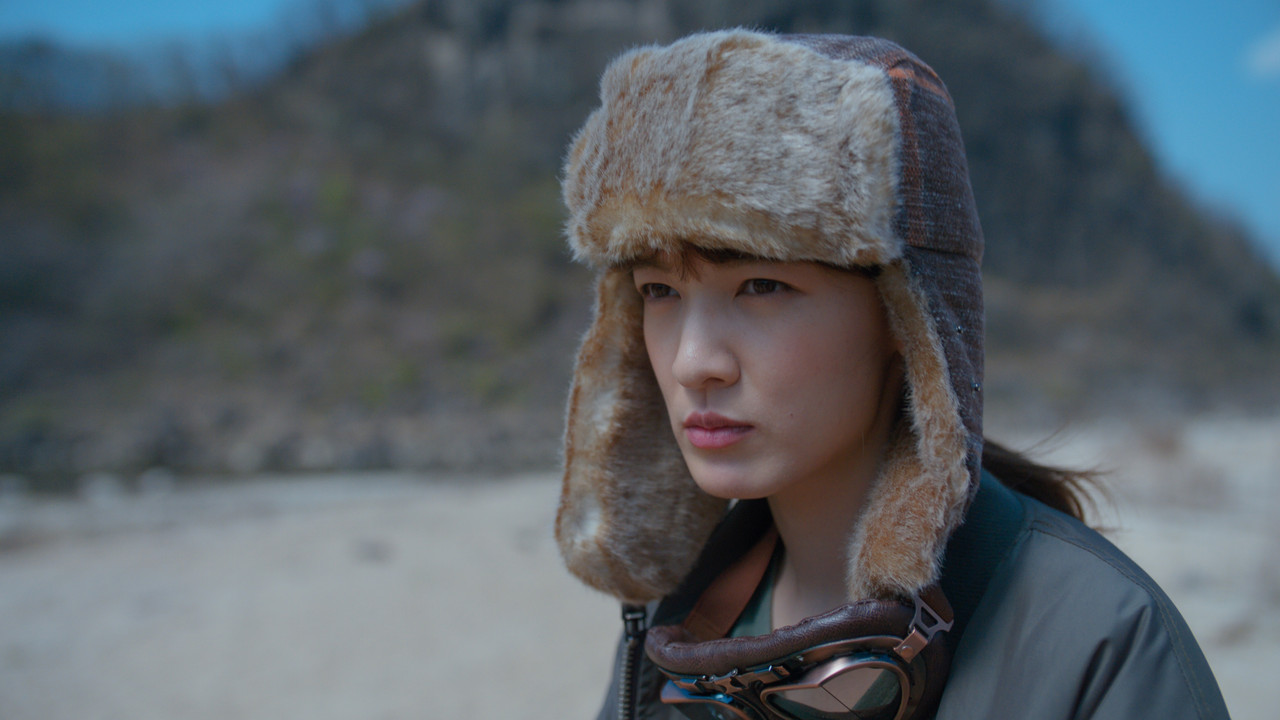
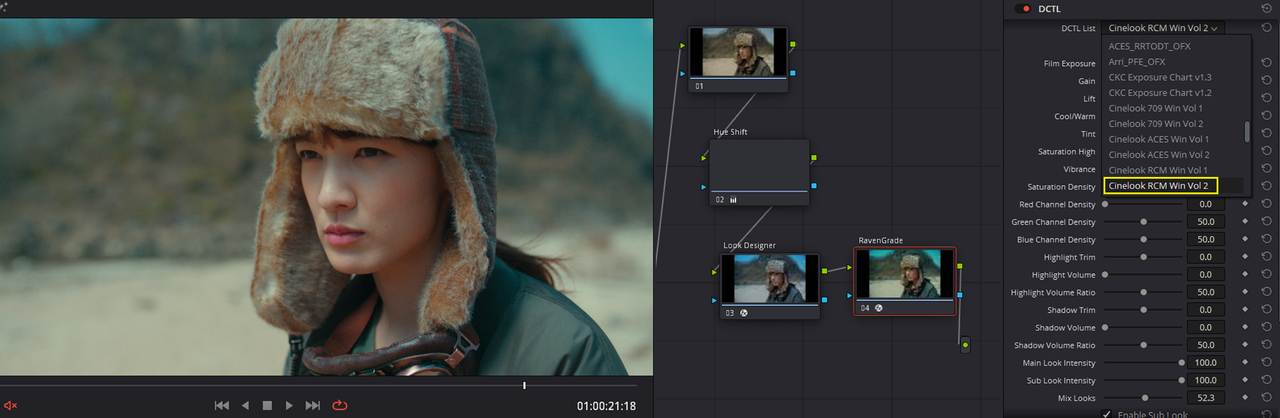
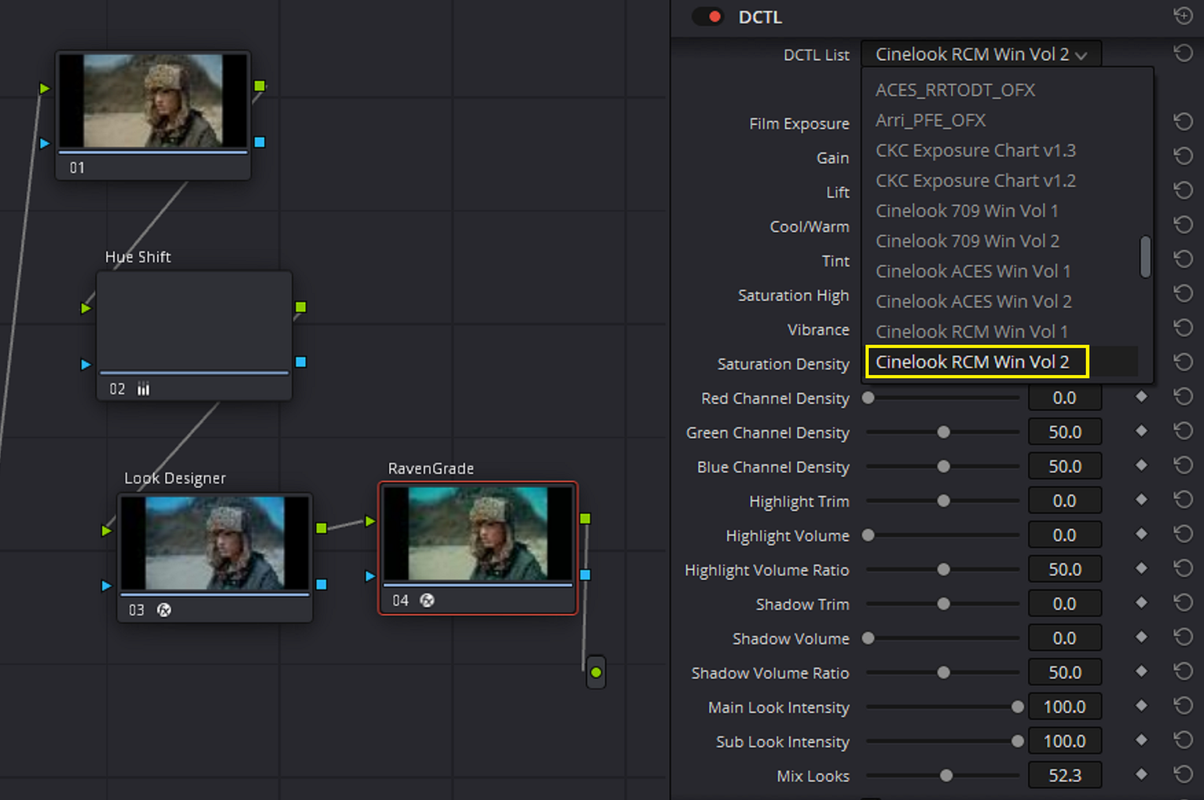
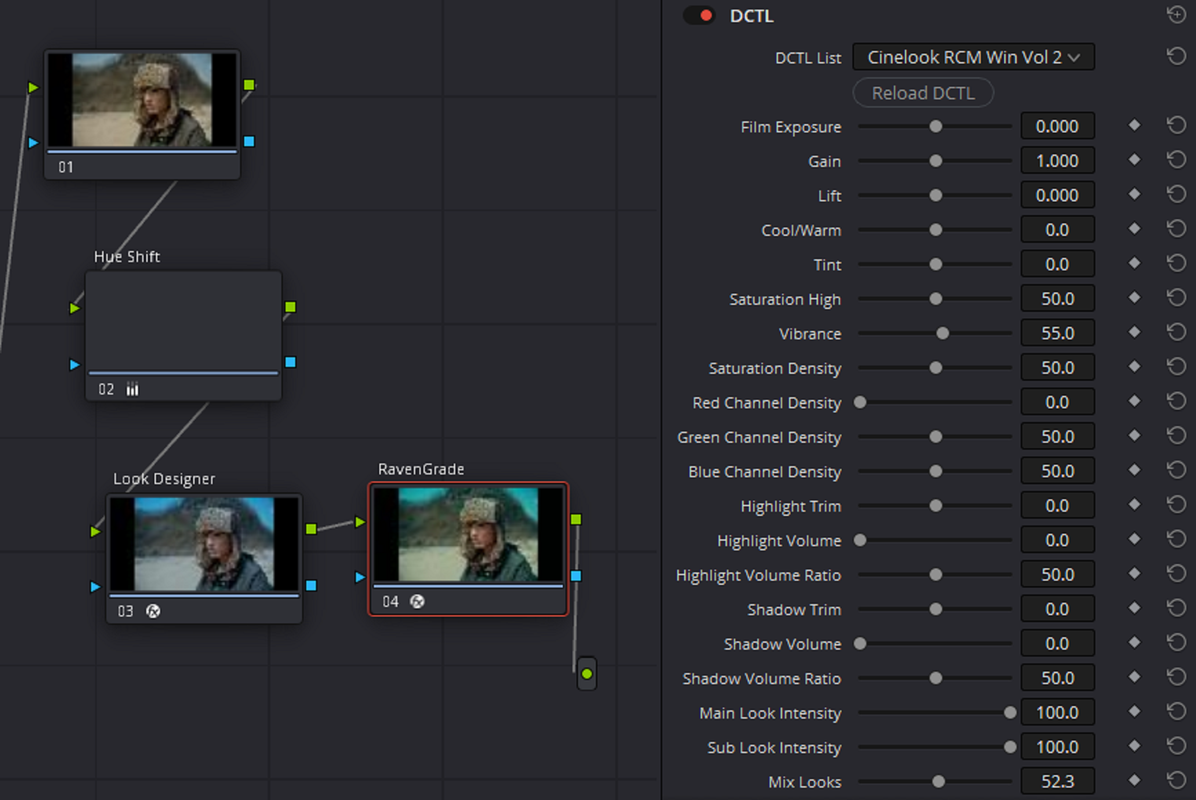
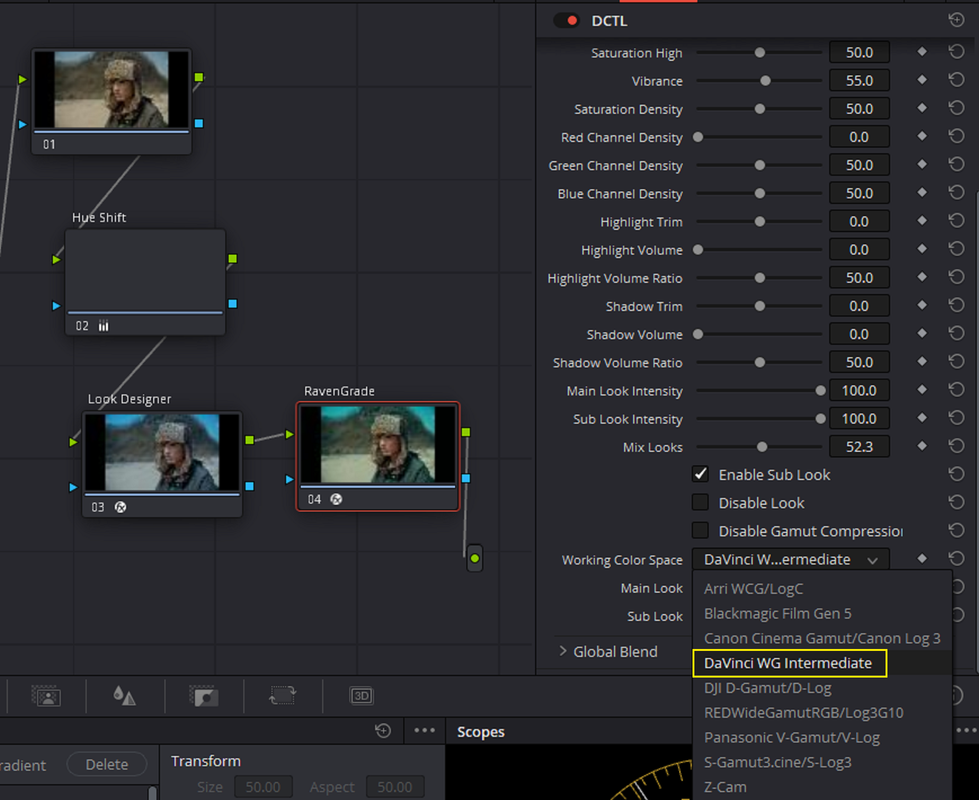
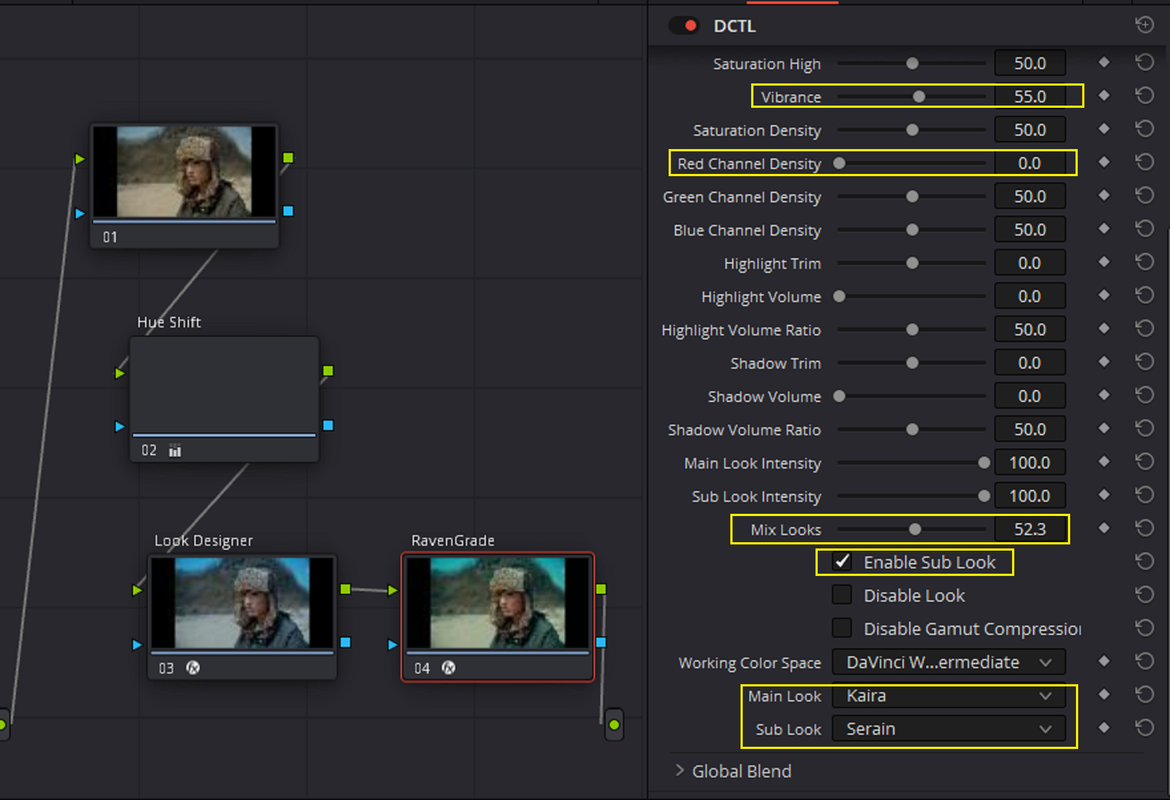
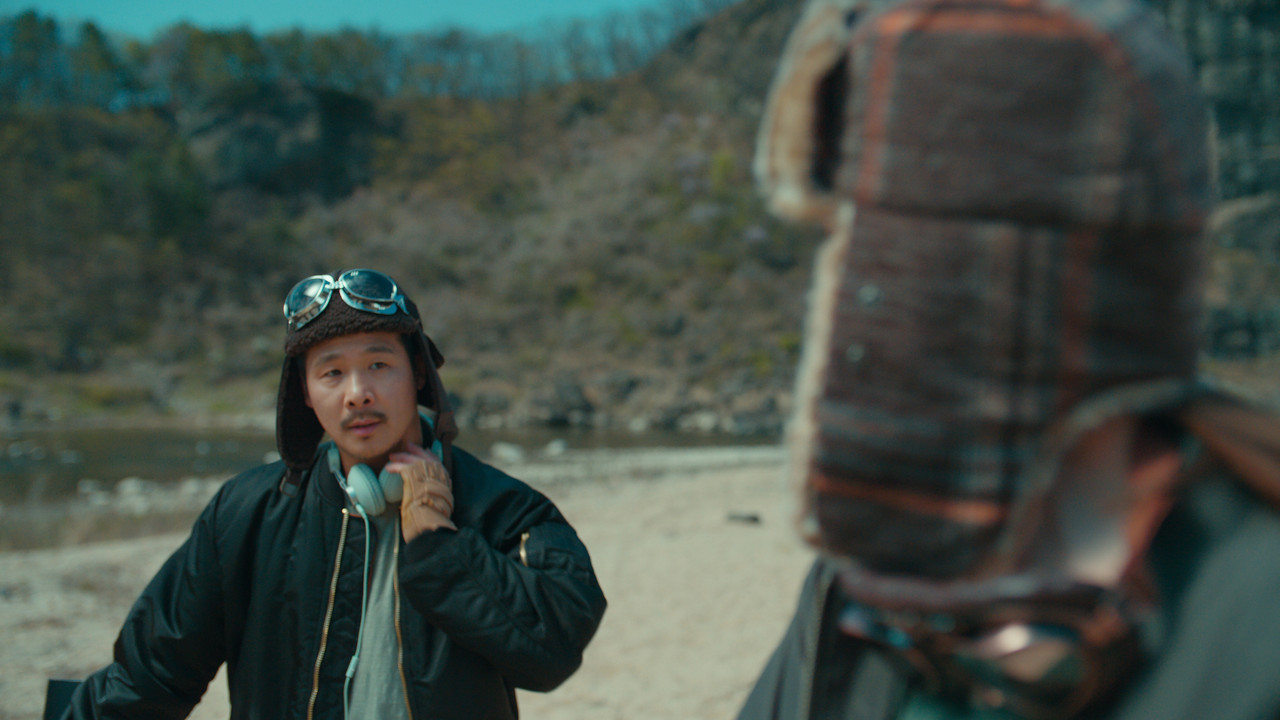
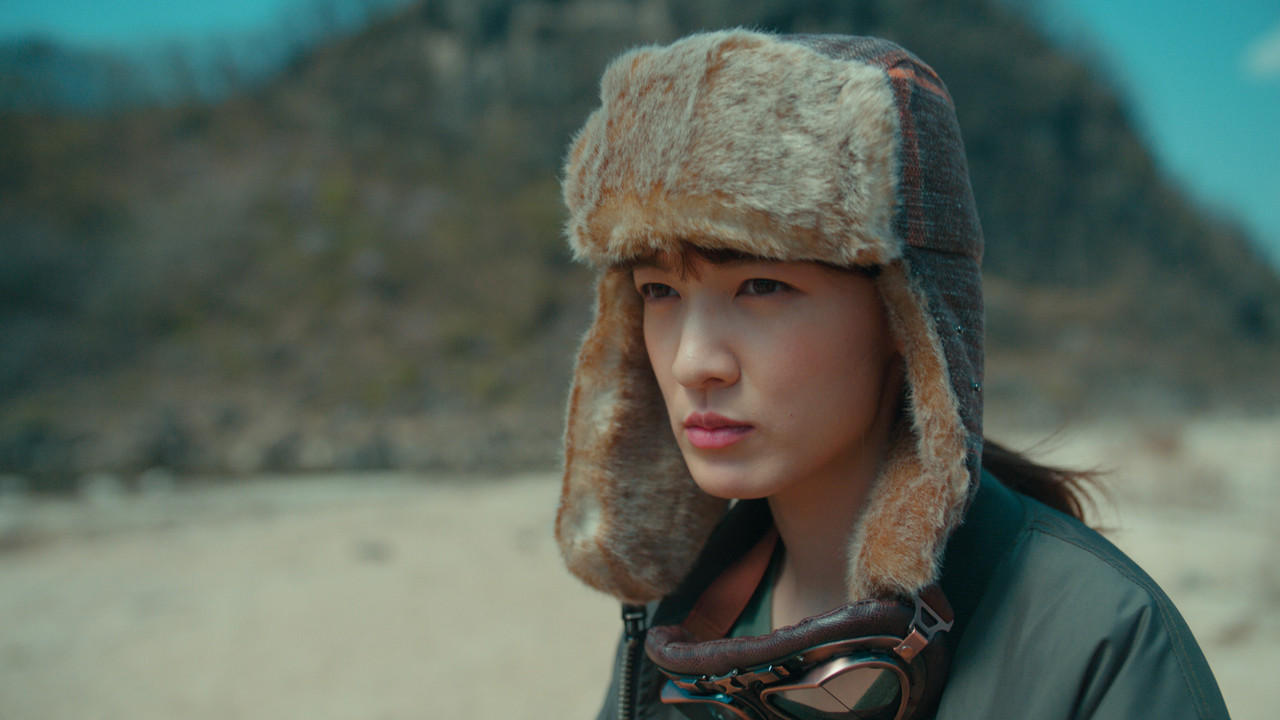
Here's the Creation of a "LOOK" I made for one of the ARRi Alexa 35 AWG4/ ALC4 sample clips inside of a DAVINCI WIDE GAMUT Worflow using two Davinci Wide Gamut "COLOR SPACE AWARE" grading Plugins. LOOK DESIGNER 2.4( An OFX Plugin) and RAVENGRADE( A DCTL Plugin). I added a slight "HUE SHIFT" before them also.


1.png


ORIGINAL IMAGE


Screenshot-5473.png


3.jpg


WITH LOOK DESIGNER 2.4

4.png


Screenshot-5472.png


6.png


7.jpg


FINALLY, WITH RAVENGRADE

8.png

9.png

10.png

11.png

12.png


1-1-2-1-1-2.jpg


13.jpg
 
Last edited:
To return to the subject of veiling flare that Arri spent over a year trying to suppress, seeing deeper into the blacks also means retaining more color information, which could have implications, particularly for a colorist creating looks.
 
Back
Top