Welcome to our community

Be a part of something great, join today!

  • Hey all, just changed over the backend after 15 years I figured time to give it a bit of an update, its probably gonna be a bit weird for most of you and i am sure there is a few bugs to work out but it should kinda work the same as before... hopefully :)

250 ISO Looks great.

ISO does not change the amount of light that hits the sensor. Only adjusting aperture, shutter speed and use of NDs control this aspect of image acquisition.

Again... from ISO 250 to 12800, the light that hits the sensor is exactly the same.

I don't understand all the discussion about ISO. If I understood Mark P at Reducation correctly, the ISO figure is meaningless when it comes to what the camera is actually capturing or is able to capture. This almost seems like a hardware vs software issue to me. The hardware -- the camera and sensor -- is totally driven by exposure as show by the goalposts and stoplights. These alone drive the captured data quality -- including noise and image information. ISO -- whether in-camera or in Redcine -- is software and can only work with the data that is provided to it. Am I getting this right? If so then the talk about ISO seems pointless.
 
No nonsense, you are going to shoot this camera on the full moon with ambient light only for a scene in the field.


Uuuuum... Nope.

My brand new A7S how ever... I'll be giving it a run in some time soon. I think a moon lit night could be a great test for it.
 
ISO does not change the amount of light that hits the sensor. Only adjusting aperture, shutter speed and use of NDs control this aspect of image acquisition.

Again... from ISO 250 to 12800, the light that hits the sensor is exactly the same.

To be horribly pedantic, there are a lot of things that can be in the optical path that change the amount of light hitting the sensor!
Which is kind of the whole point of the discussion here.
Many filters will reduce the light from getting through for example.

Freya
 
To be horribly pedantic, there are a lot of things that can be in the optical path that change the amount of light hitting the sensor!
Which is kind of the whole point of the discussion here.
Many filters will reduce the light from getting through for example.

Freya
I think he may have meant, "all things being the same."

But I do remember a thread where it was pointed out that middle gray is moved up and down the DR when ISO is changed, so even though the same amount of light reaches the sensor, might an ISO change affect where that light is delivered?
 
ISO does not change the amount of light that hits the sensor. Only adjusting aperture, shutter speed and use of NDs control this aspect of image acquisition.

Again... from ISO 250 to 12800, the light that hits the sensor is exactly the same.

So, to put it another way. The ISO is simply a brightness control for your monitor.
This means if you over expose and turn the brightness down (low ISO)so it looks correct on the monitor, your highlights have less actual room on the sensor. Conversely, if you under expose and turn the brightness up (high ISO) so it looks correct on the monitor, you will have less clean room in the shadows on the actual sensor and in effect amplifying the shadows along with any noise hiding.

For the MX sensor, I was concerned about clipping the highlights so I would rate at 800, and give the sensor more light in the shadows than what looked good on the monitor. This ensured I had all the info, clean, from the blacks to the brightest highlights. I would then fine tune the contrast in post.

I have not received my dragon yet but if I apply this same method, will I be pleasantly surprised at its highlight room and it's noise floor?
Even a stop better is twice the camera. A stop and 1/5 is the difference between 800 and 2000.
 
So, to put it another way. The ISO is simply a brightness control for your monitor.

NO.!!!

It still serves as a way to rate the sensor and have a reference against metered light. Brightness control for a monitor is Brighness control for a monitor.

ISO is not BAKED IN to the RAW file, the way it is in other systems. It is variable in post and in camera, but the ISO you select and RATE at has a massive effect on image quality.
 
NO.!!!

It still serves as a way to rate the sensor and have a reference against metered light. Brightness control for a monitor is Brighness control for a monitor.

ISO is not BAKED IN to the RAW file, the way it is in other systems. It is variable in post and in camera, but the ISO you select and RATE at has a massive effect on image quality.

Sorry David, I say brightness control to extremely over simplify. Of course this is what you rate your meter at and decide the amount of light that hits the sensor but if ISO truly has no effect on what the image the sensor sees then your rating is a subjective selection. Your aperture, shutter and use of filtration have a definite effect on the light hitting the sensor. Your ISO is how YOU choose to view that light.
 
My personal view is:

Aperture is for DOF control

Shutter speed is locked at 180 for the "filmic" motion blur (but can be changed for a blurring reason if needed, but I tend to stay 180 relative besides for high speed)

ISO is set where you rate it, but changing it doesn't add more light, just boosts it. And like digital gain, it boosts noise levels.


The reality is though all of the above (plus filters or motion mount) can change exposure (or post processing of exposure) NONE of them are really a good way to add exposure. Since your going to get more/less blur from shutter changes/ more/less DOF from aperture changes/ and more/less grain/noise/ from ISO changes...

The ONLY real way to add light is: to add lights...

But as a guy who enjoys shooting nature as a one man band I do resort to these half assed methods in times of desperation. In the end all will bite me in some way or another... I think JJ did give people some hope of more in camera sensitivity with the claims he made, but again then people moaned about roll offs and obviously the red dot reflection issue, so for all we know they gave up some sensitivity on the low end for the high end...I think once the FW is out we will know the real deal, but since they want it to be a retroactive fix for all current footage its probably a PIA for them to get it coded I would imagine. I am not sure if the FW will get it to the level some people expect it to be sensitivity wise...But like I stated before no one camera can ever truly rule them all. For me Red comes close, I love many of the features, raw, farme rate options, ease of use, form factor, lots of many good things about the system. If I could I would shoot MOST things on Red, but certainly not ALL things on Red (give me light and I can though). Sometimes the better tool is just the better tool. I hope Red makes a lot of you happy with the FW update but I have to wonder if some of you wouldn't be better served by owning both the A7S and a Red...there are instances where that kind of low light is great, we all know this, but an Alexa, Phantom, and most any camera we mention won't work in pitch black the way the new sony seems to...but hell neither do all the other sonys...tools are tools, sometimes you need a hammer, sometimes you need a saw...Cameras are like that, none are really equal when it comes to specs and features...Its really that simple
 
Random (possibly hair-brained) thought - Maybe the histogram + ISO could be replaced by a:

+) A single waveform (like audio) - in which current value on right side of screen
+) Max Luma value on vertical scale / time horizontally (last 5 secs shown)
+) Fixed Horizontal line shown (dotted red) - where data is considered mush (default for DEB active for 4k finish)
+) Symbolic representation shown for current number of stops DR Peak above current (ie last 5 secs max) AND since recording started.
(so that you can easily see how many stops headroom you have in a flash / and know you have a a thick 'negative')

Less information than a histogram .... but more information.

AJ
 
Nobody says it's 320 ISO (except the original red one). Red actually rates it at 800iso which is where they say (correctly) you get the most even number of stops over and under middle gray.

like film, you can rate the sensor differently than the manufacturers suggestion. You can also rate other digital cameras lower.

I've always rated the MX and dragon at 320. With MX you had to watch highlights way more than you do on dragon and blown highlights in dragon actually roll off smoothly (not the hard clipping of MX)

rating is based on how clean an image you want to get and noise tolerance. But how much light you let hit the sensor is the biggest factor when it comes to noise. This is also the biggest factor when you push process (raise the ISO in redcine x)

I also rate lower on exteriors because I am not into shoving too much ND (glass in front of my glass) because the higher ND needed when rating at higher ISO's means I can introduce IR problems and need to cut more light to the sensor. This is less of a problem on Dragon as I only start to notice color shifts at 1.8 ND and above. The IR filter built into the dragon OLPF is excellent.

common problem we see a lot here on reduser. Histograms don't lie.

Camera is set to 800iso
lens is 2.8
metered light is 1.4 or less
shot is captured 2 stops under
shot is then processed at 2000iso

see how this can create noise?

if this person rates at 320 they they will look at the scene and say, "this is dark, we need more light" if they added even a stop or 1.5 stops of actual light (not boosting the image by raising ISO) then I think there would be a lot less complaining.

Two stops under is going to get you noisy images on any imaging system that does not have auto enhancements to make up for your deficiencies (like an iPhone)

battistella

This all makes perfect sense and tracks with our experience as well. We always rate at ISO 320 and expose accordingly. Images look fantastic. Under expose 2 stops and Bam! Noise city. Which, if we were shooting film, would be exactly what we'd expect. So we get all that. The problem I'm having is that we may have a job that requires us to move quickly, shooting some night shots, without time or budget for a lot of lighting, so we end up having to go with a 5D because of the low light sensitivity. BUMMER. It's fine to say - "the sensor needs light!! so give it light and you'll be happy!" when sometimes you just can't afford the lights. So I agree that these days, 250 or 320 native ISO seems well… slow.

I was expecting a Dragon sensor with better low-light sensitivity -- AND better highlight response. It seems we get low light with V1 OLPF (but have to deal with magenta flares around hot spots, etc… or V2, which cleaned those up and gave us better color fidelity and skin tones, and really sweet highlight sensitivity and rolloff, but less lowlight response. So if we can't get both out of Dragon with either OLPF, I hope Red ranks it's R&D priorities in this order: #1, get D.E.B. in our hands ASAP in the SDK so we're not stuck with RedCineX transcodes in our workflow. I want to use Premiere in native R3Ds for offline and Resolve for final grading, benefiting from D.E.B. all the time. #2, get the D.E.B software baked in camera firmware ASAP. SIMPLIFY THE WORKFLOW. #3 develop a "best of both worlds" OLPF that gives the most dynamic range possible with hopefully a stop or two more in the low lights. If I could rate the sensor at 800 - 1200 or so ISO without paying a noise penalty, that would be awesome.

If people want interchangeable OLPFs, fine, Make them if there is a market. Personally, I don't want to deal with it, and I don't think a lot of people are chomping at the bit to swap OLPFs to get the performance or dynamic range performance they want.

Meanwhile, we'll keep rating at ISO 320 and hope Red gets stuff in our hands ASAP.

M
 
Im not sure an in camera fix is the answer as there will be shots you want it and shots you don't and I believe the best place to see and understand and make that choice will be in post while looking at full debayer raw file in 6k not on a 5" or 9" touchscreen or the 1080p out of the camera. It's pretty easy to tweak that look in camera if a shot is a bit noisy.

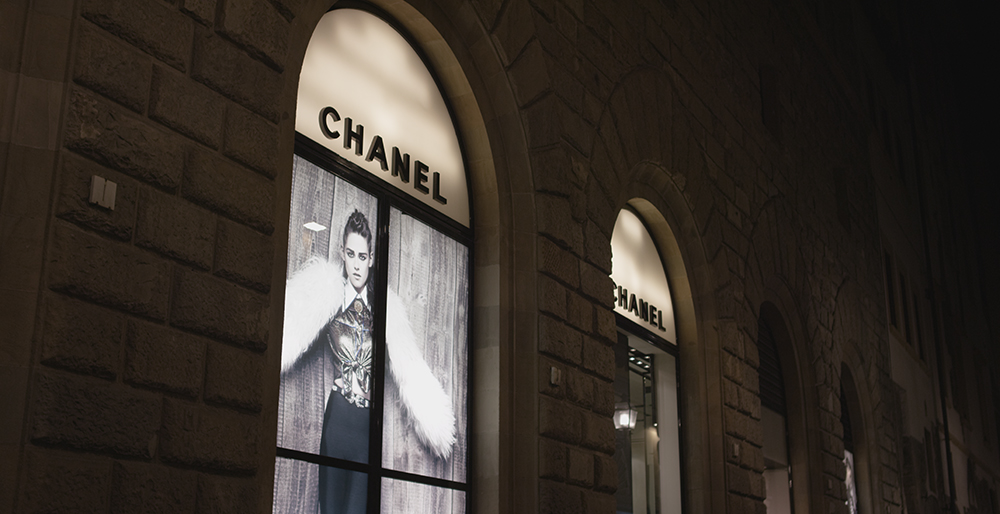
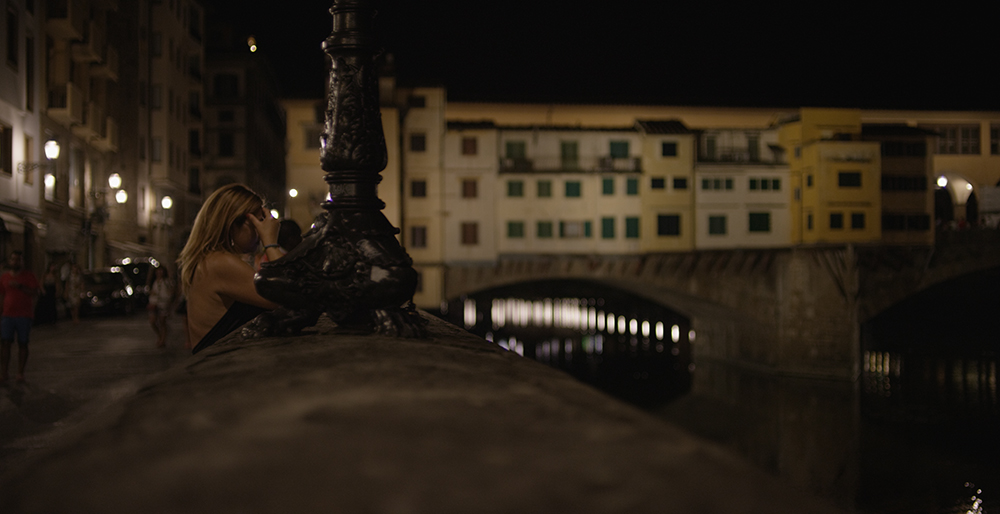
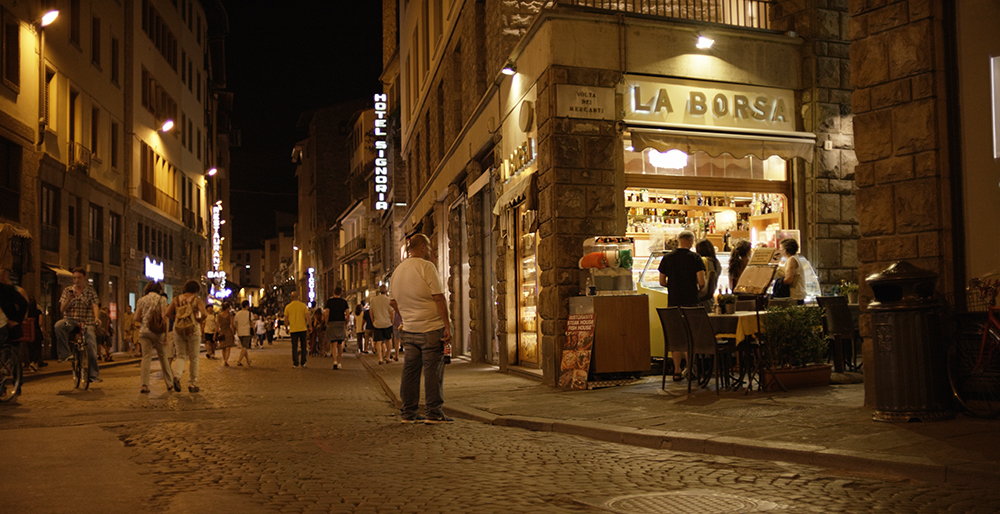
heres a couple of night shots rated processed at 250, 500 and 1000iso. I think only the 1000iso has deb on

firenze_01.jpg


firenze_02.jpg


firenze_03.jpg
 
Is that the "La Borsa" image?

I don't judge off a monitor. I look at the histogram in RAW.

These look great BTW…

M
 
Tomorrow.

I had an advanced copy. Thanks again RED team.

Battistella
 
Looking back in this thread over the past few weeks, it's no wonder why so many people have problems. I see Paul has been put on temporary lock-down, but he makes a valid point when asking if people actually use their cameras!

First things first, ISO control on RED cameras *IS NOT* the same as ISO ratings on film, or many other digital systems that impose various forms of gain. We keep trying to drive home the point that ISO is only a value contained in metadata and the recorded image does not change due to ISO setting. But the one thing many seem to miss is that ISO is not a measure of brightness. ISO isn't even ISO in the RED ecosystem, it should be the Exposure Index or EI rating, which many of us asked for it to be called way back in the early R1 days. Unfortunately, people want "ISO" because they think they know what it is.

On a RED camera, doesn't matter if it's original RED One with Mysterium sensor or if it's the latest Dragon with the 'new' OLPF, ISO is the index point to which we reference middle grey on our exposure curve. That is it.

Trying to 'rate' the camera or sensor is something different than this meta ISO value. It is not a hard value. Is the Dragon an ISO 320 camera? YES. Is the Dragon an ISO 800 camera? YES. I can rate and shoot for ISO 2000 and still walk away with a clean image if my lowest exposure points of the image are above the useable noise floor.

The camera, at the sensor stack/OLPF level, has a valid signal to noise range. At the low end of that range, if too little light comes in contact with photo receptors on the sensor, there is too little signal to overcome the chatter of erroneous noise. This chatter or cross-talk or low db on the signal scale, which translates to garbage that exists below the 'noise floor' shows up as unwanted noise in our images. It can be seen with the left goal post meter on the left-hand side of the histogram in our cameras. At the other end of the useable signal range, too much light will overload the receptors and put them into overflow, values are clipped at maximum. We see that as the right-hand goal post meter. These values can also be referenced in the 'traffic lights' but the goal posts seem to be more useable, the traffic lights are more of a warning to say "hey, take a minute and look at your meters!"

The histogram is useful, but it exists within translated exposure and color space with an assumption of an 800 ISO curve. It does not tell the full story. We can try to avoid some noise or undesirable image properties by "exposing to the right." However, that is just a means of avoidance and doesn't address a shortcoming in our lighting or exposure practices.

One must always consider the low and high limits of the sensor and keep in mind that the ISO value is just a reference point for our curve somewhere in the middle. If we are seeing excessive noise in the shadows at ISO 800, that noise is still going to be there if we re-rate at ISO 320. We may cover it up by lowering the ISO index value and effectively crushing in on the exposure curve below middle grey.
 
Back
Top