Welcome to our community

Be a part of something great, join today!

  • Hey all, just changed over the backend after 15 years I figured time to give it a bit of an update, its probably gonna be a bit weird for most of you and i am sure there is a few bugs to work out but it should kinda work the same as before... hopefully :)

Return of Purple Fringing.

Just a quick note about comparing CA. More just information here.

When comparing results between cameras, keep in mind the format size as smaller formats will magnify the visual artifacts. i.e. using FF35 glass on S35 or S16 will yield different results.

Also big players are the optical pathway, color science, dynamic range, and even back focus.

In this case, this lens is a well known CA giver as it's a vintage lens. Stop it down 3 stops or expose aim for lower contrast conditions if going wide open.

Interesting. So, the fringing would be worse on Komodo than say one of the DSMC2 sensors because Komodo's sensor is smaller...so, since RED sensors crop in when lower shooting resolutions are selected, does this mean the fringing would be worse yet with a Komodo shooting 5K or 4K?

I haven't seen much fringing on Komodo footage I've seen posted, but who knows what type of post processing has been applied. Someone else above mentioned the green shift when underexposing. One of the review channels showed this too, and the shift wasn't subtle.
 
Interesting. So, the fringing would be worse on Komodo than say one of the DSMC2 sensors because Komodo's sensor is smaller...so, since RED sensors crop in when lower shooting resolutions are selected, does this mean the fringing would be worse yet with a Komodo shooting 5K or 4K?

I haven't seen much fringing on Komodo footage I've seen posted, but who knows what type of post processing has been applied. Someone else above mentioned the green shift when underexposing. One of the review channels showed this too, and the shift wasn't subtle.

Let's pretend you are mastering 1920x1080. Shooting at 6K, 4K, and 2K and then rendering out to that resolution with magnify further in on the lens. Those resolutions essentially are different formats.

Now the sneaky bit here is as you are windowing in on that sensor you are filming closer and closer to the center of the lens where it typically performs better. So it's not all cut and dry. Generally you'll find axial CA much worse towards the edges and corners of glass that has the funk.

Always a reason to test and figure out how to get the best out of your glass and what's intended. Dig through REDuser and you'll find a litany of lens coverage and lens tests I've done over the years.

One more note. Same cameras do remove CA via image processing for sure. Some even have it as a setting. Typically digital cinema cameras are all about capturing the most information possible when it comes to detail and color, generally avoiding any of that special corrective processing.
 
Like everyone is saying, stopping down and minding high-contrast edges does help, but it does limit what you can do with your lenses.

This is why you have the top tier lenses. If people don't want CA and get a perfect image, they need to get perfect lenses and they cost... a lot.

I feel like we've entered a time when people slap on whatever lens that is at minimum some glass that "makes an image" and then expect it to behave like $15000 glass. I will mention again; if people want low light fast lenses at a cheaper price, they need to get the fastest they can get and stop them down. There are a few lenses of the mid-tier prices (around $3500-$5000) that only get to T2.0 or slower as their widest open T stop while still having CA. While people are saying these are good lenses they will never be good in terms of CA. The CN-E lenses I have gets rid of the CA when stopped down to T2.0. They are razor-sharp and without problems at those T-stops, but could be opened to as wide as T1.2 if the location calls for it.

Superfast lenses have a reason to be expensive, but everyone needs to know where and when their lenses get clean images, it's part of the knowledge of the gear you own. I would like to see how Master Primes perform on Komodo, that would be very interesting to see wide open since they are well known "perfect" lenses for s35mm.
 
Christoffer, nobody is disagreeing. We are specifically talking about something that appears to be more visible on these cameras. There are many logical and apparent reasons why, It was never meant to be a criticism of Red or the Komodo. It was never a discussion about whether the Master Primes have chromatic aberration or which lenses do or don't. More a discussion about whats making the existing CA Pop like this as it doesn't appear as prominent on other systems and what specifically do to mitigate it.
 
Christoffer, nobody is disagreeing. We are specifically talking about something that appears to be more visible on these cameras. There are many logical and apparent reasons why, It was never meant to be a criticism of Red or the Komodo. It was never a discussion about whether the Master Primes have chromatic aberration or which lenses do or don't. More a discussion about whats making the existing CA Pop like this as it doesn't appear as prominent on other systems and what specifically do to mitigate it.

I would agree in that looking at your test it has more CA than i would have expected. I use APOs on my Epic W and also i have Lecia Ms too. Sadly i am still in the queue for my Komodo, so waiting patiently. The amount showing is a lot but i have no experience of that lens. I used Zeiss's a lot and found them terrible wide open for this kind of thing - the Hyperprime APOs i use now are wonderful in that regard, as are some of the M lenses.

But this isn't something i've seen on the uaergroups very much, so i don't see how it could be the camera in general. And i don't see how one cam could be doing this and others not. So maybe it's really something about that particular lens. What else do you have to try with?

It is CA because i can see it going green out of focus. Are there any sharpening controls going on?

Cheers
Paul
 
I would agree in that looking at your test it has more CA than i would have expected. I use APOs on my Epic W and also i have Lecia Ms too. Sadly i am still in the queue for my Komodo, so waiting patiently. The amount showing is a lot but i have no experience of that lens. I used Zeiss's a lot and found them terrible wide open for this kind of thing - the Hyperprime APOs i use now are wonderful in that regard, as are some of the M lenses.

But this isn't something i've seen on the uaergroups very much, so i don't see how it could be the camera in general. And i don't see how one cam could be doing this and others not. So maybe it's really something about that particular lens. What else do you have to try with?

It is CA because i can see it going green out of focus. Are there any sharpening controls going on?

Cheers
Paul

Totally Paul,

It’s absolutely a lens thing but just showed itself in a much more exaggerated way then I had personally seen.

Also, canon FD’s are cheap still lenses from the 60’s to the 80’s. Never had high expectations since they are not even sharp on 35mm. There are a few posts on here and Facebook about it on Komodo as well as some mentions about it on Helium.
- Rick
 
If shooting in the light conditions as the image in this thread. Low light, not much light, like soon to be winter its almost like shooting black and white, the higher contrast and the more open your lens is and the higher exposure you got the more likely you are to see this fenomena. Of course also some lenses are worse than others this seams like a bad case. But very few lenses manage the kind of stress shown here, dark branches against a almost white sky against the sun wide open.

As when the camera tilts down and the exposure is more in range it disappears naturally. I use FD´s a lot, vintage lenses, ana lenses etc most you can stress to show this kind of fringing if the conditions is right (or wrong, depending how you look at it) and yes usually it´s quite easy to avoid if keeping an out out and expose accordingly. Just because a lens open to 1.2f does not mean it will render a good image, in most conditions it does not.

There is some FD´s that is not the best in regards of color fringing but also some that really are top class also in terms of color fringing. Sure they are old but still preform pretty well.


see:
www.syndicate.se/glass
 
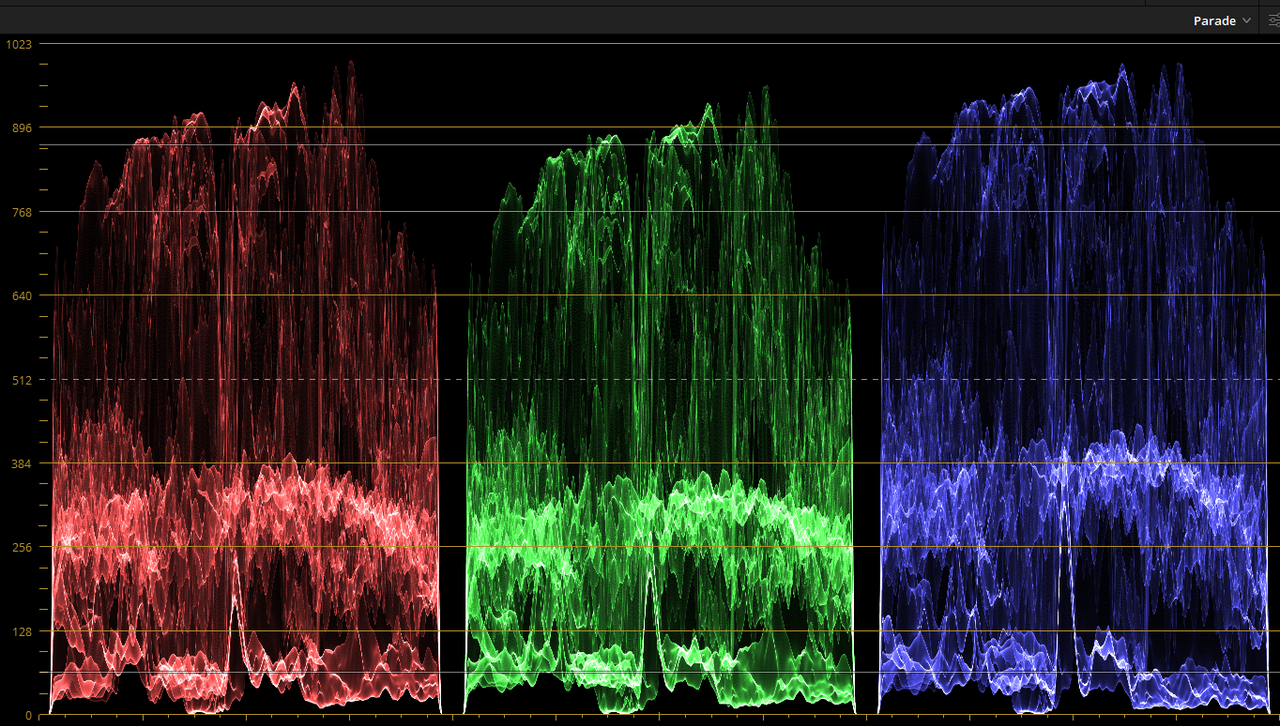
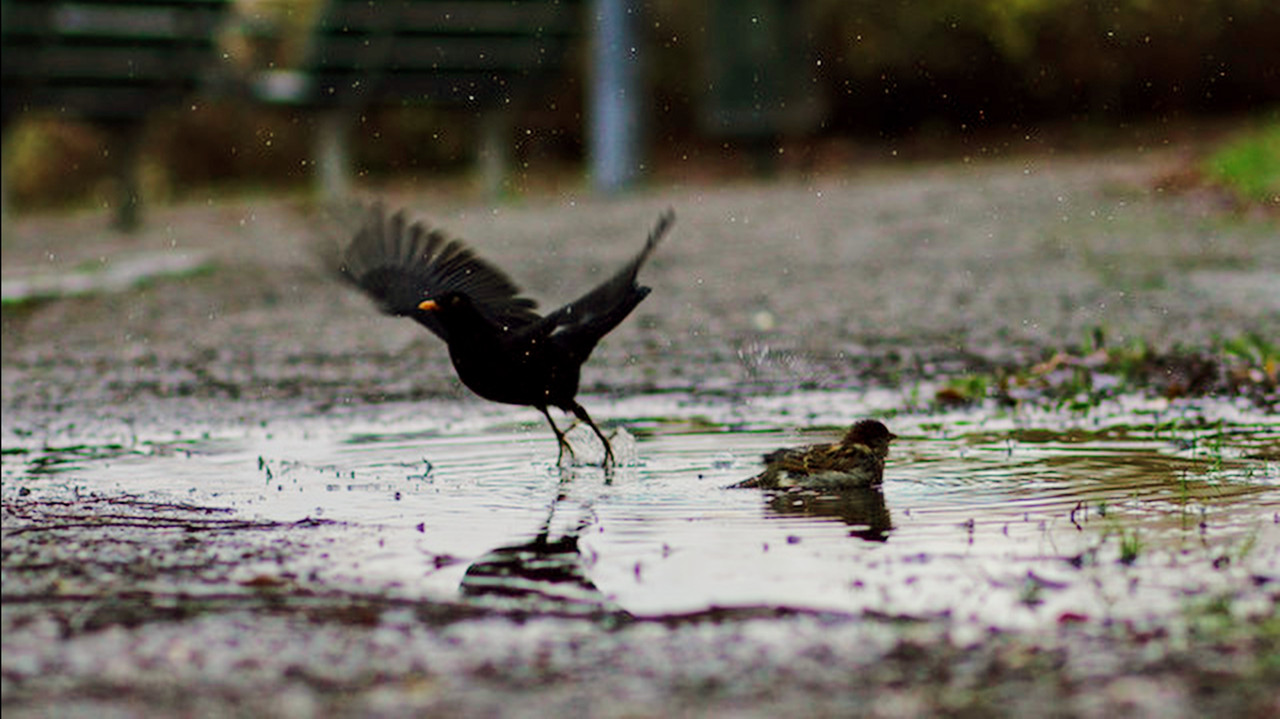
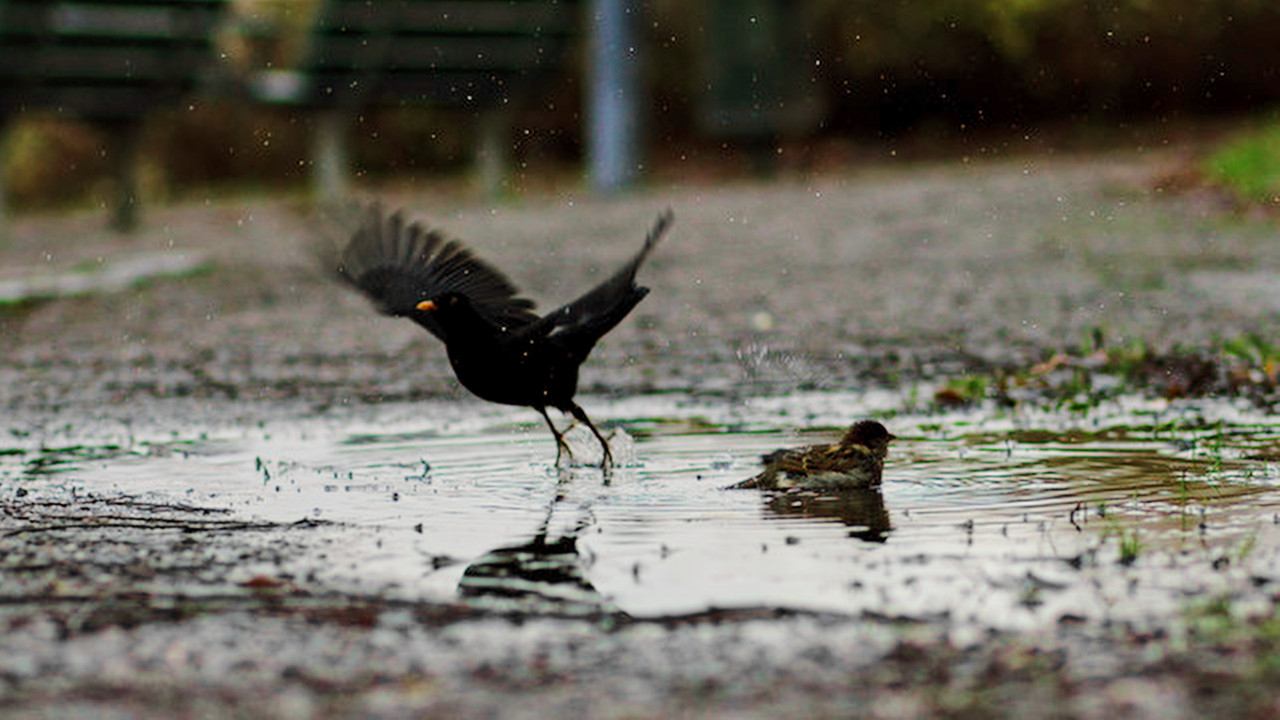
Aside from the good tips about what to do with your lens, color processing definitely can have an effect on the perception of CA. Without even addressing CA specifically, global color adjustments can affect how strong it may or may not look:

Severe:
cLPp7HN.jpg


Not so severe:
3Ab9AeE.jpg


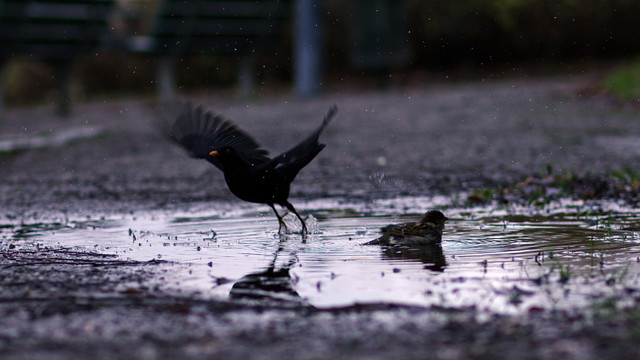
Top is IPP2 High/Soft, bottom is my standard processing for all things RED before I start my grades. It's global corrections only so nothing that specifically addresses CA. With IPP2, what I've noticed is that CA almost rears its head as an unsharp mask kind of effect. The surrounding areas are dark purple which contrasts the bright purple CA. And the dark purple also is more apparent against the somewhat more flattened out, lifted shadows, where on mine, the dark purple is harder to see against the higher contrast that my shadows have. Not saying mine is more "right" than the other, but you can see how different workflows affect the perception of CA. Of course, one could always specifically address the CA in Resolve as well. And it's fairly easy to do since that bright purple color doesn't exist in most shooting scenarios.

And then if you start doing things like a white point change and halation emulation, it'll mask the severe purple CA and turns it into something a bit more flawed but also more artistic and dare I say "acceptable" to ones eyes. I think this is why it's always flown more under the radar on film when compared to digital. Its flaws mask other flaws and digital is just so clean and clear that we have to be more and more on top of our game when it comes to shooting techniques, lighting, and lens choices.

Something more "artsy":
OwqRnhO.jpg
 
Had a few minutes to take a stab at correcting the Chromatic Aberration.

phfx_forRickCook_canonKomodoCACorrection.jpg

Phil!

Thanks so much for digging into it. I had some luck removing it as well though yours is a lot cleaner. Like you mentioned its not common for a neon purple to appear in a scene. The green is far less noticeable. Even your global adjustments are more acceptable to my eyes.

I'm just going to try my best not to send this into post as I am almost never involved in post unless its properly graded.
 
Phil!

Thanks so much for digging into it. I had some luck removing it as well though yours is a lot cleaner. Like you mentioned its not common for a neon purple to appear in a scene. The green is far less noticeable. Even your global adjustments are more acceptable to my eyes.

I'm just going to try my best not to send this into post as I am almost never involved in post unless its properly graded.

I generally always pull magenta down globally, so even if this is more "sniper" on that spectrum, I find that magenta, regardless of cameras used, tend to "infect" the image. Pulling it out reduce a lot of the digitalness and generally feels like it smoothes out the global color balance.
 
Some tests on my own shots that I did with an inferior 85mm still lens.

Original with pushed contrasts & Agressive pullback of CA with the new Resolve Color Wheel


Using regular Hue vs Sat


Although it looks best with the aggressive adjustment, that won't work on other shots with more colors (even though the amount isn't necessary when there's less light to dark contrast ratio)

Original & Aggressive


Sat vs Hue


Generally, I recommend using normal hue vs sat and if possible isolate the image where it is visible. There's also some options to use Resolves own CA remover but it doesn't really work that well.
 
Christoffer,

In the images you posted above, I think you could get better results if you would first "White Balance" them then you could tell where the "CA" actually was and how much you would need to correct


White Balance plus HUE vs SAT

CA-1-3-1.jpg


Screenshot-487.png


Before Hue vs Sat

1-3-2-1-3-2.jpg


After Hue vs Sat

1-3-1-1-3-1.jpg


Screenshot-492.png


Just White Balanced

orig-1-2-4.jpg


Screenshot-490.png


CA3-1-2-5.jpg


Screenshot-491.png
 
Last edited:
I shoot fitness videos outdoors - so I fight this kind of CA often. As many people here said it's all about lenses.
If not resorting to ultra expensive stuff - all Zeiss Otuses, Sigma 28 and Sigma 40mm (both cine an photo if you need autofocus) are the best - no CA at all no matter what.
All Tokina Cinema primes and zooms (even 11-20) and Canon EF 35 F1.4 almost unnoticeable in worst contrast situations.
The rest of Sigmas have CA but it's green after focus plane - not purple before focus plane so if you don't crop in - it's subtle and unnoticeable enough even without correction.

Canon lenses both old and new are all unusable (except 35mm) in this circumstances (branches on bright background, talent on background window, talent on background mirror with something bright etc) on any camera if you shoot raw. For instance you can't use C500m2 6k because it can only be raw, but if you shoot XF-AVC - you can switch on CA correction and it works great on Canon lenses, clears it all out completely.
 
Hey y’all. This thread is from a while back, so maybe you got this figured out. Just want to say that I also got severe magenta fringing in high frequency detail areas of the image after a firmware update to v. 1.7.5. I then did a factory reset and the problem went away. Sigh of relief. Anyway, that was my solution …..
 
Back
Top