Patrick Tresch
Well-known member
Hello,
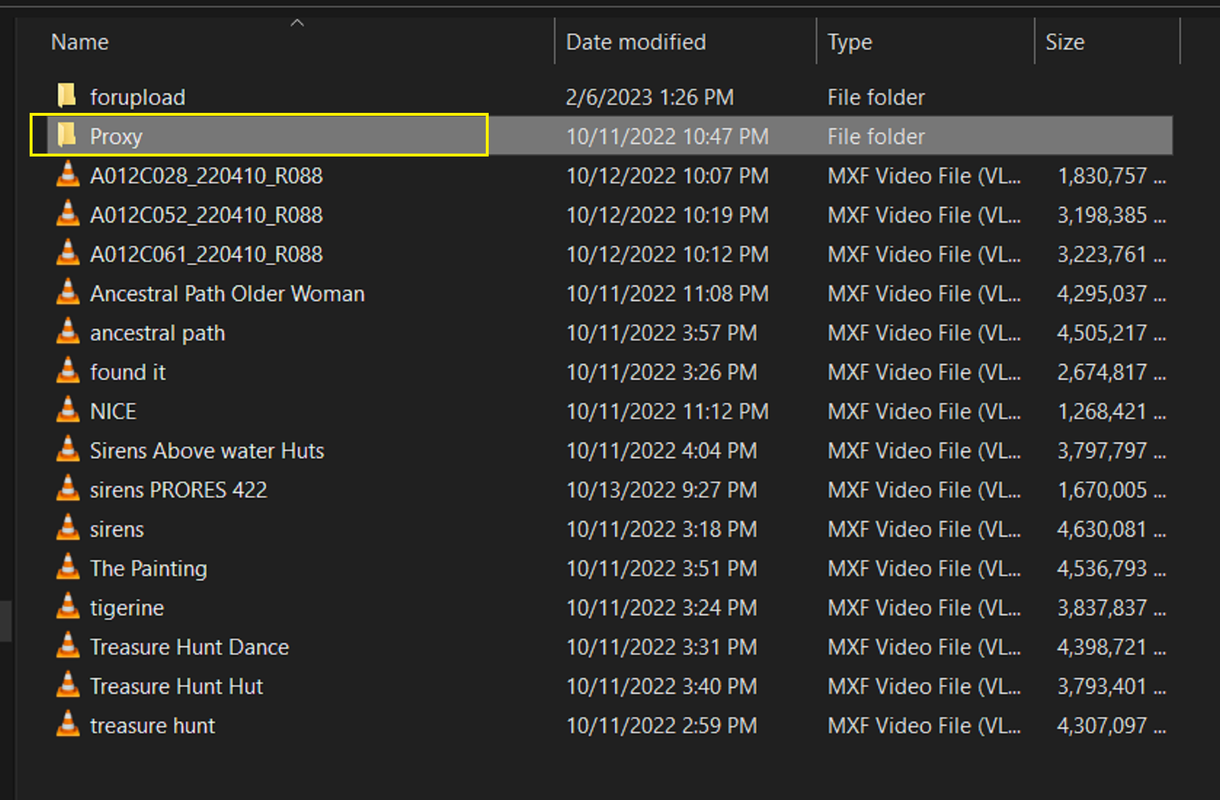
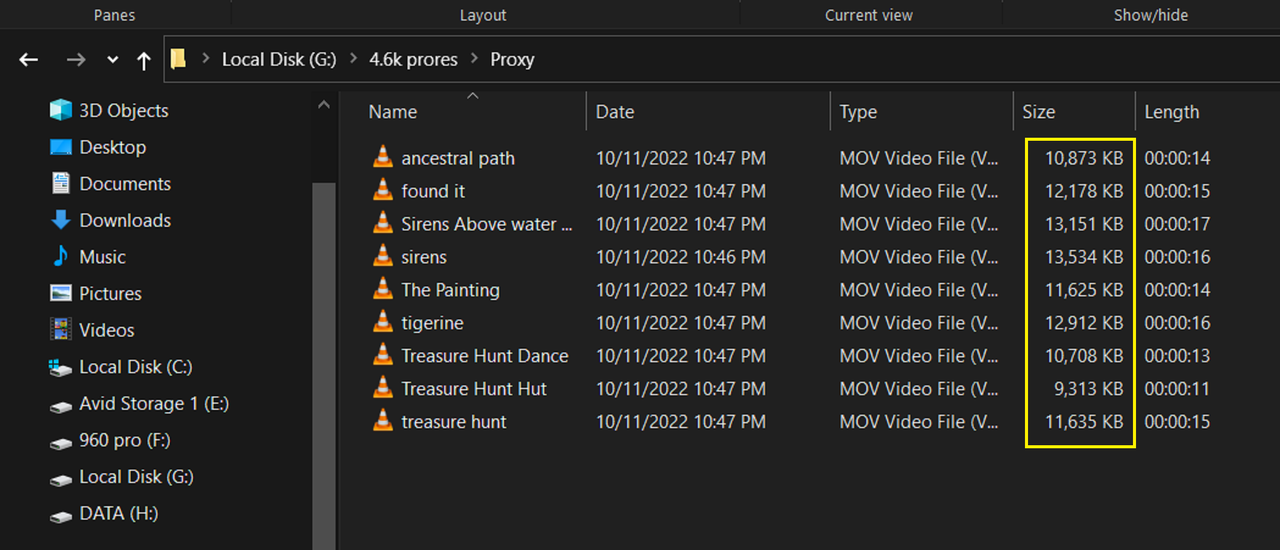
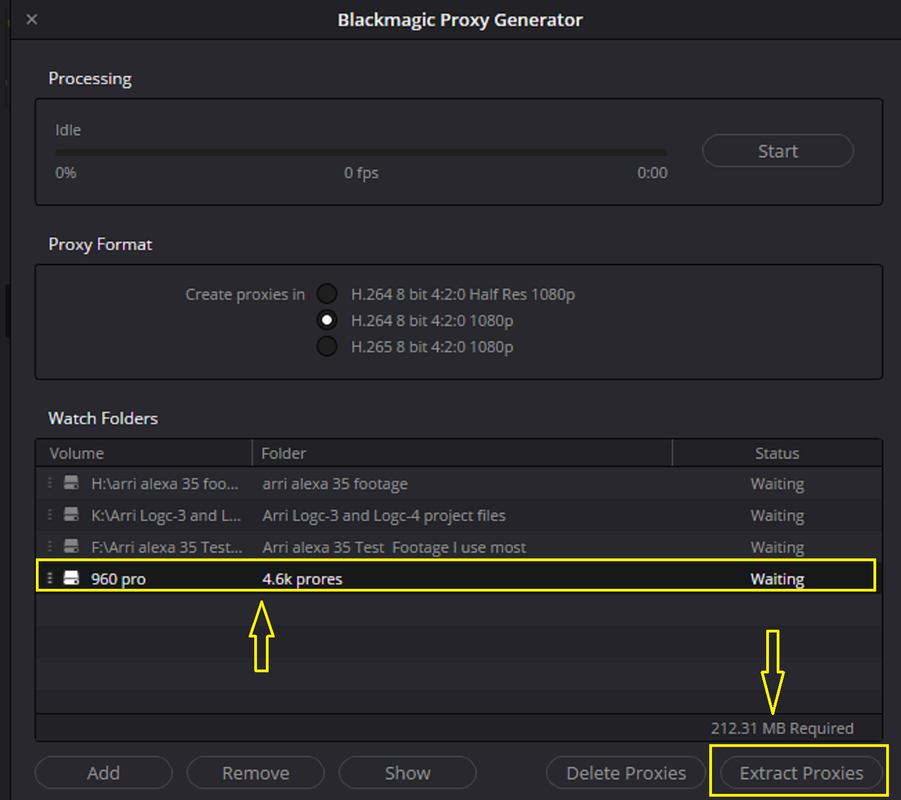
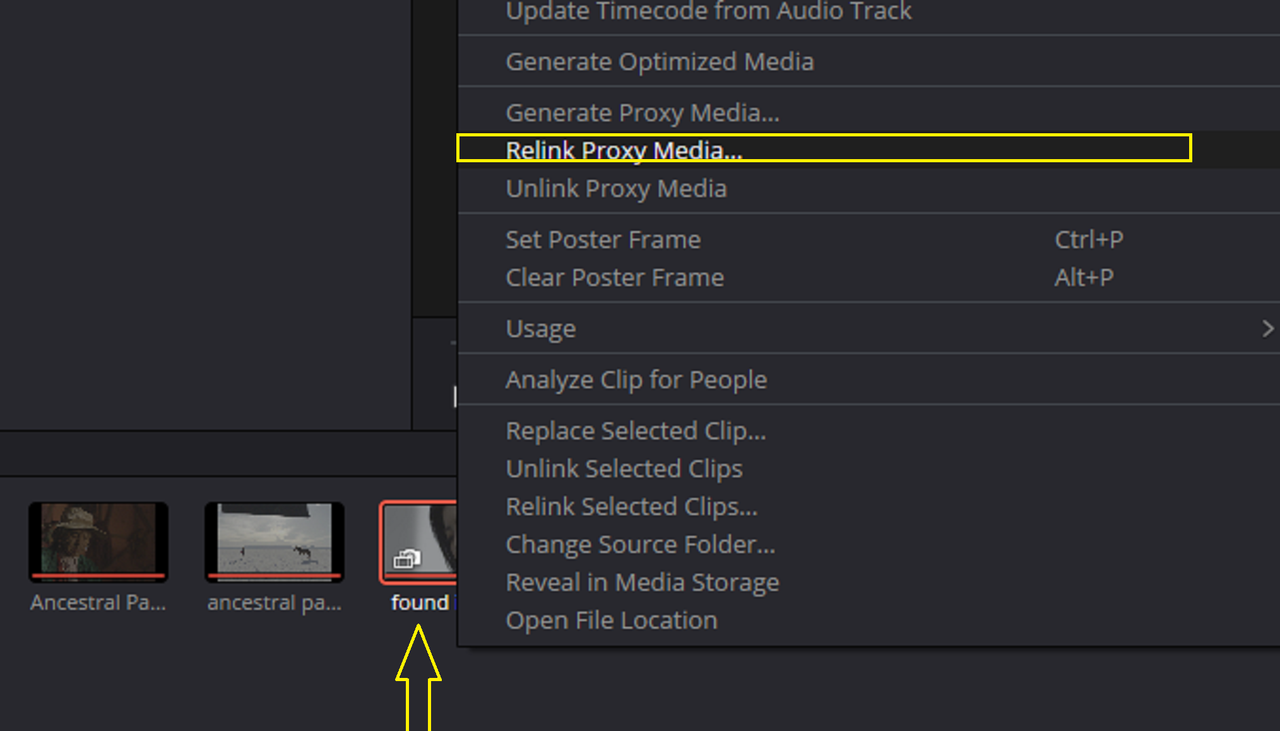
I've been working since the beginning doing proxies and throwing them in a proxy folder as they usually relink to the R3D without hassle as they have all unique file names.
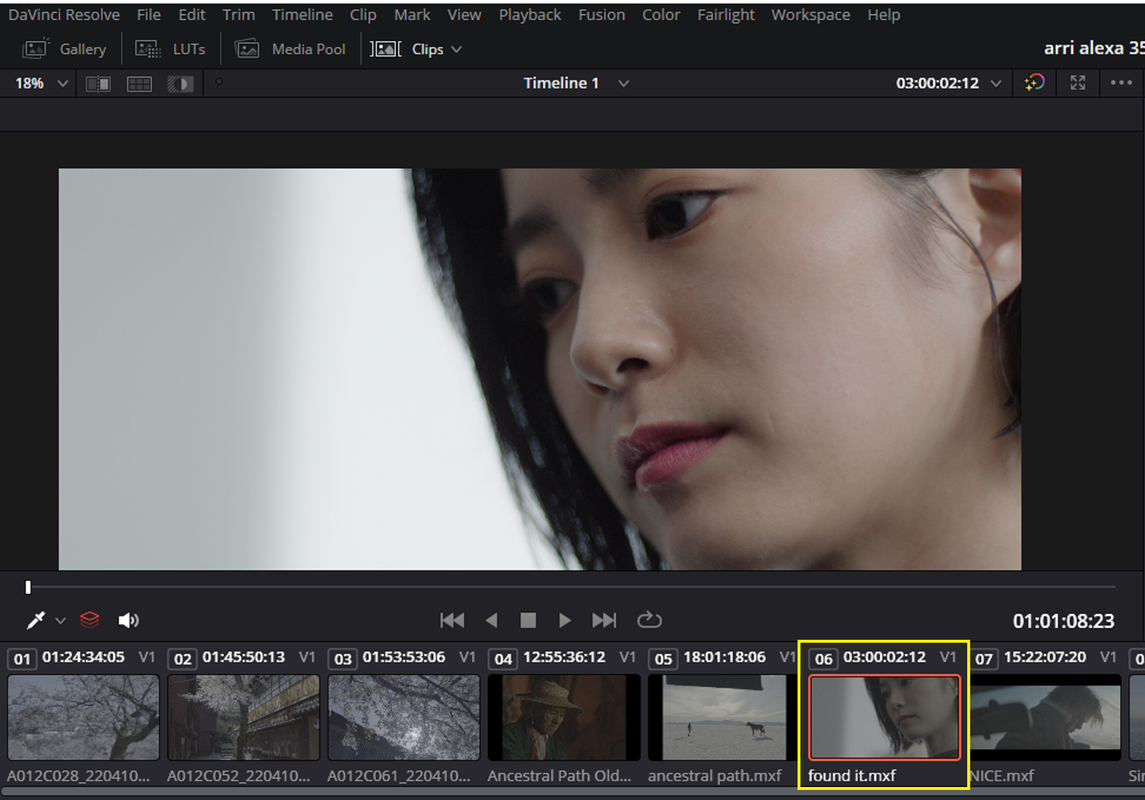
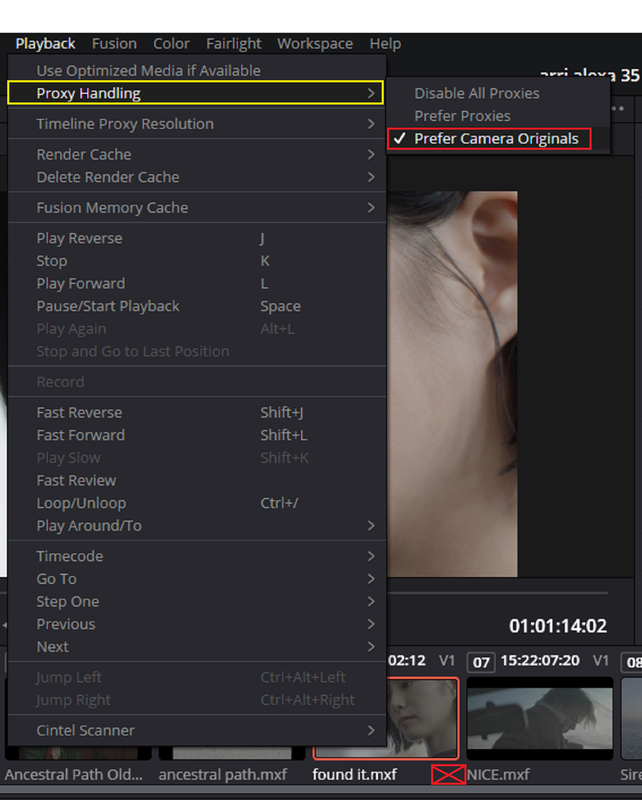
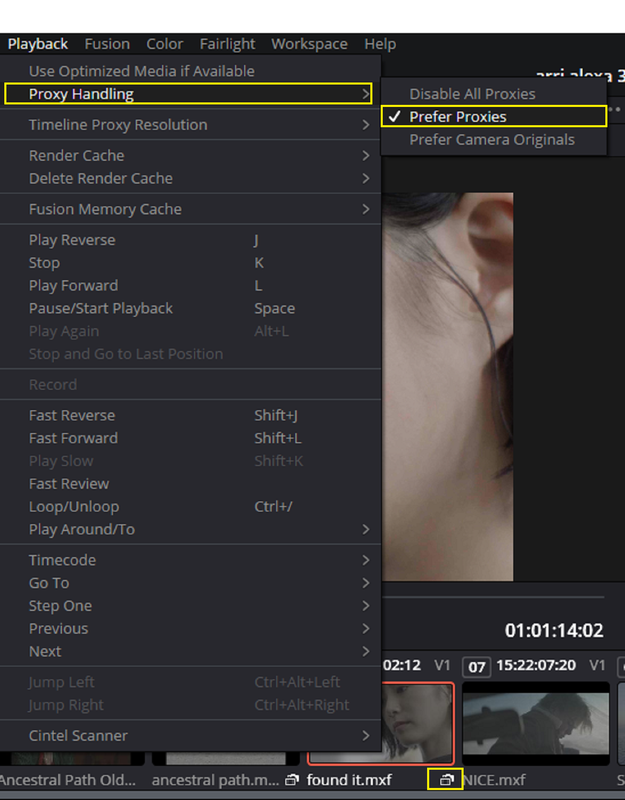
Now I'm trying to figure out the Proxy handling in Resolve with the original media workflow and proxiew toggle, to be able to jump from one to the other in an instant.
I find solutions that create a Proxy folder in the location where the R3D file is but it's not a solution for my needs as I'll have 100TB of footage and would like to give only a lighter drive to the editor containing the proxies prores LT and beeing able to take the project on another machine wich has the camera originals for special purposes (VFX, color...)
Is it possible to have proxies in another location than in the original media folder and keeping the ability to jump from proxies to camera original?
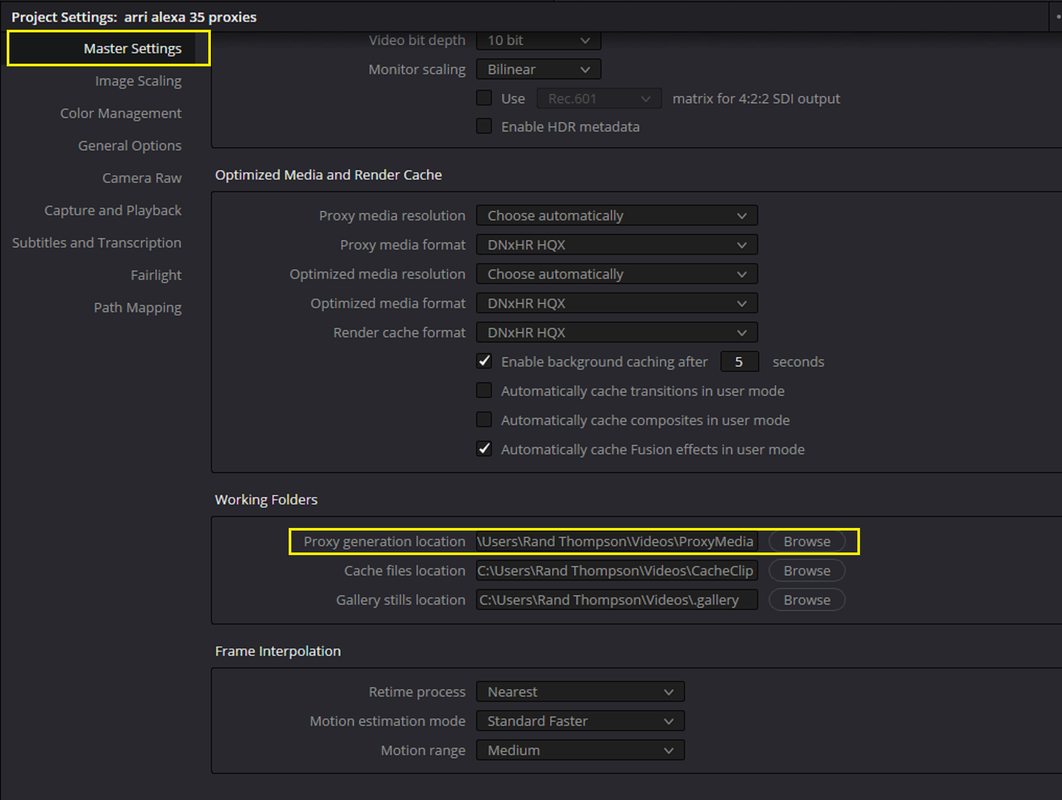
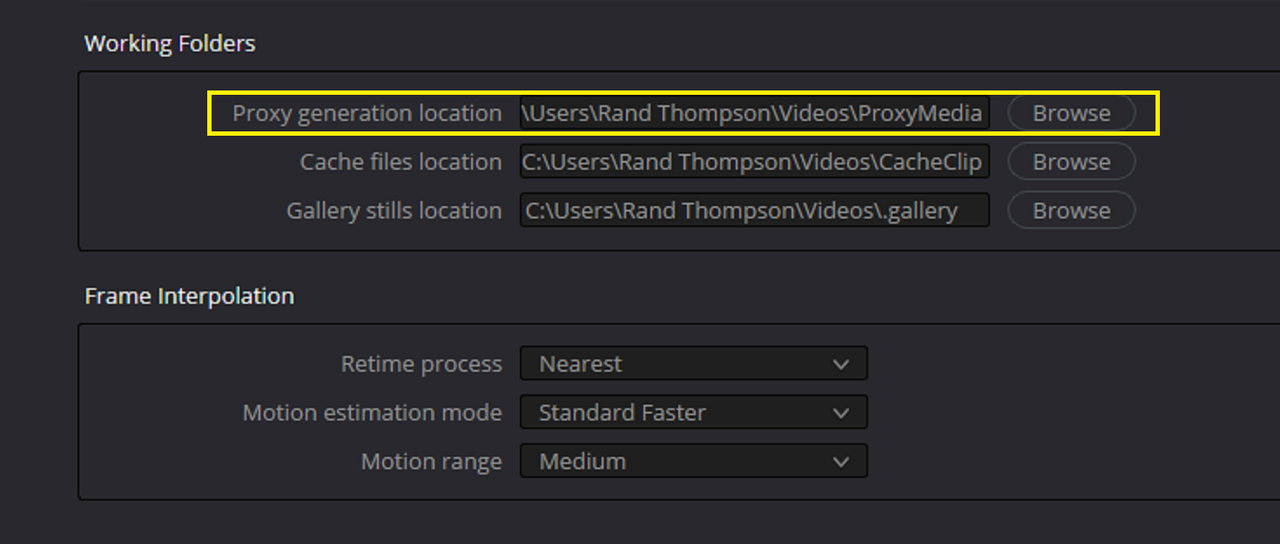
By showing him where the proxies folder is? (Project settings/working folders/proxy generation location) (Preference/media storage/Proxy generation location/use project settings) But I doesn't seem to work for me...
Is it any help if I use "preserve source directory level" until the first folder on the disk (4 levels) (mine called "Rushes_image") from the original when I do the proxies?
Any help/advise would be welcome.
Thanks
Patrick
I've been working since the beginning doing proxies and throwing them in a proxy folder as they usually relink to the R3D without hassle as they have all unique file names.
Now I'm trying to figure out the Proxy handling in Resolve with the original media workflow and proxiew toggle, to be able to jump from one to the other in an instant.
I find solutions that create a Proxy folder in the location where the R3D file is but it's not a solution for my needs as I'll have 100TB of footage and would like to give only a lighter drive to the editor containing the proxies prores LT and beeing able to take the project on another machine wich has the camera originals for special purposes (VFX, color...)
Is it possible to have proxies in another location than in the original media folder and keeping the ability to jump from proxies to camera original?
By showing him where the proxies folder is? (Project settings/working folders/proxy generation location) (Preference/media storage/Proxy generation location/use project settings) But I doesn't seem to work for me...
Is it any help if I use "preserve source directory level" until the first folder on the disk (4 levels) (mine called "Rushes_image") from the original when I do the proxies?
Any help/advise would be welcome.
Thanks
Patrick