Welcome to our community

Be a part of something great, join today!

  • Hey all, just changed over the backend after 15 years I figured time to give it a bit of an update, its probably gonna be a bit weird for most of you and i am sure there is a few bugs to work out but it should kinda work the same as before... hopefully :)

Panavision DXL2 3D LUT!

Is there no way to use this PANA cube in camera with IPP2? Perhaps someone can convert it to a creative LUT rather than a Log3g10 LUT somehow? This would help a lot for getting playback in color and even baked color proxies... Hate having to go into legacy mode and be stuck in log for playback and prores etc. Really like the way it takes away the green/magenta oversensitivity issues I have with IPP2 compared to most other cameras.

I believe the program Lattice can do this. You can isolate the color transform of a LUT without affecting the contrast and then export that as LUT:

https://videovillage.co/lattice/

I would attempt this, but I'm a Windows user and Silverstack and Lattice are Mac only unfortunately.
 
Luigi,


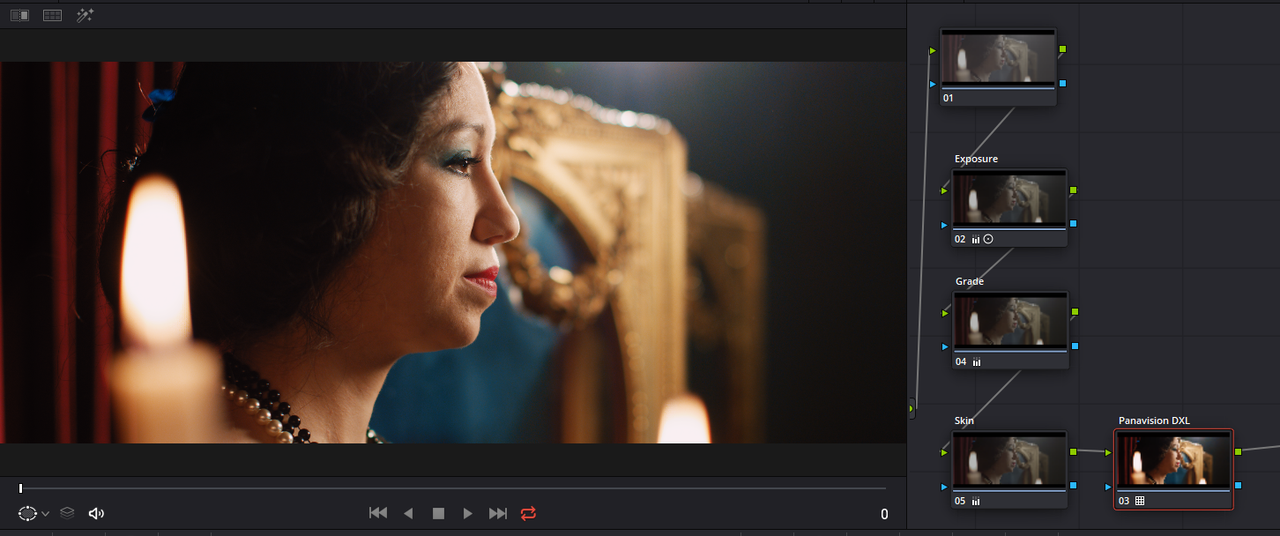
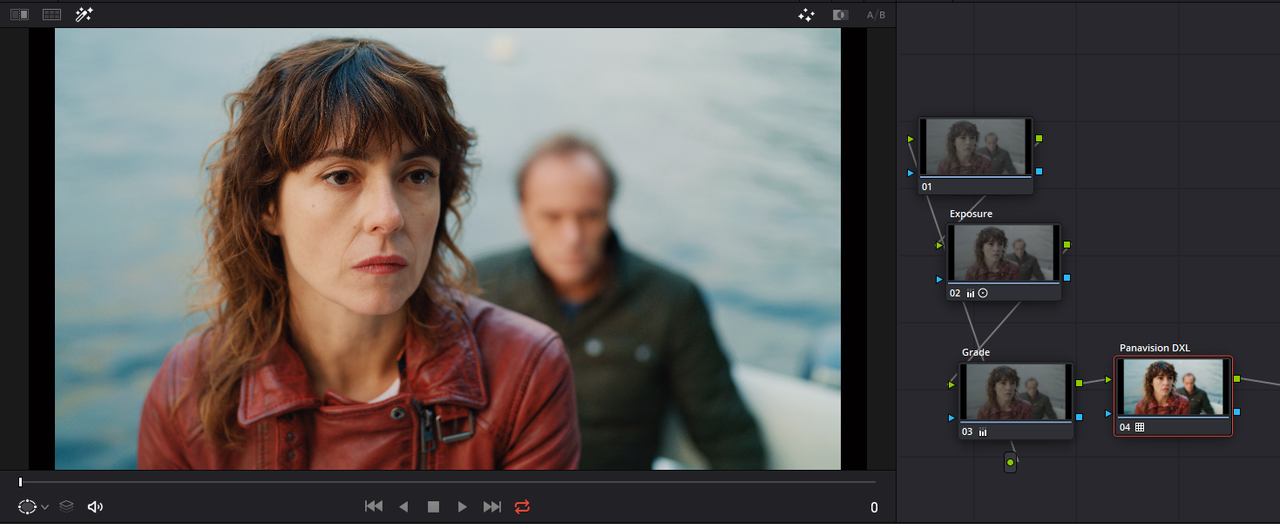
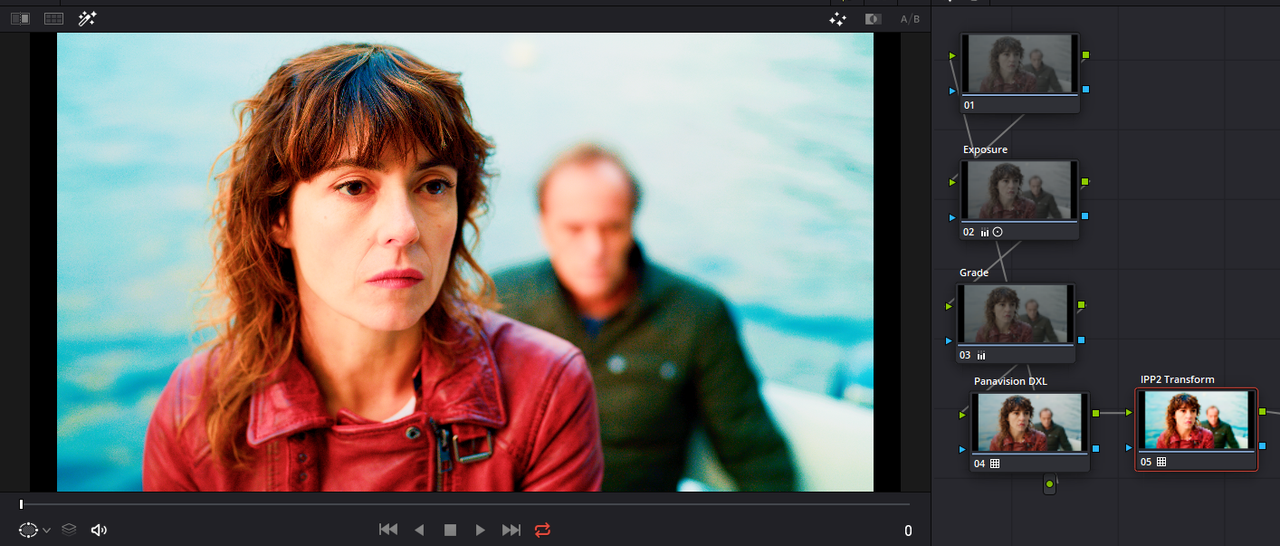
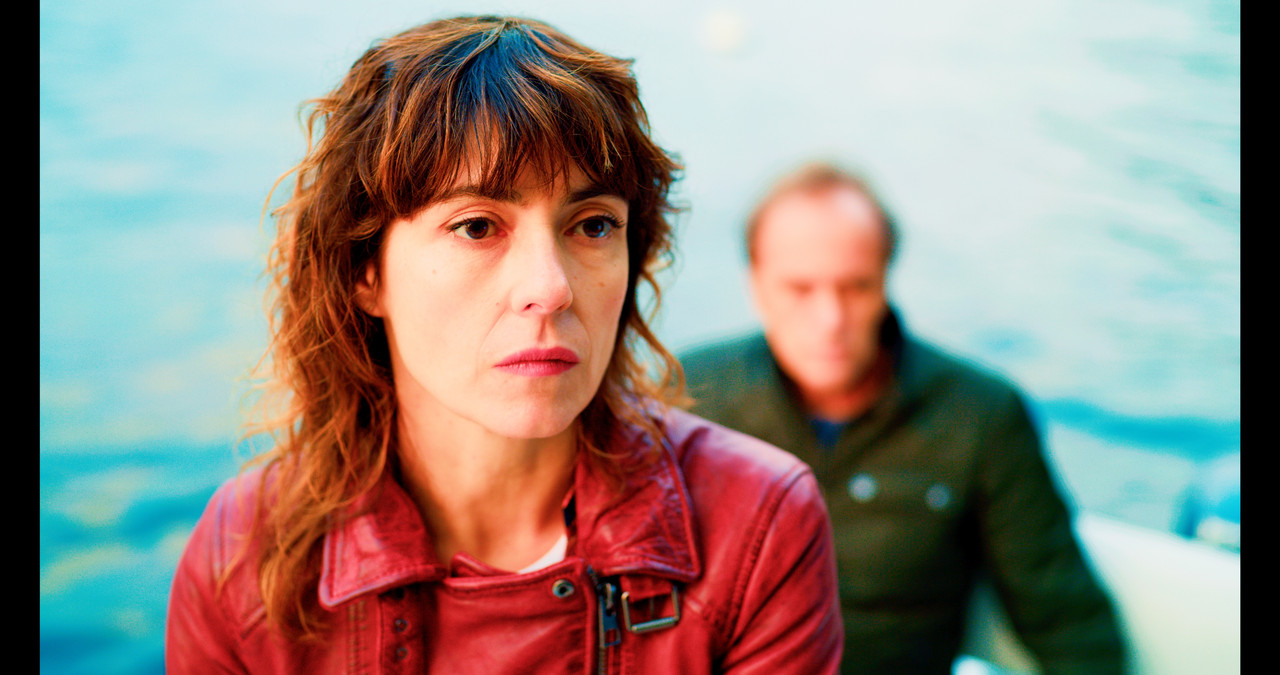
here is the DXL lut in an RWG/Log3G10 project. I used Primary Bars "Lift" and "Contrast/ Pivot" to give it a Tone curve and "Color Boost" for more color and a very slight "Hue" adjustment.

Images Provided by Luigi Valtulini

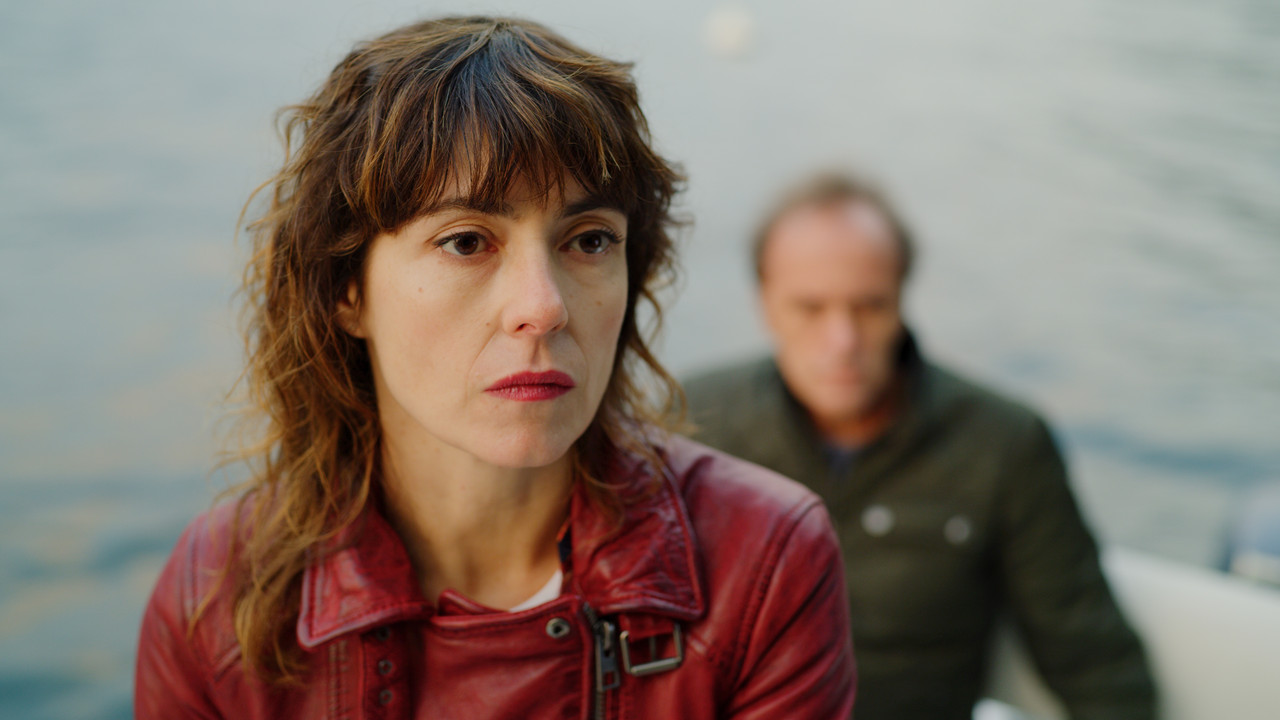
Original

A013-C005-0501-W5-0000000-F-0000000.jpg


RWG/Log3G10

RWGLOG3-G10-1-3-4.jpg


DXL Lut applied to RWG/Log3G10 project before final Processing.

original-DXL-before-processing-1-3-5.jpg


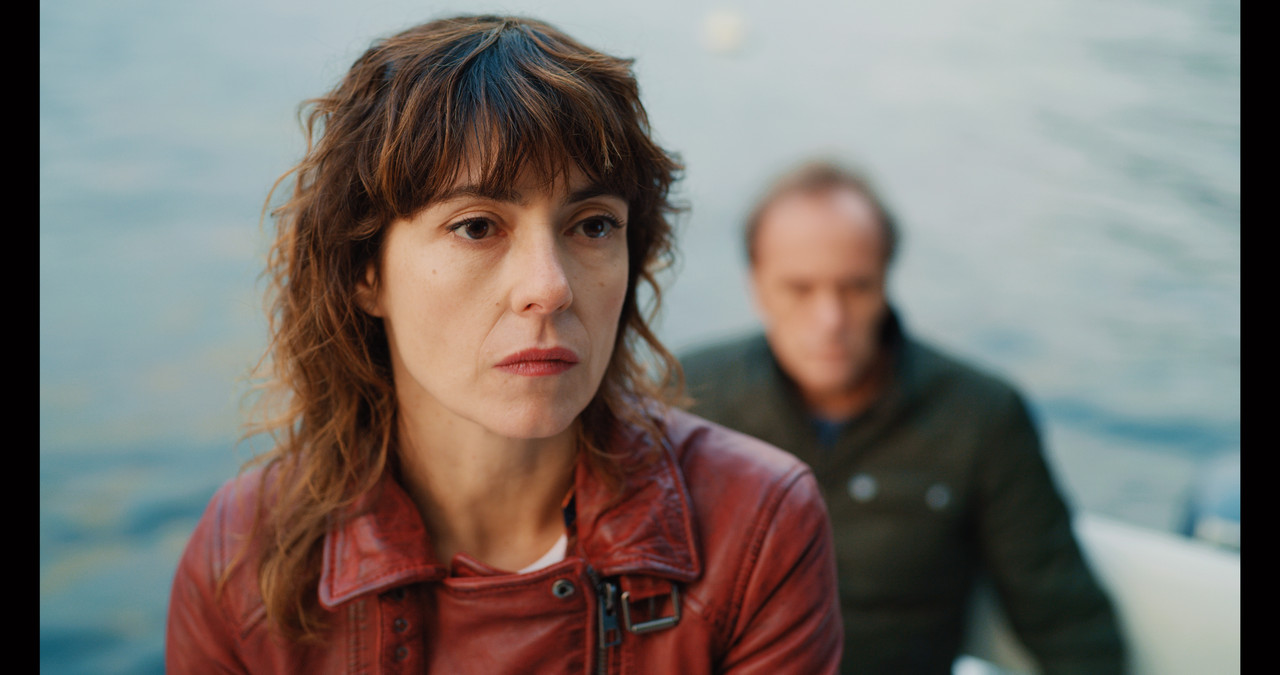
DXL Lut in RWG/LOG3G10 Project after processing

Pana-DXL-1-3-3.jpg


Screenshot-401.png
 
Last edited:
When I apply the LUT my image gets really bright, like really really :)

I bring it back easy but do you have the same "problem"?
 
When I apply the LUT my image gets really bright, like really really :)

I bring it back easy but do you have the same "problem"?


what NLE are you using? It sounds like you are trying to combine the DXL lut with its partial tone/Contrast curve with an IPP2 Output Transform that's meant to "fully" transform a RWG/LOG3G10 image into a REC709 image.


Can you post a .R3D frame grab of the image you were working with.
 
Luka


Images Provided by Luigi Valtulini

Here Is the DXL Lut by itself in an RWG/LOG3G10 Project with "Lift" and "Contrast/ Pivot" to give it a more complete Tone/ Contrast Curve and the way I believe you are doing it with the DXL Lut and a possible IPP2 Output Transform of "No Contrast and Either "Very soft", "Soft" or "Medium"

Excusethe black bars on the sides, I forgot I put this in a DCI 4096x2160 project

Original Image with 5600k 800ISO

A011-C011-1020-GX-0000000-F-0000000-orig.jpg


Image 5600k 400ISO

Without IPP2 Transform

Screenshot-408.png


without-IPP2-None-Very-Soft-1-1-1.jpg


With IPP2 Output Transform of "No Contrast /"Very soft"

Screenshot-409.png


Pana-DXL-Lut-with-No-Contrast-Very-Soft-1-1-2.jpg
 
Last edited:
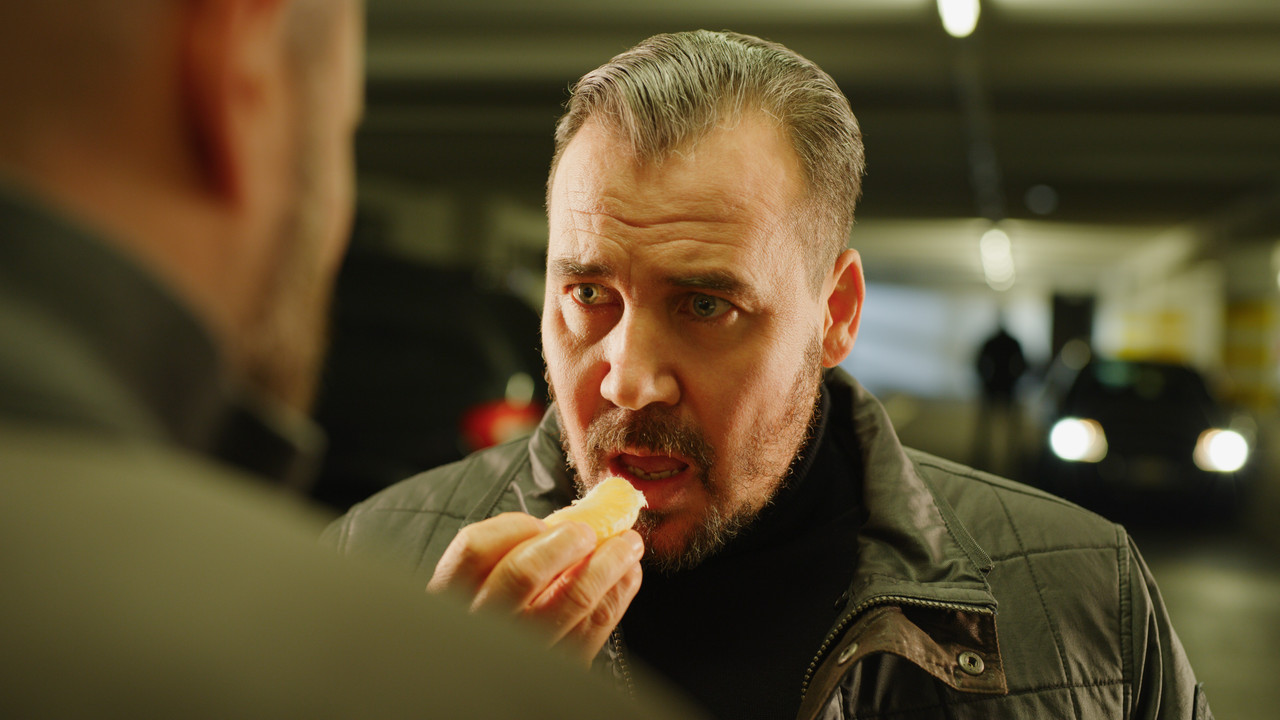
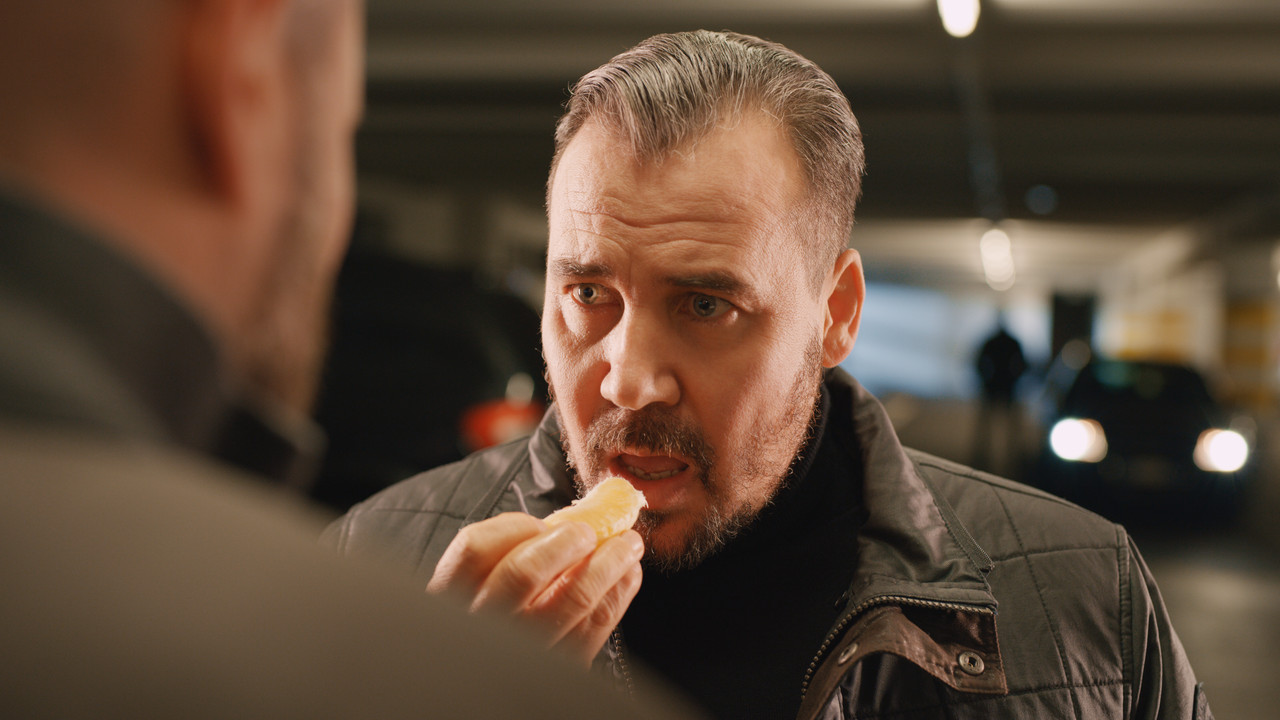
Here's another Quick Example.


Images Provided by Luigi Valtulini


Original 5600K 800ISO

A042-C010-11031-V-0001535-F-0000000.jpg


With only Pana DXL Lut 5600k 400ISO

Pana-DXL-LUT-1-4-1.jpg


With Pana DXL Lut and IPP2 Output Transform of "No Contrast /"Very soft" 5600k 400ISO

with-IPP2-Lut-1-4-2.jpg
 
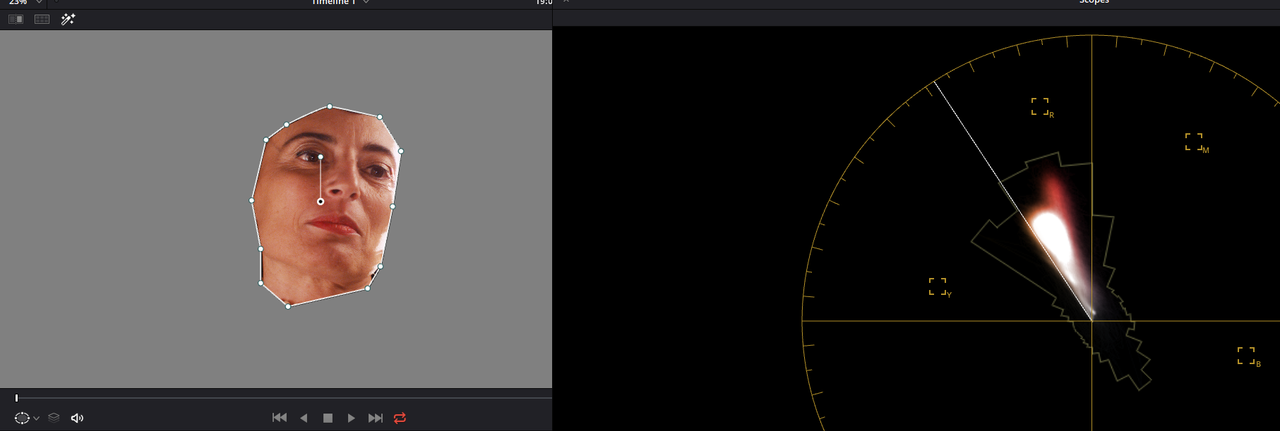
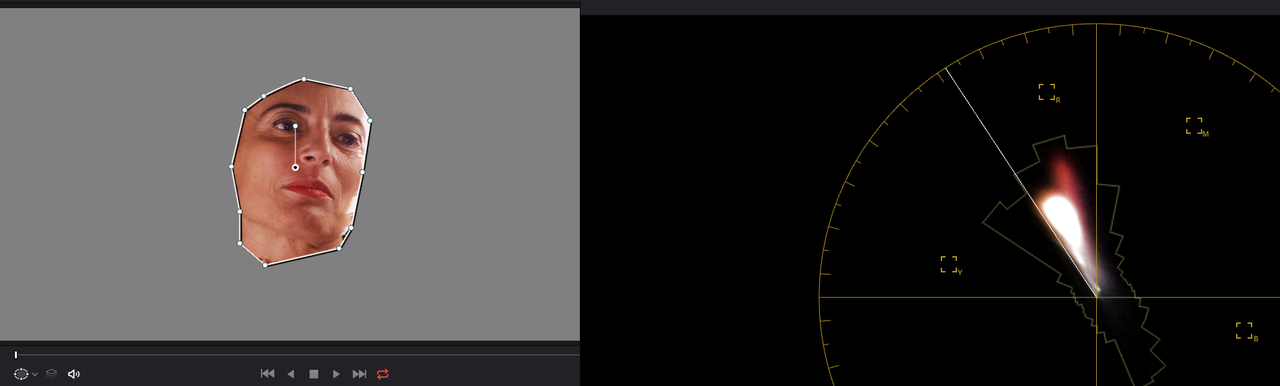
Here's Another Images Provided by Luigi Valtulini Where I saw little change in the Strong Red skin bias between the IPP2 Output Transform "Low Con/ Soft" and the Panavision DXL2 lut.


It seemed no matter what Color Temperature I started from, within usable range, skintones stayed almost strictly in the "Red" Area. I justed "chalked it up" to that strong Magenta Lighting, camera right, causing the look.


Original Metadata image from Redcine-X, 400 ISO and 4000K

A010-C011-0501-TA-0000000-F-S000-0000000.jpg


RWG/LOG3G10 project

All of the following Panavision derived images used an ISO of 640. The IPP2 "Low Con/Soft" Output Transform Image used ISO 800. I used various Temperatures for these examples , some I remember and some I don't, they were from about 1:00 pm this evening.


Also, all the examples below use the same "Primary Bars Lift", "Contrast/ Pivot" and "Log Lift" settings.


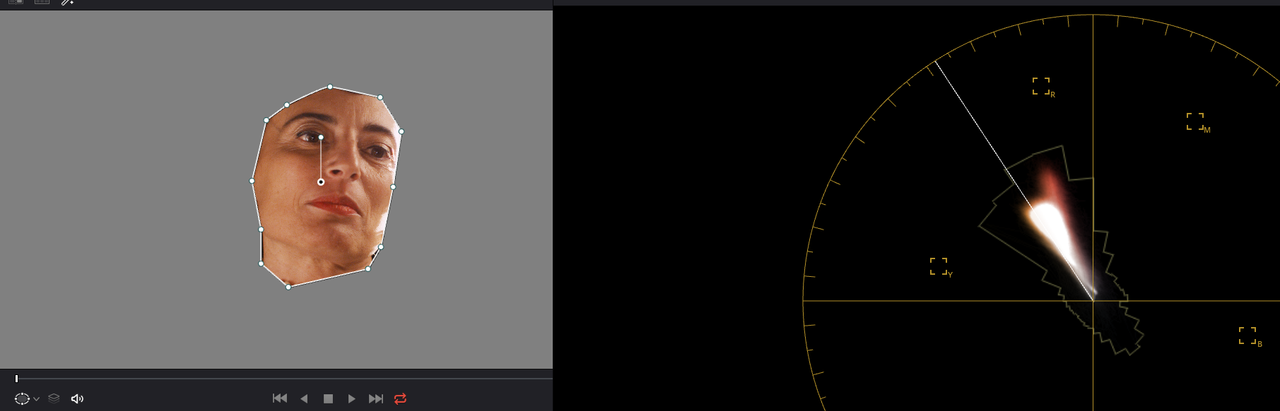
Image with IPP2 Output Transform "Low Con/Soft" added to the "Manual" Contrast/Tone curve I used in the Panavision DXL Examples which used "Primary Bars Lift", "Contrast/ Pivot" and "Log Lift" settings. No Color Corrections

low-contrast-soft-1-2-5.jpg


IPP2-Low-Con-Soft.png


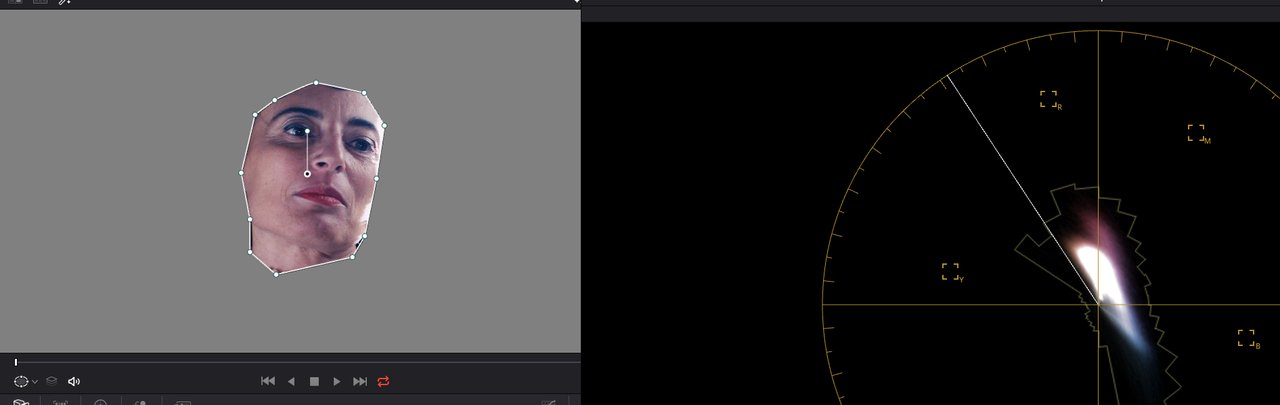
Panavison DXL2 Lut sample image 1. 3.00 "Color Boost"Added

version-5-1-2-5.jpg


Panavision-DXL2.png


Panavison DXL2 Lut sample image 2. No "Color Boost" Added

version-6-1-2-7.jpg


Version-6-Pana-DXL2.png


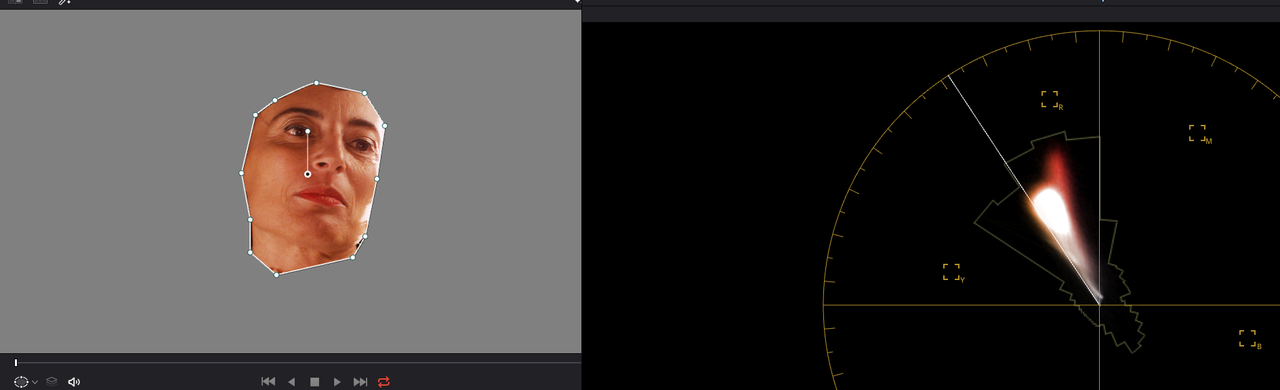
Panavison DXL2 Lut sample image 3. I tried to add a more "Yellow/Red" mixture to the Skin Tones. 3.00 "Color Boost"Added


Yellow-red-blend-1-2-4.jpg


Panavision-DXL2-More-Yellow-Red.png


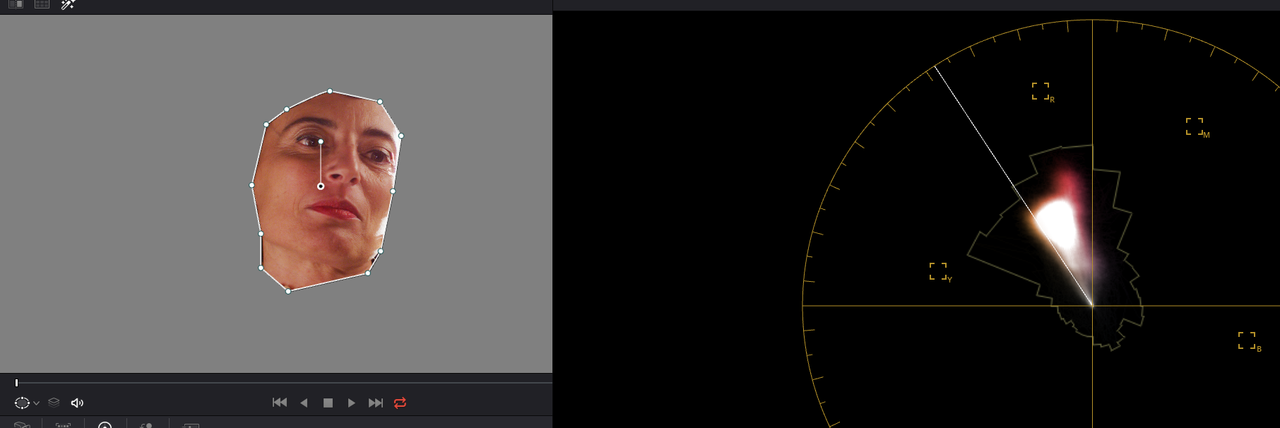
Skin Tone based on 3000K

Screenshot-415.png


Skin Tone based on 4200K

Screenshot-416.png
 
Last edited:
Thanks Luigi for the PANA.CUBE file and Rand for the sample images! This is by far my favorite look with my S-W Dragon camera. Instantly fell in love!
 
Here's Another Example


Images Provided by Luigi Valtulini


Original Metadata image from Redcine-X 3200K, -3.000Tint

A045-C002-1104-I7-0000615-F-0000000.jpg


Original Metadata changed to 5600K, No Tint.


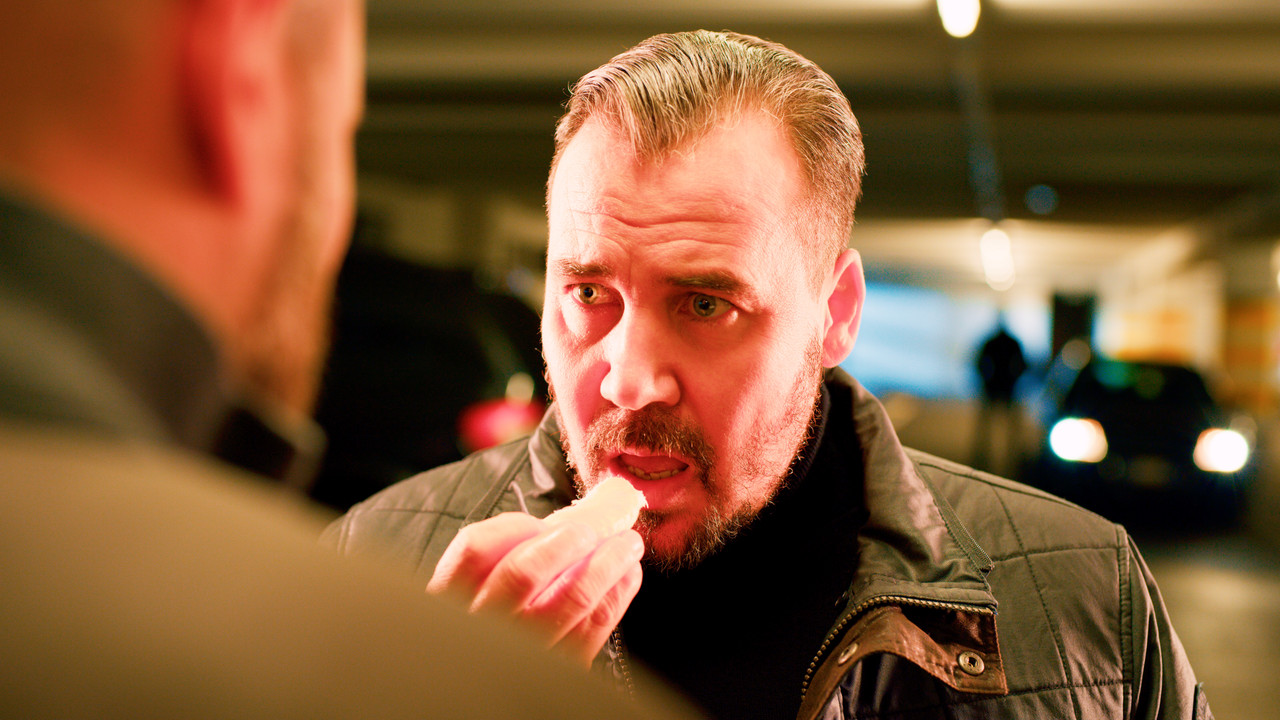
A045-C002-1104-I7-0000615-F-S000-0000000.jpg


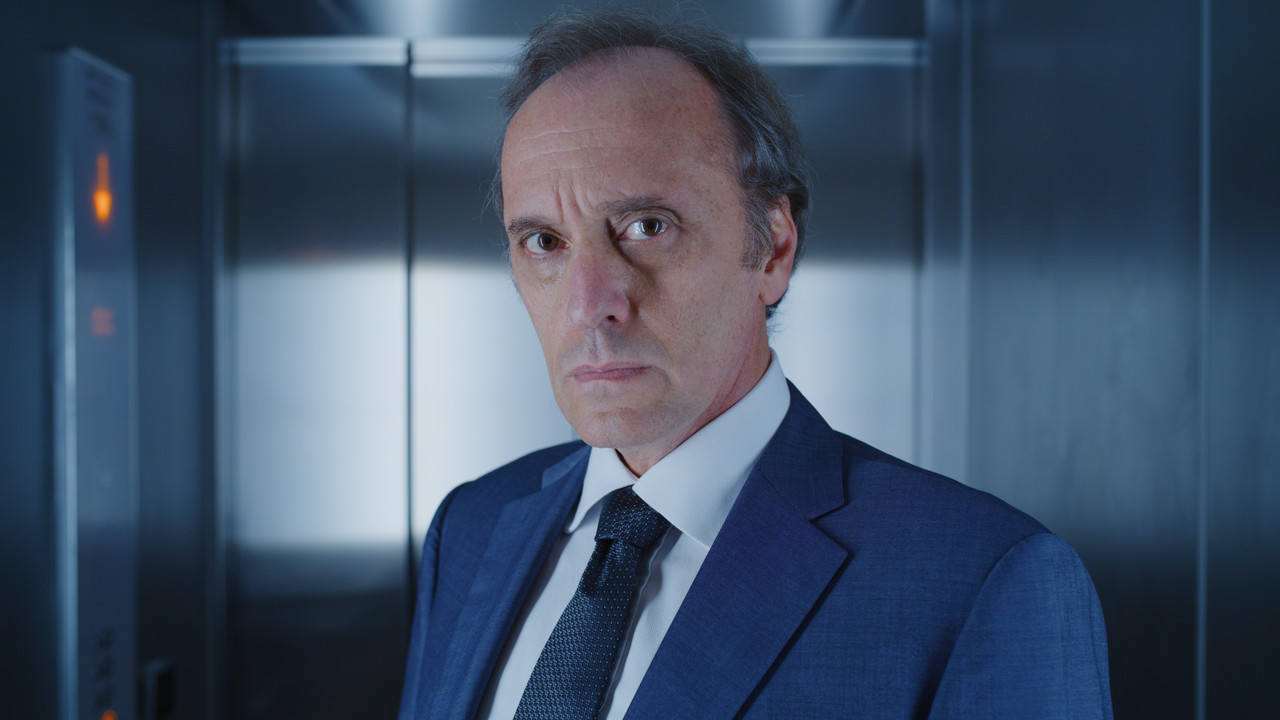
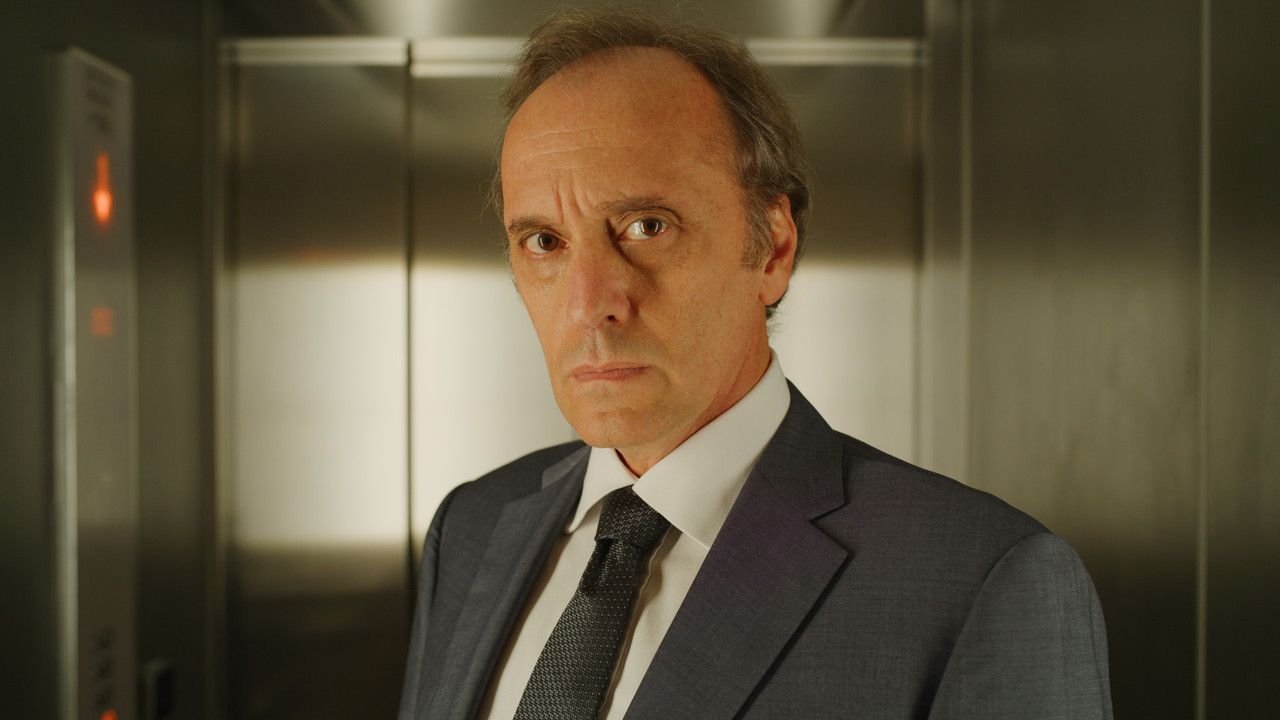
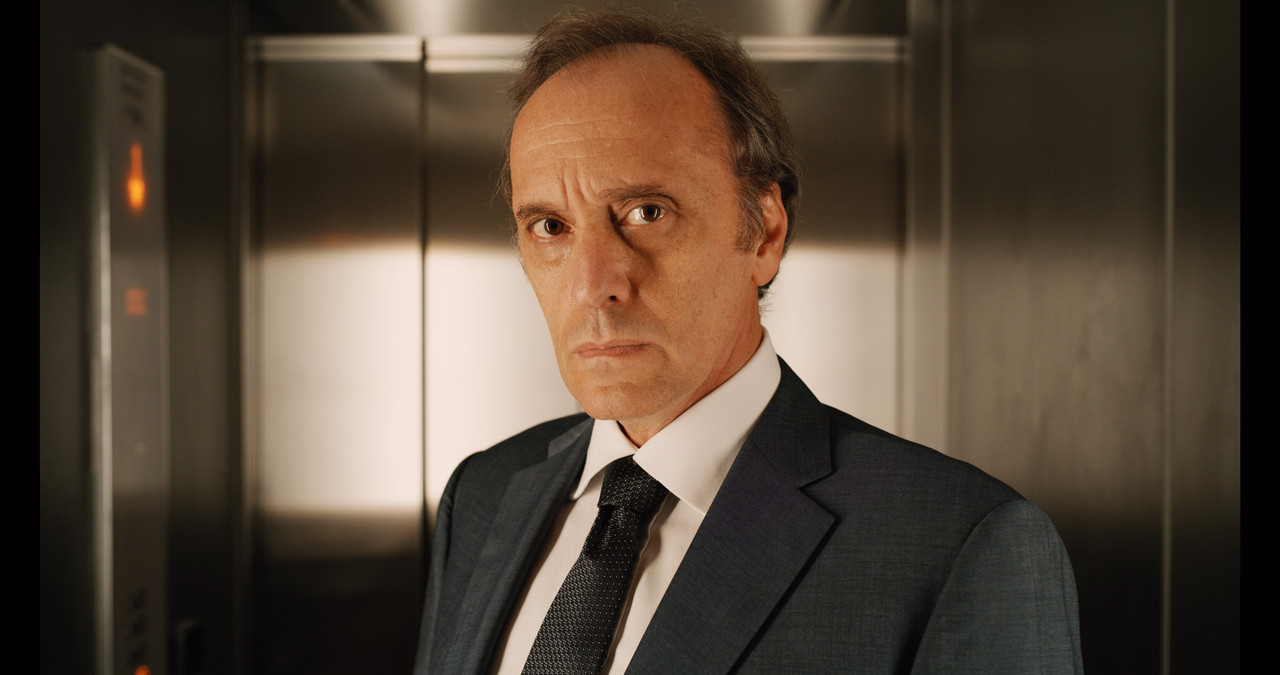
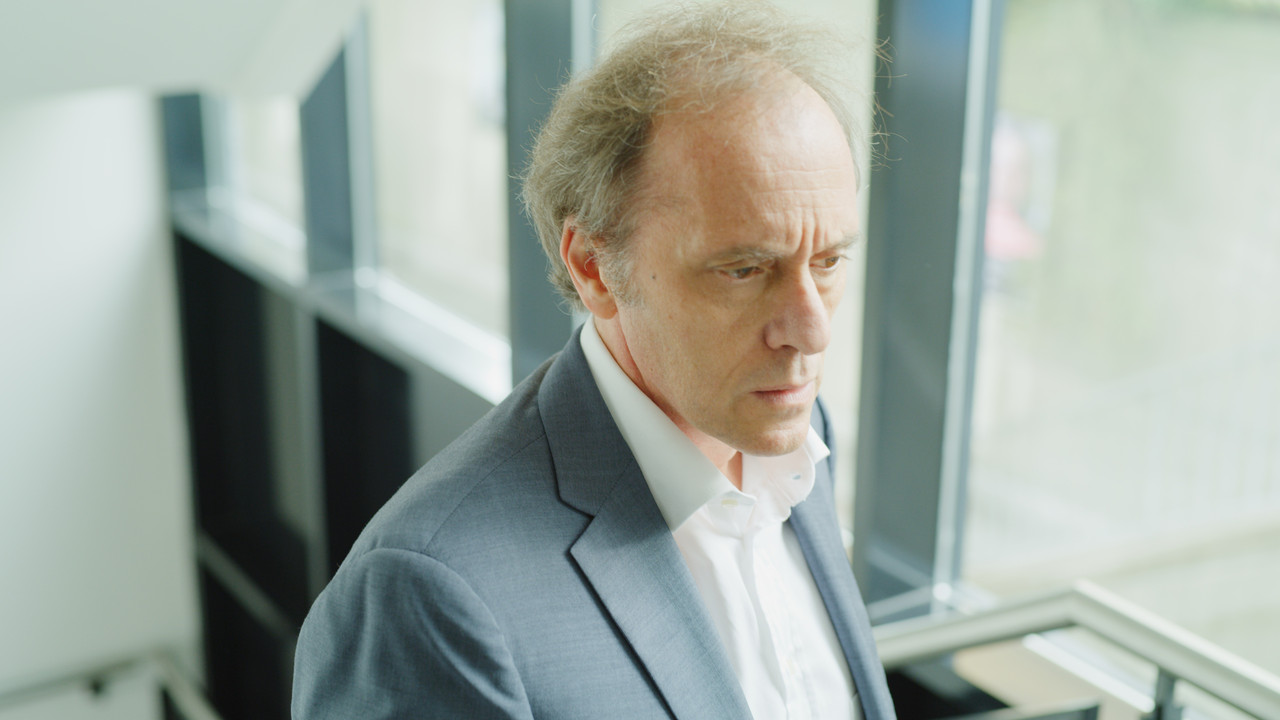
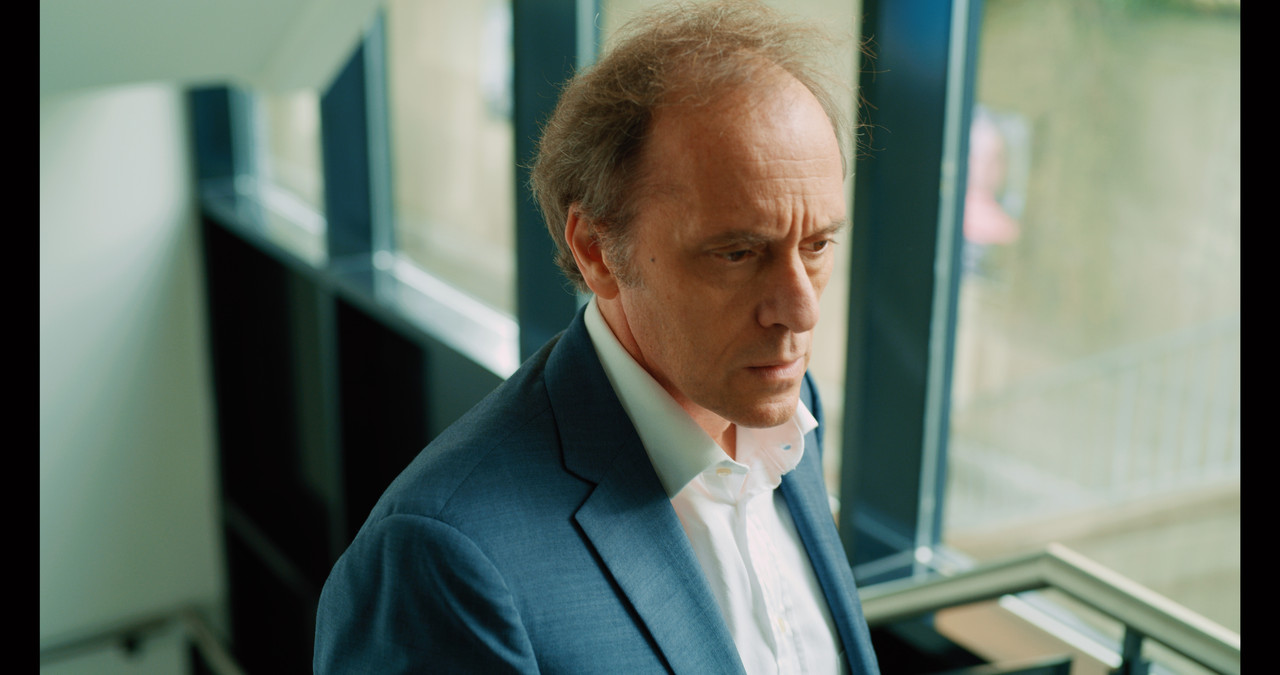
Original Metadata changed to 5600K, No Tint. with Panavision DXL2 Lut with "Primary Bars Lift", "Contrast/ Pivot" and "Log Lift" settings added and 2.50 "Color Boost"

guy-in-elevator-2-1-3-1.jpg
 
Another Example

Images Provided by Luigi Valtulini

Original Metadata image from Redcine-X 5600K, -3.000 Tint ,ISO 800

A038-C021-1102-TN-0001644-F-0000000.jpg


Original Metadata changed to 5600K, No Tint, ISO 800

A038-C021-1102-TN-0001644-F-S000-0000000.jpg


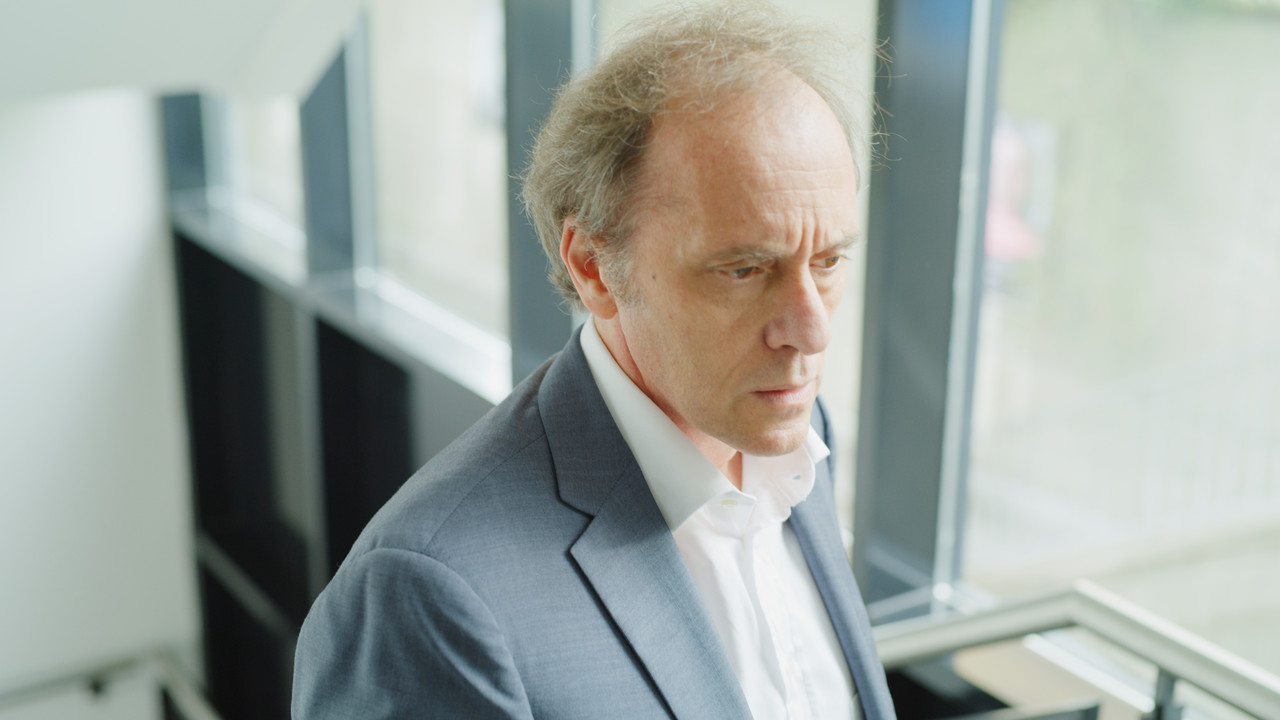
Original Metadata changed to 5600K, No Tint , ISO 320 with Panavision DXL2 Lut with "Primary Bars Lift", "Contrast/ Pivot" and "Log Lift" settings added and 21.00 "Color Boost"


guy-going-up-stairs-1-4-1.jpg
 
Last edited:
spent just a few minutes looking at this pana2.cube with some very old dragon clips... looks good - seems like its necessary to put the clip settings (in resolve) into RedWideGammaRGB and Log3G10 prior to applying this lut in a different node ? I did notice the luminance aspect of the LUT relative to the raw processing seems to require some adjustment to be "correct" but that overall I like the chrominance of this lut applied to red Raw transformed through RWGRGB and Log3G10...

Anyone else have any tips ?
 
Dan,


The Lut seems to lack some color, which is why I add "color boost' and not "Saturation". And Yeah, you kinda have to add some additional contrast to bring it more fully into lets say a Rec709 Colorspace tone wise.


However, I'm still going to use the IPP2 workflow and the ACEScct Workflow more because I'm better at correcting images in both of them. You have to still realize that this Lut is not "truly" meant to work the same way with Red cameras as it is with the Panavision DXL2 cameras. This is because of all of the known and unknown variables between them. But its fun to try out different ways to process the Red .R3D files.
 
There are some unknowns, but the primary "known" is that the Red uses ISO compensation (to make the exposure similar to other cameras at the same ISO settings, like Arri or Sony cameras) in the camera, and the DXL basically does that in the LUT. The difference is about 1.5 stops. You can make them similar by turning exposure compensation off on (I think) the ISO page in the Red Monstro (and then resetting the ISO to a proper setting), but the Lightiron LUT is designed to work with the DXL, not with the Red in its default settings. Of course, it's all just metadata anyway so you're really just setting it up to have "familiar" numbers.

Red Support, I hope I'm not out of line in revealing this, as I think it's common knowledge...
 
Dan,


The Lut seems to lack some color, which is why I add "color boost' and not "Saturation". And Yeah, you kinda have to add some additional contrast to bring it more fully into lets say a Rec709 Colorspace tone wise.


However, I'm still going to use the IPP2 workflow and the ACEScct Workflow more because I'm better at correcting images in both of them. You have to still realize that this Lut is not "truly" meant to work the same way with Red cameras as it is with the Panavision DXL2 cameras. This is because of all of the known and unknown variables between them. But its fun to try out different ways to process the Red .R3D files.

personally I found it "saturated enough" or "colorful enough" for my taste, but that luminance either needs to come up or down which adds more bite to it in terms of the way perceived chrominance comes through - at least in my 10-20 minutes of playing around. could be a matter of which sensor is being fed into it, and a wide variety of other parameters... overall I like the chrominance result.
 
Dan,


I think the original DXL was based on the Dragon VV sensor and now the Monstro VV so I'm not sure which "Dragon" clips you used but it sounds like you are either using the 6K Dragon or Epic Dragon. I believe even the Dragon VV was an improvement over the Red Dragon 6k, so maybe there will be differences.
 
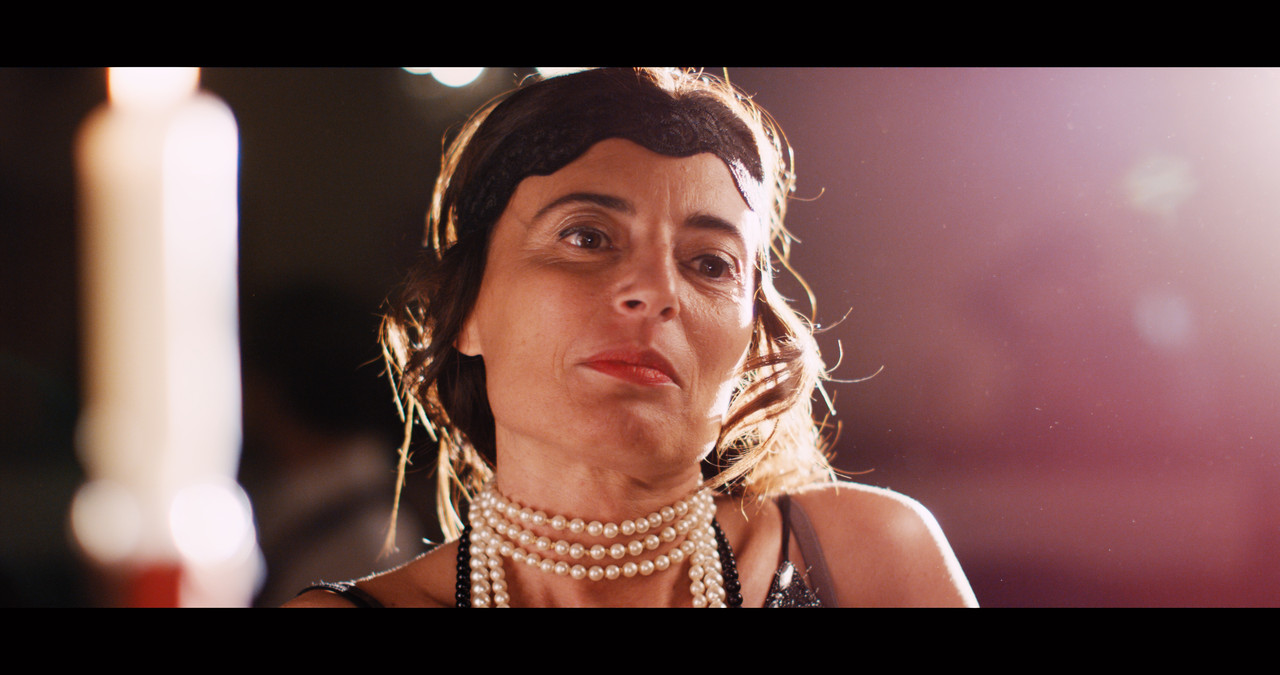
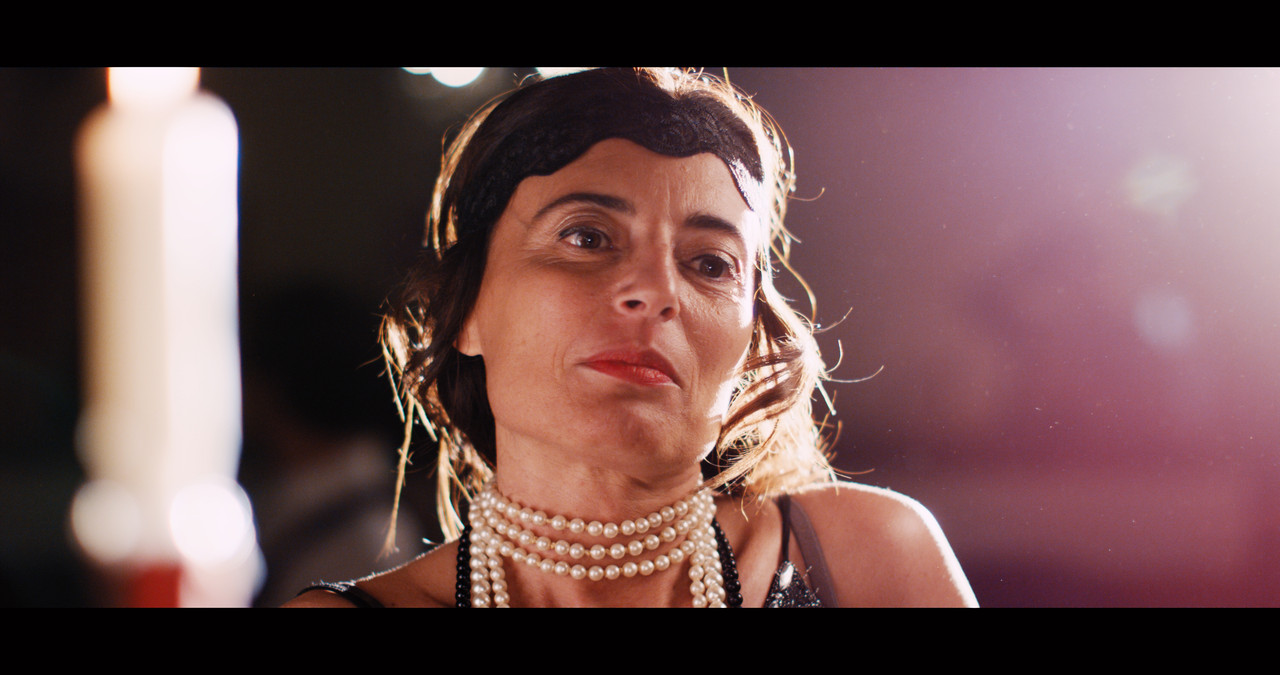
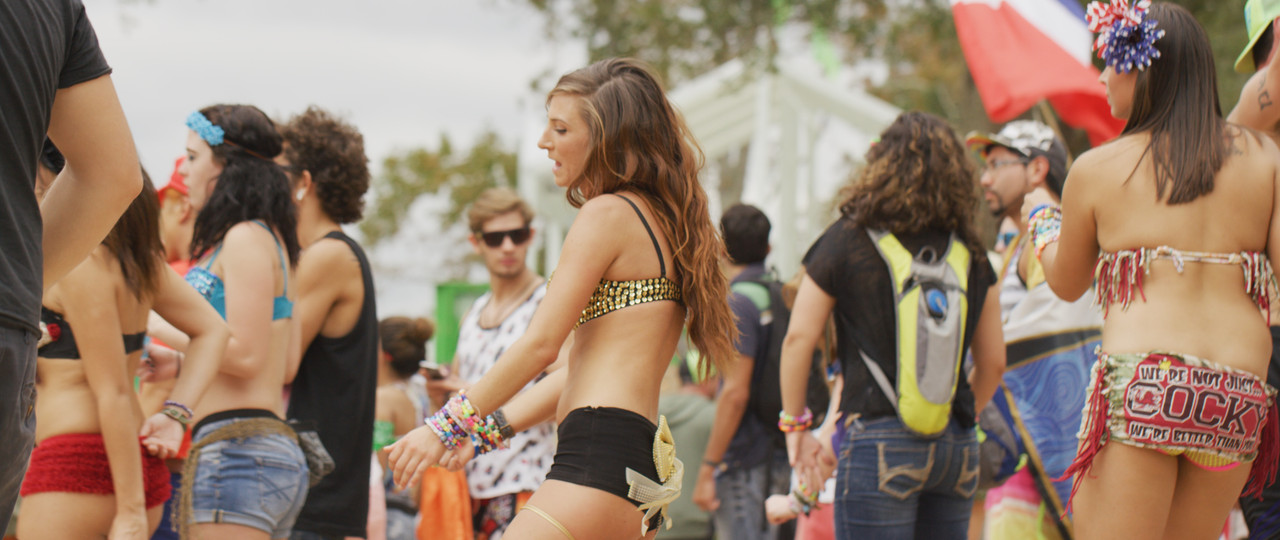
Original Metadata out of Redcine-X, 6500k 400ISO

S003-C126-0926-F9-0000297.jpg


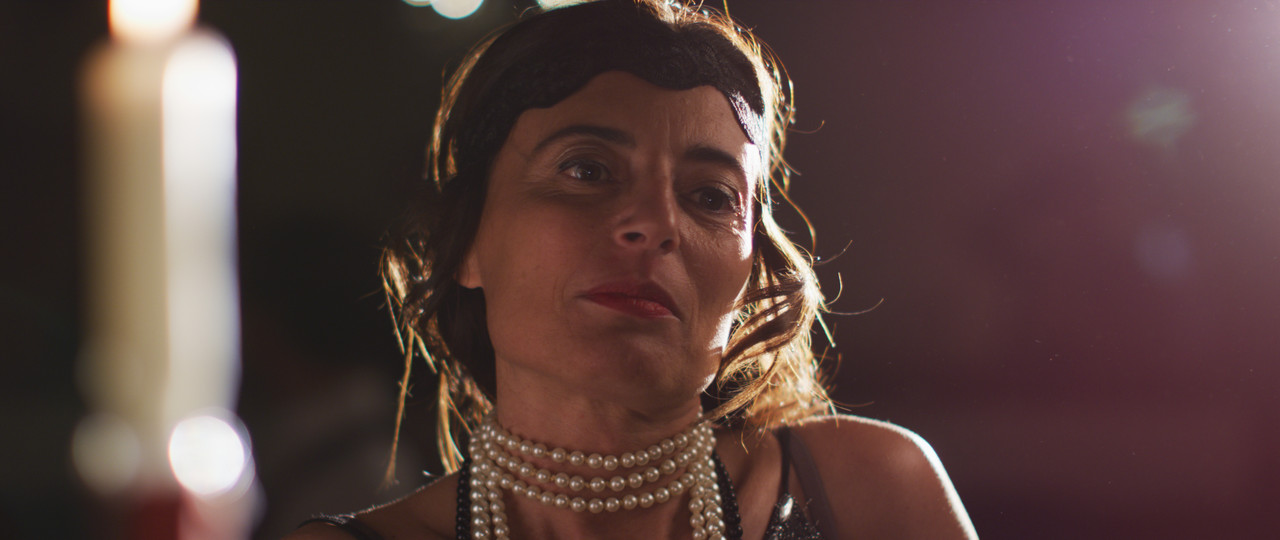
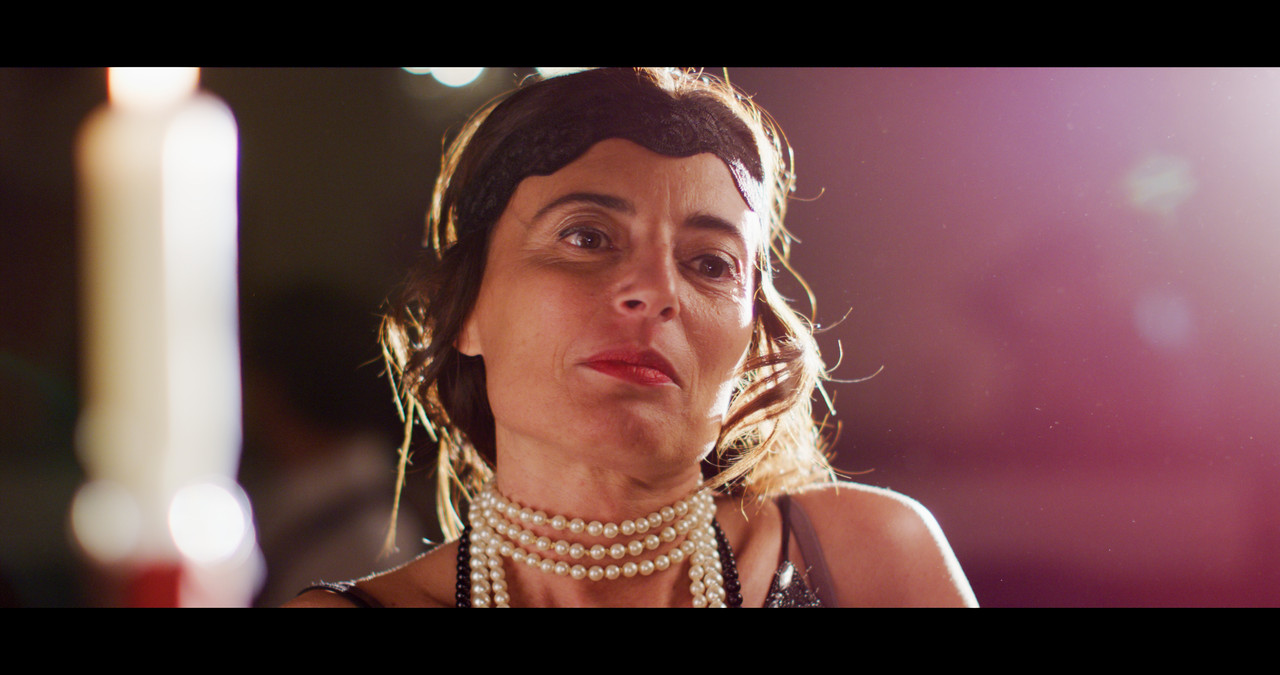
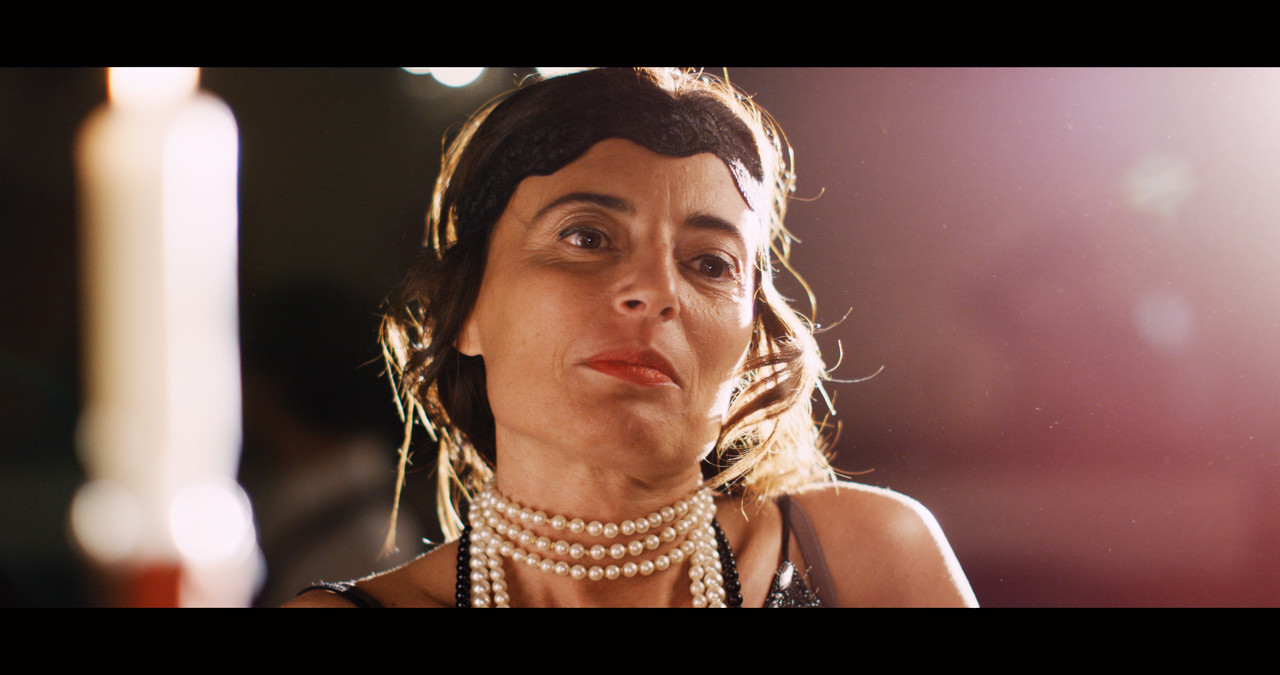
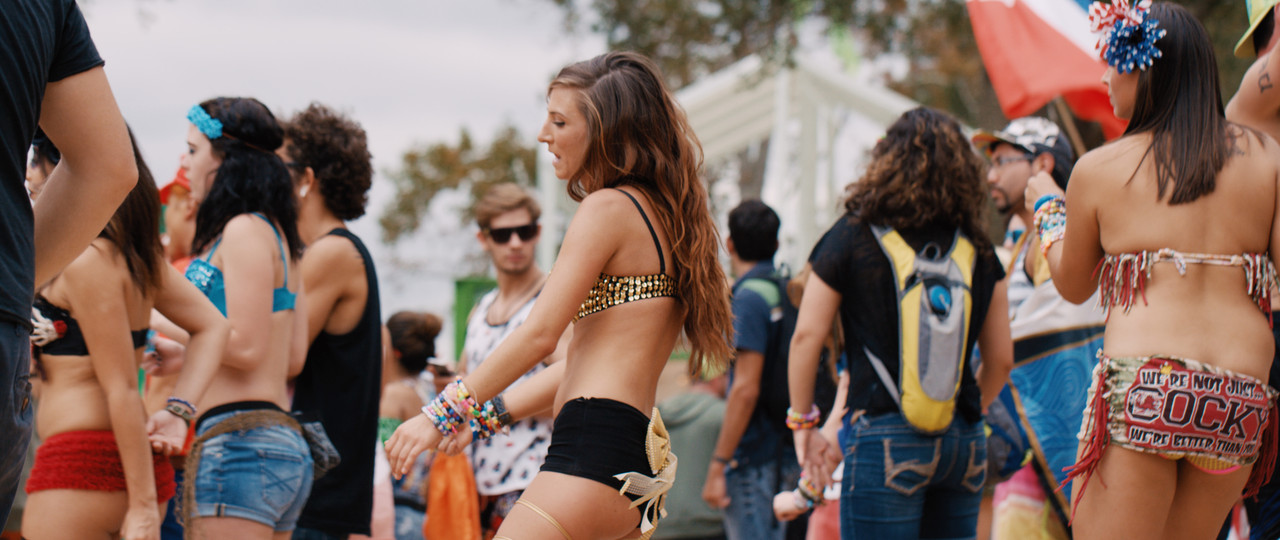
RWG/LOG3G10 Project 5600K , 400ISO with Panavision DXL Lut and with "Primary Bars Lift", "Contrast/ Pivot" and "Log Lift" settings added and 4.00 "Color Boost"

outside-party-2-1-1-2.jpg
 
Back
Top