rand thompson
Well-known member
- Joined
- Aug 9, 2011
- Messages
- 18,999
- Reaction score
- 622
- Points
- 113
Loren,
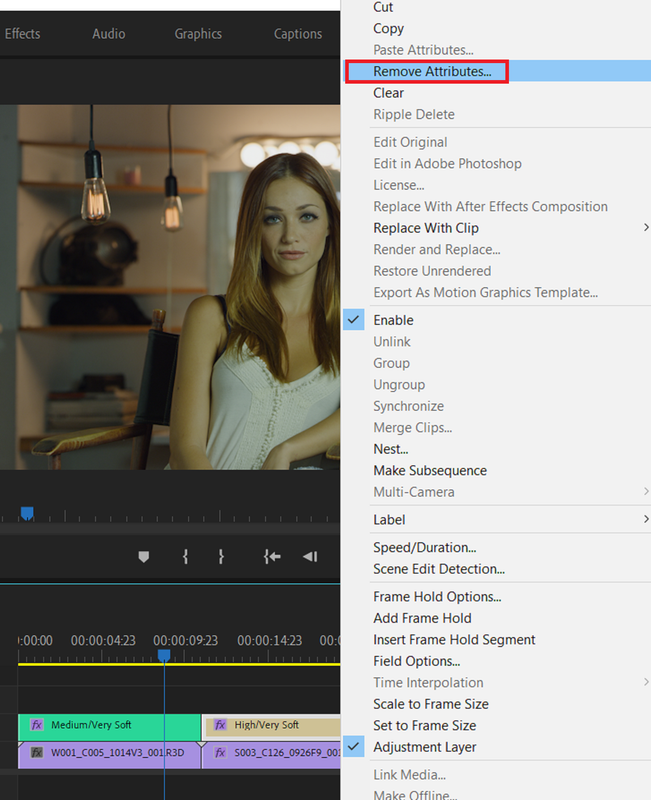
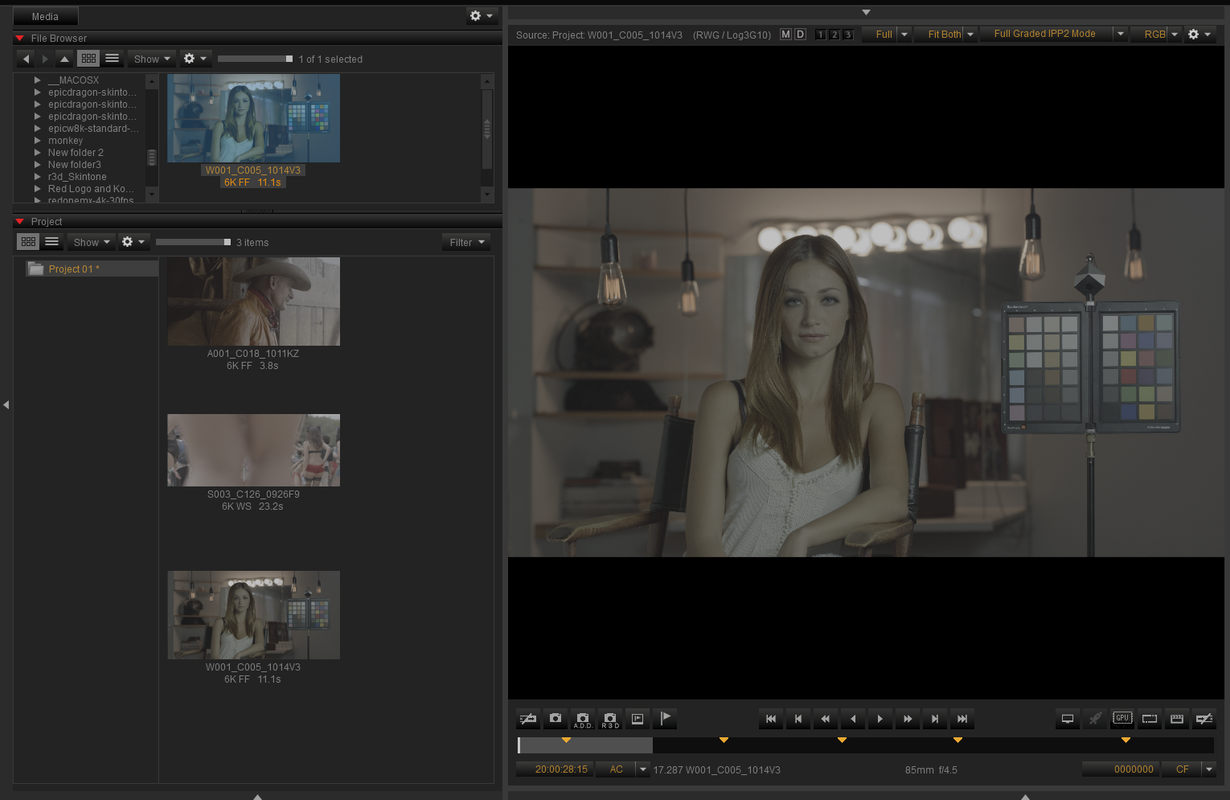
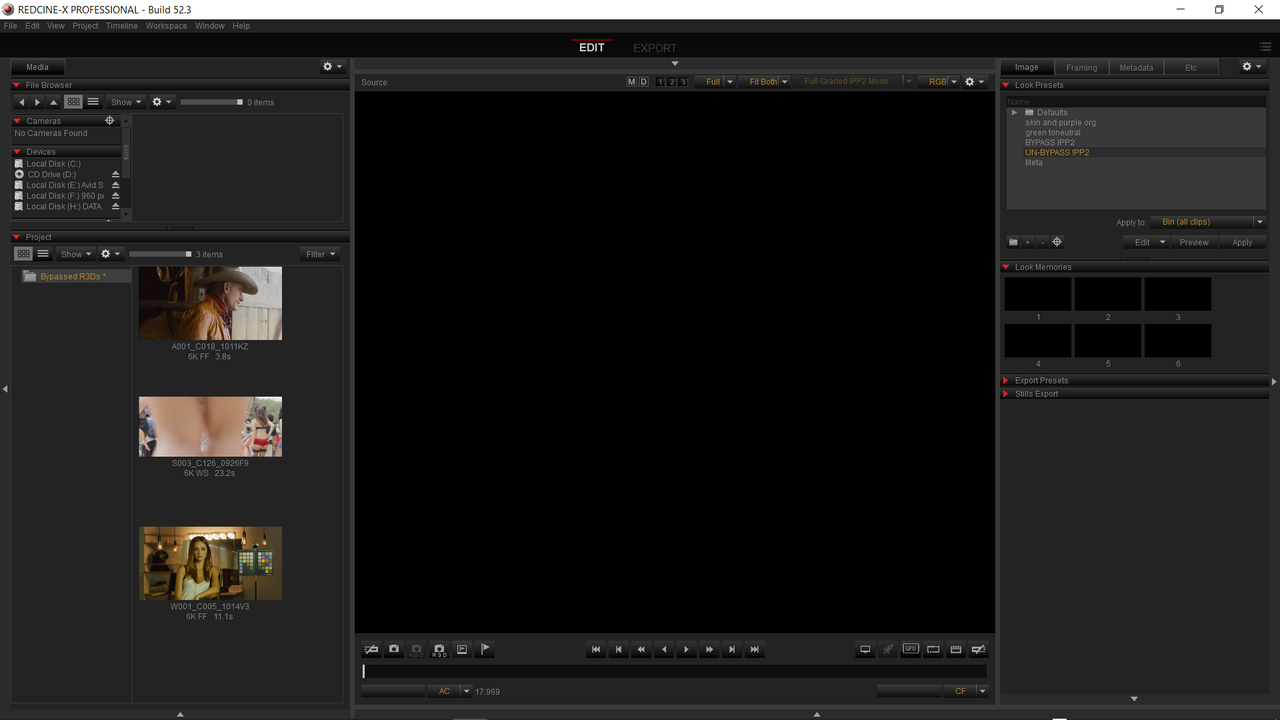
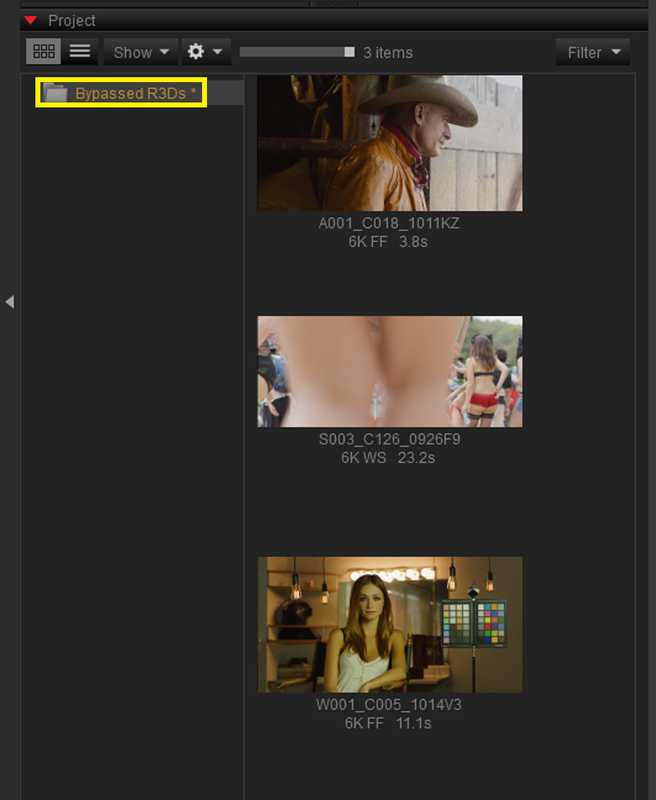
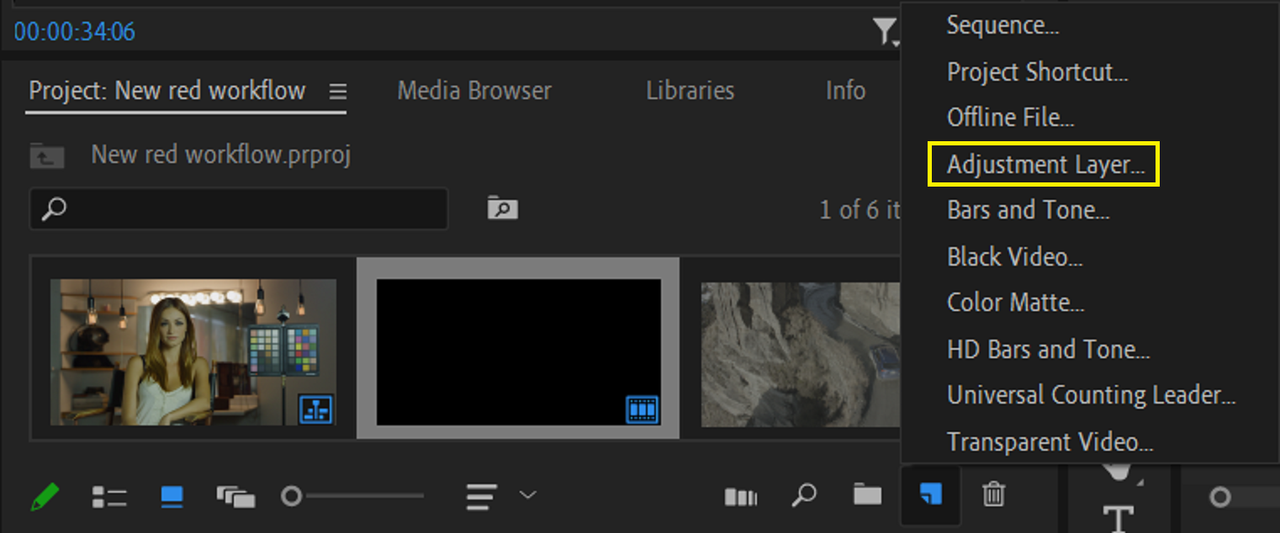
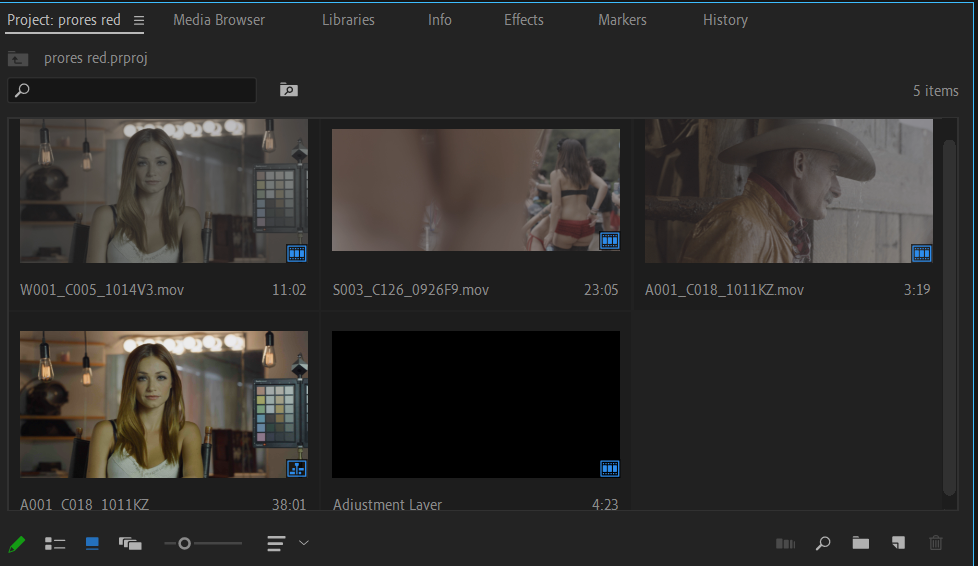
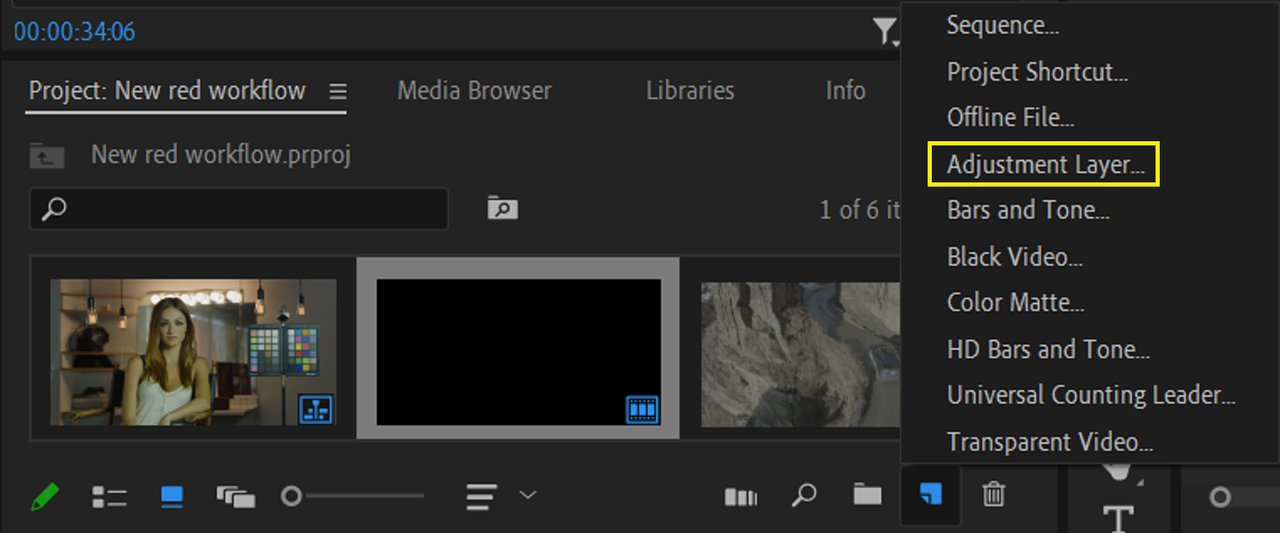
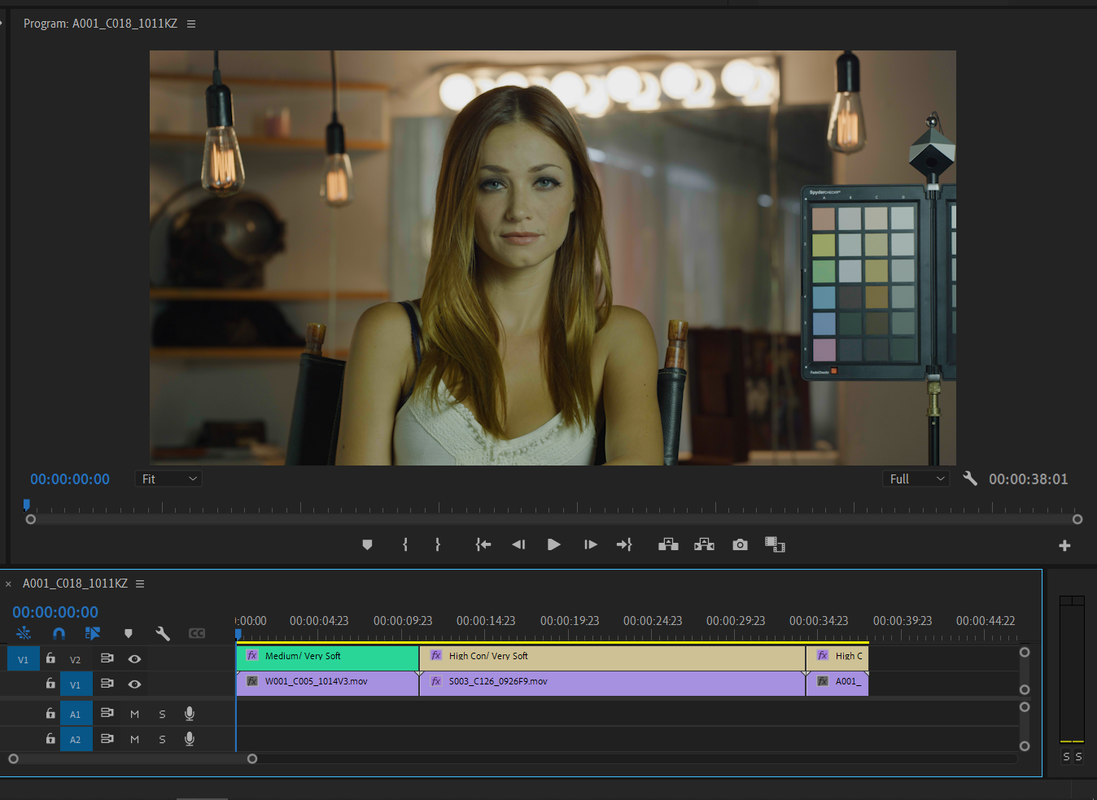
I think the simplest solution to this problem is an "Adjustment Layer". As you stated above, no changes where made to any of the settings in camera or from Redcine-X with the new workflow. It just comes into Premiere Pro with no IPP2 Output Transform attached to the clips, you don't have to start from scratch you just need to add the IPP2 Output Transform back.
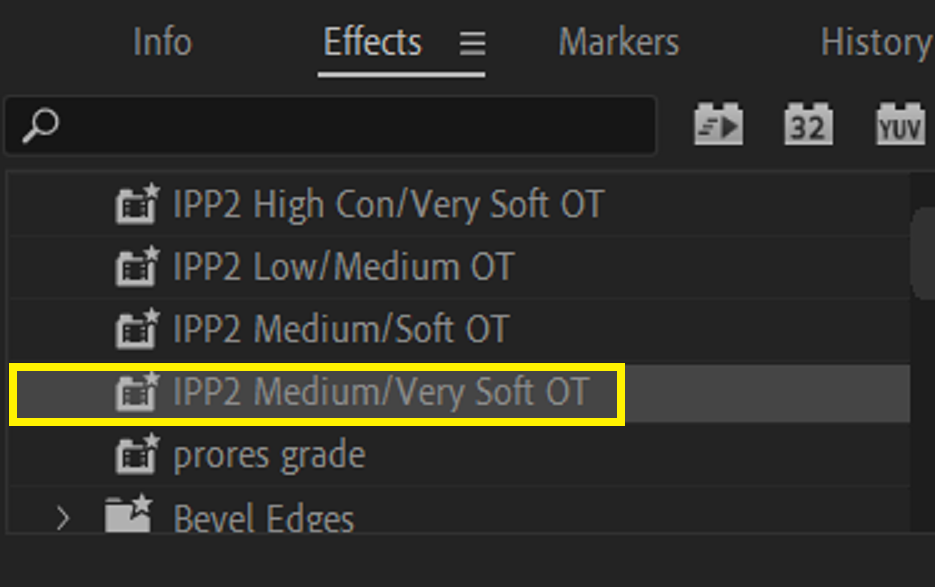
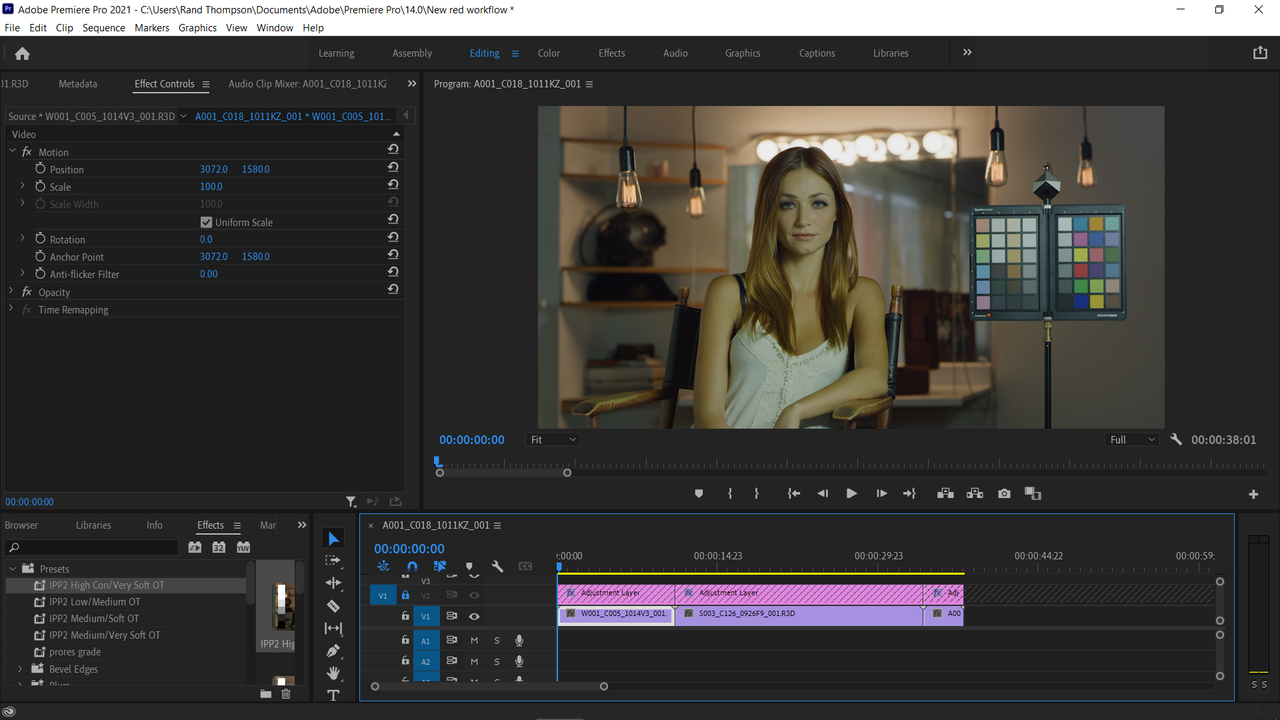
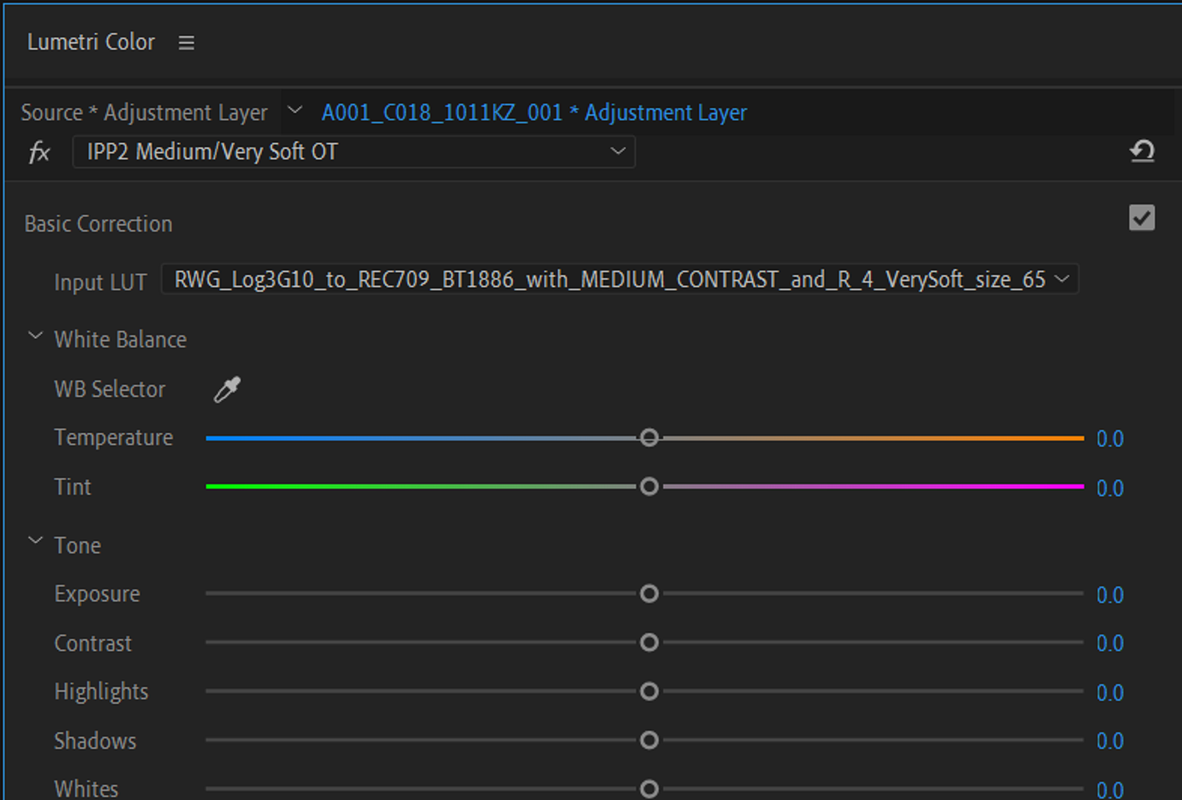
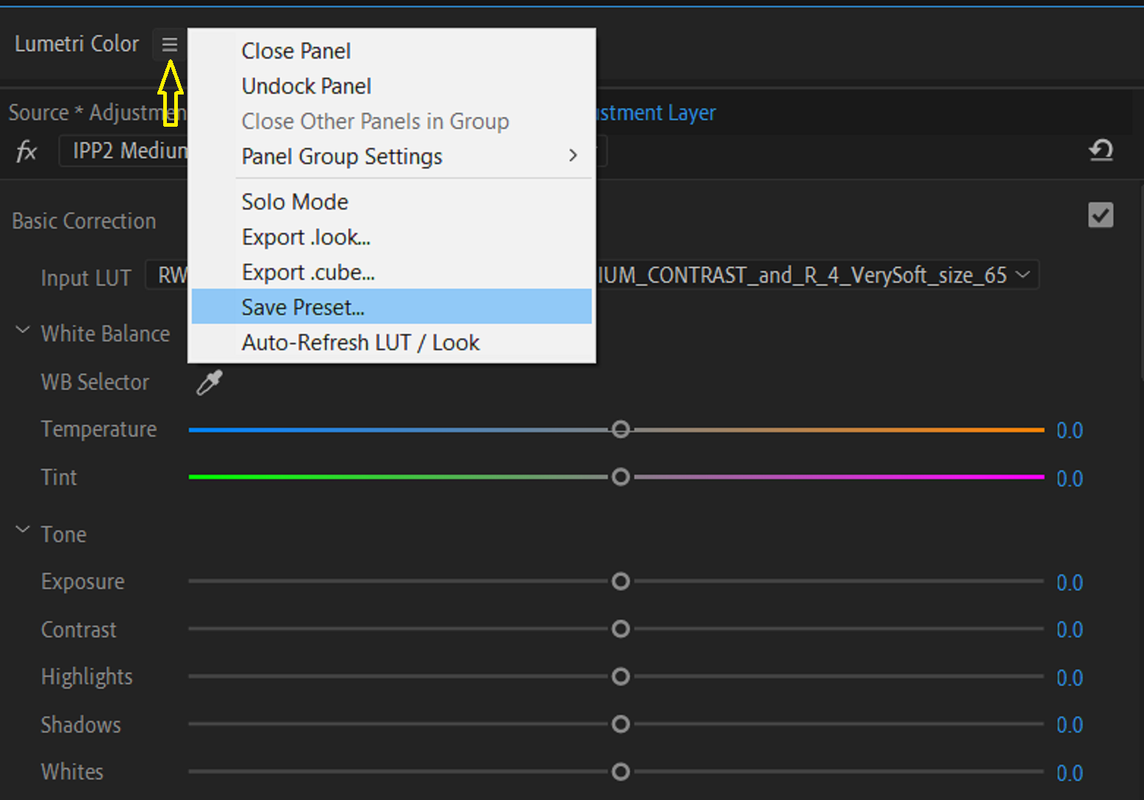
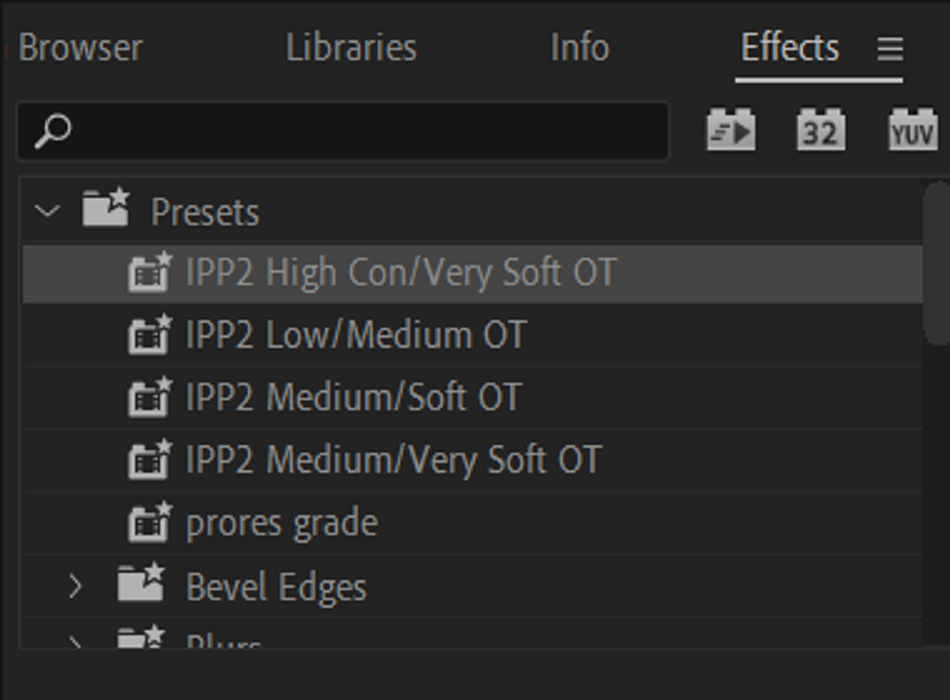
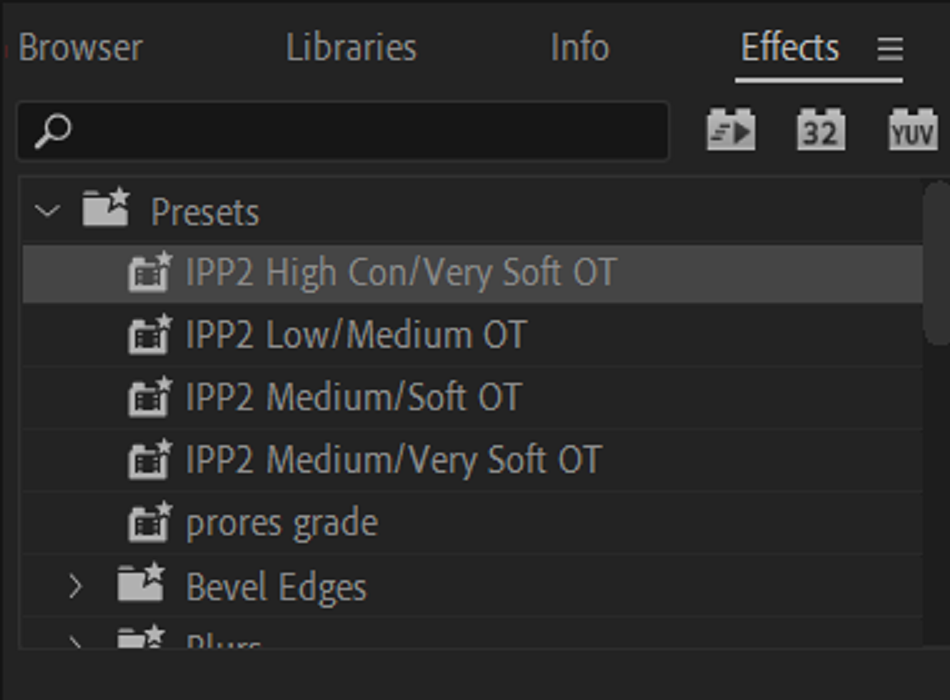
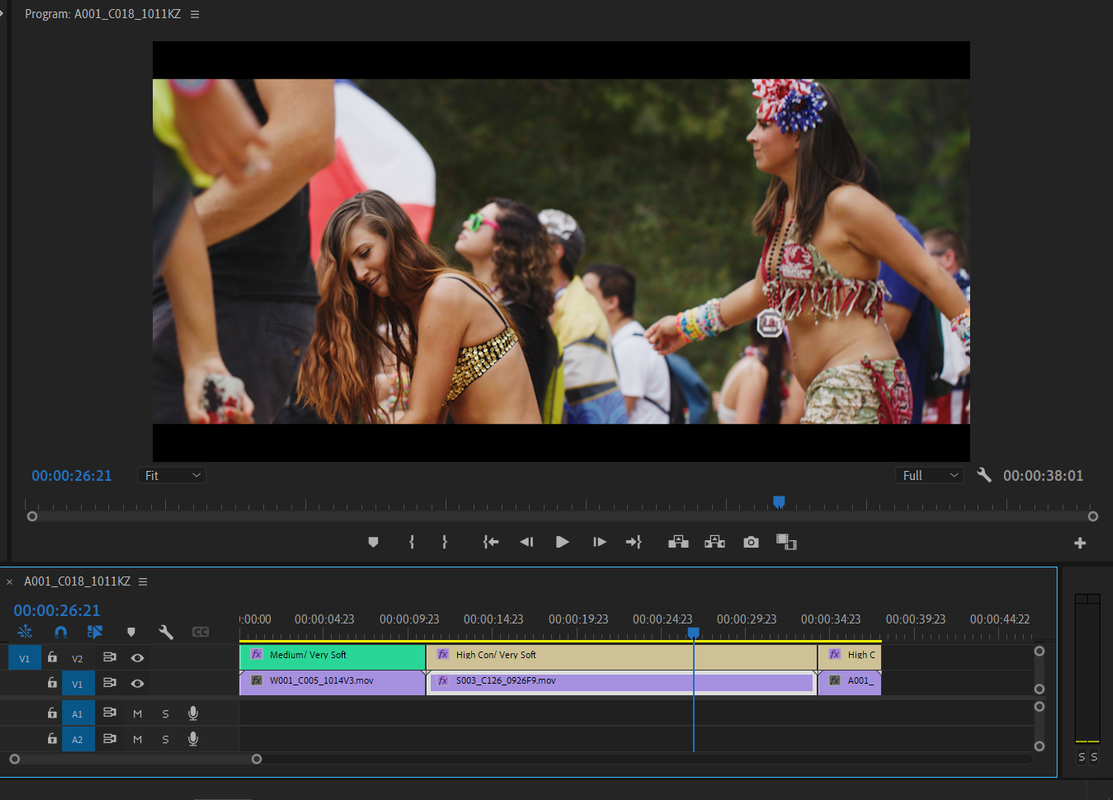
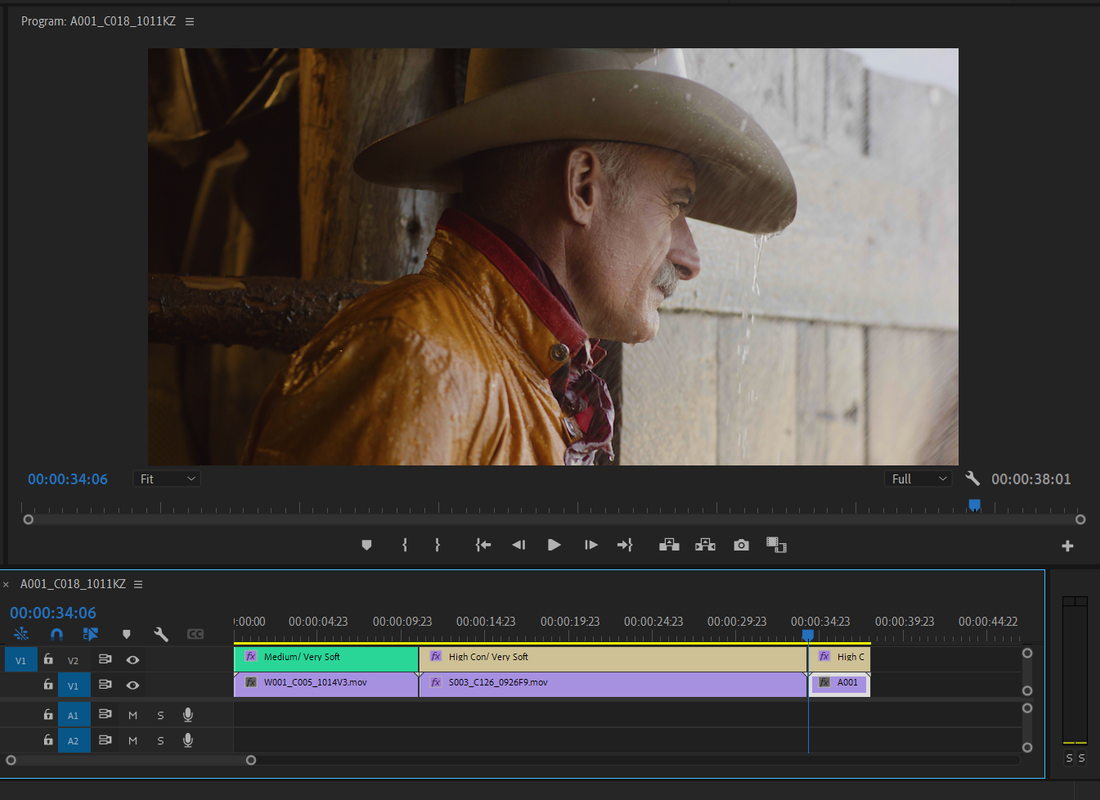
Since Adobe Premiere is "Layer Based" instead of "Node Based" like Resolve, what takes place on the highest track takes place last in the grading hierarchy. So if you make some IPP2 Output Transform Presets in Lumetri that will be stored under the "Effects" tab, you can simply add back the IPP2 Output Transforms that are missing from the clips to the Adjustment layer above the clips to make them look as they did. The IPP2 Workflows Requires that the IPP2 Output Transform be applied at the end of the grade and applying an Output Transform to the Layer above the R3D files in Premiere Pro would duplicate that.
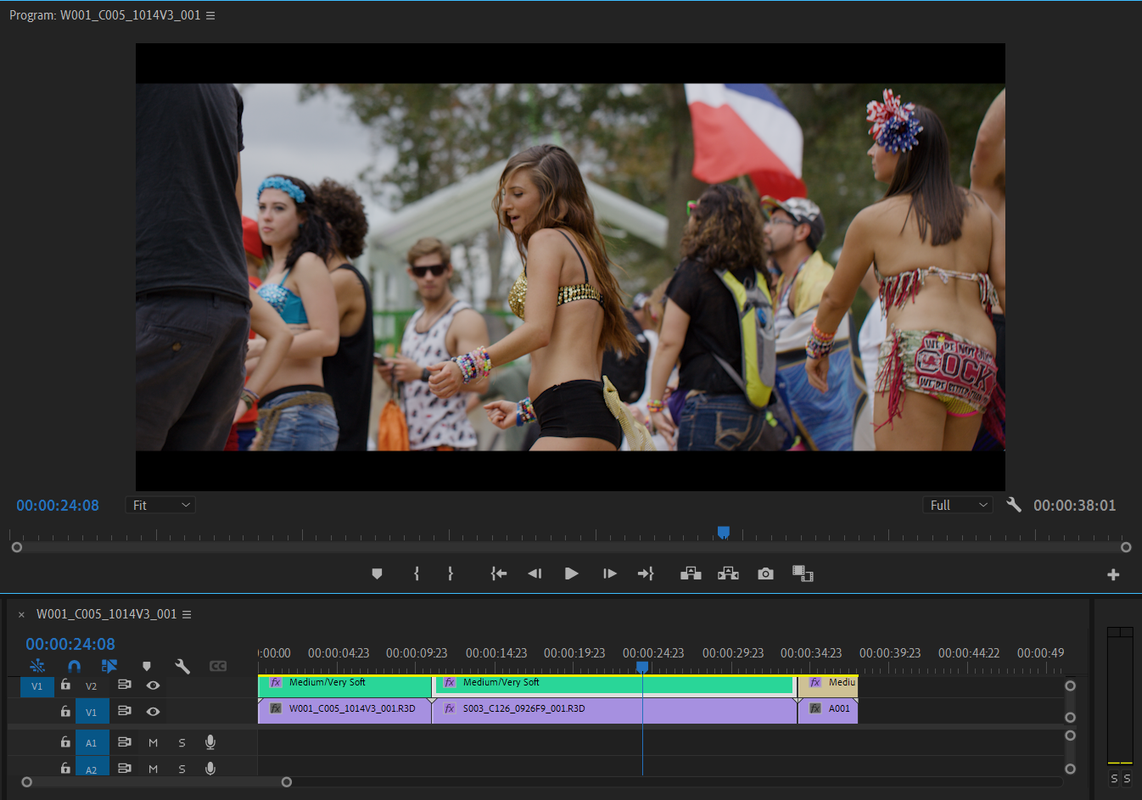
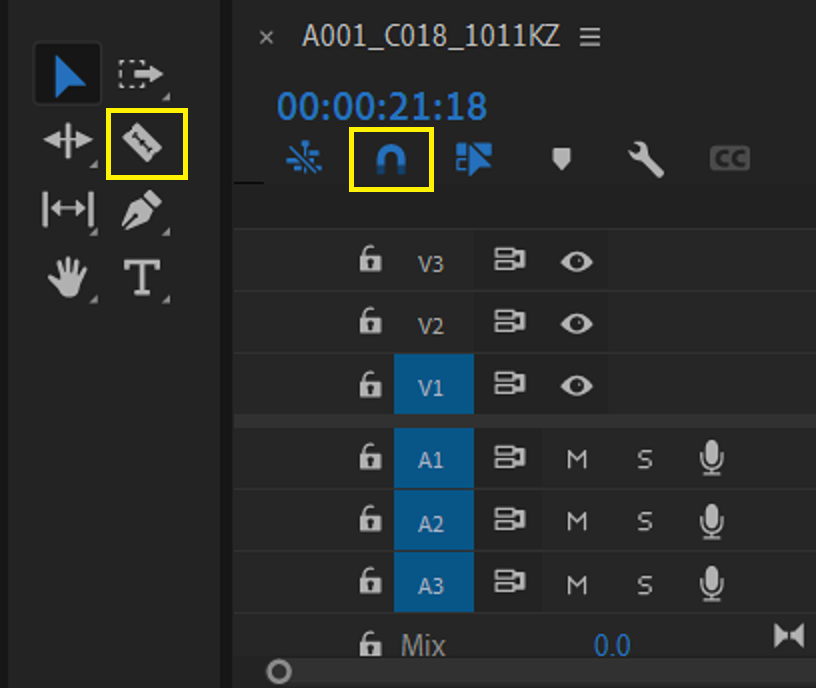
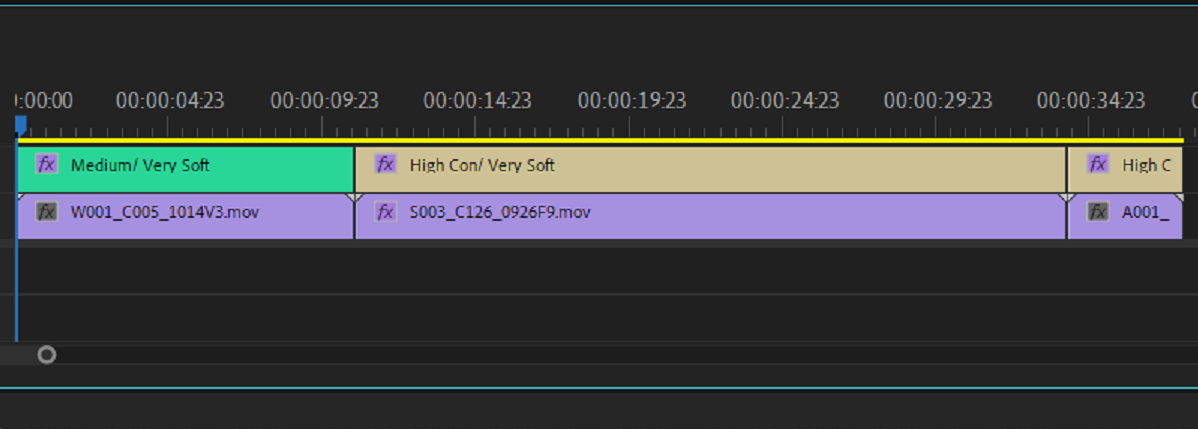
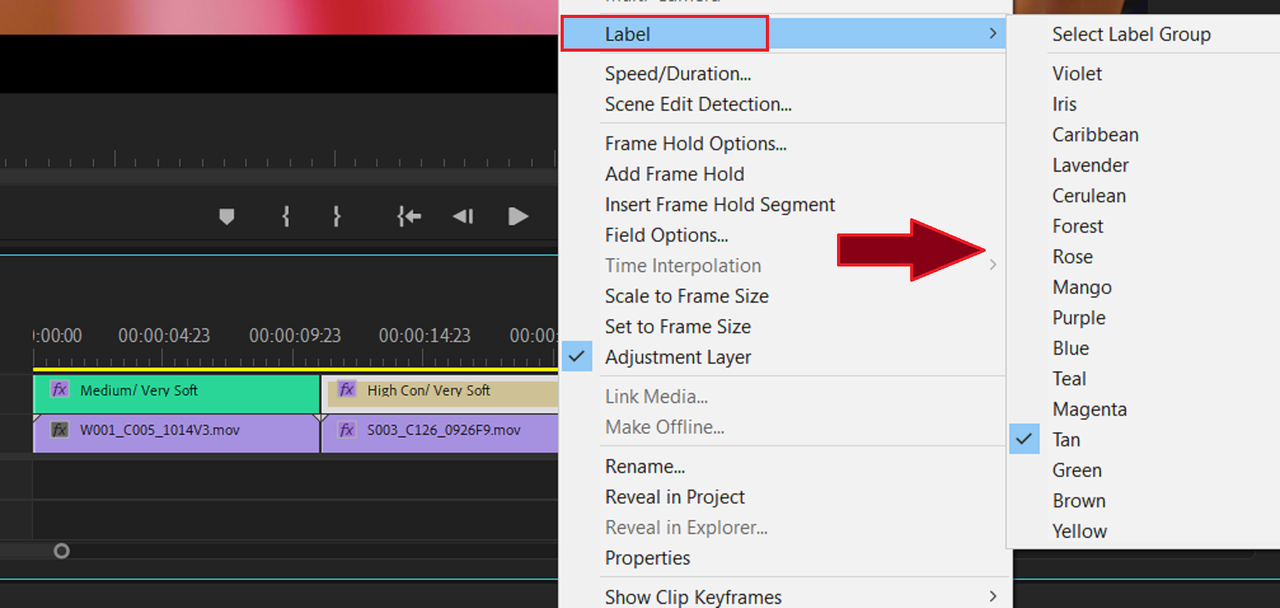
You can segment the Adjustment Layer so that you can add Different IPP2 Output Transform Luts to different Red R3D files. However, if you use the same IPP2 Output Transform for everything, you can just apply that one over to the entire project.
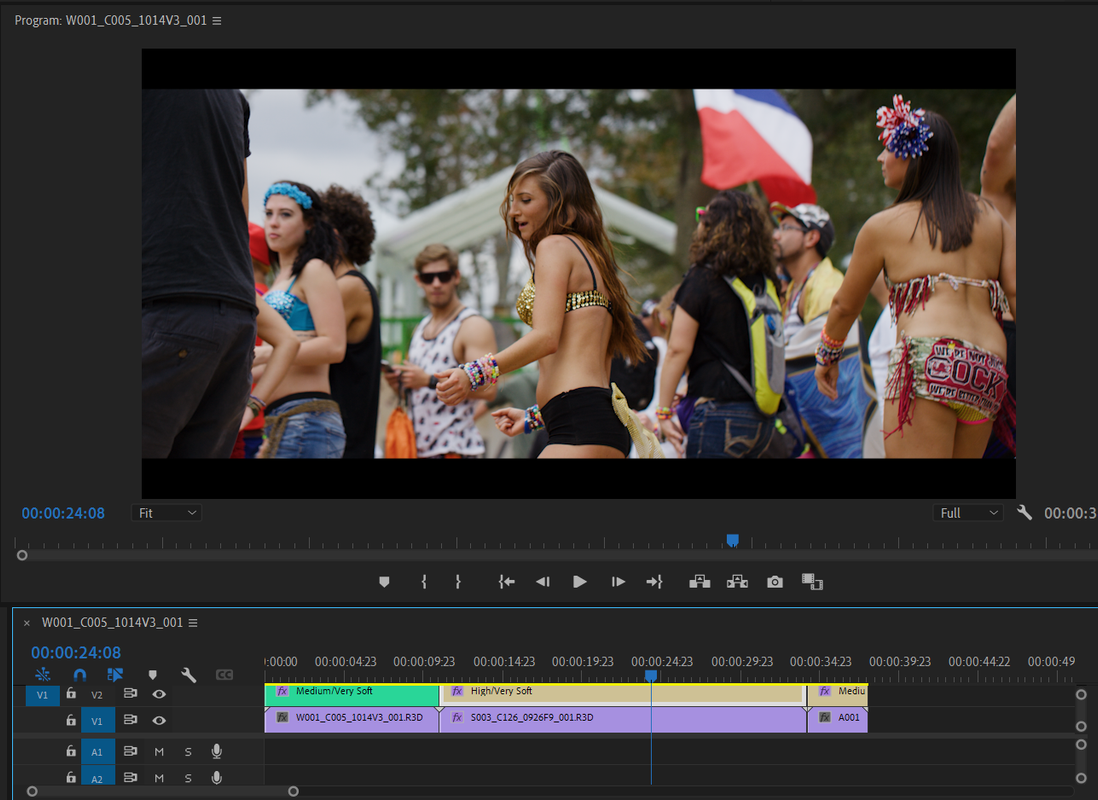
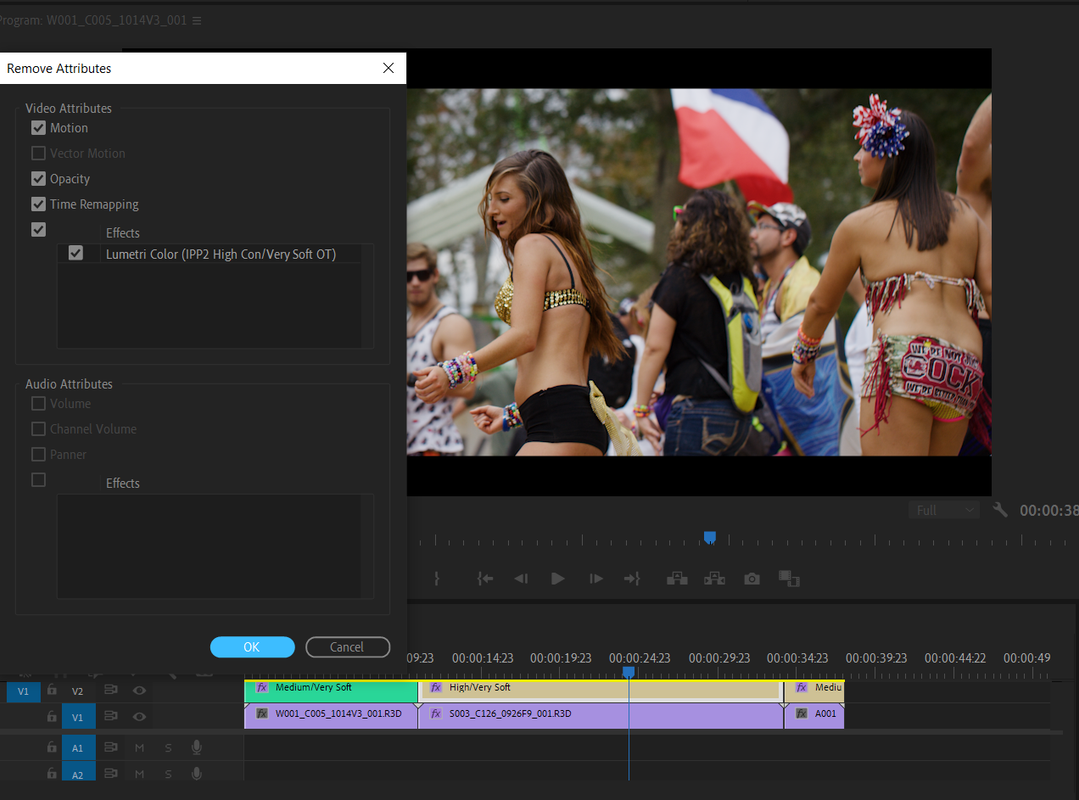
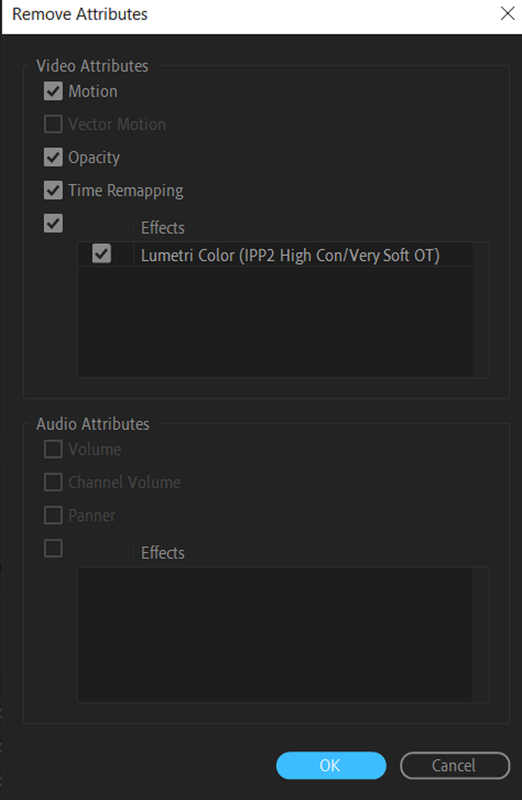
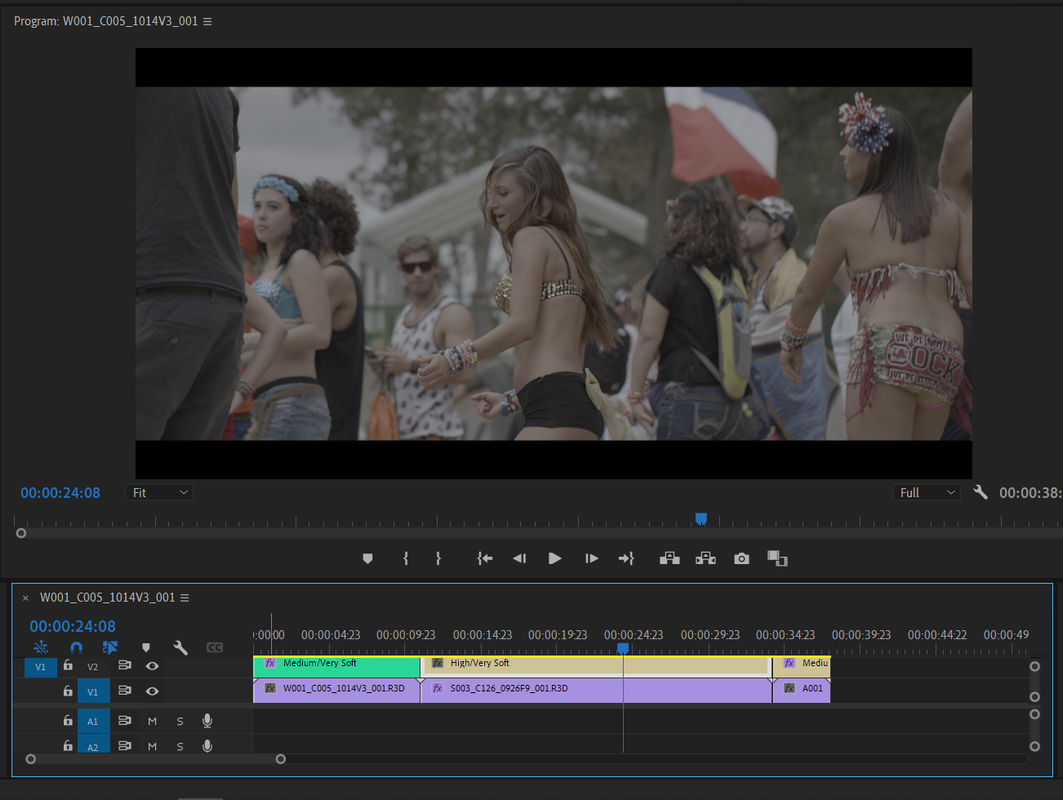
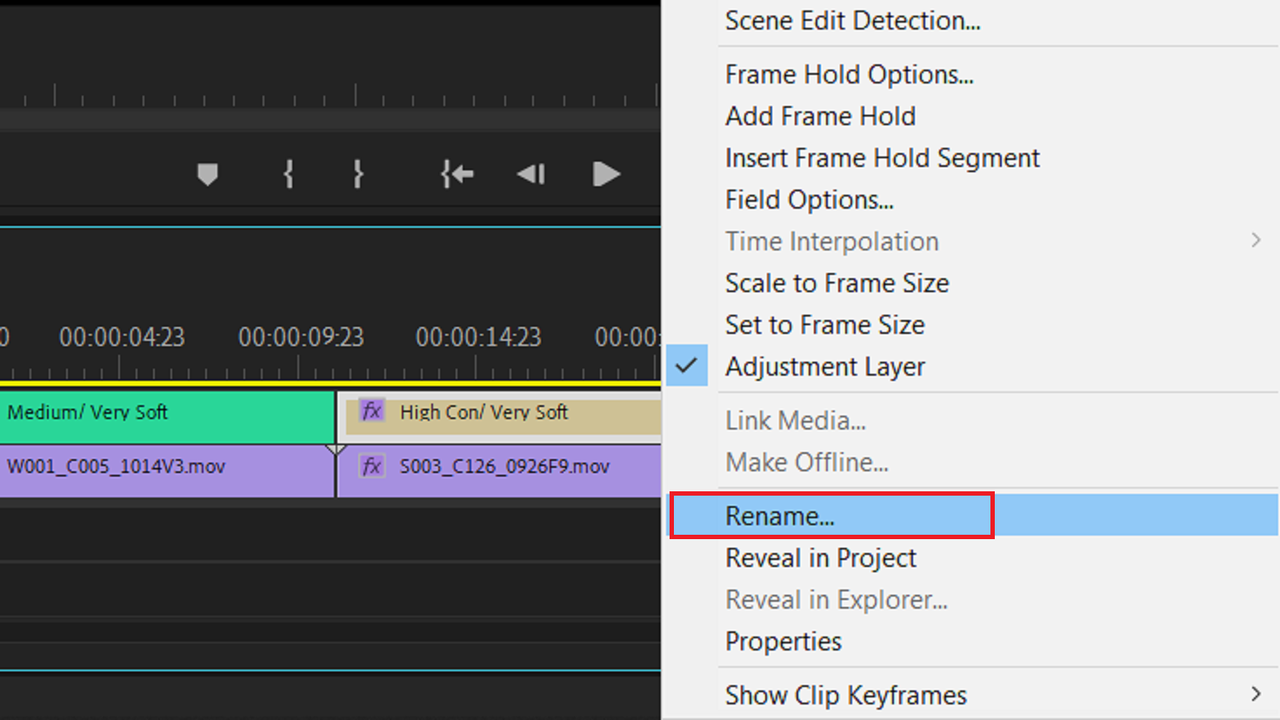
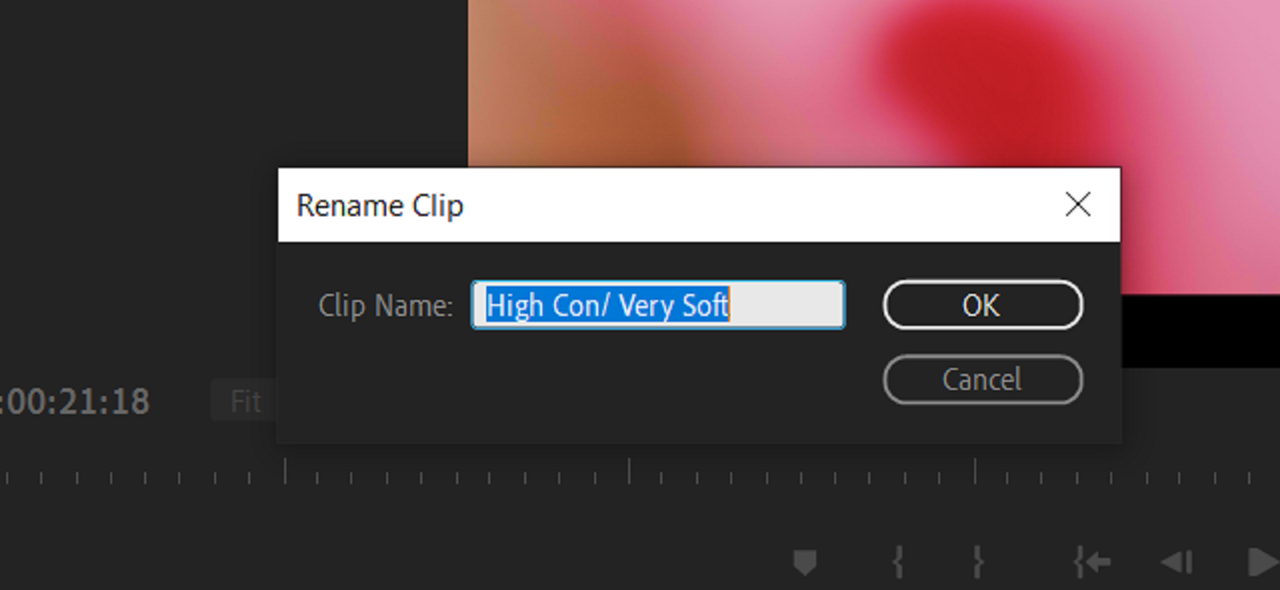
A "MEDIUM/VERY SOFT" IPP2 Output Transform Was applied to the Adjustment Layer Above The Clips, The IPP2 Output Transform that was used with all of the R3D files originally.
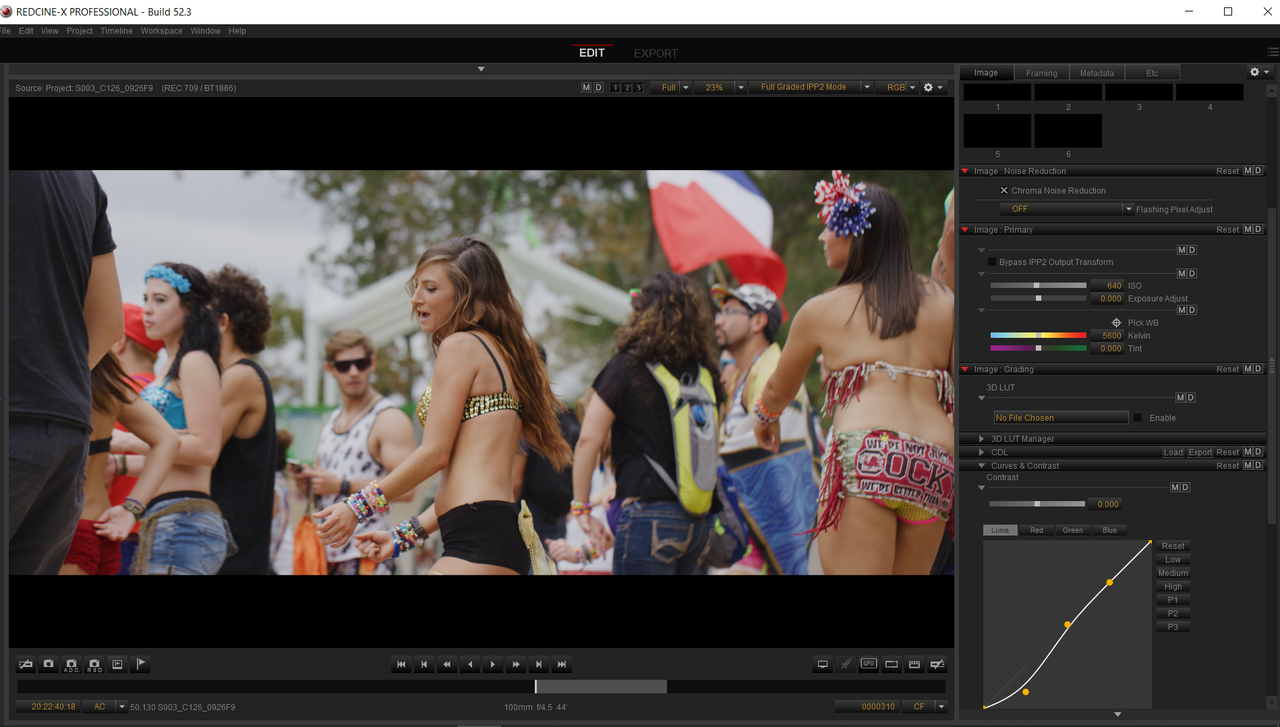
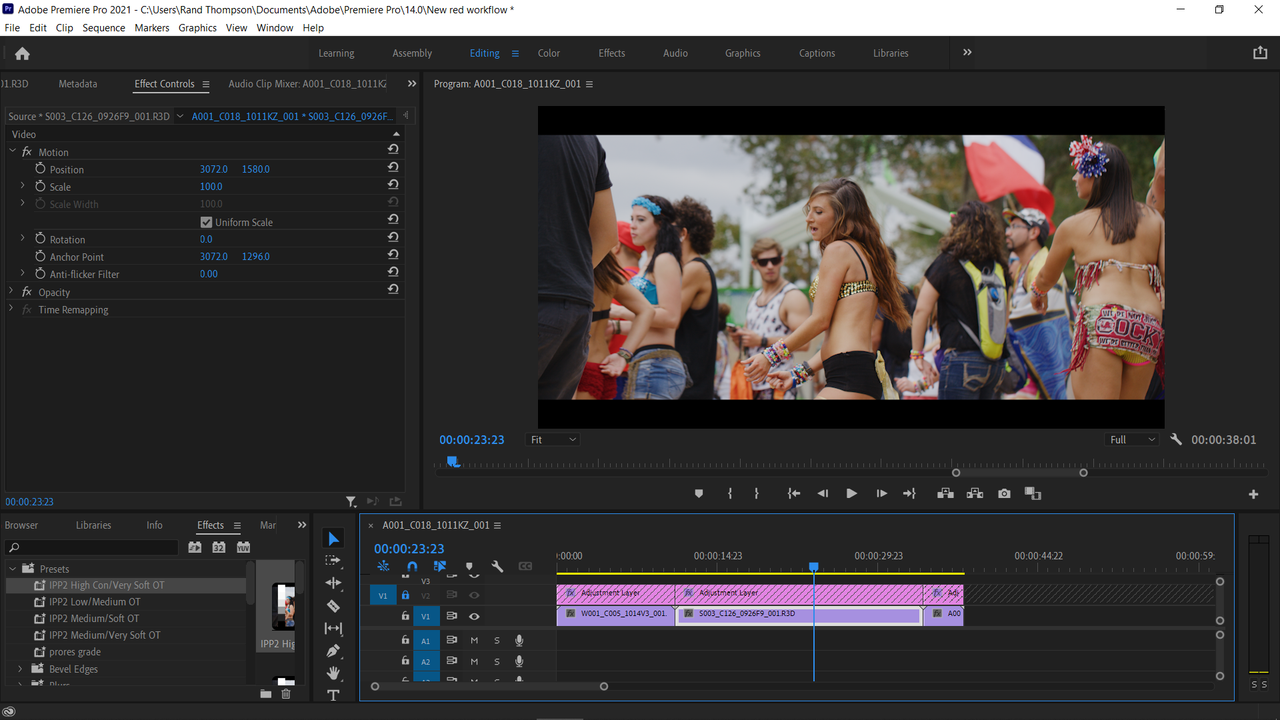
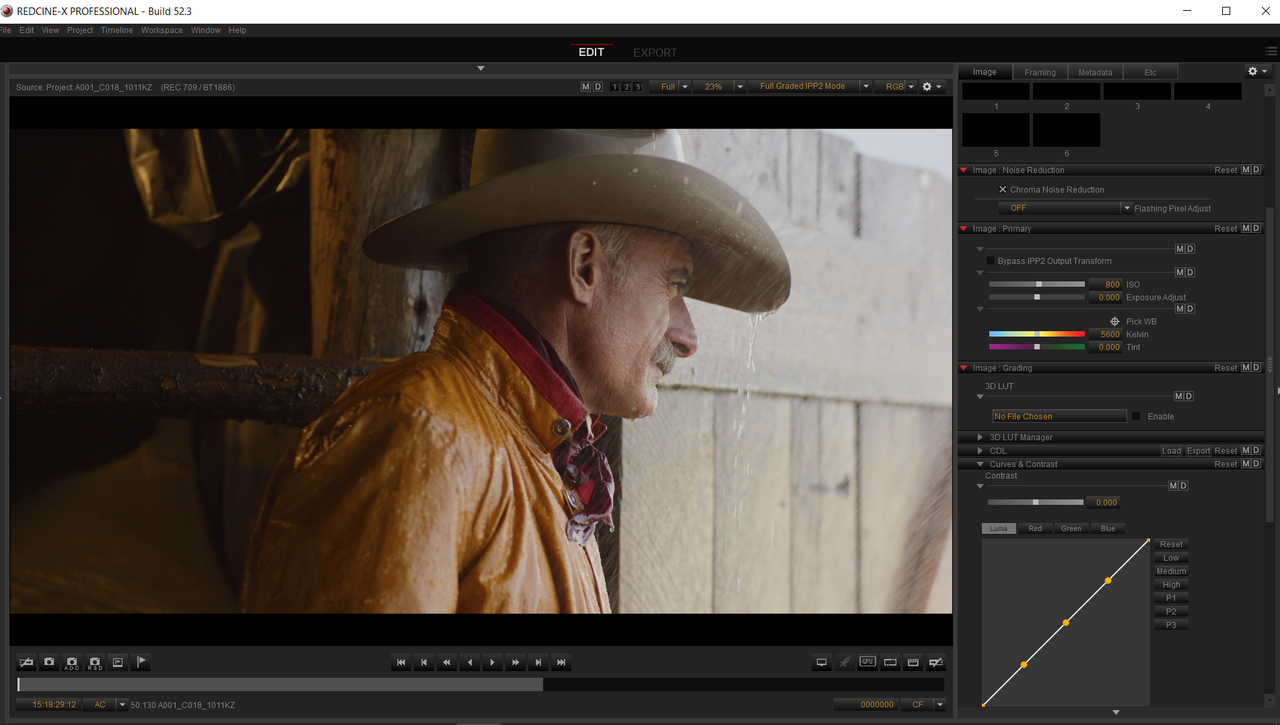
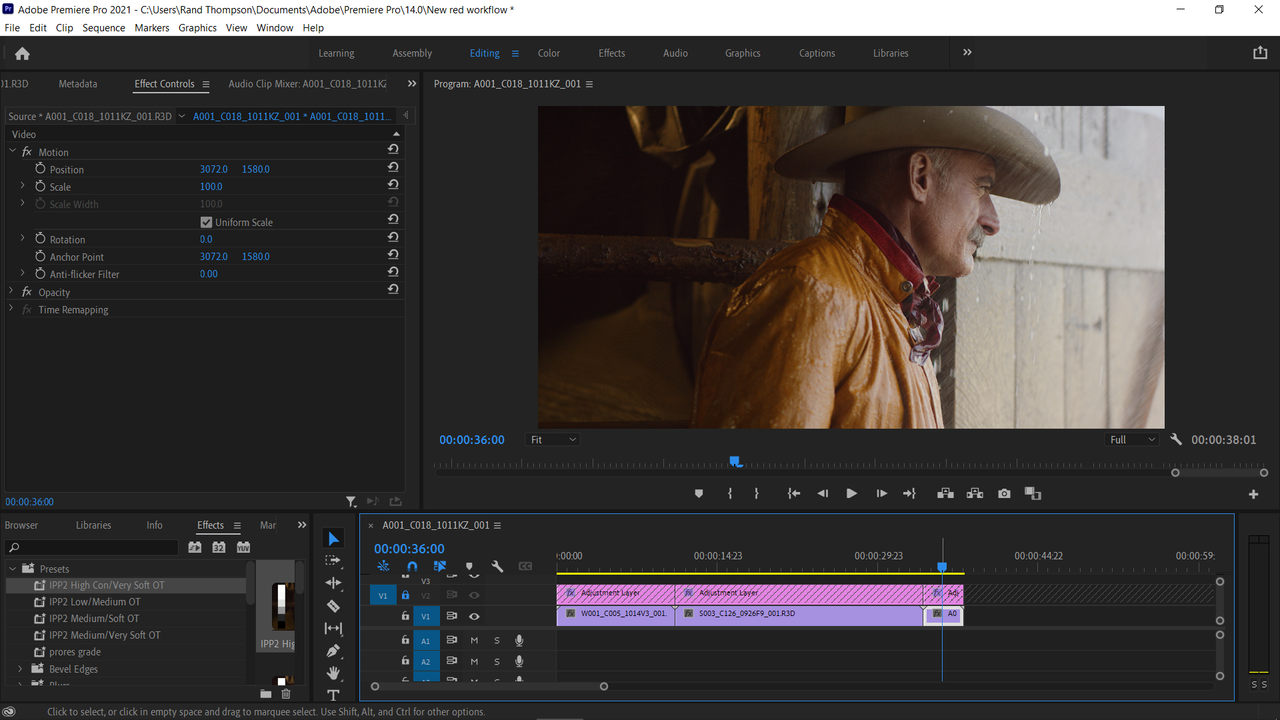
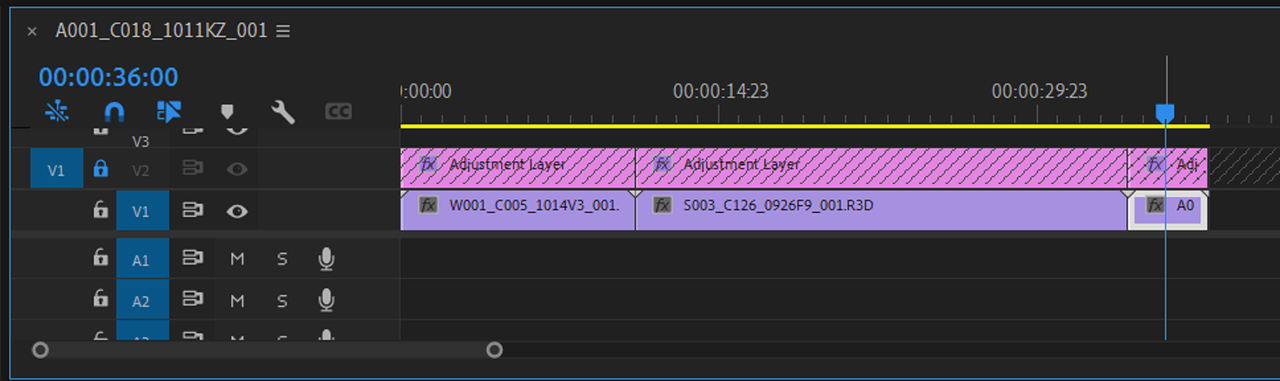
I think the simplest solution to this problem is an "Adjustment Layer". As you stated above, no changes where made to any of the settings in camera or from Redcine-X with the new workflow. It just comes into Premiere Pro with no IPP2 Output Transform attached to the clips, you don't have to start from scratch you just need to add the IPP2 Output Transform back.
Since Adobe Premiere is "Layer Based" instead of "Node Based" like Resolve, what takes place on the highest track takes place last in the grading hierarchy. So if you make some IPP2 Output Transform Presets in Lumetri that will be stored under the "Effects" tab, you can simply add back the IPP2 Output Transforms that are missing from the clips to the Adjustment layer above the clips to make them look as they did. The IPP2 Workflows Requires that the IPP2 Output Transform be applied at the end of the grade and applying an Output Transform to the Layer above the R3D files in Premiere Pro would duplicate that.
You can segment the Adjustment Layer so that you can add Different IPP2 Output Transform Luts to different Red R3D files. However, if you use the same IPP2 Output Transform for everything, you can just apply that one over to the entire project.
A "MEDIUM/VERY SOFT" IPP2 Output Transform Was applied to the Adjustment Layer Above The Clips, The IPP2 Output Transform that was used with all of the R3D files originally.
Last edited:


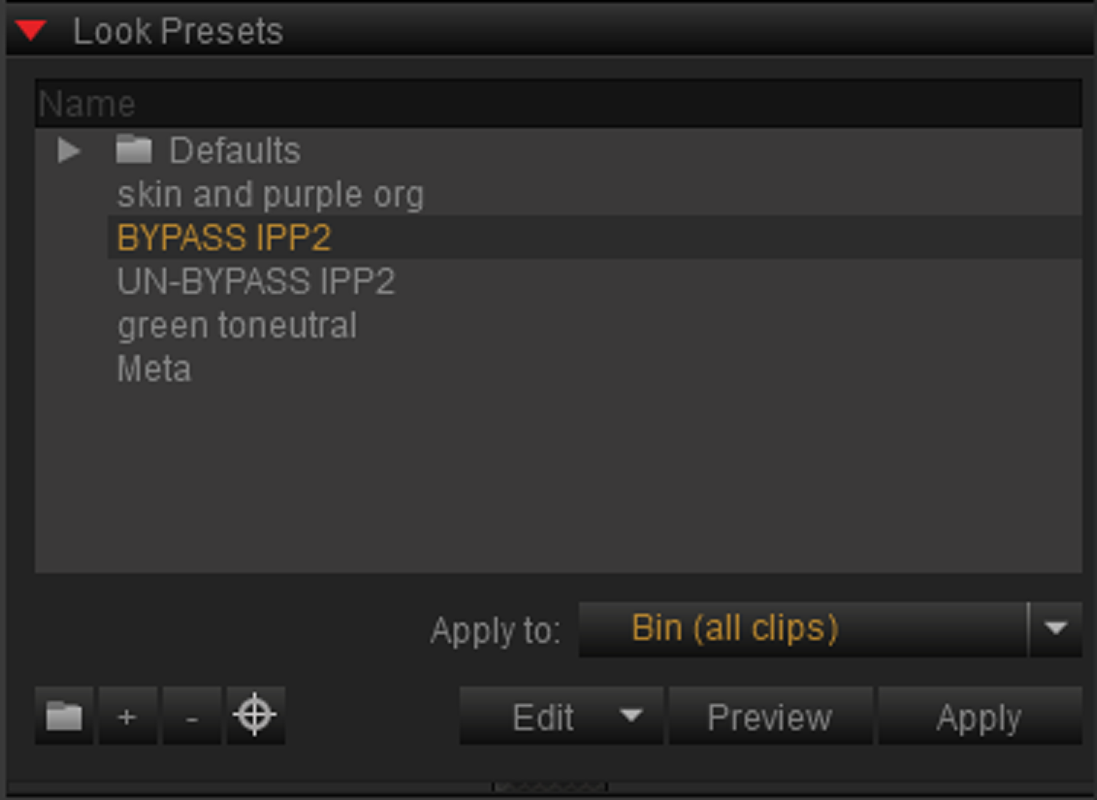
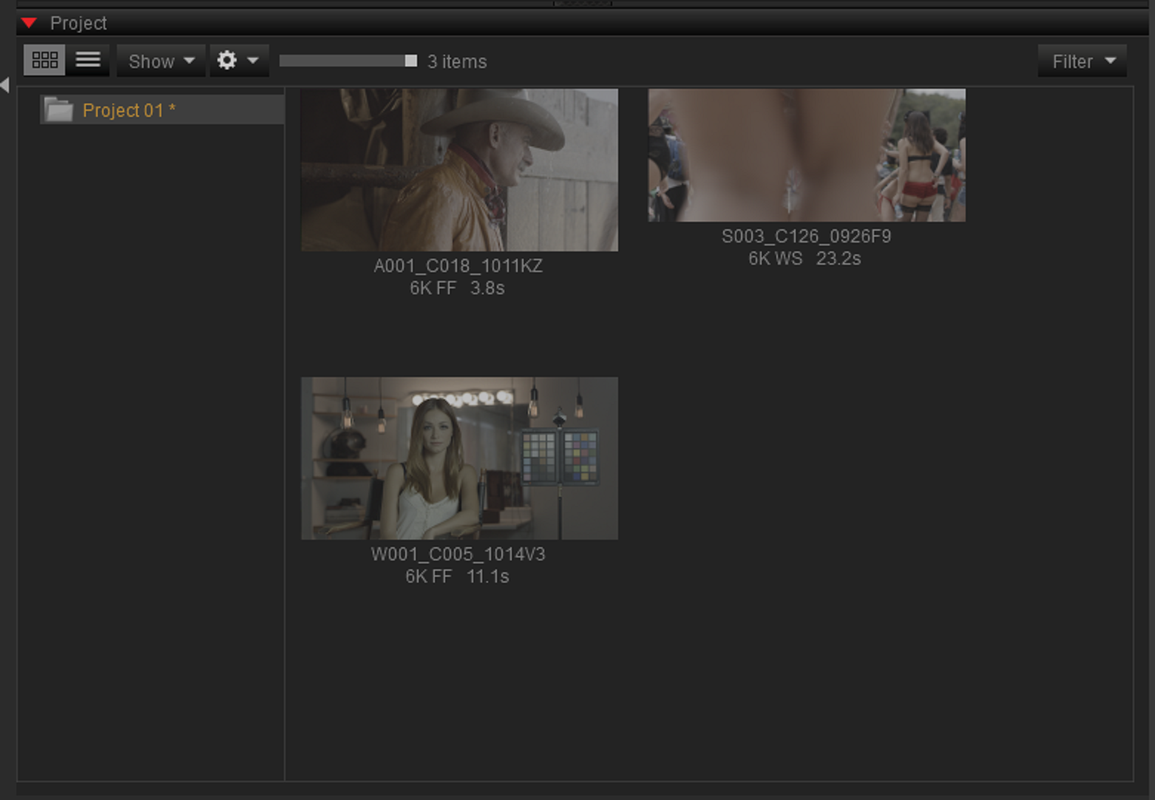
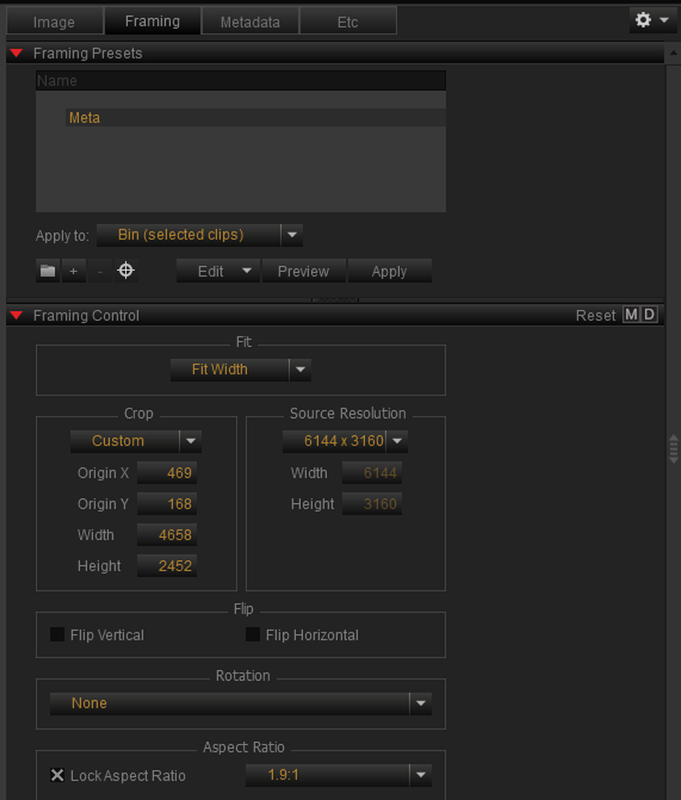
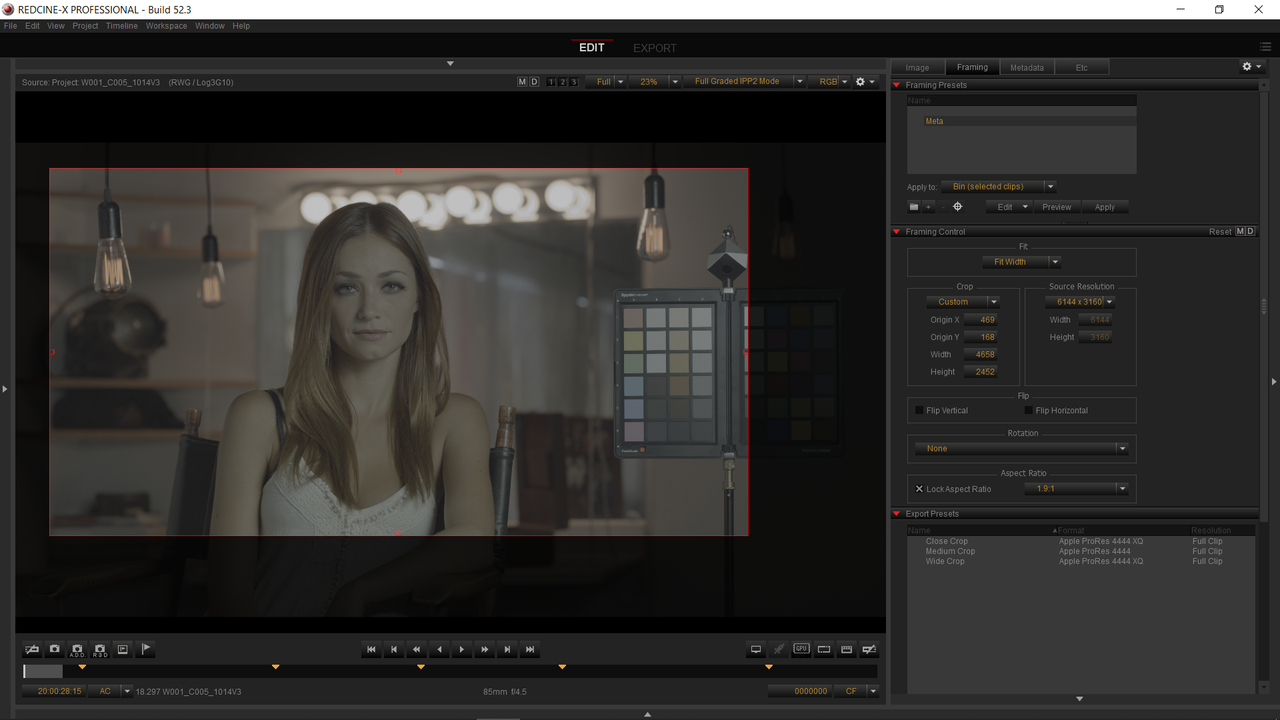
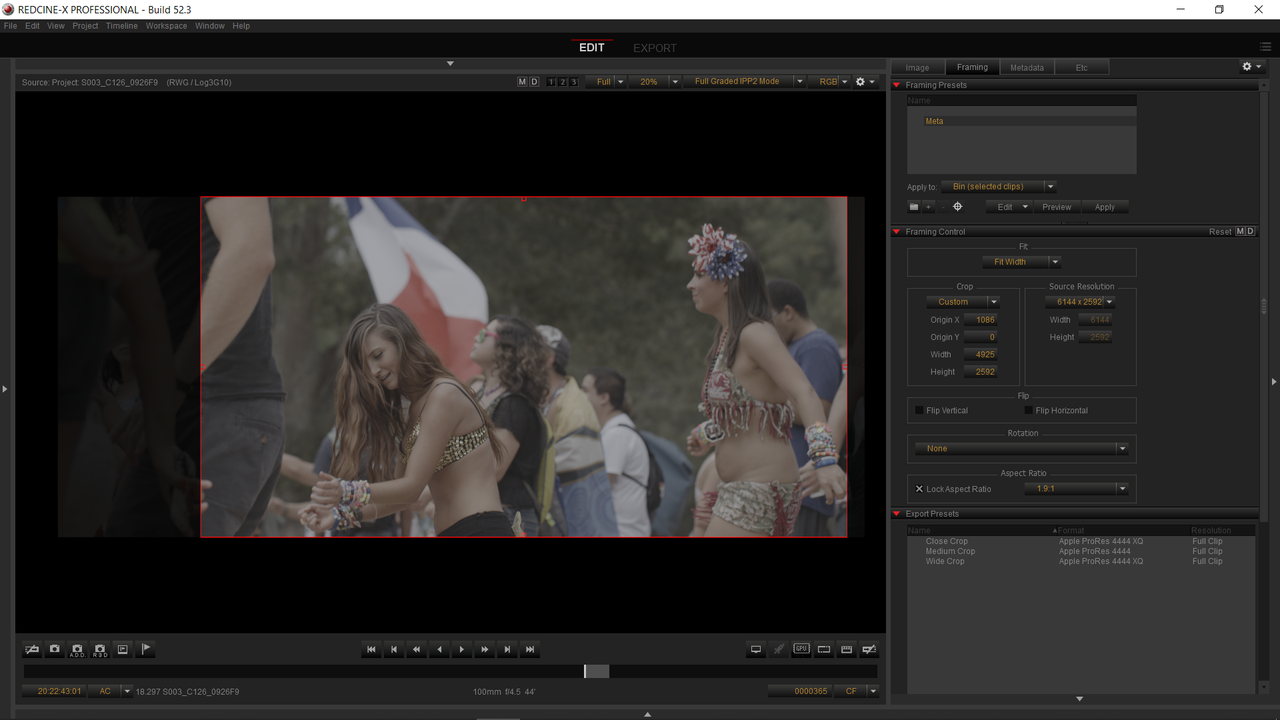
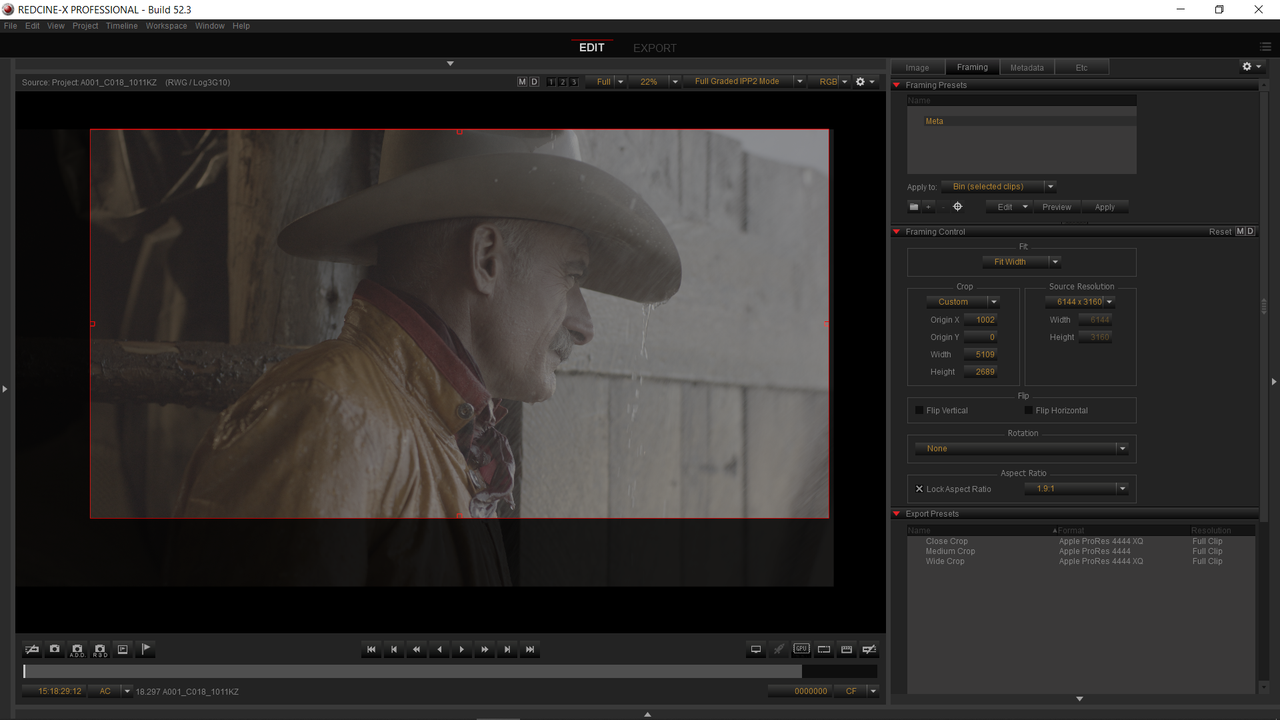
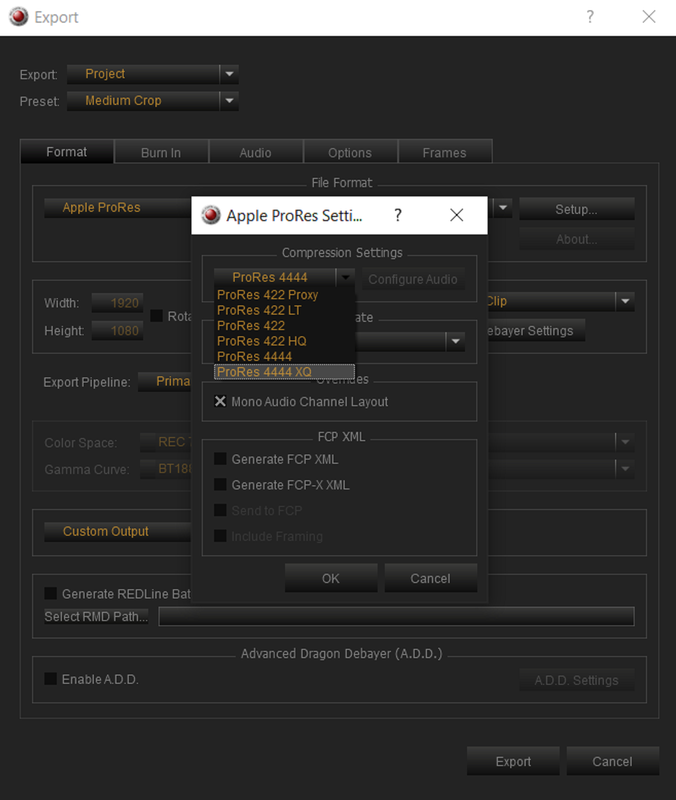
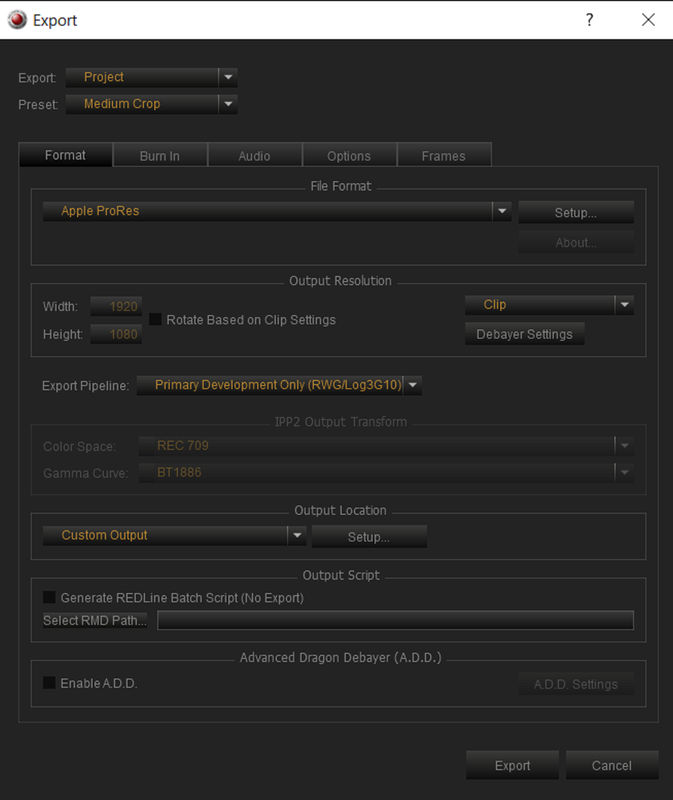
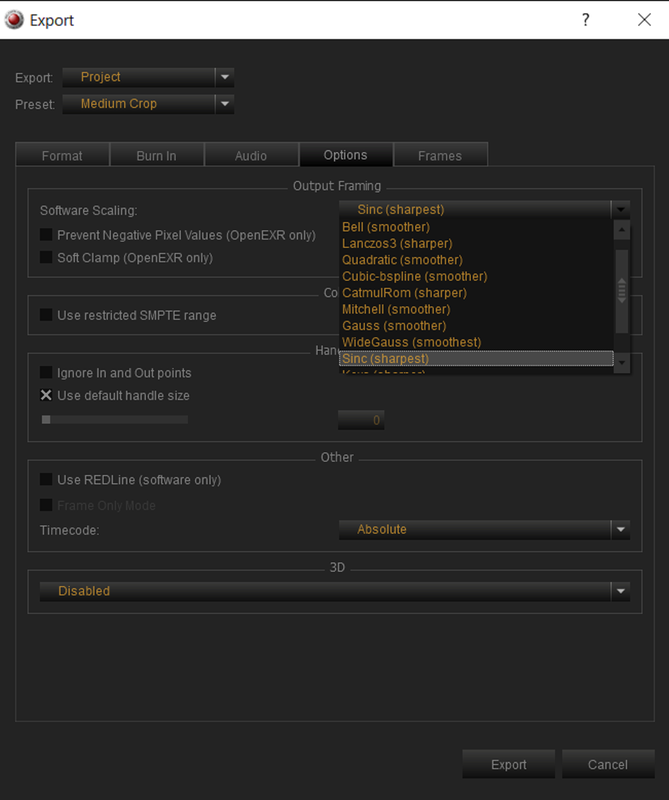
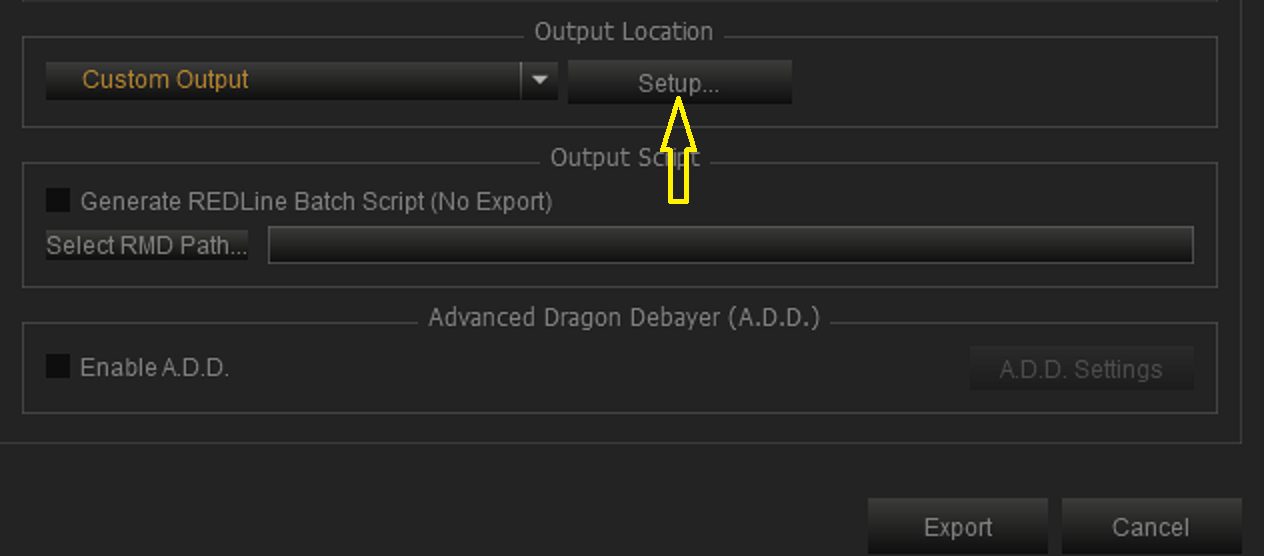
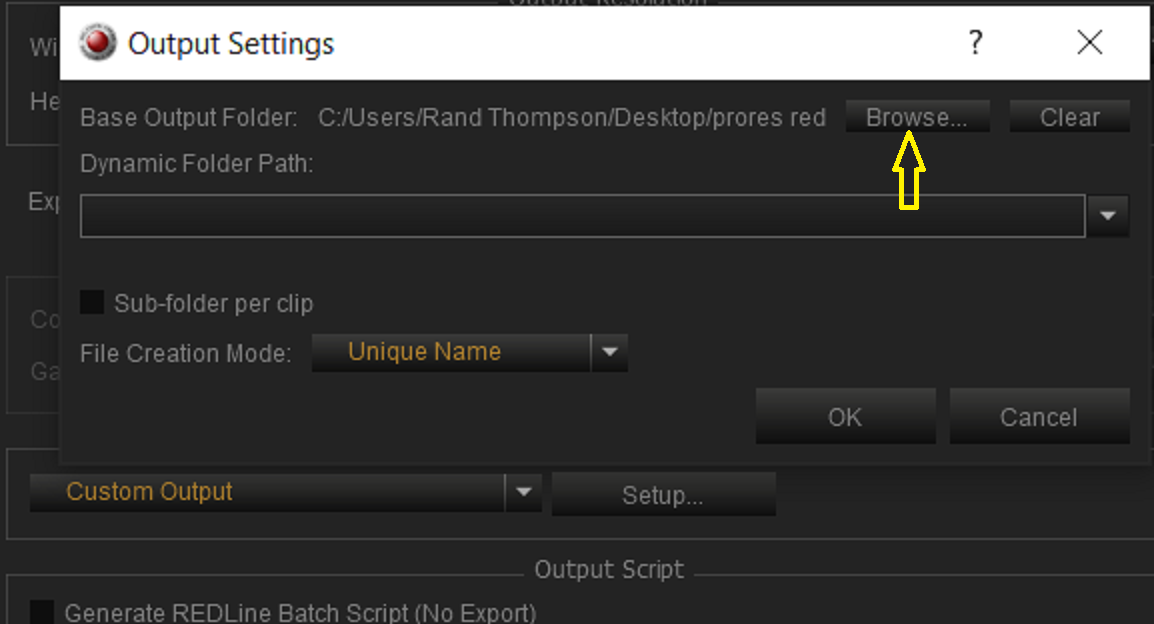
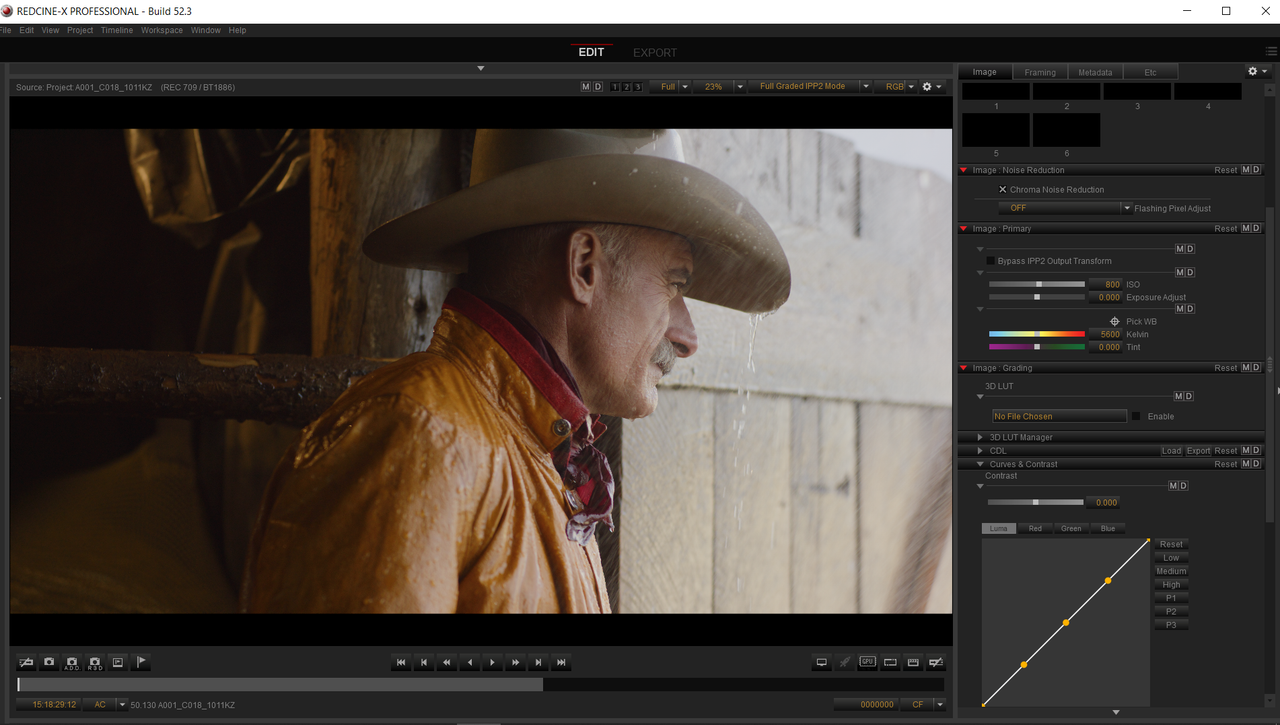
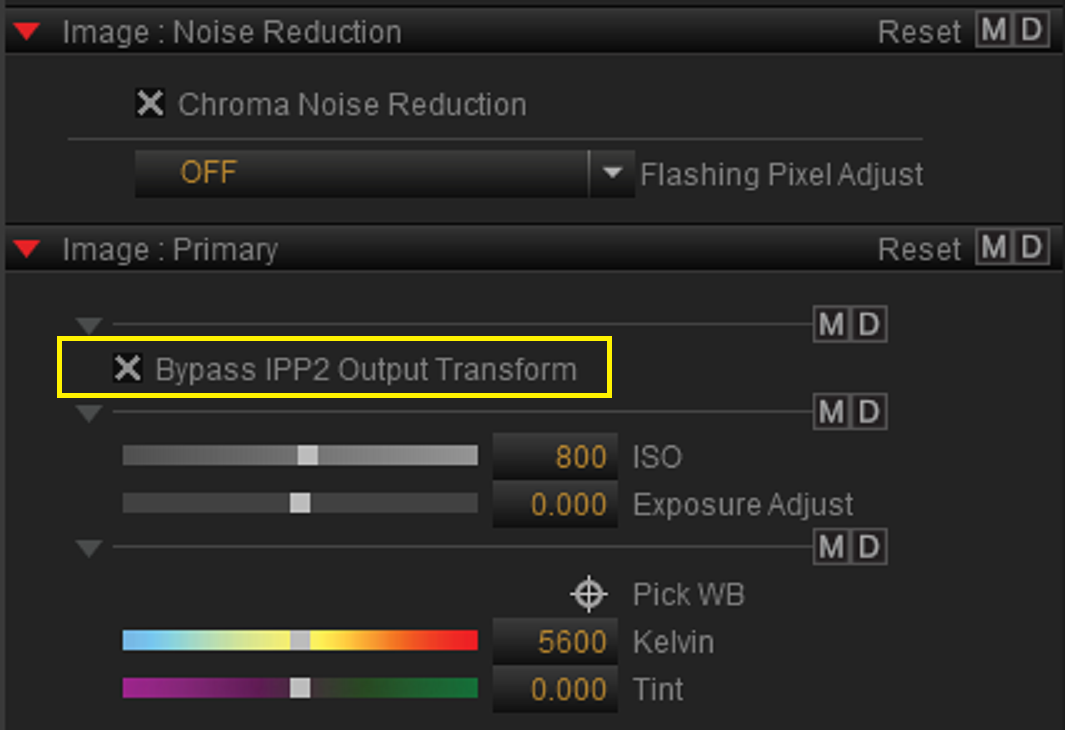
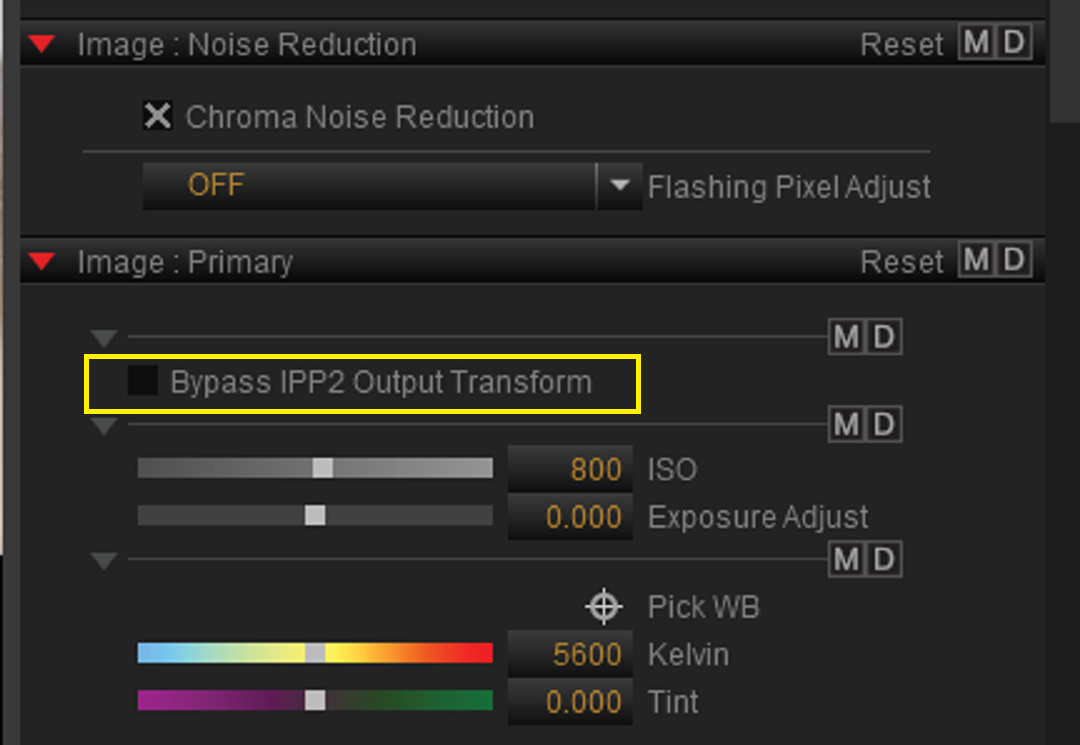
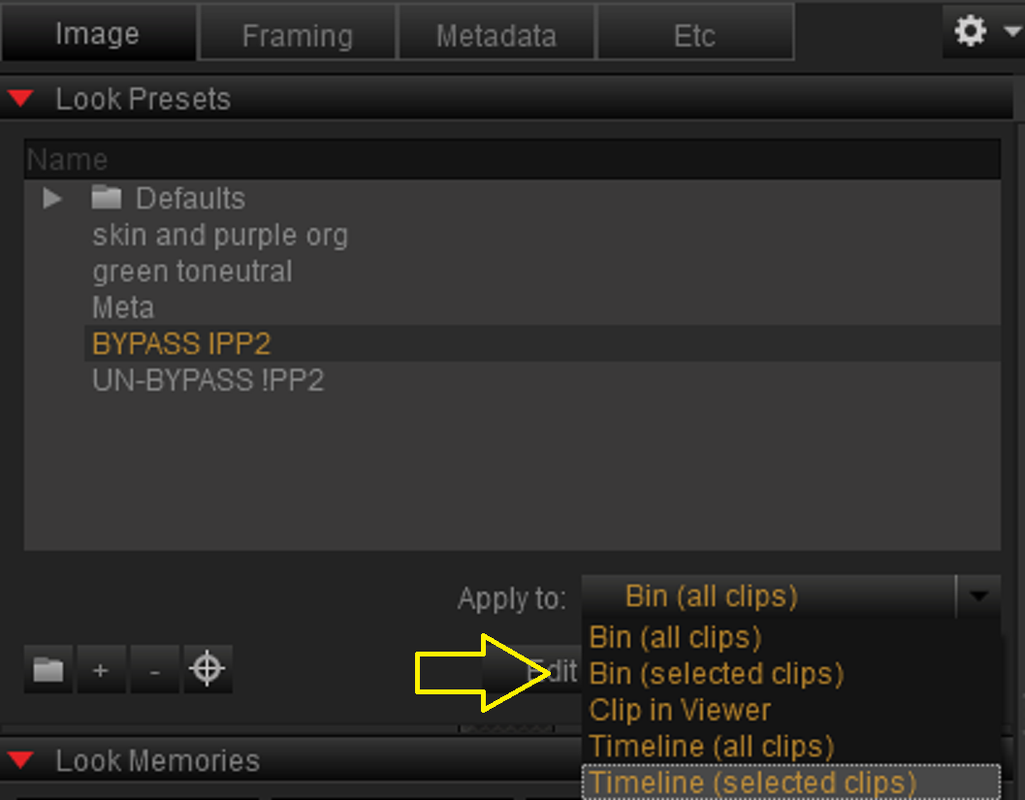
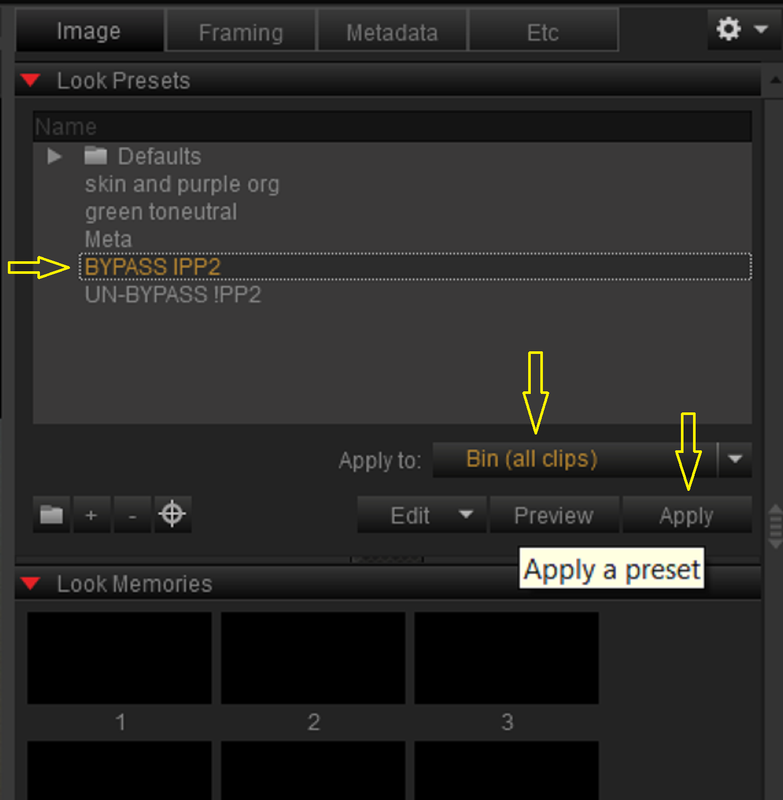
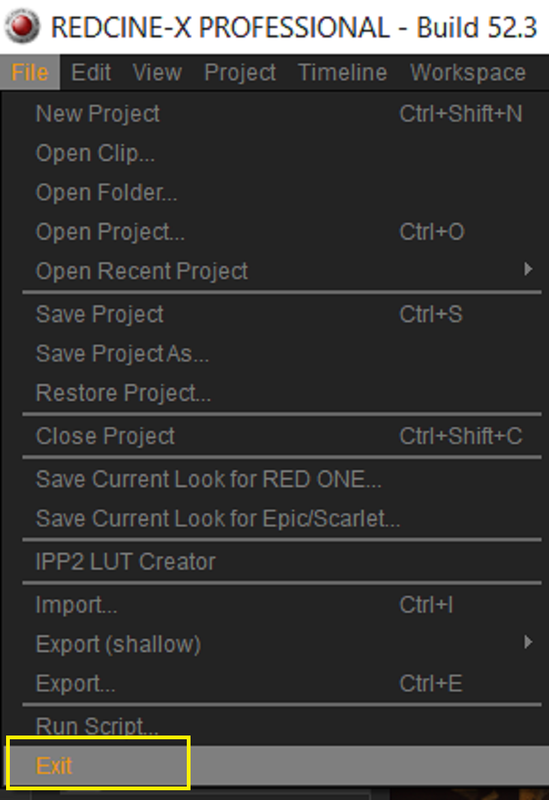
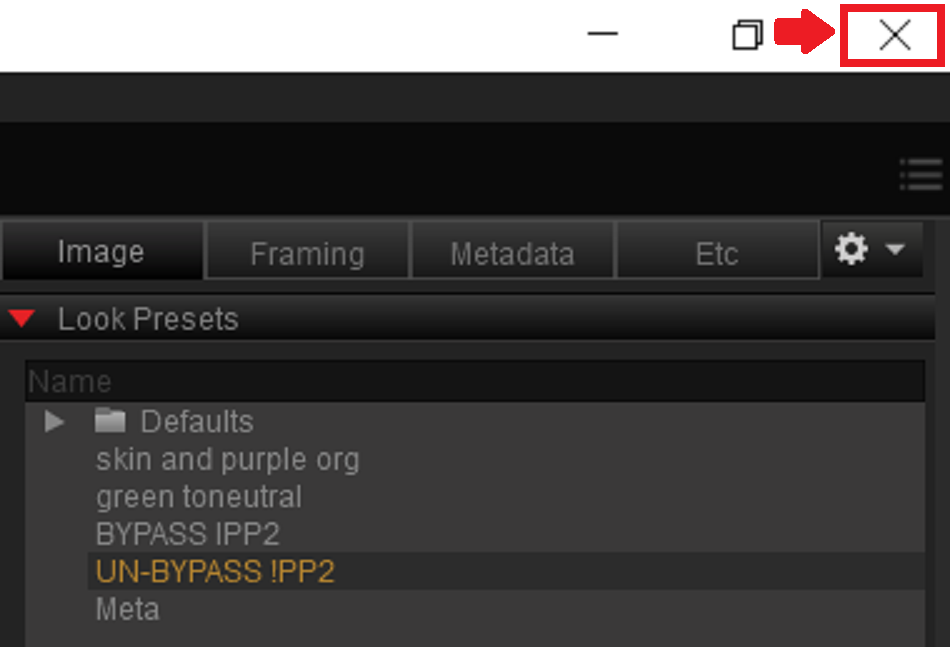
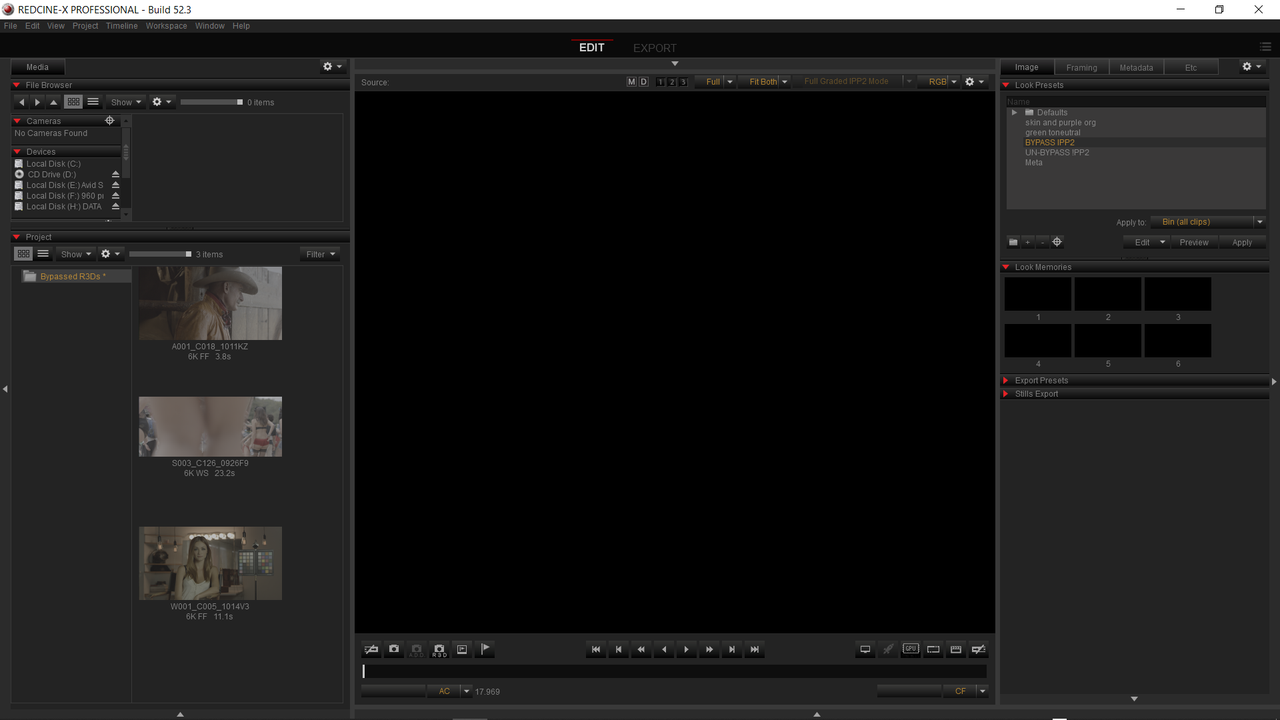
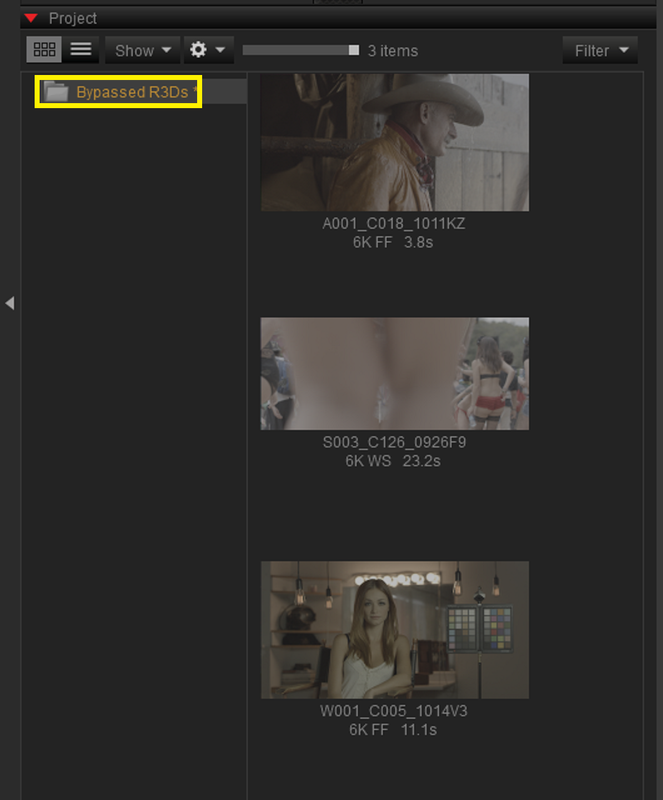
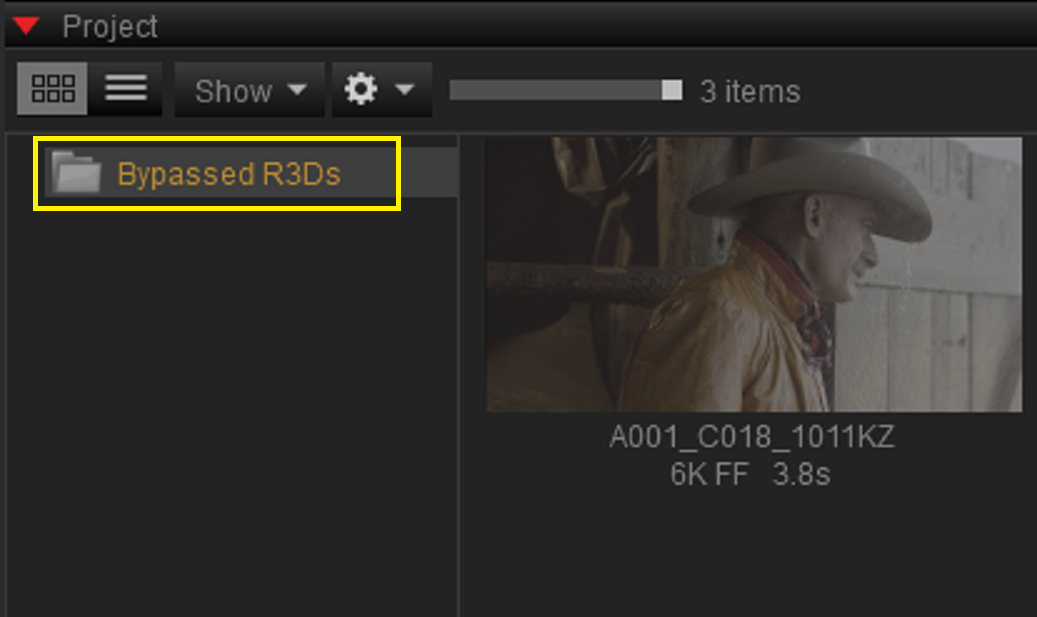
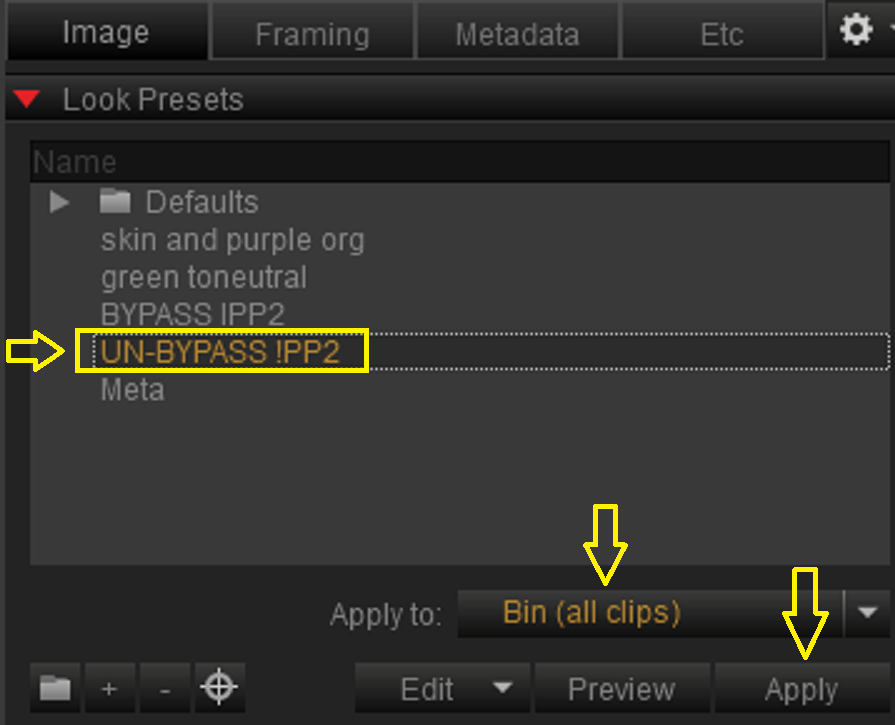
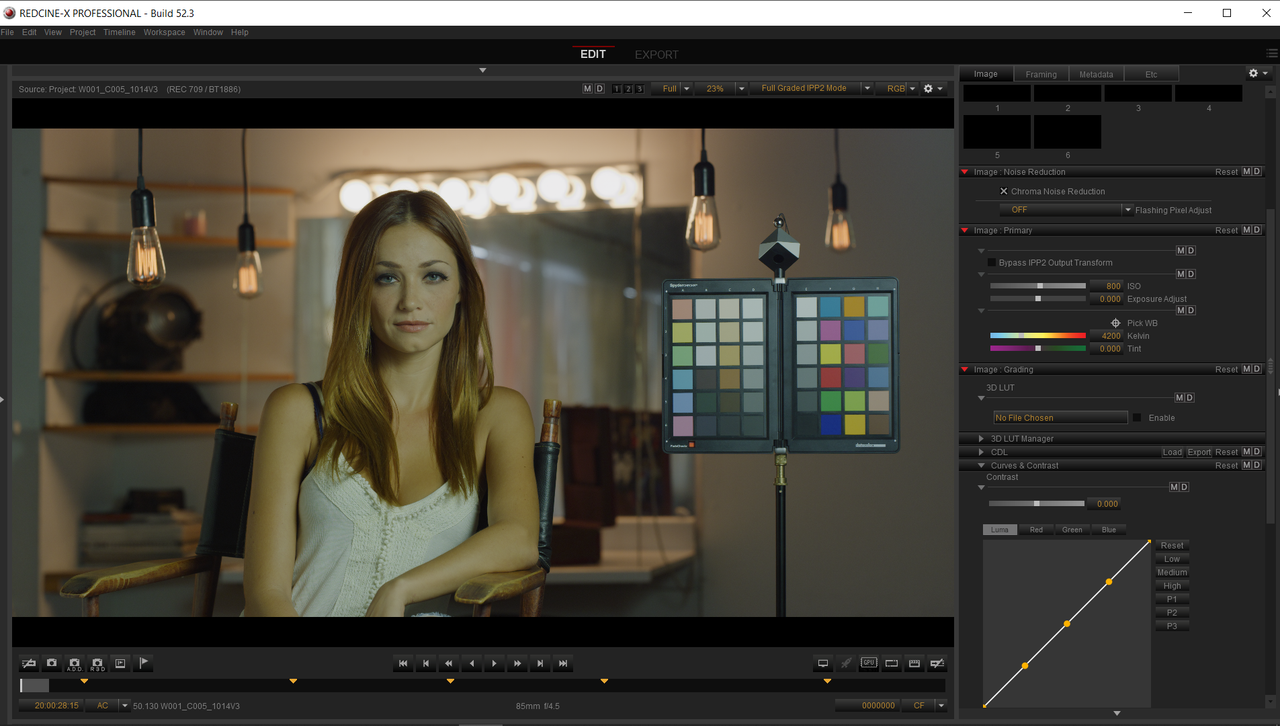
 RIMARY" Select "BYPASS IPP2 OUTPUT TRANSFORM"