Jonathan Stevenson
Well-known member
Hey there folks!
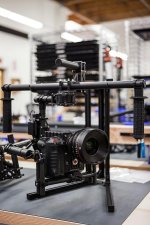
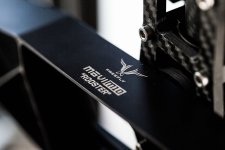
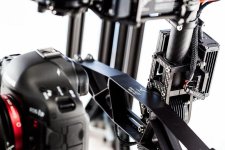
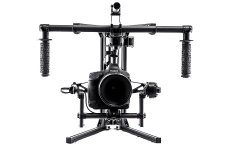
With the ship date of the M10 approaching quickly, I wanted to create a Reduser resource for M10 configurations, setups, accessories, pictures, videos, and FAQs. Please feel free to contribute any information, testing notes, footage, or otherwise!
EDIT: COMPILING INFORMATION FROM THE BELOW THREAD. I WILL ADD RELEVANT LINKS AND PRICING AS THEY BECOME AVAILABLE.
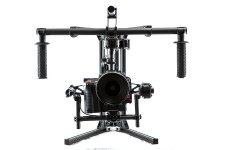
Theoretically, an ideal Movi Setup for Epic will include the following:
Movi M10 Rig (Powered by included Lipo batteries, connectors and chargers)
http://www.movirig.com/products/m-vi-m10
Price: $15,000
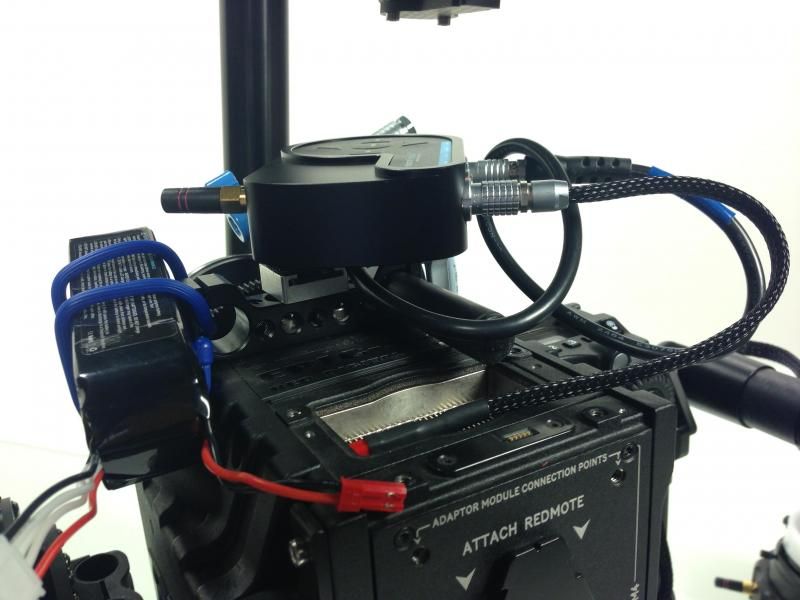
RedRock microRemote Follow Focus Kit (Powered by Lipo batteries using custom cable from Freefly)
http://store.redrockmicro.com/Catalog/microRemote-Bundles/Remote-wireless-focus-bundle
LINK TO CUSTOM CABLE WILL BE ADDED WHEN AVAILABLE
Price: $2,400
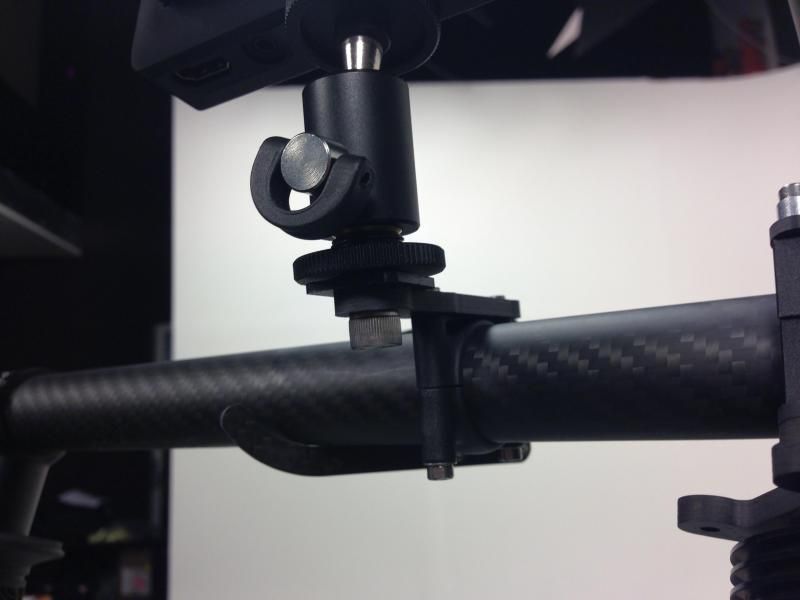
SmallHD DP4 Monitor for Movi Operator, mounted to M10 handles, Powered by batteries of your preference from SmallHD.
http://smallhd.com/products/dp4/index.html
Price: $450
Note: Apparently, the Red LCD braided cables are too stiff for use on a Movi. The stiffness of the cable can interfere with the operation of the gimbals. However, using the non-braided, older versions of the Red LCD/EVF cables should work because those are more flexible. However, you'll need to either find an old cable or purchase a custom cable from a 3rd party since Red no longer offers these. Obviously, this will allow you to use the Red LCD and skip the DP4. However, there are some "streamlining advantages" to using the DP4, described below.
Paralinx or Teradek wireless monitoring for Focus Puller/Directors Monitor/ Pan-Tilt Operator.
http://www.paralinx.net/store/arrow-plus-12-package
Price: $2,100 for paralinx kit with 2 receivers
$2,300 for Teradek Bolt (HDMI model with 2 receivers, transmitter also has 1hr built in battery)
The Paralinx and Teradek can be powered by the USB output on the SmallHD DP4 (using a custom micro-to-micro USB cable from Freefly), meaning no additional batteries are needed for the wireless monitoring. Furthermore, the SmallHD DP4 has an HDMI passthrough port, allowing the DP4 to send an HDMI signal to your wireless unit. This means only 1 HDMI cable (needs to be an ultra thin cable available from amazon) needs to be coming off the camera. This actually seems like a better setup than the Red LCD because, when using the LCD, you would then need to run additional power for the paralinx/teradek, as well as an additional HDMI cable to provide the signal. Although using your existing Red LCD is potentially a cheaper route, use of the DP4 seems more "streamlined" in terms of cabling and clutter.
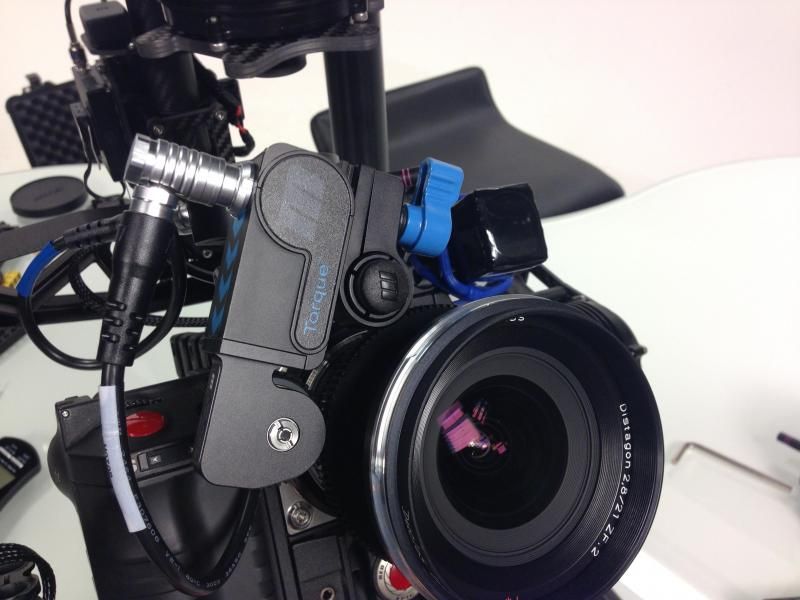
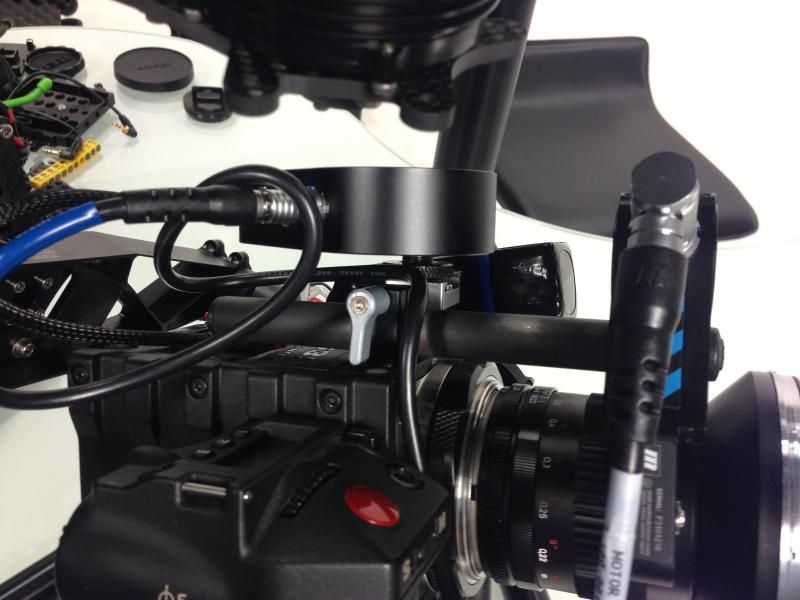
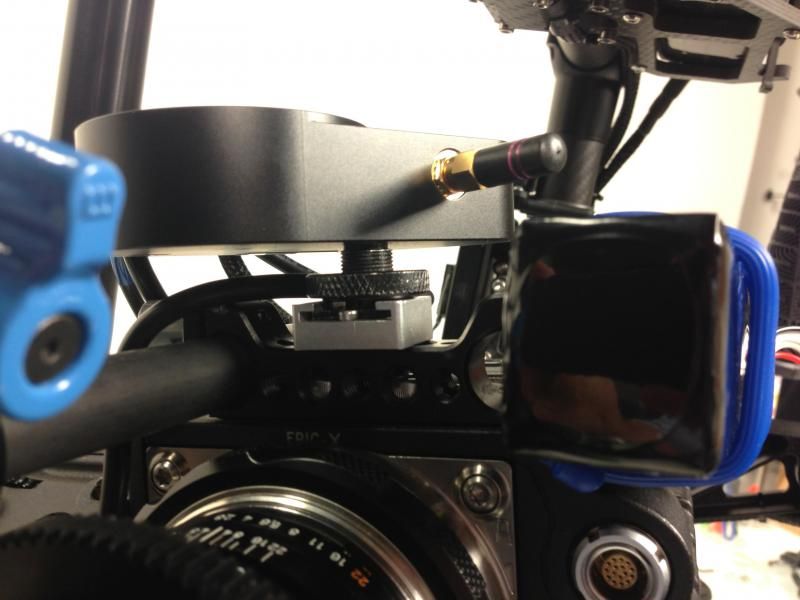
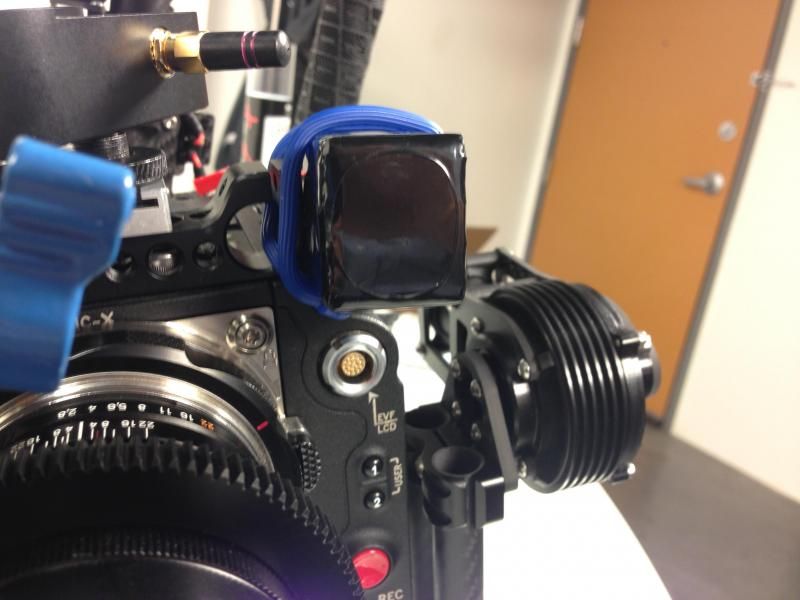
In this setup, the only gear actually sitting on the M10 gimbals will be the camera body, lens, and Follow focus unit w/ lipo battery. The rest is mounted on the handles of the rig.
POTENTIAL TOTAL COST OF THIS SETUP: ABOUT $20,000. (minus the camera and lenses obviously)
Manuals/Documentation for Movi M10 available here:
http://www.freeflysystems.com/media/instruction-manuals.php
Tutorial and Setup Videos here:
https://vimeo.com/freeflycinema/videos
With the ship date of the M10 approaching quickly, I wanted to create a Reduser resource for M10 configurations, setups, accessories, pictures, videos, and FAQs. Please feel free to contribute any information, testing notes, footage, or otherwise!
EDIT: COMPILING INFORMATION FROM THE BELOW THREAD. I WILL ADD RELEVANT LINKS AND PRICING AS THEY BECOME AVAILABLE.
Theoretically, an ideal Movi Setup for Epic will include the following:
Movi M10 Rig (Powered by included Lipo batteries, connectors and chargers)
http://www.movirig.com/products/m-vi-m10
Price: $15,000
RedRock microRemote Follow Focus Kit (Powered by Lipo batteries using custom cable from Freefly)
http://store.redrockmicro.com/Catalog/microRemote-Bundles/Remote-wireless-focus-bundle
LINK TO CUSTOM CABLE WILL BE ADDED WHEN AVAILABLE
Price: $2,400
SmallHD DP4 Monitor for Movi Operator, mounted to M10 handles, Powered by batteries of your preference from SmallHD.
http://smallhd.com/products/dp4/index.html
Price: $450
Note: Apparently, the Red LCD braided cables are too stiff for use on a Movi. The stiffness of the cable can interfere with the operation of the gimbals. However, using the non-braided, older versions of the Red LCD/EVF cables should work because those are more flexible. However, you'll need to either find an old cable or purchase a custom cable from a 3rd party since Red no longer offers these. Obviously, this will allow you to use the Red LCD and skip the DP4. However, there are some "streamlining advantages" to using the DP4, described below.
Paralinx or Teradek wireless monitoring for Focus Puller/Directors Monitor/ Pan-Tilt Operator.
http://www.paralinx.net/store/arrow-plus-12-package
Price: $2,100 for paralinx kit with 2 receivers
$2,300 for Teradek Bolt (HDMI model with 2 receivers, transmitter also has 1hr built in battery)
The Paralinx and Teradek can be powered by the USB output on the SmallHD DP4 (using a custom micro-to-micro USB cable from Freefly), meaning no additional batteries are needed for the wireless monitoring. Furthermore, the SmallHD DP4 has an HDMI passthrough port, allowing the DP4 to send an HDMI signal to your wireless unit. This means only 1 HDMI cable (needs to be an ultra thin cable available from amazon) needs to be coming off the camera. This actually seems like a better setup than the Red LCD because, when using the LCD, you would then need to run additional power for the paralinx/teradek, as well as an additional HDMI cable to provide the signal. Although using your existing Red LCD is potentially a cheaper route, use of the DP4 seems more "streamlined" in terms of cabling and clutter.
In this setup, the only gear actually sitting on the M10 gimbals will be the camera body, lens, and Follow focus unit w/ lipo battery. The rest is mounted on the handles of the rig.
POTENTIAL TOTAL COST OF THIS SETUP: ABOUT $20,000. (minus the camera and lenses obviously)
Manuals/Documentation for Movi M10 available here:
http://www.freeflysystems.com/media/instruction-manuals.php
Tutorial and Setup Videos here:
https://vimeo.com/freeflycinema/videos