


David Battistella
Well-known member
- Joined
- Apr 30, 2007
- Messages
- 10,003
- Reaction score
- 6
- Points
- 38
Now that they are in camera it's probably a good idea to understand what they do, what they are for and how they can affect the image you are recording.
Red does provide LUTS- REDcolor2,3,4 REDgamma2,3,4 REDlogfilm are all REDluts.
you can now apply independant Monitor LUTS in camera, but it is important to understand what a LUT does and how in camera LUTS can impact exposure.
Have a look at the video on this link as a good primer to LUTS.
For now it's exclusively RED LUTS, but everyone should check this out.
http://www.mixinglight.com/008-R9-LutsandExposure-PI.html
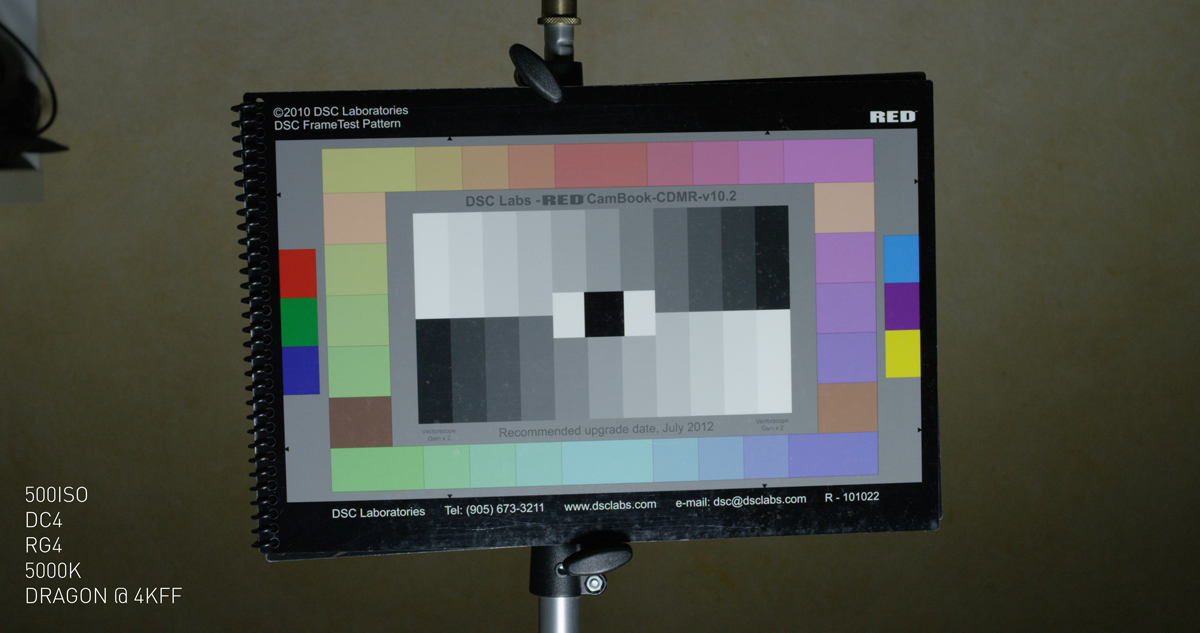
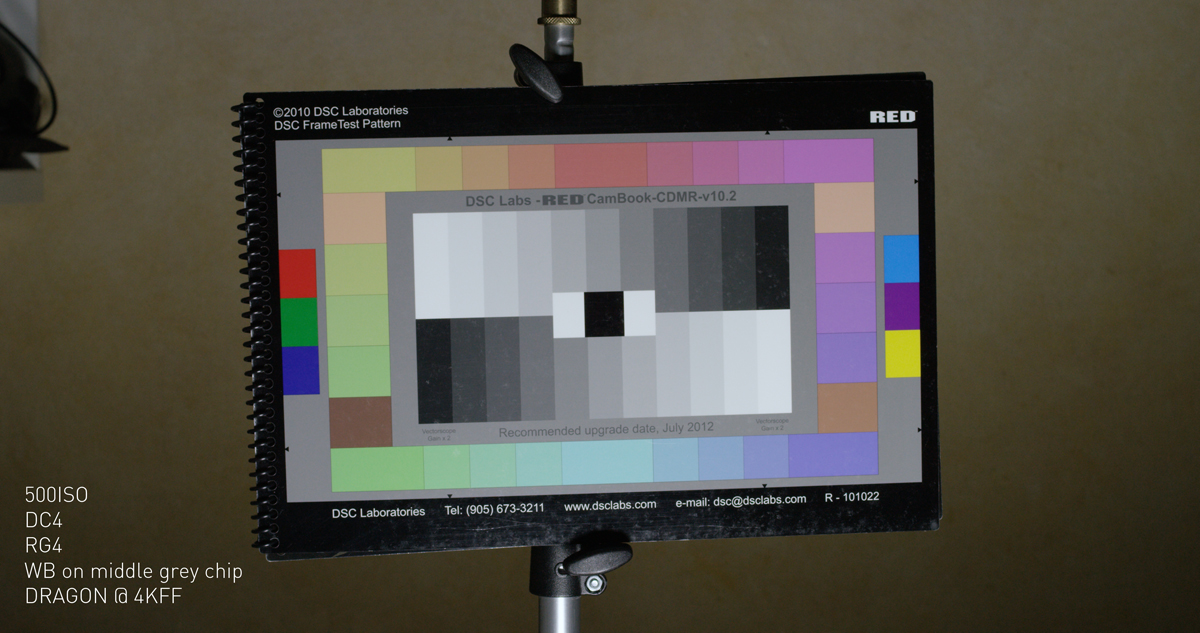
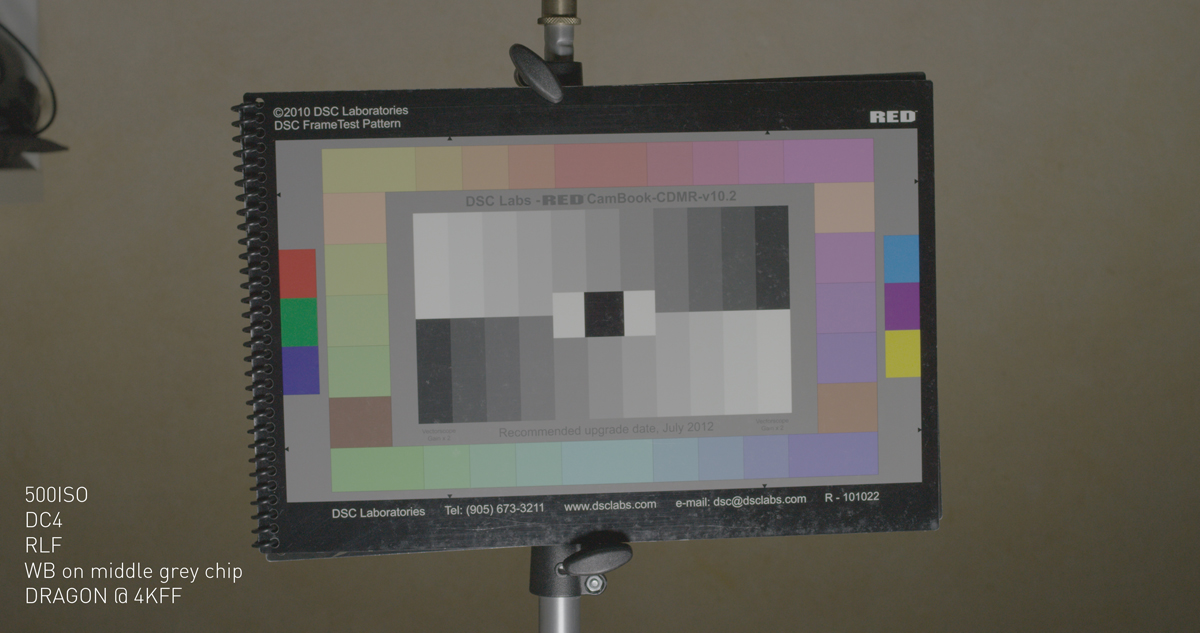
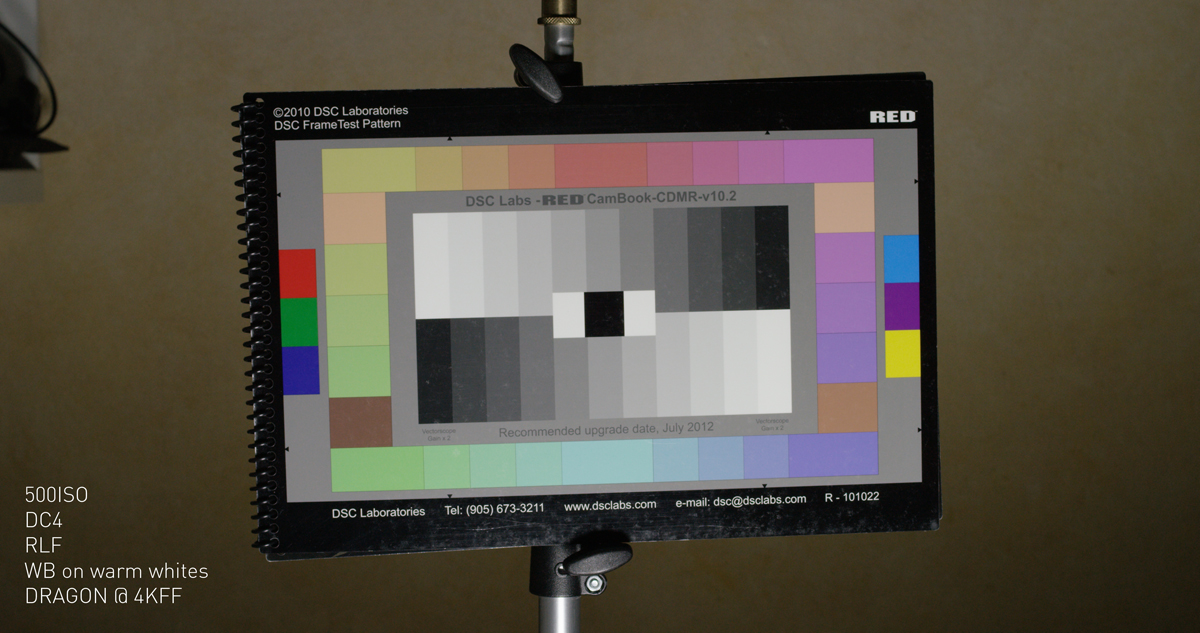
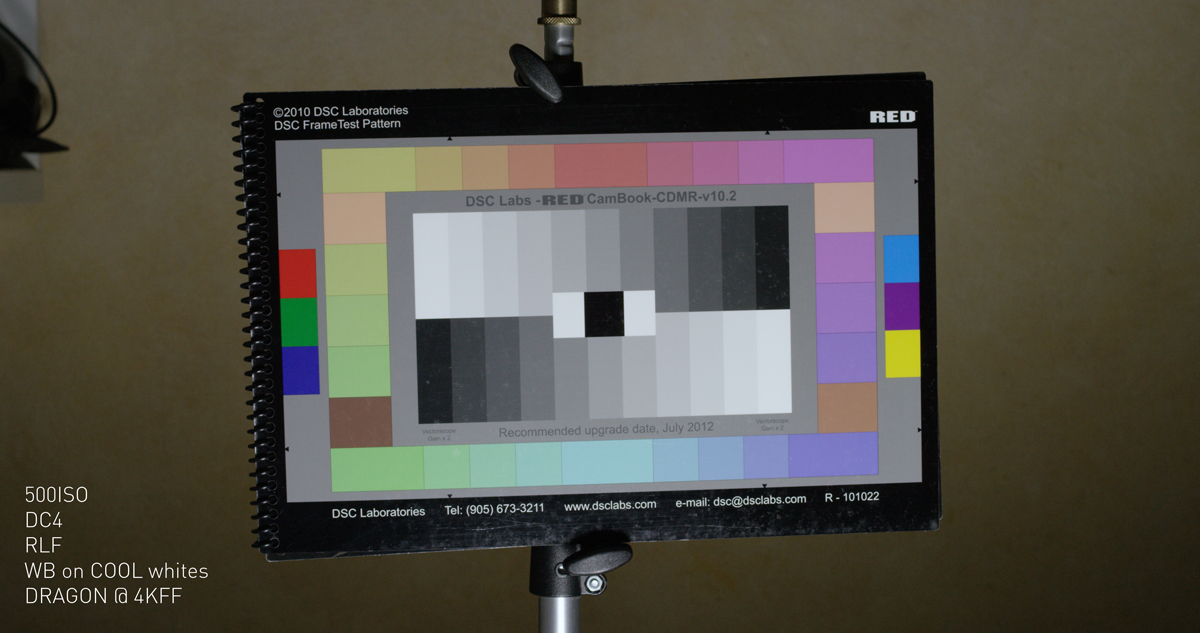
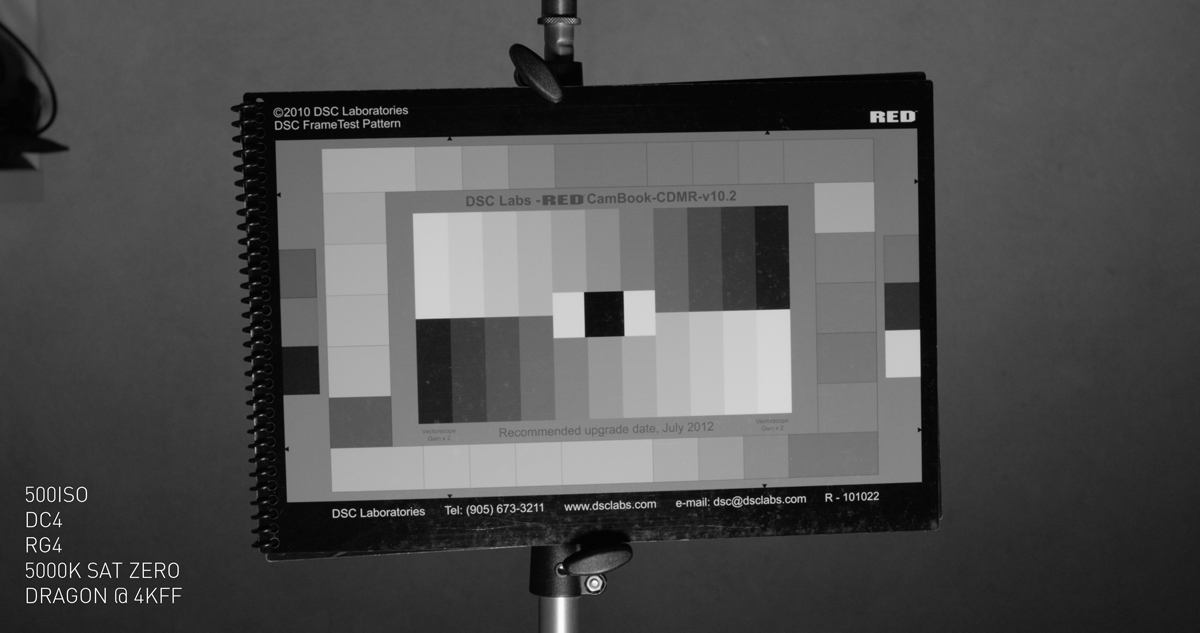
These are some very basic RED LOOK LUTS you can create in in camera or with RCX. These are all looks that can be created in RCX exported, then imported into the camera as a LOOK file via SSD.
Download the EPIC/SCARLET LOOK files and R3D here.
https://www.dropbox.com/sh/5w7z1rc17iisgf8/AACAp2a6YQk1I2q2UT1M4UFKa?dl=0
Here are the stills.
battistella
Red does provide LUTS- REDcolor2,3,4 REDgamma2,3,4 REDlogfilm are all REDluts.
you can now apply independant Monitor LUTS in camera, but it is important to understand what a LUT does and how in camera LUTS can impact exposure.
Have a look at the video on this link as a good primer to LUTS.
For now it's exclusively RED LUTS, but everyone should check this out.
http://www.mixinglight.com/008-R9-LutsandExposure-PI.html
These are some very basic RED LOOK LUTS you can create in in camera or with RCX. These are all looks that can be created in RCX exported, then imported into the camera as a LOOK file via SSD.
Download the EPIC/SCARLET LOOK files and R3D here.
https://www.dropbox.com/sh/5w7z1rc17iisgf8/AACAp2a6YQk1I2q2UT1M4UFKa?dl=0
Here are the stills.
battistella
Last edited:


