chris ware
Well-known member
- Joined
- Jul 1, 2016
- Messages
- 163
- Reaction score
- 1
- Points
- 18
- Location
- Westchester, NY
- Website
- www.chriswaremedia.com
Hello
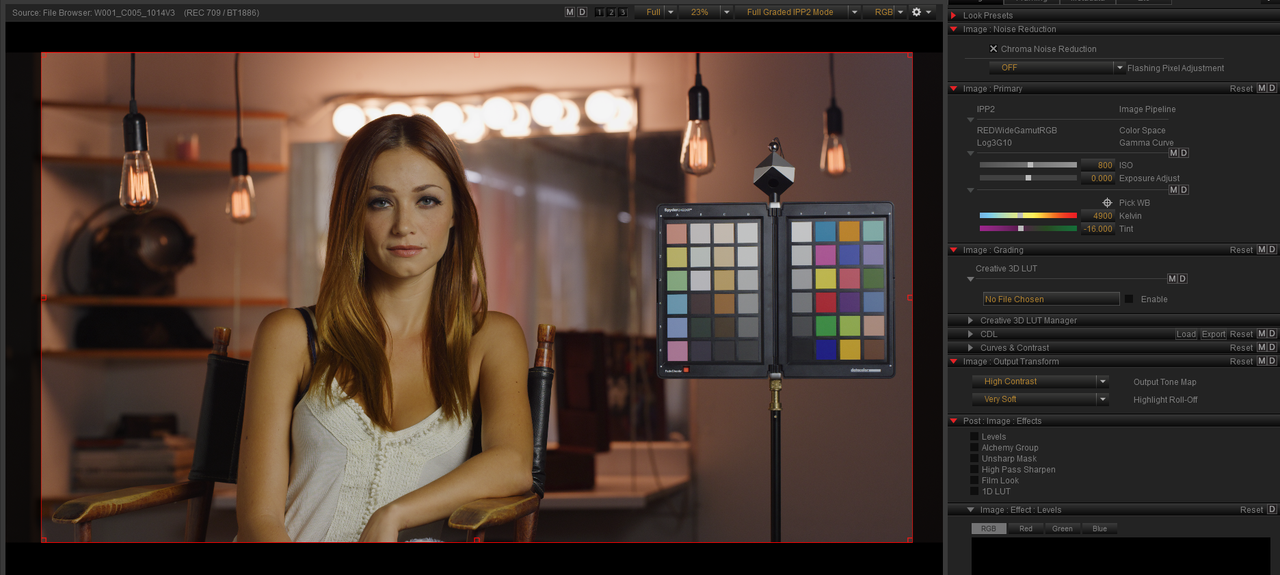
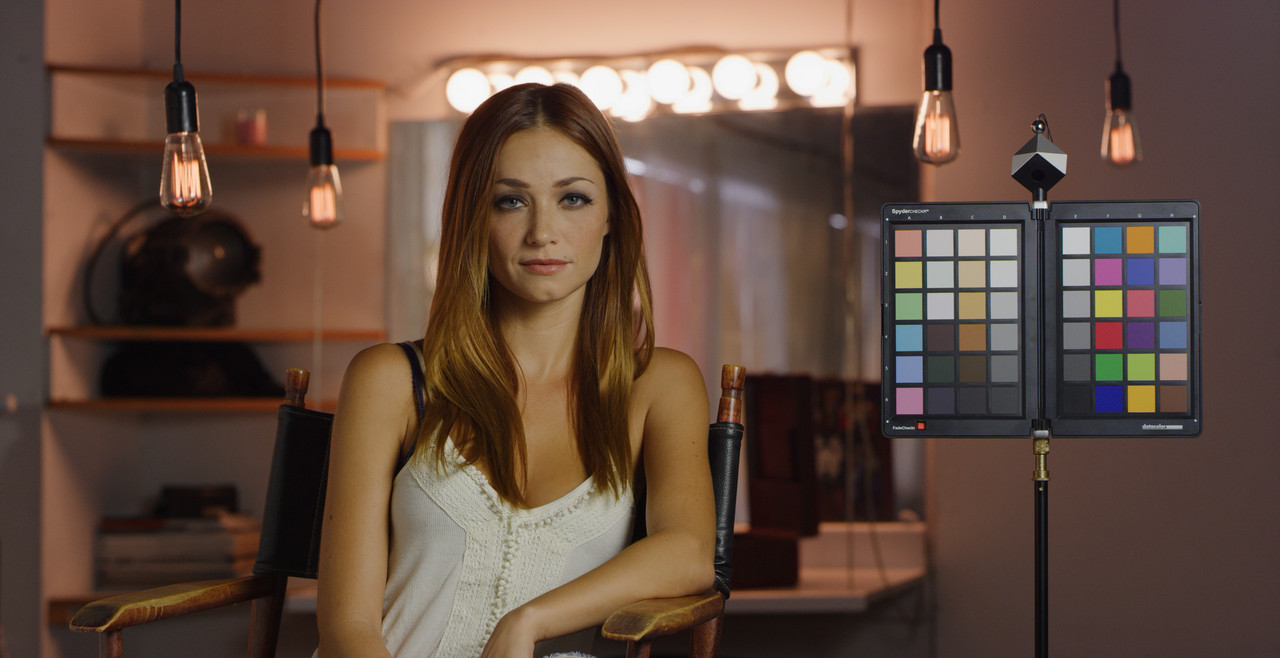
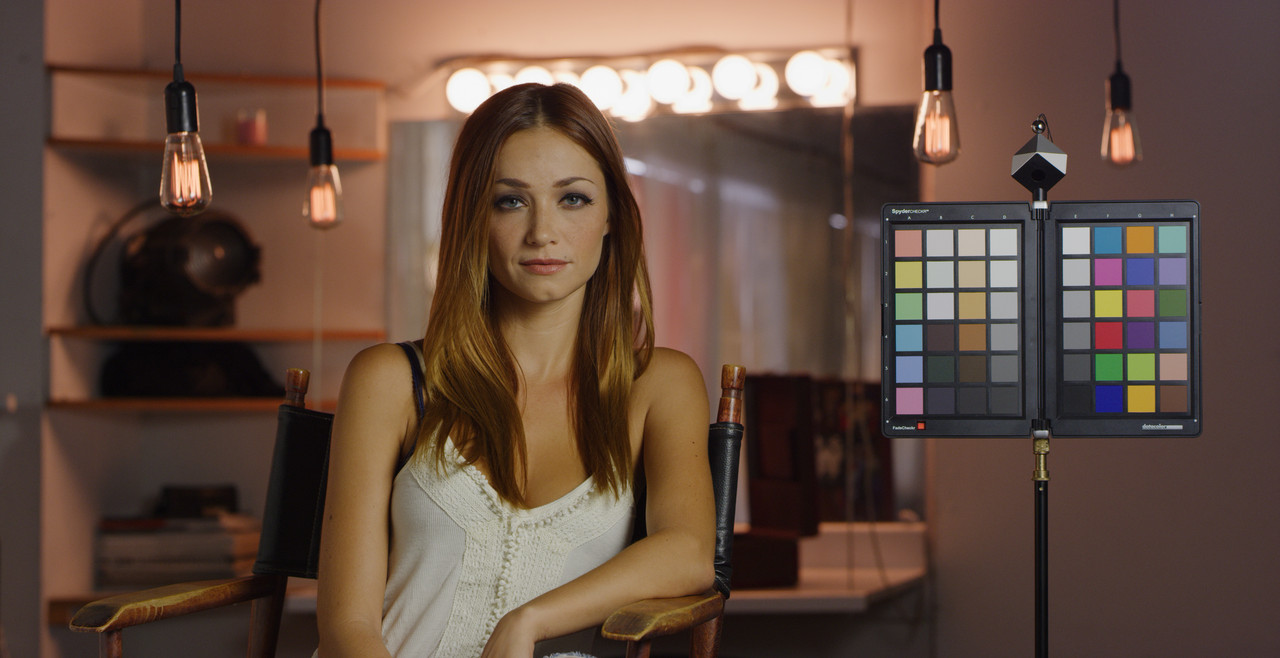
With IPP2 being the new standard, I have had some challenges setting up Davinci in the preferences before I begin my grade. I'm filming with an epic w and capturing r3d and prores at the same time. My prores in Adobe Premiere match the r3d in RedCine-X. They match identically. They also match what I saw in my monitor while filming.
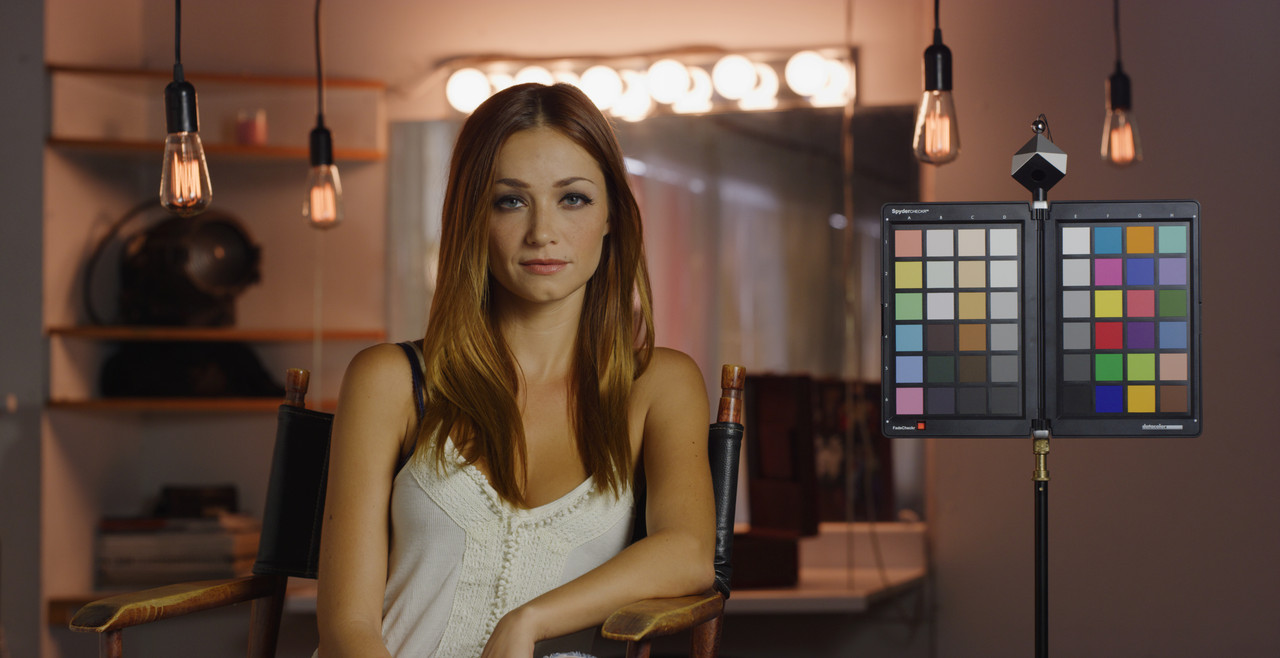
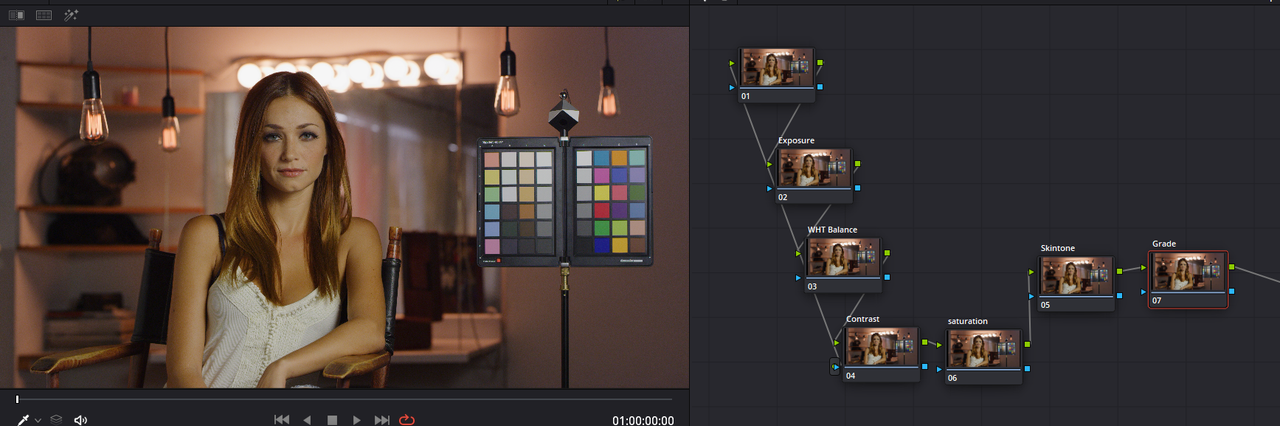
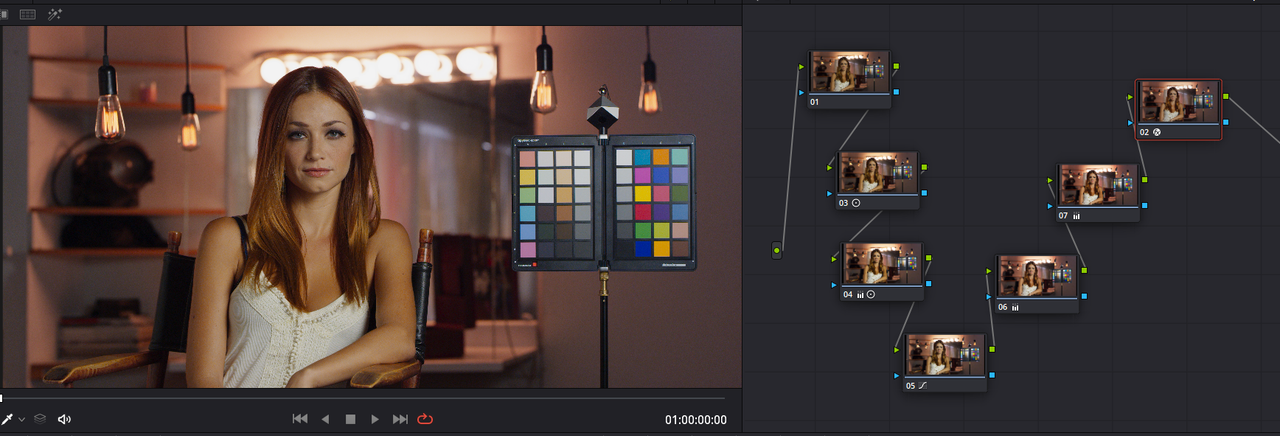
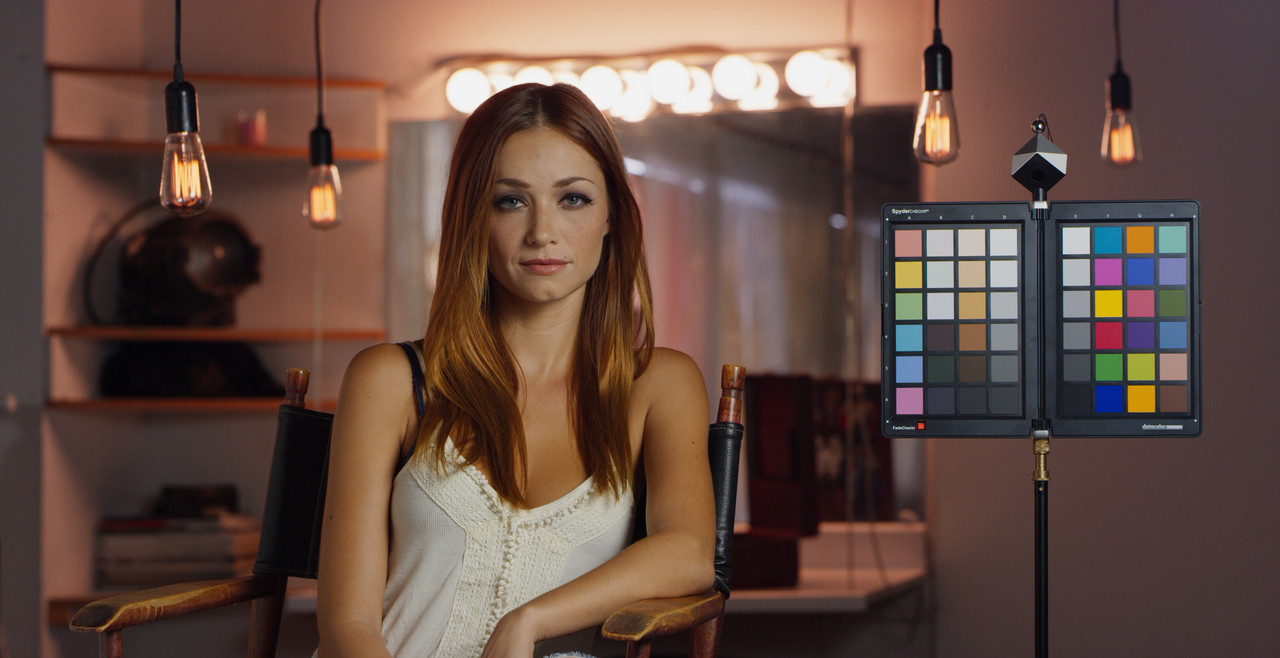
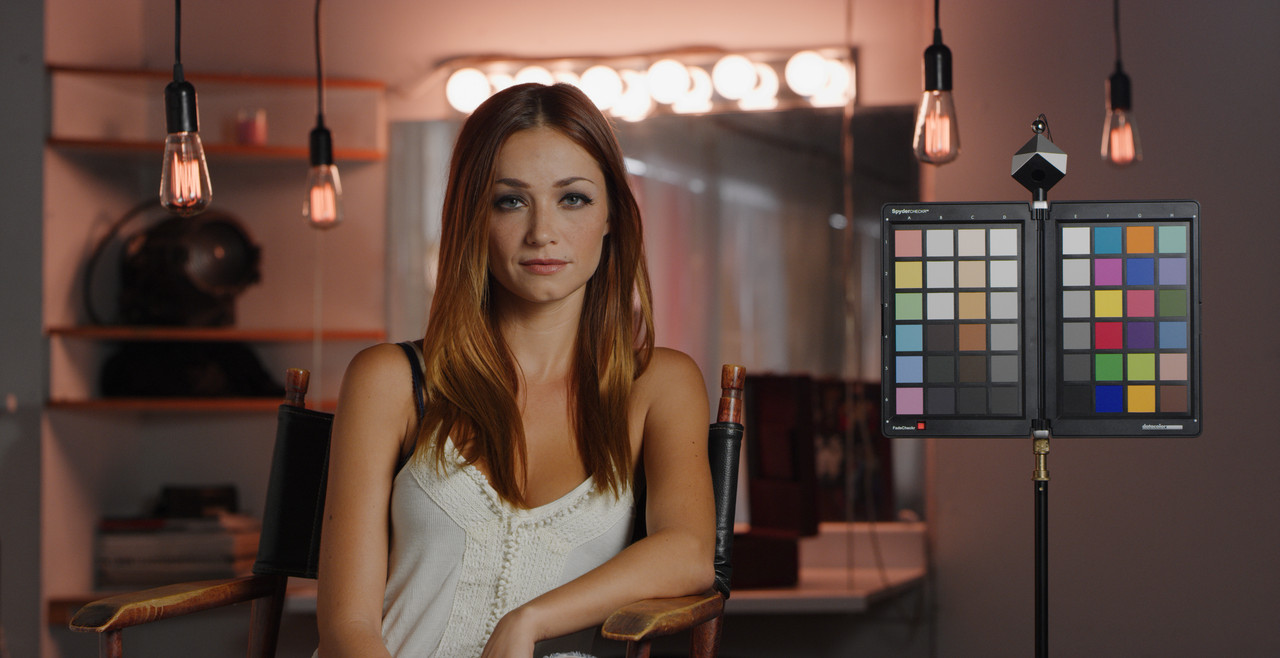
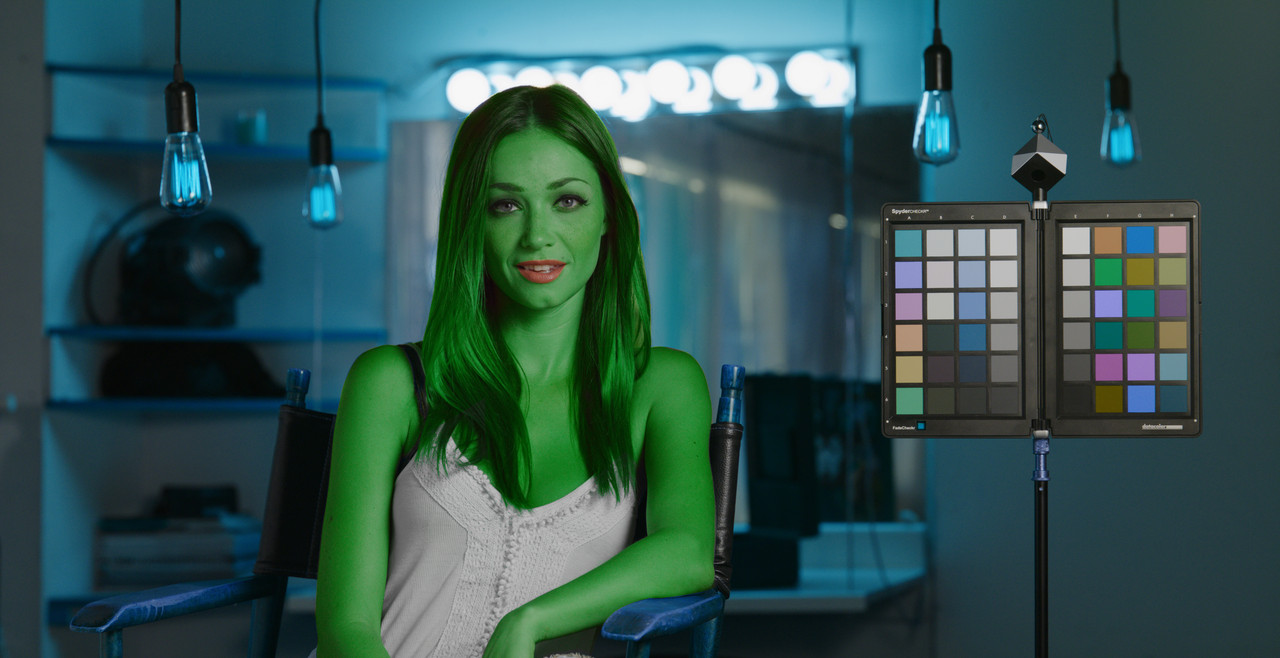
However, when I bring the r3d into Davinci the color doesn't match at all. Then I struggle with it, while trying to grade. Before IPP2, everything matched, and I used Davinci to tweak the raw and then output a 4k final file. I have tried several approaches to get the start point in Davinci to be the same as what I can see in redline-x with the raw, and or the prores in adobe.
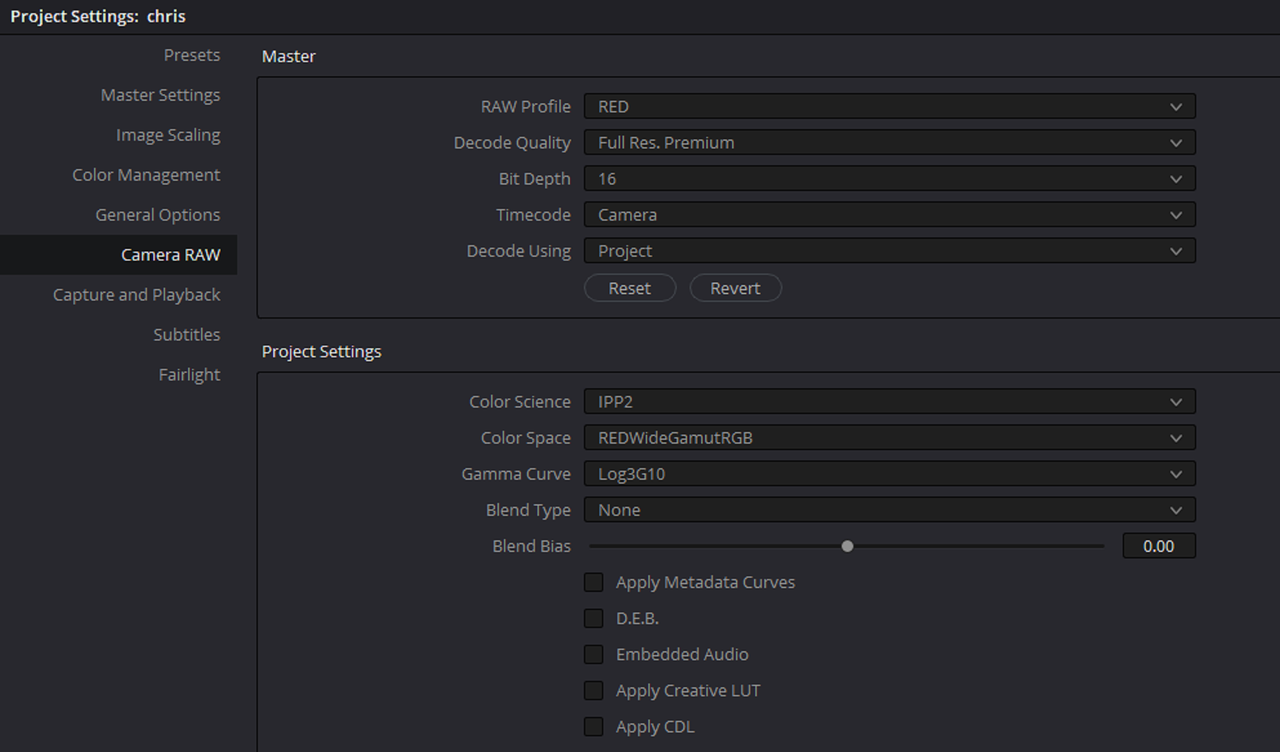
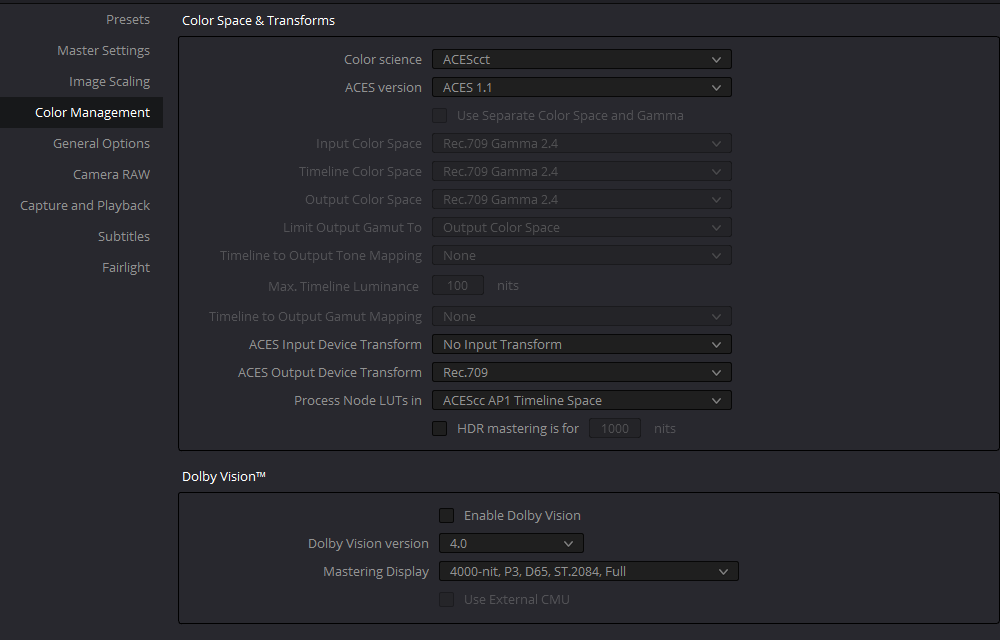
1. In Project Settings in DVR
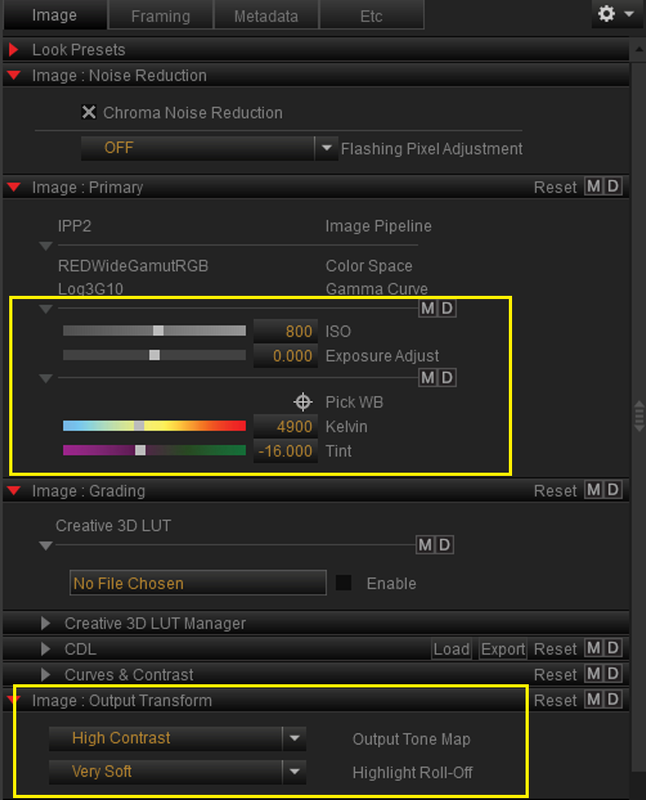
Color Science: ipp2
color space: redwidegamutrgb
curve: log3g10
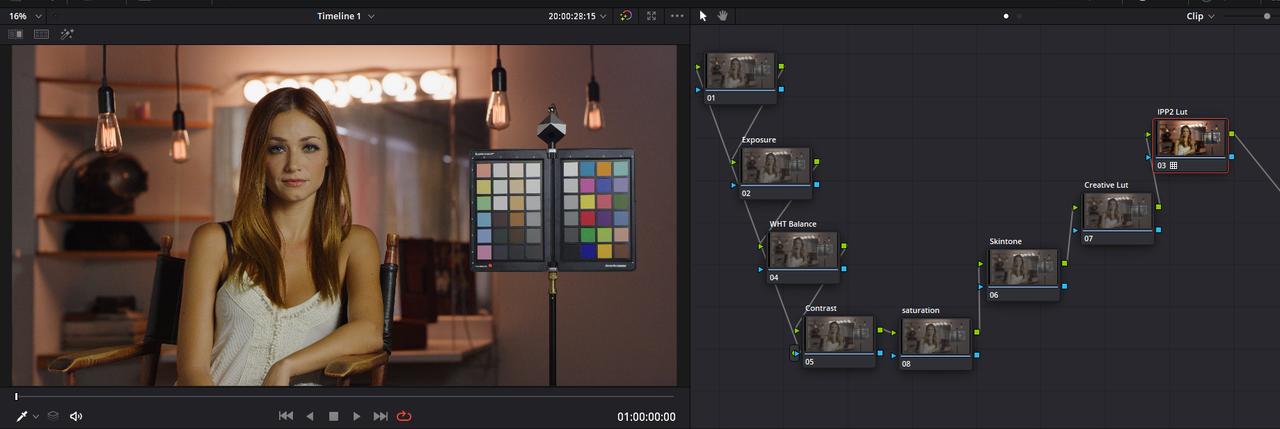
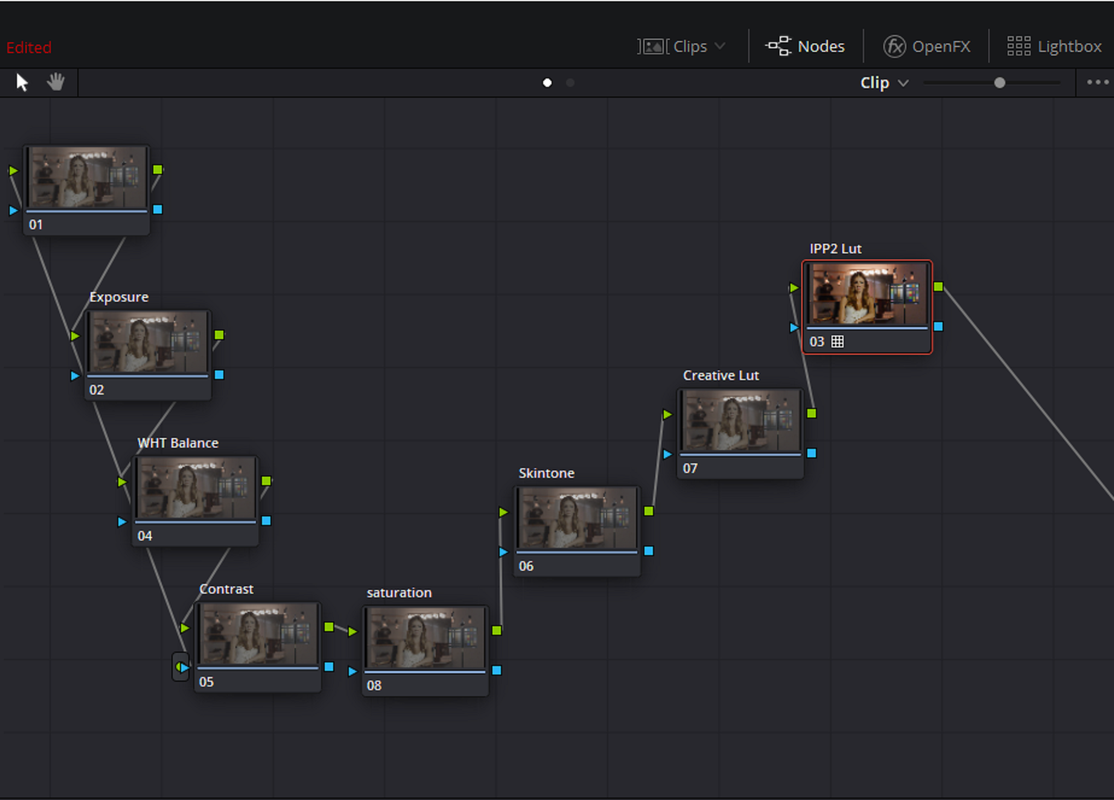
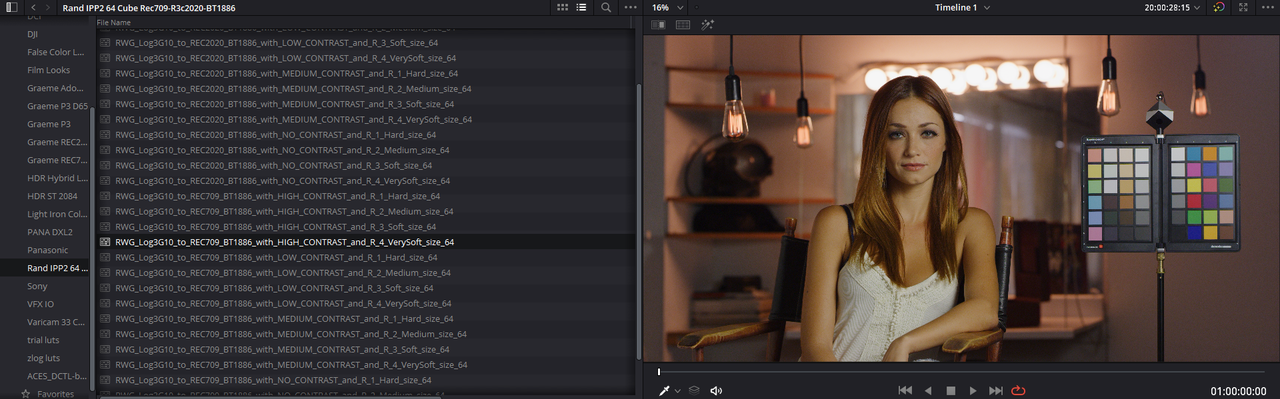
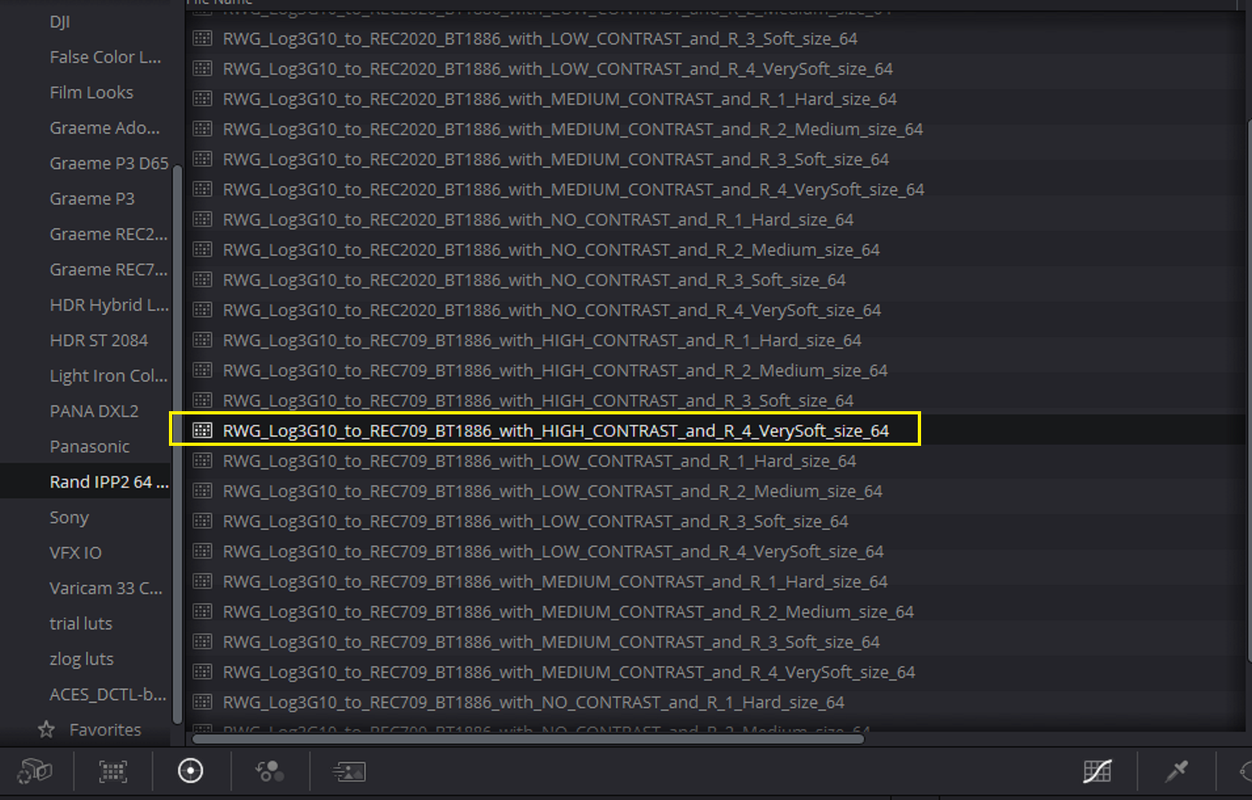
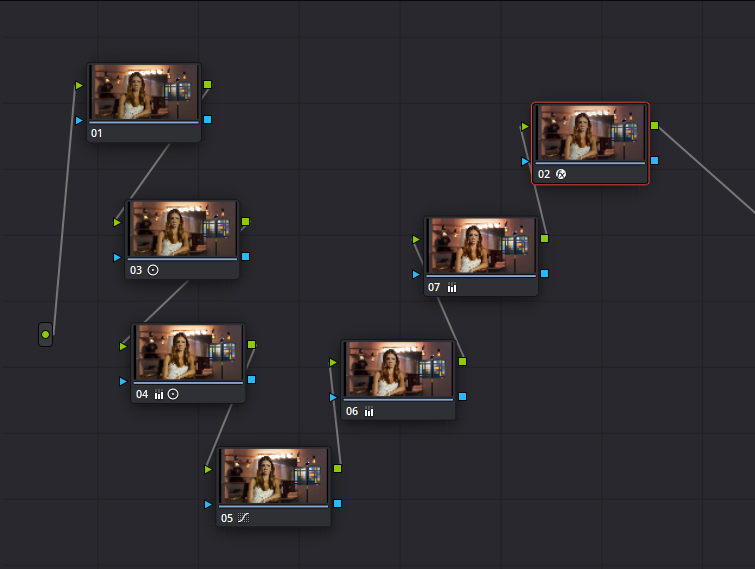
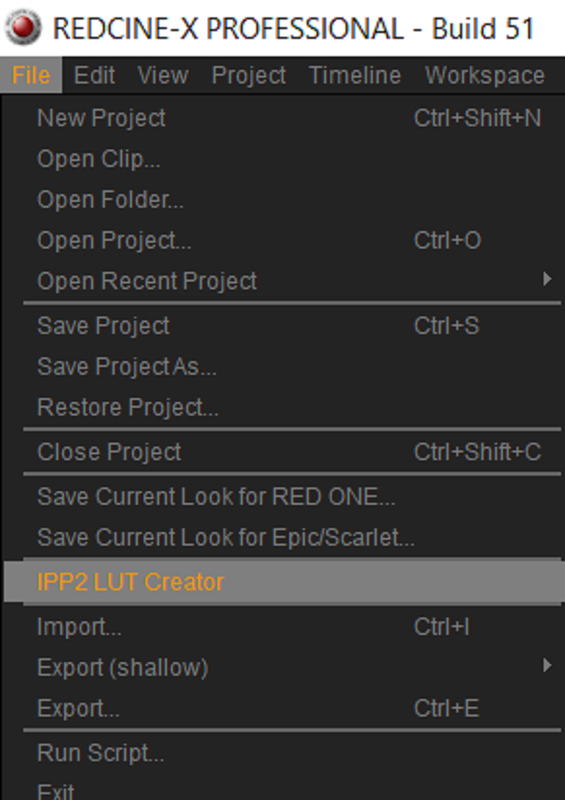
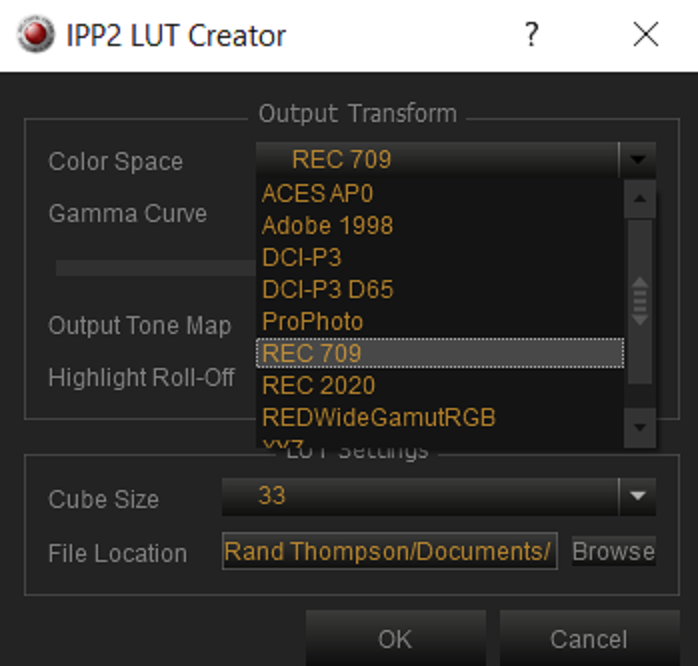
Then the first node gets a LUT from red to help transform it from log3g10 to rec 709
2. In Project Settings in DVR
Color Science: ipp2
color space: rec 709
curve: bt 1886
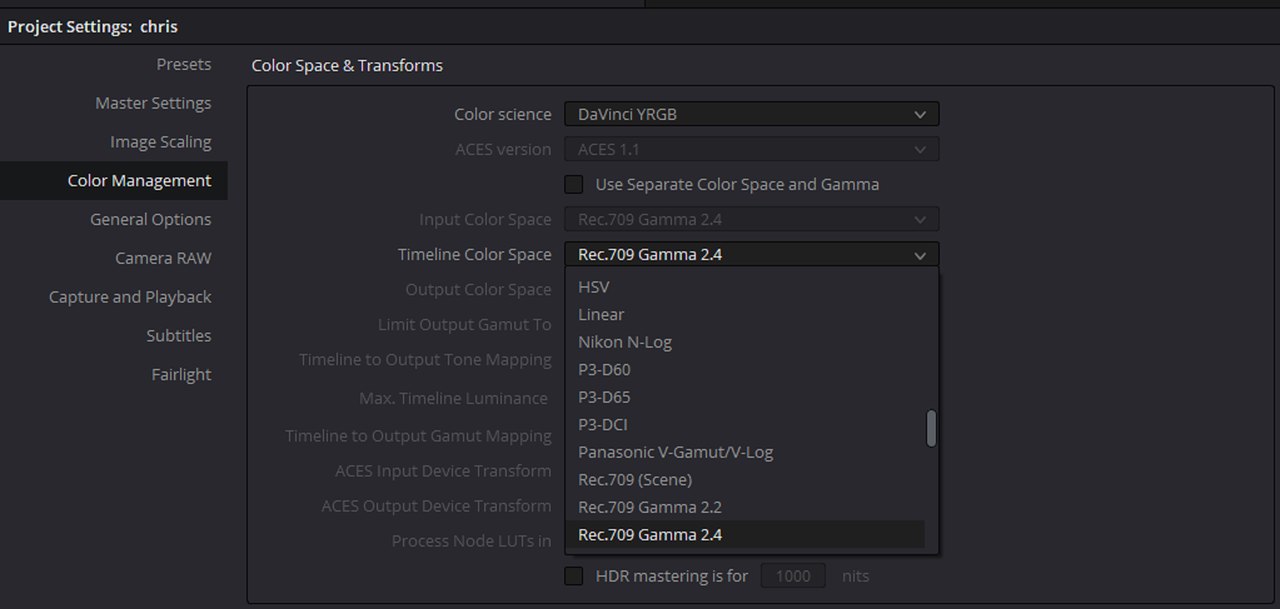
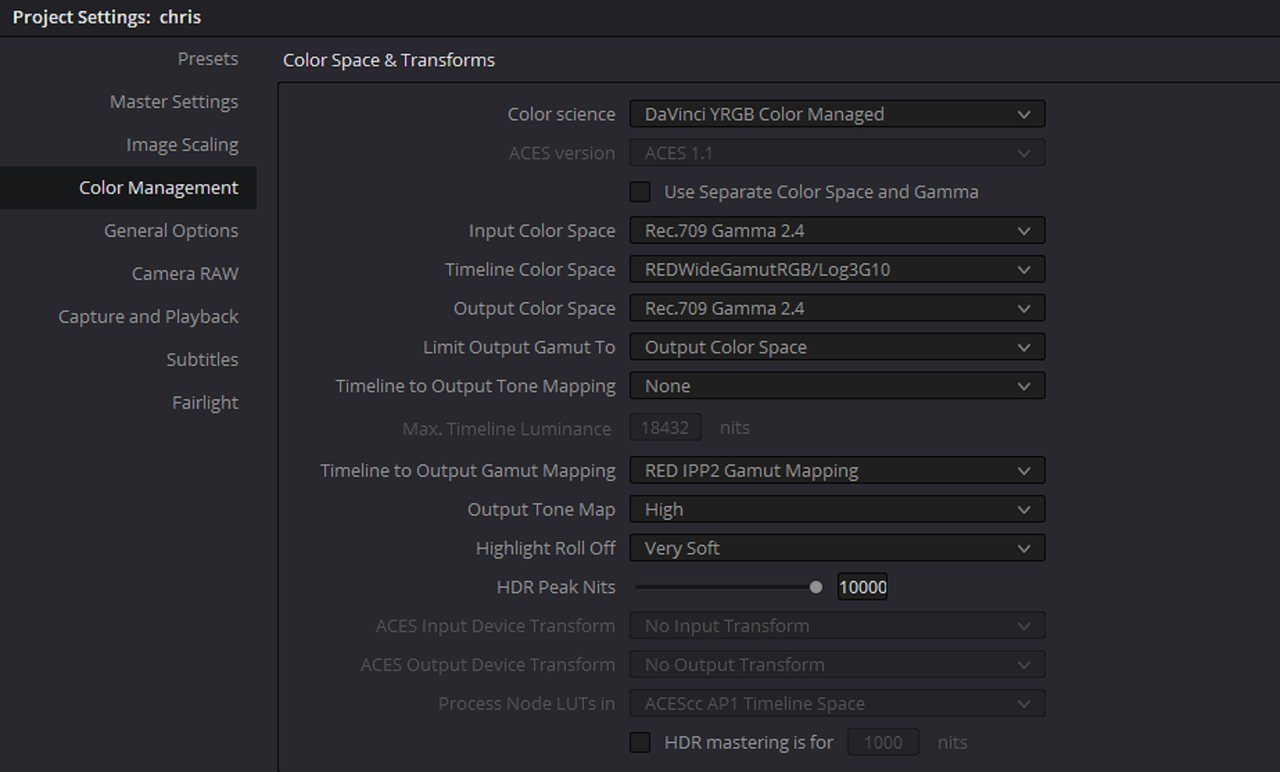
3. In color space and transforms
color science: Davinci yrgb color managed
timeline color space: redwidegamutrgb/log3g10
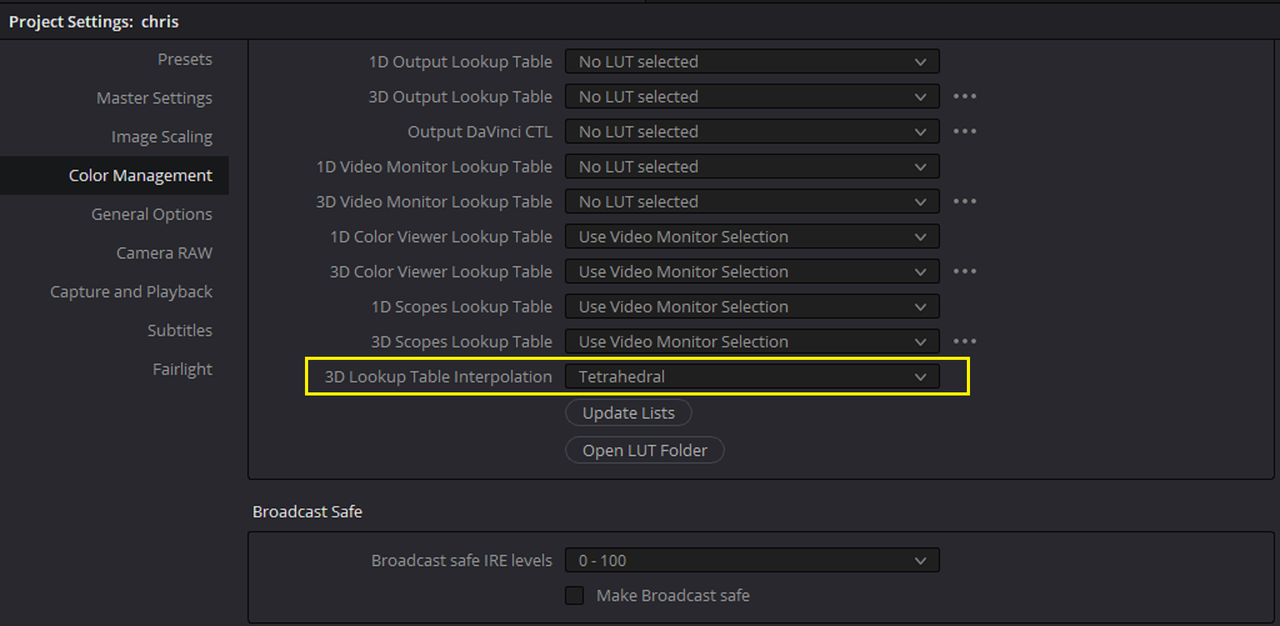
timeline to output gamut mapping: red ipp2 gamut mapping
These are my three start points. However, none seem to give me the same start point results for color that redcine-x with the raw and or adobe with the prores. My monitor also matches redcine and adobe.
How can I get Davinci to start out the same as the other three?
thanks!!!!!
With IPP2 being the new standard, I have had some challenges setting up Davinci in the preferences before I begin my grade. I'm filming with an epic w and capturing r3d and prores at the same time. My prores in Adobe Premiere match the r3d in RedCine-X. They match identically. They also match what I saw in my monitor while filming.
However, when I bring the r3d into Davinci the color doesn't match at all. Then I struggle with it, while trying to grade. Before IPP2, everything matched, and I used Davinci to tweak the raw and then output a 4k final file. I have tried several approaches to get the start point in Davinci to be the same as what I can see in redline-x with the raw, and or the prores in adobe.
1. In Project Settings in DVR
Color Science: ipp2
color space: redwidegamutrgb
curve: log3g10
Then the first node gets a LUT from red to help transform it from log3g10 to rec 709
2. In Project Settings in DVR
Color Science: ipp2
color space: rec 709
curve: bt 1886
3. In color space and transforms
color science: Davinci yrgb color managed
timeline color space: redwidegamutrgb/log3g10
timeline to output gamut mapping: red ipp2 gamut mapping
These are my three start points. However, none seem to give me the same start point results for color that redcine-x with the raw and or adobe with the prores. My monitor also matches redcine and adobe.
How can I get Davinci to start out the same as the other three?
thanks!!!!!