Welcome to our community

Be a part of something great, join today!

  • Hey all, just changed over the backend after 15 years I figured time to give it a bit of an update, its probably gonna be a bit weird for most of you and i am sure there is a few bugs to work out but it should kinda work the same as before... hopefully :)

first time shooting with Red Dragon some advices

Patrick tang

Member
Joined
Jun 29, 2014
Messages
15
Reaction score
0
Points
0
Location
Bangkok
Hi everyone,

im very new about red camera, i just had the chance to shoot a short movie.

In a dark room... with some lights DYI

i woud like to know what is the best setting camera for that kind of shoot? ( shutter, Iso, Kevin...)

i joined a snapshot then you can get me better feedback

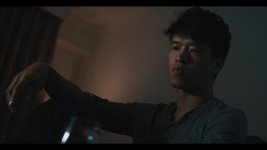
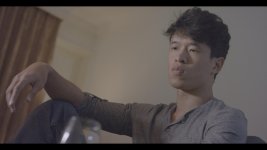
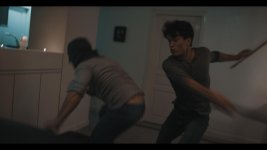
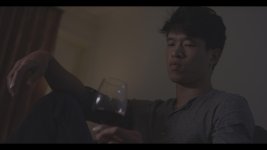
The actually setting was Shutter speed 172.8, Iso 250 , Kevin 3500, redlogfilm

Thank you
 

Attachments

  • charly2.jpg
    charly2.jpg
    37.1 KB · Views: 0
Red doesn't like underexposed, As Bob mentioned you may need more light... Fast glass and slower shutter will help you though
 
Last edited:
If you are shooting 24fps in a 50hz country you best you se 172.8 degree shutter as Patrick has done here.
 
Yeah, that's likely way too underexposed; the minute you add contrast and/or try to get proper brightness you'll get some nasty noise in there.

At the very least, boost the ambient light level by a couple stops (via more light preferably, but even opening up the lens would be better). What is the left goal-post doing? What does this shot look like at ISO2000 (done in post)?
 
The exposure here looks fine. He says its ISO250. Which means he's got plenty of room if he wants to do any boosting in post, but it sounds like he wanted a dark room look anyway...
 
The exposure here looks fine. He says its ISO250. Which means he's got plenty of room if he wants to do any boosting in post, but it sounds like he wanted a dark room look anyway...

It doesn't really look like he's got plenty of room, unless he wants the image to be pretty dark. Lack of contrast is probably a bigger issue...

But an R3D would quickly disclose that.

Don't look blindly at ISO, as it isn't really too informative. Neither at 250 nor @ 12800 :)

Edit:
Phil is a source of good info.
 
Last edited:
Hi everyone,

im very new about red camera


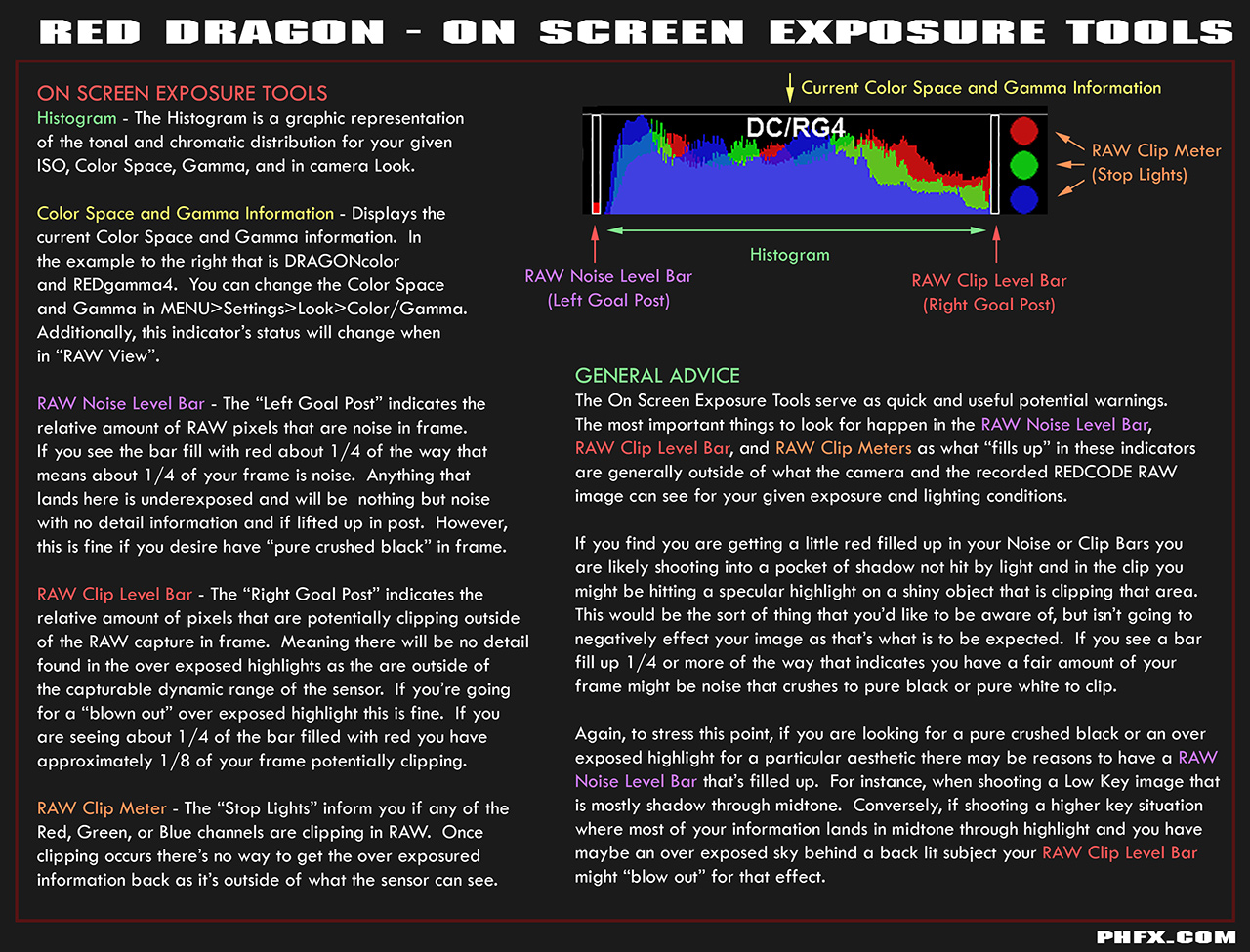
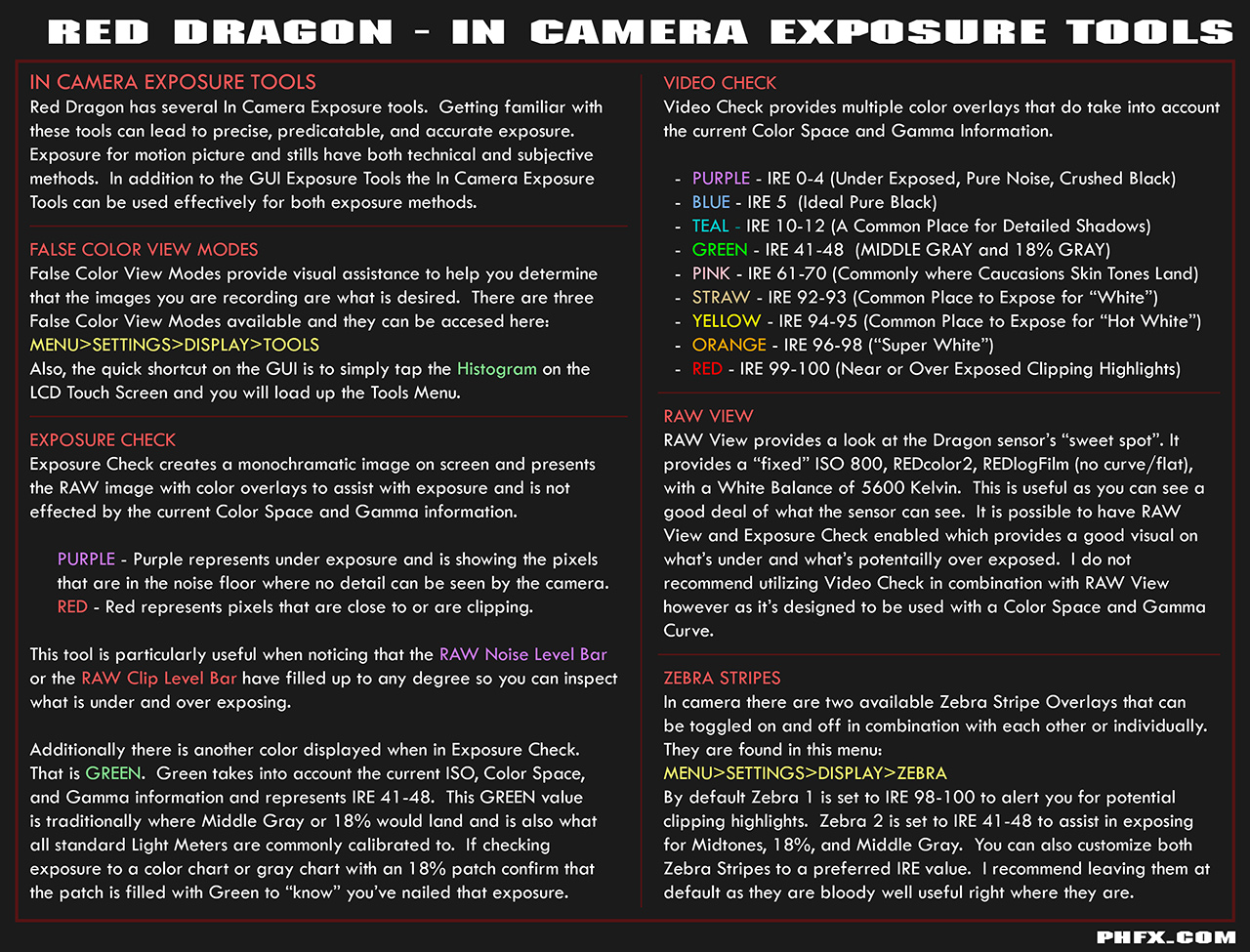
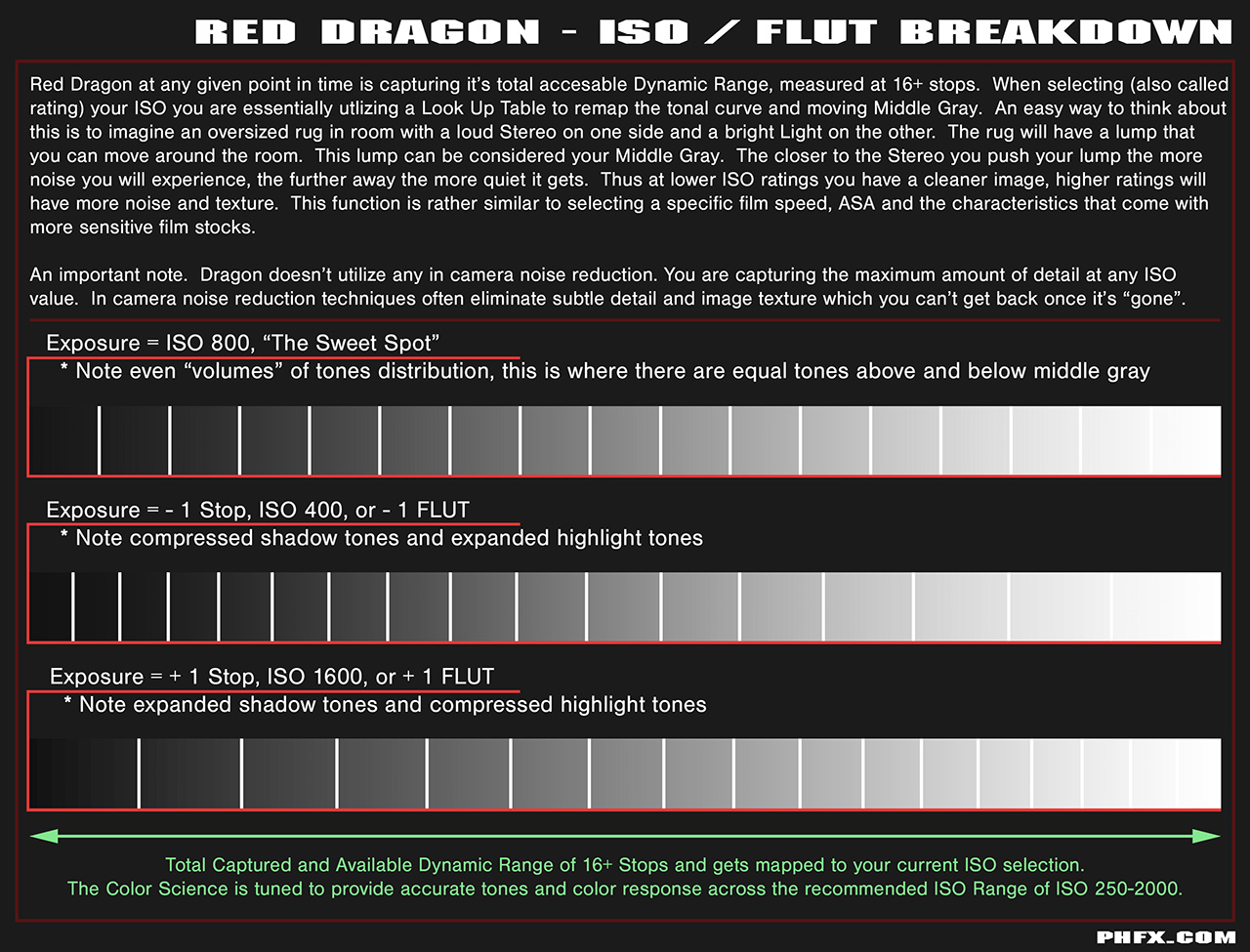
Hi Patrick. I've found that many people new to shooting with digital cinema cameras like Dragon don't fully explore the in camera exposure tools and don't usually understand the concept of ISO rating. Here's some helpful things to get you started.


Red Dragon - On Screen Exposure Tools


Red Dragon - In Camera Exposure Tools


Red Dragon - ISO / FLUT Breakdown


Red Dragon - ISO Examples


Thanks guys for all reply, thx Phil holland for the board i will study it. For my shot was using the 35mm Samyang lenses T-stop 2.2 .
i wanted my shot looking like dark room, here is the result after color correction and bring the iso up to 400 Iso. To me it looks good but maybe for you professionnal it might be wrong and lack of light. So should i bring the light higher? or should i be at 800 Iso and get bright light?
 

Attachments

  • Bogoss.jpg
    Bogoss.jpg
    40.5 KB · Views: 0
If it is already shot, then post an r3d file. If information is available, then guessing is not really needed, right?
 
Yeah, that's likely way too underexposed; the minute you add contrast and/or try to get proper brightness you'll get some nasty noise in there.

At the very least, boost the ambient light level by a couple stops (via more light preferably, but even opening up the lens would be better). What is the left goal-post doing? What does this shot look like at ISO2000 (done in post)?


here if i bring at 2000 Iso it kind of noisy
 

Attachments

  • 2000 iso.jpg
    2000 iso.jpg
    65 KB · Views: 0
i could post the file but its quite huge ! but once the hole editing done i will keep it update.
i liked the lighting i had shot but something i might miss some highlights.
 

Attachments

  • highlight.jpg
    highlight.jpg
    46.1 KB · Views: 0
i could post the file but its quite huge ! but once the hole editing done i will keep it update.
i liked the lighting i had shot but something i might miss some highlights.

Hi Patrick, in Redcine-x, you can choose one frame snapshot for R3D file.
Go to the frame you like to send, and then choose R3D Snapshot
34phvsy.png

After a few seconds, you'll find a one frame R3D file in your Desktop, upload that.
 
i could post the file but its quite huge ! but once the hole editing done i will keep it update.
i liked the lighting i had shot but something i might miss some highlights.

I once heard a respected lighting designer say "you have no idea how much light it takes to make a stage look dark". I think you will drive yourself crazying trying to get the look of a dark room from a room that's actually dark. You want to light it so it looks dark.
 
Thank Dr sassi ^_^
when i upload the files it says upload failed
 
Back
Top