Anton Shavlik
Well-known member
The red's image looks like chromatic aberration when the focus is slightly off, the difference likely comes from the focus point being a hair different between the Arri and Dragon images.

Follow along with the video below to see how to install our site as a web app on your home screen.

Note: this_feature_currently_requires_accessing_site_using_safari

Mark, the Alexa DPX called "ALEXA_1.1.1.dpx" you used for the comparison is not the same image as the Arriraw file available for download (00100000148.0000025.ari). The Arriraw file exhibits a similar chromatic aliasing when zoomed, in both Arriraw Converter and in Photoshop when saved from that program as a DPX. Behold...
Rendered from Arriraw Converter as a DPX using LogC - Wide Gamut with a curve applied in Photoshop (open in a new window for a larger version).


Here's the difference between half-res debayer and the full-res debayer:
Half:

Full:

Maybe it's not the culprit, but it's interesting to see the difference.


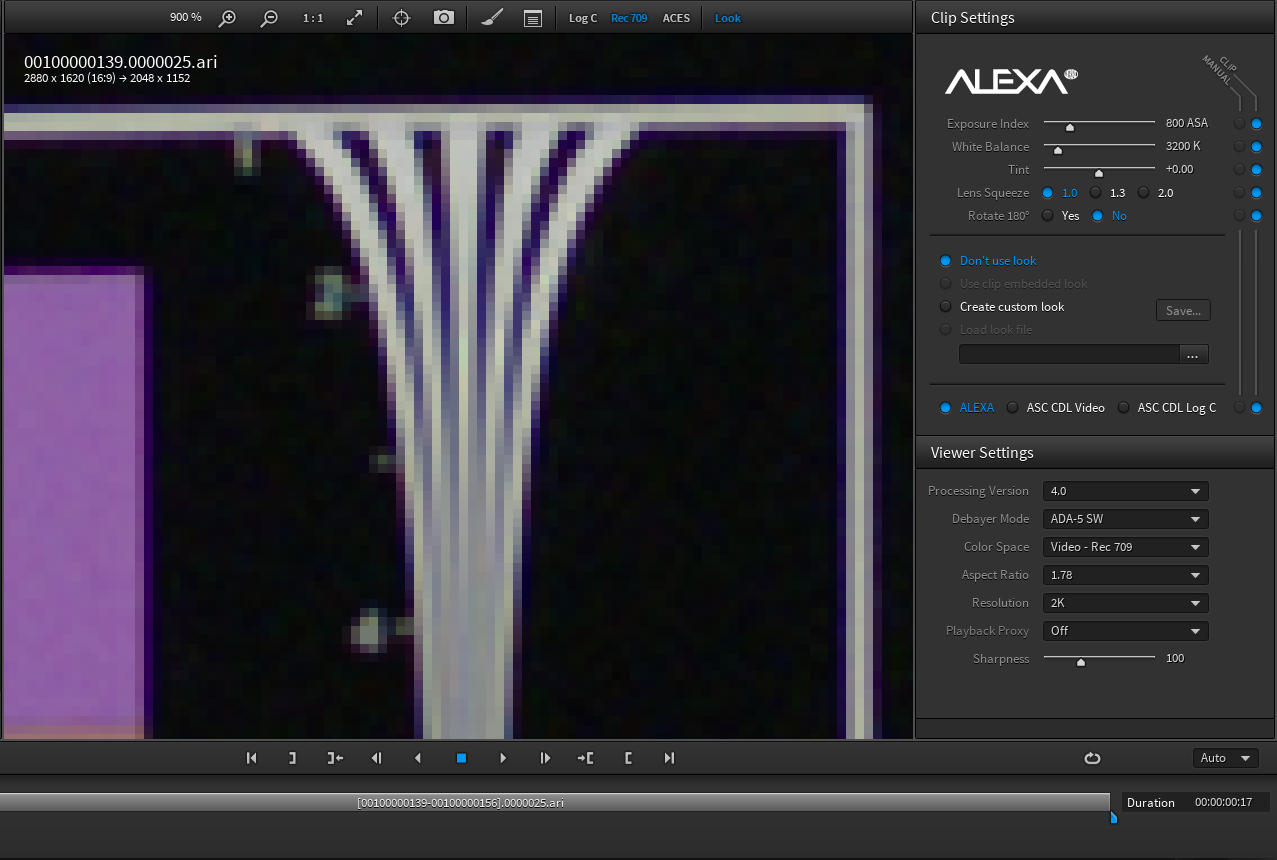
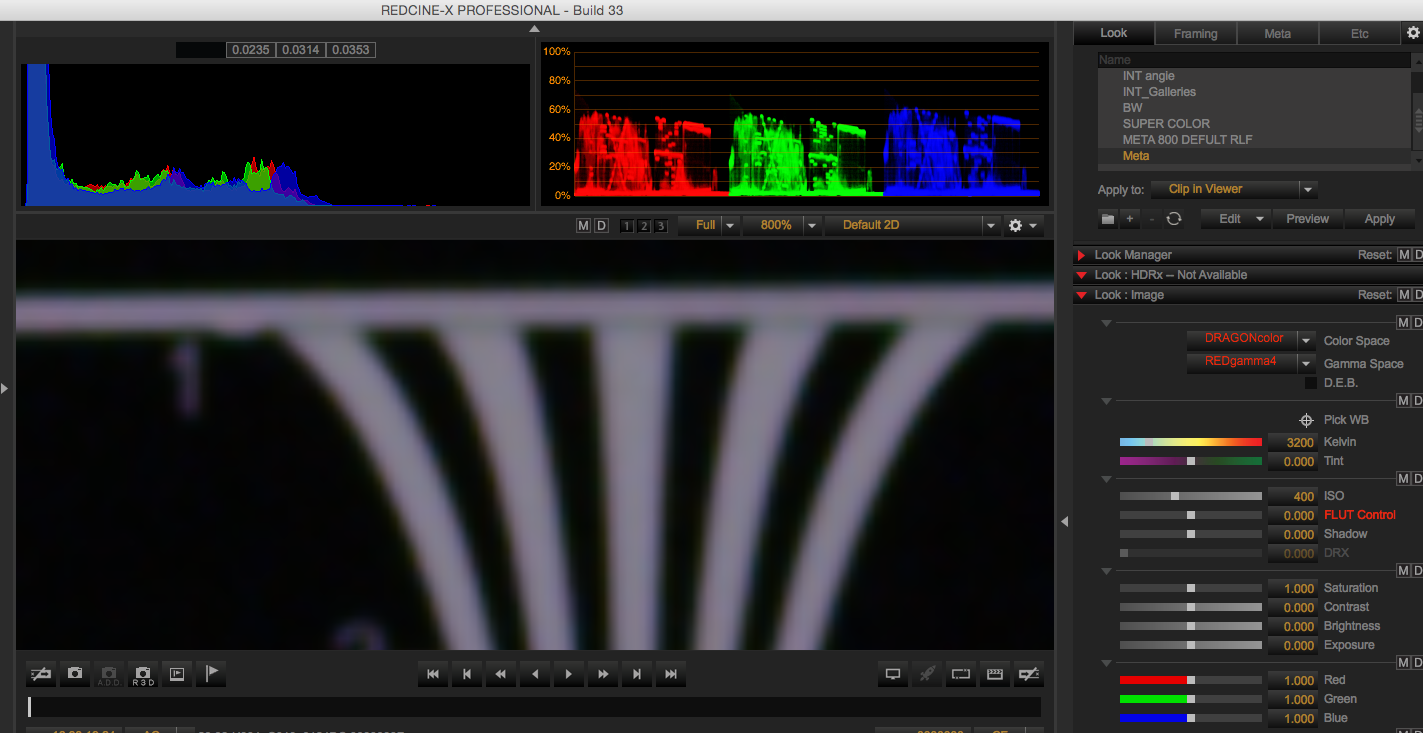


Your above quote made me realize just how important the processing pipeline is. Various people here have all come up with different renderings of the same image, some with color fringing some without. I took the alexa file and rendered it through Resolve and made a dpx which I viewed in Arri Looks. No color fringing. The image David shows makes me think that maybe the Arriraw viewer is not accurate until you render the image out? Anyways, an interesting education on workflow pipeline.Is this clever disinformation? Or perhaps just a good example of how much the final image is a product of the entire processing pipeline - very much including the nature of any codecs used at the final output stage. I would also point out that the type of scaling (downsampling) filter used influences the amount and character of any aliasing artifacts.
Cheers - #19