Welcome to our community

Be a part of something great, join today!

  • Hey all, just changed over the backend after 15 years I figured time to give it a bit of an update, its probably gonna be a bit weird for most of you and i am sure there is a few bugs to work out but it should kinda work the same as before... hopefully :)

Davinci Resolve 16.1 Final Release Version

How to Move Your Projects Between Computers - DaVinci Resolve 15


By Learn Color Grading


Match Frame in DaVinci Resolve 16 | Quickly Sync Source and Timeline Clips


By Jason Yadlovski


Power Bins in DaVinci Resolve 16.1


By CB Super


5 Davinci Resolve Editing Workflow HACKS That Will BLOW YOUR MIND


By Jay Lippman


Color Correction For Beginners - Basic Color Grading Concepts Tutorial In Davinci Resolve 16


By
Casey Faris


This One Grading Secret Applies Color Theory in Films Almost Instantly


By Color Grading Central


Color grade FASTER w/ MASTER TIMELINE | Davinci Resolve Tutorial


By Billy Rybka


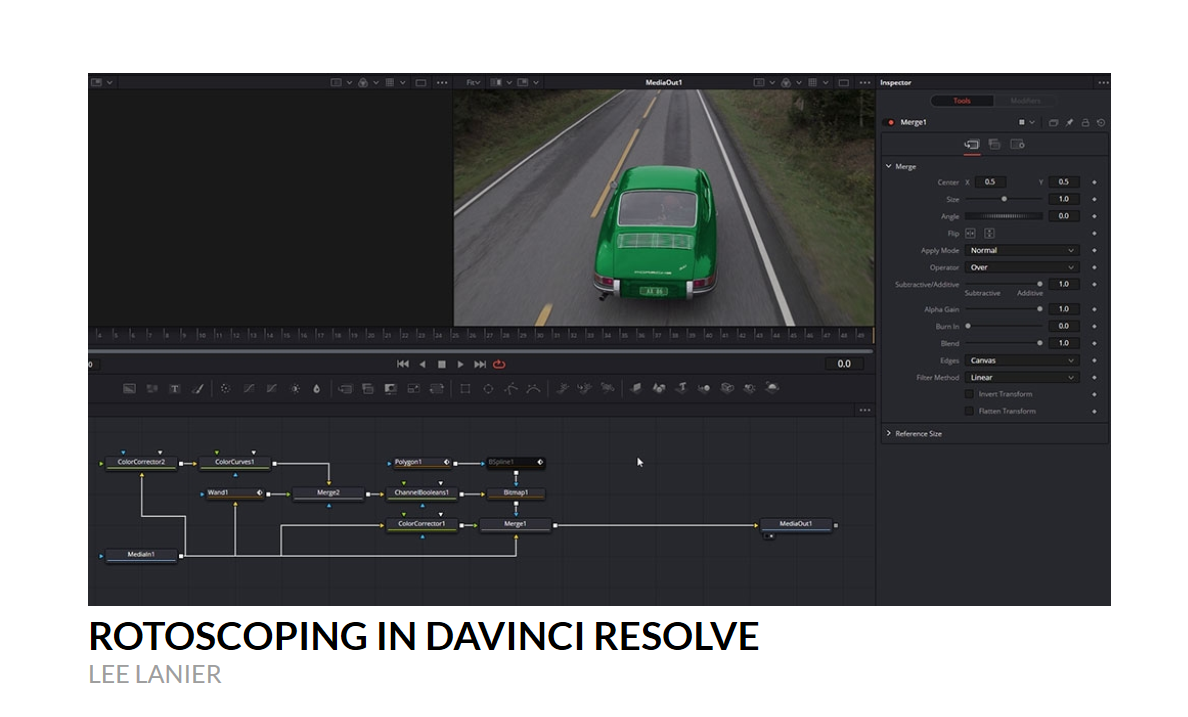
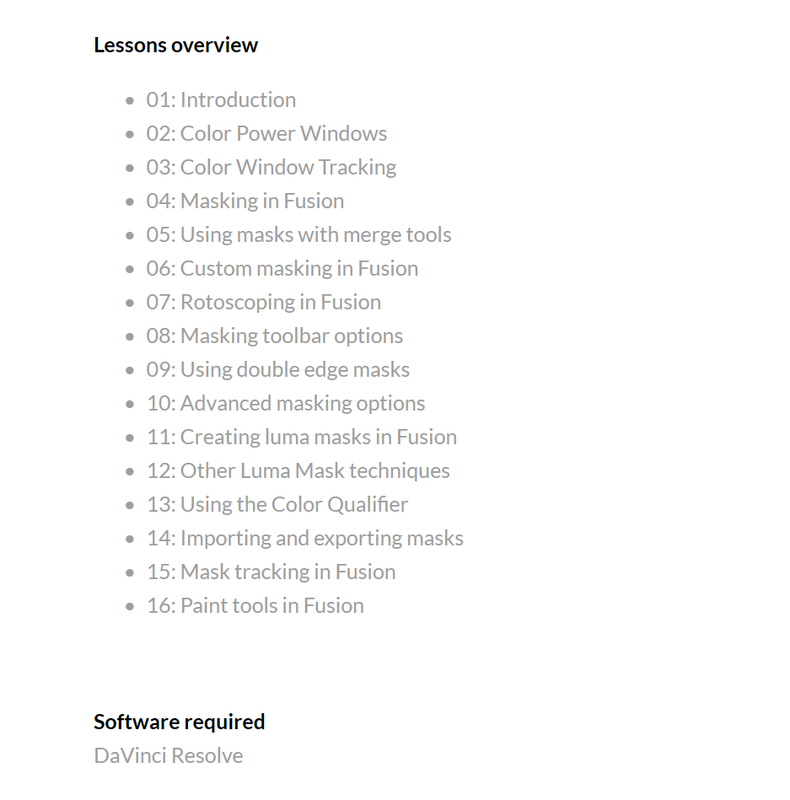
Lowepost New Course:Rotoscoping in DaVinci Resolve


https://lowepost.com/finishing/courses/rotoscoping-in-davinci-resolve-r28/


Become a premium member and get instant access to all the courses and content on Lowepost.


https://lowepost.com/premium-membership


Screenshot-306.png


Screenshot-307.png


Screenshot-308.png


Screenshot-309.png
 
Hidden Tool That Speeds Up Any Type Of Edit In Resolve


By
Learn Color Grading


Delta Keyer in DaVinci Resolve 16.1


By CB Super


Change These 2 Settings Before You Start Coloring | DaVinci Resolve


By
Learn Color Grading


Watch This Before You Use Color Wheels | DaVinci Resolve


By Learn Color Grading


DaVinci Resolve Editing Basics Workshop with Simon Hall


By cinema5D


Color Grading Basics - Blackmagic Design DaVinci Resolve 16 Workshop with Simon Hall


By
cinema5D


MBS 471: DaVinci Resolve Editor Keyboard


By
Ripple Training


7 New Timeline Editing Features Explained for DaVinci Resolve 16.1.2


by
Chris' Tutorials


I wonder why I can't change the "Timeline frame rate" wich is actually the project frame rate, after having imported footage or created a timeline in the project?
It's default fps is 24p.
When I import footage it promps me to change the FPS to the footage I import. In the footage there could be 1 clip with 30fps, but I usually work in 25p. I should be able to set it manually.
 
WRONG PROJECT FPS? No Problem! Davinci Resolve 16 - 5 Minute Friday #27


By
MrAlexTech


Resolve 16 A or C Mode tip


By International Colorist Academy


Back
Top