Welcome to our community

Be a part of something great, join today!

  • Hey all, just changed over the backend after 15 years I figured time to give it a bit of an update, its probably gonna be a bit weird for most of you and i am sure there is a few bugs to work out but it should kinda work the same as before... hopefully :)

Davinci Resolve 16.1 Final Release Version

2 Strip Teal And Orange DaVinci Resolve Color Grading Tutorial - Easy And Flexible


By Tim Yemmax


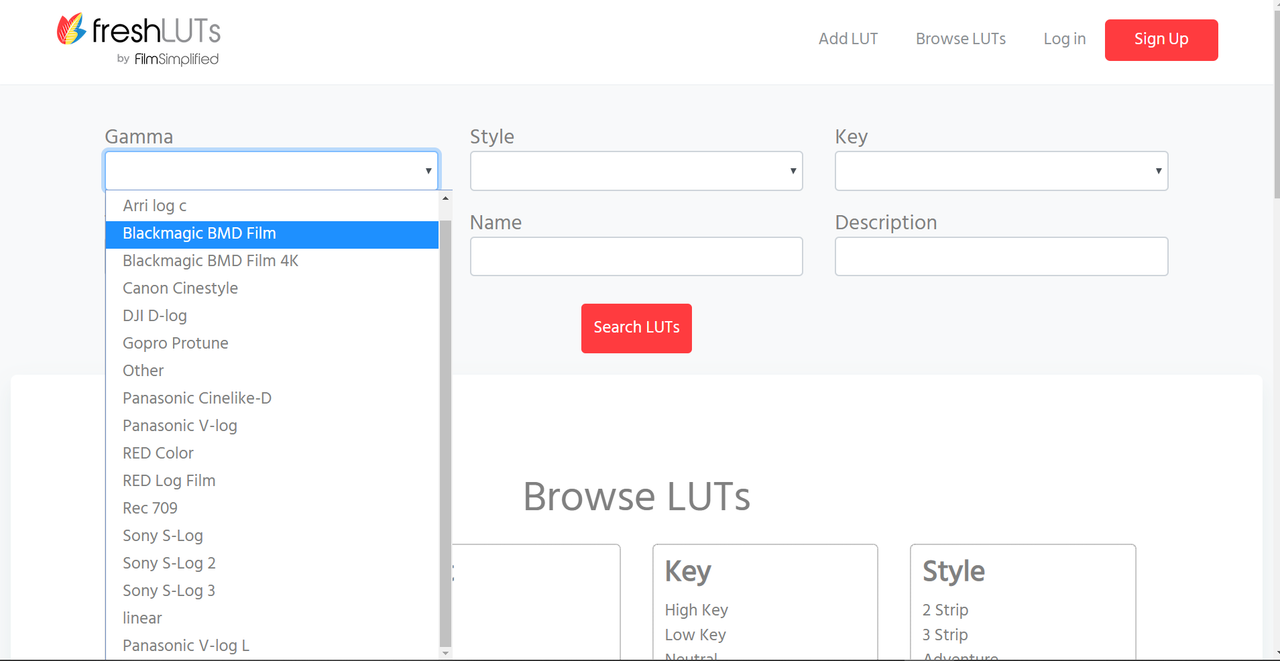
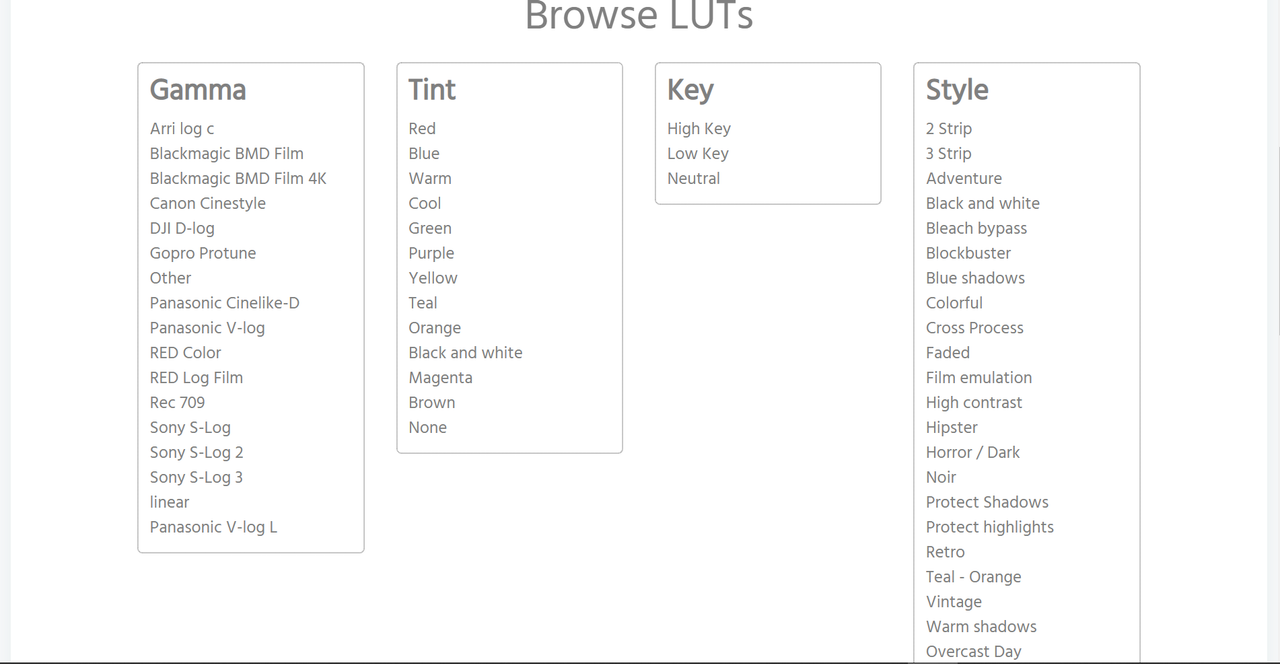
Thousands of FREE LUTs for Davinci Resolve 16 with Freshluts.com - 5 Minute Friday #42


By MrAlexTech


https://freshluts.com


Screenshot-679.png


Screenshot-678.png
 
Power Bin Adjustment Clips Missing Keyframes Bug Workaround Davinci Resolve 16


By MrAlexTech


3 Killer GPU Accelerated Davinci Resolve Studio 16 Features - NVIDIA RTX Studio !


By MrAlexTech


DaVinci Resolve 16 Multicam Workflow


By Depiqd - Video Production & Marketing


31 Essential DaVinci Resolve 16 Tips


By surefirepictures


NSANE 3D Pop Out Effect - A Davinci Resolve Tutorial


By Billy Rybka


Learn how to create The Spotify Look in DaVinci Resolve 16, Tutorial


By Lowepost


Live Save in DaVinci Resolve 16 | Tutorial


By Jason Yadlovski


DaVinci Resolve 16 Fusion Tab Basics: Ep 1


By CB Super


Advanced Bleach Bypass Look | DaVinci Resolve Tutorial


by
Tim Yemmax


DaVinci Resolve Technicolor Look Tutorial with a 3 Strip - Color Grading Breakdown


By
Tim Yemmax


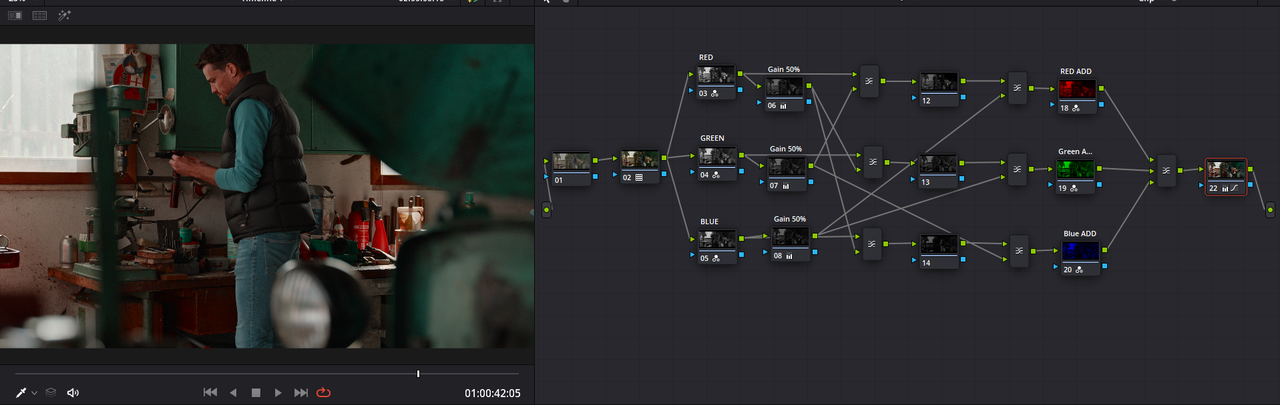
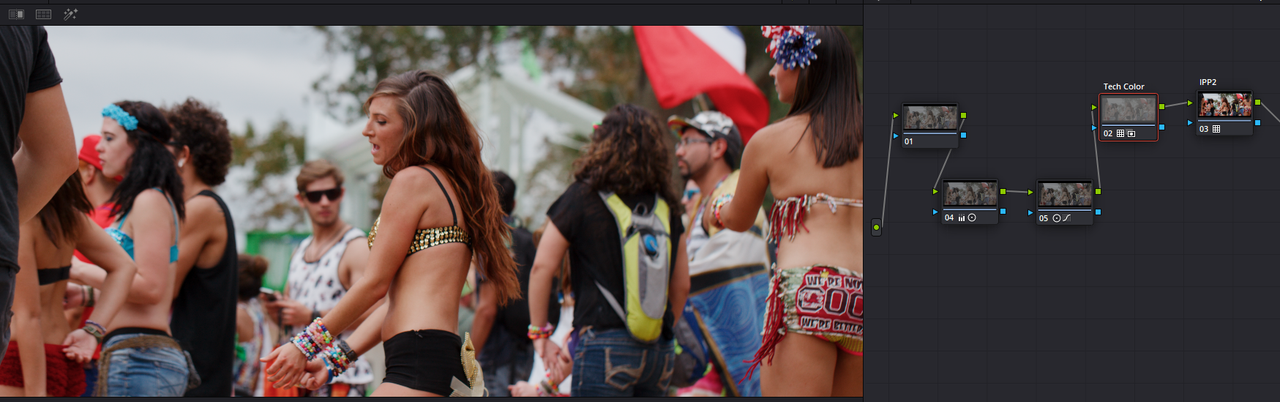
I recreated the powergrade for those who didn't want to go through all that shit!

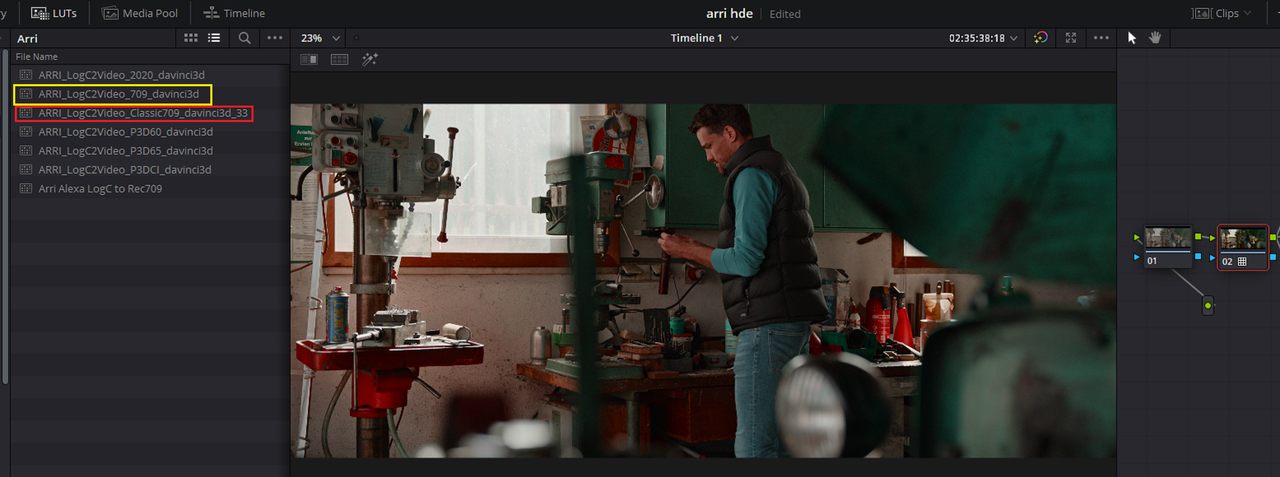
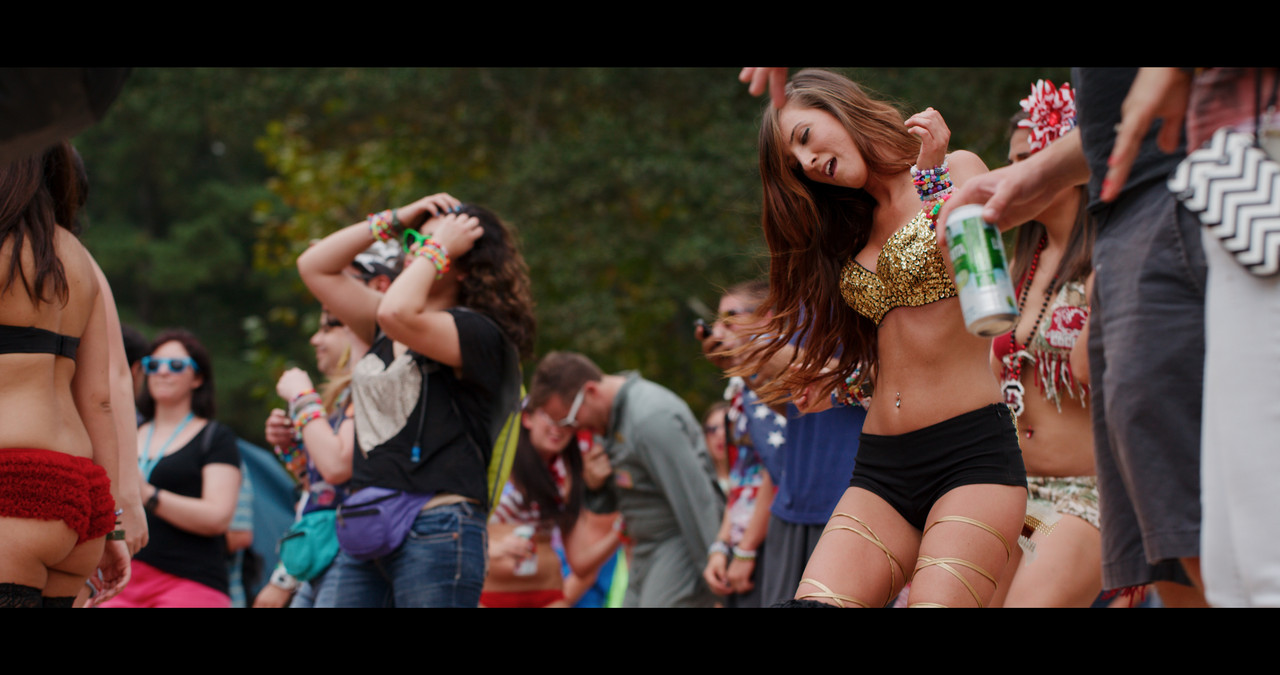
I used the The Davinci Resolve Arri LogC to 709 Lut for this Arri Alexa Mini LF clip in this example instead of the "Alexa Classic 709 (AKA K1S1 Lut) because it exacerbated the "Reds" More. If you use some other camera footage, delete the Arri LogC to Rec709 Lut at the beginning and just make sure your footage is properly "White Balenced".

Screenshot-782.png


Screenshot-784.png


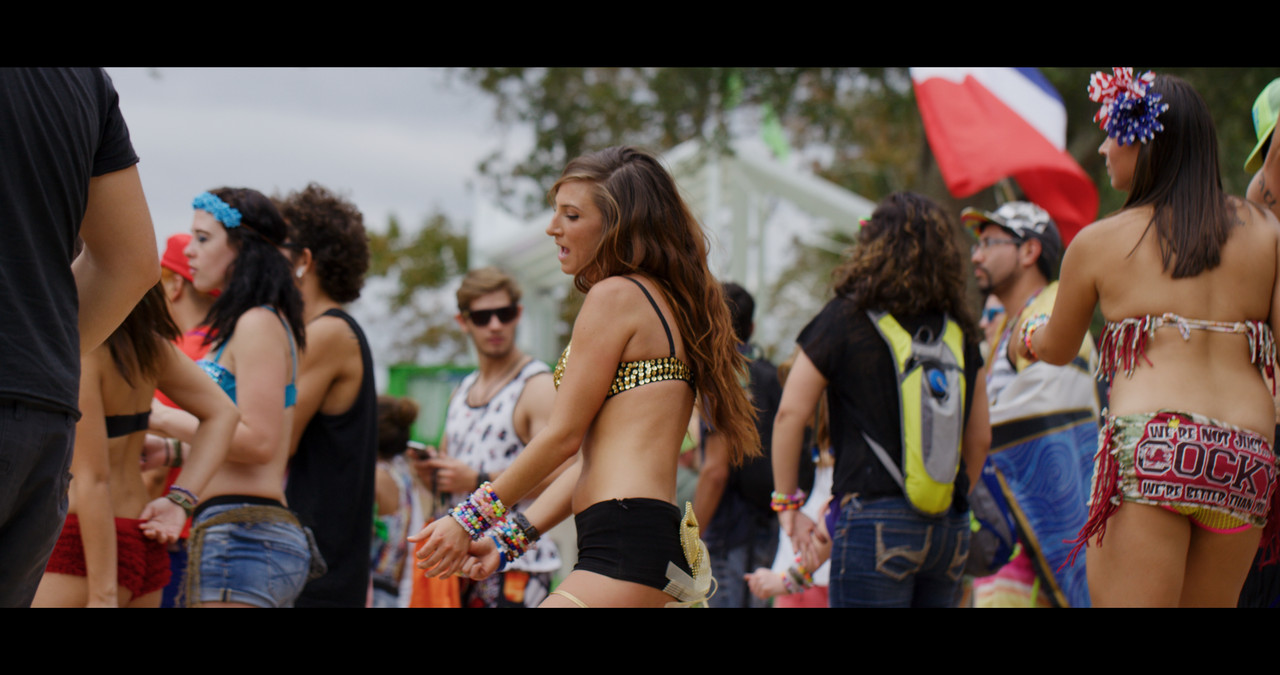
Normal

Nornal-1-3-7.jpg


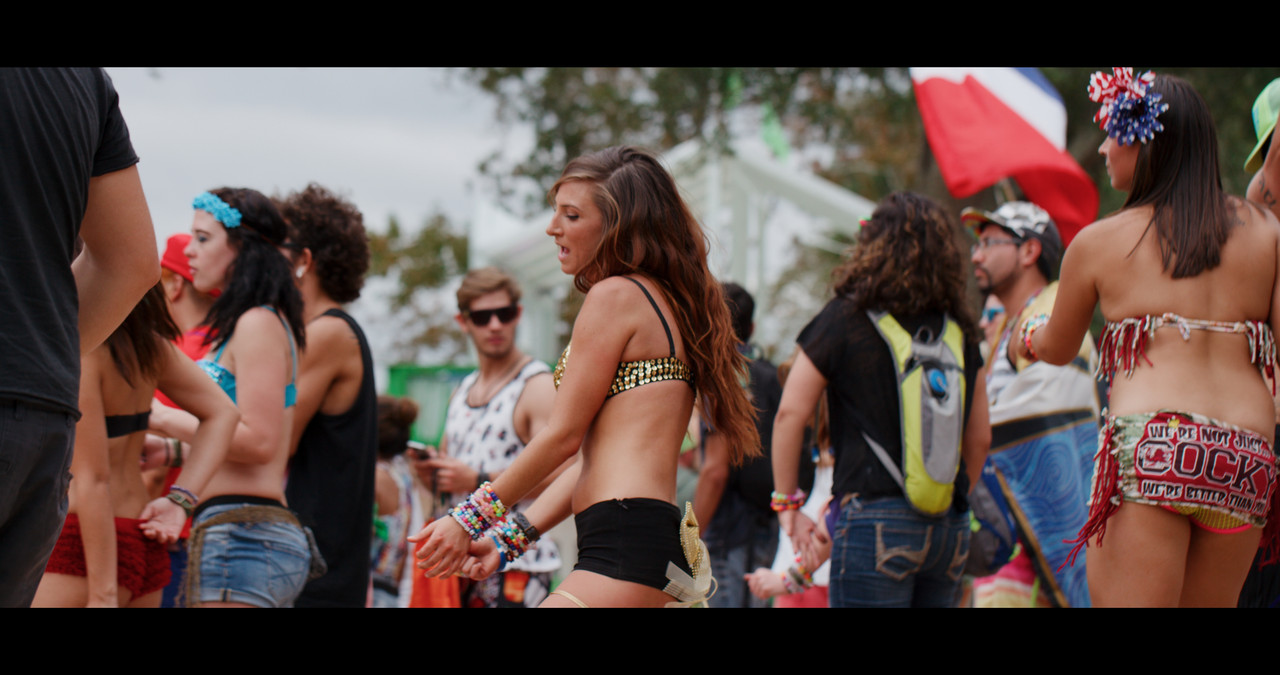
Technicolor

Technicolor-4-1-3-6.jpg


Powergrade

Good for 7 days!!


Import the Jpeg image in the folder into the "Gallery" Area of the "Color Page", Be sure to change from the default "DPX" to "JPEG" to see the powergrade photo. Apply that to a white balanced image with NO SATURATION ADDED!!. I added a slight mid boost and reduced the Saturation in the powergrade above to "46.80". The .DRX grade info will be brought in.

https://we.tl/t-3FLyzoHKiu
 
Last edited:
Here it is as a Lut.

Good for 7 Days!!

TechnicolorRT Lut

https://we.tl/t-eePRjFrWpS

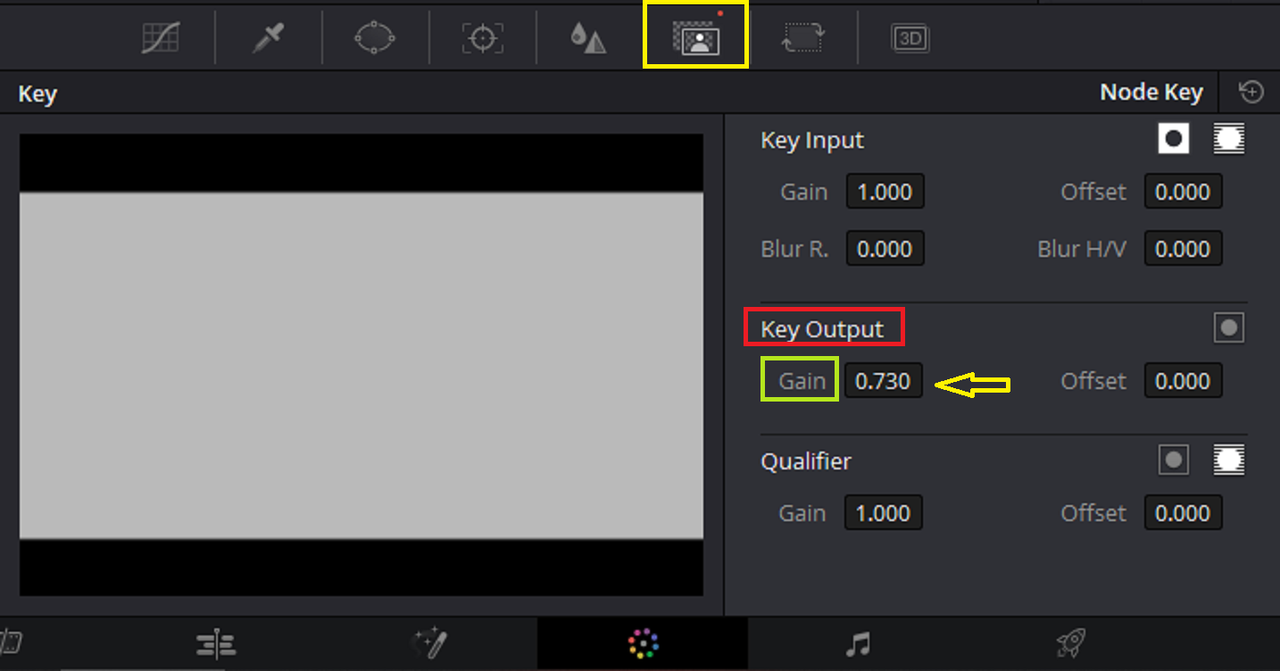
It's best to adjust the Transparency of the Lut Not the Saturation of the Lut

On The "COLOR Page"

Screenshot-788.png


Arri LogC to REC 709

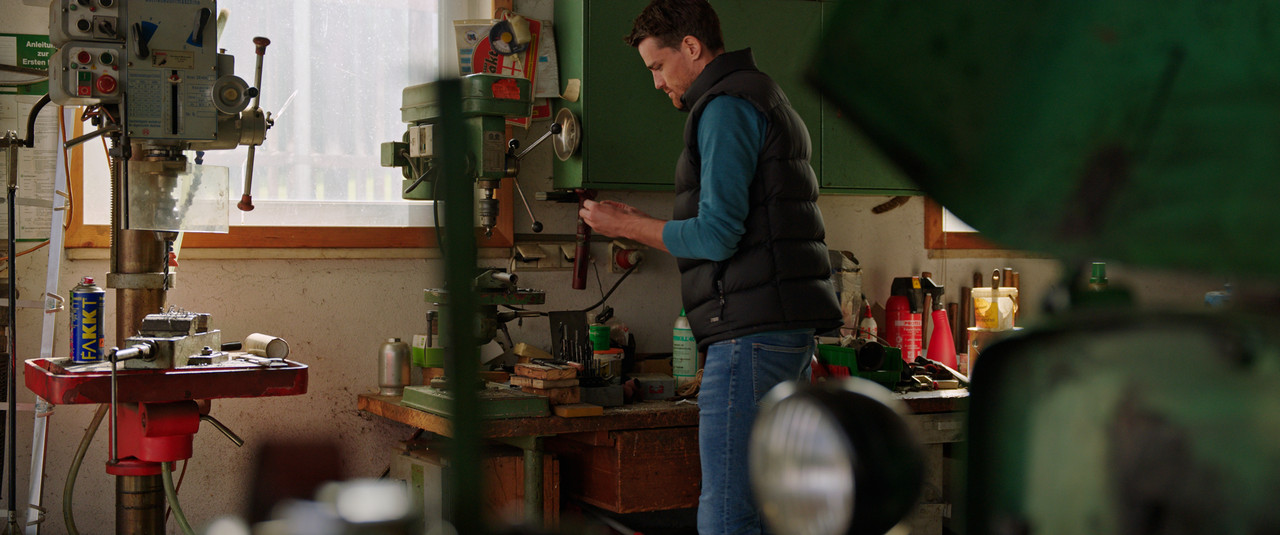
Without TechnicolorRT LUT

without-technicolor-1-6-1.jpg


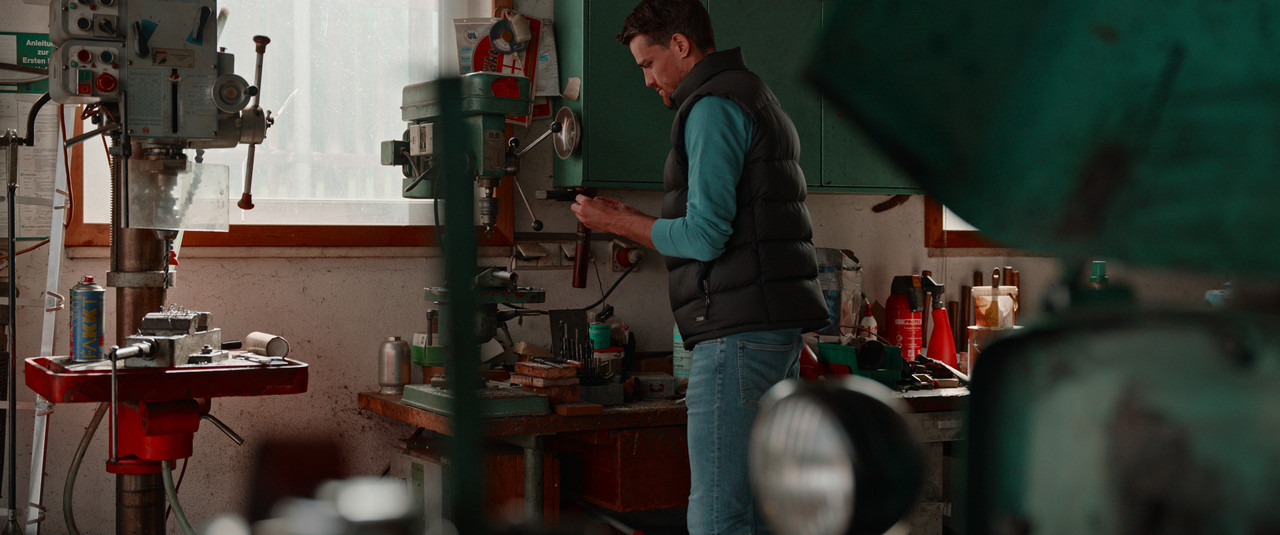
With TechnicolorRT Lut with a 0.730 Key Output Transparency.

With-Technicolor-and-0-730-key-output-1-6-2.jpg


Without TechnicolorRT LUT

Untitled1-1-5-1.jpg


With TechnicolorRT Lut with a 0.730 Key Output Transparency.

Untitled2-1-5-2.jpg


Without TechnicolorRT LUT

Untitledwot-1-4-1.jpg


With TechnicolorRT Lut with a 0.730 Key Output Transparency.

Untitledwt-1-4-2.jpg
 
Last edited:
You're Welcome Andrew!

All I really did is just follow Tim Yemmax's instructions.
 
TechnicolorRT in IPP2 With 0.410 Key Output


Screenshot-790.png


Without TechnicolorRT

without-1-1-2.jpg


With TechnicolorRT

Untitled410-1-1-3.jpg


3-1-1-5.jpg
 
Last edited:
Changing Colors in Davinci Resolve


By Tim Yemmax


Back
Top