K. Rixon
Well-known member
- Joined
- Mar 30, 2021
- Messages
- 71
- Reaction score
- 2
- Points
- 8
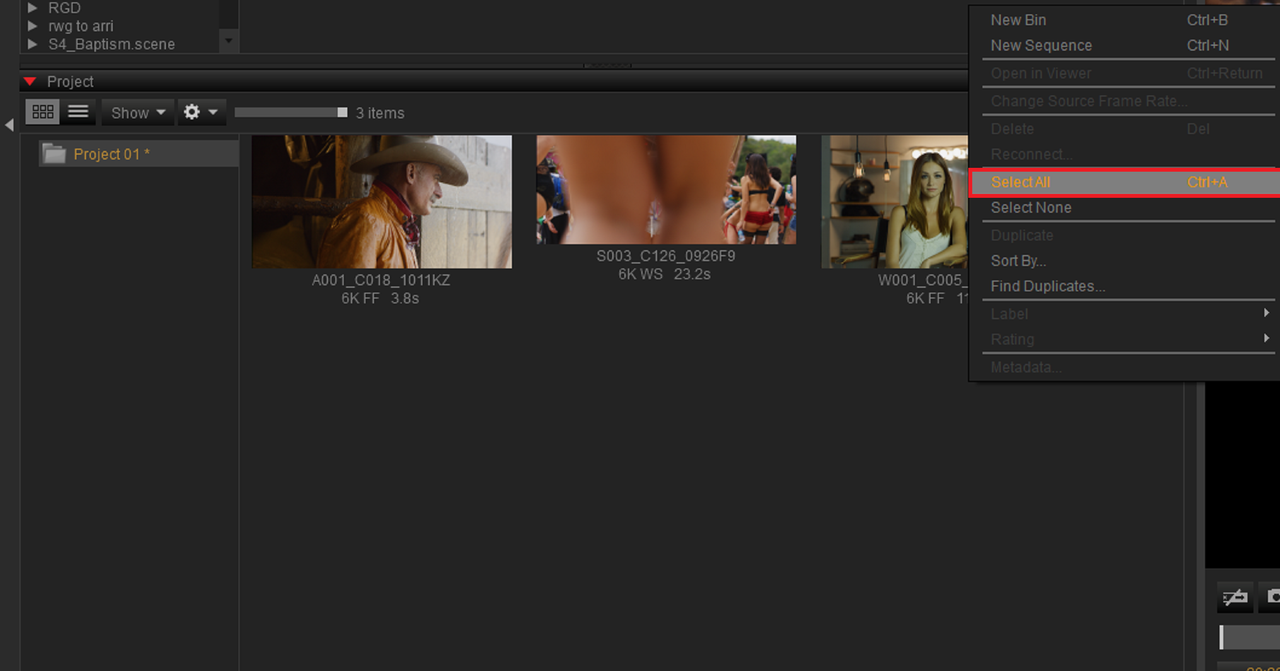
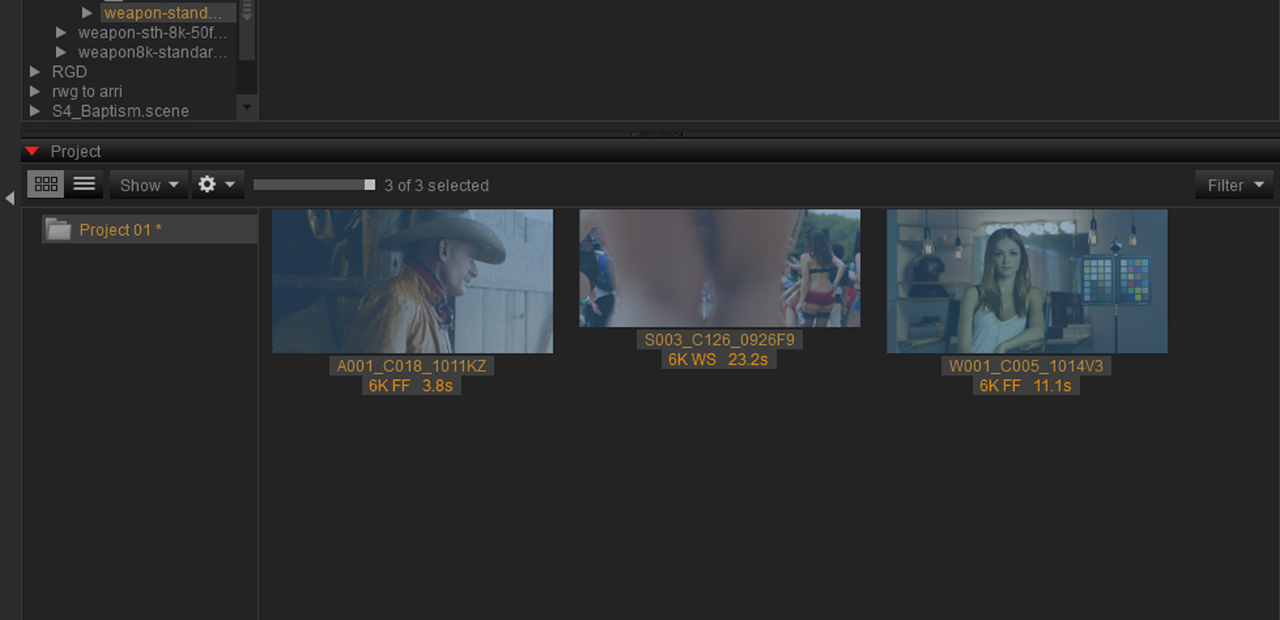
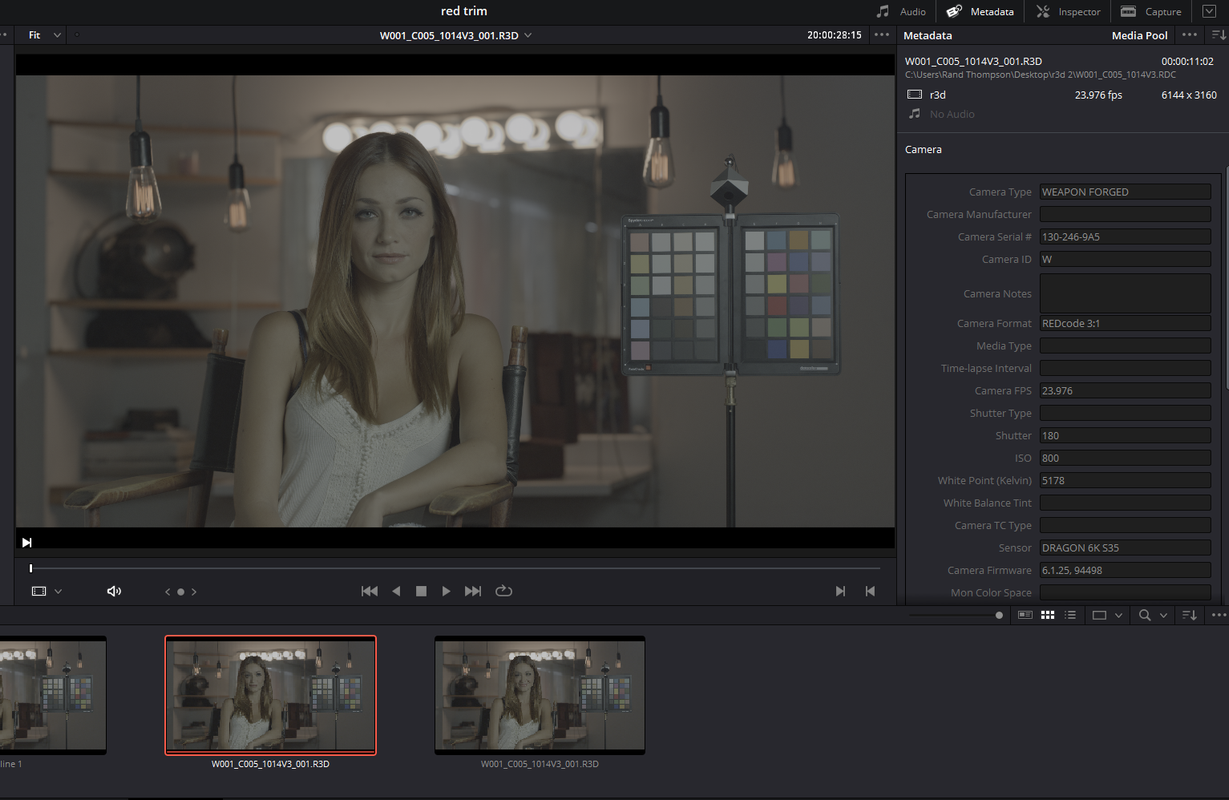
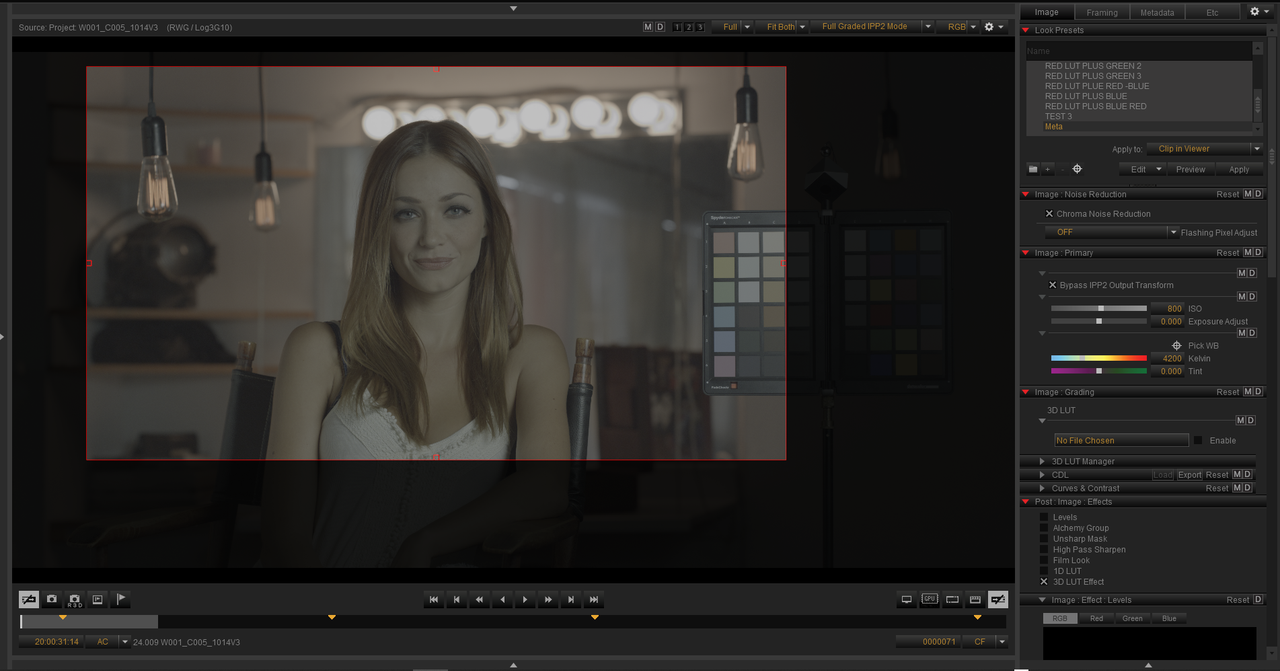
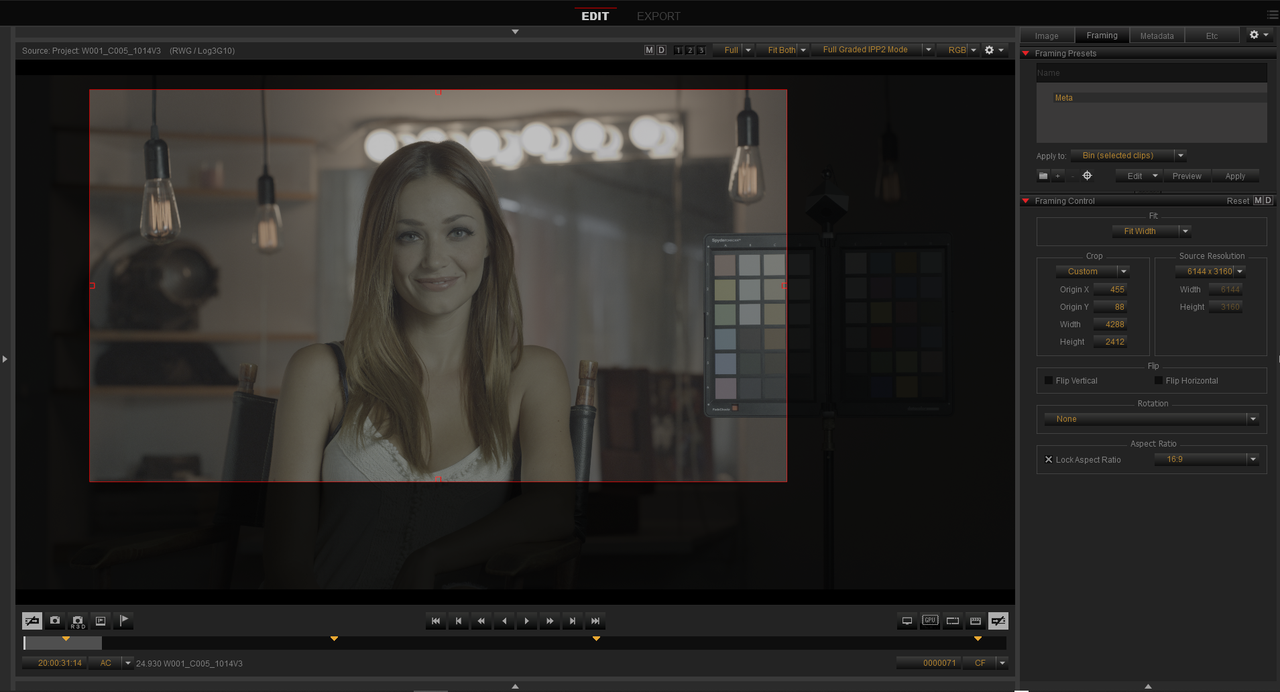
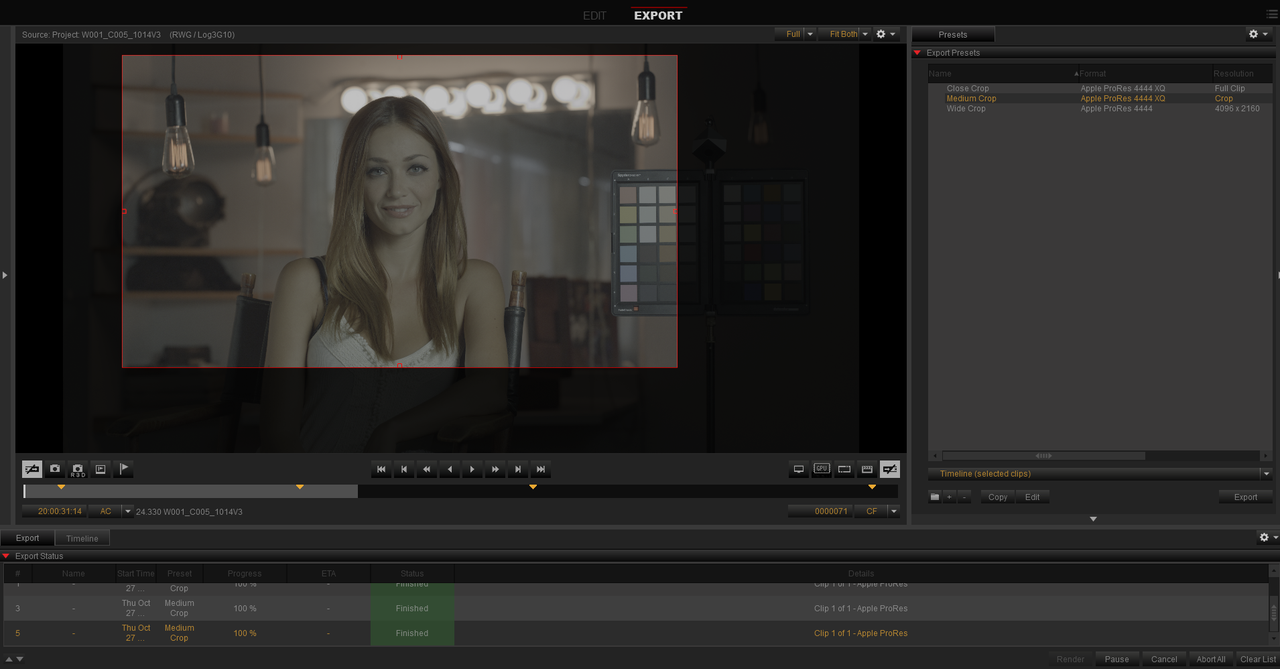
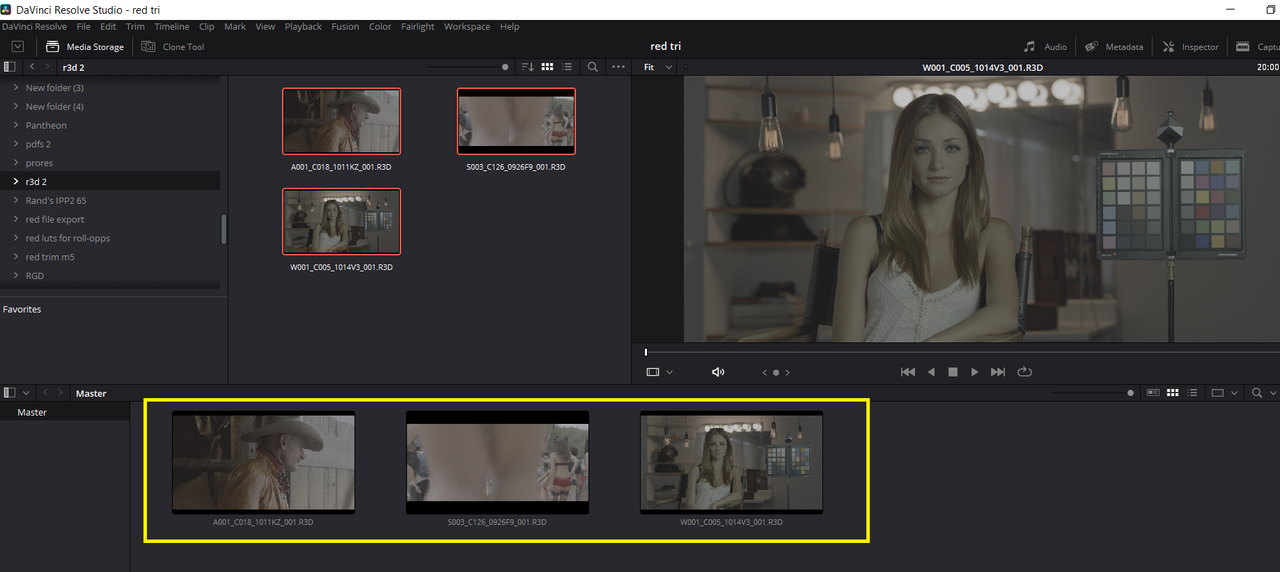
I'm working on getting a new reel together and am combing through hundreds of terabytes of old footage from the past 1.5 years. I've found Redcine X the easiest way to quickly comb through footage on network drives while adding selected clips to a Project Bin.
I've quickly realized that I don't see a way to transfer the selected files from the project bin (which exist on numerous network drives) to my internal edit drives. While I could right click, click 'open file location', then copy each file manually - this is pretty clunky and is going to take way more time than it should.
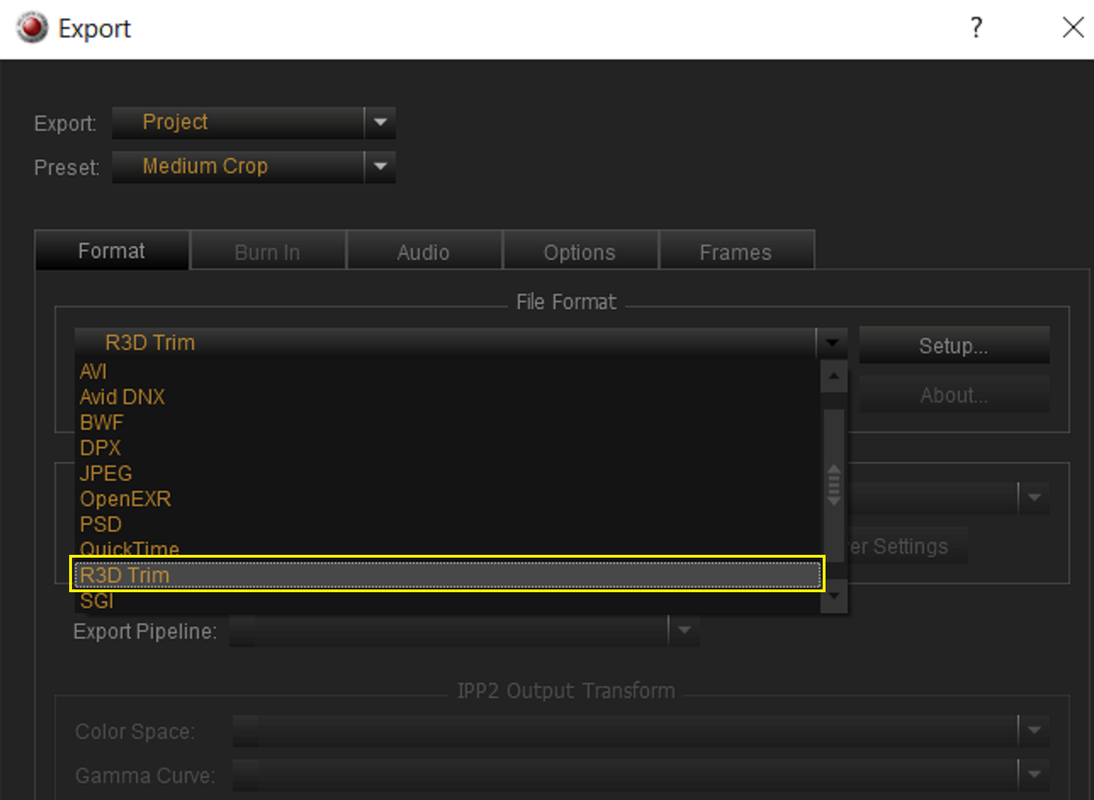
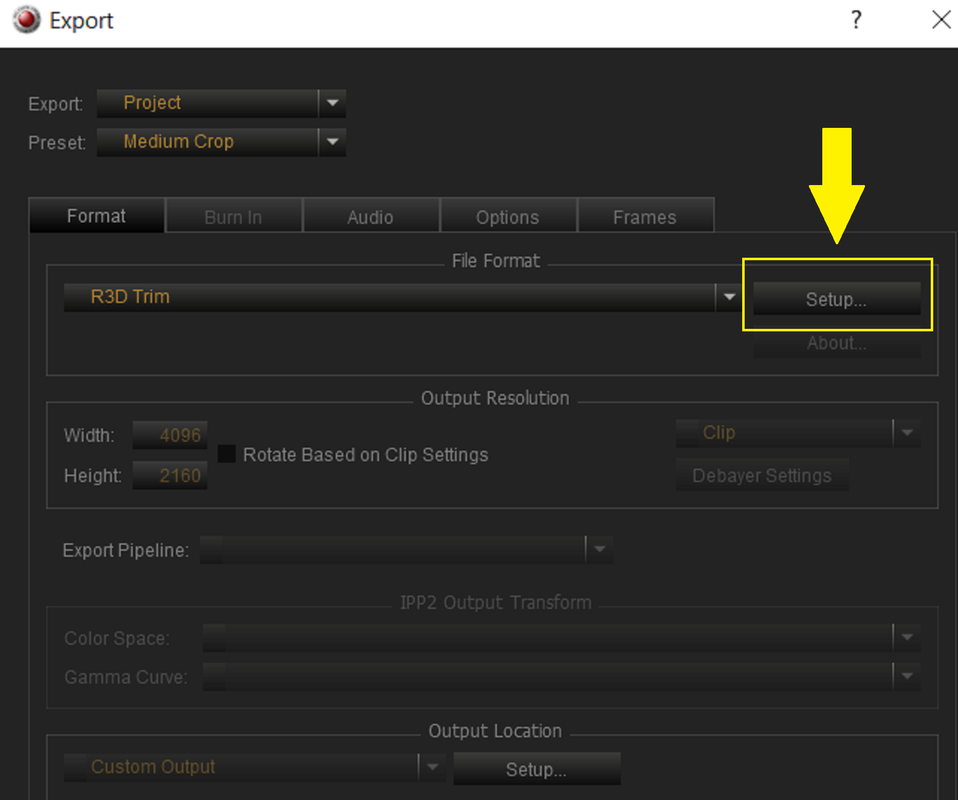
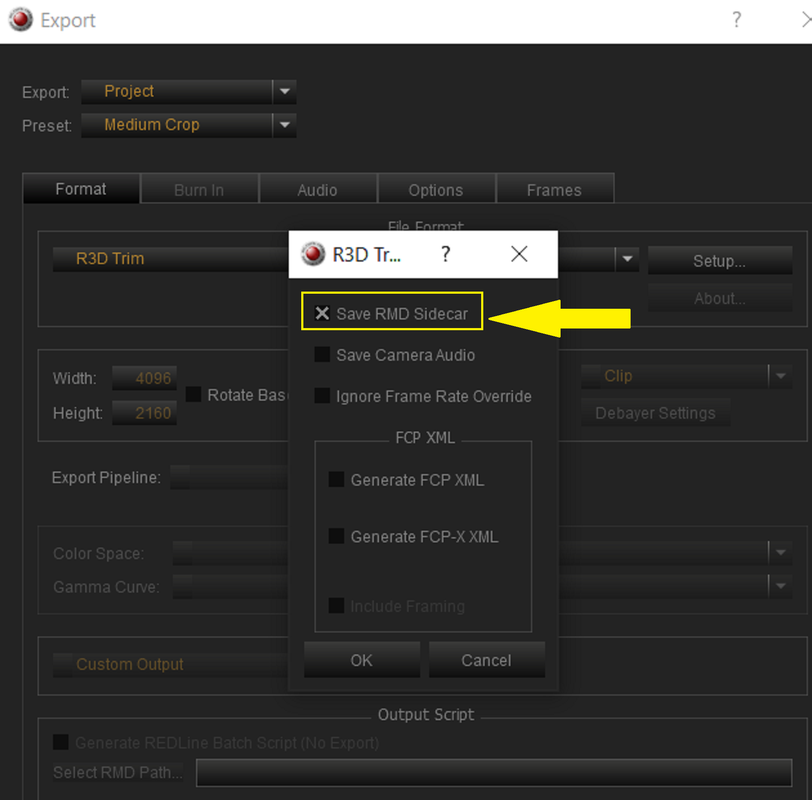
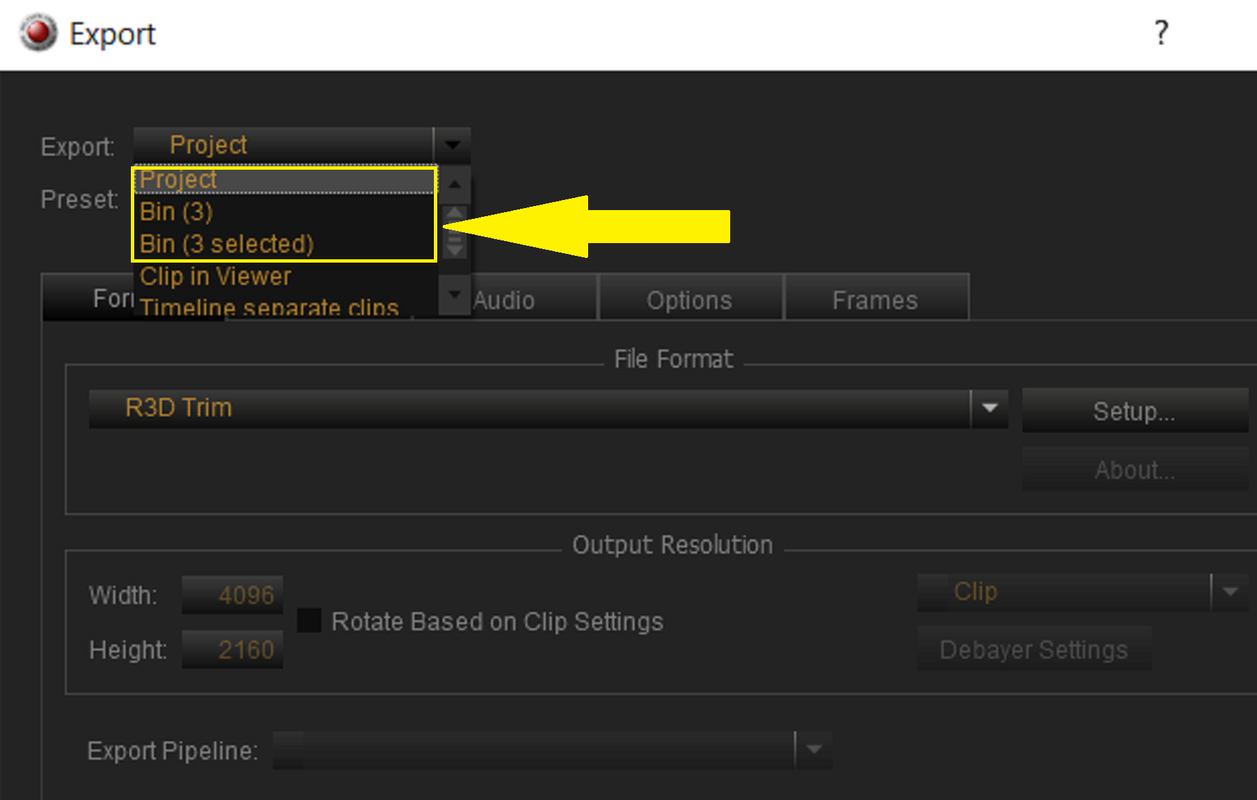
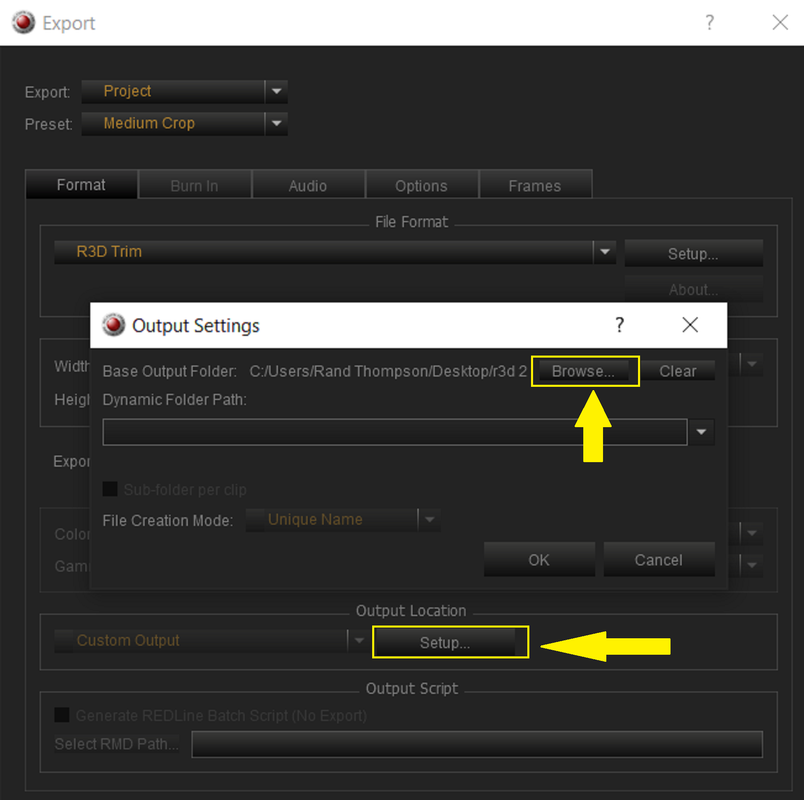
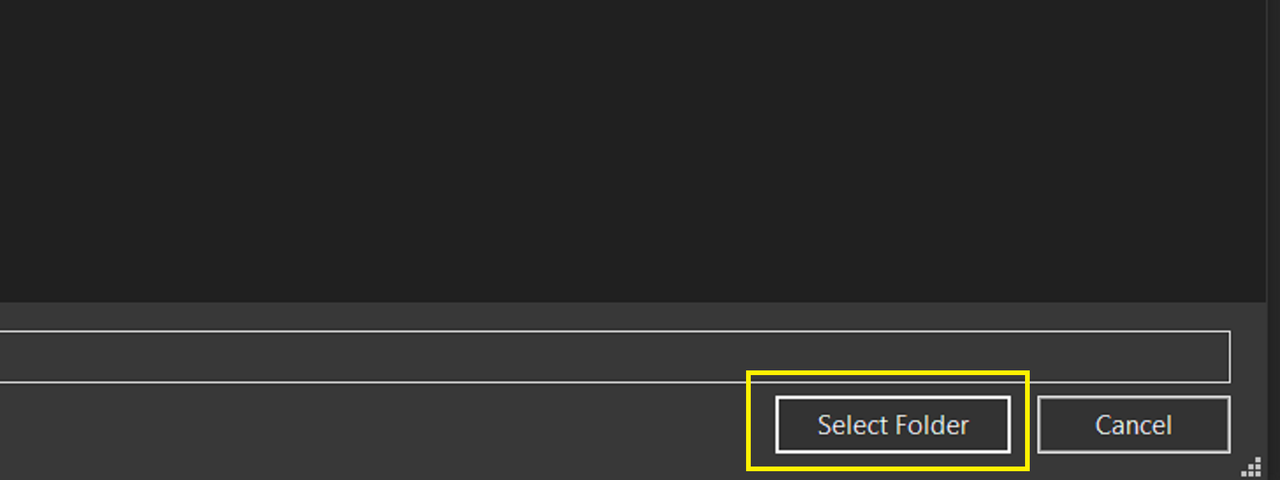
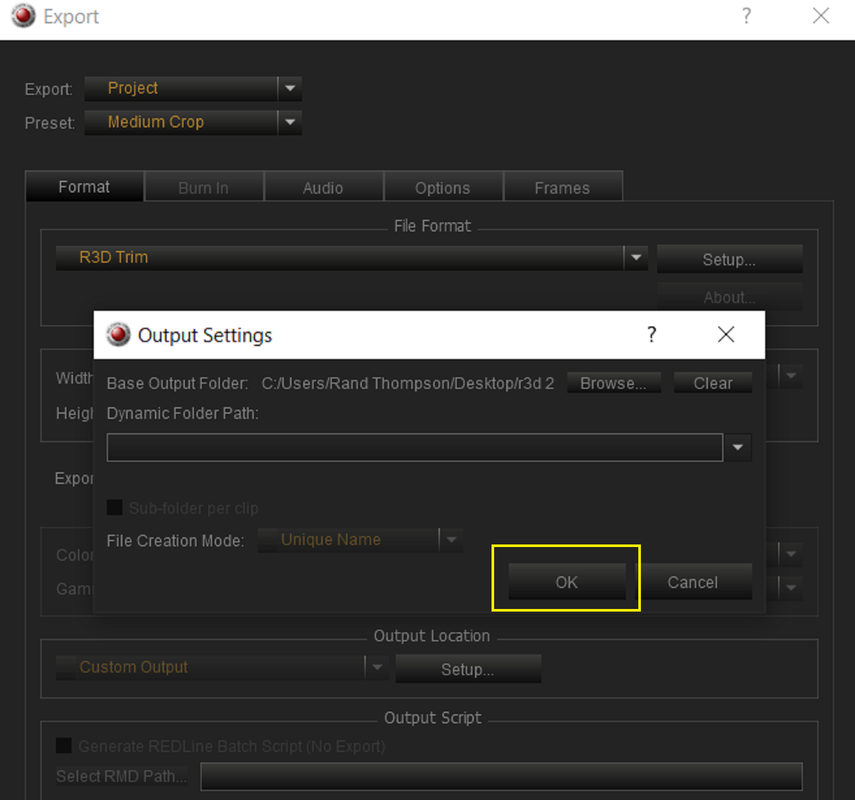
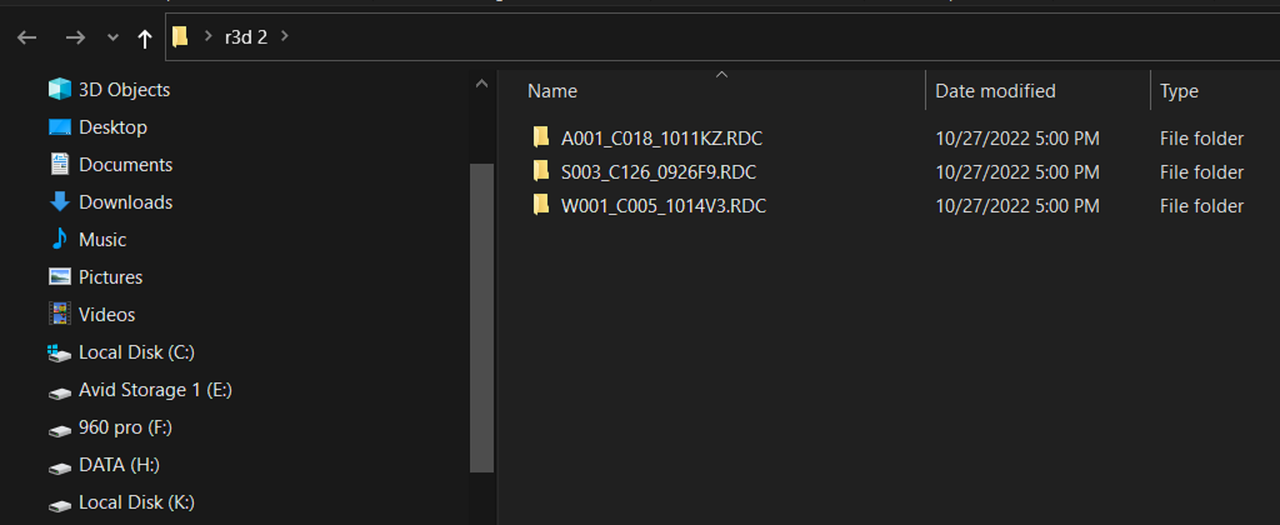
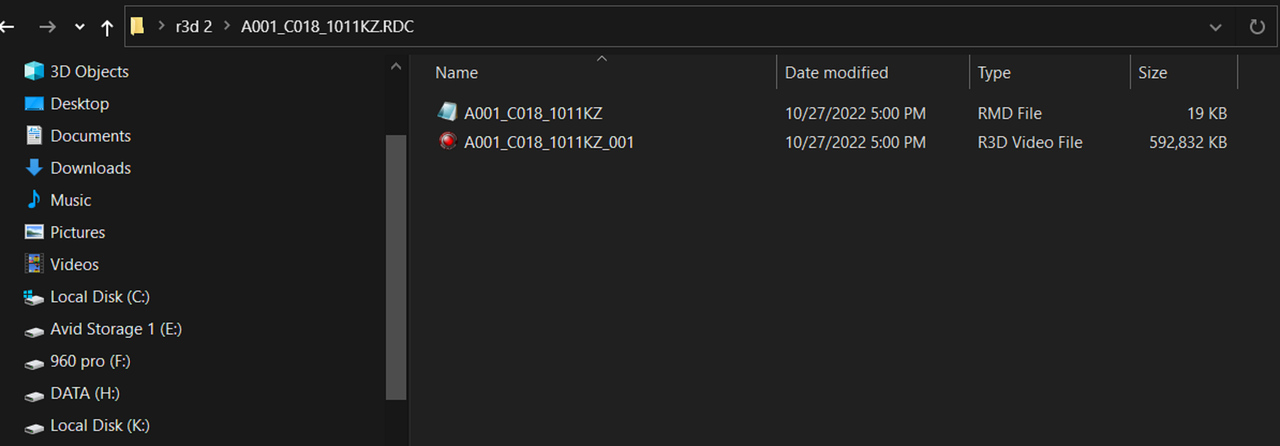
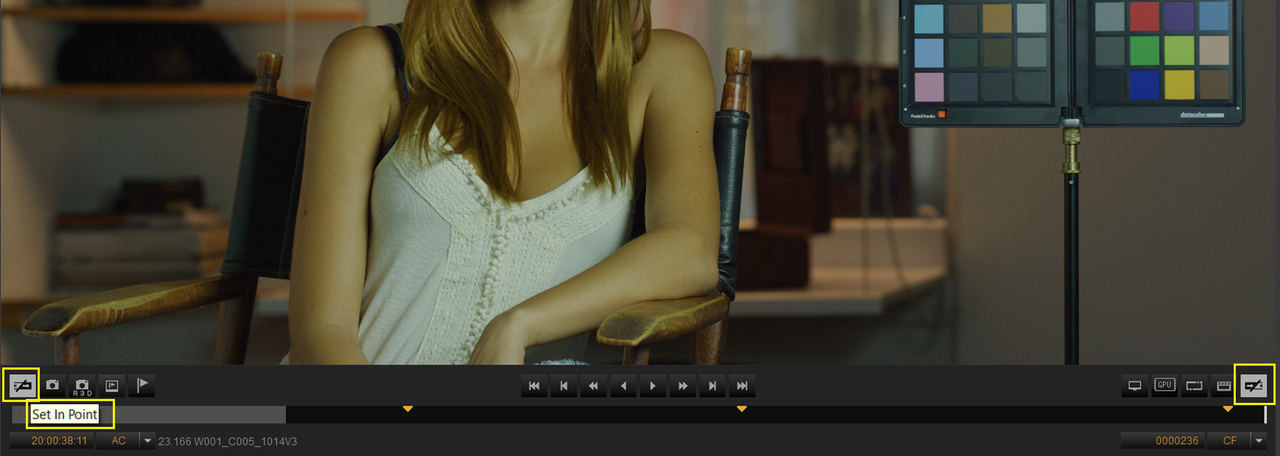
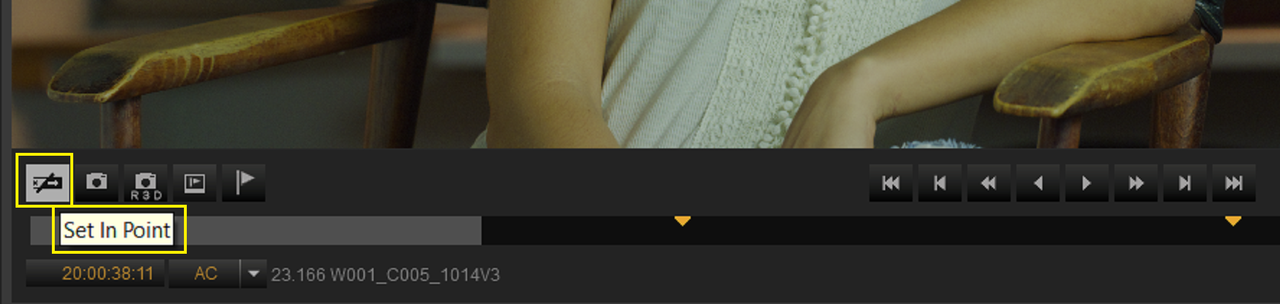
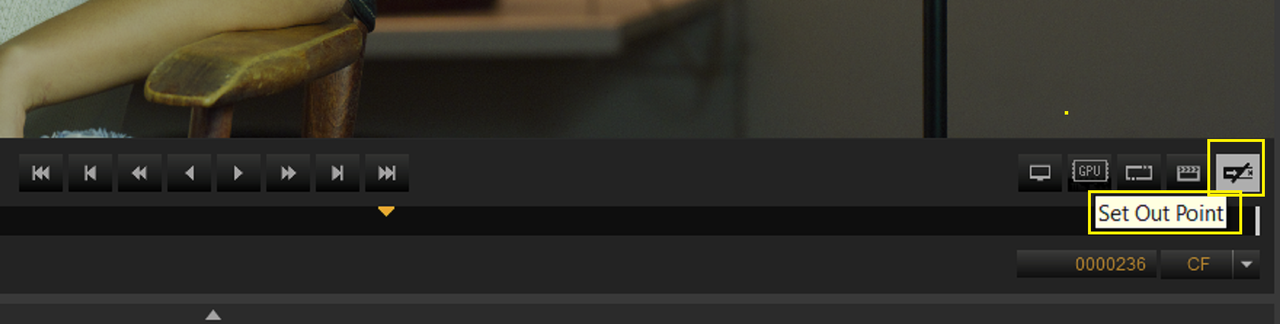
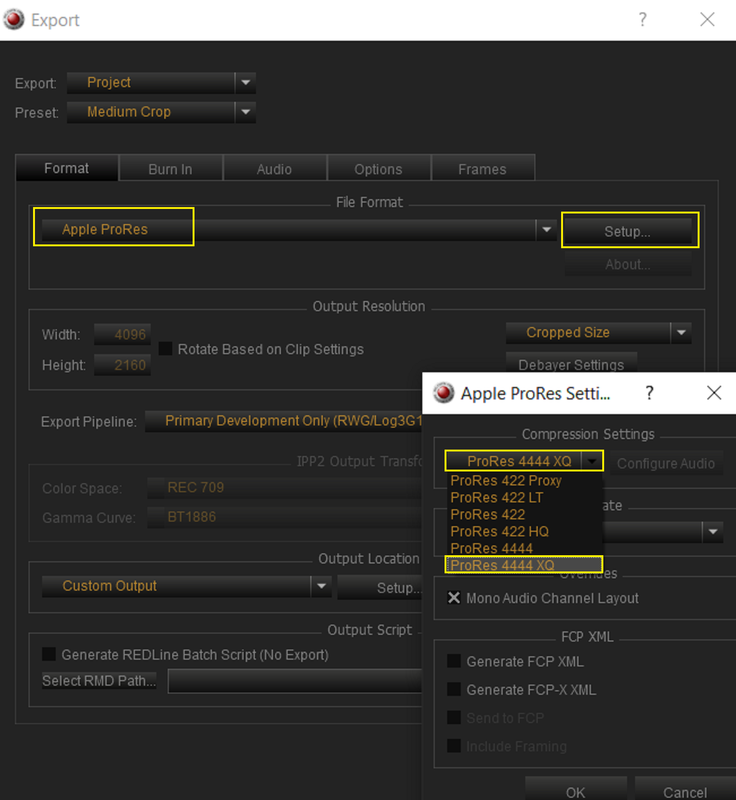
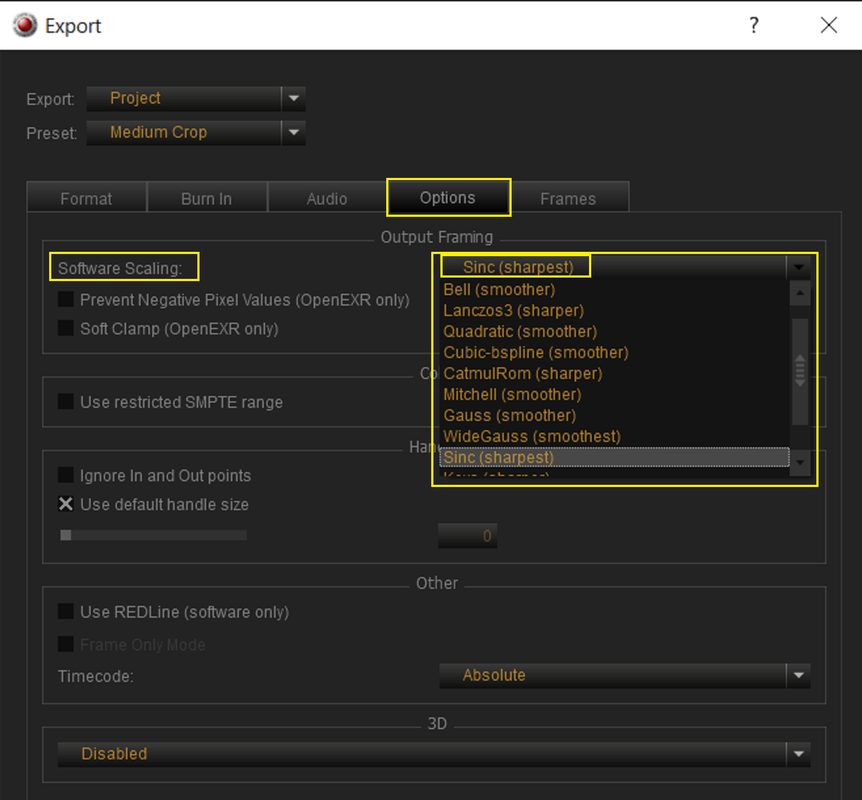
Is there an easy way to tell Redcine X to move the files in my project bin to a target output destination? There's an export option called 'R3D Trim', but I haven't found much information on what exactly that does - does it simply copy the footage, or reprocess it?
Thanks for any help!
I've quickly realized that I don't see a way to transfer the selected files from the project bin (which exist on numerous network drives) to my internal edit drives. While I could right click, click 'open file location', then copy each file manually - this is pretty clunky and is going to take way more time than it should.
Is there an easy way to tell Redcine X to move the files in my project bin to a target output destination? There's an export option called 'R3D Trim', but I haven't found much information on what exactly that does - does it simply copy the footage, or reprocess it?
Thanks for any help!