Welcome to our community

Be a part of something great, join today!

  • Hey all, just changed over the backend after 15 years I figured time to give it a bit of an update, its probably gonna be a bit weird for most of you and i am sure there is a few bugs to work out but it should kinda work the same as before... hopefully :)

Too much chromatic aberration in images

Brad Puckett

Member
Joined
Oct 19, 2013
Messages
14
Reaction score
0
Points
0
I was recently on a shoot with the Helium + Canon CN-E prime lenses, and it wasn't until reviewing the footage after the fact that we noticed a crazy amount of chromatic aberration throughout most of the footage.

We have used the CN-E primes for years, on C500's as well as Scarlets, and never have we noticed this much CA in our footage. This was the first time we paired them with the Helium, which makes me wonder if the 8k sensor somehow exaggerates CA?

Has anyone else had a similar issue, and any recommendations on the best way to reduce the CA in post?

Here is a link to a few stills with the worst issues...
https://www.dropbox.com/sh/u8hzibpnogc6qve/AAA17efFHtY9qbUdkBNTyCgJa?dl=0
 

Attachments
  • A003_C063_0715MG.0005510.jpg
    A003_C063_0715MG.0005510.jpg
    77.6 KB · Views: 0
Last edited:
I've noticed this from Dragon onward and a few people suggested it was because the higher resolution/higher DR of the sensors actually see more of the artifacts... I'm skeptical, cause it's still there when you crop down to lower resolution, but I don't think there are any better theories. OH, if memory serves, someone also suggested that every other camera does mild/slight de-fringing in camera (also skeptical about that too).

Is this using IPP2? Cause that definitely handles a lot of things (including spectral highlights, out of gamut colours) way better than Legacy.
 
Hi Brad,

Those are pretty textbook examples of the CA seen from CN-Es, I see it on everything and lots of different cameras. Not just the purple fringing, but the green CA around the door and the reddish foreground stuff on his ear.

The only way Helium would "magnify the effects of CA" is that it's a really, really high resolution sensor. So if you are shooting like smaller format, like 6K or whatever, you are essentially also punching in on potential artifacts as well. The additional juice is having a good chunk of dynamic range which captures more of everything.

For a post fix, it's pretty easy to use a secondary to mask out green and purple as Steve mentioned to desaturate or move it to hue that plays better with the frame of the door. Adobe or Resolve can handle the mask tracking if you even need to do that. For an on the day fix, this is a situation where stopping down about 3 stops from maximum aperture would be ideal.
 
As Phil Stated just a hue desat fix.


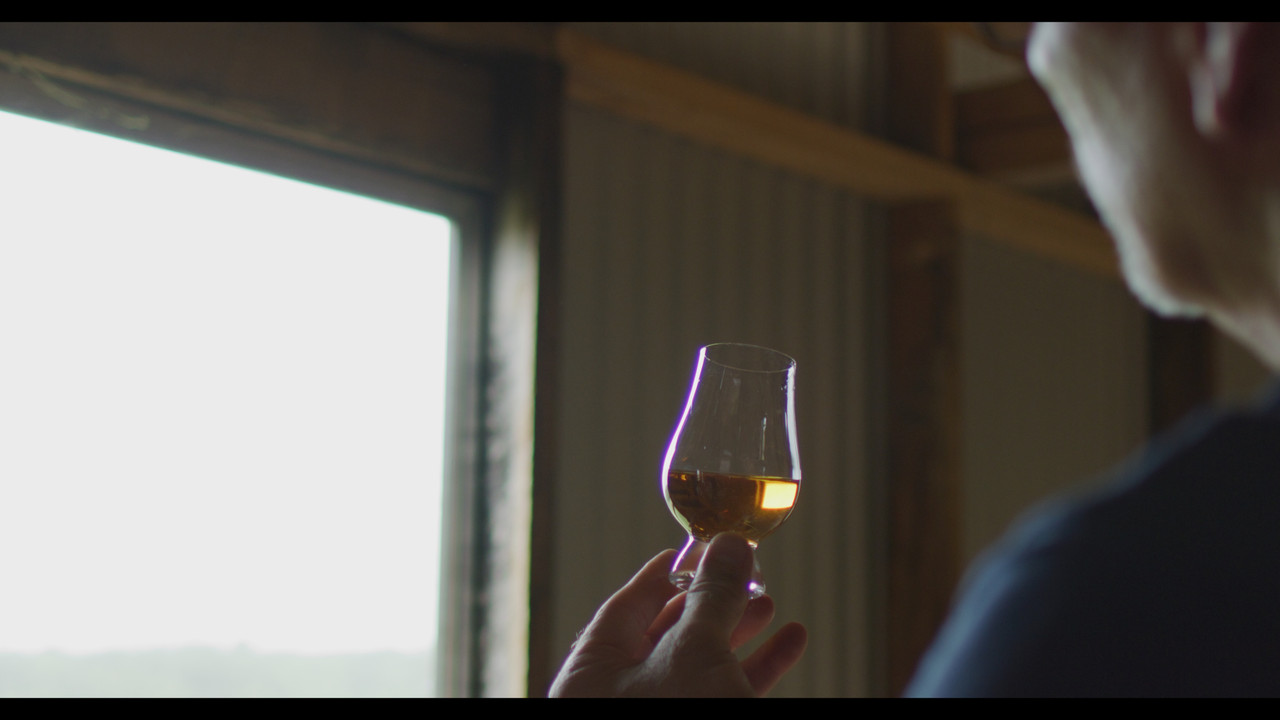
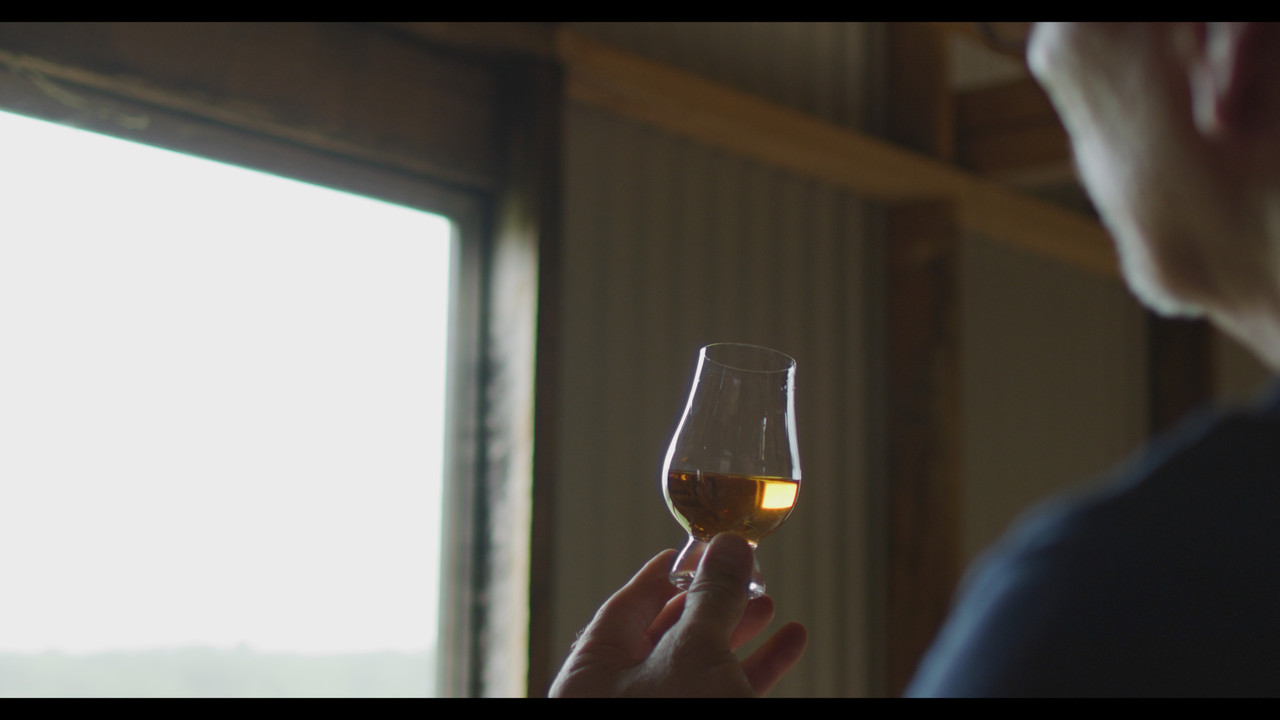
glass-1-3-1.jpg


glass-chromat-ab-1-3-1.jpg


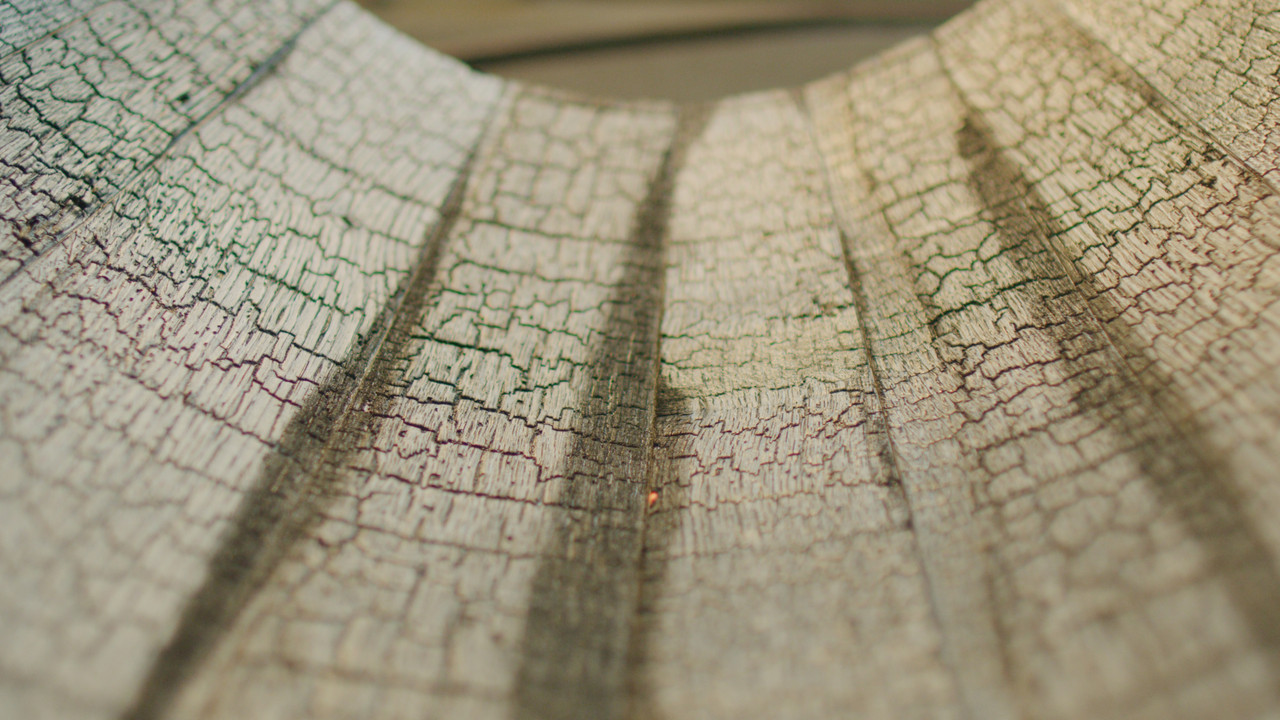
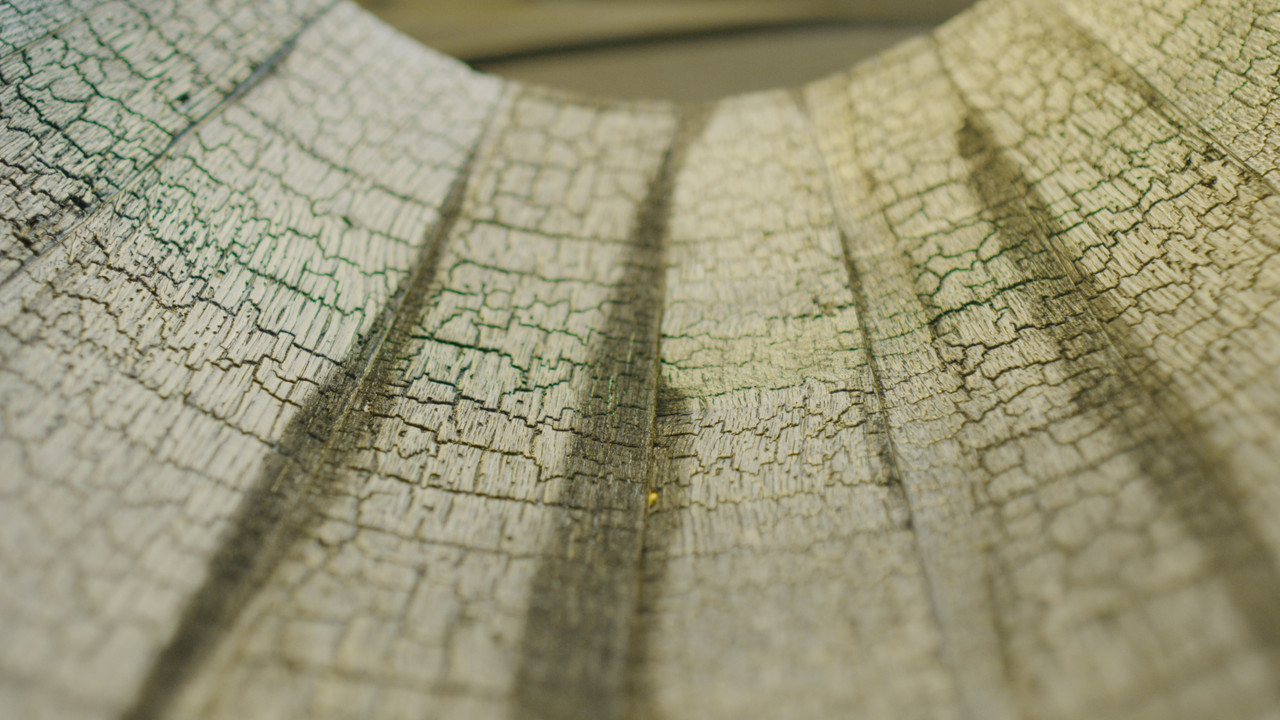
wood-1-1-2.jpg


wood-chromat-Ab-1-1-1.jpg
 
Last edited:
Desaturating magenta and blue is a bad hack and this video shows why. The same video shows a much better way of dealing with CA in post using frequency separation.
If you don't want to see the whole video, then you can go to 20:00 mark where colorist shows the technique.
Here is the video:

 
Thanks Jake For the Video!


What I tried to do in the wood example above was change the hue of the purple/magenta into a Yellow/Green/Red and desaturate it slightly so as not to have a black and white look and have a better color blend. In the glass example tried the same thing, however the magenta/purple always left a slight blue gap between the glass and the Yellow/green area around it. I don't know if there is an equivalent function to Frequency separation in resolve as in film light but I will try to find one. Thanks again!
 
Here you go Brad:

phfx_forBradCNECACR.jpg


For the heavy glass blooming Lateral Chromatic Aberration, I'd suggest what Jake is more or less saying as a straight desaturate will leave you with a gray halo. The penetrated Axial Chromatic Aberration surrounding the various areas of the out of focus bokah image, I'd tend to either in that way or via integrating a complimentary hue.
 
Desaturating magenta and blue is a bad hack and this video shows why. The same video shows a much better way of dealing with CA in post using frequency separation. If you don't want to see the whole video, then you can go to 20:00 mark where colorist shows the technique.\
Yes, there's a similar way to do that in Resolve and Lustre as well (and for all I know, Lustre and Scratch, too). Things like that do happen sometimes, and I see it when a sensor or a film scan gets "stressed out" and pushed a little too far. These are not difficult fixes in post. Frequency separation can be a very useful technique in certain situations.
 
Thank you very much Phil, Rand, and Jake!

I really appreciate you all not only offering up some knowledge on the issue, but also taking the time to edit the screen grabs to show the results. You guys rock, thanks!
 
Marc,


Thanks for your post! I will be researching better workflows and alternative ways to remedy chromatic Abberation problems over the next few days.
 
Thank you very much Phil, Rand, and Jake!

I really appreciate you all not only offering up some knowledge on the issue, but also taking the time to edit the screen grabs to show the results. You guys rock, thanks!


You're welcome Brad! Phil showed the best results, so I will have to "go back to the drawing board" to find out how to do better. Ha Ha
 
Back
Top