Welcome to our community

Be a part of something great, join today!

  • Hey all, just changed over the backend after 15 years I figured time to give it a bit of an update, its probably gonna be a bit weird for most of you and i am sure there is a few bugs to work out but it should kinda work the same as before... hopefully :)

Thread Davinci Resolve 17

MainConcept Codec Plugin for DaVinci Resolve 17 Studio Launched


By CineD

Article
https://www.cined.com/mainconcept-codec-plugin-for-davinci-resolve-17-studio-launched/

MainConcept
https://www.mainconcept.com/us/bmd-beta.html
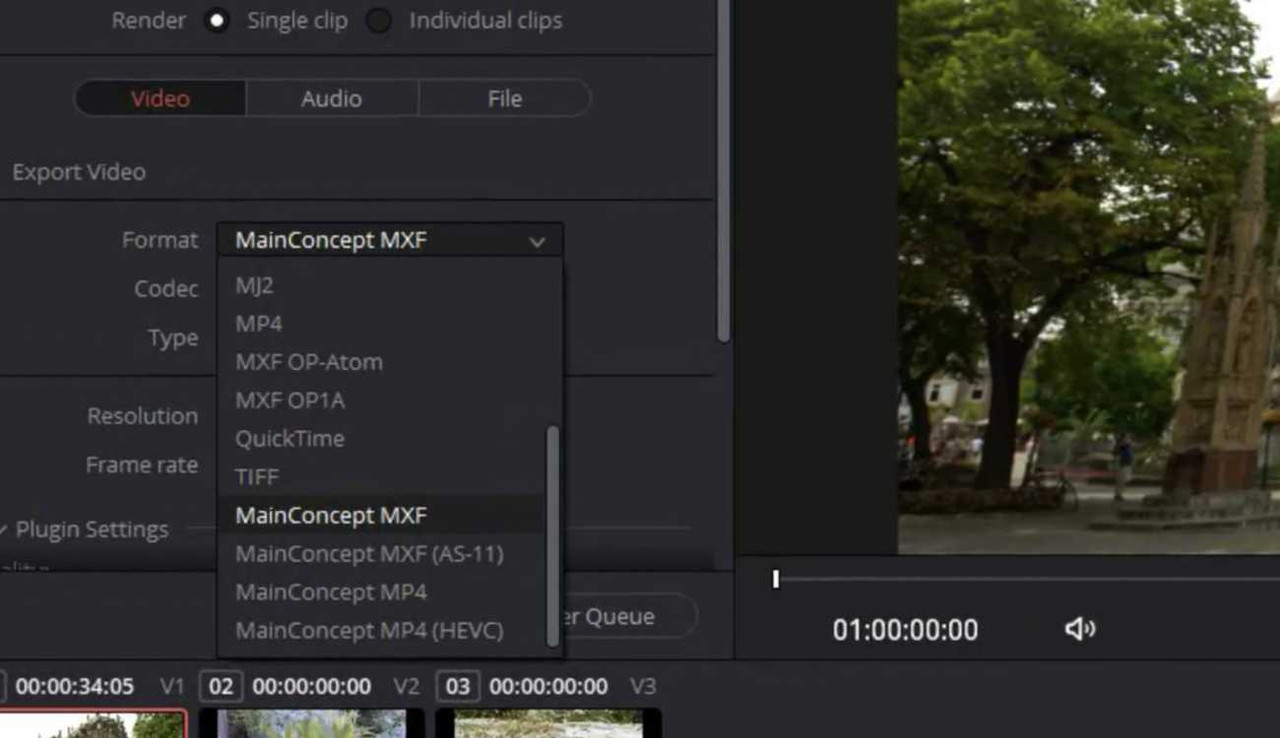
1606412764014.jpg
 
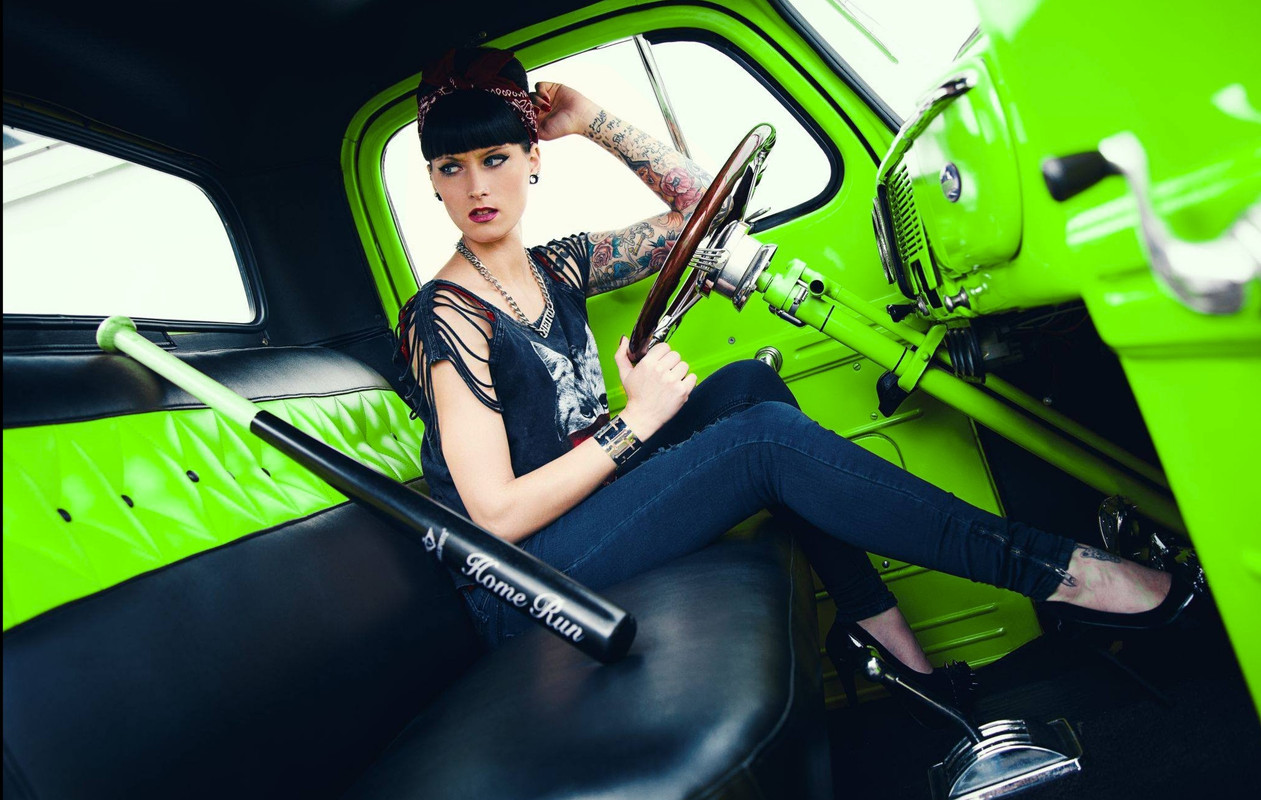
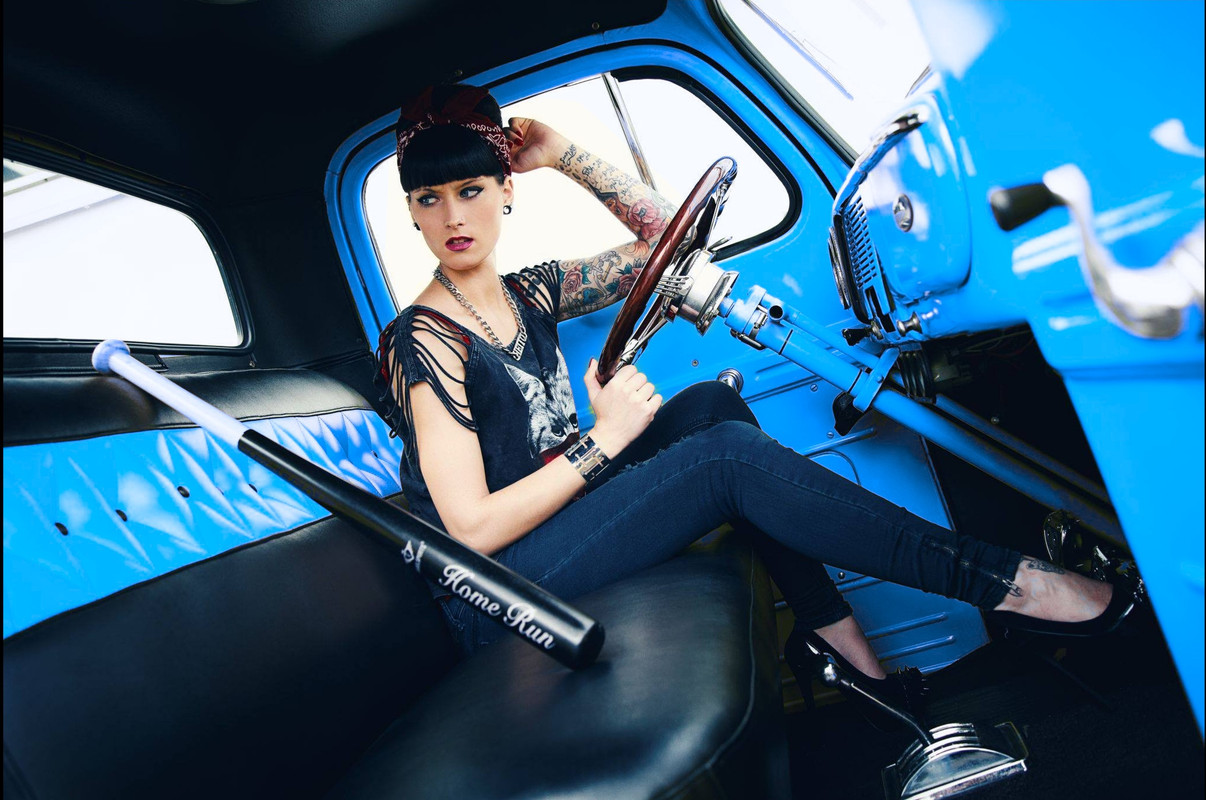
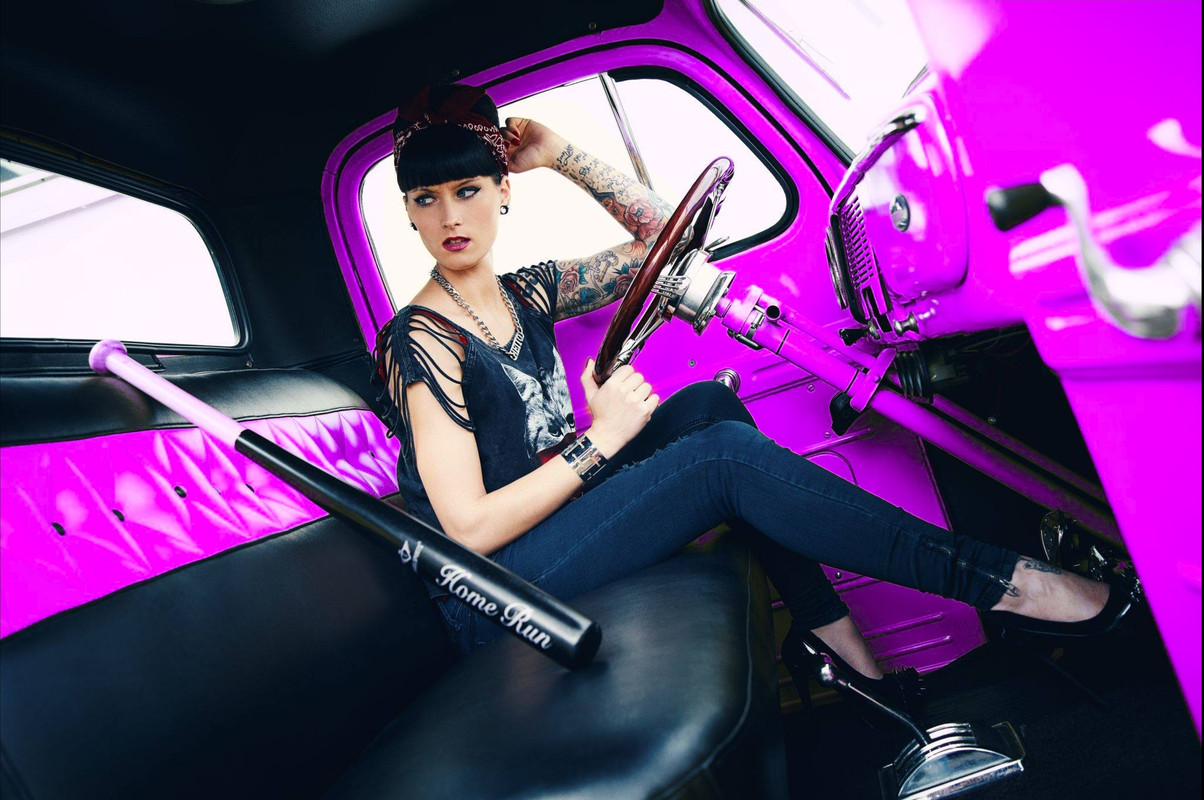
Color Warper-Girl in Car

Original

orig-1-6-1.jpg


Color Warper

1-6-1-6-9.jpg


1-6-1-6-8.jpg


1-6-1-6-7.jpg


1-6-1-6-6.jpg


1-6-1-6-5.jpg


1-6-1-6-4.jpg


1-6-1-6-3.jpg


1-6-1-6-2.jpg
 
Color Warper + HDR Primaries


Original

1-1-1-1-1-1.jpg


Color Warper + HDR Primaries

1-1-2-1-1-2.jpg


1-1-3-1-1-3.jpg


1-1-4-1-1-4.jpg


1-1-5-1-1-5.jpg


1-1-6-1-1-6.jpg


1-1-7-1-1-7.jpg


1-1-8-1-1-8.jpg
 
Last edited:
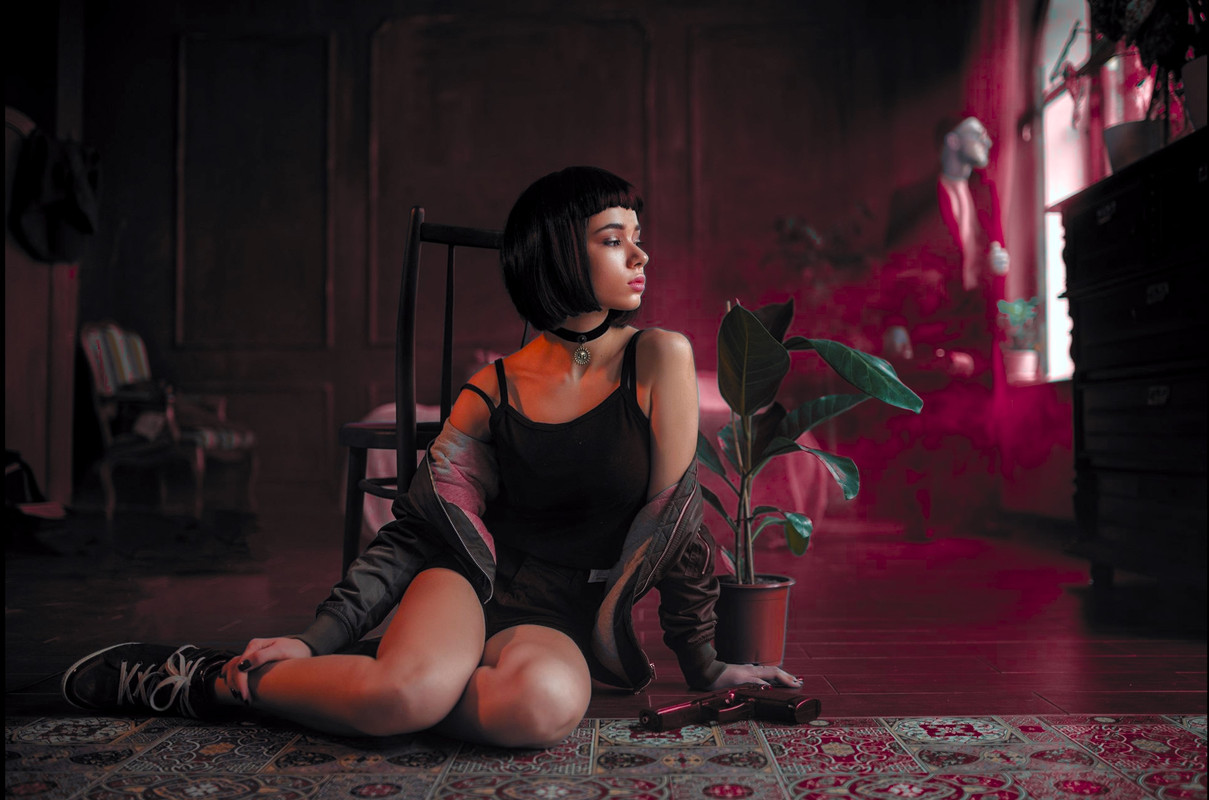
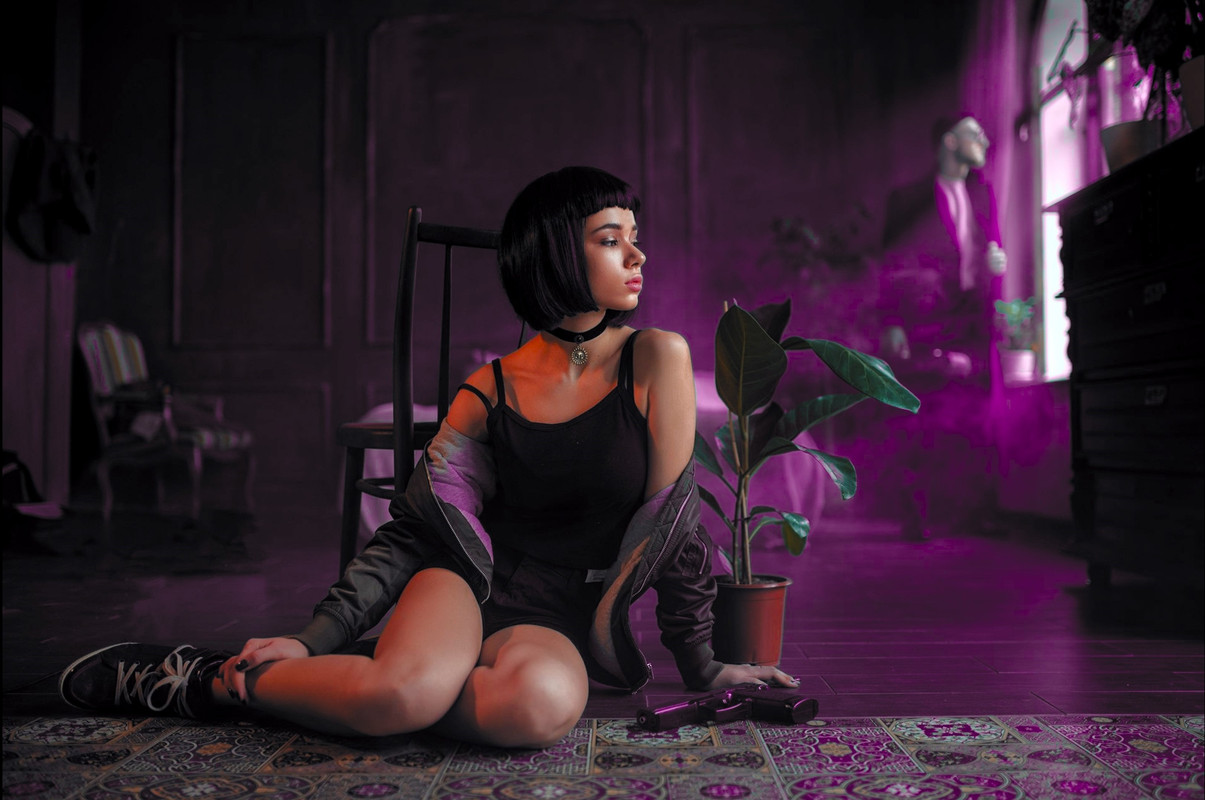
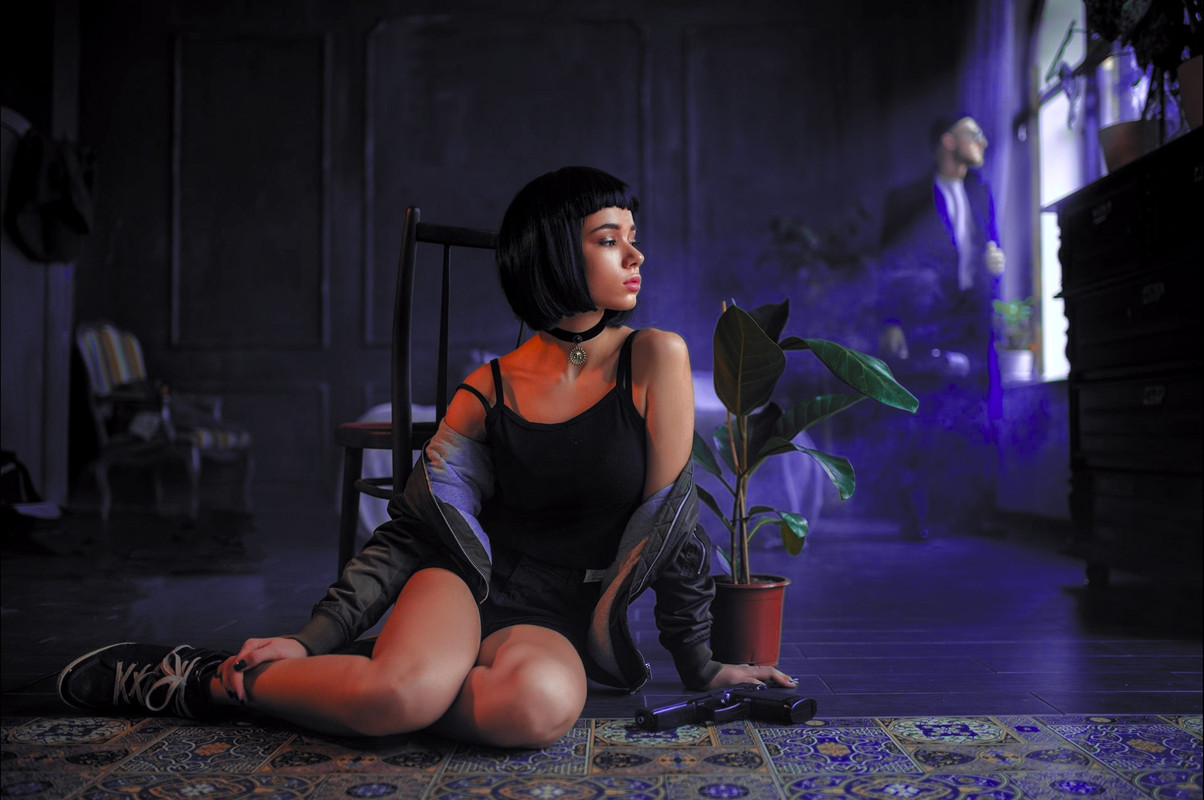
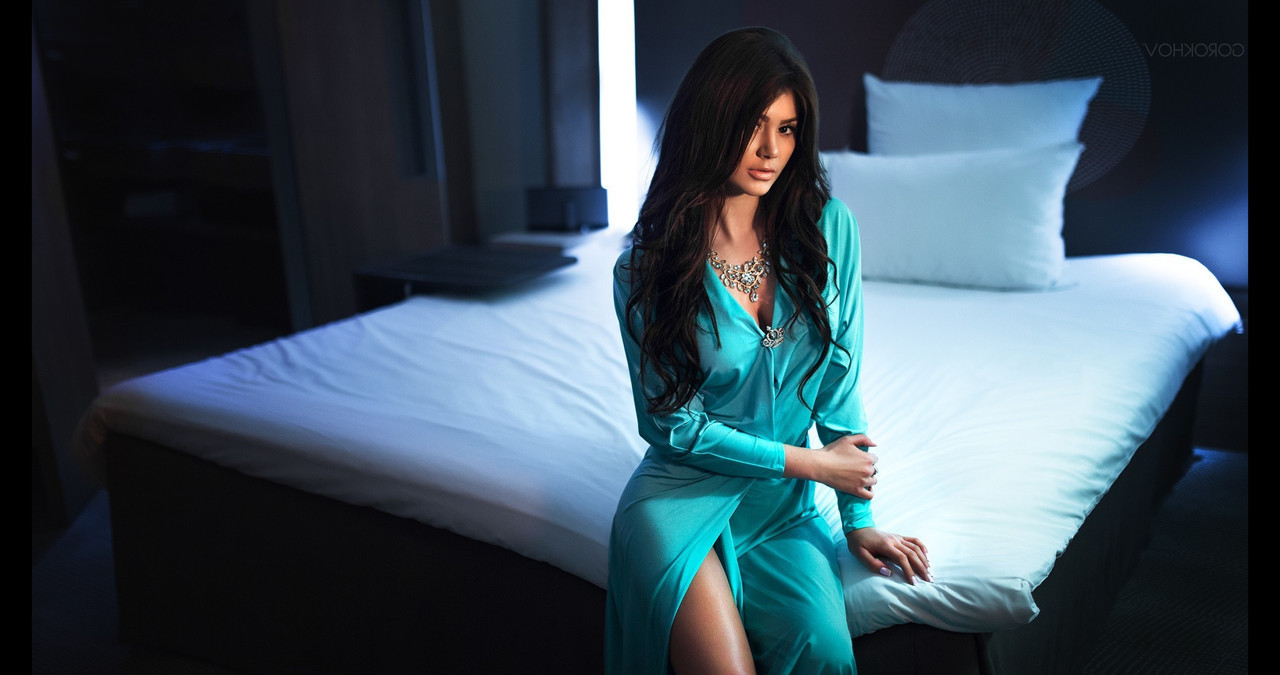
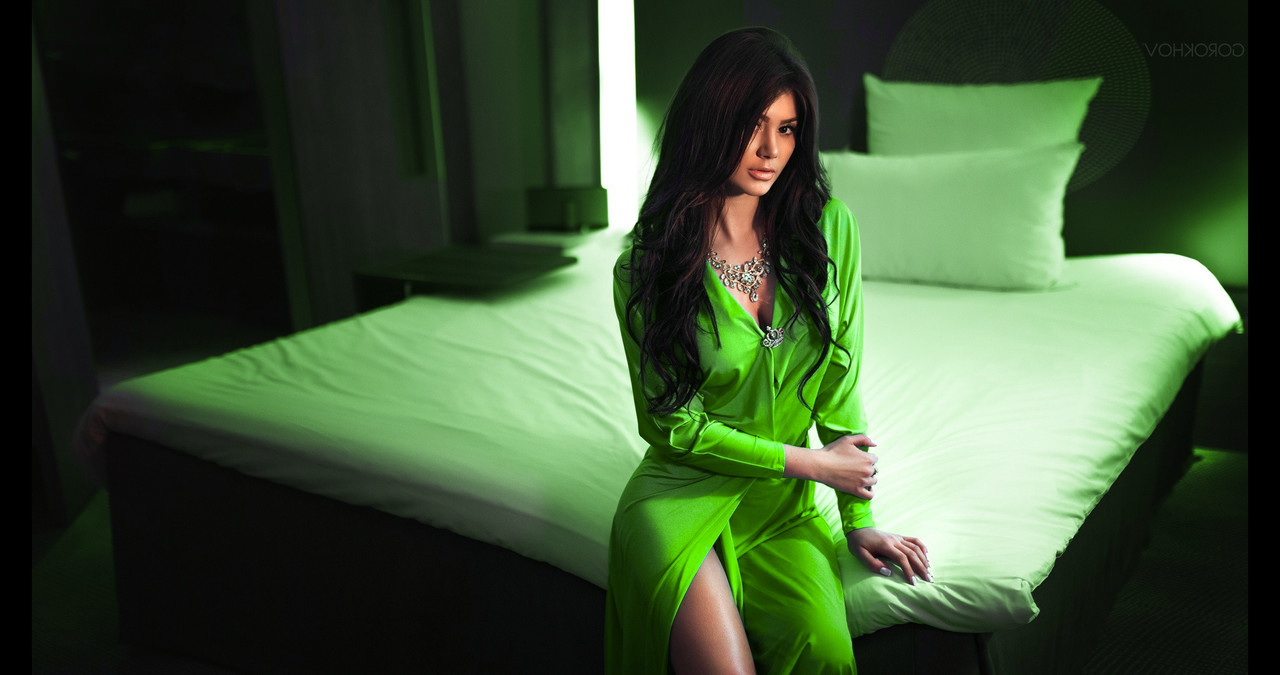
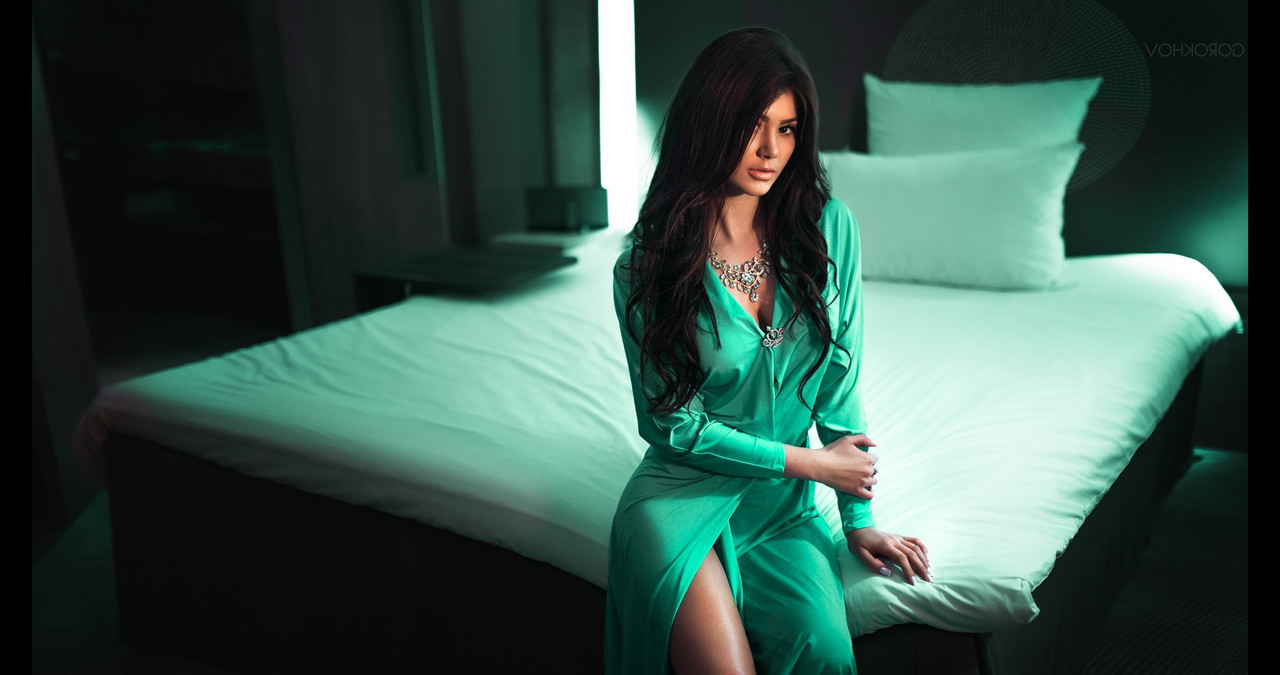
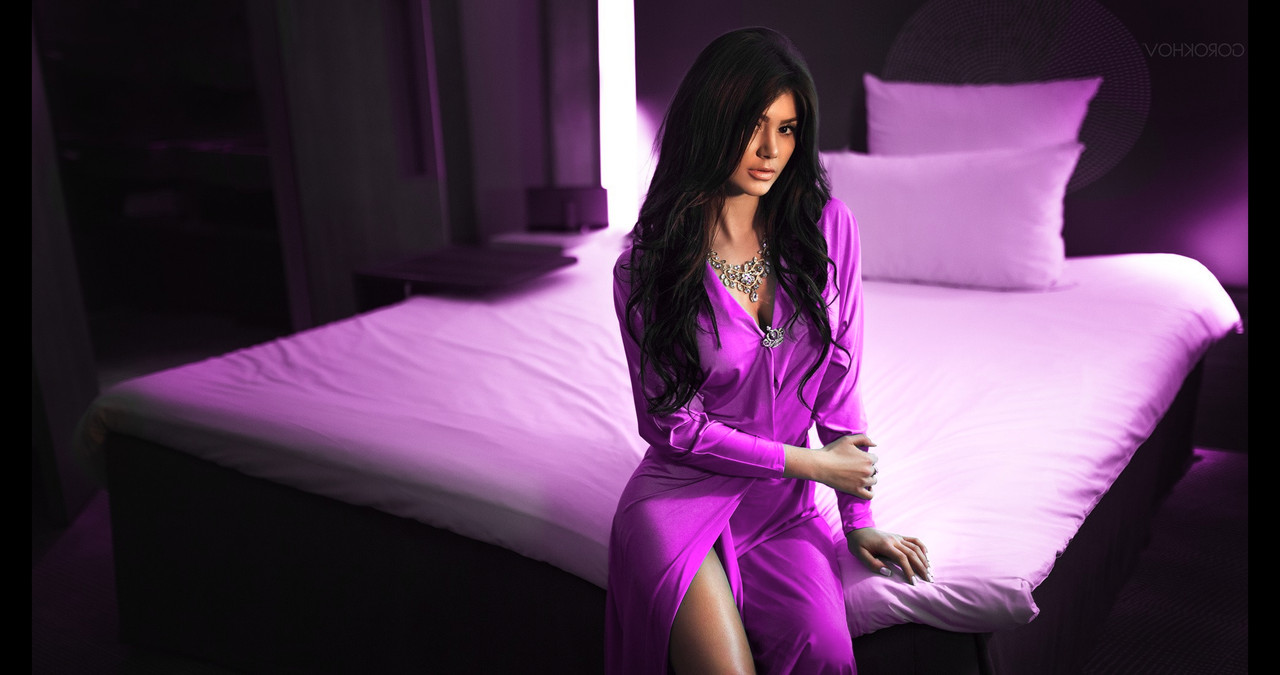
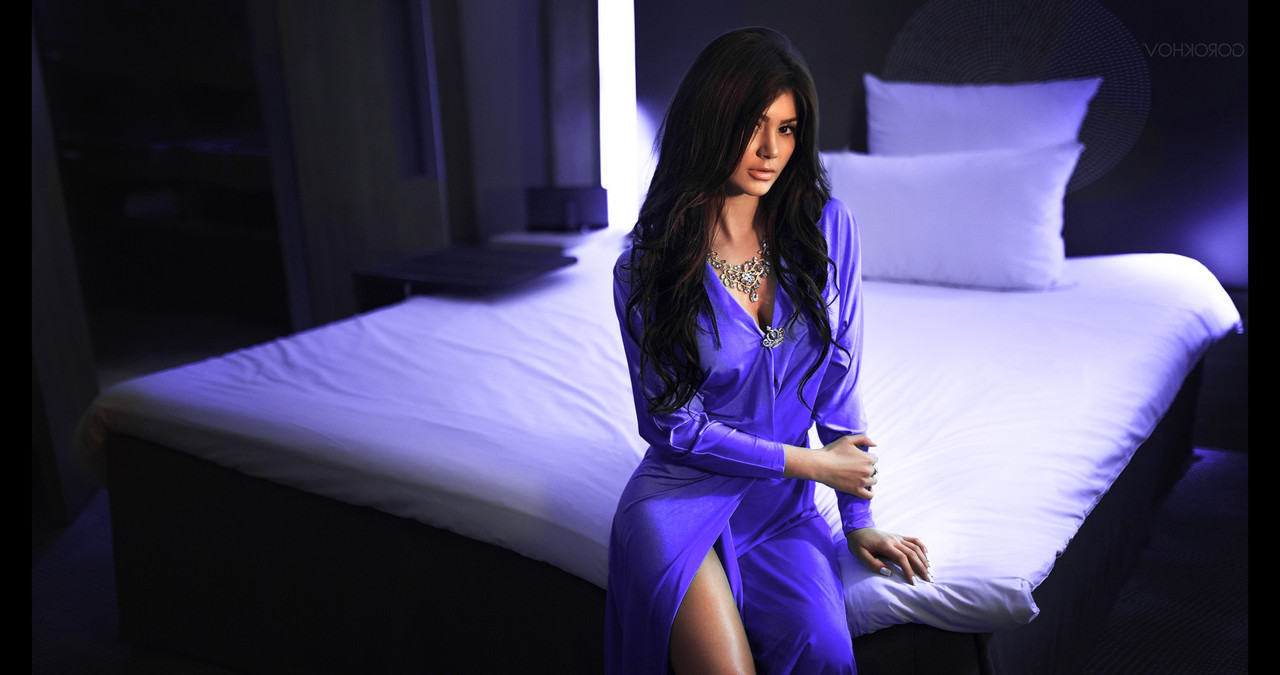
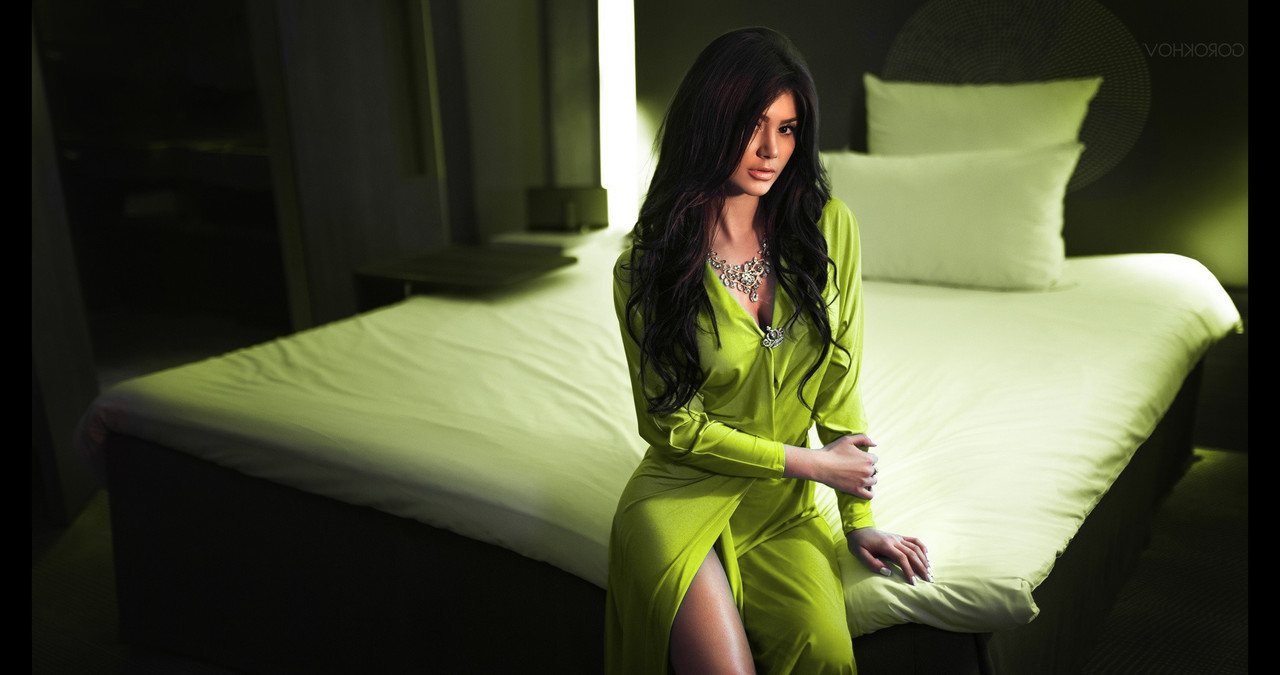
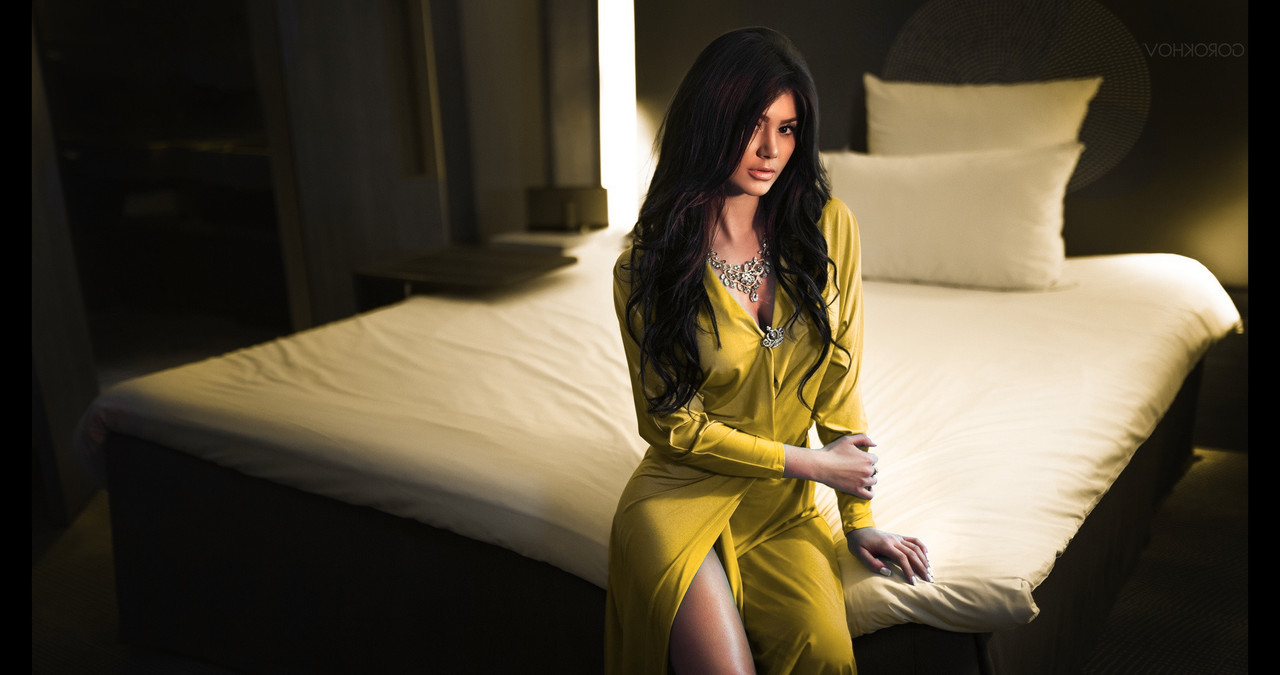
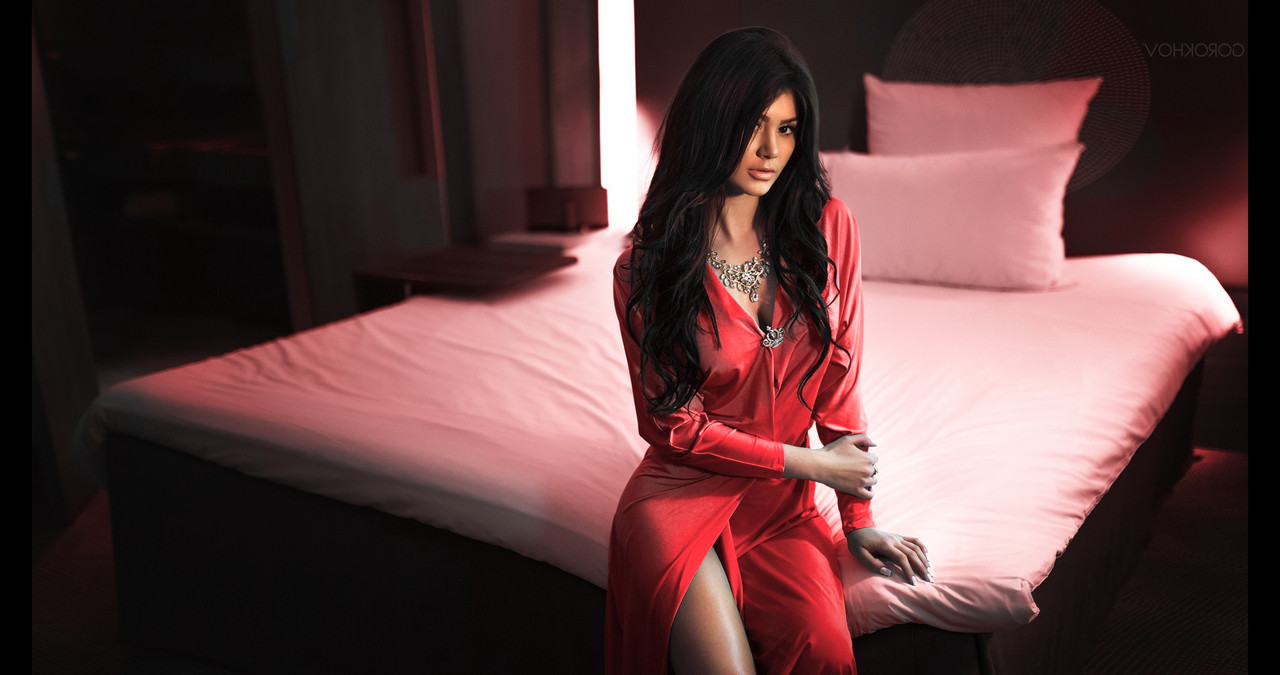
Color Warper-Girl on Bed 2


Original

orig.jpg


Color Warper

1-7-1-1-7-1.jpg


1-7-2-1-7-2.jpg


1-7-3-1-7-3.jpg


1-7-4-1-7-4.jpg


1-7-5-1-7-5.jpg


1-7-6-1-7-6.jpg


1-7-7-1-7-7.jpg
 
Rand,
Obviously you're a seriously warped individual. Ha ha.
I have edited in FCP, FCPX, Premiere Pro and very early versions of Resolve (not so reliable). Based upon your offerings in this thread I decided to take the plunge, again, and see what Resolve has to offer.
While I am still figuring out where tools are and how they differ between the various NLE's I am genuinely impressed with what I've found.
I recently shot some landscape at the North Rim of the Grand Canyon. I edited in Premiere Pro and liked the resulting images. After a brief tour of the Resolve tutorials I purchased the Studio version. Although I did not use the additional features (yet) of the Studio Version I started from scratch and re-edited the Grand Canyon material using the same EDL. The result - different software and improved methodology from the BMD tutorials - is visually striking. There REALLY is a difference. Maybe I could achieve the same look in Premiere Pro but the improvement was easy in Resovle 16. BTW: I spoke with the BMD customer service guy and he advised sticking with 16 for the moment; which I did but I will upgrade to 17 as soon as it's fully cooked.
Bottom line: I will continue my pursuit of Resolve. Last, but not least: Many thanks to you for the contributions of information and for stimulating this effort.
 
Rand,
Obviously you're a seriously warped individual. Ha ha.
I have edited in FCP, FCPX, Premiere Pro and very early versions of Resolve (not so reliable). Based upon your offerings in this thread I decided to take the plunge, again, and see what Resolve has to offer.
While I am still figuring out where tools are and how they differ between the various NLE's I am genuinely impressed with what I've found.
I recently shot some landscape at the North Rim of the Grand Canyon. I edited in Premiere Pro and liked the resulting images. After a brief tour of the Resolve tutorials I purchased the Studio version. Although I did not use the additional features (yet) of the Studio Version I started from scratch and re-edited the Grand Canyon material using the same EDL. The result - different software and improved methodology from the BMD tutorials - is visually striking. There REALLY is a difference. Maybe I could achieve the same look in Premiere Pro but the improvement was easy in Resovle 16. BTW: I spoke with the BMD customer service guy and he advised sticking with 16 for the moment; which I did but I will upgrade to 17 as soon as it's fully cooked.
Bottom line: I will continue my pursuit of Resolve. Last, but not least: Many thanks to you for the contributions of information and for stimulating this effort.

Mark,

HaHaHaHaHa, Thanks! I started out in Avid Media Composer and I kept hearing about this Davinci Resolve program. I thought what can this program do that I can't do in Media Composer with the Symphony option, the answer everything.

The computer I had at that time didn't meet the minimum requirements to install and run Reolve on. So I purchased a new one and I haven't look back at Avid Media Composer in about almost three years now.

I think sticking with Resolve 16 for now is a good idea. Resolve 17 has an almost completely new way of doing things, I'm trying to get use to the changes myself.
 
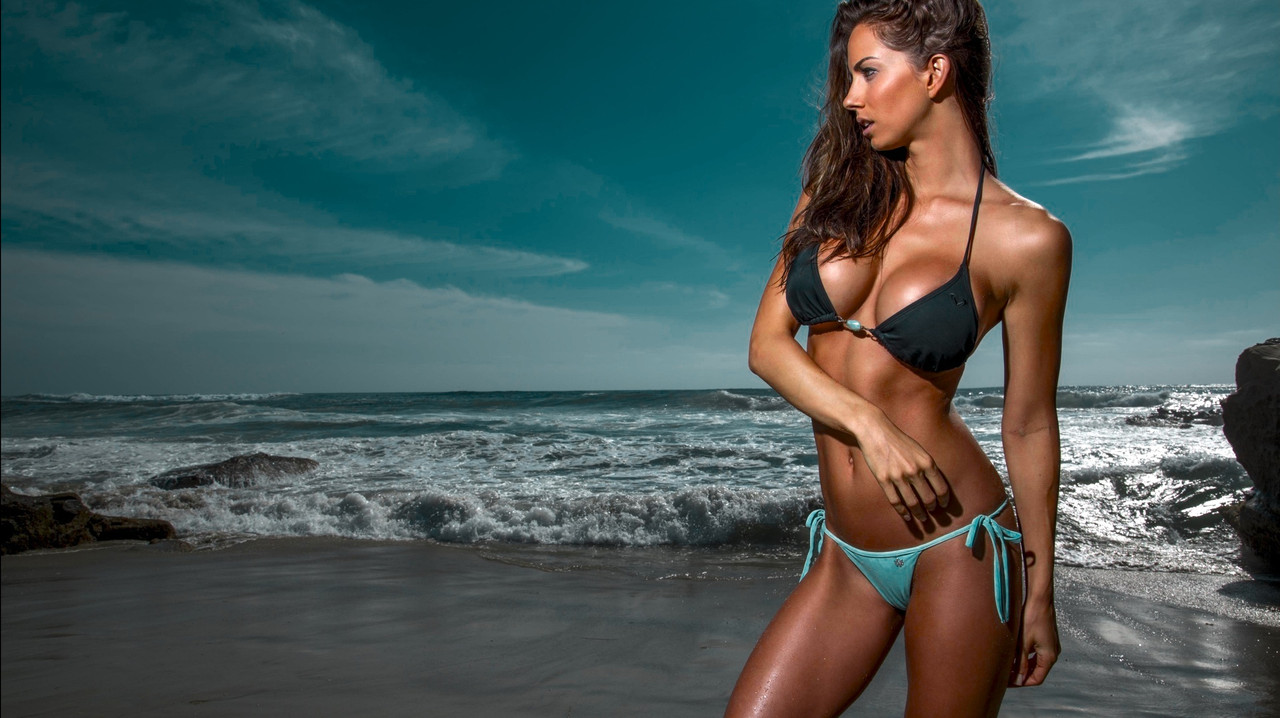
Color Warper + HDR Primaries-Girl on the Beach

Simple correction

Original

1-11-1-1-11-1.jpg


Color Warper + HDR Primaries

1-11-2-1-11-2.jpg
 
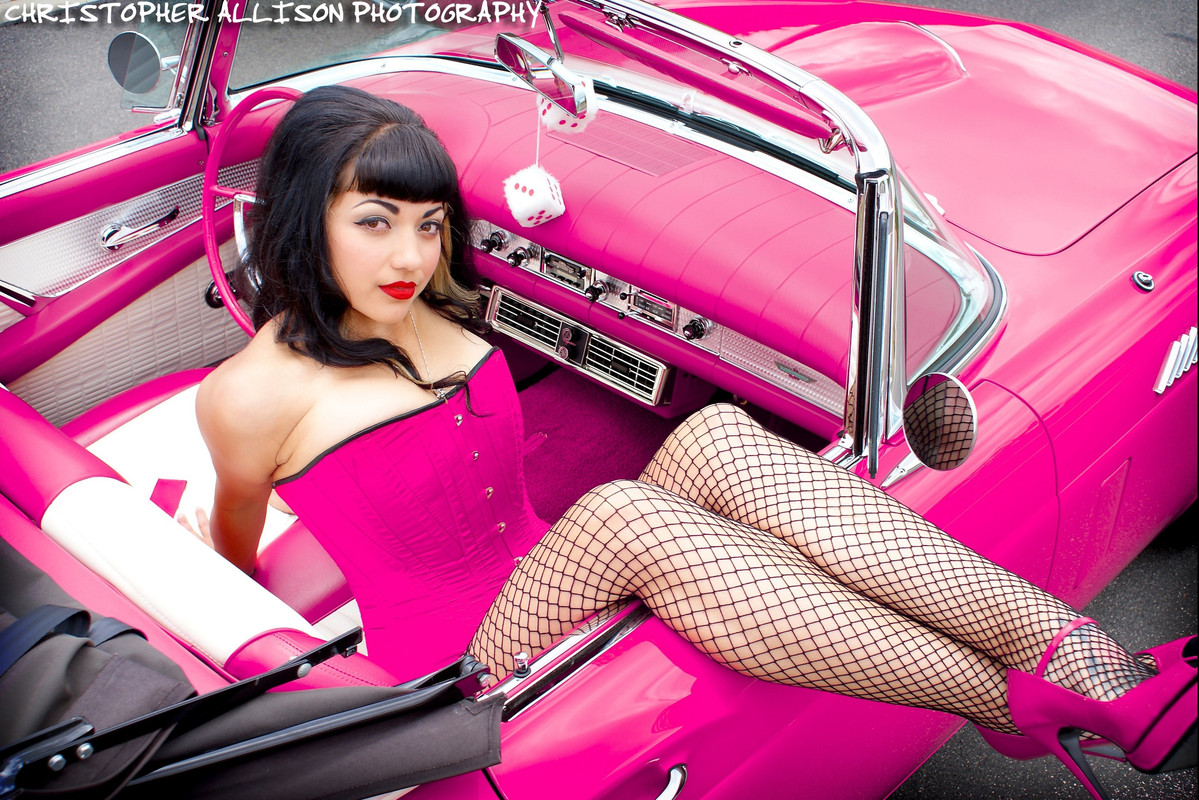
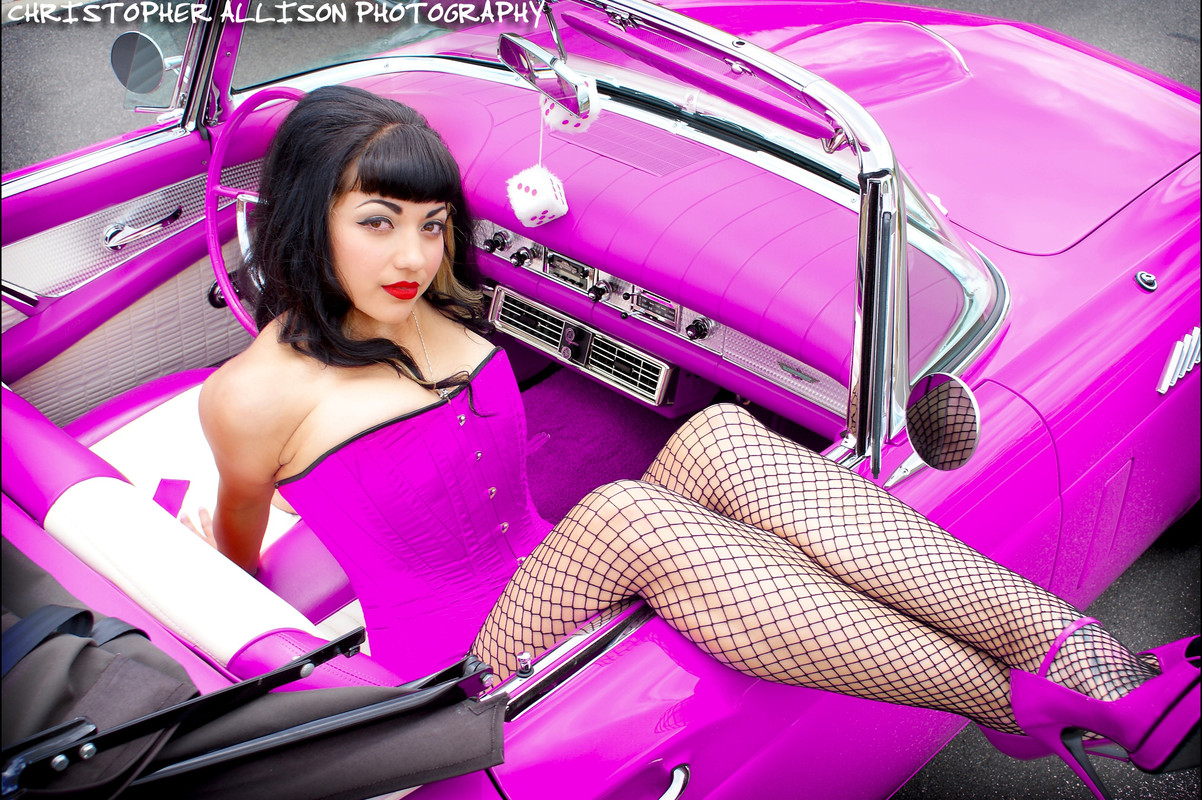
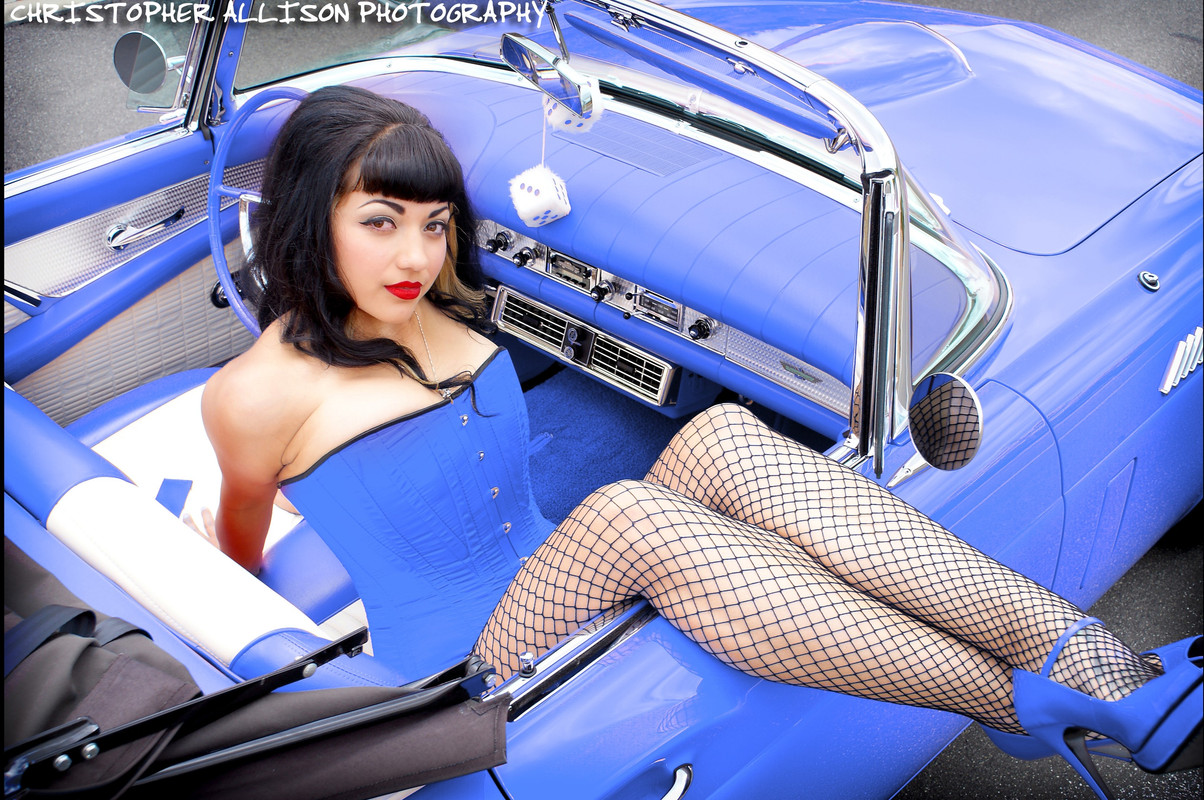
Color Warper-Girl in Classic Car


Original

1-13-1-1-13-1.jpg


Color Warper

1-13-10-1-13-10.jpg


1-13-2-1-13-2.jpg


1-13-3-1-13-3.jpg


1-13-4-1-13-4.jpg


1-13-5-1-13-5.jpg


1-13-6-1-13-6.jpg


1-13-7-1-13-7.jpg


1-13-8-1-13-8.jpg


1-13-9-1-13-9.jpg
 
DaVinci Resolve 17 FREE VERSION TOP NEW FEATURES


By
Alli and Will

 
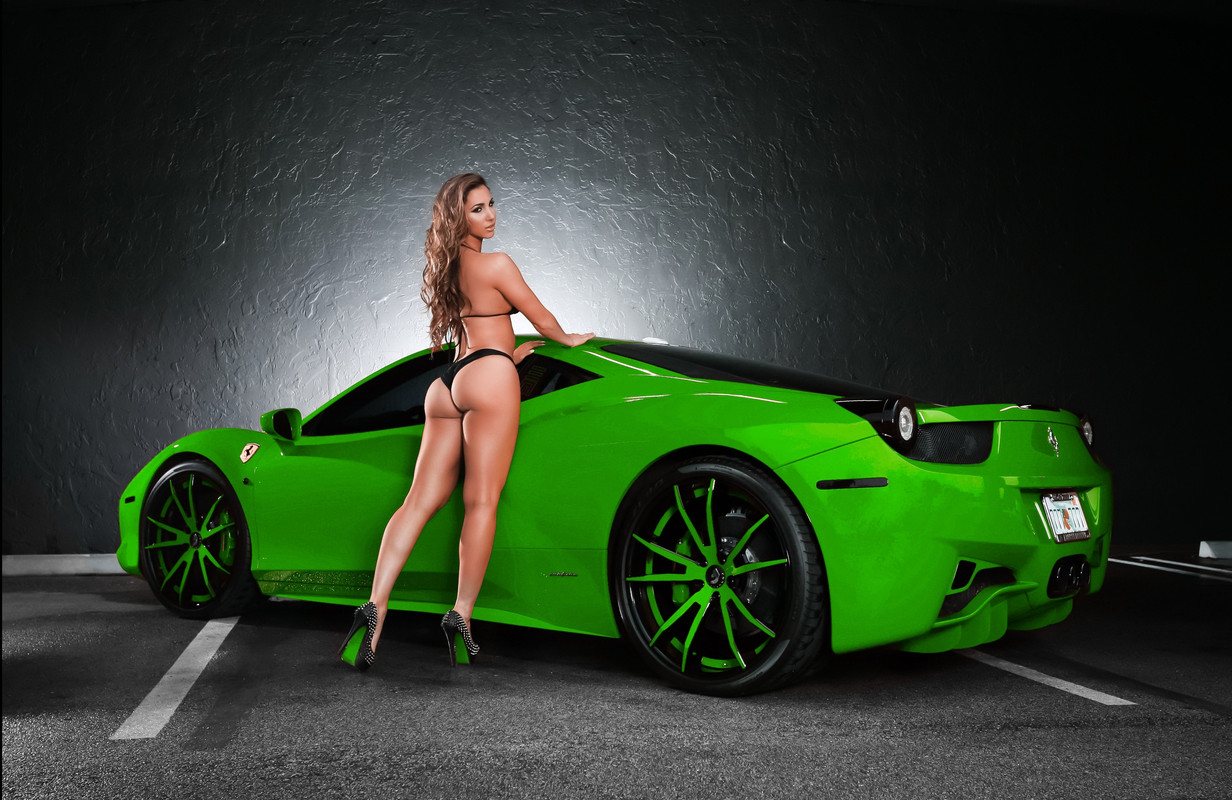
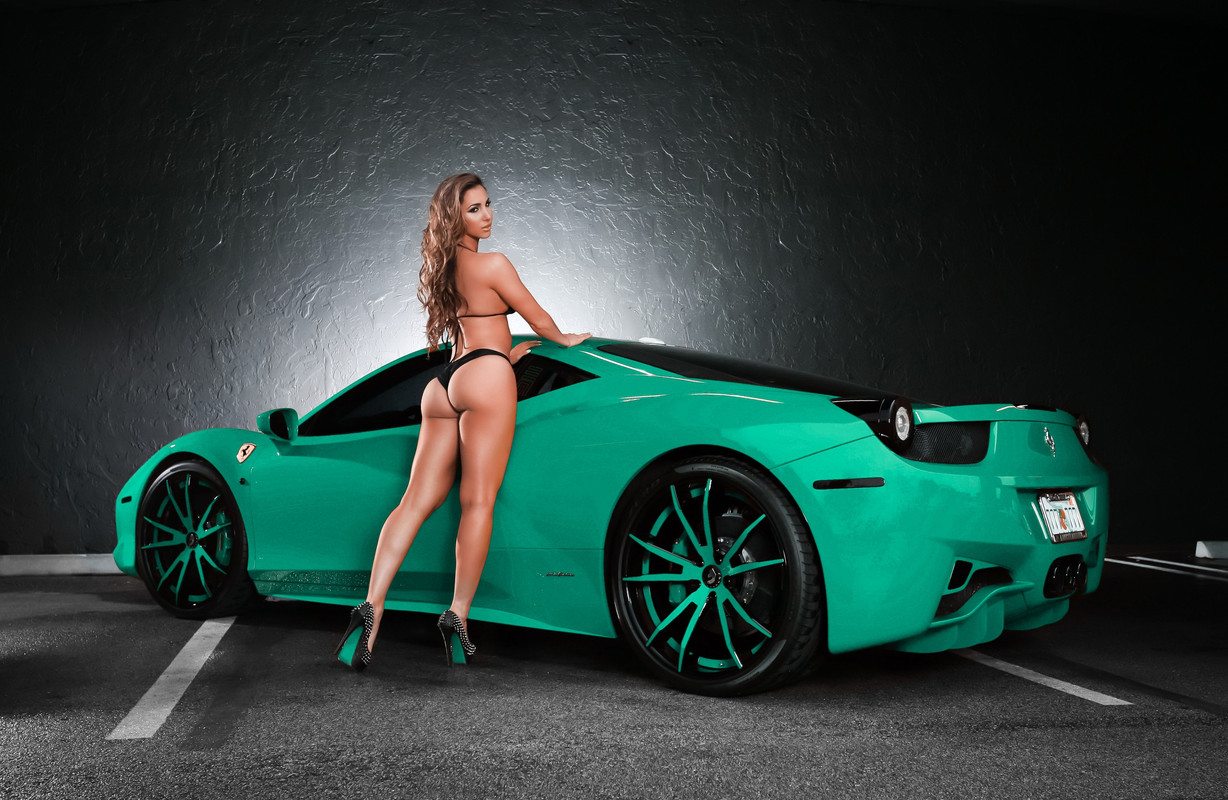
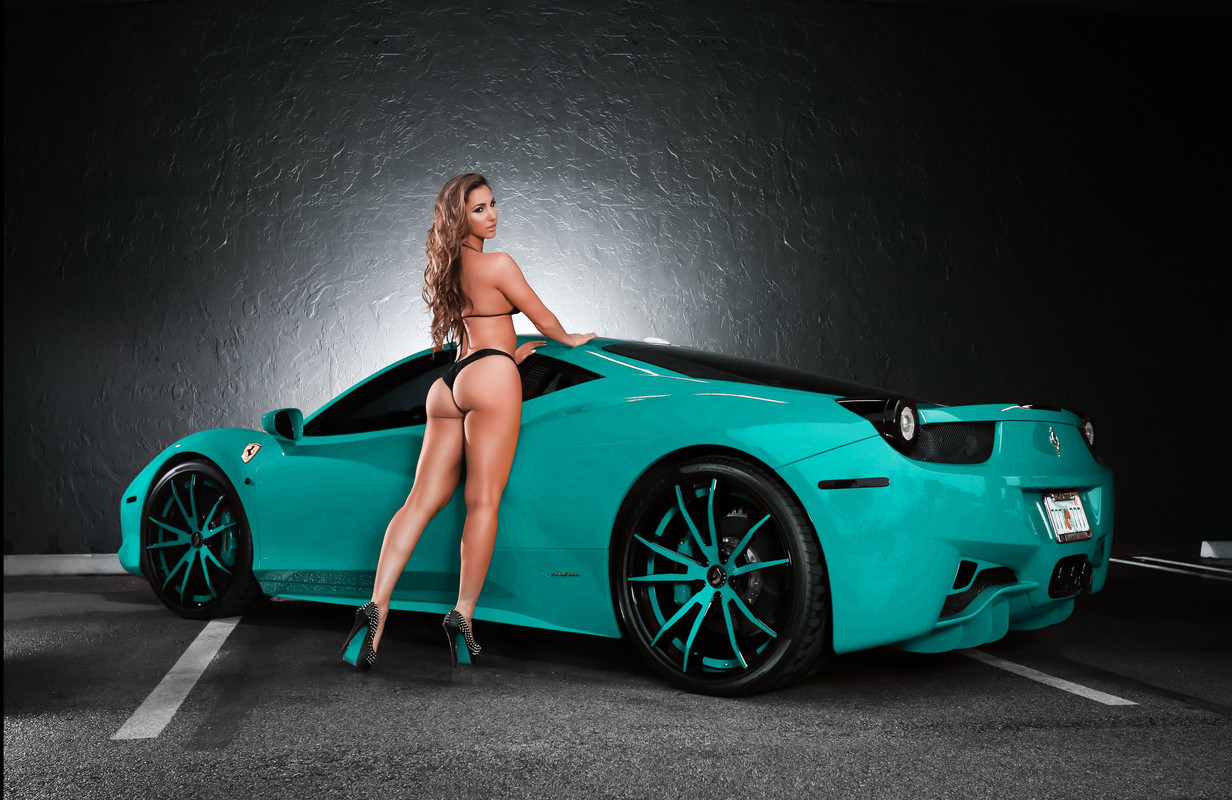
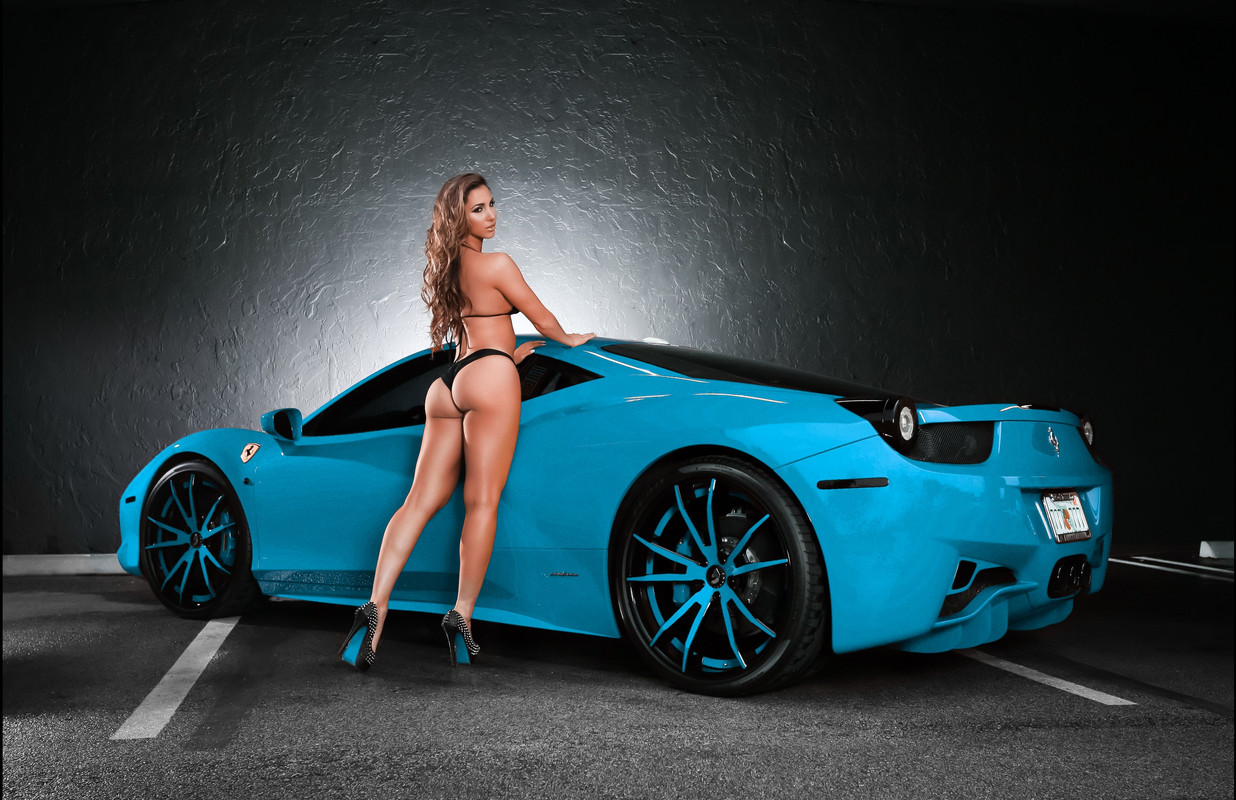
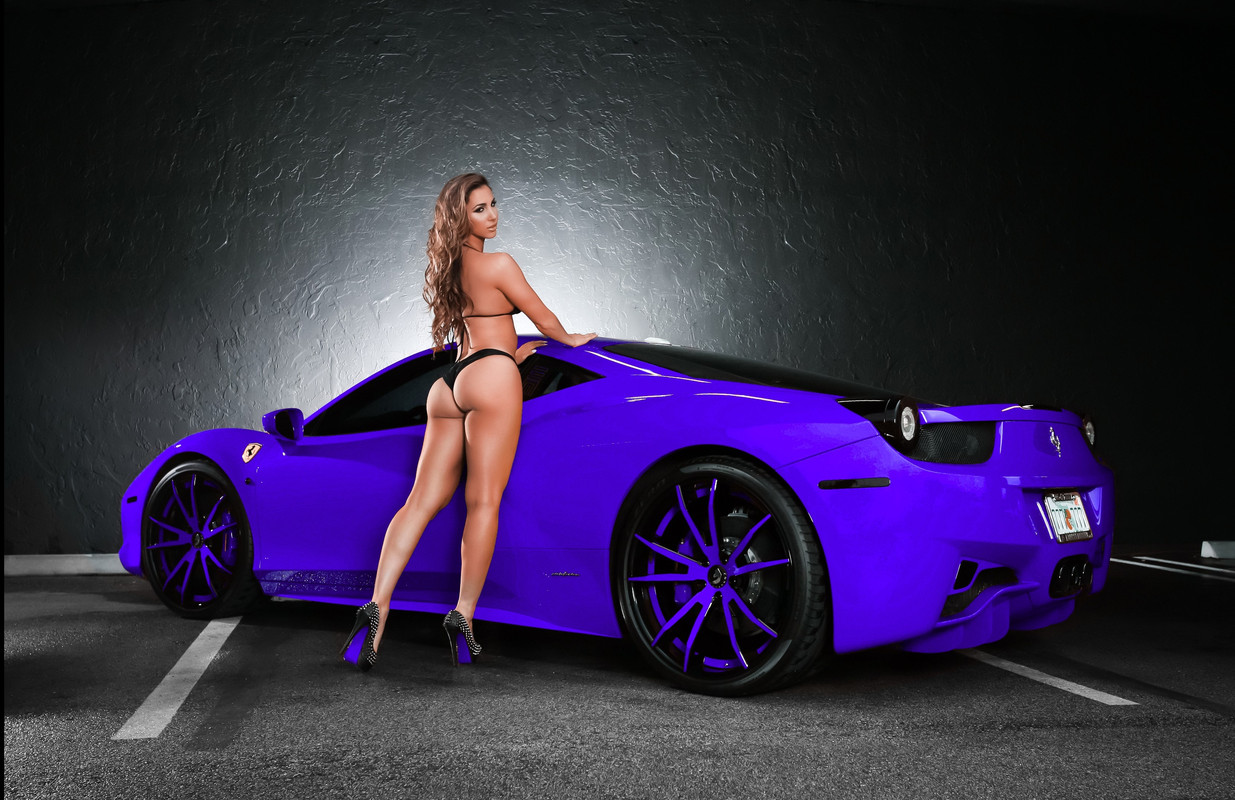
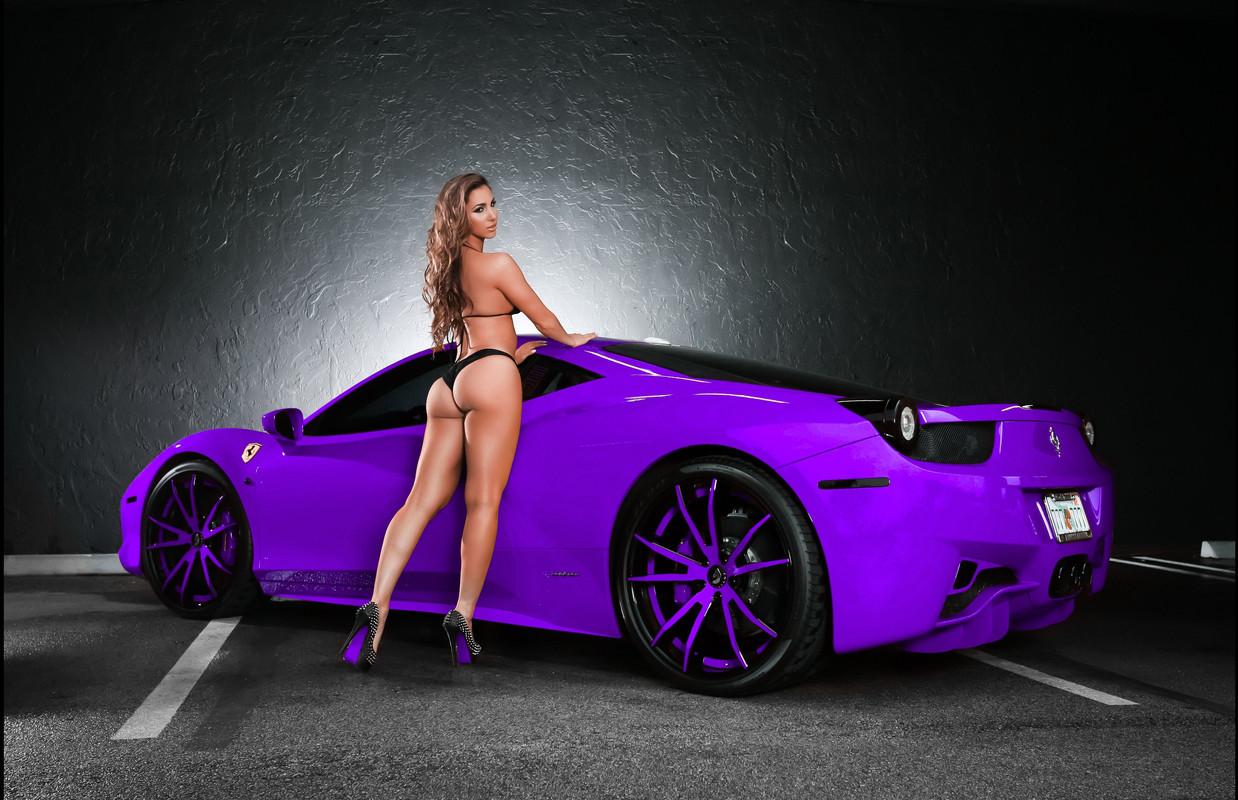
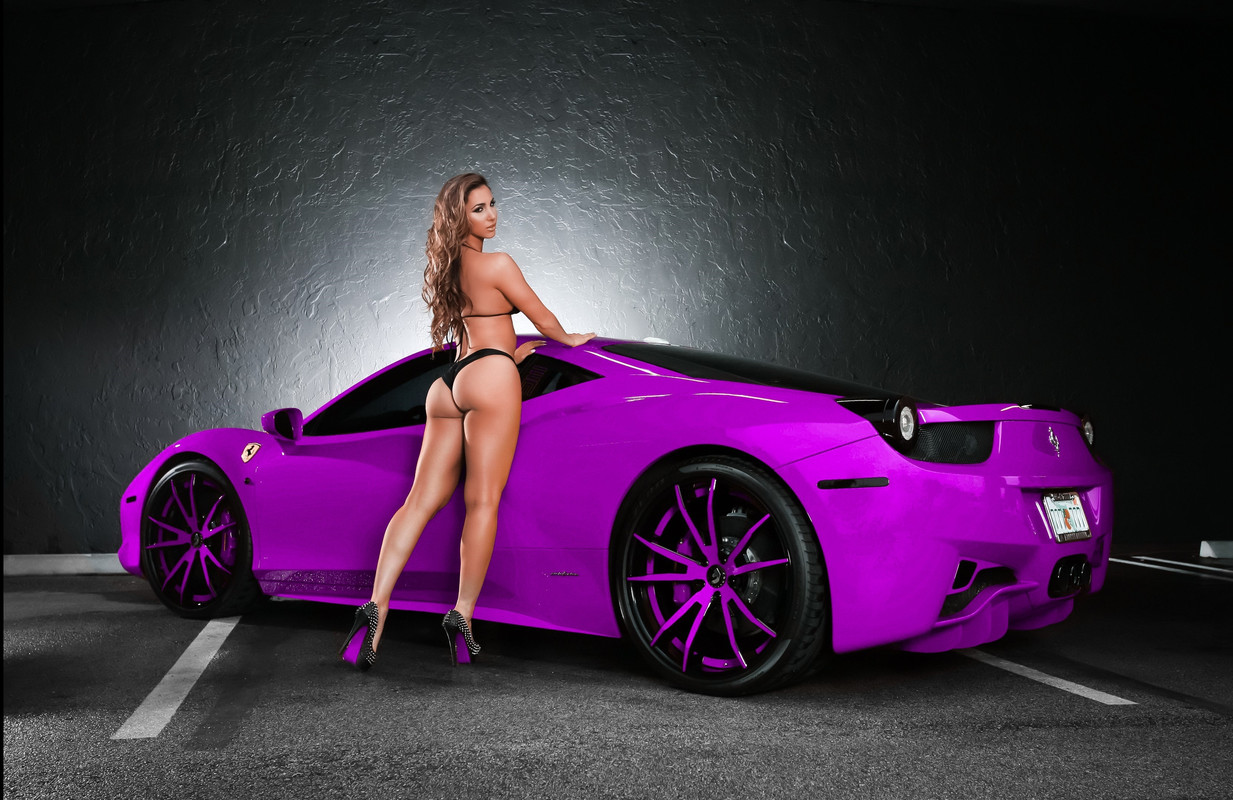
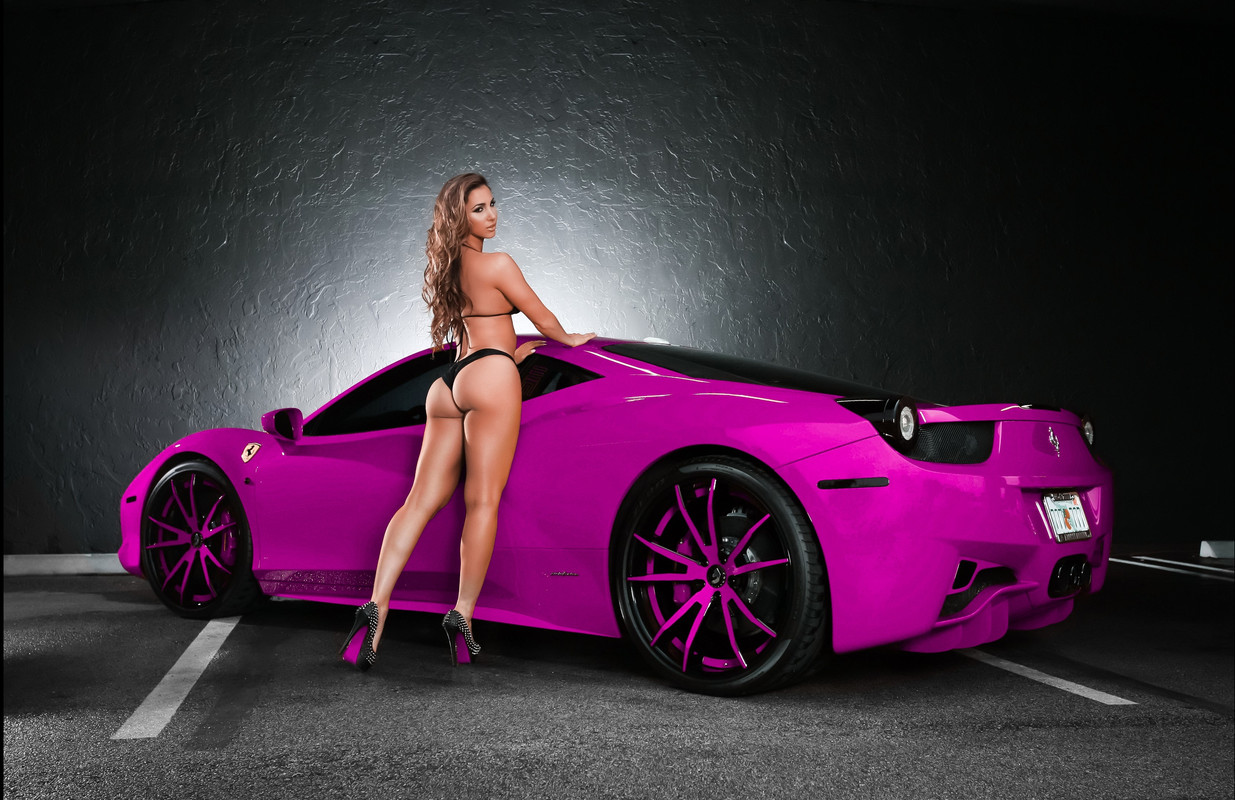
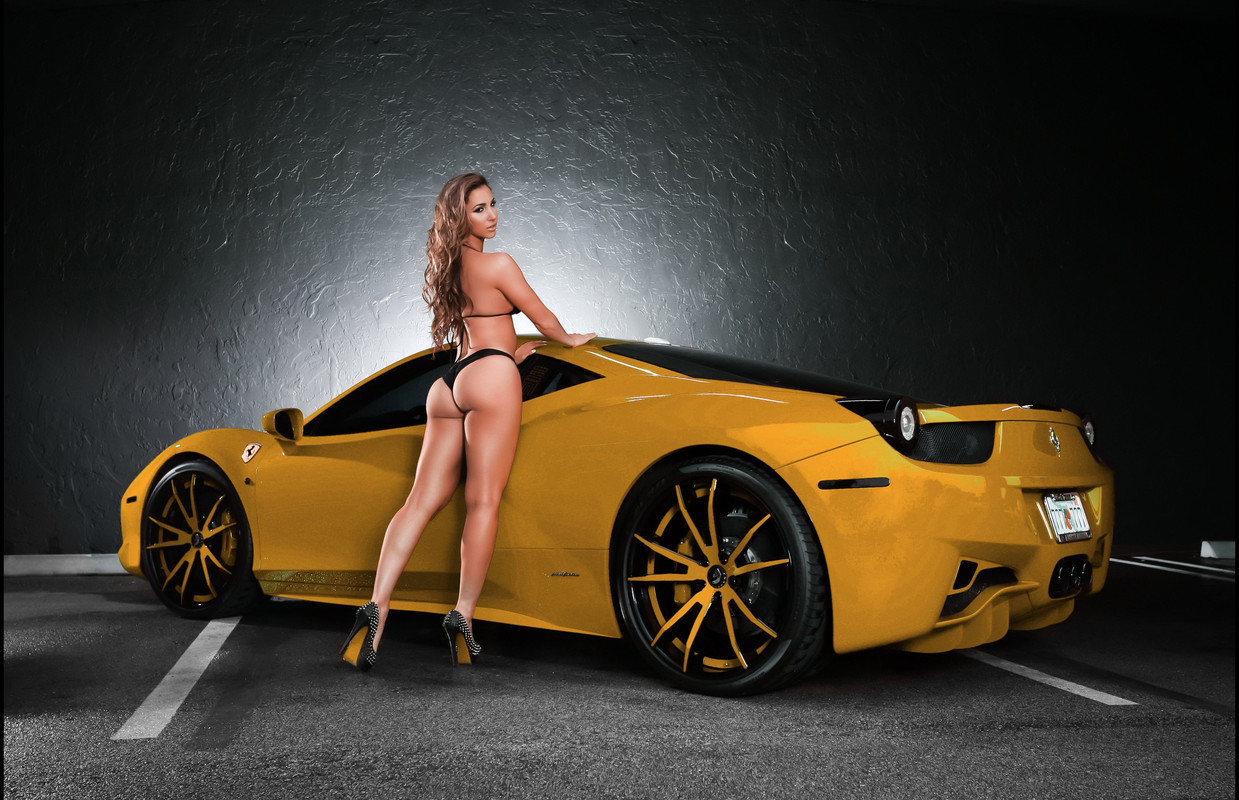
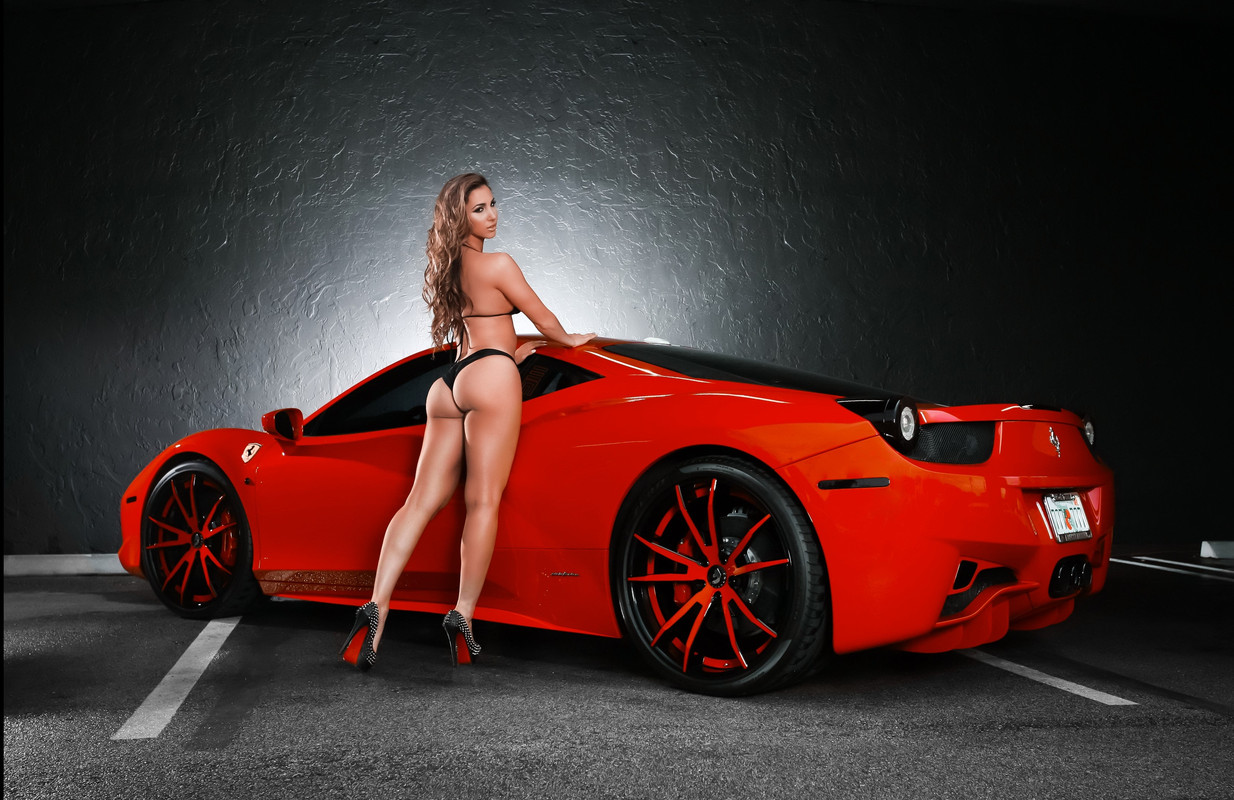
Color Warper- Swimsuit Model and Ferrari


Original

1-12-11-1-12-11.jpg


Color Warper

1-12-1-12-9.jpg


1-12-1-12-8.jpg


1-12-1-12-7.jpg


1-12-1-12-6.jpg


1-12-1-12-5.jpg


1-12-1-12-4.jpg


1-12-1-12-3.jpg


1-12-1.jpg


1-12-10-1-12-10.jpg
 
M1 MacBook Pro (Base Model) vs. CUSTOM RYZEN 7 3700x PC - DaVinci Resolve 17 4K Performance


By
Paul's Place


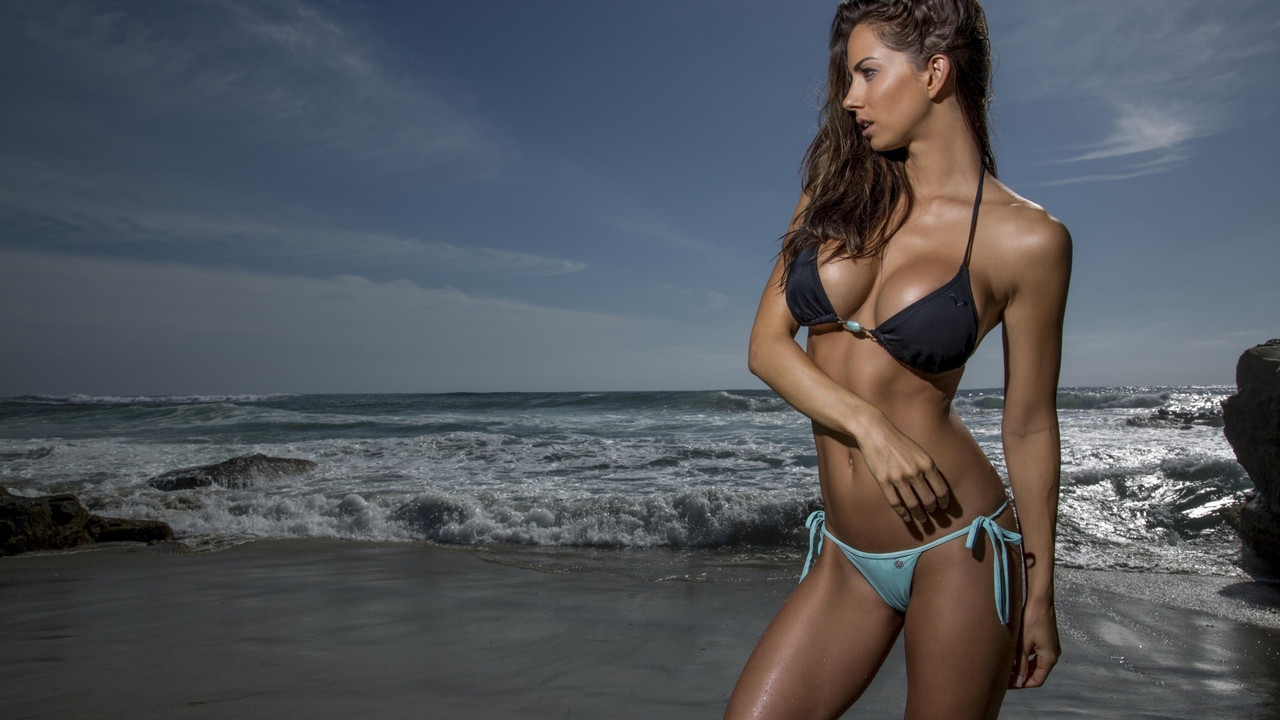
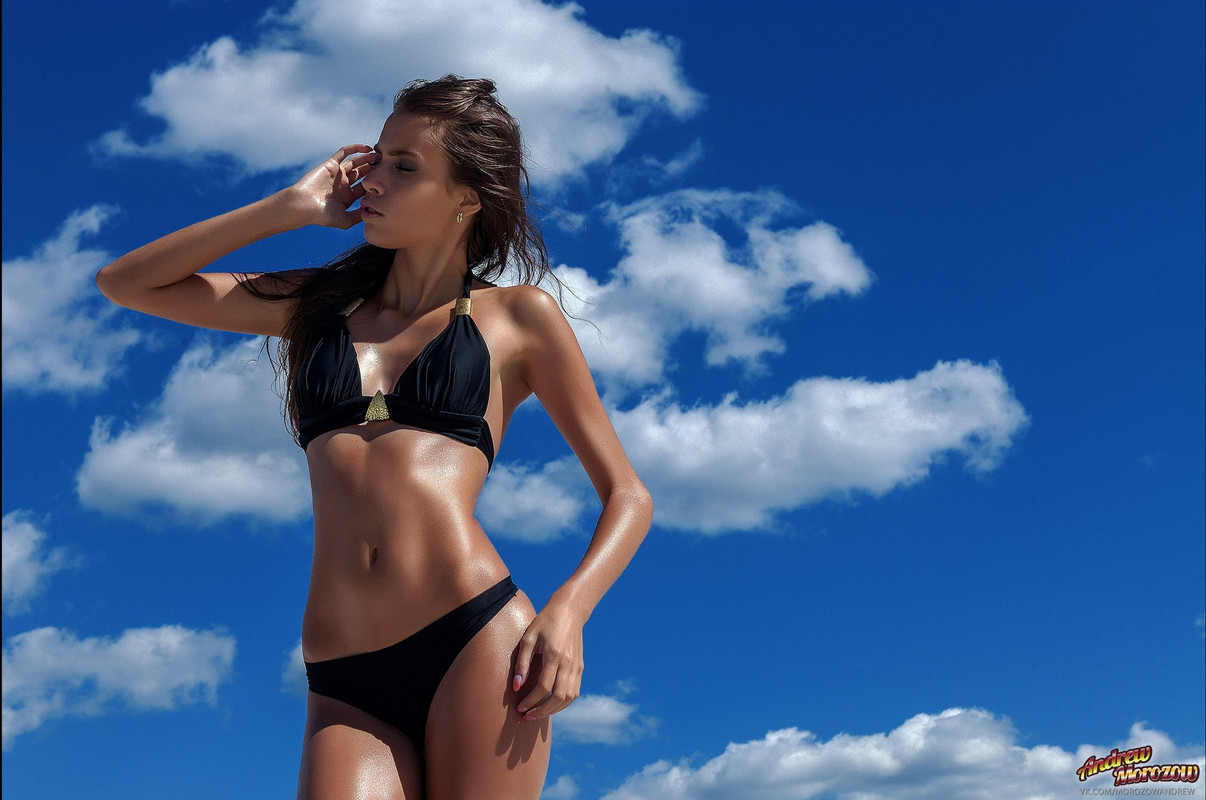
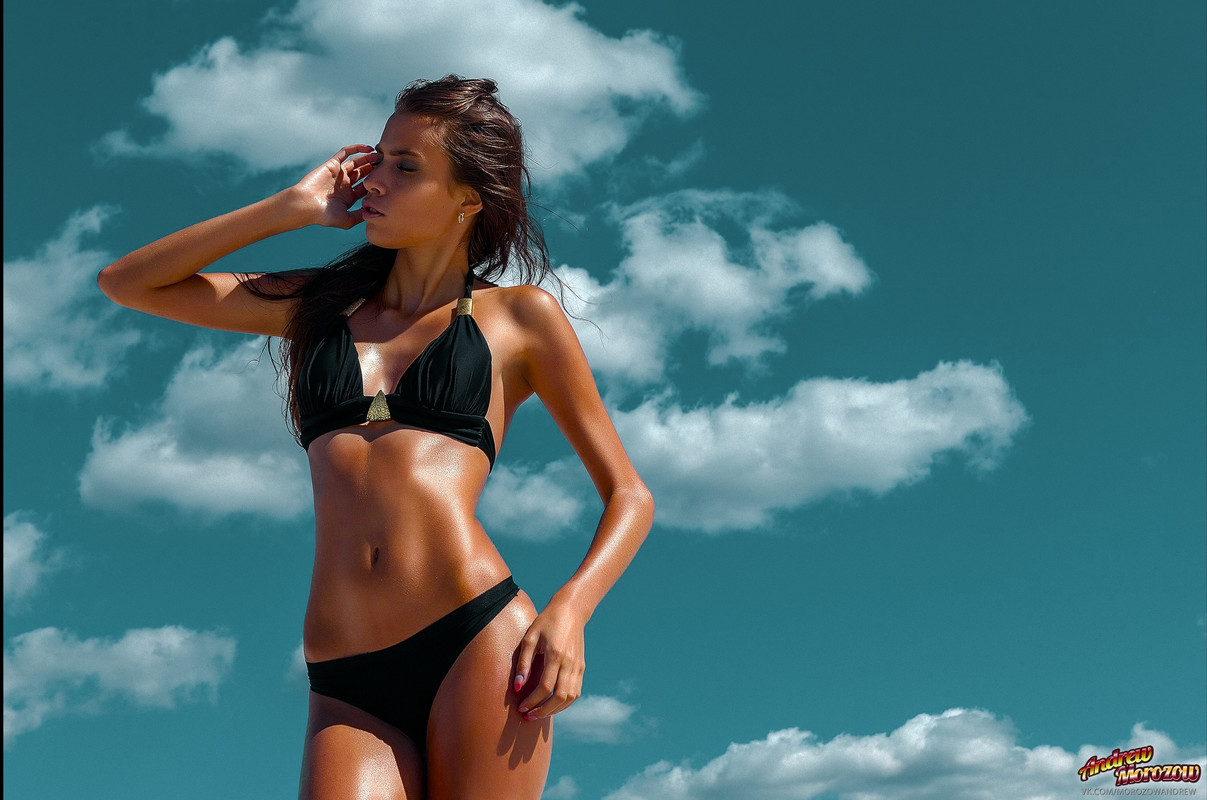
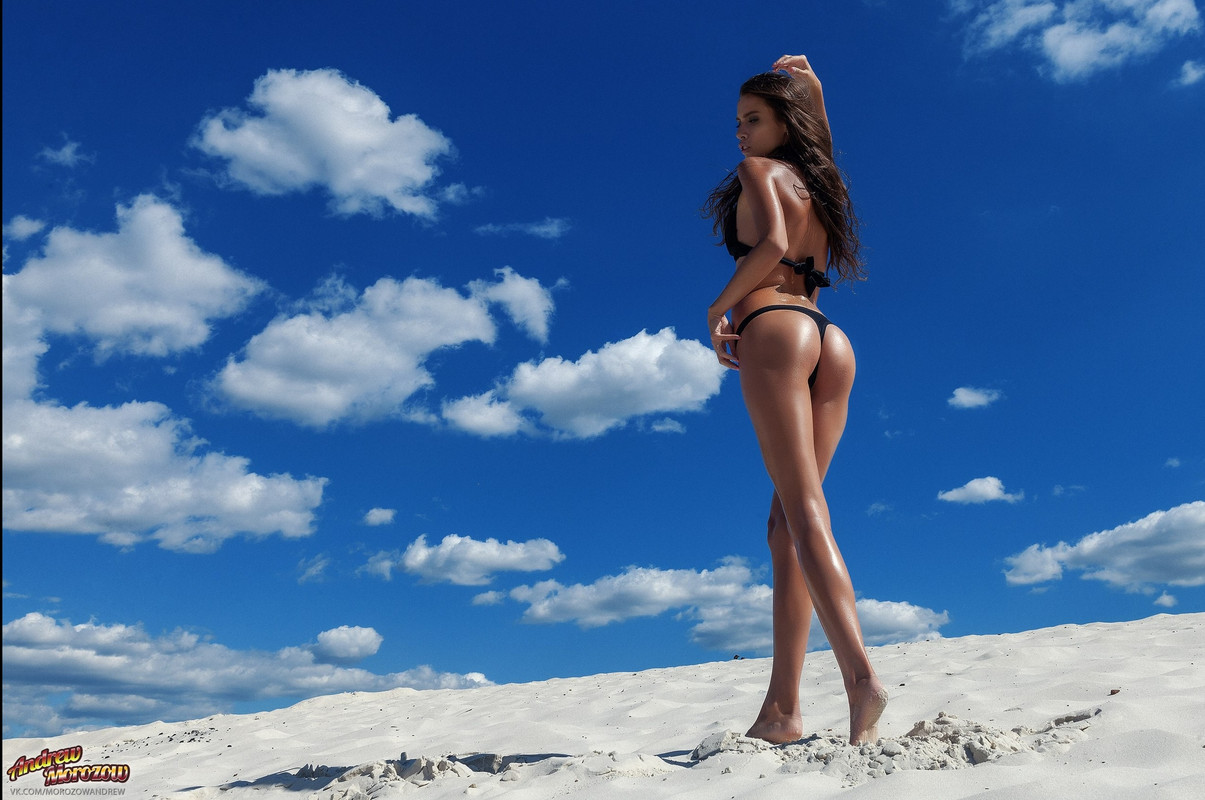
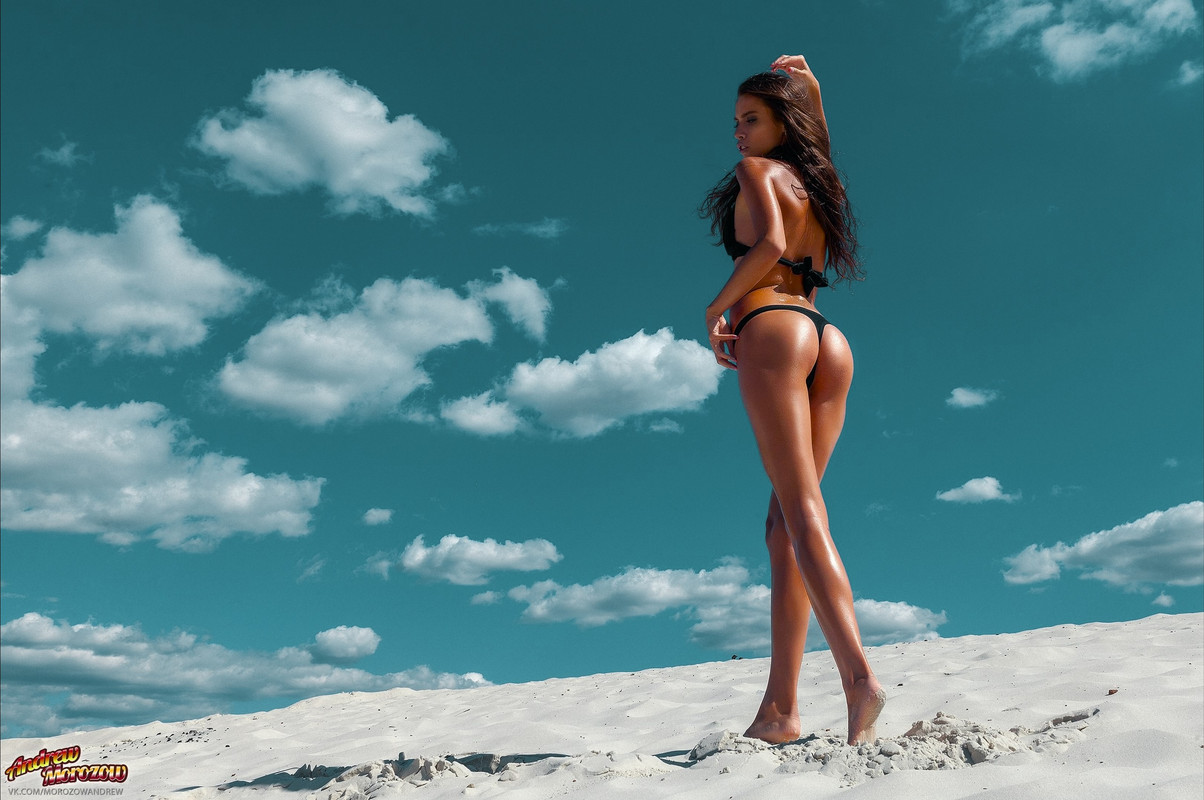
Color Warper-Girl on beach against blue sky


Original

tan-girl-blue-sky-1-9-2.jpg


Color Warper

v2-1-9-4.jpg


Original

1-10-2-1-10-2.jpg


Color Warper

1-10-3-1-10-3.jpg
 
High Dynamic Range in DaVinci Resolve - & what is DaVinci Wide Gamut ?


By Darren Mostyn


DaVinci Resolve on M1 Mac 8GB vs 16GB - This Will Surprise You


By Learn Color Grading


RESOLVE 17: How To Export & Share Timelines - The Easy Way!


By Casey Faris


Color Grade Projects WAY Faster - DaVinci Resolve Tutorial


By Nathan Carter


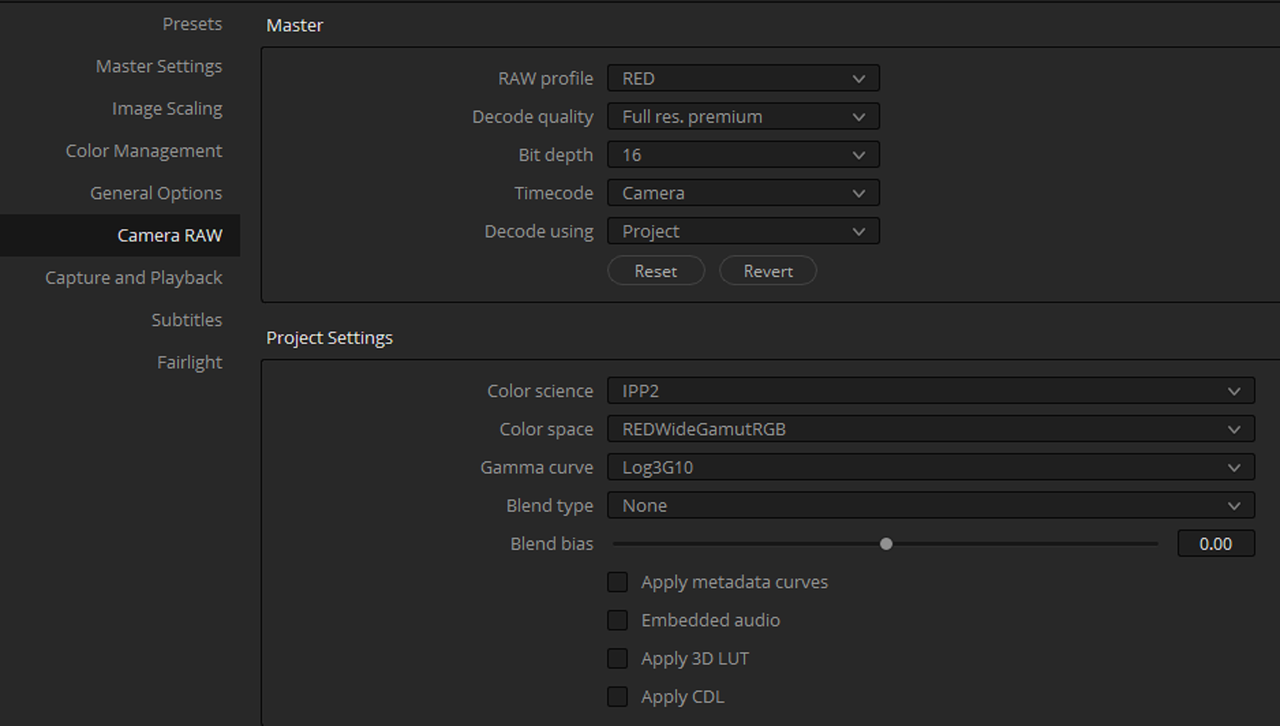
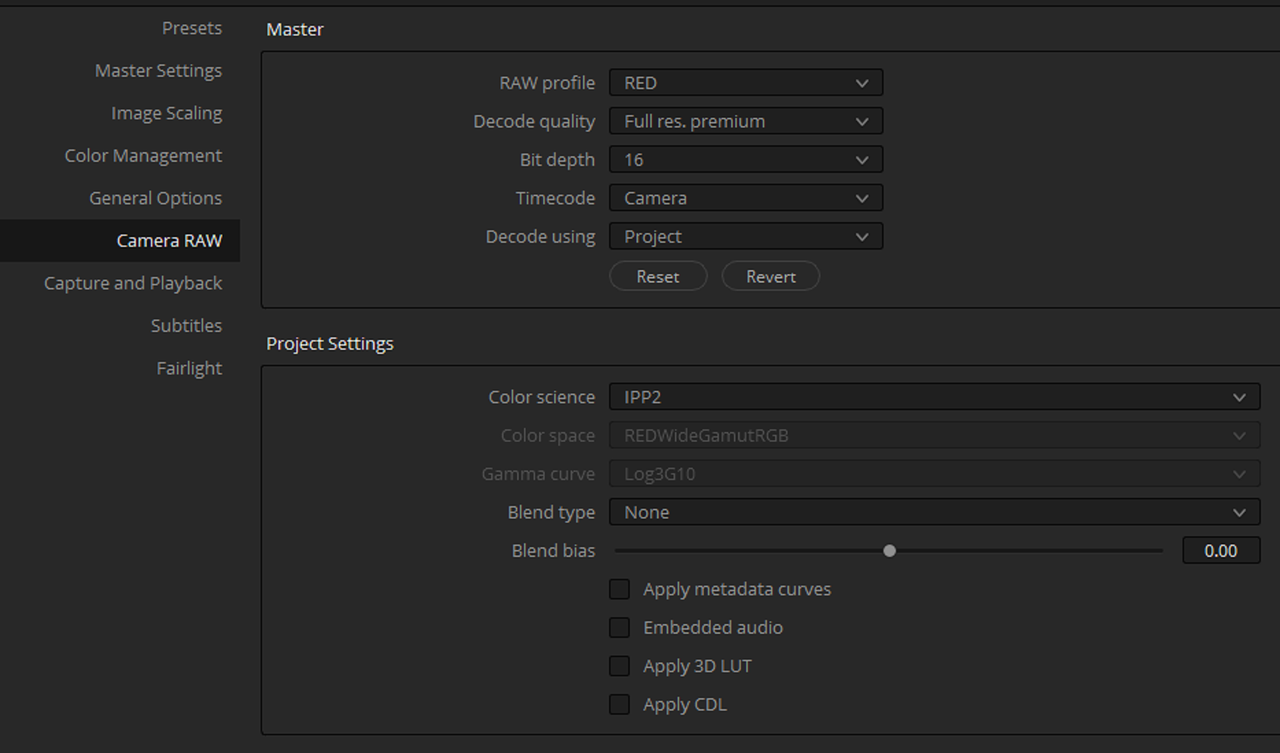
I have been posting bug reports on the Resolve 17 beta forum related to using RWG/Log3G10 timelines and HDRx. If others are finding problems, please chime in. DWG seems to work well for timeline color weirdness, but doesn't address HDRx issues.
 
DeEsser & DeHummer Audio EFFECTS in DaVinci Resolve 17 Fairlight | Audio Tutorial Series


By Jason Yadlovski


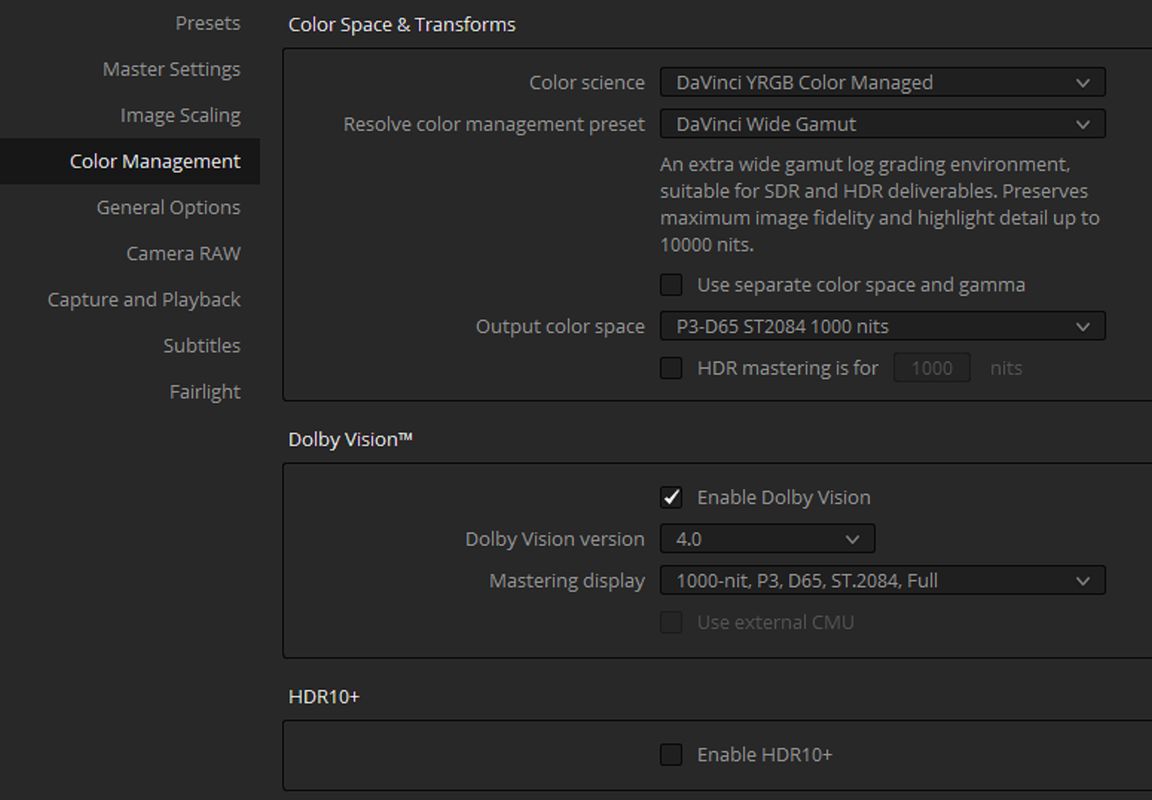
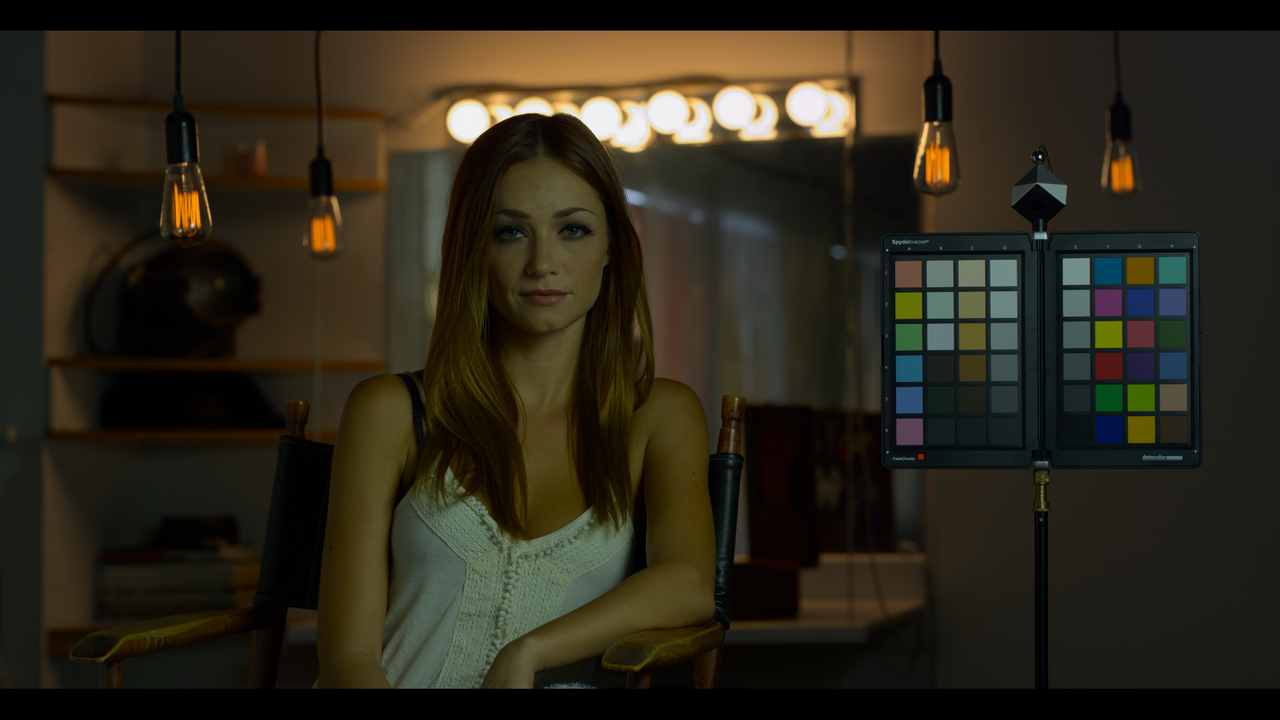
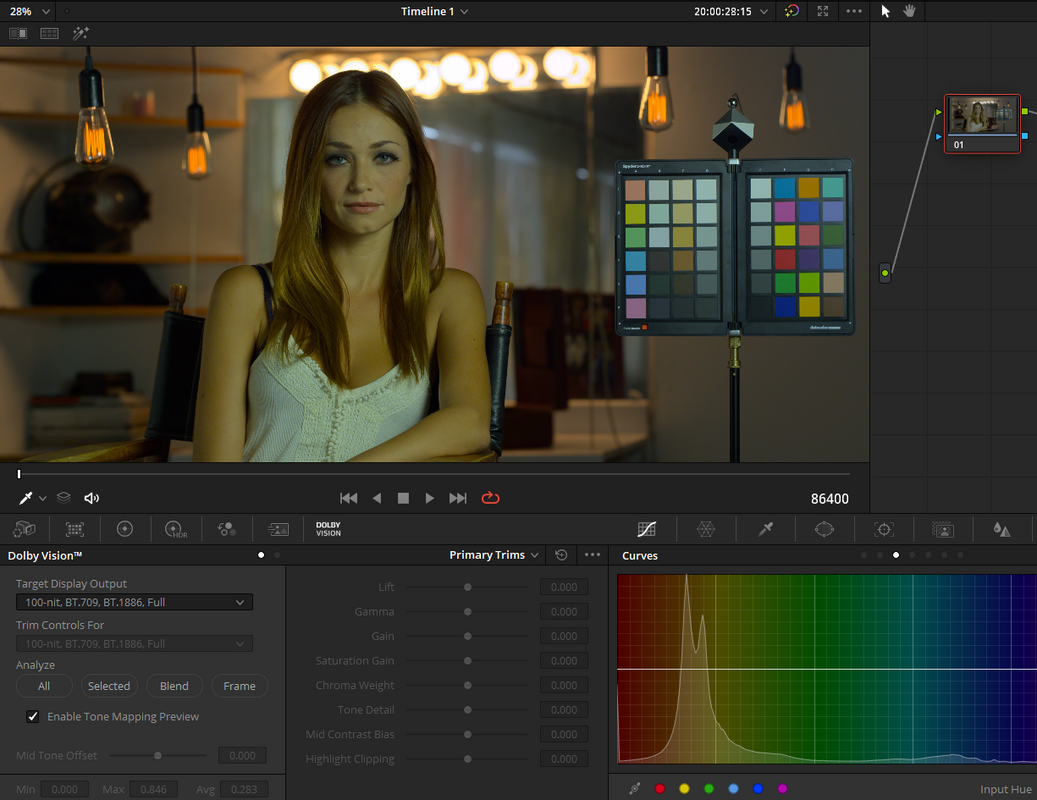
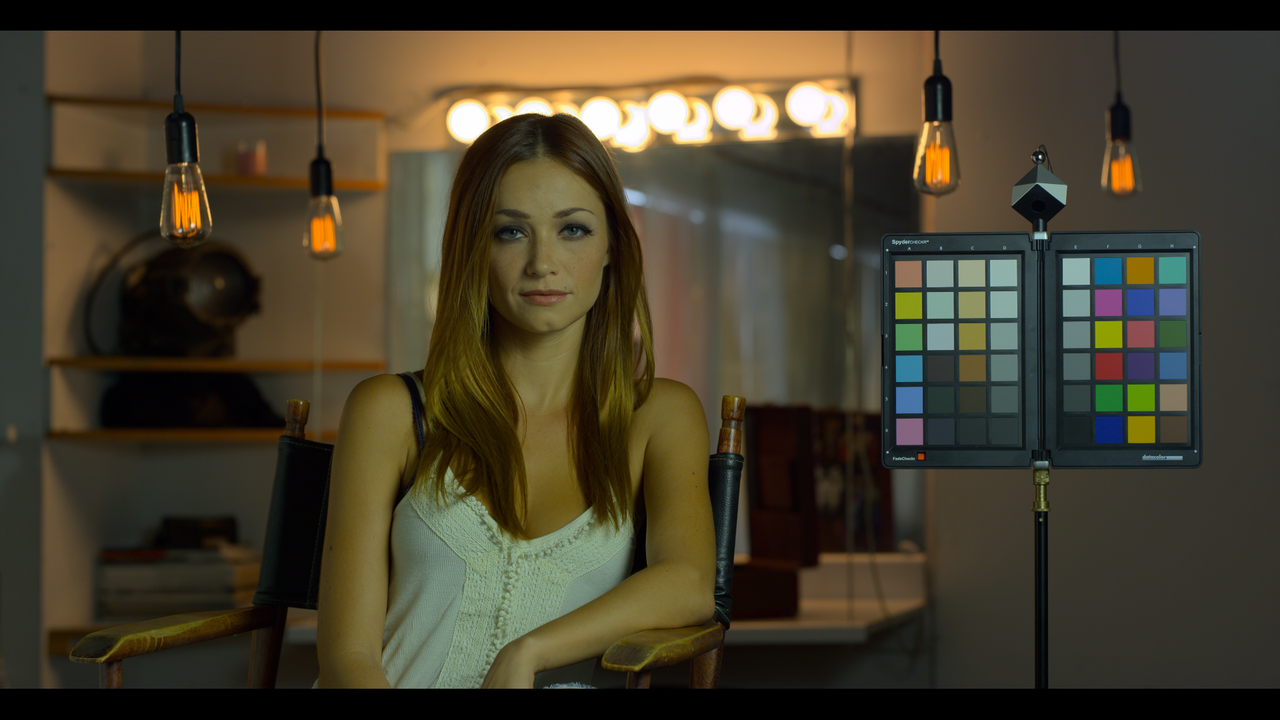
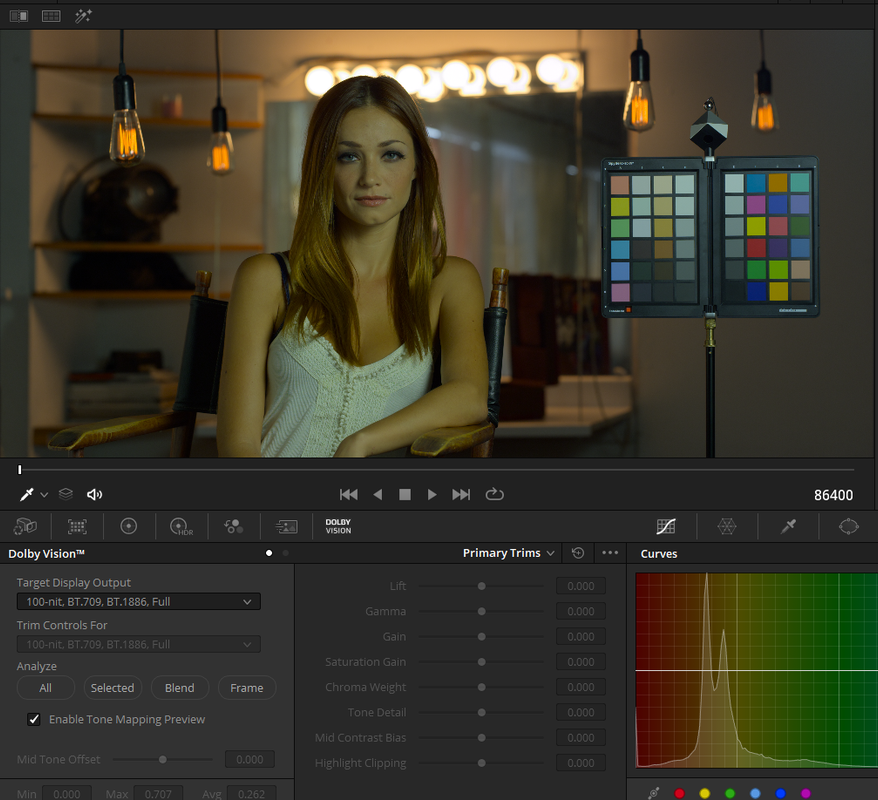
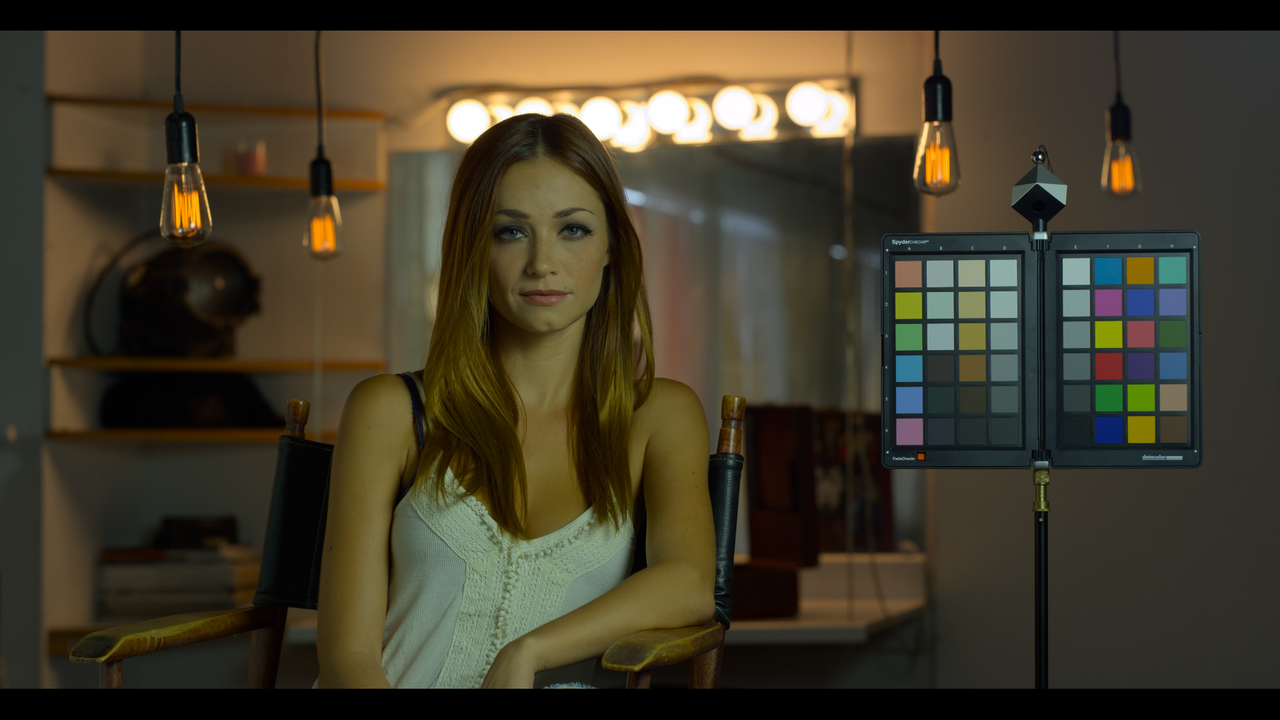
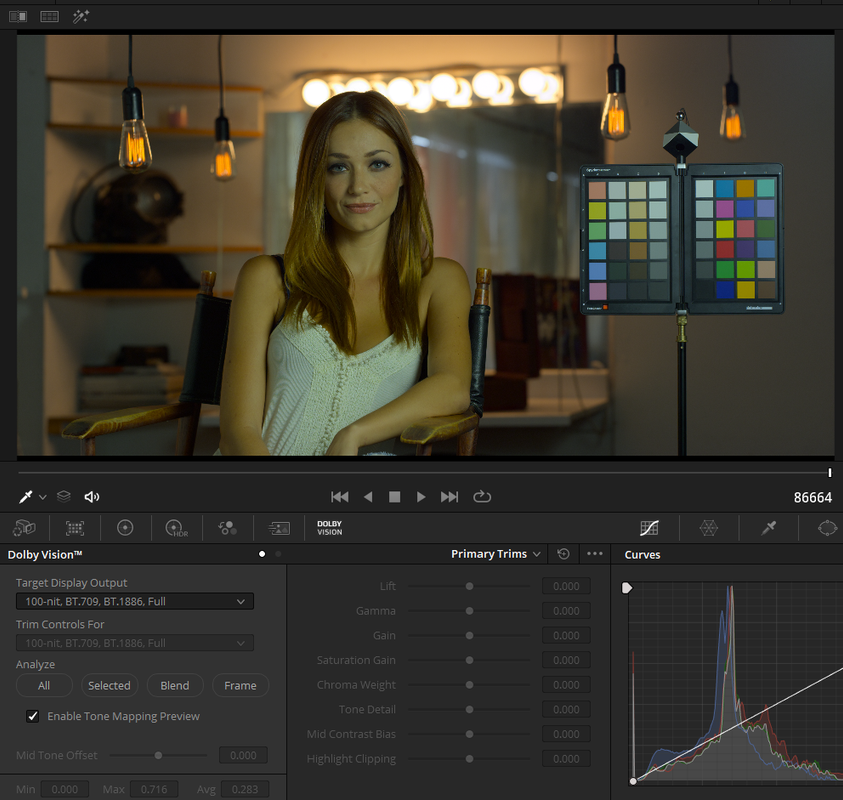
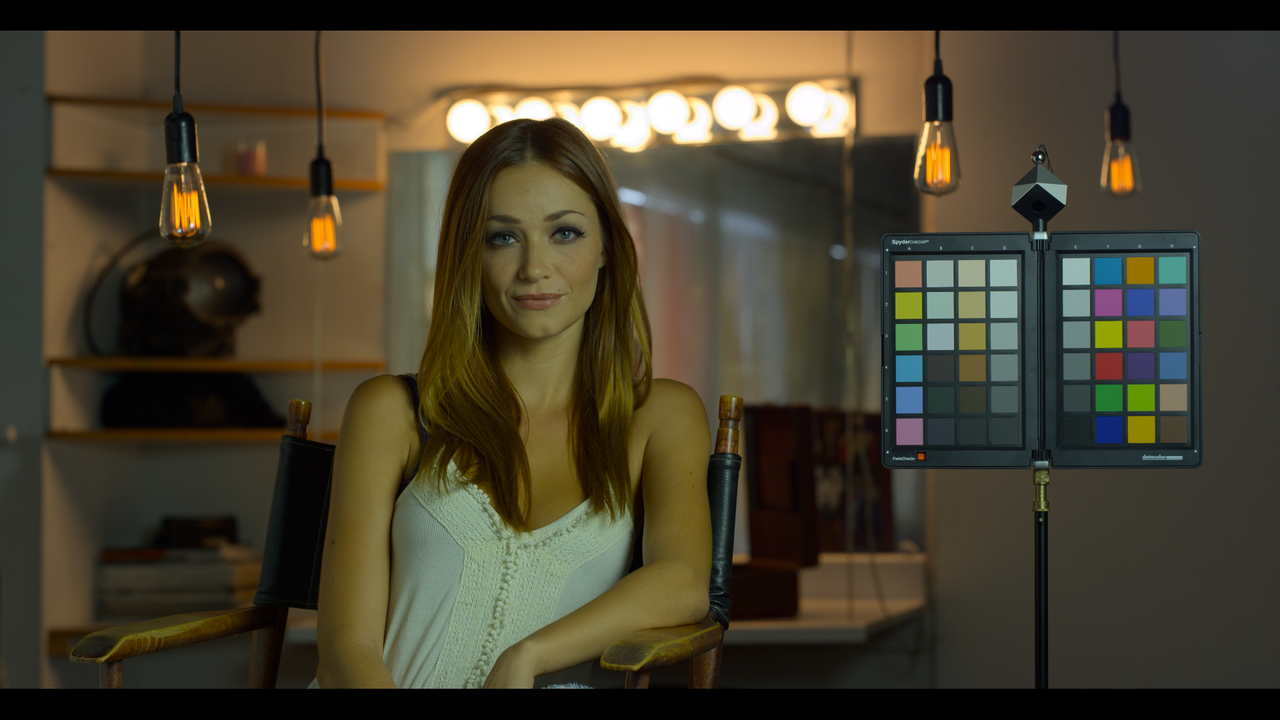
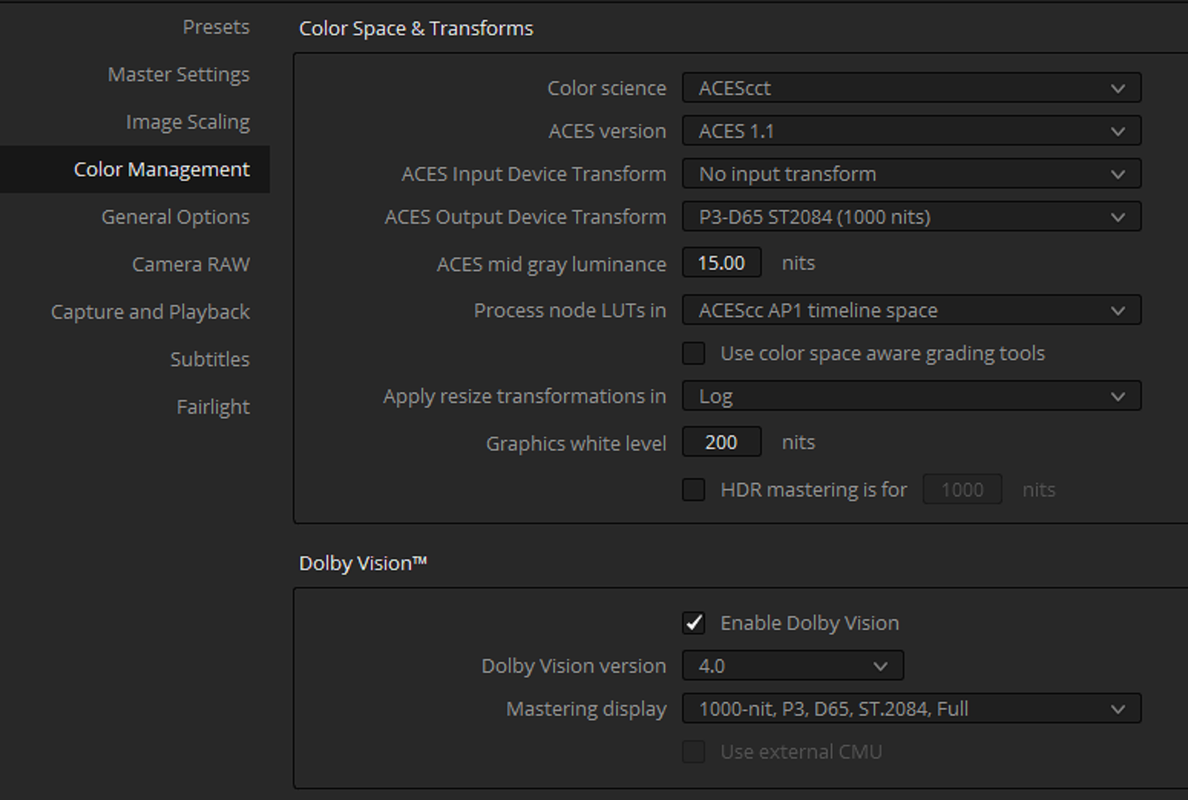
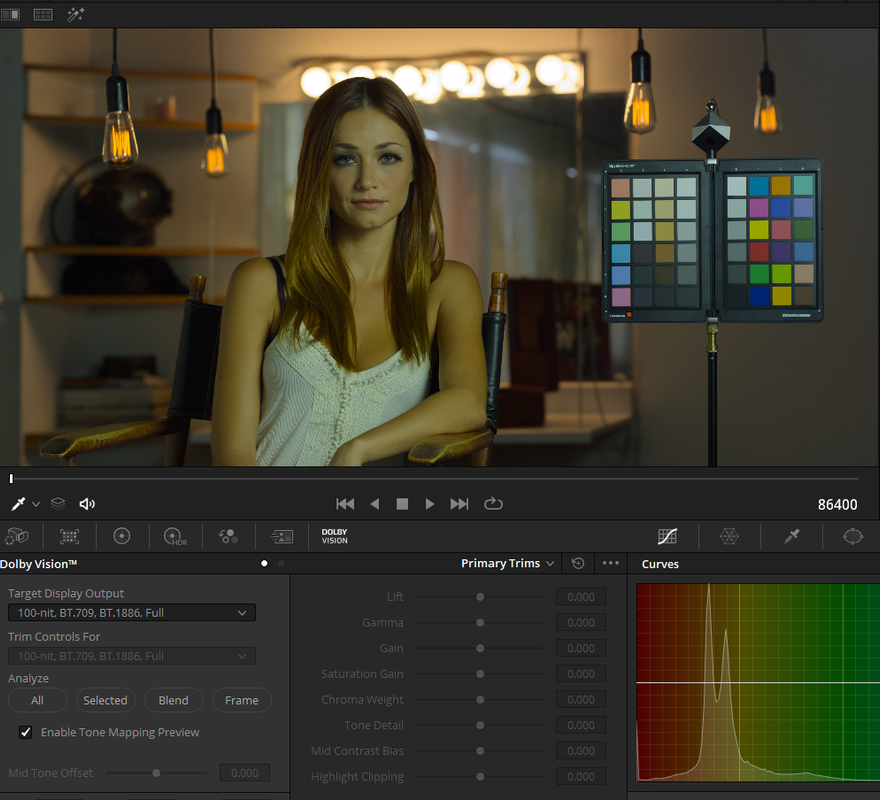
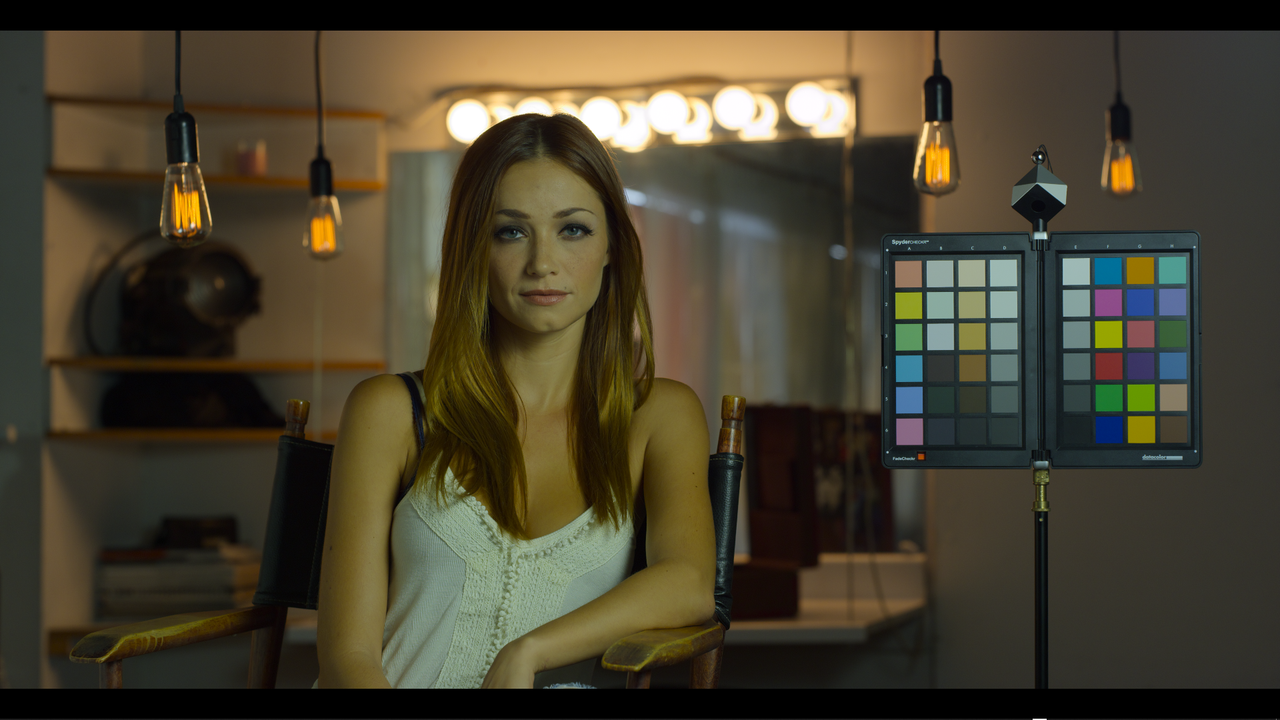
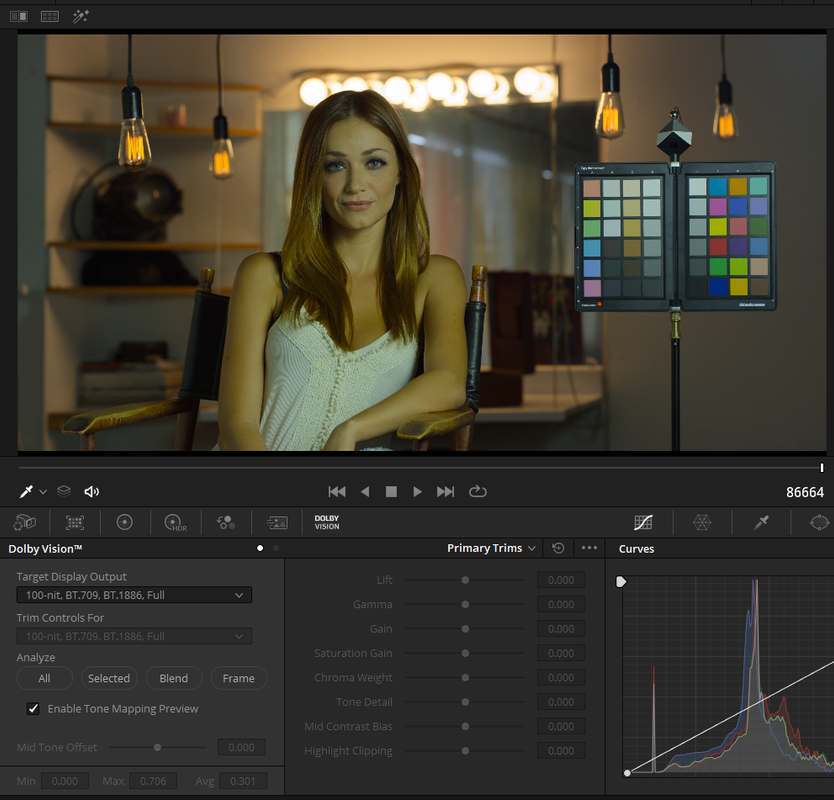
Davinci Resolve 17 Beta 3 seemed to have improved the Davinci Wide Gamut preset workflow for Dolby Vision HDR


Davinci Resolve 17 Beta 1 Davinci Wide Gamut


Screenshot-508.png


Screenshot-520.png


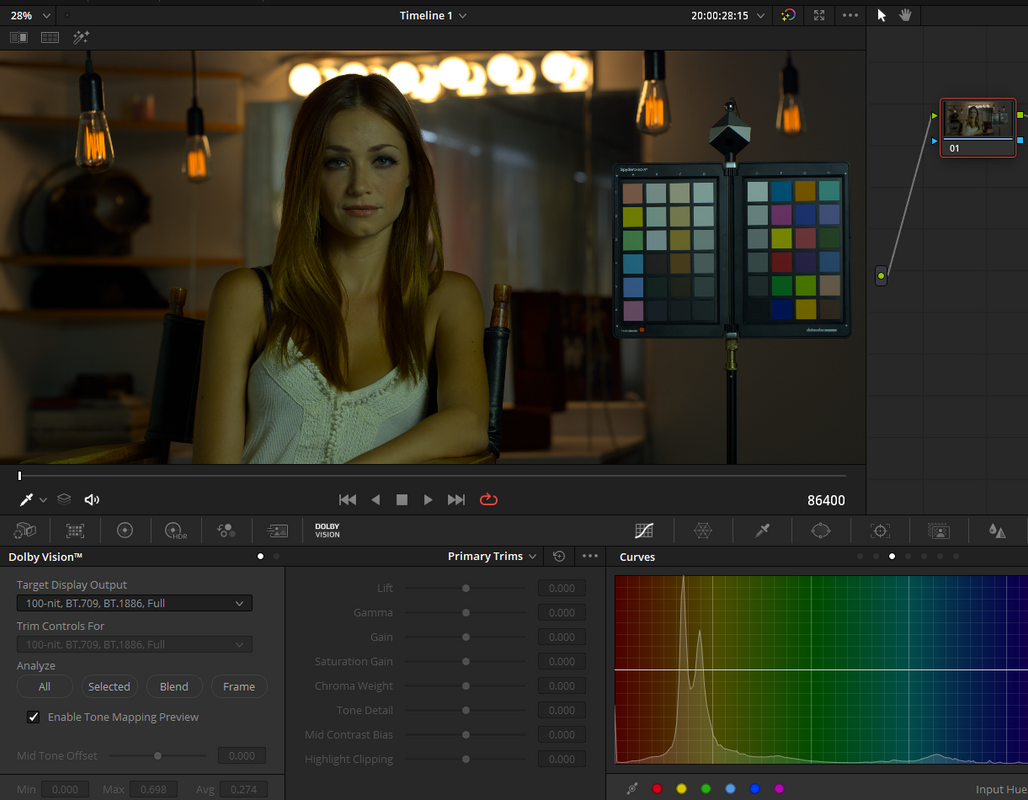
Dolby Vision 100Nit SDR Auto Analysis 800 ISO Plus a Full Screen Simulation of what it looked like in Beta 1 since I am on Beta 3 now

Screenshot-399.png


Screenshot-509.png


Dolby Vision 100Nit SDR Auto Analysis at 1600 ISO

Screenshot-407-iso-1600.png


Screenshot-409-iso-1600.png


Davinci Resolve 17 Beta 3 Davinci Wide Gamut


Dolby Vision 100Nit SDR Auto Analysis at 800 ISO


Screenshot-504-resolve-17-beta-3.png


Screenshot-505-resolve-17-beta-3.png


Davinci Resolve 17 Beta 3 Davinci Wide Gamut Iso 1000

Screenshot-519-1000-iso.png


Screenshot-518-1000-iso.png


Davinci Resolve 17 Beta 3 ACEScct ISO 800


Screenshot-498.png


Screenshot-521.png


aces.png


aces-2.png


Davinci Resolve 17 Beta 3 ACEScct ISO 1000


aces-1000.png


aces-1000-2.png


Davinci Resolve 17 Beta 1 Davinci Wide Gamut Iso 800(Simulation of what it looked like in Beta 1)

Screenshot-509.png


Davinci Resolve 17 Beta 1 Davinci Wide Gamut Iso 1600

Screenshot-409-iso-1600.png


Davinci Resolve 17 Beta 3 Davinci Wide Gamut Iso 800

Screenshot-505-resolve-17-beta-3.png


Davinci Resolve 17 Beta 3 Davinci Wide Gamut Iso 1000

Screenshot-518-1000-iso.png


Davinci Resolve 17 Beta 3 ACEScct Iso 800

aces-2.png


Davinci Resolve 17 Beta 3 ACEScct Iso 1000

aces-1000-2.png
 
Last edited:
Back
Top