Welcome to our community

Be a part of something great, join today!

  • Hey all, just changed over the backend after 15 years I figured time to give it a bit of an update, its probably gonna be a bit weird for most of you and i am sure there is a few bugs to work out but it should kinda work the same as before... hopefully :)

Thread Davinci Resolve 17

But you’re mentioning what I say DOES count: ideas that were ACTED upon.

Just make a simple test: ask among friends and see if you can’t find someone that has an “app idea” that would make them a millionaire, if only they could write code. But that whole thing is a brain fart. You don’t need to be able write a single line of code to make an app. I maintain: the idea itself isn’t worth much, it’s the execution of it that makes it real.

I’m only replying since I felt misinterpreted or misquoted. I’m good with handing the thread back to Rand.


Andree,

I think the discussion you and Jake have been having was very revelant. Considering how we all recognized how some of the new features resemble features of other programs we are familiar with. I'm more familiar with some programs than others like Nobe and Cinema Grade and I just wonder how much of what blackmagic design has done in Resolve 17 is subject to possible copyright infringement. I appreciate very much all of new features and I understand that some features are generic among software programs. However, I would hate to think that all of any new features for Resolve which will come in the future will be based on original unique ideas that were "lifted" from someone else.
 
DavincI Resolve 17! My 17 Favorite New Features


By MiesnerMedia


Andree,

[...] I just wonder how much of what blackmagic design has done in Resolve 17 is subject to possible copyright infringement [...]

There are many in the world of software that view the question of "user interface copyright" the same way that others view the idea of "illegal immigrants" (can people themselves be illegal?), "constitutional originalism" (should members of the Supreme Court embrace a completely fictional legal theory while ignoring black-letter law passed by Congress and signed by the President, especially when such justices would never have been permitted to study law at University, let alone have a job, let alone serve as a Justice under the theory of what was the law when the constitution was written). That's not to say that companies like Apple haven't argued vigorously their rights to use copyright as a way to enclose design ideas lifted from Xerox, but many many people think that the courts erred terribly by not dismissing the concept of user interface copyright out of hand. See https://groups.csail.mit.edu/mac/projects/lpf/Copyright/look-and-feel.html for background.

Furthermore, saying "I wonder [insert fringe theory here]" has the same corrosive effect as saying "I wonder about those 10 dead people who voted in a state my candidate lost by 20,000 votes". If you have a strong opinion, with evidence, then go ahead and argue it. But wondering aloud about legal jeopardy is not very friendly to the party being wondered about. I would not like others on this list to wonder publicly about my personal life, for example.
 
Davinci Resolve 17 Magic Mask


By JSFILMZ


Davinci Resolve 17 Tutorial Proxy


By JSFILMZ


Davinci Resolve 17 False Color


By JSFILMZ


Last edited:
DaVinci Resolve 17 Title Tip [& A message from me] in 1 minute!


By Darren Mostyn


Top 5 Features inside Davinci Resolve 17


By Aram K


Mike,

It seems that way. Maybe other cameras will be added in future updates.
 
Shucks. I mean, it's still useful no doubt, but I presume the mapped cameras are more accurate (maybe even raw/braw referred, which could have it's uses for eeking out everything the image has to offer).

Anyway, thanks Rand.
 
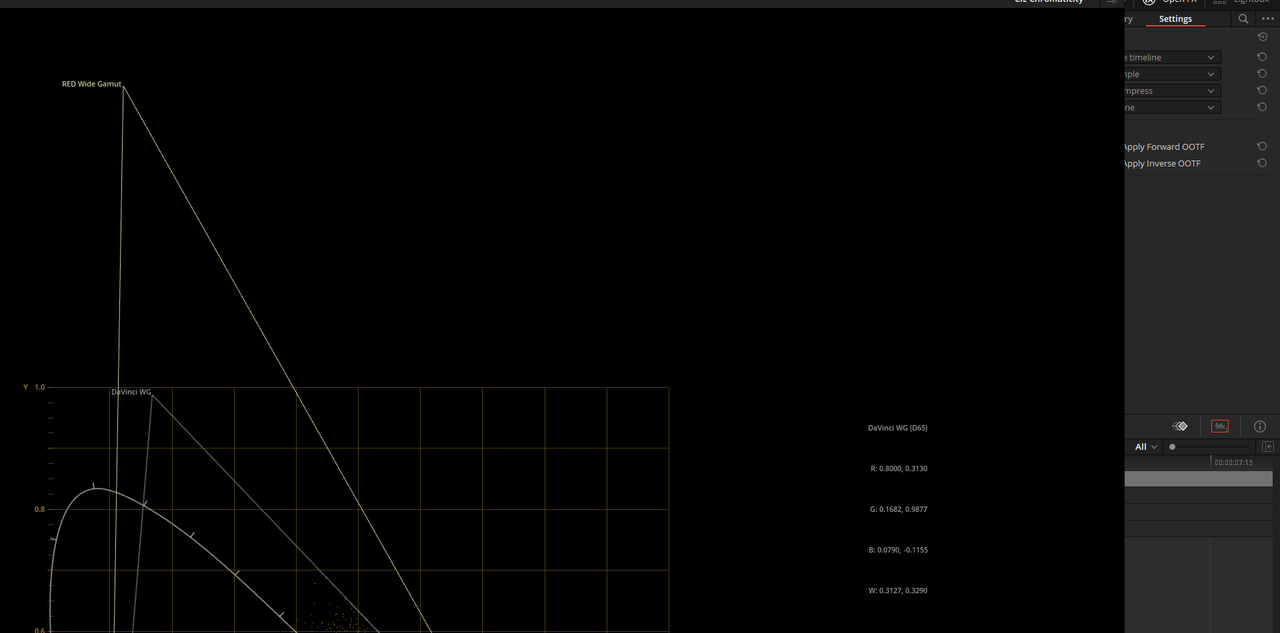
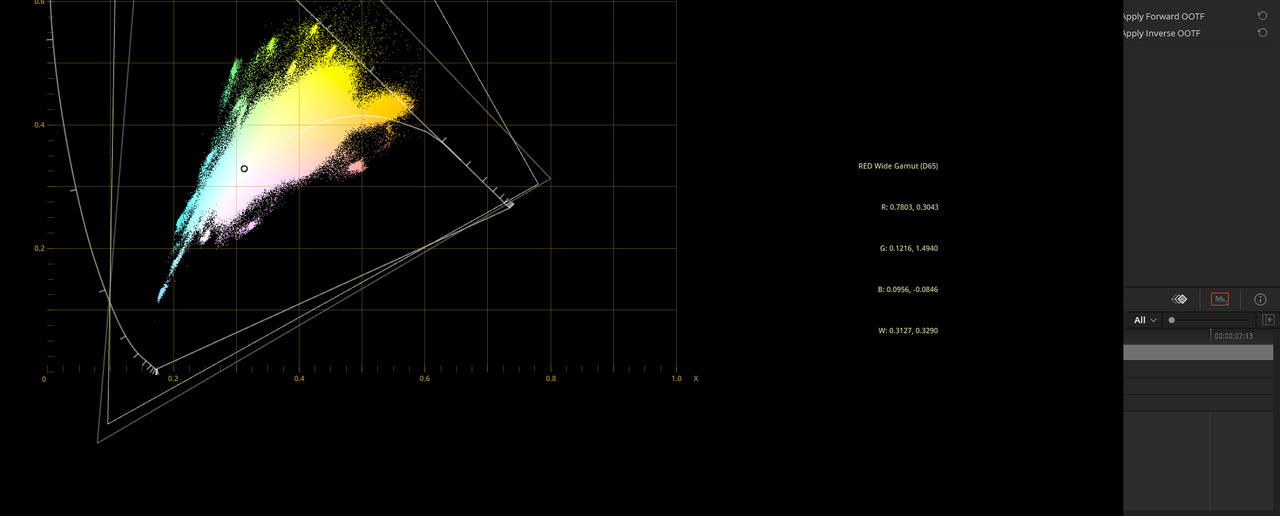
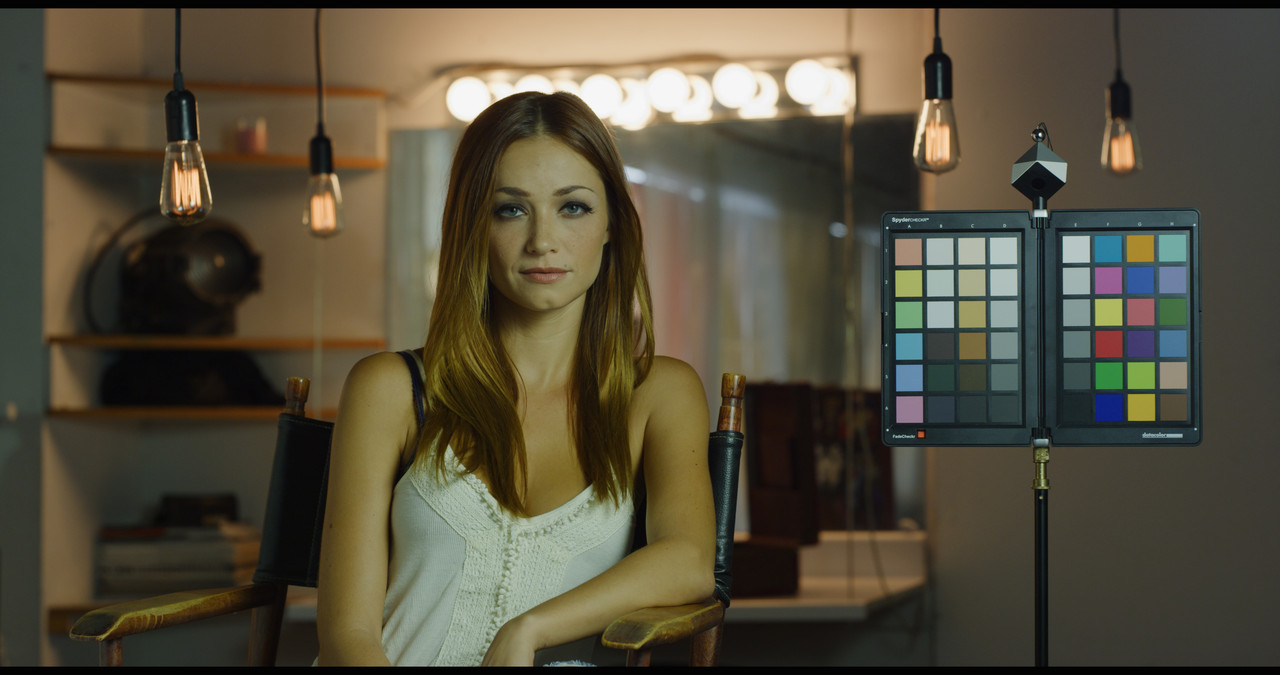
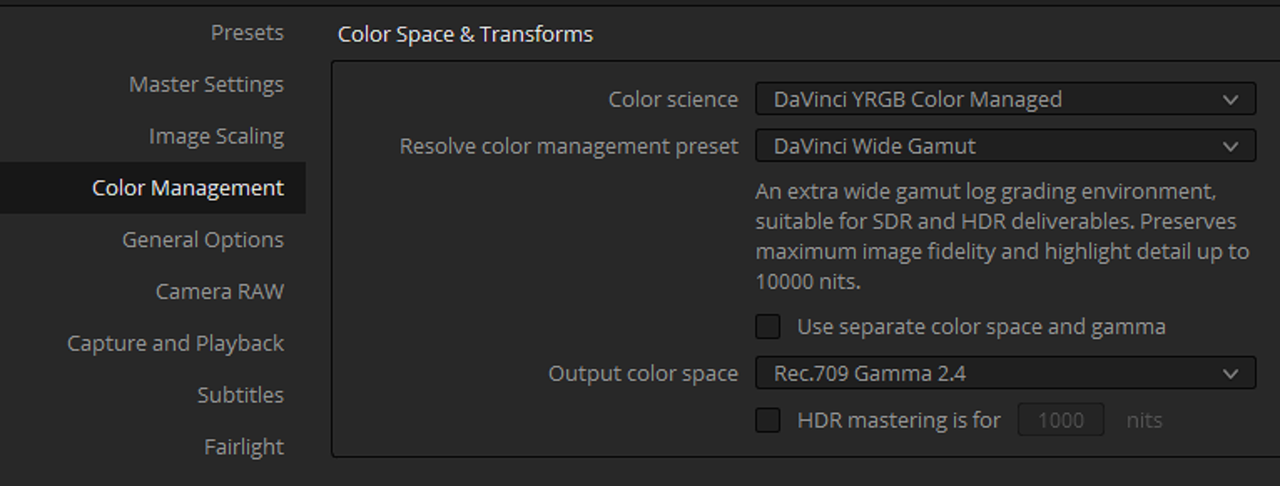
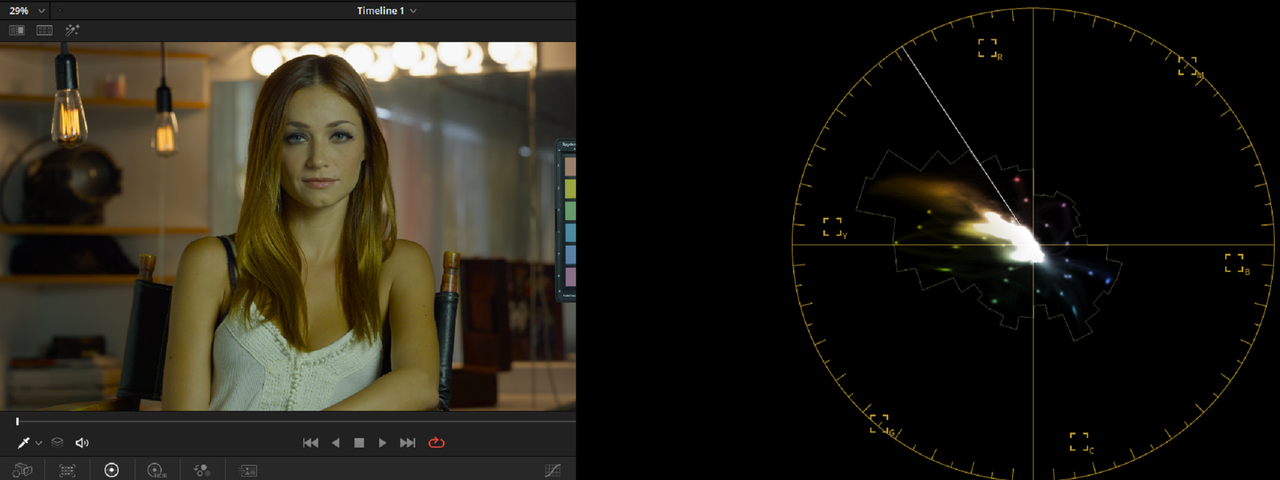
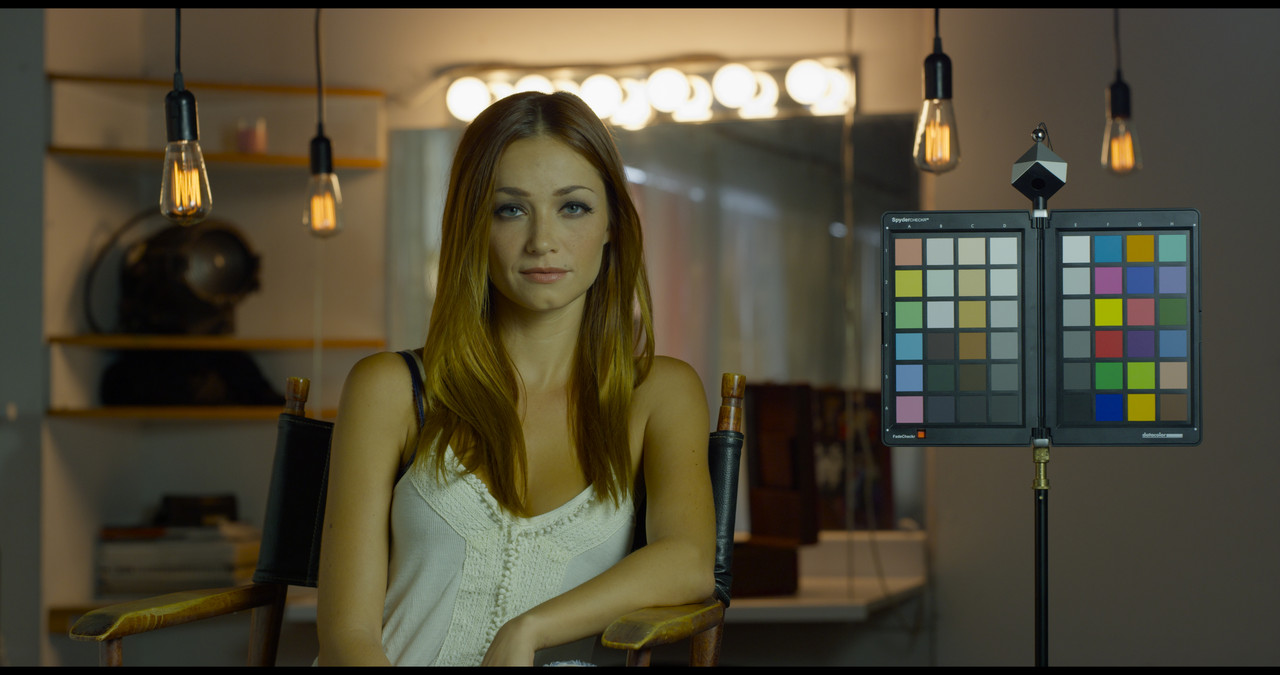
Davinci Wide Gamut vs RWG/LOG3G10


Screenshot-377.png

Screenshot-378.png
 
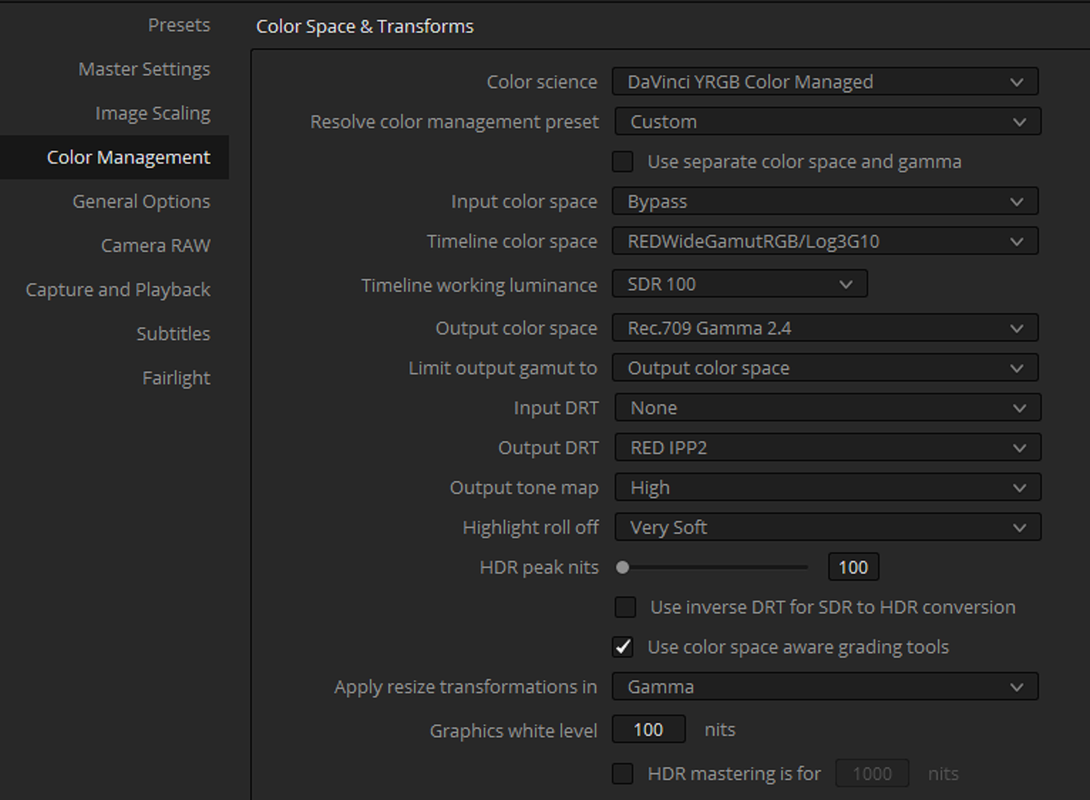
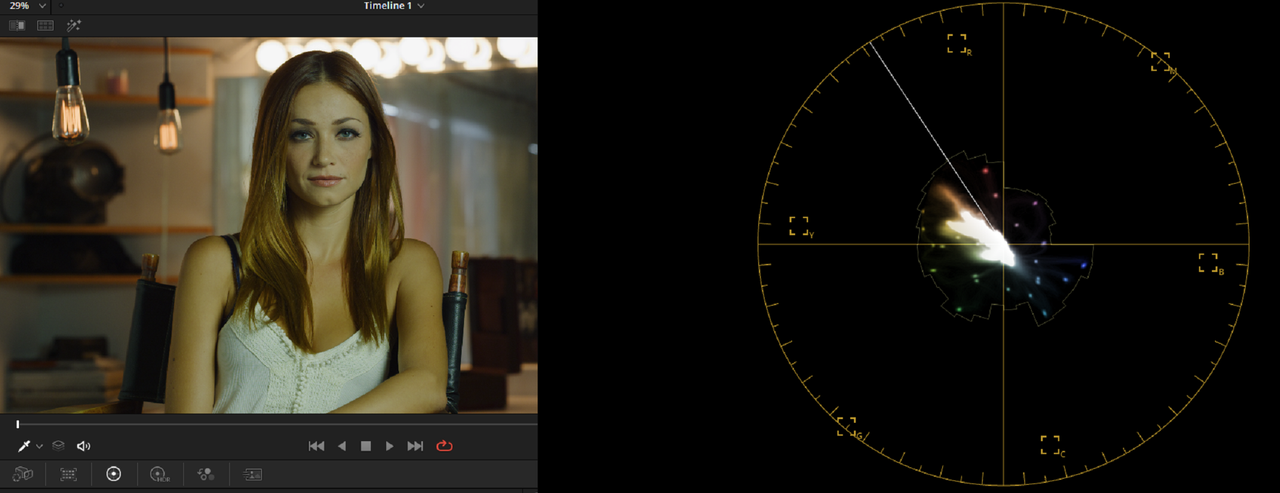
Resolve 17 IPP2 Color Managed vs Davinci Wide Gamut Color Managed for SDR delivery


The Resolve 17 IPP2 Color Managed workflow does a better job of keeping colors from going "OUT OF Gamut" than the Davinci Wide Gamut Color Managed workflow does.

Screenshot-370.png


2.png


ipp2-1-1-4.jpg


3.png


4.png


dwgnl-1-1-3.jpg


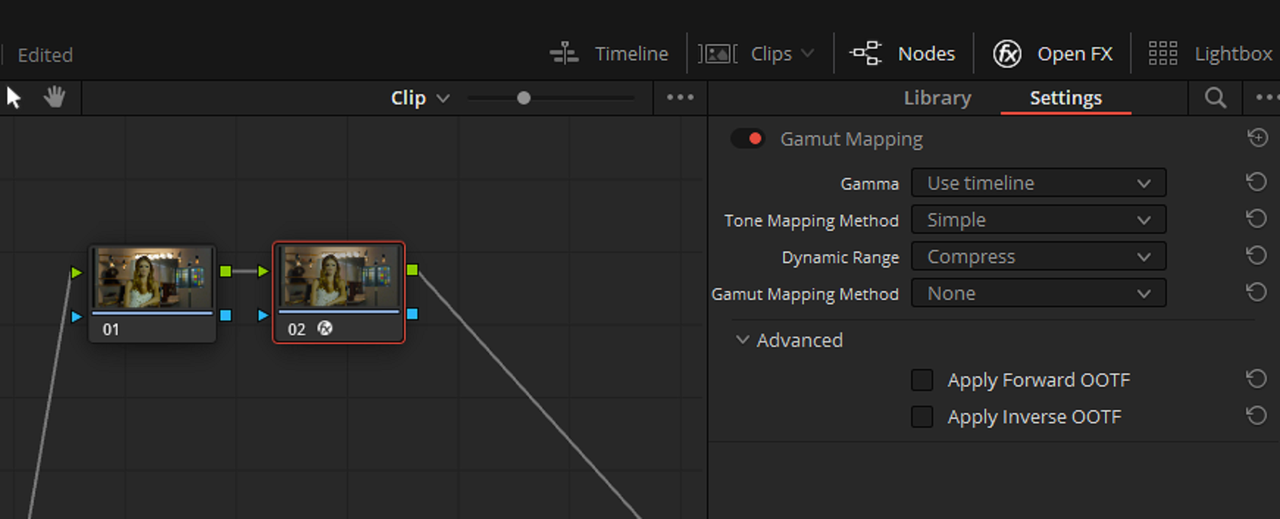
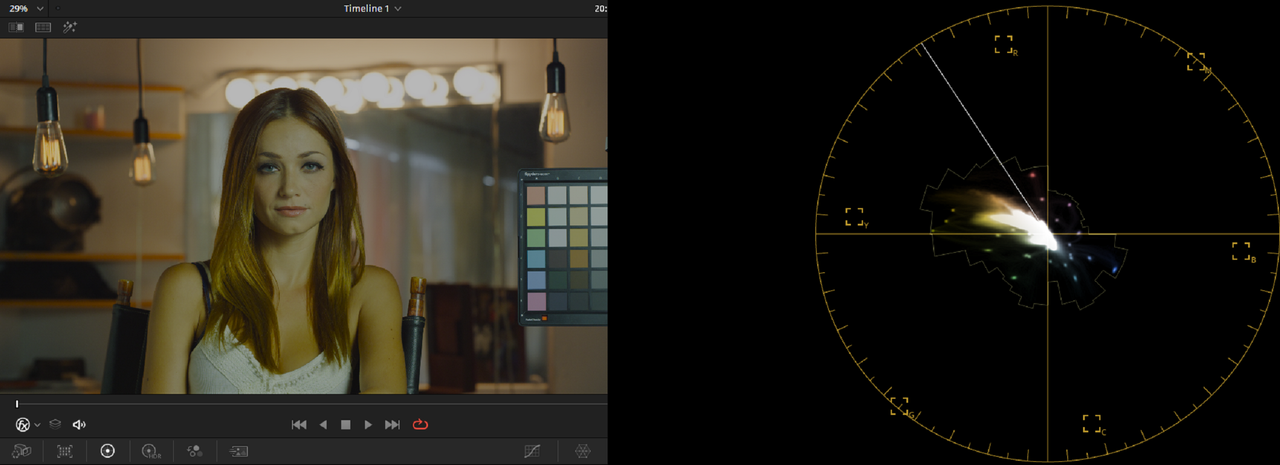
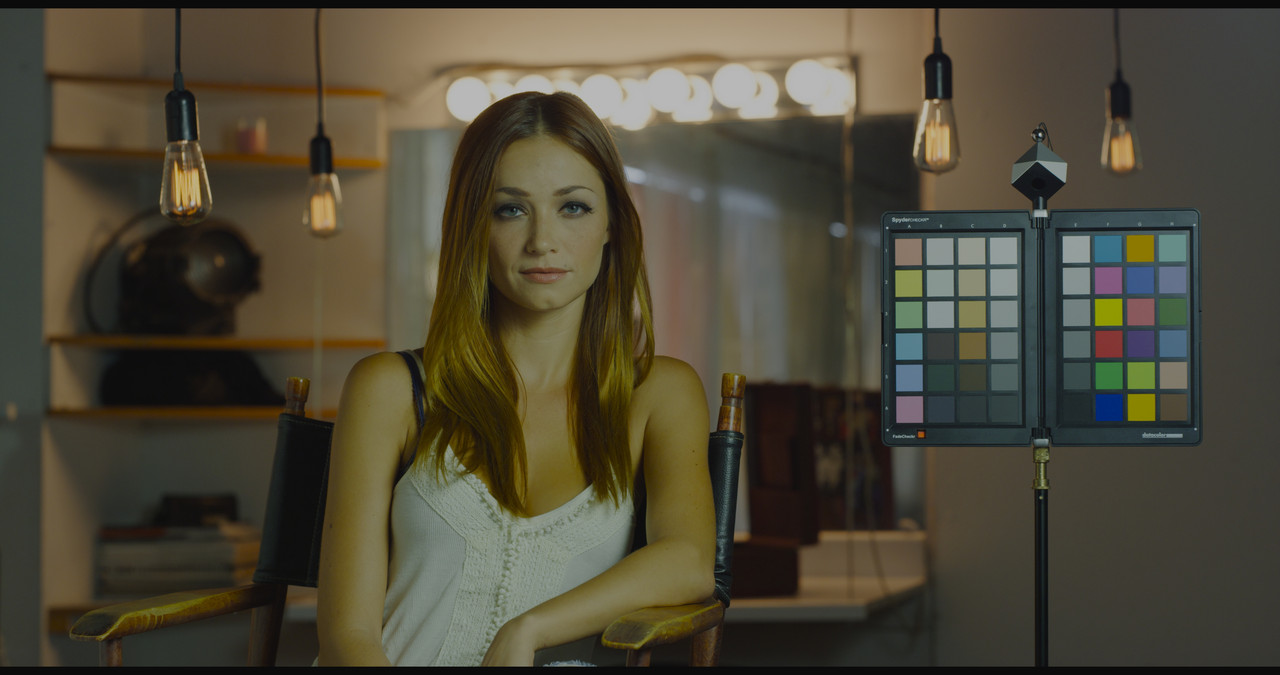
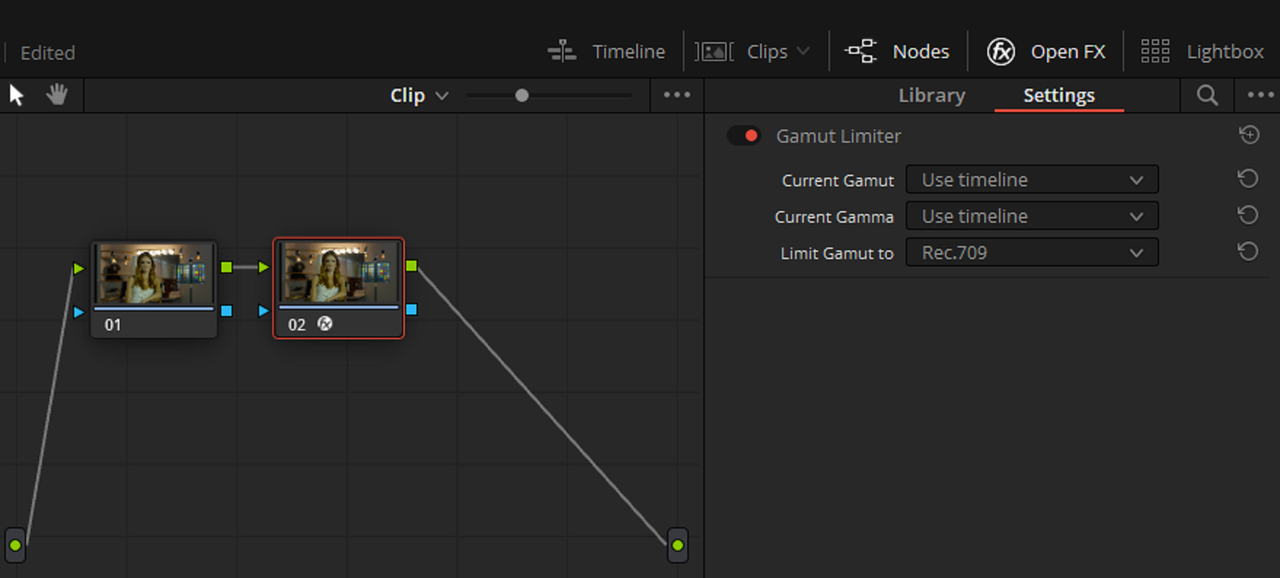
Also, trying to Control "OUT OF Gamut" colors in Davinci Wide Gamut Color Managed , better looking results were gotten using the "Gamut Limiter" than the "Gamut Mapping" OFX plugin.


7.png


5.png


gm-1-1-1.jpg


8.png


6.png


gl-1-1-2.jpg
 
Last edited:
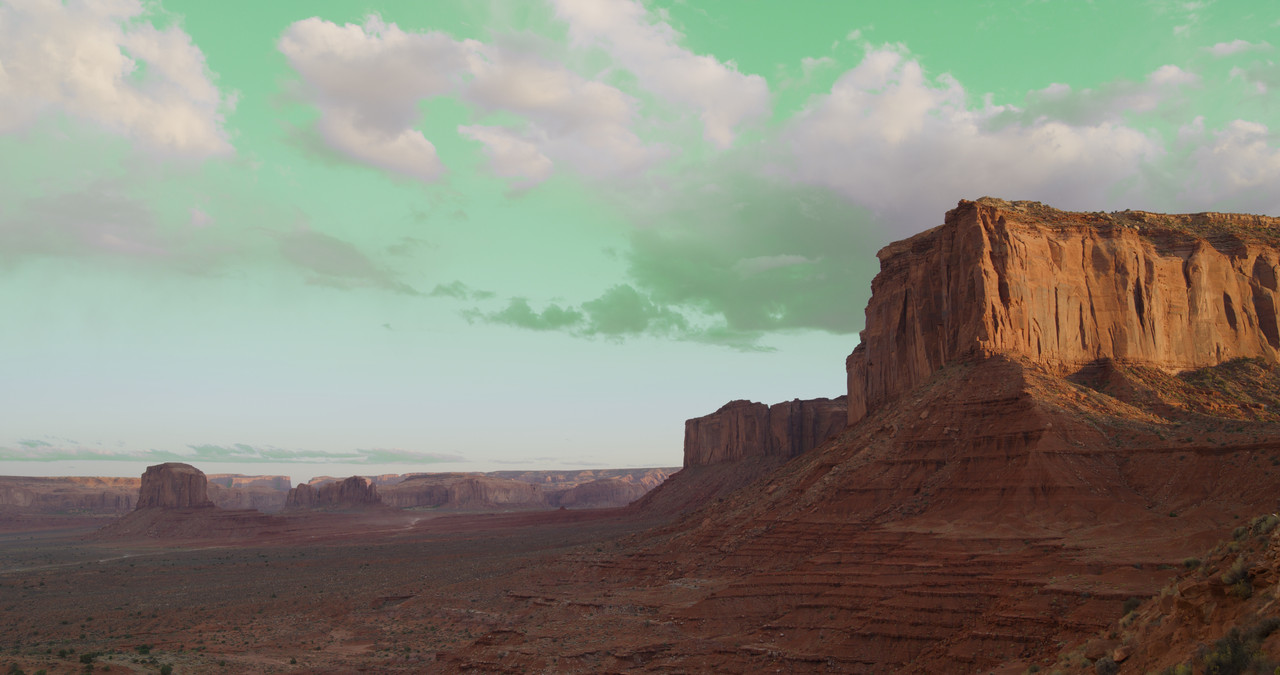
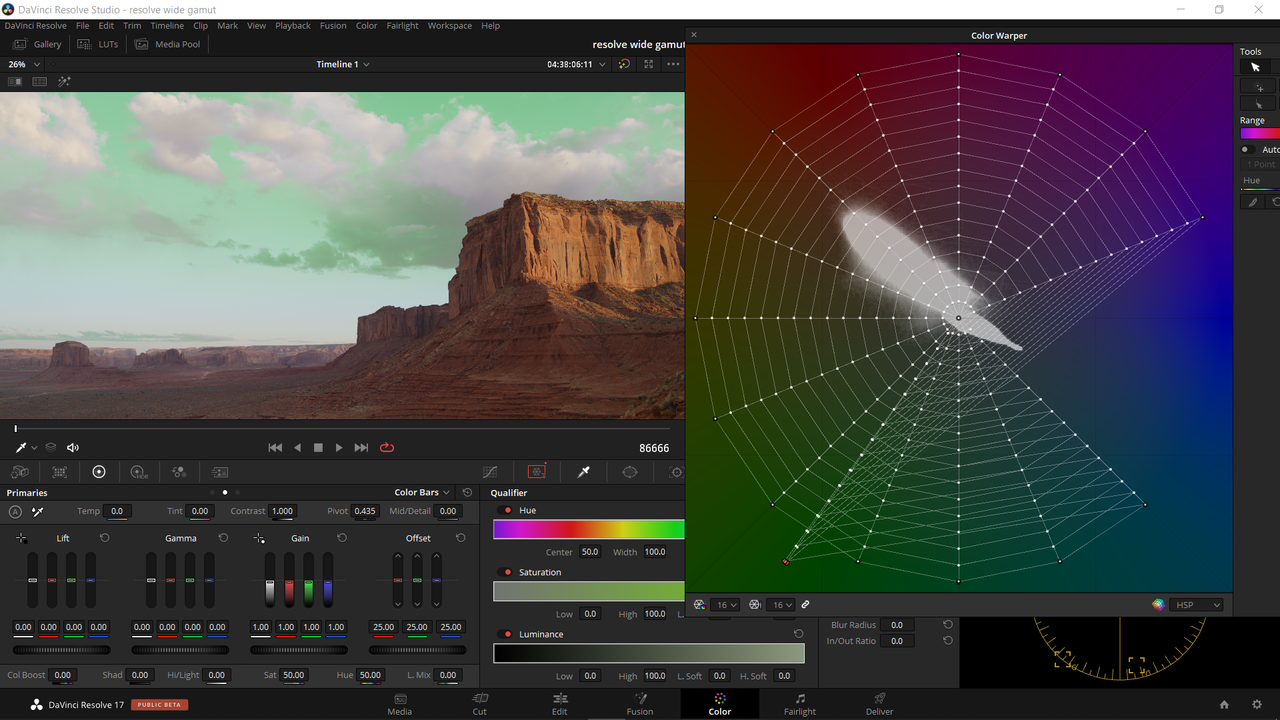
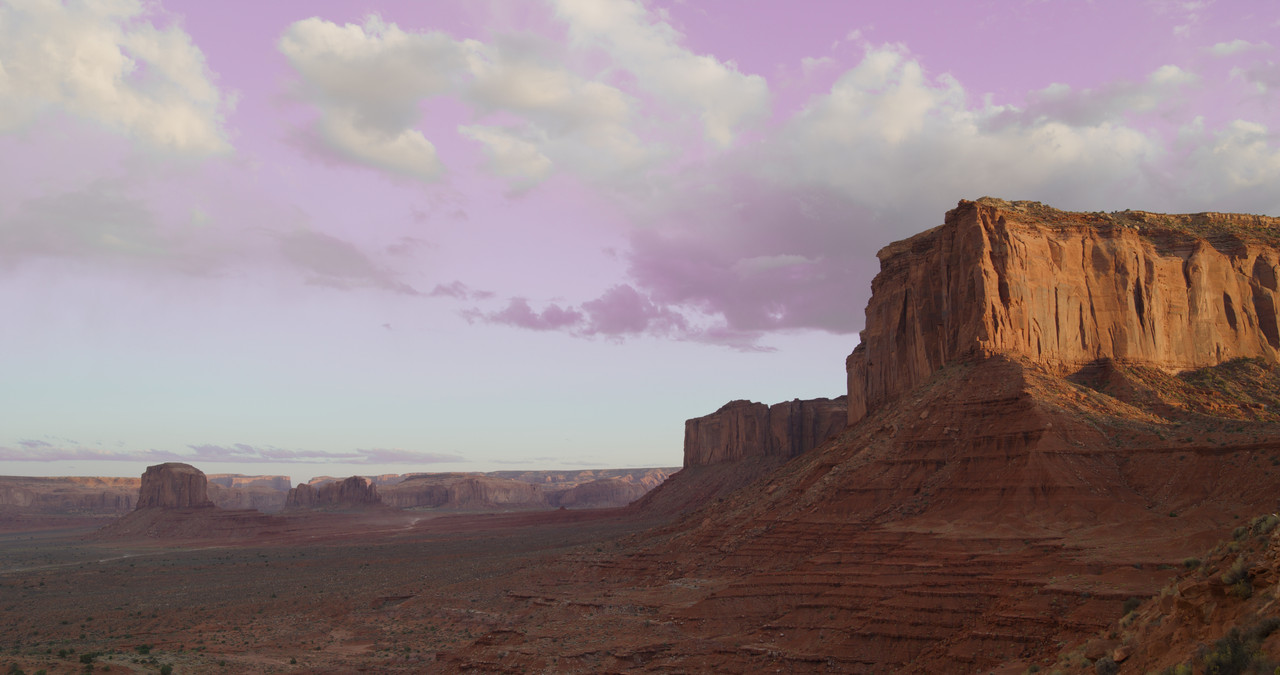
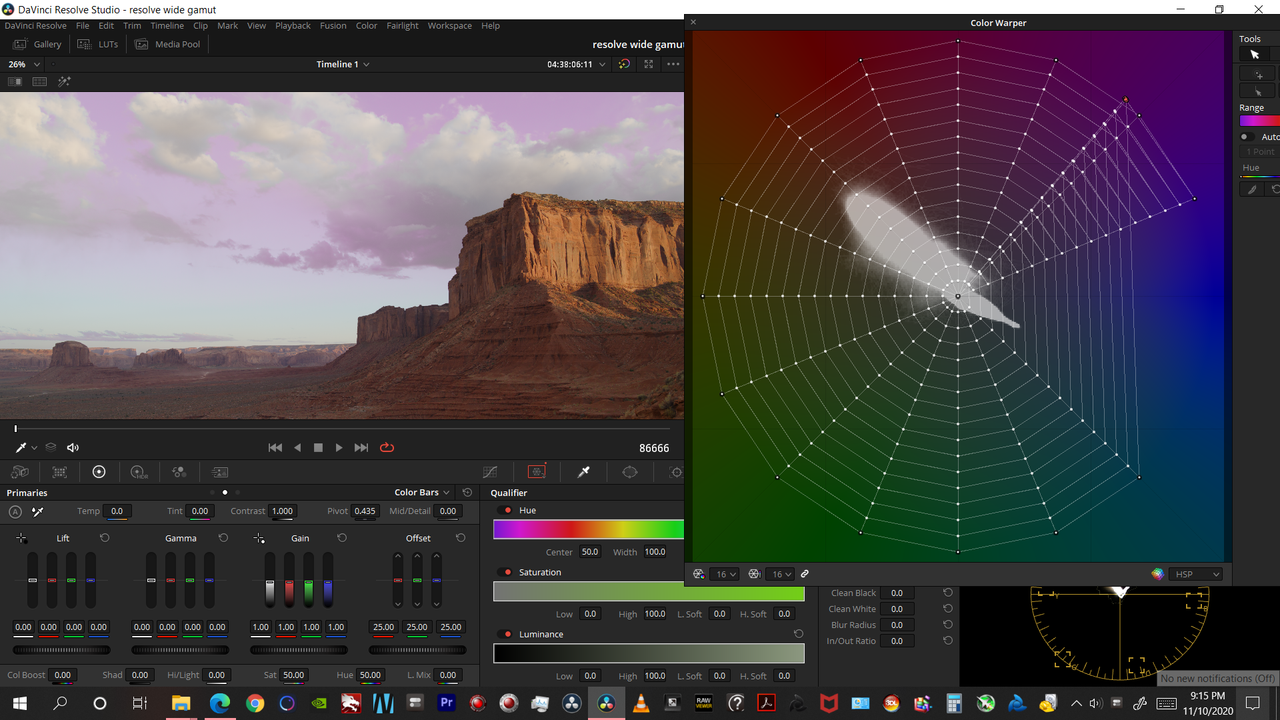
With the "Color Warper" color correction tool, You can isolate colors and change them.


Original
blue-sky-1-2-2.jpg


Screenshot-379.png


Green Sky

green-sky-1-2-1.jpg


Screenshot-380.png


Purple Sky

purple-1-2-3.jpg


Screenshot-383.png
 
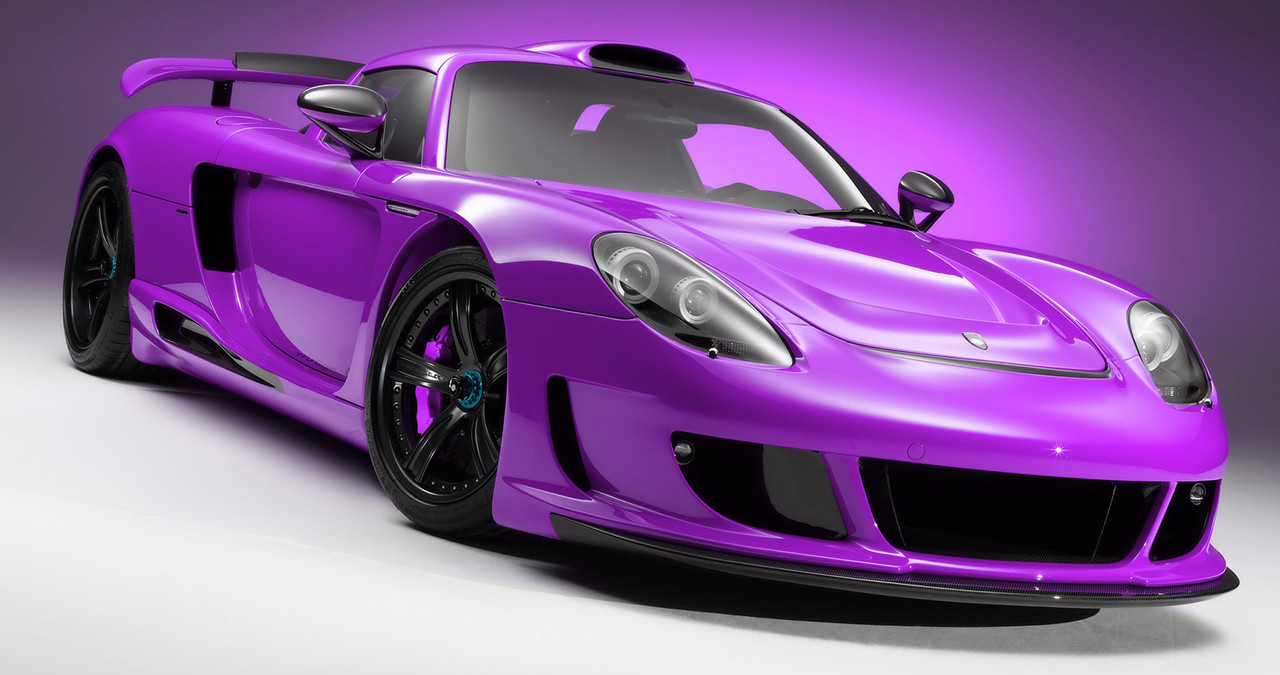
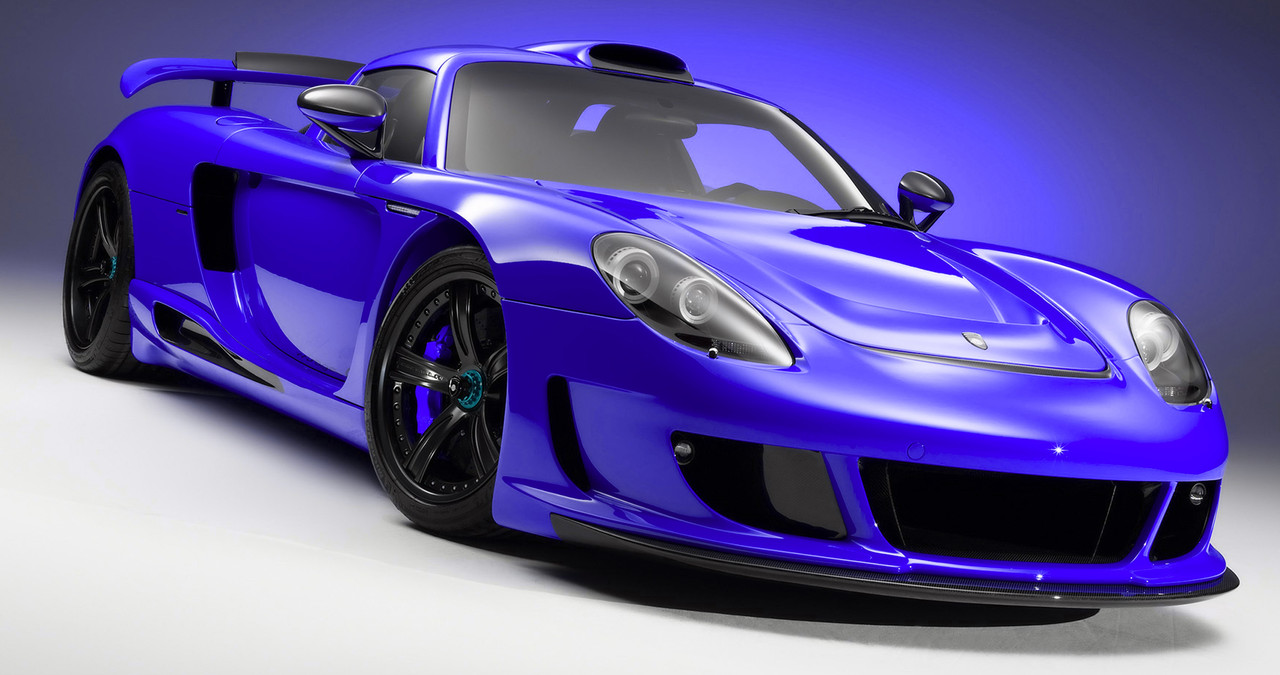
Car Color Change with "Color Warper" tool


Original


red-1-3-6.jpg


With Color Warper


red-1-3-1.jpg


purple-1-3-4.jpg


green-1-3-5.jpg


futusa-1-3-2.jpg


blue-1-3-3.jpg
 
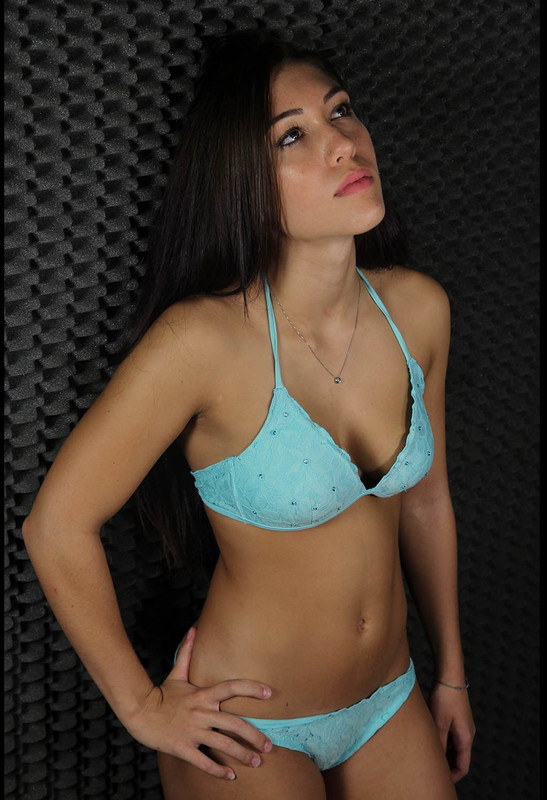
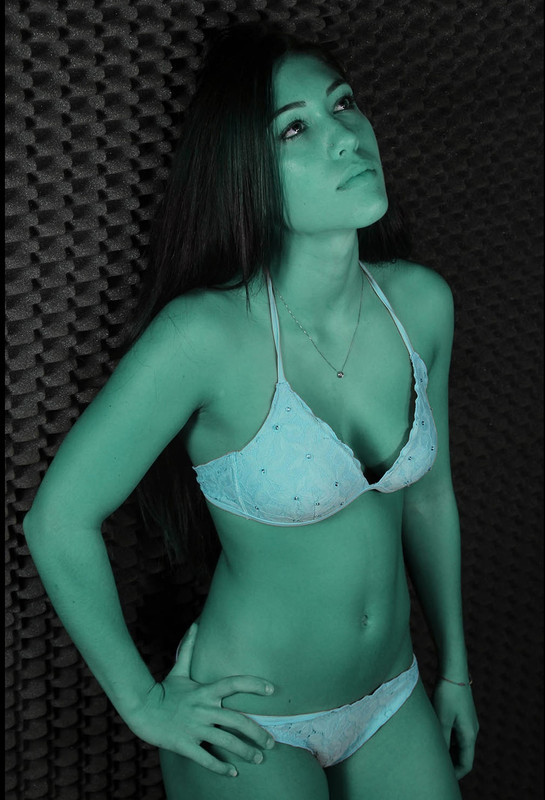
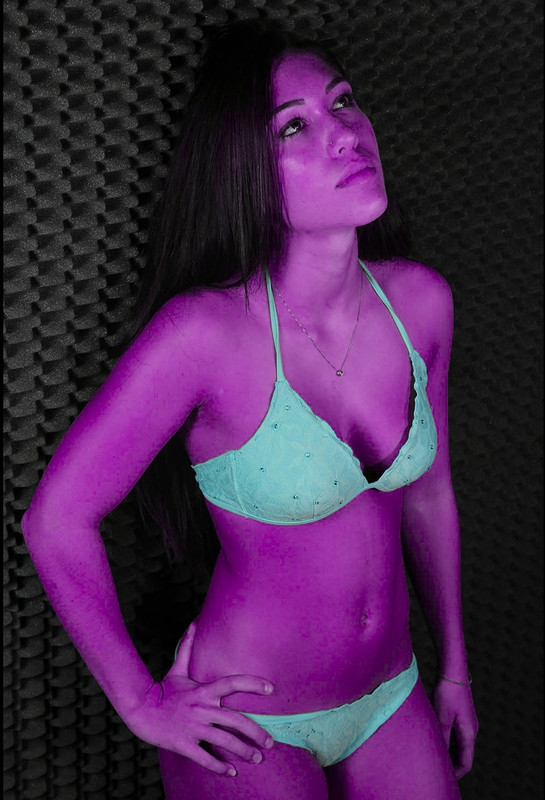
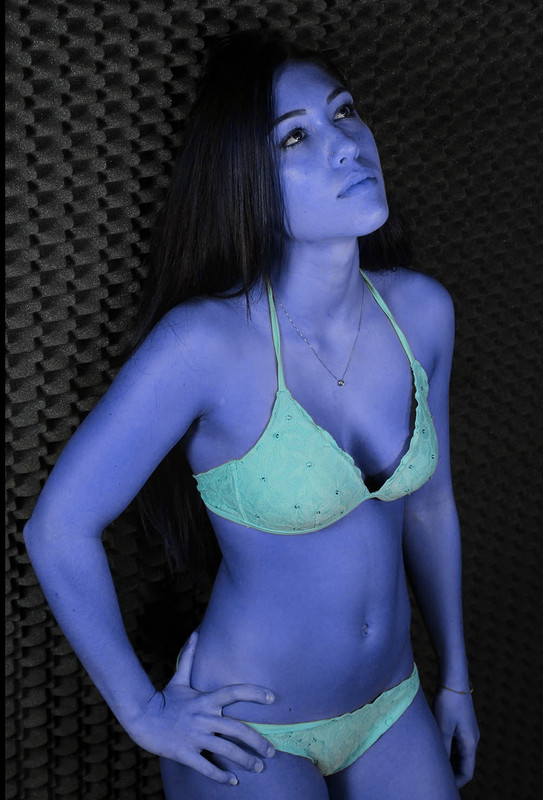
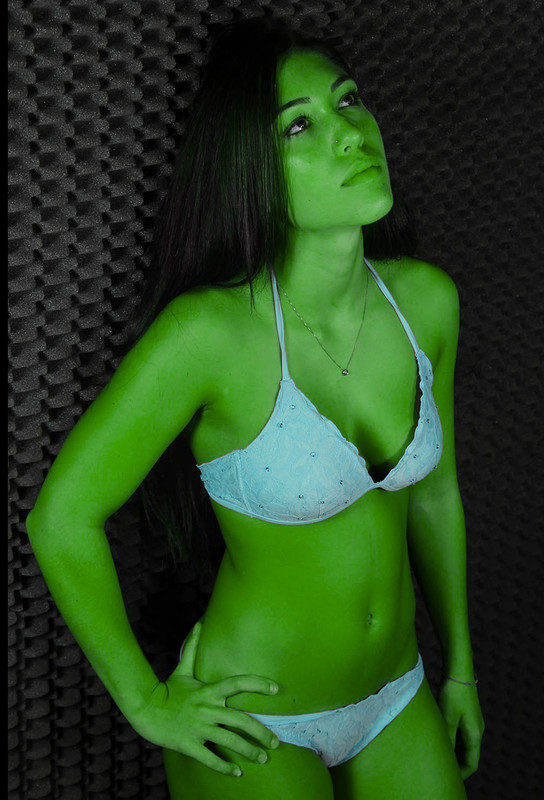
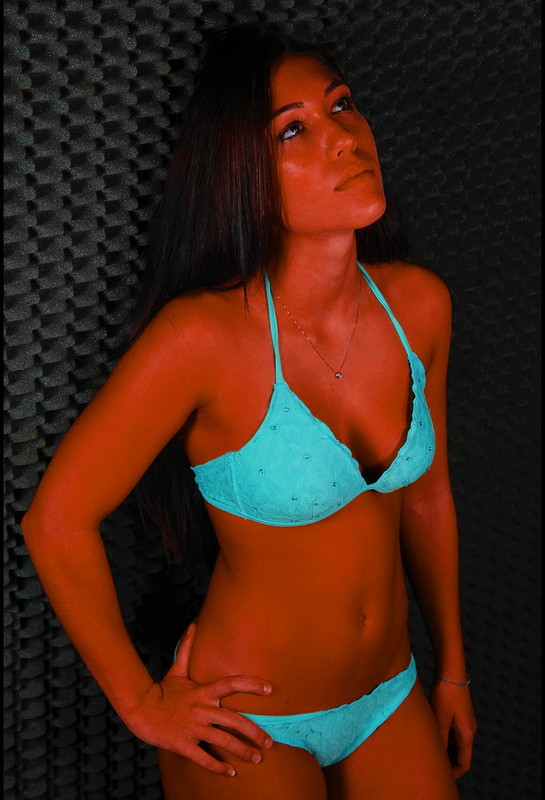
Skintone Change Color Warper


Original


skin-1-5-1.jpg


Color Warper


skin-green-1-5-4.jpg


skin-pur-1-5-2.jpg


skin-blue-1-5-3.jpg


green-1-5-5.jpg


red-1-5-6.jpg
 
Last edited:
9 DaVinci Resolve 17 NEW Features that are AWESOME!!!


By Jason Yadlovski


Davinci Resolve 17 Magic Mask


By JSFILMZ


DaVinci Resolve 17 NEW HDR Controls Tutorial


By Nathan Carter


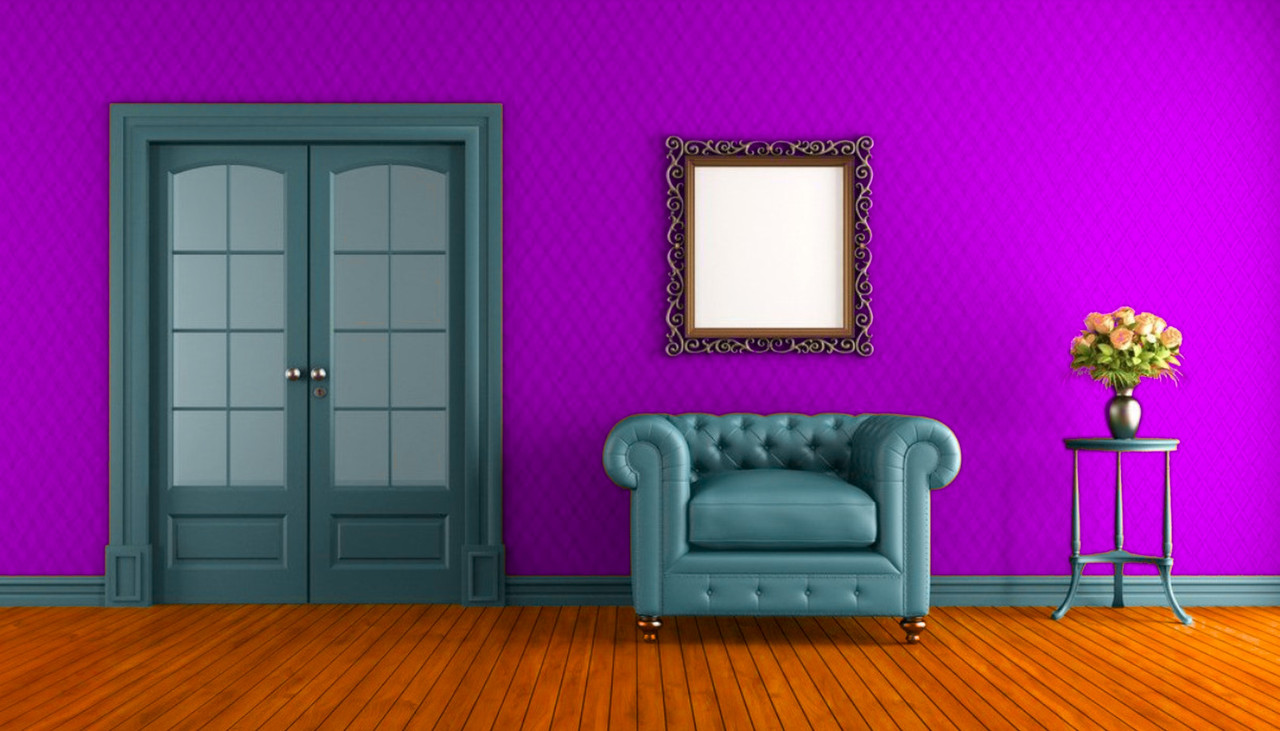
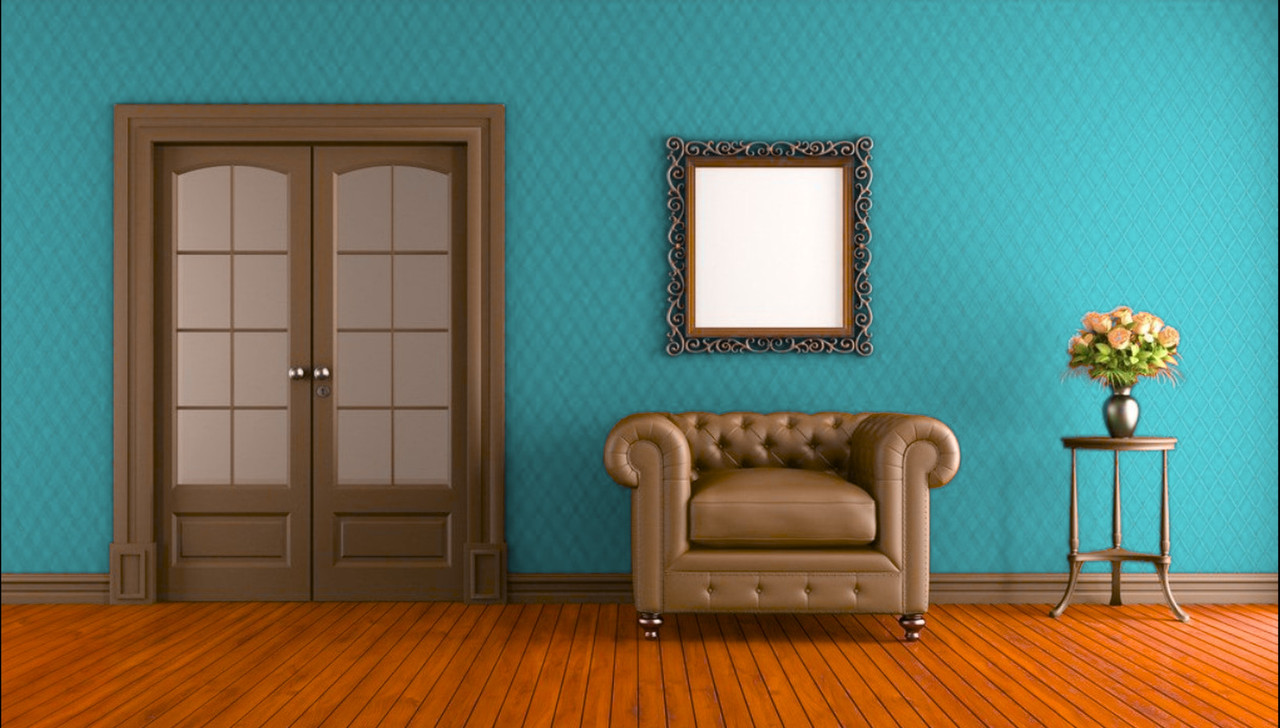
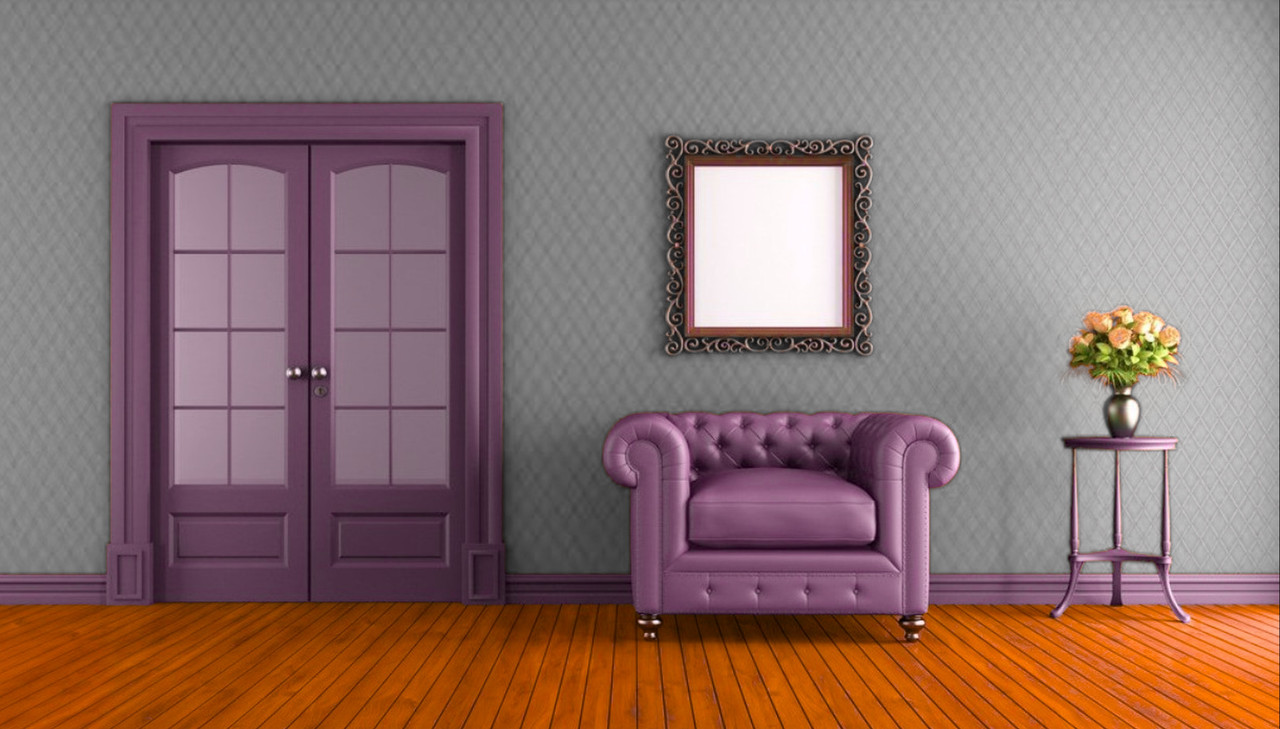
Room Color Warper


Original

red-walls-green-armchair-in-living-room.jpg


Color Warper

room3-1-3-10.jpg


room-5-1-3-13.jpg


room6-1-3-14.jpg
 
Last edited:
Is there a proper order of operations when grading in HDR? (E.g. specifically, work from black up or set highlights first?)

Also is it pointless to grade HDR for something conservative, like 300nits? I'm thinking because consumer displays (HDR tvs, phones, tablets, computer monitors) range from 100~1000nits, somewhere in the middle would allow it to display properly across a broader range of devices, while still giving a moderate boost in image quality over SDR.

Plus, I don't feel confident in the accuracy of rendering out conversions to lower nits from a higher source (much less going from a 1000nit HDR master to 709/SDR), so would like to know if there's a lowest common denominator somewhere?
 
Mike,

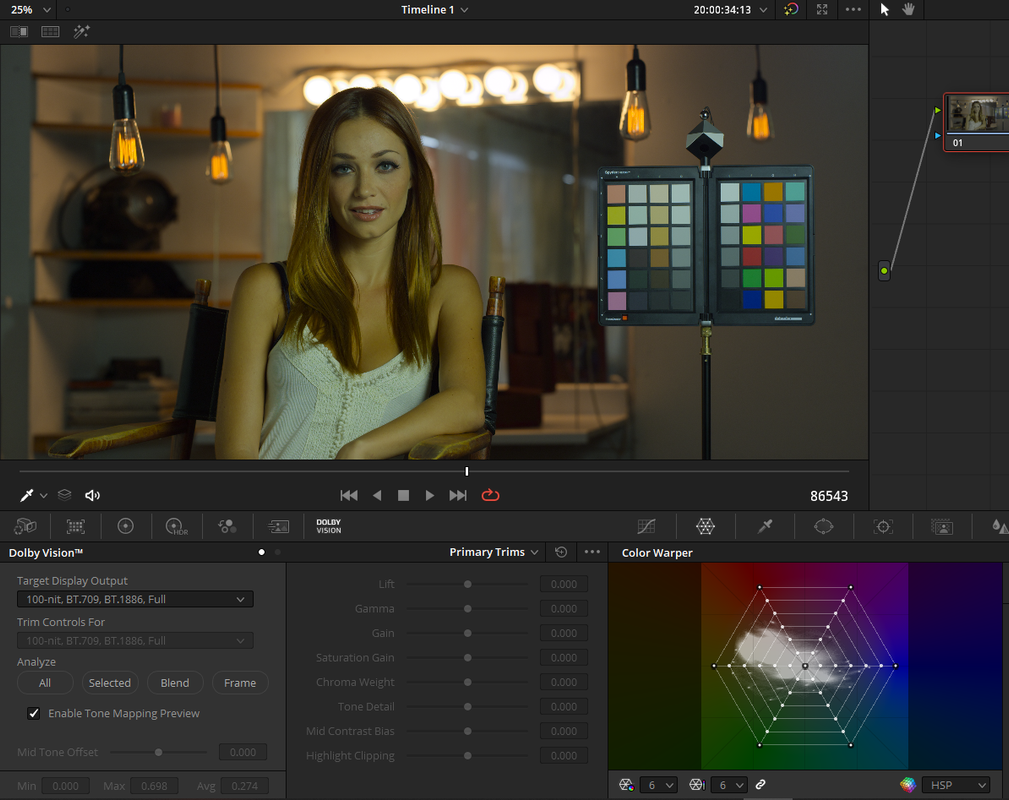
I'm still learning the HDR workflow myself, Dolby Vision in my case, but I'll do my best to try to explain from the info I have gathered so far. Jake Blackstone , Phil Holland and any other Dolby Vision Certified Colorist would be a better source of info.

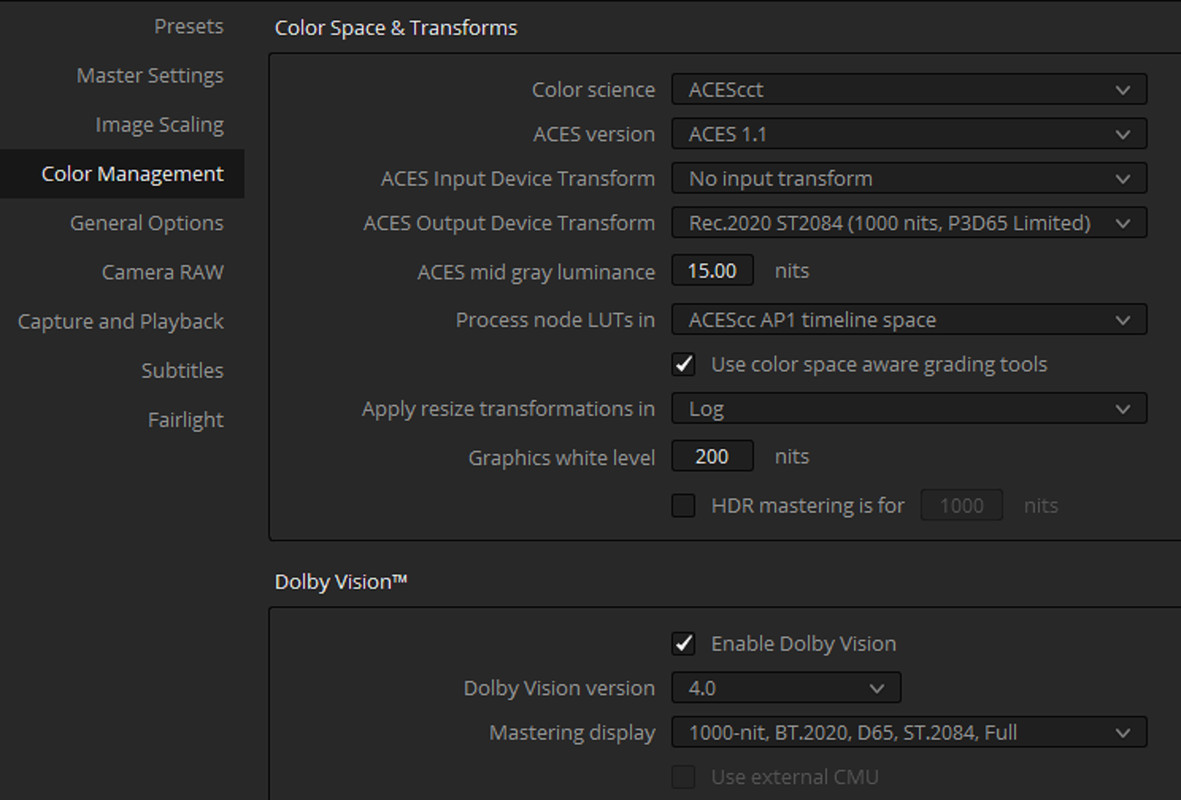
I've been testings out the ACES HDR workflow not so much the Color Managed HDR workflow.

Screenshot-386.png


Screenshot-387-2.png


OR


Rec2020 Output Limited to P3D65 if asked for

Screenshot-393.png


Screenshot-394.png


Is there a proper order of operations when grading in HDR? (E.g. specifically, work from black up or set highlights first?)

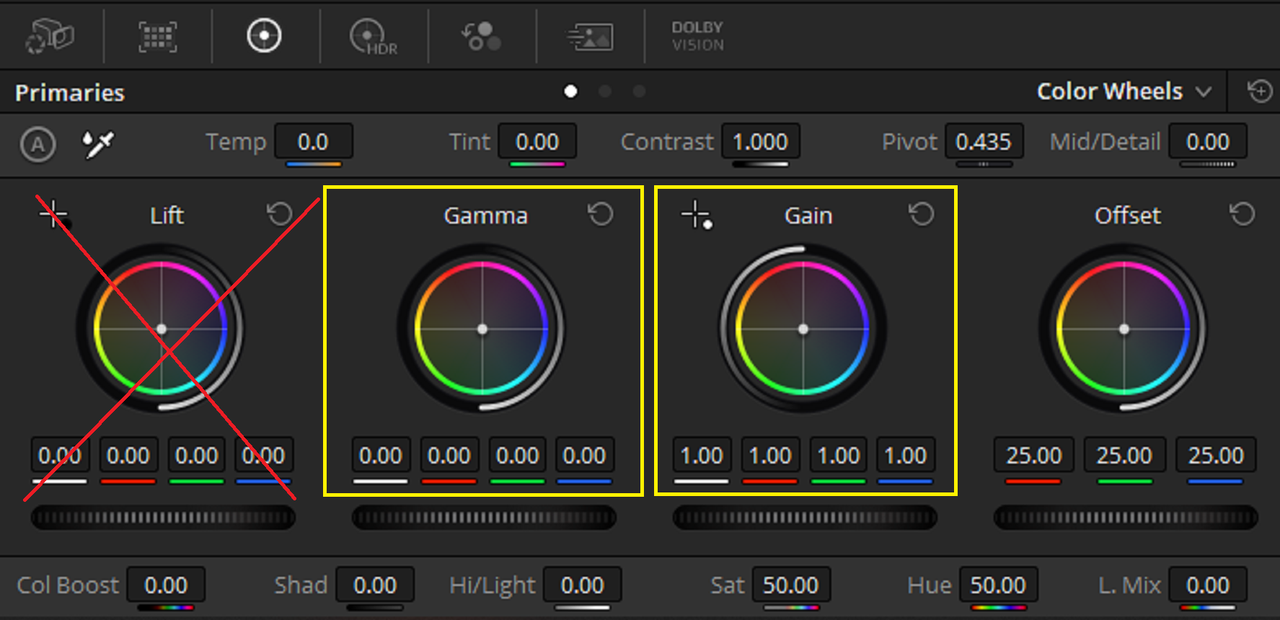
Basically expose you clips properly and don't use "Positive Lift"( increase shadow info with Shadow or Lift tool) to adjust the shadows, use Gamma and Gain instead. Doing so would affect the letter boxing in your final deliverable. Also some advocate emphasizing specular highlights in your clips others don't.

Screenshot-390.png


Also is it pointless to grade HDR for something conservative, like 300nits? I'm thinking because consumer displays (HDR tvs, phones, tablets, computer monitors) range from 100~1000nits, somewhere in the middle would allow it to display properly across a broader range of devices, while still giving a moderate boost in image quality over SDR.


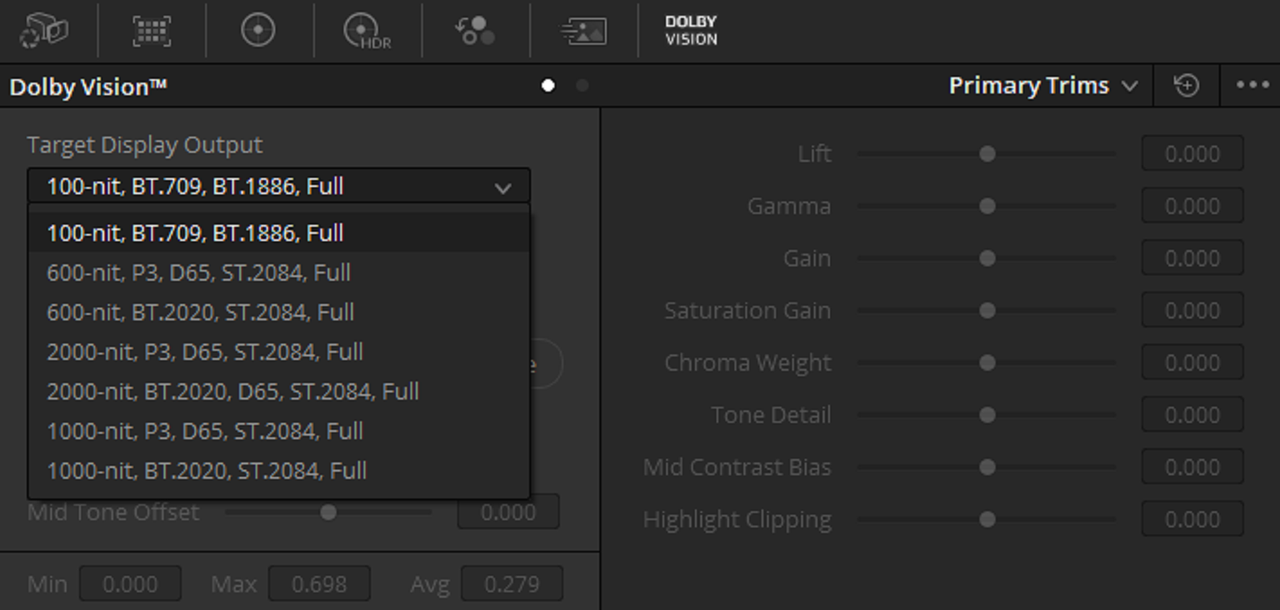
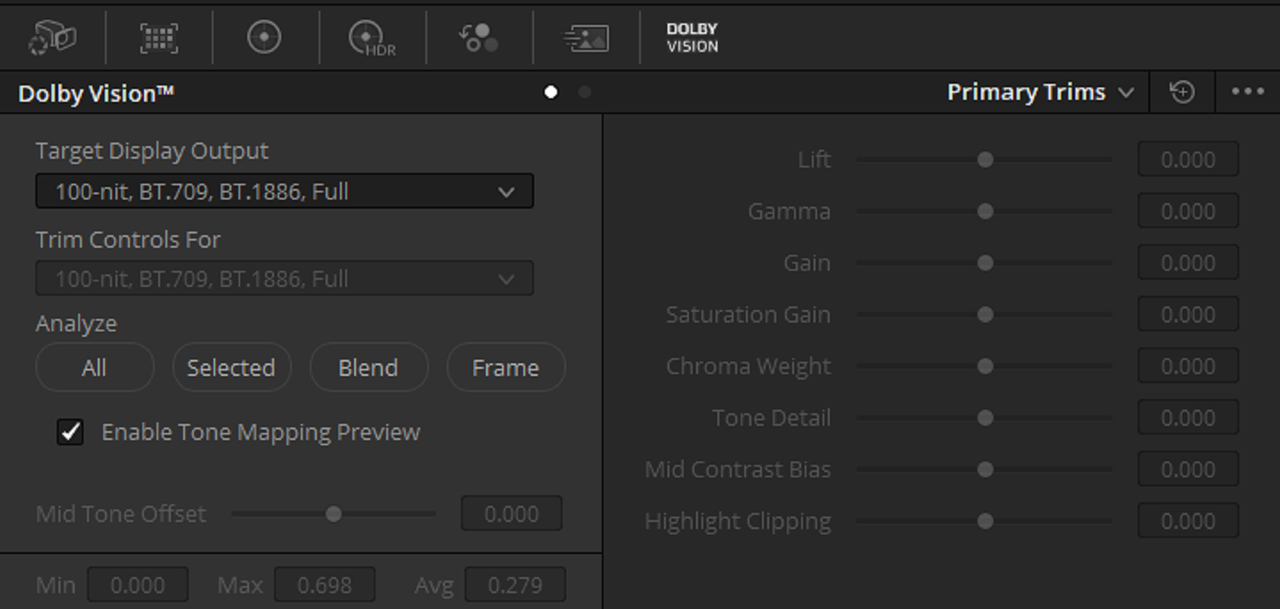
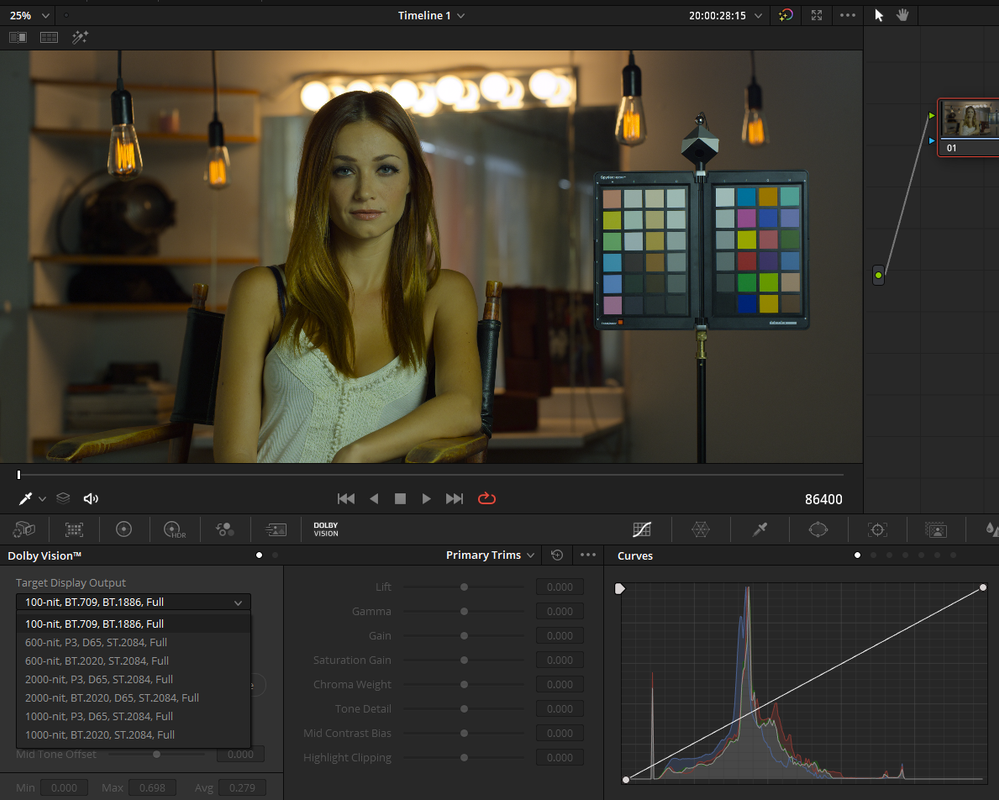
I don't have a Dolby Vision License for L8 Metadata(Dolby Vision Version 4.0) so I can't demonstrate the Trim Tools . However, you can include up to I think 3 trim passes which would be the lower nit deliverables from whatever HDR Nit Brightness you started from inside the same metadata as the HDR deliverable or you can process them seperately. You would have multiple Nit Brightness levels all in one.


Plus, I don't feel confident in the accuracy of rendering out conversions to lower nits from a higher source (much less going from a 1000nit HDR master to 709/SDR), so would like to know if there's a lowest common denominator somewhere?


With Dolby Vision 4.0, you have about 20 parameters to help refine the "Automatic" L1 metadata to get a much better expression of how the HDR to SDR conversion would look. In the older Version Dolby Vision 2.9, you get 6 refinement parameters to choose from.


Screenshot-387.png


Screenshot-391.png


Screenshot-392.png
 
Last edited:
... don't use "Positive Lift"( increase shadow info with Shadow or Lift tool) to adjust the shadows, use Gamma and Gain instead. Doing so would affect the letter boxing in your final deliverable.

I'm just going to answer this one, as this is simple.
You are free to use whatever controls you like. The rule of thumb, if your are delivering for Dolby Vision, then at some point before hitting the Analyze Dolby Vision button, you MUST always enable the correct letter boxing- 1.66, 1.78, 2.00, 2.39 etc. That way Dolby Vision will not be confused by dancing black levels, it will disregard everything outside the letterbox area and your deliverable will have a proper letter-boxing regardless of what you decide to do the shadows.
Also, a quick note, there is no such thing as "grading for 300 nits". SDR grading is always done to 100 nits regardless of what monitor is capable of displaying, period.
 
Back
Top