Welcome to our community

Be a part of something great, join today!

  • Hey all, just changed over the backend after 15 years I figured time to give it a bit of an update, its probably gonna be a bit weird for most of you and i am sure there is a few bugs to work out but it should kinda work the same as before... hopefully :)

Some Help With RED Footage. Highlights Techniques. Resolve & FCPX.

I was able to pull back the detail from the sky with the method I described, and even added a bit of contrast to make the clouds show a bit better. Quick and dirty in Resolve with no windows, just using the LUM qualifier on one node.

attachment.php

Its not showing for some reason.
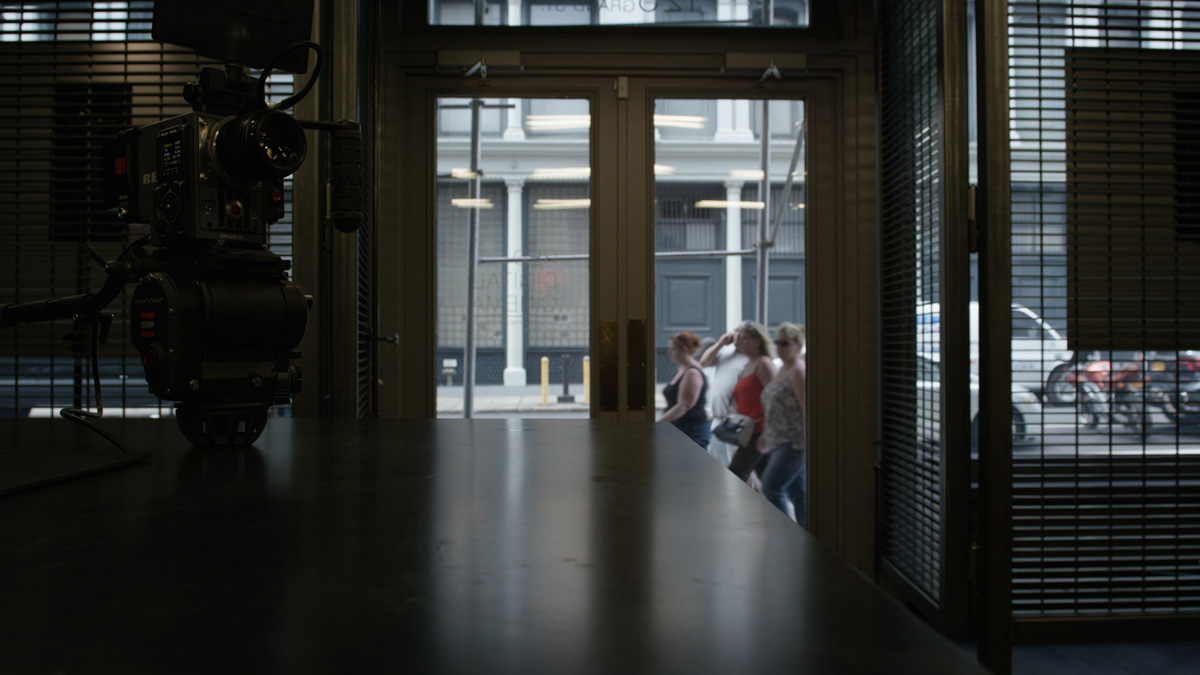
 
Looked at the outside one. If it is sky detail you are looking for it is all there. You would need a secondary and the whites are white. does not seem like a ton of work to get the end result you are looking for, a power window in resolve with a selection would help, but even in RCX you are almost there.

outside_epic.jpg


flatter

outside_epicflat.jpg
 
Last edited:
Looked at the outside one. If it is sky detail you are looking for it is all there. You would need a secondary and the whites are white. does not seem like a ton of work to get the end result you are looking for, a power window in resolve with a selection would help, but even in RCX you are almost there.
outside_epic.jpg


It looks pretty good I just wish I could get the shadows brighter. Here are 2 shots from Sony S-LOG2. In camera, no lights. 30 second edit. Both UHD. 4k.


slog_raw_zpse3koj0jy.jpg


slog_edit_zpshu1dihzg.jpg
 
Last edited:
The DR of the street shots and this shot are quite (drastically) different. But It's possible to get there.
 
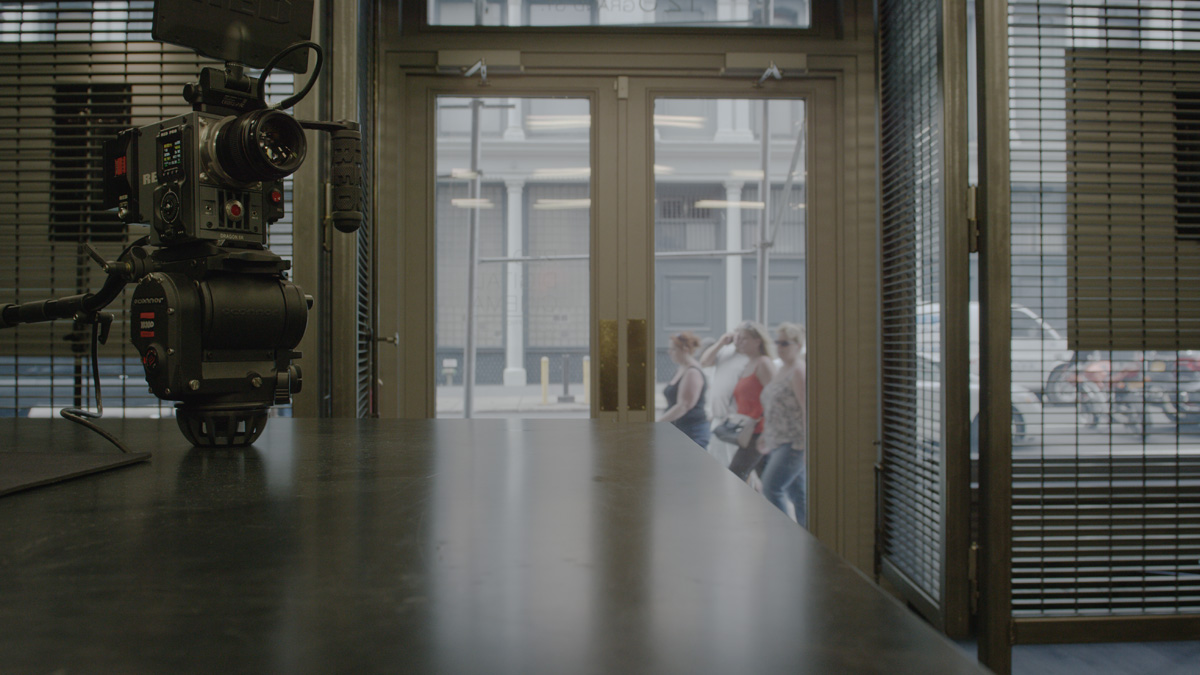
inside.

as shot.

inside_epic_as.jpg


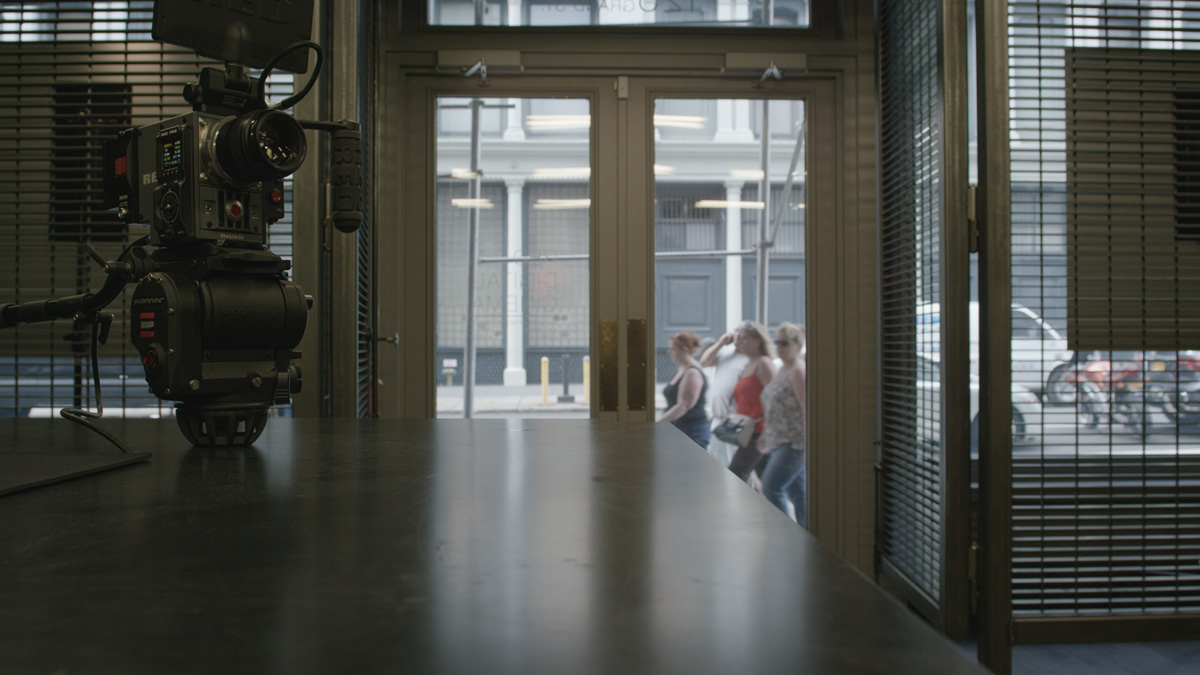
processed.

inside_epic.jpg


inside_epic_con.jpg


Looks pretty good! My question is: the dragon is 16.5 stops DR. So right out of the hole that shot should already look like that. Not sure why it seems so dark or crushed in my shots? Is it possible that it was shot with a LUT active? Or a look?
 
It was likely shot with RG4 enabled. REDlogFilm will get you super-flat (like S-Log, Log-C, or C-Log), and then you can tweak with curves, LGG, ISO/Contrast/etc, or any combination of those for image normalization.

How many megabytes are these clips?
 
Looks pretty good! My question is: the dragon is 16.5 stops DR. So right out of the hole that shot should already look like that. Not sure why it seems so dark or crushed in my shots? Is it possible that it was shot with a LUT active? Or a look?

Just set your camera to Redlog film or when you open up the files in RCX set them all to redlogfilm. RG4 is a tiny bit contrasty but a very honest gamma curve, but RLF is telling you about the DR you are capturing.
 
Last edited:
I love this post ;)

There should be a like button on posts and then have them placed at the top of the list :)

As in trending...for you Socialites ;)
 
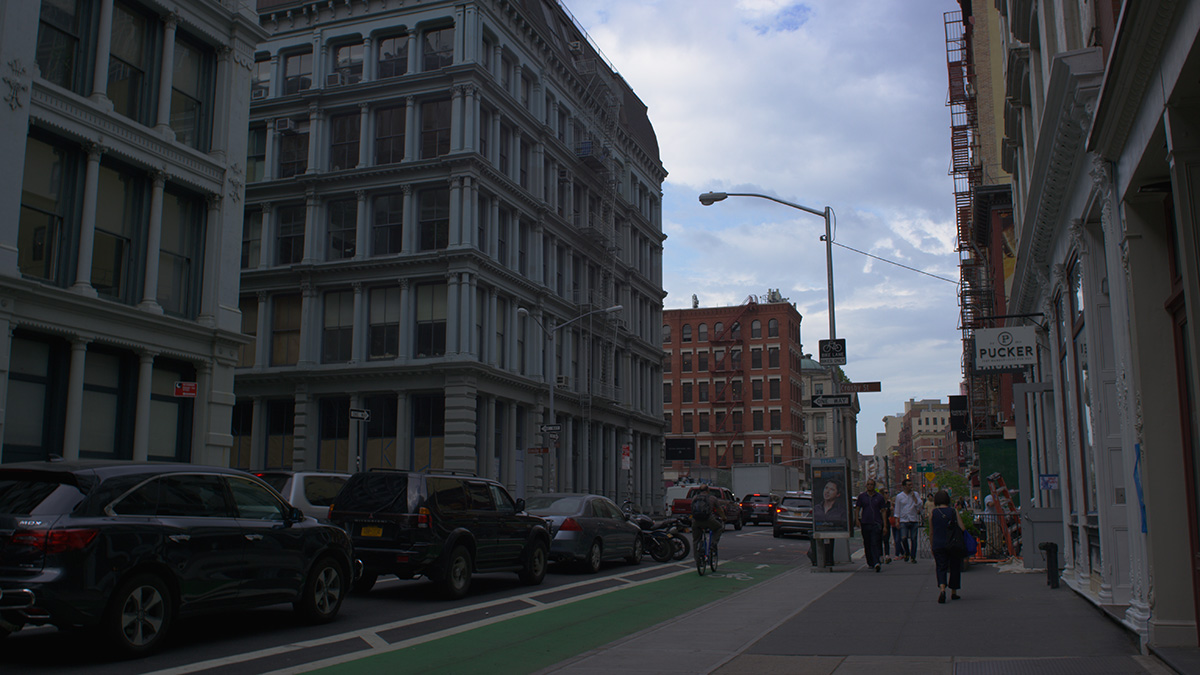
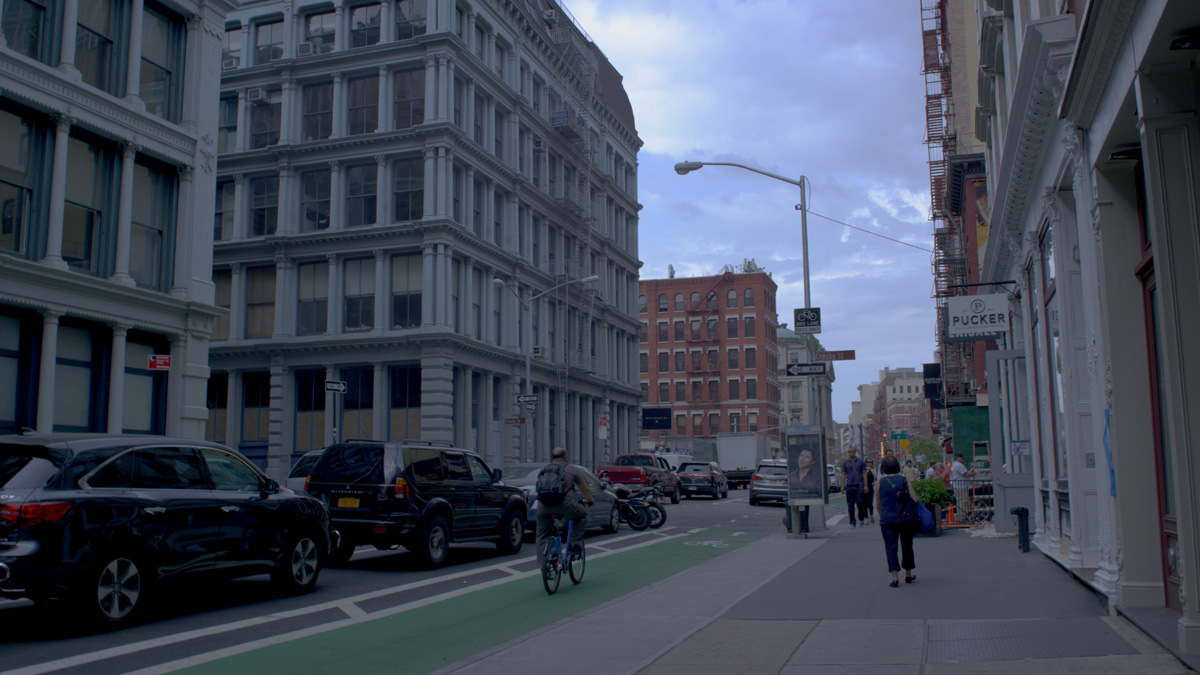
So I made an attempt after following everyones suggestions and used Redcine-X to edit. I use the curves and FLUT, Brightness and tweaked the video file, then grabbed some R3D stills and converted them to JPG. Any thoughts? How did this turn out? Thanks Everyone again!

RAW R3D (film gamma):

out_raw_zpsrufzsp2k.jpg


Edit Attempt:

out_edit_zps9kviq3ki.jpg
 
Seems that everything you thought was there actually was there! Even though at first you thought the gamma curve you selected was telling you otherwise.

As long as you understand the tools and use them and begin to trust them, you will always have the results you desire.

No need to get into creating a whole series of tiffs and complicating the issue when RED actually gives you all the tools you need.
 
Back
Top