Dean Butler
Well-known member
- Joined
- Feb 7, 2013
- Messages
- 340
- Reaction score
- 0
- Points
- 16
- Location
- Perth, Western Australia
- Website
- www.alucinorproductions.com
(EDIT: Title should read "r3d" not "3rd"... my bad.)
So I'm looking at trying to crossover to resolve (from Premiere) as my primary editor.
I'm working on a pretty simple mini-doc corporate project Shot on 5k/4k Scarlet-w 8:1 - 10:1 compression. (There's also some 4k prores 422 recorded on a Ninja from an XT3).
I have a 1080ti and get real time 5k playback in red cinex (since the update). Premiere doesn't quite manage that, but 1/2 res super smooth playback with no grading. (I'm on a 24tb g-tech raid connected via thunderbolt3) 64gb ram.
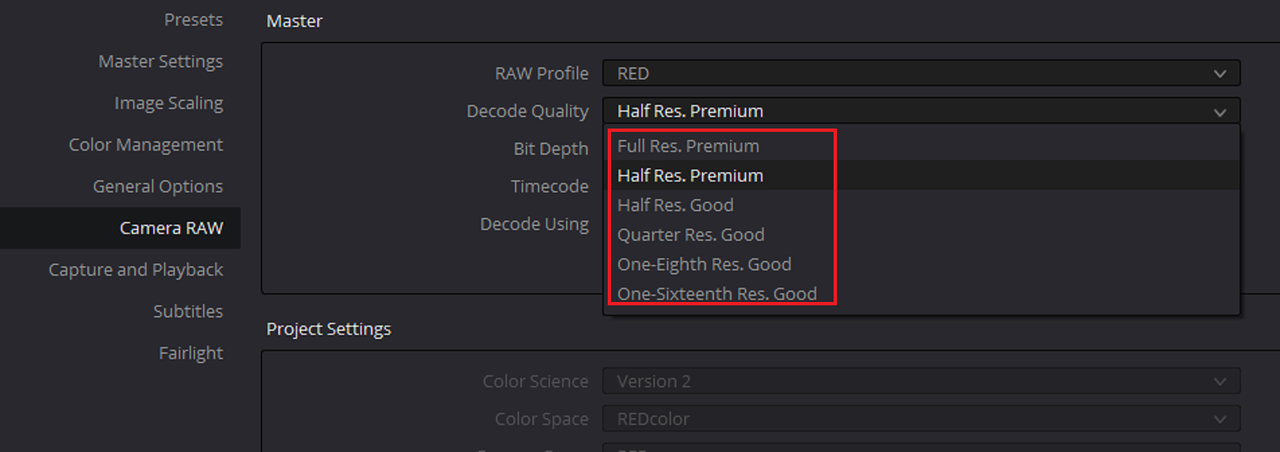
In Resolve 15.3 (andin 16 beta which I tried). The playback stutters and plays back out of sync. (The video is delayed behind the audio playback by a good second or two, it's not a consistent difference though).
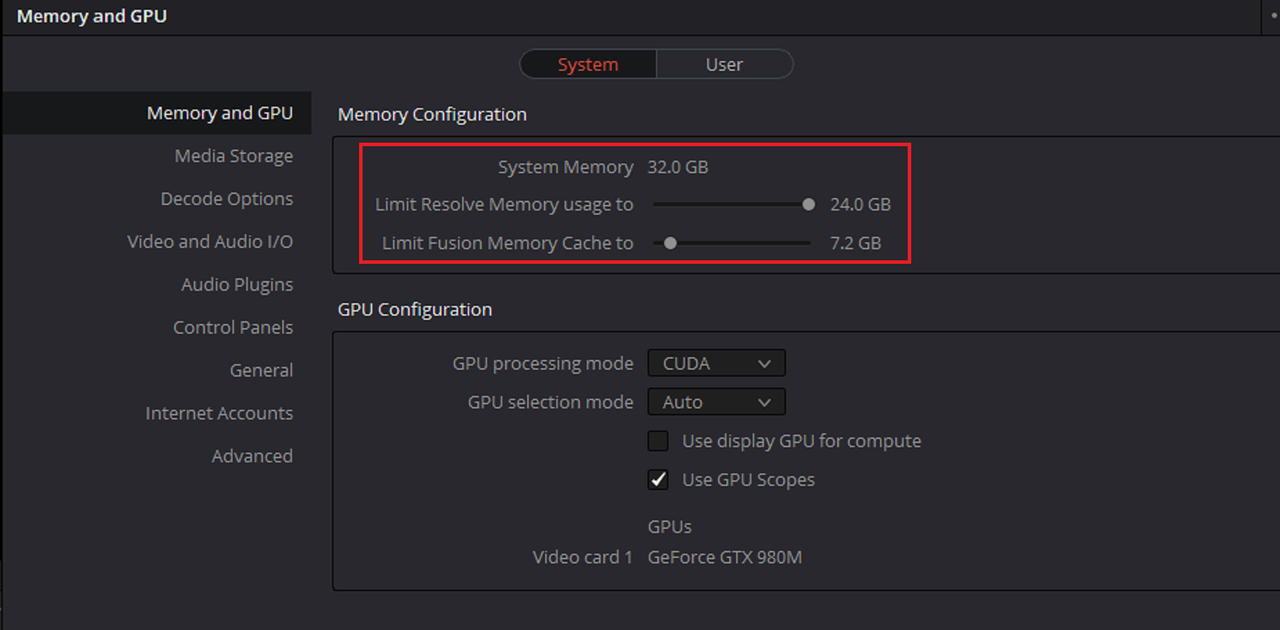
I thought Resolve playback would be much improved on Premiere??? GPU processing is set to CUDA...
Any ideas? I'm on a UHD timeline, outputting 1080 via SDI to a 10 bit osee monitor.
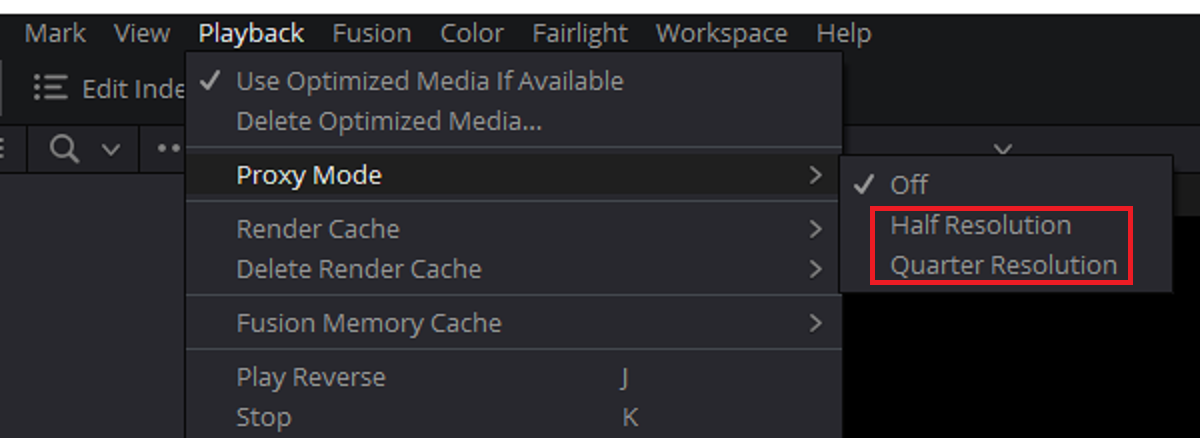
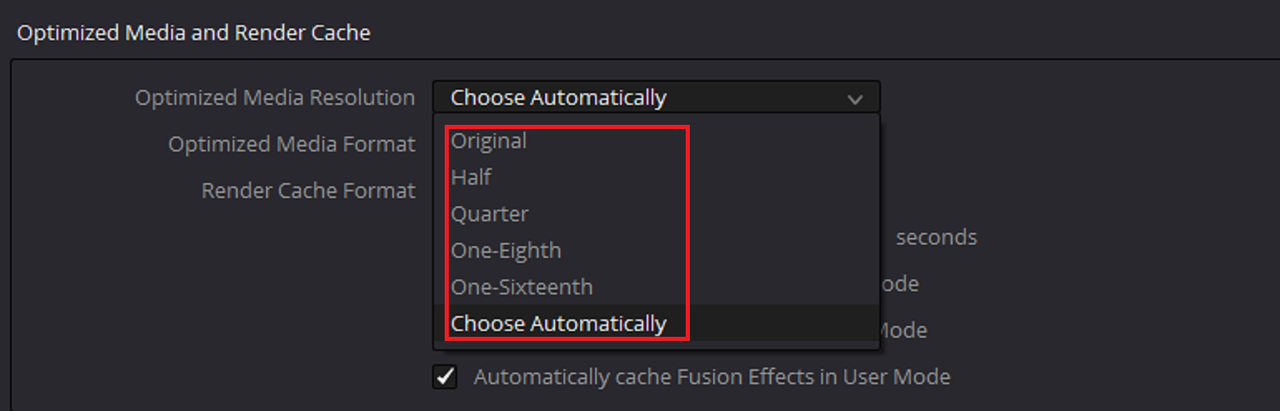
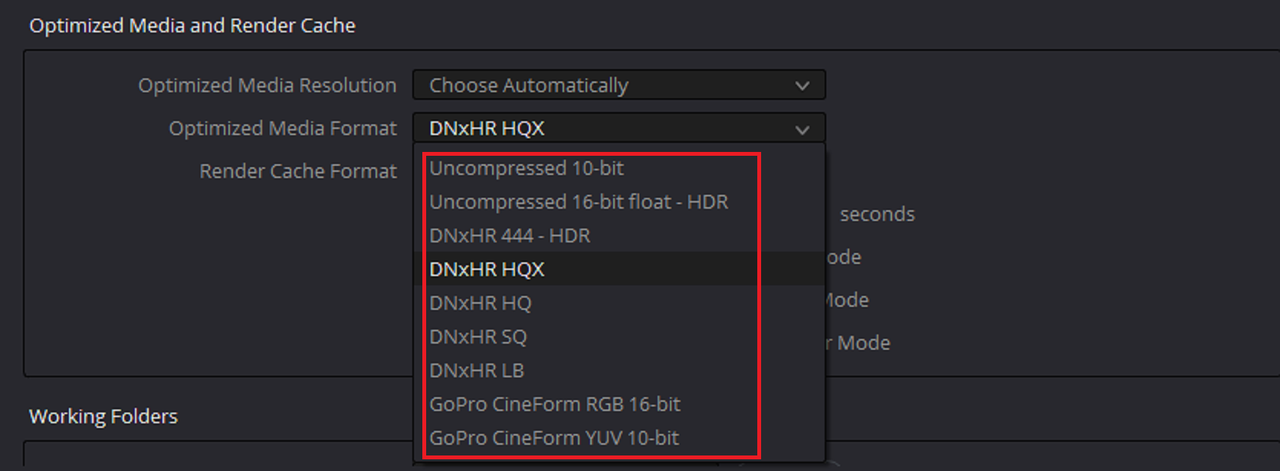
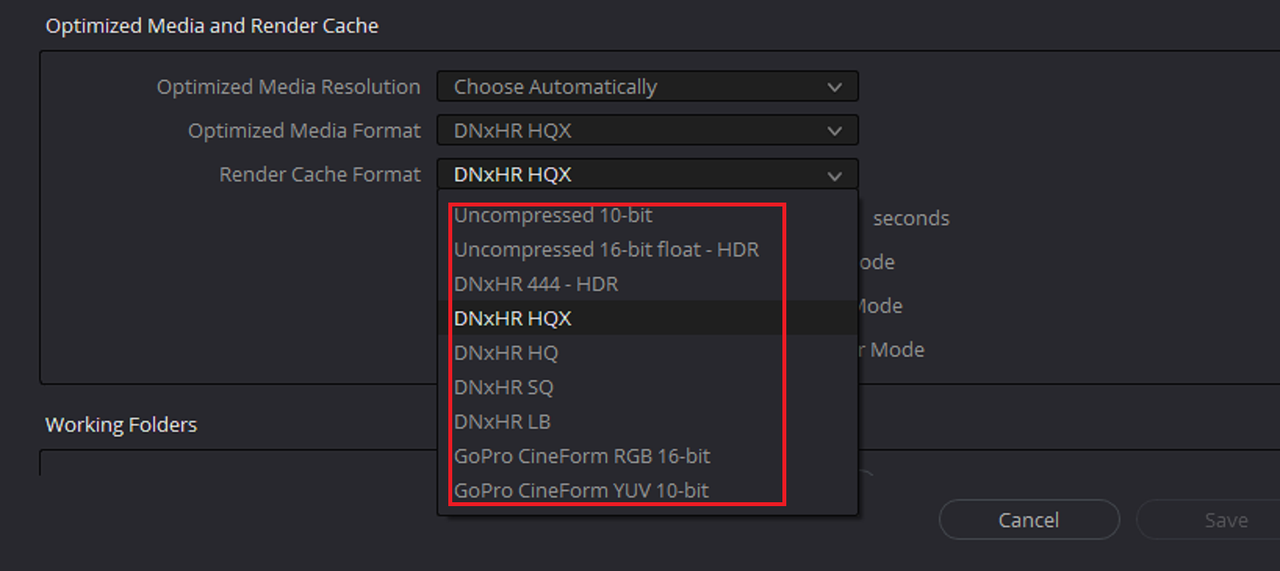
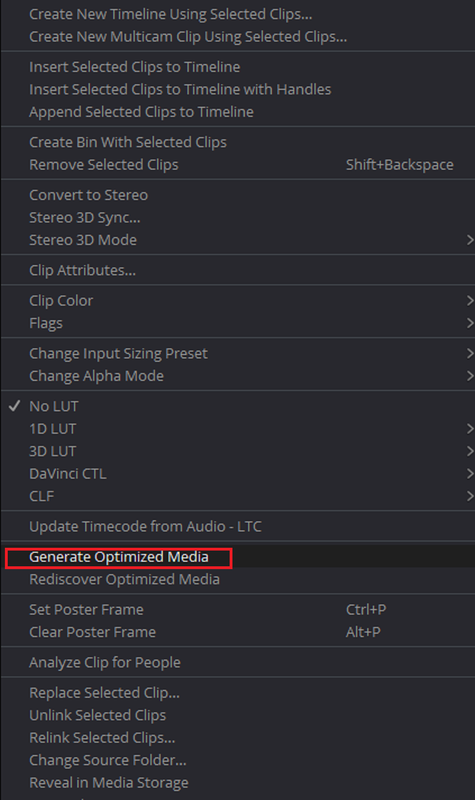
Do I need to create proxies? Haven't done that in years!! The 4k 50fps prores files are playing back smooth as butter.
Thoughts? Is this normal? Is resolve just rubbish for r3d playback? Should I consider only using it for grading? I'd love to move away from adobe if I can (multiple crashes everyday for what I'm paying has me very frustrated).
So I'm looking at trying to crossover to resolve (from Premiere) as my primary editor.
I'm working on a pretty simple mini-doc corporate project Shot on 5k/4k Scarlet-w 8:1 - 10:1 compression. (There's also some 4k prores 422 recorded on a Ninja from an XT3).
I have a 1080ti and get real time 5k playback in red cinex (since the update). Premiere doesn't quite manage that, but 1/2 res super smooth playback with no grading. (I'm on a 24tb g-tech raid connected via thunderbolt3) 64gb ram.
In Resolve 15.3 (andin 16 beta which I tried). The playback stutters and plays back out of sync. (The video is delayed behind the audio playback by a good second or two, it's not a consistent difference though).
I thought Resolve playback would be much improved on Premiere??? GPU processing is set to CUDA...
Any ideas? I'm on a UHD timeline, outputting 1080 via SDI to a 10 bit osee monitor.
Do I need to create proxies? Haven't done that in years!! The 4k 50fps prores files are playing back smooth as butter.
Thoughts? Is this normal? Is resolve just rubbish for r3d playback? Should I consider only using it for grading? I'd love to move away from adobe if I can (multiple crashes everyday for what I'm paying has me very frustrated).
Last edited: