Marcus Mader
Member
- Joined
- Aug 13, 2021
- Messages
- 5
- Reaction score
- 0
- Points
- 1
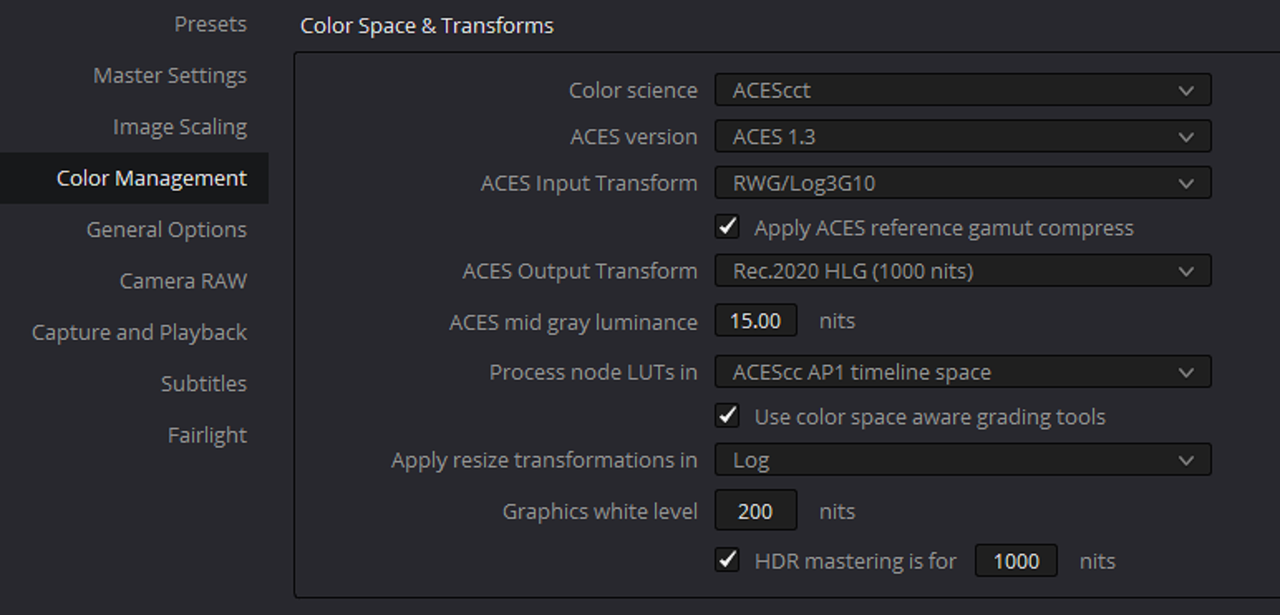
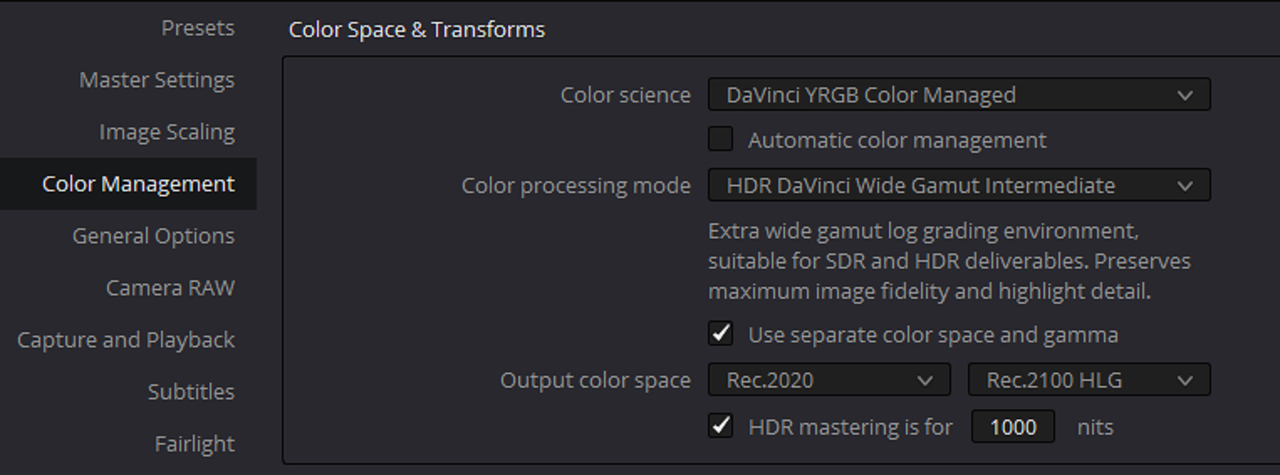
Newbie to RED (recently purchased Komodo) and to editing/color correcting in DaVinci Resolve Studio 17. I am looking for a simple method for color grading and exporting in HDR for Vimeo. I want to take full advantage of my footage's wide dynamic range but I'm getting seriously lost in the weeds researching HDR workflows. A lot of the information that I'm finding doesn't seem to apply to RED specific footage.
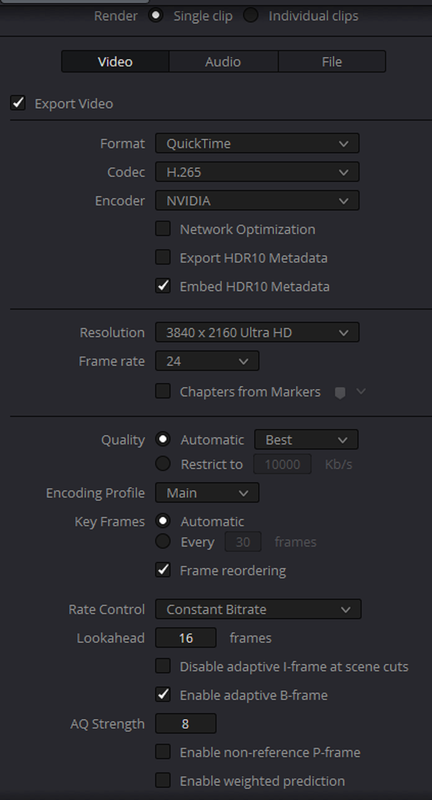
I shot my project on my RED Komodo - 6k R3D 17x9 LQ and MQ. I edited the project in Resolve Studio 17 with a 4K DCI timeline, intending to export in 4K DCI HDR for Vimeo. My computer is a 2019 MacBook Pro 15-inch, 2.8 GHz 8-core Intel Core i9 with 32GB 2400 MHz DDR4, with a Radeon Pro Vega 20 4 GB Intel UHD Graphics 630 1536 MB. I also have an external monitor: BenQ PD3220U DesignVue Designer 31.5" 16:9 HDR 4K IPS Monitor which claims to do 95% of DCI-P3 and HDR10. I have had to cut the project using lower-resolution proxies.
Vimeo states:
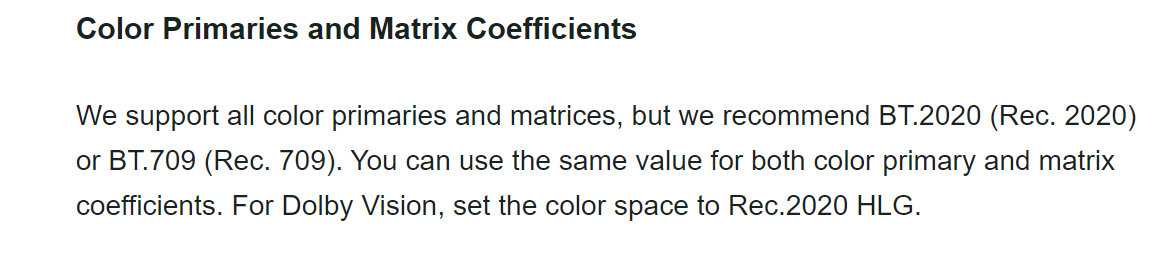
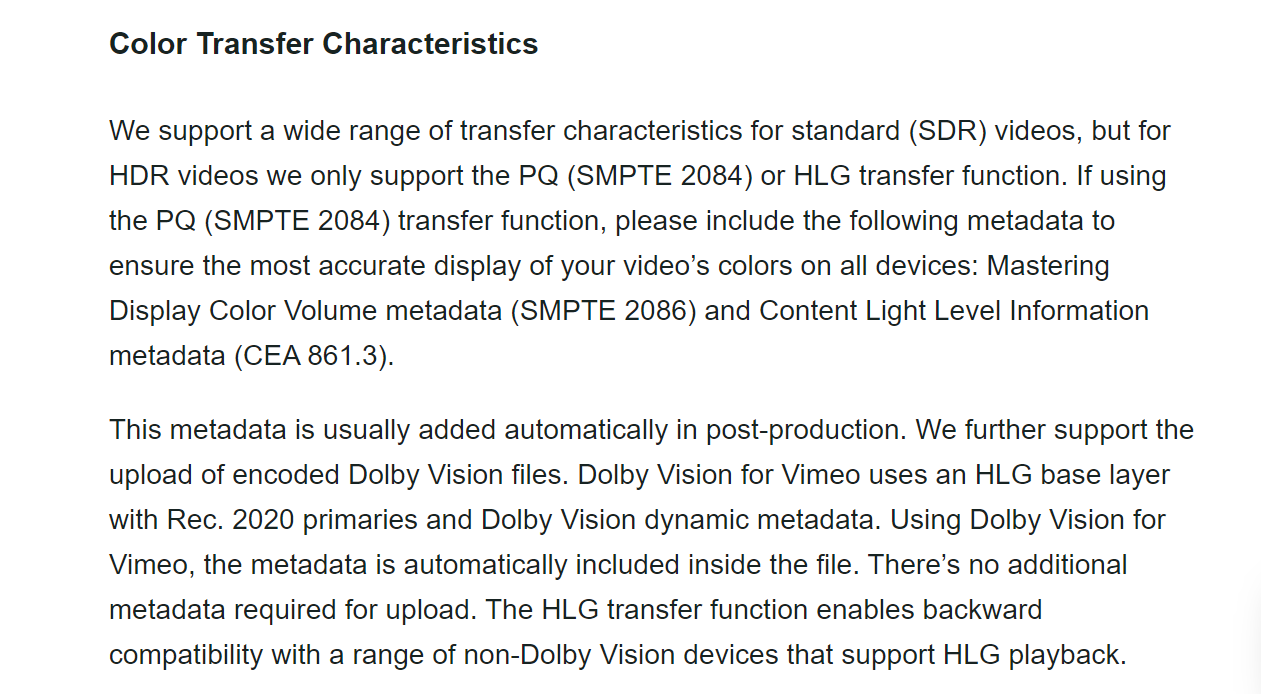
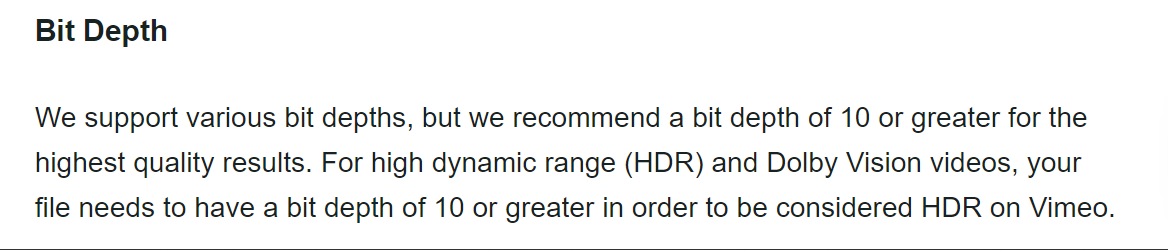
During the upload process, we will detect that your video is HDR or Dolby Vision based on metadata in your source file. Once our system reads that your video is HDR, we’ll automatically generate HDR playback files, up to 8K, that use the HEVC (H.265) video codec. The maximum quality depends on your source file’s dimensions. Please note that Dolby Vision videos will not exceed 4K.
We’ll also create a set of standard (SDR) versions, as well as wide color gamut (increased color) versions, so you can always view your video in the best quality possible from any playback environment.
So, it seems like I could just upload a P3 or Dolby Vision master file and Vimeo will auto-generate lower-res files to playback on SDR machines (which it will auto-detect?). My goal is to embed these videos into my website.
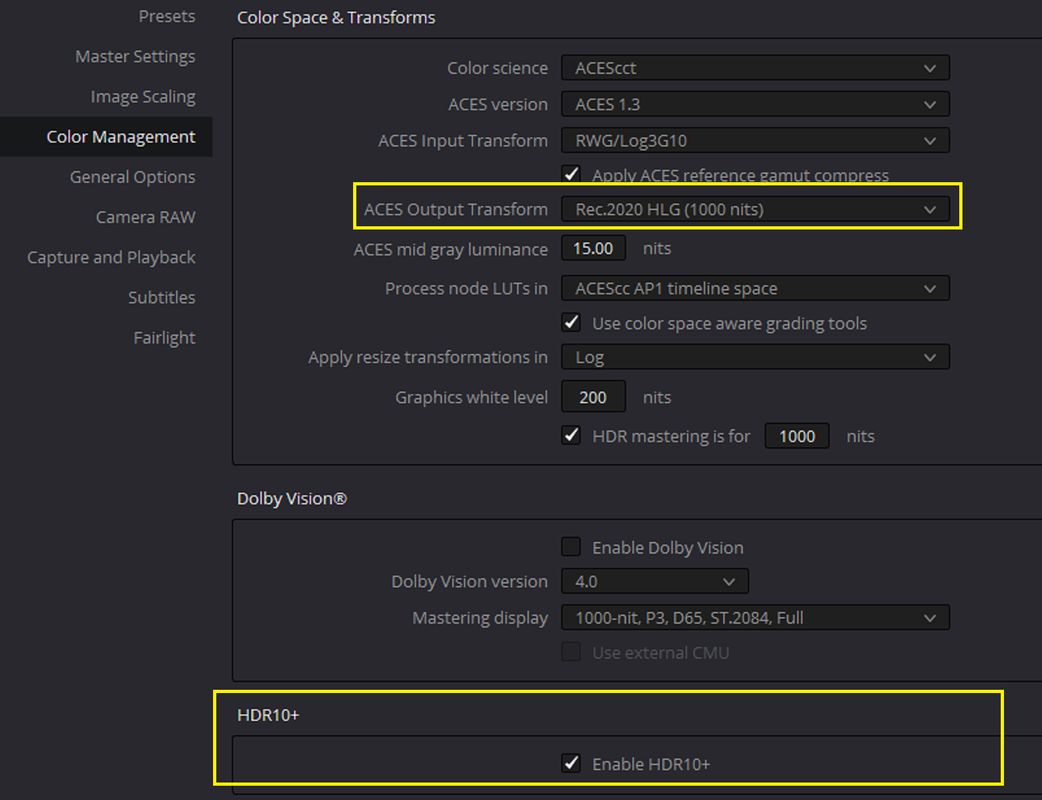
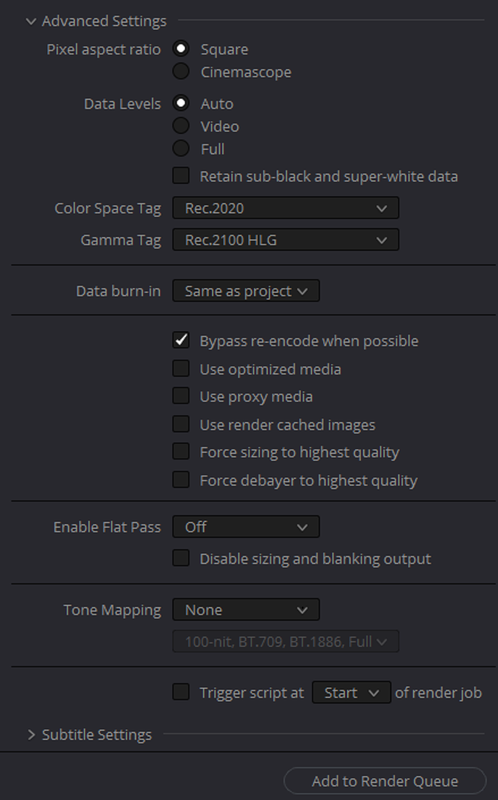
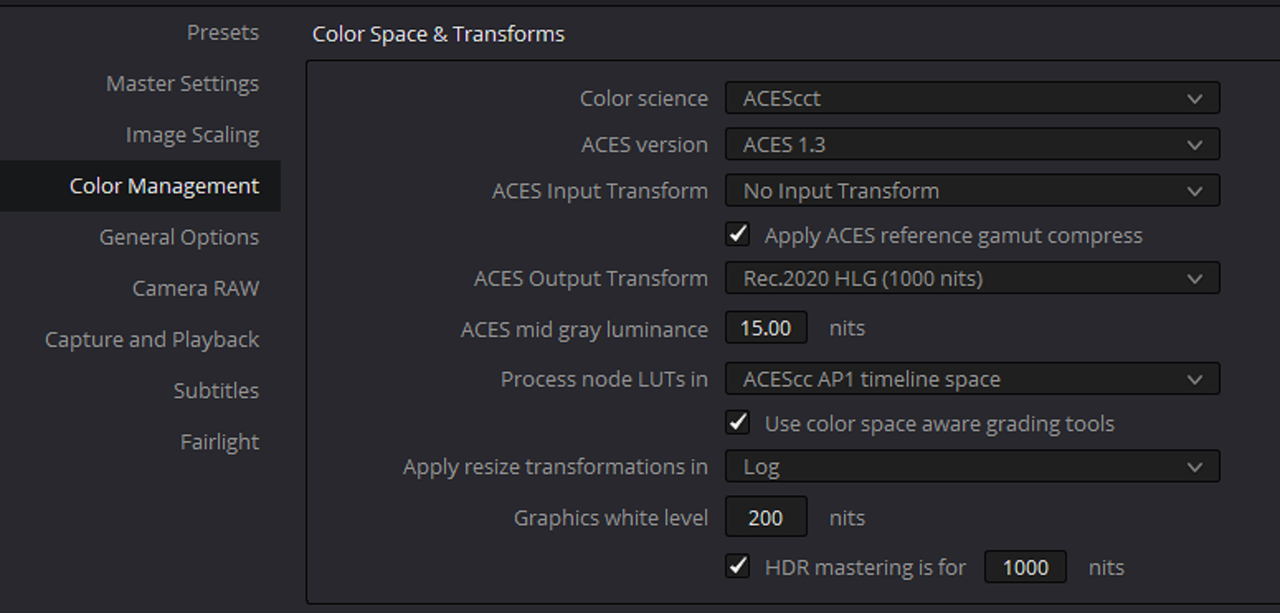
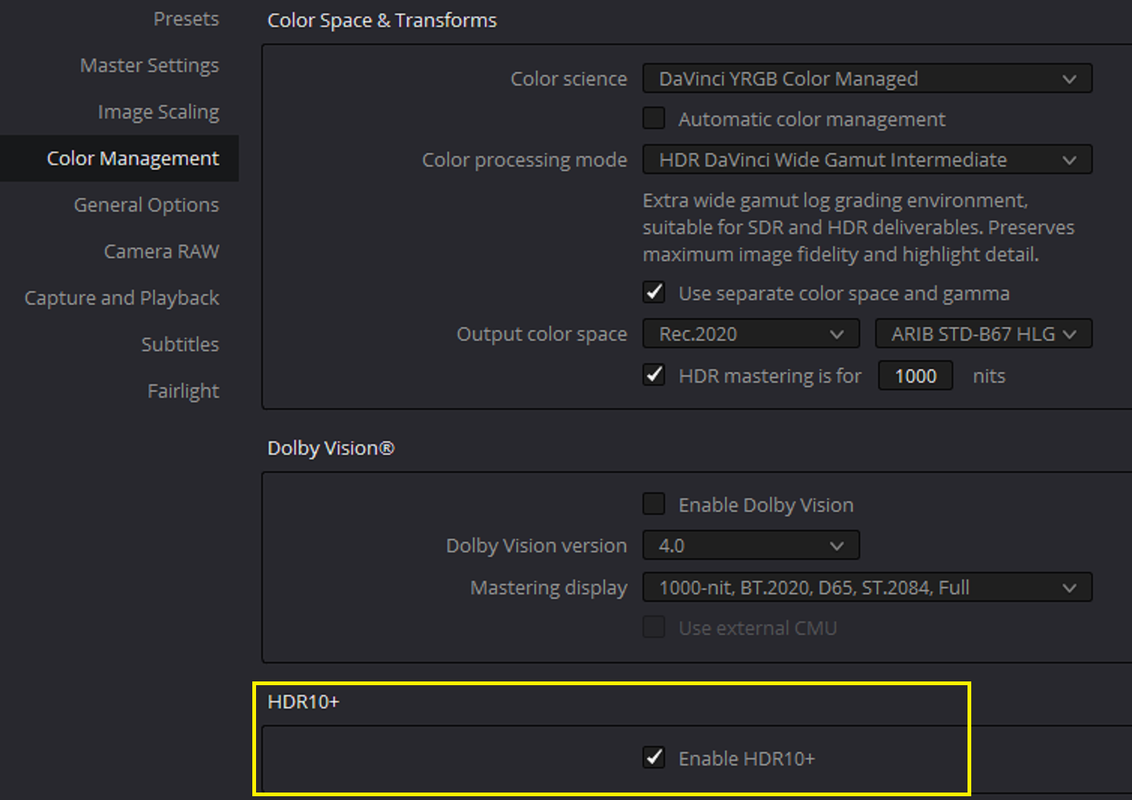
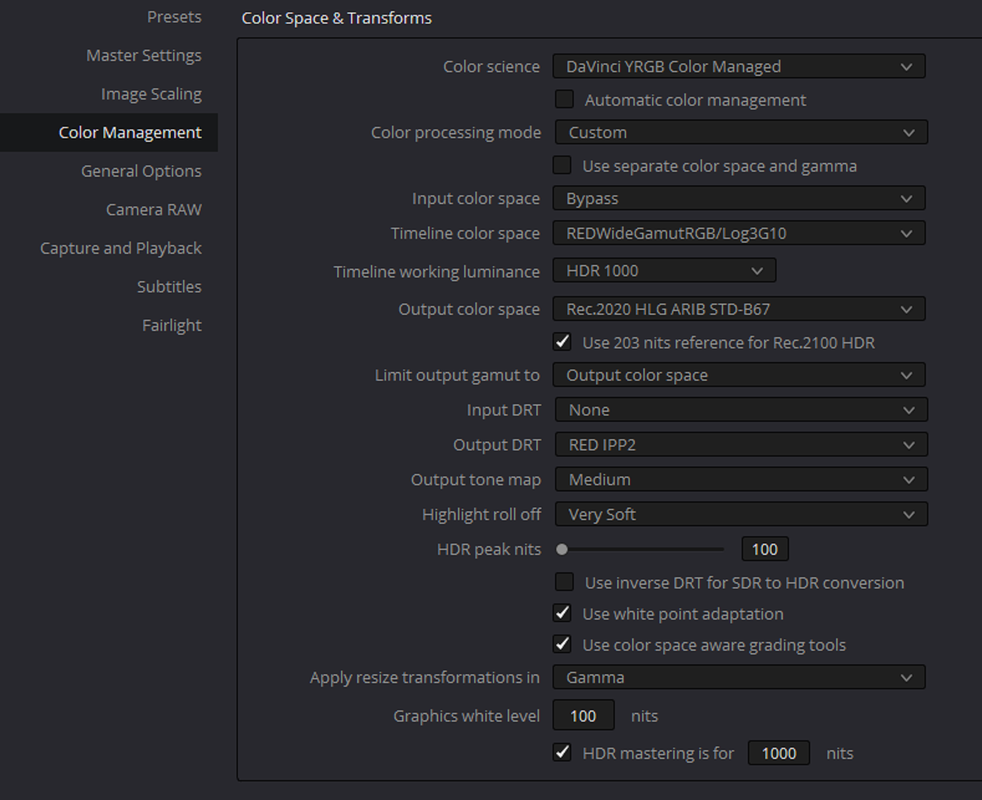
Any good resources on setting this up correctly with R3D files in Log3G10 / RedWideGamutRGB? Can anyone share their experience with Vimeo generating these lower-res versions? Should I use a RED IPP2 LUT to convert from Log3G10 to Rec2020 BT1886 as my last node? I realize that I will need to re-grade the edit once I find the correct settings. Any help would be greatly appreciated.
- Marcus
I shot my project on my RED Komodo - 6k R3D 17x9 LQ and MQ. I edited the project in Resolve Studio 17 with a 4K DCI timeline, intending to export in 4K DCI HDR for Vimeo. My computer is a 2019 MacBook Pro 15-inch, 2.8 GHz 8-core Intel Core i9 with 32GB 2400 MHz DDR4, with a Radeon Pro Vega 20 4 GB Intel UHD Graphics 630 1536 MB. I also have an external monitor: BenQ PD3220U DesignVue Designer 31.5" 16:9 HDR 4K IPS Monitor which claims to do 95% of DCI-P3 and HDR10. I have had to cut the project using lower-resolution proxies.
Vimeo states:
During the upload process, we will detect that your video is HDR or Dolby Vision based on metadata in your source file. Once our system reads that your video is HDR, we’ll automatically generate HDR playback files, up to 8K, that use the HEVC (H.265) video codec. The maximum quality depends on your source file’s dimensions. Please note that Dolby Vision videos will not exceed 4K.
We’ll also create a set of standard (SDR) versions, as well as wide color gamut (increased color) versions, so you can always view your video in the best quality possible from any playback environment.
So, it seems like I could just upload a P3 or Dolby Vision master file and Vimeo will auto-generate lower-res files to playback on SDR machines (which it will auto-detect?). My goal is to embed these videos into my website.
Any good resources on setting this up correctly with R3D files in Log3G10 / RedWideGamutRGB? Can anyone share their experience with Vimeo generating these lower-res versions? Should I use a RED IPP2 LUT to convert from Log3G10 to Rec2020 BT1886 as my last node? I realize that I will need to re-grade the edit once I find the correct settings. Any help would be greatly appreciated.
- Marcus