Welcome to our community

Be a part of something great, join today!

  • Hey all, just changed over the backend after 15 years I figured time to give it a bit of an update, its probably gonna be a bit weird for most of you and i am sure there is a few bugs to work out but it should kinda work the same as before... hopefully :)

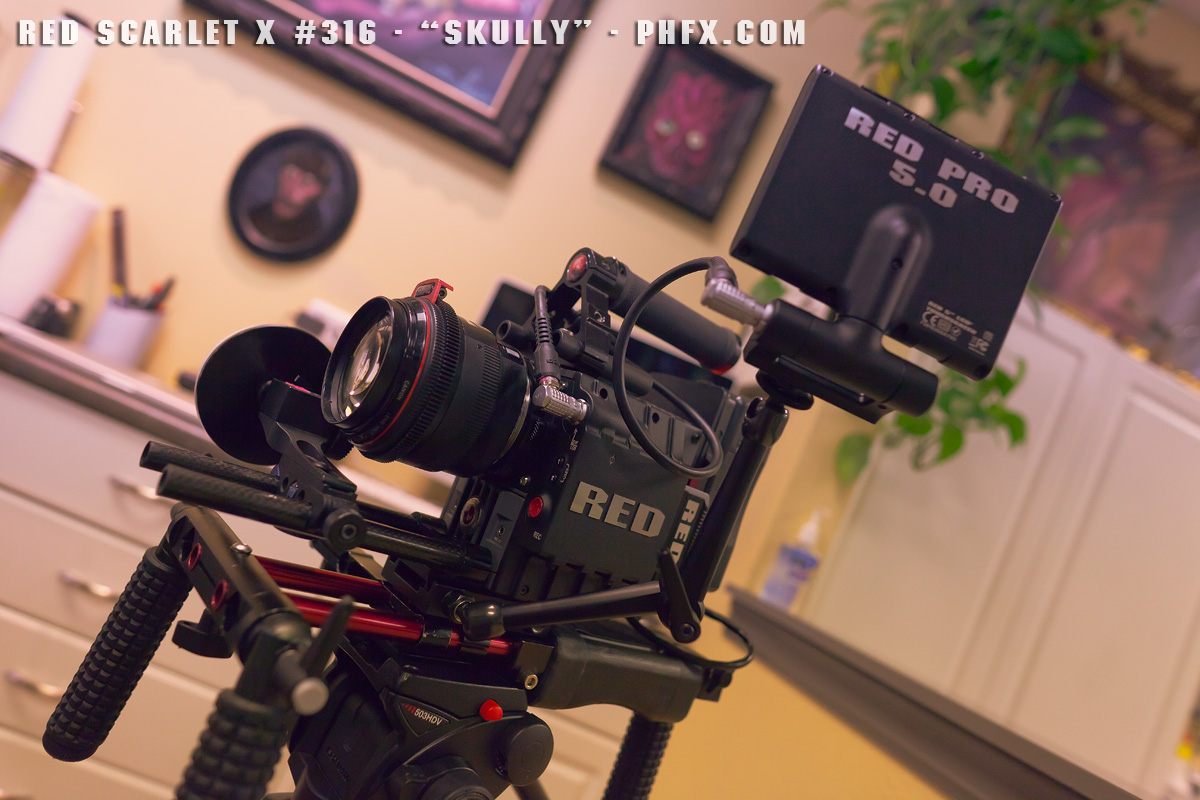
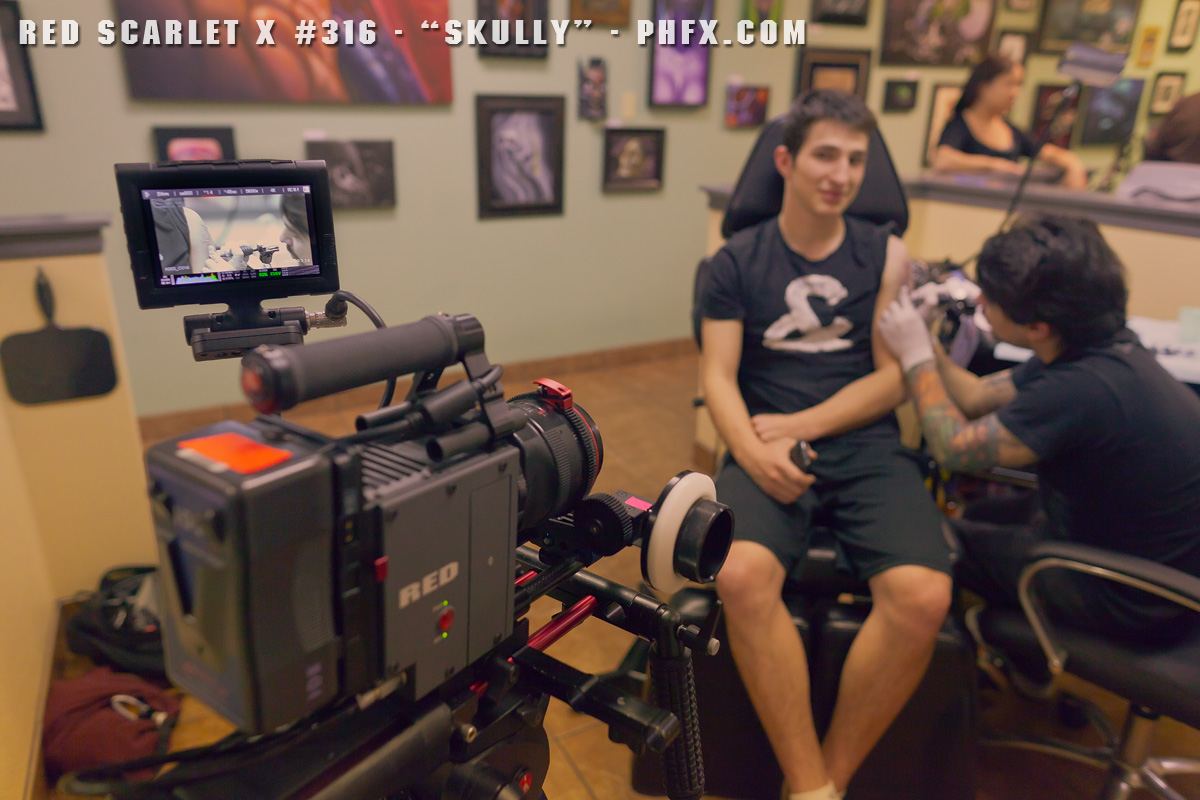
Red Scarlet X #316 "Skully"

Hy Phil,

Great test shot you've done there.
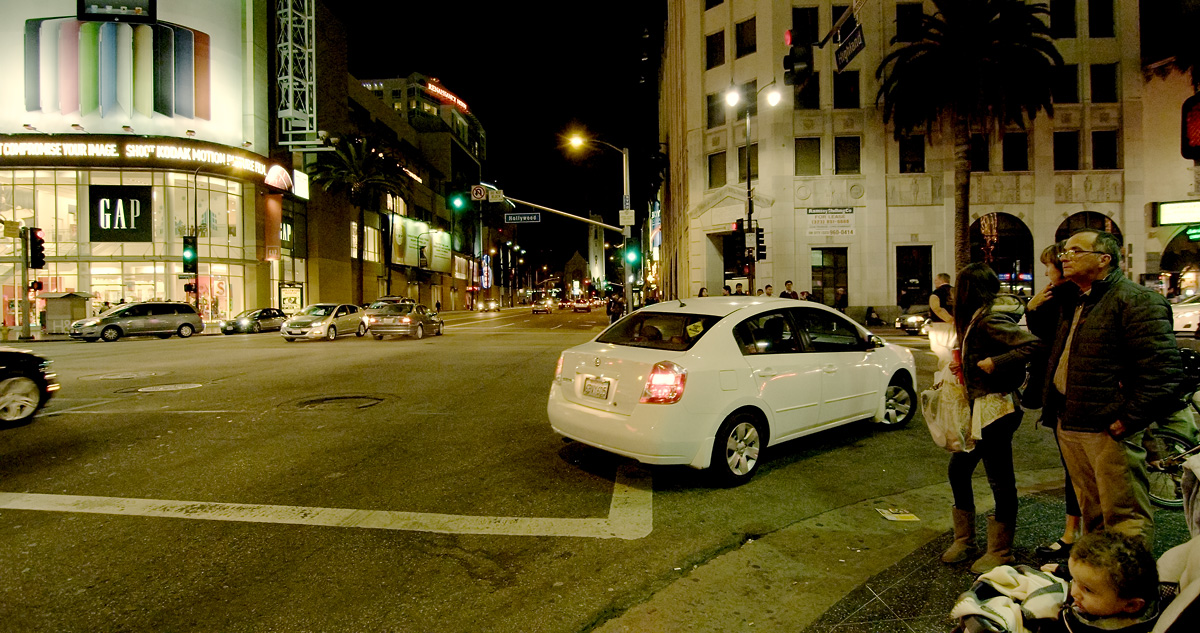
Which of your 42 lenses were used in the first 18sec of the "Hollywood Night Shoot"?
And by the way...42 lenses...kind of jealous :-)
 
Jeffrey, that's a question that I also would like to hear answered! There's something I'm also curious about: if one is working natively with the R3D's in a native timeline in Premiere, and has Magic Bullet installed, does Magic Bullet work with the "raw" r3d file? My understanding is that Magic Bullet Looks works by taking a "Still" as a reference of the timeline and then in its custom interface applies the corrections that are then interpreted in the Premiere timeline. Since the file is changed in premiere, the alterations are going on on the r3d's right? Just trying to understand this. I'm a Final Cut Studio Editor and also a Magic Bullet User. While the "professional" graders like Da Vinci are obviously superior with masks and advanced bit depth color correction capabilities, using Magic Bullet Looks as proven a real big help in many situations where a quick delivery for the web or a reference grade was needed for a professional colorist in the High end Grading suites...

Sergio,

I too am a FCP user, it was only in the couple months before FCP X that I saw the writing on the wall and built a PC and got a copy of Premiere Pro. Very happy but for the whole Windows thing, lol.

I never honestly looked at how MB gets the info into its interface, because the way it's applied in the timeline has never seemed different. But I do know that Premiere works with the original r3d, yet does not ever change the original r3d. Basically the timeline references the files for the edit and applies any changes and filters in realtime unless you render it, at which time it creates a unique render file that it plays. When you go to render out, as far as I know, but selecting "maximum render quality" and "render at best depth" it goes back to the R3d to do a full res, best quality, fewest step render.

The reason I am sure of this is that I work often in 1/4 resolution in the timeline - which is still nice looking, but I can see the difference easily ( it's not so easy at 1/2 ) - and when I go to render out, I sometimes forget to go back to "full resolution" for playback, but it is back to being flawless in the exports. It definitely goes back to the originals. The only way I know that will change the original R3D is by messing around in RCP and saving the changes, but they can be reset if you want.

Also, I wouldn't look down too much on MB vs Davinci. My workflow involves window and stabilizing work in After Effects, which is a wonderful floating point world with more depth than you could want! There may be differences, but I think it will be more on the user interface / programming / computer render farm side of things, not the look of the final product. That all said, I plan to dive back into Resolve again soon, so maybe my tune will change.
 
Phil, using RCP to do your selects before making an .xml, when you go back later for final touches in RCP does your timeline / footage in premiere automatically update? Or are you just replacing the footage because it's a shorter project?

As a side note, I use the Magic Bullet Suite for correction (with occasional help from After Effects and Premiere) and love it. I am going to play with Resolve any day now. Do you find RCP more accessible than these other options? I really find RCP doesn't respond how I want it to, but I think I am in the minority on that and am willing to keep trying. Right now I just use RCP to quickly peek at my footage and maybe double check that I have what I need in the image.

Changes in RCP don't automatically update yet, but I seem to remember a feature coming in RCP called "send to Adobe Apps" that should automatically update things. That's a question for the Red Heads.
I don't have any RCP workflow issues regarding color work. Levels and histogram work nicely. Prior to more sexy DI suites existing this was done in a much more painful way, which for some reason is still fresh in my mind. I think RCP is extremely powerful, which is nice considering the price.


Jeffrey, that's a question that I also would like to hear answered! There's something I'm also curious about: if one is working natively with the R3D's in a native timeline in Premiere, and has Magic Bullet installed, does Magic Bullet work with the "raw" r3d file?

Negative. It does not work with the raw .R3D data. It does work as a secondary color correction though. I try to do my first light corrections in RCP and secondaries in another package. For one offs like my tests I did everything in RCP to show that you can actually use that workflow. Once Speedgrade comes down the pipe from Adobe I'll be adding that to my workflow and it will work with the native R3D data.


Great test shot you've done there.
Which of your 42 lenses were used in the first 18sec of the "Hollywood Night Shoot"?
And by the way...42 lenses...kind of jealous :-)

Thanks :) I'm a bit of lens nut, but that mostly comes from preferring to shoot on primes. Only 3 of those are zooms. All of those city views were shot on the 135mm f/2L through Formatt HMND 0.9 filtration.
 
I thought I'd share some of my lens notes from glass I've tested thus far.


Electronic Lenses:
(all of these work with no issue on the Red Al EF Mount)

Sigma 8mm f/3.5 Circular Fisheye (covers at 3k with no vignetting)
Sigma 15mm f/2.8 Fisheye
Sigma 14mm f/2.8
Canon 20mm f/2.8
Canon 24mm f/1.4L
Canon 28mm f/1.8
Canon 35mm f/1.4L
Voigtlander 40mm f/2 SL II
Canon 50mm f/1.2L
Canon 50mm f/1.4
Canon 85mm f/1.2L
Canon 100 f/2
Canon 100mm f/2.8 Macro
Canon 135mm f/2L
Canon 200mm f/2.8L
Tokina 11-16mm f/2.8
Canon 24-70mm f/2.8L
Canon 70-200mm f/2.8L IS


Electronic Tube and Teleconverters:
(these work and communicate with the appropriate lens information to the camera)

Kenko Ef Extension Tubes
Tamron 1.4x Teleconverter
Tamron 2.0x Teleconverter


Mechanical Lenses:
(these are adapted to EF and have no electronic communication)

Olympus OM 18mm f/3.5
Nikon 50mm f/1.4 (1960s)
Nikon 50mm f/1.8
Canon 55mm f/1.2 (FL)
Helios 58mm f/2 44-3
Leica 60mm f/2.8 Macro
Leica 90mm f/2
Century Precision Optics 600mm f/4.5
Iscorama 50mm f/2.8 1.5x Anamorphic (+0.5, +1, +2, +4 Diopters)
Panavision/Canon Mod 100mm f/2 2x Anamorphic
Holga 80mm f/8 (for special effect use)
Loreo Lens In A Cap f/5.6 (for special effect use)


Lenses I have had issues with:
Sigma 300mm f2.8 (doesn't communicate with the camera and wildly opens and shuts the iris blades)


I've got more to test, but mostly mechanical at this point.
 
Phil, A question about how your finding the touch screen & arm config. working for you on the rig as opposed to the fixed position screen option ?

Judging from the shoulder pad pos. you sitting the camera very close to your head when mounted on your shoulder. I noticed on another thread talk of a longer cable needed between the brain & monitor. Is this because you feel the need to get further distance between yourself & the monitor when operating in this configuration?
 
Awww YEAH! Phil is famous now! :)

Awe shucks. I'd rather do the work than be famous. The press doesn't hurt though :)


Phil, A question about how your finding the touch screen & arm config. working for you on the rig as opposed to the fixed position screen option ?

Judging from the shoulder pad pos. you sitting the camera very close to your head when mounted on your shoulder. I noticed on another thread talk of a longer cable needed between the brain & monitor. Is this because you feel the need to get further distance between yourself & the monitor when operating in this configuration?


I'm actually enjoy having Scarlet next to my noggin. The most important thing for me is to actually keep the lens about eye level and my rig is currently doing that. The longer cable allows me to maneuver the 5.0" LCD Touch in more places, especially when not operating on the shoulder. With the stock 7" cable it's pretty darn close to my eyes and doesn't have much slack. Luckily today I got a visit from the "cable fairy" and now have a "war zone tested" used Red 2' LCD cable.

I had my first shooting experience about 1 hour after I received the cable and you can see how much nicer it is to move the LCD around when on sticks. I would say for my usage the cine/noga/israeli arm is very flexible.

Here are some pictures from that setup with the longer cable:

_MG_7414.jpg


_MG_7413.jpg


As you can see I can position the 5.0" Touch LCD pretty much where I need it. In this particular case I was operating while hiding in the corner.


Some other miscellaneous things:

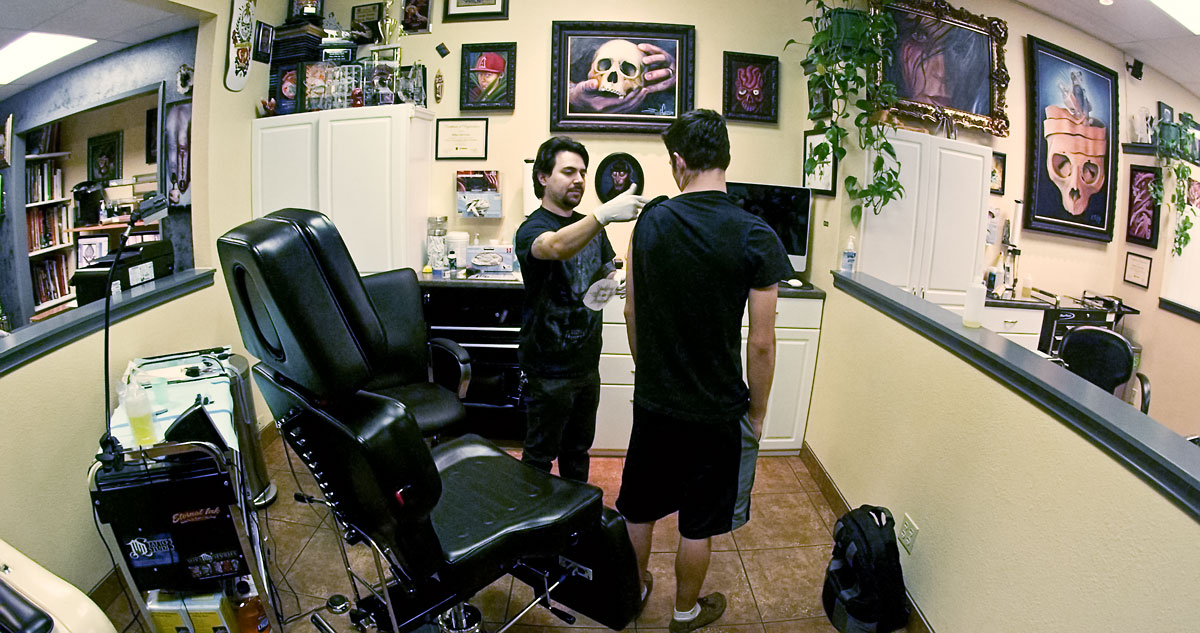
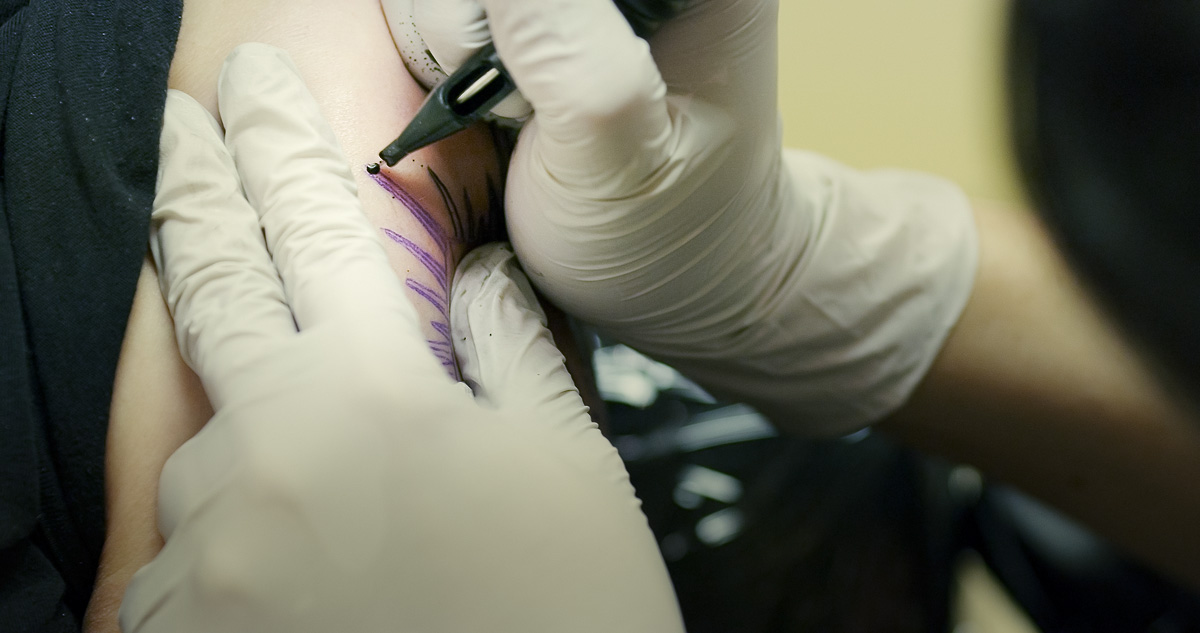
Today was an interesting day. I have more tattoo content to shoot. This was all under ugly 4800 kelvin fluorescent bulbs. The next tattoo artist I'll be able to light, which will be nice. This was mostly to get idea about the space and what glass I'd like to use.

I mentioned earlier that you could use the Sigma 8mm Circular Fisheye at 3k without vignetting:
A003_C003_0103IH.0000135.jpg


Personally I would recommend shooting at f/5-f/16 with this particular lens. It's not the sharpest in the world.


Another thing I've been attempting to do a lot of is shooting at f/1.2 and f/1.4. At 4k it's a very sobering experience that requires a great deal of concentration. Even with focus assist it requires a good deal of practice to land critical focus on still lenses. The focus throw is so damn short that it's really easy to blow it.

A003_C010_0103CE.0000472.jpg


Whenever the 9.0" Touch LCD comes out I think I'll have to buy it. It would really help for focus pulls from f/1.2-f/2.8.


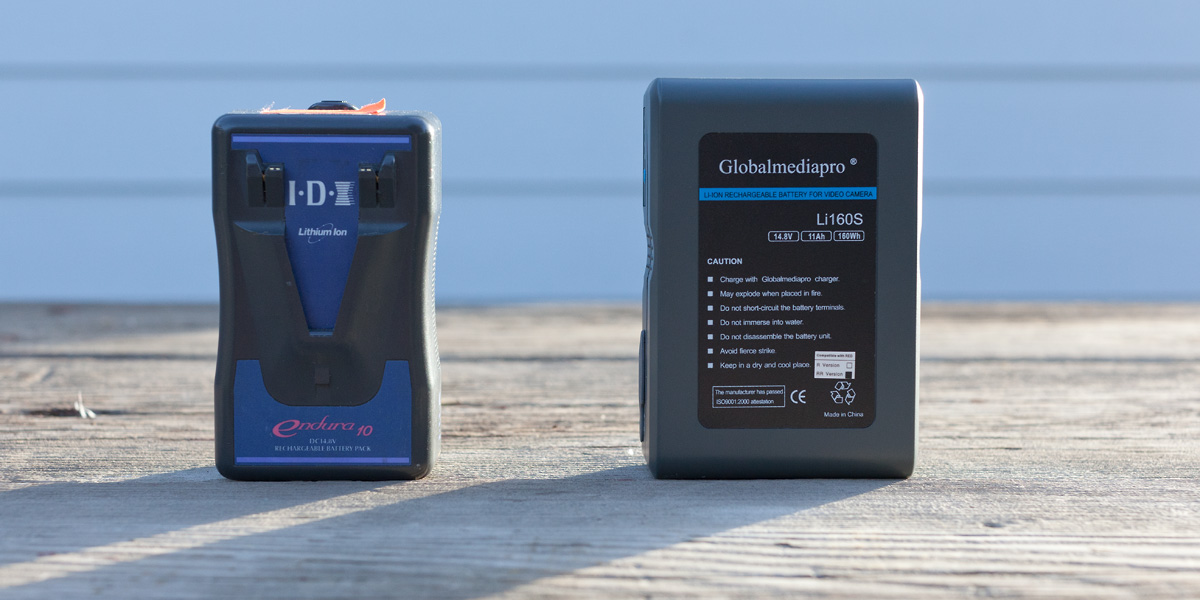
Once I was home today I had a package from Globalmediapro with 2x 160Wh V-Mount Batteries and their Dual Charger. This should give me around 2 hours and 45 minutes of operation time per charge. If they work out I'll be purchase another two. I'll be testing them tomorrow extensively. IDX I trust, but GMP is new to me. Here's a shot showing the size difference of the IDX Endura 10 (98Wh) I've been using since receiving the Scarlet compared to the GMP 160Wh:

_MG_7392.jpg


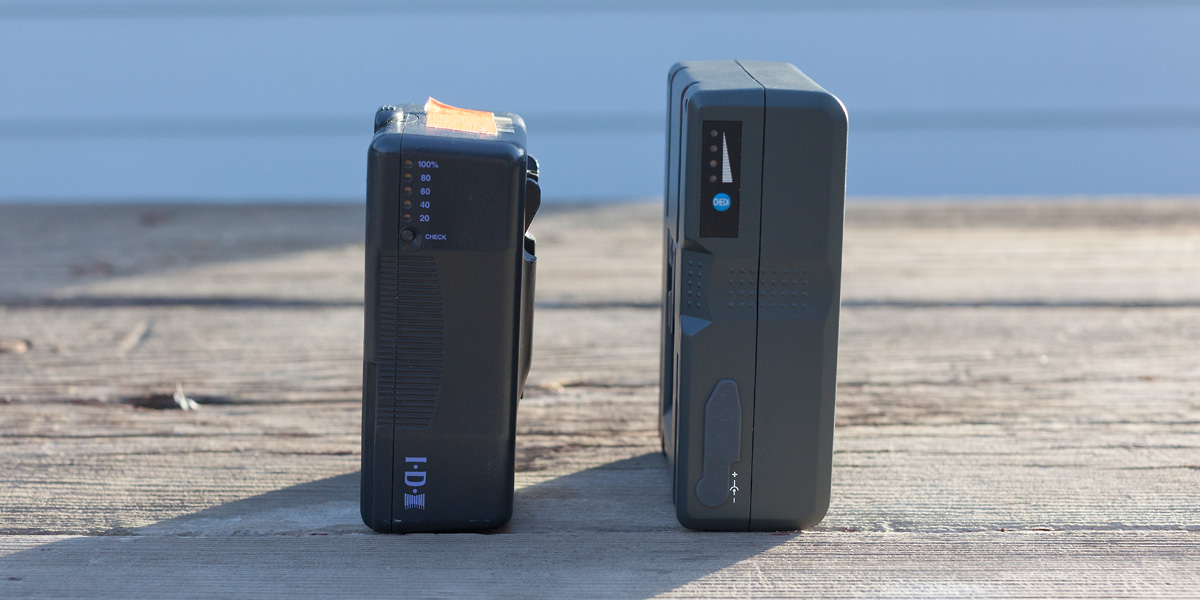
A bit taller and a bit wider, but not much heavier at all. Upon first inspection, build quality is decent. On this side profile shot you'll see the D-Tap port on the GMP 160Wh as well as where you can plug in their travel charger.

_MG_7398.jpg


I've been playing around with my Tungsten, Quartz Halogen, LED and Daylight Fluorescent lighting tests that I shot pretty much right when I got the camera. A lot of testing of filtration, the light quality and it's effect on skin tones, as well as grading variations between sources. I love the portabilty of LEDs, but I love the look of Quartz Halogen and Tungsten much more when it comes to skin. This setup I posted earlier with a much different grade. The key light is an 800 watt Quartz Halogen through a Dichroic glass filter diffused by a Lee 410 Opal Frost. Rim light and background light were two Cool Lights CL-LED600s.

A006_C003_1223NM_S001.0003405.jpg


I'm sitting on some other material because I'm waiting on a music track.

A001_C002_1231CU.jpg


That's about all I got for now. A quick and dirty deep filtration Schneider Platinum IRND test is on it's way. I am really curious about the difference between that and my current Formatt HMND filters.
 
Can't wait to hear about the Global Media Pro batteries. Those are next on my list of things to buy. Thank you again for all of the info.
 
Interested to hear your thoughts on LED lighting... I sure do hope my Litepanels 1x1 Bi-Colors are not gonna cause problems with the Scarlet.
 
Can't wait to hear about the Global Media Pro batteries. Those are next on my list of things to buy. Thank you again for all of the info.

I've got a skyline/cityscape to shoot today and I'll be using them for well over 2 hours. I'll post any useful information. They worked earlier today with no issues.


Interested to hear your thoughts on LED lighting... I sure do hope my Litepanels 1x1 Bi-Colors are not gonna cause problems with the Scarlet.

I really dig LED lighting as it's compact, cool and light weight. It will not cause any issues. It's more of a taste thing. Skin tones to me (and several other DPs I know) just look and feel better under HMI, tungsten, and halogen. Likely the full spectrum. I tend to warm up the Cool Light panels with filters to help with that.


I keep a little "light journal" from different shoots and lighting tests over the years. There's likely a reason to use any light source in reality. For certain things, especially involving close ups on faces, I tend to like more subtle hues in skin. It's really noticeable on tan or pale skin.

Here's one of my reference sheets if you're curious:

LotsOfLights.jpg
 
Awesome light chart Phil. Thanks for sharing.

I have the Cool Light LED Panels and they are great for a quick solution. I definitely don't like them for skintones, but sometimes you go to do with what you got. I love HMI and tungsten for lighting skin. My favorite light has always been the sun though. :)
 
They are real good for if you don't own a grip truck and need a few lights.

Here's a setup at the stage at Panavision a while back. 5X Cool Lights CL600Led and 2x 85 watt daylight florescent with 22" inch china balls. Shocking that all of this with 3 cameras can fit in my SUV. Much of this wasn't possible just a few years ago.

_MG_4722.jpg
 
Hey Phil,

I 've been lurking around Reduser for a while now and always found your posts to be helpful and informative,
but this one is over the top - really packed with good stuff.

It does bother me that so many posts are like mine now, WOW MAN! COOL! AND THANKS, still -
The amount of information you share here, using real examples,
makes your 'swimming pool' a pleasure to just lay back on my raft, relax and take it all in.

Thanks Sir!

Jacques
 
Seriously. Thank you Phil! Really appreciate your input. I agree, and LEDs aren't my first choice for skin tones either. Can't always carry HMIs and big stands around with me for smaller stuff though, especially in the BMW :)

That lighting guide is awesome.
 
I'm using some cheep $9 adapter from ebay. They do fine on older Nikon glass and lock very solidly. No complaints.

That's great! Thanks for answering. Can I also ask you which adapter you're using? I'm thinking of getting the Tokina 11-16 and will need an adapter that works with the Al Canon mount.

EDIT: Nevermind I just realized they make a Canon version and that's probably what you have.
 
Hey Phil,

I 've been lurking around Reduser for a while now and always found your posts to be helpful and informative,
but this one is over the top - really packed with good stuff.

It does bother me that so many posts are like mine now, WOW MAN! COOL! AND THANKS, still -
The amount of information you share here, using real examples,
makes your 'swimming pool' a pleasure to just lay back on my raft, relax and take it all in.

Thanks Sir!

Jacques

Thanks Jacques. Reduser/Red in general is a community that I've wanted to get more involved in for a while. There are so many questions and misinformation regarding the Red workflow and image quality around the internet. Just want to show what the cameras are capable of.

One of these days I'll dig around my drives and compile all my lighting tests and shoots from over the years. You guys would eat that stuff up :)

Universal Stage 29:
XE0K9510.jpg


Seriously. Thank you Phil! Really appreciate your input. I agree, and LEDs aren't my first choice for skin tones either. Can't always carry HMIs and big stands around with me for smaller stuff though, especially in the BMW :)

That lighting guide is awesome.

Totally agree. LEDs are pretty damn cost effective and you can dim them. Big fan of that. HMIs are a bit out of my price range to own, but renting is all good. I'm hoping to get some time with some of those Hive LEPs when I get back into town in a couple weeks. I have zero experience shooting under those, but I have seen really nice images lit by them.


Globalmediapro Batteries: Just a little report today on the Globalmediapro Batteries. Only shot for about an hour, but I can confirm that with the Wooden Camera IDX Quick Back and the Globalmediapro 160Wh you do in fact get a percentage readout on the LCD. Works like a charm.

Tomorrow I'm hoping to actually drain a battery while shooting to see what we can expect in terms of operation time.


ISO 12800: It's the high end of what we should be doing with Scarlet, but I was curious what was possible at this extreme ISO. I can't imagine many situations where I'll want to shoot at ISO 12800, but here are two processed images to show that you can indeed do it.

RedScarletX_ISO12800_0001.jpg


RedScarletX_ISO12800_0002.jpg


I left a bit of grit in these, but one thing I'd probably do if the grade produced more "tooth" than these examples is apply more noise reduction, then sharpen, then add a slight grain profile on top of that. That would help avoid the "plastic" effect from extreme noise reduction.
 
Thanks Jacques. Reduser/Red in general is a community that I've wanted to get more involved in for a while. There are so many questions and misinformation regarding the Red workflow and image quality around the internet. Just want to show what the cameras are capable of.

One of these days I'll dig around my drives and compile all my lighting tests and shoots from over the years. You guys would eat that stuff up :)

Universal Stage 29:
XE0K9510.jpg


Totally agree. LEDs are pretty damn cost effective and you can dim them. Big fan of that. HMIs are a bit out of my price range to own, but renting is all good. I'm hoping to get some time with some of those Hive LEPs when I get back into town in a couple weeks. I have zero experience shooting under those, but I have seen really nice images lit by them.


Globalmediapro Batteries: Just a little report today on the Globalmediapro Batteries. Only shot for about an hour, but I can confirm that with the Wooden Camera IDX Quick Back and the Globalmediapro 160Wh you do in fact get a percentage readout on the LCD. Works like a charm.

Tomorrow I'm hoping to actually drain a battery while shooting to see what we can expect in terms of operation time.


ISO 12800: It's the high end of what we should be doing with Scarlet, but I was curious what was possible at this extreme ISO. I can't imagine many situations where I'll want to shoot at ISO 12800, but here are two processed images to show that you can indeed do it.

RedScarletX_ISO12800_0001.jpg


RedScarletX_ISO12800_0002.jpg


I left a bit of grit in these, but one thing I'd probably do if the grade produced more "tooth" than these examples is apply more noise reduction, then sharpen, then add a slight grain profile on top of that. That would help avoid the "plastic" effect from extreme noise reduction.

First, Phil, can't thank you enough for all these helpful, detailed posts. You could almost write a book with this- think about it, many Scarlet users (even Epic!) would buy it for sure.

I know you're doing this on your free time over your busy schedule, but, for sharing sake, do you think you can accept a small "challenge?" Can you just go out and try to do a small short just at night, natural lighting, with footage ranging from ISO 800 to f ISO 12800 - denoised, sharpened, etc with a 1.2 or 1.4 lens- a bit like "Vincent Laforet Productions" to share with us? No artificial lighting- ok, one or 2 portable LEDS :) - shot in a "Dogma"/Verité style? Sebastian from Cinema 5D shot a beautiful natural day light short, how about pulling something like this but at night on your beautiful LA setting? Just to see how far one can get away with it. I challenge you because Your stills look absolutely stunning and there seems to be many Scarlet and Epic shooters in LA, so maybe you guys could cook something nice since the internet audience is really "hungry" for Scarlet content! Maybe someone could help you with the post-production side, since it seems like it will be the most time consuming part?

Just asking, Phil! What you've done so far has been, like I said, a must read and a very important ressource for upcoming redusers!
 
Back
Top