Welcome to our community

Be a part of something great, join today!

  • Hey all, just changed over the backend after 15 years I figured time to give it a bit of an update, its probably gonna be a bit weird for most of you and i am sure there is a few bugs to work out but it should kinda work the same as before... hopefully :)

Red footage and keying

Jon MIchael Puntervold

Well-known member
Joined
Nov 26, 2009
Messages
1,065
Reaction score
0
Points
0
Location
Norway
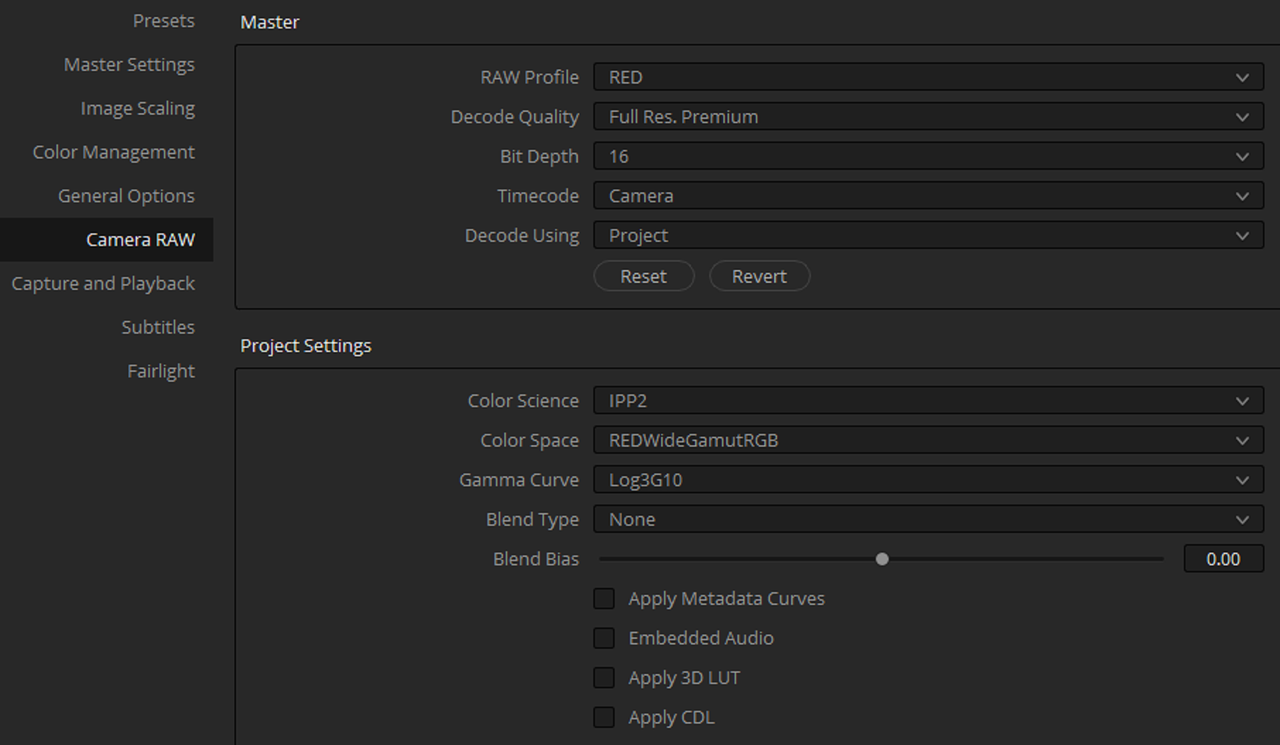
There are a lot of options both regarding IPP2 settings (output transformations) and gamma-settings. What is the ideal pipeline for keying on Red footage today?
 
I've had good success using IPP2, and set the tone mapping to medium/very soft.

If you need more contrast in order to pull a clean key, you can just create an additional input node and ramp up the contrast on that one, pull the key, and export that alpha map into the composite node. That's pretty easy to do in Fusion, Nuke, Mistika, and once you learn the fairly straightforward but surprisingly well hidden trick, it's also very easy to do in Scratch.
 
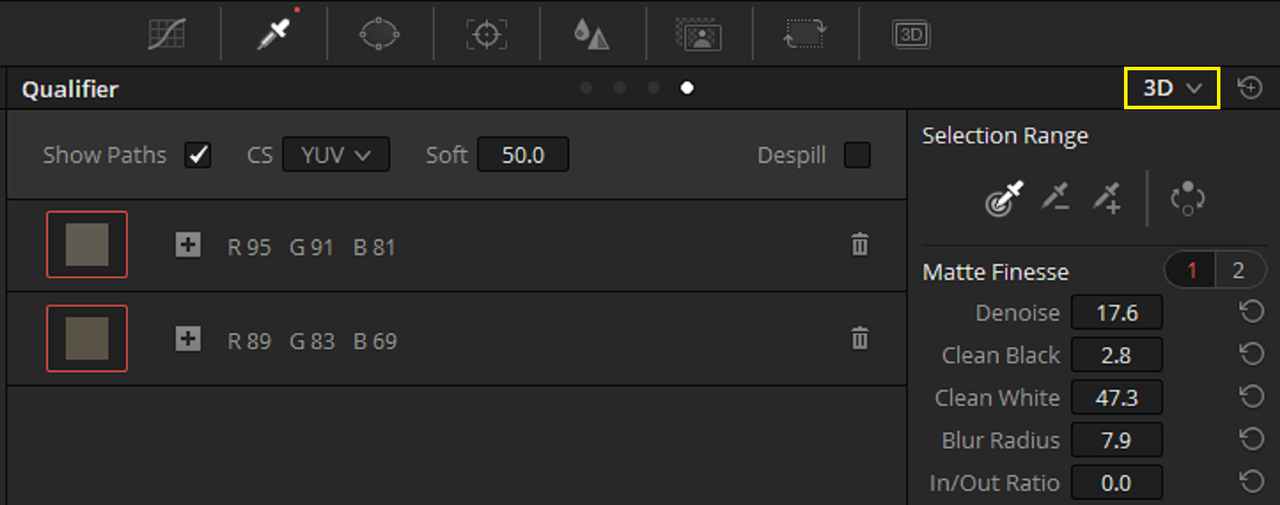
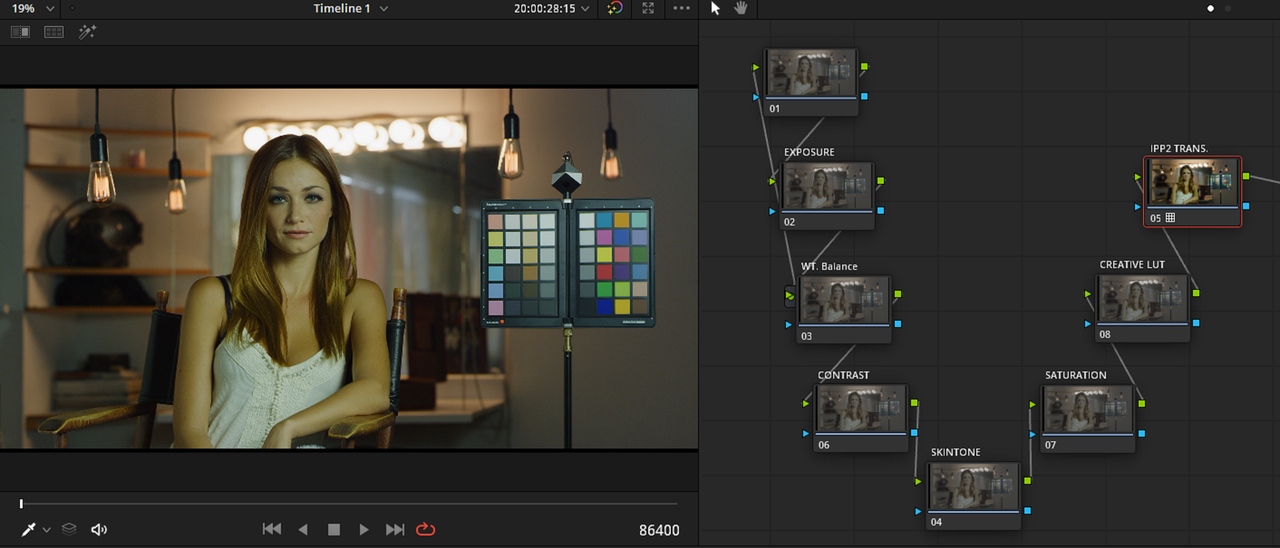
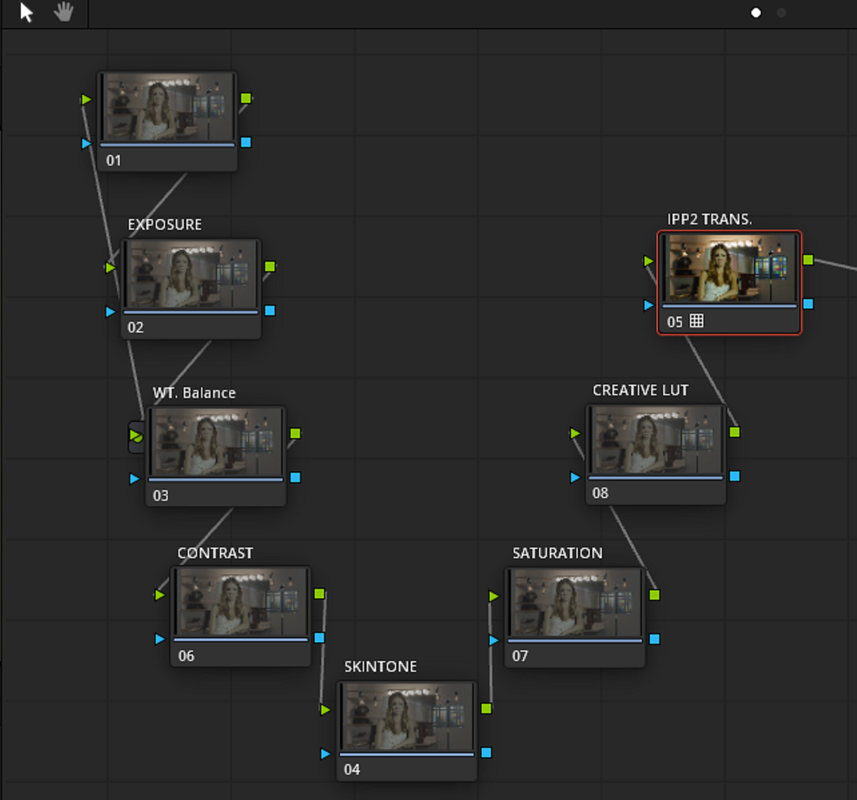
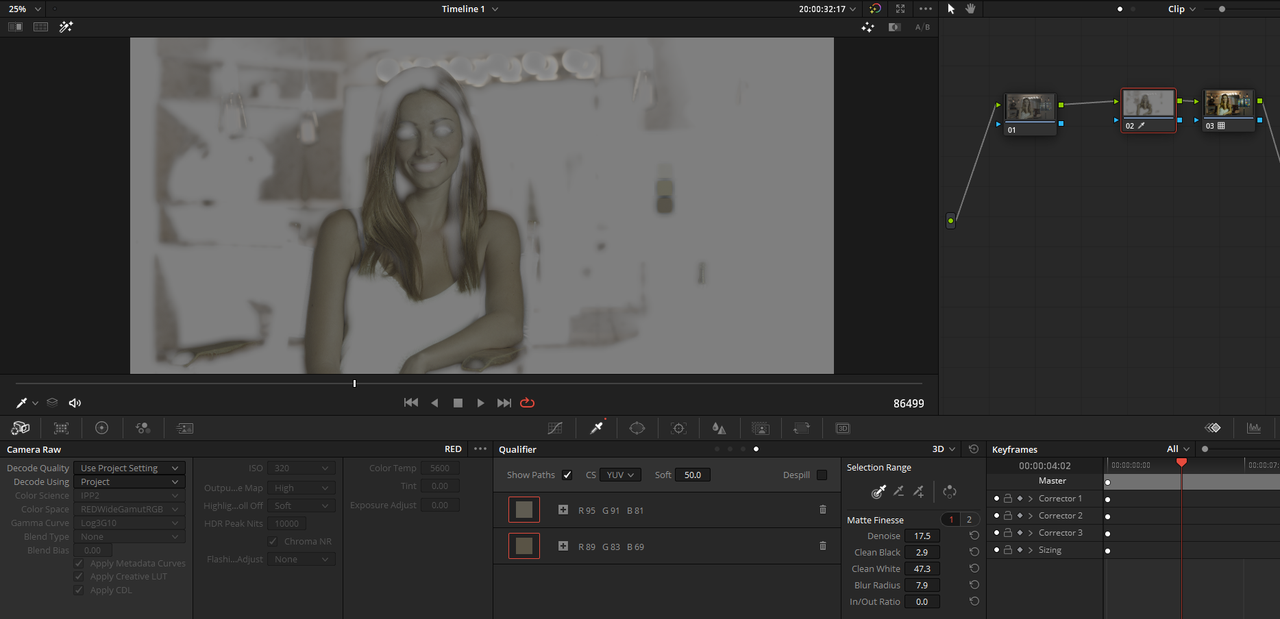
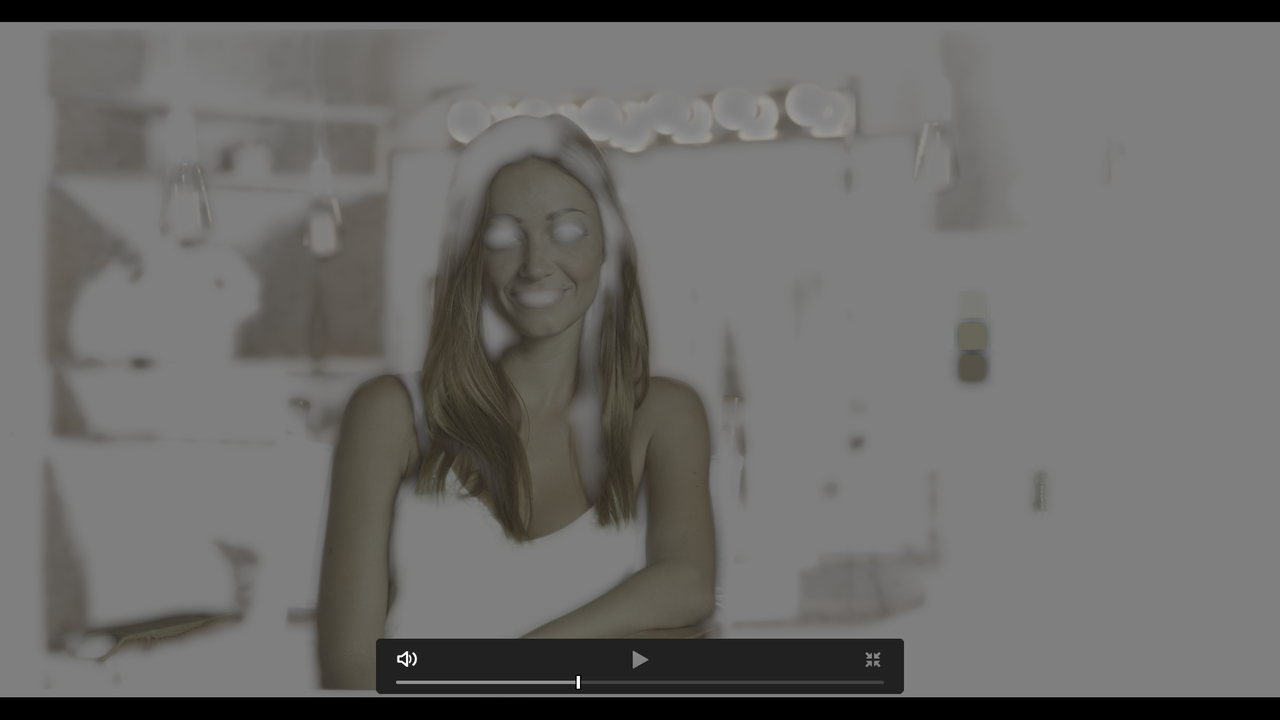
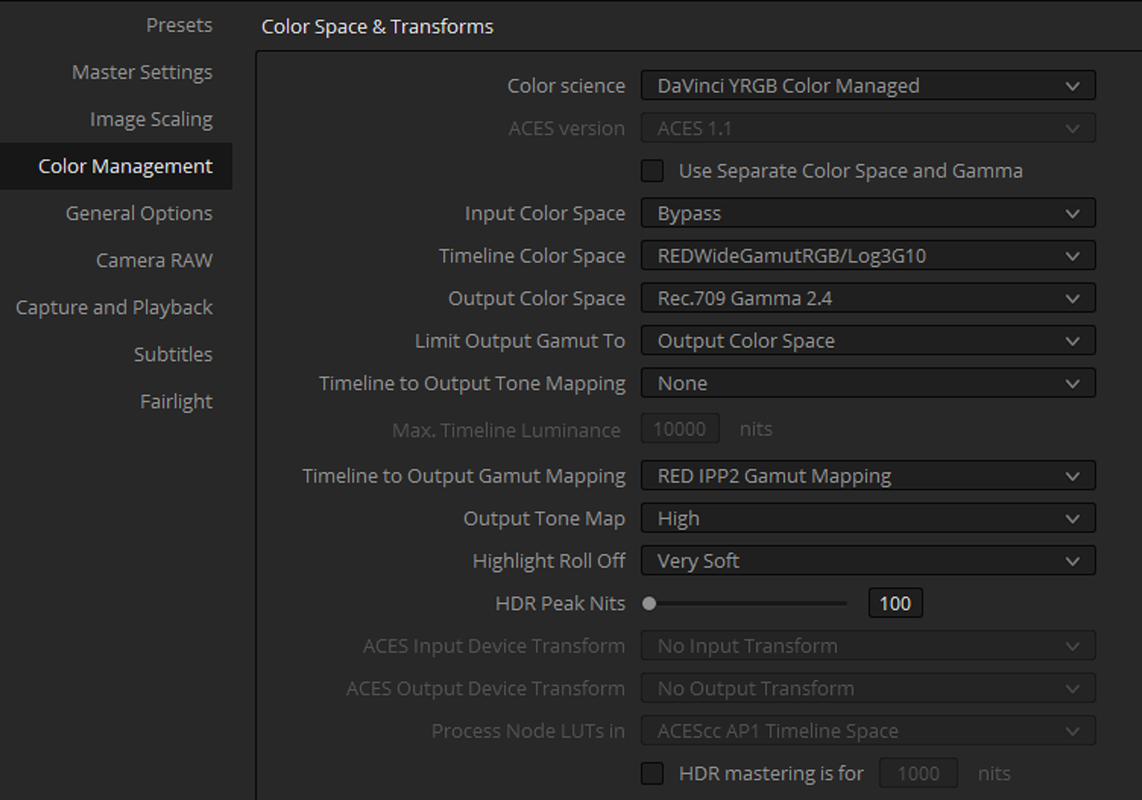
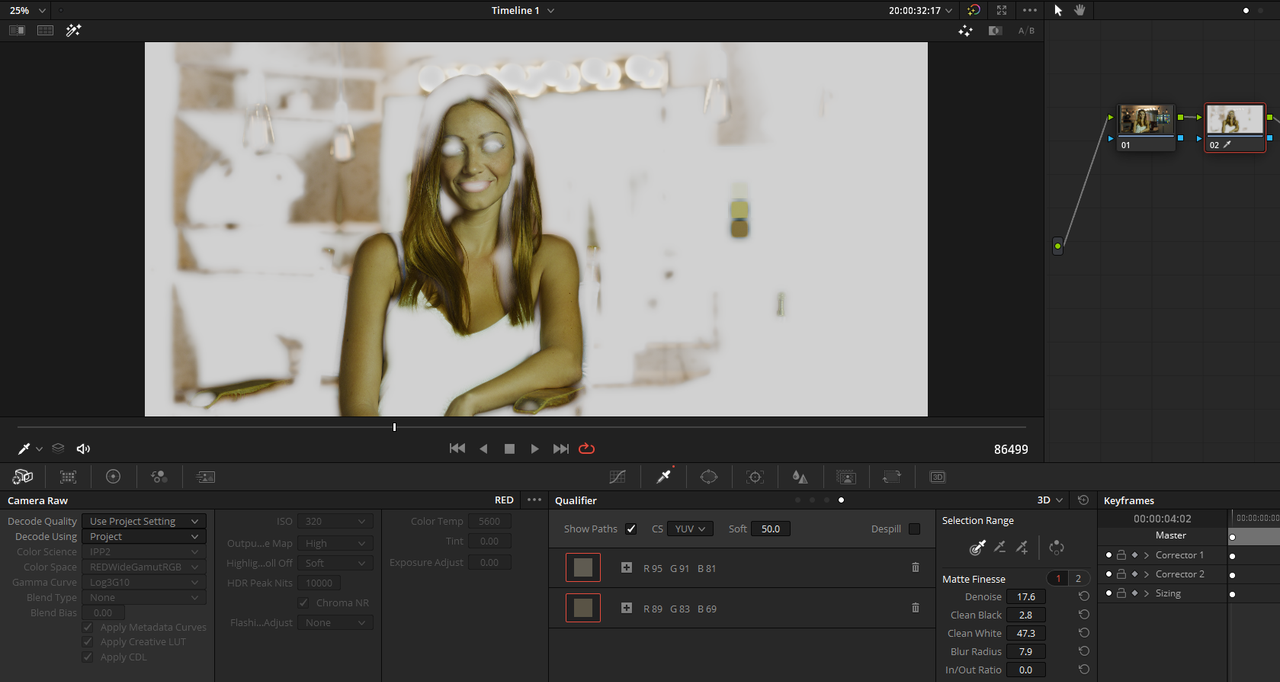
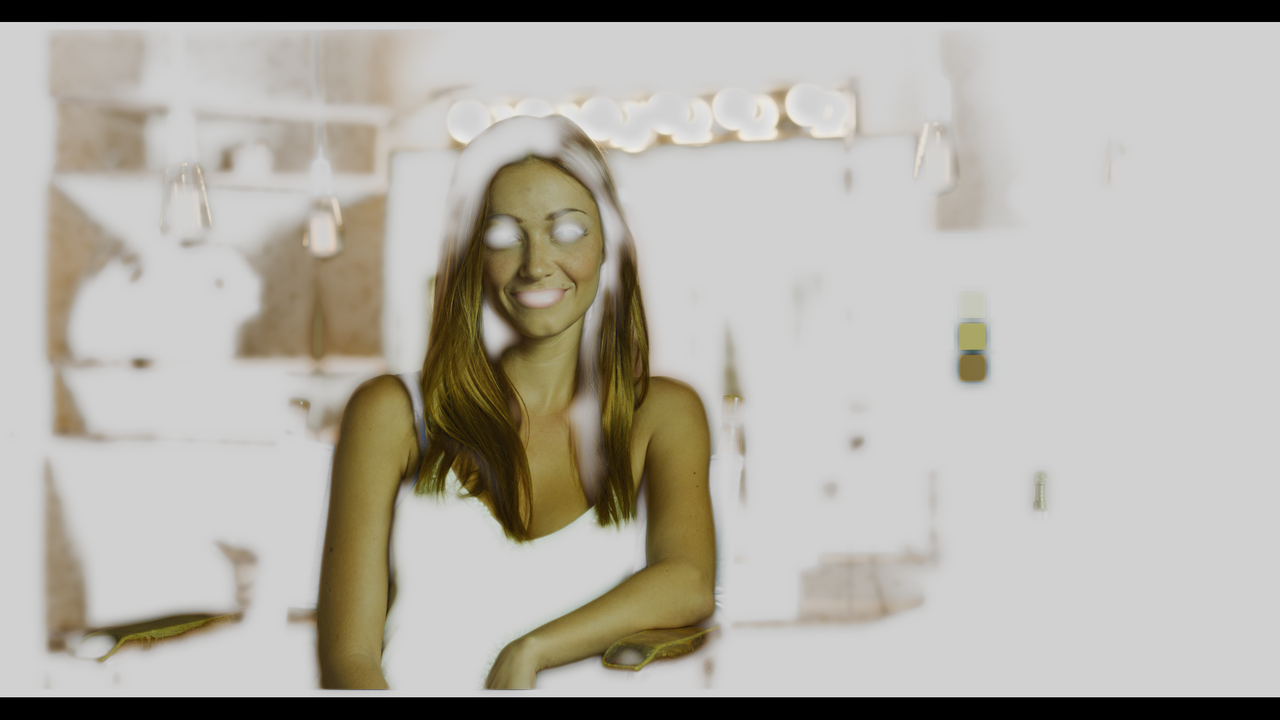
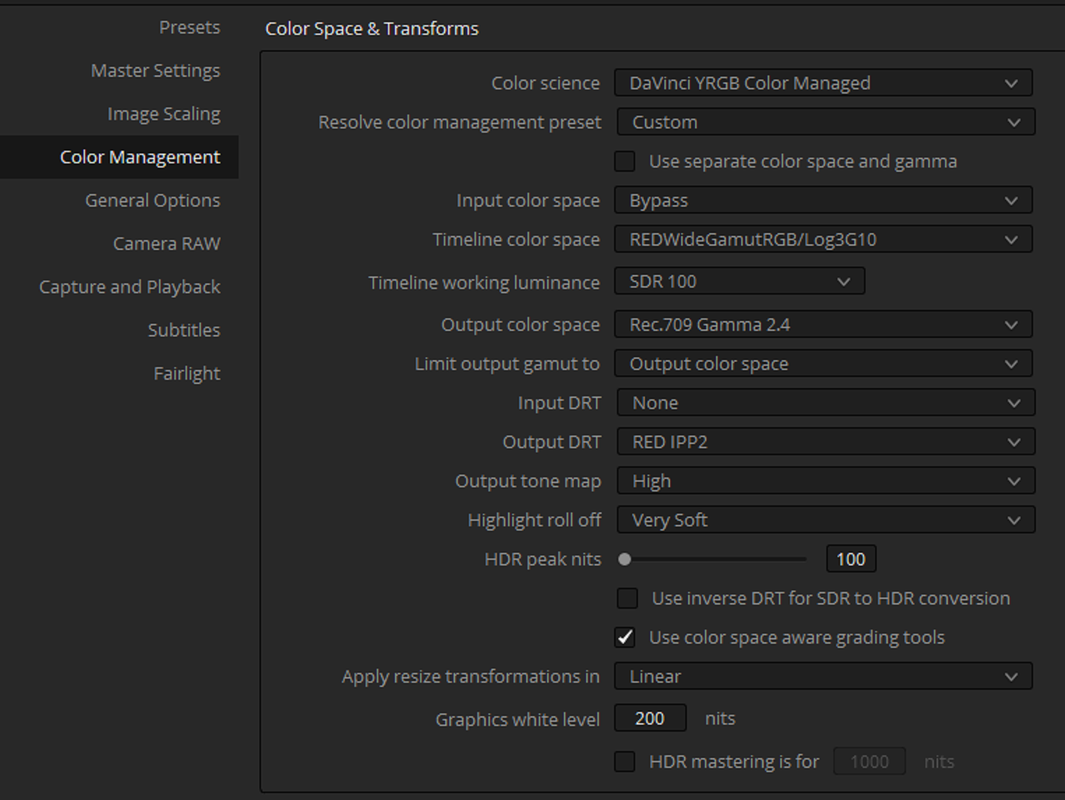
If you will be using an IPP2 workflow instead of a "Legacy" Red workflow or ACES workflow, I would use a "Color Managed" IPP2 workflow instead of an IPP2 workflow that used "Output Transform Luts. you will have to use a "3D" Qualifier for both but the "Color Managed" workflow will give you the results you are used to in "convientional" keying and qualifying.


3D Qualifier Tool

Screenshot-182-2.png


IPP2 Output Transform

Screenshot-92.png


Screenshot-137.png


Screenshot-137-2.png


Screenshot-183.png


Screenshot-184.png


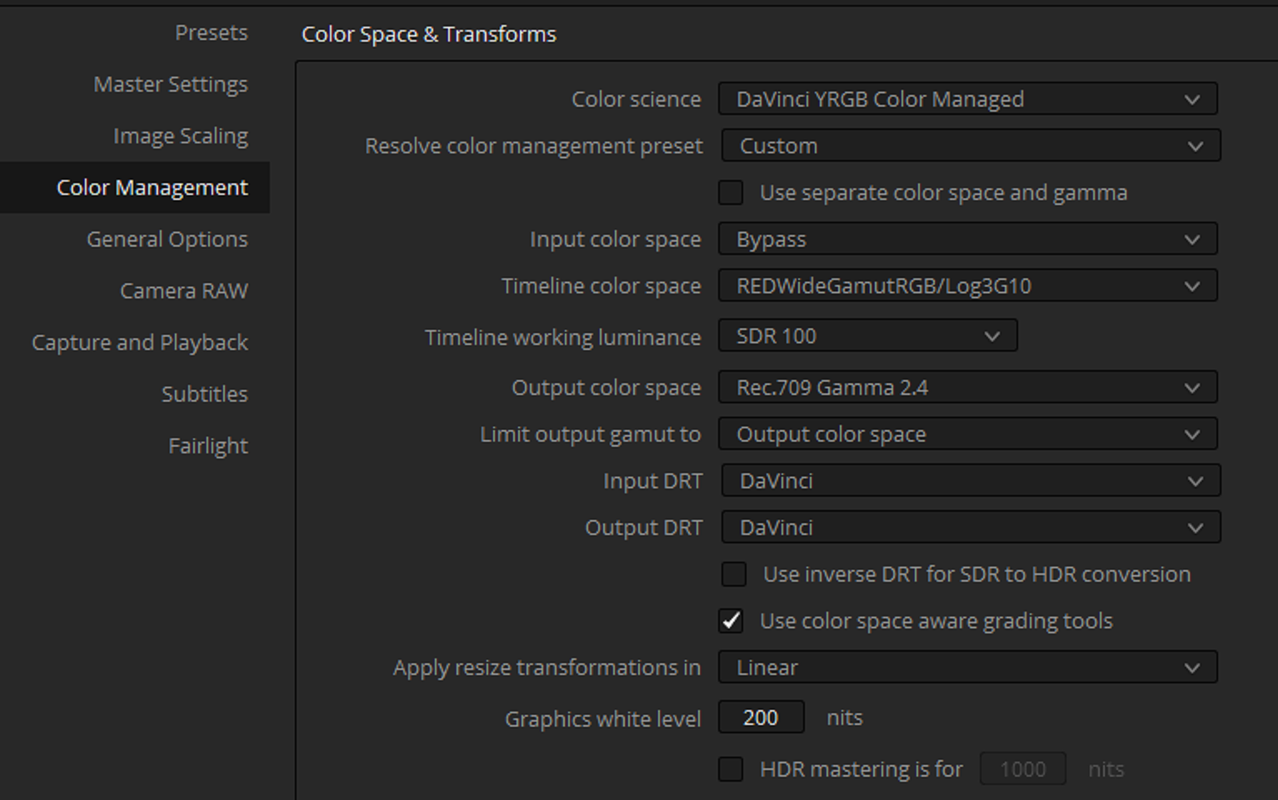
IPP2 Color Managed


Screenshot-278.png


Screenshot-182.png


Screenshot-185.png
 
Last edited:
Correct me if I'm wrong, but I've generally found the qualifiers being bad when not transforming the grade first. Color separation is lower on LOG footage, or at least all adjustments are hard to fine-tune when the color separation is that low. It gets even better if you apply noise reduction on that transform and then qualify.
 
Christoffer,

You are correct which is why if you use qualification extensively, I try not to use it at all, then the IPP2 Transform Lut route is probably not the best course of action.

This is why I suggest the Color Managed IPP2 workflow which both allows for Output transform to take place at the end and allows for qualifying the image. Noise reduction would allow for a better qualification. However, if you know for a fact that you will not be delivering your project in anything else than Rec709, then the default Resolve IPP2 workflow might be a better option. But even then you miss out on grading in the RWG/LOG3G10 colorspace and the benefits of Transforming the Rec709 image from that

The IPP2 workflow doesn't really lend itself all that well to qualification, hence the reason for philmColor luts.
 
Last edited:
The IPP2 workflow doesn't really lend itself all that well to qualification, hence the reason for philmColor luts.

I haven't used any of Phil's LUTs (no offense to Phil, of course), but I've had no trouble using qualification. You just need to know what you're doing. There are plenty of tricks you can use to pull a nice clean key from log footage, but one of those tricks does involve using color management to your advantage. And another is to cheat and use a secondary layer (i.e. Scratch) or node (i.e. Mistika, Resolve) to build a key on.
 
Thank you, I ended up using the classic transformation pipeline, it gave a much cleaner key (green screen) with the Dragon sensor.
 
All dempends what you are doing ofcourse. But a shot that is well balanced and has no what so ever secondary grading done to it is whats normally best to feed a keyer with. So no curves no nothing and preferably something like medium/soft contrast / rolloff but depends on the footage ofcrourse but with medium soft it usually does not go all wrong. Export as 16 bit EXR depending on what you do it could be beneficial to key on downsampled material or on the full res stuff. I normally bring it down to 4k and work from there. Then I got a nice downsampled image with not much noise which helps the keyer and I´m still way good resolution vice. Only if the shot has some serious pan in scan or such I work with the material in higher resolution, and I find the donwsample before key is a better route than the oposite atleast for the most part. And when downsampling you want to use a noise canceling algorithm.
 
DC,

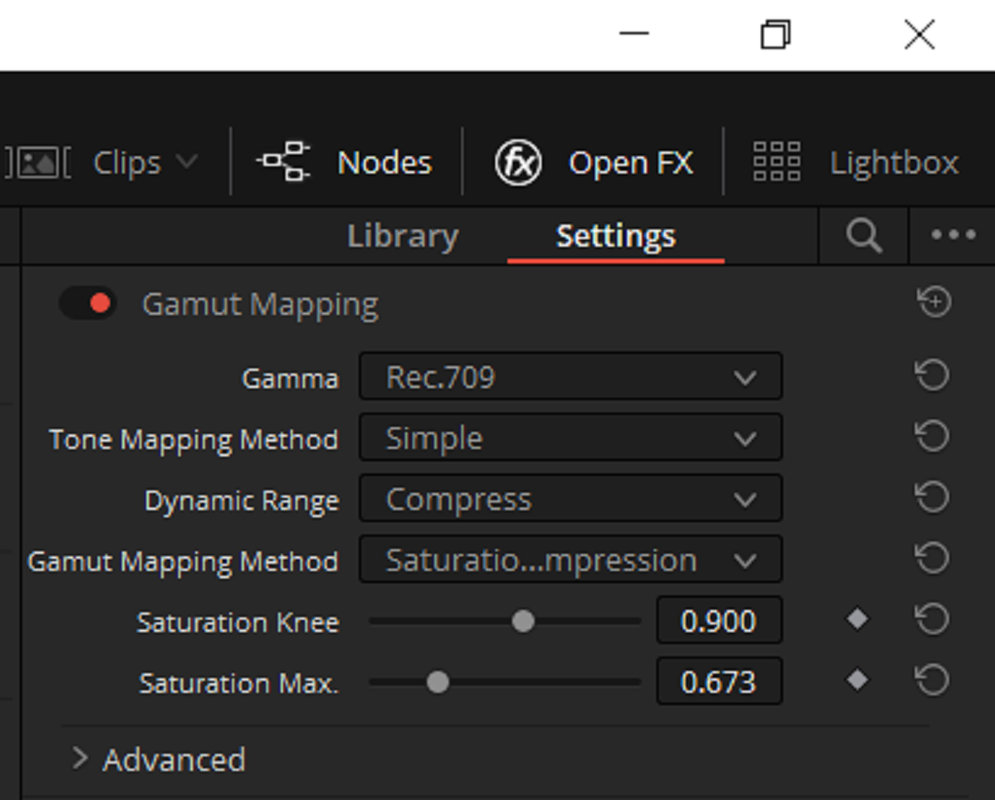
Not sure this is what you are referring to when you talk about Gamut Mapping, but maybe this will help.

Phil,


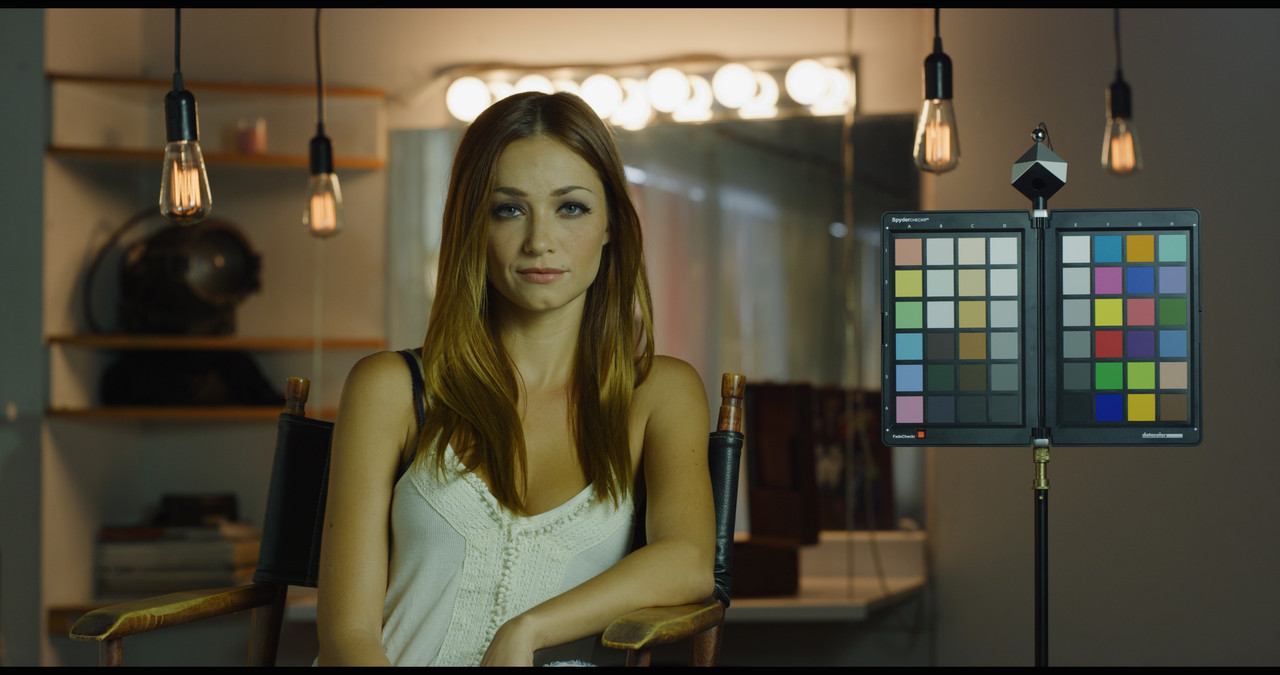
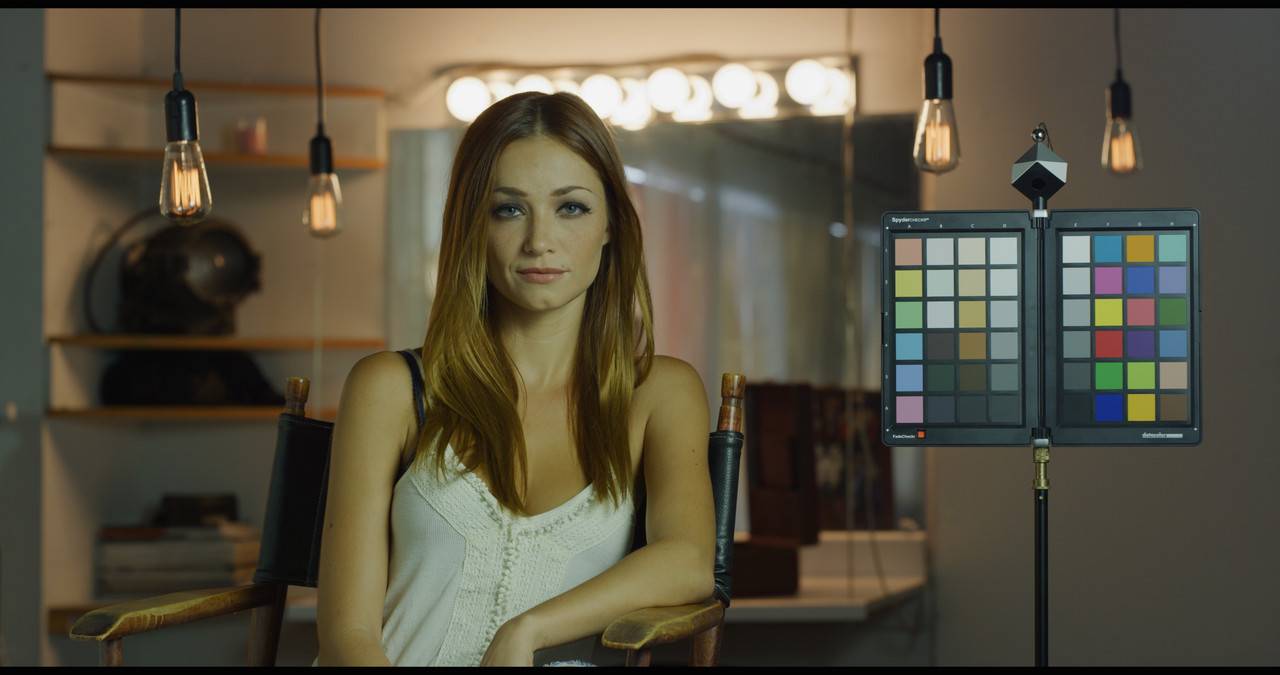
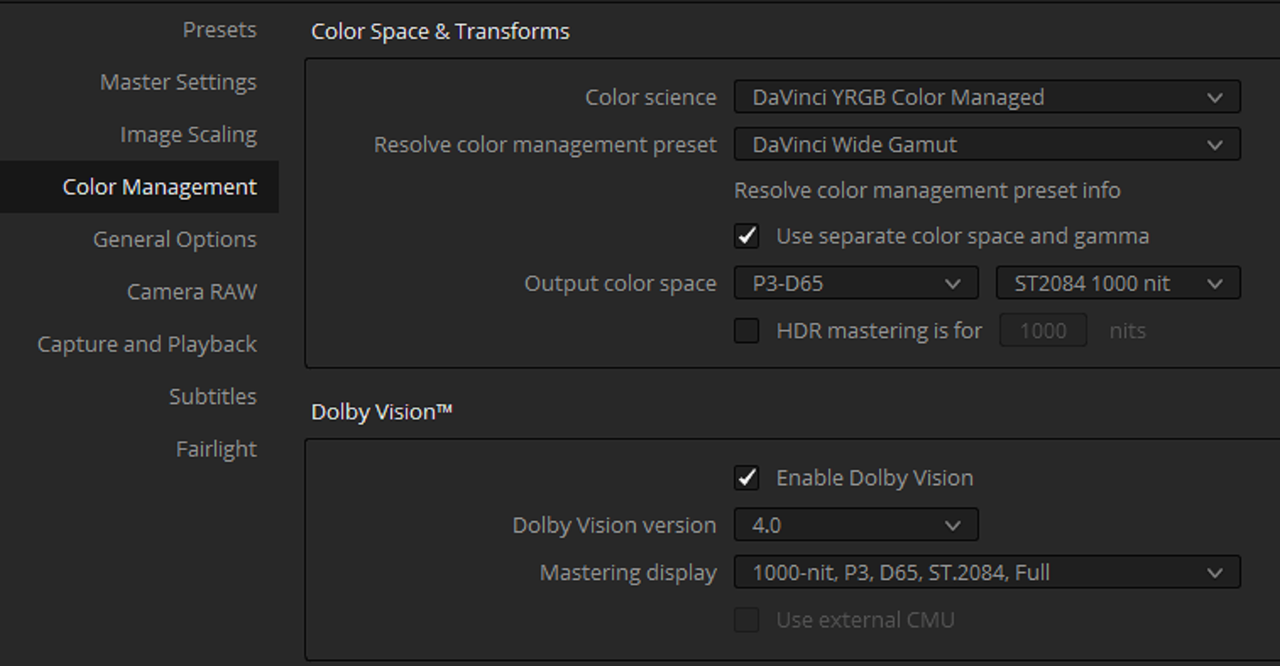
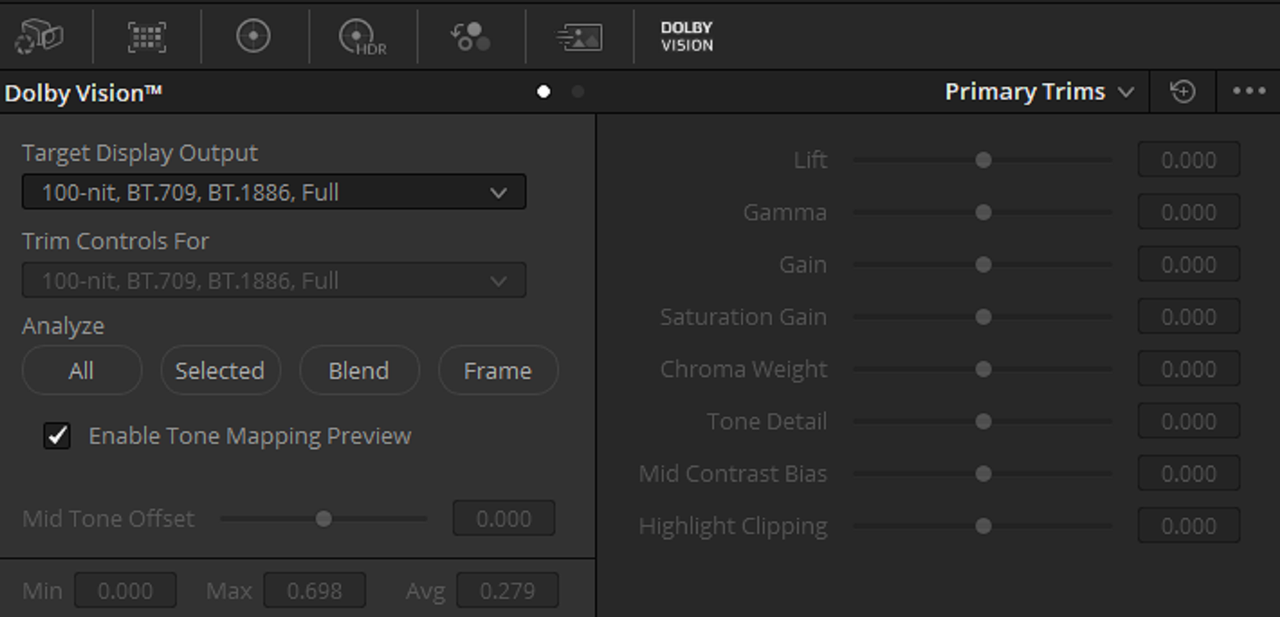
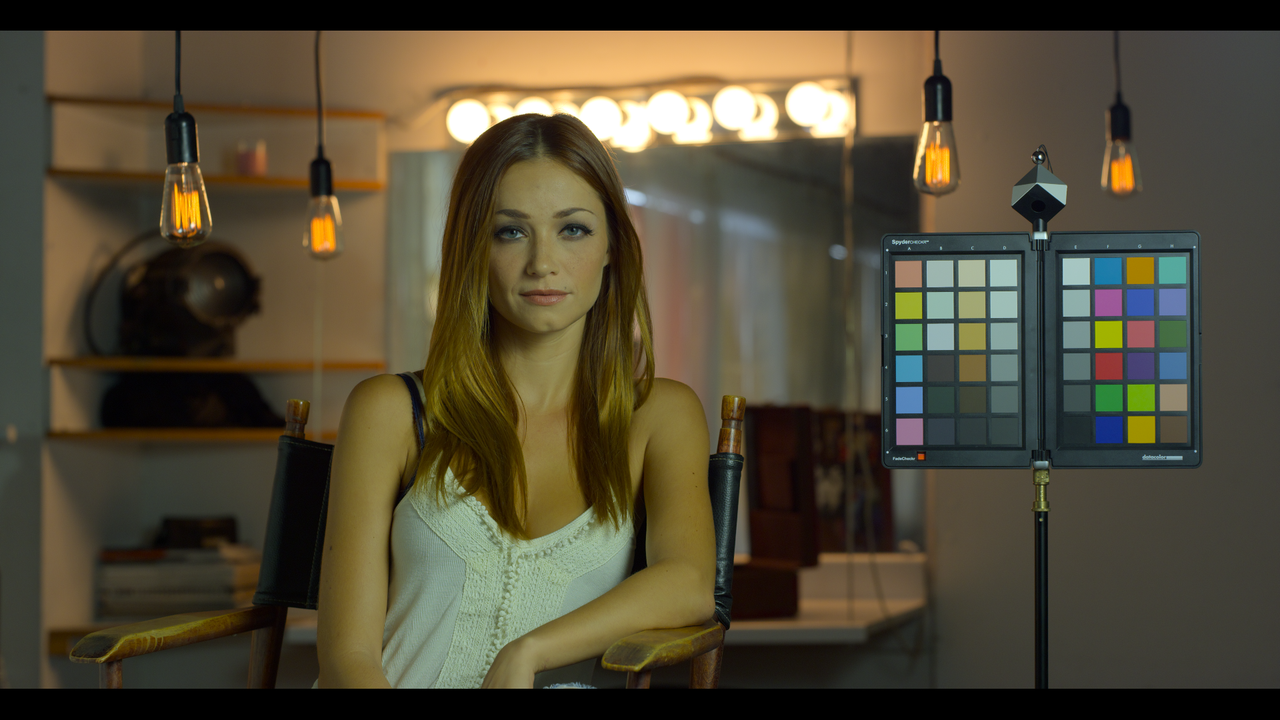
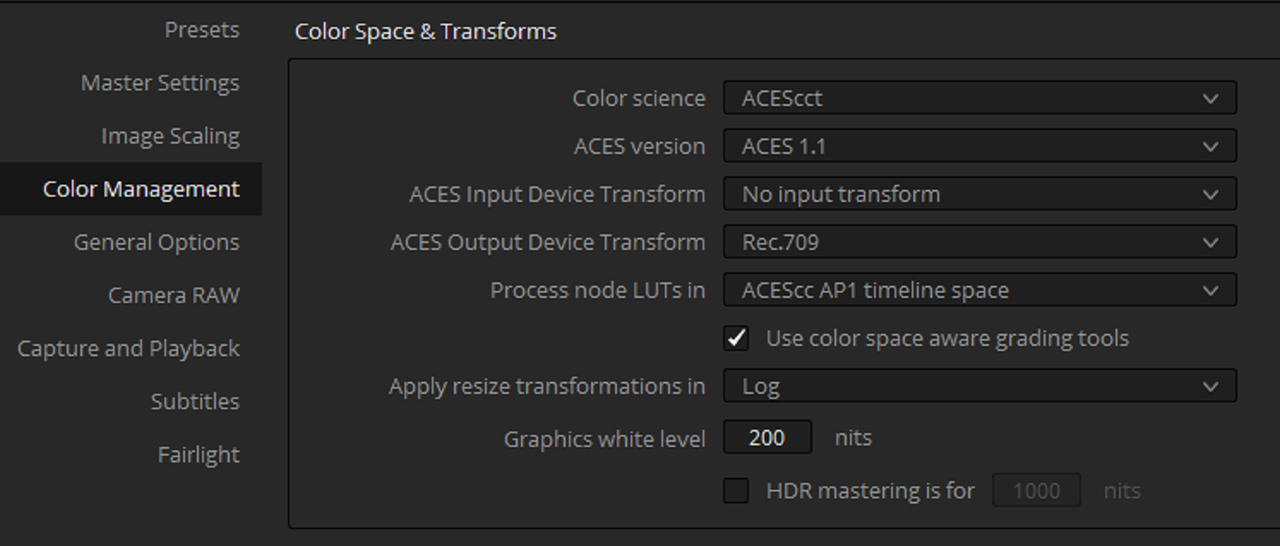
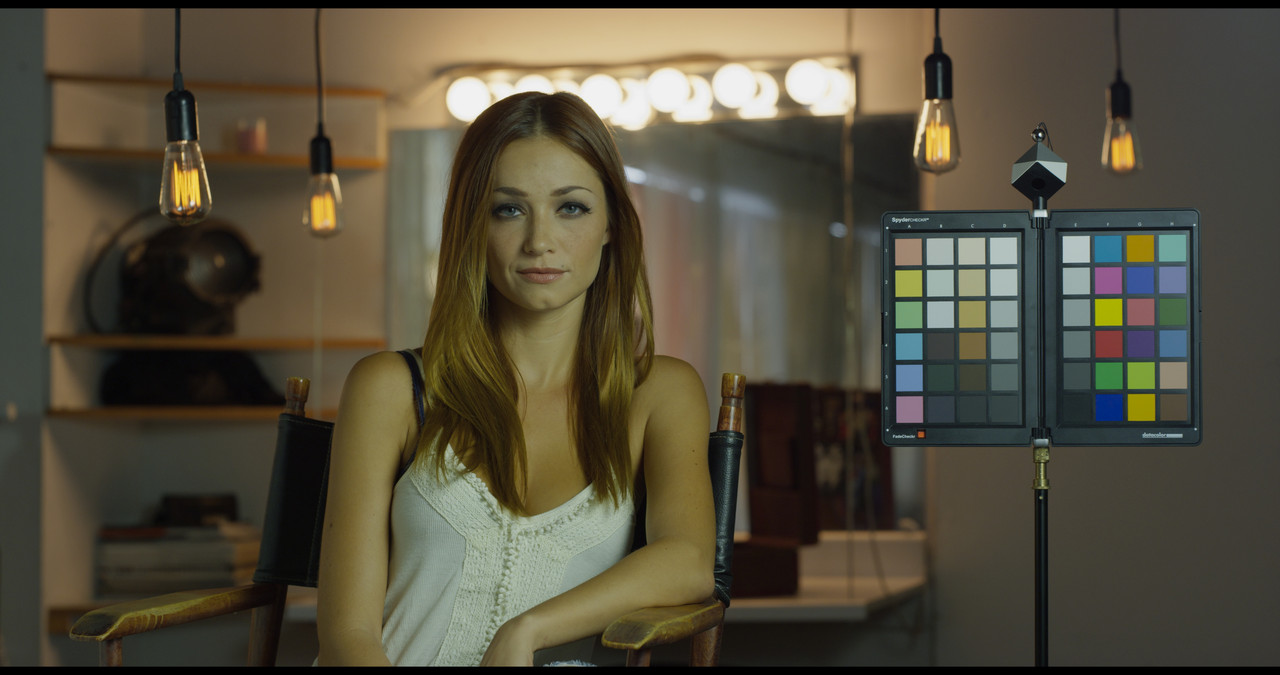
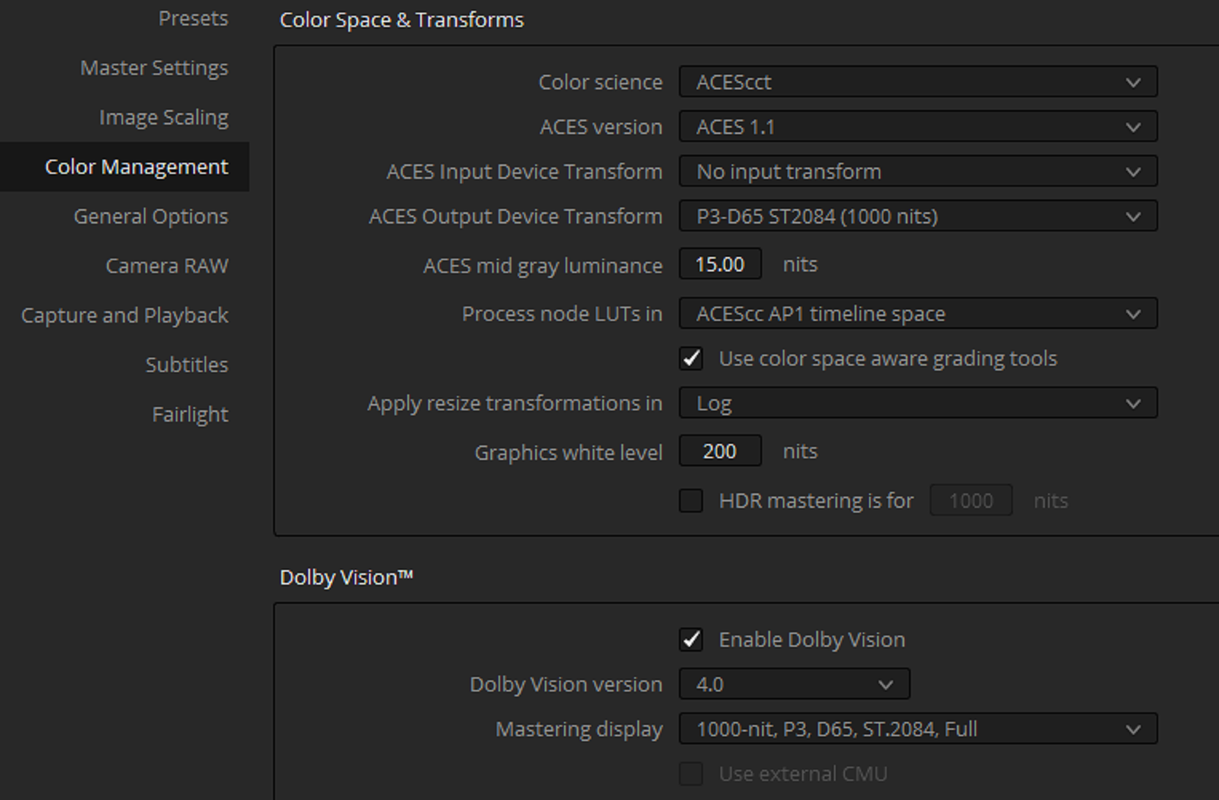
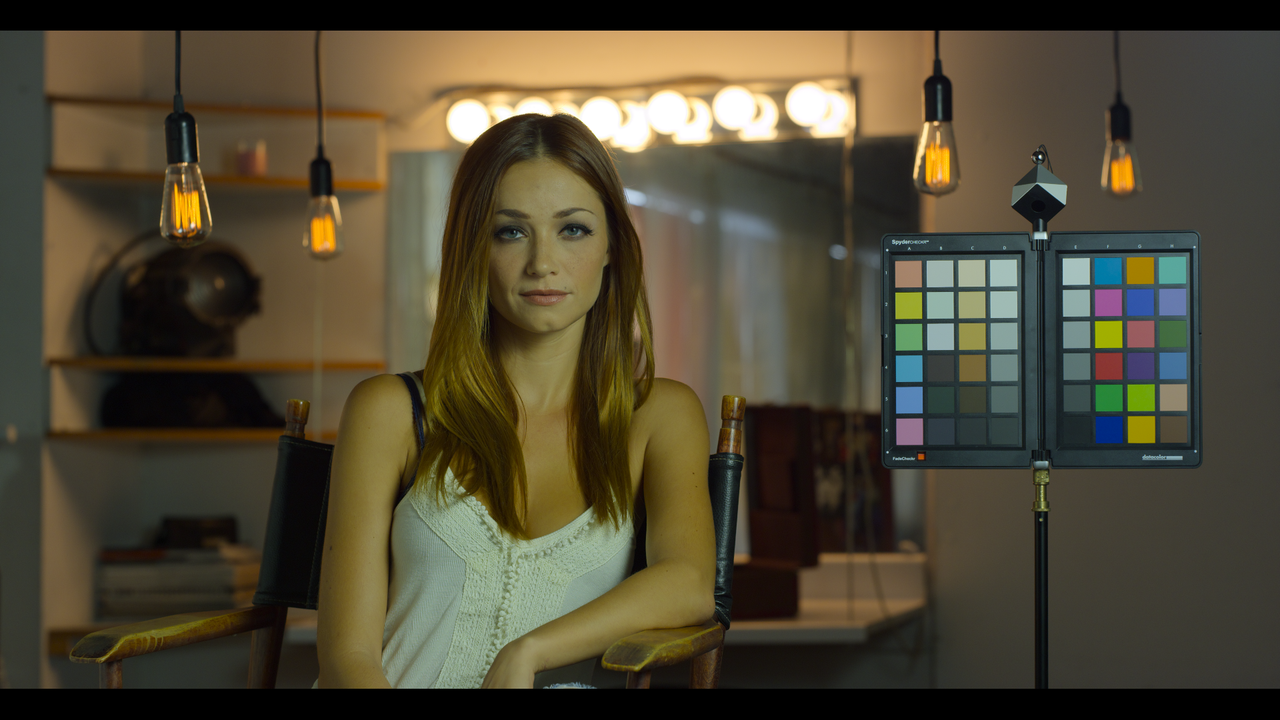
Here are some settings that I have been using. All images at ISO 800 and Kelvin 4200 unless otherwise labeled.

IPP2 Color Managed-High Con/Very Soft
Screenshot-583.png


ipp2-1-1-1.jpg


Medium /Soft

IPP2-Medium-soft-1-1-3.jpg


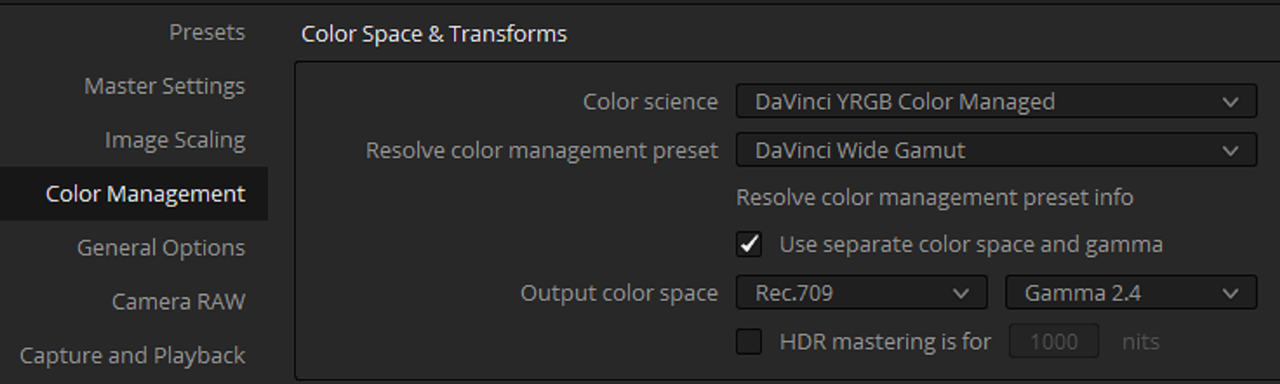
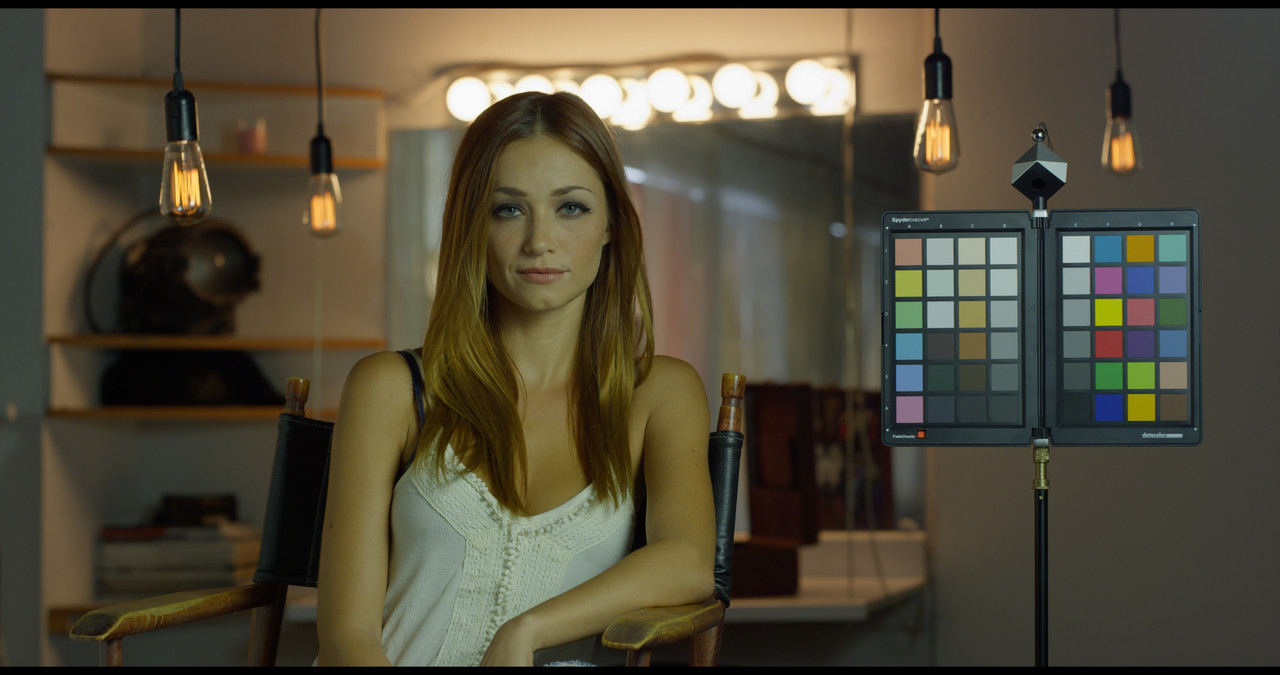
Davinci Wide Gamut Preset

Screenshot-667.png


DWG-PRESET-1-1-5.jpg


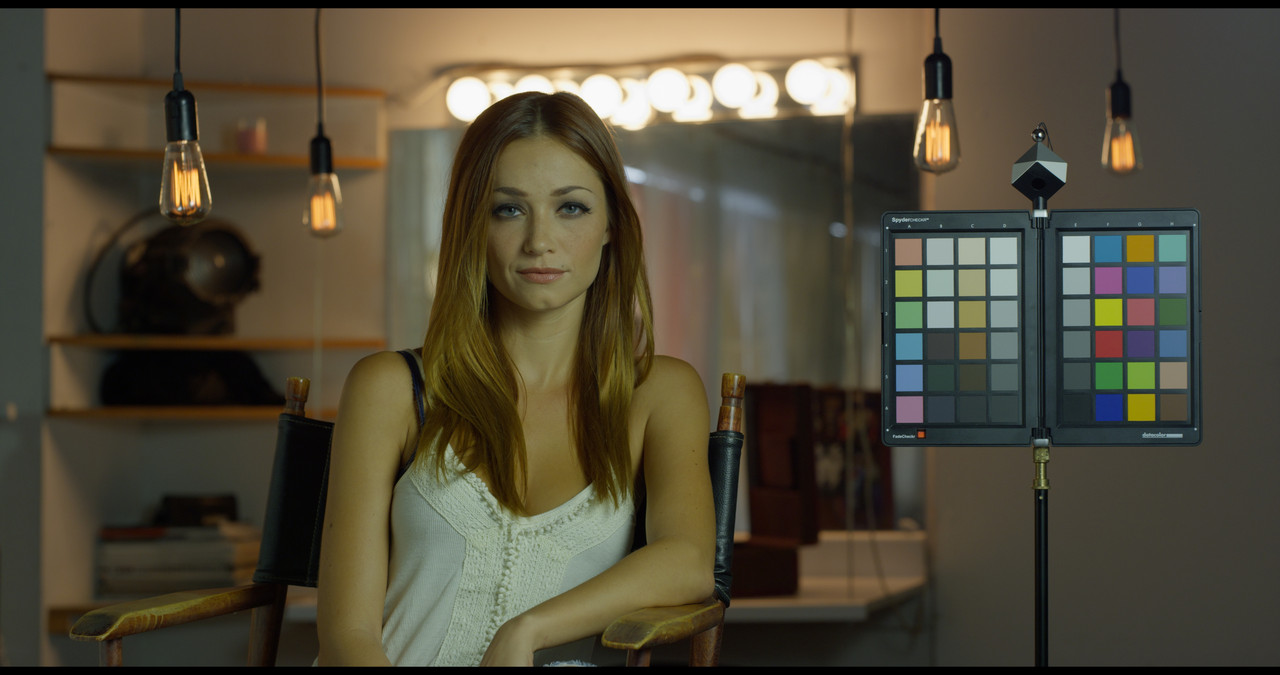
IPP2/Davinci Tone-Mapping-Custom
Screenshot-573.png


dwg-1-1-2.jpg


Davinci Wide Gamut Preset HDR(ISO 1280)

Screenshot-678.png


Screenshot-673.png


Screenshot-676.png


ACEScct SDR


Screenshot-668.png


Screenshot-664.png


aces-1-1-4.jpg


ACEScct HDR(ISO 1000)


Screenshot-675.png


Screenshot-673.png


Screenshot-671.png
 
Rand- Just upgraded to 17, and it looks like the Color Management tab has changed... Hmmmm... No option to select gamut mapping...

DC,


I saw what you meant by no "Gamut Mapping" in Resolve 17.1. you couldn't seem to access the "OFX" Plugins at all. That's why reverted back to version 17.0, everything works fine again.
 
Back
Top