Welcome to our community

Be a part of something great, join today!

  • Hey all, just changed over the backend after 15 years I figured time to give it a bit of an update, its probably gonna be a bit weird for most of you and i am sure there is a few bugs to work out but it should kinda work the same as before... hopefully :)

RCX "Film Look" in Resolve

I use and love COLOURLAB.ai's Look Designer 2.4.2 and RAVENGRADE V1.5. I would also add FYLM.ai and PAUL DORE's FILMGRADE OFX to Marc's list above.
You know, I don't think of these as film emulation per se, but they're certainly worthy of inclusion.

One I accidentally left out is LiveGrain, which is certainly the most costly route:

http://www.live-grain.com/contact/

I believe they charge by project, something like $5000 per feature. But again, there are people who really like it, and they are local to LA and have very good support.

On the opposite end of the spectrum, there's the free ResolveFX grain emulation built-in to Resolve Studio, and there's pluses to that for those working on a budget. It can look really good for those just looking for added texture and not the rest of the film emulation features.

It's fair to say there's a lot of choices out there and a lot of competition. Tests and trial runs are always good advice.

Finally, you can simply achieve a Film Look with your PRINTER LIGHTS, a few corrections and a modified luminance curve.
I disagree here. I think Printer Lights/Offset is a specific kind of grading intended for use with Log images. I don't dispute you can create some very interesting looks with it, and I use it every day as part of the initial balance with a lot of different kinds of images. But I wouldn't call it "film emuation" or a "film look" per se.

No question, it's a great tool in the arsenal -- I tend to use Printer Lights very specifically to target overall balance when dealing with film scans for remastering, and I use the individual HML channel knobs more than I do the overall. I don't use it as much with digital cameras, but hey, whatever gets the job done is fine.
 
These are the latest ones I've looked at - https://www.filmcomposite.com/film-products I've also played around with these - https://www.rgrain.com/complete-bundle
Thanks for the tip. I agree, Film Composite looks very interesting and it's not very expensive.

I have to say, it's kind of amusing because for the first 25 years of my career, we spent endless hours testing and processing and desperately trying to reduce or even eliminate film grain from our images in color-correction. Now, for the last 10-12 years, we're trying to put grain back into digital images to give it texture. Hilarious and ironic... but ya know, I've often said "there are no rules for great pictures," and it's very much a creative choice. To paraphrase Duke Ellington: "if it looks good, it is good."
 
You know, I don't think of these as film emulation per se, but they're certainly worthy of inclusion.

One I accidentally left out is LiveGrain, which is certainly the most costly route:

http://www.live-grain.com/contact/

I believe they charge by project, something like $5000 per feature. But again, there are people who really like it, and they are local to LA and have very good support.

On the opposite end of the spectrum, there's the free ResolveFX grain emulation built-in to Resolve Studio, and there's pluses to that for those working on a budget. It can look really good for those just looking for added texture and not the rest of the film emulation features.

It's fair to say there's a lot of choices out there and a lot of competition. Tests and trial runs are always good advice.


I disagree here. I think Printer Lights/Offset is a specific kind of grading intended for use with Log images. I don't dispute you can create some very interesting looks with it, and I use it every day as part of the initial balance with a lot of different kinds of images. But I wouldn't call it "film emuation" or a "film look" per se.

No question, it's a great tool in the arsenal -- I tend to use Printer Lights very specifically to target overall balance when dealing with film scans for remastering, and I use the individual HML channel knobs more than I do the overall. I don't use it as much with digital cameras, but hey, whatever gets the job done is fine.


Marc,

Yeah, you're right these aren't really per se film emulation programs but I guess you can get, let's just say, a "Film Inspired" look from them. I just kinda got into all of the Film Emulation craze from some people just trying to get a general overall look to some doing extensive film scans and duplication of the different color matrixes. I personally like the modern digital camera look from Red, Arri and the Sony Venice and i'm still trying to understand the film emulation obsession. I just took a 2 week course in SHOW LUT design and everyone was all about print film emulation and adopting legacy looks to modern color spaces (HDR especially). So I thought I better get a little more informed about film emulation or get left behind.
 
Film Composite also have a 20% discount for your first purchase. Not disregarding any of the other products, but I just happen to have been testing out the Film Composite ones recently, so they're the ones that have been in front of my eyeballs and on my mind.

Still haven't finished looking at them, but there are some things I've found by playing around with them so far.

Firstly and most significantly for me - properly lit, exposed and graded RED footage is as smooth and clean as @#$%!

Looking at the graded base R3D images without the 'grain' added, it's amazing how good an image you can get off the RED sensor/s. As Marc says, huge amounts of money and effort, over decades, went into trying to get the kinds of images you can now get with the press of a button (or two, or three...and not discounting the skill still required to apply the technology).

At the same time, I'm finding adding some non-intrusive or distracting 'film-grain', where and to the extent that you'd expect it to be if the image were equally well-shot on good quality film, can bring something beneficial to the image that isn't even necessarily emulating film. It's a particular kind of 'noise' that exists in its own right as a visual element, even if it's been culturally appropriated from that past analogue medium of celluloid film...

Don't want to waffle on too much, but basically, coming from being skeptical and dismissive of the idea, having looked into it a bit more now, I kind of get it, and can see it is actually possible to add some realistic and aesthetically pleasing 'film-grain' to digital footage (even for us mere mortals).

For me it's still not about just adding a bunch of noise on top of whatever. Not that there's anything wrong with that. I just wanted to see if there was something to it beyond the 'retro' effects, and I think there is.

It's raised some questions though, along the lines of how does the grain/noise even make sense, how is it motivated? Does it even make sense at all to have 'grain' in a properly exposed image?

I still find it hard to justify applying grain that makes it look like you used film but applied a load of ND to deliberately underexpose then push the film in processing, or made a bad print on the wrong kind of print stock or something. And, I'd argue, these 'film grain' overlays still don't look real when used like that. Not just because of the digitized nature of the grain scans, but also largely because if you were using/abusing film to give you lots of grain like that, your colours would probably not be looking the way they are underneath it, and your subject matter probably wouldn't be lit like that.

It's still possible to make legit stylistic and creative choices otherwise, but for me I'd generally prefer it to make photographic sense how the grain matches the actual image it's added to. And, it seems like these ones I've been checking out can do that, with a little bit of tweaking and attention given to how they're added to the image.
 
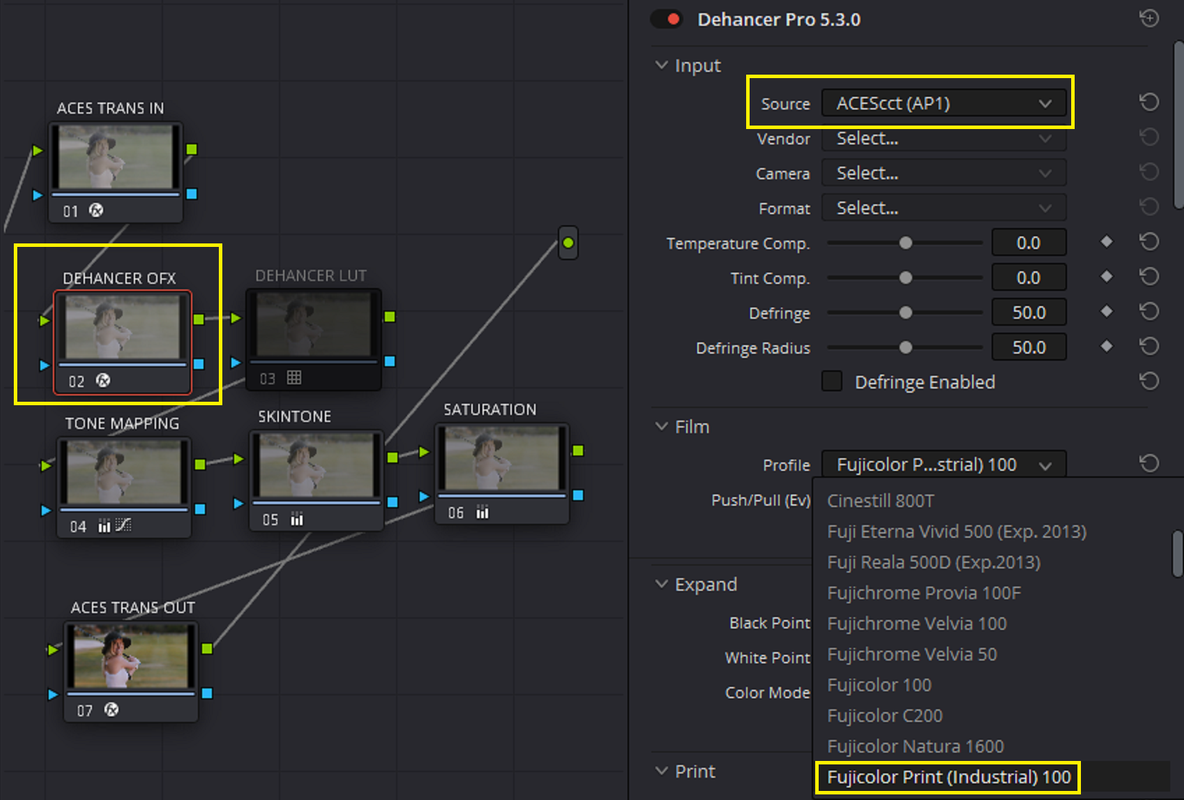
DEHANCER 5.3.0 PART 1
Dehancer


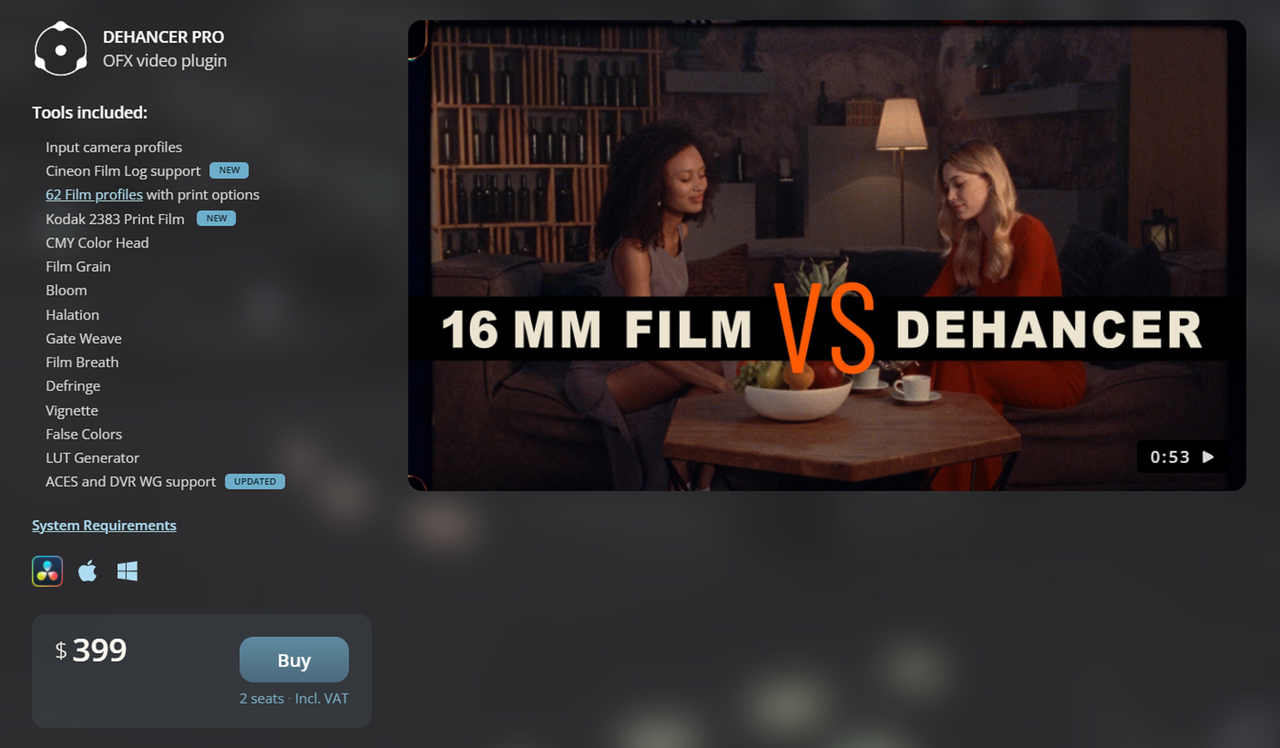
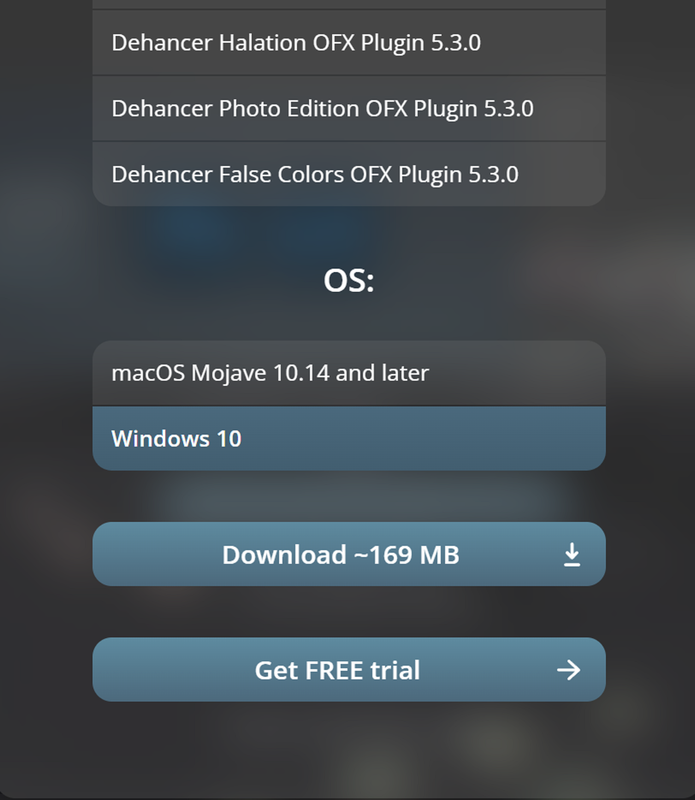
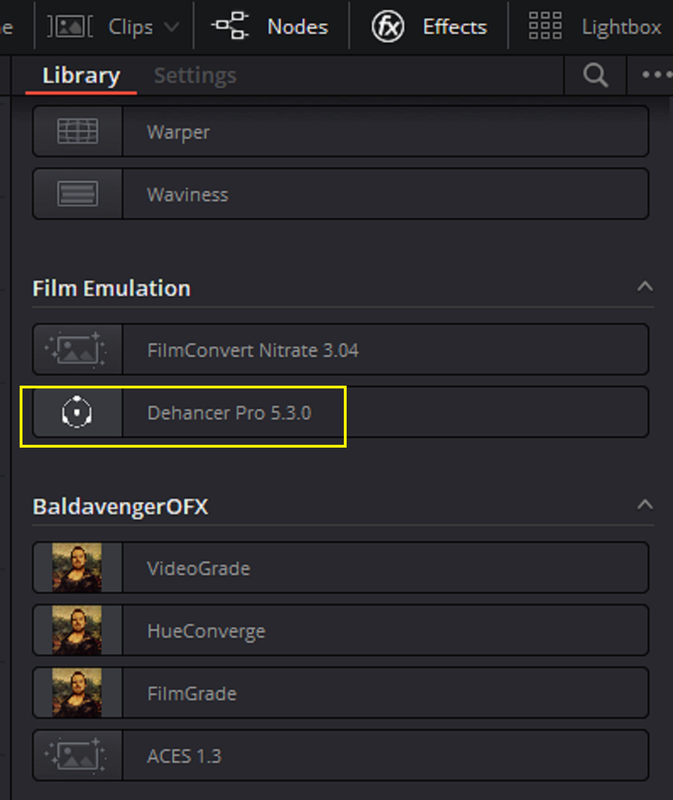
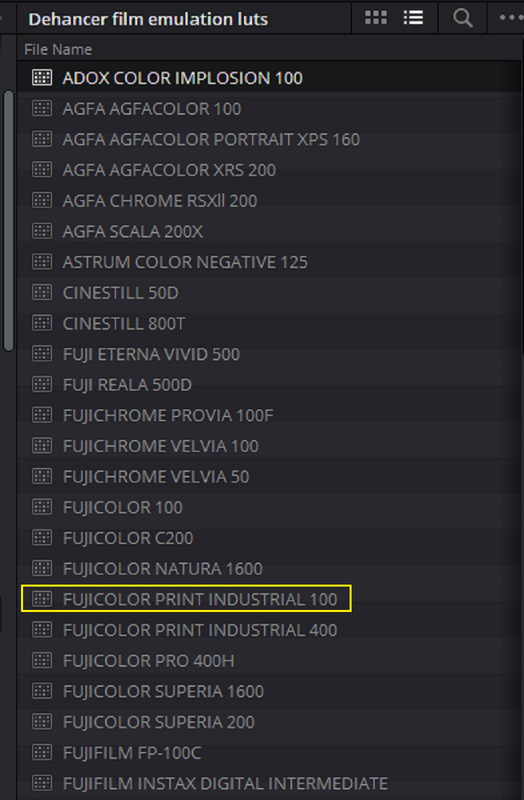
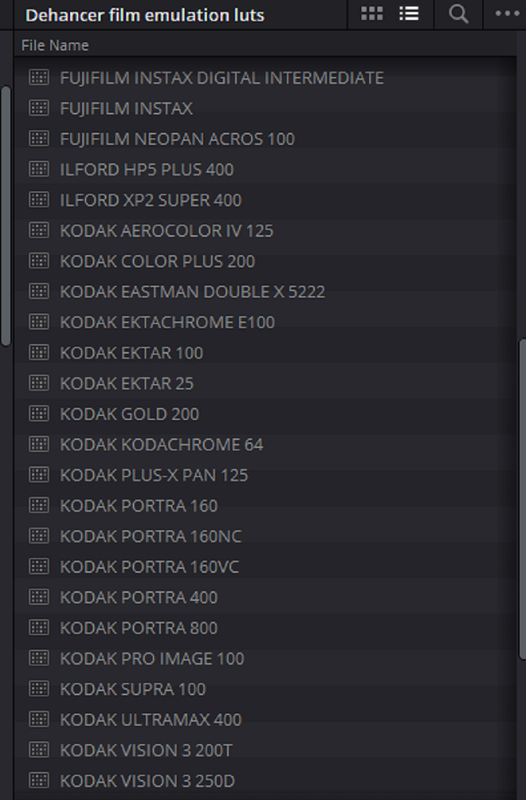
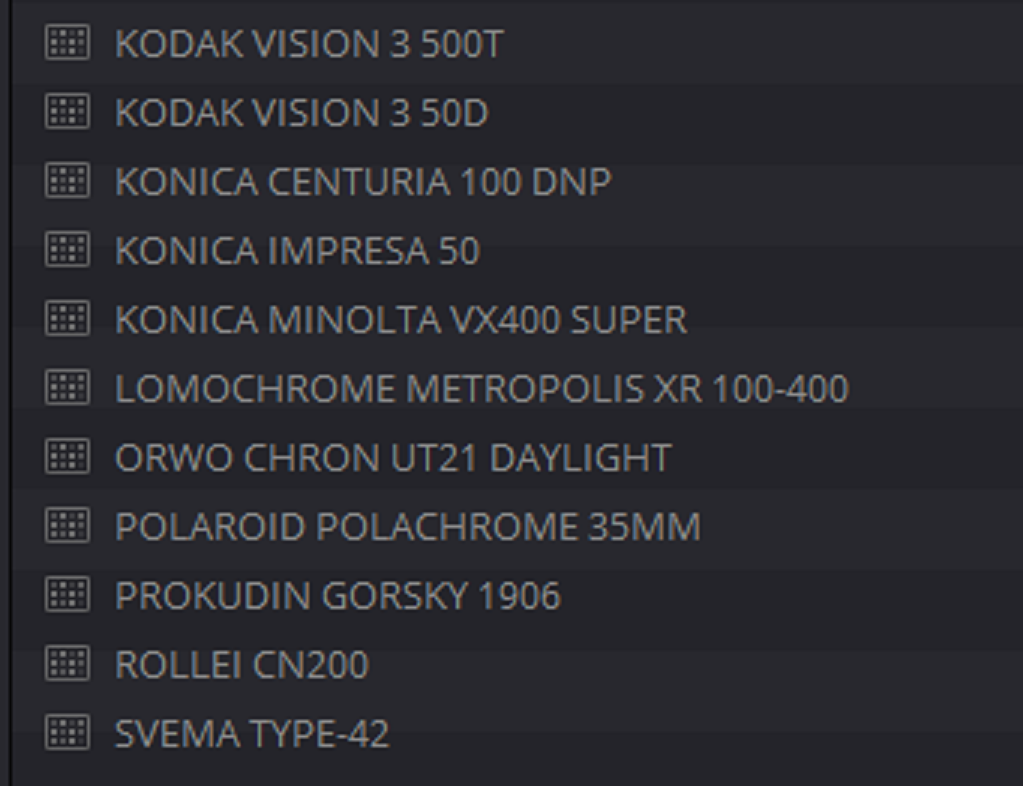
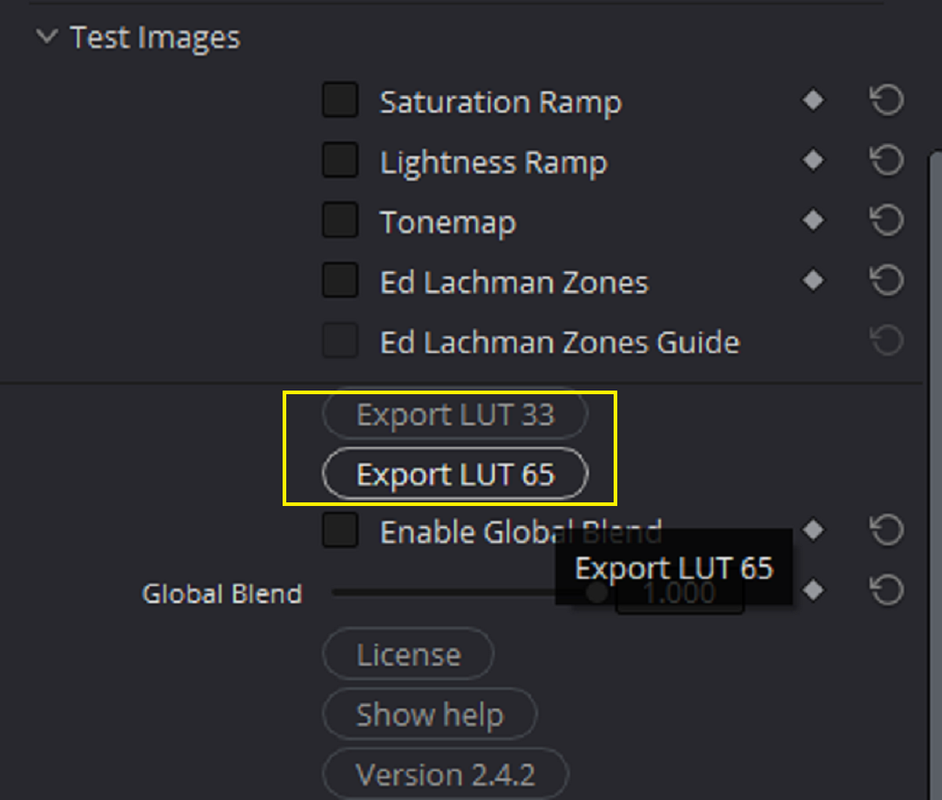
I was going to purchase DEHANCER PRO 5.3.0, but after purchasing LOOK DESIGNER, RAVENGRADE and a monthly subscription to FYLM.ai, I just couldn't see myself paying anymore for another look designing program. Fortunately for me, a buddy of mine who was big into film look emulation had it and offered an even exchange of color space profile transform luts from LOOK DESIGNER, which I owned for any or all of the DEHANCER FILM EMULATIONS in LINEAR(No contrast curve) and without any of the default film grain applied.

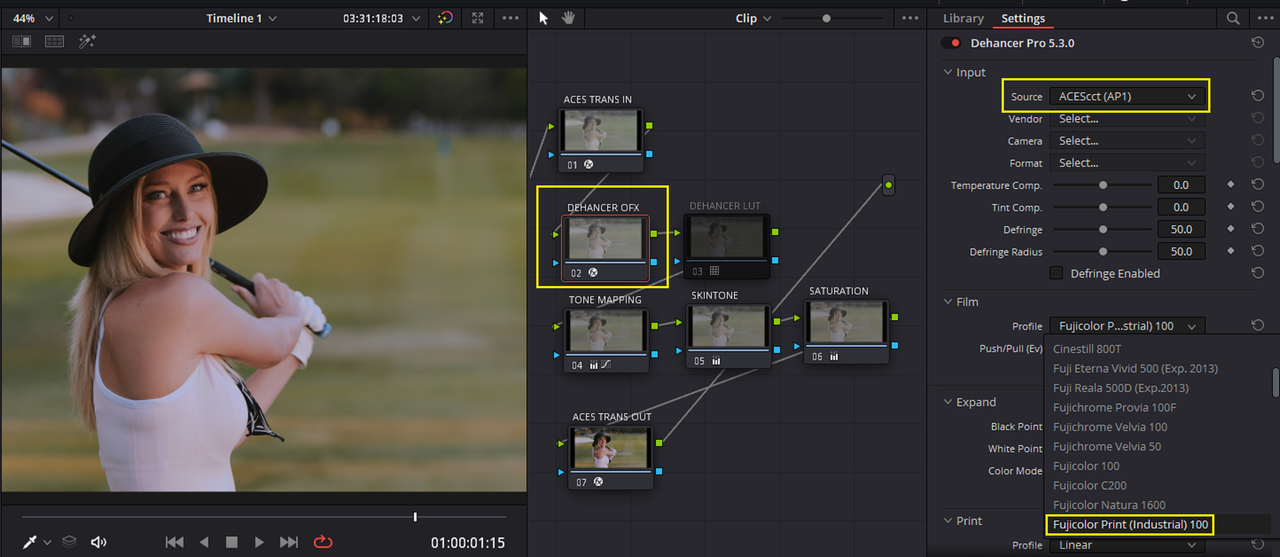
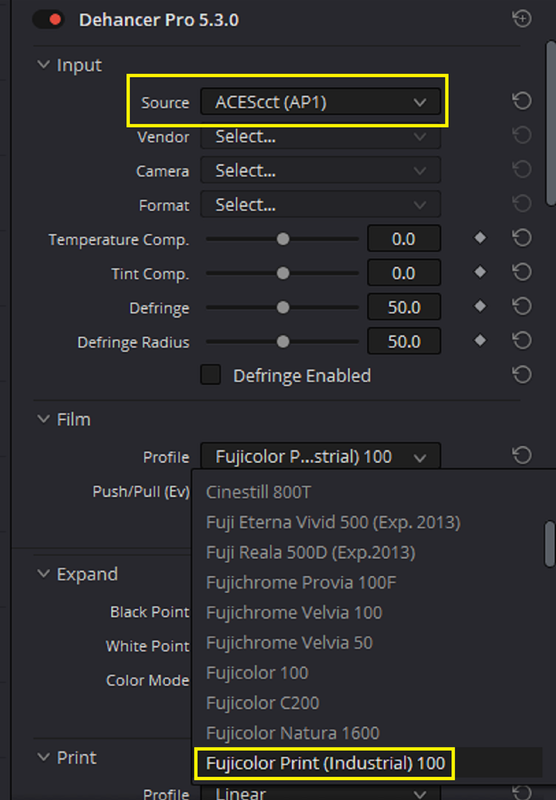
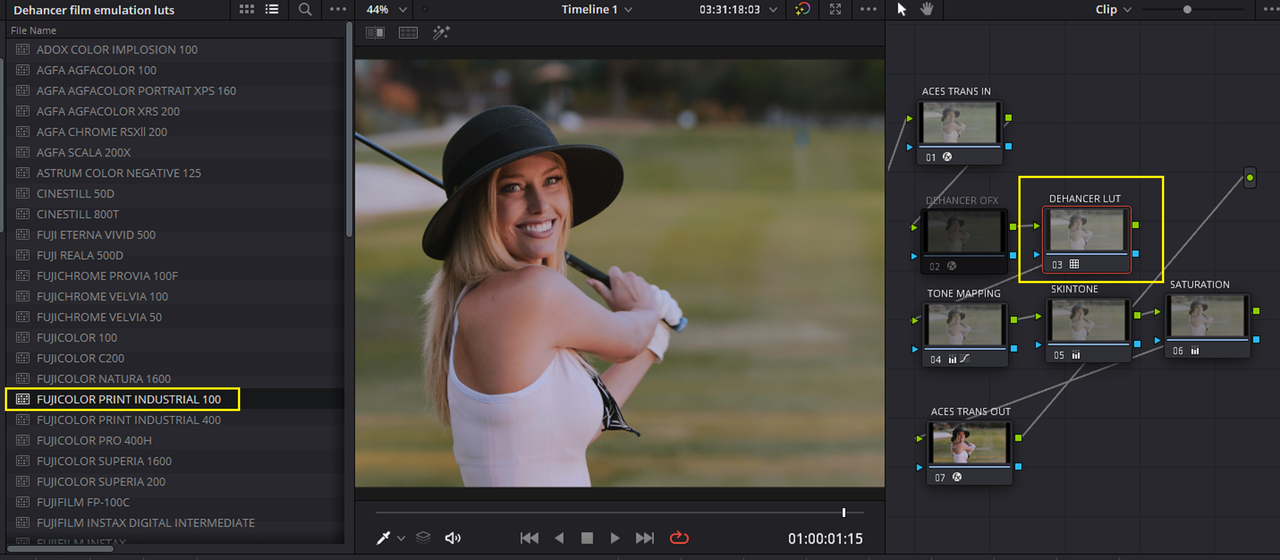
I'm using the 30 day trial version of DEHANCER PRO 5.3.0 to test it out, however I have about 58 of the 62 film emulation profiles in DEHANCER NOW as luts .

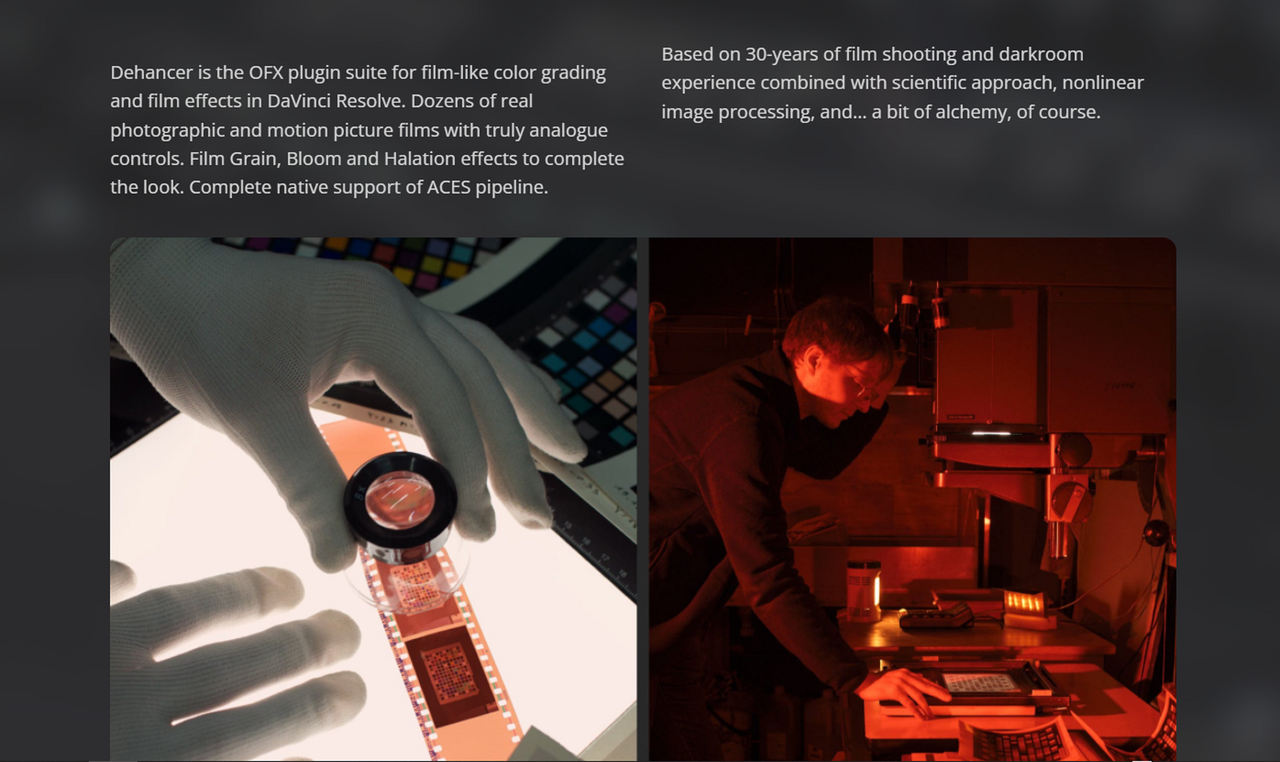
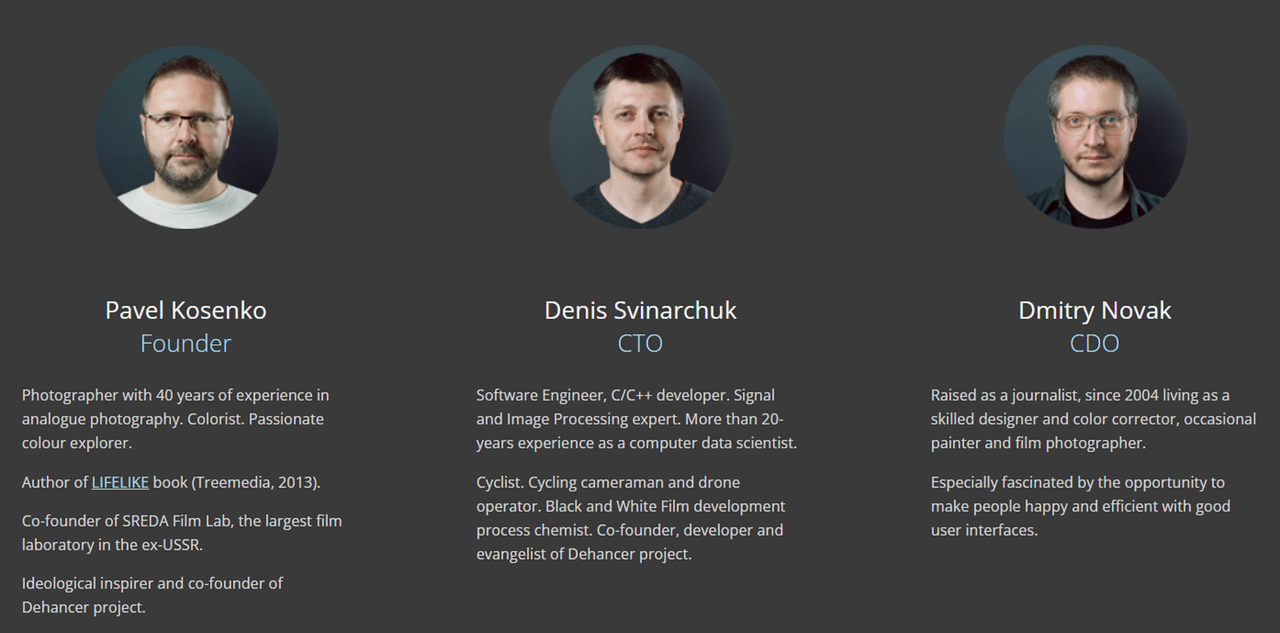
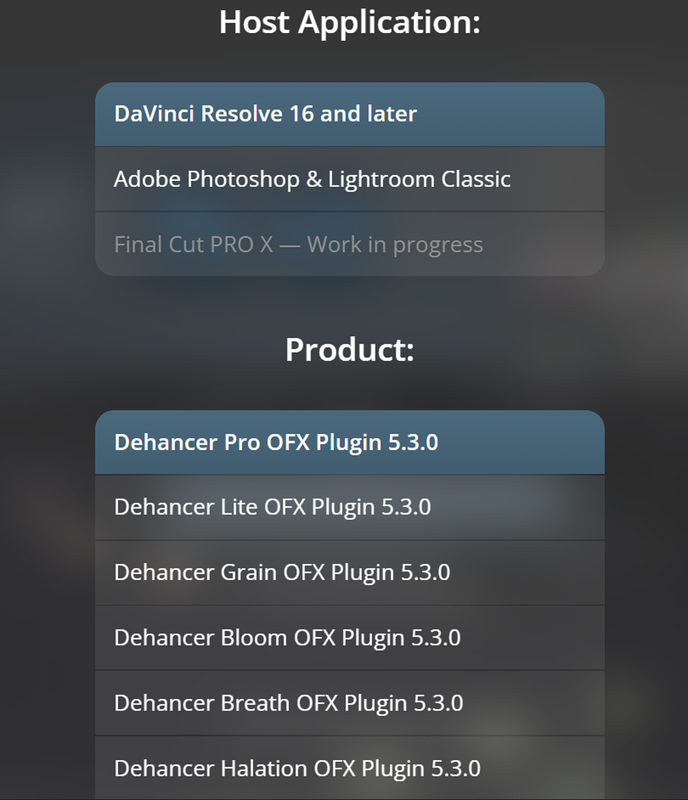
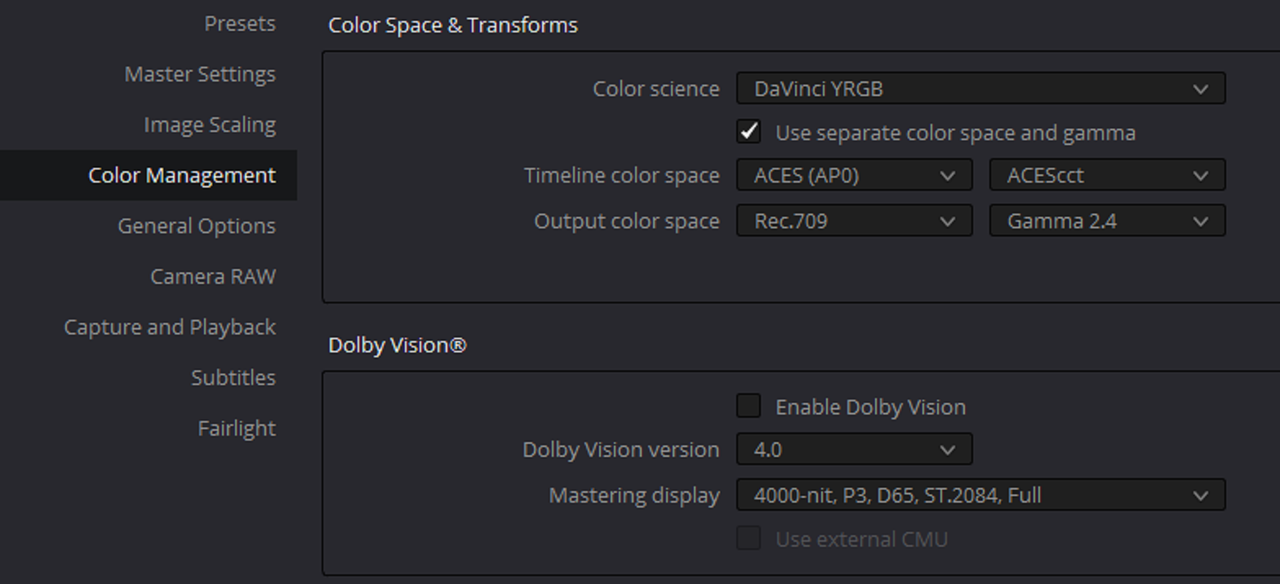
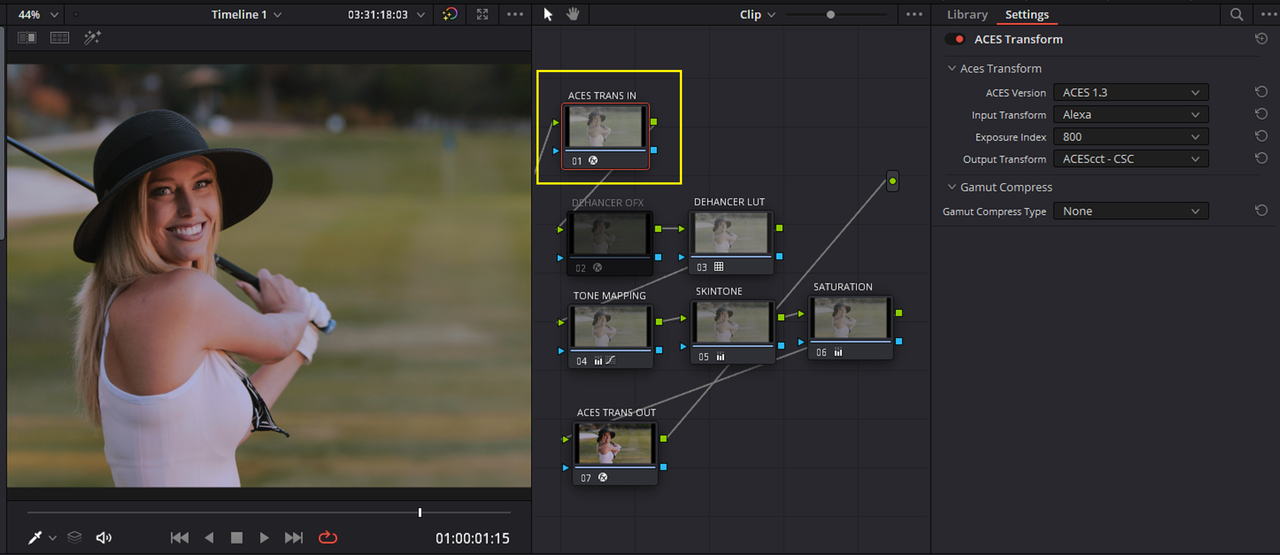
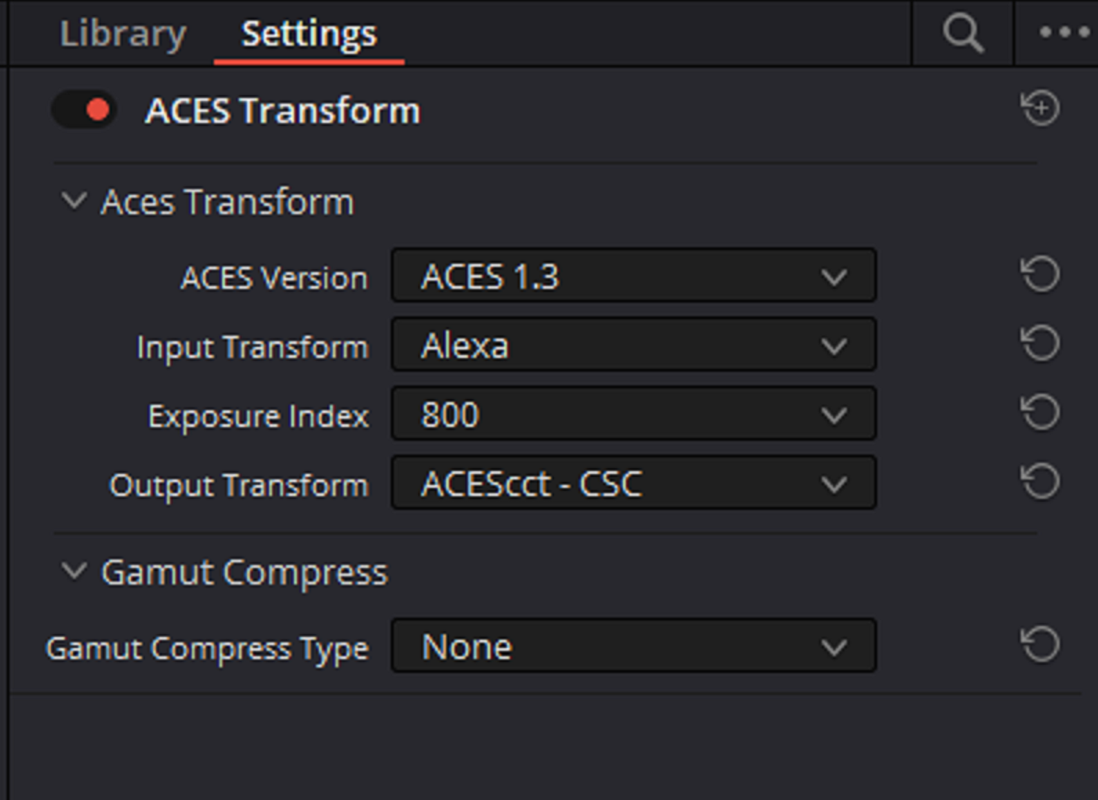
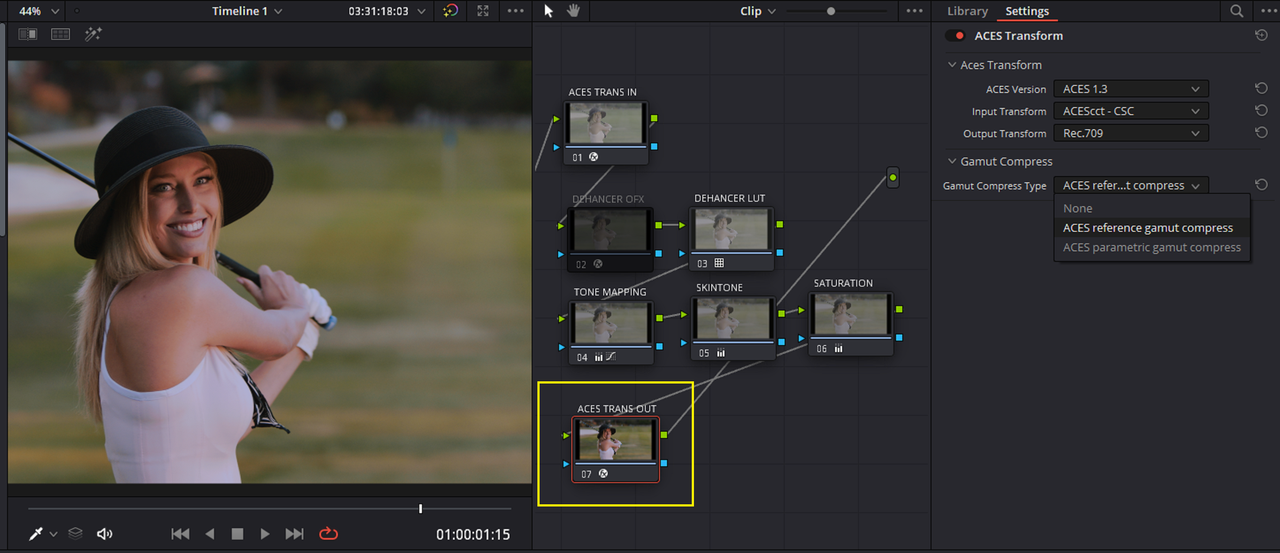
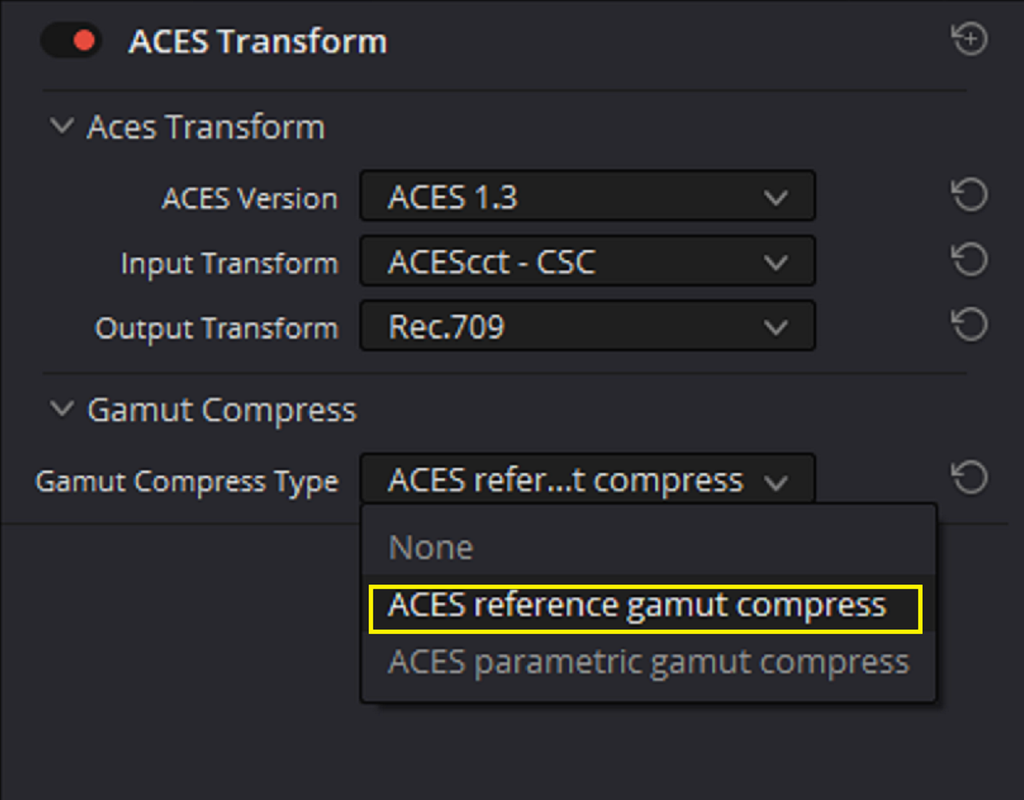
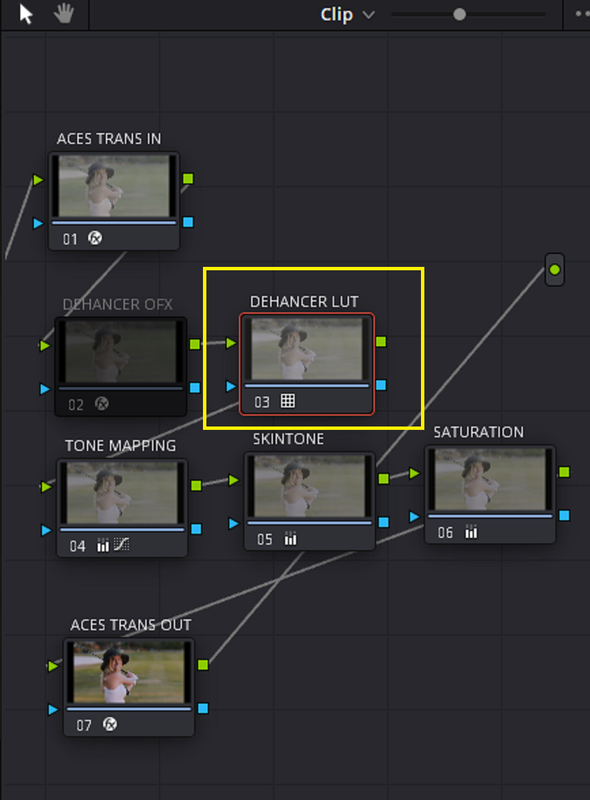
Below is more info about DEHANCER and the people around it , and later a comparison of one of the FILM EMULATION PROFILES from both the DEHANCER OFX plugin and the corresponding LUT. I'm using ACEScct now exclusively, both project and node based so the examples below will be for an ACEScct workflow. I think DEHANCER is one of the best Film Emulation programs out there in it's price range.

Screenshot-4674.png


Screenshot-4675.png


Screenshot-4676.png


Screenshot-4677.png


Screenshot-4678.png


Screenshot-4679.png

Screenshot-4680.png


Screenshot-4670.png


Screenshot-4673.png
 
Last edited:
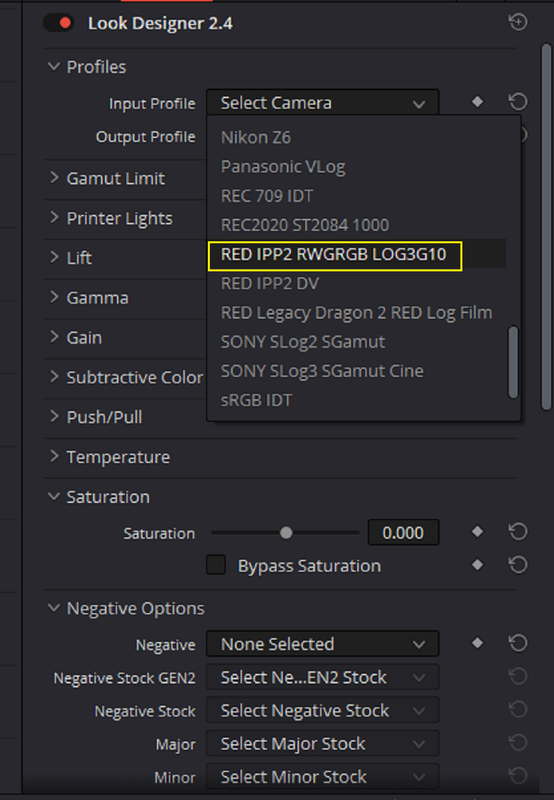
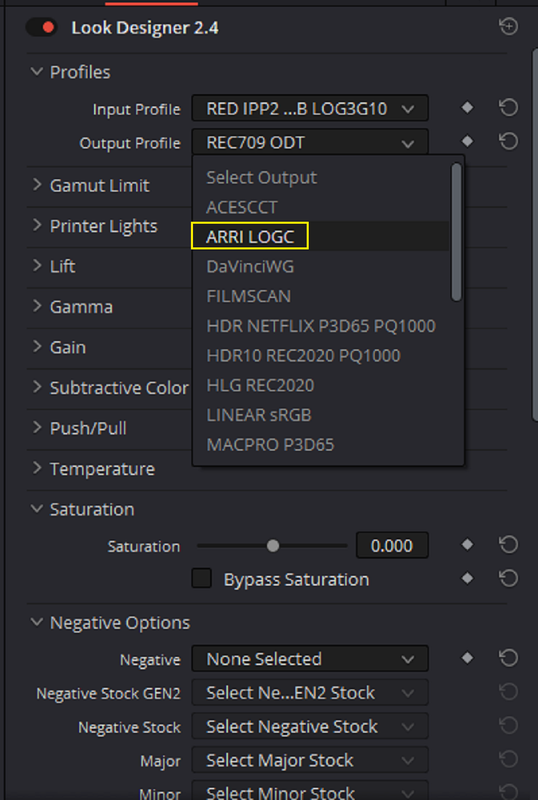
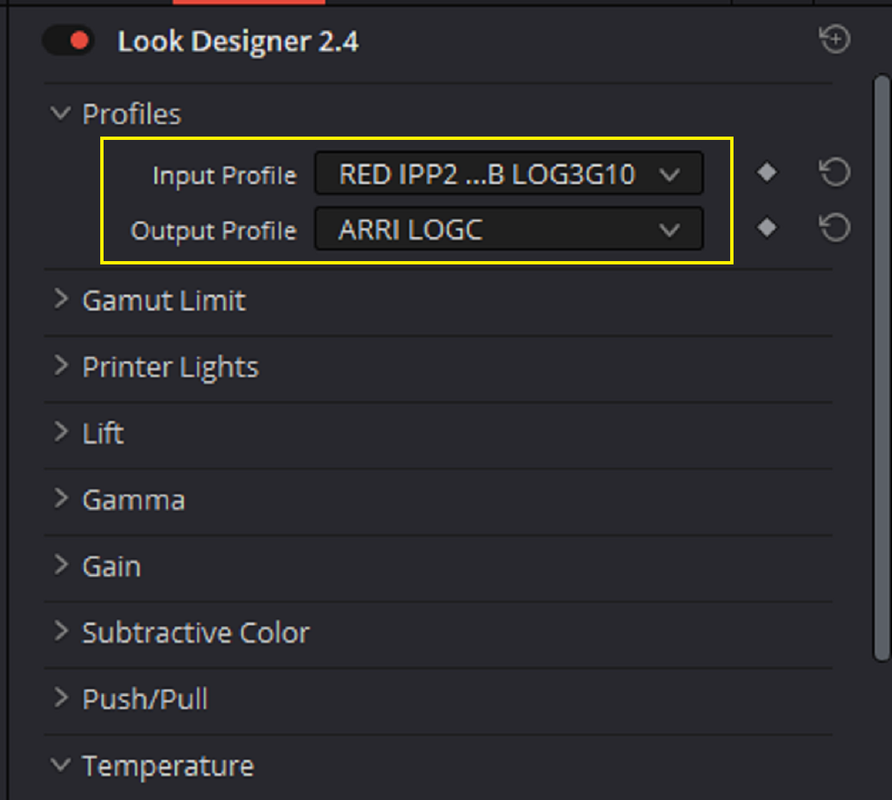
Example of one of the LOOK PROFILES from LOOK DESIGNER 2.4.2 that I gave to my friend.

9.png

10.png
\
11.png

12.png
 
How to create your own film emulation Power Grade (Plus free download)

bY

Colorist Factory

Free Kodak 2383 Film Emulation Power Grade(Using LUT)
(Free Power Grade) Kodak 2383 Print Film Emulation (coloristfactory.com)

Wonder why they used the Rec 709 KODAK D60 Version instead of the D65 version which has the same D65 whitepoint as the DAVINCI WIDE GAMUT workflow?

This also looks like it has to be a NODE based workflow.


Last edited:
Back
Top