Welcome to our community

Be a part of something great, join today!

  • Hey all, just changed over the backend after 15 years I figured time to give it a bit of an update, its probably gonna be a bit weird for most of you and i am sure there is a few bugs to work out but it should kinda work the same as before... hopefully :)

Quicktime and h264 h.264 Exporting from RedCine

Matt Paul Catalano

Active member
Joined
Oct 1, 2014
Messages
28
Reaction score
0
Points
1
Location
NYC / Hawaii
I am able to export Quicktime files, specifically H.264 compressed videos in older version of RedCine X but after installing the latest version on a fresh Macbook Pro the option no longer appears. Is there a separate piece of software that needs to be installed now or am I missing something?
 
Matt,


Seems to be a problem in the PC as well, but I have always exported ProRes 4444XQ files out of Redcine-X. So I'm wondering how long this has been an issue.


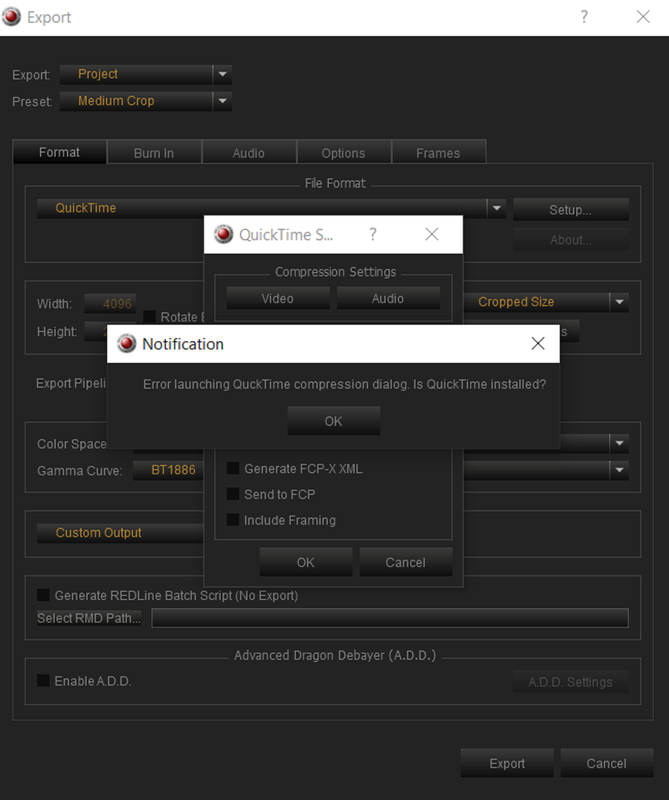
Screenshot-2488.png


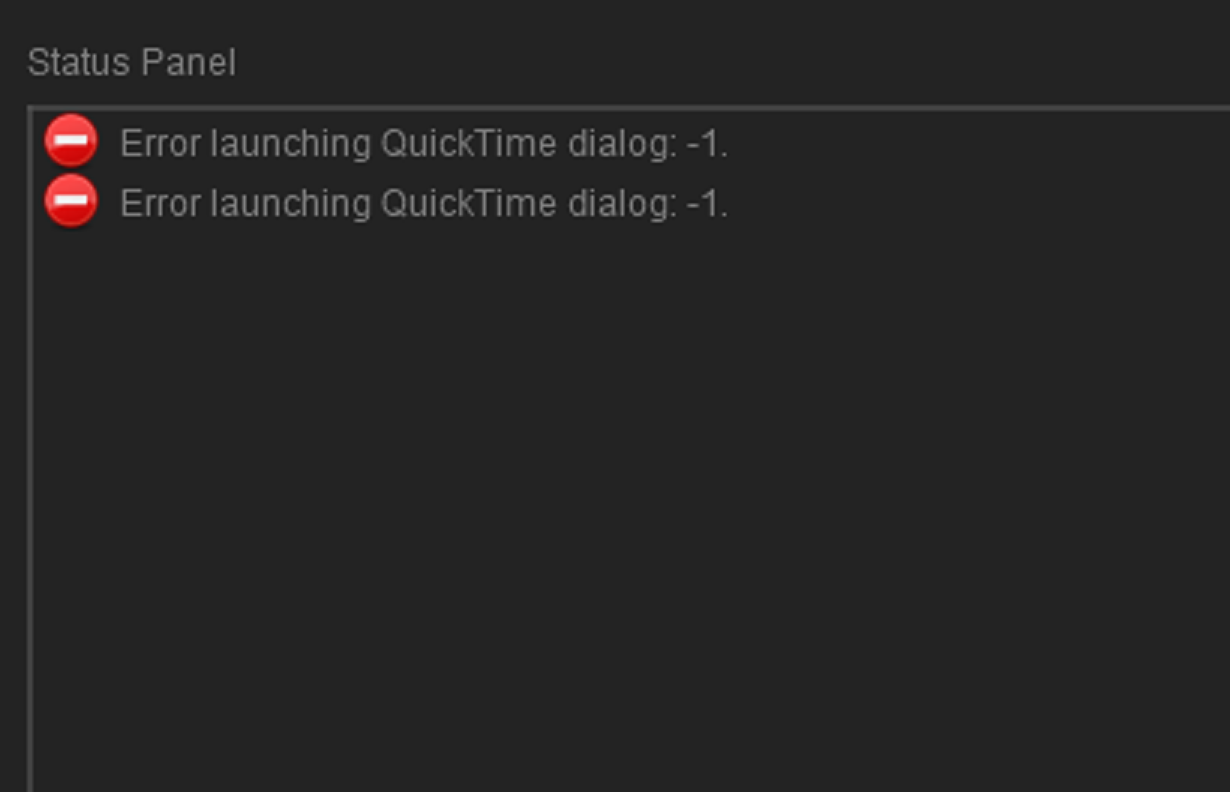
Screenshot-2489.png


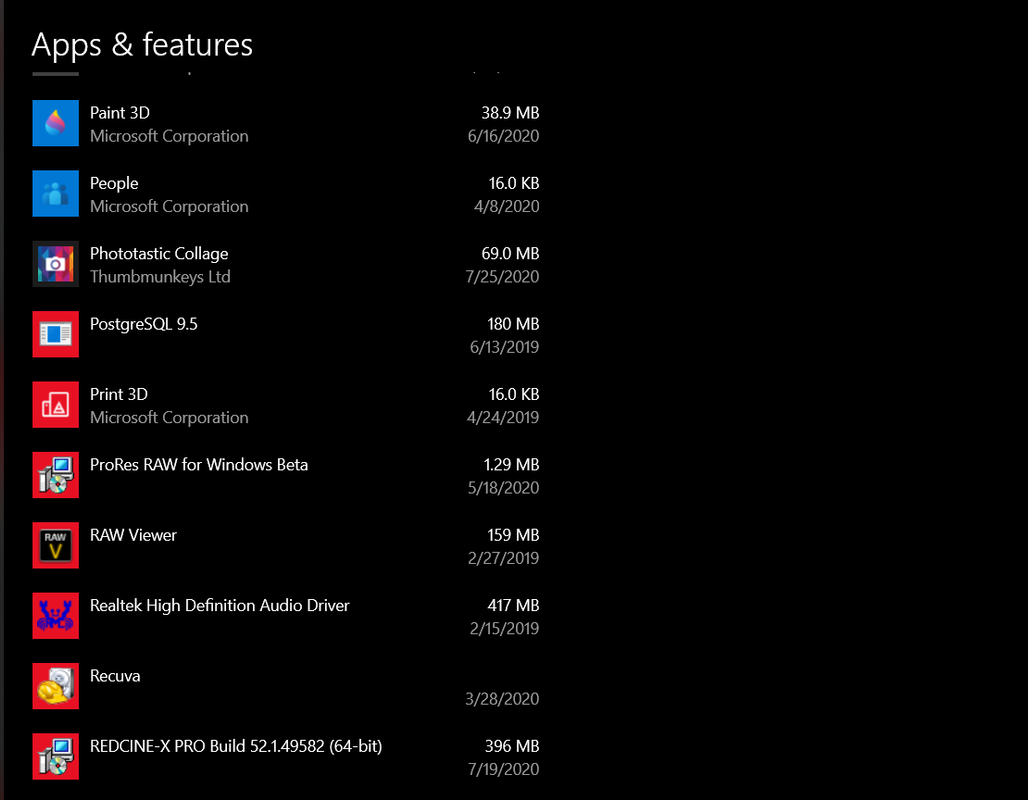
But it also seems that I don't have Quicktime installed either.

Screenshot-2490.png


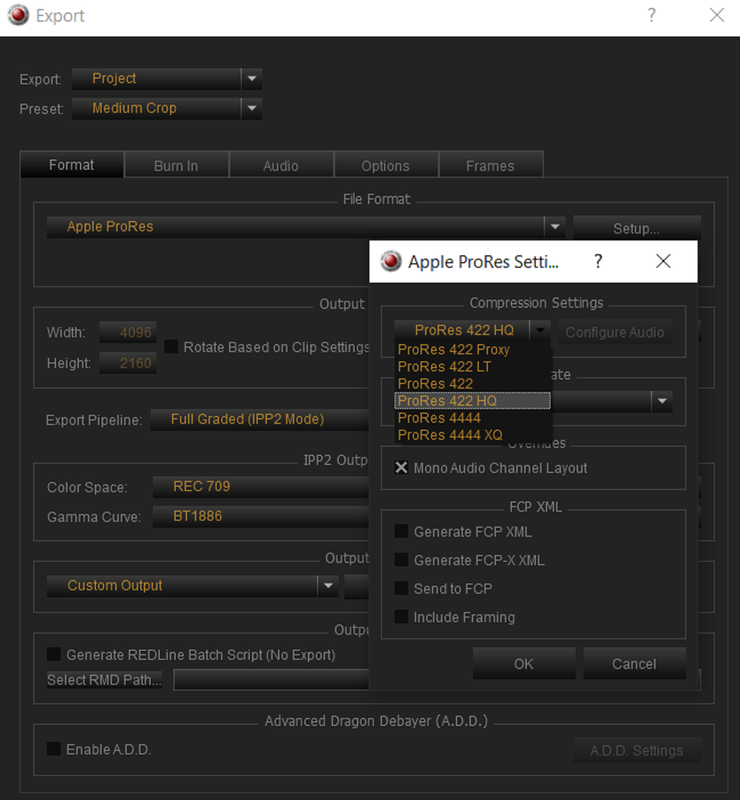
Maybe just export out a flavor of Prores into your editing software and wait to export out a H.264 file out of that NLE.

Screenshot-2491.png
 
Last edited:
Having the same issue. Need to be able to create files for clients direct from R3Ds, that they can view and work with that are not ProRes. Ideally H.264 or MP4. If it isn't available in Redcine, is there another quick workflow?
 
Hey. Has anyone found a solution to this?
I use the H264 report on Red-Cine to export rushes that are playable on an iPhone and can be sent to the client quickly from out at sea.

I really need to do it all on the one application.. Its a pain this has disappeared. I have tried rolling back the version and hey get an error trying to select the codec.. Any ideas.

thanks in advance

Captain Dean
 
Hey. Has anyone found a solution to this?

Just a reminder for those who don't have their nose to the grindstone. RCX never had a direct H.264/MP4 option. It had H.264 via QuickTime. In 2019, I think around then:
https://eclecticlight.co/2019/03/23...ktime-7-in-macos-10-15-convert-old-media-now/

Apple removed QuickTime support from MacOS, subsequently RCX lost the ability to export H.264, as well as the other QuickTime codecs.

So if hell bent on this, you'd need to go back to a previous MacOS and install an older version of RCX.

Beta and non-Beta builds of RCX can be installed at the same time for sure.

If you are looking to tackle this particular workflow thing for free, I'd recommend DaVinci Resolve. I haven't used the free version, but I suspect it has support for H.264. Adobe has it in Media Encoder as well.
 
Back
Top