Welcome to our community

Be a part of something great, join today!

  • Hey all, just changed over the backend after 15 years I figured time to give it a bit of an update, its probably gonna be a bit weird for most of you and i am sure there is a few bugs to work out but it should kinda work the same as before... hopefully :)

Phil Holland's PhilmColor Creative 3D Luts for IPP2

Status
Not open for further replies.

Jarred Land

Fire Chief
Staff member
Joined
Dec 27, 2006
Messages
10,644
Reaction score
33
Points
10
Most of you already have purchased and downloaded these but I still am getting emails from random people asking where to find creative luts for RCX and in Camera so I thought I would just post here to make sure everyone knows about PhilmColor.

I've been having a lot of fun with Phil's latest tool the last few weeks applying to old footage IPP2 and even non IPP2 and it's pretty rad.

http://phfx.com/tools/philmColor/


Thank you Jarred!

I've spent a great, great deal of time on creating these over the last year alongside the development of IPP2. Big thanks to Graeme with the advice and QC along the way.

Long story short, these are "film inspired" Creative 3D LUTs purposed designed for RED's new Image Processing Pipeline 2 (IPP2). Which means for Helium owners you can use these in camera and of course if you REDCODE RAW material from any RED Camera you can use them in post.

Some are film emulations, some are inspired by the final look of certain films, some emulate certain processes, and some are based on grades I've done for features over the years. There's also a host of unique things in there too!

These LUTs come in the form of baseStocks (inspired by film), ghostStocks (more color science oriented), printModels (for having more of that "to print" appeal), and toneAdjusts (which are some useful tonal helpers).

There are 103 LUTs included here and broken down into those categories, which makes life easier when selecting your philmColor LUT.

philmColor_webPromo.jpg


Quick Tips!

There's a few ways to get philmColor LUTs into your workflow. As of June 2017, IPP2 is available in Beta Form.

For Helium owners. To use these in camera, download the latest Beta Build: Create a "luts" folder at the root directory of your RED Recording Media and copy over your desired philmColor LUTs. Go to Menu>Image>Image Pipeline>Options and select IPP2, then under Menu>Image>3D LUT you can load up your philmColor LUT off the RED Recording Media.

To get going with these in REDCINE-X PRO: Download the latest Beta Build. You can import these into the Creative 3D LUT Manager and quickly browse through these.


As of June 2017 3rd party companies haven't fully integrated IPP2 into their RED Importers. No worries. There are easy workflow solutions.

The general concept is your REDCODE RAW footage must be set to a Color Space of REDWideGamutRGB and Gamma of Log3G10. This is part of the backbone of IPP2 and what makes it so powerful in regards to better color, tonality, dimensional, better handling of out of gamut colors, and mastering out to SDR or HDR.

The general Image Chain should be:
REDCODE RAW set to RWG/Log3G10 > Grading (here is where you apply your philmColor LUT) > and selecting your Output Tone Map, Highlight Roll-Off, and Output Transform.

So for those of you using Resolve, Adobe After Effects, or Adobe Premiere Pro CC you can use Graeme's Transform LUTs (available at RED.com) on all RED footage. You just place those at the end of the chain.

In short the chain is: .R3D RWG/Log3G10 footage, philmColor, IPP2 LUT.

* one quick note, I do recommend using software packages that use Tetrahedral 3D LUT Interpolation. At the moment Adobe Premiere Pro and Lumetri does not support that, however, I've chatted with Adobe and they are indeed working on something. For After Effects users, using the Apply 3D LUT Effect is what you want.


I've been really moved by the overwhelming support behind this project. Right at release people we sending over finished work with these LUTs used. During it's development my test bed was nearly 3600 image sequences from shooters around the globe and much of my own work shot with every RED sensor to date. I have been tirelessly working on this project while travelling and shooting abroad because so many asked for LUTs from me in the past. With IPP2 I saw an opportunity to provide something a bit more unique and exclusive to RED that should inspire. This actually was inspired by a few conversations at the ASC Awards a couple years ago on how we treat each new sensor as it's own "digital stock". The inspiration was further fueled by some people requesting something similar to Light Iron Color since the DXL's announcement. Now you have a lot of options. Much of this is based on my previous experiences dealing with high resolution film scanning and recording. It's been nearly 18 years of creating all sorts of film emulations for various digital cinema cameras and even matching film stock to film other film stocks. I'm glad I can finally put that experience to good use here in the RED community.

I'll be writing up more shortly on everything. There is an included manual however with sample images to get you going.

In the spirit of RED's upgrade paths, everybody who purchases philmColor gets free updates/upgrades to the next release version.

And spoiler alert. I've been working on the new release for a couple of months already.

It's going to be a good update :)

Thanks again for the support!
 
12.29.2017 - It is now the future!

Good after noon and happy upcoming new year!

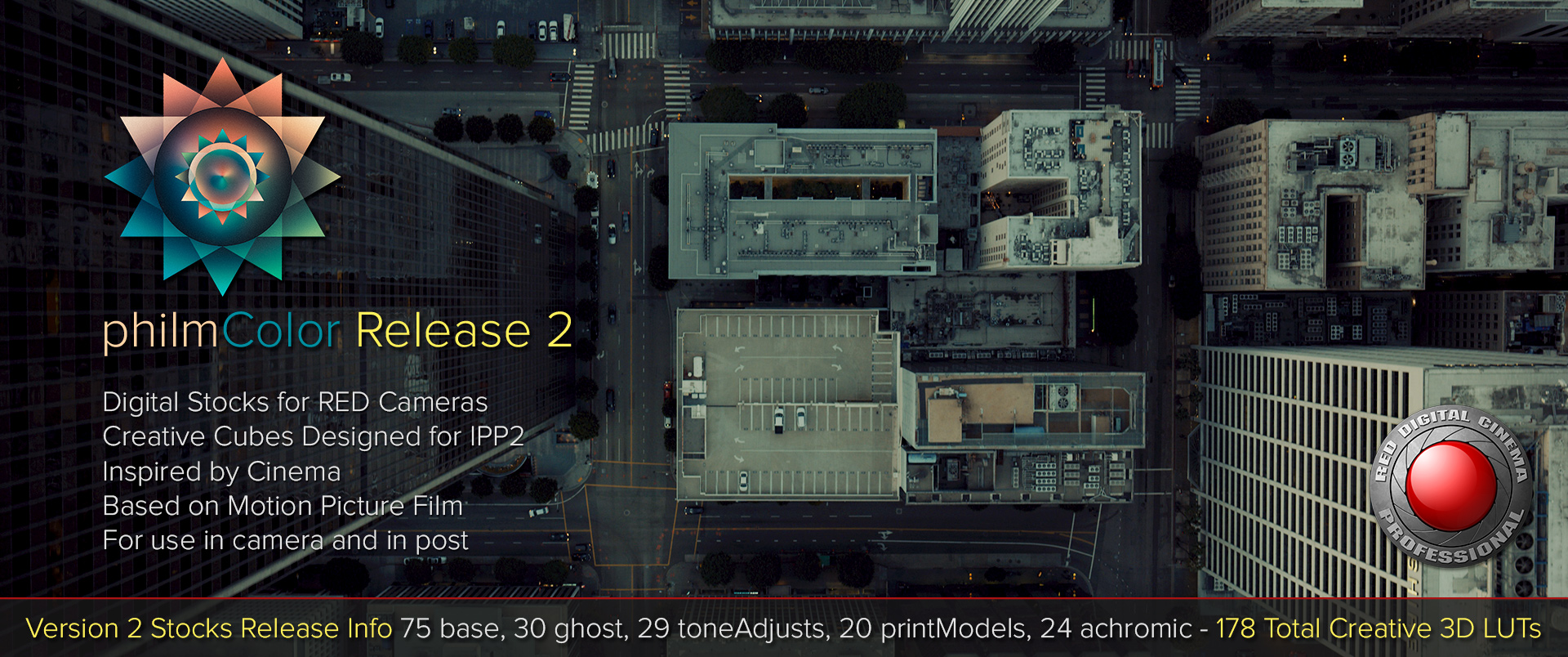
As promised, philmColor Release 2 with 75 new Creative Cubes design for RED's IPP2 workflow.


Mostly new base and ghost stocks largely influenced by users. However there's also a new category, achromicStocks, which are designed for black and white cinematography from your in color RED footage. This is different than Monochrome as they use the color channel information to produce unique black and white looks.

If you purchased R1, you likely got an email by now for the R2 update. There will be an R3 next year at some point and same deal applies. Free updates for existing owners. It's been fun dealing with labs again to handle some of this chaos. I've got a few negs coming back to me in January, so expect a few more maybe around NAB 2018 time or so. Likely not as massive as this update.

I'm updating the manual and uploading more sample images as I type this, but everything you need to know is here:
http://www.phfx.com/tools/philmColor/

Thank you so much for supporting this project. It's incredible seeing everywhere these have been used from theaters to streaming to commercials and web series. That's certainly driven me to dedicate more time.

Have a wonderful new year!
 
Status
Not open for further replies.
Back
Top