Johnny Friday
Well-known member
- Joined
- Feb 11, 2007
- Messages
- 3,367
- Reaction score
- 0
- Points
- 36
- Location
- La Paz, Baja Ca. Sur, Mexico
- Website
- bajaproductions.com
Guys where do I find this gamma export options setting?
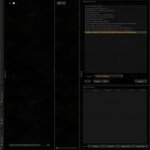
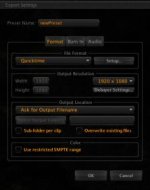
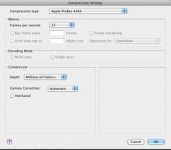
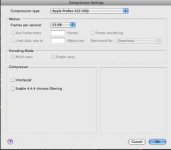
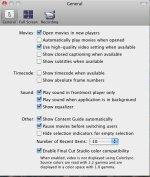
I believe that they are referring to (on build 261 & 262) the export tab at the far left. Open that, then you have a variety of export options. Basically you can go to the "+" button and create your own....for example: click the "+" button, then an export setting box comes up. Then you can create your own export settings from DPX to MXF and anything between. So when you choose QT, go to Setup the next button to the right you'll choose compression type, then apple prores (the one you want) 422 or 4444 or ? below this you choose compressor and under gamma correction your choices are automatic or none. I use none. I'm assuming this is what they are talking about.
Screenshots to assist