Tim Janssens
Member
- Joined
- Jul 20, 2017
- Messages
- 13
- Reaction score
- 0
- Points
- 0

Follow along with the video below to see how to install our site as a web app on your home screen.

Note: this_feature_currently_requires_accessing_site_using_safari

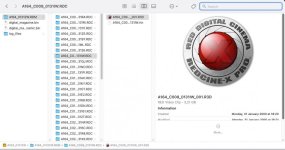
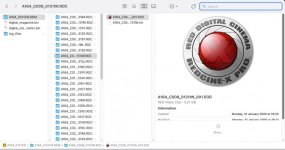
Did either of you ever find a solution to this... It's incredibly annoying. Was working on the same hardware, software, OS, but no longer works after clean install.
The only thing I can think is that some legacy driver that never got deleted with OS updates was what did it, but the clean install finally nuked it.

I'm a bit late to this one, but since installing everything fresh on my new machine, I'm seeing the same problem. Tried pulling the QuickLook plugin out of one of the version 52 builds, but it didn't solve the issue. Do you know if we need to use a specific point release of version 52? Thanks!
Thanks for following up Robert! Bombsquad actually knew the cause.
The solution is to use the older version of the R3DQuickLookPlugin file from RCXp v52. Not sure where it is in Windows, but on Mac it's ShowPackageContents of RCXp>Contents>Quicklook, replace the R3DQuickLookPlugin with the older version. Reboot and Bob's your uncle (or in this case, you).