Arran Busk
Member
- Joined
- Oct 5, 2014
- Messages
- 16
- Reaction score
- 0
- Points
- 1
- Location
- London, UK
- Website
- www.arranbusk.com
Hi guys,
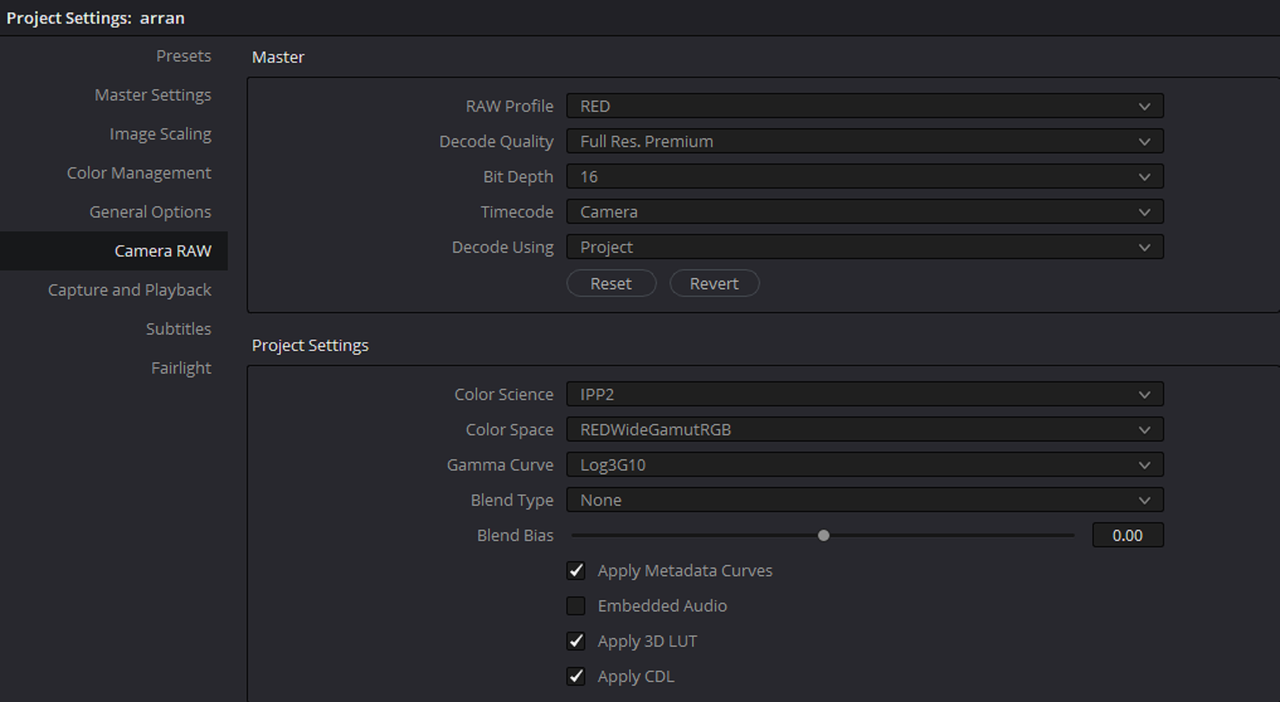
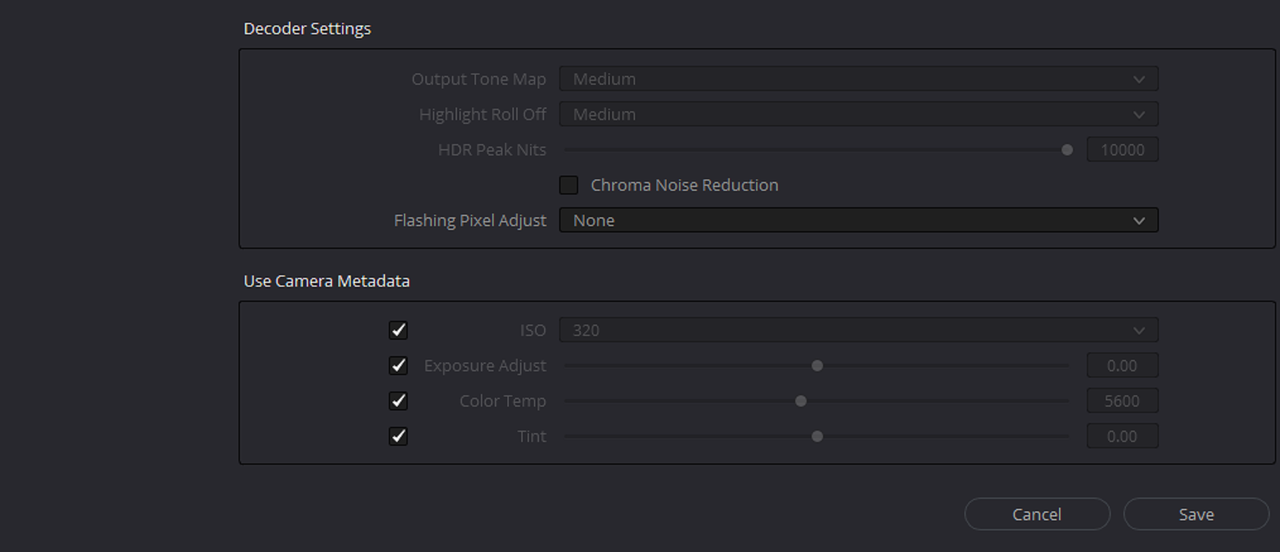
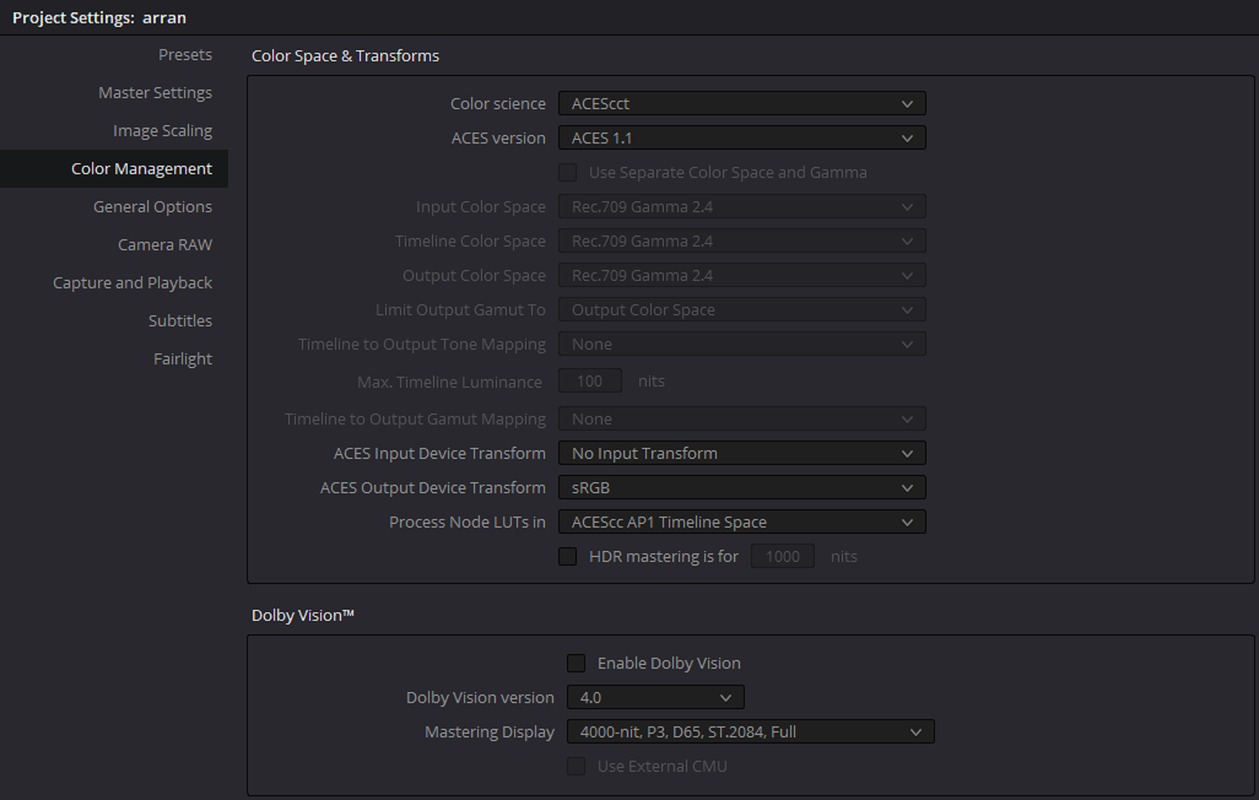
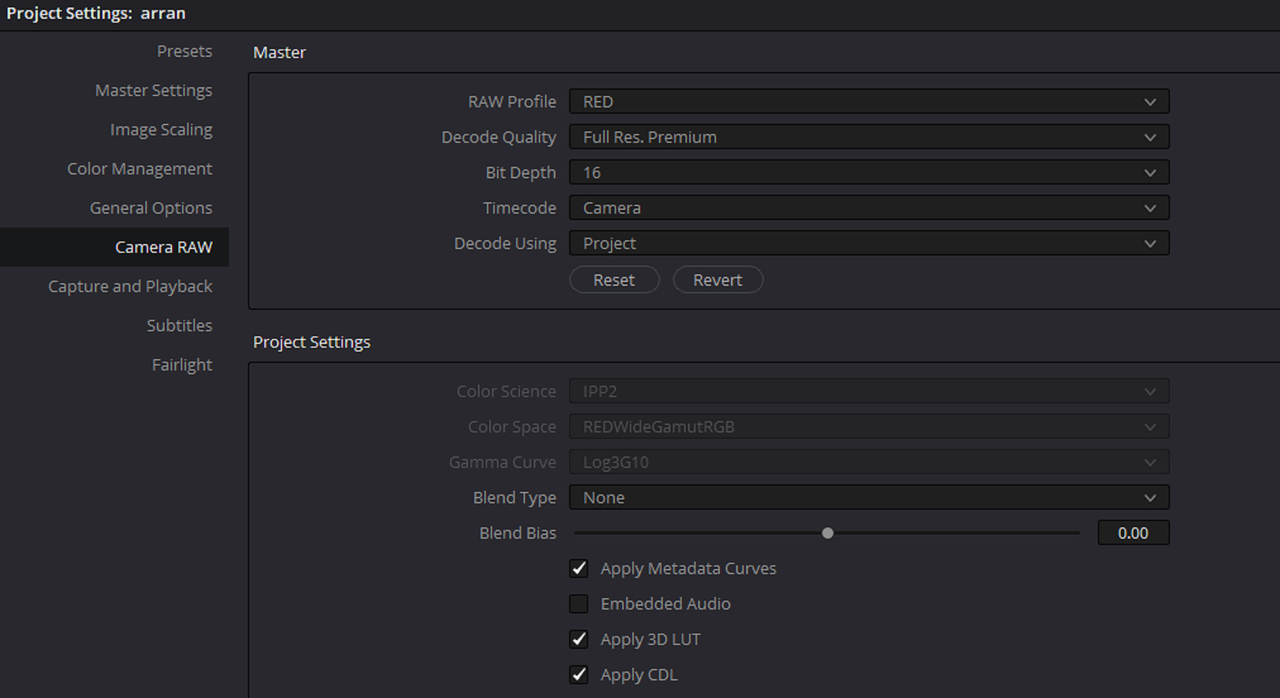
I'm a DOP who's shot on RED occasionally over the last 10 years or so, however I bought a Gemini end of last year after testing one and loving it. Since the UK lockdown I've shot a project and now I'm doing something I haven't done much of before - grading R3D's. After a lot of research on settings in Davinci studio, I set my project and added an IPP2 to REC709 LUT to my end node (FYI - I have a reasonable amount of Davinci experience and have graded other cameras - so NOT a complete noob)
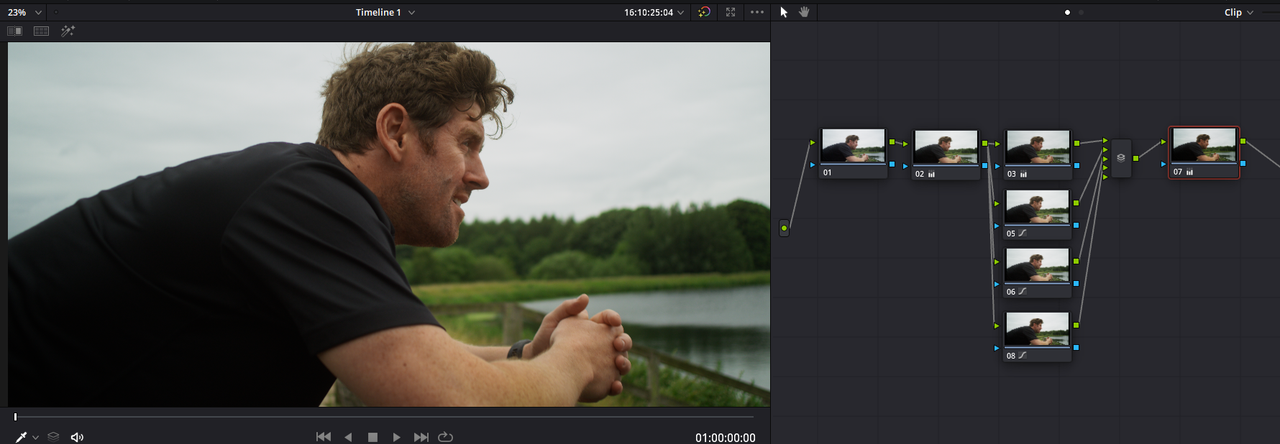
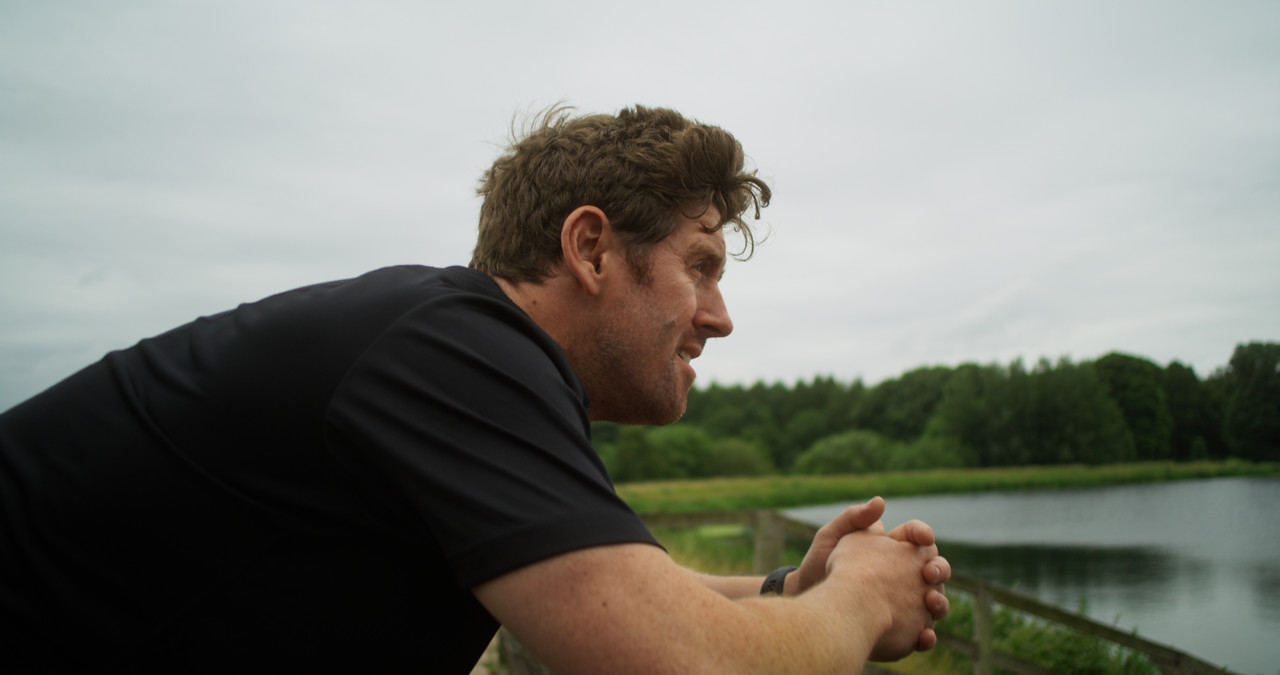
So all my clips look nice and viewable ahead of the grade, except one - it has this weird colour break up especially noticeable on the skin and in the water. I added a LUT in premiere and it doesn't show on my edit at all - the guys skin is kinda blotchy as he's just been running - but only when I view this 1 clip (out of 96) in Davinci it looks terrible. I can't work it out. Wondering if anyone can shed some light on it?
This is a screenshot of the R3D opened in premiere

And this is the same R3D file in Davinci with IPP2 to REC709 LUT applied.

CAMERA SETTINGS
Color space - REDWideGamutRGB
Gamma Curve - LOG 3G10
Camera Firmware Version: 7.2.2
Camera Sensor: GEMINI 5K S35
Minimum Color Version: 2
Resolution: 5120x2700
FrameRate Num: 25000
FrameRate Den: 1000
Reel ID: A007_C020_0112E1
Timecode Preference: Absolute
Edge Timecode: 01:12:13:13
Absolute Timecode: 16:09:34:03
Camera ID: A
Clip ID: 020
Brightness: 0
Contrast: 0
Digital Gain Blue: 1
Digital Gain Green: 1
Digital Gain Red: 1
Exposure Compensation: 0
Exposure Time: 2e+04
GenLock Setting: 0
GMT Date: 20000112
GMT Time: 160933
ISO: 400
Jam Sync Setting: 0
Local Date: 20000112
Local Time: 160933
Saturation: 1
Shutter Degrees: 180
Shutter Fractions: 50
White Balance Kelvin: 5600
White Balance Tint: 0
Many thanks,
Arran
I'm a DOP who's shot on RED occasionally over the last 10 years or so, however I bought a Gemini end of last year after testing one and loving it. Since the UK lockdown I've shot a project and now I'm doing something I haven't done much of before - grading R3D's. After a lot of research on settings in Davinci studio, I set my project and added an IPP2 to REC709 LUT to my end node (FYI - I have a reasonable amount of Davinci experience and have graded other cameras - so NOT a complete noob)
So all my clips look nice and viewable ahead of the grade, except one - it has this weird colour break up especially noticeable on the skin and in the water. I added a LUT in premiere and it doesn't show on my edit at all - the guys skin is kinda blotchy as he's just been running - but only when I view this 1 clip (out of 96) in Davinci it looks terrible. I can't work it out. Wondering if anyone can shed some light on it?
This is a screenshot of the R3D opened in premiere
And this is the same R3D file in Davinci with IPP2 to REC709 LUT applied.
CAMERA SETTINGS
Color space - REDWideGamutRGB
Gamma Curve - LOG 3G10
Camera Firmware Version: 7.2.2
Camera Sensor: GEMINI 5K S35
Minimum Color Version: 2
Resolution: 5120x2700
FrameRate Num: 25000
FrameRate Den: 1000
Reel ID: A007_C020_0112E1
Timecode Preference: Absolute
Edge Timecode: 01:12:13:13
Absolute Timecode: 16:09:34:03
Camera ID: A
Clip ID: 020
Brightness: 0
Contrast: 0
Digital Gain Blue: 1
Digital Gain Green: 1
Digital Gain Red: 1
Exposure Compensation: 0
Exposure Time: 2e+04
GenLock Setting: 0
GMT Date: 20000112
GMT Time: 160933
ISO: 400
Jam Sync Setting: 0
Local Date: 20000112
Local Time: 160933
Saturation: 1
Shutter Degrees: 180
Shutter Fractions: 50
White Balance Kelvin: 5600
White Balance Tint: 0
Many thanks,
Arran