- Thread starter
- #21

Michael Tiemann
Well-known member
OK...so I have the attention of the BMD support team and we're going back and forth. Good!
They asked me to send an R3D trim that will help demonstrate something to them. Good!
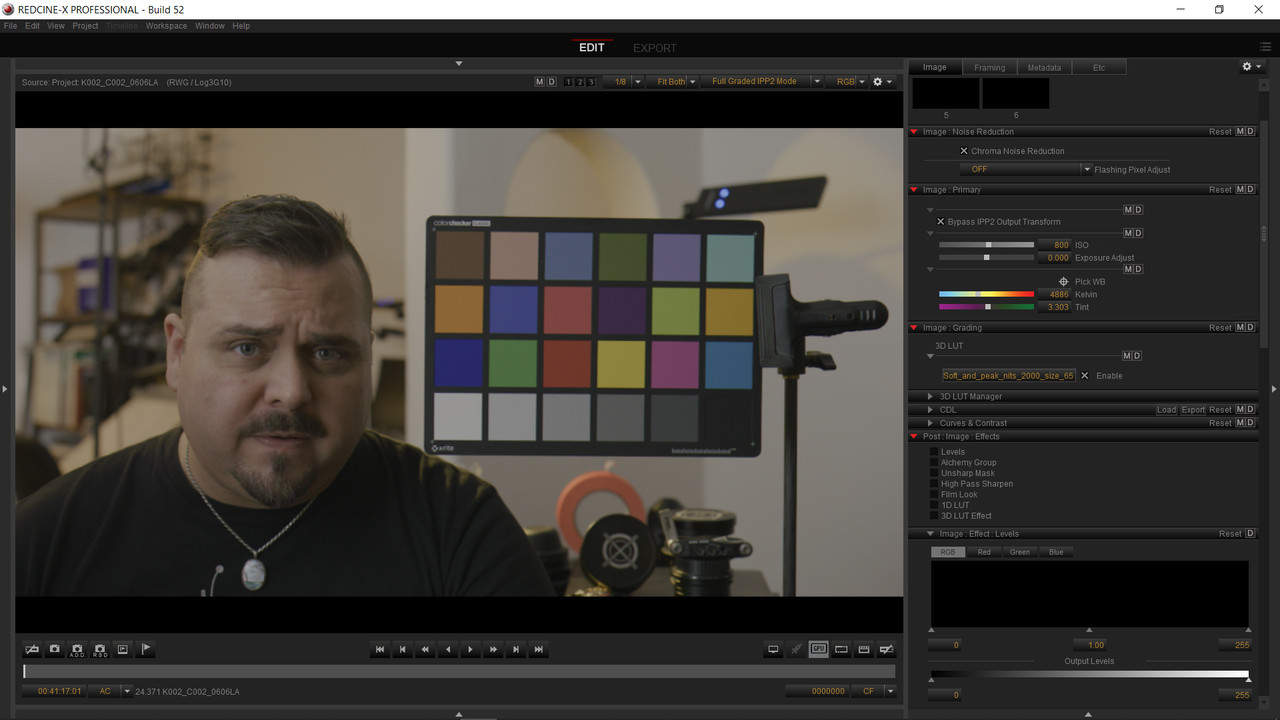
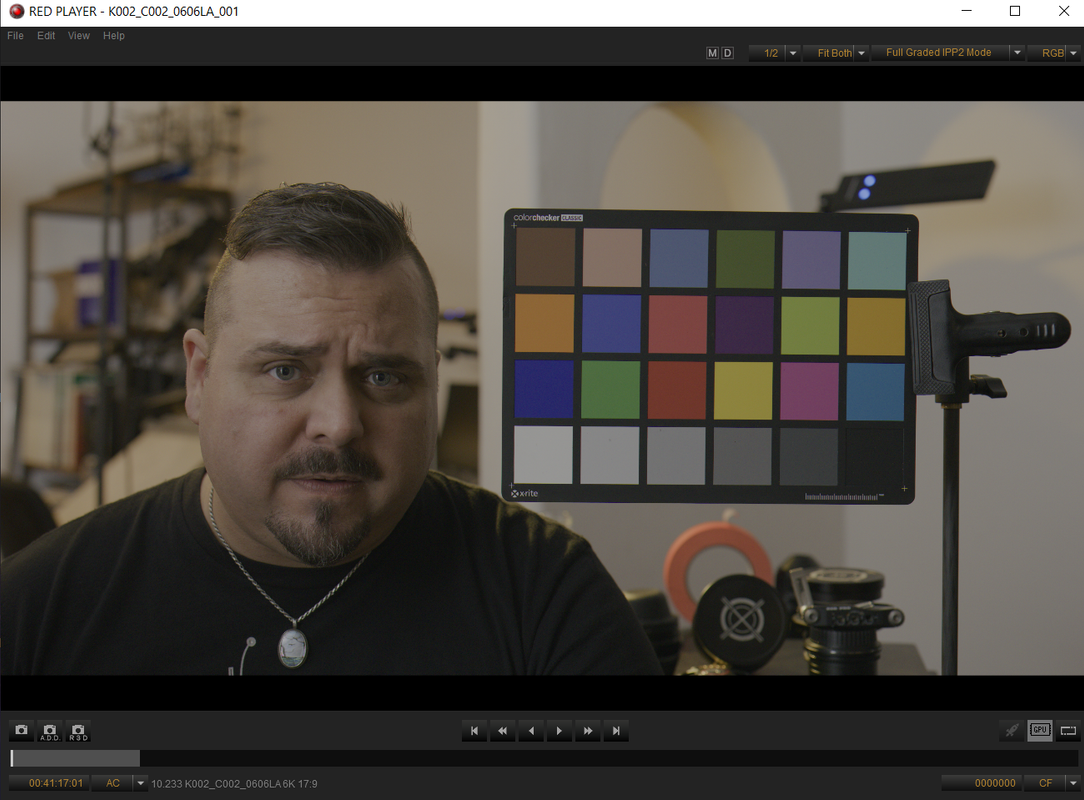
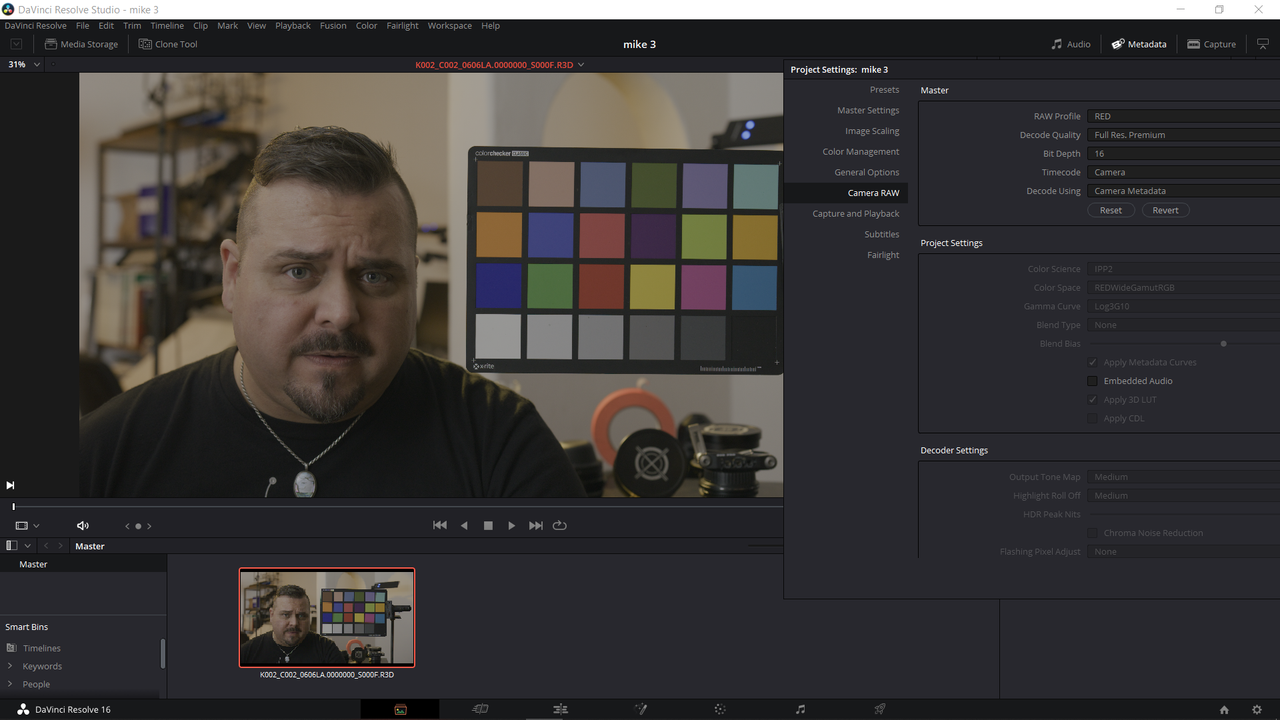
I open up the latest version of RedCine-X pro (Build 52.49422) and select the R3D Trim snapshot option. Only it creates an RMD sidecar that is COMPLETELY DIFFERENT than my original footage, as well as COMPLETELY DIFFERENT than my RedCine-X Pro-adjusted original footage. Namely, its saying REDgamma4 and REC 709. My original clip was REC 2020 (and mistakenly tagged during the recording process as BT1886) which I fixed to say that my gamma was HDR ST 2084.
I have not knowingly used REDgamma4 since the day IPP2 was made available. NEVER.
I wander through the Preferences settings as well as various presets that include presets for making special R3D trims. I cannot find the controls I'm looking for. I go to set up a new preset. NOWHERE IS THERE A PLACE FOR ME TO SET THE GAMMA.
I think this further confirms the suspicion that not unlike the Apple Mac platform (which spent most of its life completely wrong about gamma and always thought it knew better than anybody with any information to the contrary), IPP2 has created a situation where the tools are just randomly writing gamma values and then leaving it to users to reset everything to scratch and set the gamma "correctly" at some later point in the process.
Can somebody please explain to me how to select R3D Trim as an output format AND THEN SET THE GAMMA (instead of leaving it up to some completely arbitrary and non-settable default)?
Thanks!
They asked me to send an R3D trim that will help demonstrate something to them. Good!
I open up the latest version of RedCine-X pro (Build 52.49422) and select the R3D Trim snapshot option. Only it creates an RMD sidecar that is COMPLETELY DIFFERENT than my original footage, as well as COMPLETELY DIFFERENT than my RedCine-X Pro-adjusted original footage. Namely, its saying REDgamma4 and REC 709. My original clip was REC 2020 (and mistakenly tagged during the recording process as BT1886) which I fixed to say that my gamma was HDR ST 2084.
I have not knowingly used REDgamma4 since the day IPP2 was made available. NEVER.
I wander through the Preferences settings as well as various presets that include presets for making special R3D trims. I cannot find the controls I'm looking for. I go to set up a new preset. NOWHERE IS THERE A PLACE FOR ME TO SET THE GAMMA.
I think this further confirms the suspicion that not unlike the Apple Mac platform (which spent most of its life completely wrong about gamma and always thought it knew better than anybody with any information to the contrary), IPP2 has created a situation where the tools are just randomly writing gamma values and then leaving it to users to reset everything to scratch and set the gamma "correctly" at some later point in the process.
Can somebody please explain to me how to select R3D Trim as an output format AND THEN SET THE GAMMA (instead of leaving it up to some completely arbitrary and non-settable default)?
Thanks!