Jim Skinner
Well-known member
Hi Red fam,
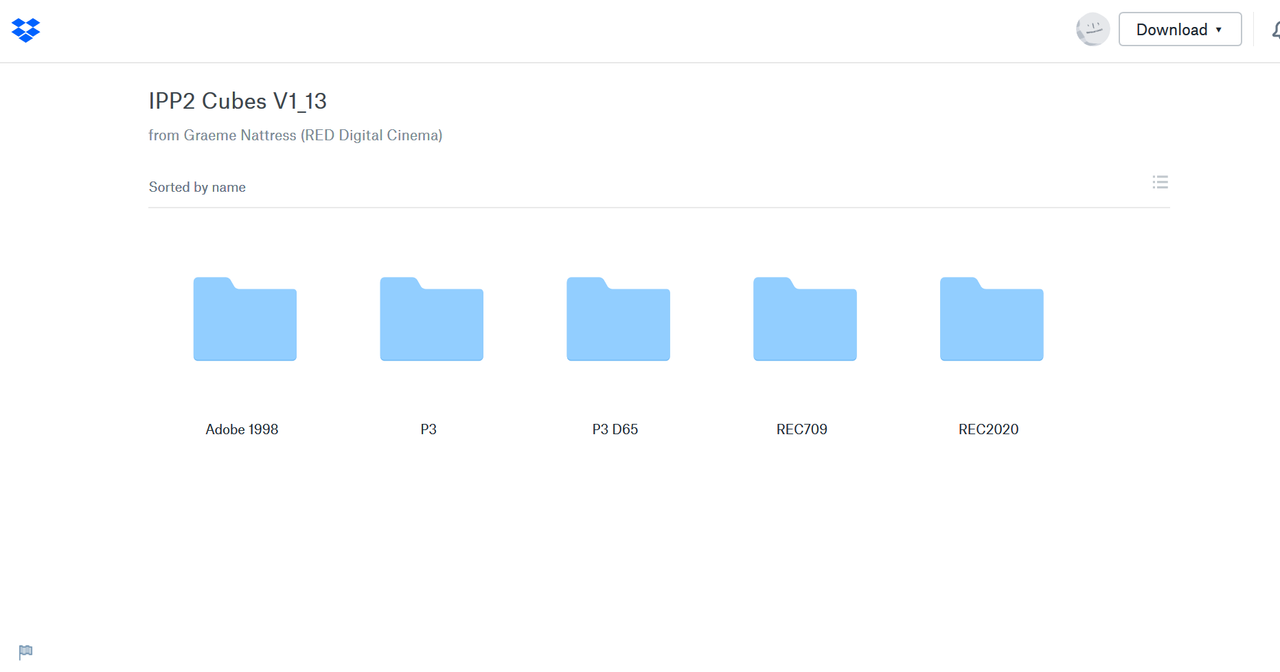
I am making a reference set of content for Facebook to give to encode vendors (for encoding shoot outs). I am taking my gorgeous Red log footage into Premiere, applying the extremely helpful IPP2 luts, cleaning up my grade and rendering to Rec2020 target. How can I ensure that all my rich source colors are making it into the Rec2020 target? Inside Premiere the LUTs seem to be showing me 709 color. Are the LUTs specific to a colorspace (e.g. Rec709)? Do I need to find a set of Rec2020 luts for this workflow? All I care about is the Rec2020 output, I never need to see the Rec709 color.
I am making a reference set of content for Facebook to give to encode vendors (for encoding shoot outs). I am taking my gorgeous Red log footage into Premiere, applying the extremely helpful IPP2 luts, cleaning up my grade and rendering to Rec2020 target. How can I ensure that all my rich source colors are making it into the Rec2020 target? Inside Premiere the LUTs seem to be showing me 709 color. Are the LUTs specific to a colorspace (e.g. Rec709)? Do I need to find a set of Rec2020 luts for this workflow? All I care about is the Rec2020 output, I never need to see the Rec709 color.