Khurum Khan
Member
Hi all,
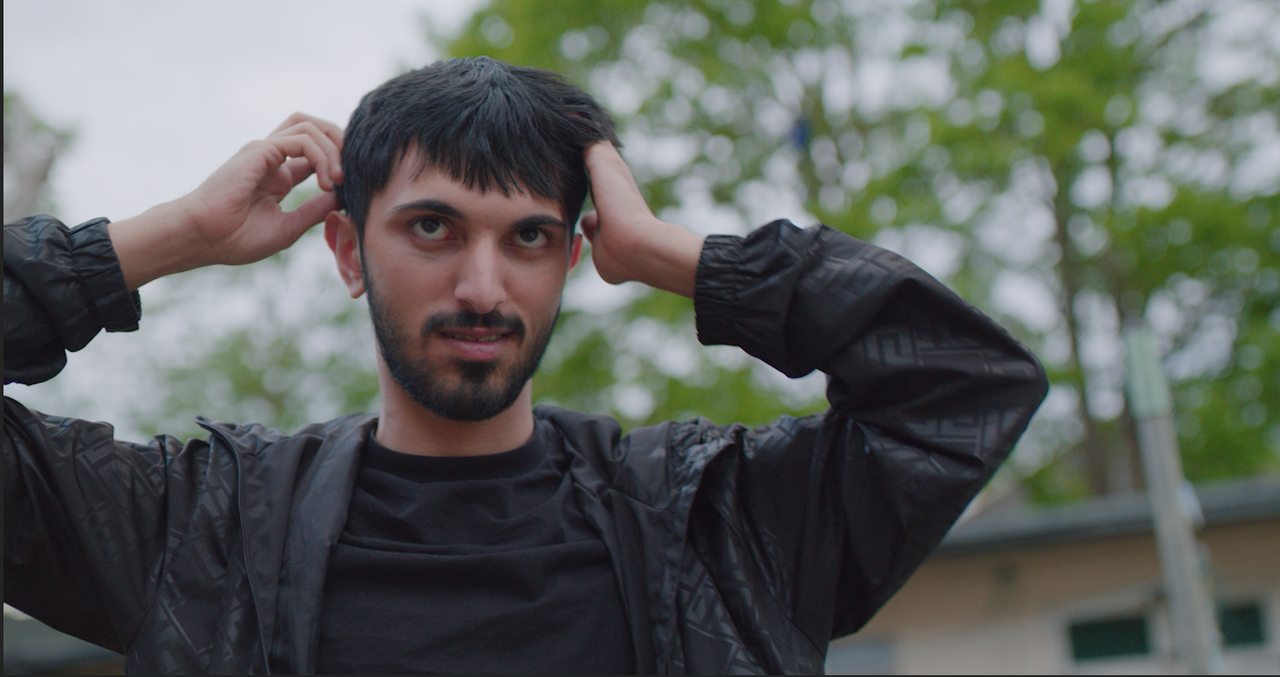
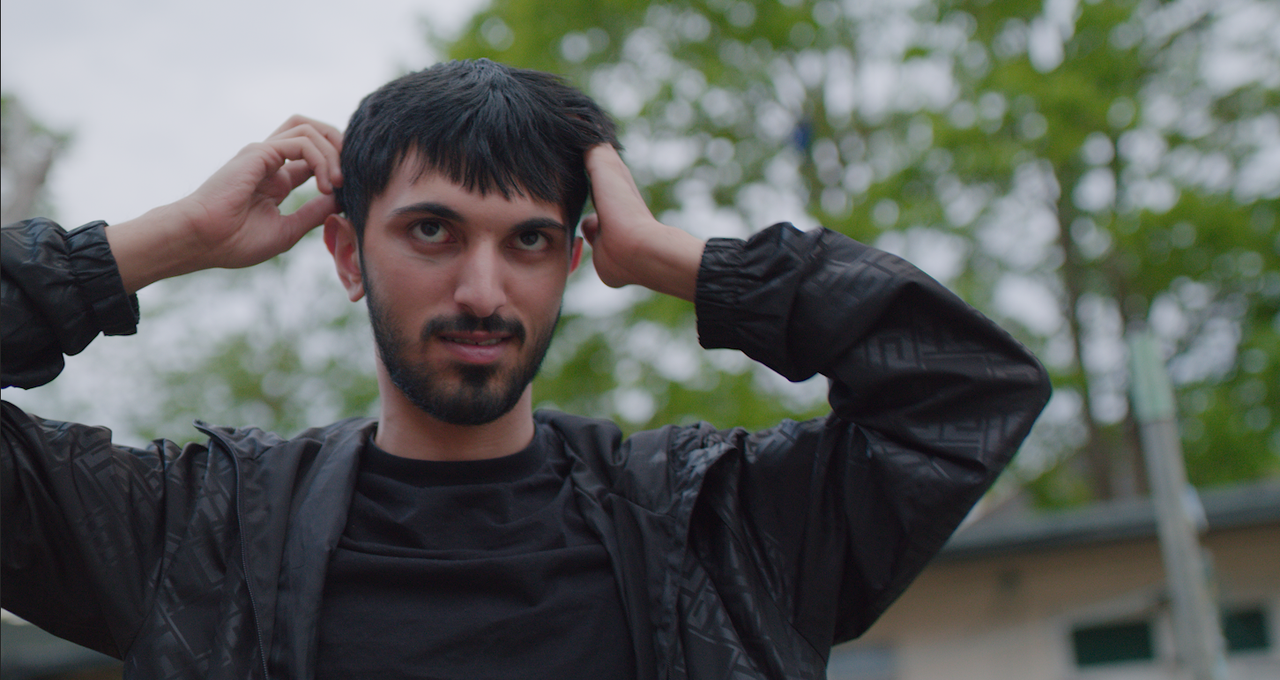
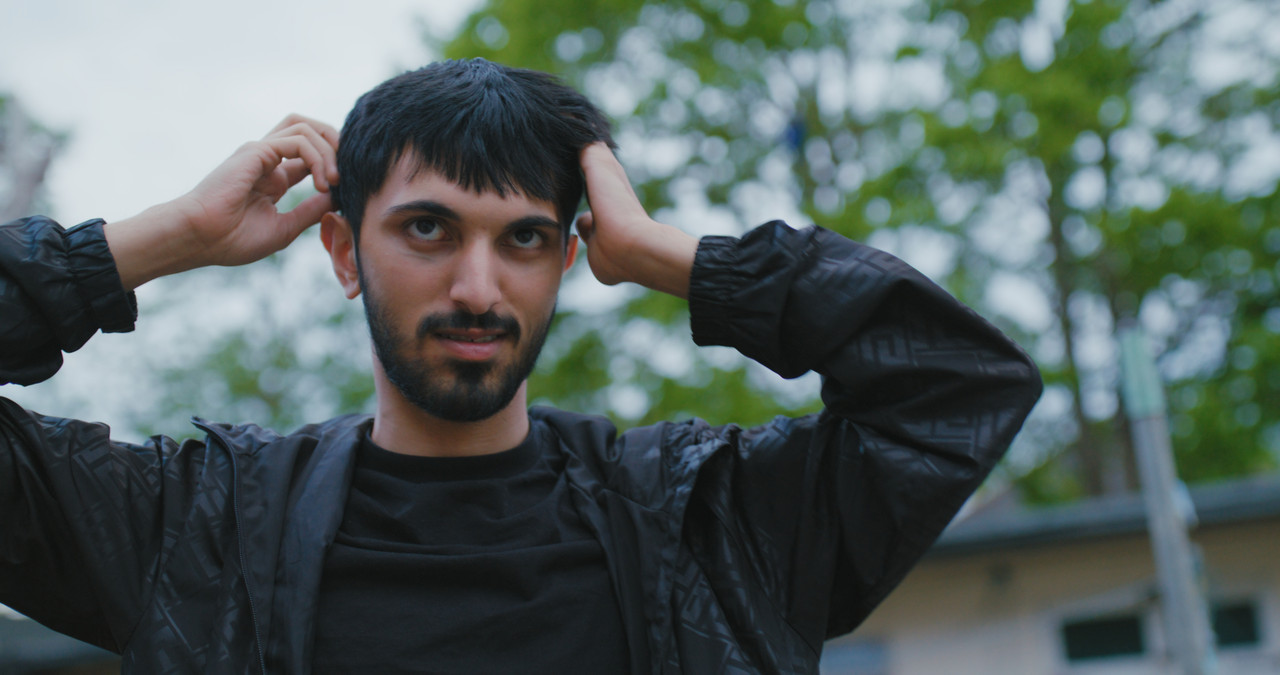
I'm curious to know how you color grade your Red Raw IPP2 footage?
I own a Red Komodo and as beautiful the colour science is of the IPP2, sometimes
I feel the footage doesn't look cinematic or kinda like film when applying LUTS etc.
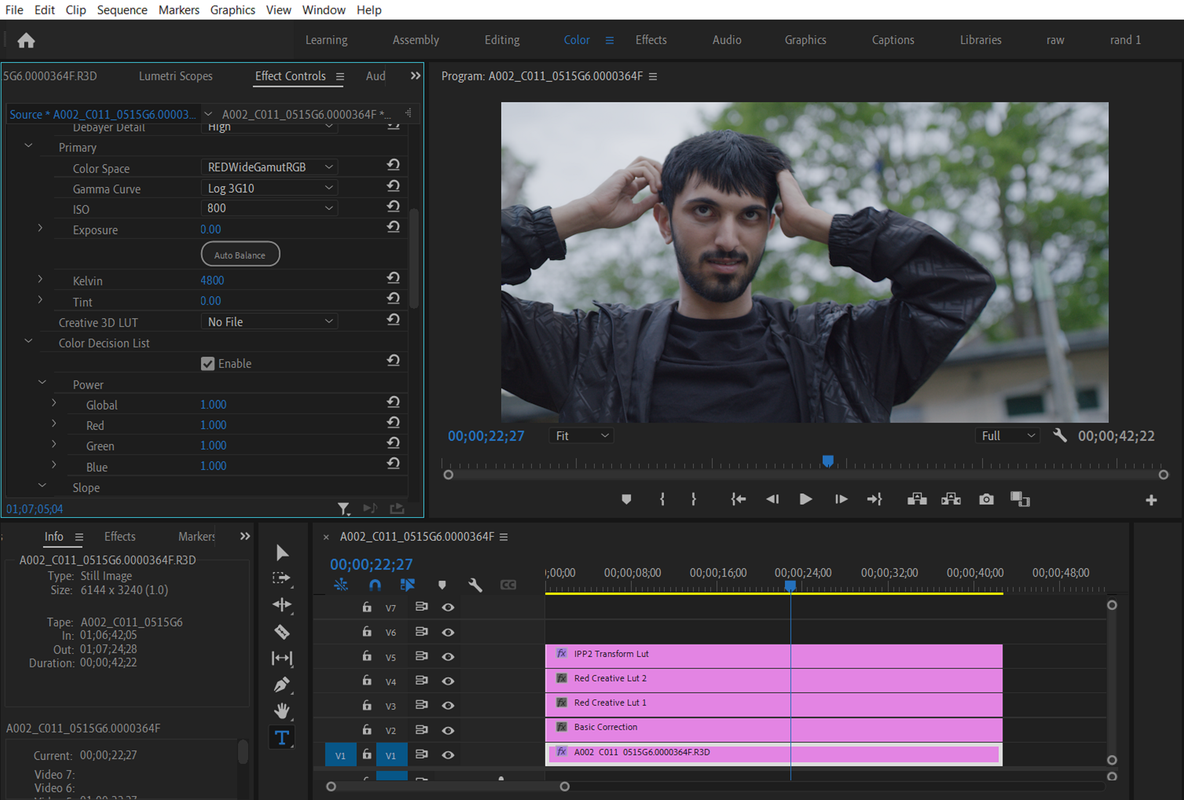
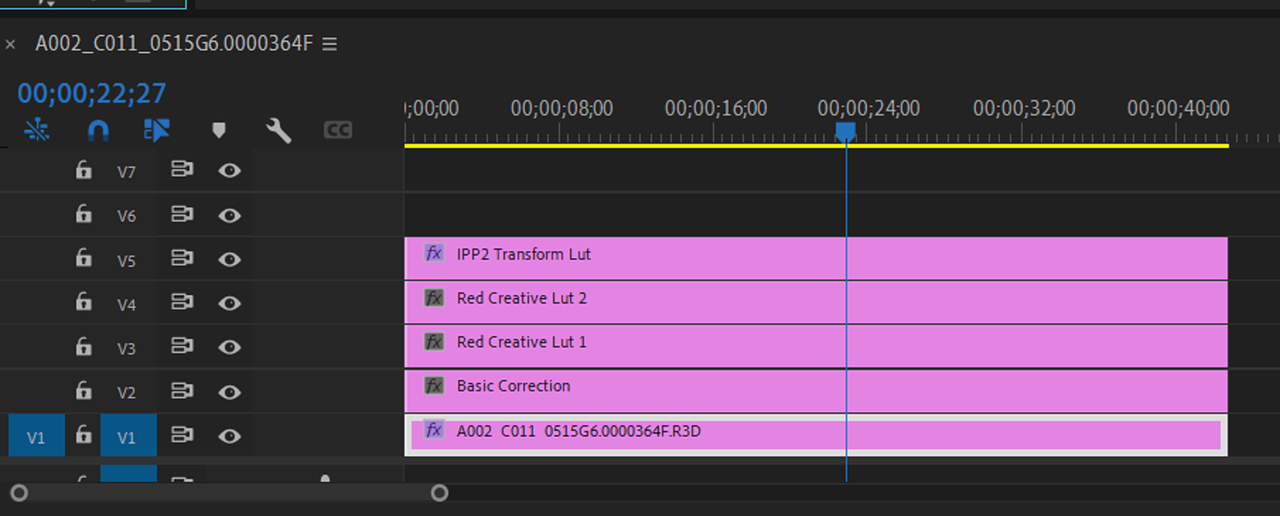
So my current workflow in Adobe Premier Pro is:
Adjustment Layer 1 - Basic colour correction
Adjustment Layer 2 - Red Creative LUT (from the Red website)
Adjustment Layer 3 - Another creative LUT from 3rd party and correcting the curve tool
Adjustment Layer 4 - Under Basic Correction I add the RWG Log3G10 to REC709
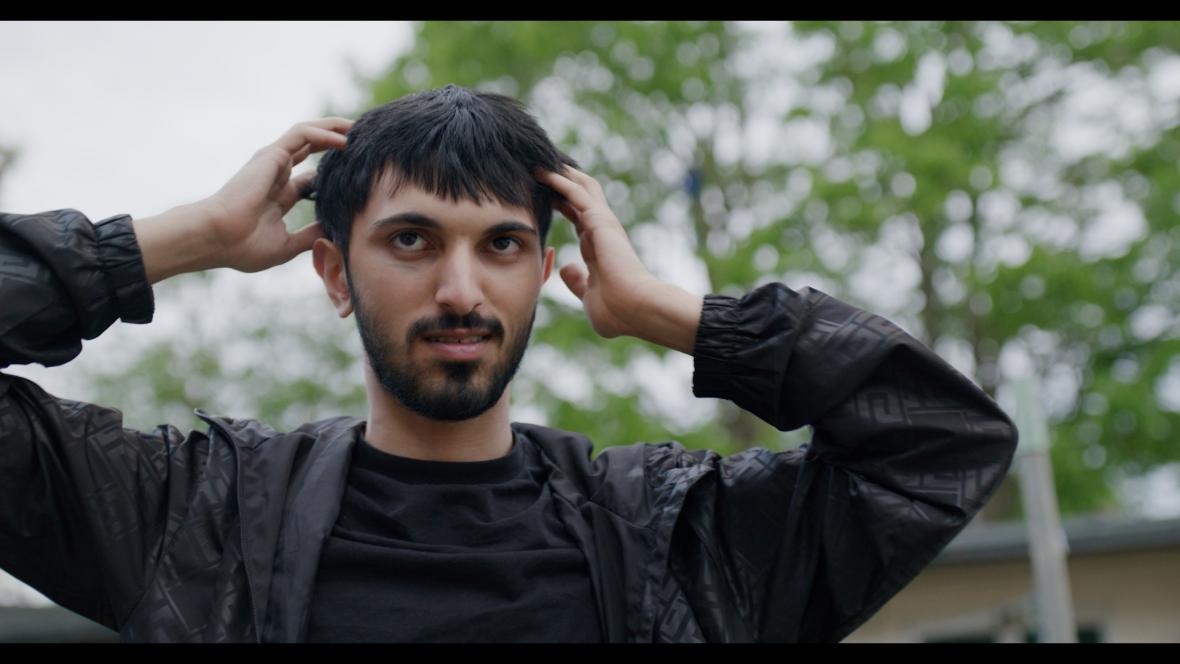
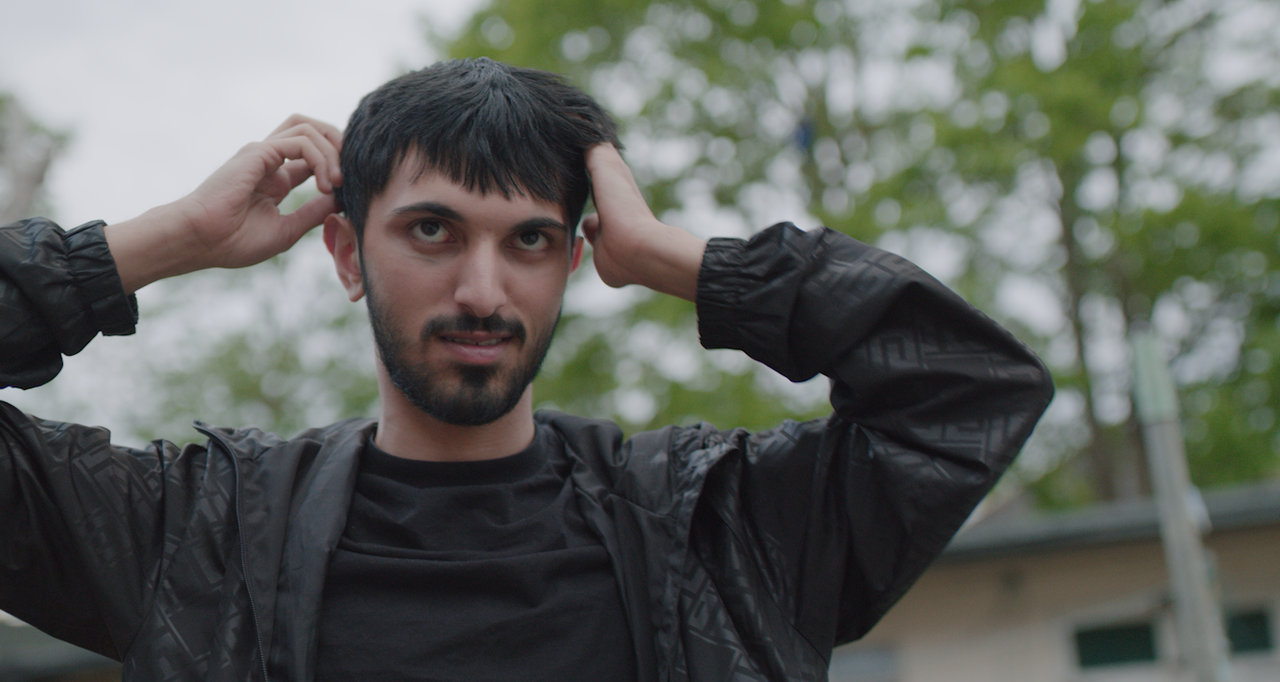
Is this the best method to colour correct? How can I make my footage look more cinematic?
As at the moment it just looks like footage colour corrected and straight out of the camera.
Any help would be much appreciated.
thank you!
I'm curious to know how you color grade your Red Raw IPP2 footage?
I own a Red Komodo and as beautiful the colour science is of the IPP2, sometimes
I feel the footage doesn't look cinematic or kinda like film when applying LUTS etc.
So my current workflow in Adobe Premier Pro is:
Adjustment Layer 1 - Basic colour correction
Adjustment Layer 2 - Red Creative LUT (from the Red website)
Adjustment Layer 3 - Another creative LUT from 3rd party and correcting the curve tool
Adjustment Layer 4 - Under Basic Correction I add the RWG Log3G10 to REC709
Is this the best method to colour correct? How can I make my footage look more cinematic?
As at the moment it just looks like footage colour corrected and straight out of the camera.
Any help would be much appreciated.
thank you!