Welcome to our community

Be a part of something great, join today!

  • Hey all, just changed over the backend after 15 years I figured time to give it a bit of an update, its probably gonna be a bit weird for most of you and i am sure there is a few bugs to work out but it should kinda work the same as before... hopefully :)

Got some artifacts probem low framerate stills, is this normal for dragon?

How come summing is a mess?

If you want to shoot at 4 fps I agree frame averaging would be awesome. but any 1 FPS capture is worth doing at 2,4,8 or 16 depending on time of course. Did you try running the compression from top to bottom on the same shot?
 
Last edited:
How come summing is a mess?

If you want to shoot at 4 fps I agree frame averaging would be awesome. but any 1 FPS capture is worth doing at 2,4,8 or 16 depending on time of course. Did you try running the compression from top to bottom on the same shot?

We use burst mode.
For me it seems like 8 fps holds up good enough for what we do. I really wish 1 fps 360 held up. To me frame summing gets a bit of a brain freeze to count on if I want a certain shutter speed and also hold up between frames and frame sum. Like if I shoot 25fps 360 I can frame sum over 12frames and then ditch every second created frame and run my move in 1fps and I get a really clean move.. but when I need to change the numbers and compensate for exposure and so on then the camera assist look the other way and every body else around the camera just want somebody else to do the math... normally I´m the one left to do it and some time there is not time when things take monstrous time to shoot and the sun is already lower than wanted etc.

But I guess I need to dive into frame summing to get around this, then anybody knows if the fame summing in camera is much better than doing it in post... to me it´s odd that we can frame sum and get a r3d that is frame summed, I mean it´s not really raw if it´s gone trough such process. And I´m thinking a lot of times it´s better to have all the frames and in post decide what frames to sum on but then its done after compression.


Also would be very nice to see a weapon r3d at 360 1 fps... high exposure / lot of contrast. Just to see if any of this is improved.

Will upload our frame post summed 8fps frame soon... to me it holds up really well.
 
So here is 6KFF 8fps 180deg, frame burst mode, 150 iso tungsten balanced. Shot with leitz 35mm f1.4 macro. Then in post we frame summed 40 frames and.
The result is clean enough to get the retouch still guys thumbs up and I can use the exact same setting for the moco stuff we do so, happiness. Will do this stuff in 8fps or if needed more light I frame sum in camera.

http://we.tl/sBJ30e2xqt
 
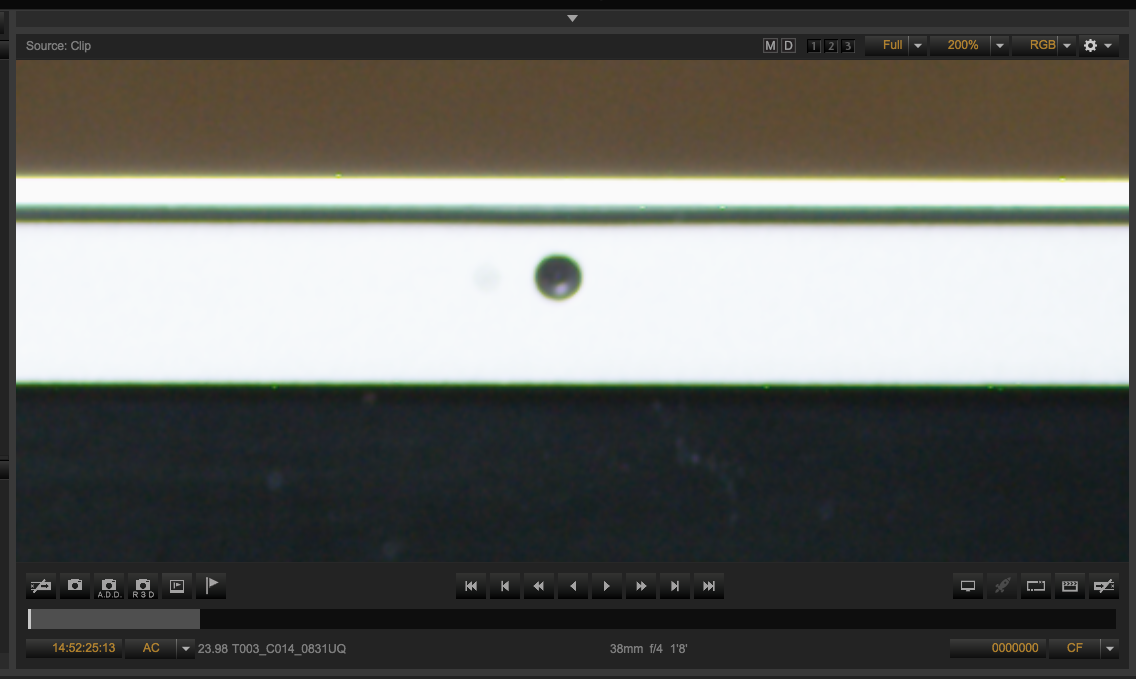
This is odd... got help from another red user to shoot the same setting with his dragon carbon... same amount of light same long exposure same aperture same everything... well he does not get the dots. So I think this is something only some cameras have. I for sure have seen it on two dragons.

here is a facebook thread in swedish with the comparisons: https://www.facebook.com/photo.php?....493340558042.274638.543523042&type=1&theater

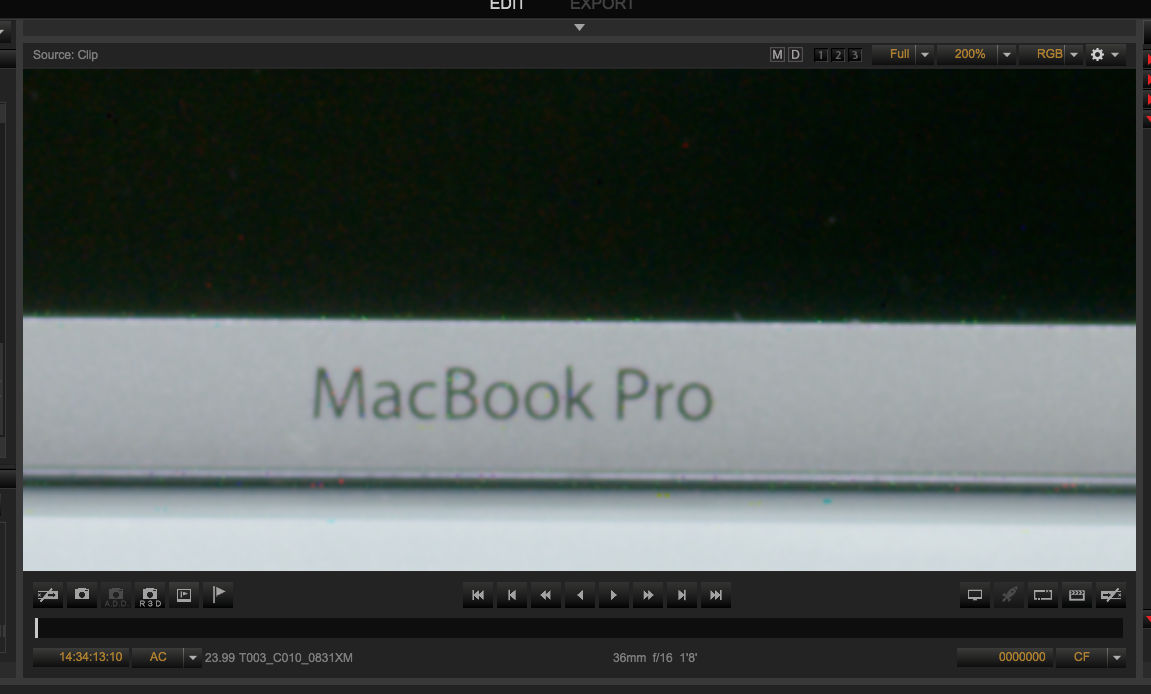
Clearly Janne does not have the tuttifutti dots, that I have, in his macbook logo... :)
 
Interesting...

Any one else that can run a quick test with their dragons.

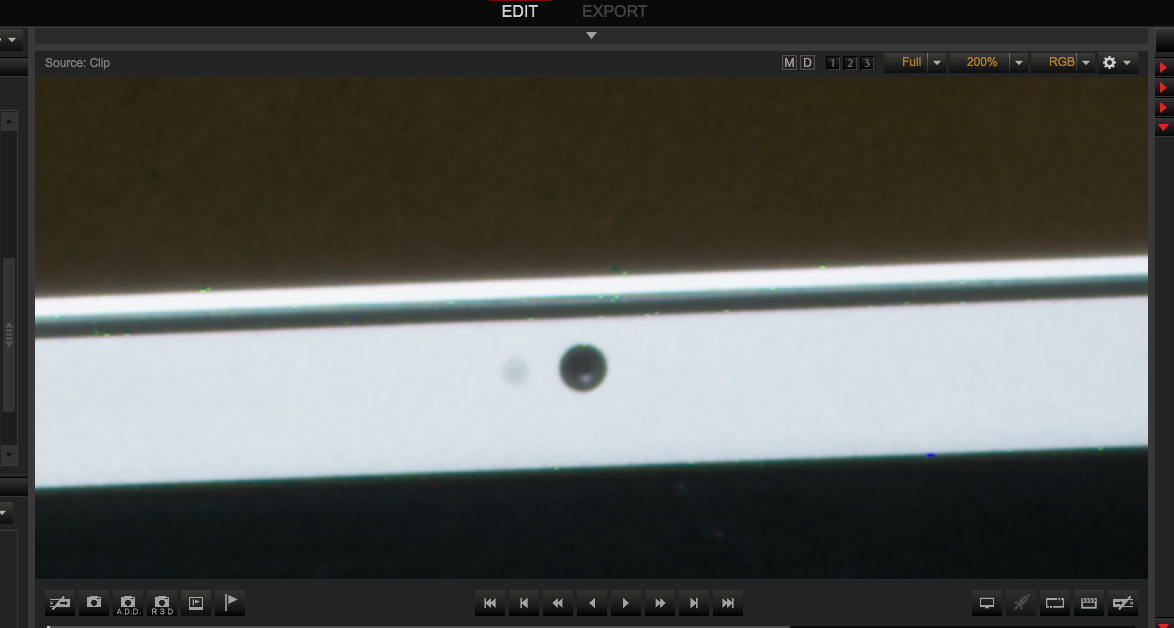
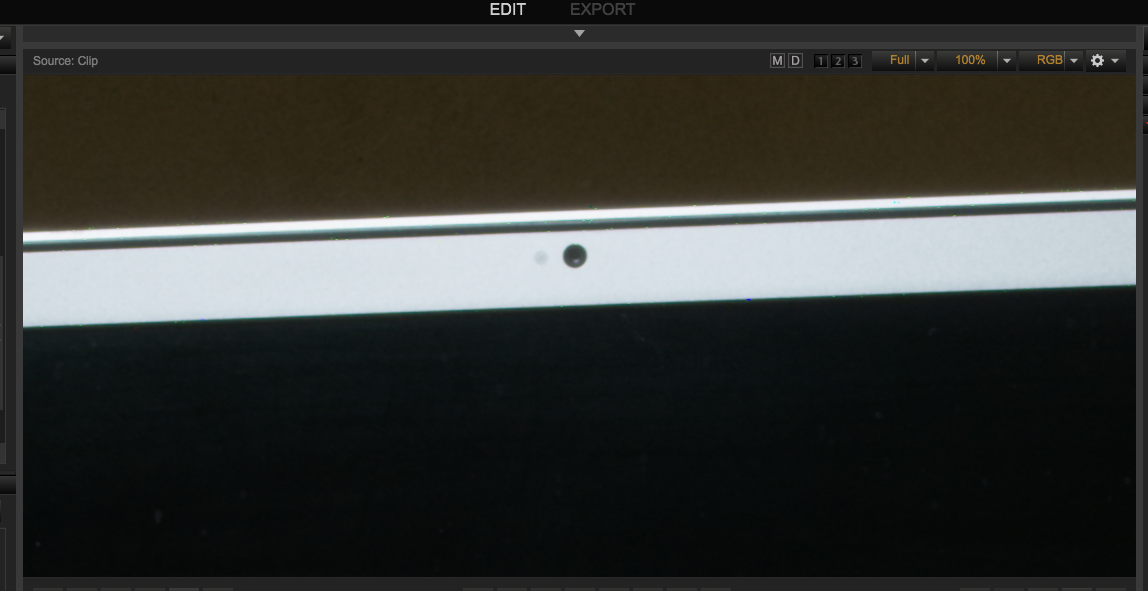
Blackshade and shoot your macbook logo at 4fps, 180 deg shutter, f16 and enough light to expose right bellow the stoplights, develop at about 150ISO. zoom in 1:1 and post a screendump. Curious to see if other dragons has this tuttifrutti pixel disease.
 
Any one else that can run a quick test with their dragons.

Blackshade and shoot your macbook logo at 4fps, 180 deg shutter, f16 and enough light to expose right bellow the stoplights, develop at about 150ISO. zoom in 1:1 and post a screendump. Curious to see if other dragons has this tuttifrutti pixel disease.

I'll try to put it in today.

No frame summing involved in this test?
And I don't seem to have that logo on my MBP...)
 
I'll try to put it in today.

No frame summing involved in this test?
And I don't seem to have that logo on my MBP...)


Frame summing or not should not matter. If the artifacts are there they are constant over frames. So it´s more about if you camera has tuttifrutti pixels at long exposure, i.e 4fps. So the frame summing trick would be to set a fraction of that exposure, frame sum and then bring up iso accordingly. But as we noticed Jannes camera does not have this issues and I found it on two cameras I´m thinking its´s inconsistent in between cameras.
 
Frame summing or not should not matter. If the artifacts are there they are constant over frames. So it´s more about if you camera has tuttifrutti pixels at long exposure, i.e 4fps. So the frame summing trick would be to set a fraction of that exposure, frame sum and then bring up iso accordingly. But as we noticed Jannes camera does not have this issues and I found it on two cameras I´m thinking its´s inconsistent in between cameras.

That is not unlikely, and could be a good feedback for RED R&D QC
 
Incredibly. I duplicated it.

dots1.png


dots2.png


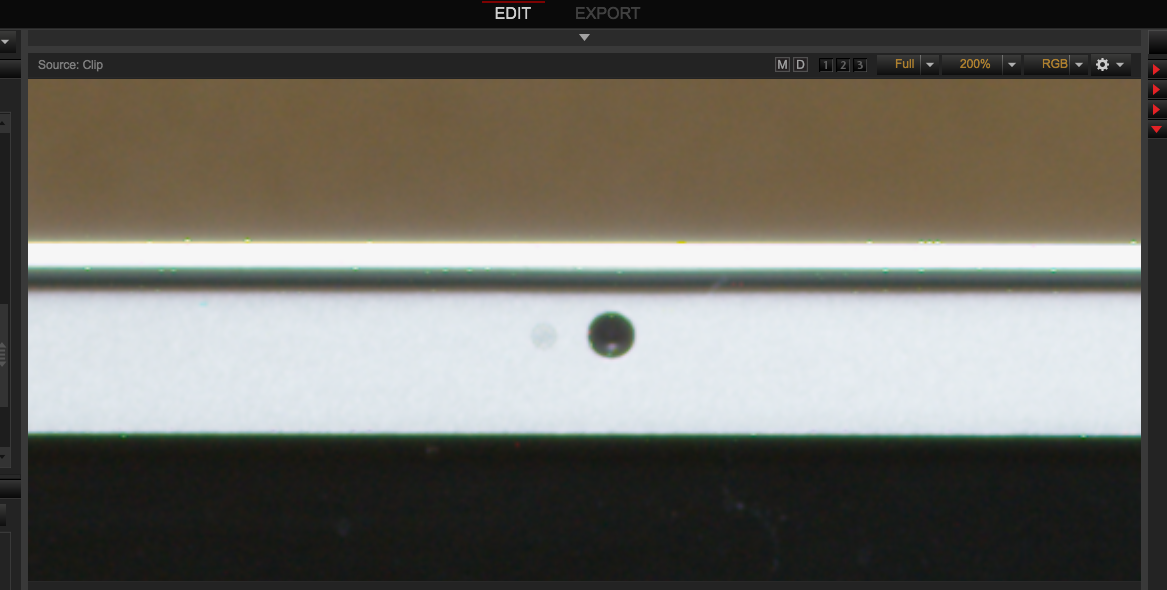
This is 2:1 compression

dots2TO1.png


dots4to1.png


This is 4:1 compression

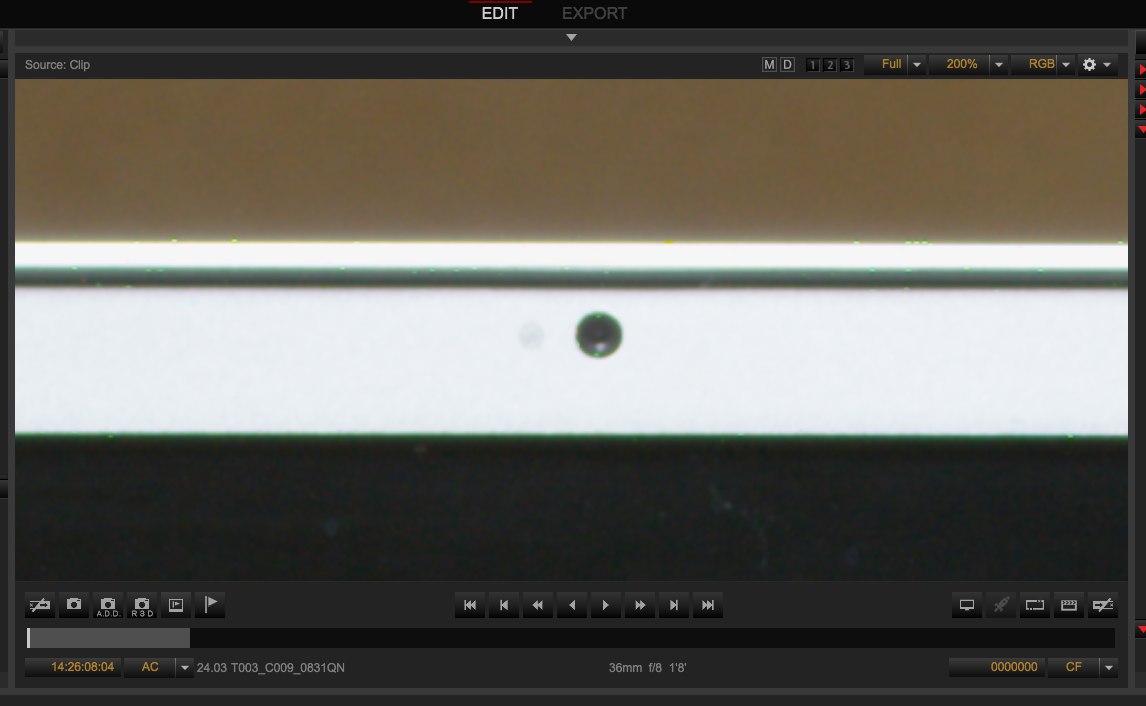
dots4frmav2.png


And here is 4 frame averaging.

dots4frmav2.png


And this is 24FPS at 5.6 at 5>1 compression.

dots24FPS.png
 
Last edited:
what freaks me out is that it shows up in 4 frame averaging mode.

must be this latest firmware.
 
Last edited:
Thanks for doing the test david, Now atleast I know that I´m not the only one.

I was using frame burst but your test clearly shows its there in any compression only that it kind of blurs out in the higher compression rates which is natural.

And yes it´s not depending on frame summing or averaging or such. These tuttifrutti dots, as I see it, is depending on longer exposures and show up on edges between high and low exposure, and they seem to be consistant over frames. Like I shot FF6k and frame burst until the buffer was full ( think it was 50 frames or such) then all the frames in the clip had the same artifacts on the exact same pixles.

Happy to see the REDBULL pic in this thread.

Graeme gave me the advice to shoot shorter exposures and use frame summing to get a cleaner picture with lower exposure and then compensate with ISO. And that would probably get rid of the problem, which I think it would, as I have not seen this in shorter exposure and the issue / number of bad pixels where more than cut in half when I switched to 8fps instead of 4fps. But the thing is, it´s difficult to do incamera framesumming when using a moving camera or action in front of the camera (we shoot super slow timelapse moco stuff) where you want a 180 (or any other number exept for 360) deg shutter. So off course it would be much preferred to be able to shoot low fps without those dots in frame. And I never seen this on our dragon (the one that sadly got stolen a few months back), and I used thay camera quite a bit in slow fps, even doing a lot of 1sec 360 shutter, without seeing these dots. Then when our camera was lost I have been jumping around, renting different dragons while waiting for our weapon delivery and I had a few dragons with tuttifrutti and a few without. First I though I was doing poor blackshadings or simply that the light was different from before or such. But then Jan, fellow reduser did his test with his dragon and did not get the dots. And now David got the chickenpox on his. :(
 
The good thing Bjorn is that RED is on it and I am sure there will be a fix soon enough.
 
I've seen this kind of hot pixels with files from medium format still cameras as well, but most raw converters fix those by default.
 
Back
Top