Welcome to our community

Be a part of something great, join today!

  • Hey all, just changed over the backend after 15 years I figured time to give it a bit of an update, its probably gonna be a bit weird for most of you and i am sure there is a few bugs to work out but it should kinda work the same as before... hopefully :)

FREELAB and X01 files, Touted to be the Replacement for LUTS

rand thompson

Well-known member
Joined
Aug 9, 2011
Messages
18,878
Reaction score
608
Points
113
Part 1- Introduction

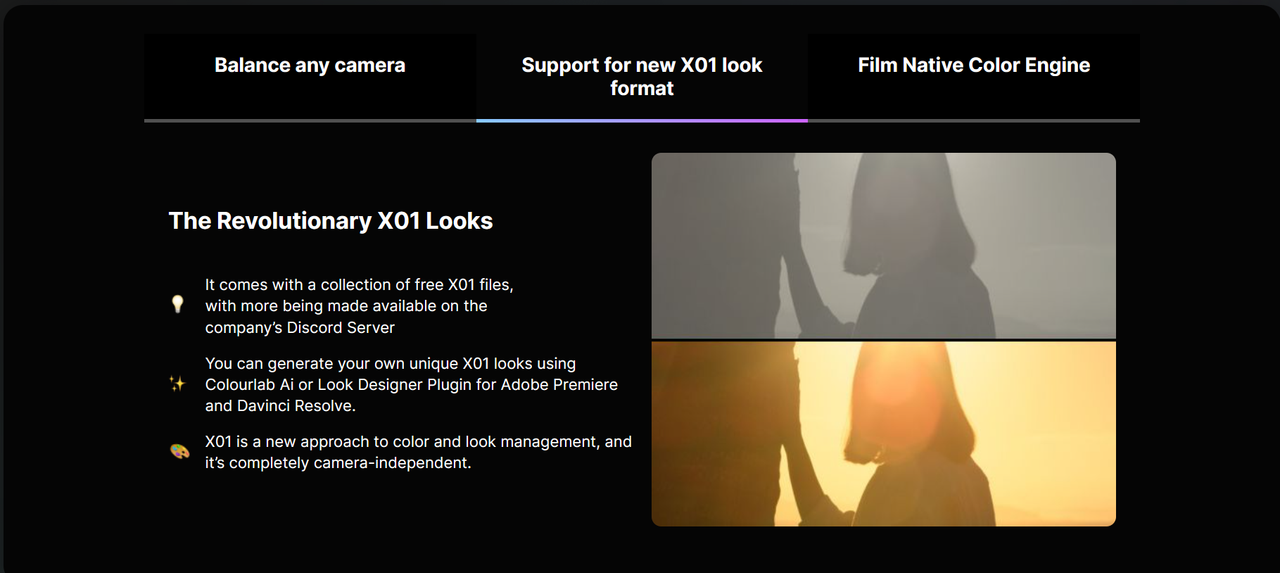
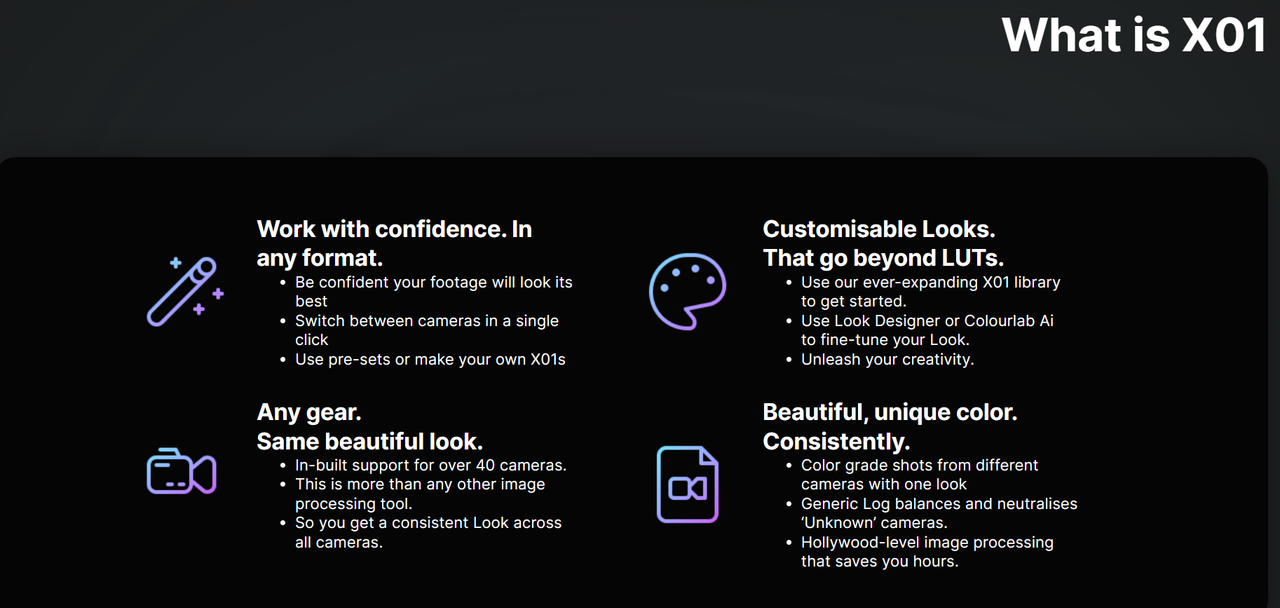
X01 files are a new computer based Language file that contains Parameters that can be Edited once they have been created. They are Color Space Agnostic so one grade can be used with many Color Spaces. Once a Lut is Made, the Look Characteristics of that Lut Are Final.

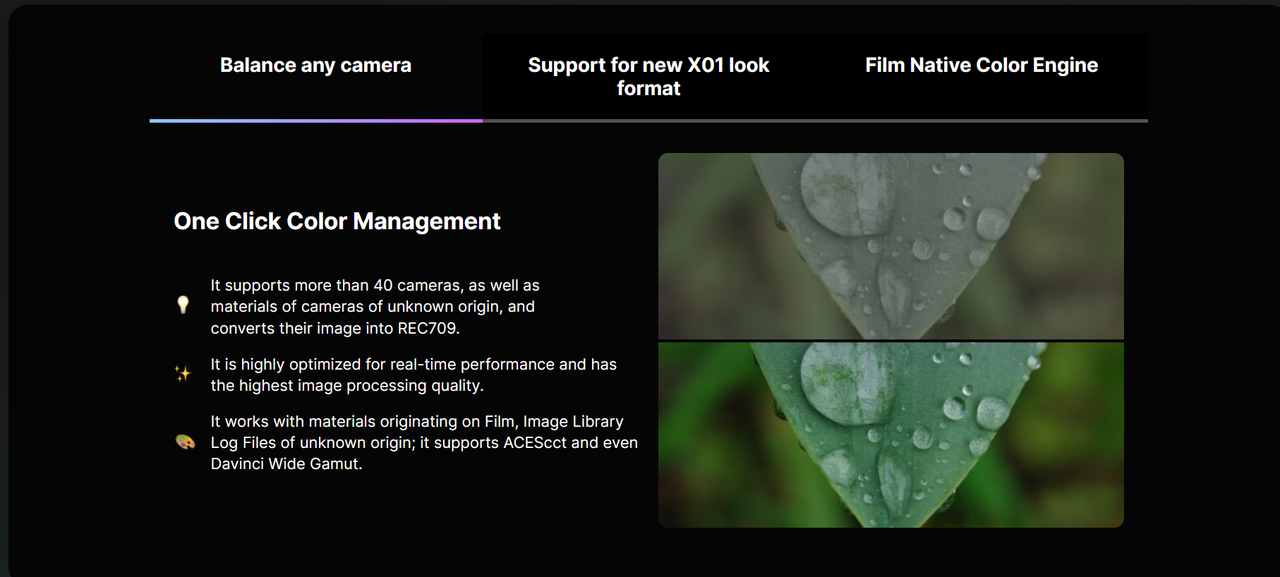
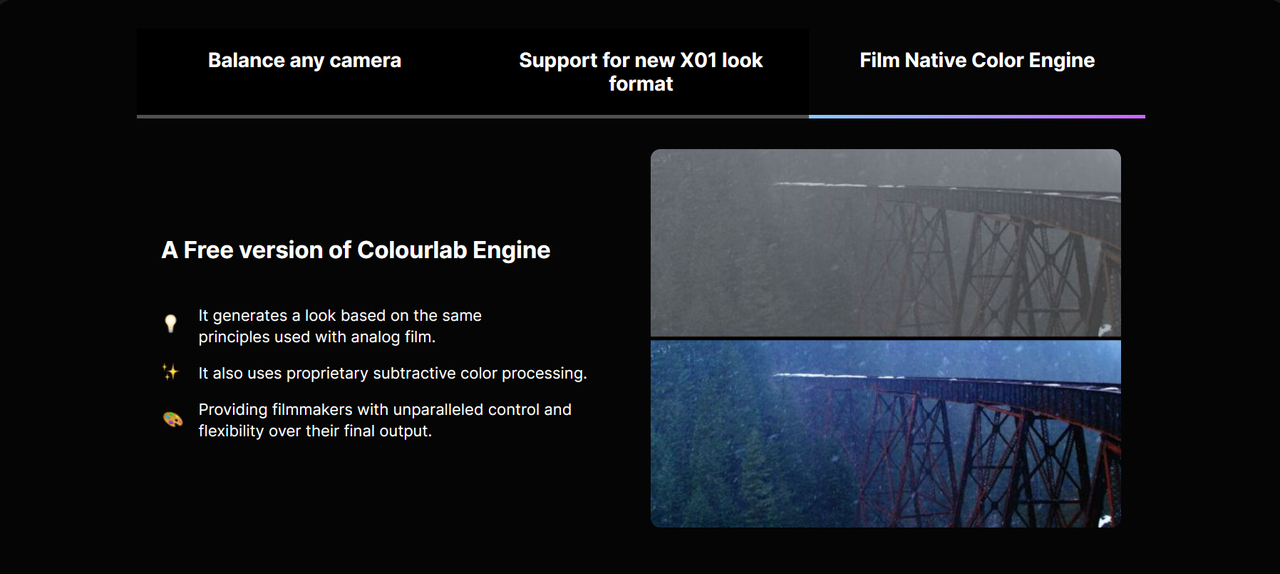
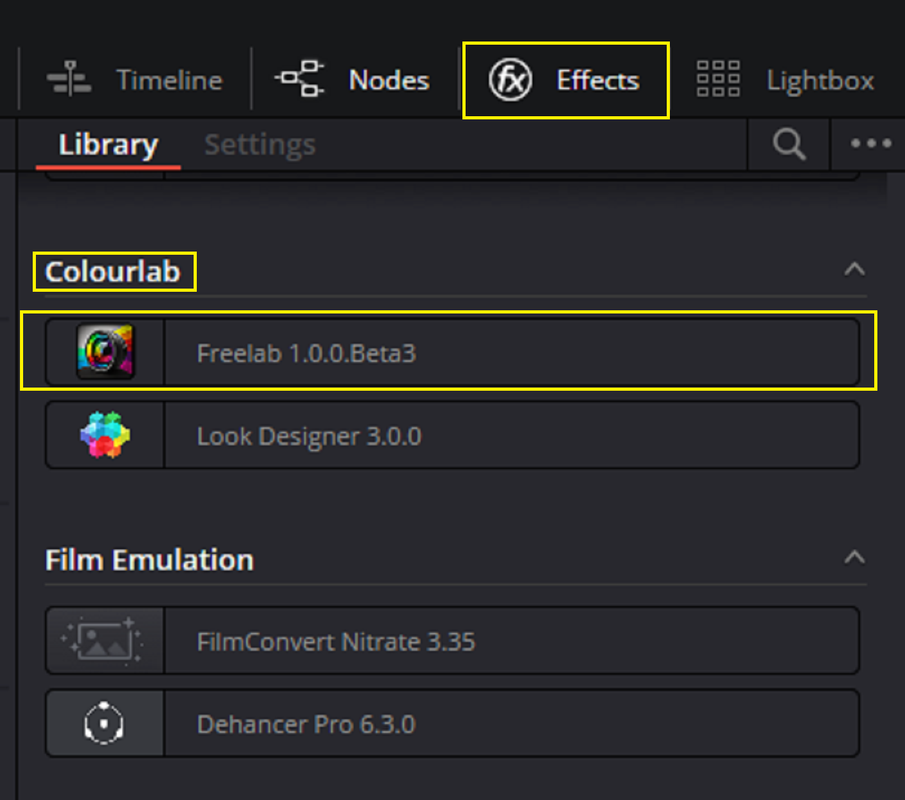
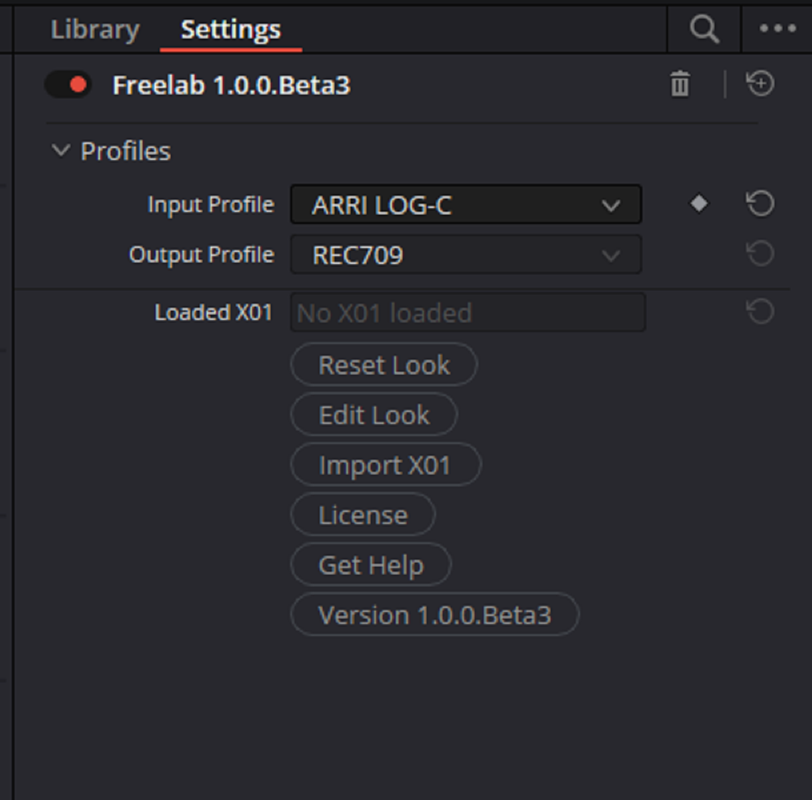
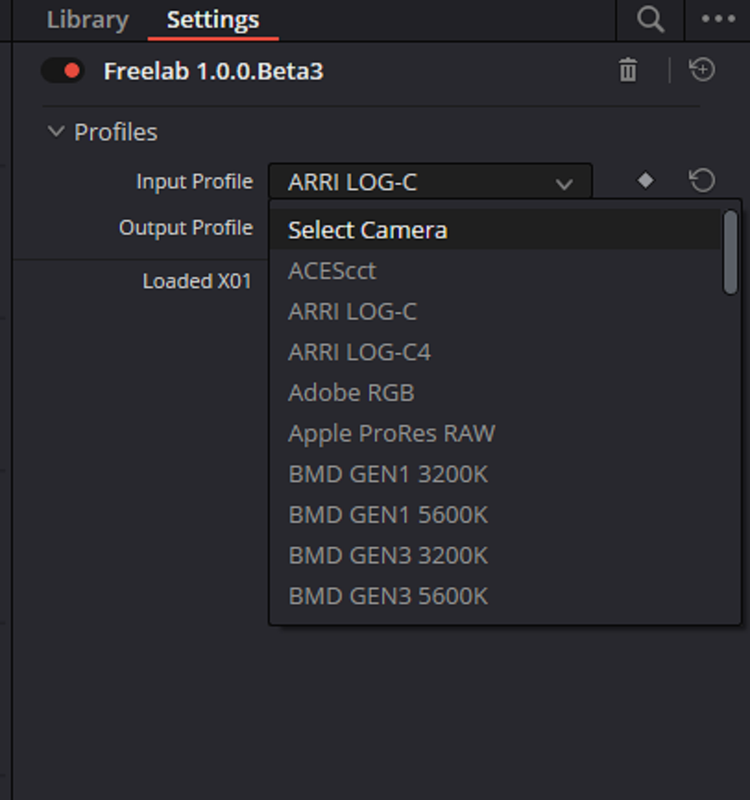
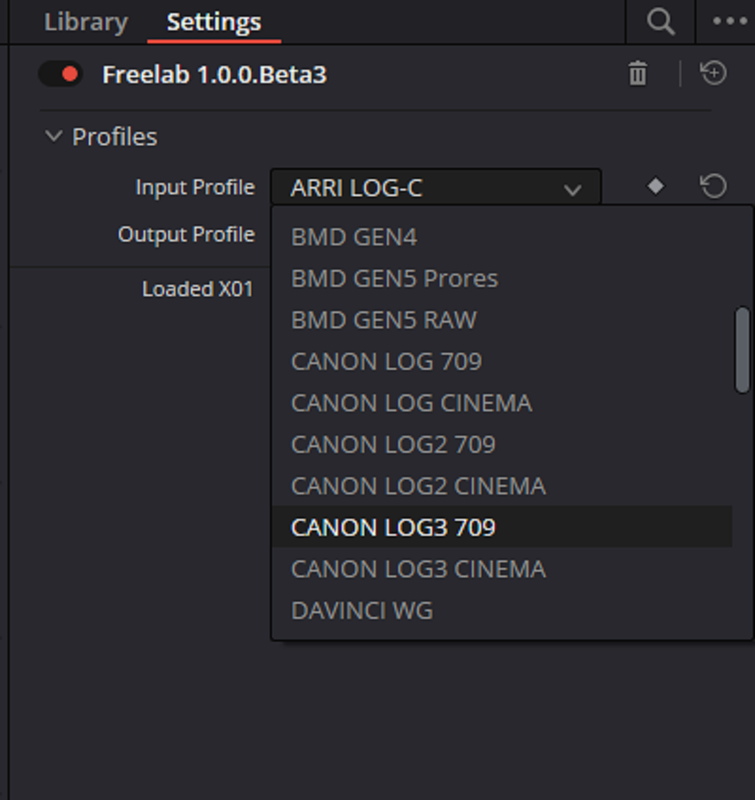
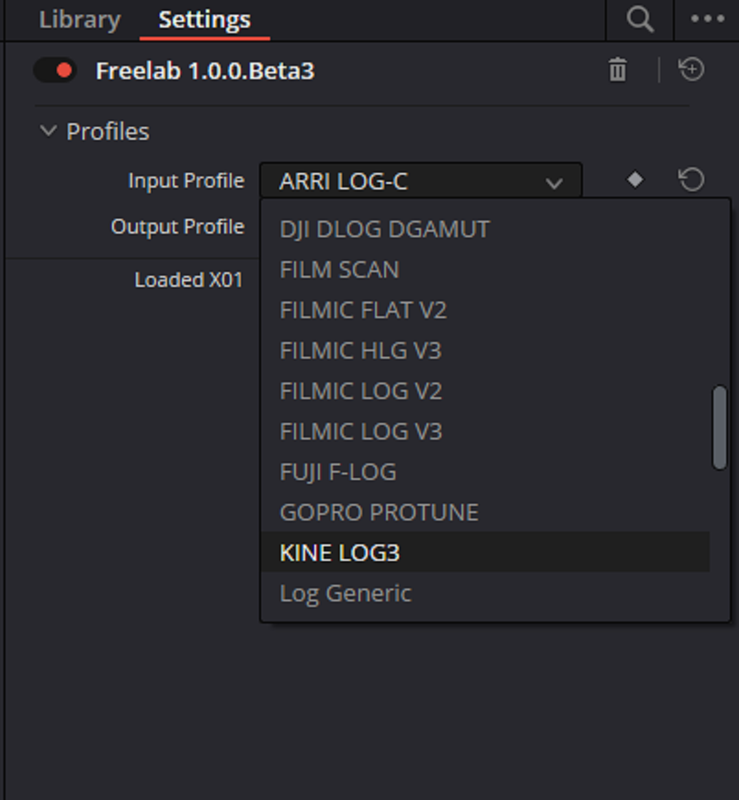
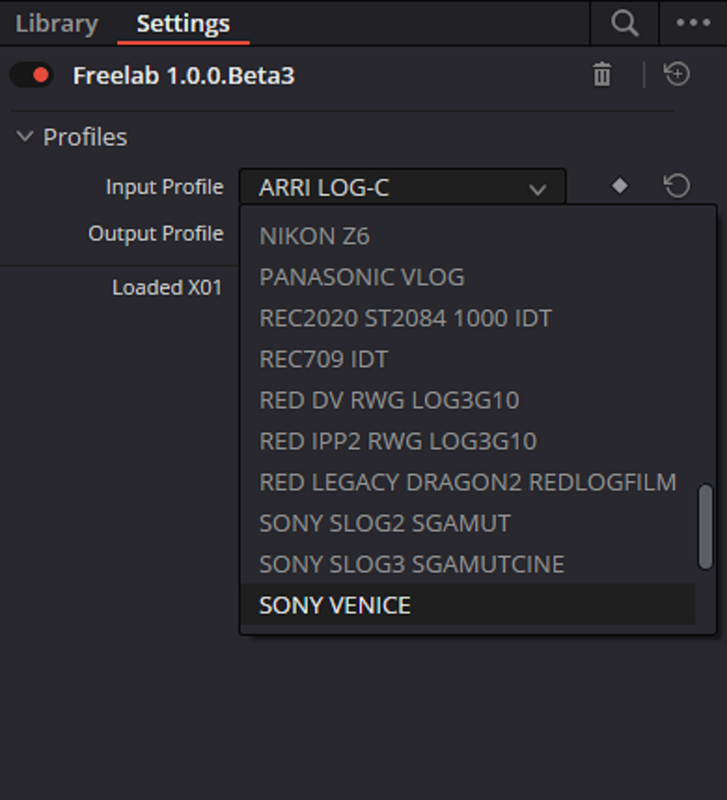
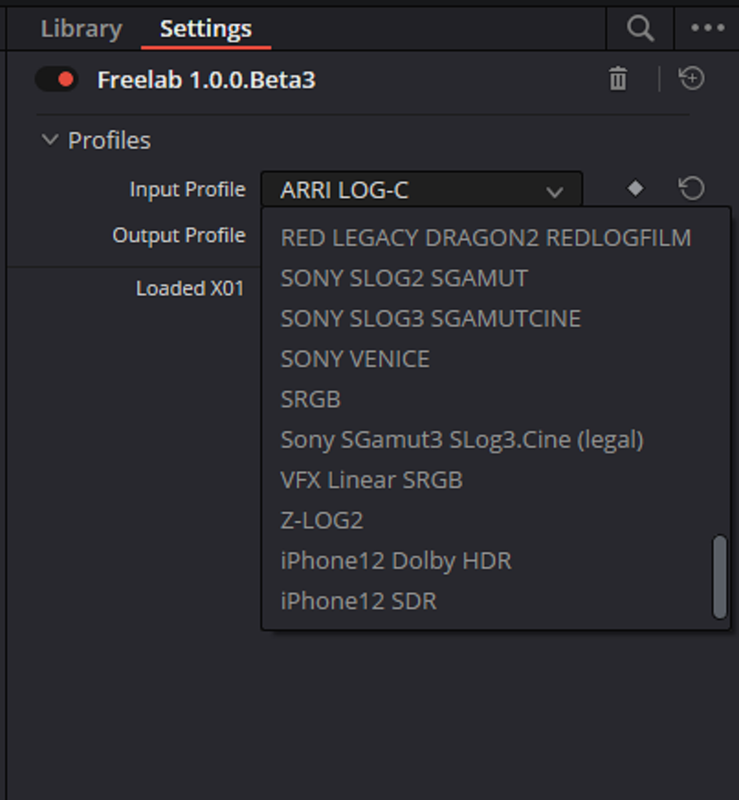
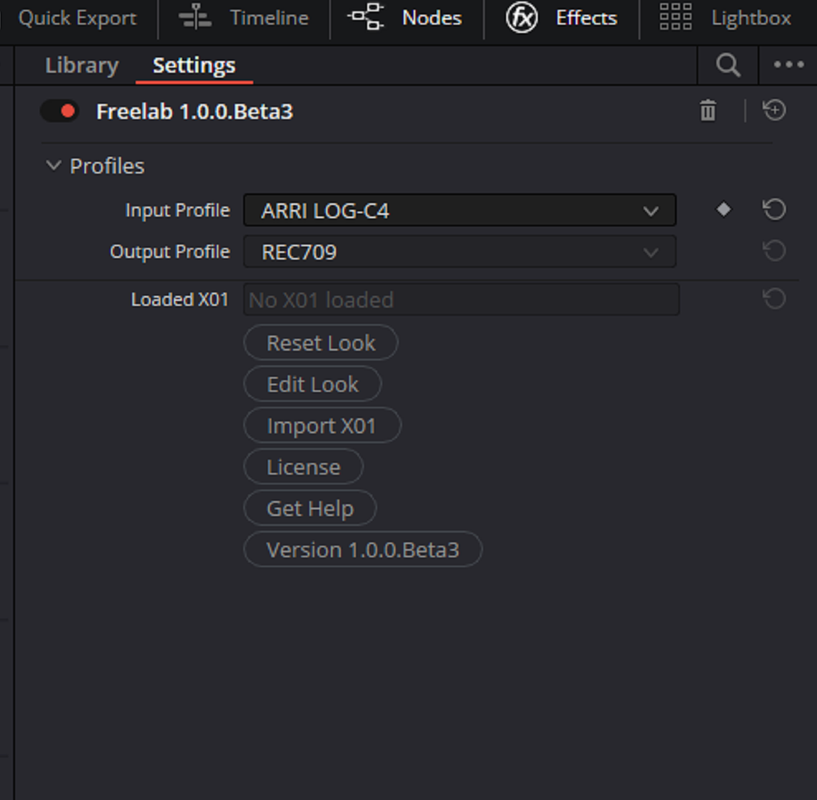
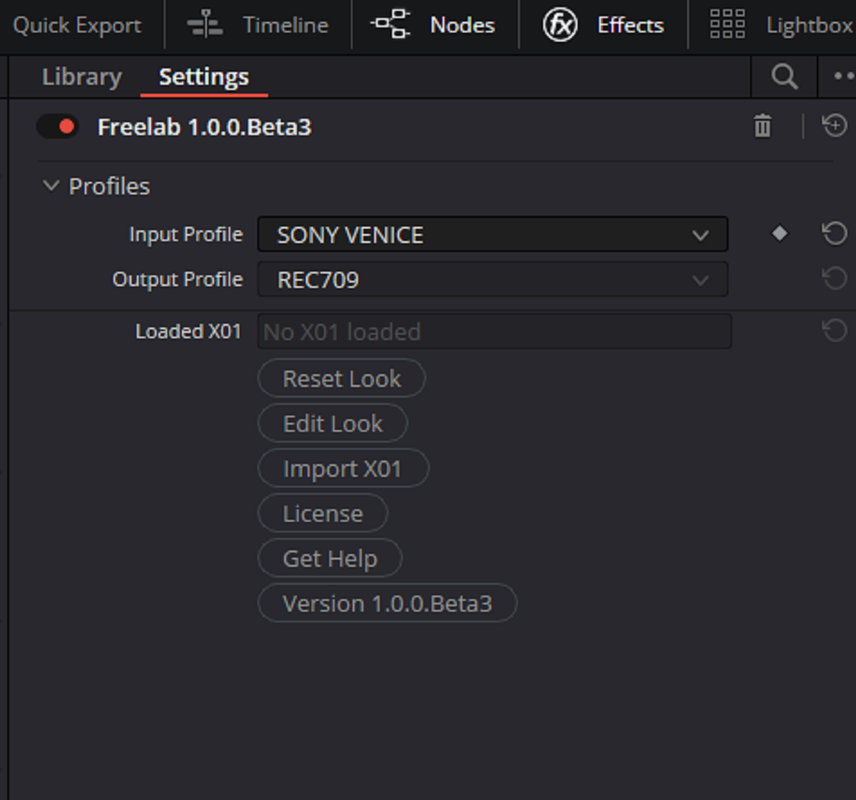
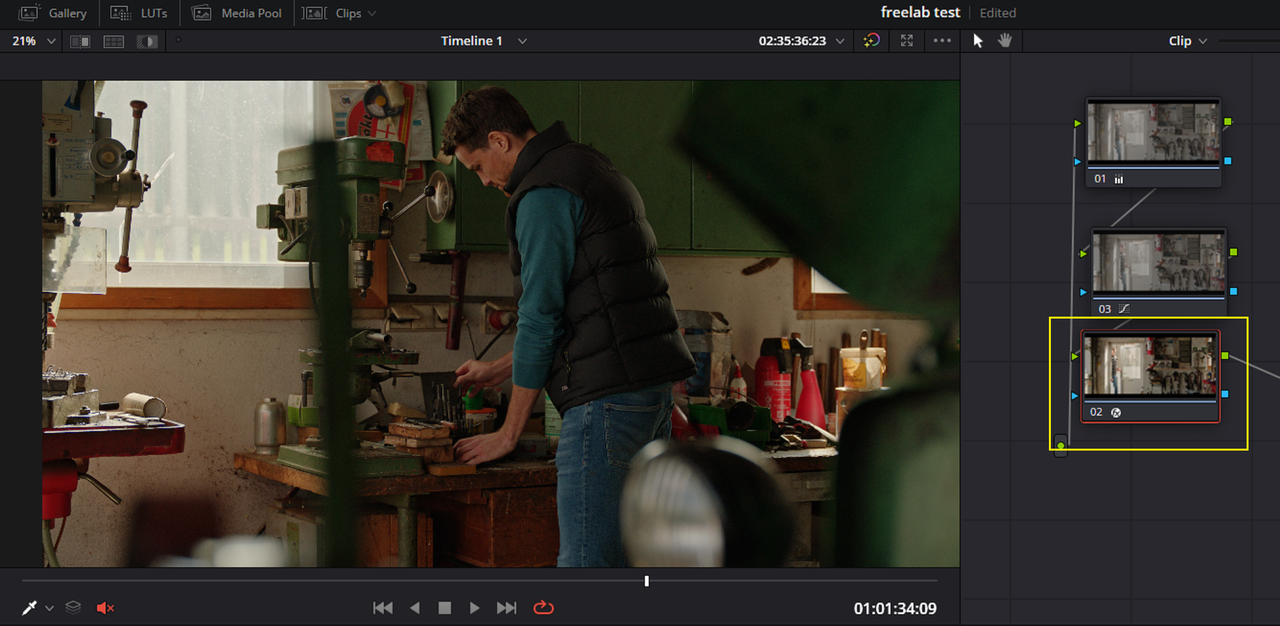
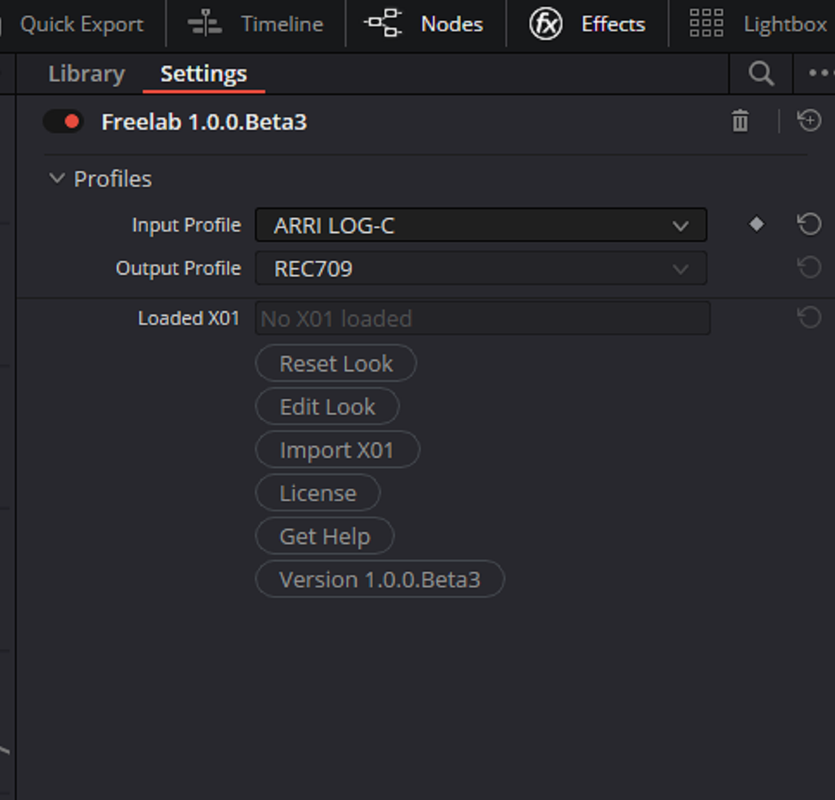
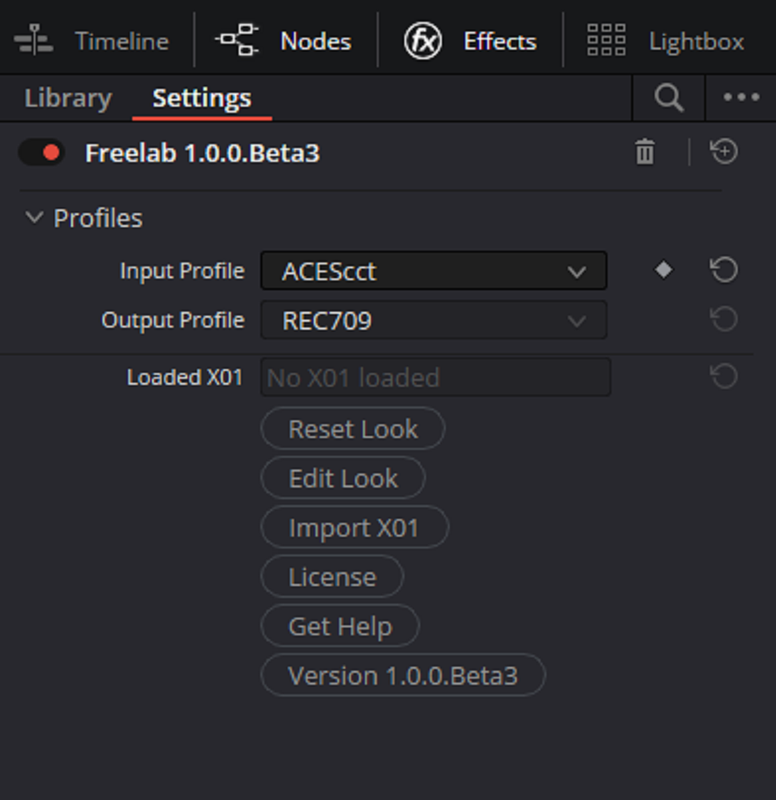
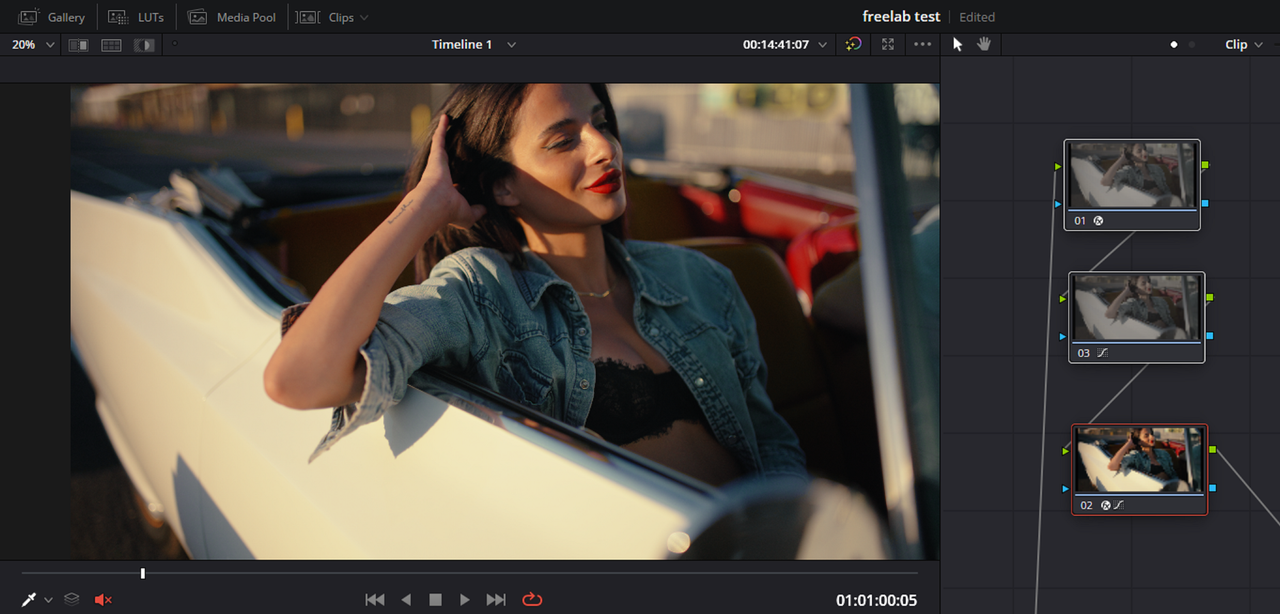
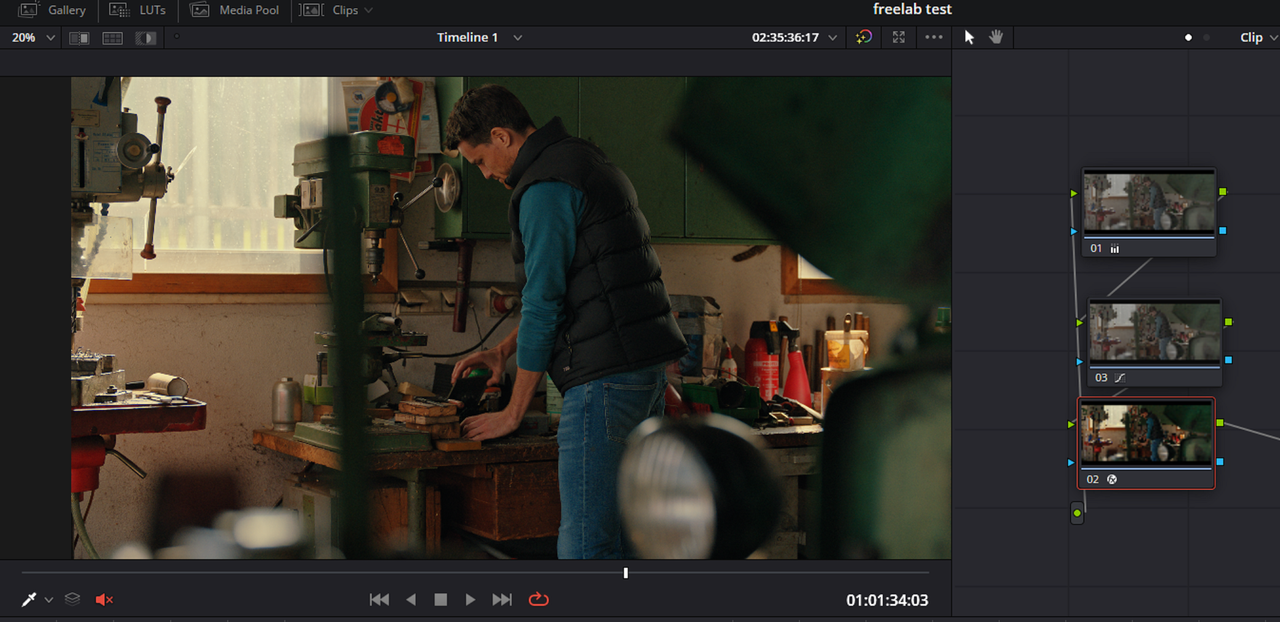
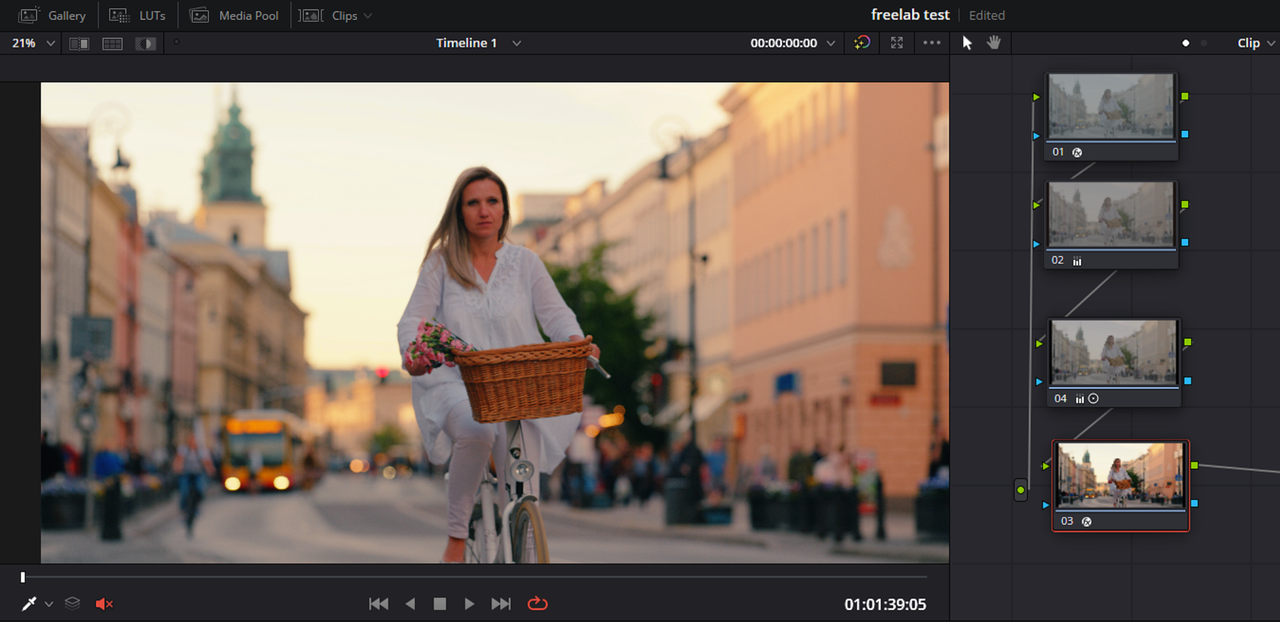
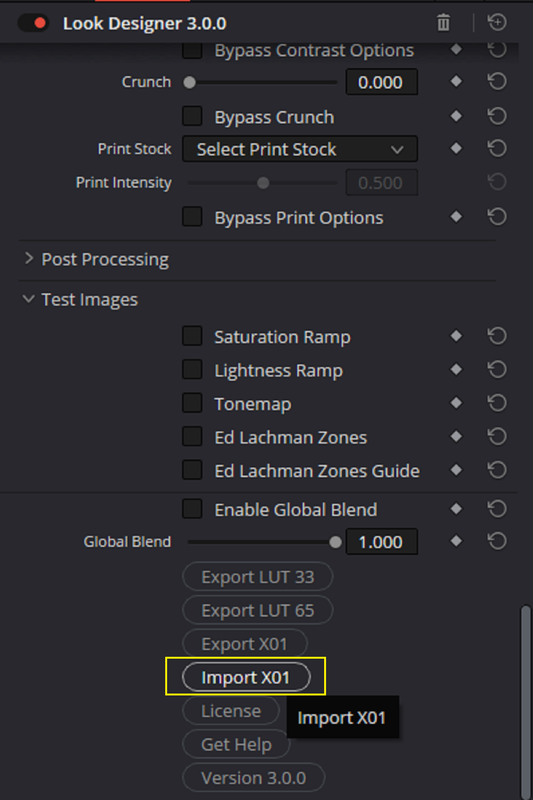
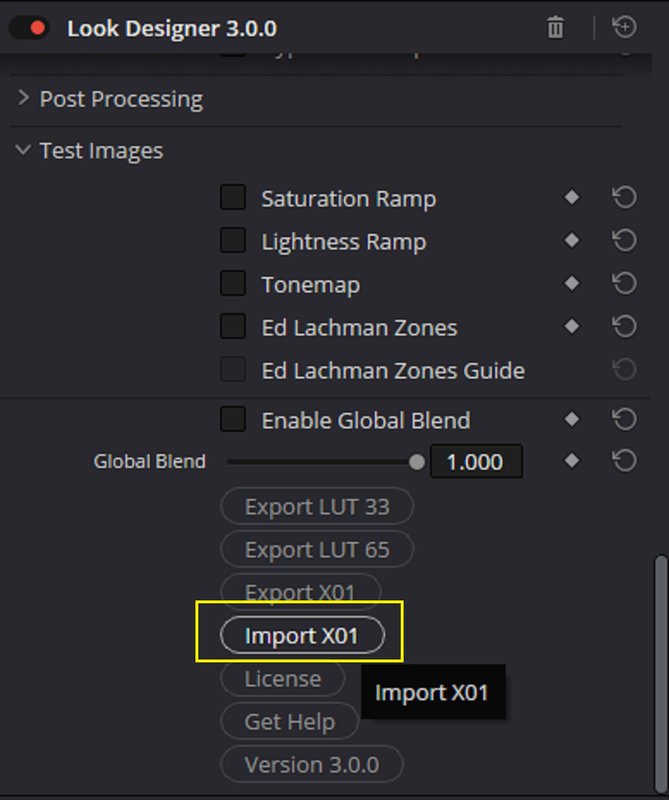
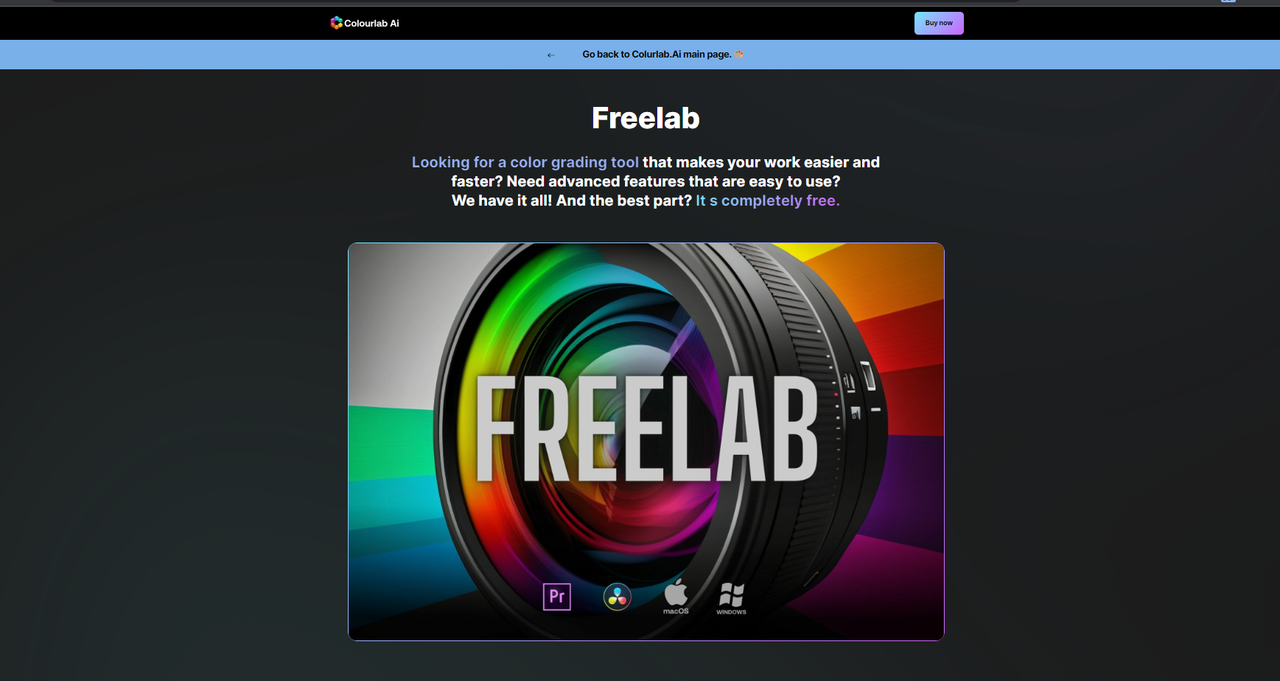
There is a free app called " FREELAB" from ColourLab.Ai that allows you to "Import only" "X01" Grade/Look files that can be used as an ODT( Output Display Transform) for many different Cameras from different Manufacturers. This free App is limited to a REC709 Output Display only. If you wanted to Make or Edit an X01 file or create "LOG-To-LOG" X01 files for "Scene Referred" Workflows or use Different ODTs other than REC709, You will have to use the paid LOOK DESIGNER 3.0 OFX software application.


Here is the Link to the Free Application and some more additional info on X01 files.


FREELAB Website
Freelab - Colourlab - Colourlab.ai


Here was a Live Event posted today about some of the Apps mentioned below


2.png


3.png


4.png


5.png


6.png


7.png


8.png


9.png


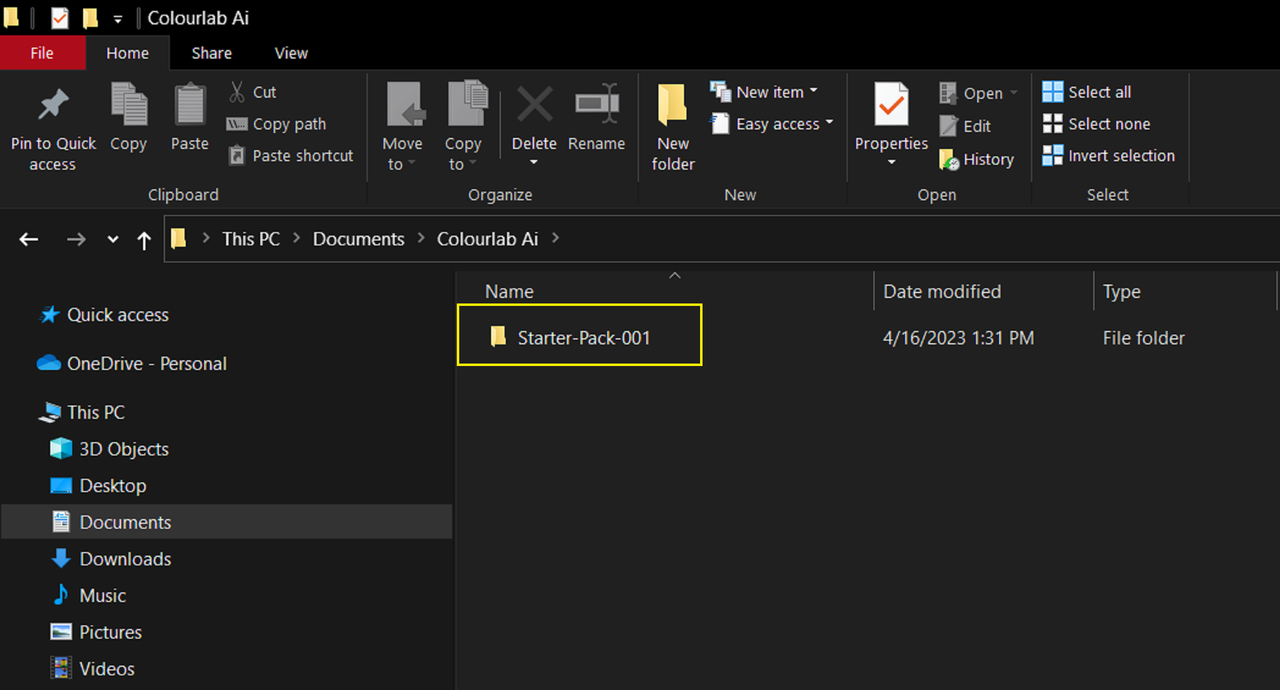
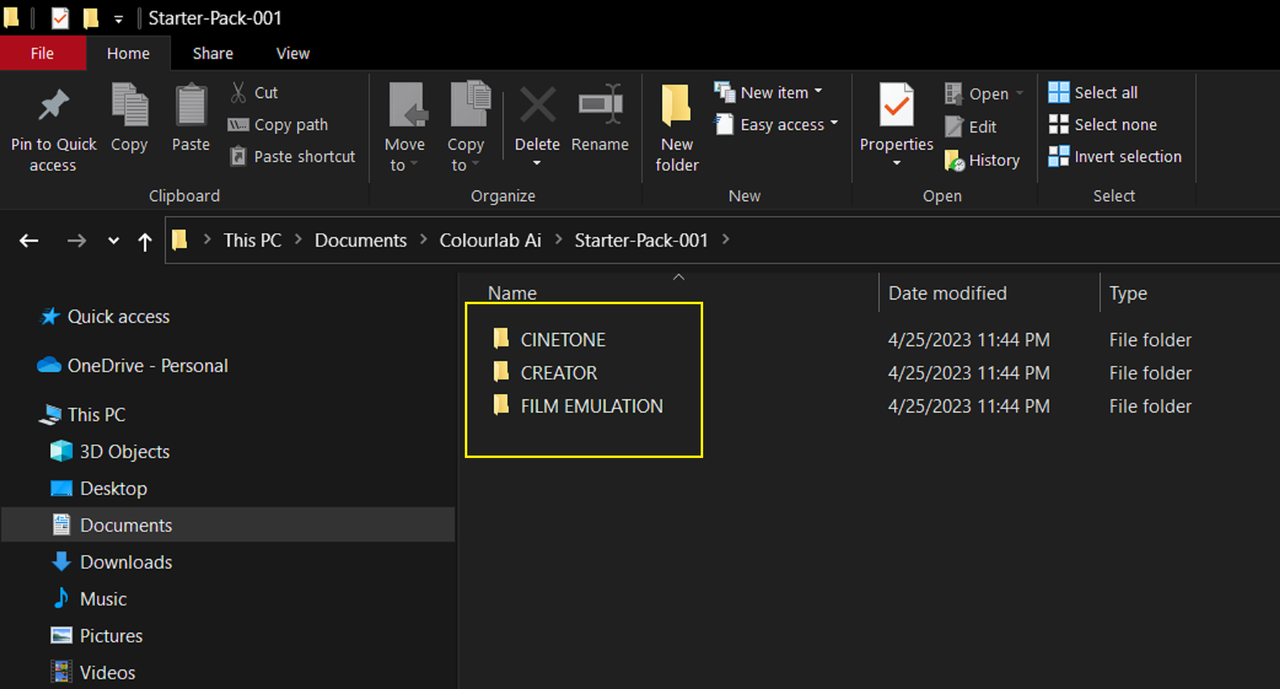
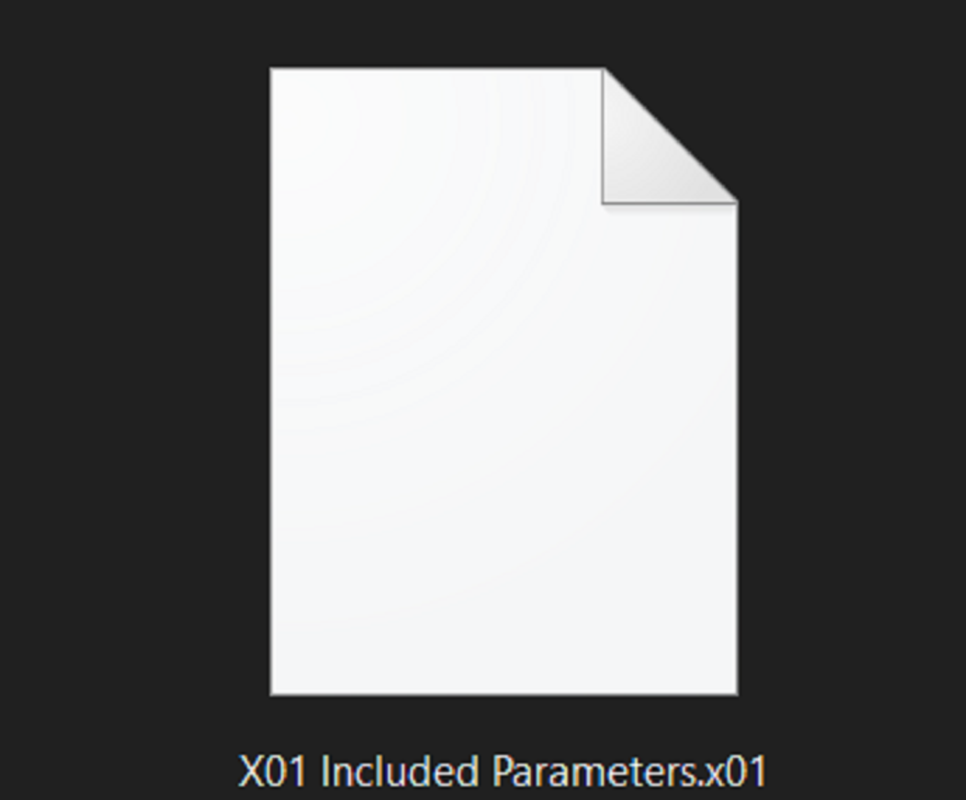
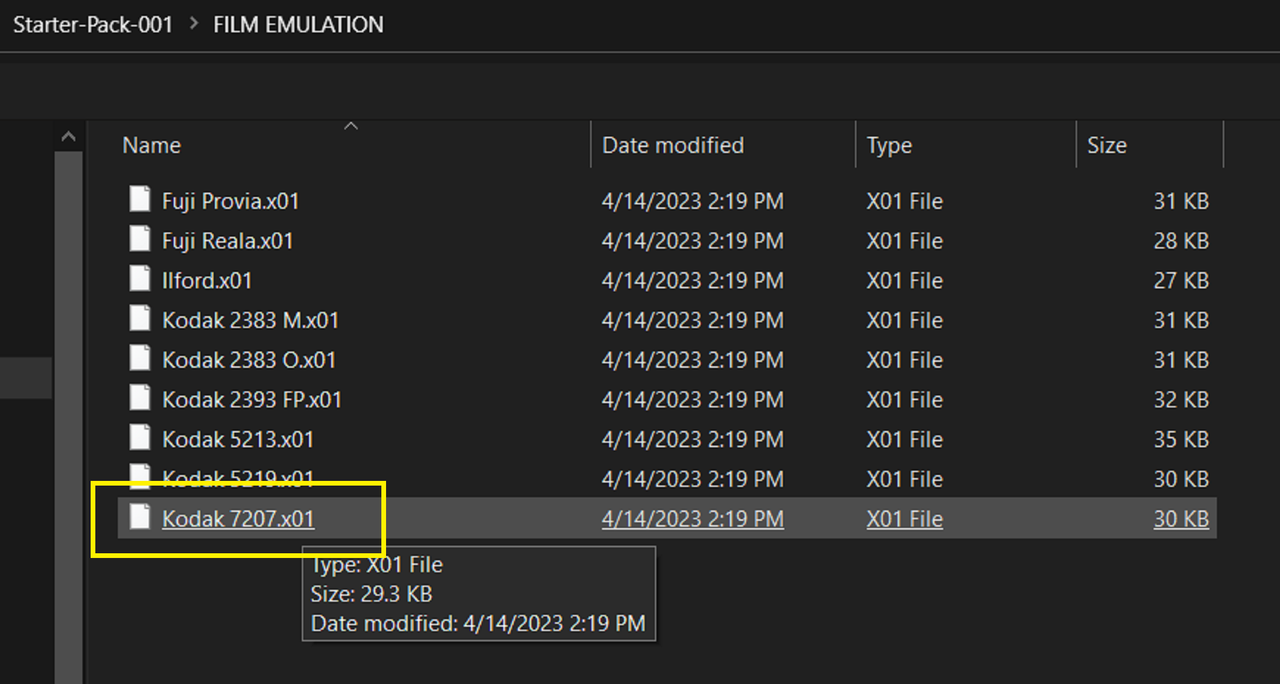
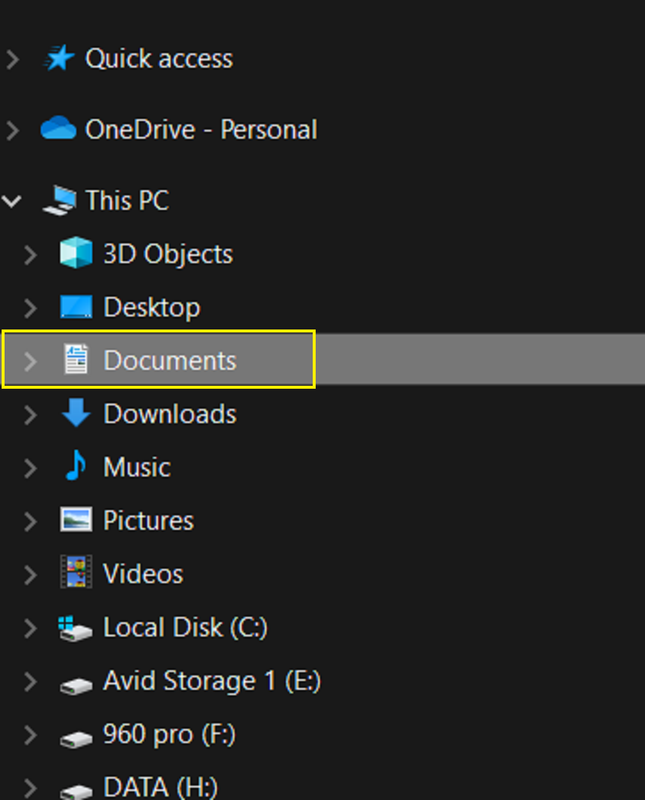
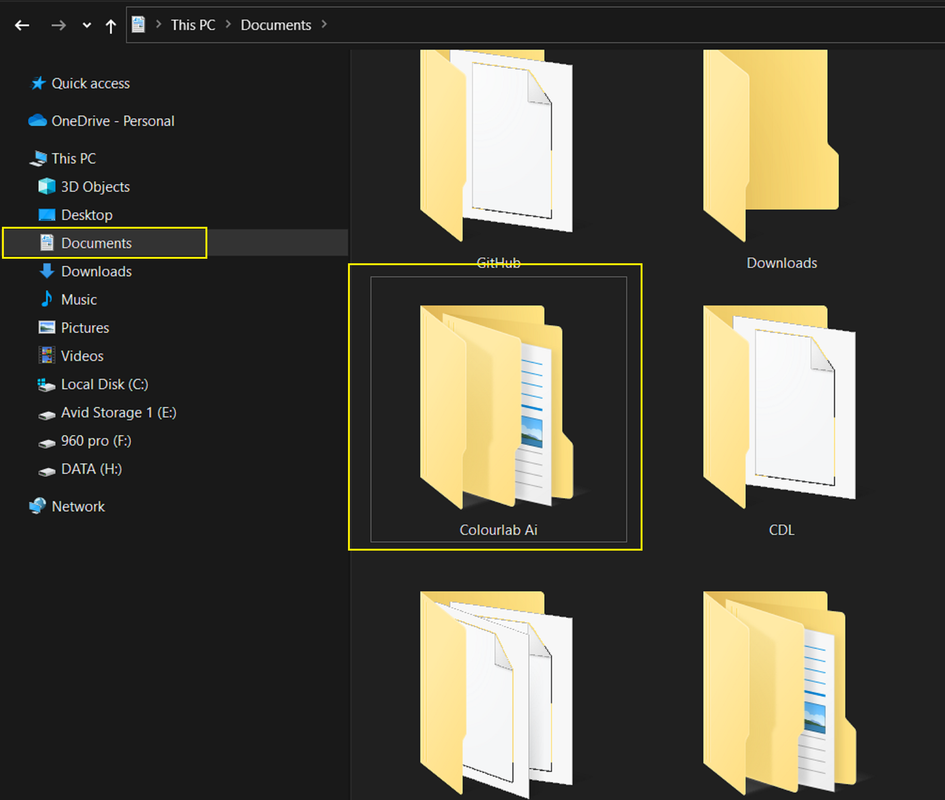
There are some initial .X01 LOOK Files that comes with FREELAB with more coming in the future, again they can be made with either COLOURLAB the app or LOOK Designer 3.0. The directory to find these included X01 files are shown below for Windows, it should be roughly the same for the MAC.
9-0.png


9-1.png


9-2.png


9-3.png
 
Last edited:
Part 2-The Demo

Part 2A

Screenshot-9820.png


Screenshot-9821.png


THE IDTs

Screenshot-9814.png


Screenshot-9815.png


Screenshot-9816.png


Screenshot-9817.png


Screenshot-9819.png


The Workflows with FREELAB Transforms


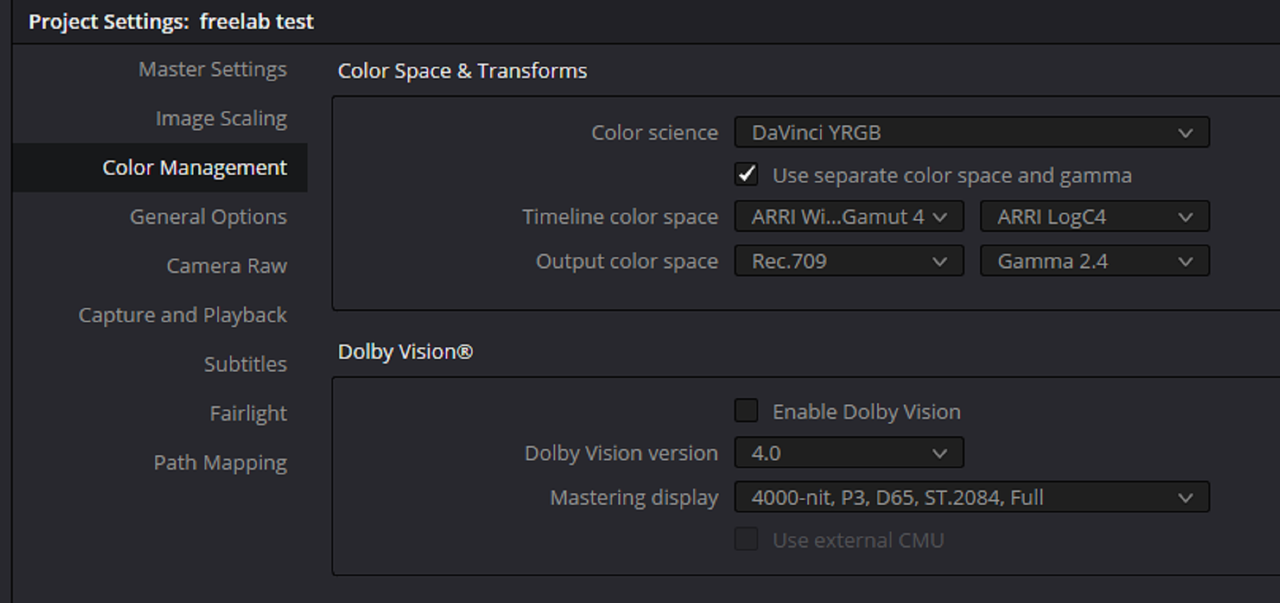
Arri Wide Gamut 4/ Arri Log-C4

9-4.png
9a.png

9c.png


9b.png


Sony Venice 2

9-e.png
10.png

10a.png


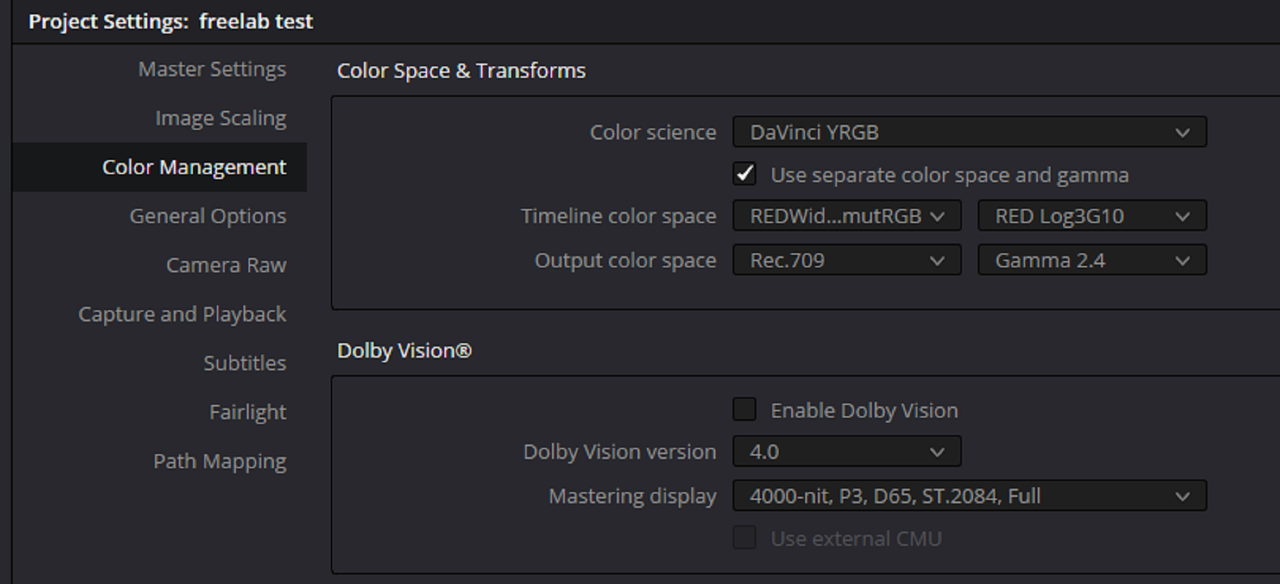
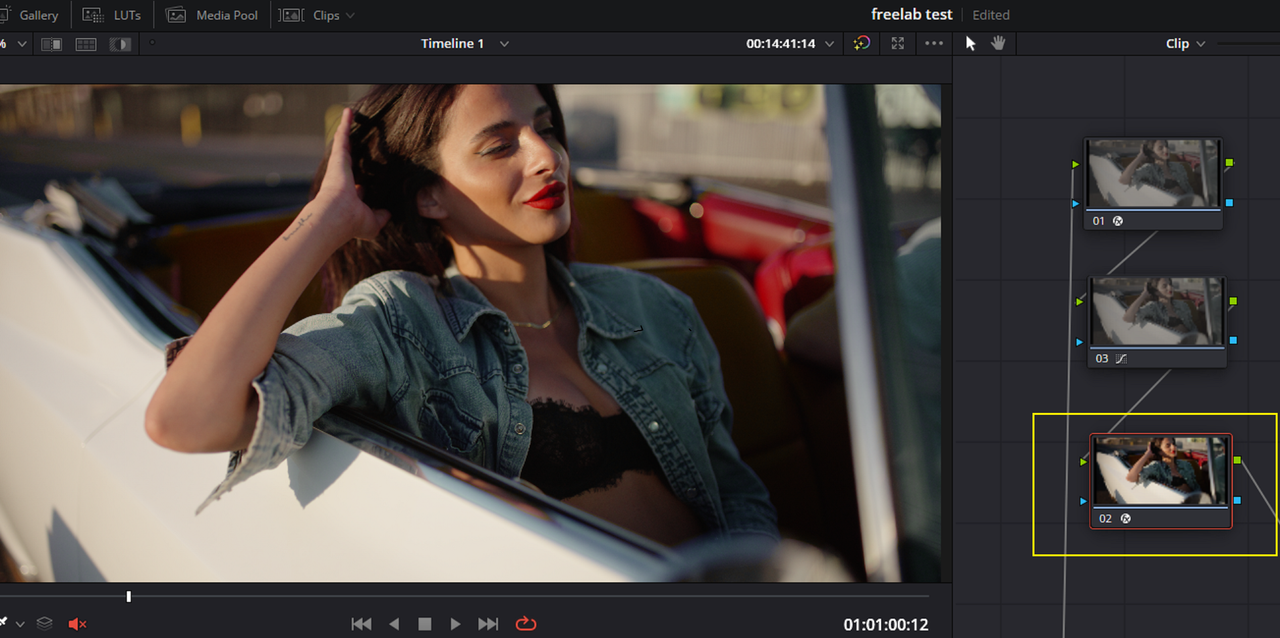
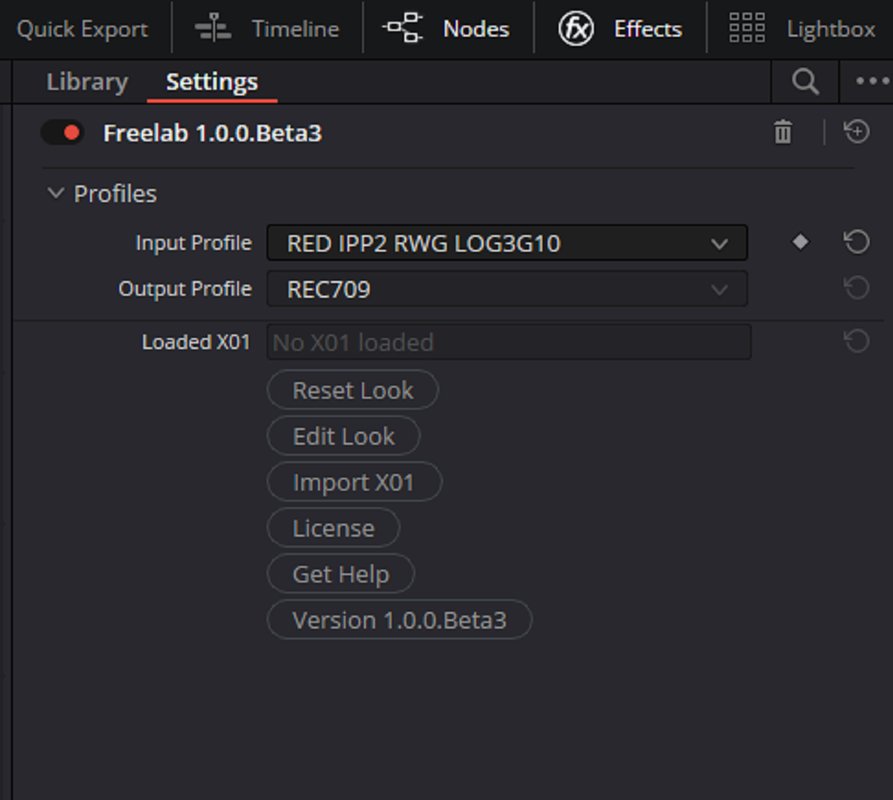
RED IPP2

10b.png
11.png

13.png


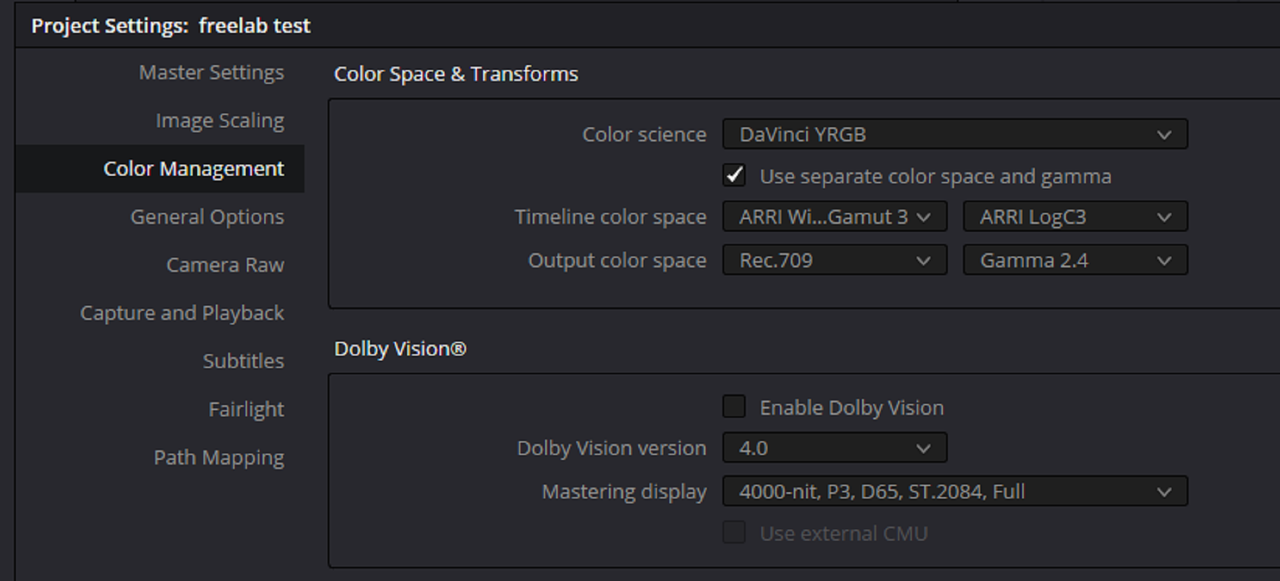
Arri Wide Gamut 3/ Arri Log-C 3

13-1.png


13a.png

14.png


ACEScct


14-1.png

14a.png


15.png
 
Last edited:
Part 2-The Demo

Part 2B-The X01 Look File


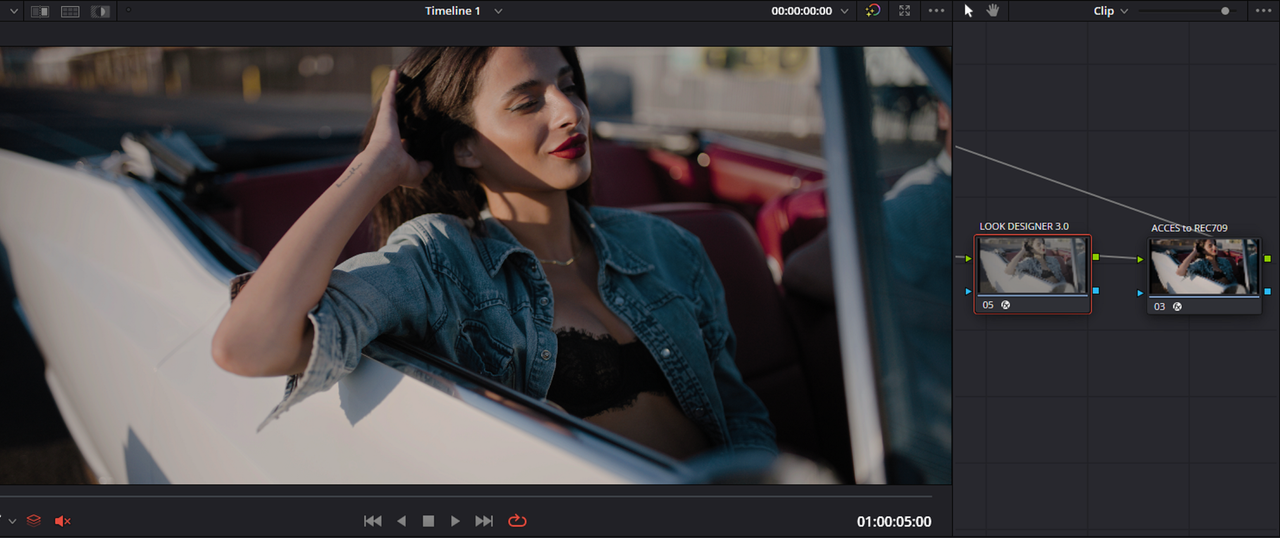
In LOOK DESIGNER 3.0 ,I created a Look that I exported as a .X01 File so that I could Import that file into the FREELAB Output for all of the Color Space workflows . The .X01 look files that came bundled with FREELAB can sometimes give a subtle look appearance to the files. So I made a grade that was slightly over the top so that the grade stood out more between the images. Although the Color Space Workflows changed, The X01 Look from LOOK DESIGNER stayed the same.

17.png


18.png


18a.png


AWG4

19.png


Screenshot-9829.png


Sony Venice 2

21.png


RED IPP2


22.png


AWG 3

23.png


ACEScct

24.png
 
Last edited:
So does this eliminate the need for buying individual ARRI Alexa Look presets for various cameras? How is this technically "replacing" LUTs if LUTS are just presets? Layman's terms explanation?
 
So does this eliminate the need for buying individual ARRI Alexa Look presets for various cameras? How is this technically "replacing" LUTs if LUTS are just presets? Layman's terms explanation?

For the ARRI Log-C image File Presets which have ODTs that have the Creative Grade and the Output Display Transforms baked in together from ARRI, you couldn't use those and These together because they both will have a Look and an ODT baked in. However you could make new Presets for AWG3 files with the .X01 files in LOOK designer and COLOURLAB.

For AWG4 files which have their Creative grade and ODT separated, you could use all of the preset Luts for a Log-to-Log ALF4 workflow from ARRI and just use the FREELAB IDT to REC709 ODT with no problems.

Luts aren't presets, they are finalized Looks and grades that Can't be modified later nondestructively. Only the Strength of the Lut can be altered or Other external modifications can be made to counter-Act it. X01 files can be edited over and over again, they only contain parameters from a Program like LOOK DESIGNER or COLOR Lab which can be re-imported with those parameters readily available for further modifications.


Plus Luts are only designed for specific Color Space Workflows. X01 files only contains the LOOK Parameters with no specific Color Space Tied to it. So as above in my demonstration, the same grade can be used in many different Color Space Workflows.
 
Last edited:
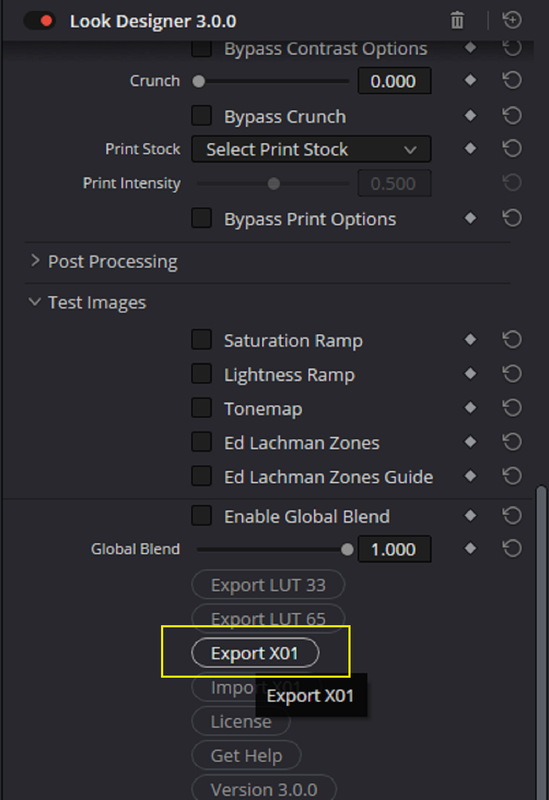
The Parameters an X01 File can save, at least in Look Designer 3.0 so far


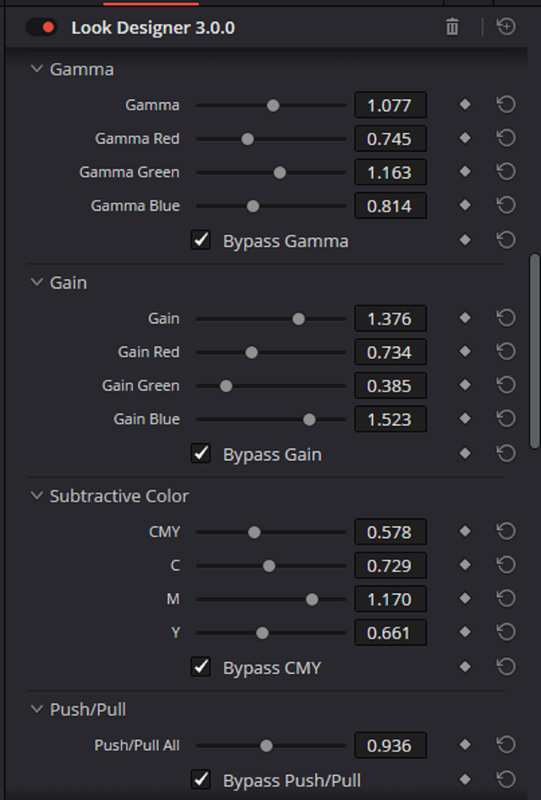
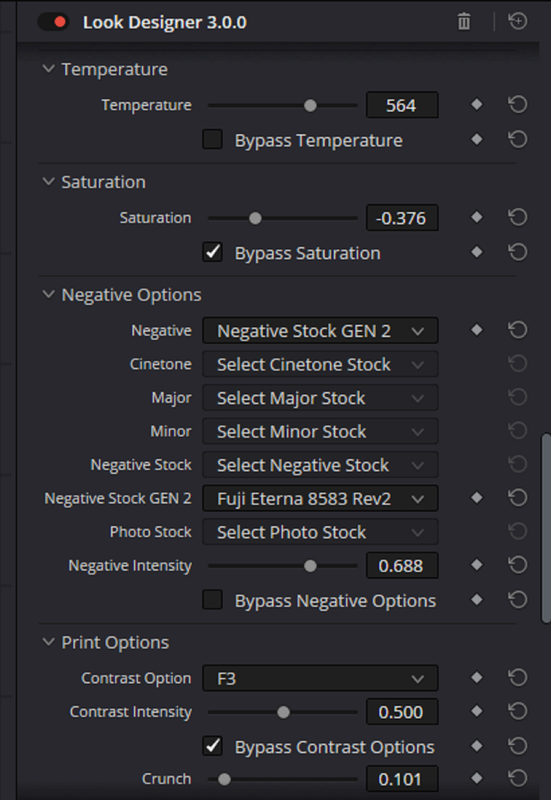
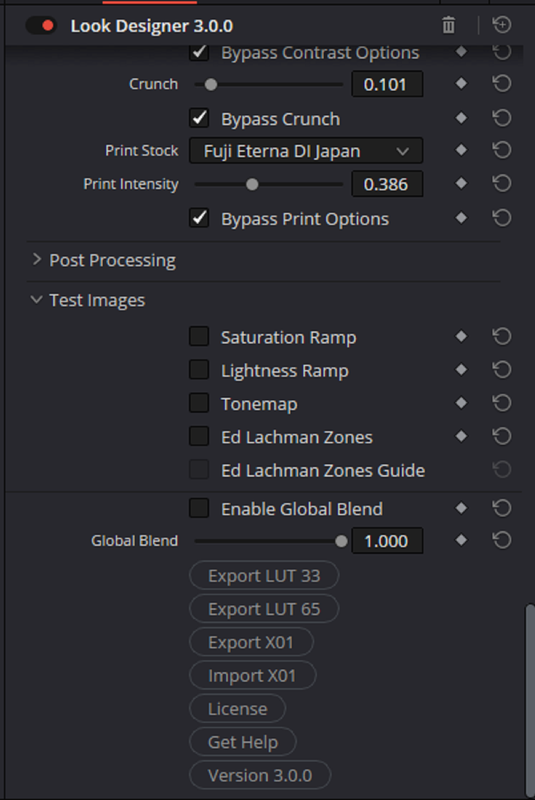
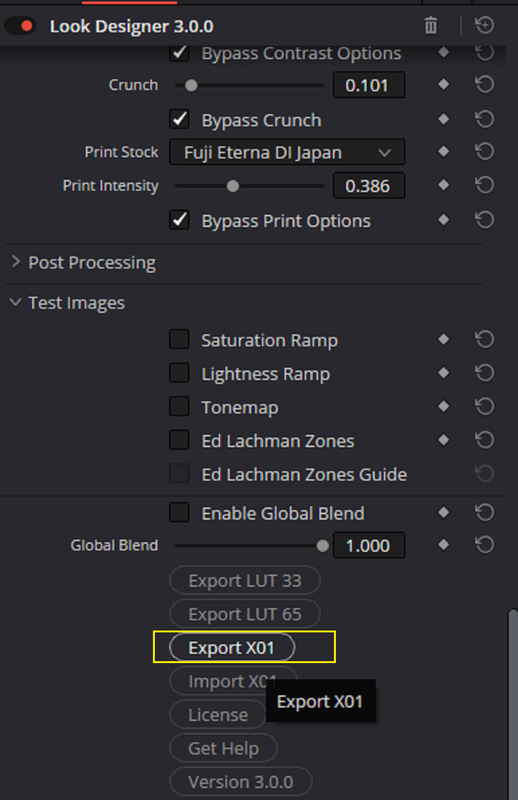
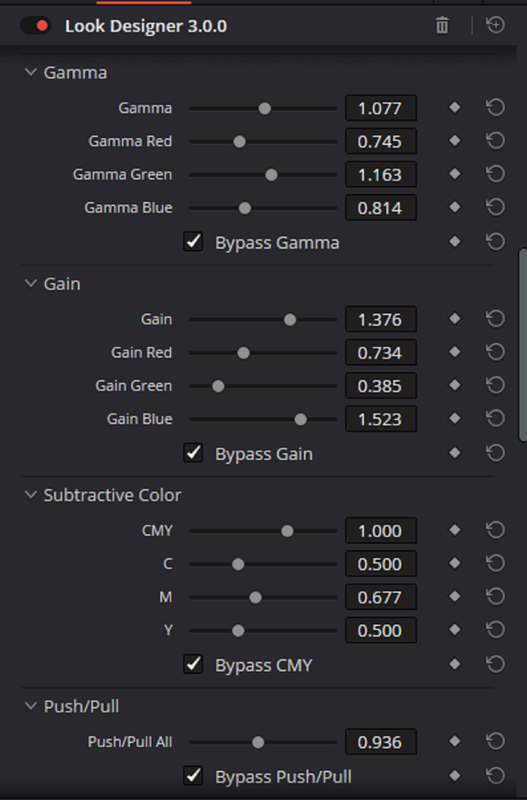
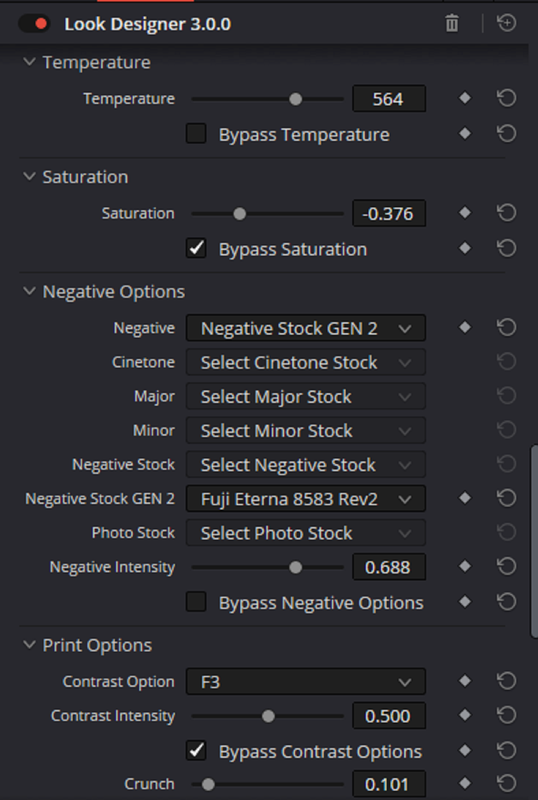
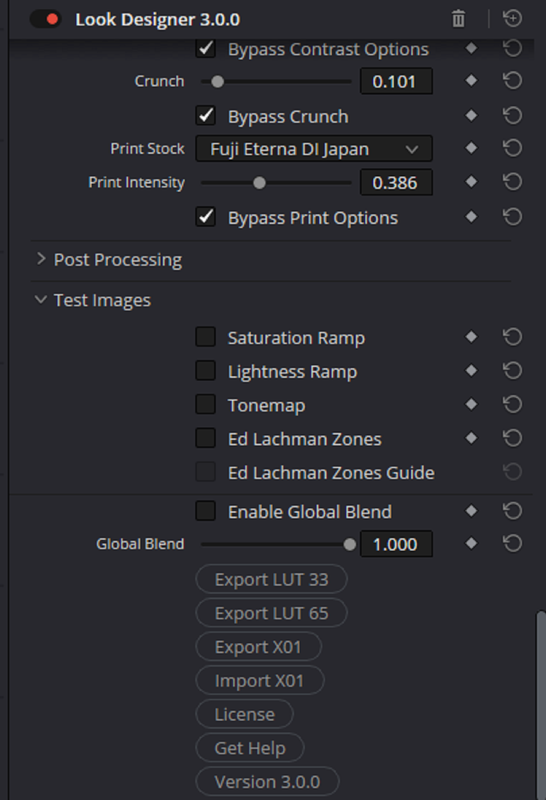
Below I changed damn near all of the settings in Look Designer 3.0 to see what Parameters would be included in the .X01 file upon re-importing the file back into Look Designer.

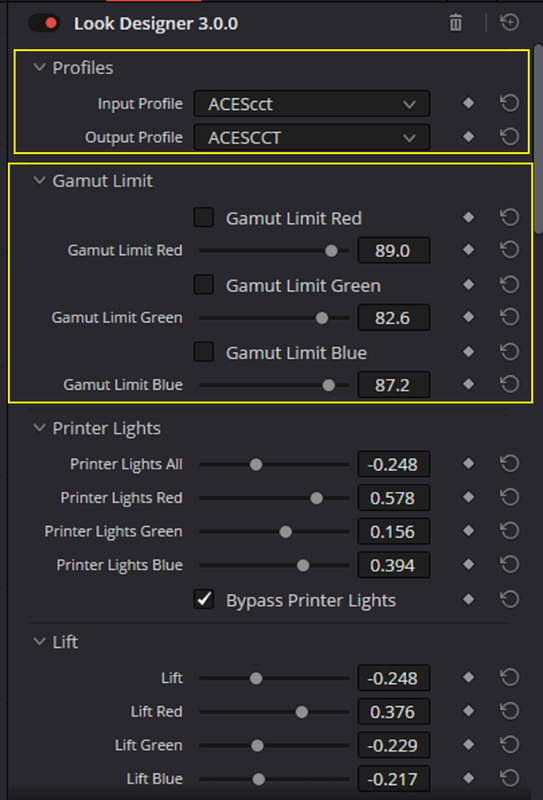
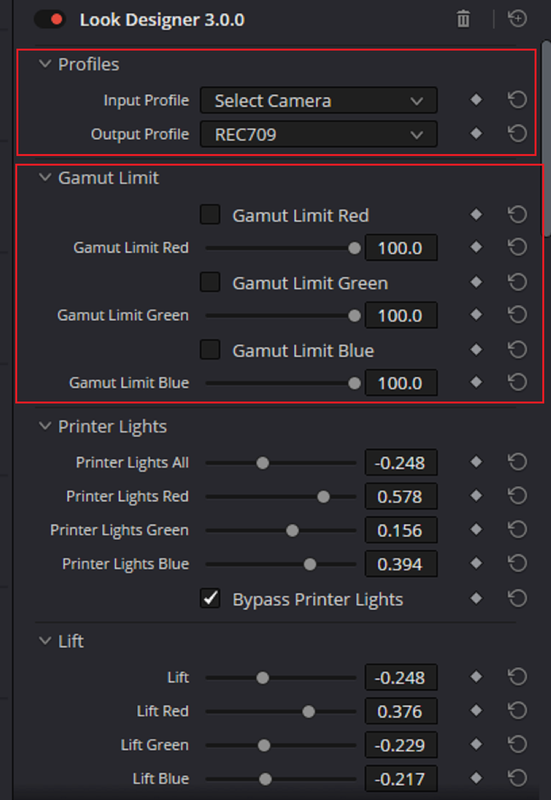
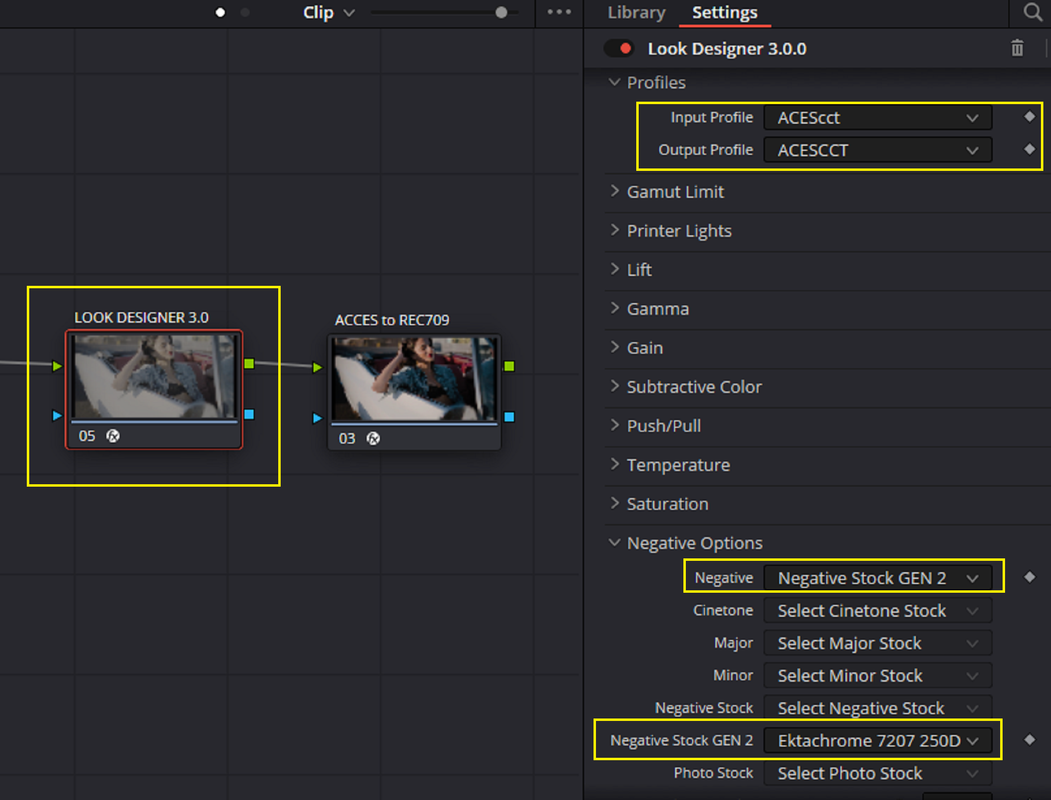
Notice the "Profile" and " Gamut Limit" settings between the original grade and the re-imported .X01 file.


Original Grade in Look Designer 3.0

1.png

2.png

3.png

4.png

5.png

6.png


Settings after re-importing the .X01 file

7.png

8.png


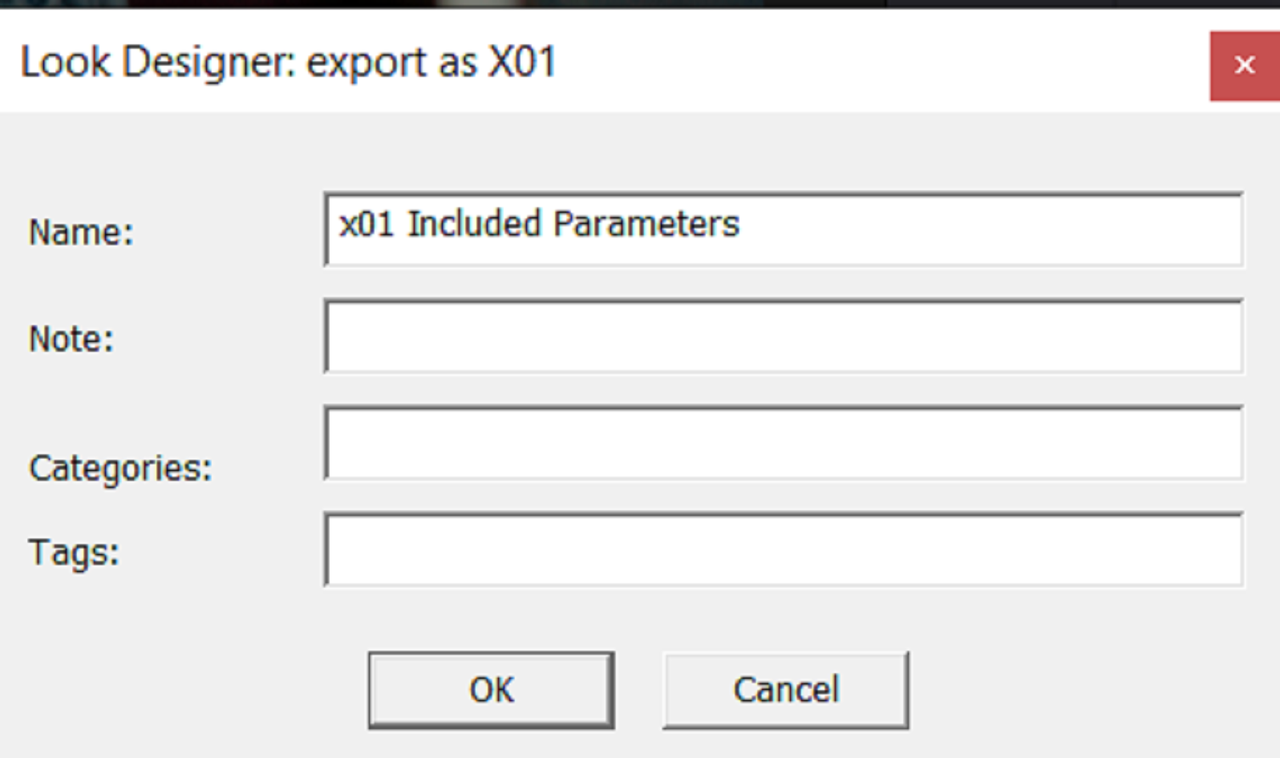
Notice that upon re-importing the .X01 file, the "Input" and "Output" Profiles which was set initially to "ACEScct" and the "Gamut Limit" settings have set back to their default values. This is good so that this .X01 grade/look file can be used for multiple different Color Space Workflows. The "Gamut Limit" can be reset for a new image file they may require different settings for "Out Of Gamut" colors. Dado Valentic, the creator of both "FREELAB", "LOOK DESIGNER" and "COLOURLAB, says that if it is something individuals want that they may allow for the Initial IDT and ODT used in the grade to be saved as well. But you can see that all of the other settings were included from the initial grade in Look Designer 3.0.


9.png

10.png

11.png

12.png
 
Last edited:
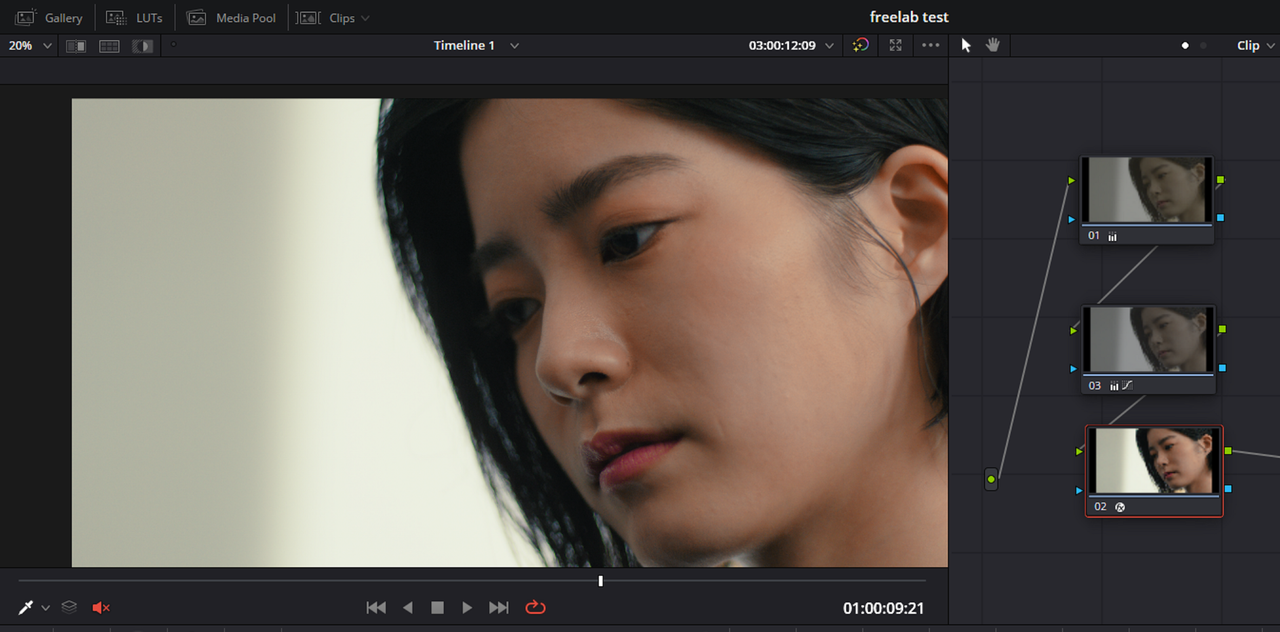
Just wanted to say, Luts can be modified after created, you can’t modify them in Resolve but you can in a text editor. Obviously we would t expect this of the typical colorist, but people that understand the math and how look up table works, can edit a lut that is completely destructive and make it not so.
 
Just wanted to say, Luts can be modified after created, you can’t modify them in Resolve but you can in a text editor. Obviously we would t expect this of the typical colorist, but people that understand the math and how look up table works, can edit a lut that is completely destructive and make it not so.

Leonardo,

Yeah, I've changed Luts in 3D Lut Creator Pro. I have stripped the Tone Curve from them and even Combined Different Luts. I know that Lattice on the Mac is capable of even more things. But you can only change the overall look of the Lut. You can't display the exact numerical values and tools used to create the original look of the lut. How many times can you alter the same Lut without taking a hit in quality? And as you said qualfied individuals(Color Scientists) could go in under the hood and make changes with advanced Lut creation tools that maybe you or I couldn't dream of being able to afford but they would also be limited to be able to do only so much. All you need to create and edit an X01 file is a program like ColorLab or Look Designer 3.0, not that cheap but affordable.
 
Last edited:
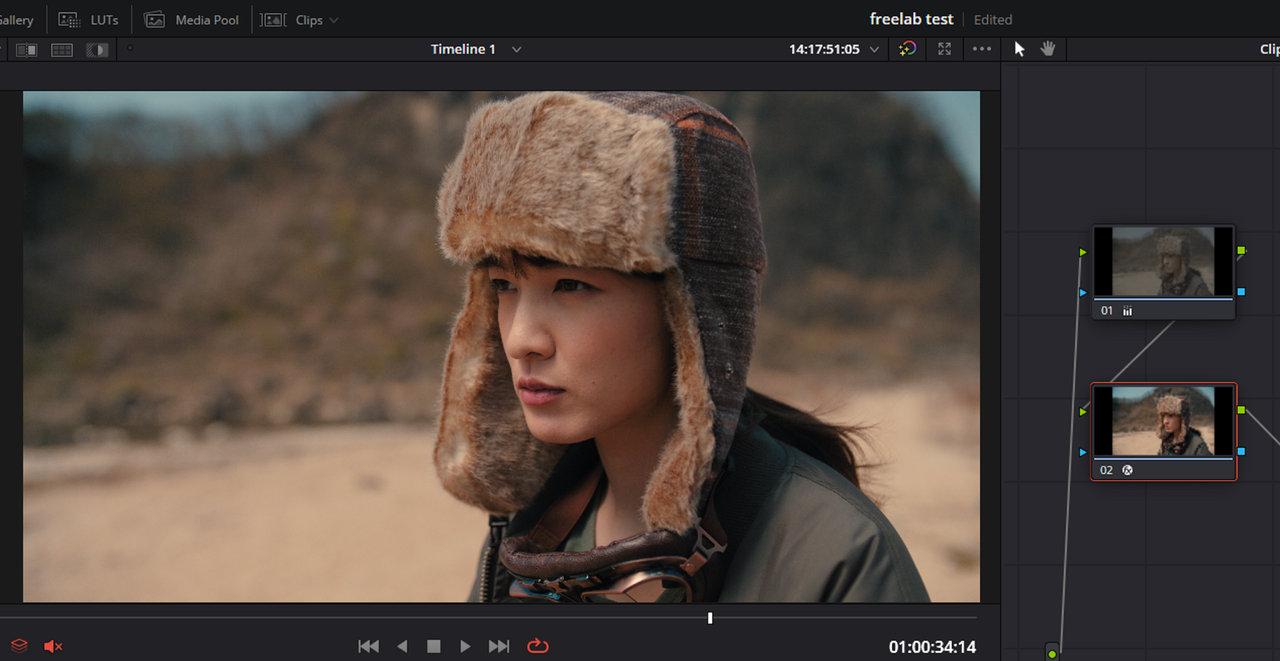
Luts don’t destroy quality, bad application of math destroys quality. I’m not say the x01 thing isn’t cool, just saying that Luts get a very bad reputation for no reason, you can have far more advanced look development contained in a lut, than using the color grading tools in resolve.
 
Luts don’t destroy quality, bad application of math destroys quality. I’m not say the x01 thing isn’t cool, just saying that Luts get a very bad reputation for no reason, you can have far more advanced look development contained in a lut, than using the color grading tools in resolve.

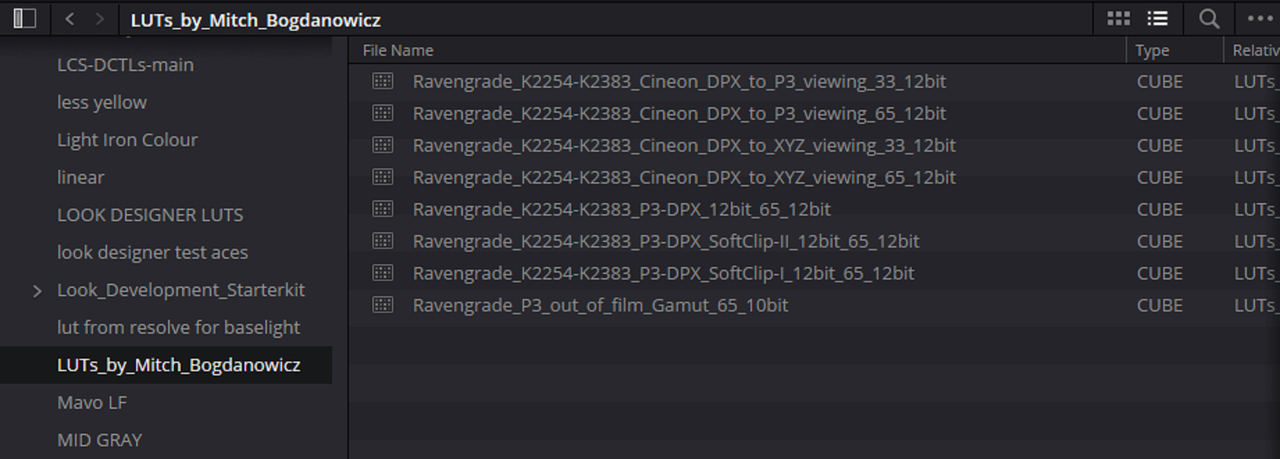
You are correct I have 12-Bit Depth Luts Designed by one of the best Color Scientist around Mitch Bogdanowicz so I know what a very High Lut can achieve. Now, can you fix one of those Luts with the bad application of Math so that it will become a High Quality Lut?

Screenshot-9844.png
 
Luts don’t destroy quality, bad application of math destroys quality. I’m not say the x01 thing isn’t cool, just saying that Luts get a very bad reputation for no reason, you can have far more advanced look development contained in a lut, than using the color grading tools in resolve.

Agreed. LUTs, both 3D and 1D for that matter, are used around the world even in applications beyond our cameras. That's why there will always be an effort on creating some sort of alternative to encroach on that market. In reality LUTs are higher transportable and compatible, they work inside hardware and software across the board (if supported of course).

The urge to go beyond that via other metadata driven tools has been there since the inception of the 3D LUT, but zero people over the last few decades could come up with "one answer" that fit for everybody. i.e. having a line defining grain properties. That aspect, if driven by a specific plugin and/or host software, can work well on the post side, but difficult to implement hardware-wise. In that way, these would be considered or more appropriately defined as "presets" and that would be that.

LUTs have become a different thing now mainly because the tools to create them have become so readily available. It's also interesting to see the impact of Resolves handling and creation of LUTs having a huge impact across the industry as a whole. On the VFX side for many years we've gone well above 65 cubes. Luckily Resolve can still except higher precision. It just can't create it. And thankfully it can except 1D LUTs as well as many things don't weirdly.
 
Agreed. LUTs, both 3D and 1D for that matter, are used around the world even in applications beyond our cameras. That's why there will always be an effort on creating some sort of alternative to encroach on that market. In reality LUTs are higher transportable and compatible, they work inside hardware and software across the board (if supported of course).

The urge to go beyond that via other metadata driven tools has been there since the inception of the 3D LUT, but zero people over the last few decades could come up with "one answer" that fit for everybody. i.e. having a line defining grain properties. That aspect, if driven by a specific plugin and/or host software, can work well on the post side, but difficult to implement hardware-wise. In that way, these would be considered or more appropriately defined as "presets" and that would be that.

LUTs have become a different thing now mainly because the tools to create them have become so readily available. It's also interesting to see the impact of Resolves handling and creation of LUTs having a huge impact across the industry as a whole. On the VFX side for many years we've gone well above 65 cubes. Luckily Resolve can still except higher precision. It just can't create it. And thankfully it can except 1D LUTs as well as many things don't weirdly.

Obviously, one of the main downsides of any new tool is the compatibility of it with existing well established workflows that may in the future or never adapt them. Right now this functionality is only made available to anyone with ColourLab or Look Designer 3.0 on either Davinci Resolve or Adobe Premiere Pro on the Mac or PC but the compatibility list could grow in the future. I think one of the reasons this File format was developed was because of the ever increasing impact Ai is having on everything. Although I believe Ai can Build Luts from Comand Prompts the inventor believed that a computer language based format would be a better investment for the future than Luts. He states that other companies are working on similar software as well. This could be the beginning of something that is revolutionary or something that will never take hold in the industry, only time will tell.
 
I don't mind AI coming into our workflow "sphere". But for many filmmakers, AI in a variety of applications is highly undesirable. Double edge sword here as so much potential can be found with AI. But on the upper echelon of what actual authorship of an image means, pretty much all those chats lead to a big "nope". Humorously even from a couple of folks who have been paid to market otherwise.

Either way, nice to have new tools and see new takes on things. I'm down for that. Heavy reliance on specific tools, potentially tools that don't translate well across software packages or occasional more on set workflows is always a topic of conversation, but if it fits your workflow, certainly worth exploring. But if it doesn't fit a client or studios workflow, whelp, that can be awkward.
 
I don't mind AI coming into our workflow "sphere". But for many filmmakers, AI in a variety of applications is highly undesirable. Double edge sword here as so much potential can be found with AI. But on the upper echelon of what actual authorship of an image means, pretty much all those chats lead to a big "nope". Humorously even from a couple of folks who have been paid to market otherwise.

Either way, nice to have new tools and see new takes on things. I'm down for that. Heavy reliance on specific tools, potentially tools that don't translate well across software packages or occasional more on set workflows is always a topic of conversation, but if it fits your workflow, certainly worth exploring. But if it doesn't fit a client or studios workflow, whelp, that can be awkward.

I agree totally. I would never want to surrender totally to any technology that takes out the Human Element in the creative arts process. I see where Ai is and potentially could go, somethings I like somethings worry me. I think as long as we can keep ai "Aligned" with certain general accepted Human Values and don't let it render us just Command Prompt entering zombies, I think Humans and Ai could do well with each other.
 
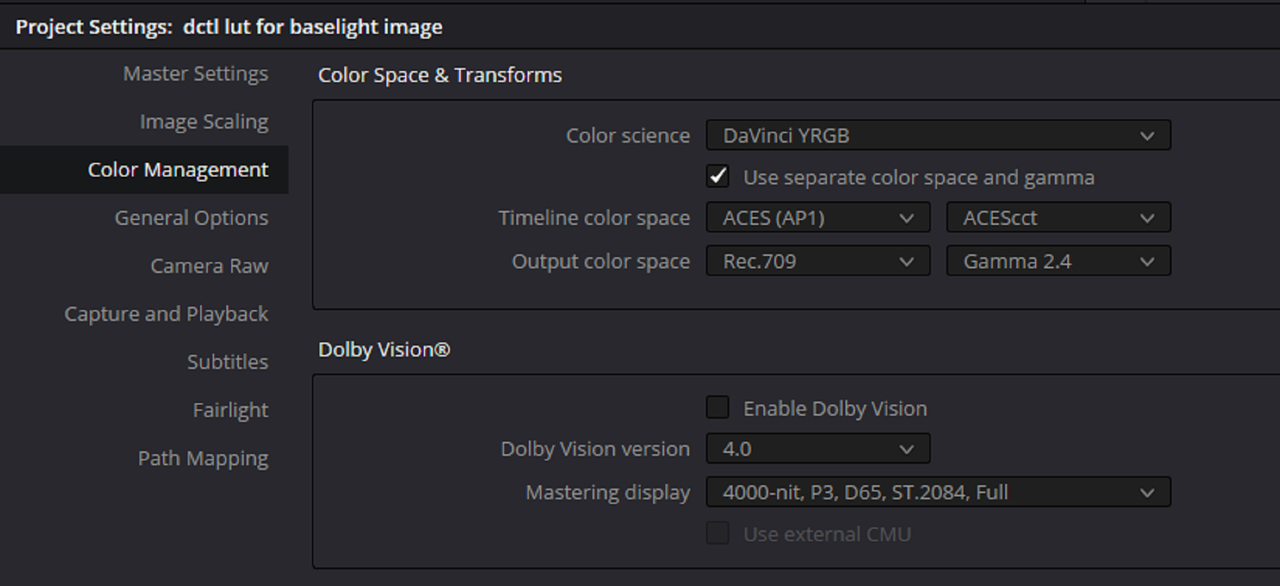
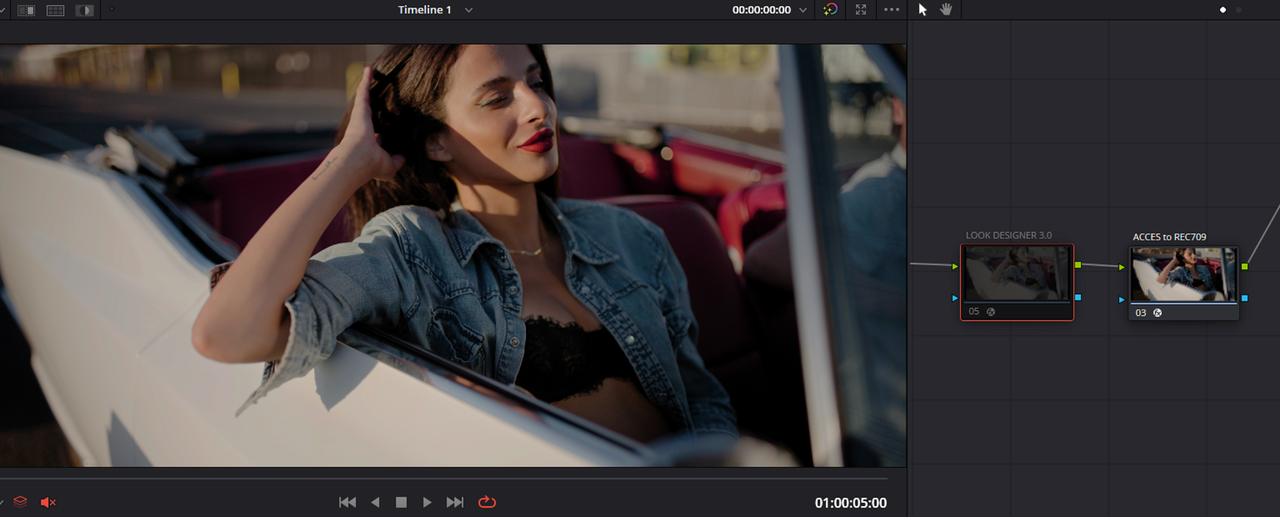
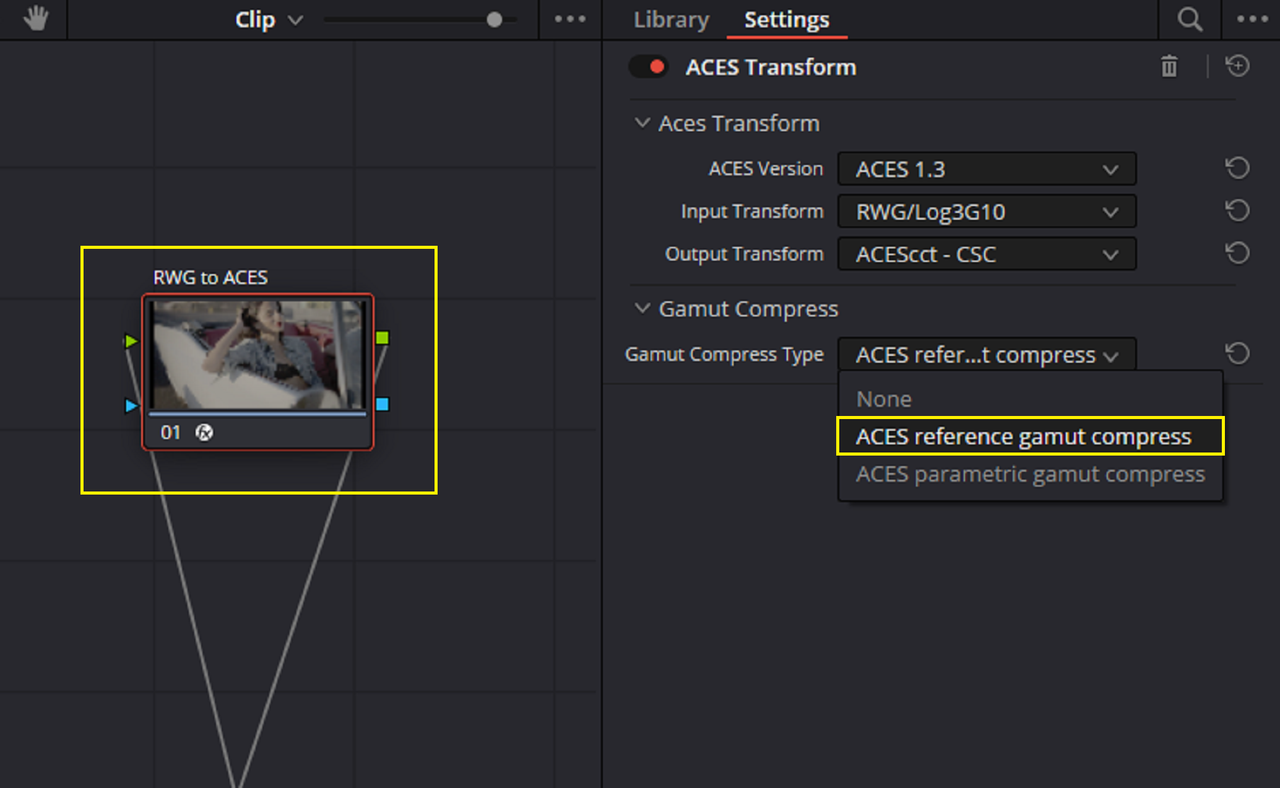
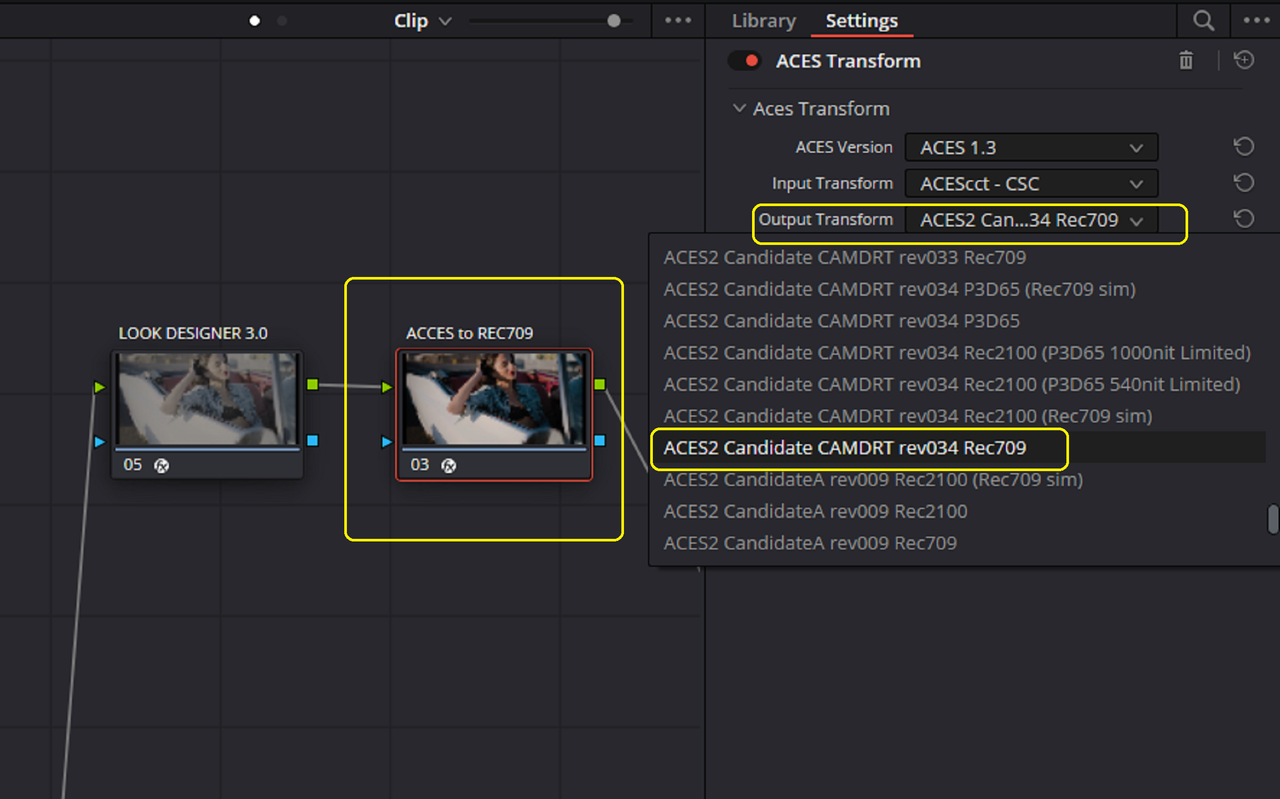
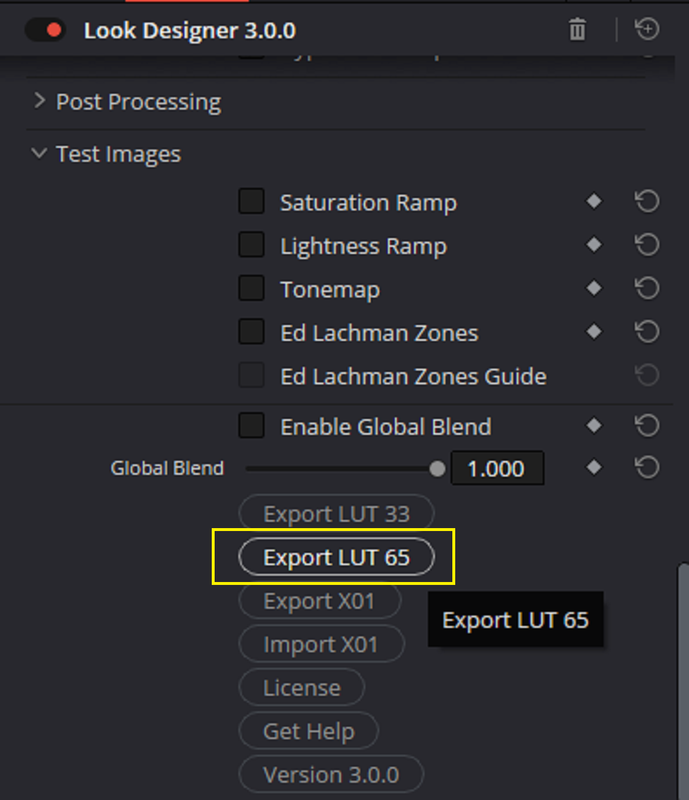
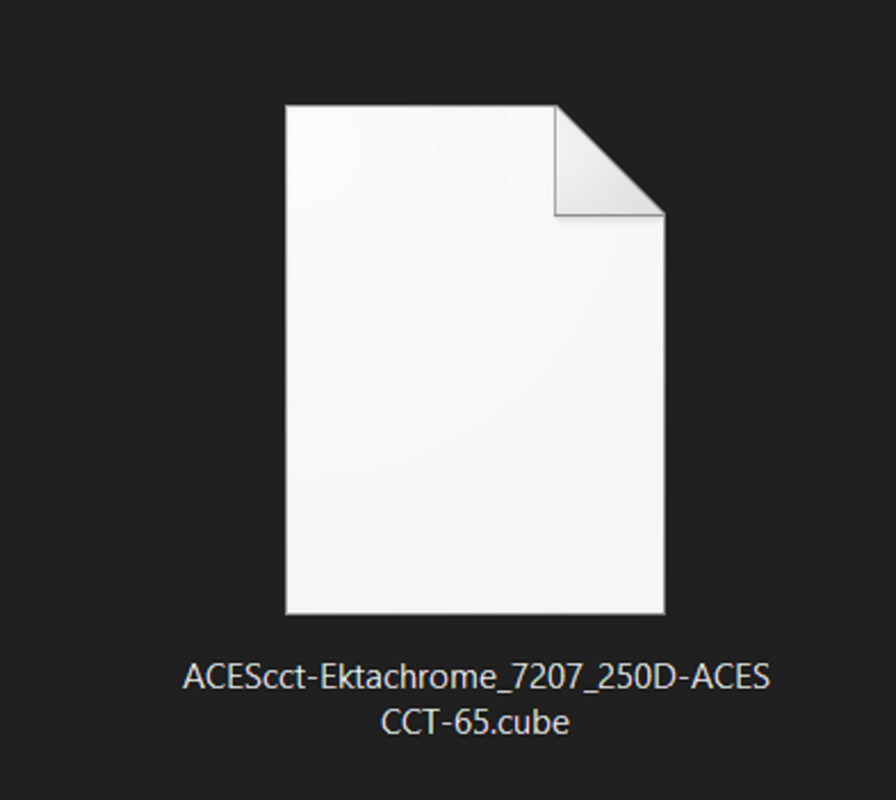
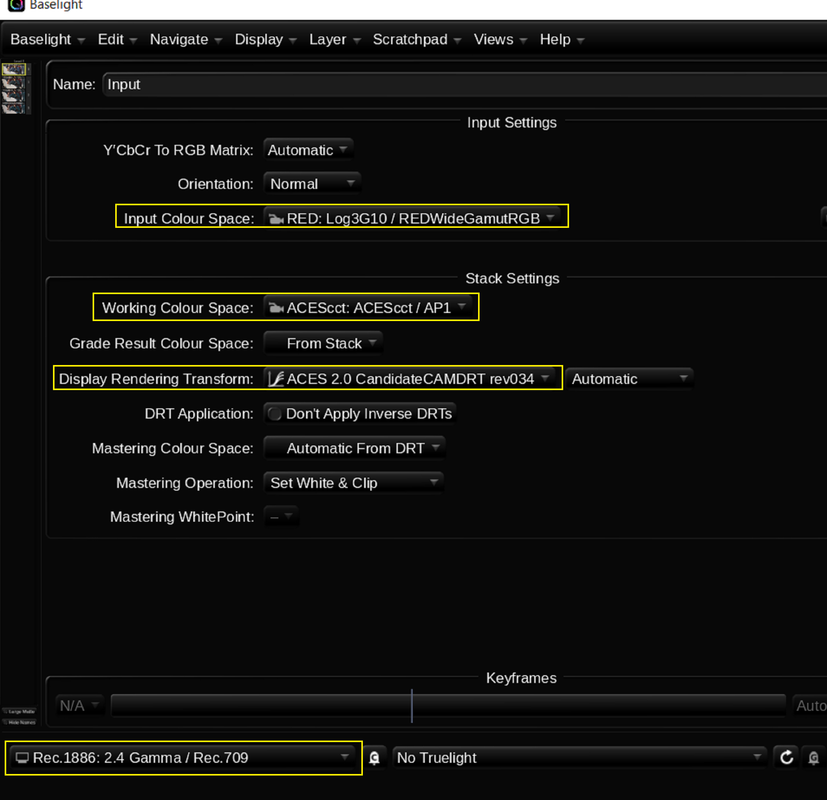
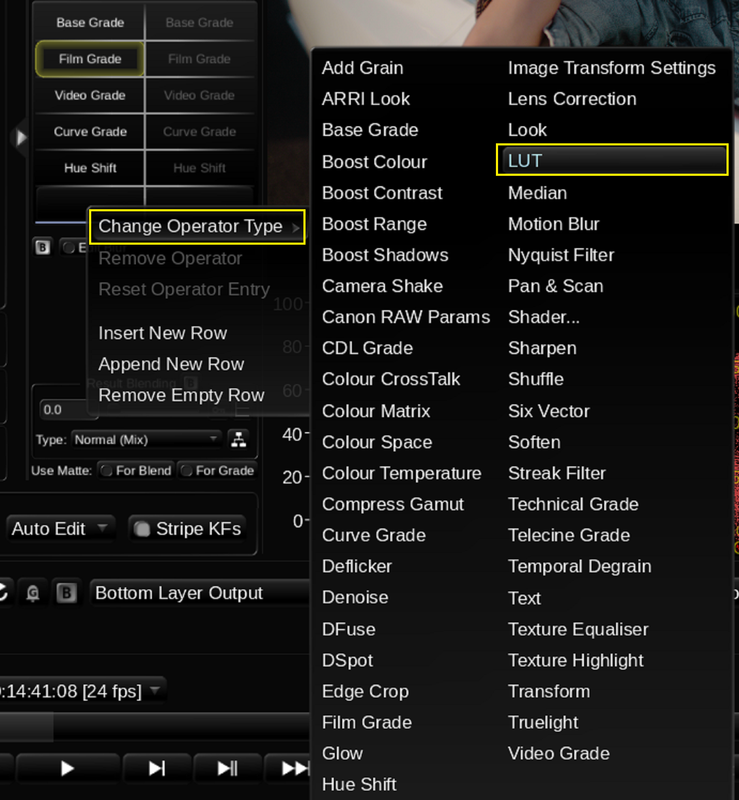
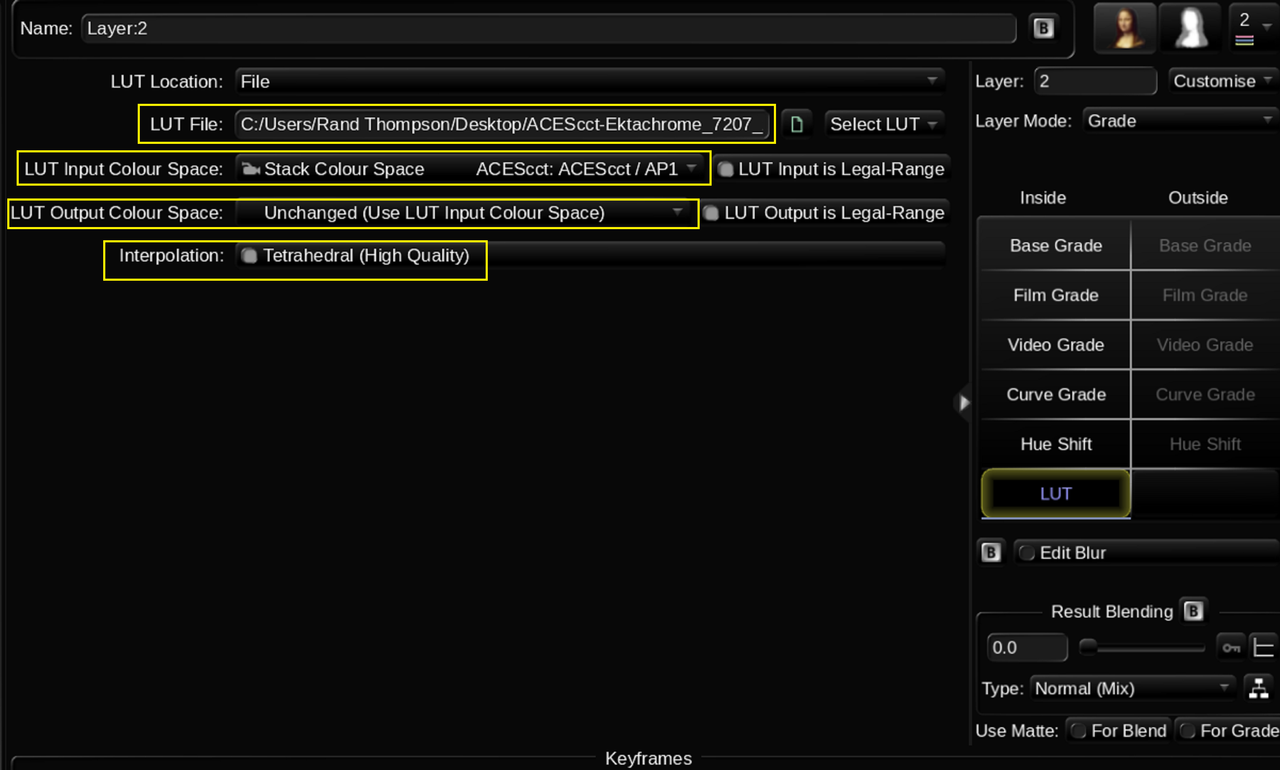
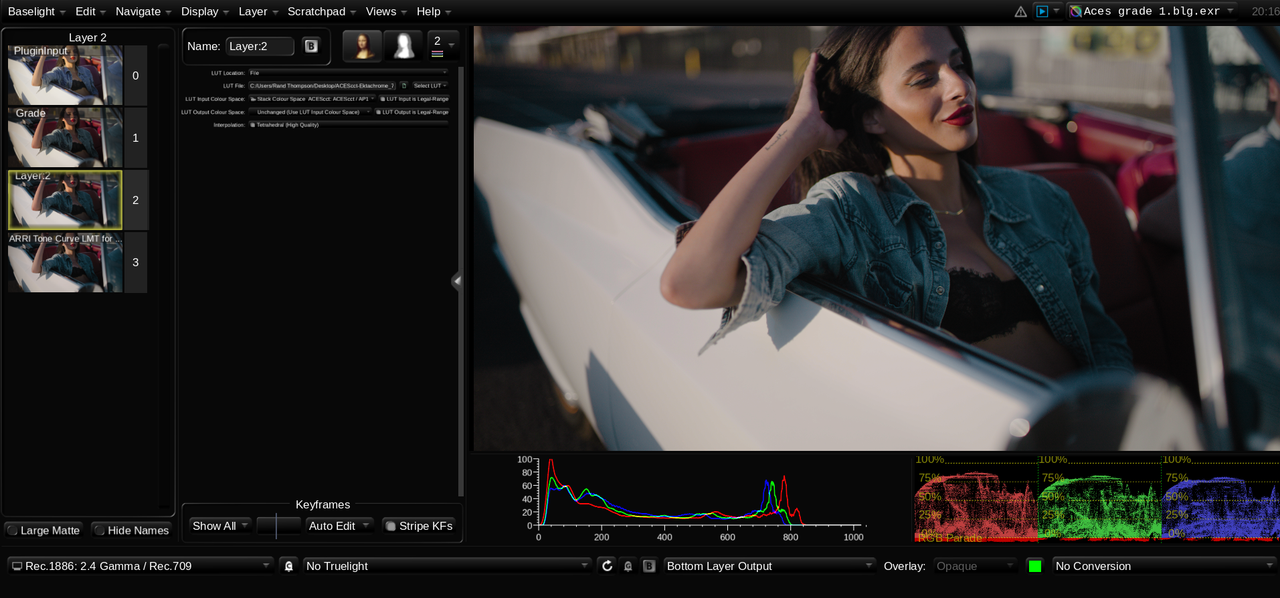
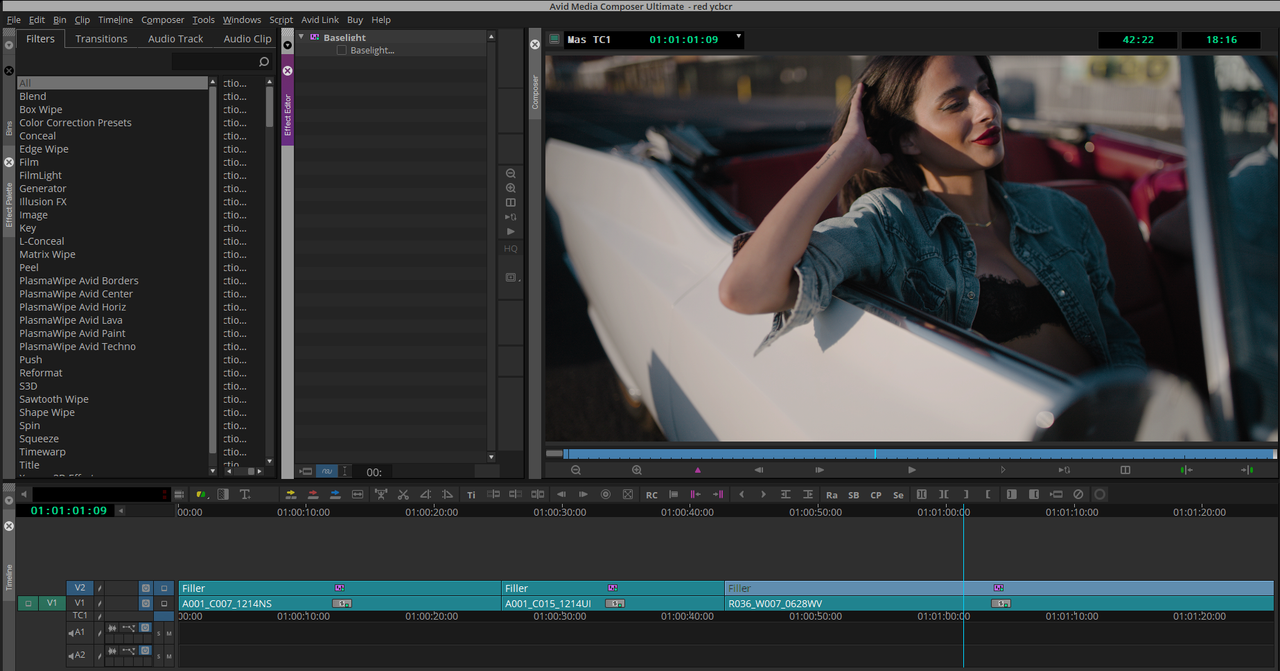
Turning an X01 file in an ACEScct Log-to-Log Workflow into an ACES LMT Lut in Look Designer 3.0 and using it in Baselight for Avid in Avid Media Composer Ultimate.

1.png

2.png

3.png

4.png

5.png

6.png

6a.png

7.png

8.png

9.png

10.png

11.png

11a.png

12.png

13.png

14.png
 
I have a serious issue with implementing any scheme that depends on a proprietary software to have any control, whatsoever, on its use. As long as the Look creator is paid, I think I'll avoid this xo1 thing. One significant warning sign, to me, is the outrageous subscription policy required to own Colorlab.
 
I have a serious issue with implementing any scheme that depends on a proprietary software to have any control, whatsoever, on its use. As long as the Look creator is paid, I think I'll avoid this xo1 thing. One significant warning sign, to me, is the outrageous subscription policy required to own Colorlab.

Bill,

You could just use freelab as an ODT for many different camera brands without using the X01 files at all. Plus Colourlab.ai will be releasing additional Free X01 files to go with the already free ones that are already available for freelab. If you are a member of Colourlab.ai`s Discord group, there will be an Thread of X01 files created by other members.

I have a Perpetual license for Look Designer which normally cost about $490. I have taken a few of the Training courses offered on Colour Training, whichnare taught by Dado Valentic, the creator of both Colourlab and Look Designer, and I got Look Designer for 50% off for about $240 for the Perpetual License. Other discounts and promotional offers are offered throughout the year for both Colourlab and Look Designer.


Only you can decide the value added for purchasing either of these products. I personally felt that Look Designer with it's Features and Capabilities was worth it for me.
 
On another perspective, I'll point to the proliferation of LUTs, available from many, many sources on the internet, some of which are viable, others of which were built by people really not knowing what they are doing. This scheme from Dado, opens the potential for a whole new marketplace of people selling X01 files they've created. It really throws a real monkey wrench into the standardization introduced by manufacturer's CST's. Once these X01 profiles proliferate, one doesn't know, any longer, what they've got in their hands. I would be very leary of using 3rd party X01's, not knowing who or how they were developed.

And, once again, Freelab is limited in its ability. The Look software is even more outrageously subscription priced than ColorLab. I, long ago, dumped Adobe for their distasteful subscription model.
 
Right now the X01 files are still in the beta phase of its development. How this specific file type will advance in the future of content creation I don't know. How many additional partners in the industry will adapt, utilize and further develop this file type again I'm not sure. But I think it kinda shows were some in this industry are thinking were this industry in heading or atleast were they are hoping that it will be going.
 
Back
Top