Welcome to our community

Be a part of something great, join today!

  • Hey all, just changed over the backend after 15 years I figured time to give it a bit of an update, its probably gonna be a bit weird for most of you and i am sure there is a few bugs to work out but it should kinda work the same as before... hopefully :)

Frame Guides Carrying through into Different Post Software

Shawn Seifert

Well-known member
Joined
Jun 9, 2009
Messages
50
Reaction score
0
Points
0
Location
Vancouver, BC
Hey Everyone,

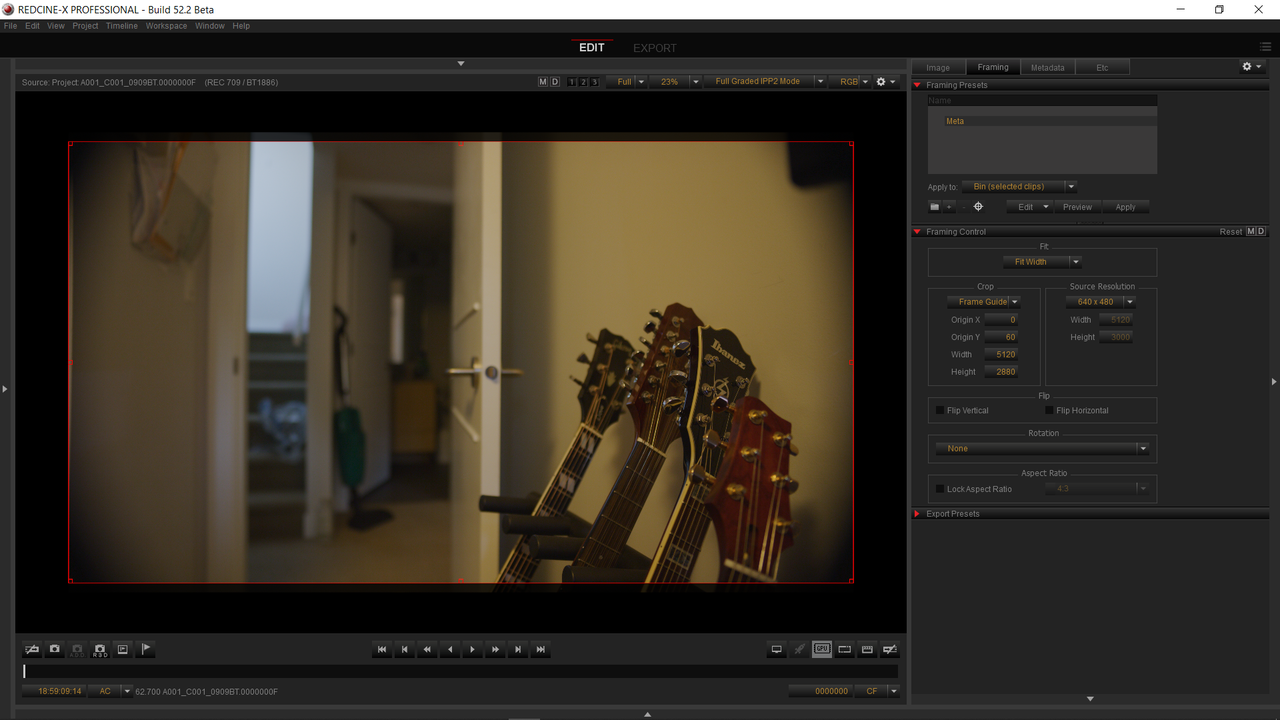
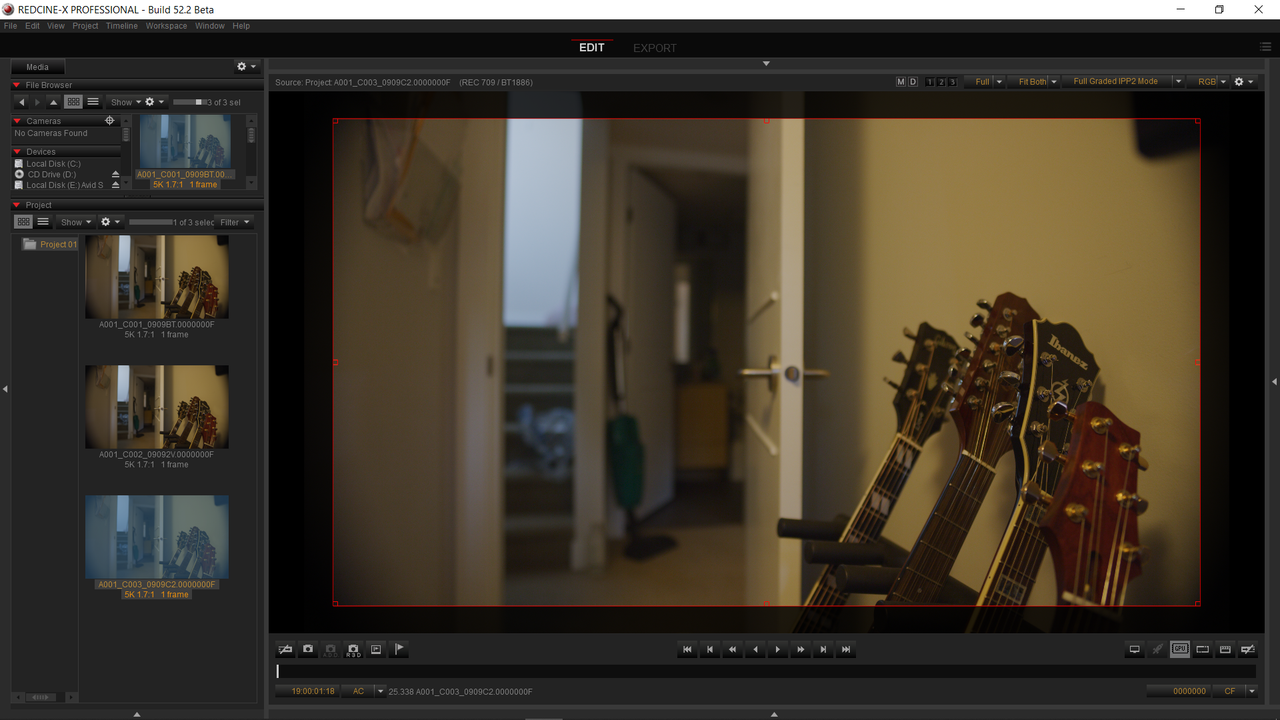
I'm struggling to have post software (in this case, Premier Pro and Resolve) see the frame guides that are imbedded into the .r3d files. Redcine-x is seeing them fine. Throughout the shoot, the frame guides will occasionally be changing thus I need that information to show up for our editor and post team. Is this something that isn't possible? I always thought it was, but after all these years I guess this is the first time I'm actually putting it to the test.

Thanks Everyone!
 
Shawn,

do you have a sample clip with the guidelines in it that you can upload?
 
@shawn

I made a tool this year called "frameAndFocus" that allows you to create a custom guide as a transparent PNG which can be used in any software package with footage from any camera/codec:

http://phfx.com/tools/frameAndFocus/

Just need to know what your dimensions are and you're good to go.

Here's an example:

http://phfx.com/tools/frameAndFocus/fnf.cgi?mw=8192&mh=4320&mc=w&mo=0&fw=&fh=&ep=80&r=2.39%3A1&fc=w&fo=100&t=&tc=y&c=&cc=o&l=&lc=b&w=Main+Text&sw=Sub-Text&wy=b&wx=c&wo=66&wc=w&wf=r&ws=n&t1=2.39:1%20Aspect%20Ratio%20Focused%20Frame%20Resolution%20=%206554x2746&t2=Main%20Frame%20Resolution%20=%208192x4320
 
Shawn,


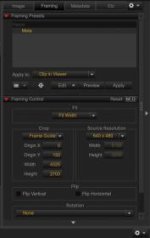
Unfortunately the "Framing Controls" in the last 3 versions of Redcine-X are not working properly. This would result in inaccurate crops and may be contributing to your issue as well. Resolve would only recognize Cropped non-raw file exports from Redcine-x like Prores, DNxHR...ect. I tried in Premiere Pro but their was nothing you could enable in the "Master" effects tab to bring in the crop markings.

Phil's tool is probably going to be your best bet.
 
We generally tell clients to shoot an actual physical printed framing chart on set, and then keep that around as a reference during editing and final color so that we know it's being framed correctly. No matter what resolution you're shooting at, the aspect ratio should match whatever is in the viewfinder.

1kDI8qy.png


The Arri chart generator is free and available at this link:

https://tools.arri.com/flt/

Even if you shoot with a Red or a Sony or a Canon or a Blackmagic, it doesn't matter: the aspect ratio is the aspect ratio.
 
Thanks everyone for the help/advice.

Just to clarify for everyone a few things.
Normally, on these projects (which are MOWs btw) I've shot 5kHD on our Geminis. The problem with this is 5kHD with look around enabled doesn't give you any look around on the top or bottom. Only side to side. An issue for Sound department with the boom mic and such.

So my solution was to shoot on the full sensor (5k 1.7:1) and then have several different frame guides set up as hot keys for operators to choose from depending on the lens and how well it covers the larger sensor. Some of our lenses vignette until we window down to 4.5k. I was able to make this all happen inside the camera just fine. I set up three different 16:9 guides sizes ranging from 5k down to 4.5k then set them up as presents that are applied with a single clip of a button. NO big deal at all. I can open these clips in Redcine-x and turn on the frame guides and it sees them. But I gather, from everyone's comments, that no other post software can actual see these guides nor use them. Is that correct?
 
Shawn,

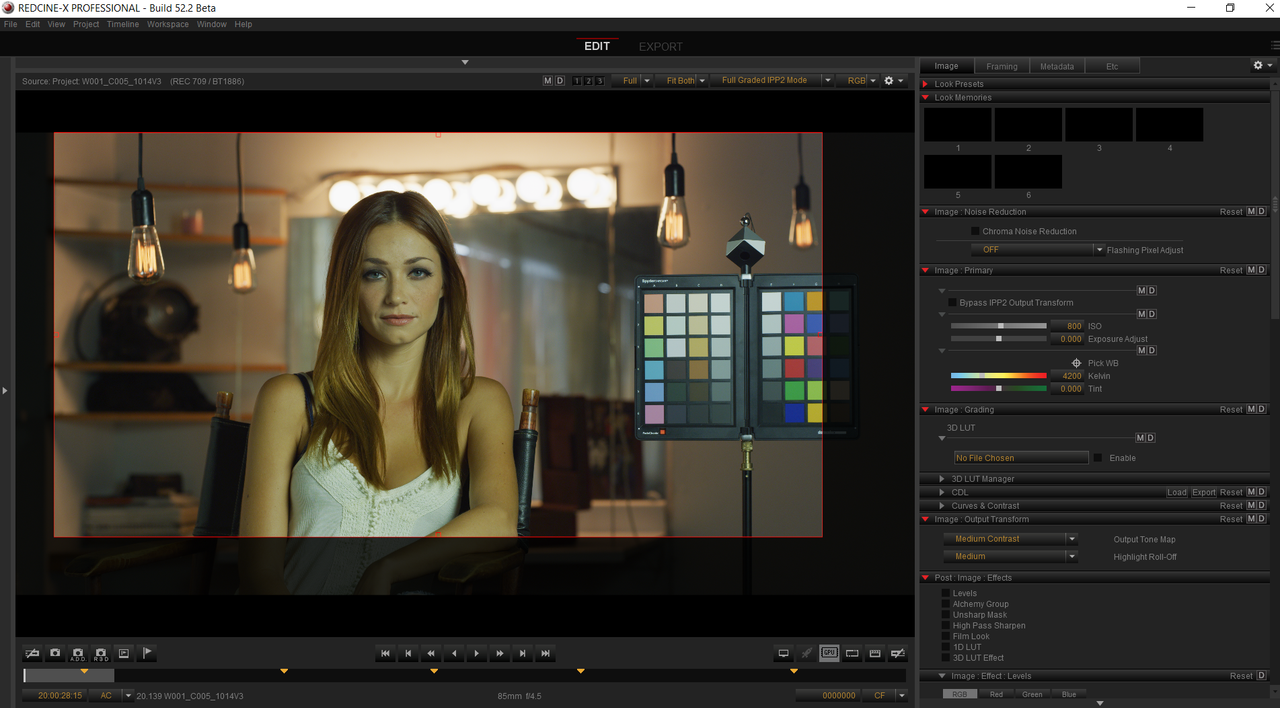
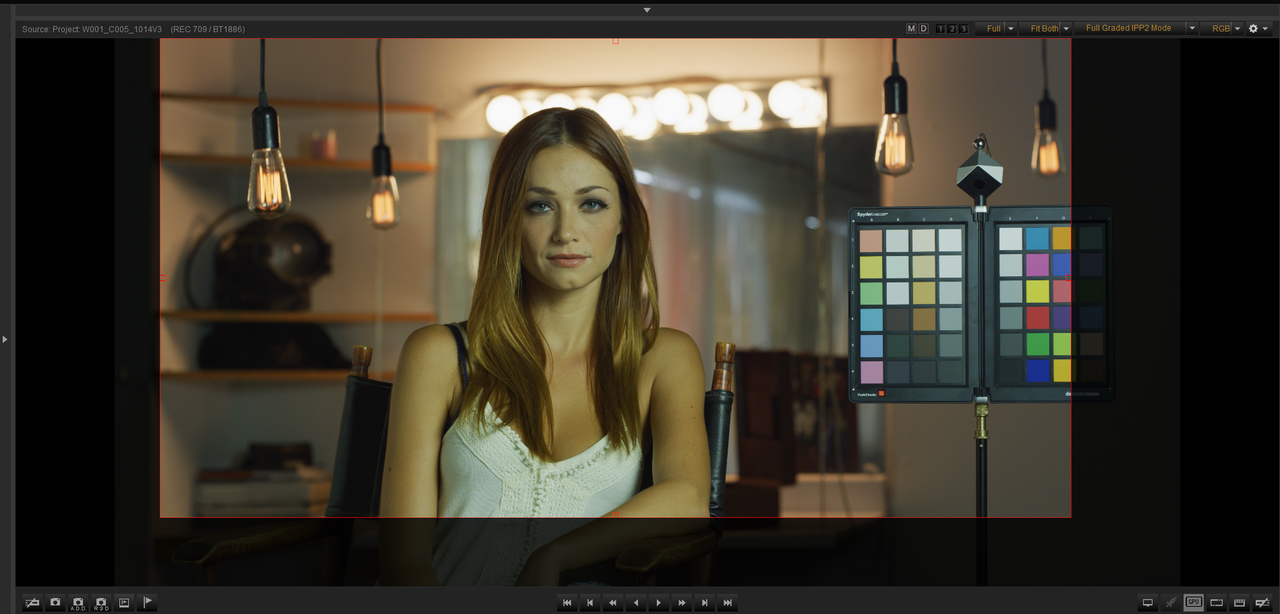
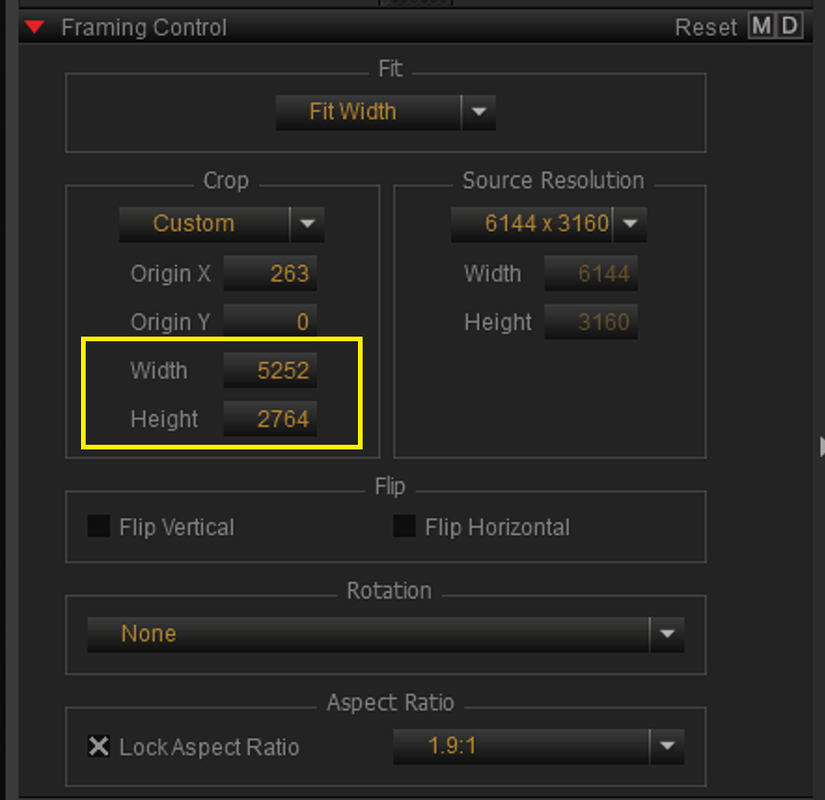
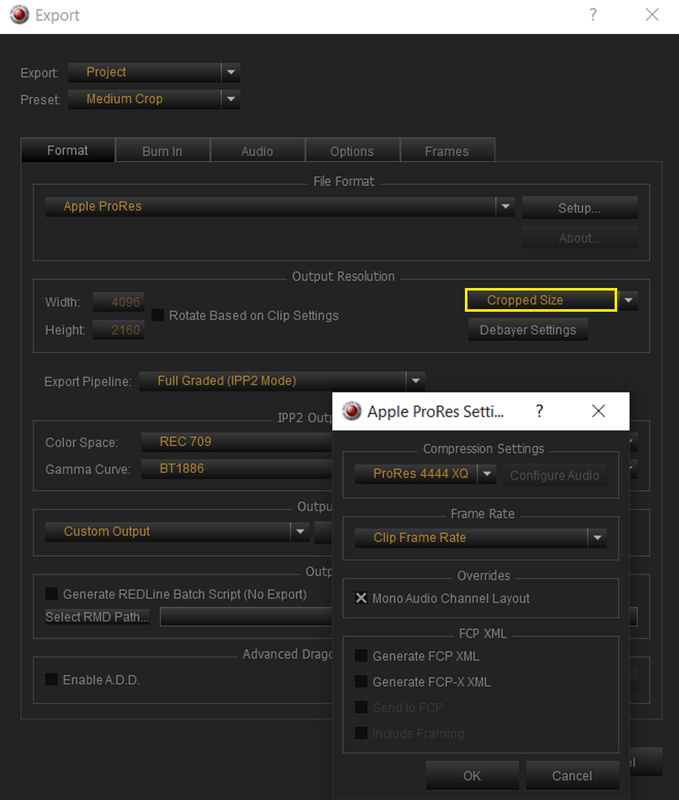
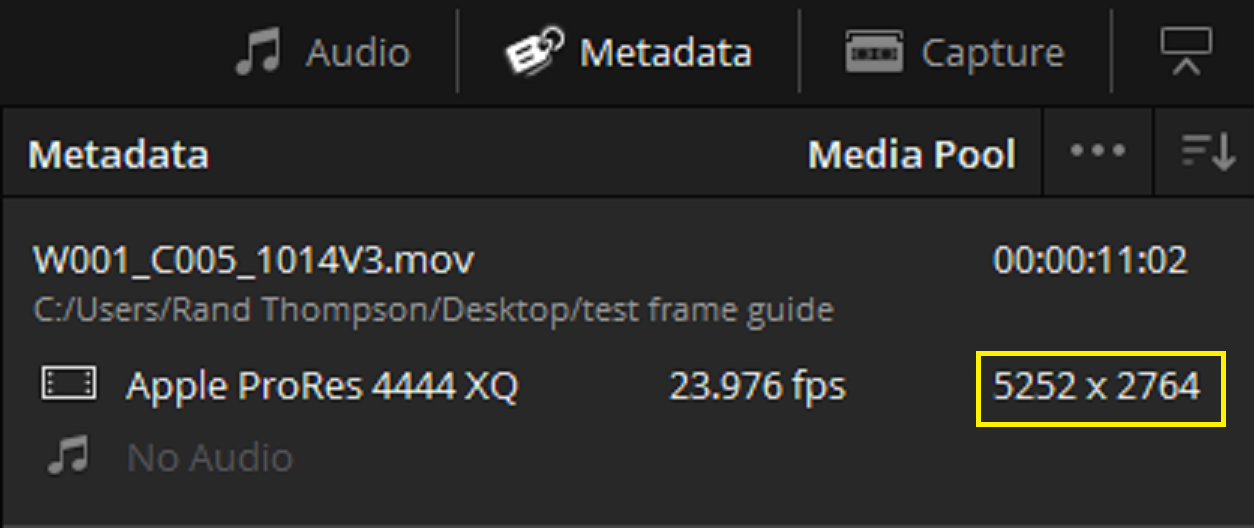
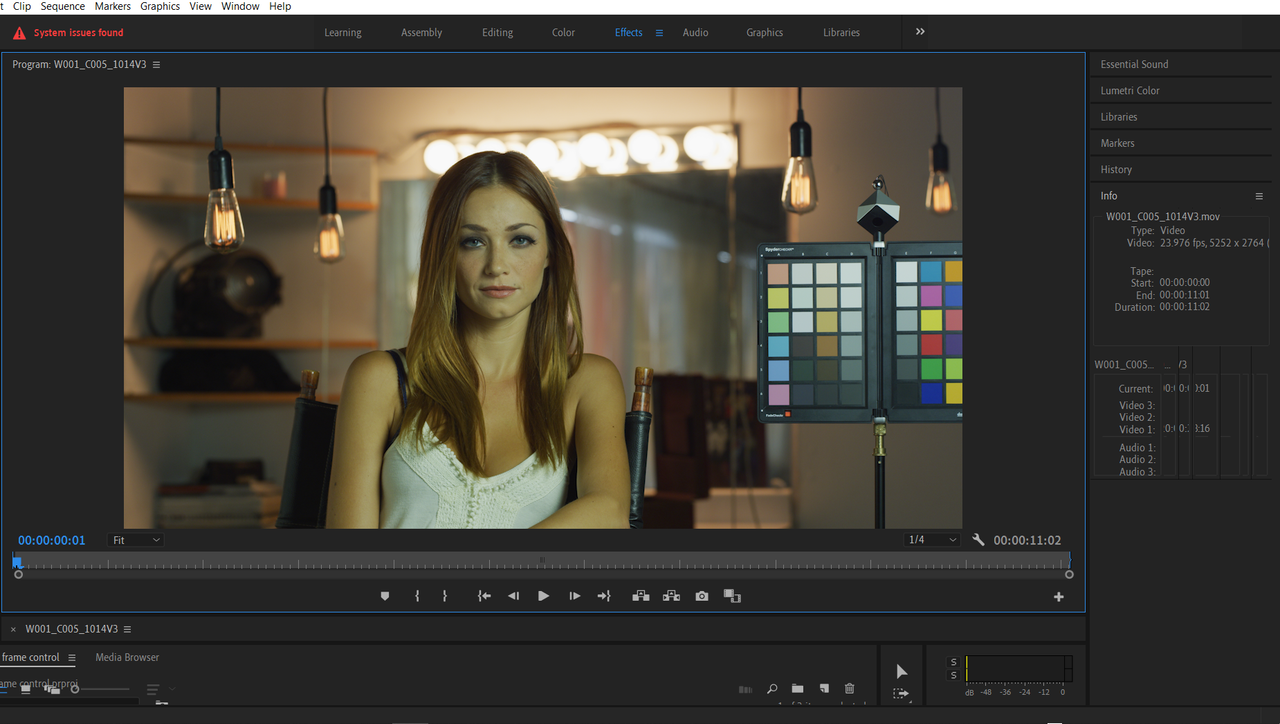
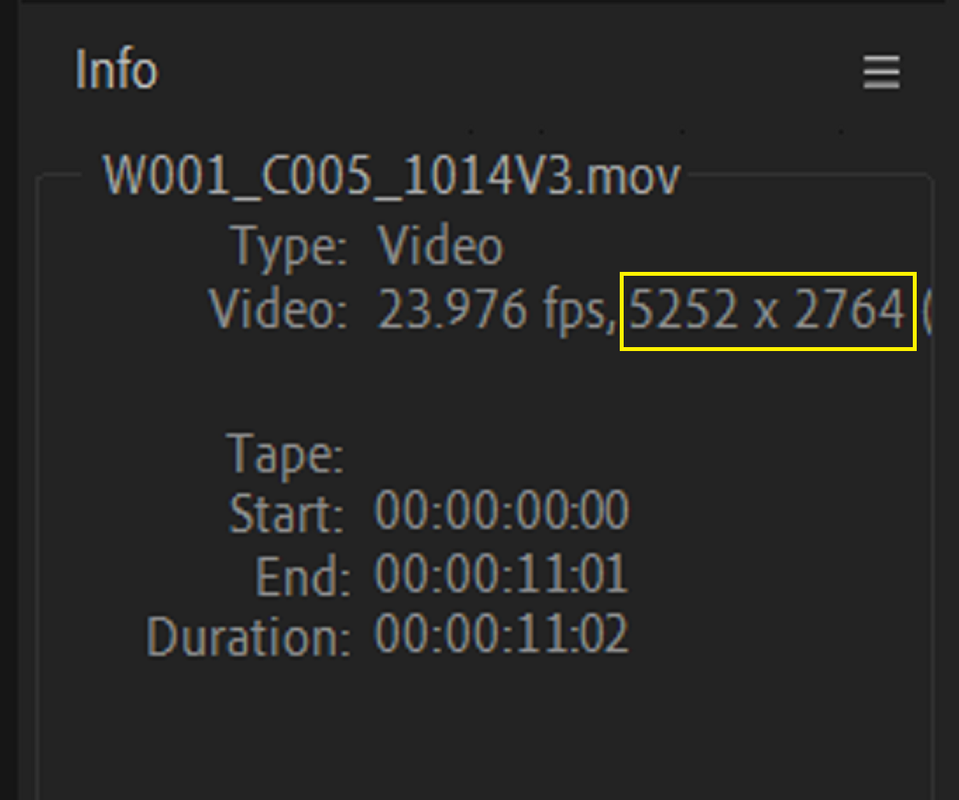
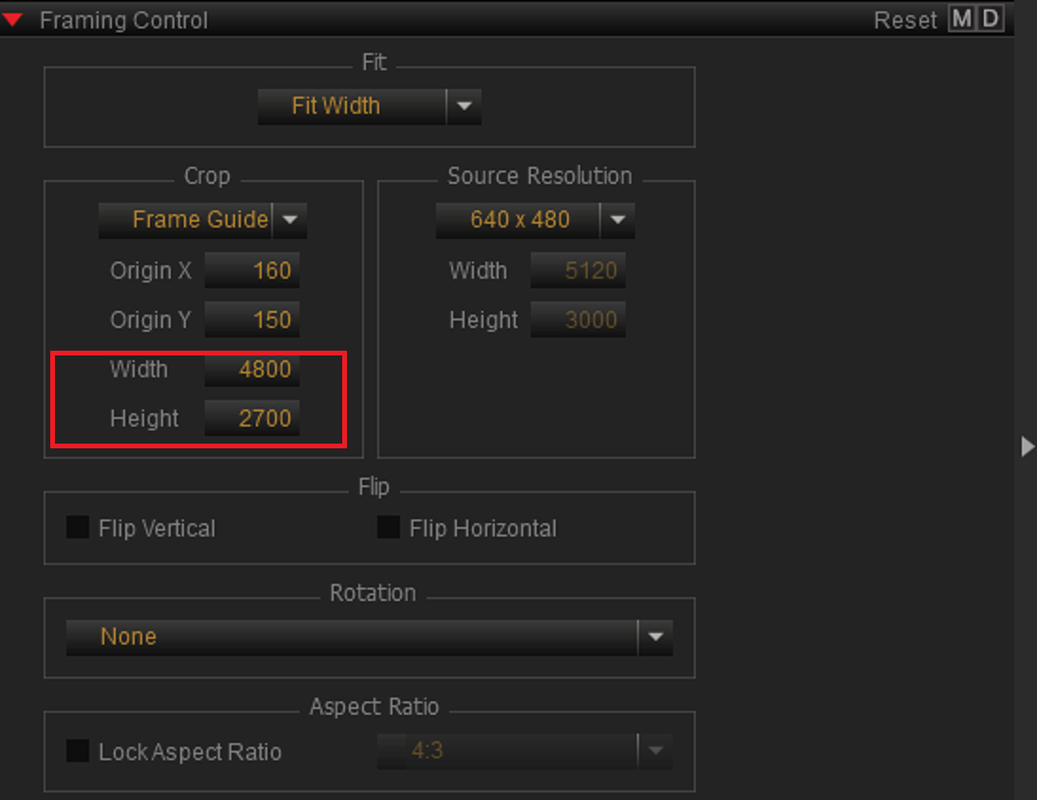
If you don't mind using cropped ProRes 4444XQ files, the latest Beta version of Redcine-X Pro seems to have fixed the framing issues, you can just export the cropped file, when using the "Frame Control" tool in Redcine-X, out .

Redcine-X Pro Beta VERSION 52.2.49911
https://www.red.com/download/redcine-x-pro-win-beta

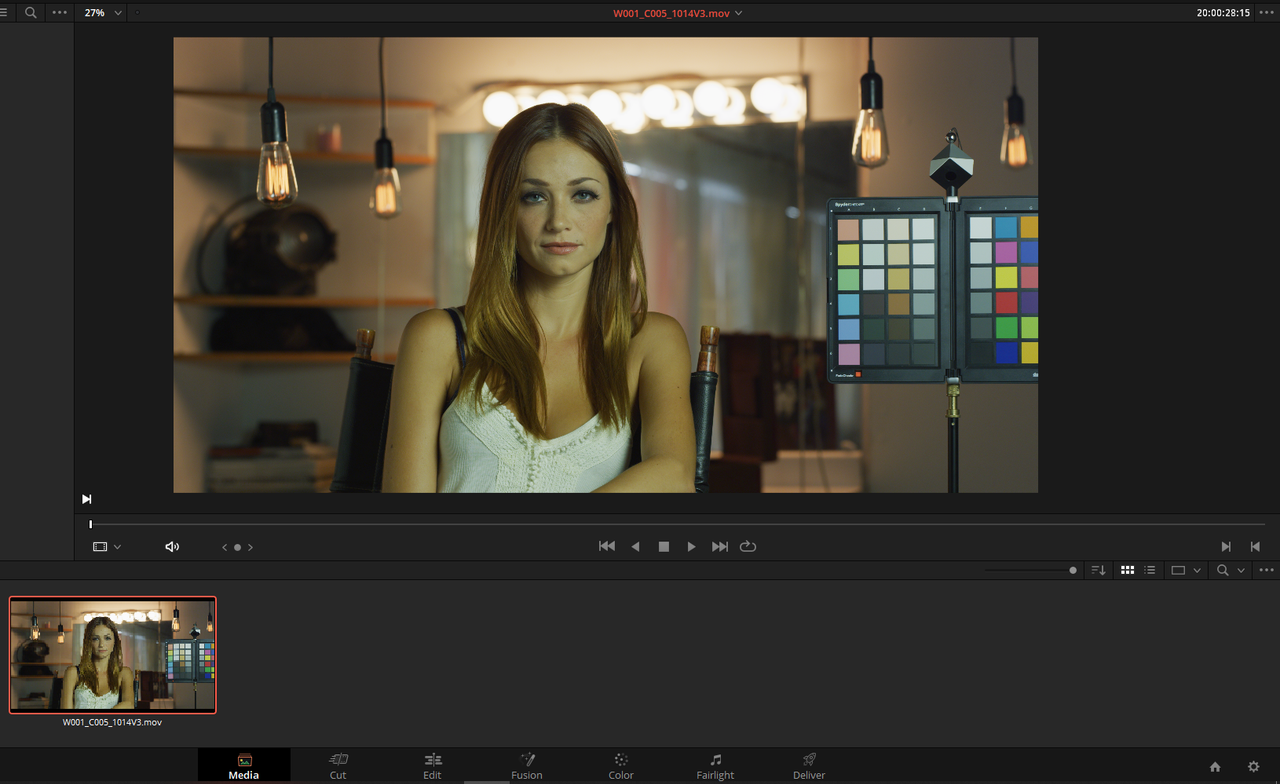
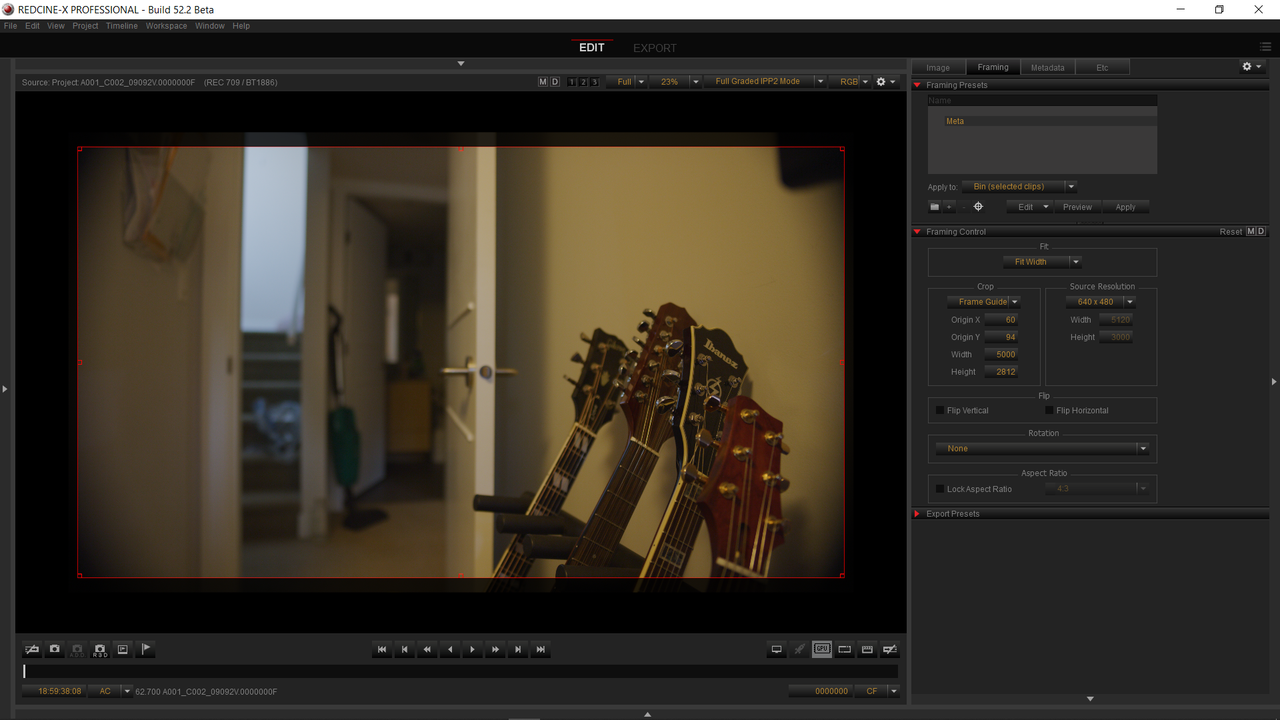
In Redcine-X Pro
Screenshot-2685.png


Screenshot-2687.png


Screenshot-2690.png


Screenshot-2688.png


In Resolve

Screenshot-2689.png


Screenshot-2691.png


Premiere Pro

Screenshot-2694.png


Screenshot-2695.png


Redcine-X

W001-C005-1014-V3-0000000.jpg


Resolve

frame-crop-1-1-2.jpg


Premiere Pro

W001-C005-1014-V3-00-00-00-01-Still001.jpg
 
Last edited:
Shawn,


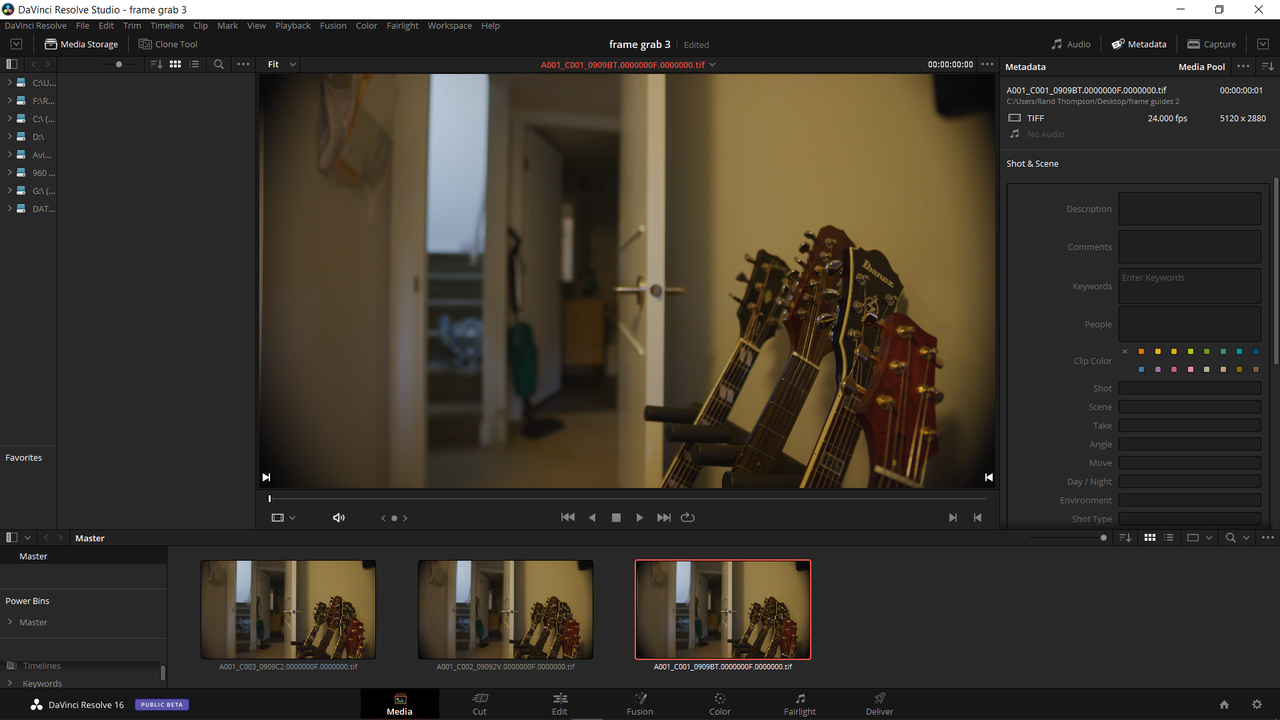
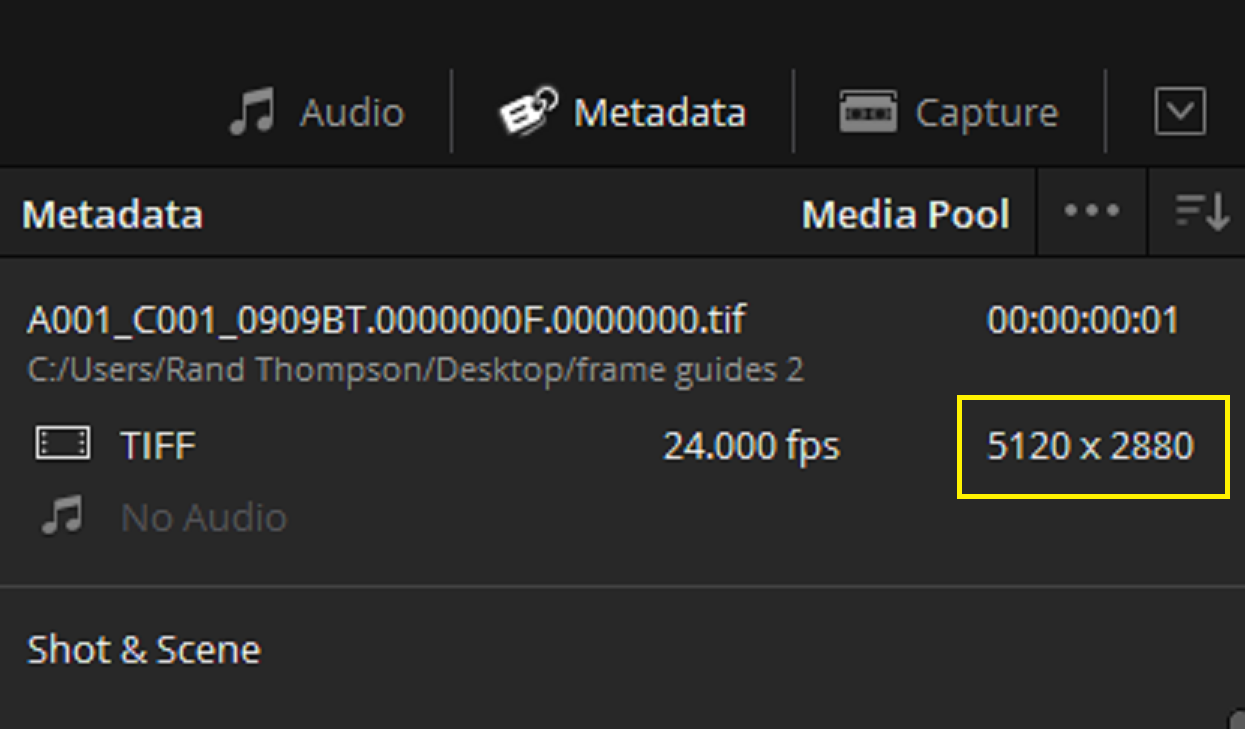
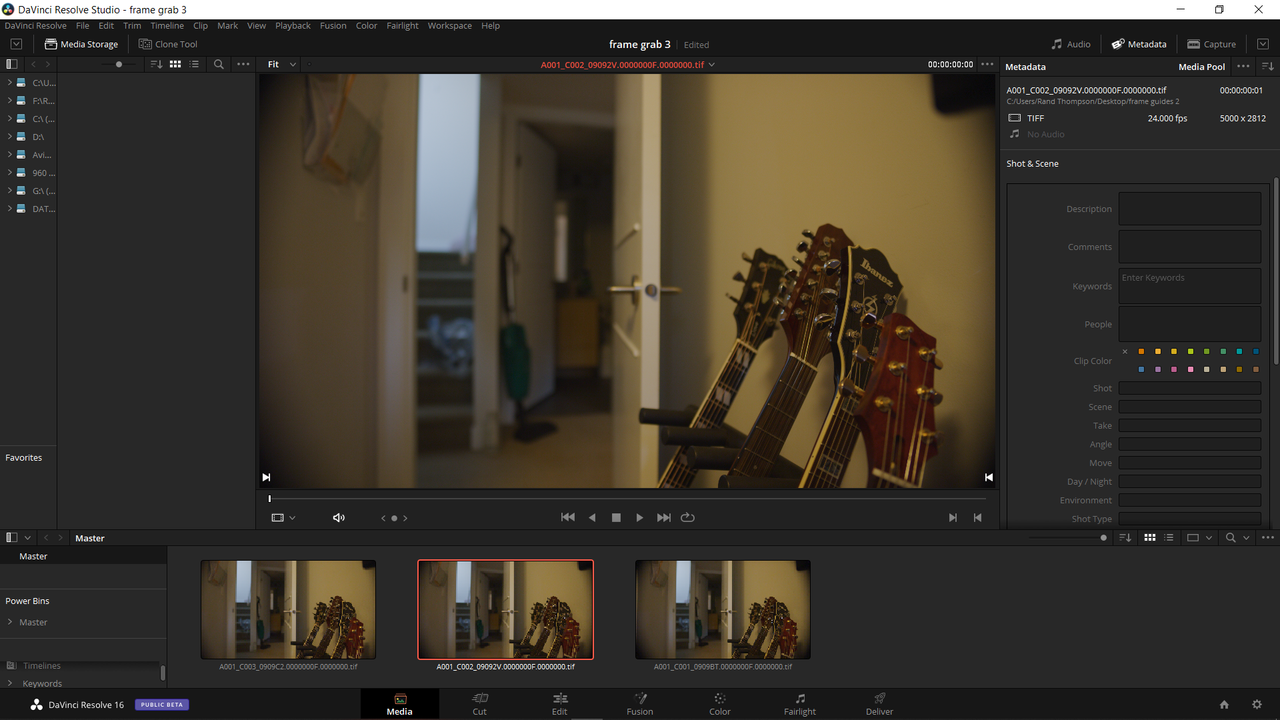
When I used your R3D frame grabs with the frame guides embedded in them and exported the frames as .TIFF files "Cropped" in the "Export" tab, They came into Resolve correctly.

Redcine-X

Screenshot-2704.png


Screenshot-2704-1.png


Screenshot-2705.png


Screenshot-2705-2.png


Screenshot-2706.png


Screenshot-2706-3.png


Resolve

Screenshot-2707.png


Screenshot-2707-r1.png


Screenshot-2708.png


Screenshot-2708-r2.png


Screenshot-2709.png


Screenshot-2709-r3.png


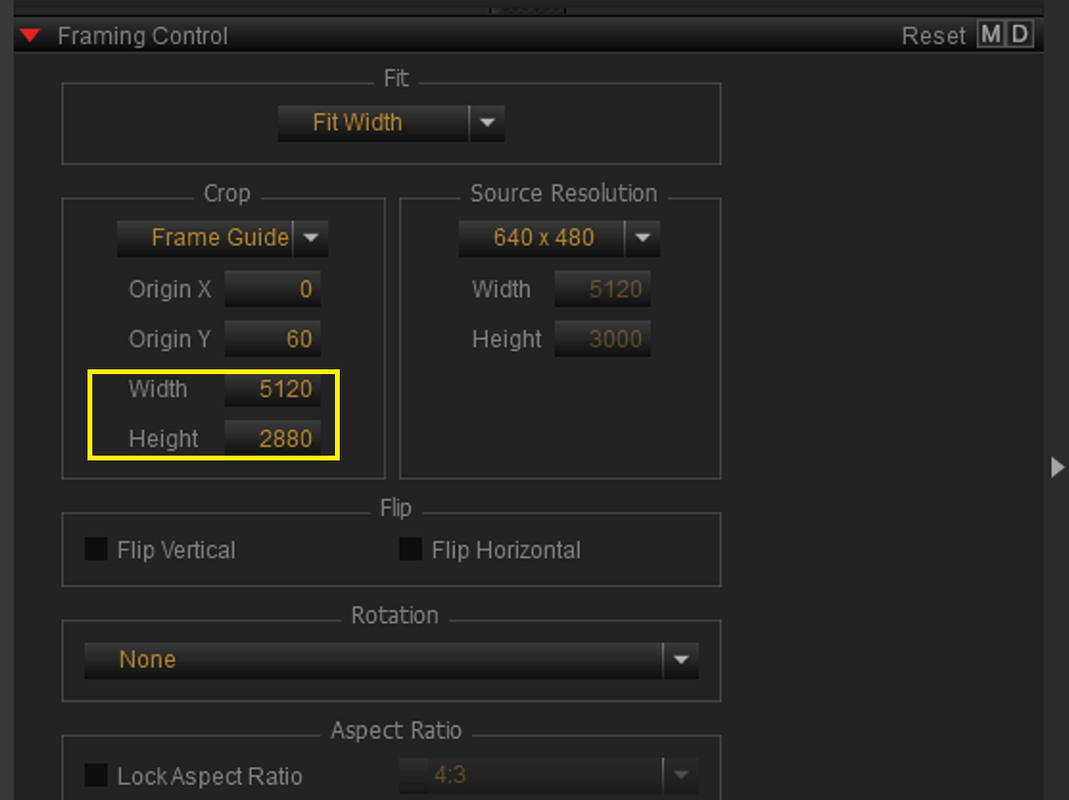
5120X2880
1-1-1-1.jpg


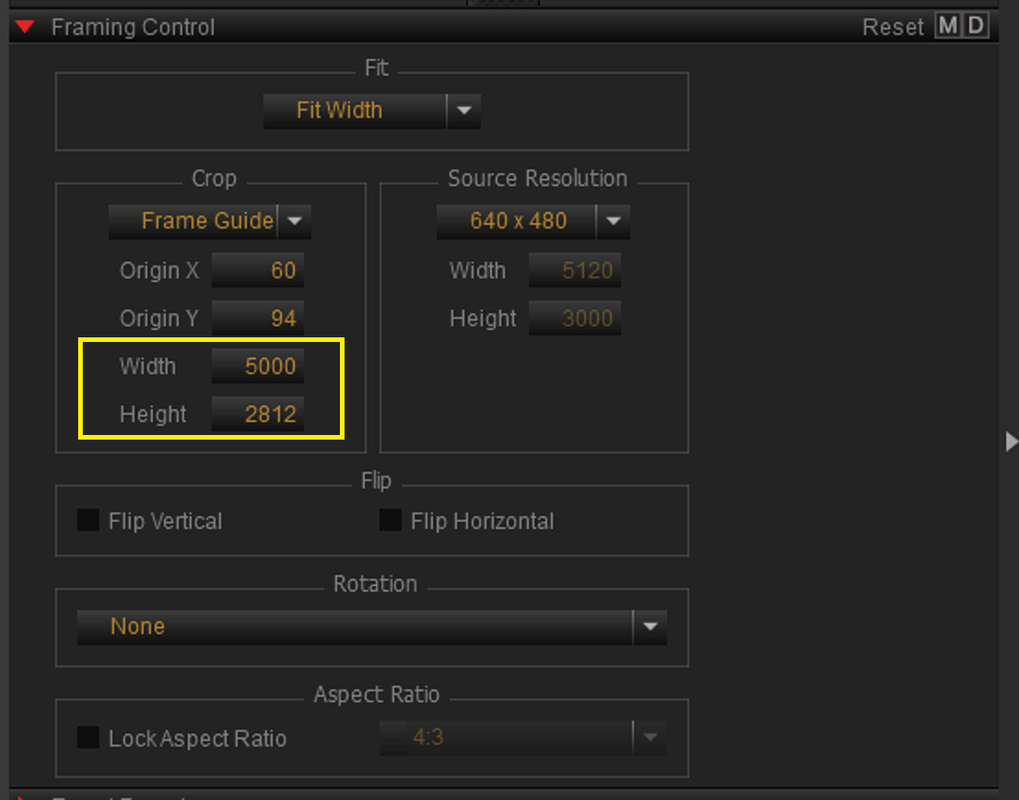
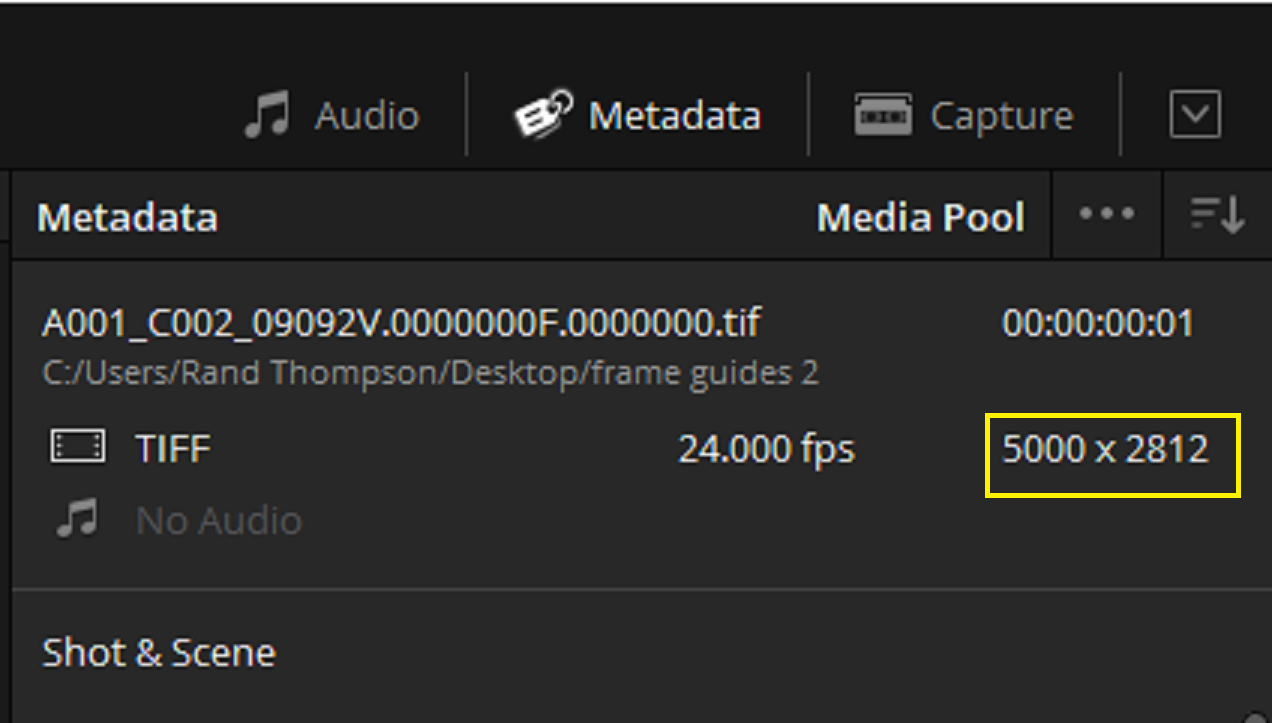
5000x2812
2-1-2-1.jpg


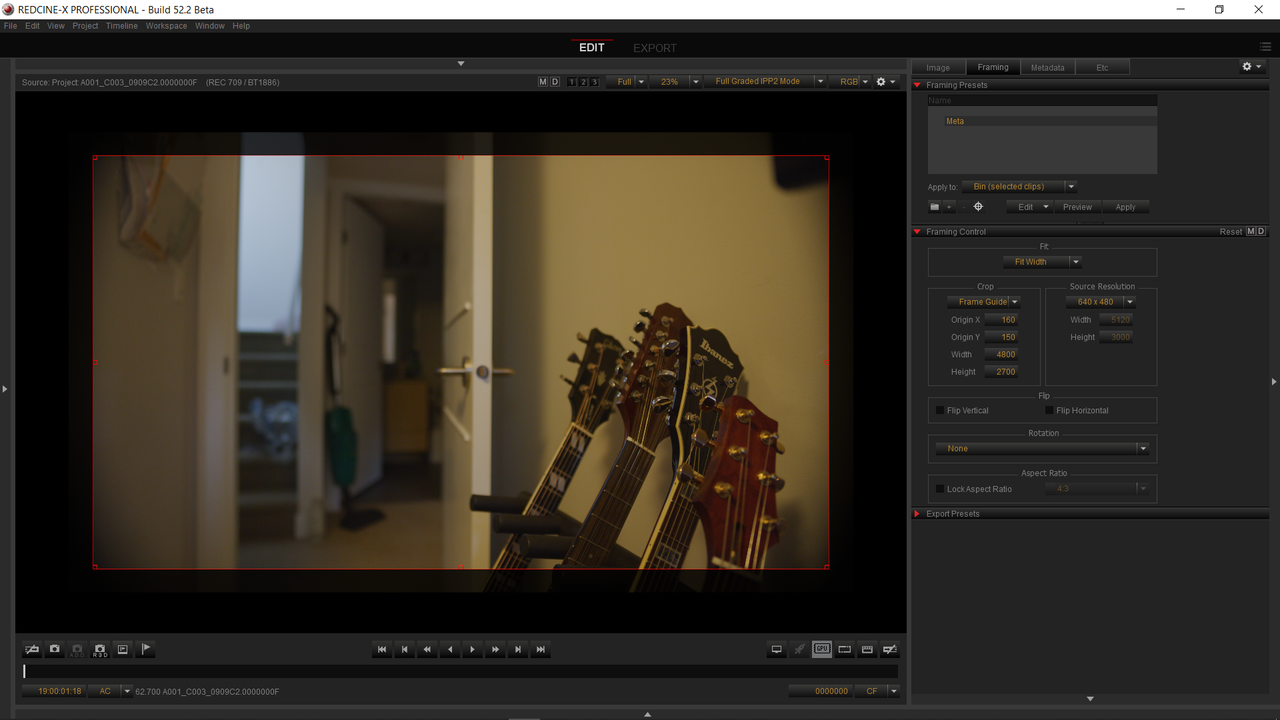
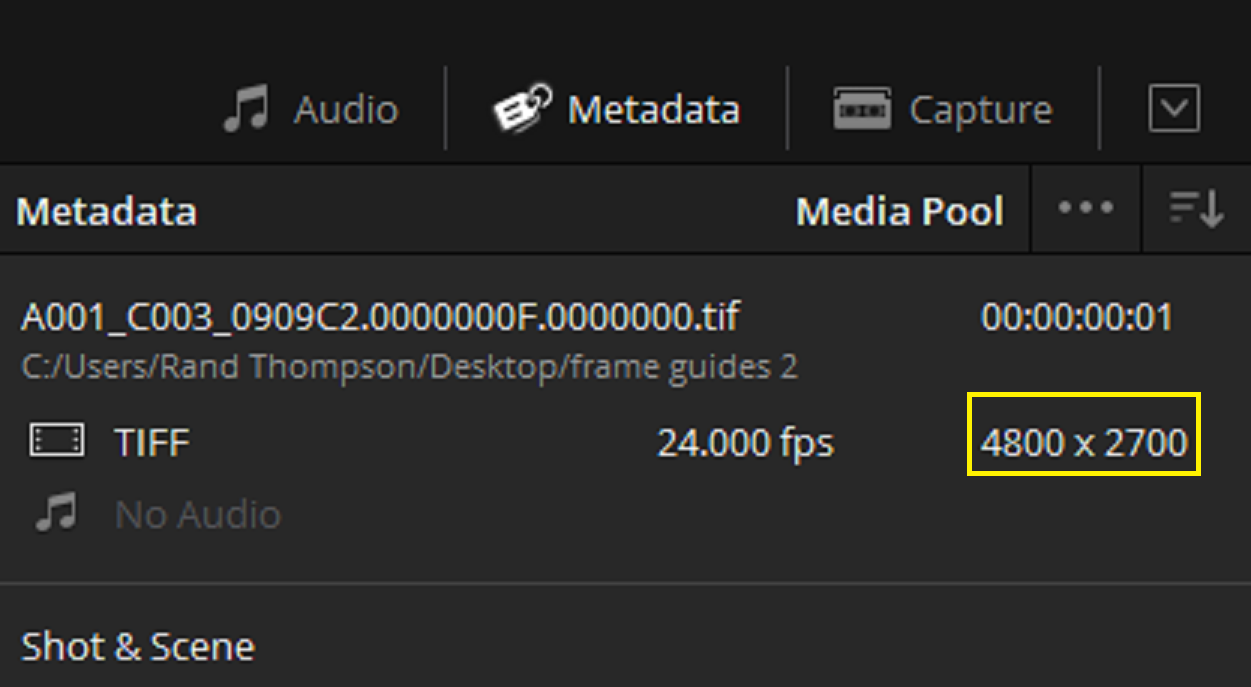
4800x2700

3-1-3-1.jpg
 
Last edited:
unless I misunderstand your question...the frame line you see in camera are not in the r3d file, .they are just an overlay produced in camera. If you are trying to match what you see on set in post, shooting a chart is the best method as Marc suggested.
 
Greg,

If you download Shawn's R3D frame grabs the frames guides he used in camera where still shown with the R3D files. However, they could neither be shown in Resolve nor Premiere Pro by selecting any Raw settings. And as you said Marc's charts or Phil's Guides would be the best options.

However, I was showing that if he didn't mind using Prores Files, he could export cropped images out of Redcine-X based on the frame guides he selected to be used in-camera as an option.
 
Thanks Rand.

I need to check with Post to see which program they make the proxies in. If it is Redcinex then your suggestion works fine for the editor...however, we colour grade with the raws (especially since I run with a LUT in camera) and not Tiff Files. I'm really not keen on throwing away the raw data, nor will post like it.

It just seems weird to me that no software other than Red-cinex reads the frame guides from the metadata. I could have sworn that used to be a thing when I first starting shooting Red. But maybe my memory is wrong.
 
Shawn,

I really only used the .Tiff because I couldn't make Prores or DNxHR proxies from a red R3D frame. You can export cropped Prores or DNxHR files out based on the Frame guides you assign in-camera with no problems.

I wish Resolve or Premiere Pro would somehow let you enable the frame guides in the Raw R3D files in the Camera Raw settings/Master Effects tab also. Unfortunately, you can only trim the length of a Red R3D file and not crop the R3D file and be able to save it as a raw R3d file instead of a Proxy file.


BTW,

do you have a short R3d clip with the frame guides enabled. I just wanted to check to see if the frame guides would also travel along with a Red R3D moving image file as well as a R3D frame. Also to see if you relink the the cropped Prores or DNxHR files back to the Raw R3D files, would the linked R3D files also retain the crop or just the original frame size.
 
Last edited:
I have never seen the frame lines in the r3d...its an overlay in the camera. When I open the r3d frame, there are no frame lines visible. The R3d will always be what you define in your record settings, frame lines are frame lines.
 
Greg,

There were frame control issues with the prior two versions of Redcine-X Pro before the Beta version of 52.2.49911 which I am using.


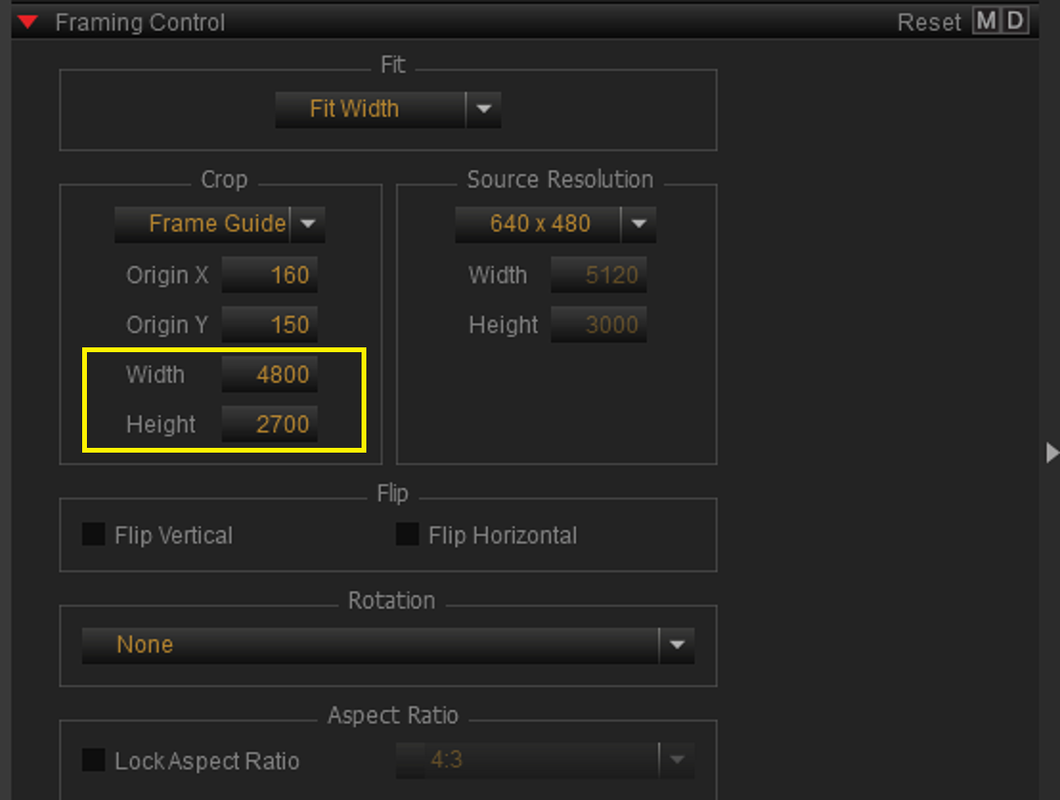
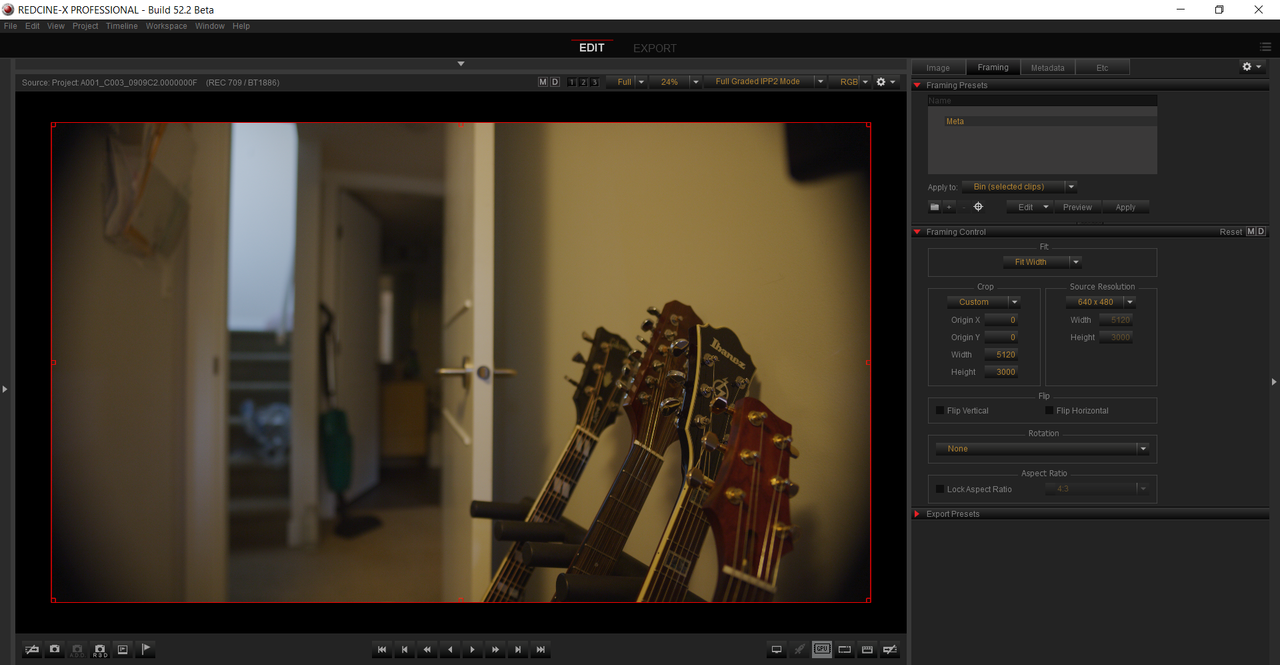
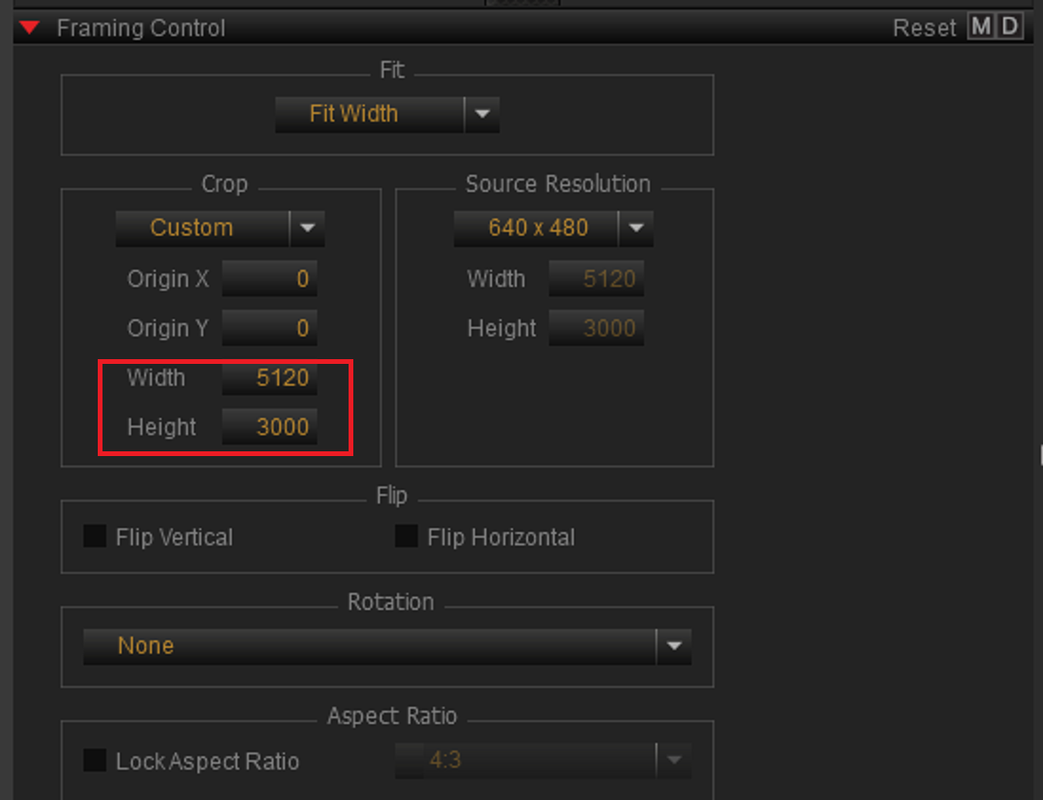
The Actual frame size of the Image is 5120x3000

Screenshot-2749.png


Screenshot-2747-2.png


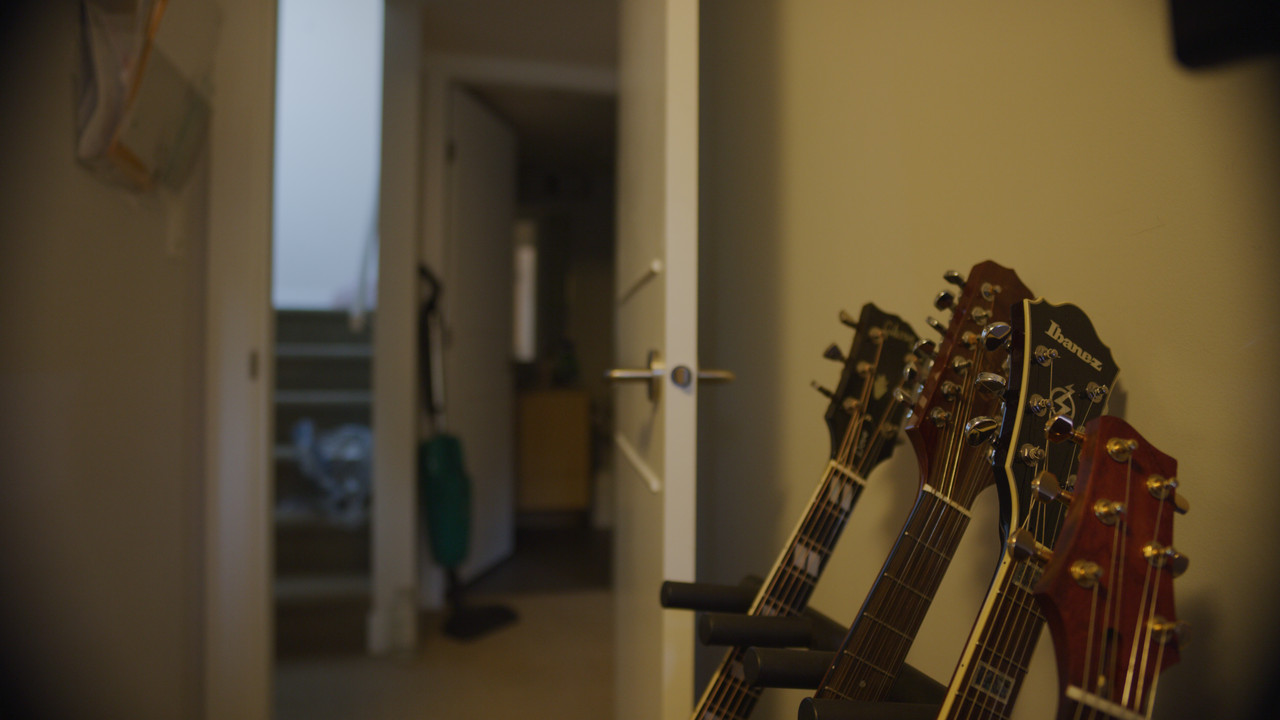
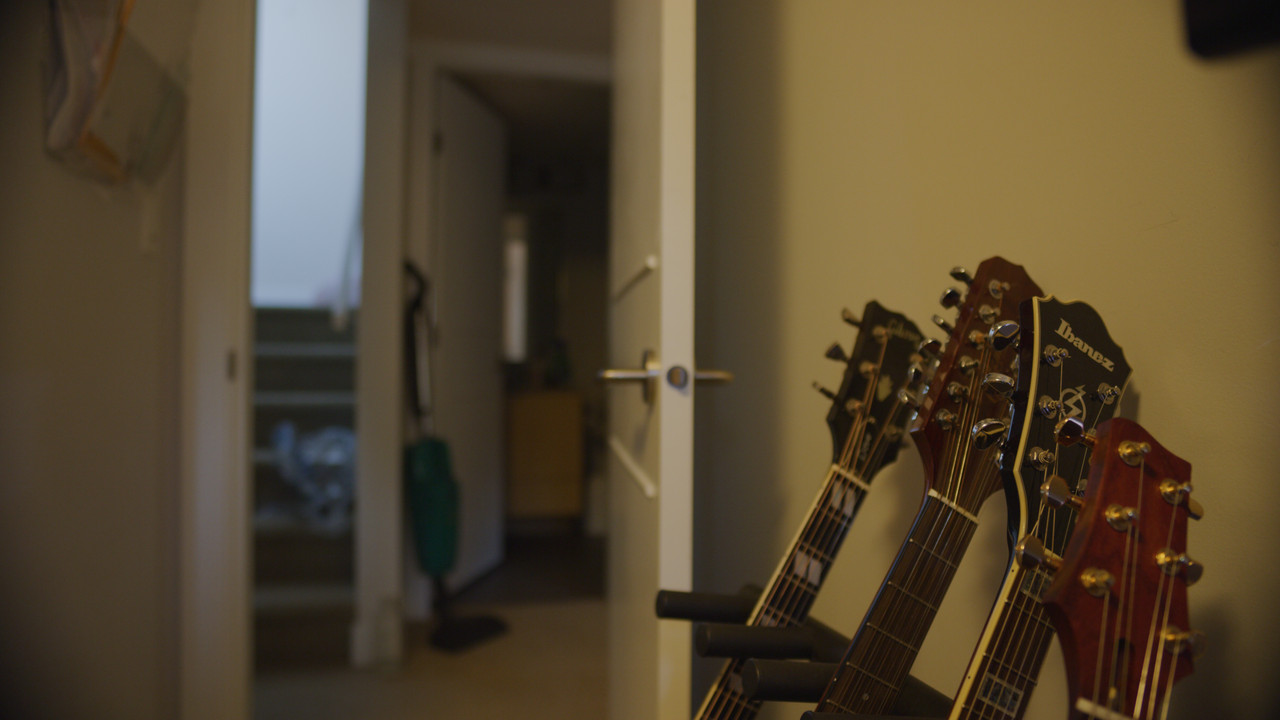
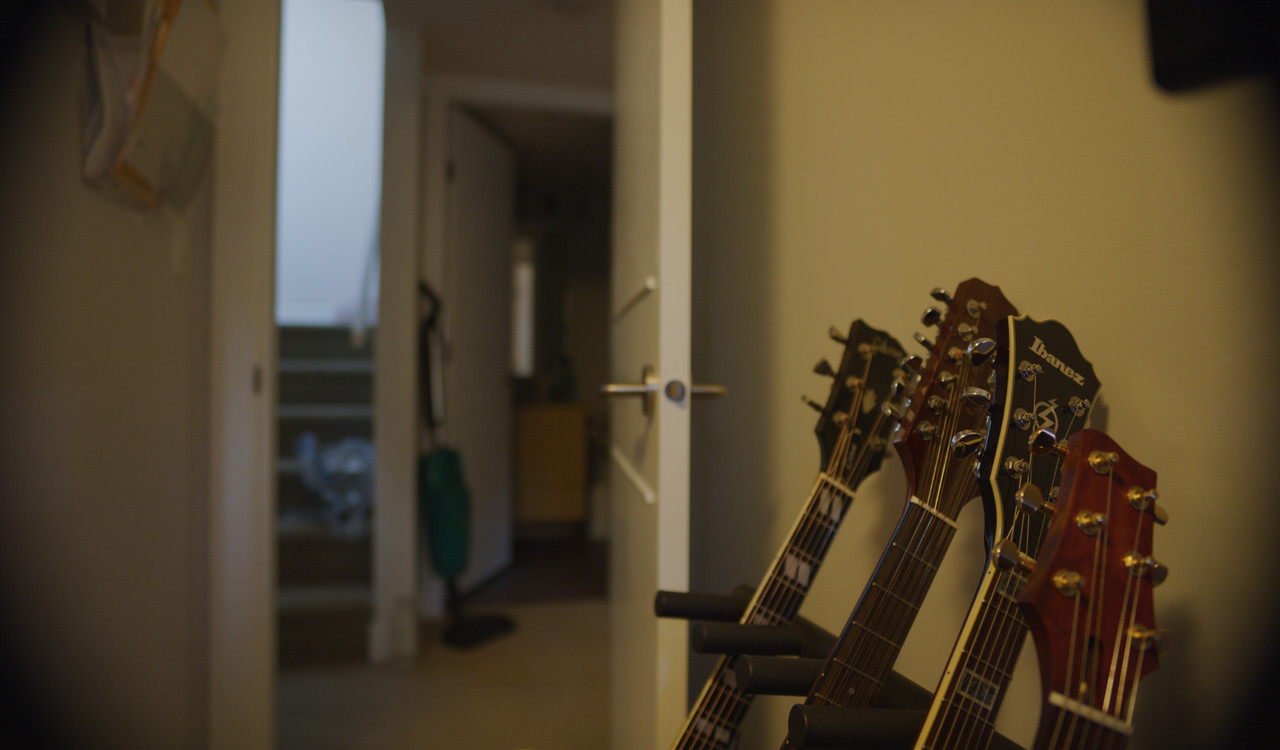
A001-C003-0909-C2-0000000-F-S000-00000001.jpg


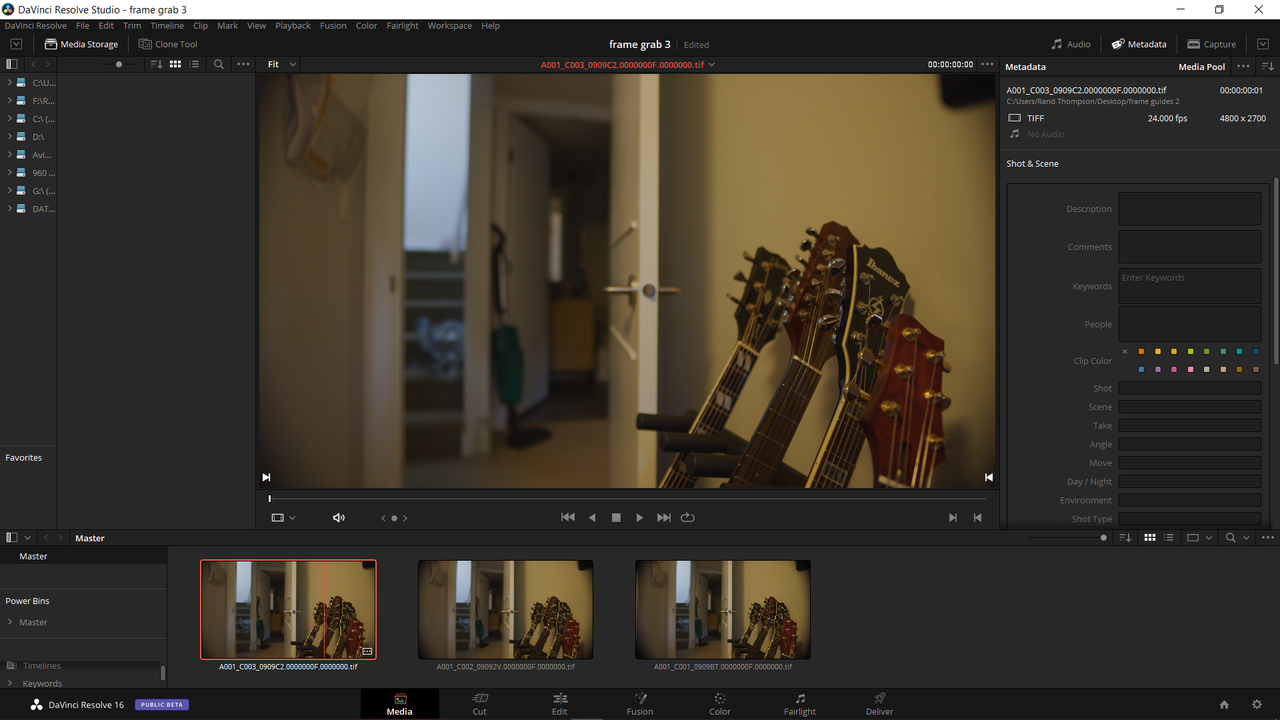
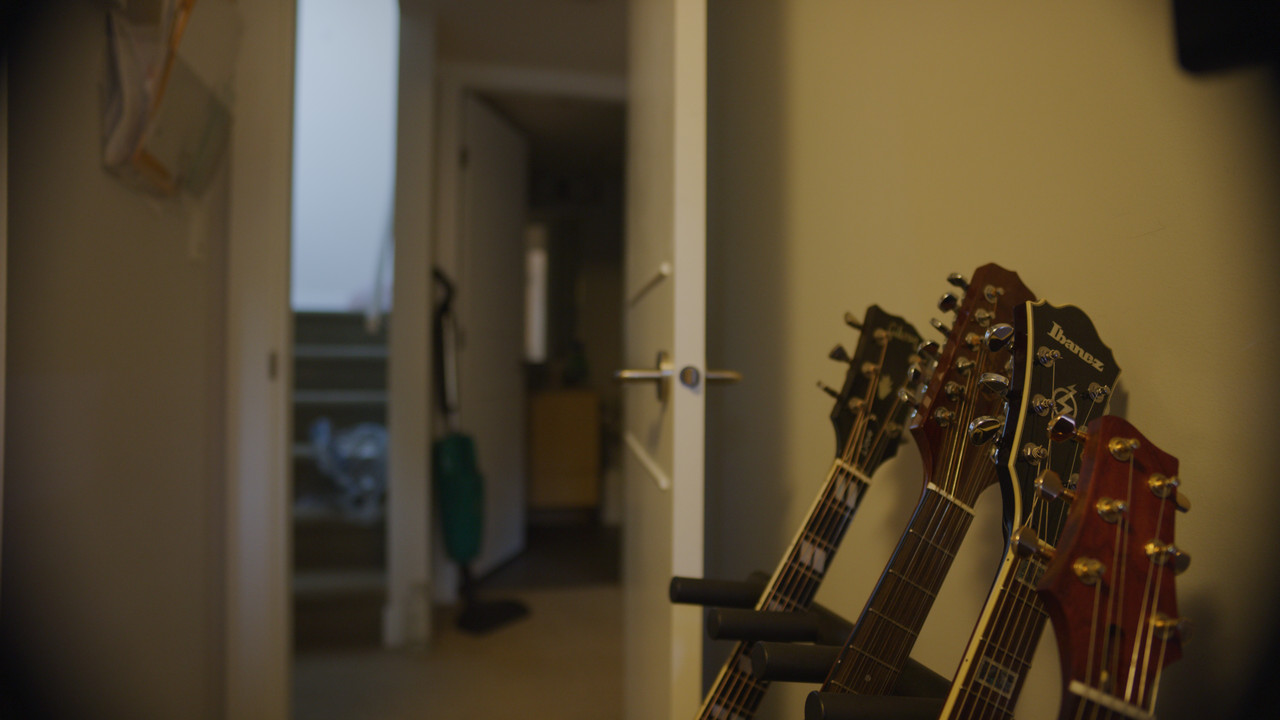
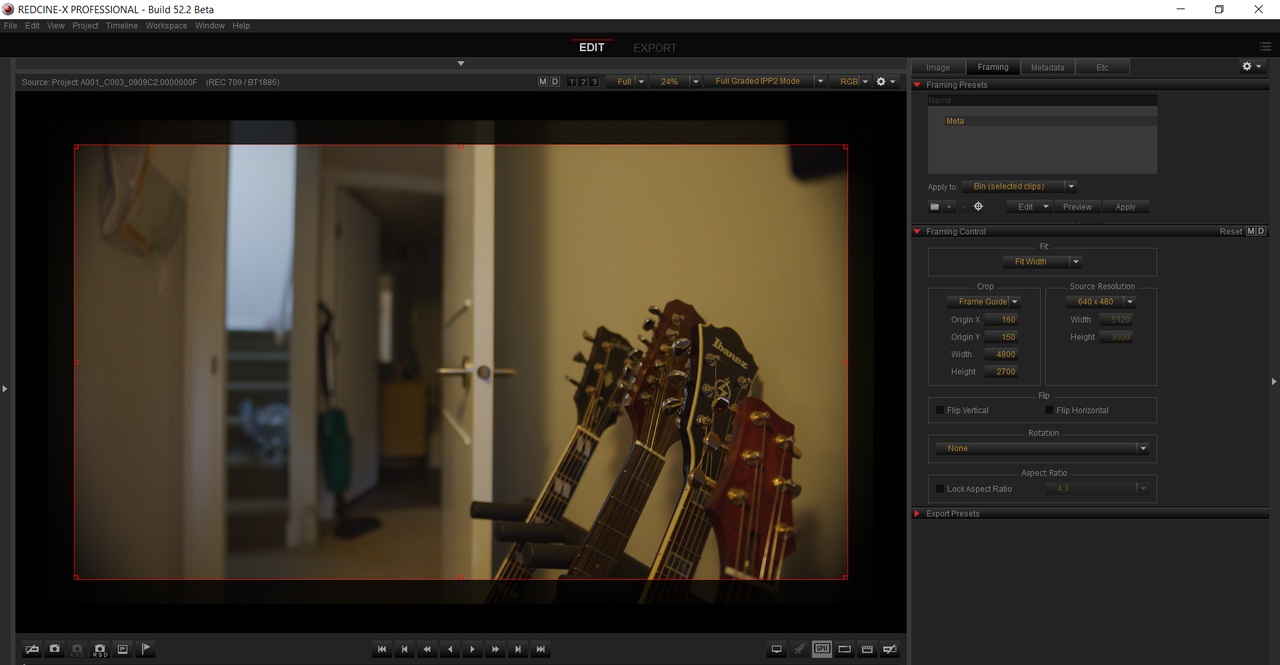
The frame grab in Shawn's R3D frame is 4800x2700

Screenshot-2748.png


Screenshot-2748-2.png


A001-C003-0909-C2-0000000-F-00000002.jpg
 
im on latest version...on Mac.

what you are seeing doesnt appear to be frame lines...it looks like a selection window. Can you grab the boxes in the corners and drag size?

EDIT:
There is an option to select framing guides...you can drag those as you like. But as you see they default to full screen

I think we are using different terminology. The red box can be dragged. However, the frame guides have different resolutions (Frame guides) enabled for the the R3D frames shown. They were there when I imported the R3D frames so I'm wondering how Shawn enabled those.
 
Back
Top