
Todd Gilpin
Well-known member
The metadata here is showing the aperture was 2.8

Follow along with the video below to see how to install our site as a web app on your home screen.

Note: this_feature_currently_requires_accessing_site_using_safari


The metadata here is showing the aperture was 2.8

As a point of comparison, here's a link to the trailer for The Age of Adeline. According to IMDb, it was shot on Dragon. At this stage, I don't know how much of it was shot on Dragon or which OLPF was used. With the nature of trailers, it's sometimes difficult to ascertain if you're looking at finished shots or if the images have been altered for effect.
At any rate, the texture in most of these images looks like STH Dragon to me and not film grain that was added in post (although, it may have). Who knows if the film will be released like this or if the release version will have had NR added to reduce or eliminate the texture altogether.
http://trailers.apple.com/trailers/lions_gate/theageofadaline

I'd guess at the LLO too.

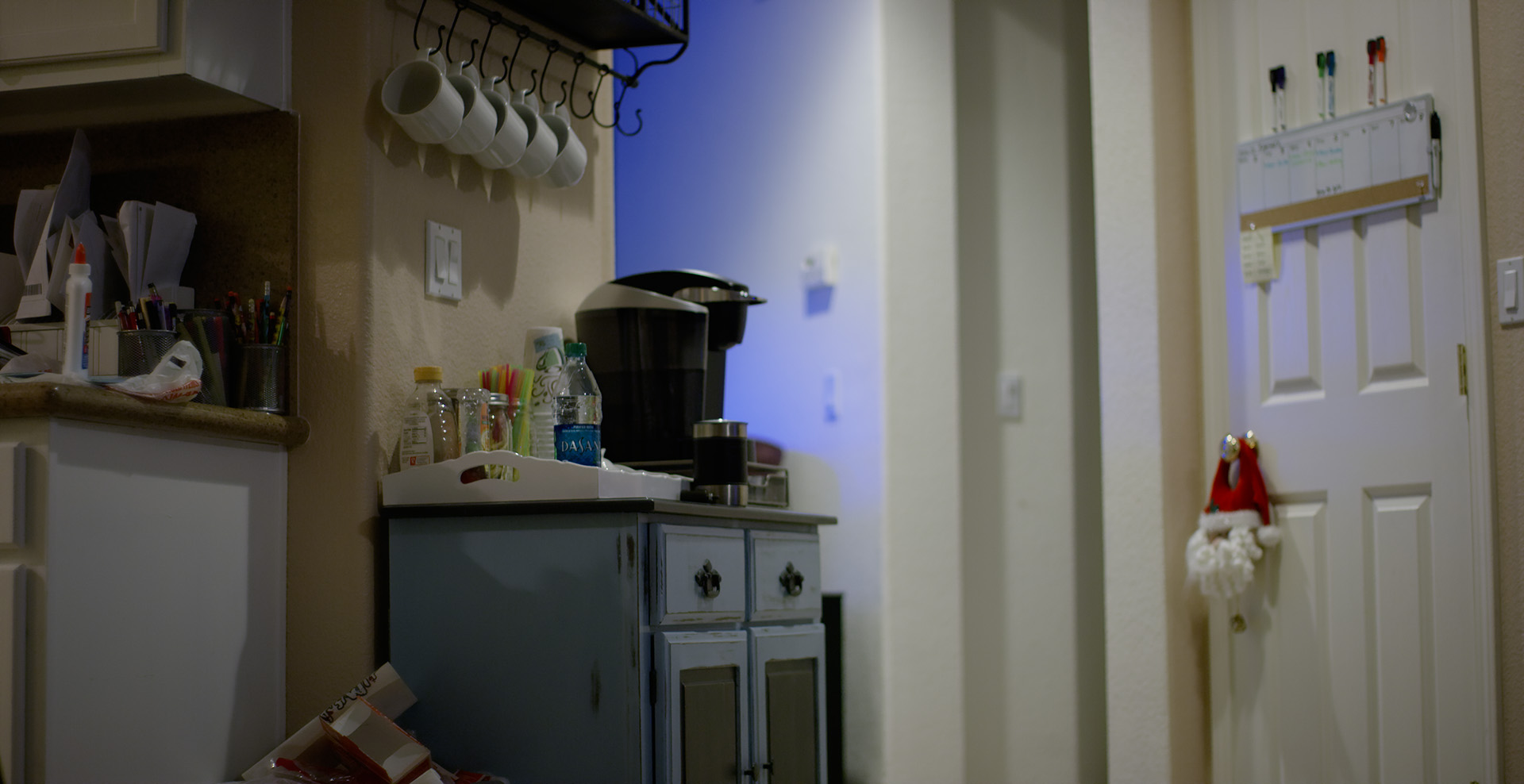
I take Aaron at his word that this was captured at 1.4. The Camera might default to 2.8 in the metadata for dumb lenses or non electronic lenses. Based on the histogram I do think it is 1.4


I dunno guys... I am get jaw dropping spectacular stuff off my dragon HLST. I consistently shoot 800
Add a touch of fill. Just a little. To activate the pixels, give the sensor and DSP/AD a value to process. Works like magic.

Shoot at 1600 up to 2000 and be prepared to put some NeatVideo on it. It's all about tolerance for noise/grain/texture.
Clayton,
dragon stores 4 blackshading calibrations do them at 4 different shutter angles and you can cover a spectrum of needs. I get the camera up to temperature and run it in adaptive mode at 62 degrees, or a bit warmer depending on conditions. It takes about 10 seconds to switch calibrations if needs be.
I would not rate low light at 1600-2000 on the STH, I would be more likely to rate at around 500-1280 and checking to see that the histo is not bunched up to the left really keeping an eye on the left goalpost noise, at 50% or less it is pretty manageable. You can Gioscope to see where you might be loosing highlight or shadow detail. Punching in just the tiniest amount of fill, even from a lite panel mini or a 1:1 really helps. A little goes a long way.
I use this strategy because I found that even if it seems dark with enough light hitting the sensor you can push the images quite comfortably in post because you've got a thicker base image.
1. Camera temp and exposure indicators should both be green.
2. Left goal post 60% or less
3. Try to move that histogram off the left side
in terms of gamma choices, the shot I posted above was rg4 applied to the clip after WB straight out of rcx with no curves or additional processing, etc. so it sort of represents what you would see at ISO 800 at 1.4 with rg4 in a zero lighting scenario.
battistella


I have noticed my dragon is quite noisy. Even when exposing to a centered histogram at 800+ ISO and no lit up goal posts. Sometimes it so bad it makes me think the camera is f*ed. I shot something recently with the dragon and C300 and the stupid C300 had no grain, while the Dragon had an unreasonable amount. I am having a hard time wrapping my head around this. Is the dragon really this bad in low light? Shouldn't grain just be black. Why is it boosting the low light areas?
And yes I have made sure the camera is black shaded and at the right operating temp and exposure and blaaa blaaa blaaaa.
would love to get this sorted out asap.
Its hard to keep having to tell clients "No no we can remove that grain in post!"
My red one was usually good at 800ISO in any type of lighting.
Could it be something wrong with the camera or is there something I am not doing right?
some test shots I took. https://copy.com/8o6hk4crfNOPdzvy
Here are some TIFFs of the basic tests I shot
https://copy.com/BTpda4TdEGd7Jpfj