Welcome to our community

Be a part of something great, join today!

  • Hey all, just changed over the backend after 15 years I figured time to give it a bit of an update, its probably gonna be a bit weird for most of you and i am sure there is a few bugs to work out but it should kinda work the same as before... hopefully :)

Davinci Resolve 16.1 Final Release Version

Color Grading in DaVinci Resolve | PremiumBeat.com


By PremiumBeat by Shutterstock


Michael,


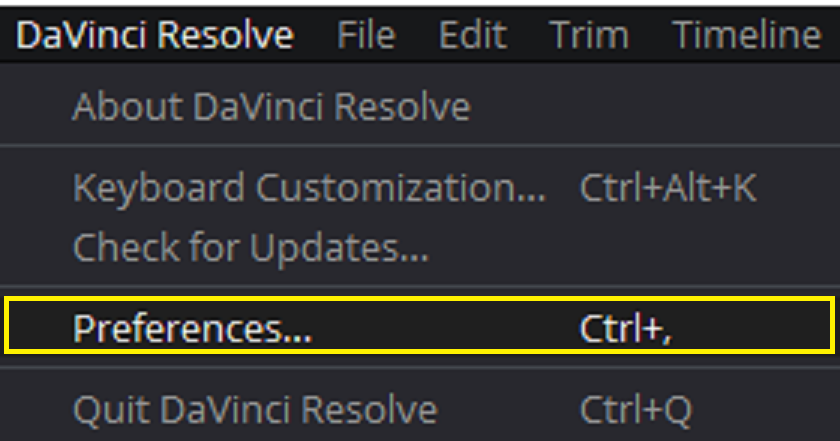
I've always noticed that when I had trouble with a Resolve major update with Red or any other footage, It was because I missed a couple of incremental updates of Resolve, and not updating to the newest graphic drivers for my graphics card and or to the latest updates for my operating system.Try that and see what happens. Also, with major updates to Resolve, some of the new features may task your computer more than older versions.You may have to reallocate more system memory to Resolve in "Preferences"
 
MBS 464: Shot Matching with Curves in Resolve 16.1


By Ripple Training


How to Clone Stamp In Davinci Resolve 16


By Crafted Shutter


DaVinci Resolve - Copy/Paste & Remove Attributes Between Clips (EDIT FASTER)


By BenoniStudio


Using DAVINCI RESOLVE Databases The Easy Way


By Premier Prep


Davinci Resolve 16 How to make a EQ preset in fairlight inside Davinci Resolve 16


By Duke Denver Film


DaVinci Resolve PowerTip — Nail Your Exposure


By David Power


Cropping in DaVinci Resolve 16.1


By CB Super


DaVinci Resolve - How to Setup & Use VST Plugins (Audio Effects)


By BenoniStudio


DaVinci Resolve - Adjustments Clips (Effect Multiple Clips Fast & Save Settings


By BenoniStudio


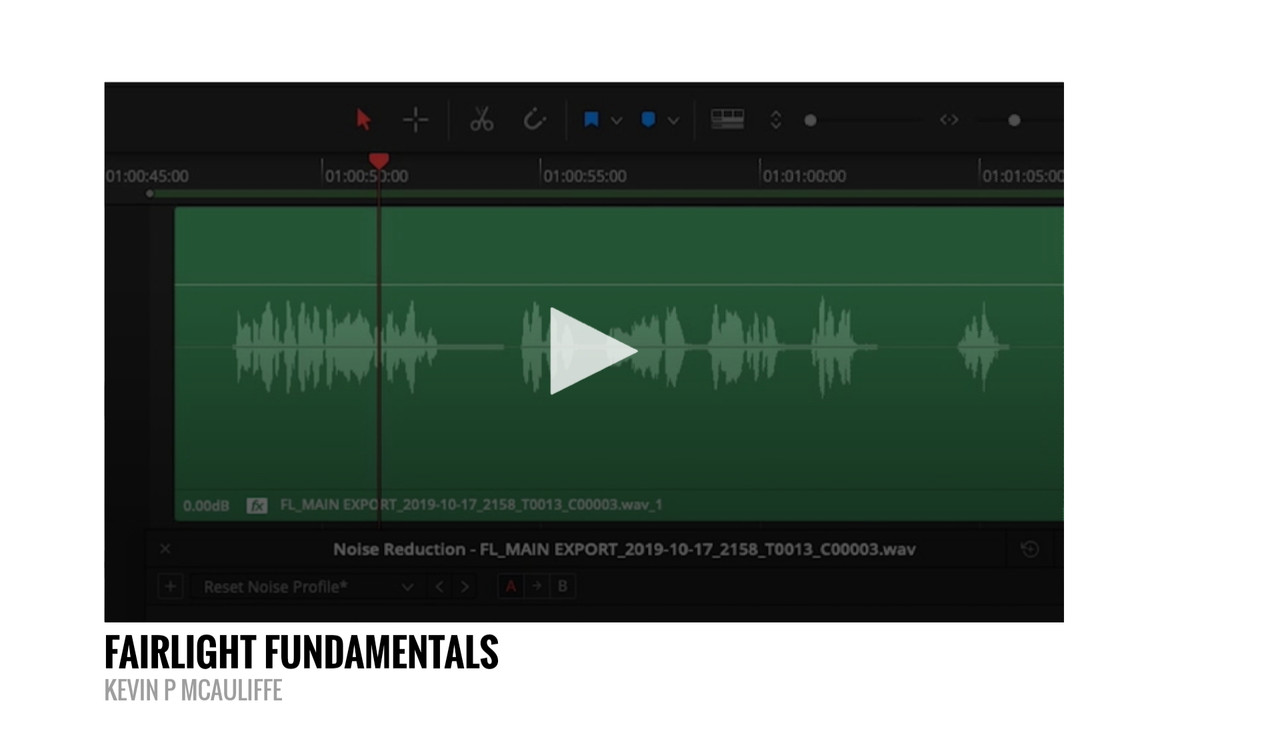
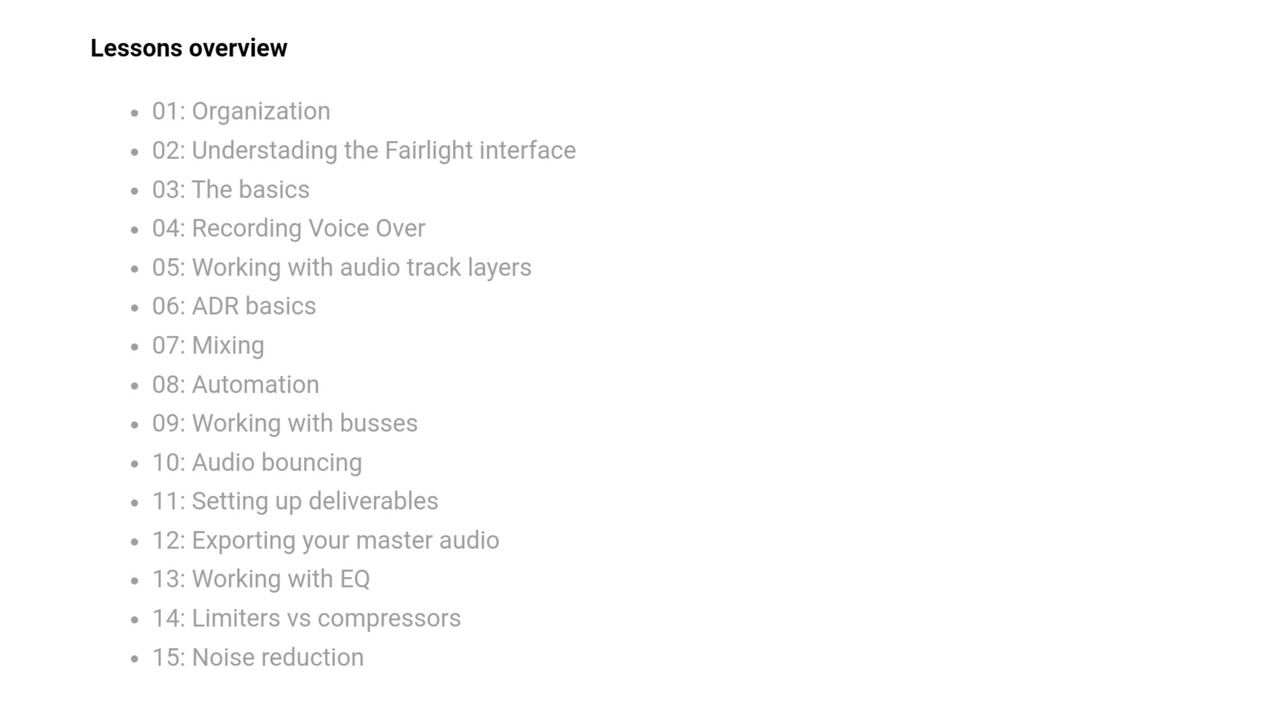
Fairlight Fundamentals


New Course from Lowepost


https://lowepost.com/finishing/courses/fairlight-fundamentals-r27/


20191031-233305.jpg


20191031-233323.jpg


20191031-233342.jpg


20191031-233406.jpg


20191031-233422.jpg
 
Node (LUT) Opacity | DaVinci Resolve 16


By Jason Yadlovski


Blemish Tracking and Removal Tutorial Davinci Resolve 16.1 Patch Replacer | Ming Effect VFX


By
Ming Effect


Detect if Clips are Too Long or Short with the Boring Detector - Resolve 16.1 Tutorial


By Chris' Tutorials


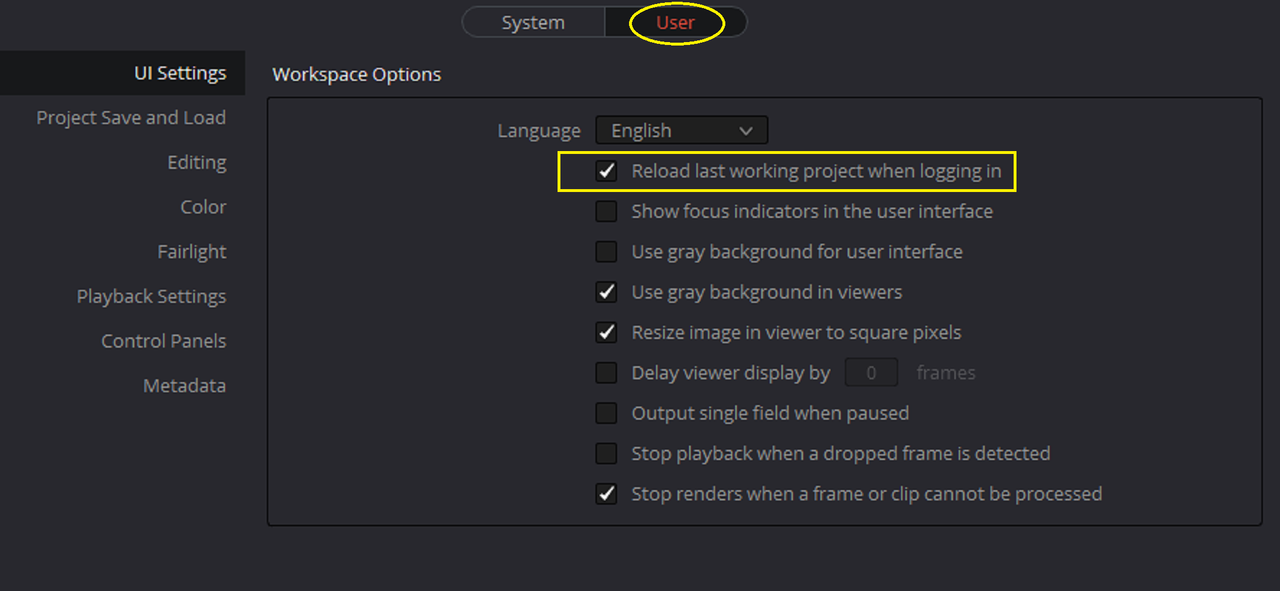
Super Simple DaVinci Resolve Tutorial - Automatically open last working project


By
Nonac


Screenshot-280.png


Screenshot-281.png
 
Reframing GoPro Max 360 Video - Davinci Resolve 16 (2019)


By Gary Backus


DaVinci Resolve - Record VST MIDI Instruments in Fairlight (Virtual Instruments)


By BenoniStudio


Back
Top